
Woman Facing Burning Doorway
A cinematic surreal film-style scene of a lone woman in a field facing a burning doorway beneath towering storm clouds.
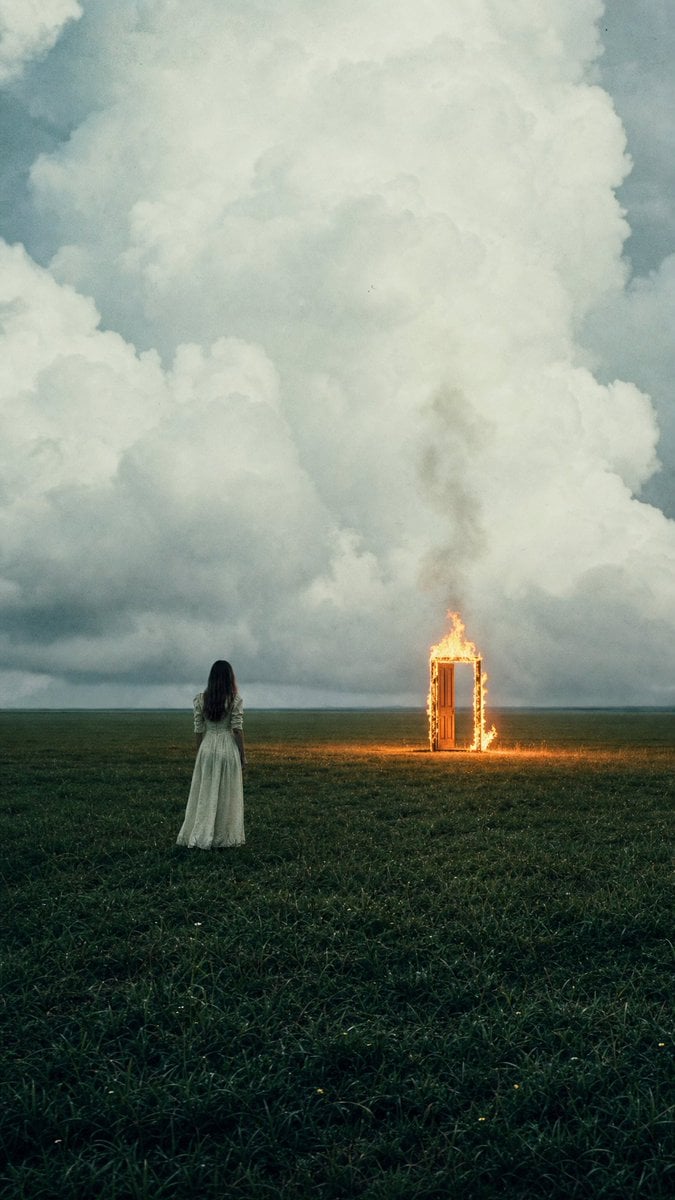
- Prompt included
- Model and format preset
- Free template
The prompt behind this image
Copy the exact prompt behind Woman Facing Burning Doorway, or open it in the studio and make it yours.
Create a vertical cinematic surreal photograph of a lone {argument name="subject" default="young woman"} seen from behind, standing in a vast dark green grassy field under enormous storm clouds. She wears a long pale {argument name="dress color" default="off-white"} vintage dress with long sleeves, her dark hair loose down her back, small in the frame and positioned slightly left of center. Far ahead to the right stands a single freestanding wooden doorway or doorframe, upright in the open field, engulfed in bright orange flames along the frame and top edge, casting a small warm glow on the grass. The scene contains exactly two main subjects: the woman and the burning doorway. Use a low horizon so the sky dominates most of the image, filled with towering soft cumulus storm clouds in blue-gray and cream tones, moody overcast light, distant flat horizon, no buildings or trees. Style it like an imperfect analog film still: muted teal-green color grading, visible grain, slight haze, soft focus, subtle dust specks and photographic artifacts, natural lens perspective, dramatic contrast between cold cloudy sky and warm firelight. Vertical 2:3 composition, melancholic and mysterious magical-realism atmosphere, no text, no watermark.
How to use Woman Facing Burning Doorway in 3 steps
- 1Upload ImagePNG, JPG or paste
Add your photo
Upload the photo the template builds on. The prompt, model and format are already set.
- 2…a portrait of your subject in softgolden-hour light, 85mm…
Personalize
Edit the subject and creative details for your destination.
- 3Generate
Generate
Press Generate — your image is created in PicX Studio, so you can compare it with the original and refine one variable at a time.
More like this
Templates with the same subject, style or setup. Open one to see its prompt.

Woman in Mall with Chanel Bag - Heart Gesture

Floating Woman Above Cityscape with Notifications

Ultra-realistic studio portrait of a young woman, front-facing, centered
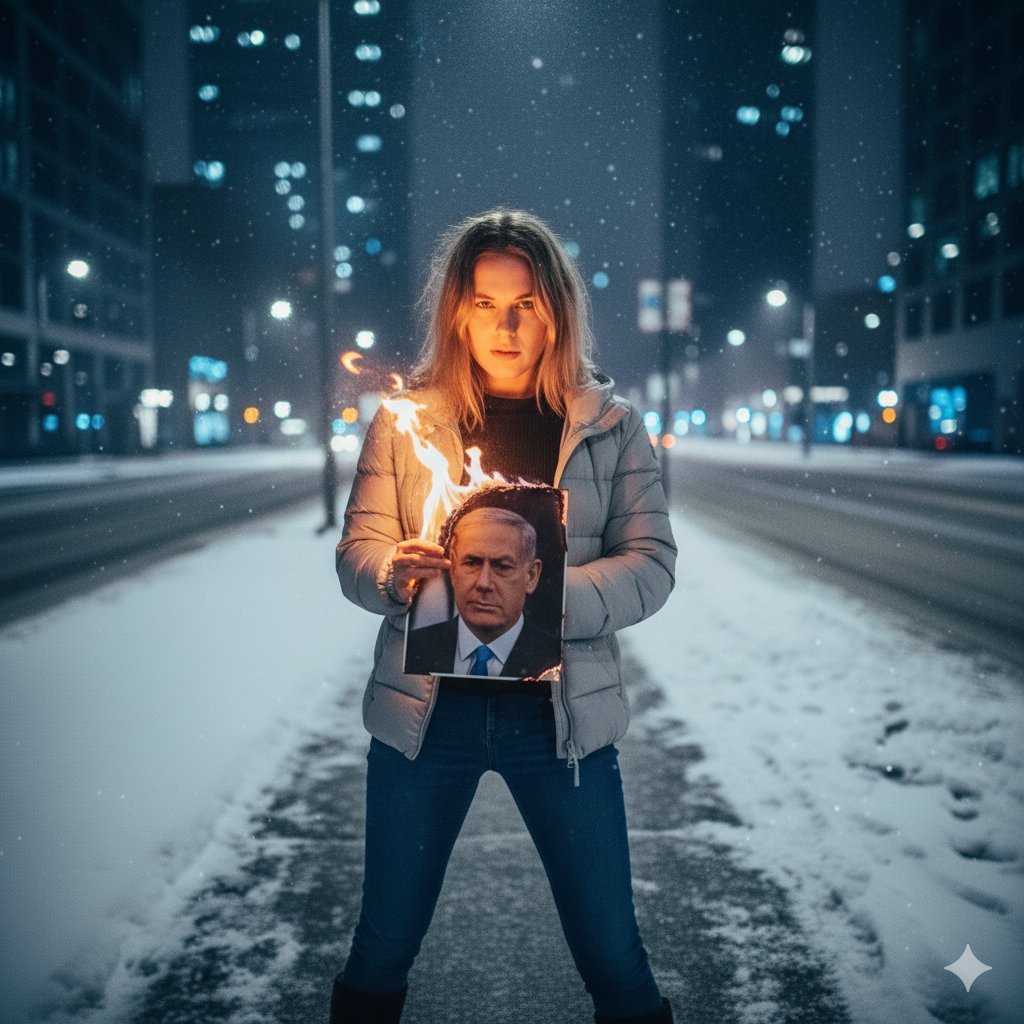
Defiant Woman Lighting Cigarette with Burning Photo
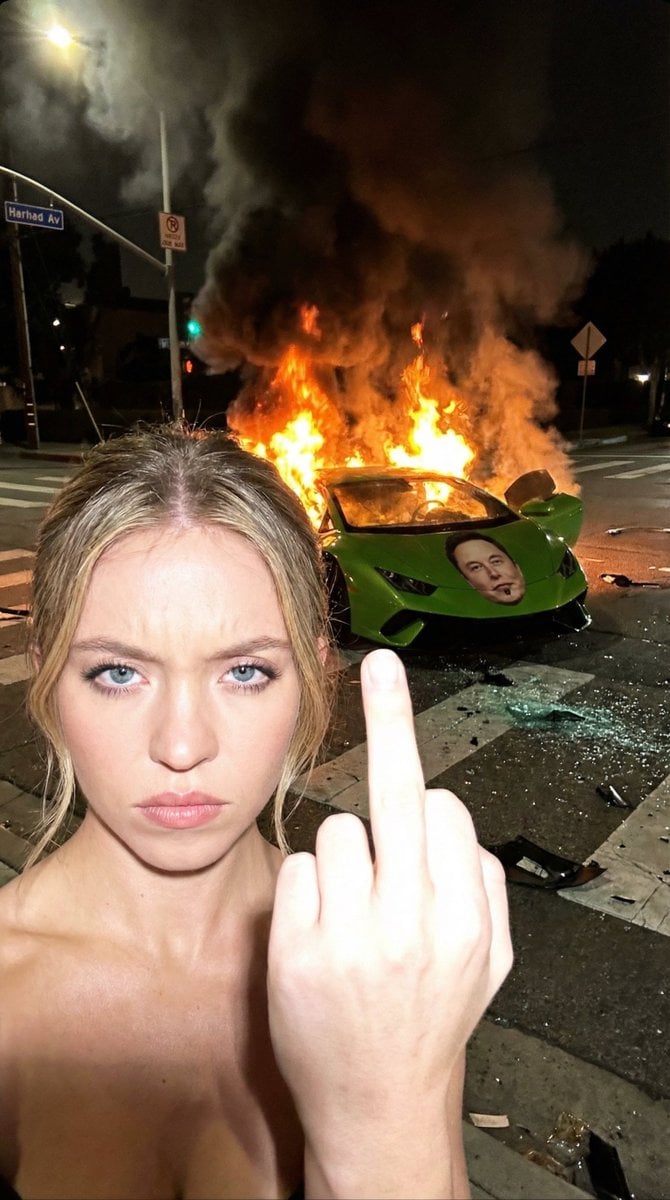
Gritty Night Photo of Woman Flipping Off Camera with Burning Lamborghini
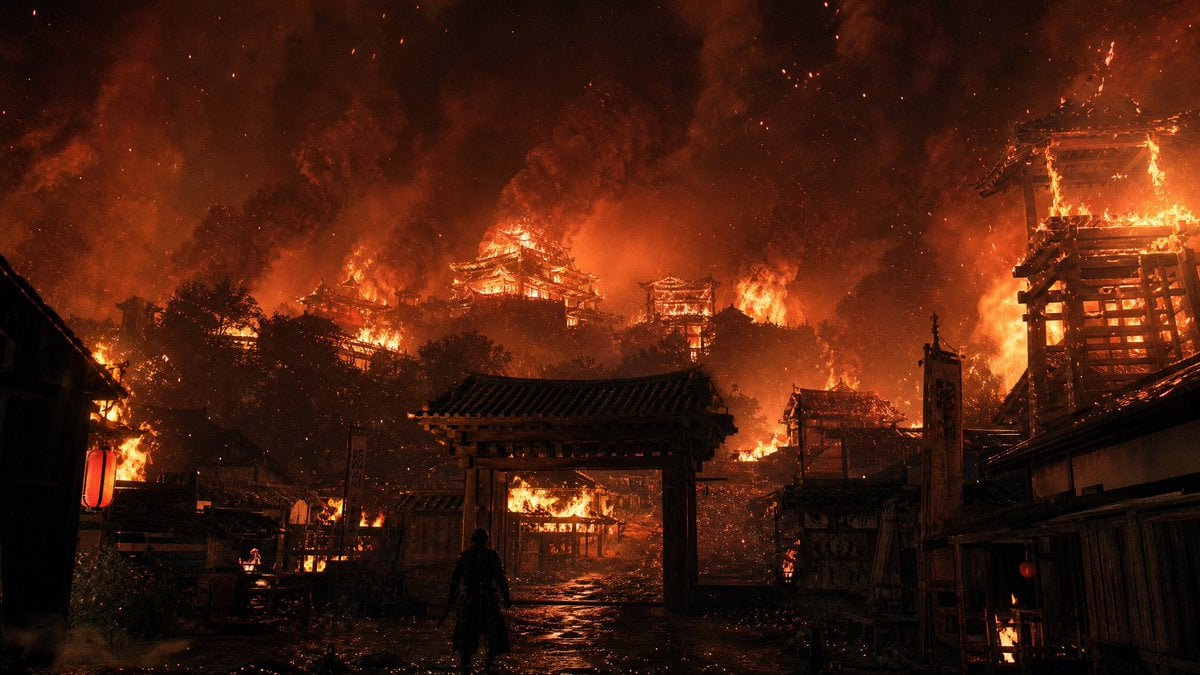
Burning Feudal Japanese Village

Burning Gothic Flood Escape

Hamster Autumn Leaf Doorway
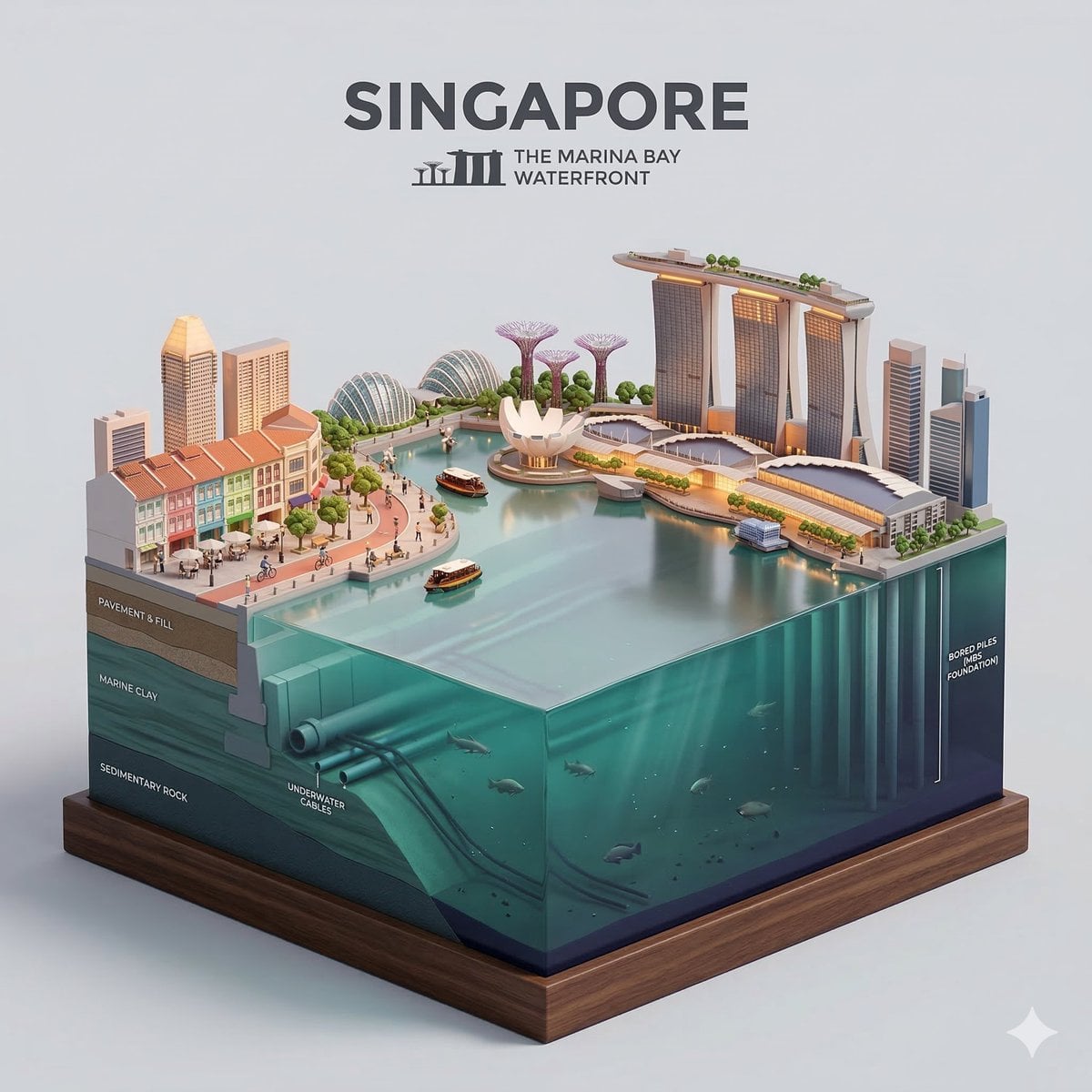
Clear, side-facing isometric miniature 3D cartoon diorama of along
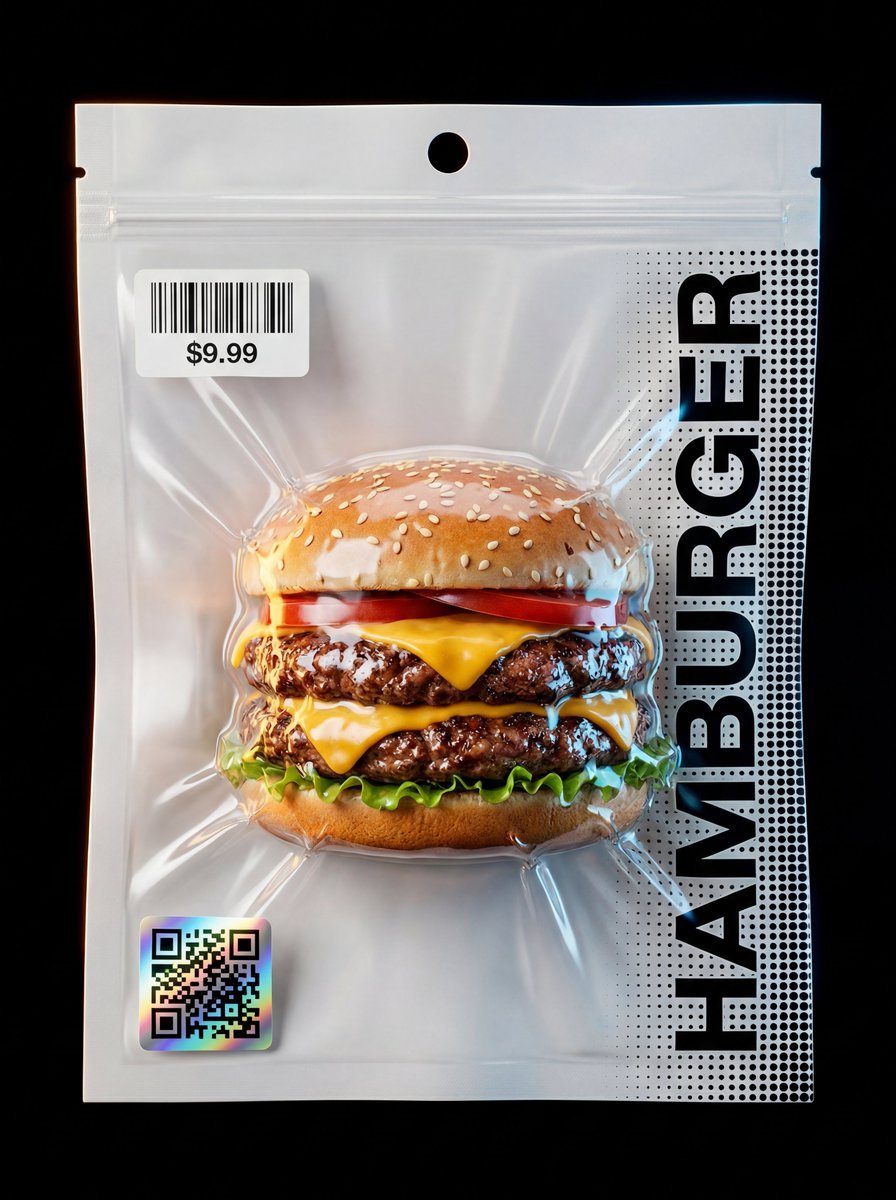
Composition & Subject A professional front-facing studio shot

Seated/Kneeling, facing forward, arms crossed loosely at waist

Slightly angled, front face visible, top frosting facing upward
Make it yours
Woman Facing Burning Doorway works as-is. These are the safest ways to change it without losing the look.
Change one field
Copy a single group, rewrite it, and generate again so you can see what that field is doing.
Keep the frame, change the subject
Hold the composition and light of Woman Facing Burning Doorway, then swap wardrobe, props or the person for a new take.
| If the result… | Why | Fix |
|---|---|---|
| The result drifts from the preview | Too many fields changed at once. | Reuse Woman Facing Burning Doorway as-is first, then change one group — subject, light, or setting. |
| The model over-stylizes the scene | The prose prompt leaves finish and camera underspecified. | Add one camera or lighting sentence and stay on GPT Image 2. |
More GPT Image 2 templates
Other prompts made for GPT Image 2.

Six VTuber Japanese Logo Sheet

Realistic Portrait of Woman and Deer

The Vista Modular Condo Poster

AI Model Routing Comparison Infographic

2.5D Anime Art Board

Isometric Productivity Desk Scene

New York Double Exposure Poster

Four-Panel AI Landscape Comparison

Japanese Tatami Lifestyle Magazine Cover

NESCAFÉ Coffee Map Poster
More image prompts
Fresh picks from across the catalog.
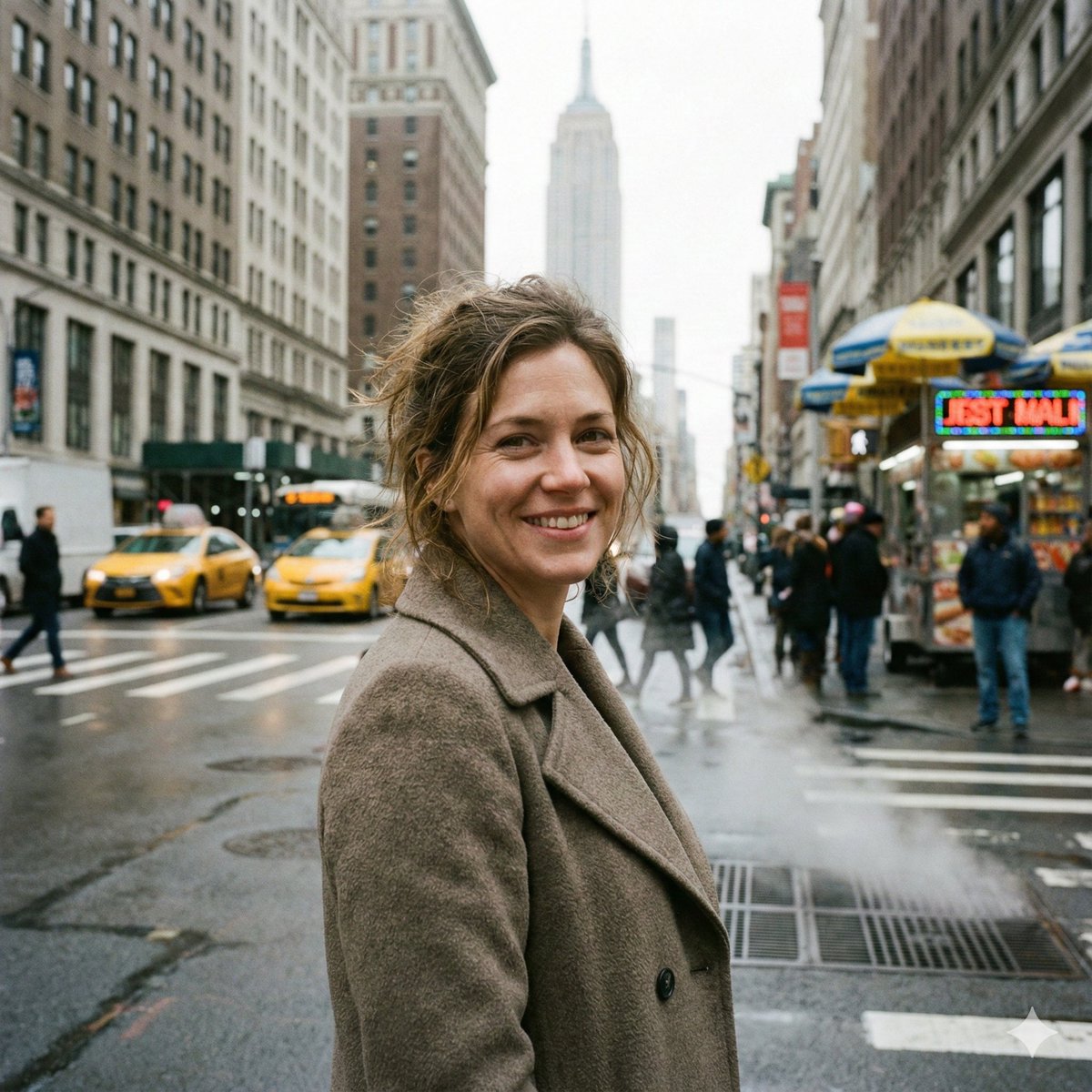
Photorealistic Close-Up of Woman in Busy NYC Street
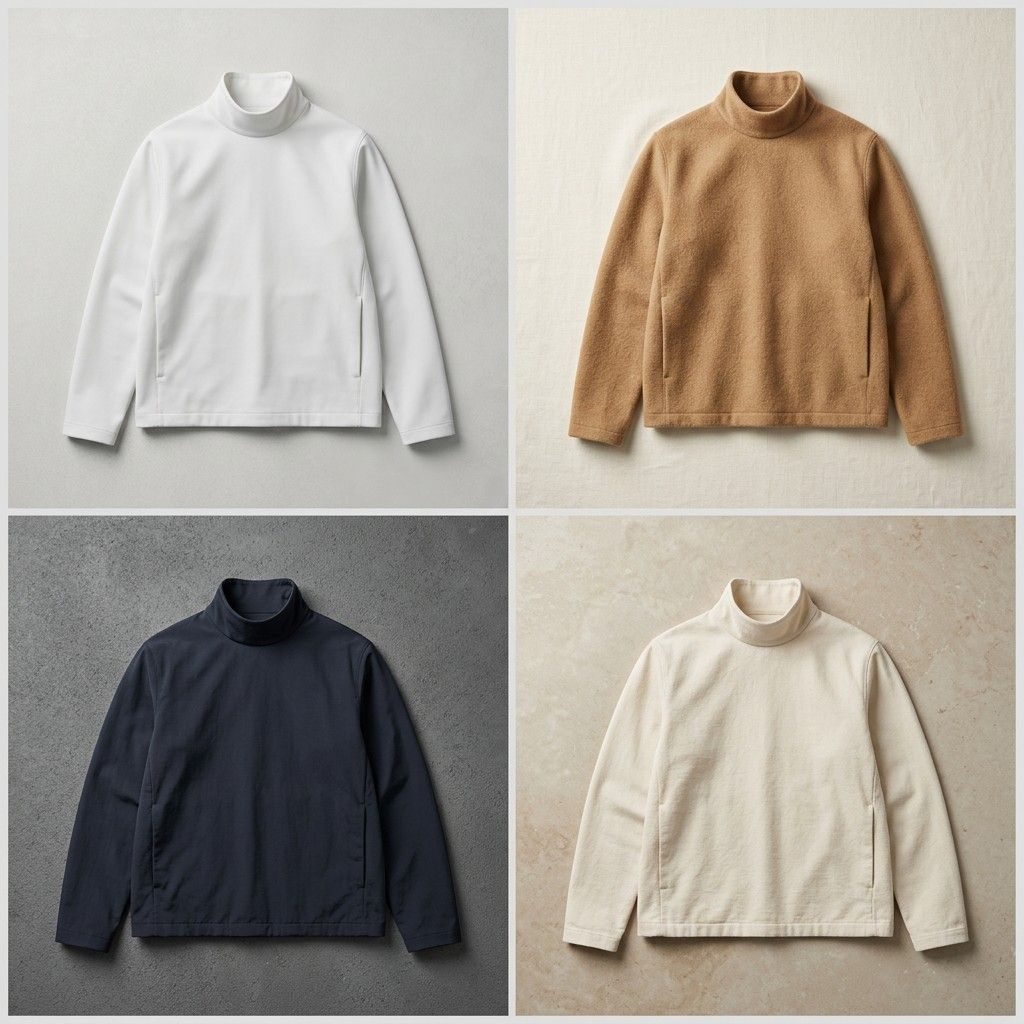
Seamless Jacket Design
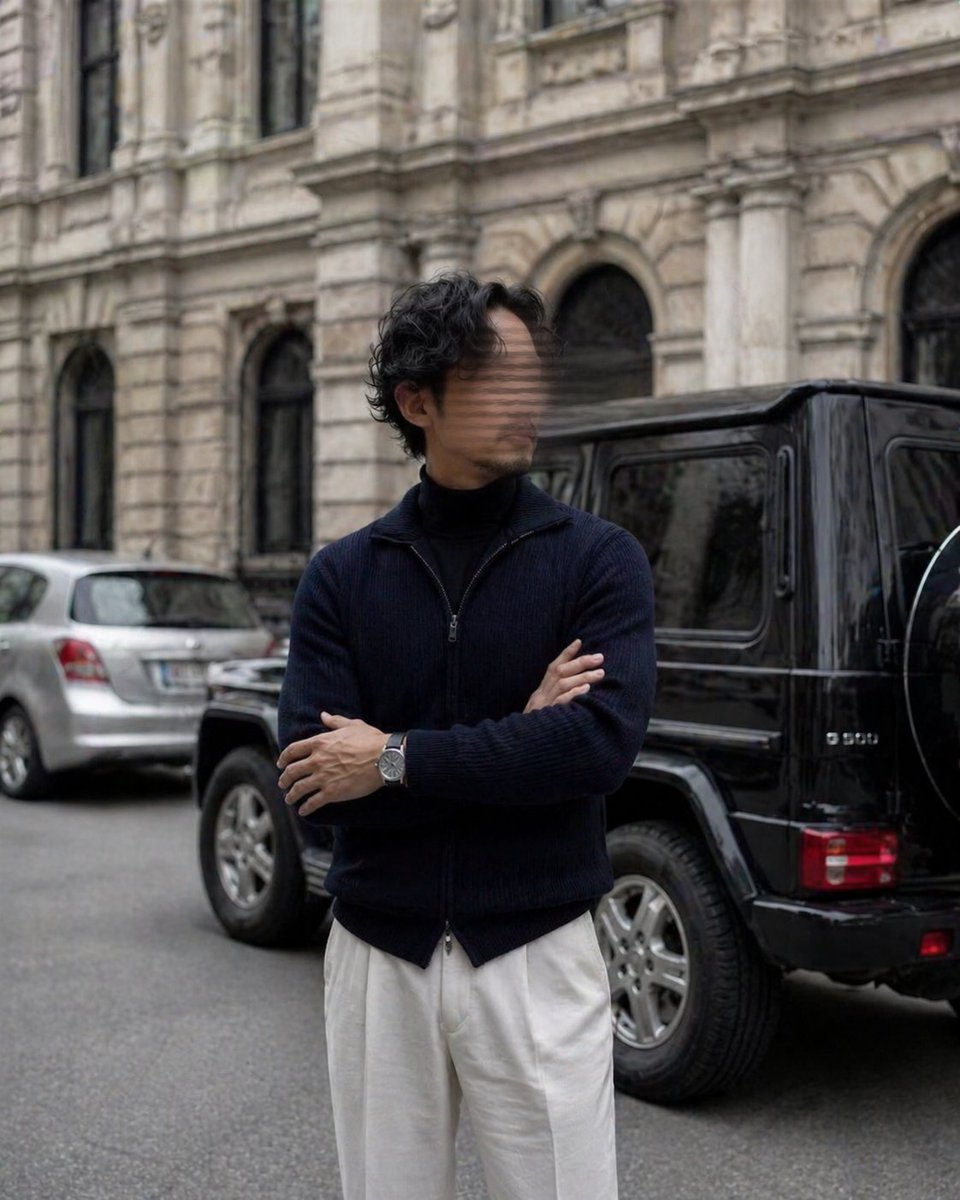
Luxury Street Style Portrait
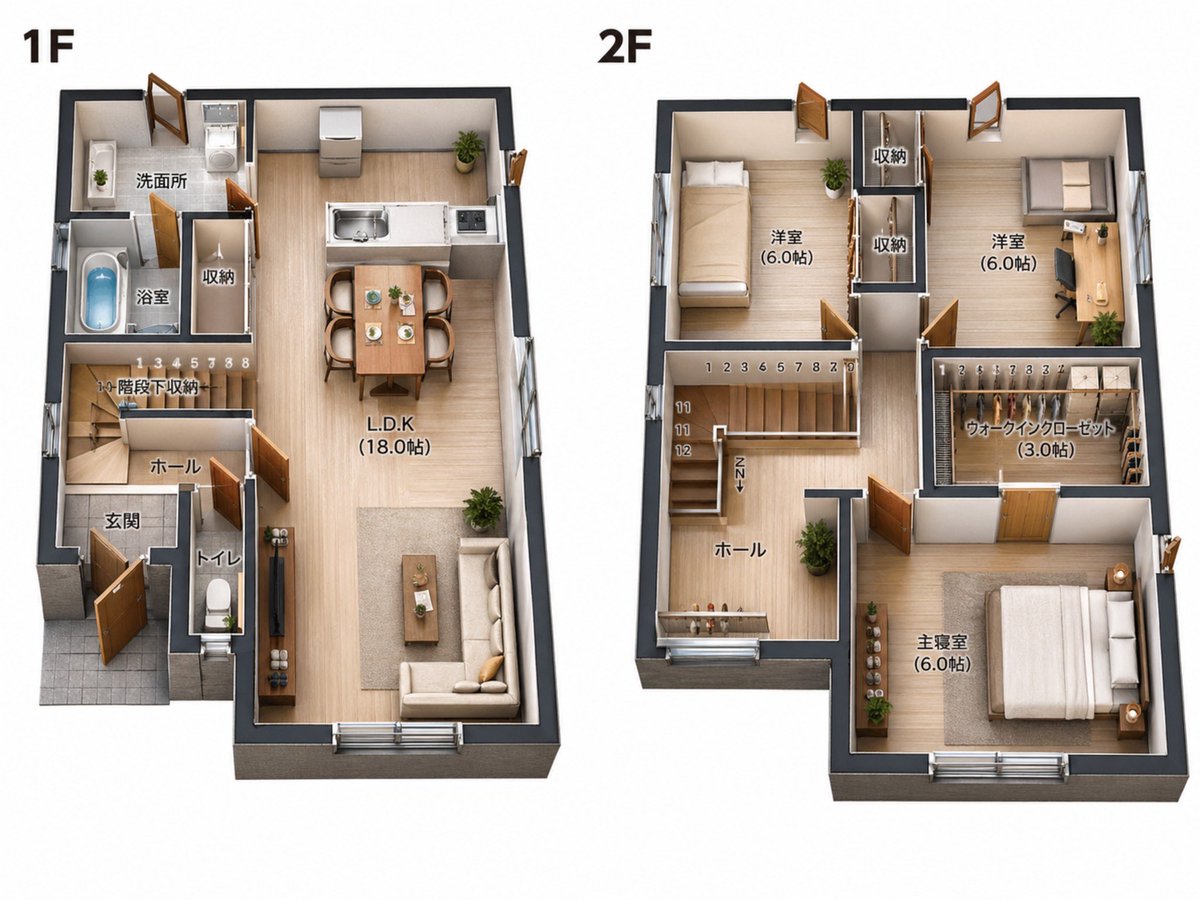
2D Floor Plan to 3D Real Estate Render

Neo Alice Video Wonderland Anime Poster
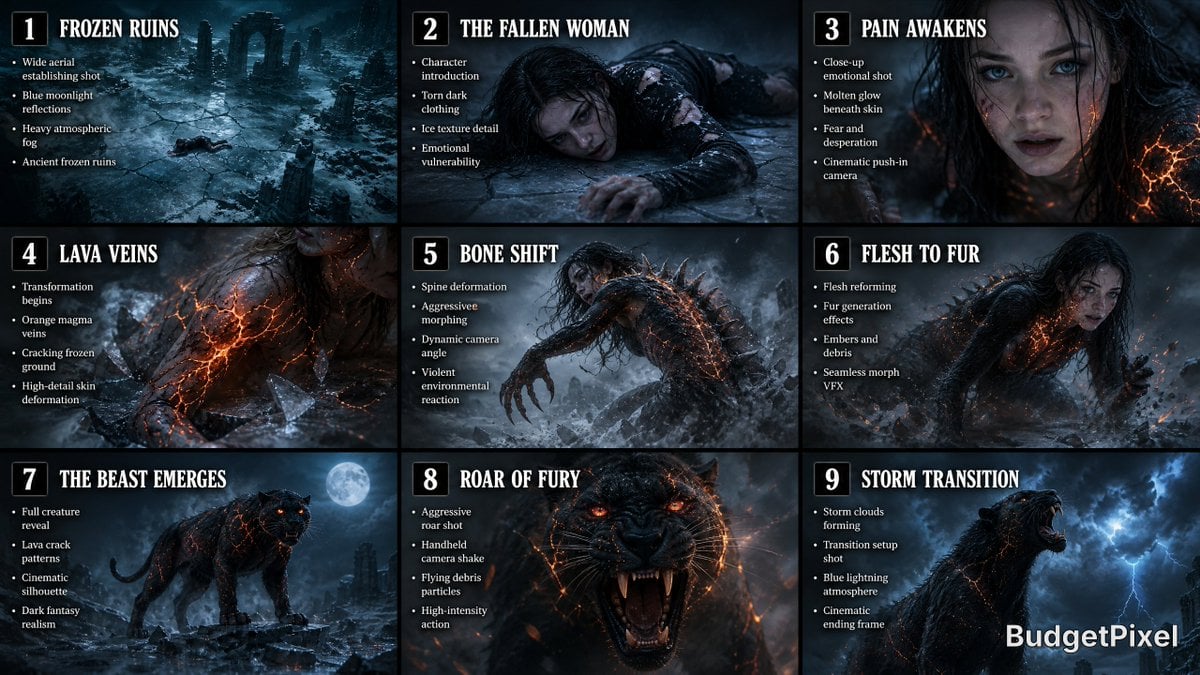
Dark Fantasy Storyboard Infographic
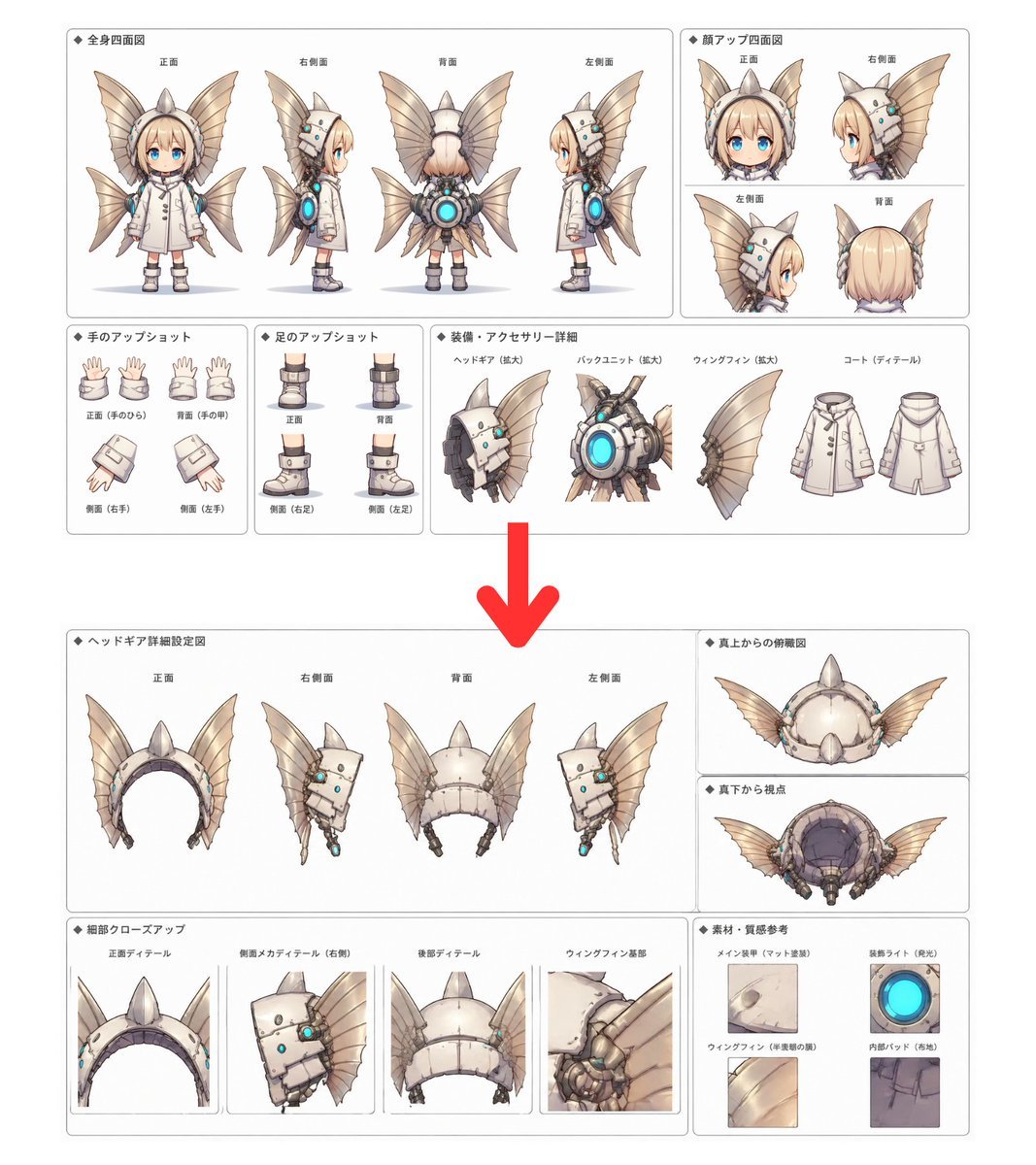
Character Setting Sheet Generator

Raw street photography portrait with film aesthetic

Music-Themed Tokusatsu Kaijin
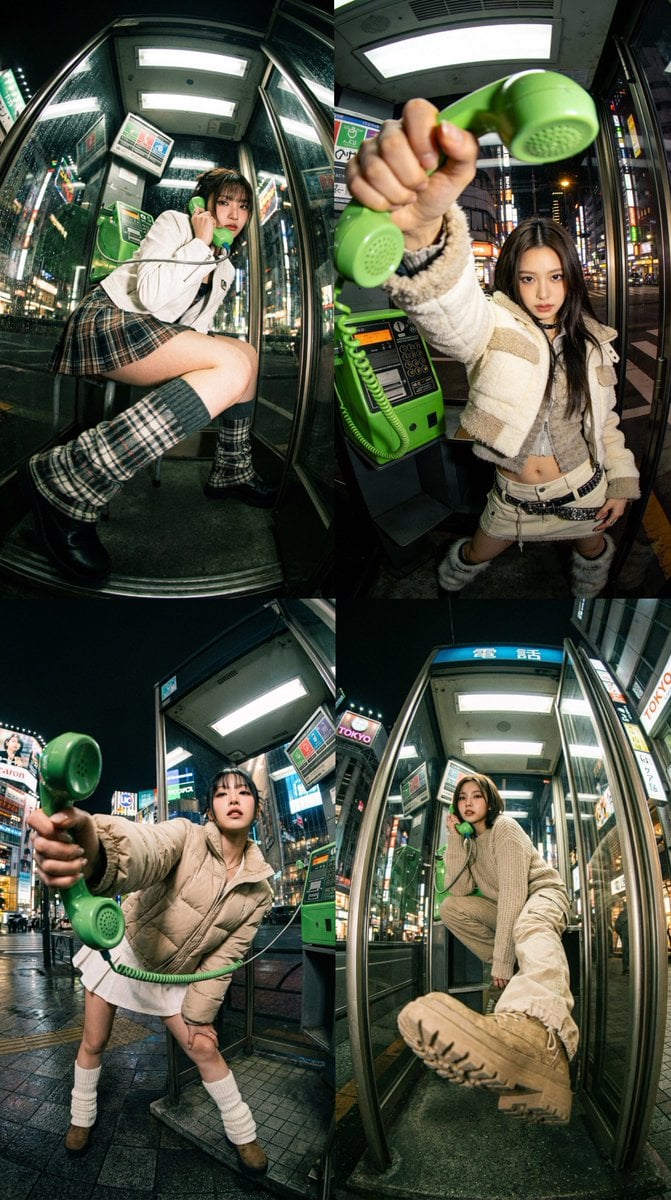
Dramatic Ultra Wide-Angle Photorealistic Edit Prompt
Browse template categories
Woman Facing Burning Doorway questions
How do I use the Woman Facing Burning Doorway template?
Add your photo if the template asks for one, edit the prompt if you like — the template's model and format are already selected — and press Generate. Your version opens in PicX Studio.
Can I customize the Woman Facing Burning Doorway template?
Yes. You can change the subject, setting, lighting, mood, format, and available model controls before creating your image.
Is the Woman Facing Burning Doorway template free?
Opening and editing this template is free. Generating uses credits, shown on the Generate button when you are signed in.
Which AI model should I use?
Start with GPT Image 2, which is the model associated with this template. You can compare another compatible model for a different finish.
Looking for something else? Browse all templates.

Your photo, any look
Thousands of ready templates for every top image and video model, from one credit balance.