
Music-Themed Tokusatsu Kaijin
Generates a detailed full-body tokusatsu enemy monster suit design with violin armor and a musical staff weapon for character concept art.
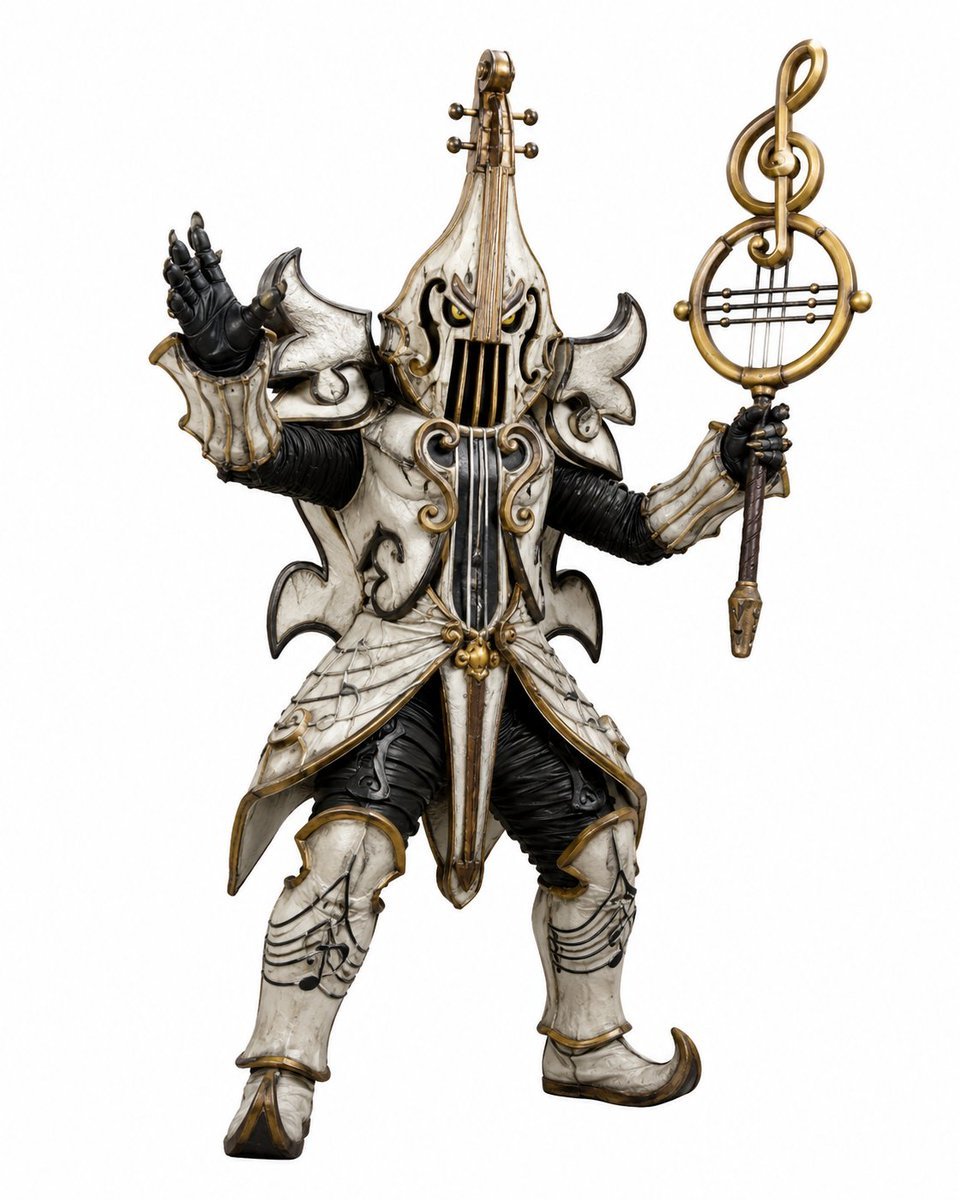
- Prompt included
- Model and format preset
- Free template
The prompt behind this image
Copy the exact prompt behind Music-Themed Tokusatsu Kaijin, or open it in the studio and make it yours.
Create a full-body tokusatsu-style enemy monster suit character on a clean white studio background, centered and isolated like a production design render. The creature is a music-themed villain named {argument name="character name" default="Violin Phantom"}, combining an armored humanoid kaijin with an ornate violin and classical music motifs. It wears ivory-white, aged bone-like armor with antique gold trim, black ribbed undersuit fabric, and dark weathered creases, with a dramatic silhouette of sharp curled shoulder plates and flared skirt armor. The head and torso are shaped like a vertical violin: the face is hidden behind a violin-body helmet with two narrow glowing yellow eyes, black f-hole-like openings, vertical strings running down the front, and a tall violin neck rising from the crown with tuning pegs. Use exactly 2 visible eyes, 4 tuning pegs on the head instrument, 2 large curled shoulder plates, 2 black gloved hands, 2 armored legs, and 1 large ornate musical staff weapon. The left hand is raised open in a theatrical villain gesture, palm facing outward; the right hand holds a tall staff topped with a golden treble clef inside a circular lyre-like frame with horizontal strings. The armor includes engraved musical staff lines and note patterns on the thighs and shin guards, curling gold scrollwork on the chest, hanging gold bead ornaments at the waist, pointed curled boots, and layered asymmetrical plates with a worn ceramic texture. Style should feel like a practical Japanese special-effects monster costume from a superhero TV series, highly detailed, realistic materials, dramatic but evenly lit product photography, crisp edges, no environment, no text, no watermark. Use {argument name="armor color" default="aged ivory white"} armor, {argument name="metal trim color" default="antique gold"} trim, {argument name="eye color" default="glowing yellow"} eyes, and a {argument name="weapon motif" default="treble clef lyre staff"}.
How to use Music-Themed Tokusatsu Kaijin in 3 steps
- 1Upload ImagePNG, JPG or paste
Add your photo
Upload the photo the template builds on. The prompt, model and format are already set.
- 2…a portrait of your subject in softgolden-hour light, 85mm…
Personalize
Edit the subject and creative details for your destination.
- 3Generate
Generate
Press Generate — your image is created in PicX Studio, so you can compare it with the original and refine one variable at a time.
More like this
Templates with the same subject, style or setup. Open one to see its prompt.

Our Song was on a Cassette
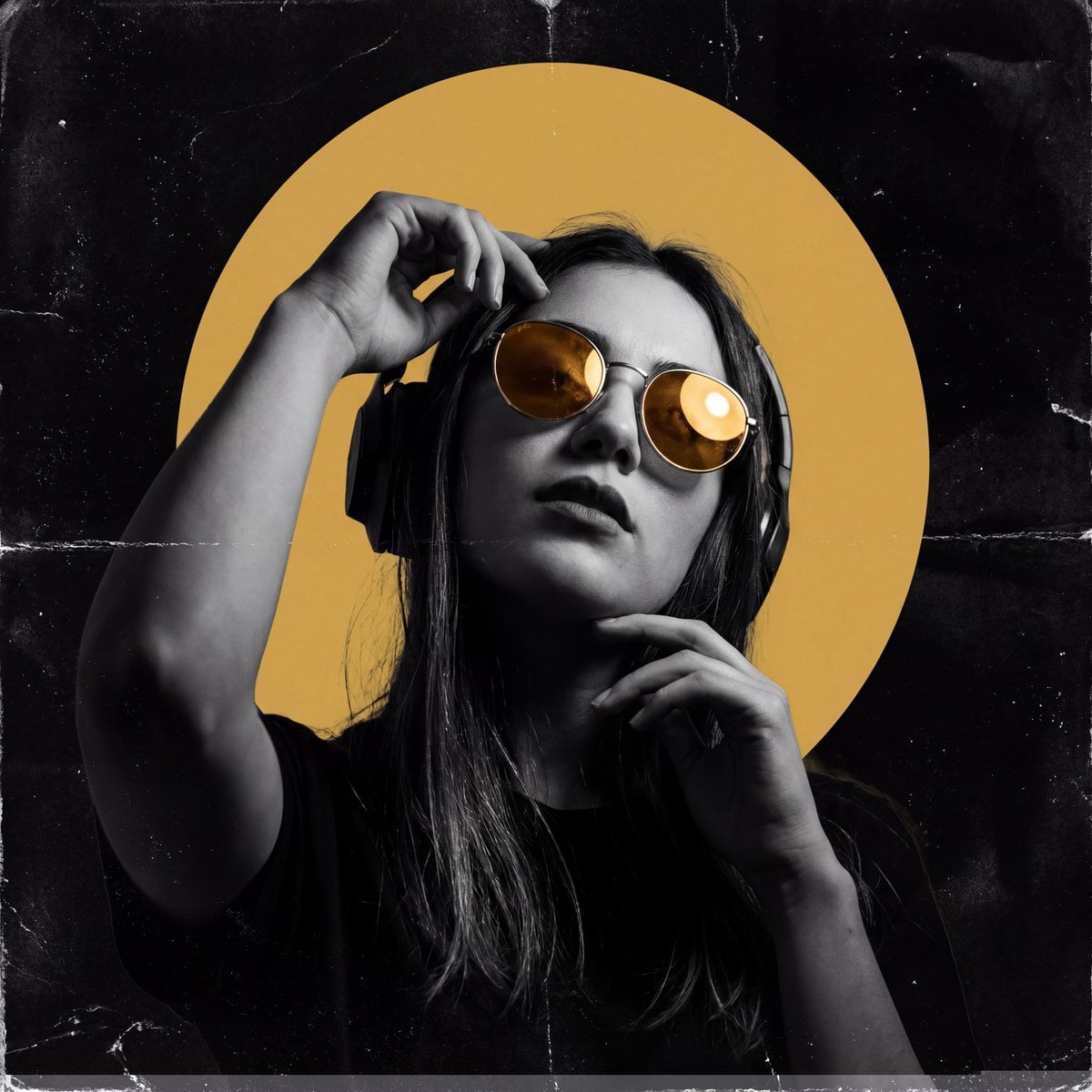
Underground Club Music Poster Portrait
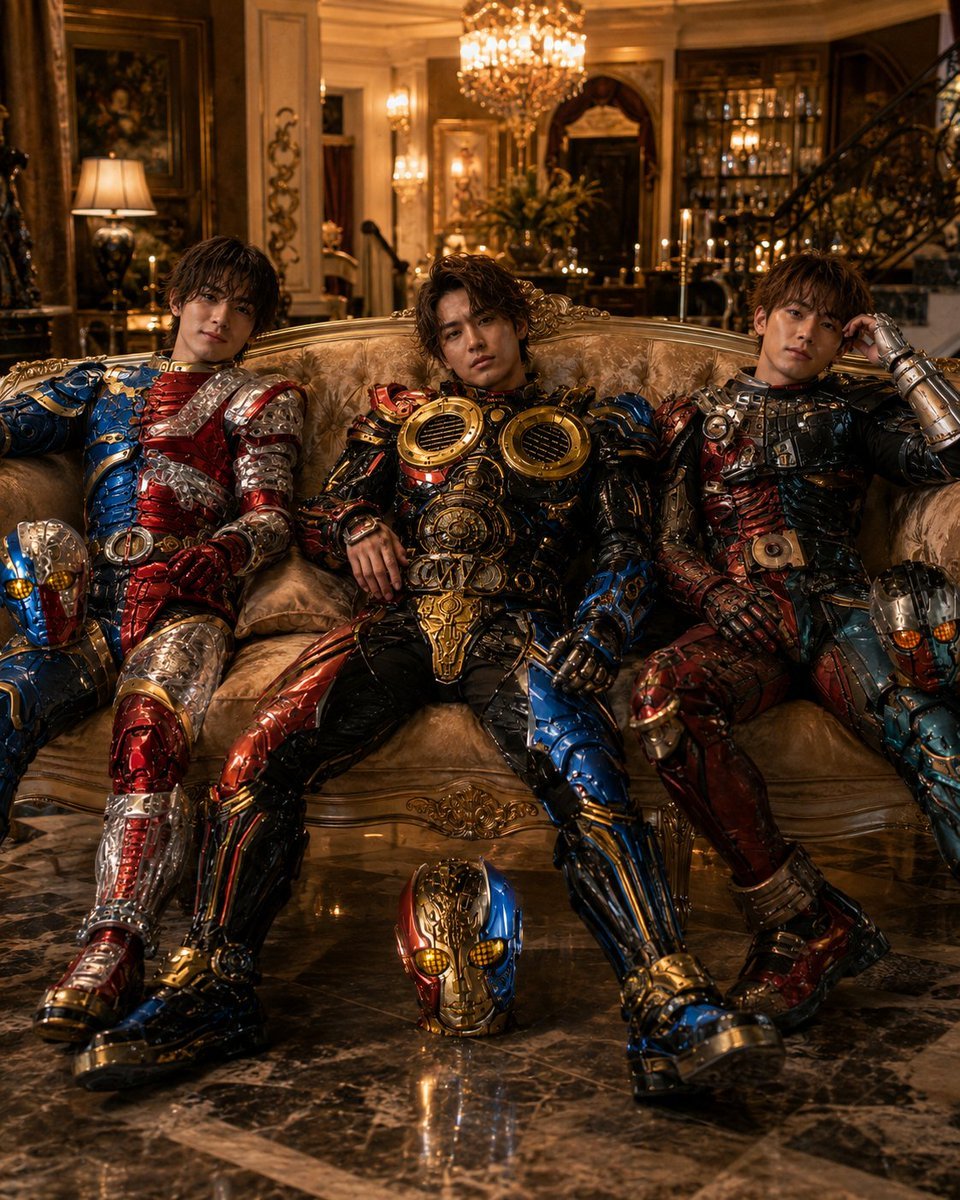
Armored Tokusatsu Cosplayers Resting
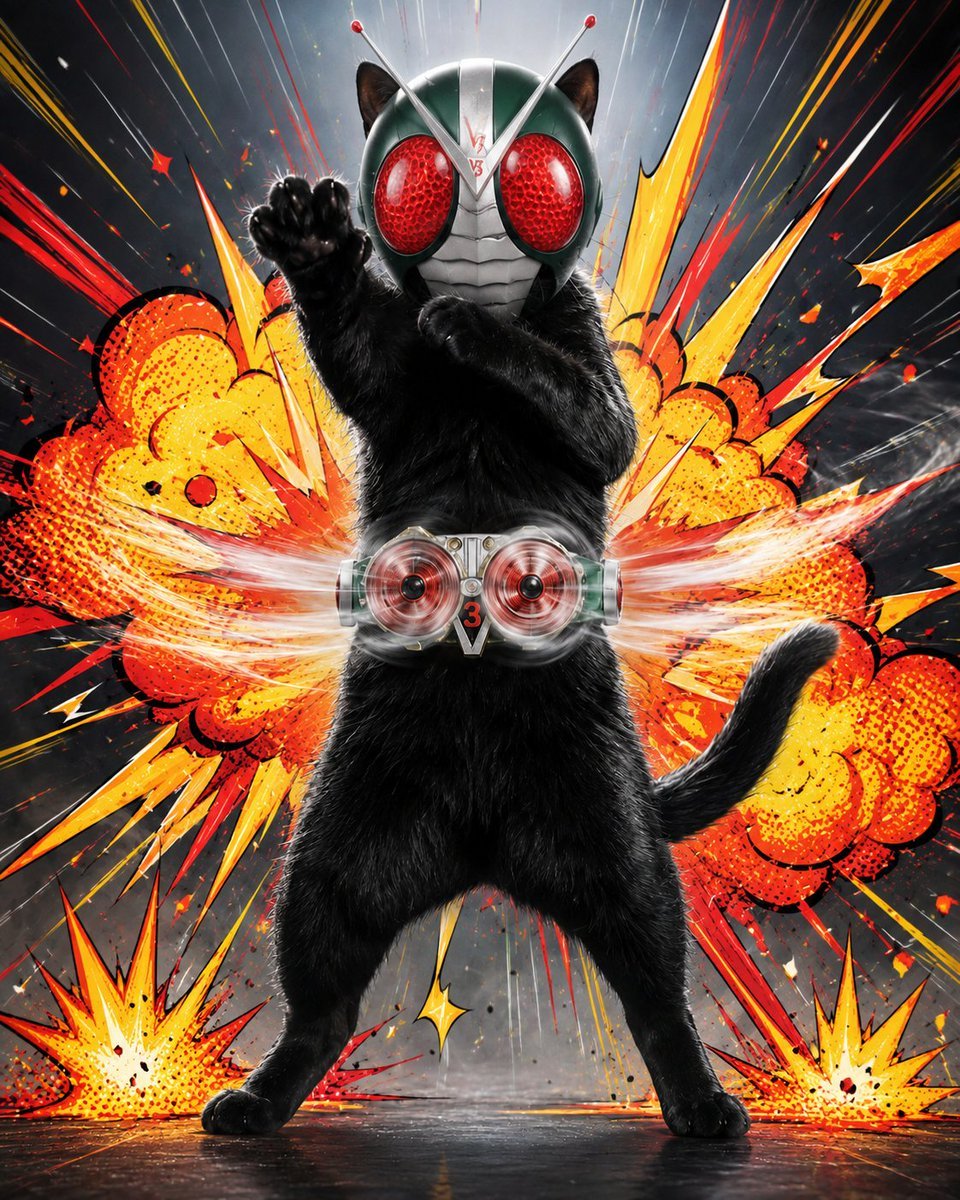
Masked Black Cat Tokusatsu Hero

Music Album Cover Abstract Liquid Mercury
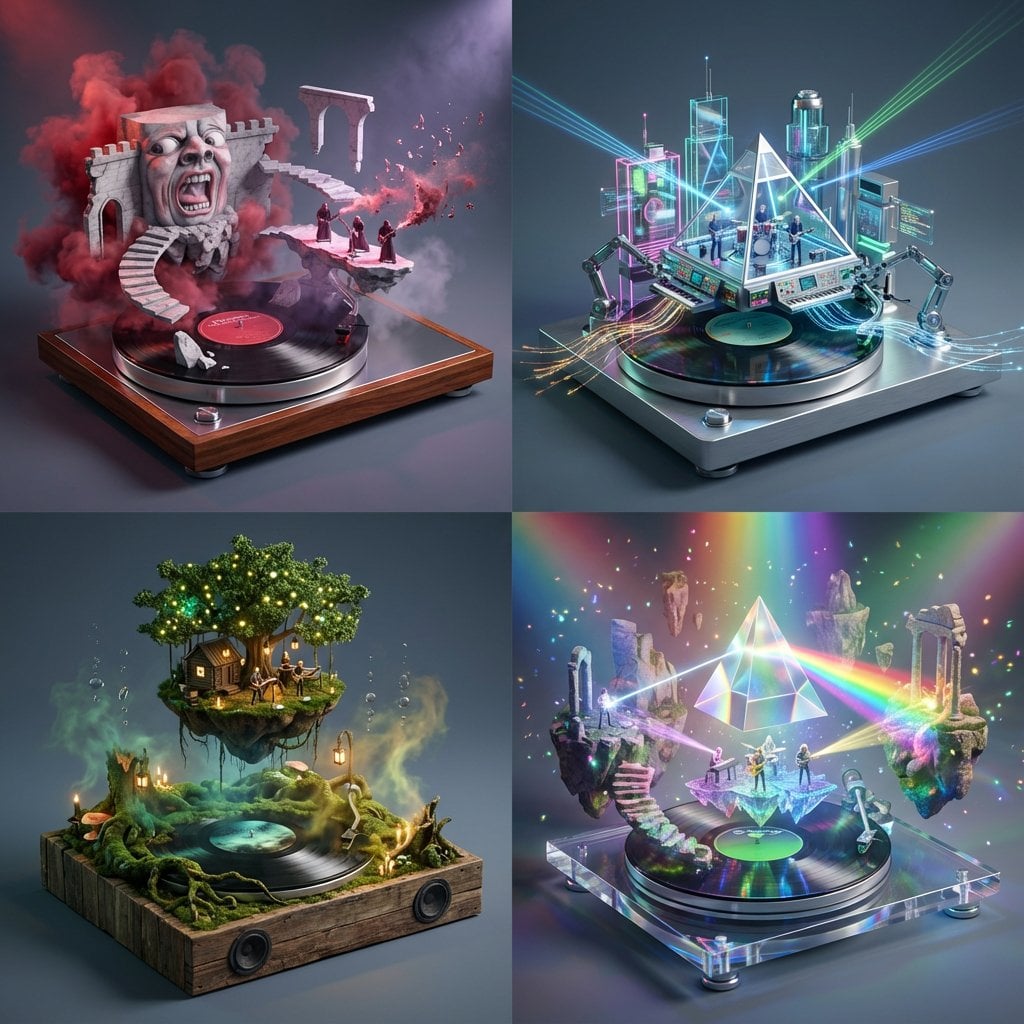
Act as a Music Historian and Set Designer
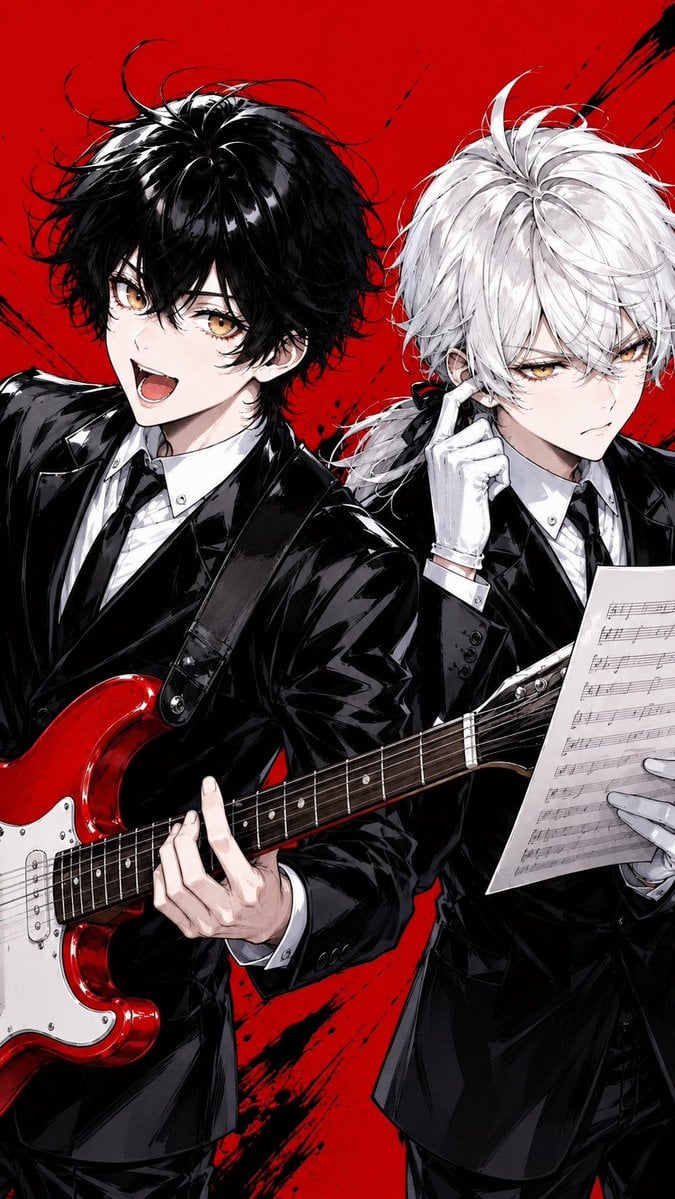
Anime Rock Duo with Guitar and Sheet Music
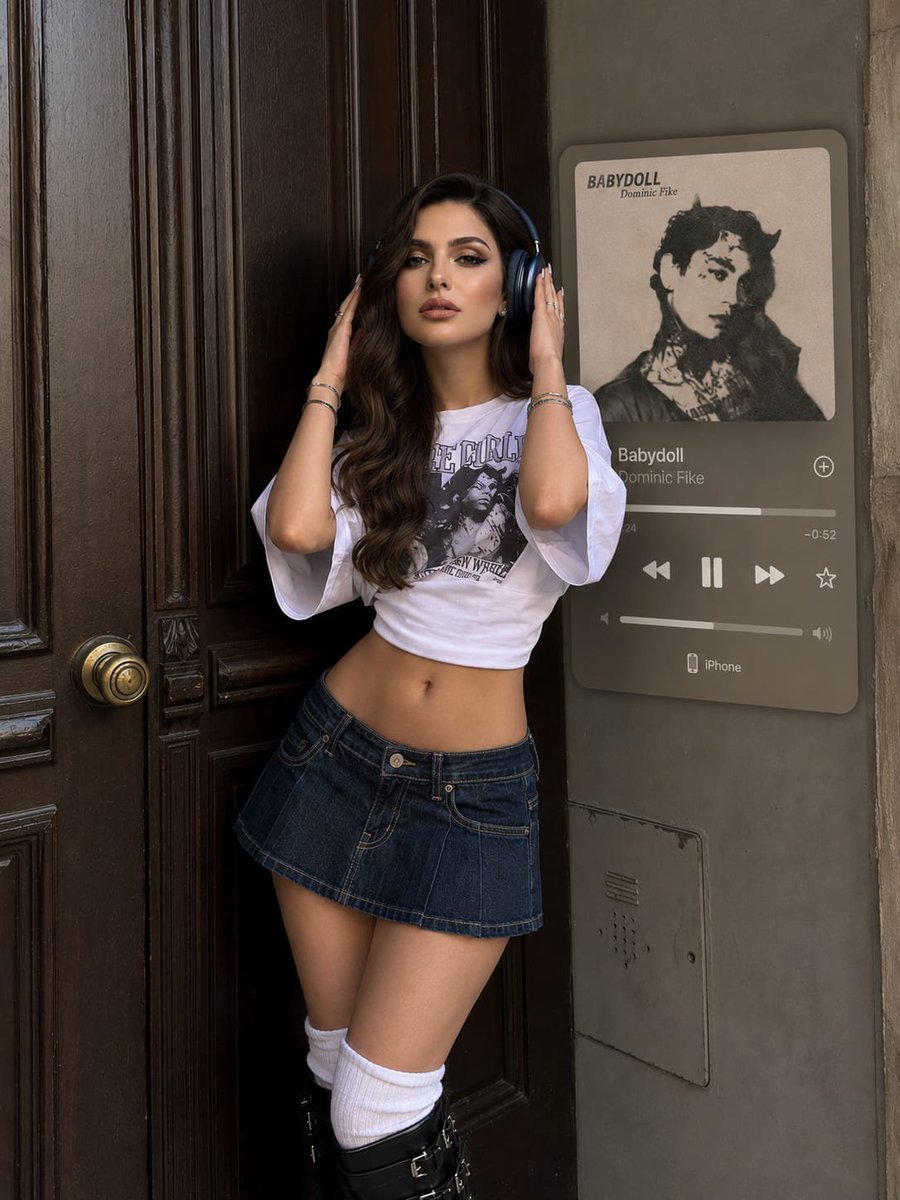
Y2K Music Editorial Portrait
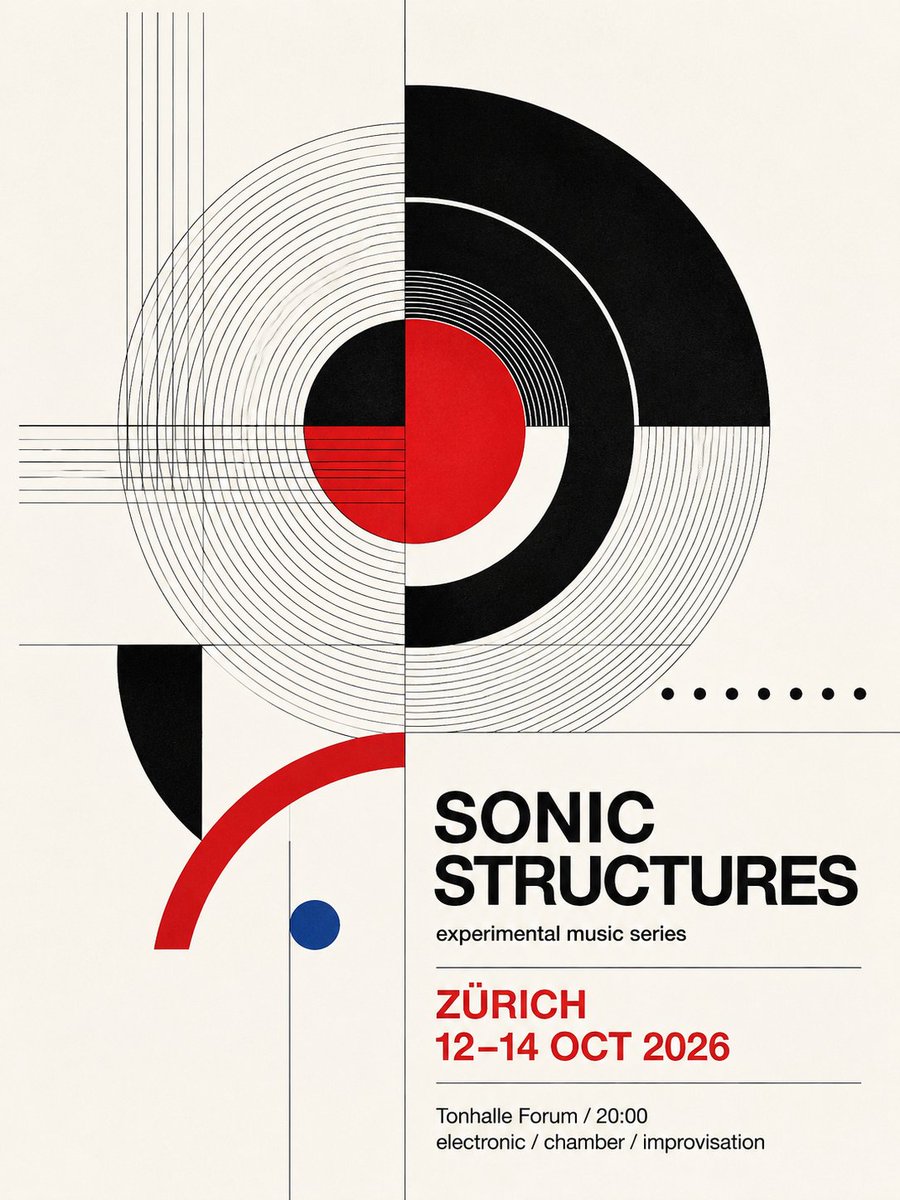
Swiss Geometric Music Poster

Mental Peace Sheet Music Poster
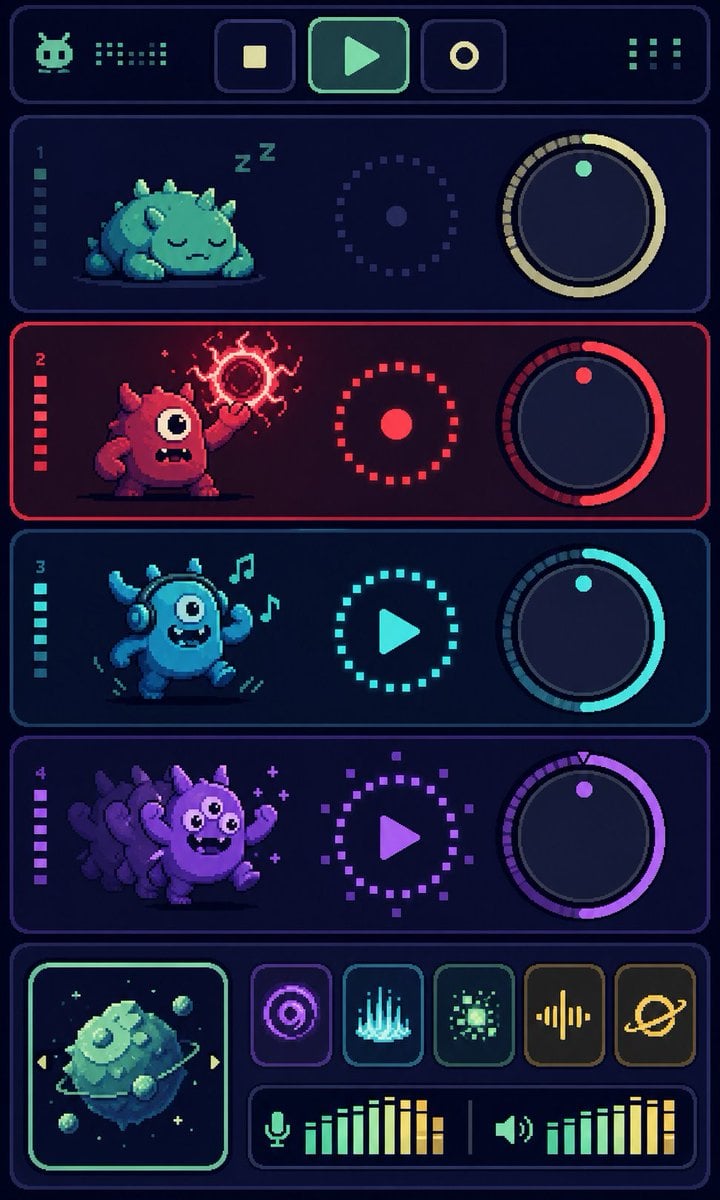
Pixel Monster Music Sequencer UI
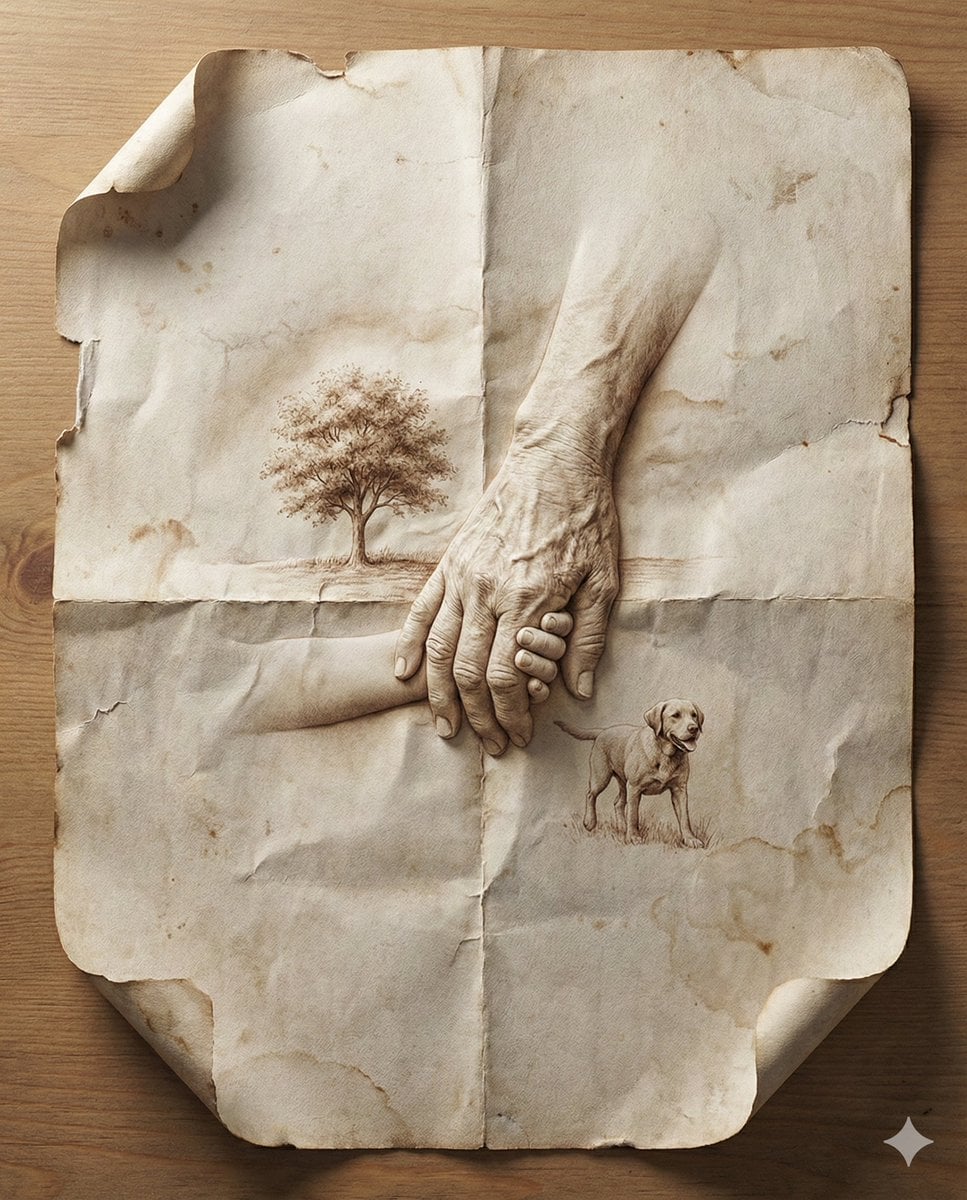
Paper Cut Musical Instrument
Make it yours
Music-Themed Tokusatsu Kaijin works as-is. These are the safest ways to change it without losing the look.
Change one field
Copy a single group, rewrite it, and generate again so you can see what that field is doing.
Keep the frame, change the subject
Hold the composition and light of Music-Themed Tokusatsu Kaijin, then swap wardrobe, props or the person for a new take.
| If the result… | Why | Fix |
|---|---|---|
| The result drifts from the preview | Too many fields changed at once. | Reuse Music-Themed Tokusatsu Kaijin as-is first, then change one group — subject, light, or setting. |
| The model over-stylizes the scene | The prose prompt leaves finish and camera underspecified. | Add one camera or lighting sentence and stay on GPT Image 2. |
More GPT Image 2 templates
Other prompts made for GPT Image 2.

Six VTuber Japanese Logo Sheet

Realistic Portrait of Woman and Deer

The Vista Modular Condo Poster

AI Model Routing Comparison Infographic

2.5D Anime Art Board

Isometric Productivity Desk Scene

New York Double Exposure Poster

Four-Panel AI Landscape Comparison

Japanese Tatami Lifestyle Magazine Cover

NESCAFÉ Coffee Map Poster
More image prompts
Fresh picks from across the catalog.
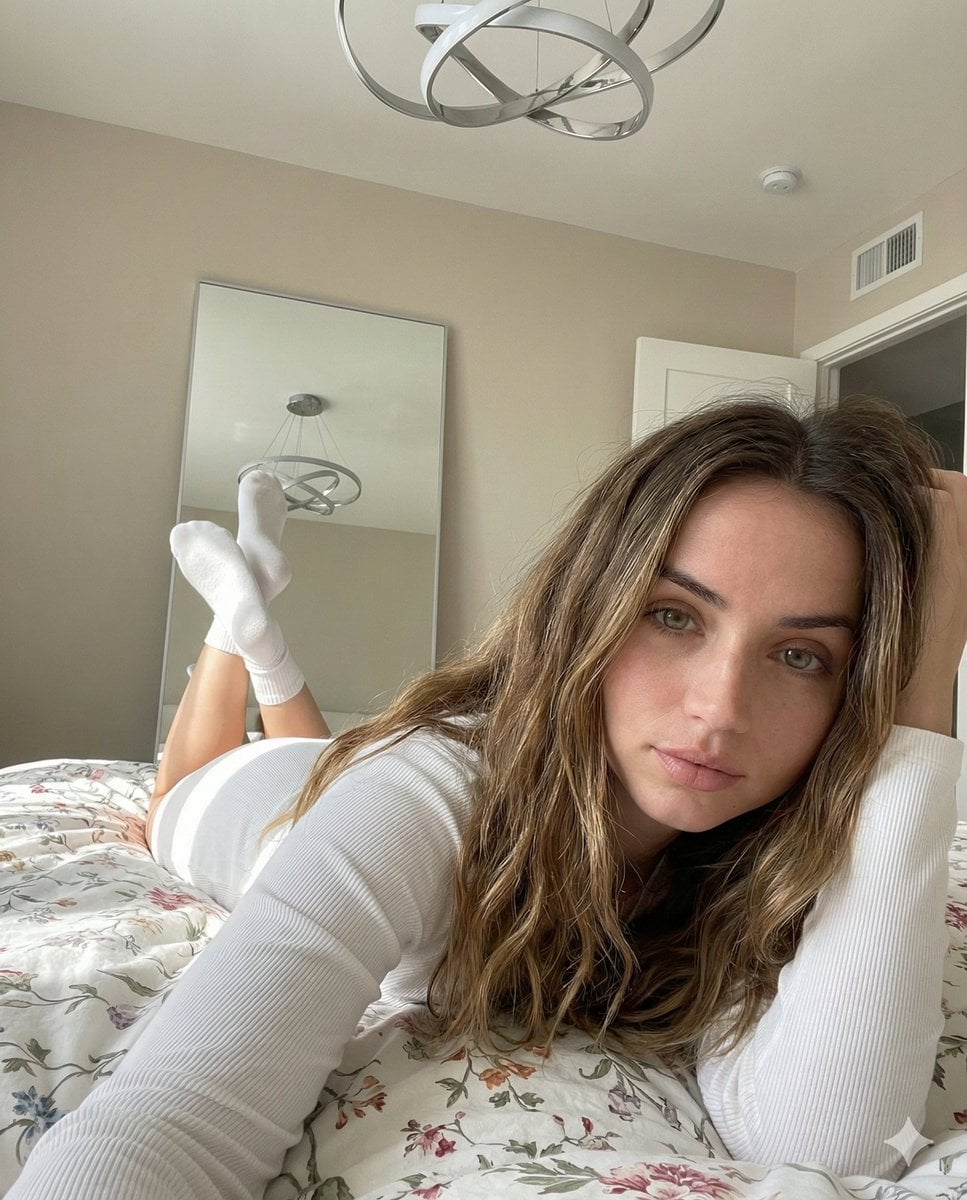
Cozy, Intimate Bedroom Portrait with High Angle Selfie Aesthetic
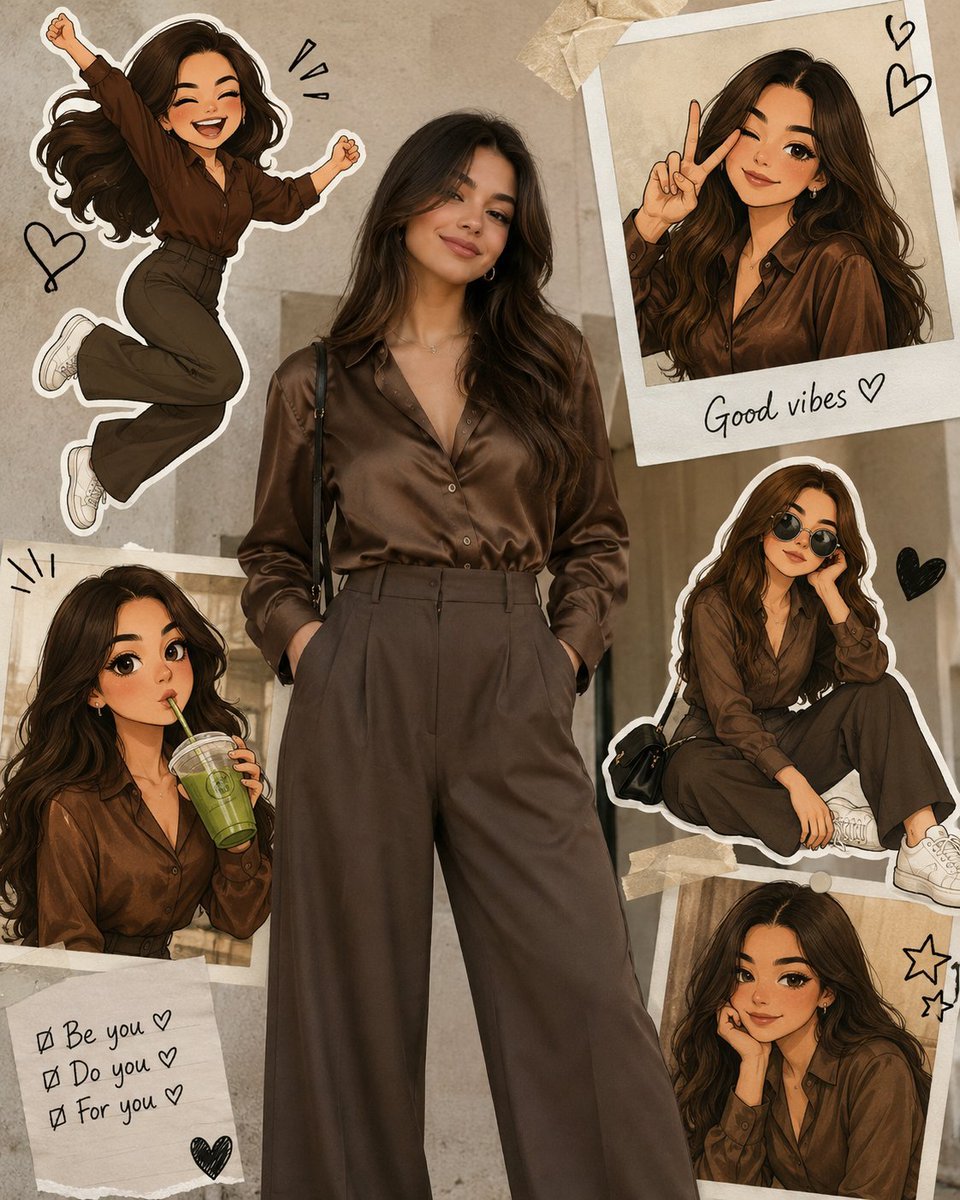
Collage Style Cartoon Portrait

E-commerce LED Driver Infographic

Humorous Caricature of a Professional
Premium Instagram Beach Photoshoot Collage
Hard Surface Modeling Retro Cassette Realism
Image Generation Prompt for Shocked Young Woman
Pixar-Style Earbuds Miniature Scene

Cinematic Urban Winter Night Portrait
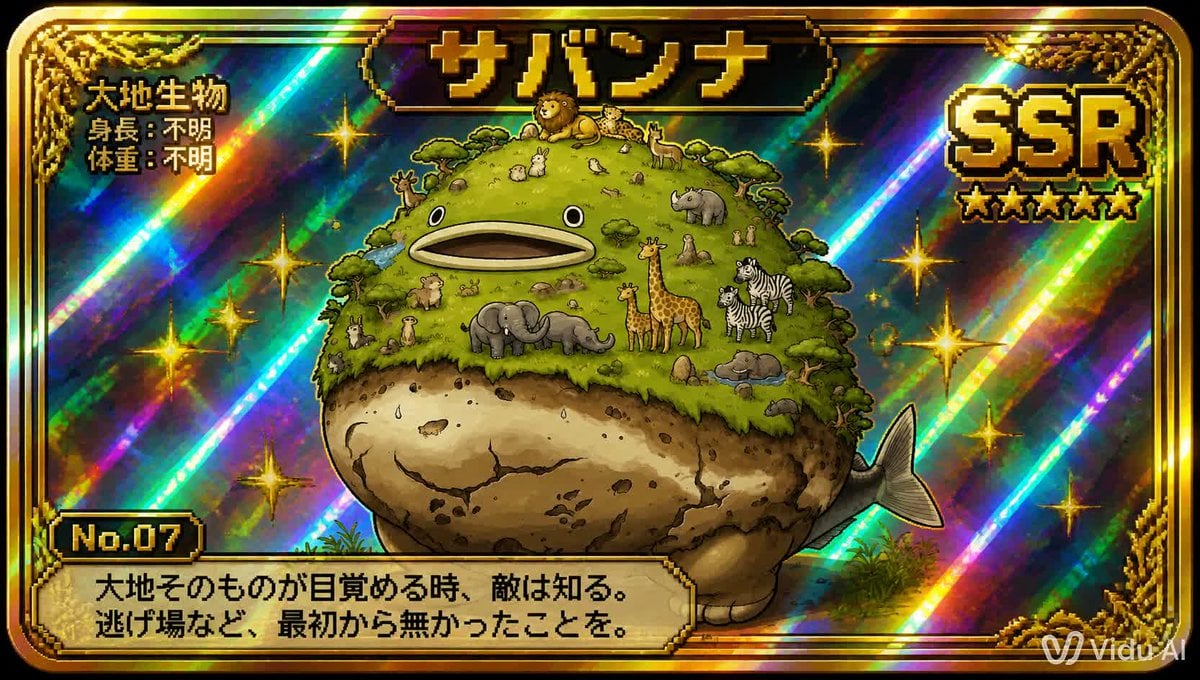
SSR Savanna Creature Card
Browse template categories
Music-Themed Tokusatsu Kaijin questions
How do I use the Music-Themed Tokusatsu Kaijin template?
Add your photo if the template asks for one, edit the prompt if you like — the template's model and format are already selected — and press Generate. Your version opens in PicX Studio.
Can I customize the Music-Themed Tokusatsu Kaijin template?
Yes. You can change the subject, setting, lighting, mood, format, and available model controls before creating your image.
Is the Music-Themed Tokusatsu Kaijin template free?
Opening and editing this template is free. Generating uses credits, shown on the Generate button when you are signed in.
Which AI model should I use?
Start with GPT Image 2, which is the model associated with this template. You can compare another compatible model for a different finish.
Looking for something else? Browse all templates.

Your photo, any look
Thousands of ready templates for every top image and video model, from one credit balance.