
Y2K Music Editorial Portrait
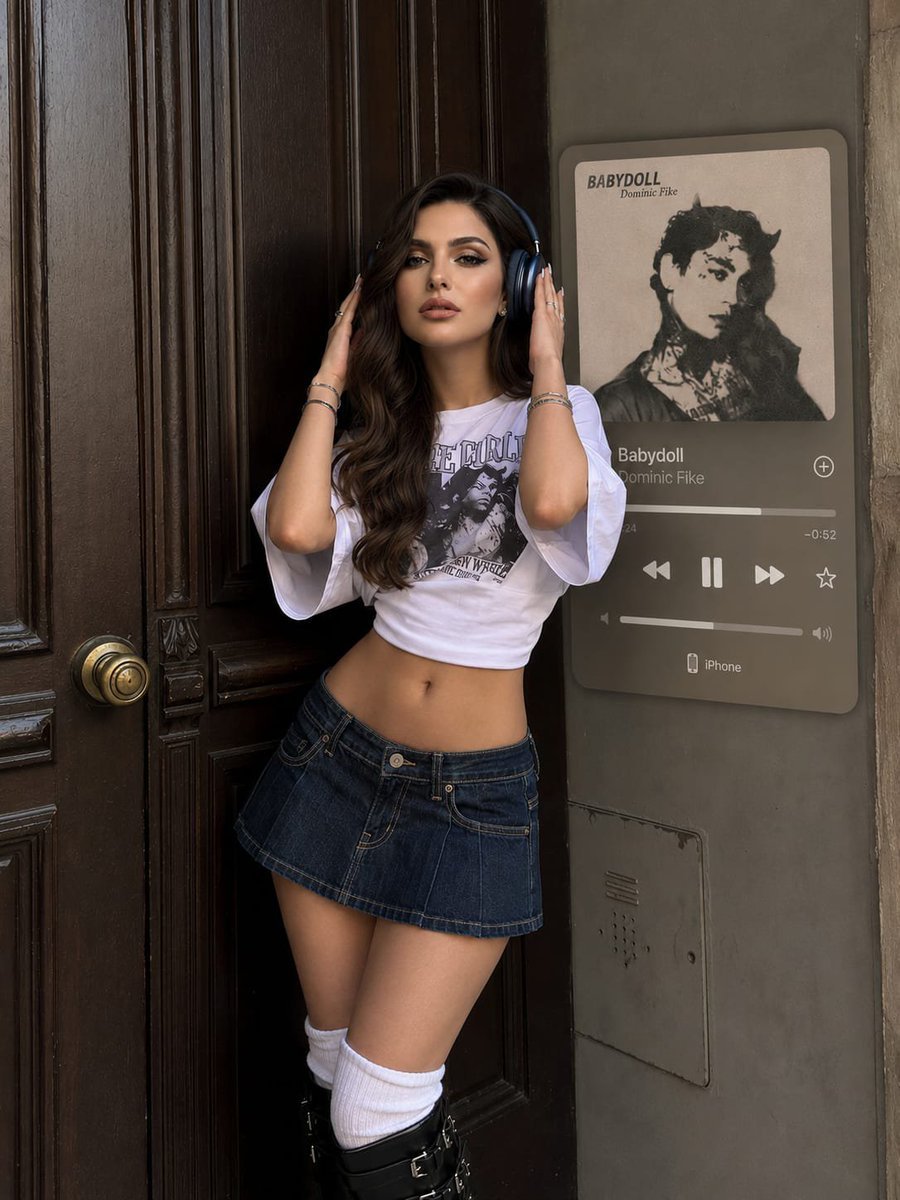
An editorial-style prompt for generating a Y2K-inspired portrait that preserves facial identity while adding a floating Apple Music card element.
- Prompt included
- Model and format preset
- Free template
The prompt behind this image
Copy the exact prompt behind Y2K Music Editorial Portrait, or open it in the studio and make it yours.
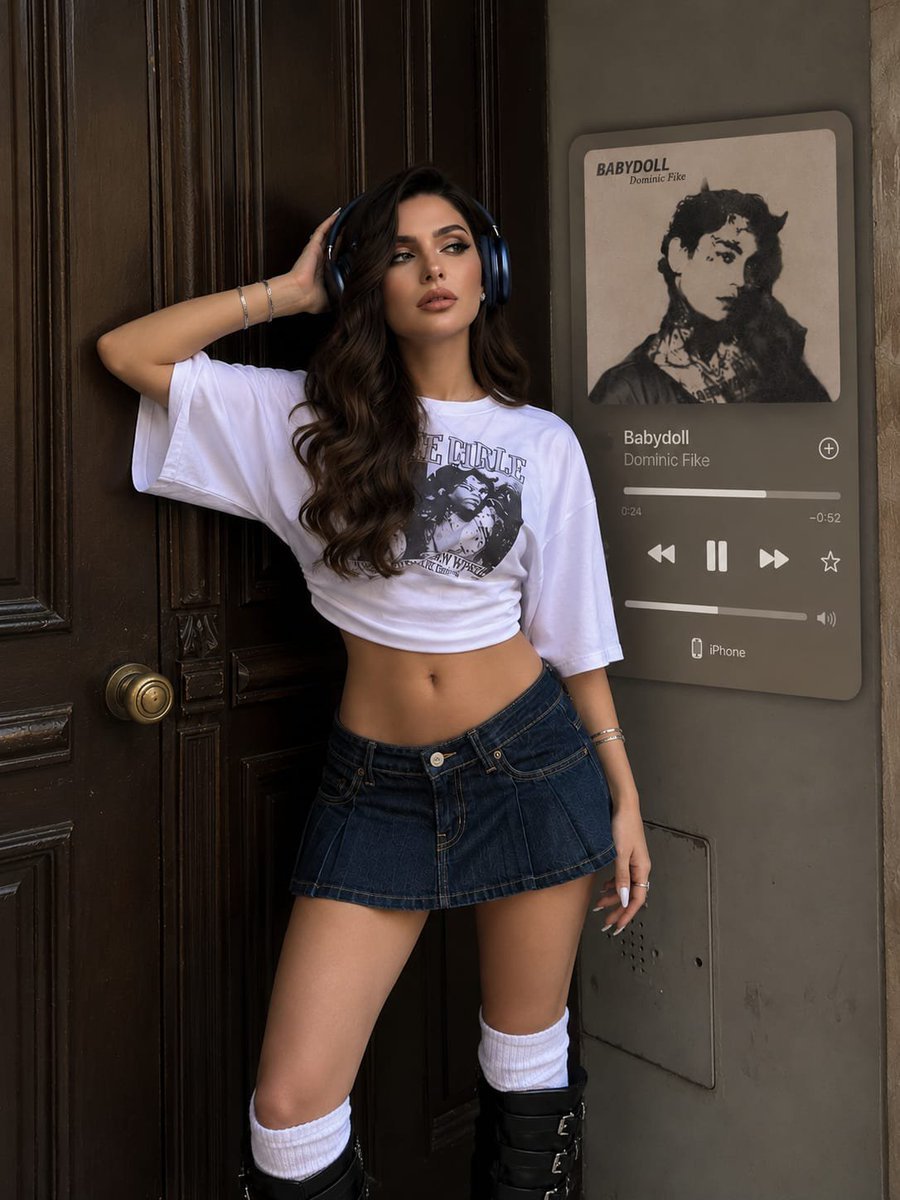
Use the provided reference image. Preserve the girl's facial identity exactly as shown in the reference image. Do not alter her facial structure, proportions, eye shape, nose, lips, jawline, skin texture, or any defining facial features. She must be instantly recognizable as the same person in the reference. Only change her pose, outfit, hairstyle, and environment as described below. Create a 3:4 portrait photo captured with a smartphone from an eye-level perspective. The girl is standing beside a dark brown vintage door. In the background, place a rounded-corner Apple Music player card displaying the track "{argument name="song title" default="Babydoll"}" by {argument name="artist name" default="Dominic Fike"}. She is partially covering the music card while posing naturally in a relaxed editorial stance, gently touching her headphones with both hands. Her expression is calm, confident, and effortless. Style her hair in large, soft, polished waves with face-framing front strands. Her makeup features thin black winged eyeliner applied only to the outer corners, fox-effect false eyelashes, full lips with a brown lip liner and glossy pink lip combo, matte skin with expertly blended contour, and naturally defined brows. Keep her long, light-coloured stiletto-shaped nails clearly visible. She is wearing a Y2K-inspired outfit consisting of an {argument name="outfit style" default="oversized cropped white graphic T-shirt"} with wide elbow-length sleeves, fitted at the waist to flatter her silhouette, paired with a voluminous very dark navy denim mini skirt worn low on the hips. She wears matching dark navy over-ear headphones, white leg warmers, tall black slouchy boots, and silver earrings, rings, and bracelets. Maintain the exact facial likeness from the reference image. Do not modify her face in any way. Shot on a smartphone with natural lighting, realistic depth, ultra-sharp focus, rich textures, photorealistic skin detail, editorial-quality composition, and extremely high-detail 8K realism.
Reference images included
Y2K Music Editorial Portrait needs input media to work. They load alongside the prompt when you open it in the studio.
How to use Y2K Music Editorial Portrait in 3 steps
- 1Upload ImagePNG, JPG or paste
Add your photo
Upload the photo the template builds on. The prompt, model and format are already set.
- 2…a portrait of your subject in softgolden-hour light, 85mm…
Personalize
Edit the subject and creative details for your destination.
- 3Generate
Generate
Press Generate — your image is created in PicX Studio, so you can compare it with the original and refine one variable at a time.
More like this
Templates with the same subject, style or setup. Open one to see its prompt.
untitled

Caution Tape Fashion — Industrial Editorial

Couture Fashion Editorial Woman and Drag

Nano Banana 2 Editorial Fashion Portrait

Found Photograph: Us, 1970

Our Song was on a Cassette

80s Couple Studio Portrait

80s Bollywood Star

80s Golden Hour Cinema

Me in 1985

1985 Studio Portrait
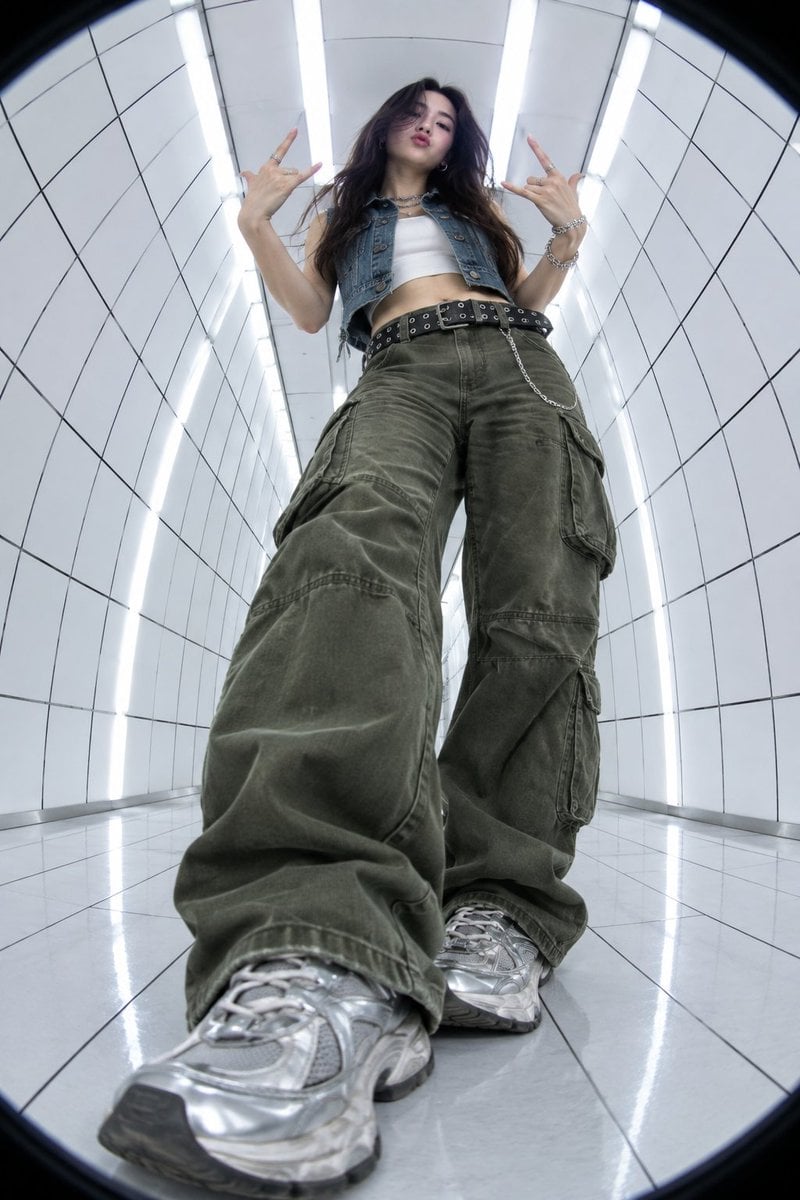
Y2K Fisheye Streetwear Portrait
Make it yours
Y2K Music Editorial Portrait works as-is. These are the safest ways to change it without losing the look.
Change one field
Copy a single group, rewrite it, and generate again so you can see what that field is doing.
Keep the frame, change the subject
Hold the composition and light of Y2K Music Editorial Portrait, then swap wardrobe, props or the person for a new take.
| If the result… | Why | Fix |
|---|---|---|
| The result drifts from the preview | Too many fields changed at once. | Reuse Y2K Music Editorial Portrait as-is first, then change one group — subject, light, or setting. |
| The model over-stylizes the scene | The prose prompt leaves finish and camera underspecified. | Add one camera or lighting sentence and stay on GPT Image 2. |
More GPT Image 2 templates
Other prompts made for GPT Image 2.

Six VTuber Japanese Logo Sheet

Realistic Portrait of Woman and Deer

The Vista Modular Condo Poster

AI Model Routing Comparison Infographic

2.5D Anime Art Board

Isometric Productivity Desk Scene

New York Double Exposure Poster

Four-Panel AI Landscape Comparison

Japanese Tatami Lifestyle Magazine Cover

NESCAFÉ Coffee Map Poster
More image prompts
Fresh picks from across the catalog.

Visual story cartoon for a Moroccan Arabic joke
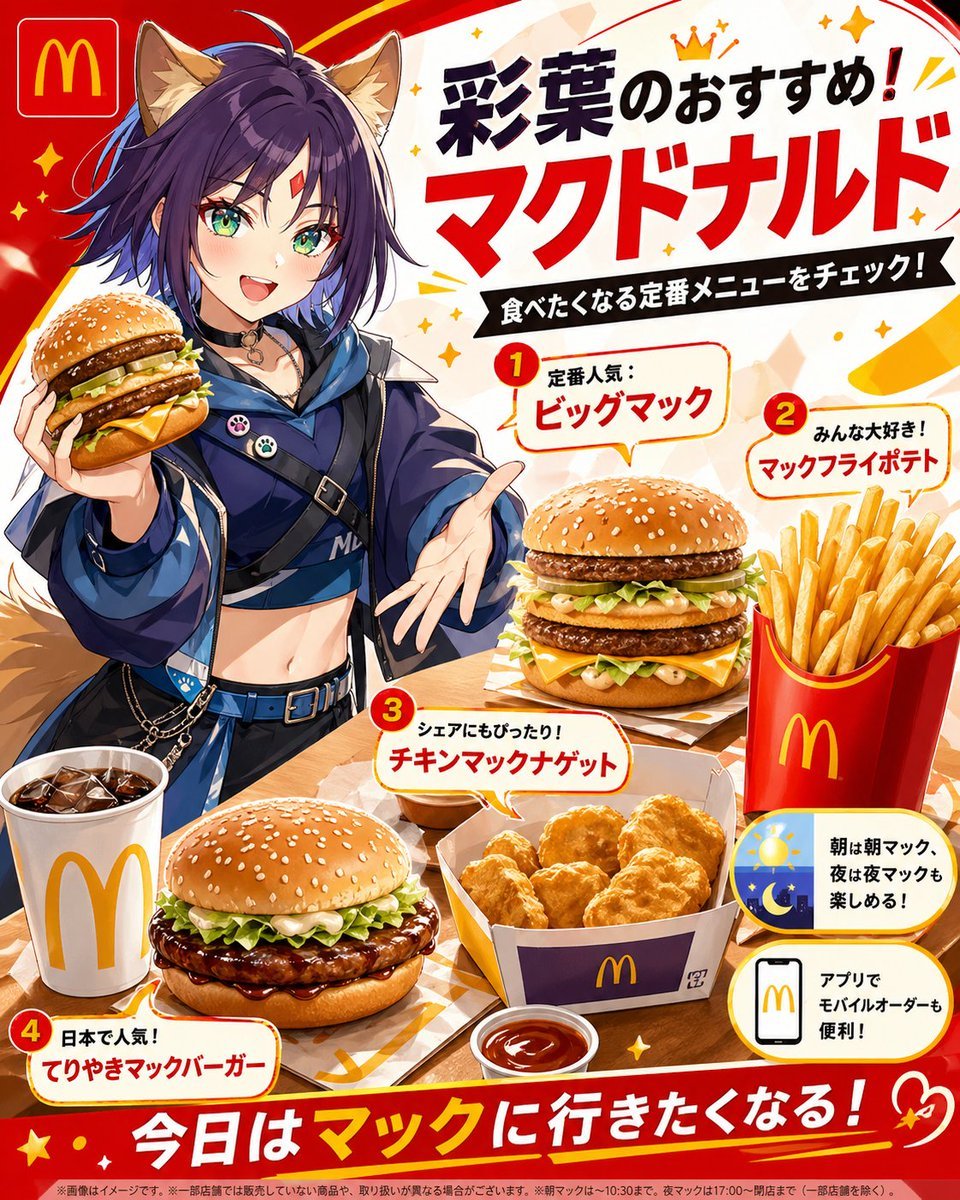
Anime McDonald's Recommendation Poster
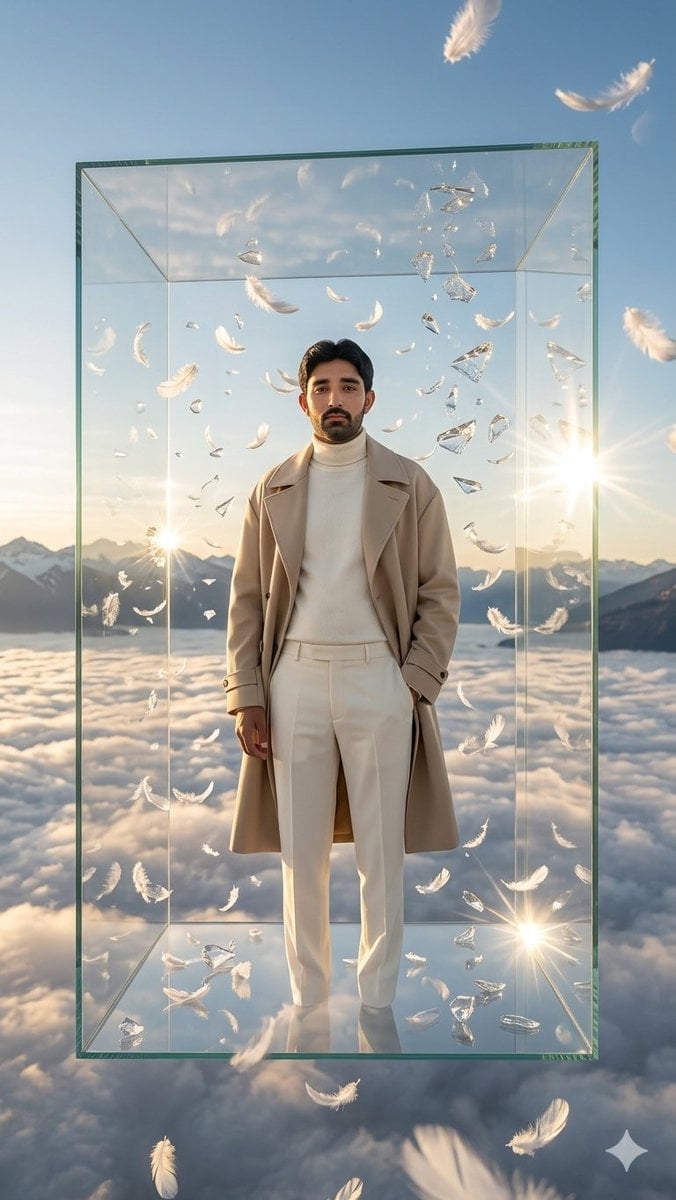
Man in Floating Glass Cube
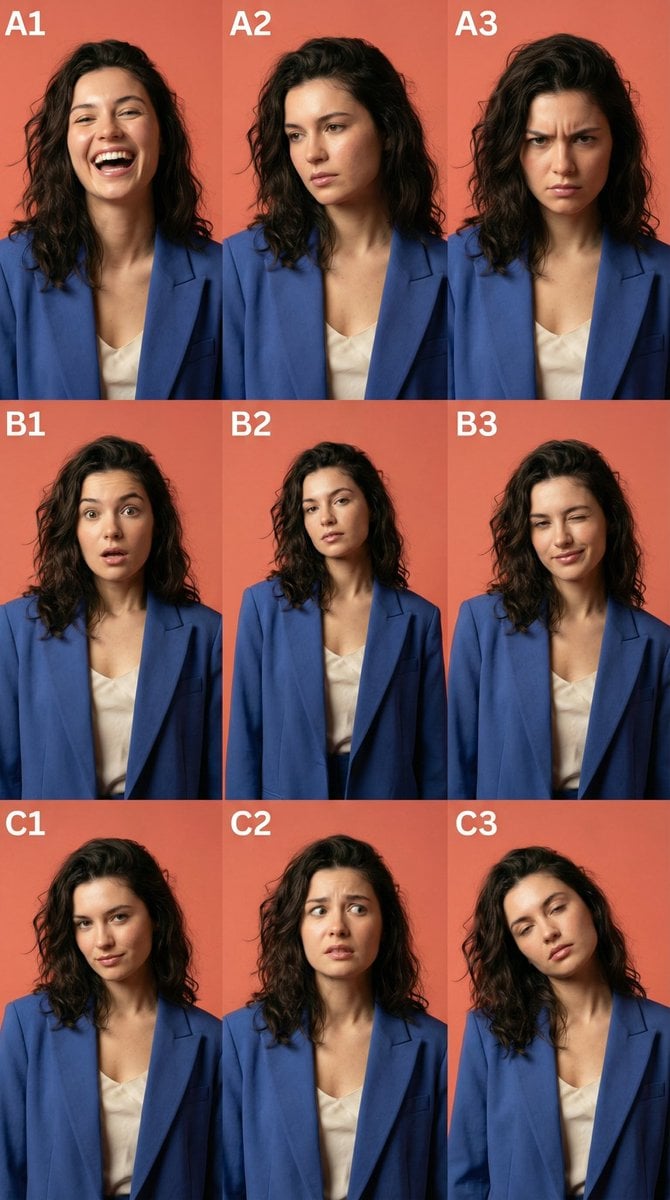
3x3 Character Emotional Expression Grid Prompt
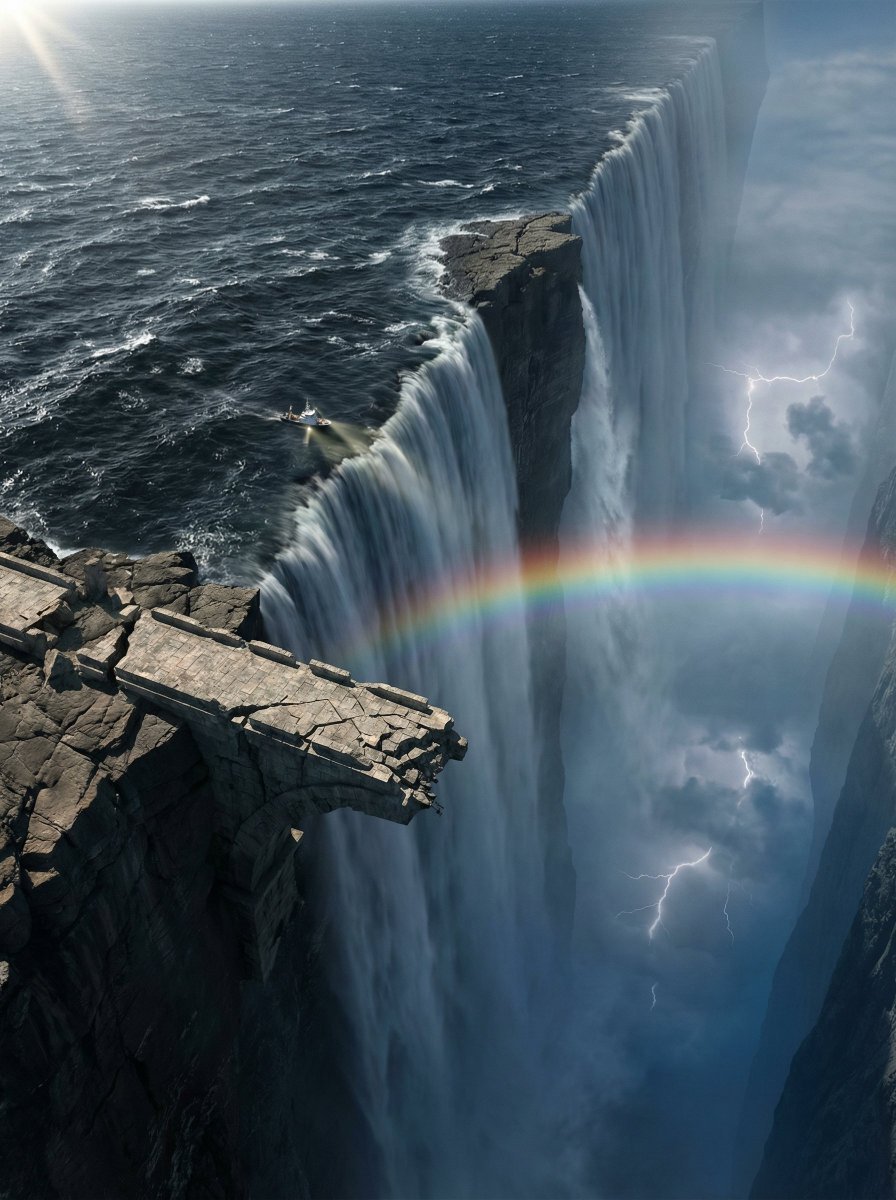
Ultra-Widescreen Tectonic Rift and World's End Scene Prompt in JSON
Cat drinking cola illustration
Top-Down Romantic Cottagecore Portrait
Indie Cartoon Illustration Template
Prone Bed Selfie in Purple Lounge Wear
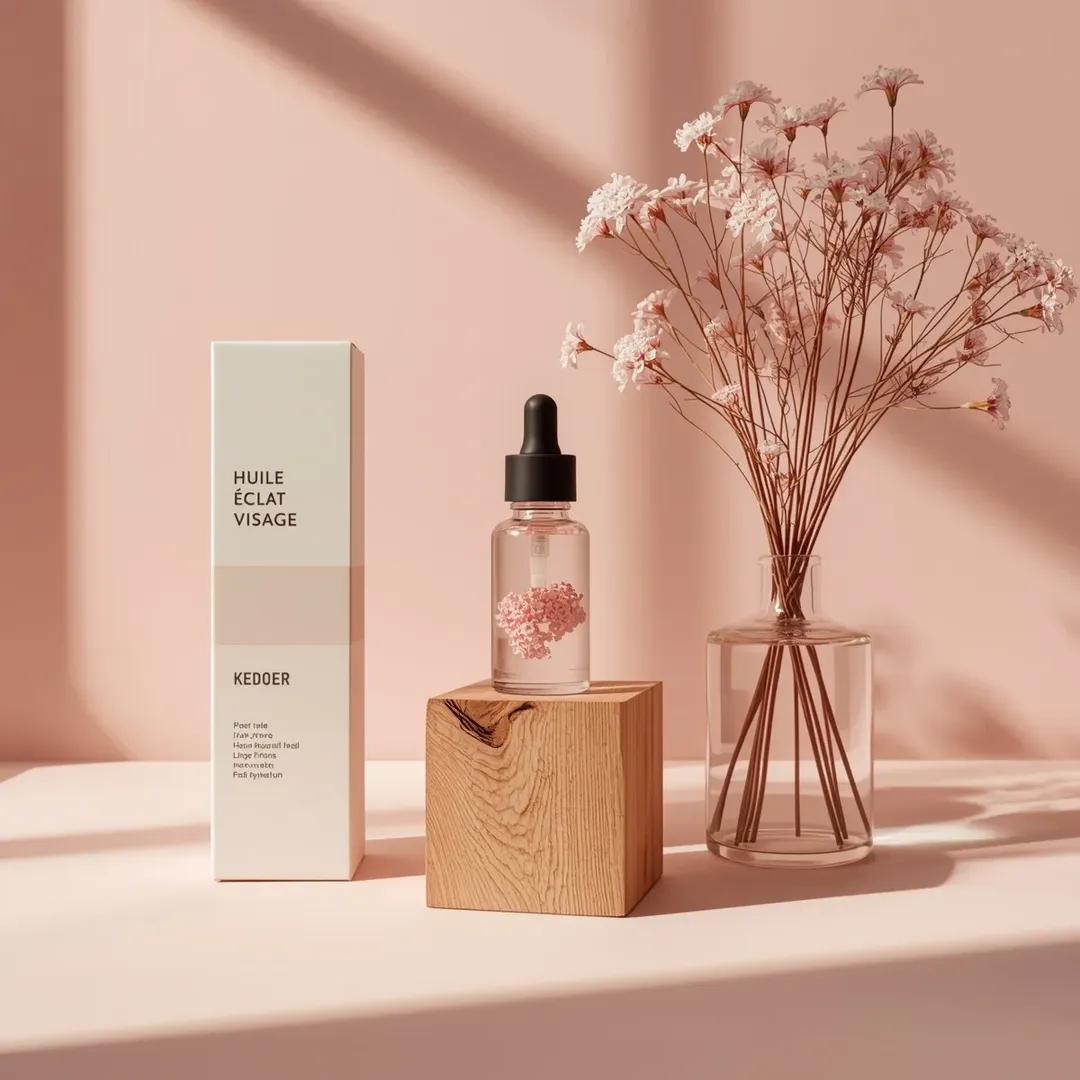
Minimalist Skincare Product Studio Photography Prompt
Browse template categories
Y2K Music Editorial Portrait questions
How do I use the Y2K Music Editorial Portrait template?
Add your photo if the template asks for one, edit the prompt if you like — the template's model and format are already selected — and press Generate. Your version opens in PicX Studio.
Can I customize the Y2K Music Editorial Portrait template?
Yes. You can change the subject, setting, lighting, mood, format, and available model controls before creating your image.
Is the Y2K Music Editorial Portrait template free?
Opening and editing this template is free. Generating uses credits, shown on the Generate button when you are signed in.
Which AI model should I use?
Start with GPT Image 2, which is the model associated with this template. You can compare another compatible model for a different finish.
Looking for something else? Browse all templates.

Your photo, any look
Thousands of ready templates for every top image and video model, from one credit balance.