
Man in Floating Glass Cube
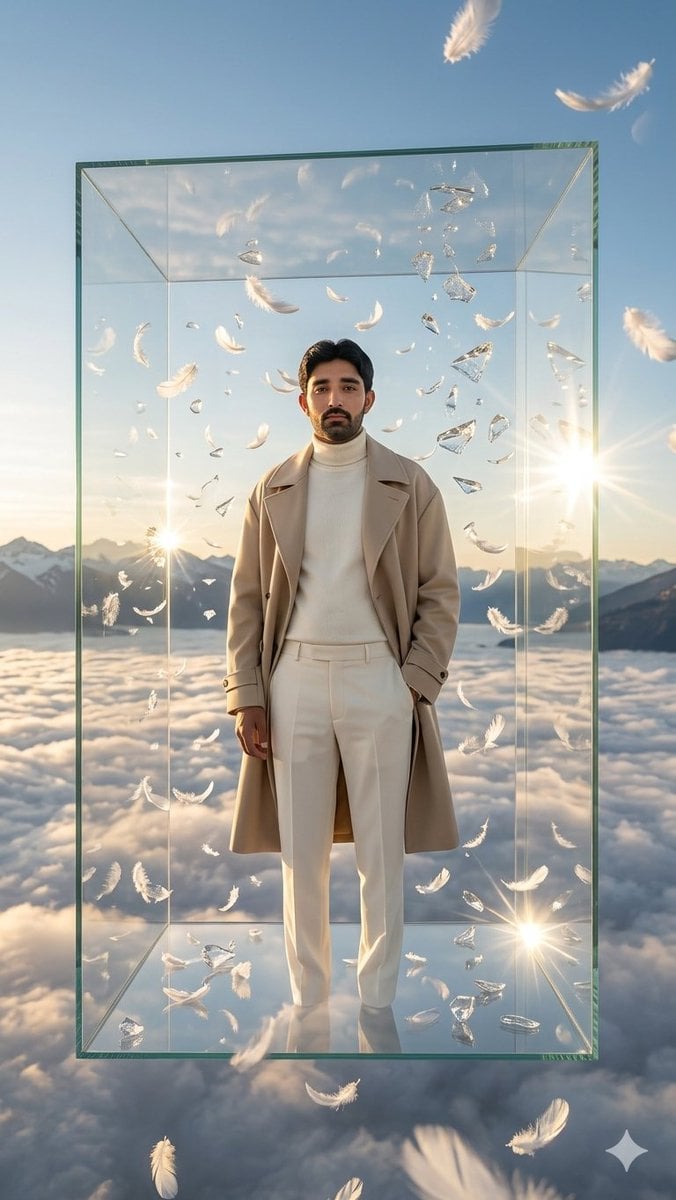
A cinematic photorealistic fashion portrait of a man inside a transparent cube above clouds with feathers, glass fragments, and golden-hour light.
- Prompt included
- Model and format preset
- Free template
The prompt behind this image
Copy the exact prompt behind Man in Floating Glass Cube, or open it in the studio and make it yours.
Create a hyper-realistic cinematic vertical portrait of {argument name="character name" default="a stylish adult man"} standing full-body at the exact center of a gigantic transparent glass cube suspended high above a sea of clouds during golden hour. The man faces the camera with a calm, confident posture, one hand in his coat pocket and the other relaxed at his side; use {argument name="face identity" default="the provided facial identity exactly"} if a face reference is available, otherwise render a realistic male face. He wears an elegant monochrome cream outfit: a long beige trench coat, ivory turtleneck sweater, high-waisted white trousers, and polished light shoes. The cube is a tall rectangular transparent box with green-tinted glass edges, visible corner seams, reflective floor, and subtle refractions, floating in open sky with distant snow-capped mountains on the horizon below. Surround him with exactly 60 visible white feathers of varied sizes drifting inside and outside the cube, plus exactly 18 floating broken crystal or glass fragments catching the sunlight. Add 3 bright starburst light flares: one strong flare on the right side near the horizon, one smaller flare on the left near the mountains, and one bright reflection flare near the lower right inside the cube. The atmosphere should feel ethereal, luxurious, surreal, and heavenly, with soft warm backlighting, realistic cloud depth, blue sky, golden rim light on the coat, crisp reflections on glass, shallow cinematic haze, and ultra-detailed 8K photorealism. Use a vertical {argument name="aspect ratio" default="9:16"} composition, centered symmetry, full-body framing, dramatic fashion editorial styling, no text, no watermark, no logos.
How to use Man in Floating Glass Cube in 3 steps
- 1Upload ImagePNG, JPG or paste
Add your photo
Upload the photo the template builds on. The prompt, model and format are already set.
- 2…a portrait of your subject in softgolden-hour light, 85mm…
Personalize
Edit the subject and creative details for your destination.
- 3Generate
Generate
Press Generate — your image is created in PicX Studio, so you can compare it with the original and refine one variable at a time.
More like this
Templates with the same subject, style or setup. Open one to see its prompt.
Woman Encased in Amber Glass Cube
Man in Glass Cube Above Clouds

Floating Woman Above Cityscape with Notifications
Mini Sick Woman in Water Glass
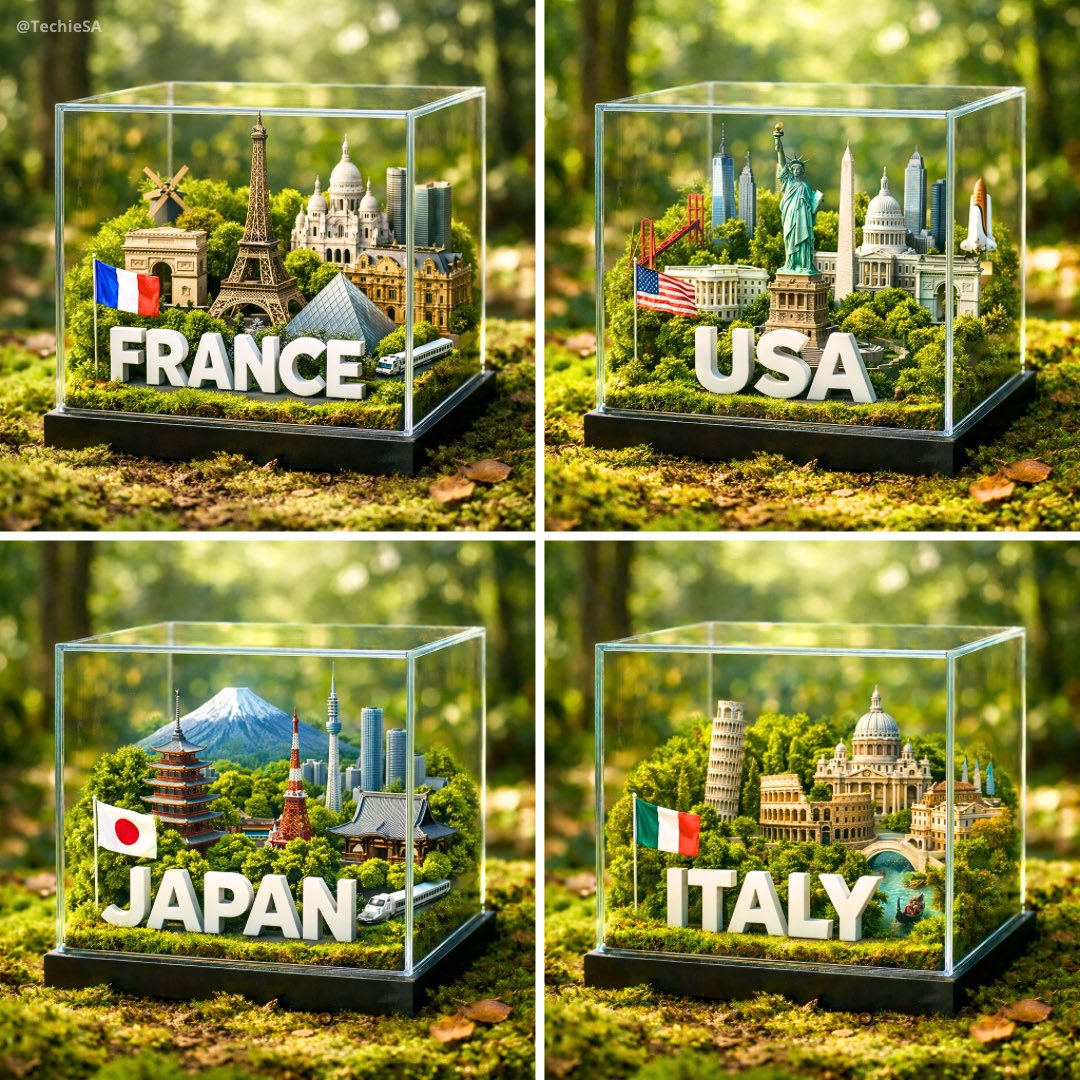
A hyper-realistic 1080x1080 photograph of a glass cube diorama placed

Cinematic Glass Brand Logo Volcanic Landscape
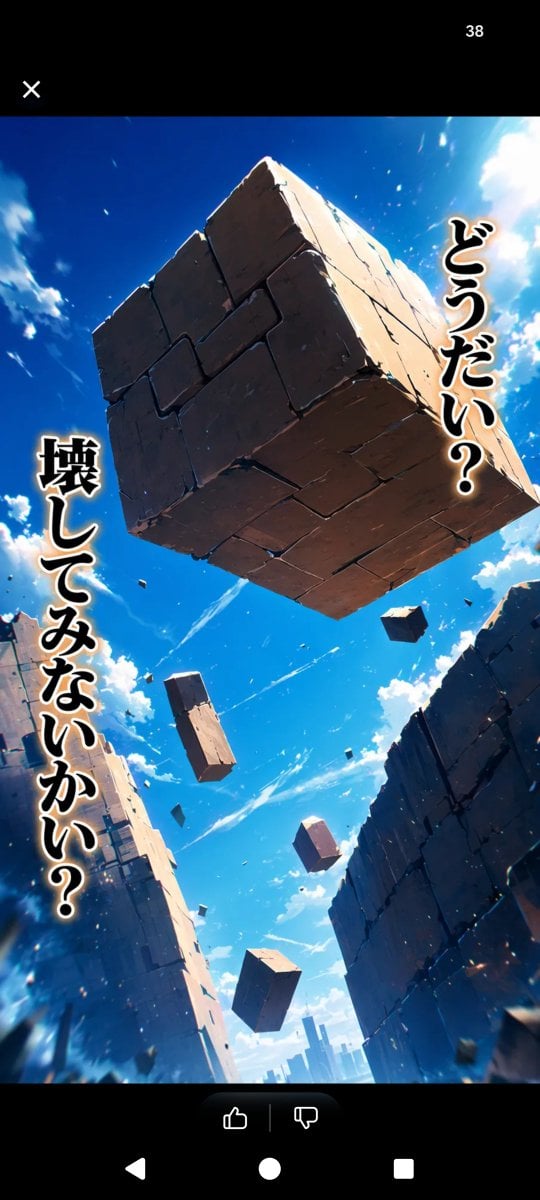
Floating Stone Cube Challenge
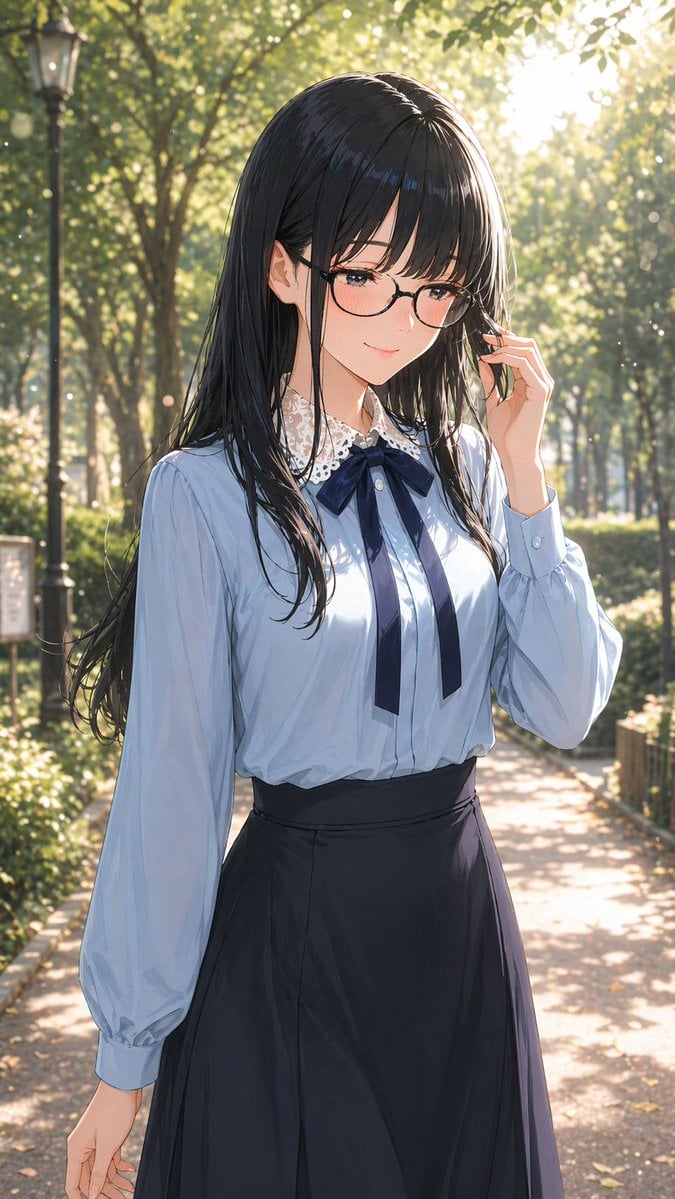
Portrait of a Gentle Woman with Glasses
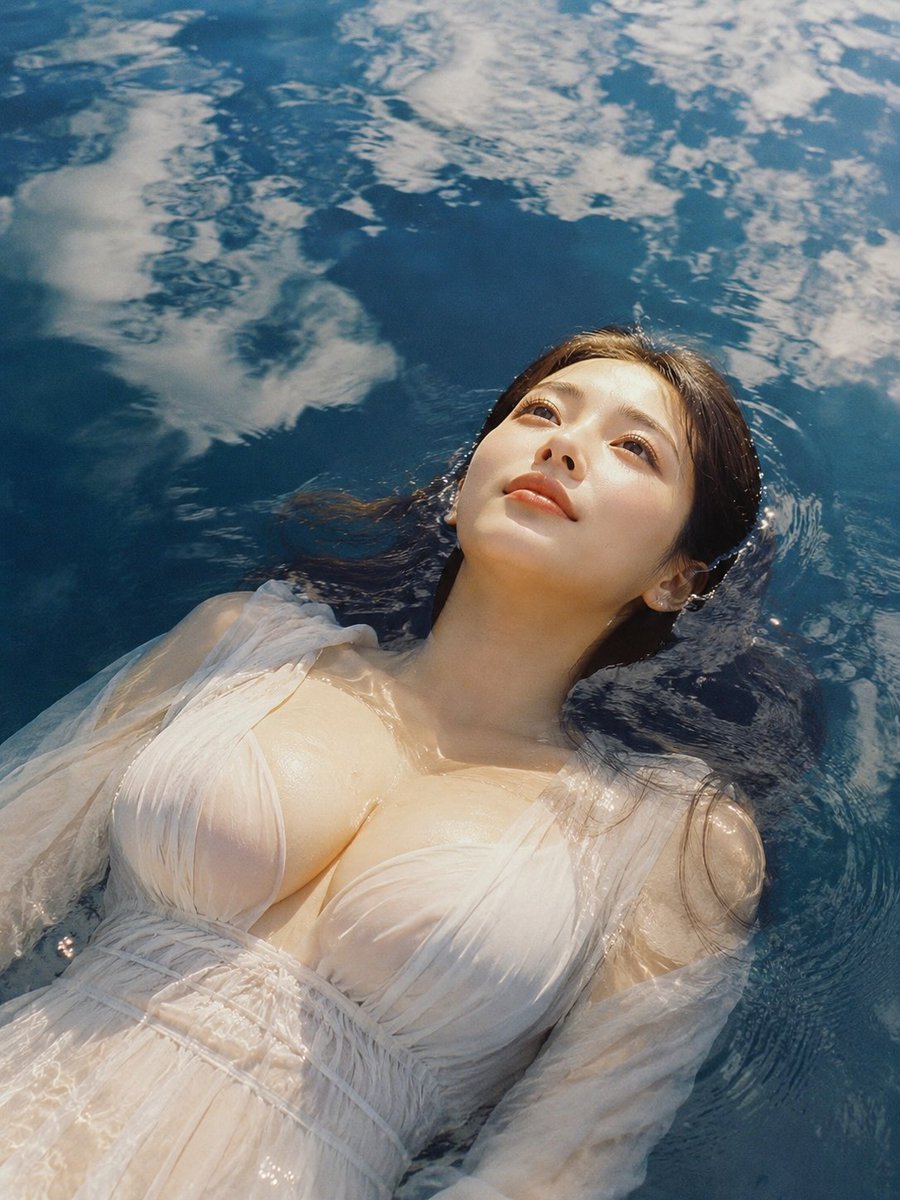
Woman Floating in Reflective Water

Photorealistic Surreal Scene of a Man Reclining on a Floating Cloud
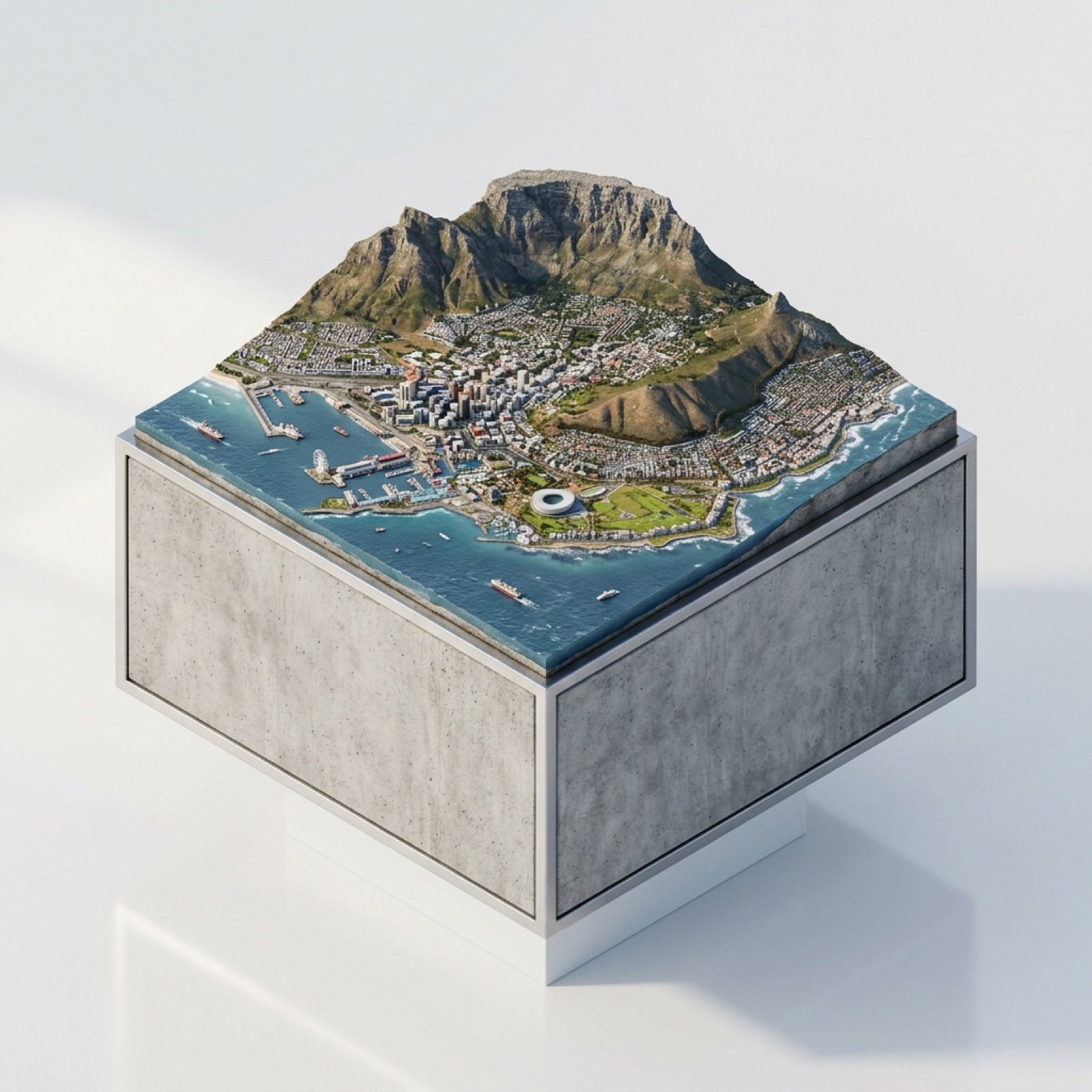
3D Miniature Cape Town Diorama on Floating Cube

Christmas Ornament Portrait Glossy Glass Resin Finish with Hand Painted Details Holiday Lighting
Make it yours
Man in Floating Glass Cube works as-is. These are the safest ways to change it without losing the look.
Change one field
Copy a single group, rewrite it, and generate again so you can see what that field is doing.
Keep the frame, change the subject
Hold the composition and light of Man in Floating Glass Cube, then swap wardrobe, props or the person for a new take.
| If the result… | Why | Fix |
|---|---|---|
| The result drifts from the preview | Too many fields changed at once. | Reuse Man in Floating Glass Cube as-is first, then change one group — subject, light, or setting. |
| The model over-stylizes the scene | The prose prompt leaves finish and camera underspecified. | Add one camera or lighting sentence and stay on GPT Image 2. |
More GPT Image 2 templates
Other prompts made for GPT Image 2.

Six VTuber Japanese Logo Sheet

Realistic Portrait of Woman and Deer

The Vista Modular Condo Poster

AI Model Routing Comparison Infographic

2.5D Anime Art Board

Isometric Productivity Desk Scene

New York Double Exposure Poster

Four-Panel AI Landscape Comparison

Japanese Tatami Lifestyle Magazine Cover

NESCAFÉ Coffee Map Poster
More image prompts
Fresh picks from across the catalog.
Minimalist Fine Art Flower Macro
Gemini Nano Banana 2
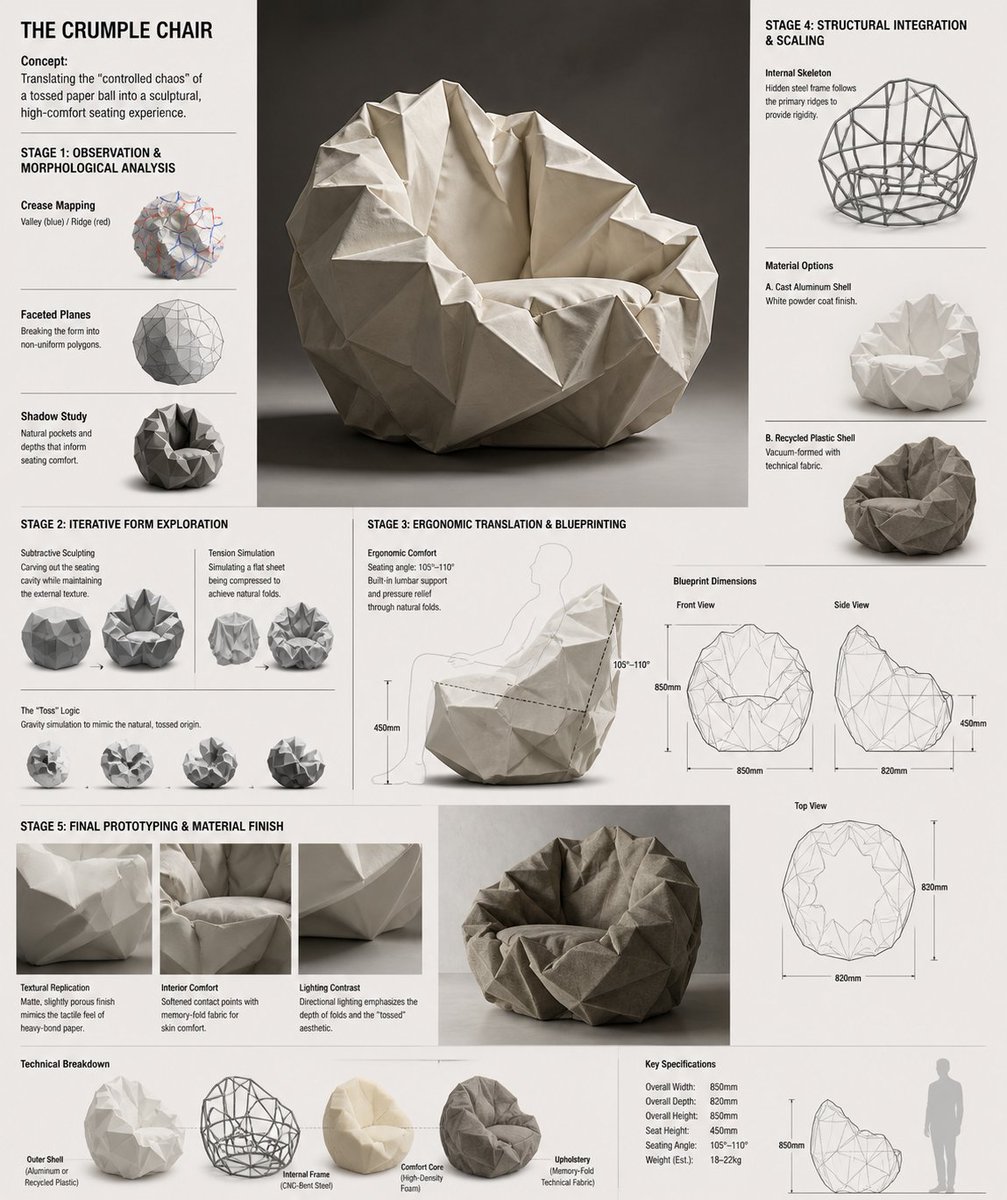
Crumple Paper Furniture Concept Design
Nano Banana Pro brand hero image
High-Fashion Sci-Fi Realism in Water
Yellow Chick Mascot on Japanese Train
Country Heritage Wallpaper Prompt
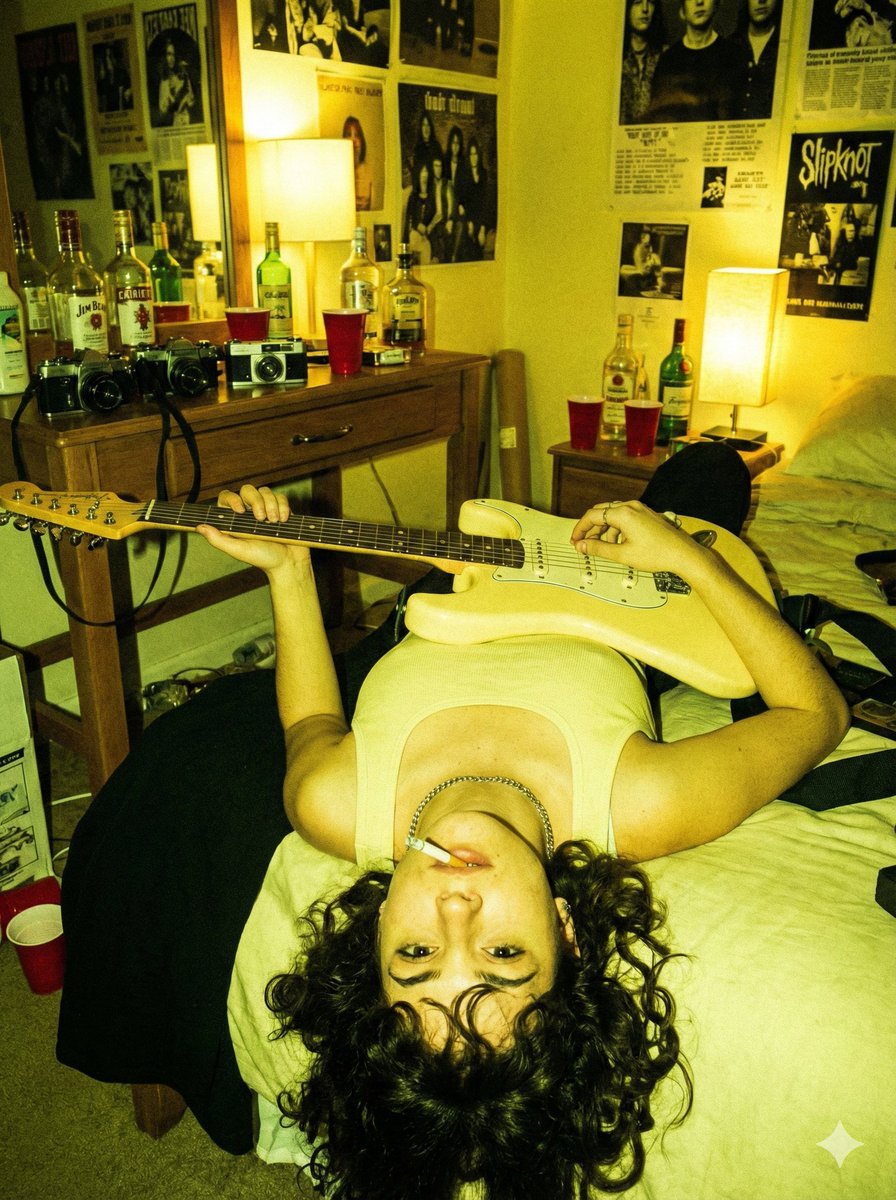
Indie Sleaze Flash Snapshot: Inverted Guitar Pose
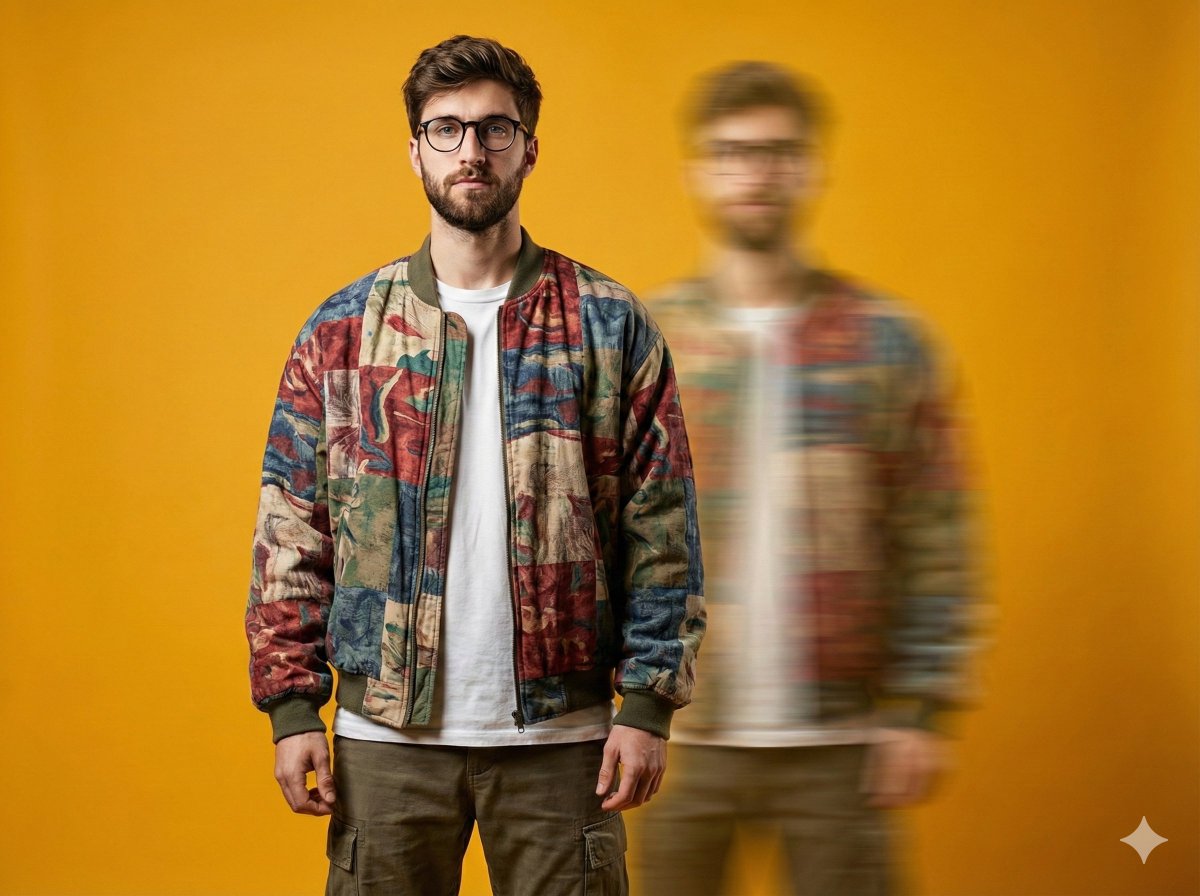
Avant-Garde Fashion Portrait with Ghost Duplicate
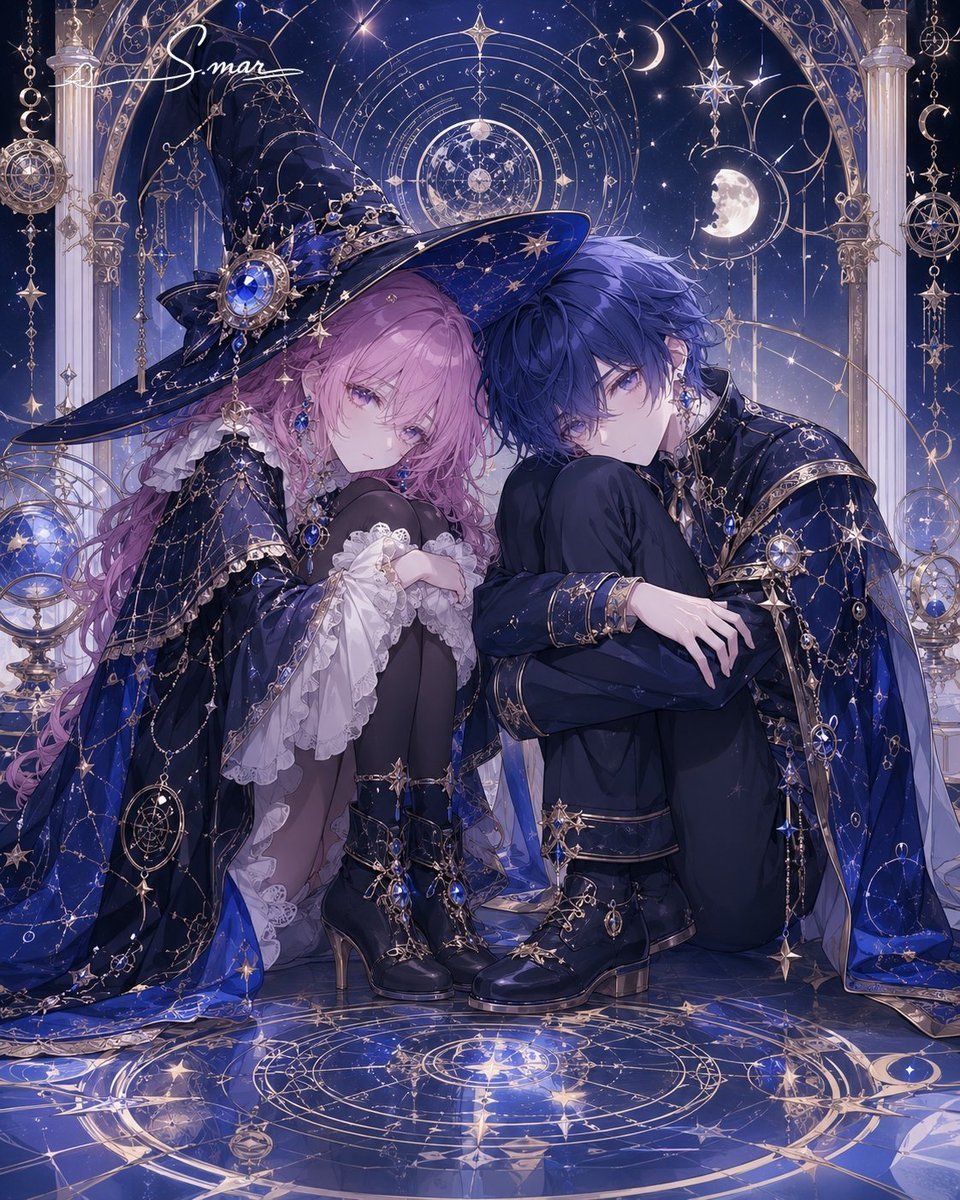
Celestial Magician Duo
Browse template categories
Man in Floating Glass Cube questions
How do I use the Man in Floating Glass Cube template?
Add your photo if the template asks for one, edit the prompt if you like — the template's model and format are already selected — and press Generate. Your version opens in PicX Studio.
Can I customize the Man in Floating Glass Cube template?
Yes. You can change the subject, setting, lighting, mood, format, and available model controls before creating your image.
Is the Man in Floating Glass Cube template free?
Opening and editing this template is free. Generating uses credits, shown on the Generate button when you are signed in.
Which AI model should I use?
Start with GPT Image 2, which is the model associated with this template. You can compare another compatible model for a different finish.
Looking for something else? Browse all templates.

Your photo, any look
Thousands of ready templates for every top image and video model, from one credit balance.