
Woman Encased in Amber Glass Cube
A cinematic surreal portrait prompt for creating a woman suspended in a reflective glass cube with cherries and botanical details.
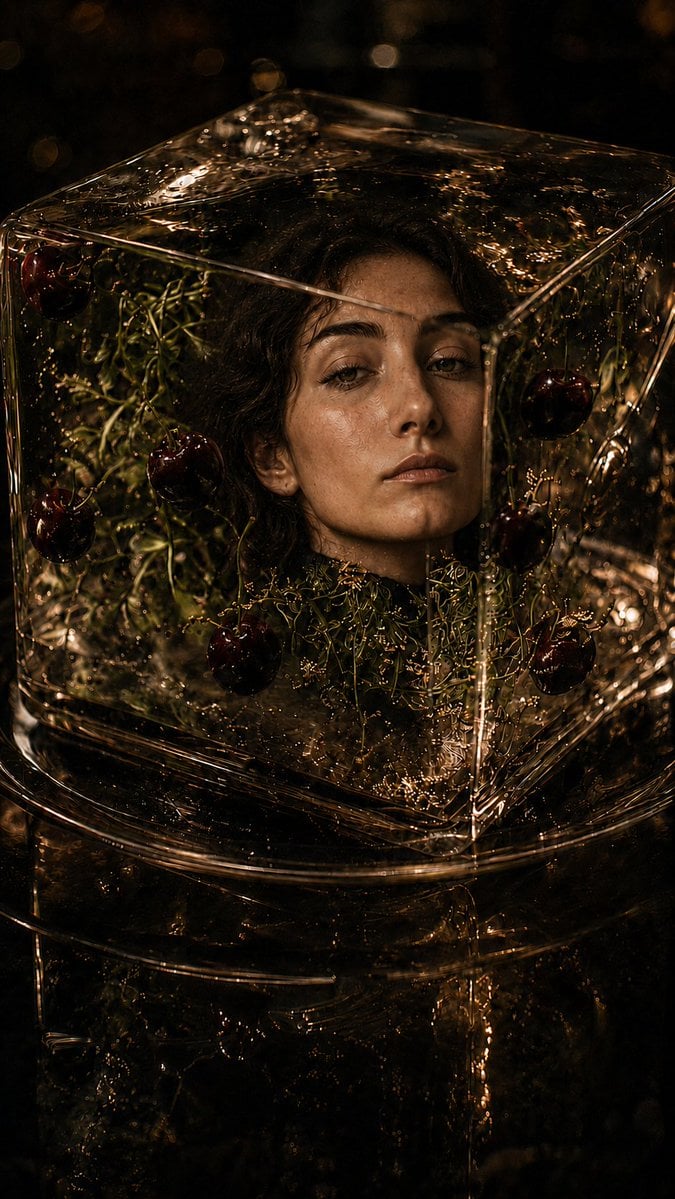
- Prompt included
- Model and format preset
- Free template
The prompt behind this image
Copy the exact prompt behind Woman Encased in Amber Glass Cube, or open it in the studio and make it yours.
Create a dark, cinematic fine-art portrait in vertical 9:16 format: a young woman with {argument name="hair color" default="dark curly hair"} and olive skin is encased from the shoulders up inside a perfectly clear glass cube filled with transparent amber liquid or resin. Her face is centered slightly right, calm and melancholic, eyes half open and looking forward, lips relaxed, with realistic skin texture and wet highlights. The glass cube has sharp visible edges, thick refractive corners, glossy reflections, tiny bubbles, ripples, and distorted light caustics across the surface. Inside and around the cube are delicate tangled green stems and botanical filaments, plus exactly 8 visible dark red cherries suspended at different depths: 3 on the left side, 1 near the lower center front, and 4 on the right side. The lower part of the image shows a second rounded glass vessel or pedestal beneath the cube, also filled with dark amber reflections and dripping liquid. Use an almost black background with warm golden bokeh, low-key chiaroscuro lighting, high contrast, rich brown and bronze tones, shallow depth of field, hyperrealistic photographic detail, dramatic editorial fashion mood, no text, no watermark, no extra faces.
How to use Woman Encased in Amber Glass Cube in 3 steps
- 1Upload ImagePNG, JPG or paste
Add your photo
Upload the photo the template builds on. The prompt, model and format are already set.
- 2…a portrait of your subject in softgolden-hour light, 85mm…
Personalize
Edit the subject and creative details for your destination.
- 3Generate
Generate
Press Generate — your image is created in PicX Studio, so you can compare it with the original and refine one variable at a time.
More like this
Templates with the same subject, style or setup. Open one to see its prompt.
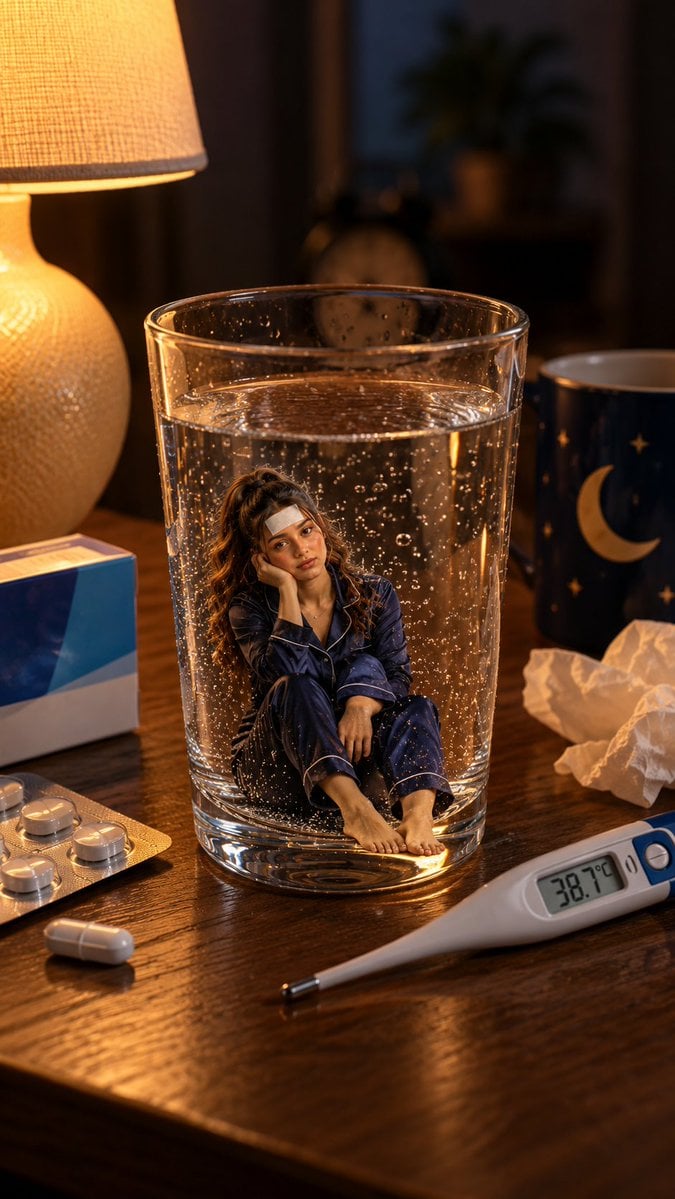
Mini Sick Woman in Water Glass
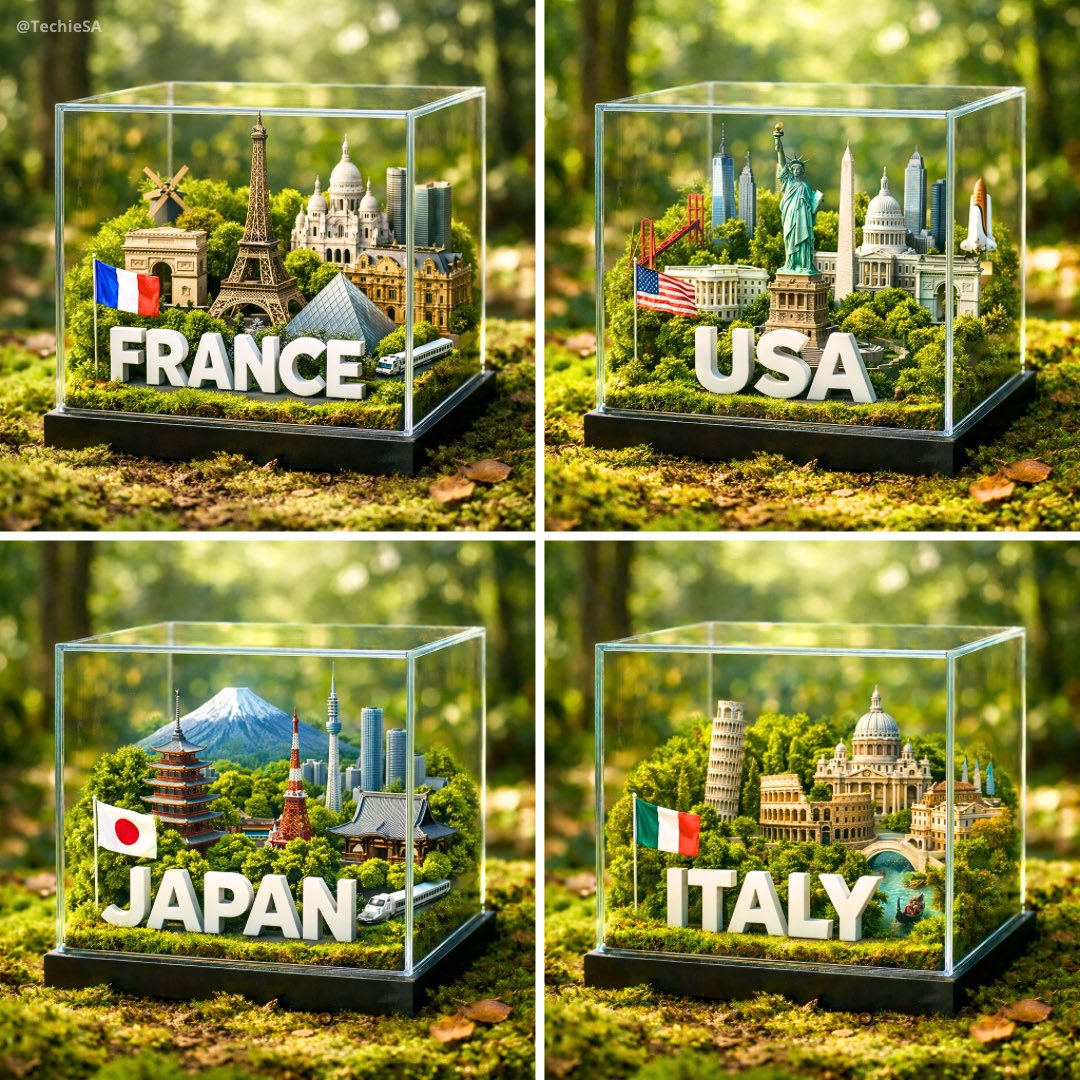
A hyper-realistic 1080x1080 photograph of a glass cube diorama placed
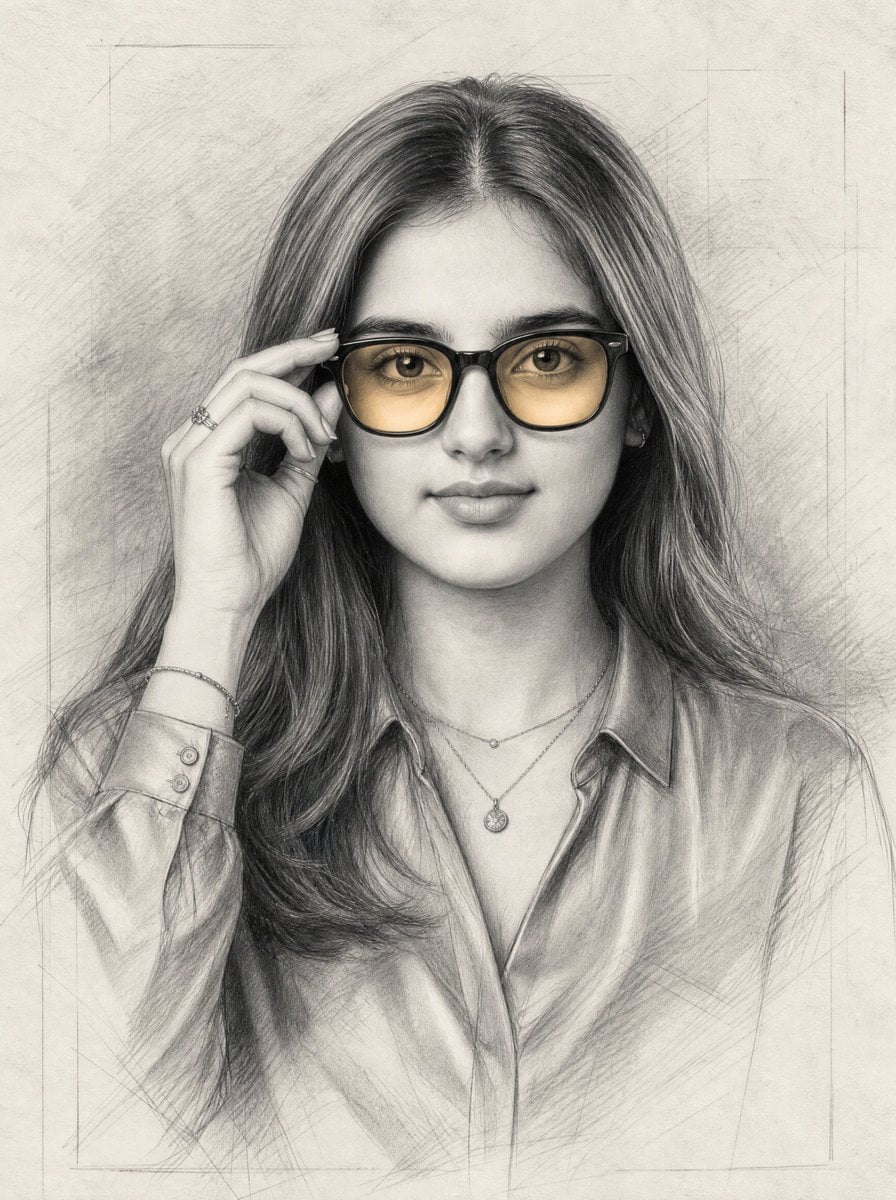
Graphite Portrait with Amber Glasses
Cinematic Wuxia Swordswoman in Candlelit Chamber

Cinematic Glass Brand Logo Volcanic Landscape
Portrait of a Gentle Woman with Glasses
Man in Floating Glass Cube
Man in Glass Cube Above Clouds

Woman in Mall with Chanel Bag - Heart Gesture

Floating Woman Above Cityscape with Notifications

Christmas Ornament Portrait Glossy Glass Resin Finish with Hand Painted Details Holiday Lighting
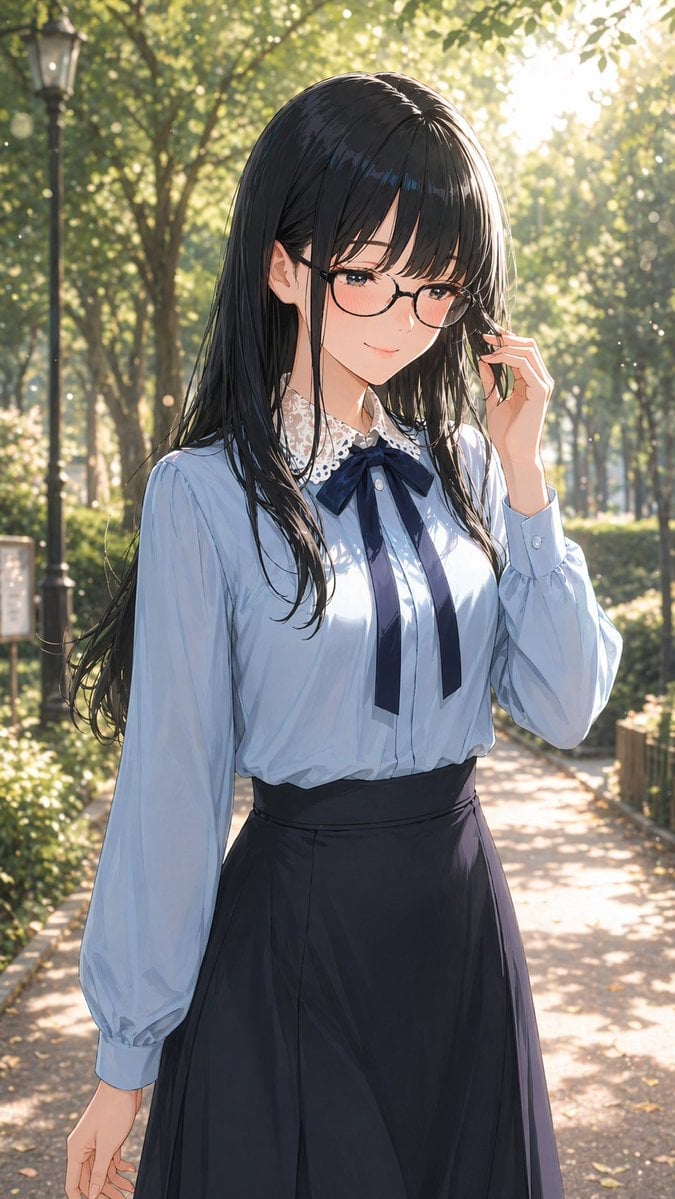
Gpt2 Profile Avatar Portrait of a Gentle Woman with Glasses
Make it yours
Woman Encased in Amber Glass Cube works as-is. These are the safest ways to change it without losing the look.
Change one field
Copy a single group, rewrite it, and generate again so you can see what that field is doing.
Keep the frame, change the subject
Hold the composition and light of Woman Encased in Amber Glass Cube, then swap wardrobe, props or the person for a new take.
| If the result… | Why | Fix |
|---|---|---|
| The result drifts from the preview | Too many fields changed at once. | Reuse Woman Encased in Amber Glass Cube as-is first, then change one group — subject, light, or setting. |
| The model over-stylizes the scene | The prose prompt leaves finish and camera underspecified. | Add one camera or lighting sentence and stay on GPT Image 2. |
More GPT Image 2 templates
Other prompts made for GPT Image 2.

Six VTuber Japanese Logo Sheet

The Vista Modular Condo Poster

AI Model Routing Comparison Infographic

2.5D Anime Art Board

Isometric Productivity Desk Scene

New York Double Exposure Poster

Four-Panel AI Landscape Comparison

Japanese Tatami Lifestyle Magazine Cover

NESCAFÉ Coffee Map Poster

Brutalist Cogito Chinese Typography Poster
More image prompts
Fresh picks from across the catalog.
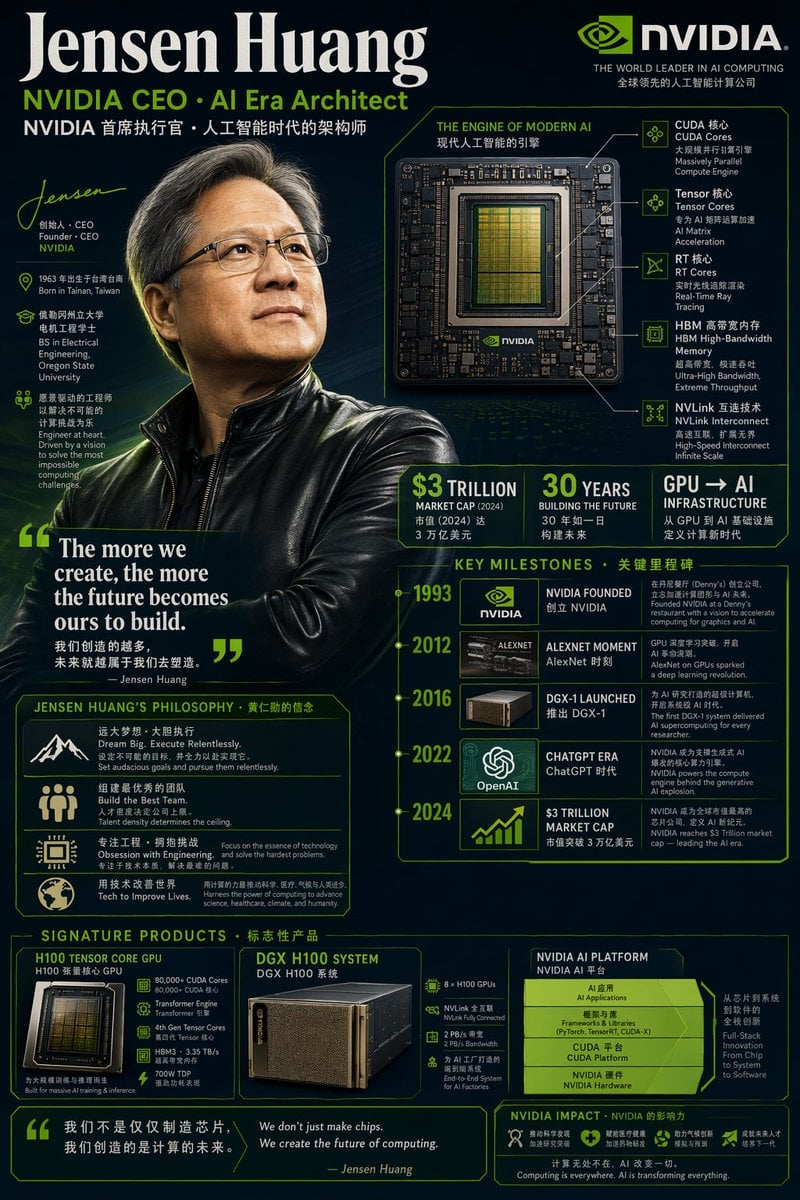
Bilingual Career Infographic Portrait
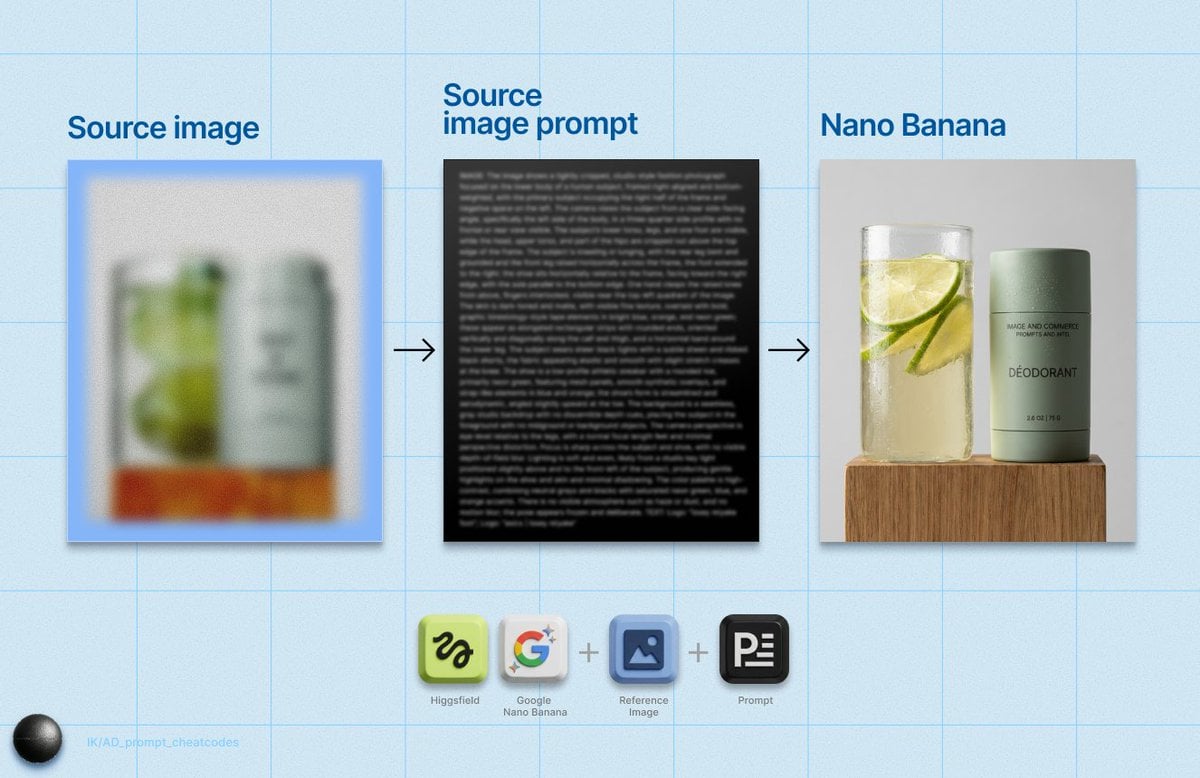
Detailed Product Still Life Photography Prompt
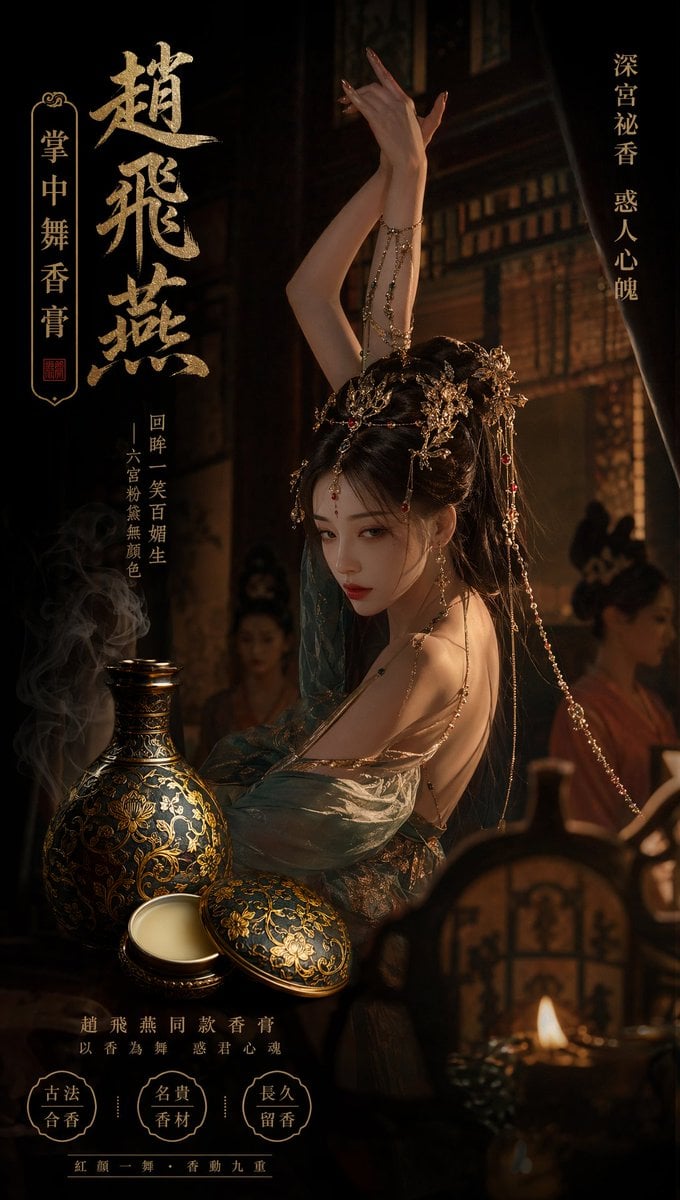
Ancient Chinese Palace Perfume Ad
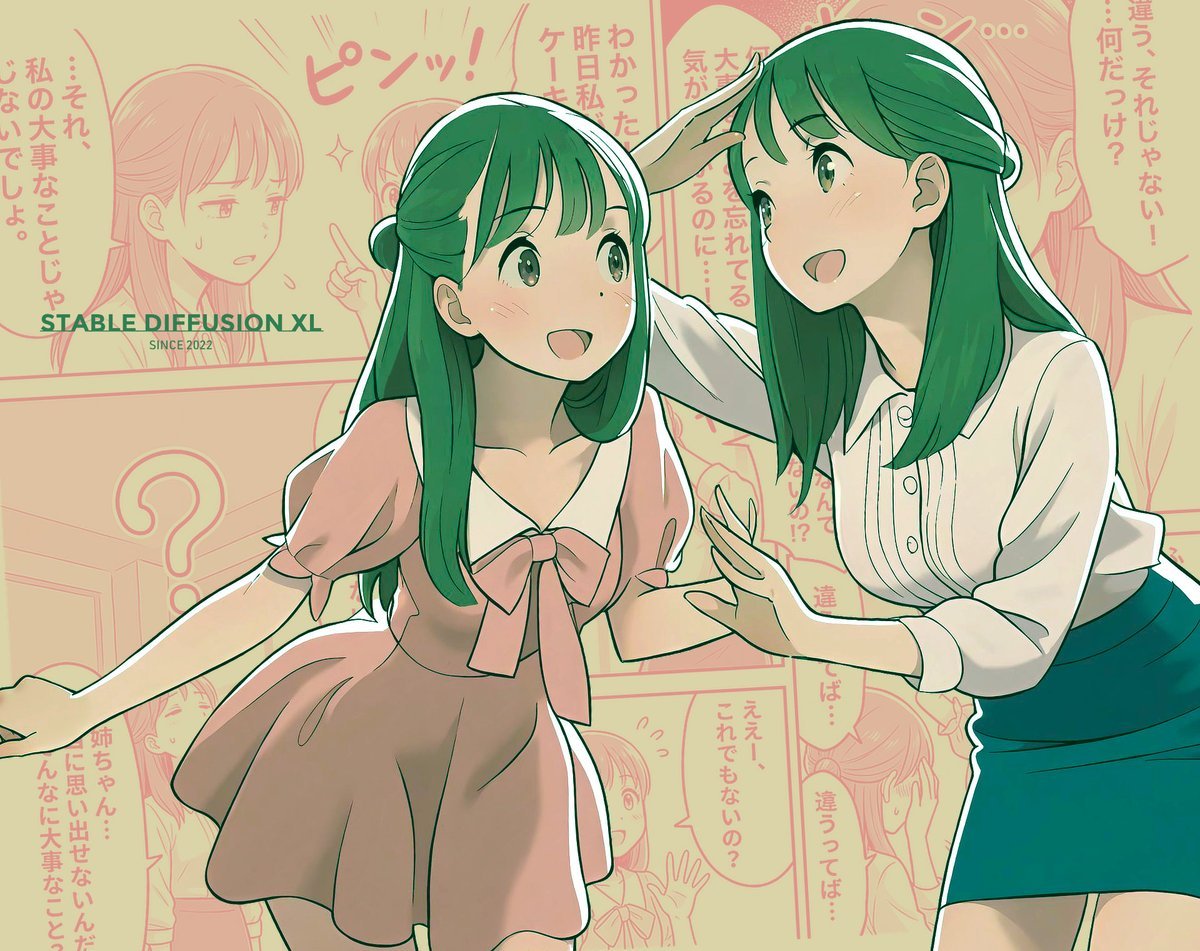
Manga page prompt for Nano Banana Pro
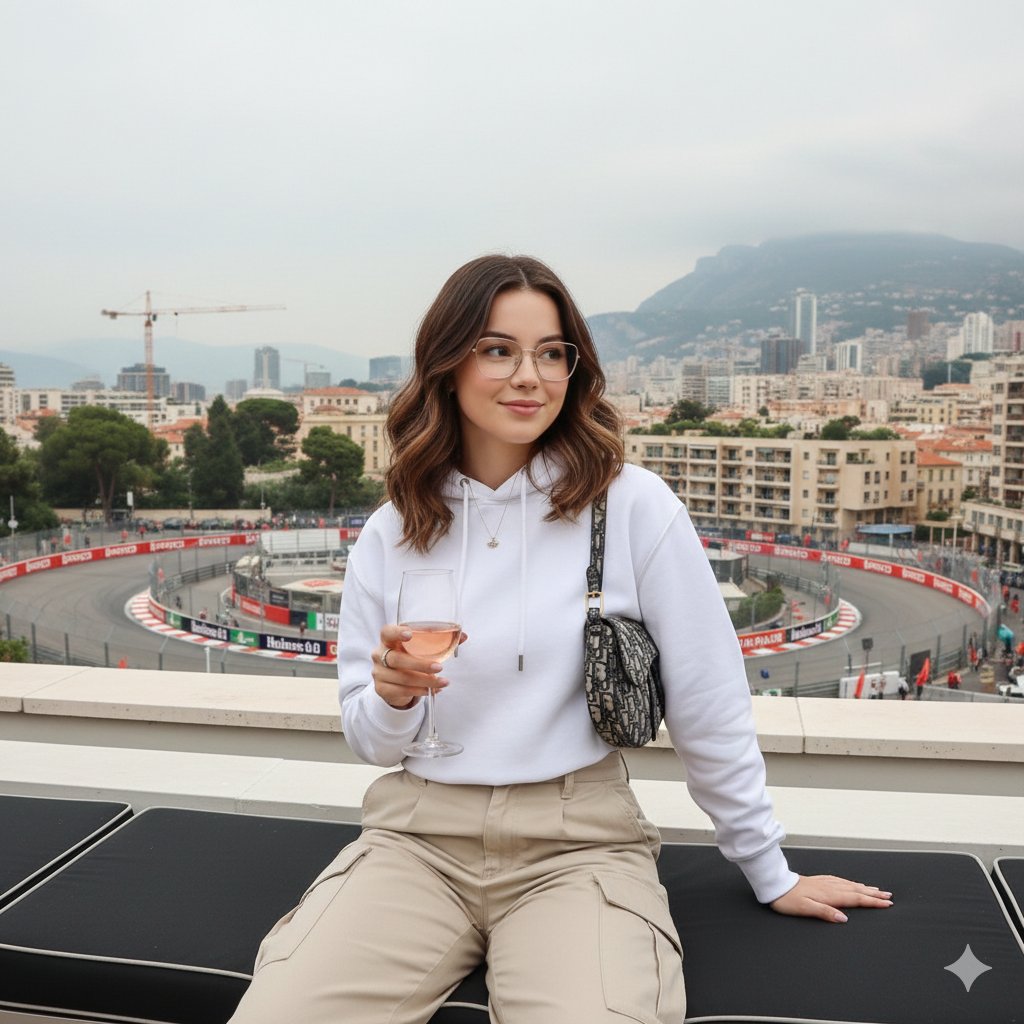
Monaco Grand Prix Rooftop Lifestyle Shot
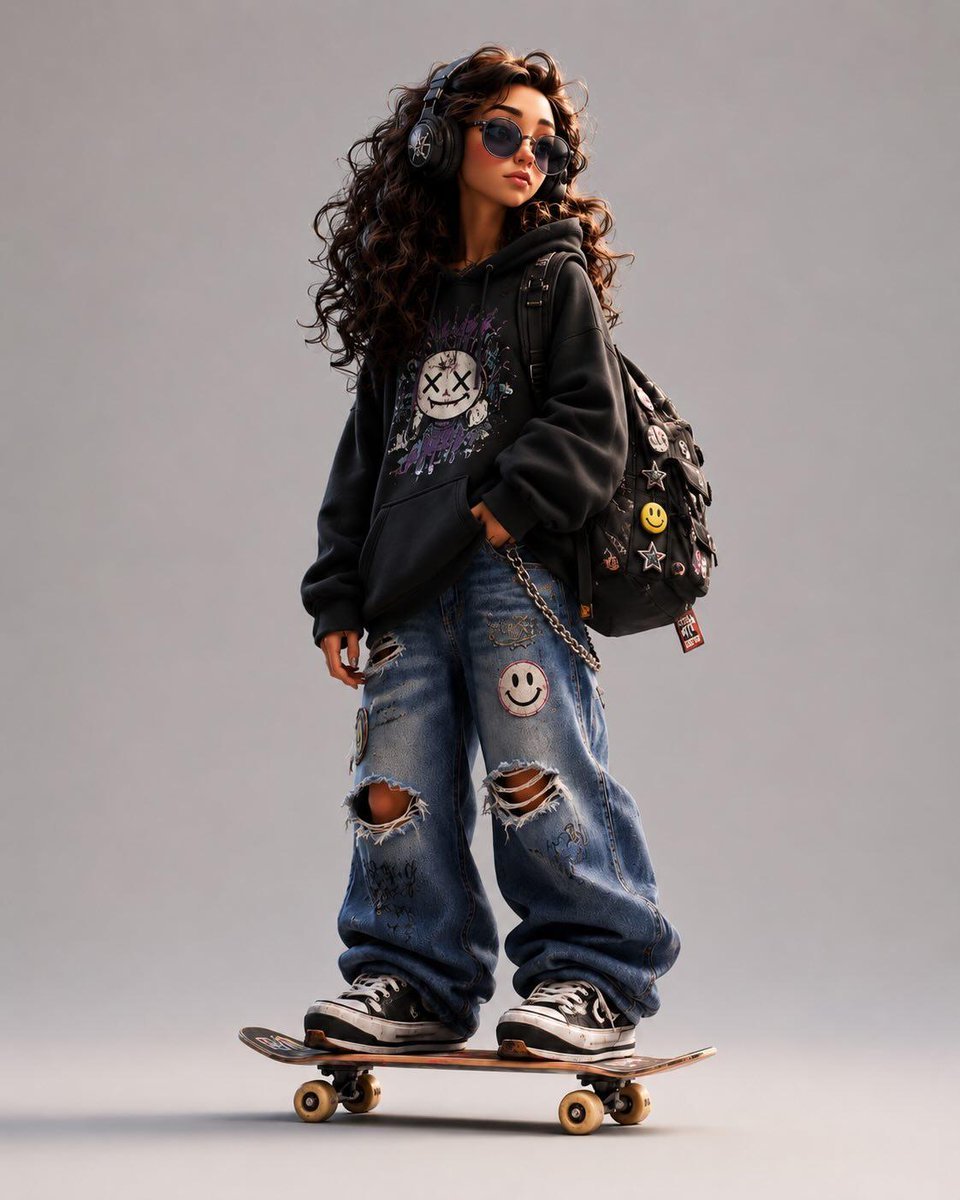
3D Stylized Cartoon Skater
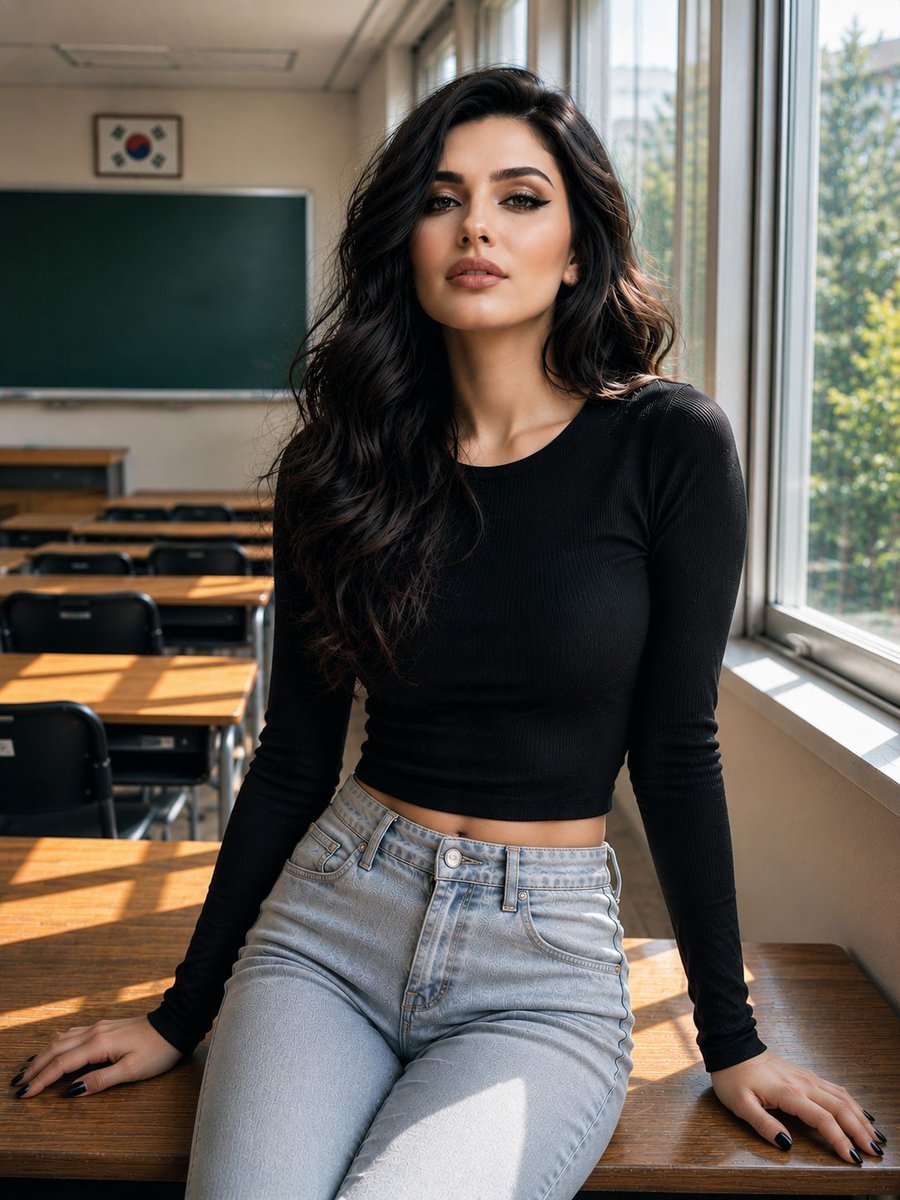
Realistic Korean Schoolgirl Portrait
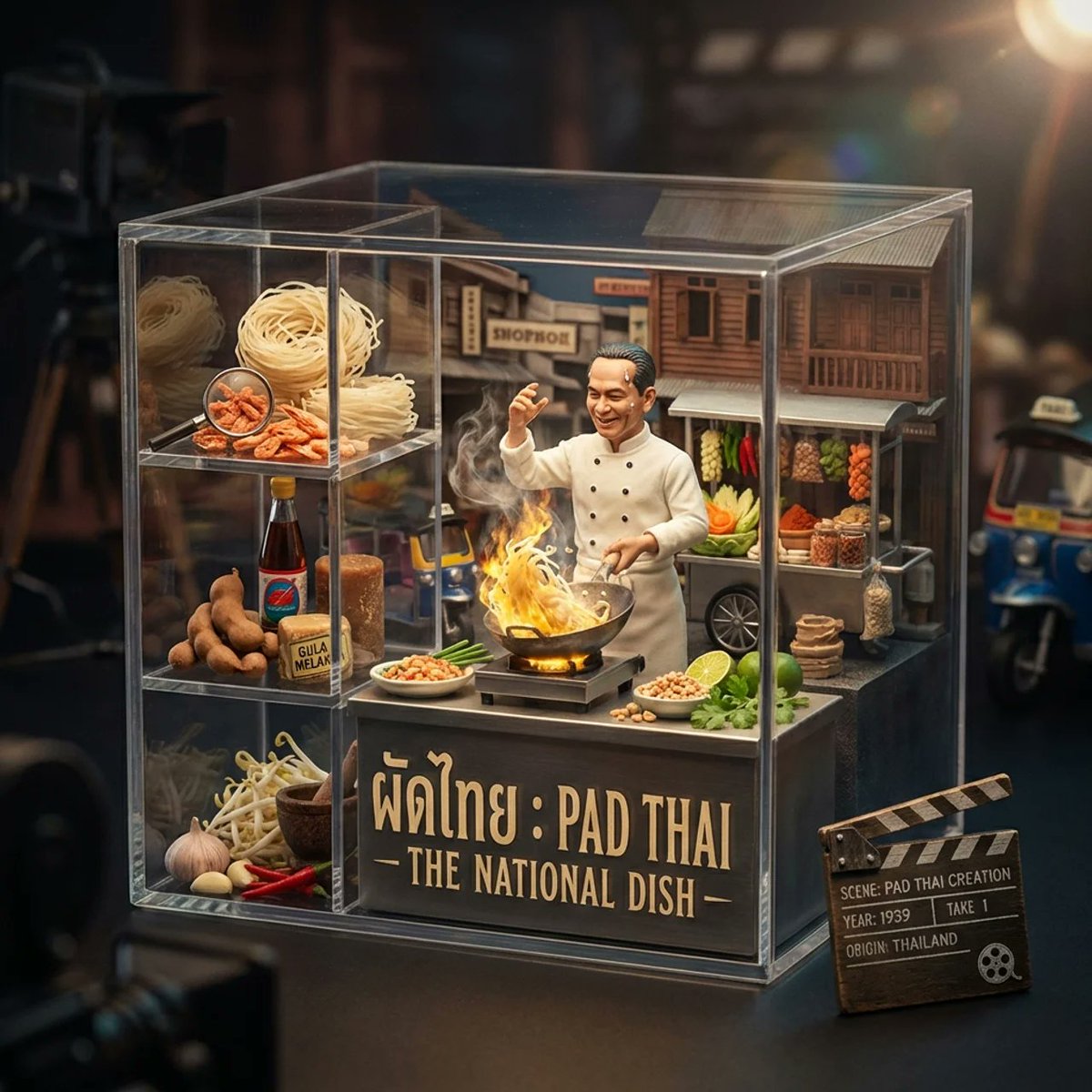
Gourmet Collectible Cinematic Dish Visualization
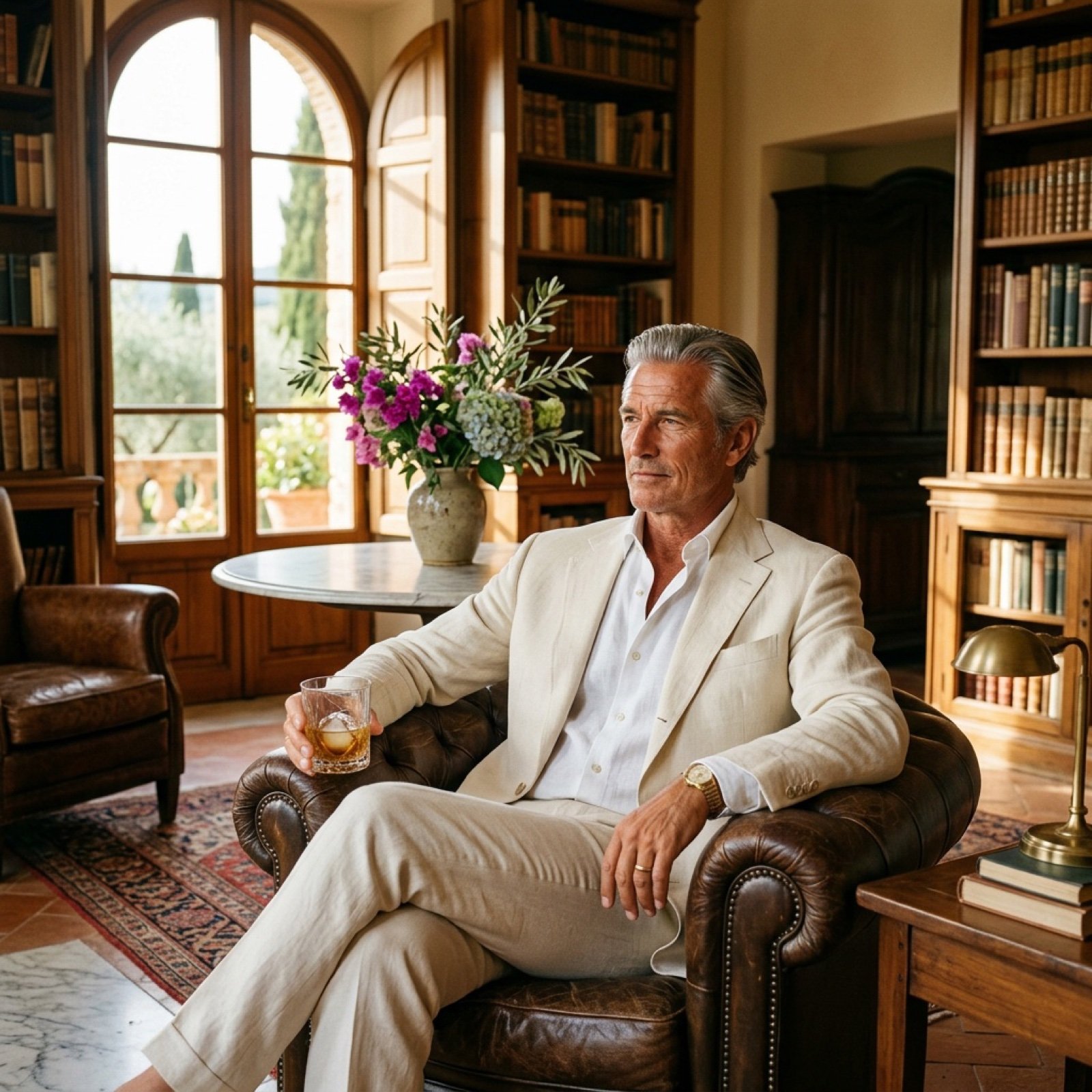
Seedance 2.0 - Old Money Man
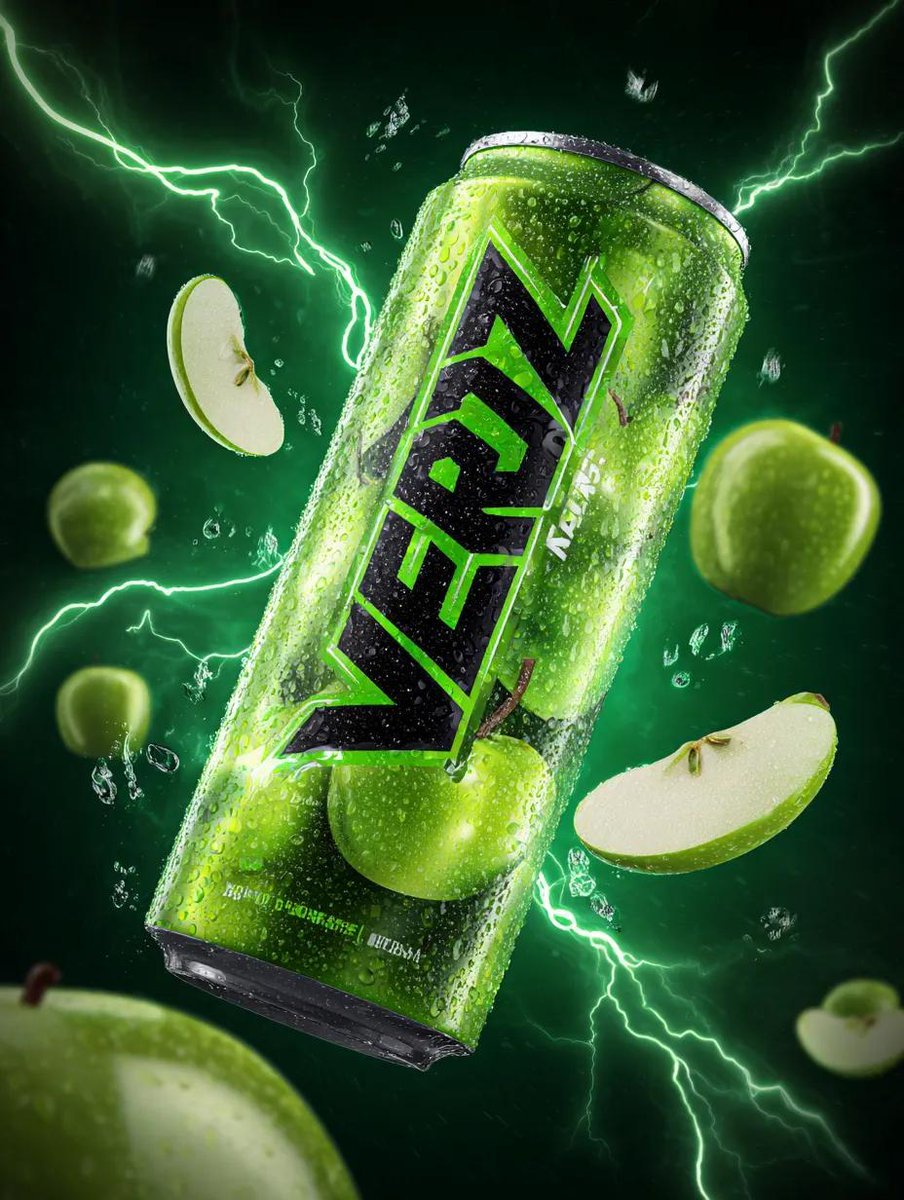
Energy Drink Can with Green Apple Splash and Neon Lightning
Browse template categories
Woman Encased in Amber Glass Cube questions
How do I use the Woman Encased in Amber Glass Cube template?
Add your photo if the template asks for one, edit the prompt if you like — the template's model and format are already selected — and press Generate. Your version opens in PicX Studio.
Can I customize the Woman Encased in Amber Glass Cube template?
Yes. You can change the subject, setting, lighting, mood, format, and available model controls before creating your image.
Is the Woman Encased in Amber Glass Cube template free?
Opening and editing this template is free. Generating uses credits, shown on the Generate button when you are signed in.
Which AI model should I use?
Start with GPT Image 2, which is the model associated with this template. You can compare another compatible model for a different finish.
Looking for something else? Browse all templates.

Your photo, any look
Thousands of ready templates for every top image and video model, from one credit balance.