
Detailed Product Still Life Photography Prompt
An extremely detailed, multi-section prompt for generating a high-fidelity product still life image featuring two cylindrical objects (a transparent glass with liquid and an opaque deodorant container) on a wooden block.
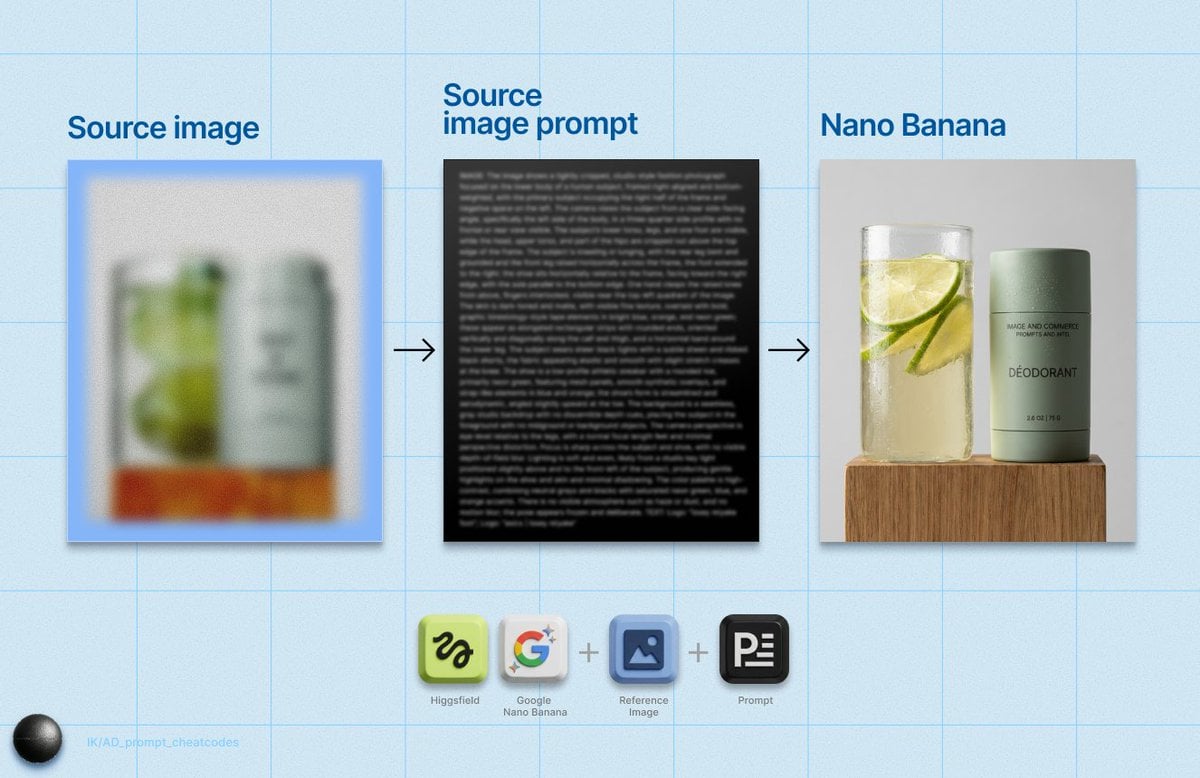
- Prompt included
- Model and format preset
- Free template
The prompt behind this image
Copy the exact prompt behind Detailed Product Still Life Photography Prompt, or open it in the studio and make it yours.
IMAGE: Frame & Composition: The camera presents a straight-on, eye-level product still life with a frontal viewing angle, where two cylindrical objects are positioned side by side and occupy the central vertical axis of the frame; the composition is tightly cropped horizontally with minimal negative space on either side, and vertically cropped just above the top edges of the glass and container and just below the supporting base; visual weight is balanced evenly between the transparent glass on the left and the opaque container on the right, with both resting squarely on a rectangular block that anchors the composition at the bottom edge. Lighting & Atmosphere: A soft, directional key light enters from the upper left, producing crisp but controlled specular highlights on the glass surface and subtle shadow gradients along the cylindrical container; shadows are soft-edged and fall slightly to the right and downward, indicating a large diffused light source; micro-specular highlights on water droplets suggest a clean, dry studio environment with no haze, bloom, or atmospheric diffusion, resulting in high micro-contrast and clarity. Subject Geometry & Materiality: The left object is a vertically oriented transparent cylinder filled with liquid and suspended citrus slices, aligned perpendicular to the base; condensation droplets of varying diameter adhere to the outer surface, creating localized magnification and distortion of the contents; the right object is a matte-finish cylindrical deodorant container with a flat top, aligned parallel to the glass; its surface shows fine water droplets with lower reflectivity than the glass due to the satin material; printed typography appears flush with the container surface, with no embossing visible; the base is a rectangular wooden block with vertical grain lines, sharp edges, and a semi-matte finish, oriented square to the camera. Environmental Layering: The foreground consists of the wooden block edge, closest to the lens with crisp edge definition; the midground contains the glass and deodorant container in full focus; the background is a uniform light gray plane with no visible texture or objects, fully out of focus but evenly lit, providing clear separation from the subjects without depth cues. Technical Artifacts & Color: The color palette is restrained and natural, dominated by muted sage green, pale gray, translucent yellow-green, and warm amber-brown wood tones; saturation is moderate with emphasis on freshness cues from the green citrus; contrast is medium-high, especially between the transparent glass highlights and matte container surface; fine digital grain is minimal and uniform; no chromatic aberration, lens distortion, or motion blur is visible, indicating a controlled studio setup with a standard focal length lens. TEXT: Title: “{argument name="product title" default="XXX"}”; Subtitle: “{argument name="subtitle" default="BERGAMOT & HINOKI"}”; Body: “DÉODORANT”; CTA: None; Logo: None; Disclaimer: None; Other: “2.6 OZ | 75 G”.
How to use Detailed Product Still Life Photography Prompt in 3 steps
- 1
Open
The prompt is already in the box next to the preview, with the template's model and format selected.
- 2…a portrait of your subject in softgolden-hour light, 85mm…
Personalize
Edit the subject and creative details for your destination.
- 3Generate
Generate
Press Generate — your image is created in PicX Studio, so you can compare it with the original and refine one variable at a time.
More like this
Templates with the same subject, style or setup. Open one to see its prompt.
Product Elemental Lifestyle - Midjourney v7/v8

Mountain Valley Lifestyle Portrait

LIGHTING each element still lit by its original source, windows casting
Lifestyle photography, cinematic color grading, shallow depth of field
Ultra-photoreal cinematic travel lifestyle photo

Minimalist Skincare Product Water Stone Still

Headphones Lifestyle Nine Panel Grid
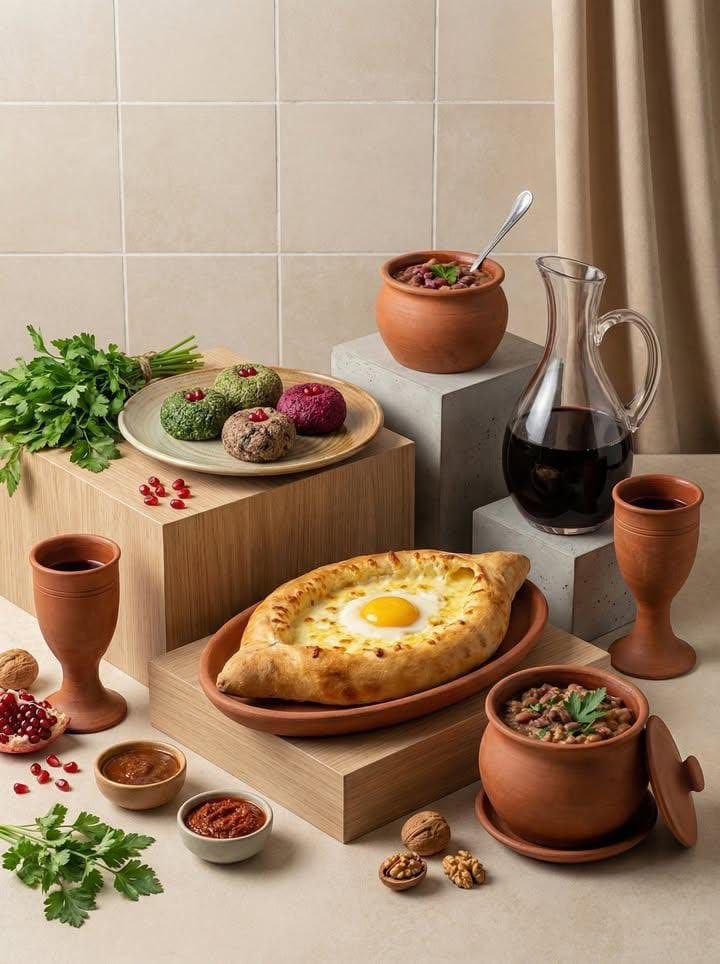
Minimalist Editorial Food Still-Life Photography
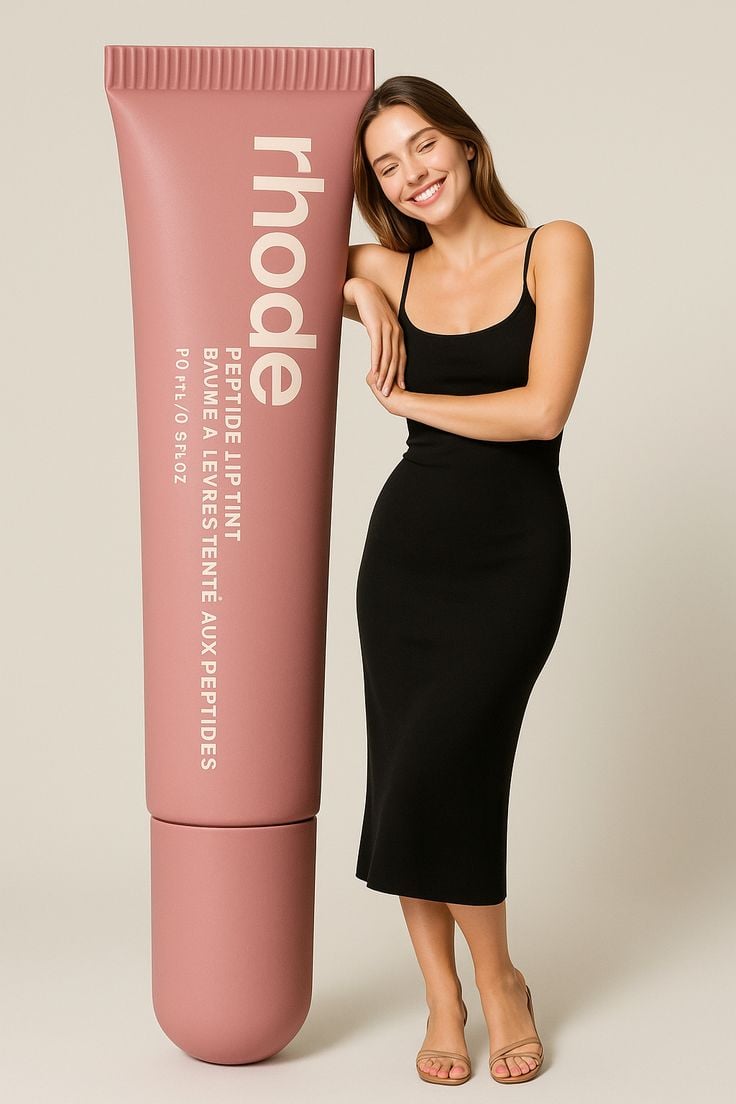
Giant Product Lifestyle Mockup

Mushroom Still Life Composition

Flower Petal Sunglasses Couture Portrait

青蛇小青写真大片,绿色紧身蛇鳞裙,湿发红唇,妖娆妩媚
Make it yours
Detailed Product Still Life Photography Prompt works as-is. These are the safest ways to change it without losing the look.
Change one field
Copy a single group, rewrite it, and generate again so you can see what that field is doing.
Keep the frame, change the subject
Hold the composition and light of Detailed Product Still Life Photography Prompt, then swap wardrobe, props or the person for a new take.
| If the result… | Why | Fix |
|---|---|---|
| The result drifts from the preview | Too many fields changed at once. | Reuse Detailed Product Still Life Photography Prompt as-is first, then change one group — subject, light, or setting. |
| The model over-stylizes the scene | The prose prompt leaves finish and camera underspecified. | Add one camera or lighting sentence and stay on Nano Banana 2. |
More Nano Banana 2 templates
Other prompts made for Nano Banana 2.

Photorealistic Leaf Shaped Like a Dragon

K-Pop Idol Portrait Grid for Rapid Selection

Poetic Rain Forest Portrait During Golden Hour

Urban Street Portrait with Cartoon Inner Self Duo

Candid Nighttime Photo with Cat Prompt

High-Concept 3D Diorama Generation Prompt

Cinematic Futuristic Studio Portrait Template

Skincare Editorial Photography Collage Prompt

Hyper-Realistic Commercial Product Photography (Splash Effect)

Hyper-Realistic Nightclub Portrait Prompt
More image prompts
Fresh picks from across the catalog.
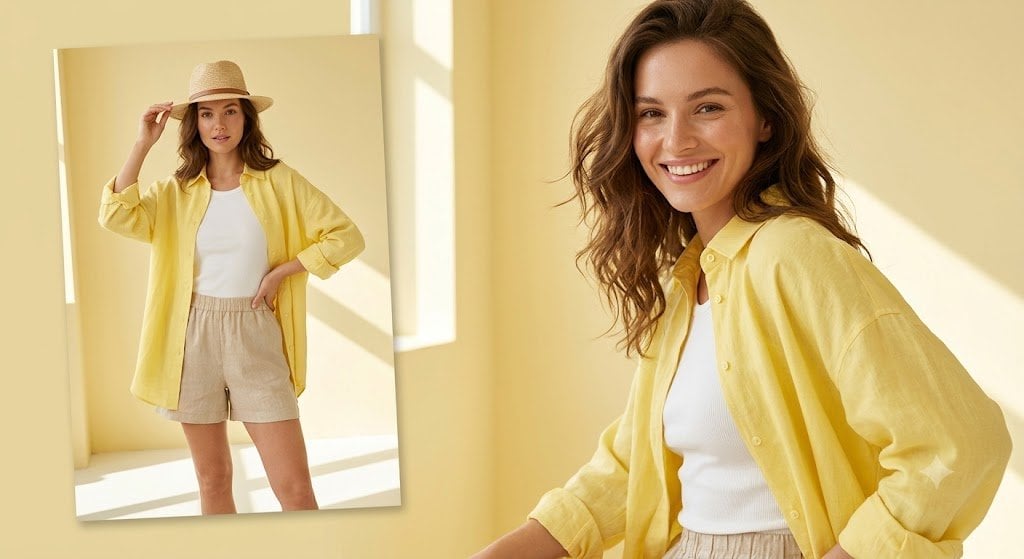
Sunlit Summer Fashion Lookbook
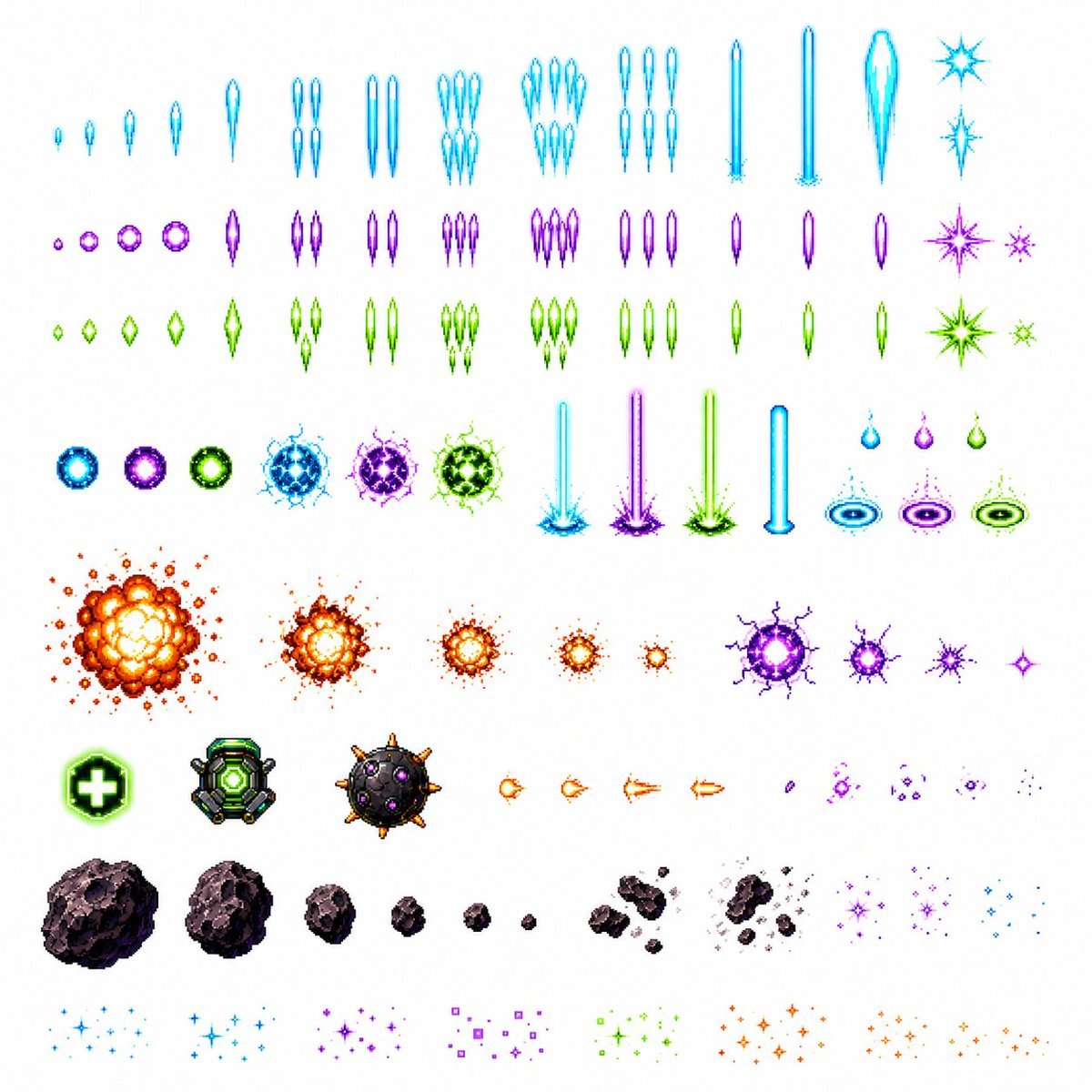
Retro Space Shooter VFX Sprite Sheet
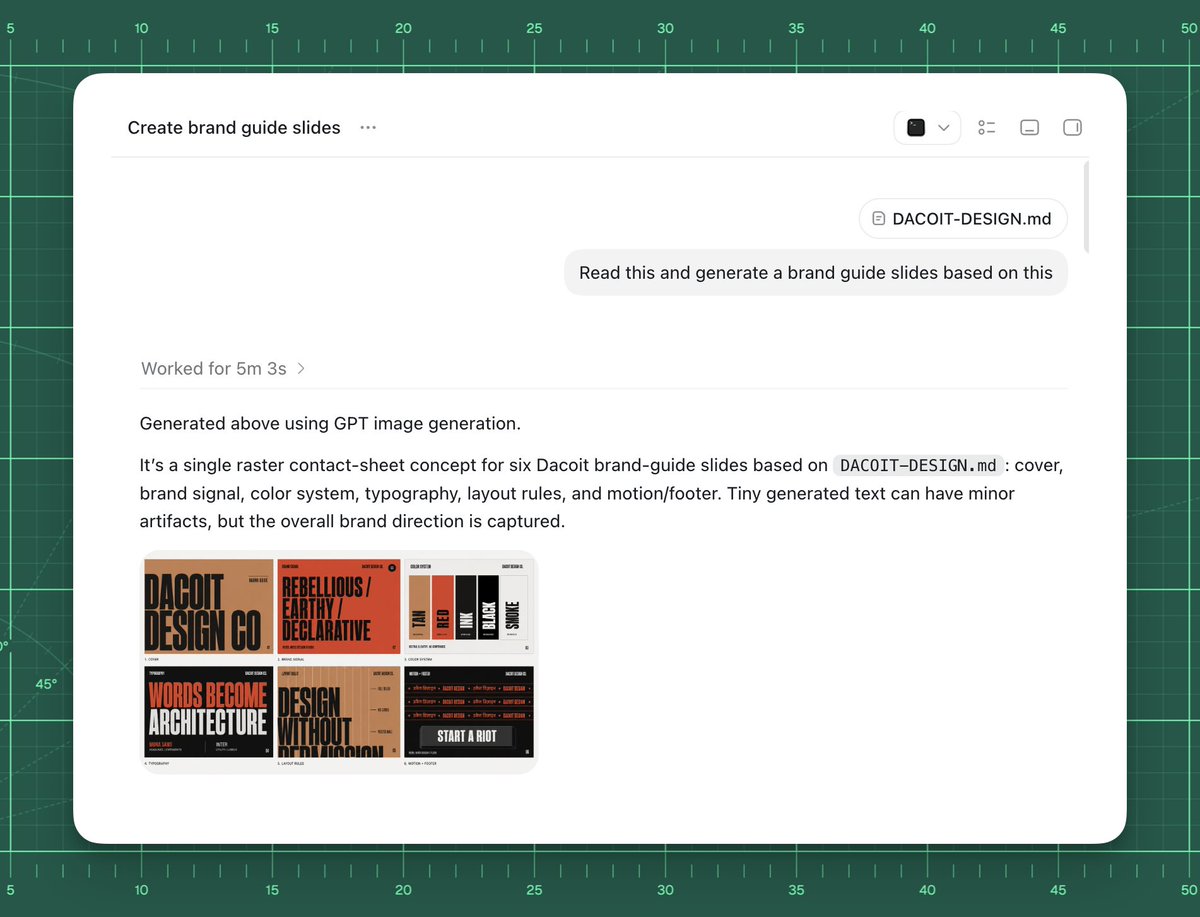
AI Brand Guide Generation UI
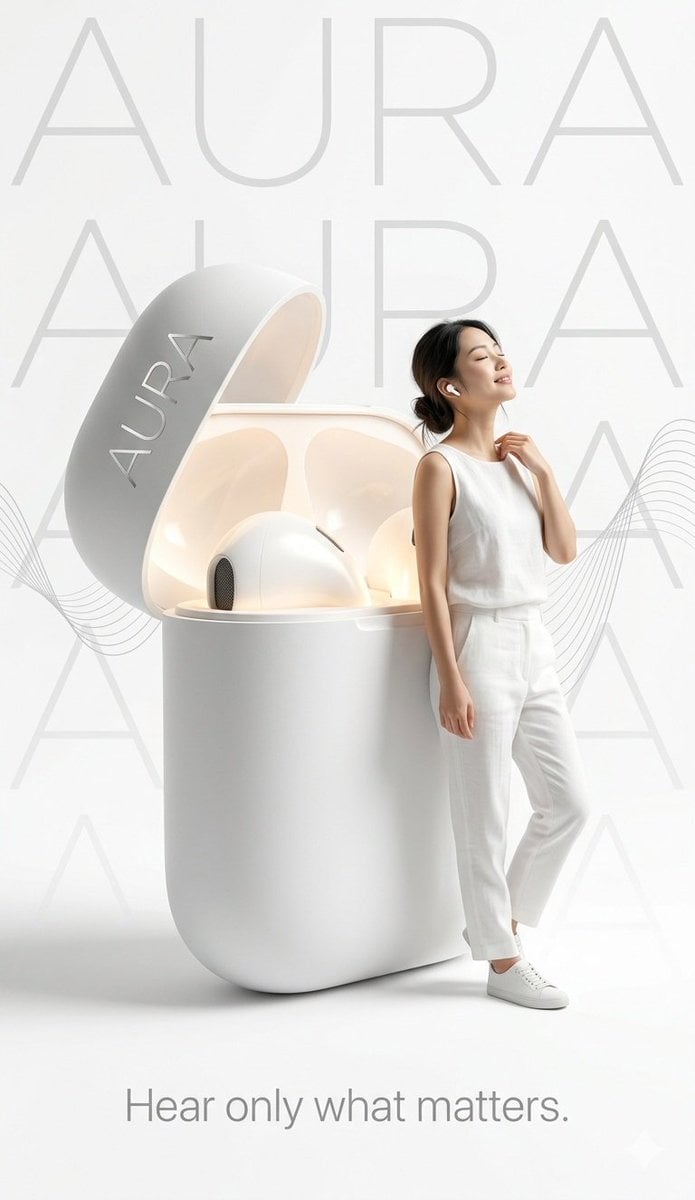
Minimalist Tech Advertisement Poster
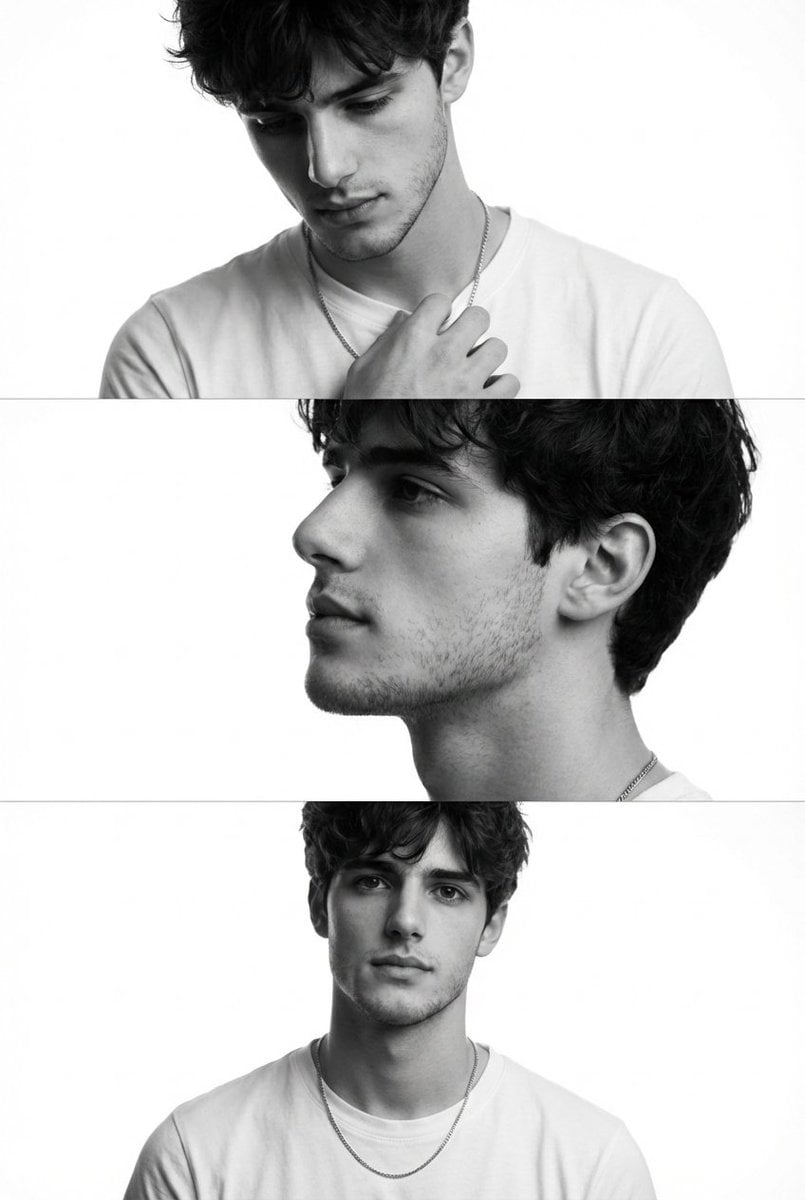
Black and White Fashion Editorial Triptych
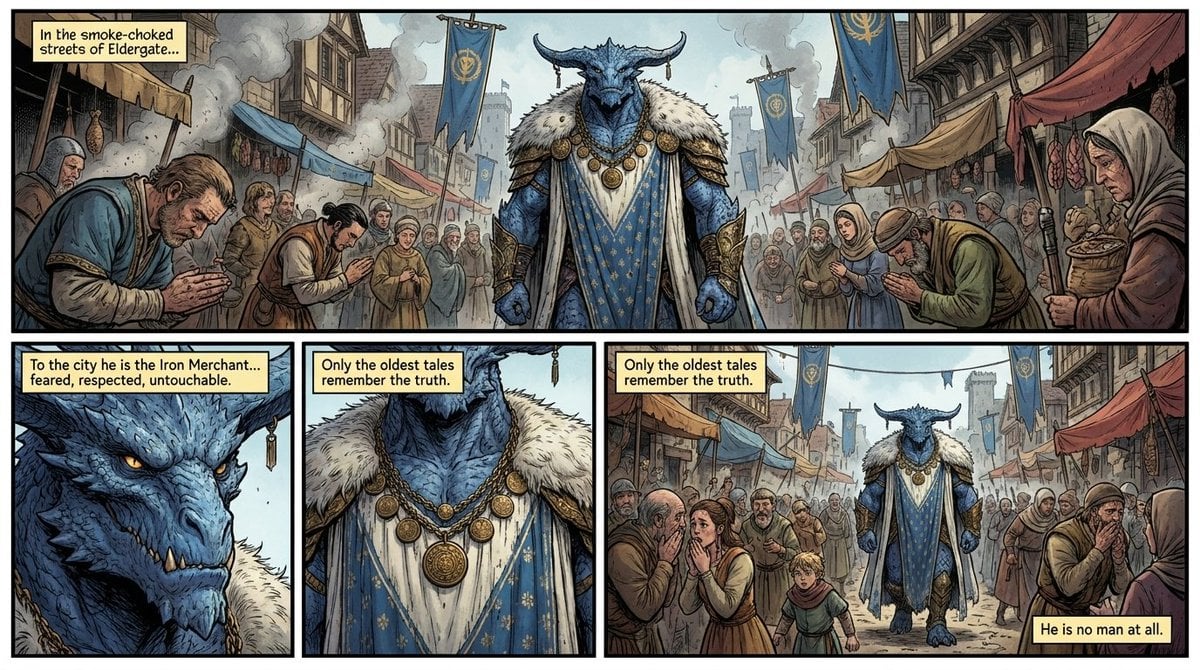
Fantasy Comic Page of Korvax in Eldergate
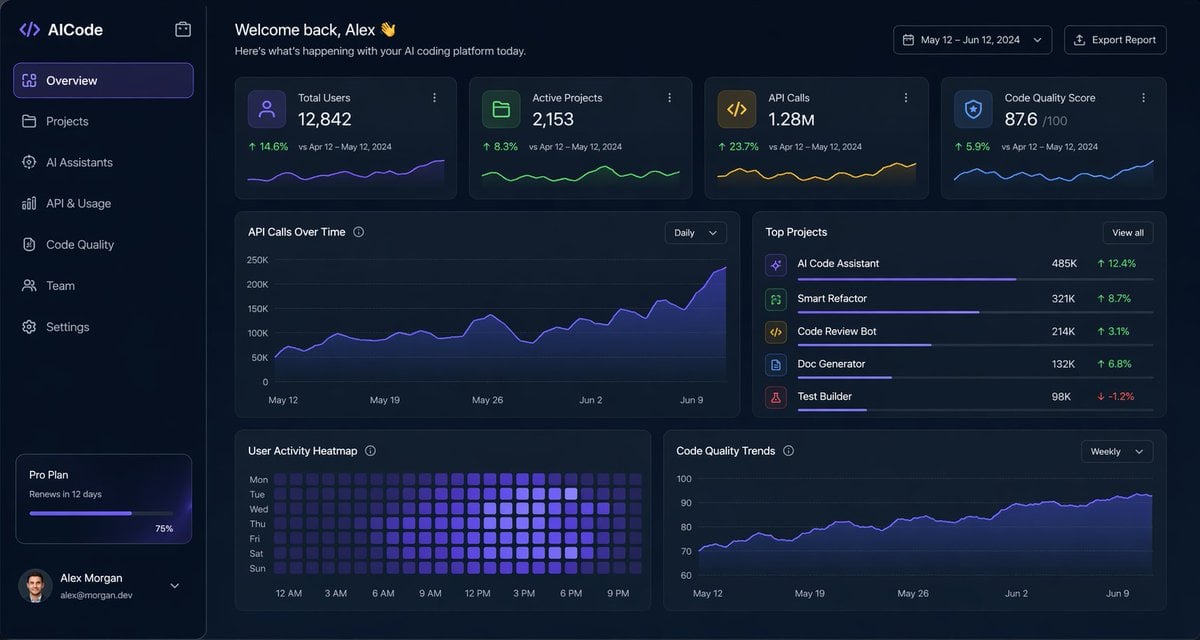
Dark AI Coding Dashboard UI
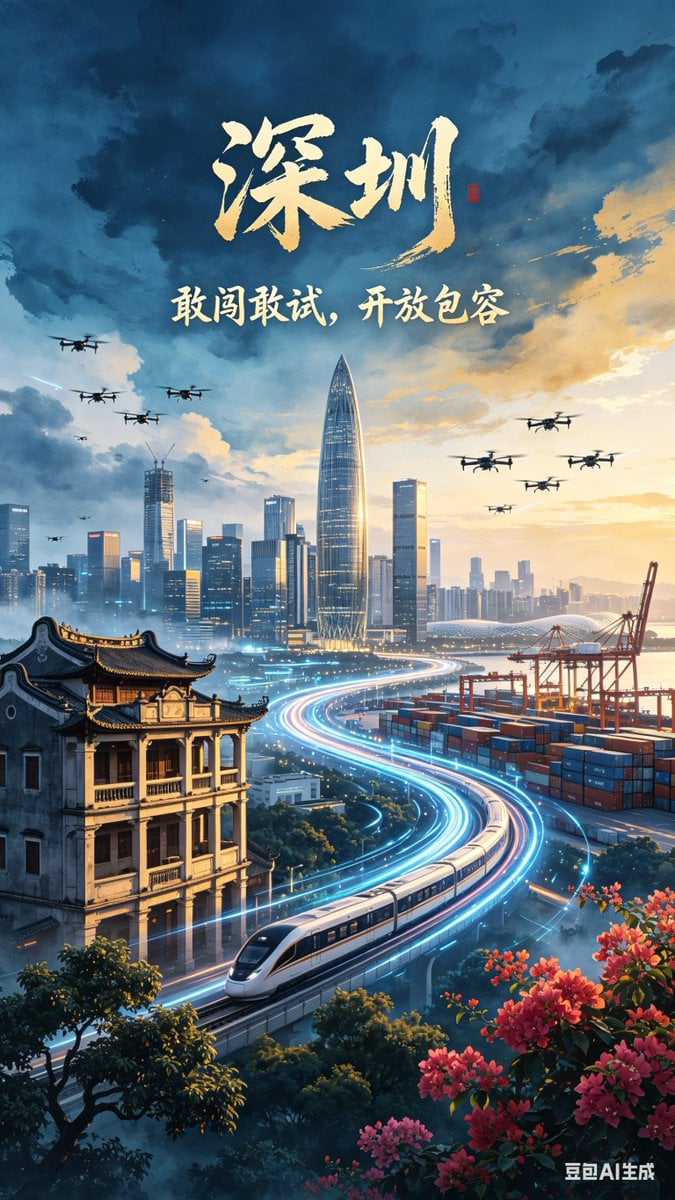
Futuristic Shenzhen City Poster
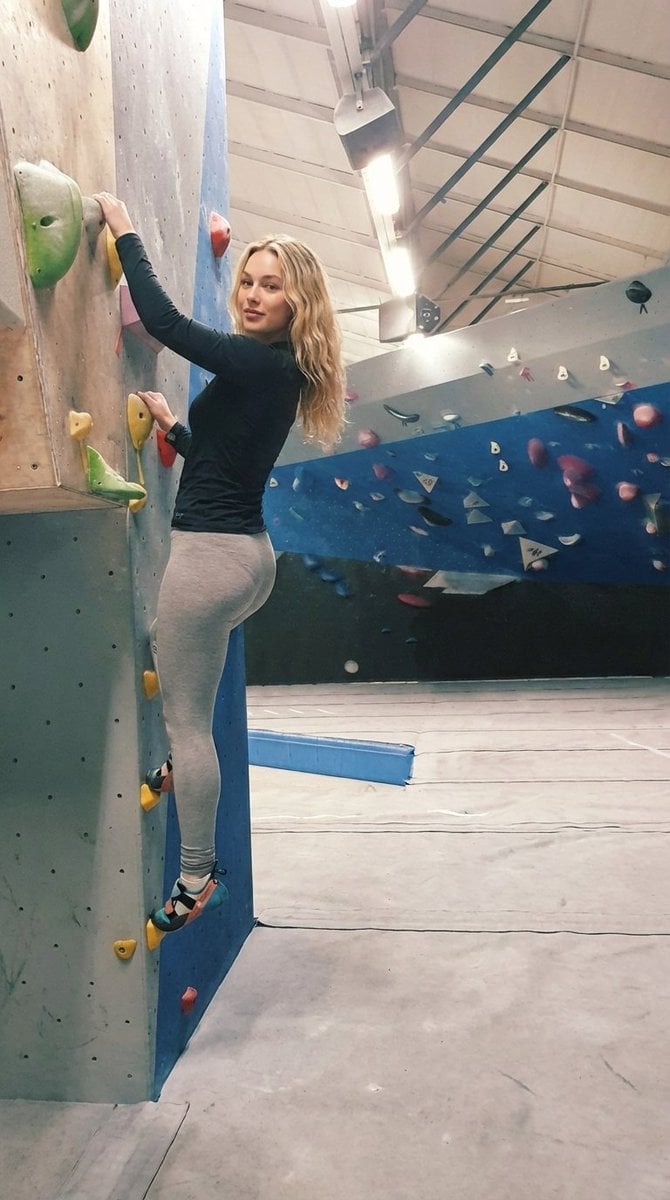
Detailed Image Prompt for Sports Lifestyle Photography of Indoor Bouldering
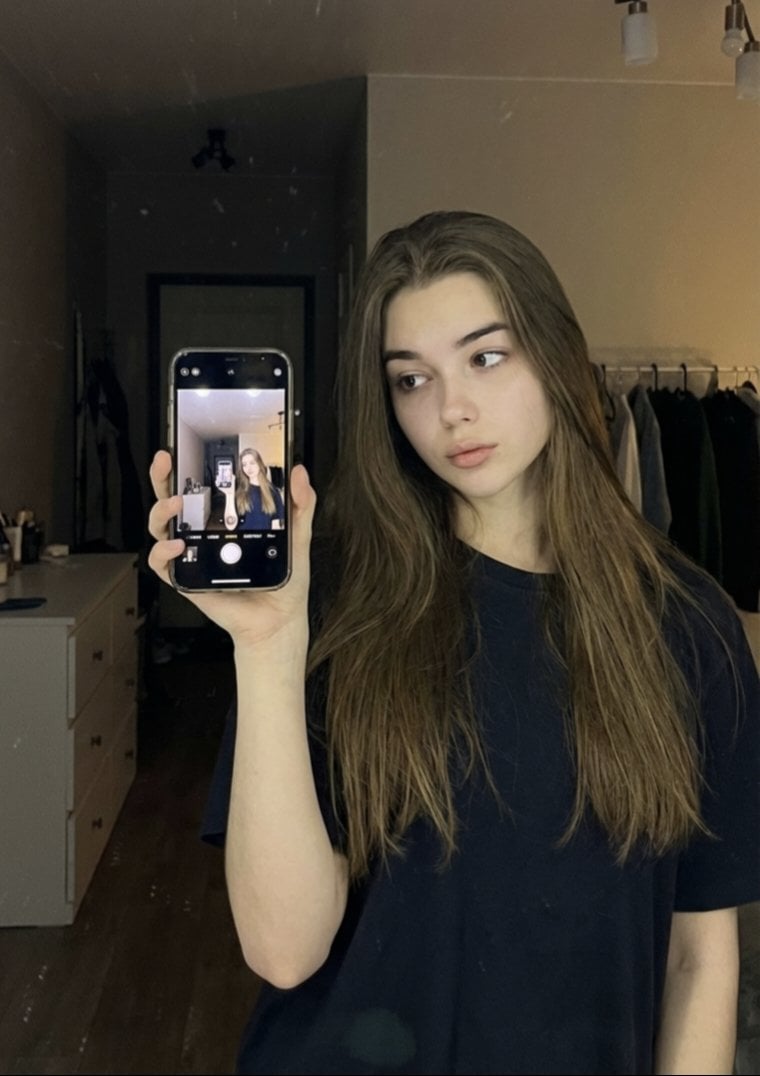
Detailed JSON Prompt for Mirror Selfie Portrait
Browse template categories
Detailed Product Still Life Photography Prompt questions
How do I use the Detailed Product Still Life Photography Prompt template?
Add your photo if the template asks for one, edit the prompt if you like — the template's model and format are already selected — and press Generate. Your version opens in PicX Studio.
Can I customize the Detailed Product Still Life Photography Prompt template?
Yes. You can change the subject, setting, lighting, mood, format, and available model controls before creating your image.
Is the Detailed Product Still Life Photography Prompt template free?
Opening and editing this template is free. Generating uses credits, shown on the Generate button when you are signed in.
Which AI model should I use?
Start with Nano Banana 2, which is the model associated with this template. You can compare another compatible model for a different finish.
Looking for something else? Browse all templates.

Your photo, any look
Thousands of ready templates for every top image and video model, from one credit balance.