
Minimalist Skincare Product Water Stone Still
Curated from MeiGen gallery ID 2018556431100993733: Minimalist Skincare Product Water Stone Still.

- Prompt included
- Model and format preset
- Free template
The prompt behind this image
Copy the exact prompt behind Minimalist Skincare Product Water Stone Still, or open it in the studio and make it yours.
A premium minimalist skincare product photography scene featuring an open white cosmetic jar labeled Sealine Serum on a smooth pale stone partially submerged in crystal-clear shallow water. Cream inside has a soft glossy swirl with pristine silky texture. Gentle water ripples surround the stone, creating natural light refractions and caustic patterns on the surface below. Small water droplets and subtle splashes add freshness and motion. Serene, clean, natural environment evoking purity, hydration, and calm luxury. Predominantly soft whites, light blues, and stone neutrals. Bright diffused daylight with soft highlights and minimal shadows, shallow depth of field, softly blurred background. Ultra-realistic photoreal editorial-quality product shot with high-end cosmetic advertising look.
How to use Minimalist Skincare Product Water Stone Still in 3 steps
- 1
Open
The prompt is already in the box next to the preview, with the template's model and format selected.
- 2…a portrait of your subject in softgolden-hour light, 85mm…
Personalize
Edit the subject and creative details for your destination.
- 3Generate
Generate
Press Generate — your image is created in PicX Studio, so you can compare it with the original and refine one variable at a time.
More like this
Templates with the same subject, style or setup. Open one to see its prompt.
Minimalist Skincare Product Water Stone Still
Old Money Desk Still Life
Minimalist Surreal Product Advertisement Still Life Prompt
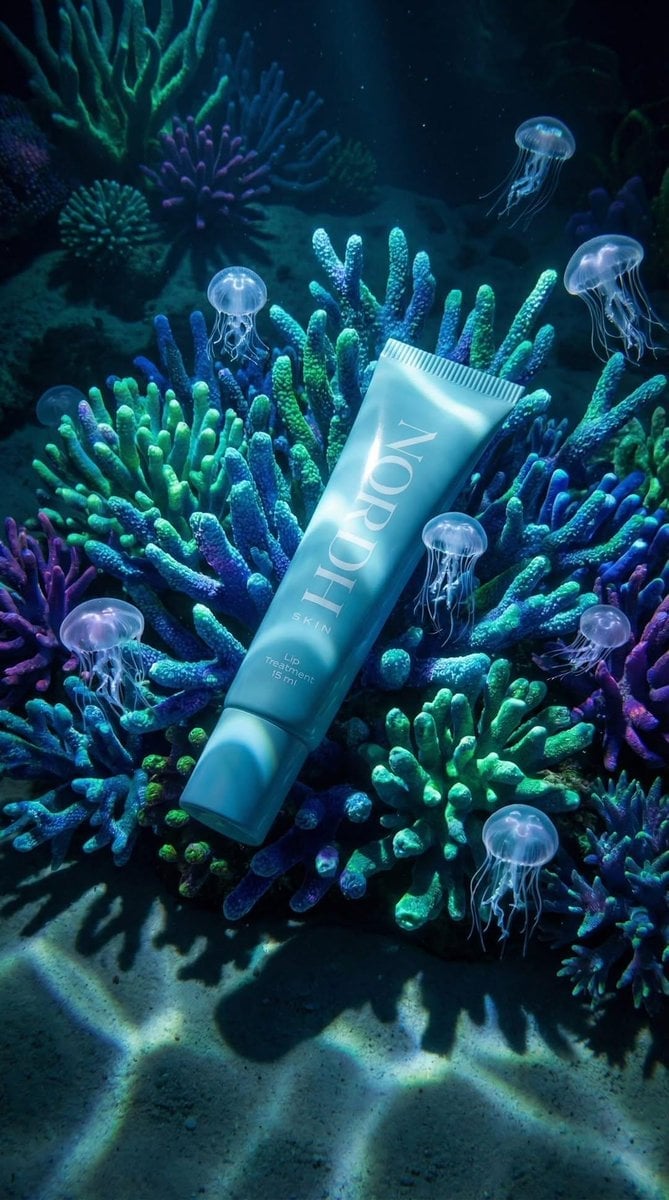
Underwater Luxury Skincare Product Ad
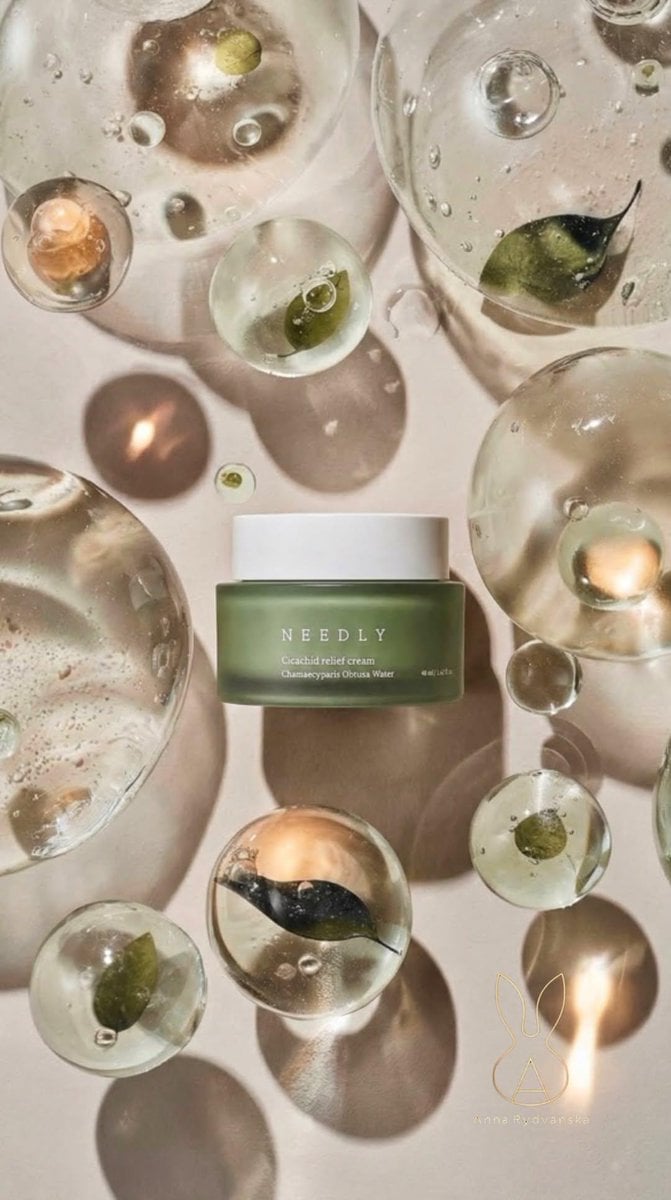
Luxury Skincare Still Life Prompt for Nano Banana Pro
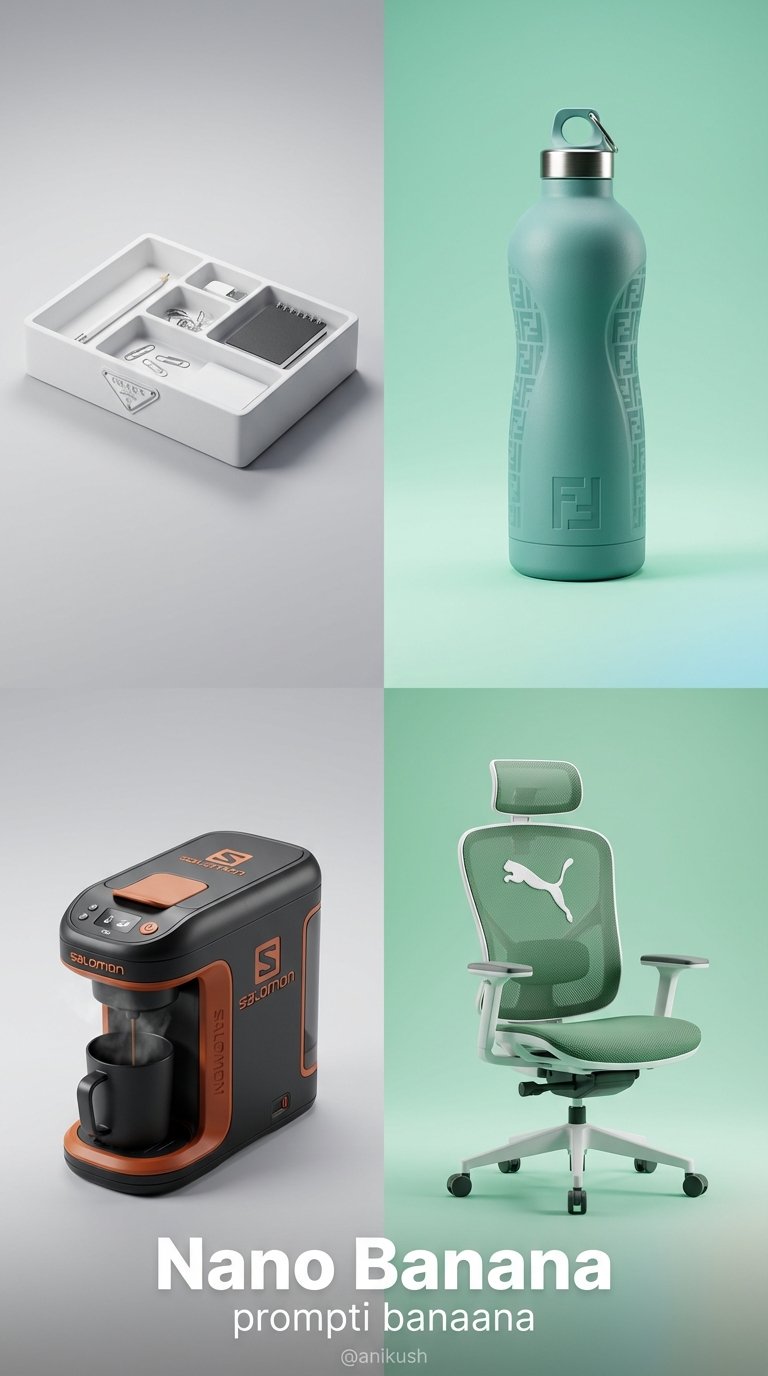
Minimalist Luxury Brand Concept
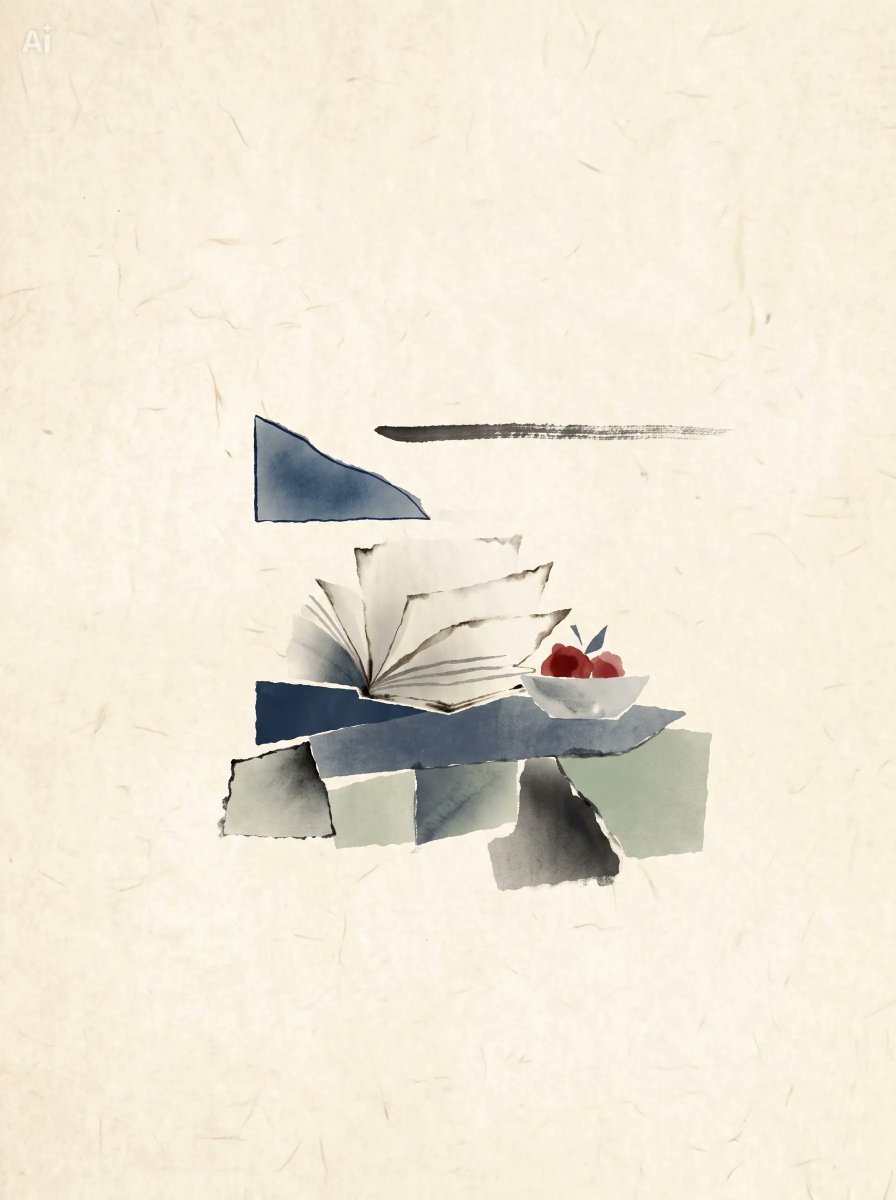
Japanese Watercolor Collage Still Life
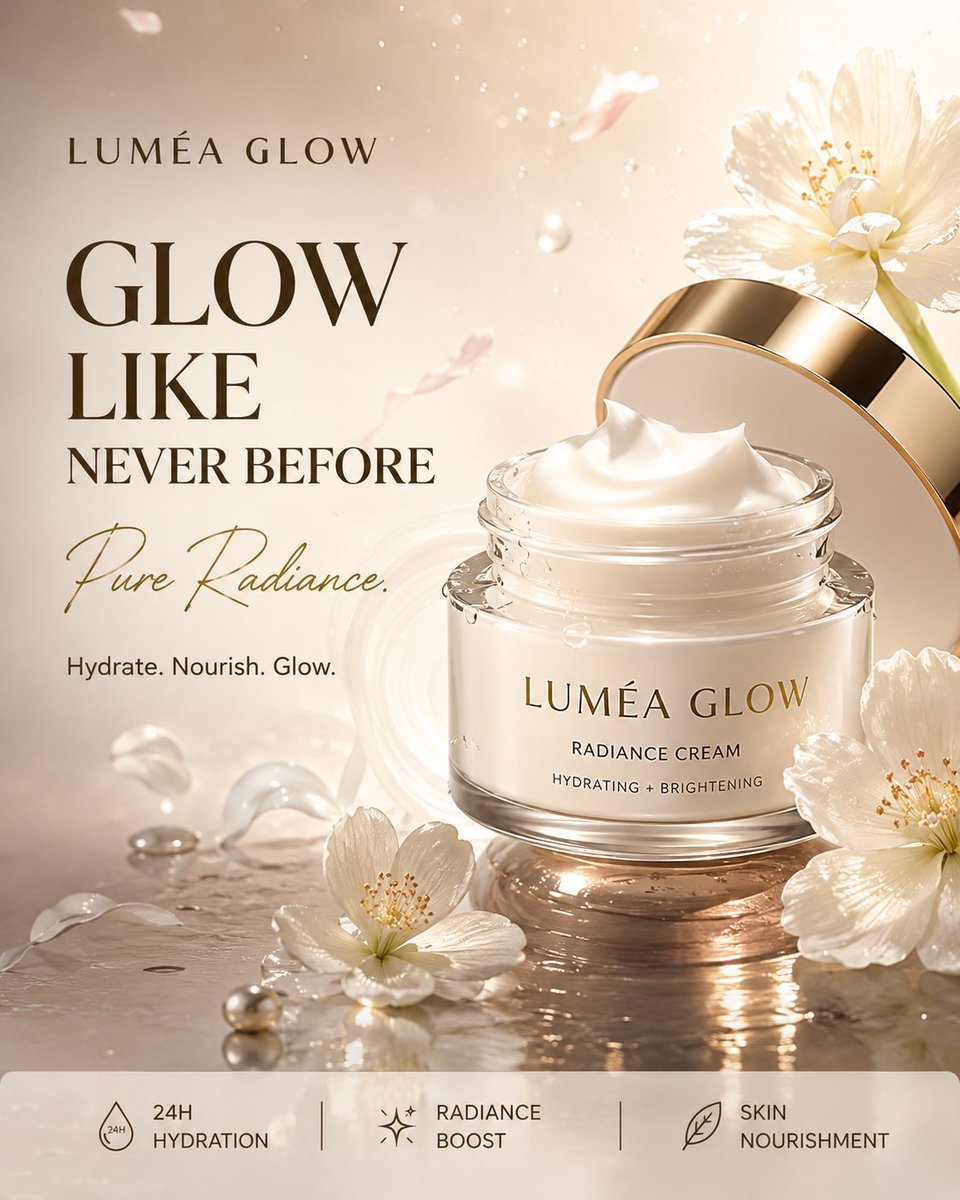
Luxury Skincare Product Advertisement
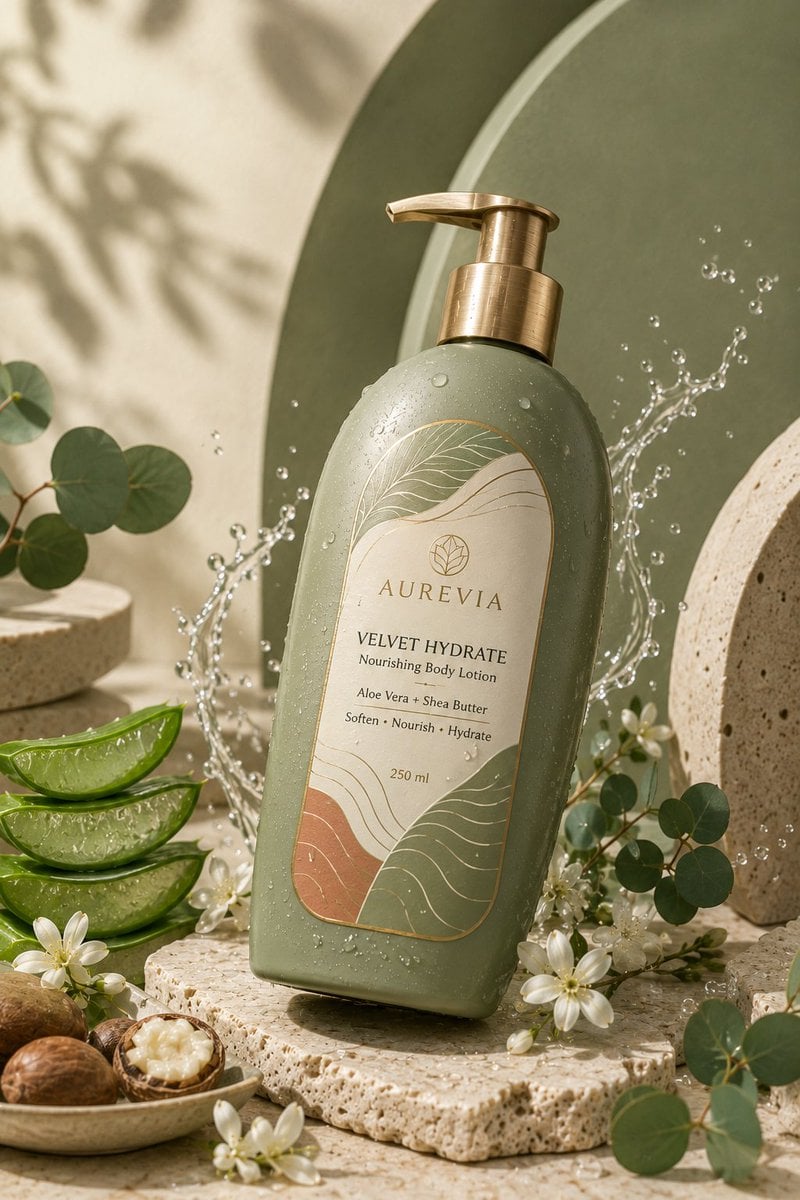
Luxury Skincare Product Ad
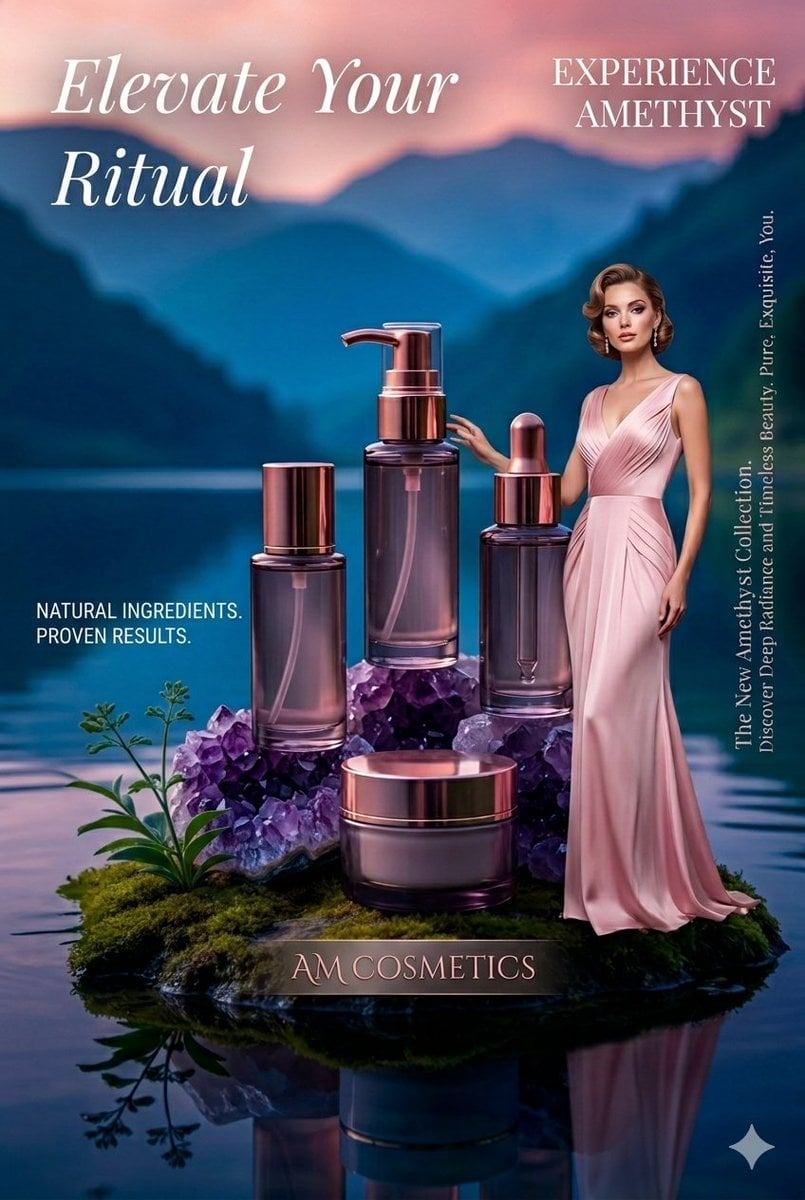
Luxury Skincare Product Photography
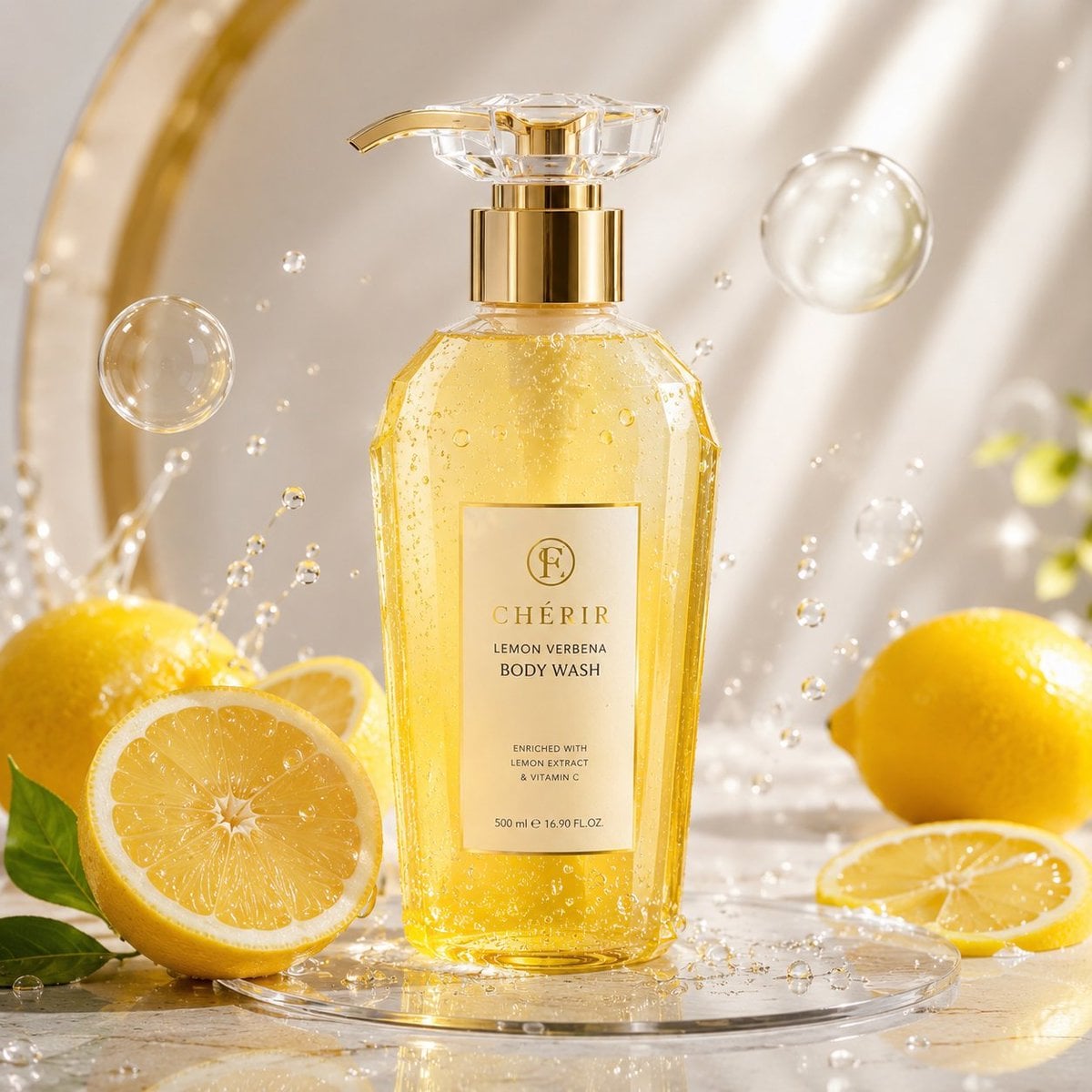
Luxury Lemon Skincare Product Photography

Stone Bridge Ivy River
Make it yours
Minimalist Skincare Product Water Stone Still works as-is. These are the safest ways to change it without losing the look.
Change one field
Copy a single group, rewrite it, and generate again so you can see what that field is doing.
Keep the frame, change the subject
Hold the composition and light of Minimalist Skincare Product Water Stone Still, then swap wardrobe, props or the person for a new take.
| If the result… | Why | Fix |
|---|---|---|
| The result drifts from the preview | Too many fields changed at once. | Reuse Minimalist Skincare Product Water Stone Still as-is first, then change one group — subject, light, or setting. |
| The model over-stylizes the scene | The prose prompt leaves finish and camera underspecified. | Add one camera or lighting sentence and stay on PicX Studio. |
More image prompts
Fresh picks from across the catalog.
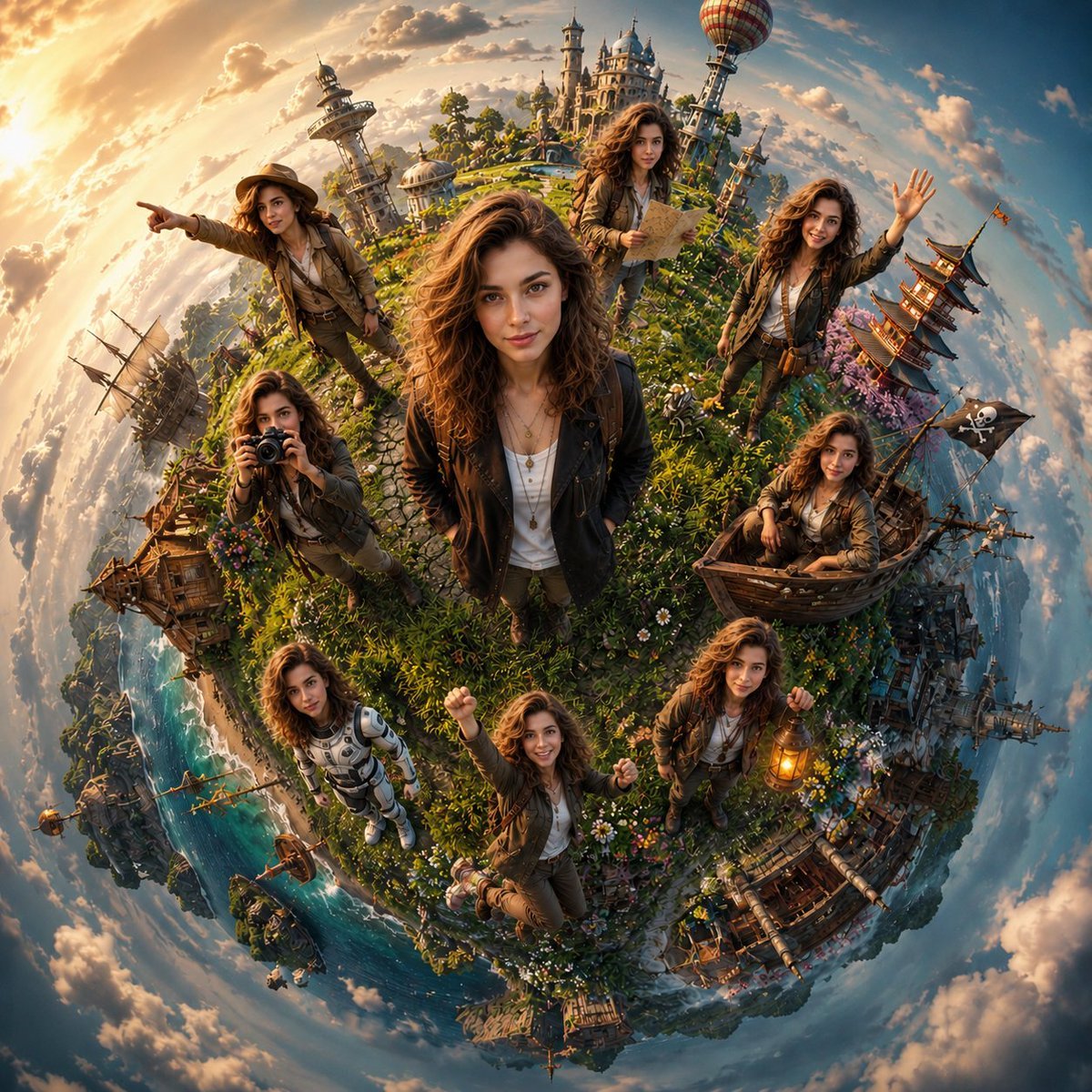
Cinematic Tiny Planet Fantasy World
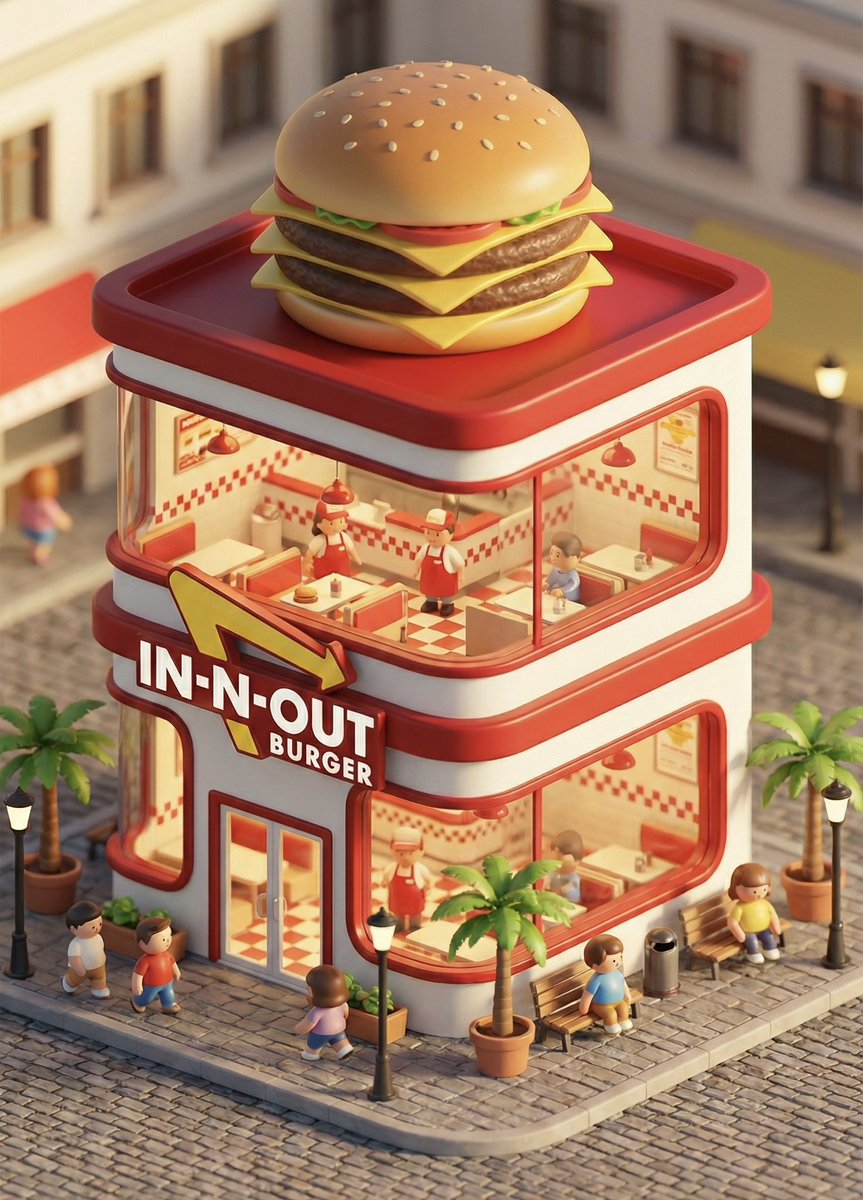
3D chibi concept store brand prompt
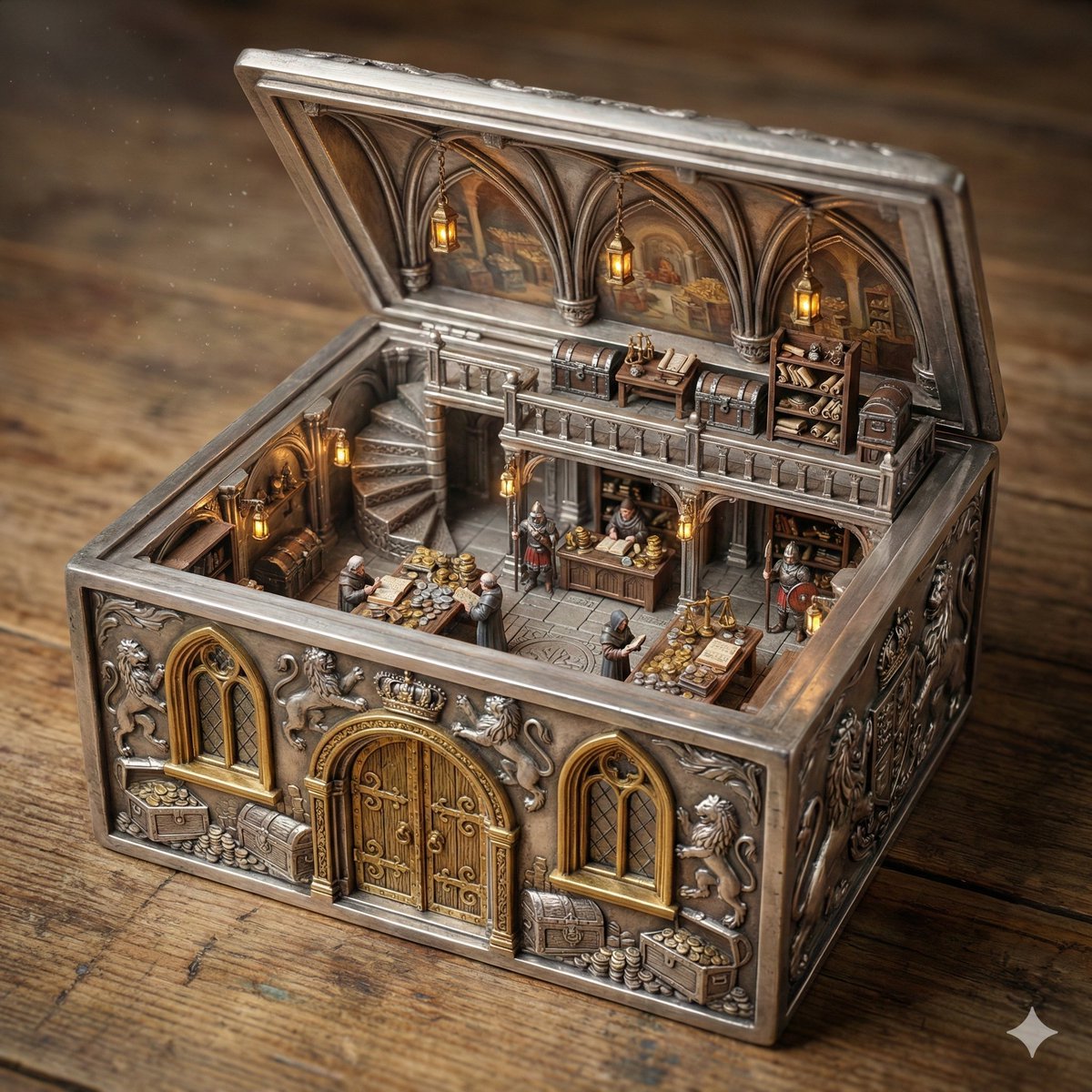
Ornate Box Diorama of a Royal Treasury Counting Room
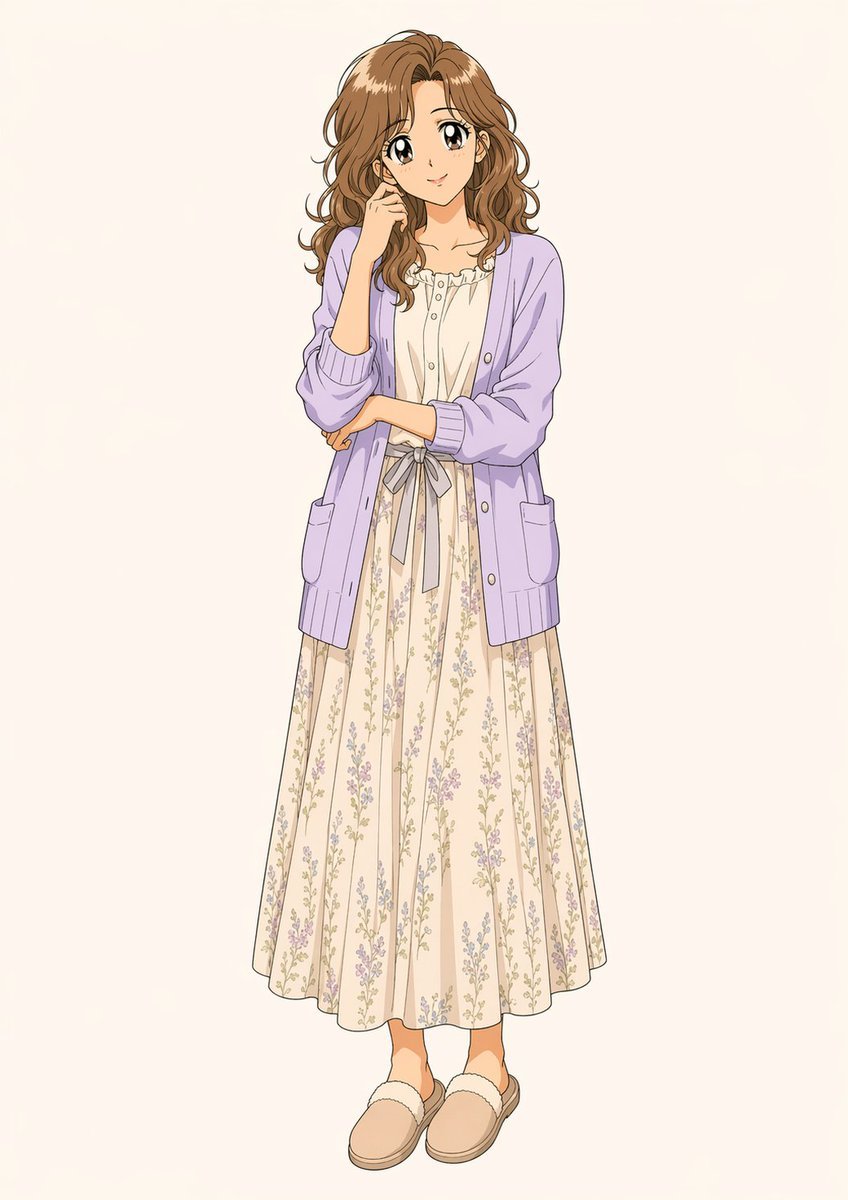
Standalone Anime Character Portrait

Censored Chibi AI Engineer

Universal Christmas Filter Prompt Template

Deserted Times Square Protector
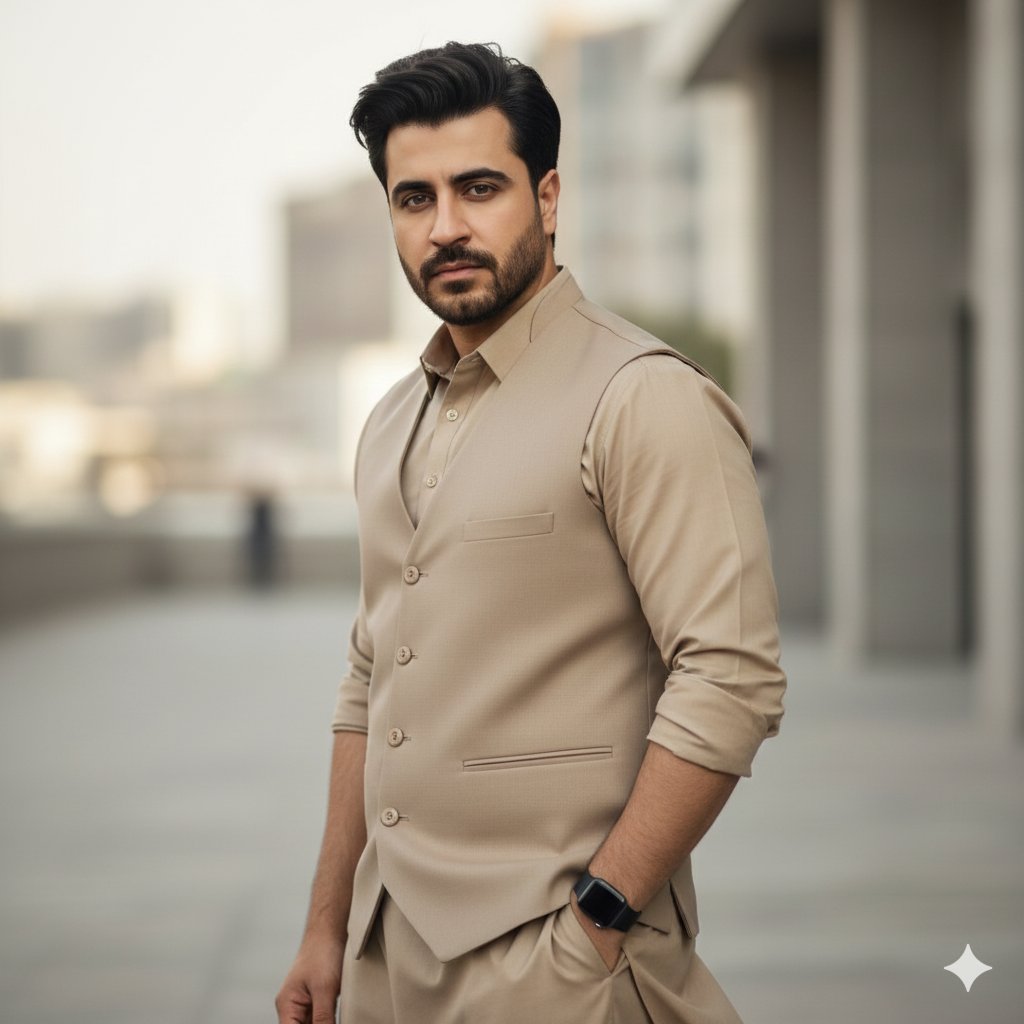
Monochromatic South Asian Traditional Wear Editorial
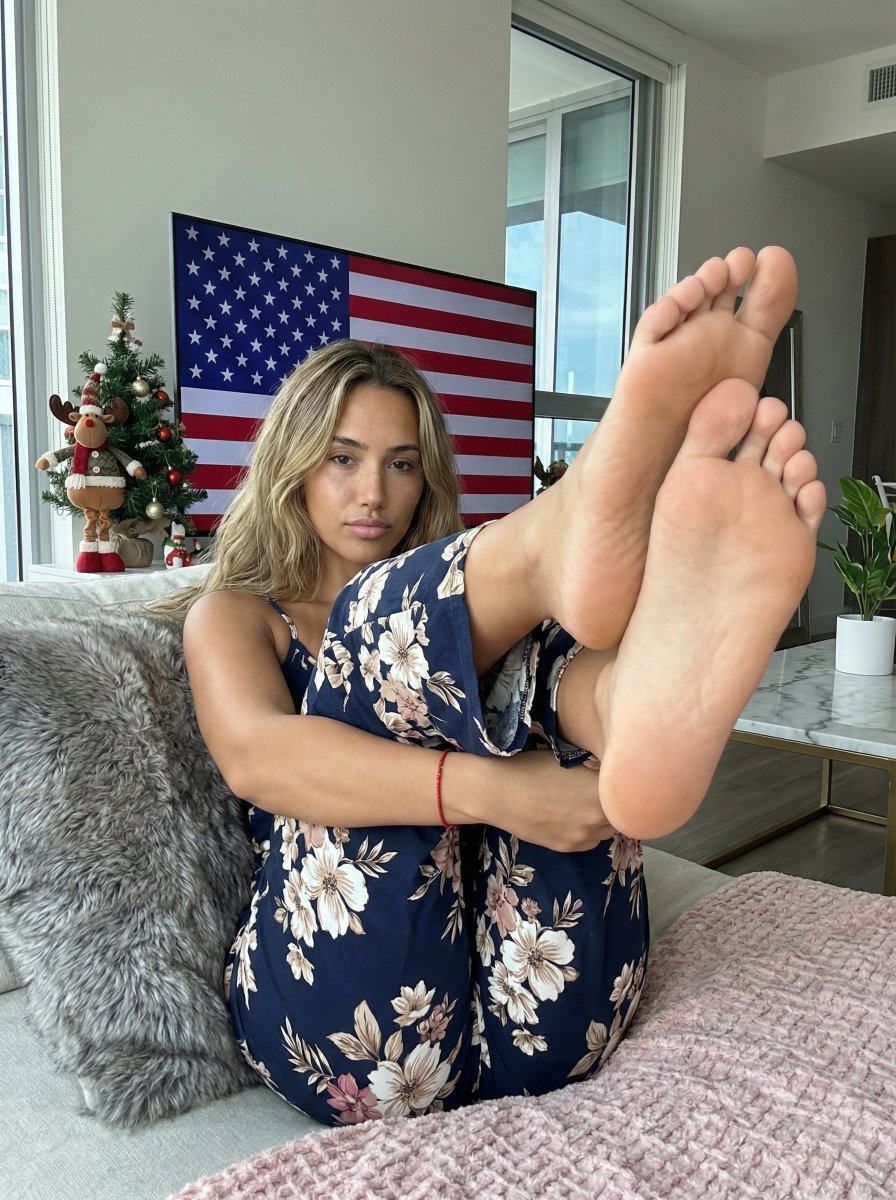
Extreme Foreshortening Portrait with Feet in Foreground
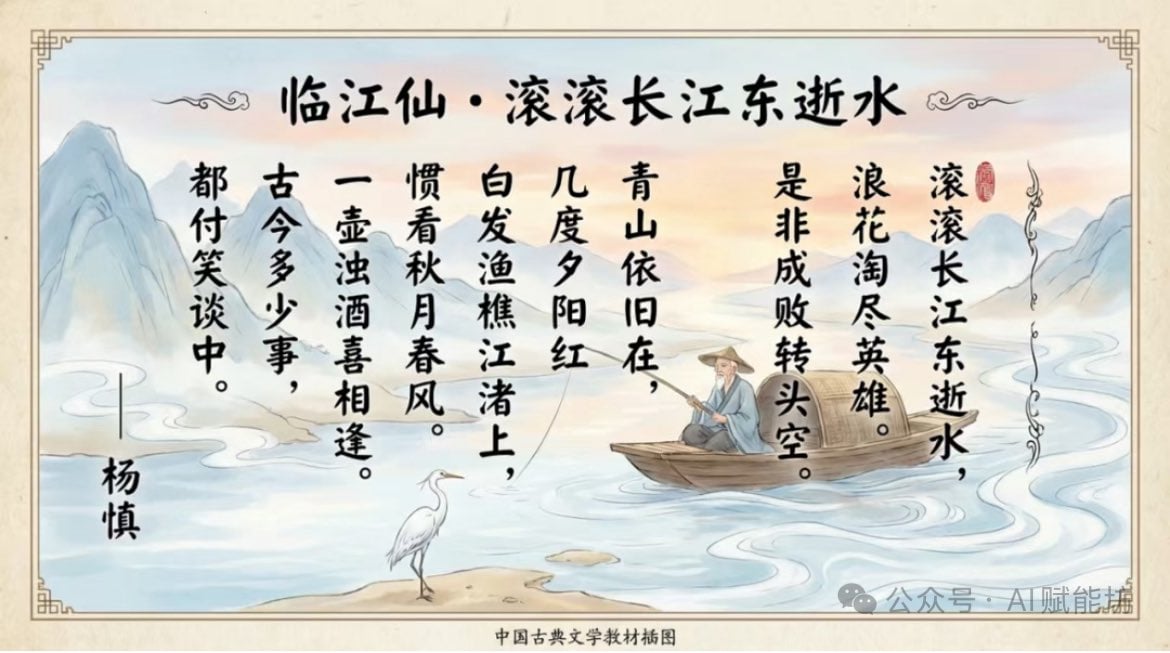
Textbook-style illustration for the poem “Linjiangxian”
Browse template categories
Minimalist Skincare Product Water Stone Still questions
How do I use the Minimalist Skincare Product Water Stone Still template?
Add your photo if the template asks for one, edit the prompt if you like — the template's model and format are already selected — and press Generate. Your version opens in PicX Studio.
Can I customize the Minimalist Skincare Product Water Stone Still template?
Yes. You can change the subject, setting, lighting, mood, format, and available model controls before creating your image.
Is the Minimalist Skincare Product Water Stone Still template free?
Opening and editing this template is free. Generating uses credits, shown on the Generate button when you are signed in.
Which AI model should I use?
Choose a compatible model in PicX Studio based on the style, speed, and output controls your project needs.
Looking for something else? Browse all templates.

Your photo, any look
Thousands of ready templates for every top image and video model, from one credit balance.