
Censored Chibi AI Engineer
Generates a cute anime-style crouching AI engineer surrounded by GPT, chatbot, laptop, robot, and tech icons for social posts or mascot artwork.

- Prompt included
- Model and format preset
- Premium template
The prompt behind this image
Copy the exact prompt behind Censored Chibi AI Engineer, or open it in the studio and make it yours.
Create a clean kawaii anime chibi illustration on a white background featuring {argument name="character name" default="a young male AI engineer"} crouching in the center, wearing a {argument name="jacket color" default="blue blazer"}, black shirt, black pants, and black sneakers, with short fluffy black hair, one small black earring, and a large opaque beige square censor block covering the entire face from forehead to chin. The pose is relaxed and thoughtful: one hand near the mouth, the other hand resting near the knee, body squatting low. Surround him with exactly 8 cute AI and technology elements: 1 green rounded-square tile with a white GPT-style knot logo on the left, 1 light-blue rounded-square chatbot icon below it, 1 open laptop at bottom left with a smiling face on the screen, 1 pale blue molecular network diagram at upper left, 1 dark floating analytics dashboard at upper right with connected nodes, 1 purple rounded-square creative palette icon at mid-right, 1 tiny white round robot mascot at bottom right with blue glowing eyes, and 1 small pale blue wireframe cube near the robot. Add scattered decorative accents: yellow sparkles, blue motion lines, small pastel dots, and tiny circles. Use polished digital art, soft shading, crisp linework, glossy icon highlights, pastel blue and lavender accents, centered composition, no text, no watermark, friendly modern AI mascot aesthetic.
How to use Censored Chibi AI Engineer in 3 steps
- 1Upload ImagePNG, JPG or paste
Add your photo
Upload the photo the template builds on. The prompt, model and format are already set.
- 2…a portrait of your subject in softgolden-hour light, 85mm…
Personalize
Edit the subject and creative details for your destination.
- 3Generate
Generate
Press Generate — your image is created in PicX Studio, so you can compare it with the original and refine one variable at a time.
More like this
Templates with the same subject, style or setup. Open one to see its prompt.

Cute Layered Paper Cut Chibi Girl

Pixar-Style Chibi Café Morning Scene

Nano Banana Pro Pink Office Chibi

Chibi Anime Ninja Sticker Sheet
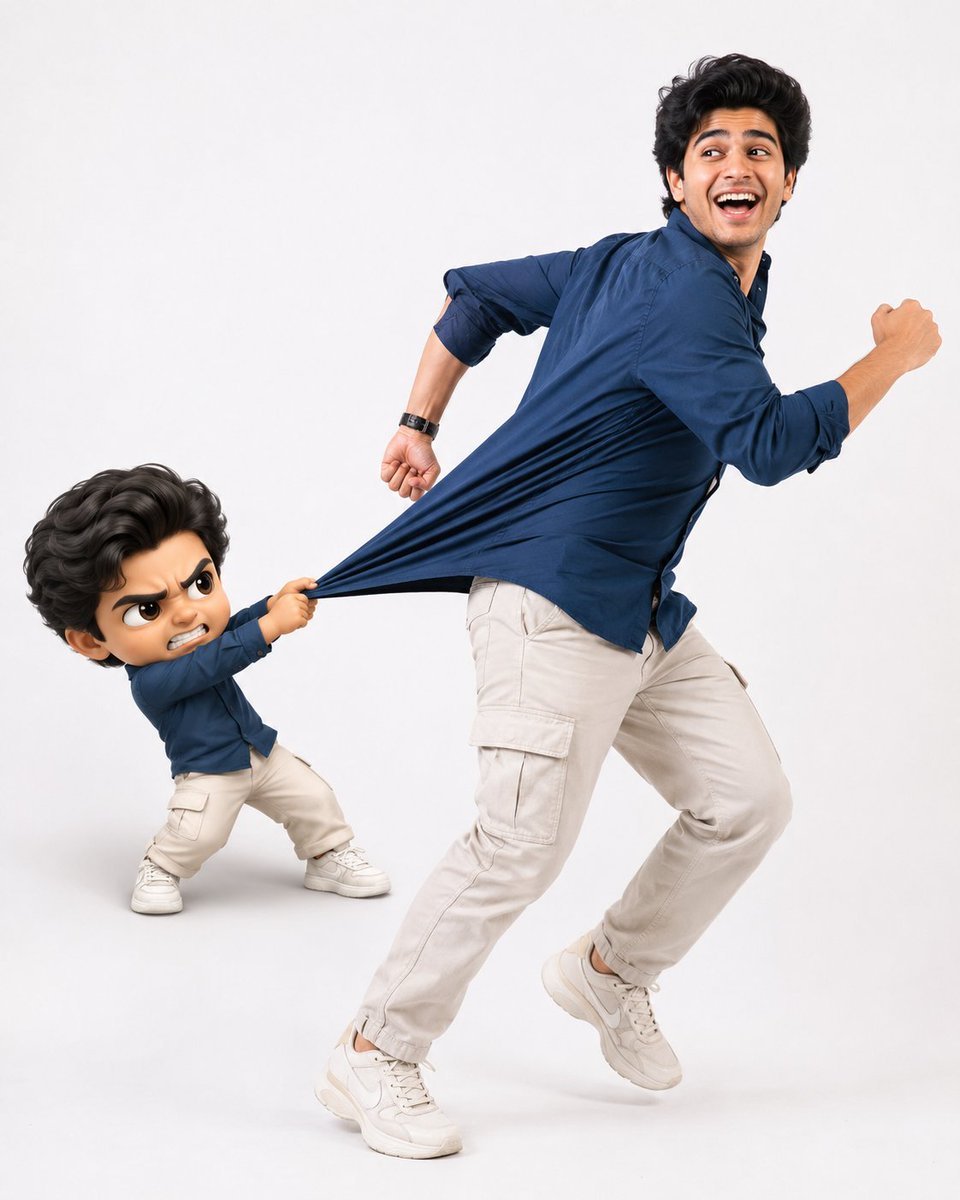
Playful Semi-Chibi Lifestyle Editorial

Halloween Nun Chibi Character Sheet
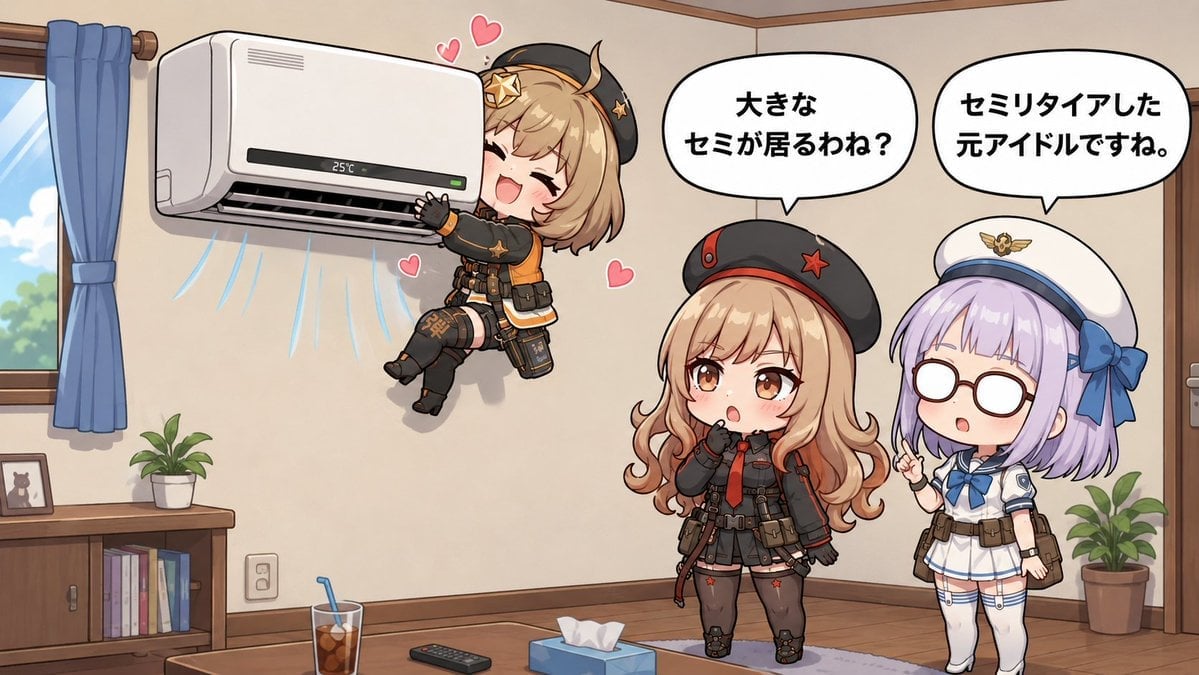
Chibi Girls Hugging Air Conditioner Comic
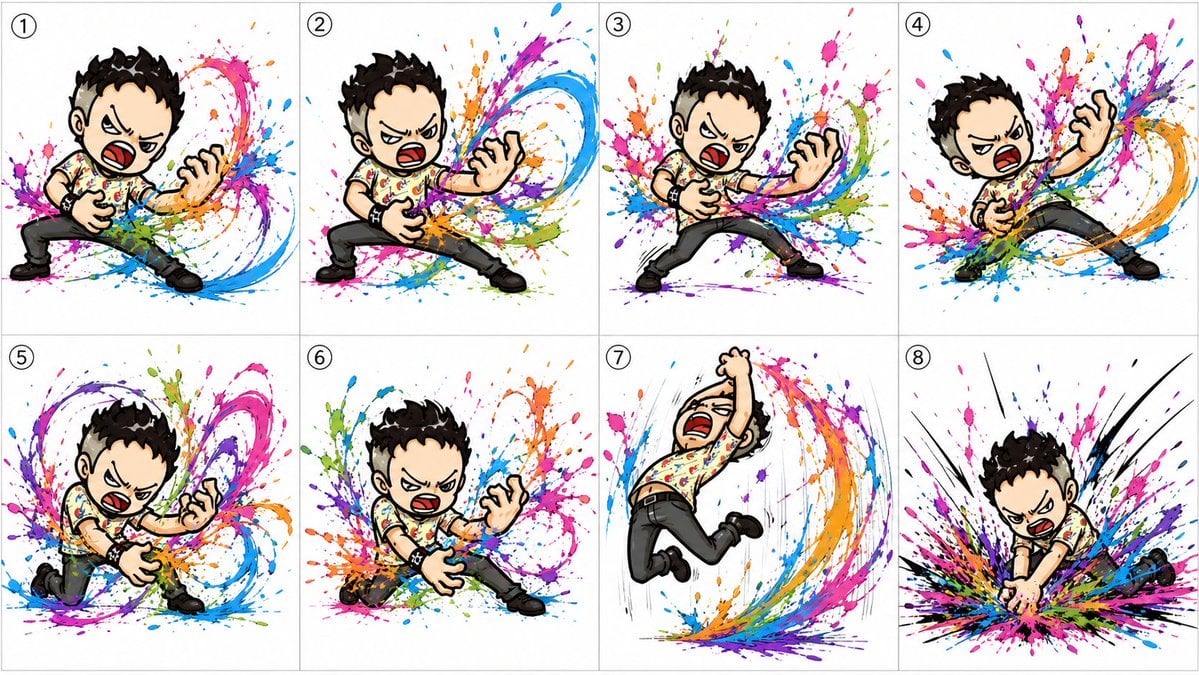
Chibi Air Guitar Storyboard
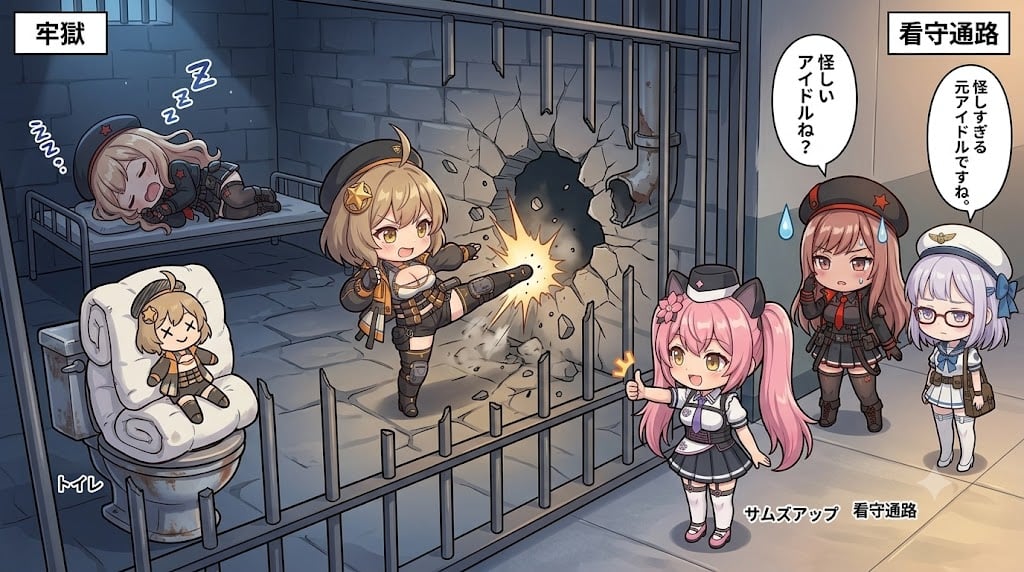
Chibi Prison Break Comic Scene

Lazy Day Chibi Manga Page
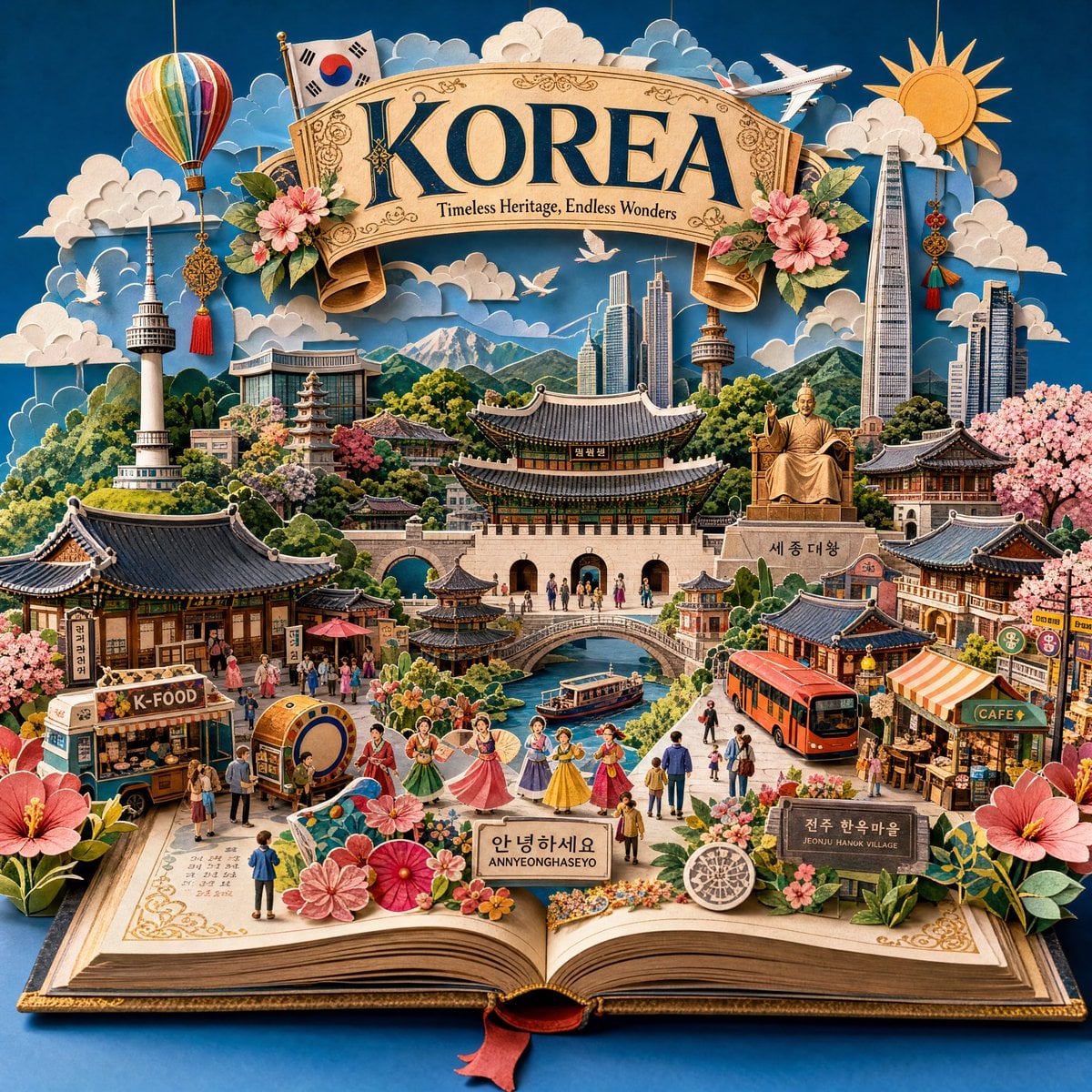
Master Pop-Up Storybook — 3D Paper Engineered Travel Diorama
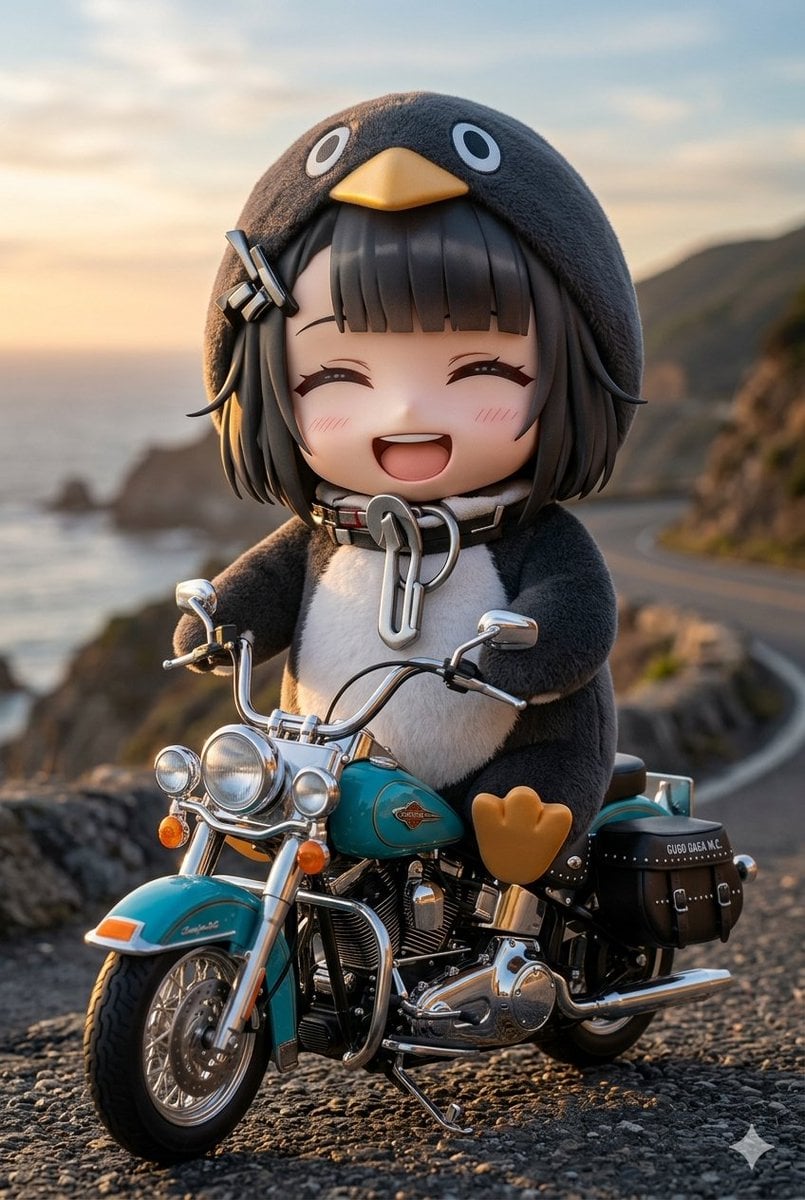
Chibi Penguin on a Motorcycle
Make it yours
Censored Chibi AI Engineer works as-is. These are the safest ways to change it without losing the look.
Change one field
Copy a single group, rewrite it, and generate again so you can see what that field is doing.
Keep the frame, change the subject
Hold the composition and light of Censored Chibi AI Engineer, then swap wardrobe, props or the person for a new take.
| If the result… | Why | Fix |
|---|---|---|
| The result drifts from the preview | Too many fields changed at once. | Reuse Censored Chibi AI Engineer as-is first, then change one group — subject, light, or setting. |
| The model over-stylizes the scene | The prose prompt leaves finish and camera underspecified. | Add one camera or lighting sentence and stay on GPT Image 2. |
More GPT Image 2 templates
Other prompts made for GPT Image 2.

Six VTuber Japanese Logo Sheet

Realistic Portrait of Woman and Deer

The Vista Modular Condo Poster

AI Model Routing Comparison Infographic

2.5D Anime Art Board

Isometric Productivity Desk Scene

New York Double Exposure Poster

Four-Panel AI Landscape Comparison

Japanese Tatami Lifestyle Magazine Cover

NESCAFÉ Coffee Map Poster
More image prompts
Fresh picks from across the catalog.
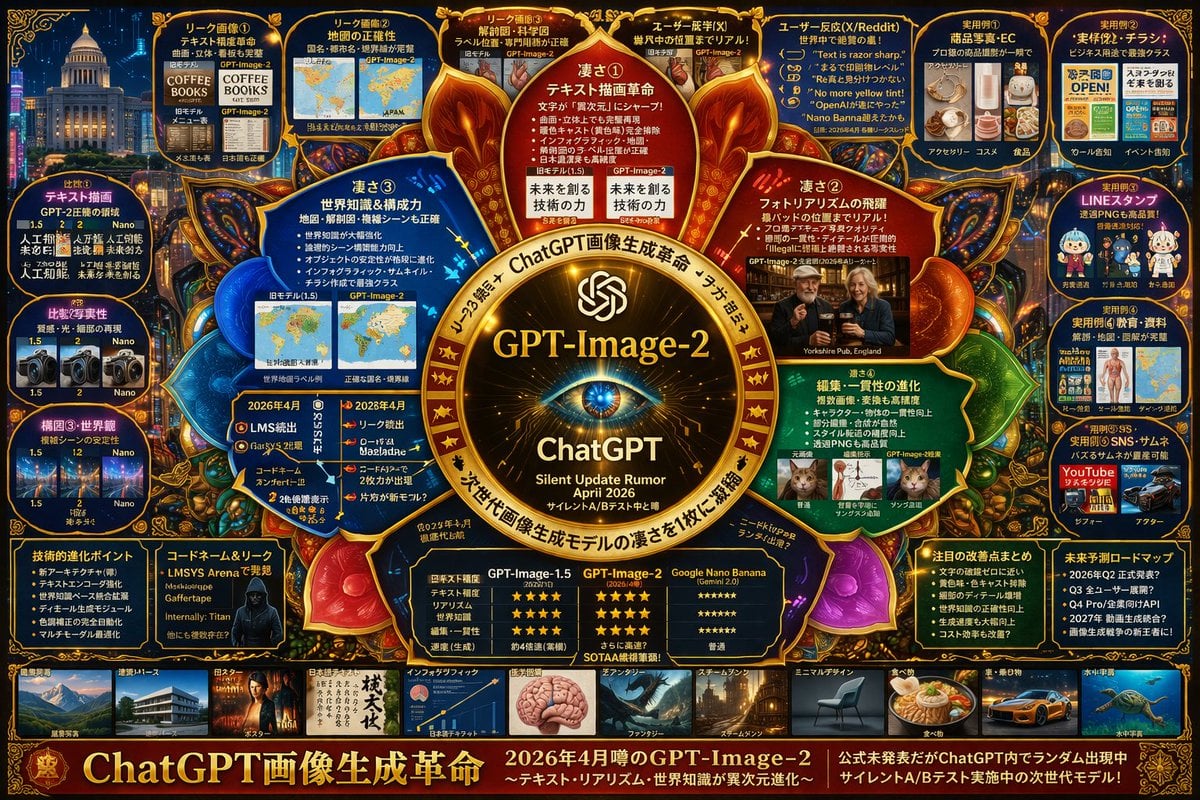
Complex Tech Speculation Infographic

Celestial Desert Minimalist Wallpaper Prompt
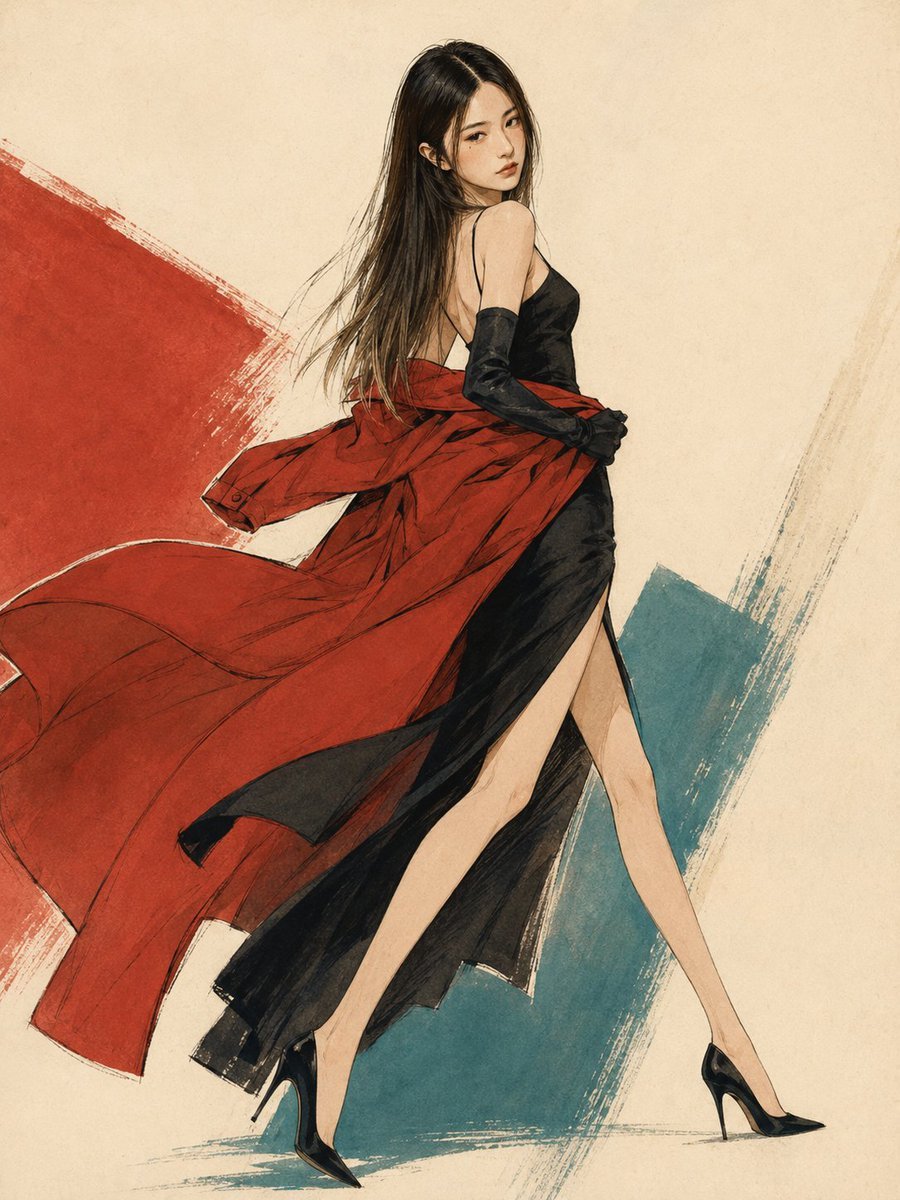
1990s Japanese Fashion Illustration
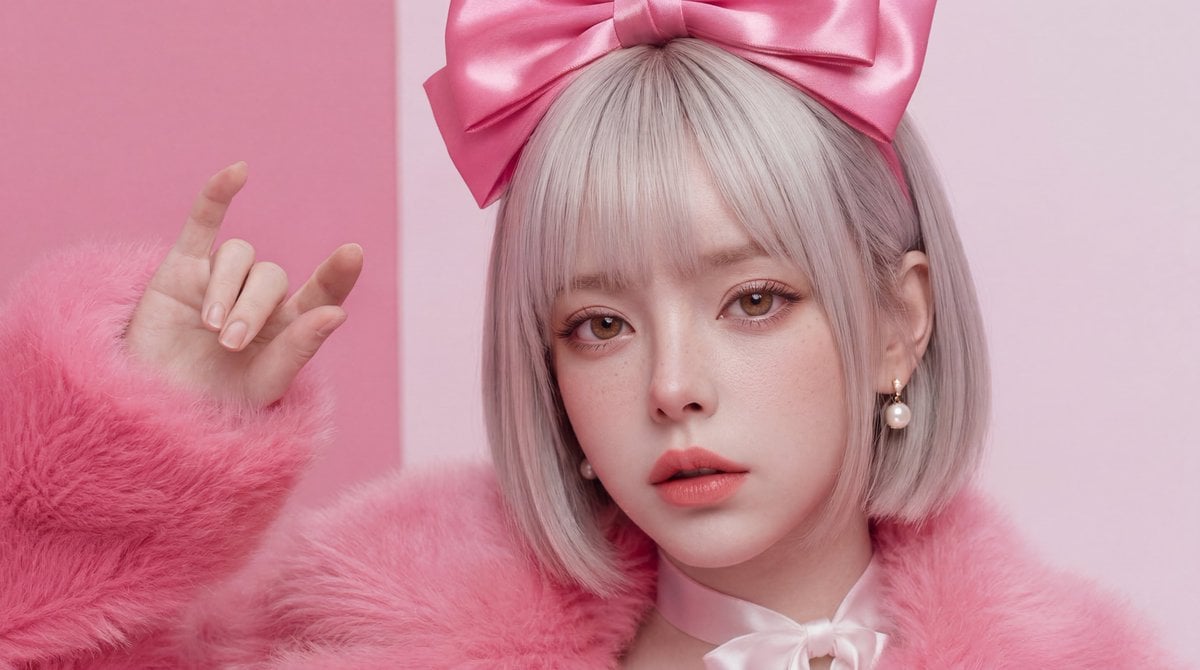
Hyper-Realistic Skin Texture Prompt for Nano Banana Pro (Detailed Version)
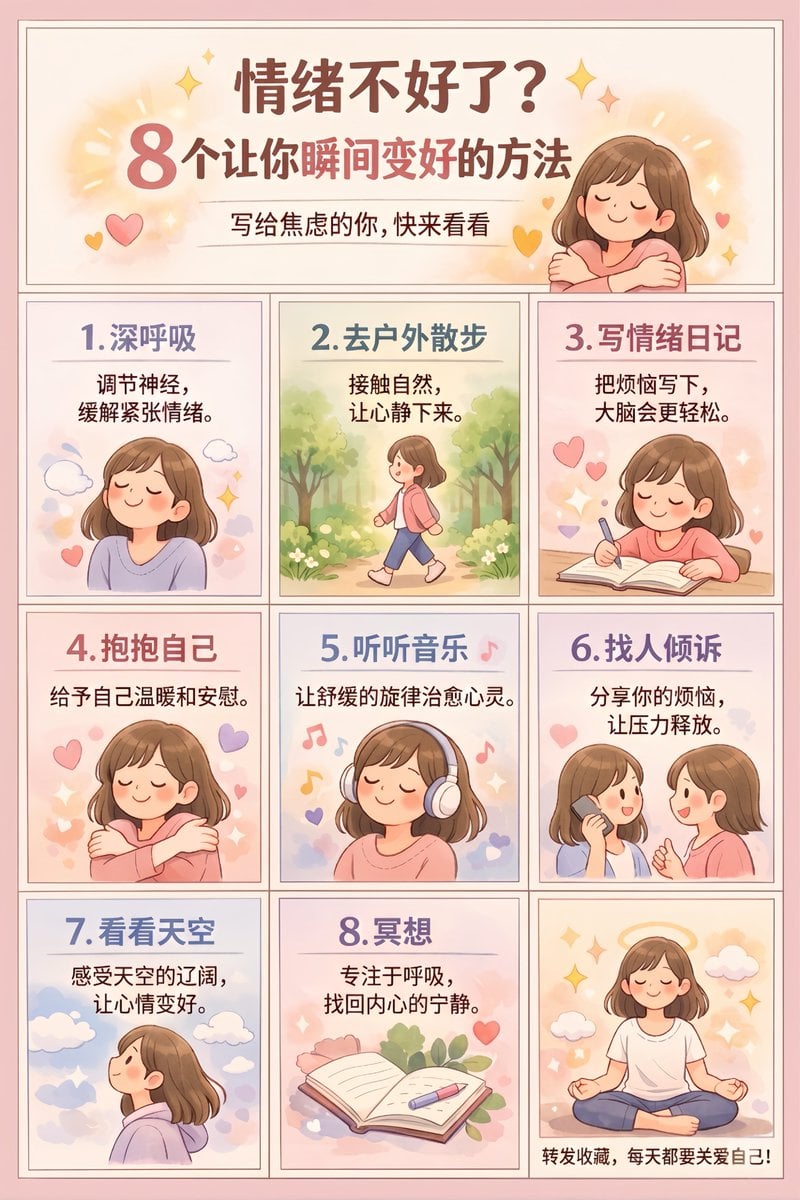
Panel Self-Care Infographic Grid
Elegant Luxurious Floral Vector Pattern Prompts (2 variations)
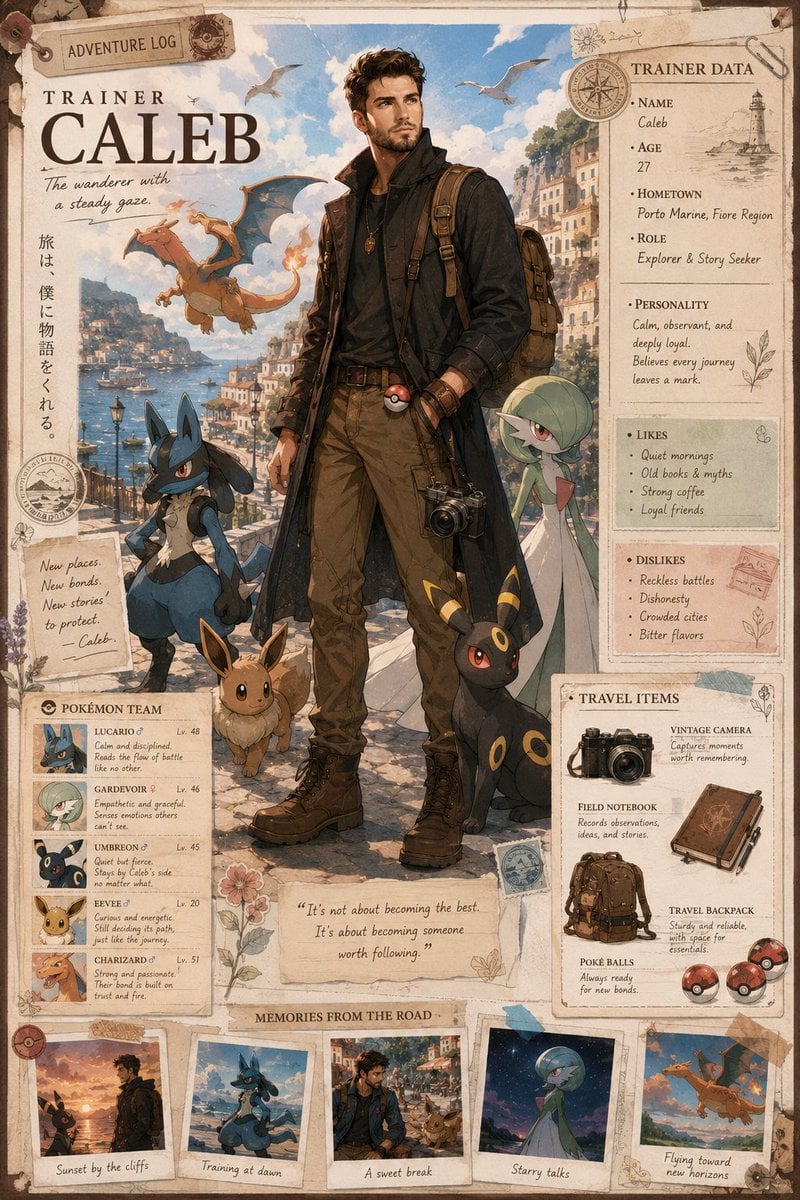
Anime Trainer Character Poster
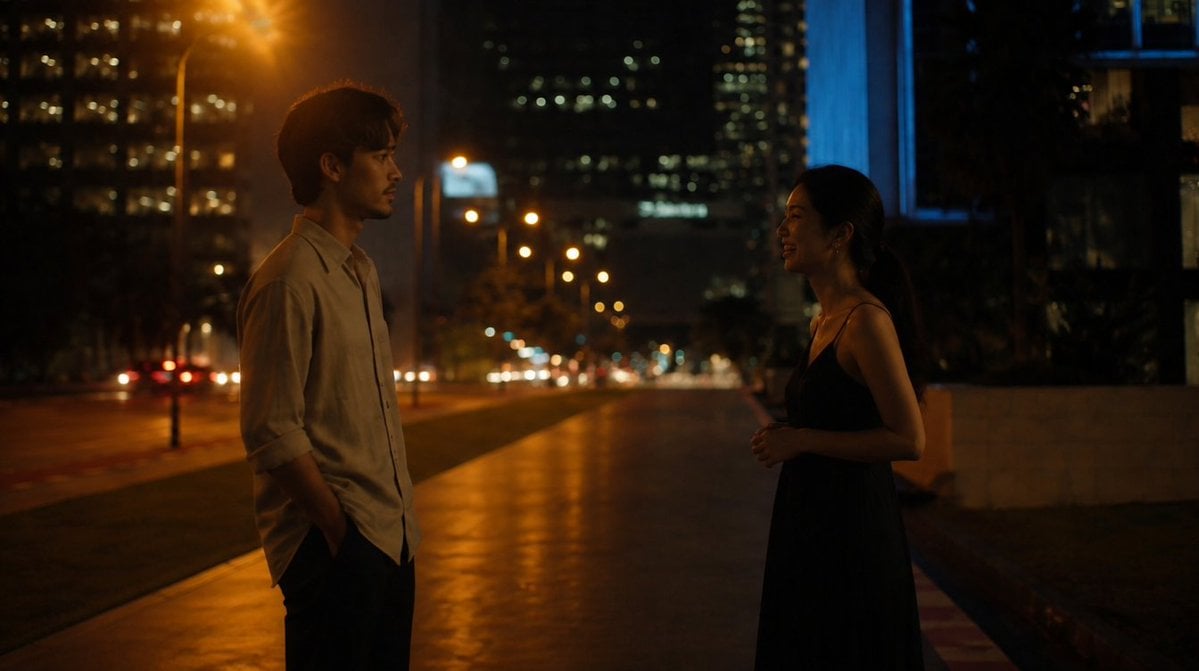
Cinematic Night Street Conversation
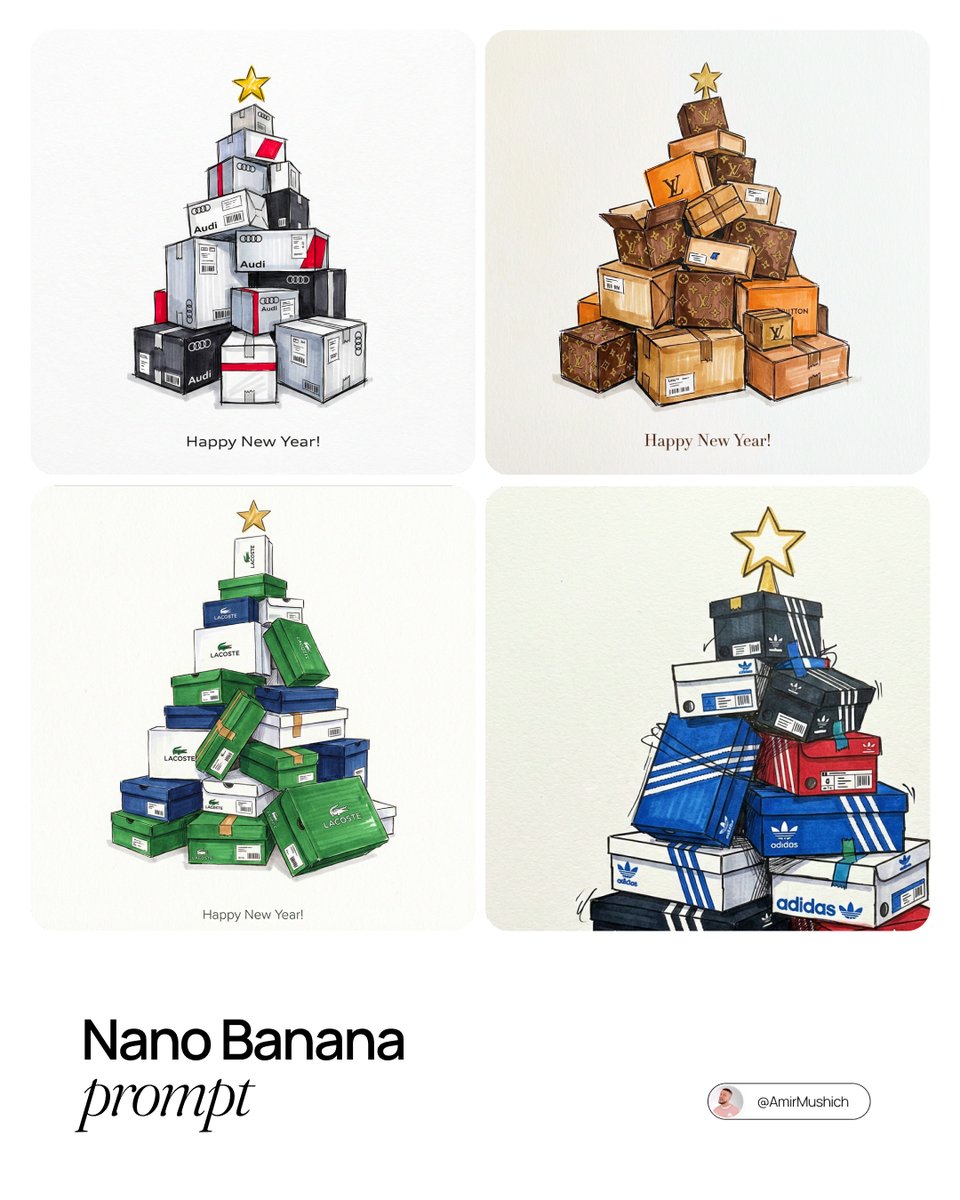
Branded gifts postcard illustration prompt
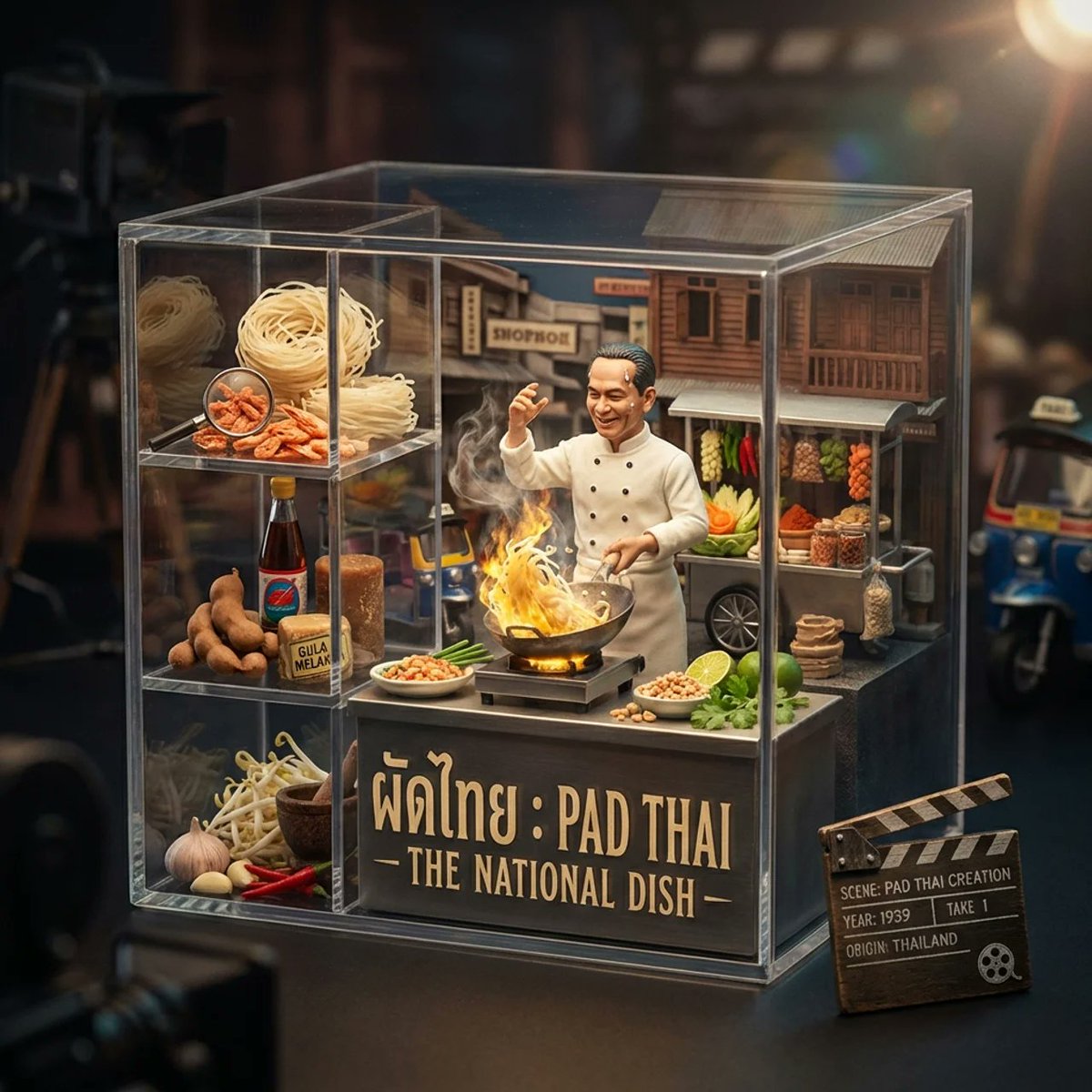
Gourmet Collectible Cinematic Dish Visualization
Browse template categories
Censored Chibi AI Engineer questions
How do I use the Censored Chibi AI Engineer template?
Add your photo if the template asks for one, edit the prompt if you like — the template's model and format are already selected — and press Generate. Your version opens in PicX Studio.
Can I customize the Censored Chibi AI Engineer template?
Yes. You can change the subject, setting, lighting, mood, format, and available model controls before creating your image.
Is the Censored Chibi AI Engineer template free?
Opening and editing this template is free. Generating uses credits, shown on the Generate button when you are signed in.
Which AI model should I use?
Start with GPT Image 2, which is the model associated with this template. You can compare another compatible model for a different finish.
Looking for something else? Browse all templates.

Your photo, any look
Thousands of ready templates for every top image and video model, from one credit balance.