
Halloween Nun Chibi Character Sheet
Generates a wide chibi anime character reference sheet with front, side, back, and expressive pose variations for character design use.

- Prompt included
- Model and format preset
- Premium template
The prompt behind this image
Copy the exact prompt behind Halloween Nun Chibi Character Sheet, or open it in the studio and make it yours.
Goal: Create a cute chibi anime character sheet for {argument name="character name" default="Speaki"}, a tiny Halloween nun-inspired female character with a soft mascot-like design. Canvas: Wide horizontal character sheet on a clean white background, no border, no scenery, arranged like a reference sheet with ample spacing. Use polished gpt-image-2 anime illustration quality, soft shading, crisp line art, warm colors, and a kawaii sticker/VTuber mascot feel. Character design: The character is a very small chibi girl with oversized head, tiny body, pale skin, large round amber-orange eyes, short blunt bangs, long creamy blonde hair, and a black nun-style veil/hood. Her outfit is a black gothic Halloween dress with white frills, tiny gold crosses, gold trim, a small orange bow at the collar, a jack-o'-lantern icon and skull icon near the hem, white socks, and black Mary Jane shoes. The veil is black with a white headband, gold cross on the forehead band, small gold cross/star decorations along the side, and scalloped white trim around the back edge. Keep the palette mainly {argument name="main outfit color" default="black"}, cream blonde, white, orange, and gold. Layout: Show exactly 12 discrete character depictions in two rows. Top row contains 6 depictions: 1 front full-body neutral standing view, 2 three-quarter front full-body view, 3 side profile full-body view facing left, 4 back full-body view emphasizing the rounded black veil and long blonde hair, 5 cropped bust expression with eyes closed and happy smile, 6 cropped bust expression with surprised attentive eyes and raised finger. Bottom row contains 6 full-body expressive poses: 7 winking peace-sign pose with a small yellow star, 8 sleepy seated/droopy pose with closed eyes and a tiny bubble, 9 crying pose with big teary eyes and fists near cheeks, 10 annoyed pout pose with crossed arms plus a small puff of steam, 11 confused shy pose with a question mark, and 12 excited sparkling pose with both fists raised and yellow sparkles. Expression details: Use {argument name="eye color" default="amber orange"} eyes for open-eyed depictions. Make the face simple and adorable, with tiny mouth shapes, blush, and rounded cheeks. The poses should clearly communicate each emotion while preserving the same character proportions and costume. Visual style: Chibi anime reference sheet, soft cel shading, gentle gradients, clean thin outlines, glossy eyes, warm highlights, miniature toy-like proportions, high consistency across all views. No text labels, no watermark, no extra characters, no background props beyond the small emotion symbols listed.
How to use Halloween Nun Chibi Character Sheet in 3 steps
- 1Upload ImagePNG, JPG or paste
Add your photo
Upload the photo the template builds on. The prompt, model and format are already set.
- 2…a portrait of your subject in softgolden-hour light, 85mm…
Personalize
Edit the subject and creative details for your destination.
- 3Generate
Generate
Press Generate — your image is created in PicX Studio, so you can compare it with the original and refine one variable at a time.
More like this
Templates with the same subject, style or setup. Open one to see its prompt.

Chibi Anime Ninja Sticker Sheet

Cute Layered Paper Cut Chibi Girl
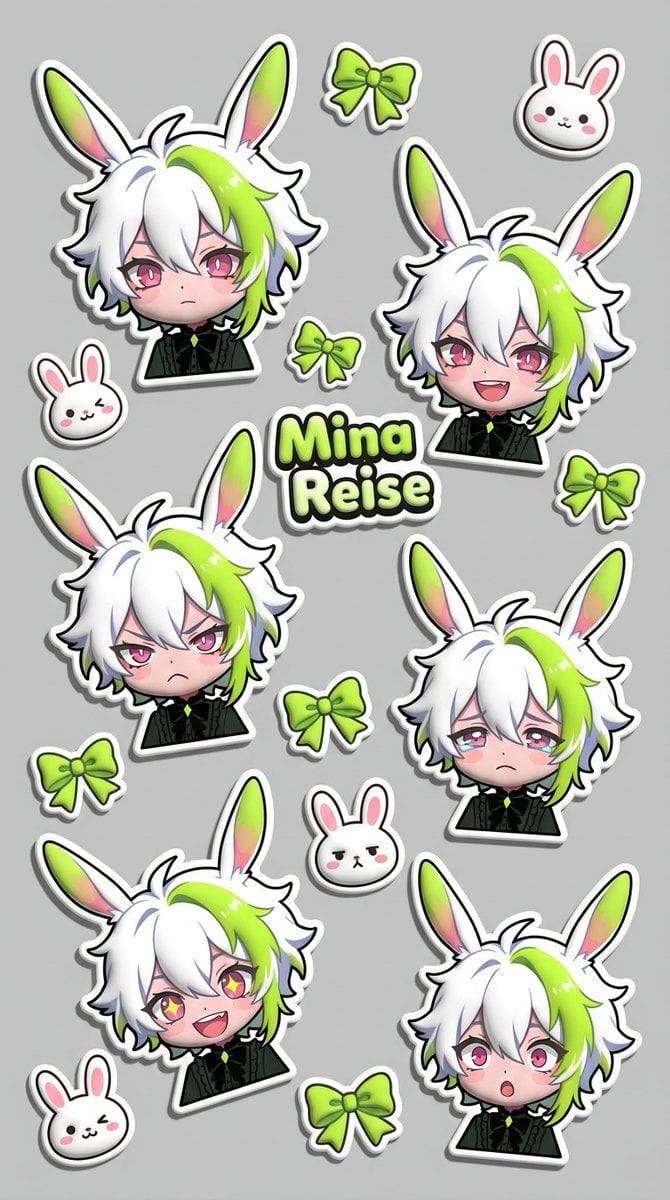
Puffy Chibi Sticker Sheet
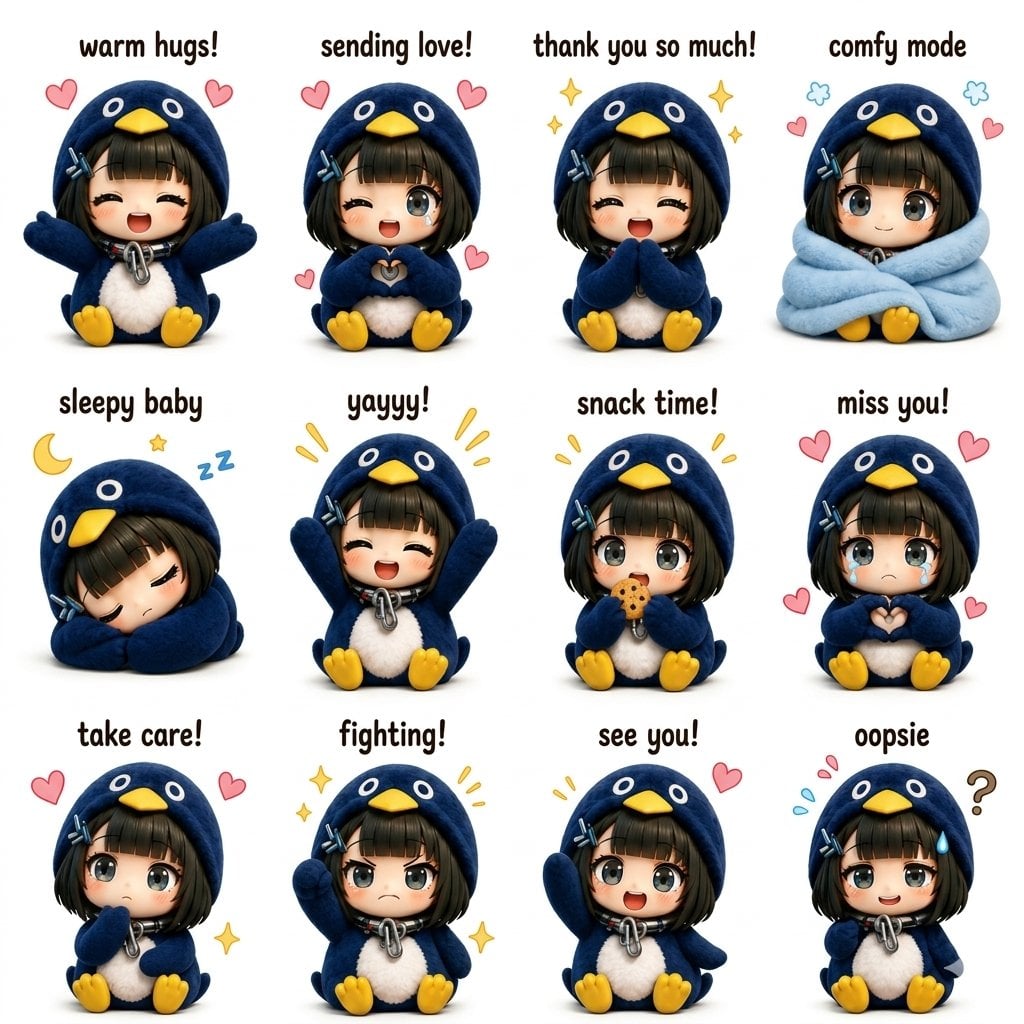
Kawaii Chibi Sticker Sheet

Pixar-Style Chibi Café Morning Scene
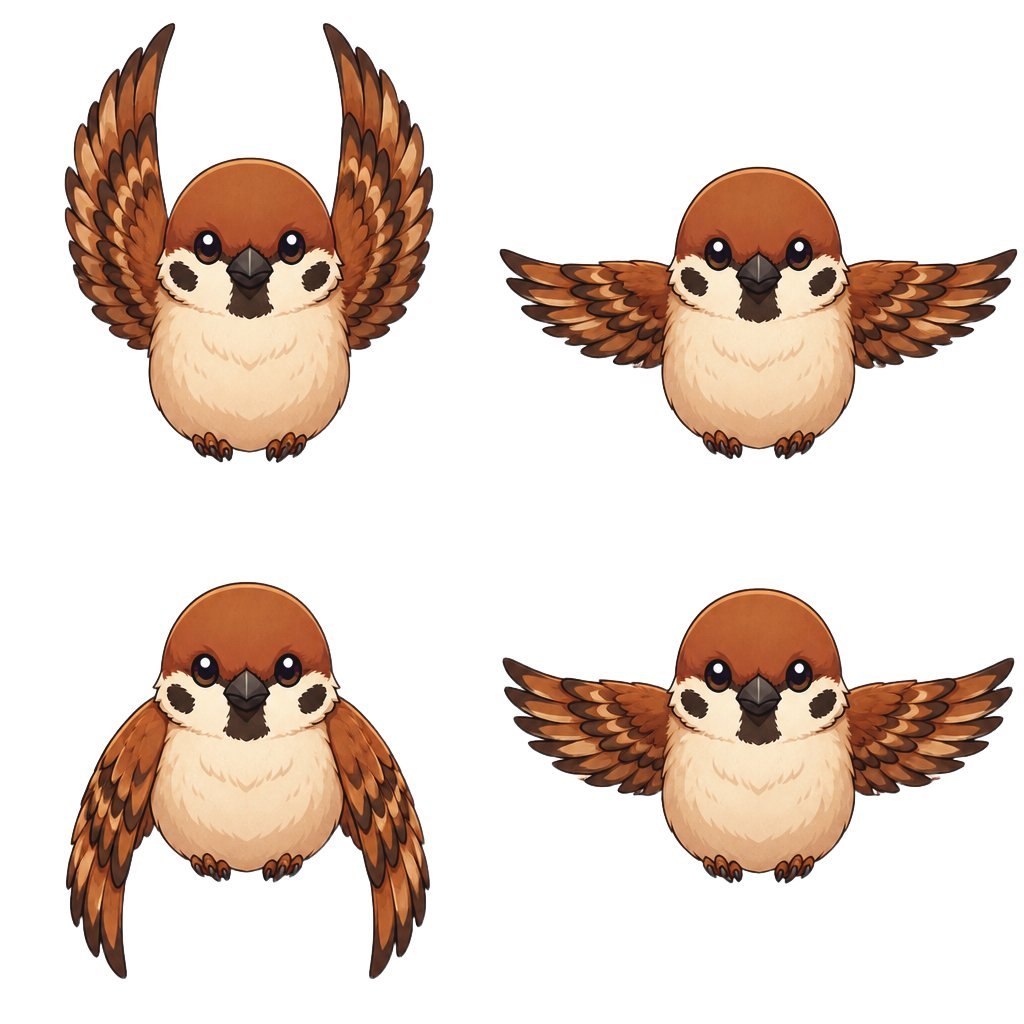
Chibi Sparrow Four-Pose Sheet
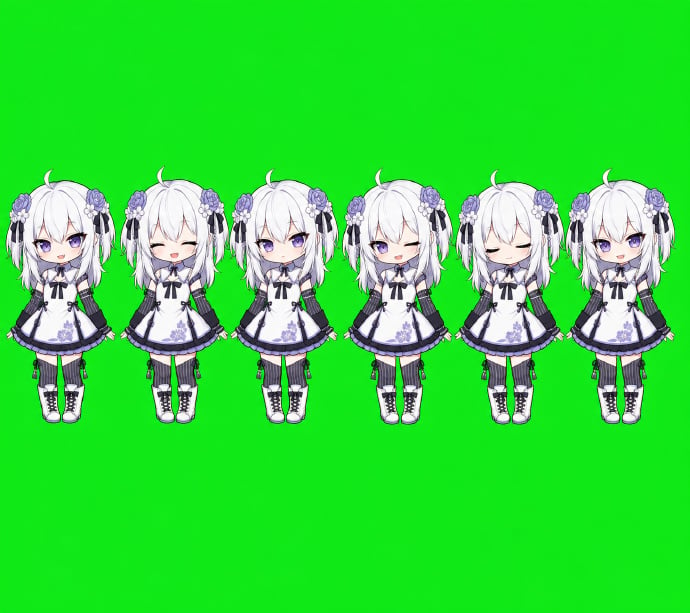
Chibi Desktop Pet Sprite Sheet
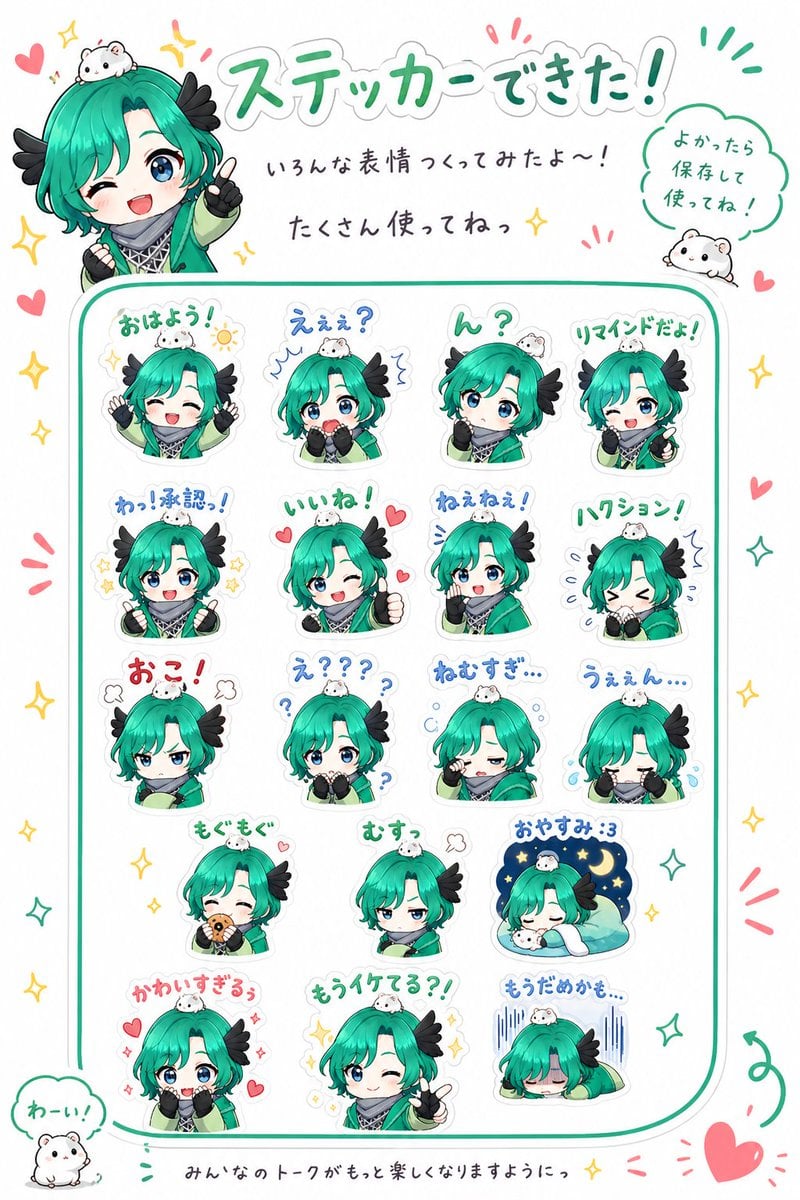
Chibi Character Sticker Sheet Ad

Dancer Character - Four View Reference Sheet

Movement Sheet - Dance Reference (Seedance 2.0)

Nano Banana Pro Pink Office Chibi
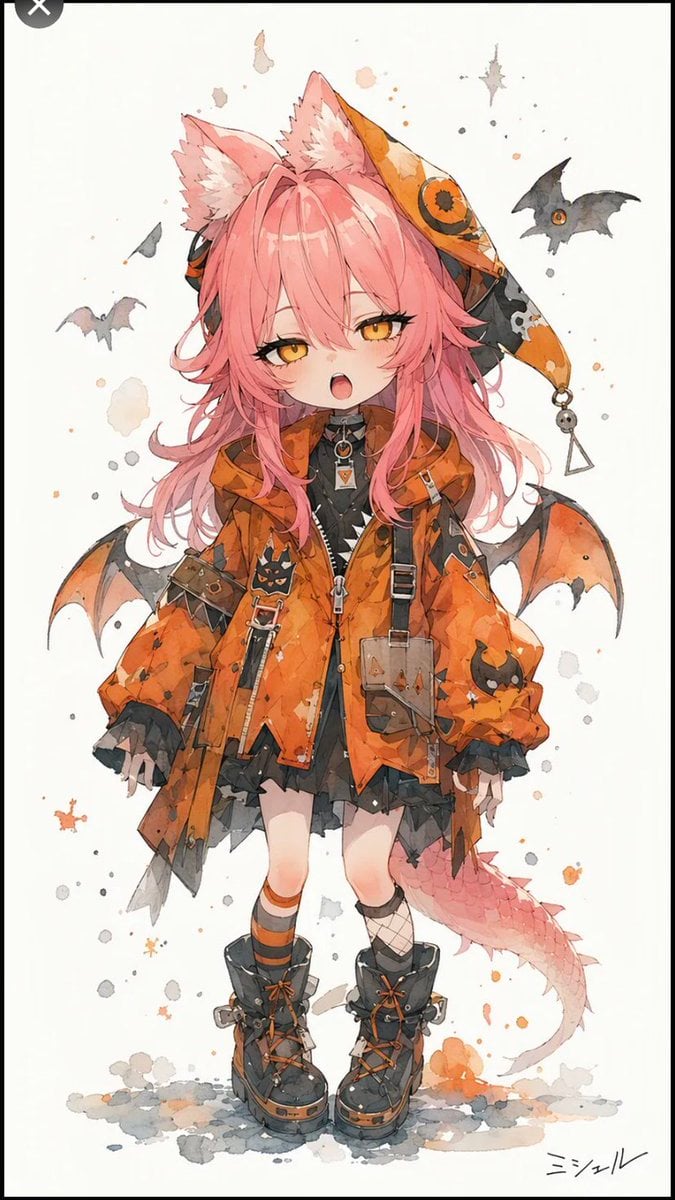
Halloween Fox-Eared Fantasy Girl
Make it yours
Halloween Nun Chibi Character Sheet works as-is. These are the safest ways to change it without losing the look.
Change one field
Copy a single group, rewrite it, and generate again so you can see what that field is doing.
Keep the frame, change the subject
Hold the composition and light of Halloween Nun Chibi Character Sheet, then swap wardrobe, props or the person for a new take.
| If the result… | Why | Fix |
|---|---|---|
| The result drifts from the preview | Too many fields changed at once. | Reuse Halloween Nun Chibi Character Sheet as-is first, then change one group — subject, light, or setting. |
| The model over-stylizes the scene | The prose prompt leaves finish and camera underspecified. | Add one camera or lighting sentence and stay on GPT Image 2. |
More GPT Image 2 templates
Other prompts made for GPT Image 2.

Realistic Portrait of Woman and Deer

The Vista Modular Condo Poster

AI Model Routing Comparison Infographic

2.5D Anime Art Board

Isometric Productivity Desk Scene

New York Double Exposure Poster

Four-Panel AI Landscape Comparison

Japanese Tatami Lifestyle Magazine Cover

NESCAFÉ Coffee Map Poster

Brutalist Cogito Chinese Typography Poster
More image prompts
Fresh picks from across the catalog.
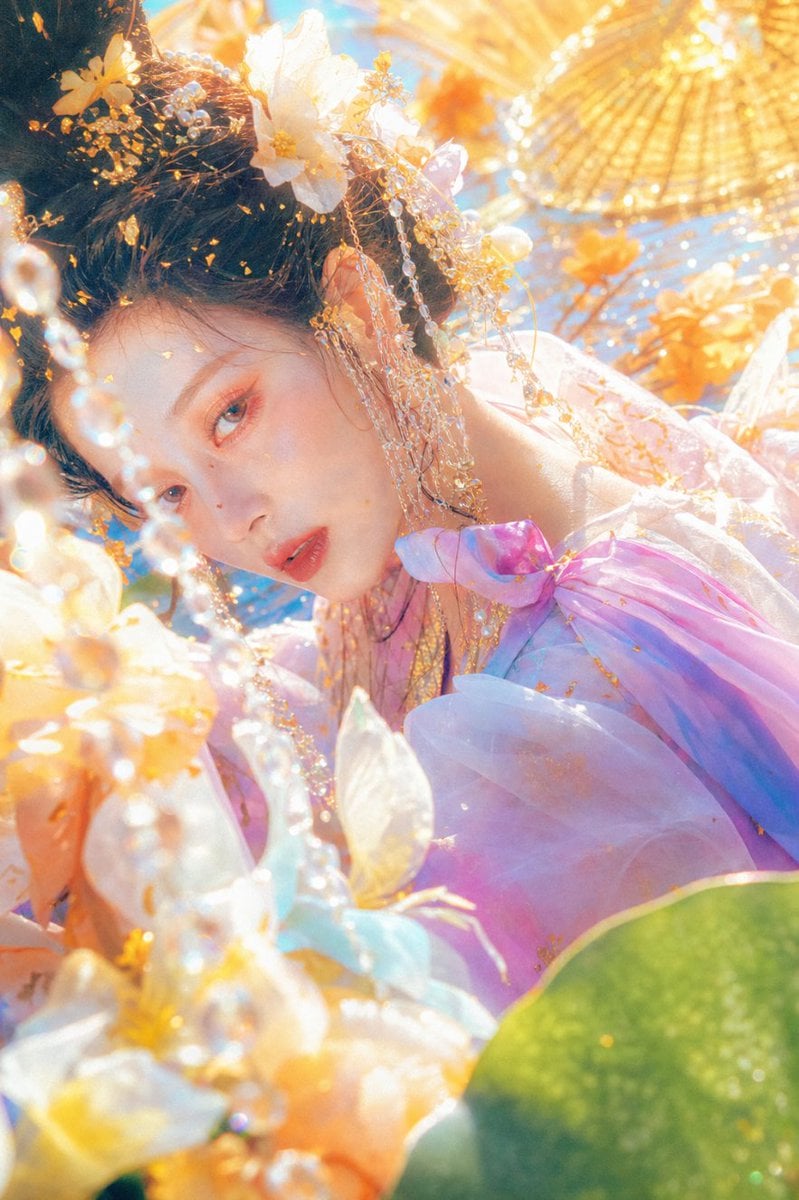
Ethereal Floral Fantasy Portrait
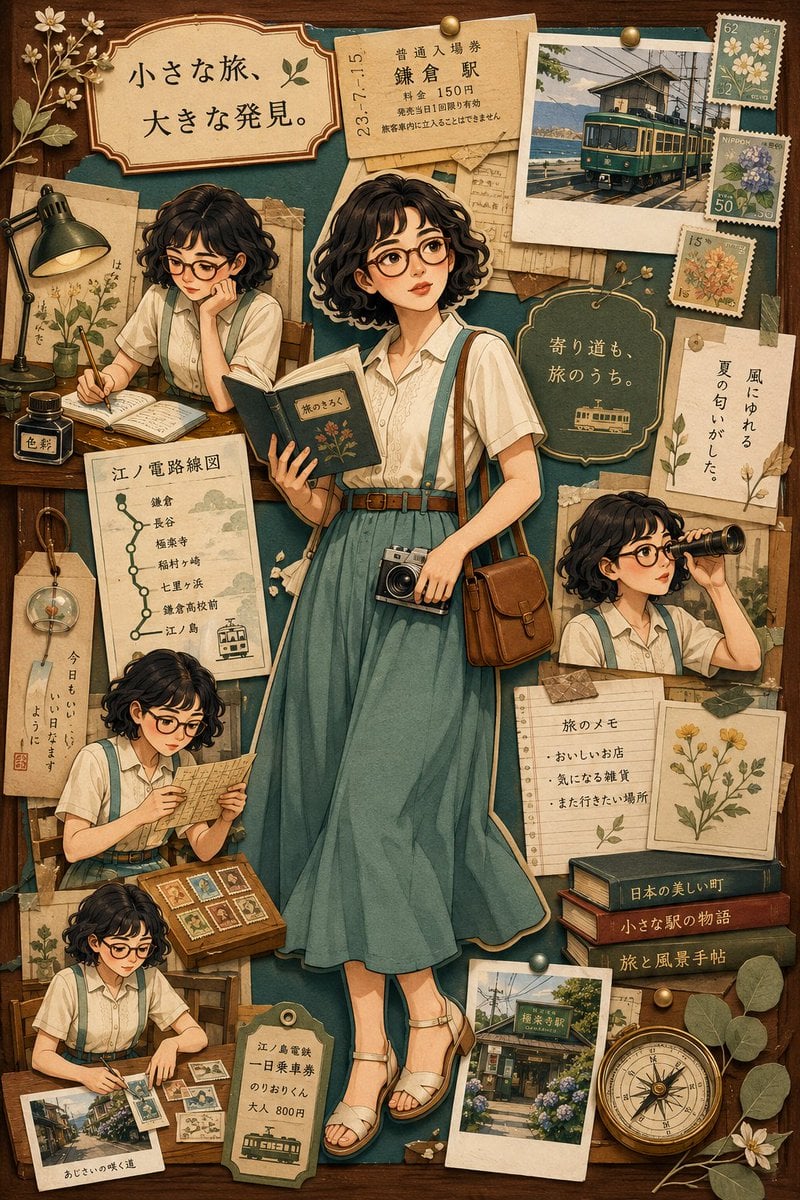
Nostalgic Travel Collage Scrapbook
Quick Stop Scenario Prompt
Structured Prompt for Messy Bedroom Mirror Selfie (Alev Character, Raw Flash)

Macro Product Shot of Teacup with Construction Workers
Nutella Miniature Winter World Video Prompt (JSON)
X Bubblebrain Soft Backlight By Gpt Image 2

Dramatic Soccer Cinematic Action Shot
J-Horror Shibuya Station - Seedance 2.0
Retro Market-Girl Photo Collage
Browse template categories
Halloween Nun Chibi Character Sheet questions
How do I use the Halloween Nun Chibi Character Sheet template?
Add your photo if the template asks for one, edit the prompt if you like — the template's model and format are already selected — and press Generate. Your version opens in PicX Studio.
Can I customize the Halloween Nun Chibi Character Sheet template?
Yes. You can change the subject, setting, lighting, mood, format, and available model controls before creating your image.
Is the Halloween Nun Chibi Character Sheet template free?
Opening and editing this template is free. Generating uses credits, shown on the Generate button when you are signed in.
Which AI model should I use?
Start with GPT Image 2, which is the model associated with this template. You can compare another compatible model for a different finish.
Looking for something else? Browse all templates.

Your photo, any look
Thousands of ready templates for every top image and video model, from one credit balance.