
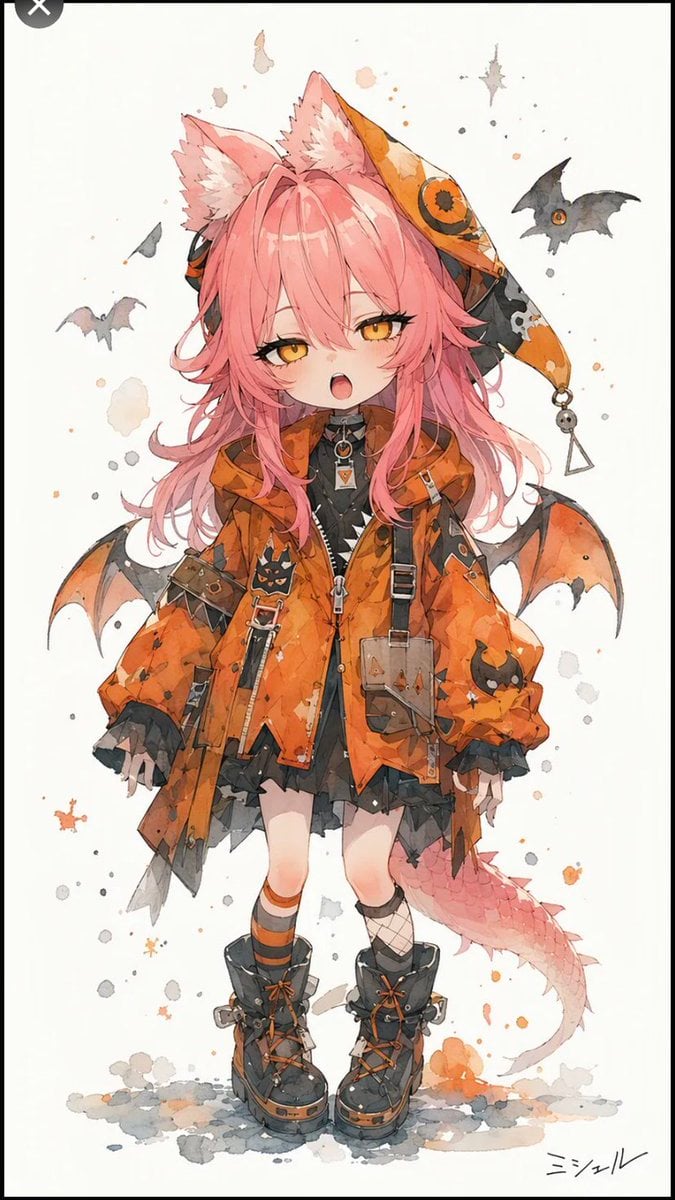
Halloween Fox-Eared Fantasy Girl
Generates a watercolor anime full-body fantasy character design with Halloween clothing, animal ears, bat wings, and gothic accessories.
- Prompt included
- Model and format preset
- Free template
The prompt behind this image
Copy the exact prompt behind Halloween Fox-Eared Fantasy Girl, or open it in the studio and make it yours.
Create a full-body watercolor anime character illustration on a tall vertical canvas with an off-white paper background, thin black outer border, and scattered gray and orange paint splatters. The subject is {argument name="character name" default="ミシェル"}, a small fantasy Halloween kemonomimi girl standing front-facing with a slight sleepy open-mouth expression, golden-orange eyes, rosy cheeks, and long messy {argument name="hair color" default="pink"} hair. She has exactly 2 large fluffy fox/cat ears on top of her head and 1 thick pink scaly dragon-like tail curling behind her legs. Dress her in an oversized tattered {argument name="coat color" default="orange"} Halloween jacket with black patchwork, ragged hems, zipper details, straps, buckles, small pumpkin-face patches, and a dangling pouch; underneath, show a black layered dress or skirt with gothic ruffles and a dark high-collar top with a small pendant. Add an asymmetrical pointed hood or jester-witch hat behind one ear in orange and black, decorated with a round eye-like emblem, a skull motif, and exactly 2 dangling charms: one small skull and one triangle. Add small bat wings attached behind the coat, exactly 2 wings total, orange with black edges. Footwear: exactly 2 chunky black lace-up boots with orange trim, mismatched socks, one orange-striped sock and one black fishnet sock. In the background, include exactly 3 separate flying bats: one dark bat on the upper right, one pale gray bat on the left, and one tiny dark gray bat near the upper left, plus a few star-shaped ink marks. Use delicate ink linework, soft watercolor washes, transparent layering, textured paper grain, and a cute dark-fantasy Halloween color palette of orange, black, gray, cream, and pink. Place a small handwritten signature reading {argument name="signature text" default="ミシェル"} at the bottom right. Avoid photorealism, avoid extra characters, avoid additional readable text, and keep the composition centered like a character concept art poster.
How to use Halloween Fox-Eared Fantasy Girl in 3 steps
- 1Upload ImagePNG, JPG or paste
Add your photo
Upload the photo the template builds on. The prompt, model and format are already set.
- 2…a portrait of your subject in softgolden-hour light, 85mm…
Personalize
Edit the subject and creative details for your destination.
- 3Generate
Generate
Press Generate — your image is created in PicX Studio, so you can compare it with the original and refine one variable at a time.
More like this
Templates with the same subject, style or setup. Open one to see its prompt.
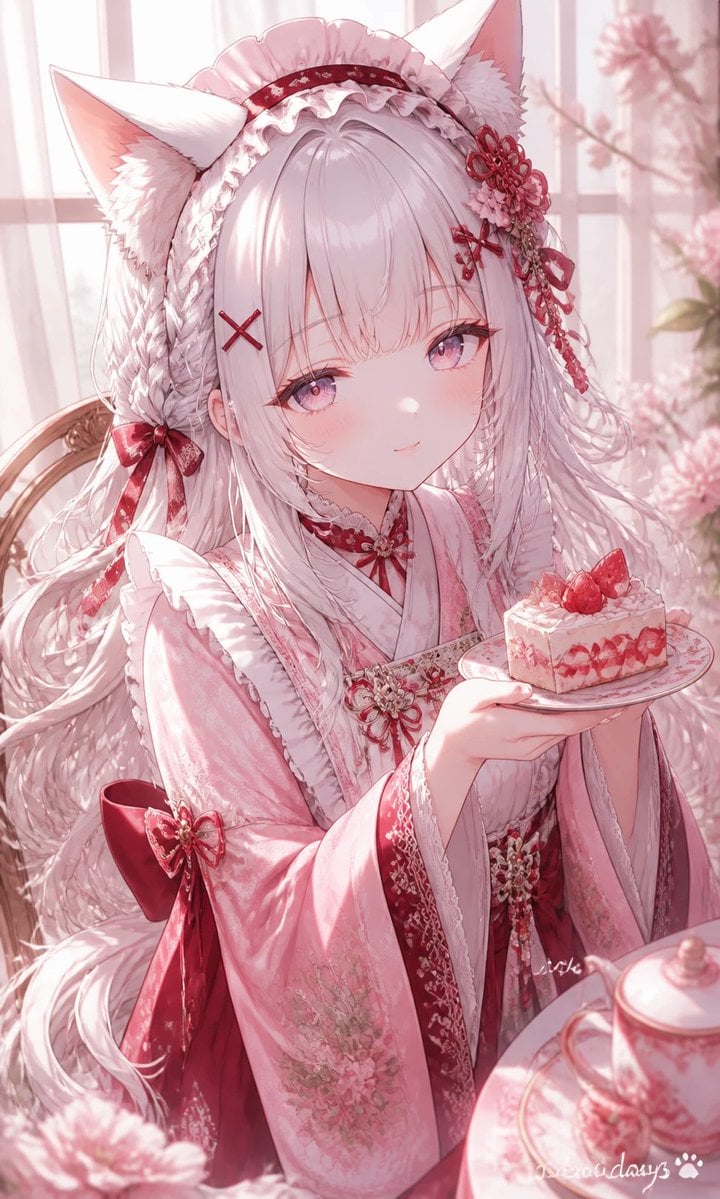
Fox-Eared Kimono Tea Party Girl
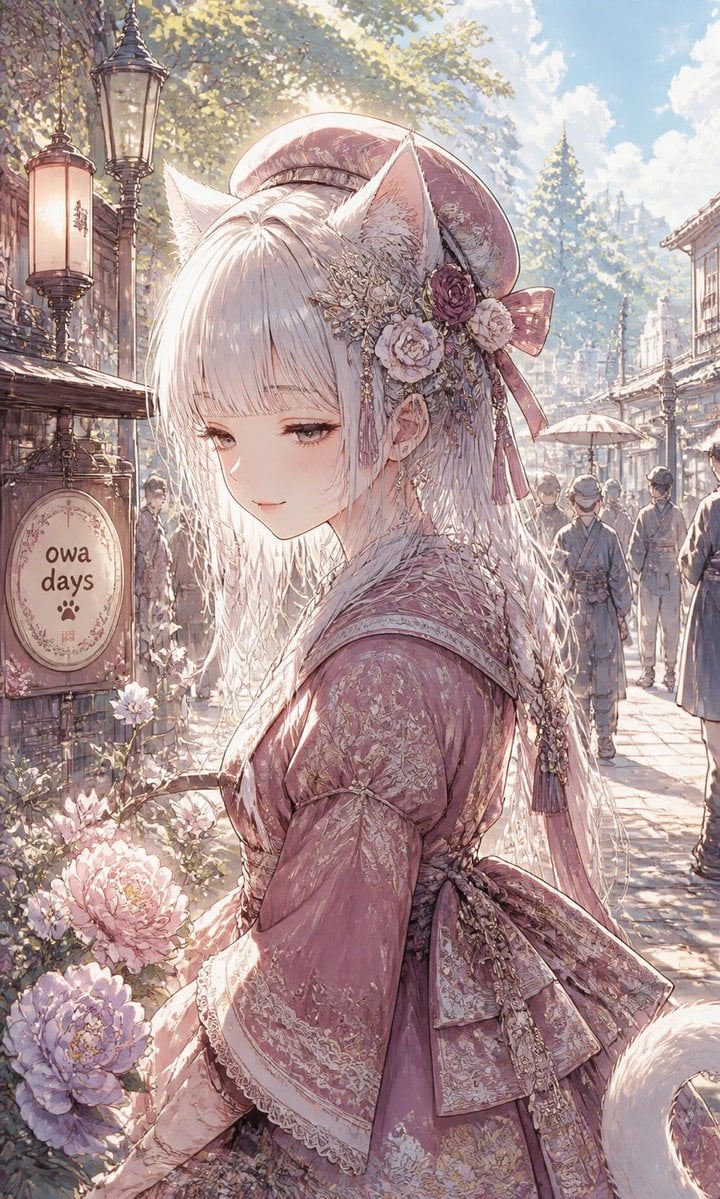
Fox-Eared Girl on Sunlit Market Street
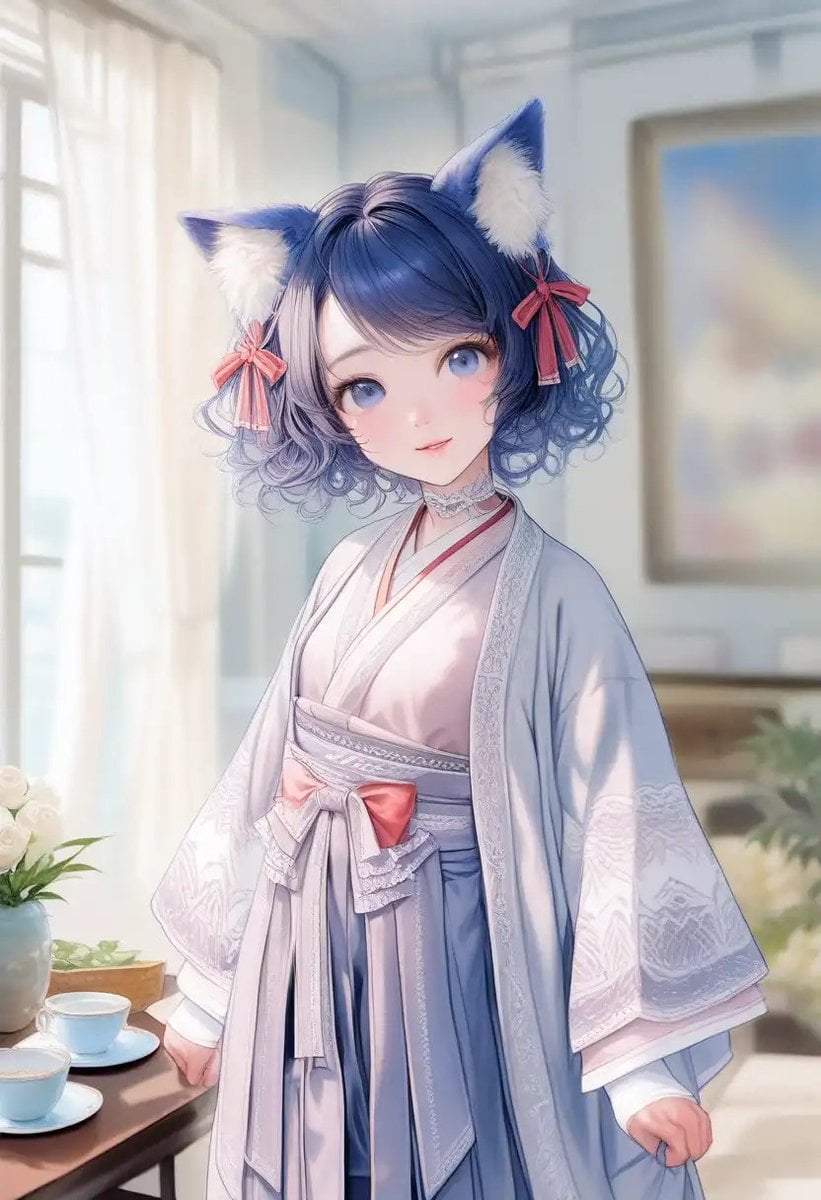
Cat-Eared Kimono Girl Portrait
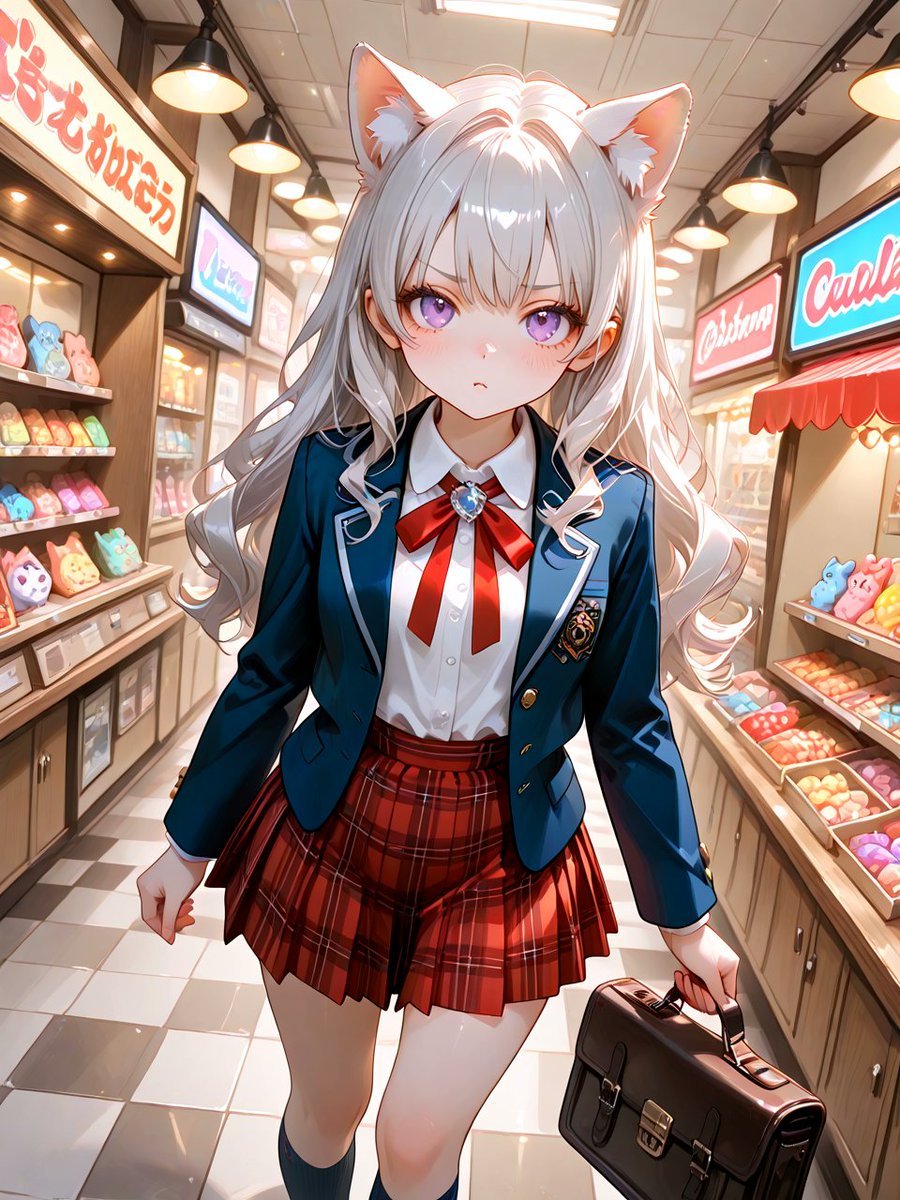
Cat-Eared Schoolgirl in Sweets Arcade

Teen Girl Alpine Lake Mountain View
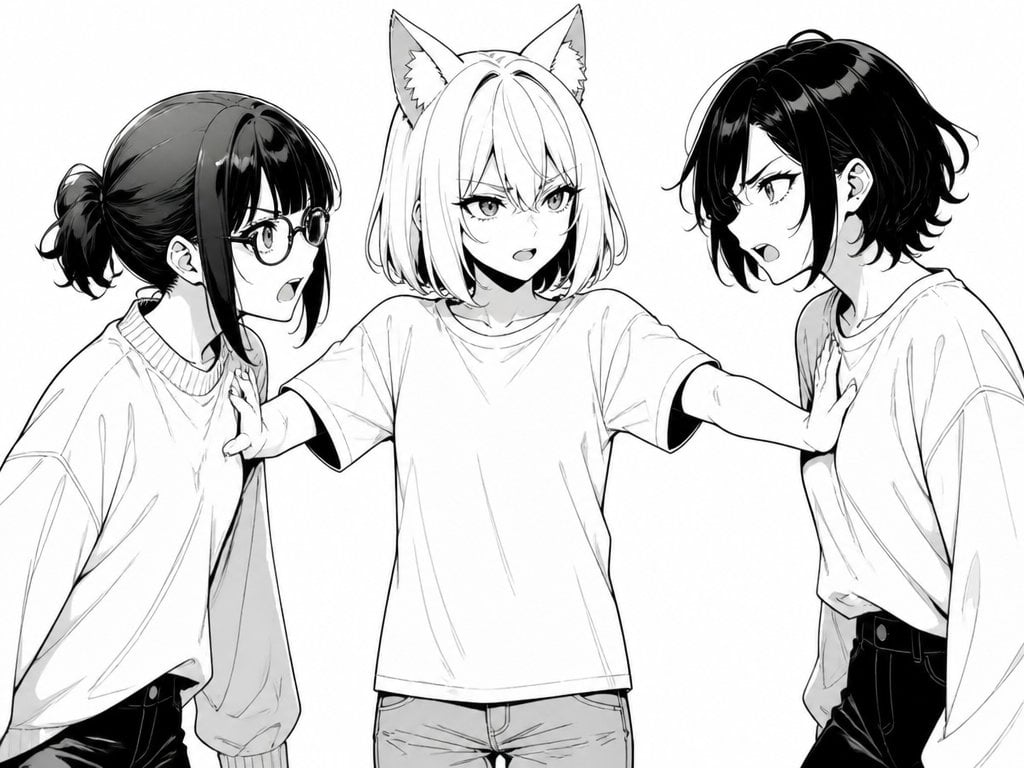
Manga Cat-Eared Girl Breaking Up Fight
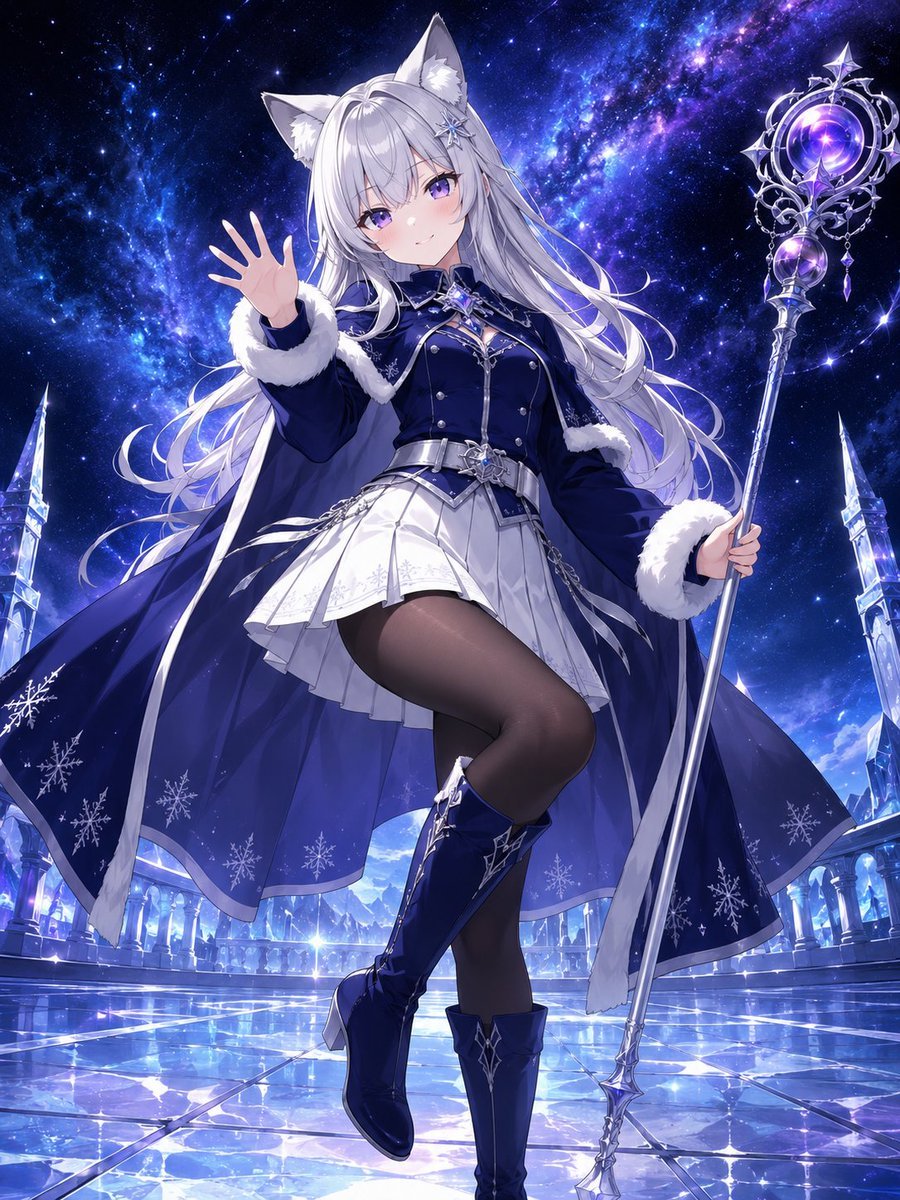
Silver Fox-Eared Winter Mage
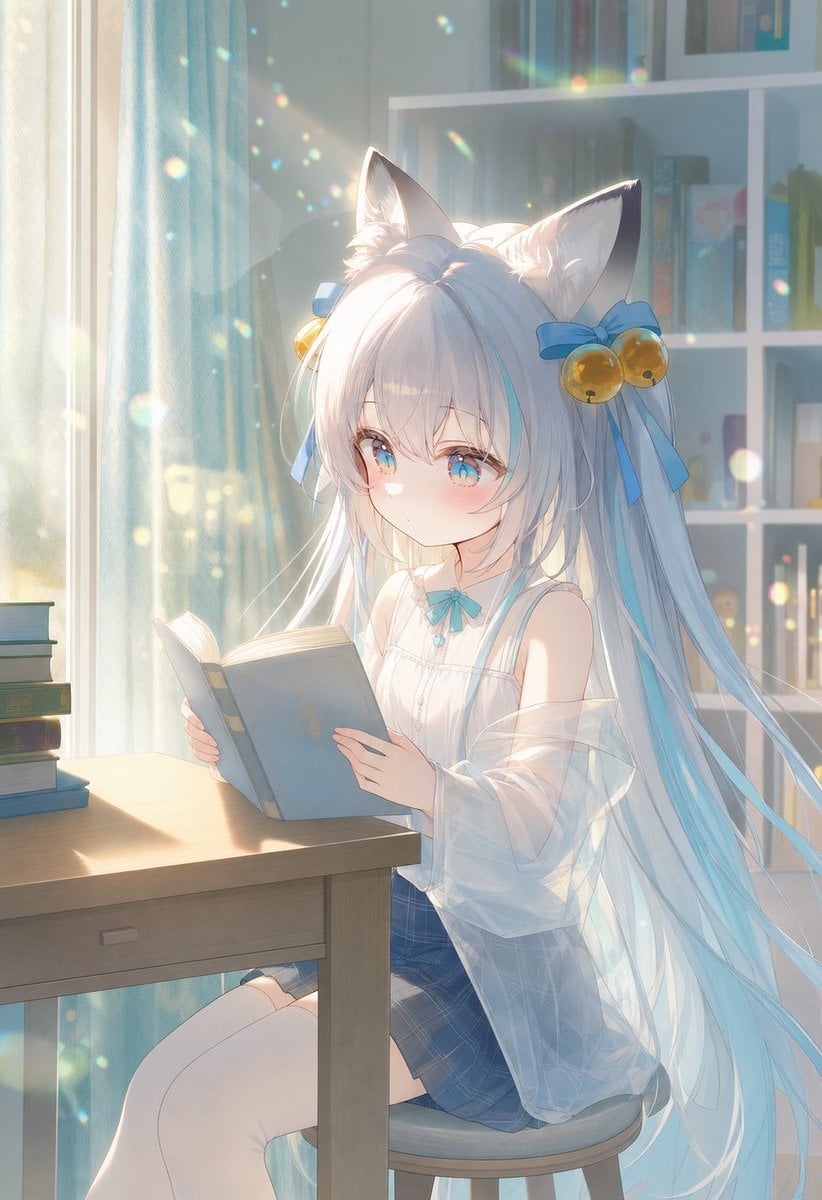
Sunlit Cat-Eared Girl Reading

Cat-Eared Kimono Girl
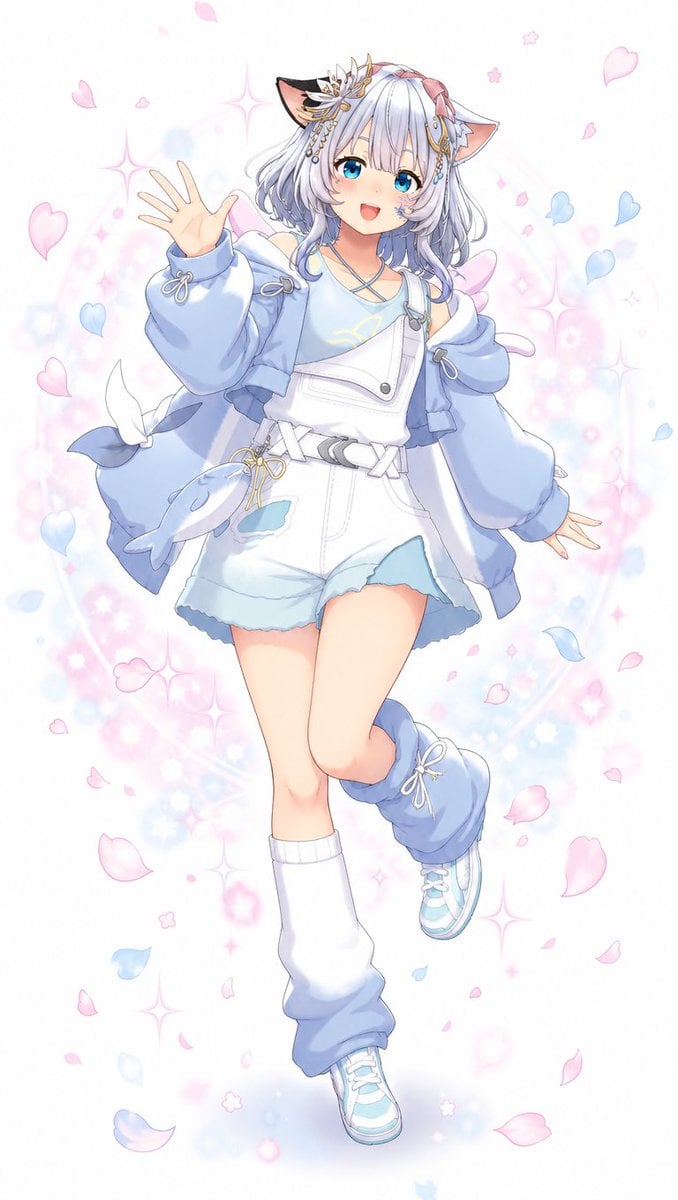
Pastel Cat-Eared Anime Girl

Anime Fantasy Celestial Movie Poster
Anime Fantasy Celestial Movie Poster
Make it yours
Halloween Fox-Eared Fantasy Girl works as-is. These are the safest ways to change it without losing the look.
Change one field
Copy a single group, rewrite it, and generate again so you can see what that field is doing.
Keep the frame, change the subject
Hold the composition and light of Halloween Fox-Eared Fantasy Girl, then swap wardrobe, props or the person for a new take.
| If the result… | Why | Fix |
|---|---|---|
| The result drifts from the preview | Too many fields changed at once. | Reuse Halloween Fox-Eared Fantasy Girl as-is first, then change one group — subject, light, or setting. |
| The model over-stylizes the scene | The prose prompt leaves finish and camera underspecified. | Add one camera or lighting sentence and stay on GPT Image 2. |
More GPT Image 2 templates
Other prompts made for GPT Image 2.

Six VTuber Japanese Logo Sheet

Realistic Portrait of Woman and Deer

The Vista Modular Condo Poster

AI Model Routing Comparison Infographic

2.5D Anime Art Board

Isometric Productivity Desk Scene

New York Double Exposure Poster

Four-Panel AI Landscape Comparison

Japanese Tatami Lifestyle Magazine Cover

NESCAFÉ Coffee Map Poster
More image prompts
Fresh picks from across the catalog.
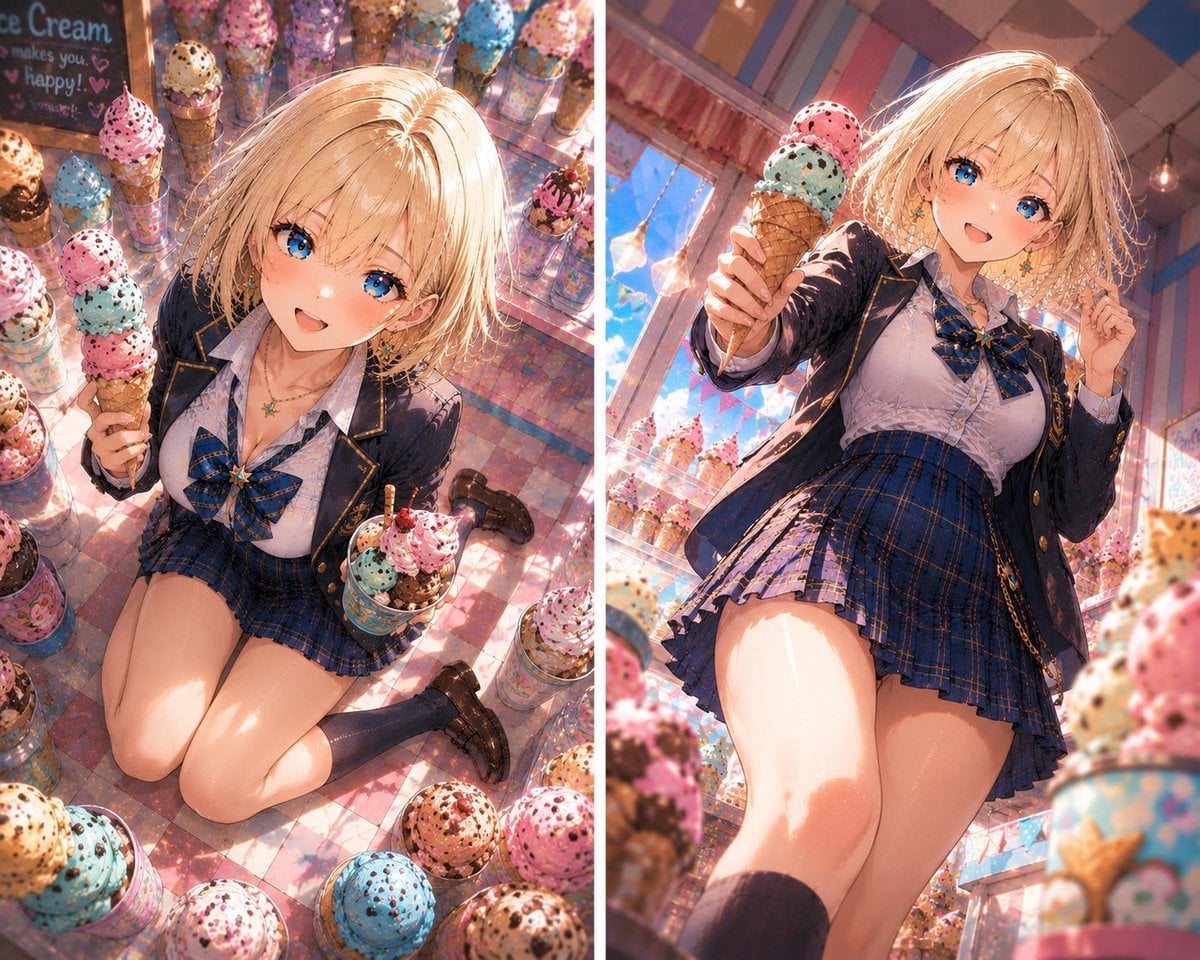
Blonde Anime Ice Cream Shop Diptych

Dreamlike Snow Country Scene
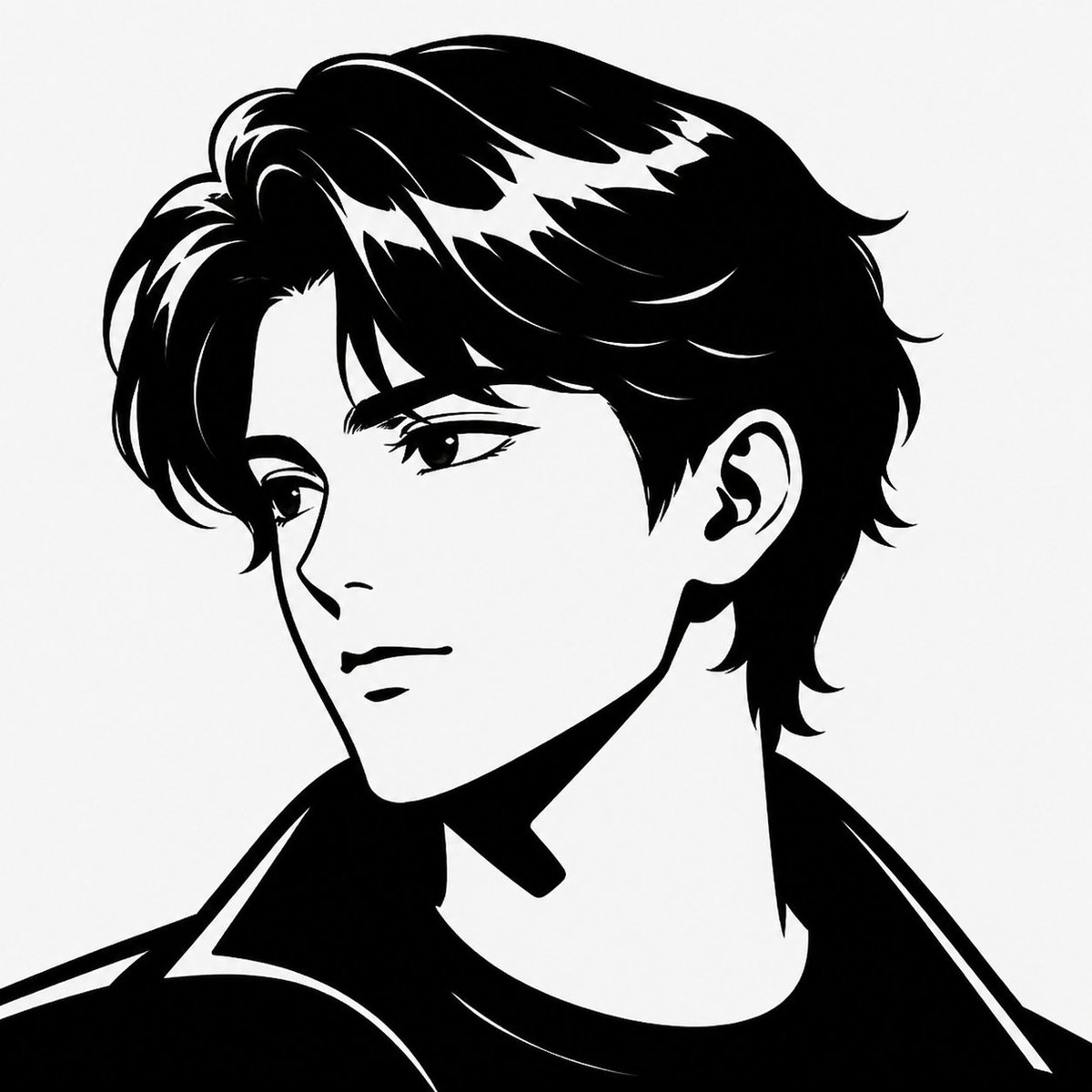
Minimalist Black White Male Silhouette
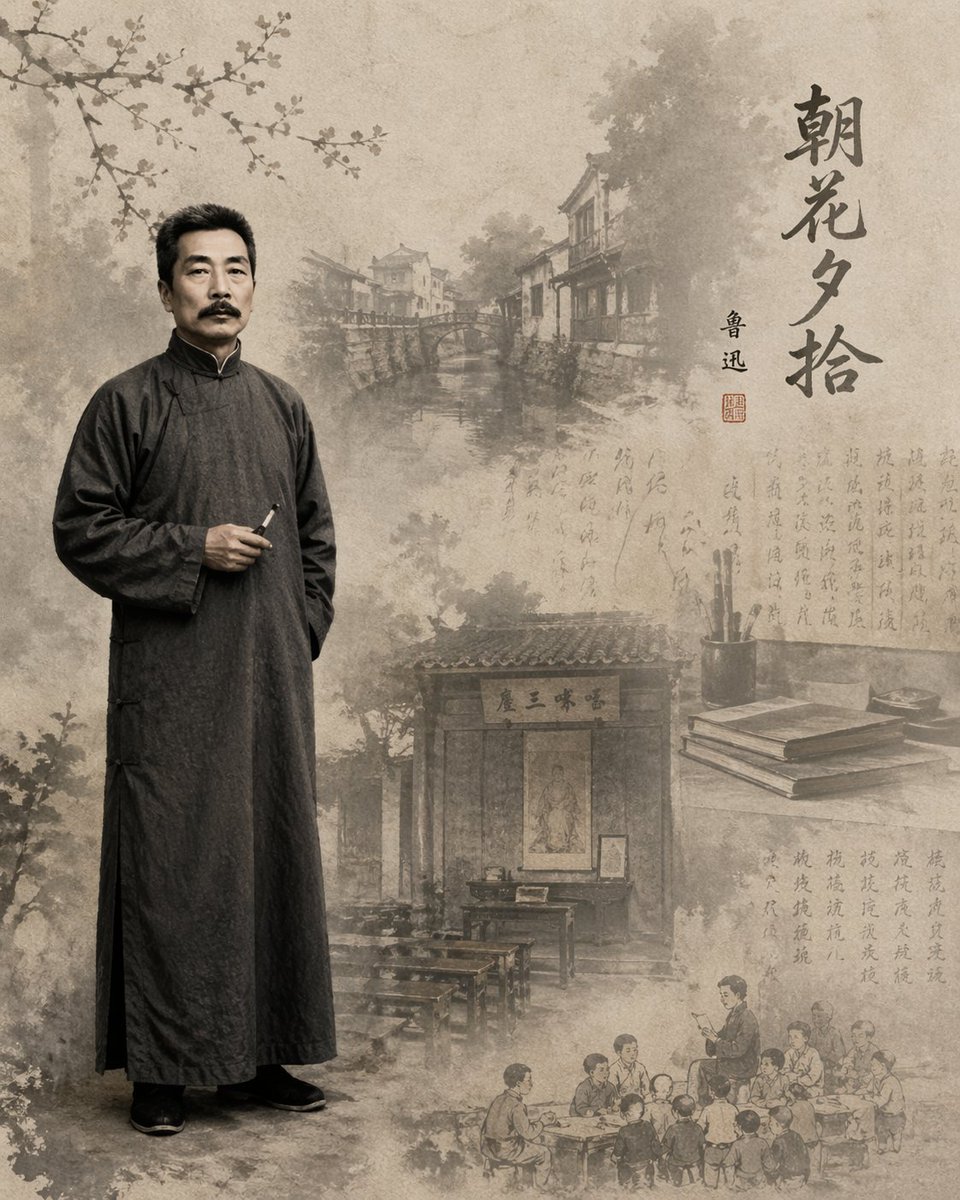
Literary Illustration Portrait
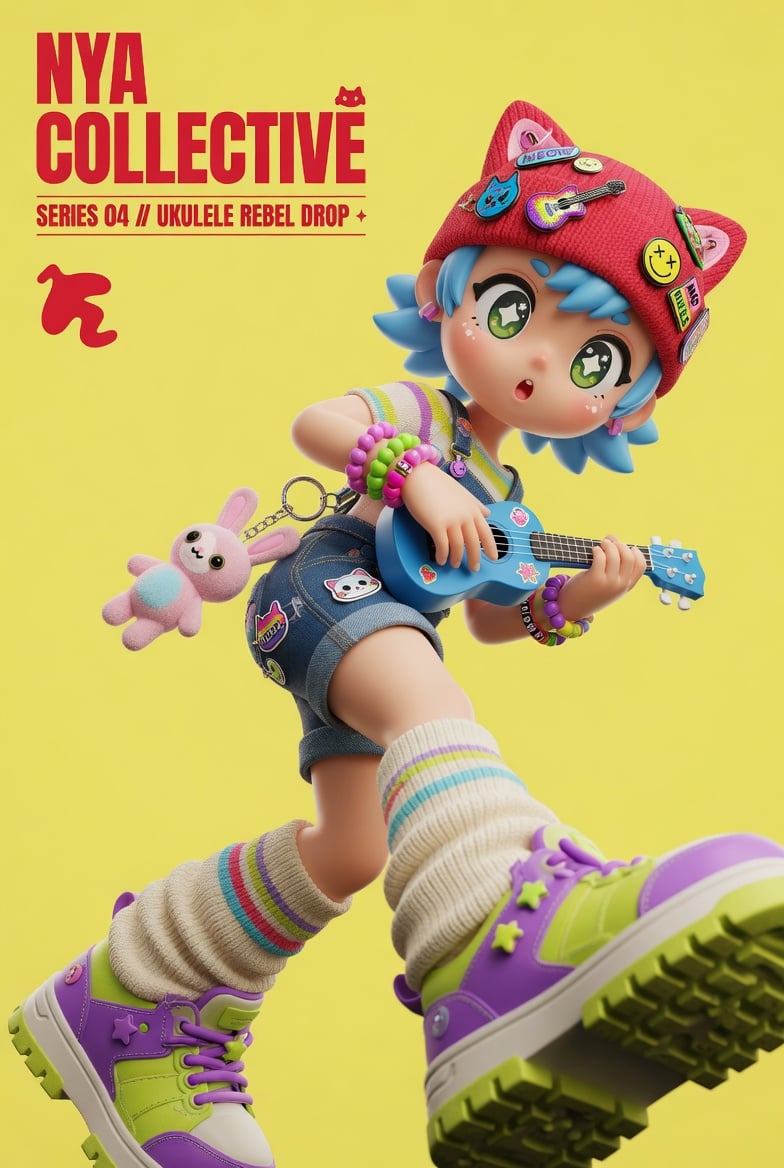
3D Designer Toy Poster

Combustion Freeze: Object Frozen at Ignition
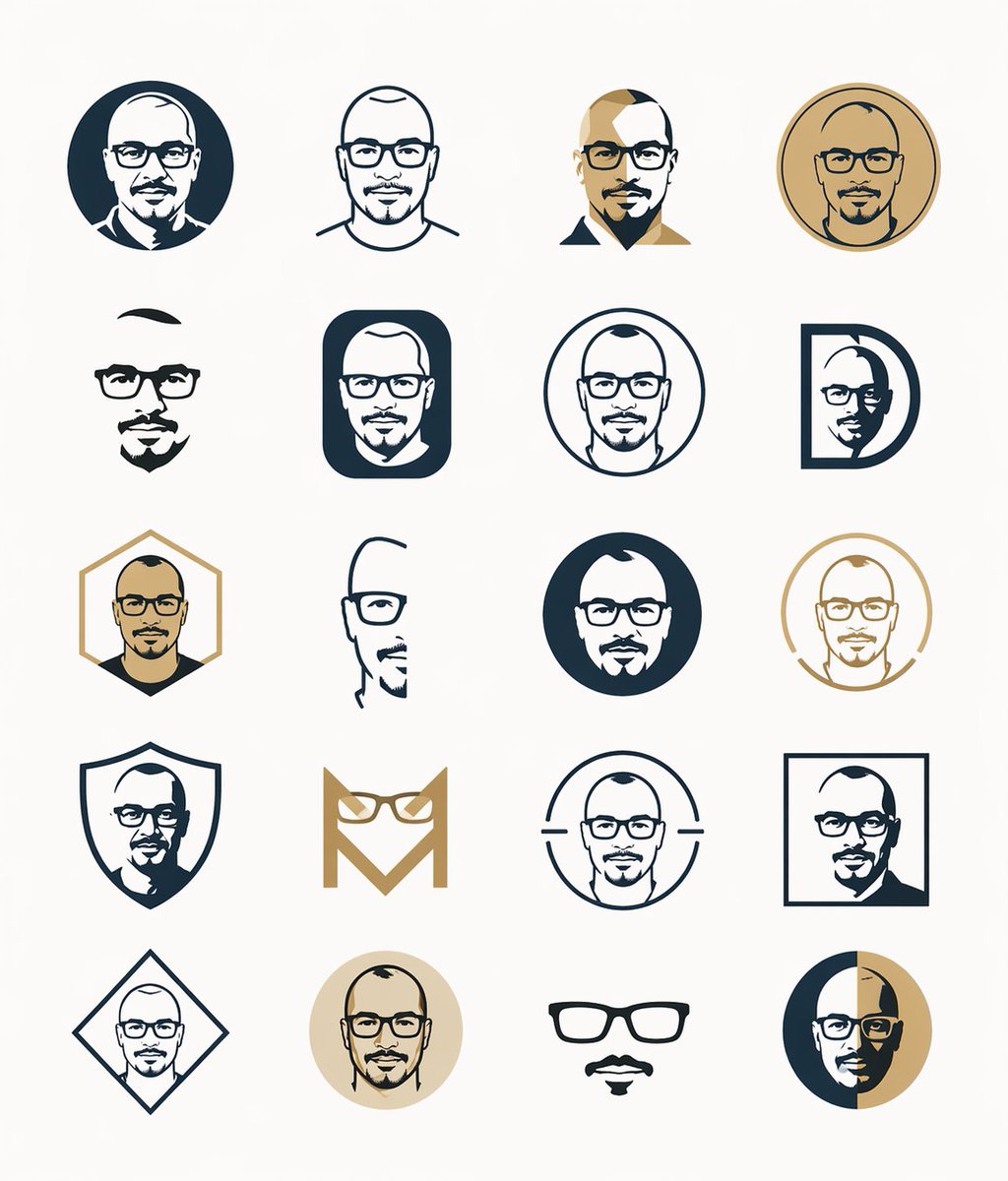
Minimal Male Avatar Logo Grid

Vintage Wuhan Hot Dry Noodles Poster
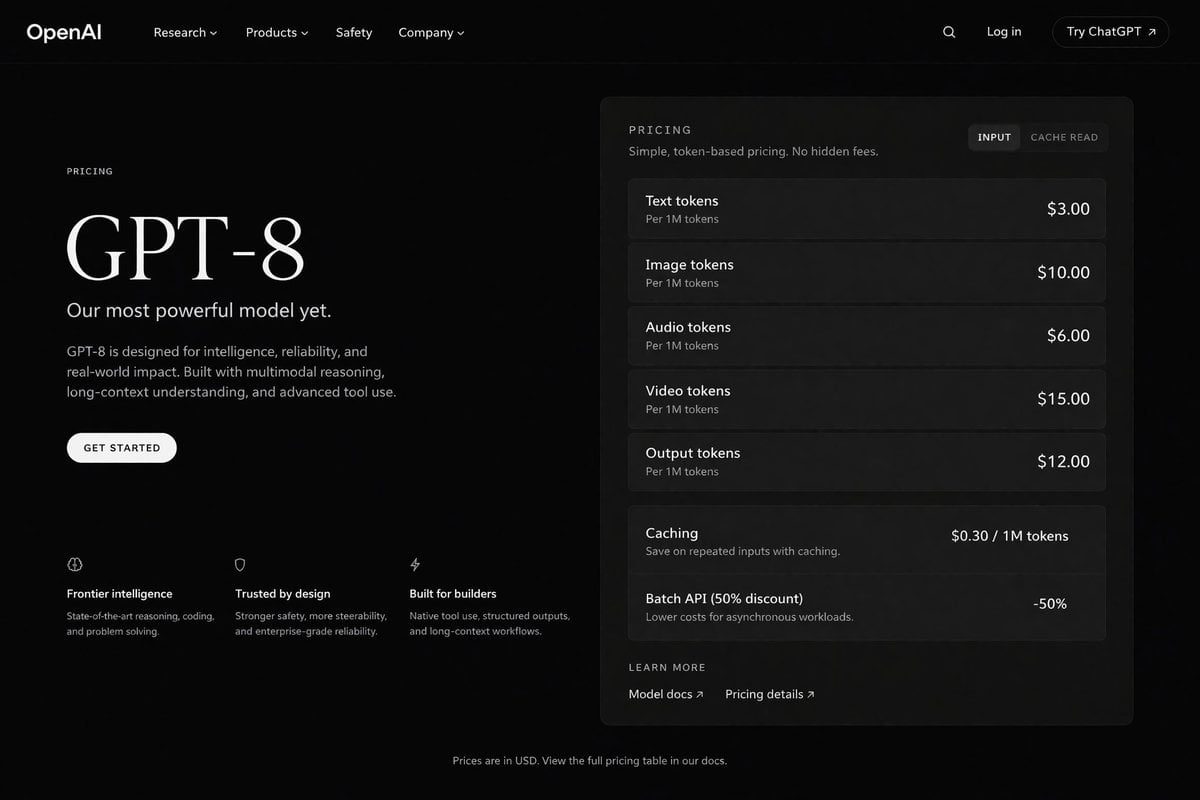
Dark Mode AI API Pricing Page Mockup
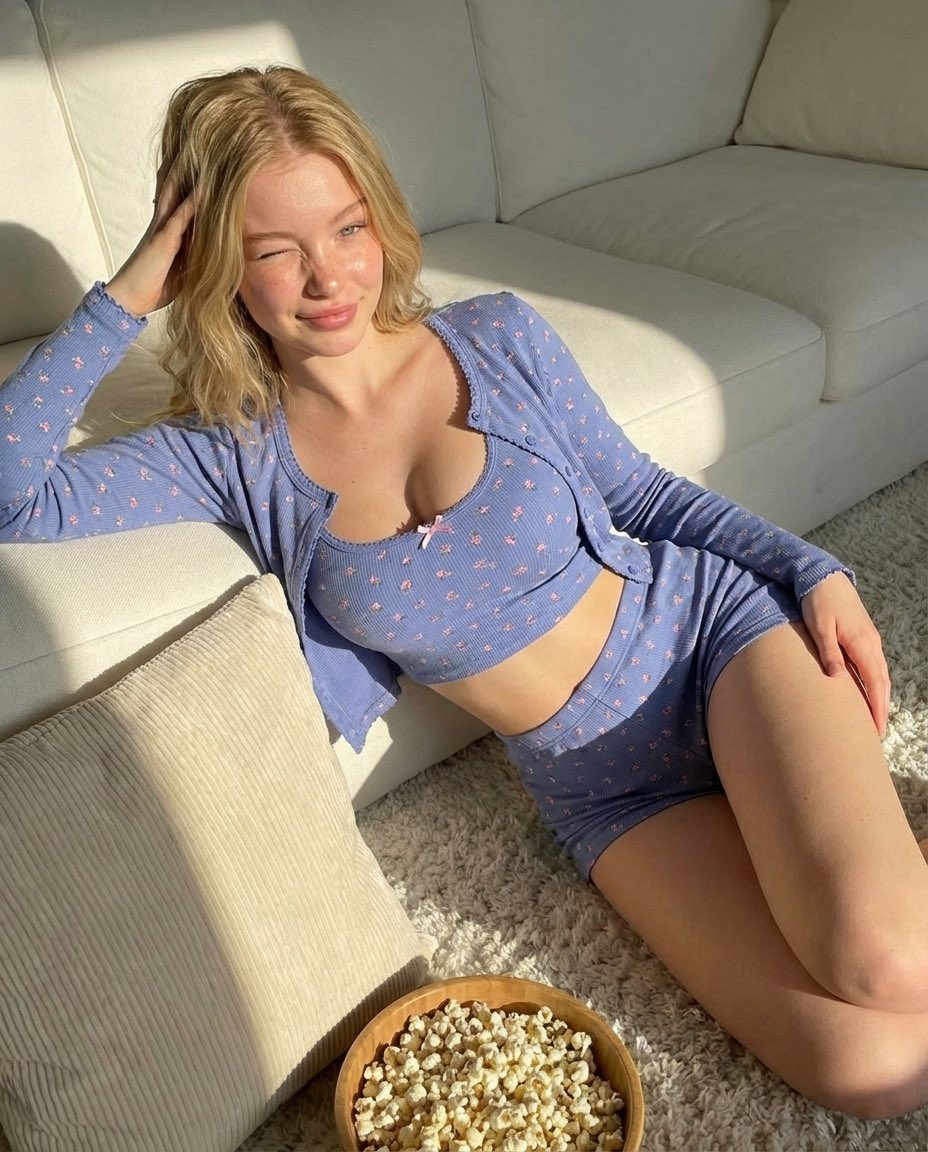
Cozy Indoor Portrait
Browse template categories
Halloween Fox-Eared Fantasy Girl questions
How do I use the Halloween Fox-Eared Fantasy Girl template?
Add your photo if the template asks for one, edit the prompt if you like — the template's model and format are already selected — and press Generate. Your version opens in PicX Studio.
Can I customize the Halloween Fox-Eared Fantasy Girl template?
Yes. You can change the subject, setting, lighting, mood, format, and available model controls before creating your image.
Is the Halloween Fox-Eared Fantasy Girl template free?
Opening and editing this template is free. Generating uses credits, shown on the Generate button when you are signed in.
Which AI model should I use?
Start with GPT Image 2, which is the model associated with this template. You can compare another compatible model for a different finish.
Looking for something else? Browse all templates.

Your photo, any look
Thousands of ready templates for every top image and video model, from one credit balance.