
Dark Mode AI API Pricing Page Mockup
Generates a sleek, dark-themed web UI mockup for an AI model's pricing page, featuring a hero section and a detailed token pricing card.
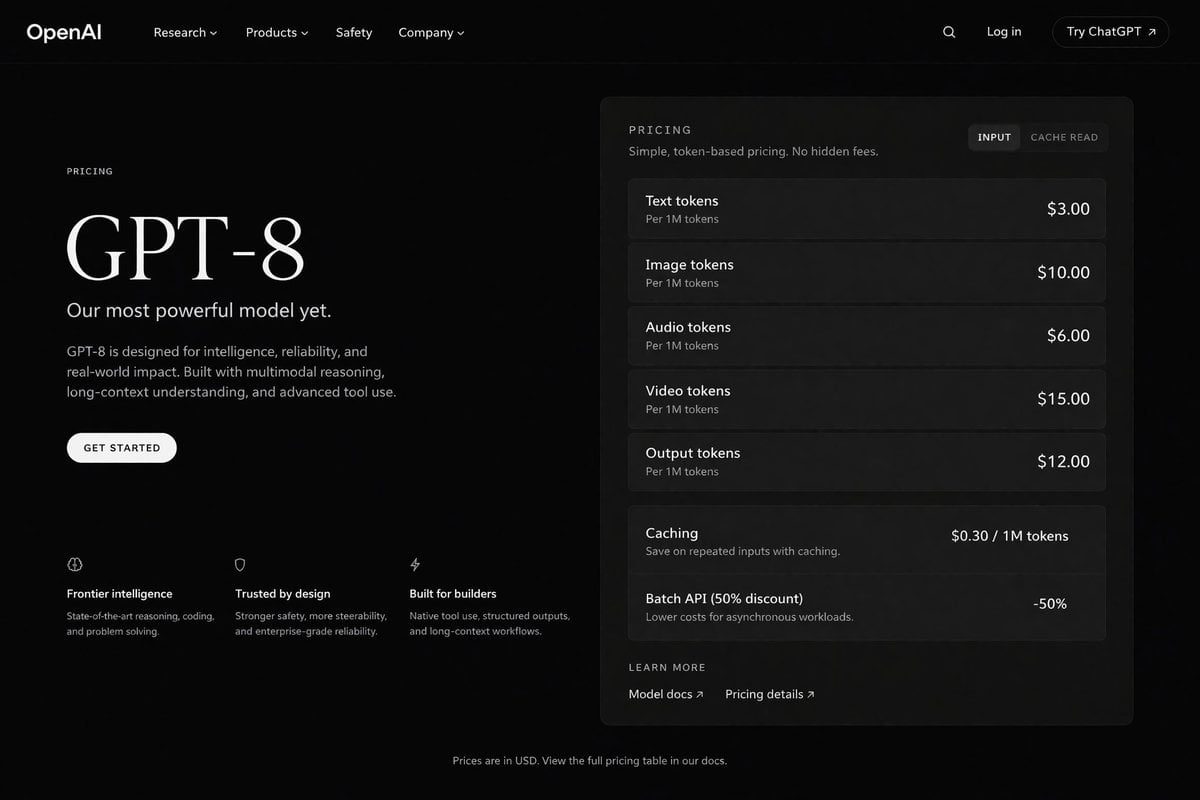
- Prompt included
- Model and format preset
- Free template
The prompt behind this image
Copy the exact prompt behind Dark Mode AI API Pricing Page Mockup, or open it in the studio and make it yours.
- Type
- dark mode web page UI mockup
- Theme
- sleek, modern, dark theme with white and light grey text
- Header › Logo
- {argument name="company name" default="OpenAI"}
- Header › Navigation
- Research, Products, Safety, Company
- Header › Actions
- Search icon, Log in, Try ChatGPT button
- Layout › Left Column › Label
- PRICING
- Layout › Left Column › Headline
- {argument name="model name" default="GPT-8"}
- Layout › Left Column › Subheading
- {argument name="main tagline" default="Our most powerful model yet."}
- Layout › Left Column › Description
- GPT-8 is designed for intelligence, reliability, and real-world impact. Built with multimodal reasoning, long-context understanding, and advanced tool use.
- Layout › Left Column › Button
- GET STARTED
- Layout › Left Column › Features › Count
- 3
- Layout › Left Column › Features › Items › 0 › Icon
- brain
- Layout › Left Column › Features › Items › 0 › Title
- Frontier intelligence
- Layout › Left Column › Features › Items › 0 › Desc
- State-of-the-art reasoning, coding, and problem solving.
- Layout › Left Column › Features › Items › 1 › Icon
- shield
- Layout › Left Column › Features › Items › 1 › Title
- Trusted by design
- Layout › Left Column › Features › Items › 1 › Desc
- Stronger safety, more steerability, and enterprise-grade reliability.
- Layout › Left Column › Features › Items › 2 › Icon
- lightning bolt
- Layout › Left Column › Features › Items › 2 › Title
- Built for builders
- Layout › Left Column › Features › Items › 2 › Desc
- Native tool use, structured outputs, and long-context workflows.
- Layout › Right Column › Type
- pricing card
- Layout › Right Column › Header
- PRICING - Simple, token-based pricing. No hidden fees.
- Layout › Right Column › Toggle
- INPUT, CACHE READ
- Layout › Right Column › Token Pricing › Count
- 5
Raw JSON
{
  "type": "dark mode web page UI mockup",
  "theme": "sleek, modern, dark theme with white and light grey text",
  "header": {
    "logo": "{argument name=\"company name\" default=\"OpenAI\"}",
    "navigation": ["Research", "Products", "Safety", "Company"],
    "actions": ["Search icon", "Log in", "Try ChatGPT button"]
  },
  "layout": {
    "left_column": {
      "label": "PRICING",
      "headline": "{argument name=\"model name\" default=\"GPT-8\"}",
      "subheading": "{argument name=\"main tagline\" default=\"Our most powerful model yet.\"}",
      "description": "GPT-8 is designed for intelligence, reliability, and real-world impact. Built with multimodal reasoning, long-context understanding, and advanced tool use.",
      "button": "GET STARTED",
      "features": {
        "count": 3,
        "items": [
          {"icon": "brain", "title": "Frontier intelligence", "desc": "State-of-the-art reasoning, coding, and problem solving."},
          {"icon": "shield", "title": "Trusted by design", "desc": "Stronger safety, more steerability, and enterprise-grade reliability."},
          {"icon": "lightning bolt", "title": "Built for builders", "desc": "Native tool use, structured outputs, and long-context workflows."}
        ]
      }
    },
    "right_column": {
      "type": "pricing card",
      "header": "PRICING - Simple, token-based pricing. No hidden fees.",
      "toggle": ["INPUT", "CACHE READ"],
      "token_pricing": {
        "count": 5,
        "rows": [
          {"name": "Text tokens", "unit": "Per 1M tokens", "price": "{argument name=\"text token price\" default=\"$3.00\"}"},
          {"name": "Image tokens", "unit": "Per 1M tokens", "price": "$10.00"},
          {"name": "Audio tokens", "unit": "Per 1M tokens", "price": "$6.00"},
          {"name": "Video tokens", "unit": "Per 1M tokens", "price": "$15.00"},
          {"name": "Output tokens", "unit": "Per 1M tokens", "price": "{argument name=\"output token price\" default=\"$12.00\"}"}
        ]
      },
      "additional_features": {
        "count": 2,
        "rows": [
          {"name": "Caching", "desc": "Save on repeated inputs with caching.", "price": "$0.30 / 1M tokens"},
          {"name": "Batch API (50% discount)", "desc": "Lower costs for asynchronous workloads.", "price": "-50%"}
        ]
      },
      "footer_links": ["LEARN MORE", "Model docs", "Pricing details"]
    }
  },
  "footer": "Prices are in USD. View the full pricing table in our docs."
}Reference images included
Dark Mode AI API Pricing Page Mockup needs input media to work. They load alongside the prompt when you open it in the studio.
How to use Dark Mode AI API Pricing Page Mockup in 3 steps
- 1Upload ImagePNG, JPG or paste
Add your photo
Upload the photo the template builds on. The prompt, model and format are already set.
- 2…a portrait of your subject in softgolden-hour light, 85mm…
Personalize
Edit the subject and creative details for your destination.
- 3Generate
Generate
Press Generate — your image is created in PicX Studio, so you can compare it with the original and refine one variable at a time.
More like this
Templates with the same subject, style or setup. Open one to see its prompt.
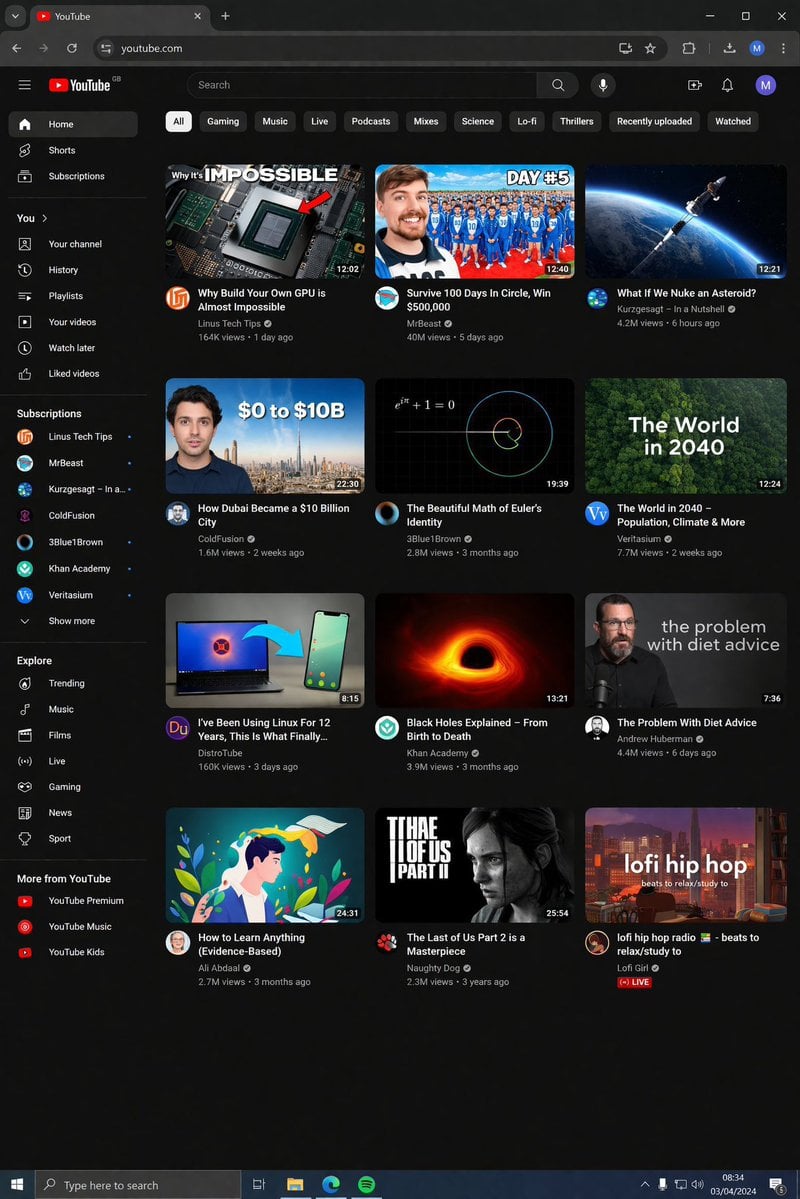
YouTube Dark Mode Desktop UI Mockup
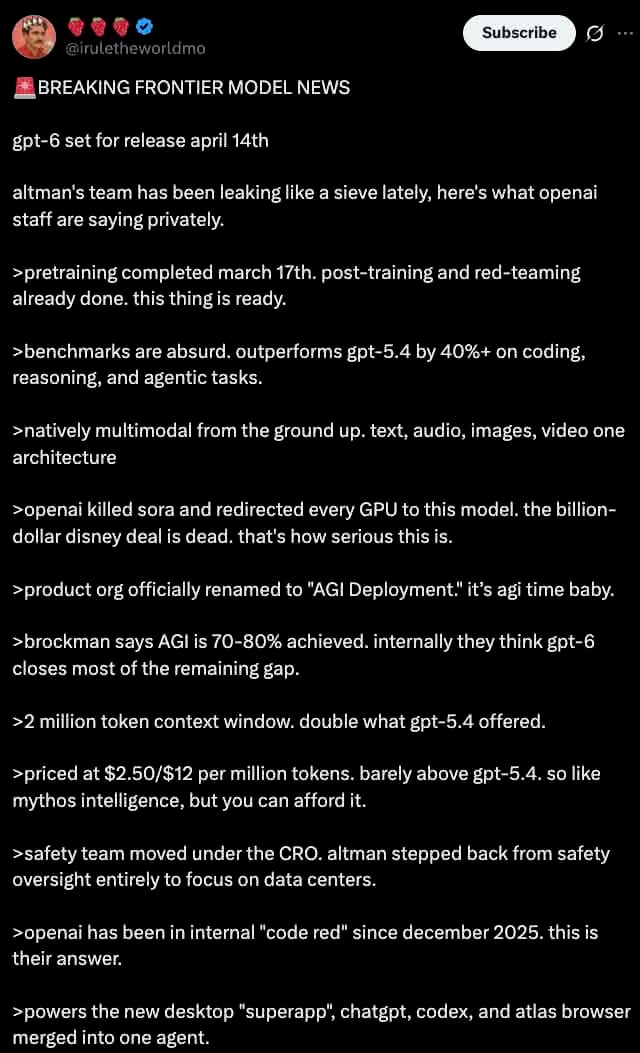
Dark Mode X Post Mockup
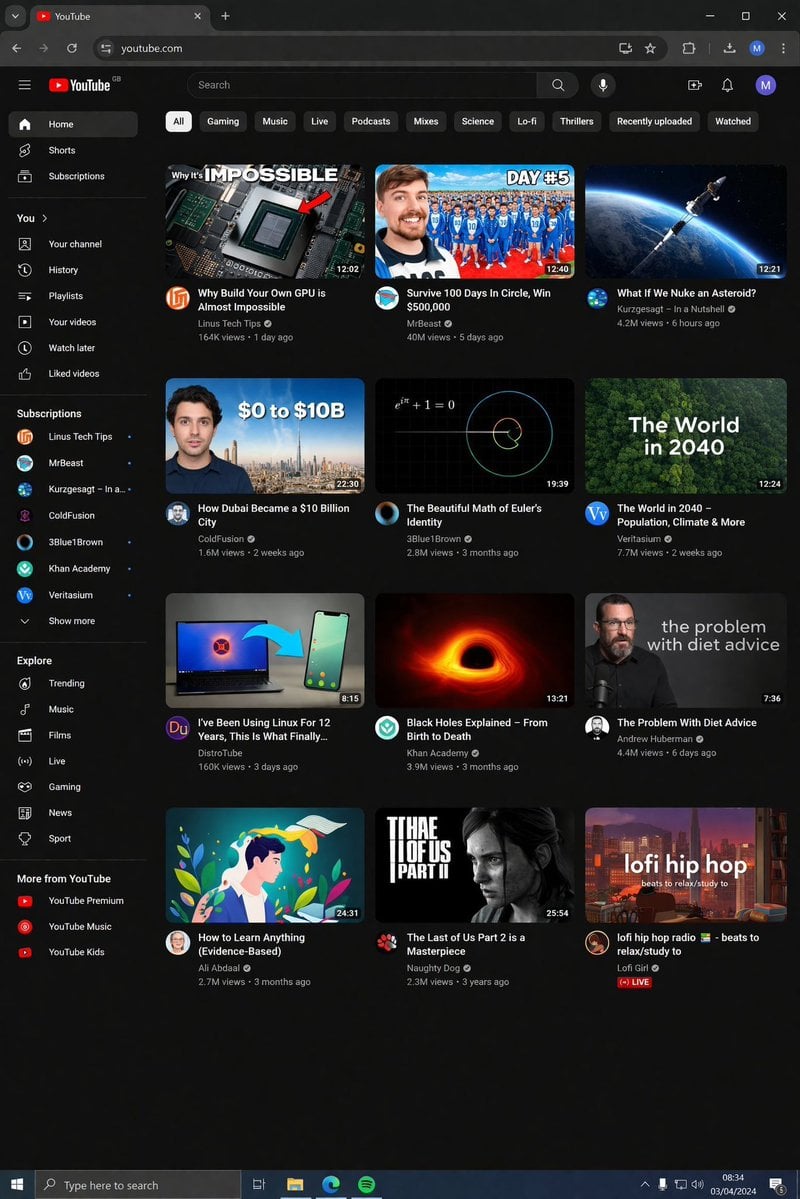
YouTube Dark Mode Desktop UI Mockup
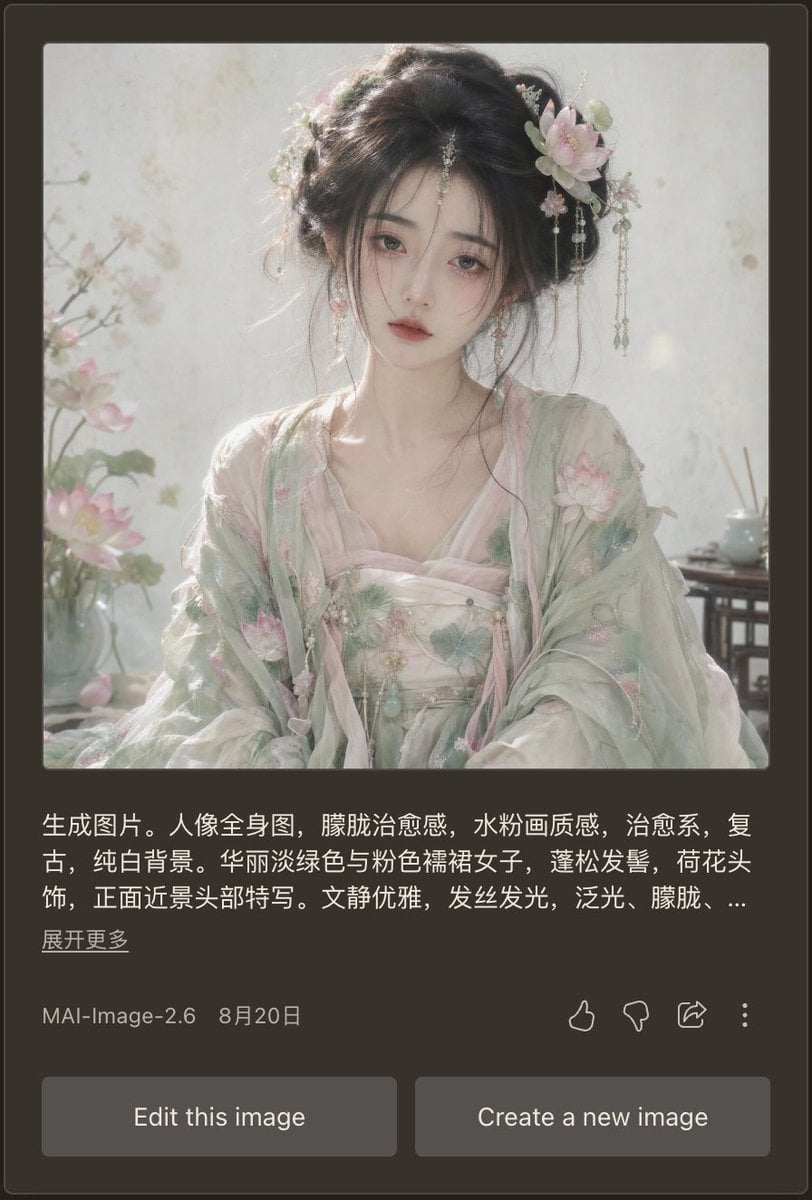
Dark Mode AI Portrait Result Card
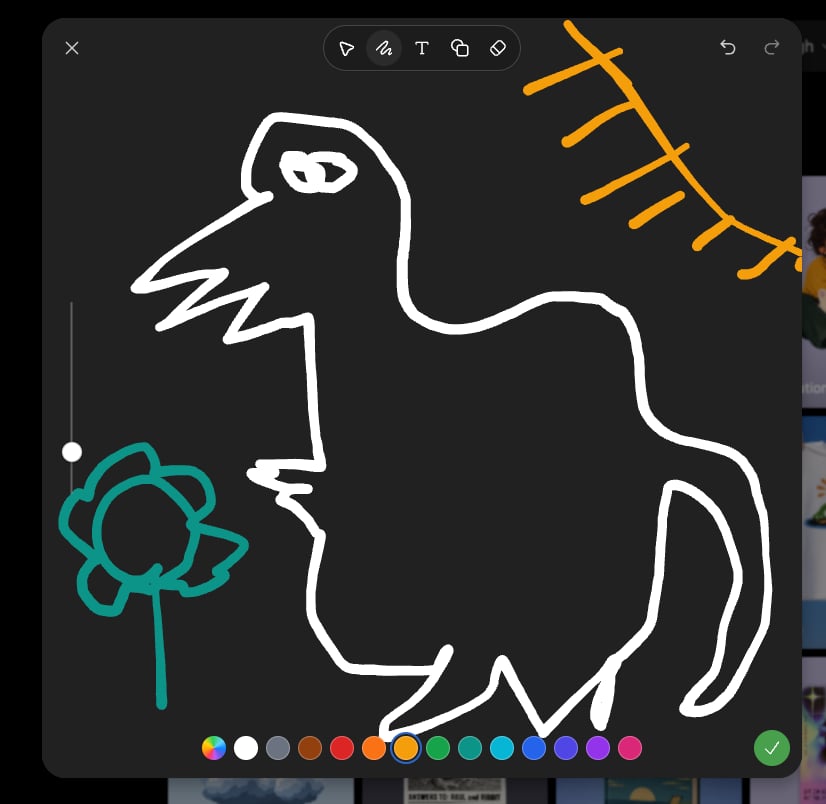
Dark Sketch Mode Monster Doodle
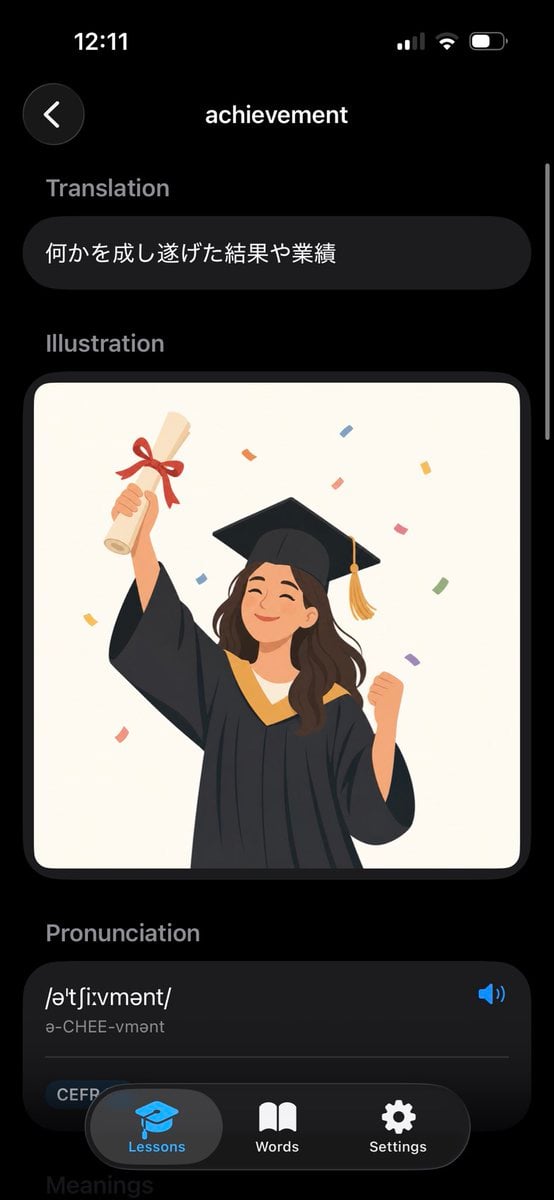
Dark Mode Dictionary Entry App

Selective Color Monochrome Football Poster

Luxury E-Commerce Landing Page Mockup
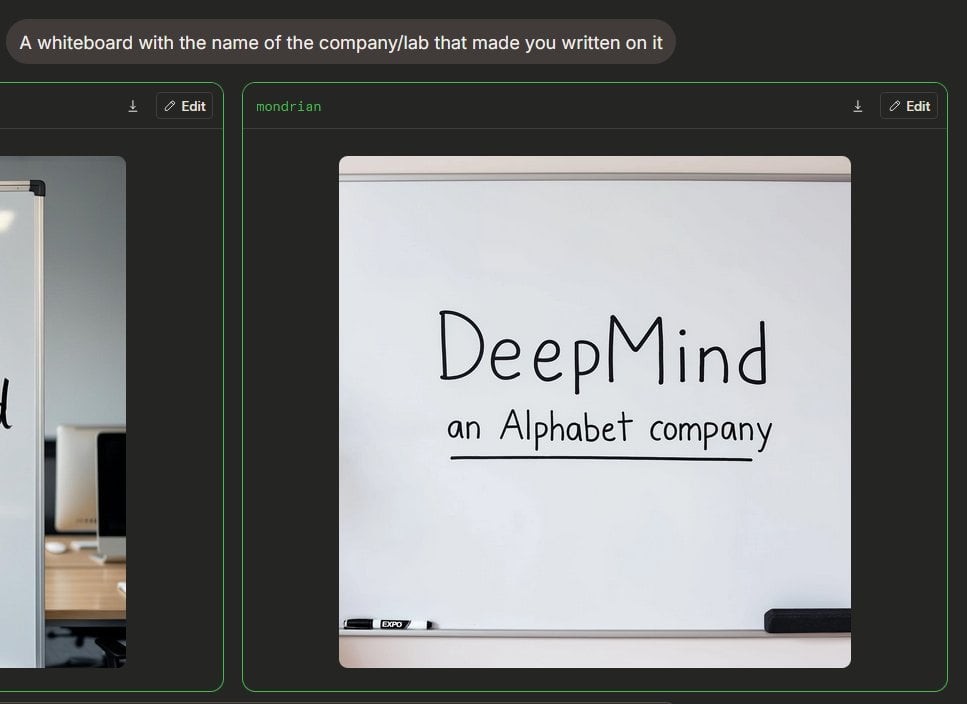
Dark Mode Image Arena Whiteboard

Mechanical Keyboard Product Page Mockup
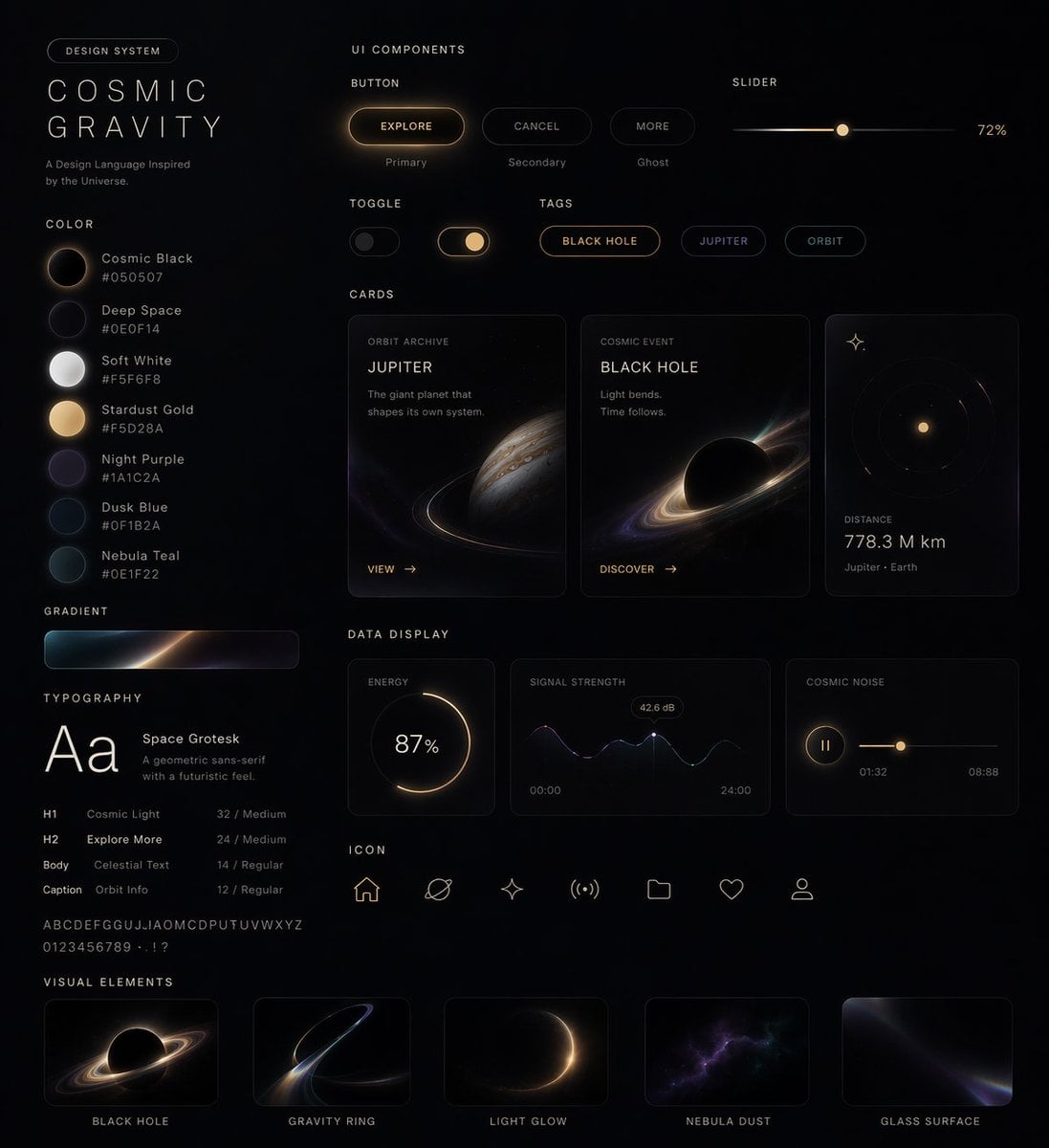
Cosmic Dark Mode UI Design System
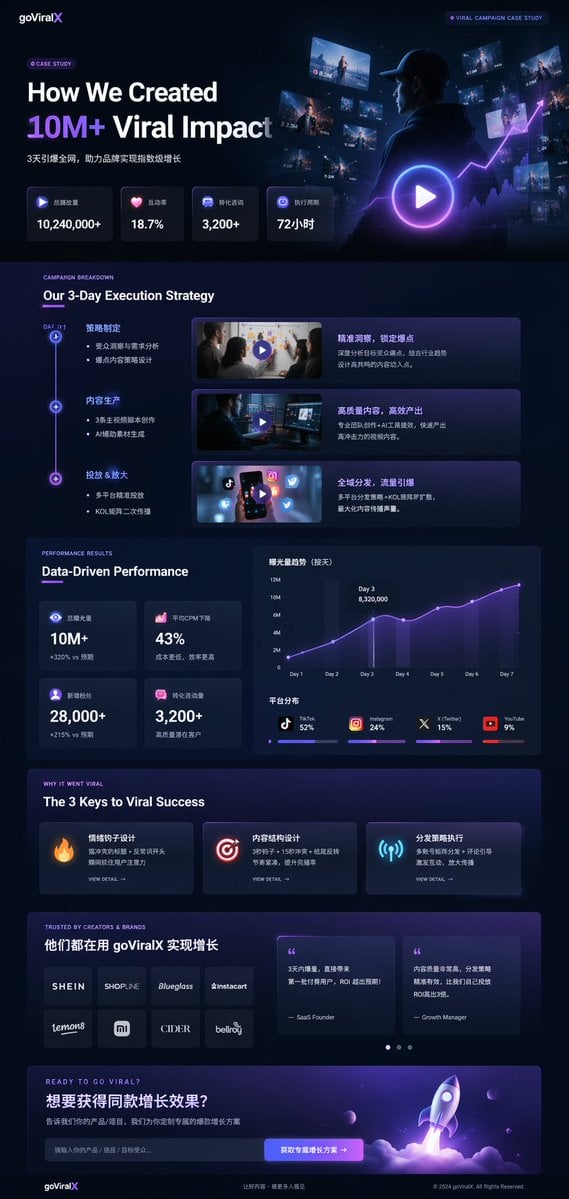
Dark Mode Marketing Case Study UI
Make it yours
Dark Mode AI API Pricing Page Mockup works as-is. These are the safest ways to change it without losing the look.
Change one field
Copy a single group, rewrite it, and generate again so you can see what that field is doing.
Keep the frame, change the subject
Hold the composition and light of Dark Mode AI API Pricing Page Mockup, then swap wardrobe, props or the person for a new take.
| If the result… | Why | Fix |
|---|---|---|
| The result drifts from the preview | Too many fields changed at once. | Reuse Dark Mode AI API Pricing Page Mockup as-is first, then change one group — subject, light, or setting. |
| GPT Image 2 ignores part of the JSON | Some models flatten or skip nested keys. | Keep the same values and paste them as a short paragraph instead. |
More GPT Image 2 templates
Other prompts made for GPT Image 2.

Six VTuber Japanese Logo Sheet

Realistic Portrait of Woman and Deer

The Vista Modular Condo Poster

AI Model Routing Comparison Infographic

2.5D Anime Art Board

Isometric Productivity Desk Scene

New York Double Exposure Poster

Four-Panel AI Landscape Comparison

Japanese Tatami Lifestyle Magazine Cover

NESCAFÉ Coffee Map Poster
More image prompts
Fresh picks from across the catalog.
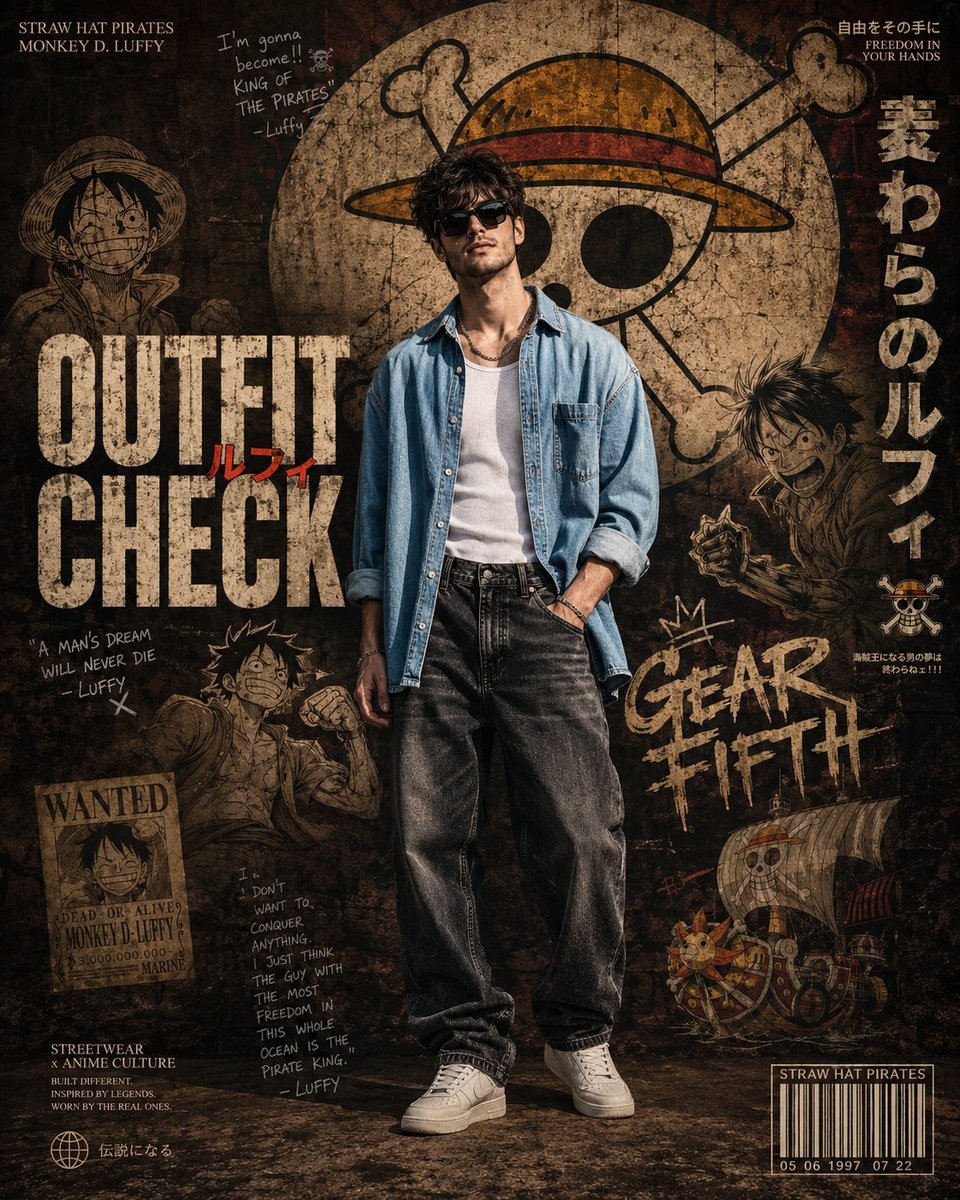
Anime Streetwear Poster Design

Realistic Saree Portrait Generation
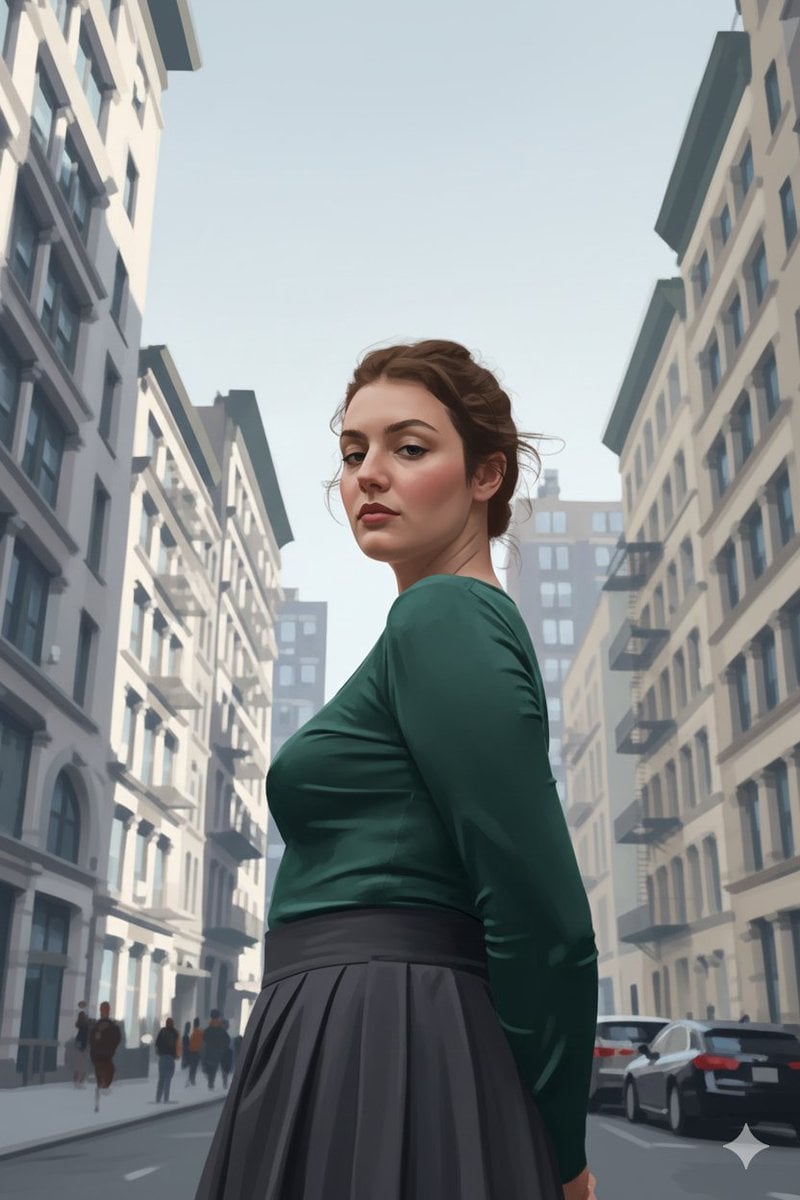
Ultra-Realistic Illustrated Portrait with Identity Preservation

Off-Center Flash Street Snap Portrait Generator

Surreal Poppies with Eyes
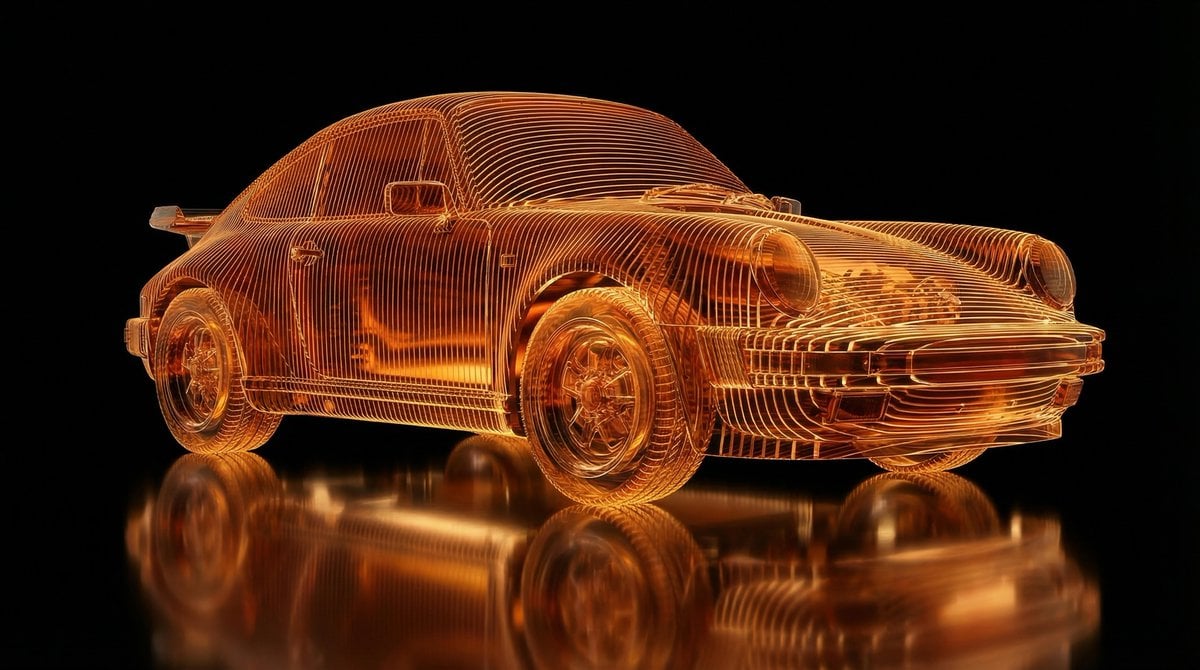
Transparent Layered Glass Supercar Sculpture Prompt

Miki Style Line Art Portrait
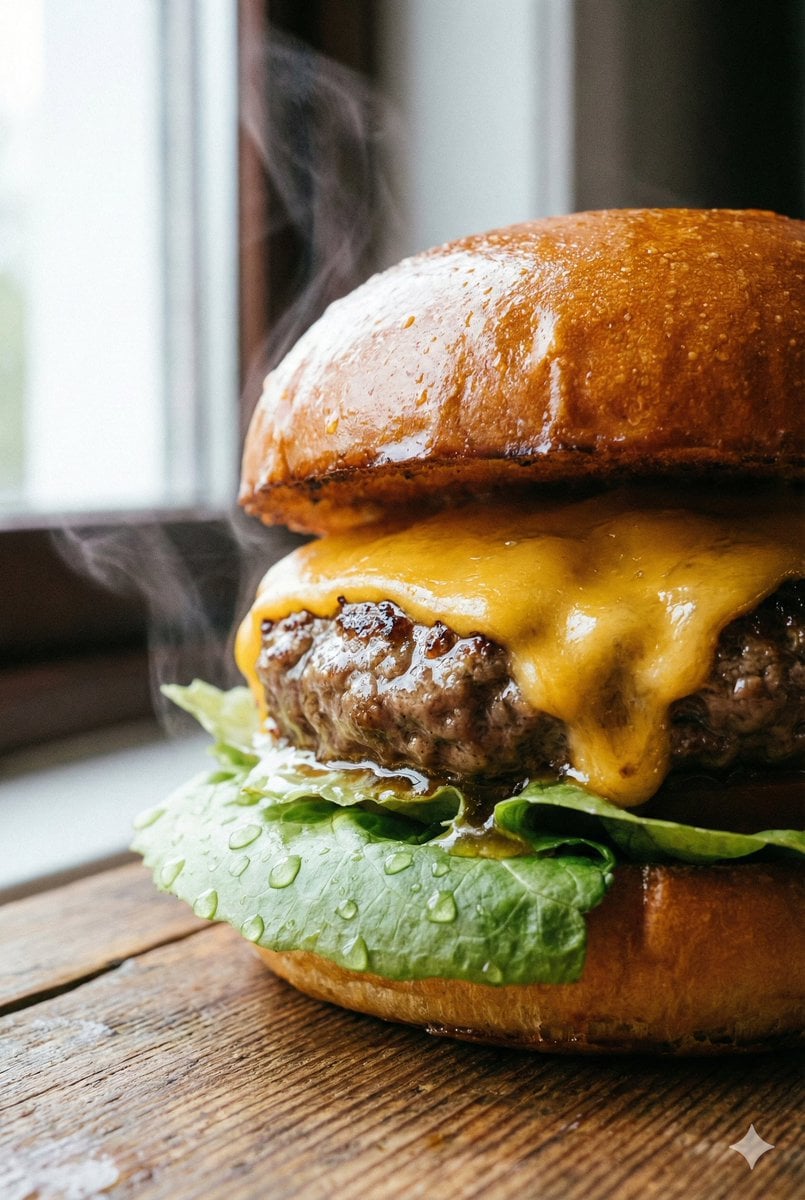
Macro Beef Burger Food Photography Prompt

Magical Realism Energy Summoning
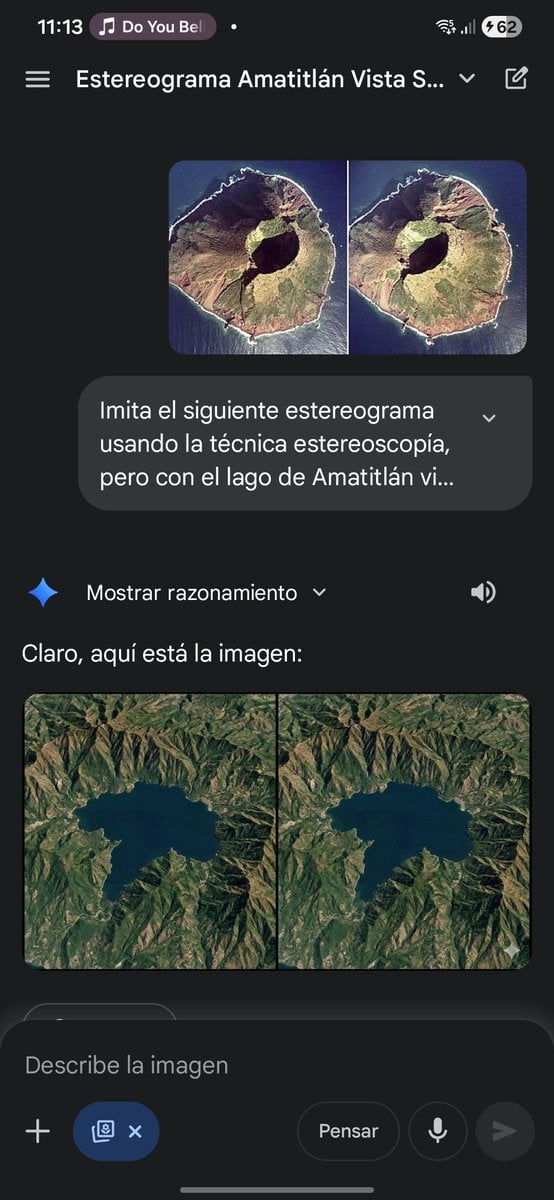
Stereogram of Amatitlán Lake from above
Browse template categories
Dark Mode AI API Pricing Page Mockup questions
How do I use the Dark Mode AI API Pricing Page Mockup template?
Add your photo if the template asks for one, edit the prompt if you like — the template's model and format are already selected — and press Generate. Your version opens in PicX Studio.
Can I customize the Dark Mode AI API Pricing Page Mockup template?
Yes. You can change the subject, setting, lighting, mood, format, and available model controls before creating your image.
Is the Dark Mode AI API Pricing Page Mockup template free?
Opening and editing this template is free. Generating uses credits, shown on the Generate button when you are signed in.
Which AI model should I use?
Start with GPT Image 2, which is the model associated with this template. You can compare another compatible model for a different finish.
Looking for something else? Browse all templates.

Your photo, any look
Thousands of ready templates for every top image and video model, from one credit balance.