
Cosmic Dark Mode UI Design System
Generates a comprehensive dark-mode UI design system featuring color palettes, typography, and space-themed components.
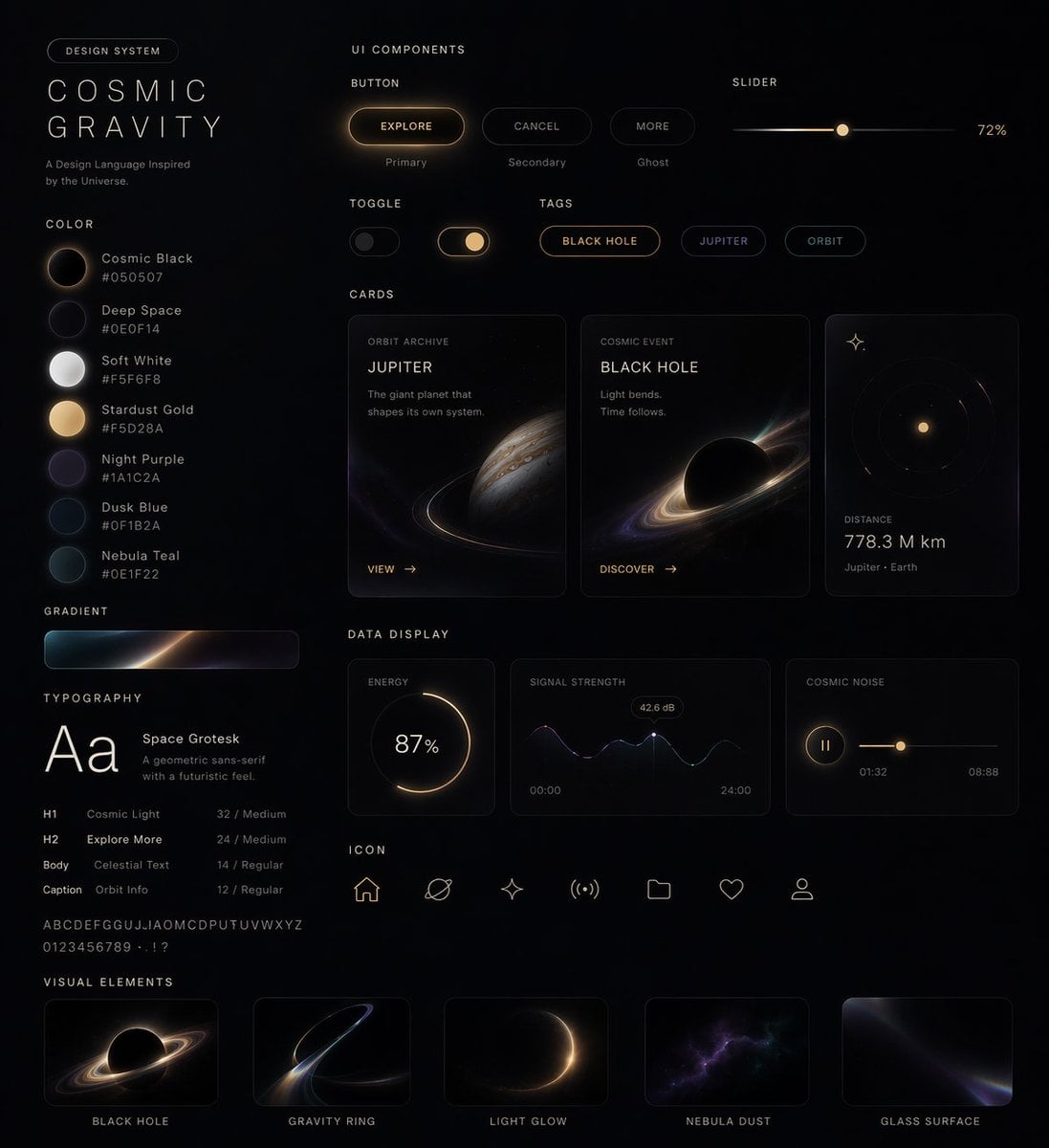
- Prompt included
- Model and format preset
- Free template
The prompt behind this image
Copy the exact prompt behind Cosmic Dark Mode UI Design System, or open it in the studio and make it yours.
- Type
- UI Design System
- Theme
- dark mode, space-inspired, glowing accents
- Header › Label
- DESIGN SYSTEM
- Header › Title
- {argument name="system name" default="COSMIC GRAVITY"}
- Header › Subtitle
- {argument name="theme description" default="A Design Language Inspired by the Universe."}
- Layout › Left Column › 0 › Title
- COLOR
- Layout › Left Column › 0 › Count
- 7
- Layout › Left Column › 0 › Items › 0 › Name
- Cosmic Black
- Layout › Left Column › 0 › Items › 0 › Hex
- #050507
- Layout › Left Column › 0 › Items › 1 › Name
- Deep Space
- Layout › Left Column › 0 › Items › 1 › Hex
- #0E0F14
- Layout › Left Column › 0 › Items › 2 › Name
- Soft White
- Layout › Left Column › 0 › Items › 2 › Hex
- #F5F6F8
- Layout › Left Column › 0 › Items › 3 › Name
- {argument name="primary accent color" default="Stardust Gold"}
- Layout › Left Column › 0 › Items › 3 › Hex
- #F5D28A
- Layout › Left Column › 0 › Items › 4 › Name
- Night Purple
- Layout › Left Column › 0 › Items › 4 › Hex
- #1A1C2A
- Layout › Left Column › 0 › Items › 5 › Name
- Dusk Blue
- Layout › Left Column › 0 › Items › 5 › Hex
- #0F1B2A
- Layout › Left Column › 0 › Items › 6 › Name
- Nebula Teal
- Layout › Left Column › 0 › Items › 6 › Hex
- #0E1F22
- Layout › Left Column › 1 › Title
- GRADIENT
- Layout › Left Column › 1 › Count
- 1
- Layout › Left Column › 1 › Description
- horizontal bar showing a dark-to-light-to-dark cosmic glow
Raw JSON
{
  "type": "UI Design System",
  "theme": "dark mode, space-inspired, glowing accents",
  "header": {
    "label": "DESIGN SYSTEM",
    "title": "{argument name=\"system name\" default=\"COSMIC GRAVITY\"}",
    "subtitle": "{argument name=\"theme description\" default=\"A Design Language Inspired by the Universe.\"}"
  },
  "layout": {
    "left_column": [
      {
        "title": "COLOR",
        "count": 7,
        "items": [
          {"name": "Cosmic Black", "hex": "#050507"},
          {"name": "Deep Space", "hex": "#0E0F14"},
          {"name": "Soft White", "hex": "#F5F6F8"},
          {"name": "{argument name=\"primary accent color\" default=\"Stardust Gold\"}", "hex": "#F5D28A"},
          {"name": "Night Purple", "hex": "#1A1C2A"},
          {"name": "Dusk Blue", "hex": "#0F1B2A"},
          {"name": "Nebula Teal", "hex": "#0E1F22"}
        ]
      },
      {
        "title": "GRADIENT",
        "count": 1,
        "description": "horizontal bar showing a dark-to-light-to-dark cosmic glow"
      },
      {
        "title": "TYPOGRAPHY",
        "font": "{argument name=\"font name\" default=\"Space Grotesk\"}",
        "hierarchy_count": 4,
        "levels": ["H1 Cosmic Light", "H2 Explore More", "Body Celestial Text", "Caption Orbit Info"]
      }
    ],
    "main_column": [
      {
        "title": "UI COMPONENTS",
        "subsections": [
          {"title": "BUTTON", "count": 3, "labels": ["EXPLORE (Primary)", "CANCEL (Secondary)", "MORE (Ghost)"]},
          {"title": "SLIDER", "count": 1, "value": "72%"},
          {"title": "TOGGLE", "count": 2, "states": ["Off", "On"]},
          {"title": "TAGS", "count": 3, "labels": ["BLACK HOLE", "JUPITER", "ORBIT"]}
        ]
      },
      {
        "title": "CARDS",
        "count": 3,
        "items": [
          {"title": "{argument name=\"card subject\" default=\"JUPITER\"}", "subtitle": "ORBIT ARCHIVE", "image": "Jupiter planet"},
          {"title": "BLACK HOLE", "subtitle": "COSMIC EVENT", "image": "Black hole with accretion disk"},
          {"title": "DISTANCE", "value": "778.3 M km", "image": "Concentric orbital rings"}
        ]
      },
      {
        "title": "DATA DISPLAY",
        "count": 3,
        "items": [
          {"title": "ENERGY", "type": "circular progress ring", "value": "87%"},
          {"title": "SIGNAL STRENGTH", "type": "line graph with glowing nodes", "value": "42.6 dB"},
          {"title": "COSMIC NOISE", "type": "audio player UI"}
        ]
      },
      {
        "title": "ICON",
        "count": 7,
        "labels": ["Home", "Planet", "Sparkle", "Signal", "Folder", "Heart", "User"]
      }
    ],
    "bottom_row": [
      {
        "title": "VISUAL ELEMENTS",
        "count": 5,
        "labels": ["BLACK HOLE", "GRAVITY RING", "LIGHT GLOW", "NEBULA DUST", "GLASS SURFACE"]
      }
    ]
  }
}Reference images included
Cosmic Dark Mode UI Design System needs input media to work. They load alongside the prompt when you open it in the studio.
How to use Cosmic Dark Mode UI Design System in 3 steps
- 1Upload ImagePNG, JPG or paste
Add your photo
Upload the photo the template builds on. The prompt, model and format are already set.
- 2…a portrait of your subject in softgolden-hour light, 85mm…
Personalize
Edit the subject and creative details for your destination.
- 3Generate
Generate
Press Generate — your image is created in PicX Studio, so you can compare it with the original and refine one variable at a time.
More like this
Templates with the same subject, style or setup. Open one to see its prompt.
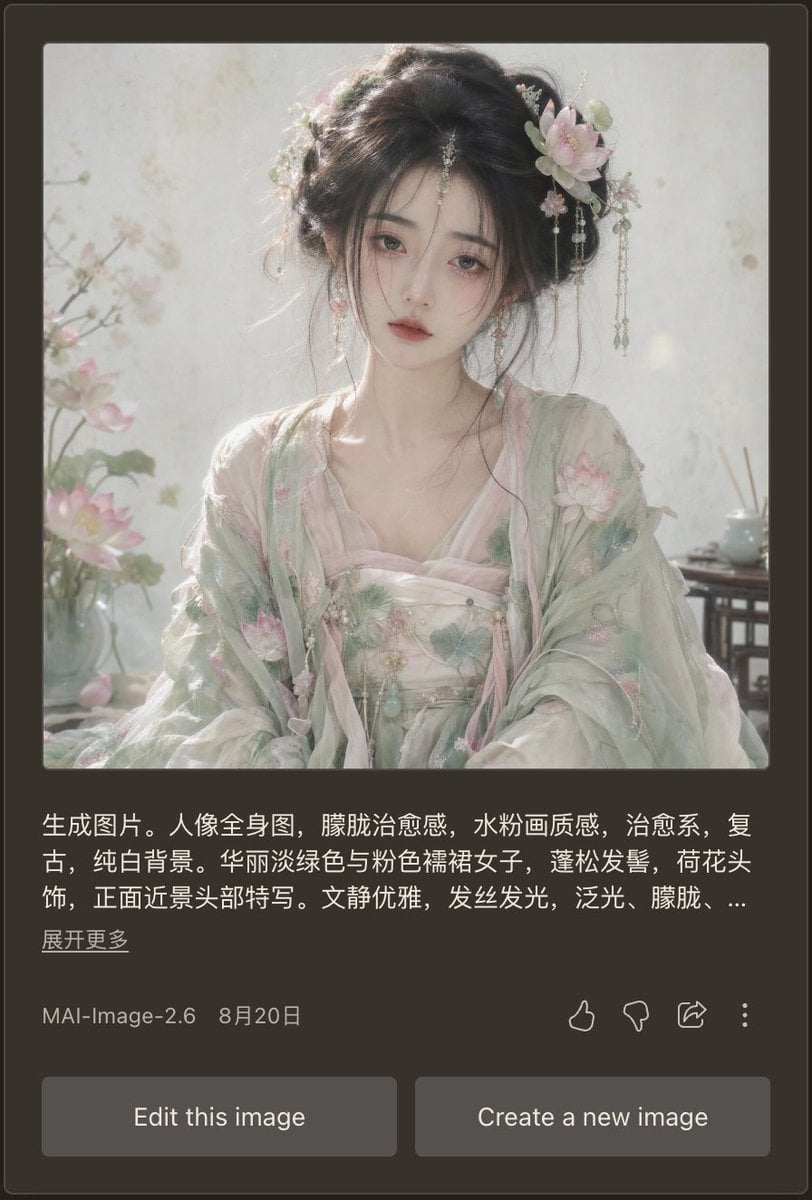
Dark Mode AI Portrait Result Card
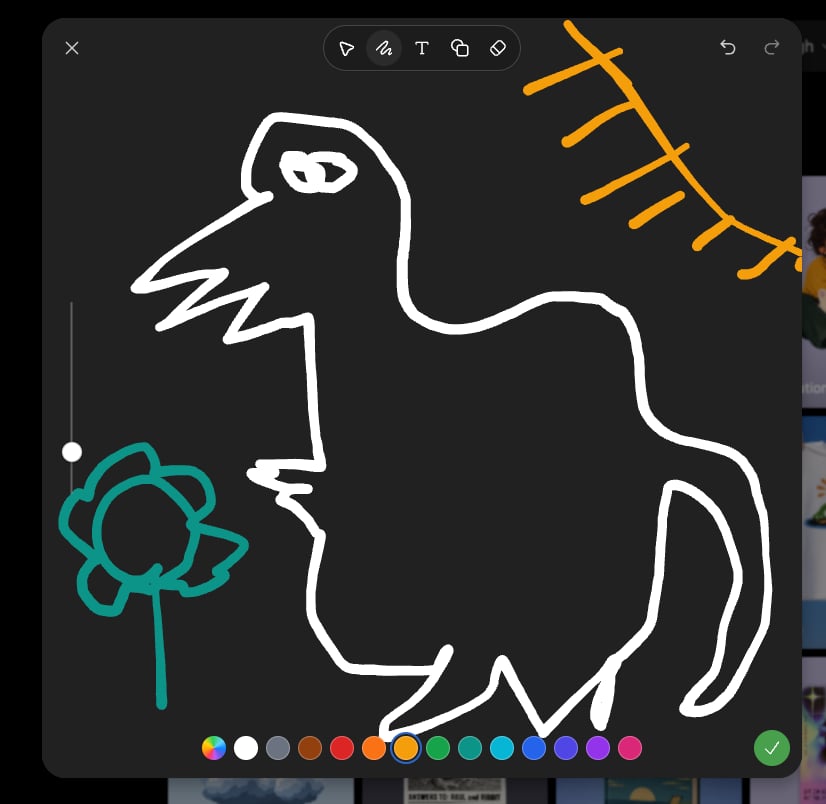
Dark Sketch Mode Monster Doodle
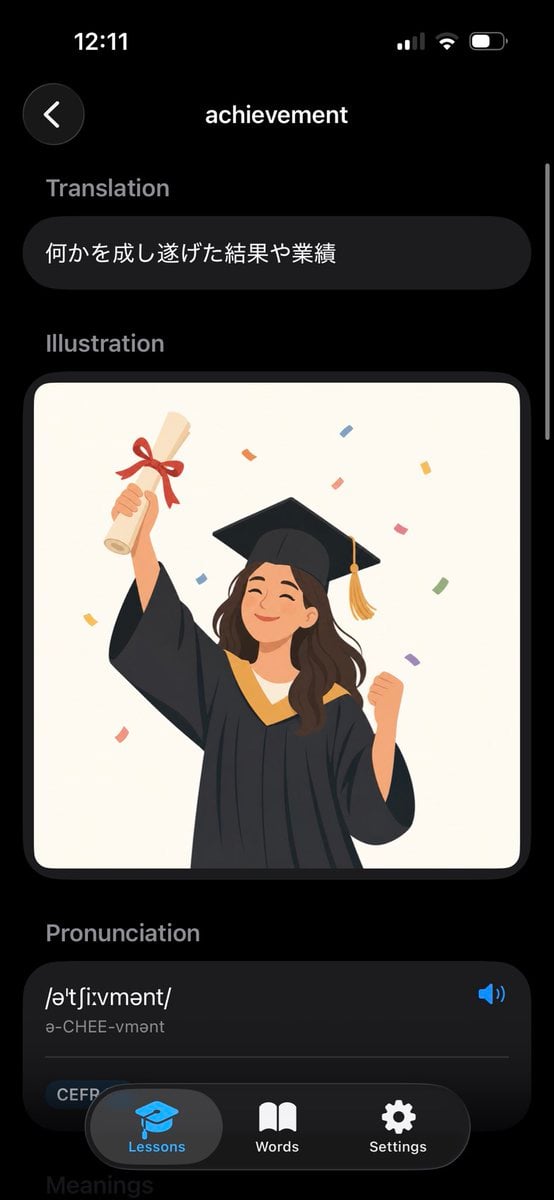
Dark Mode Dictionary Entry App
Cosmic Space Opera Dark Emperor

Selective Color Monochrome Football Poster
Dark Mode Image Arena Whiteboard
YouTube Dark Mode Desktop UI Mockup
Dark Mode X Post Mockup
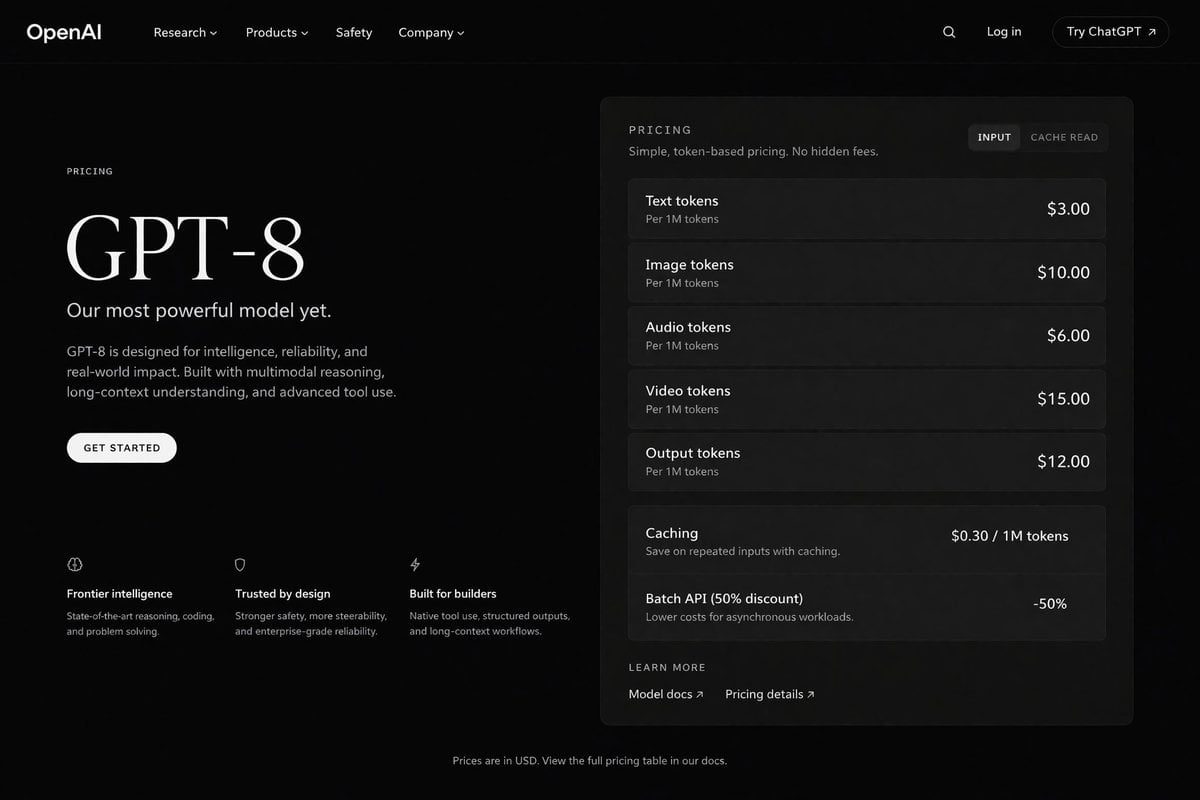
Dark Mode AI API Pricing Page Mockup
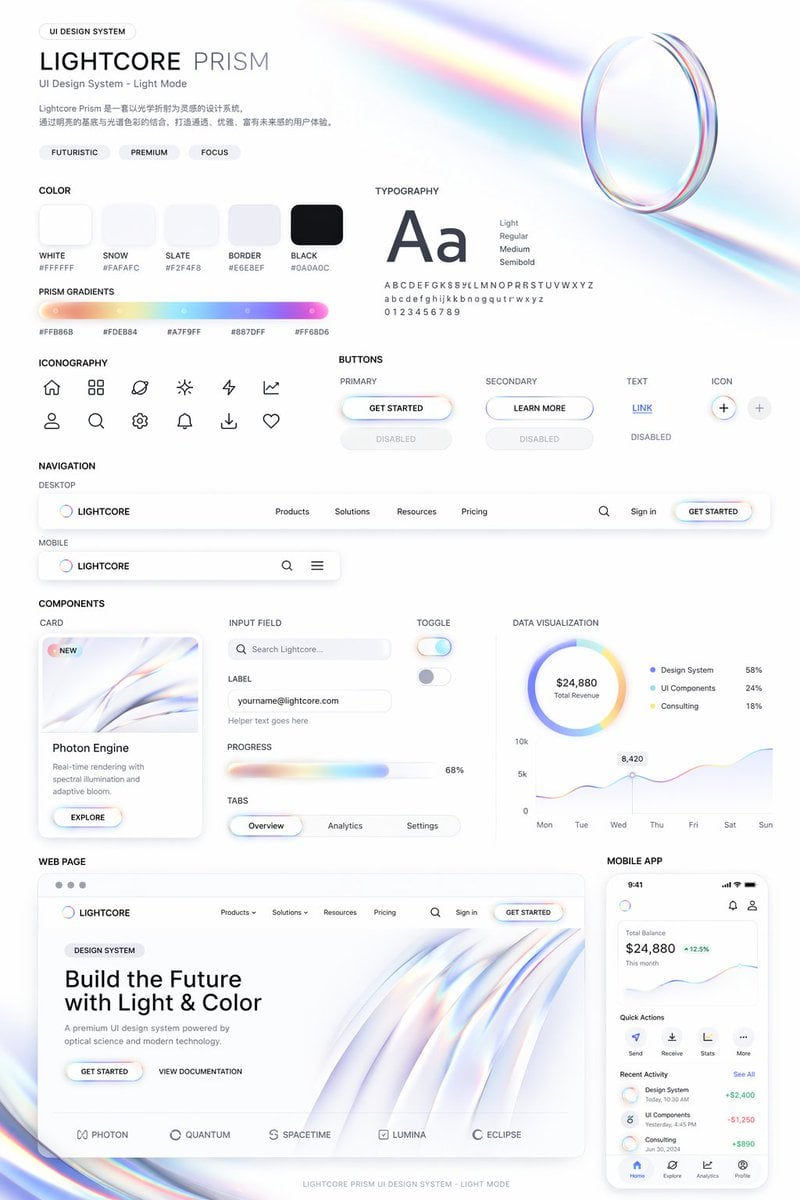
Light Mode UI Design System Board
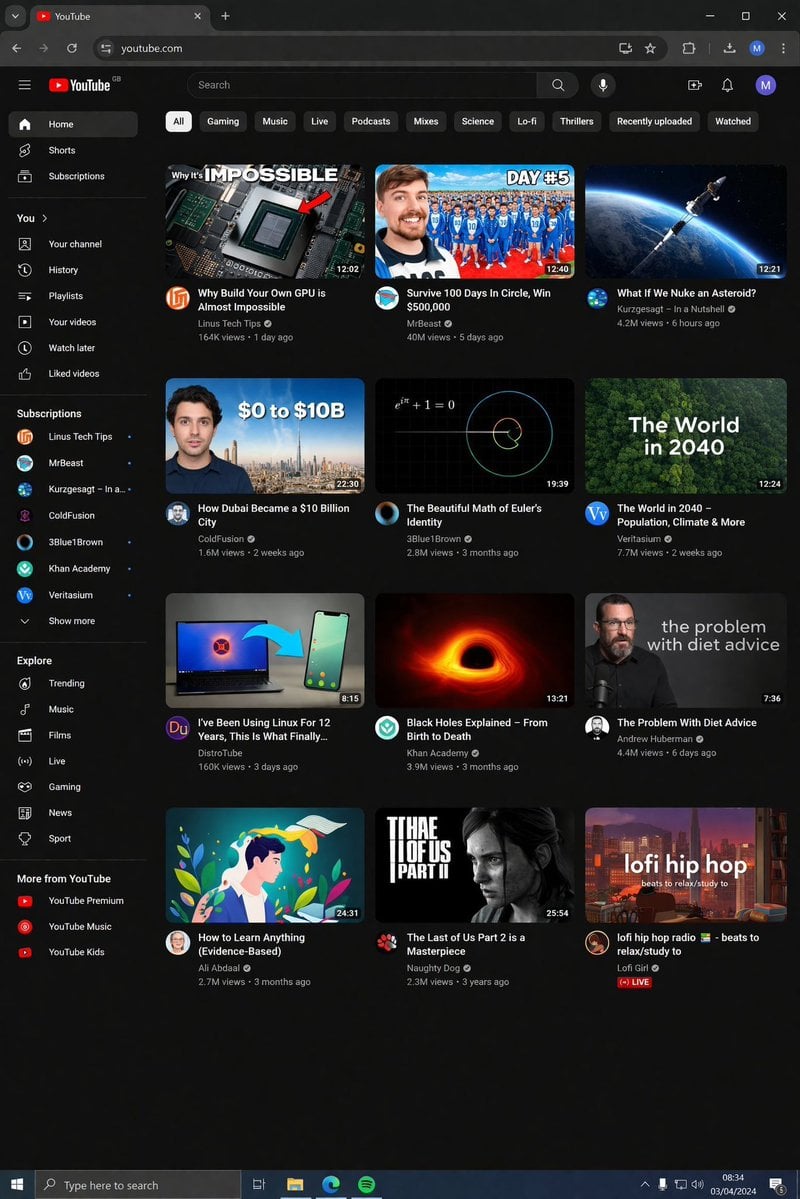
YouTube Dark Mode Desktop UI Mockup

Dark Mode Marketing Case Study UI
Make it yours
Cosmic Dark Mode UI Design System works as-is. These are the safest ways to change it without losing the look.
Change one field
Copy a single group, rewrite it, and generate again so you can see what that field is doing.
Keep the frame, change the subject
Hold the composition and light of Cosmic Dark Mode UI Design System, then swap wardrobe, props or the person for a new take.
| If the result… | Why | Fix |
|---|---|---|
| The result drifts from the preview | Too many fields changed at once. | Reuse Cosmic Dark Mode UI Design System as-is first, then change one group — subject, light, or setting. |
| GPT Image 2 ignores part of the JSON | Some models flatten or skip nested keys. | Keep the same values and paste them as a short paragraph instead. |
More GPT Image 2 templates
Other prompts made for GPT Image 2.

Six VTuber Japanese Logo Sheet

Realistic Portrait of Woman and Deer

The Vista Modular Condo Poster

AI Model Routing Comparison Infographic

2.5D Anime Art Board

Isometric Productivity Desk Scene

New York Double Exposure Poster

Four-Panel AI Landscape Comparison

Japanese Tatami Lifestyle Magazine Cover

NESCAFÉ Coffee Map Poster
More image prompts
Fresh picks from across the catalog.
Extreme Macro Portrait with Hyper-realistic Skin Texture
Ultra-Wide Panoramic Header Visual

Shonen Manga Magazine Cover

Ultra Photorealistic Dinner Selfie Prompt
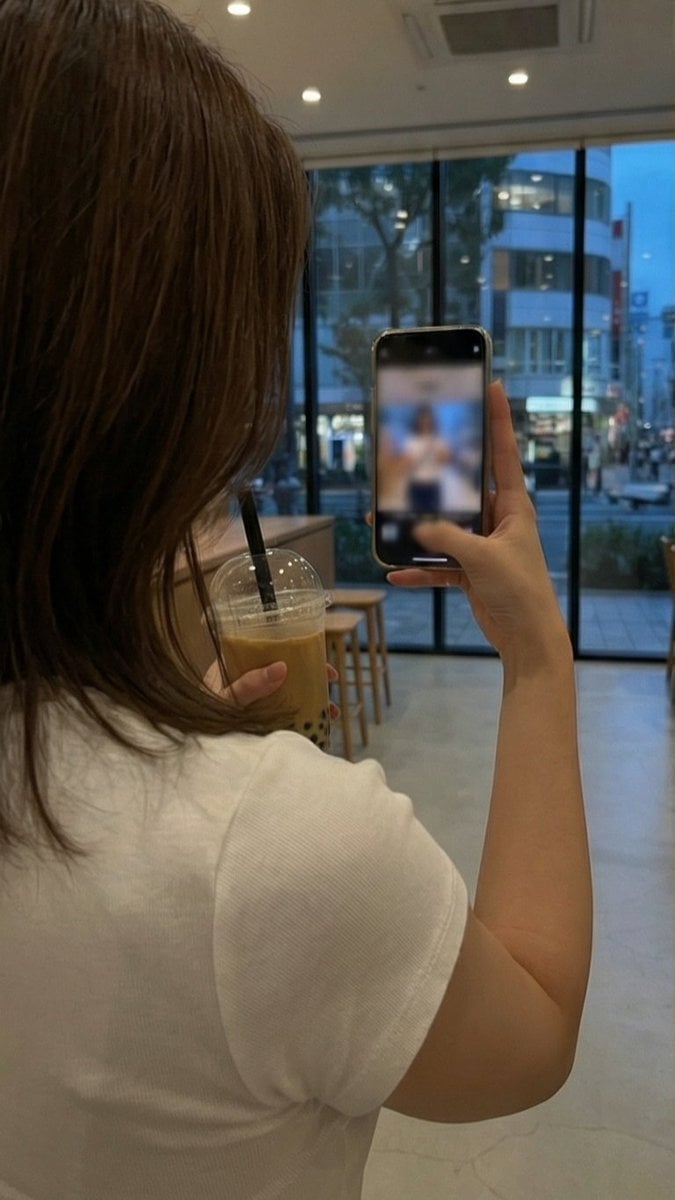
Multi-Angle, Face-Obscured Shot Generation Prompt for Nano Banana Pro
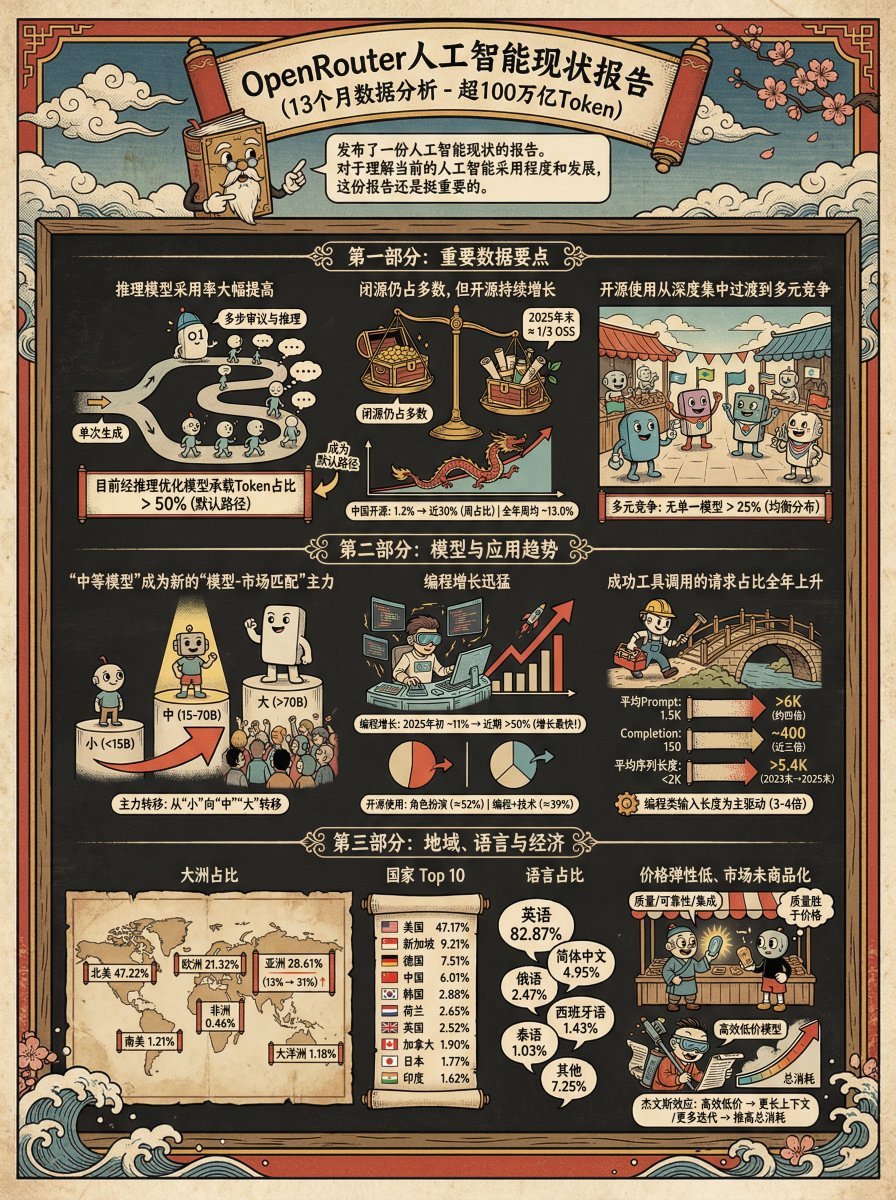
Ukiyo-e Teacup Head Infographic Prompt
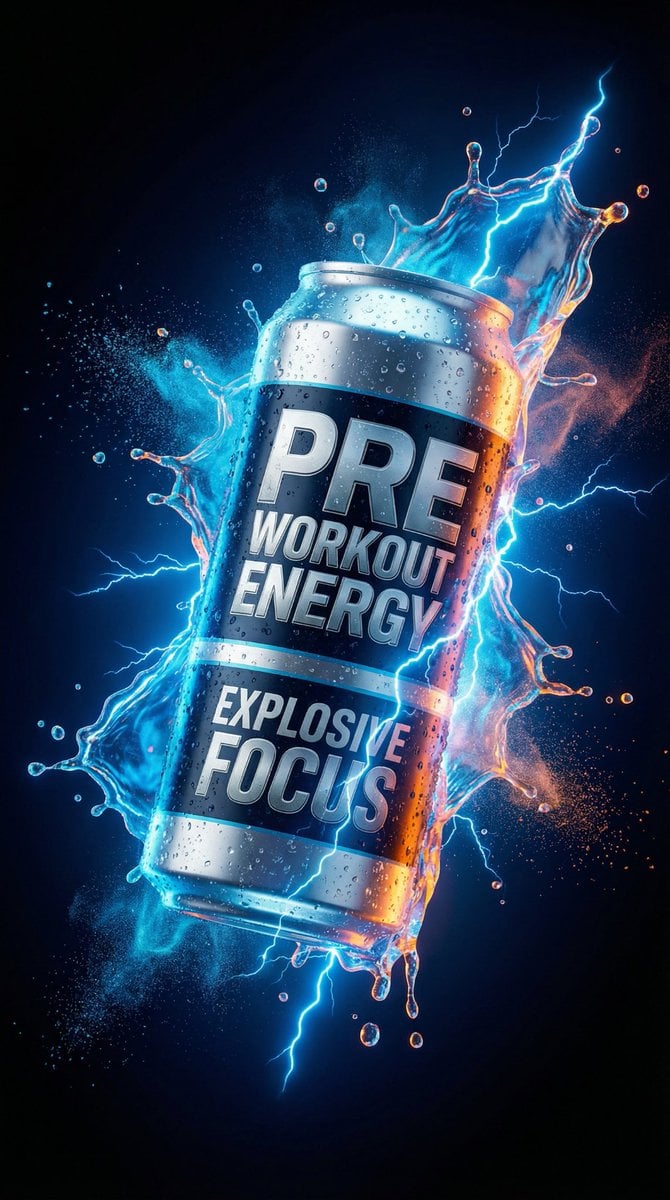
Energy Drink Product Explosion Commercial Prompt Template
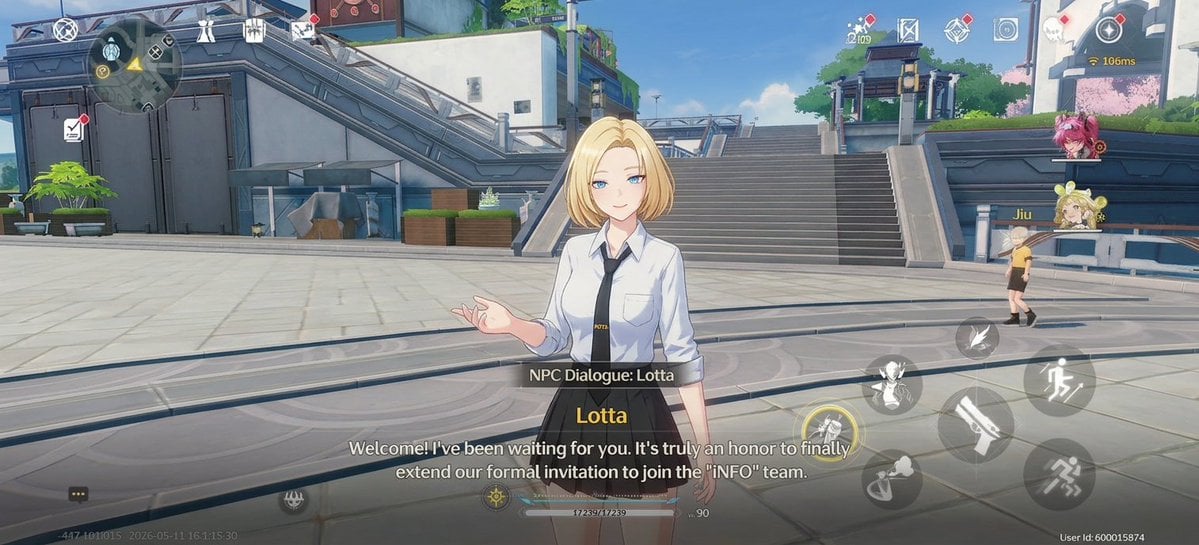
Anime RPG Dialogue Screenshot
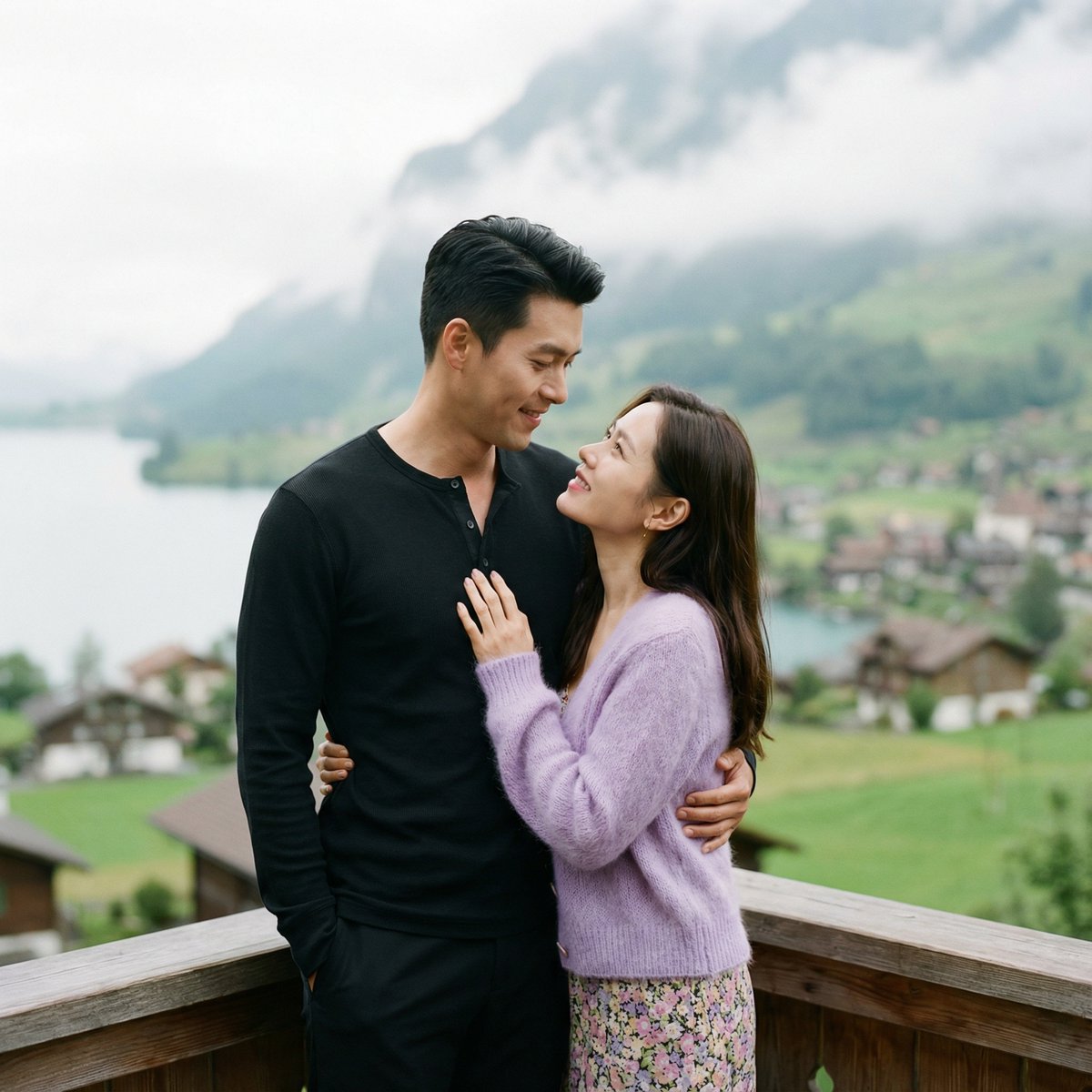
K-Drama Romantic Lakeside Embrace Prompt
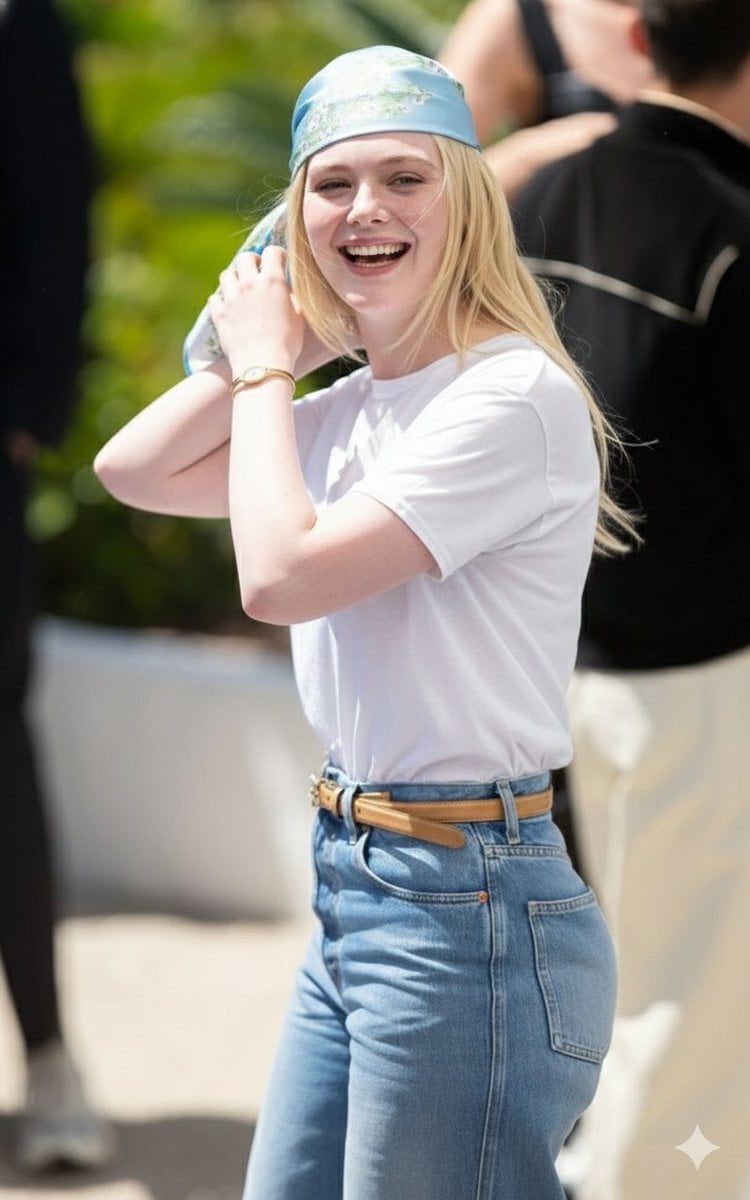
Candid Paparazzi-Style Street Photograph
Browse template categories
Cosmic Dark Mode UI Design System questions
How do I use the Cosmic Dark Mode UI Design System template?
Add your photo if the template asks for one, edit the prompt if you like — the template's model and format are already selected — and press Generate. Your version opens in PicX Studio.
Can I customize the Cosmic Dark Mode UI Design System template?
Yes. You can change the subject, setting, lighting, mood, format, and available model controls before creating your image.
Is the Cosmic Dark Mode UI Design System template free?
Opening and editing this template is free. Generating uses credits, shown on the Generate button when you are signed in.
Which AI model should I use?
Start with GPT Image 2, which is the model associated with this template. You can compare another compatible model for a different finish.
Looking for something else? Browse all templates.

Your photo, any look
Thousands of ready templates for every top image and video model, from one credit balance.