
Light Mode UI Design System Board
Generates a comprehensive UI design system presentation featuring color palettes, typography, components, and responsive mockups with a futuristic, iridescent aesthetic.
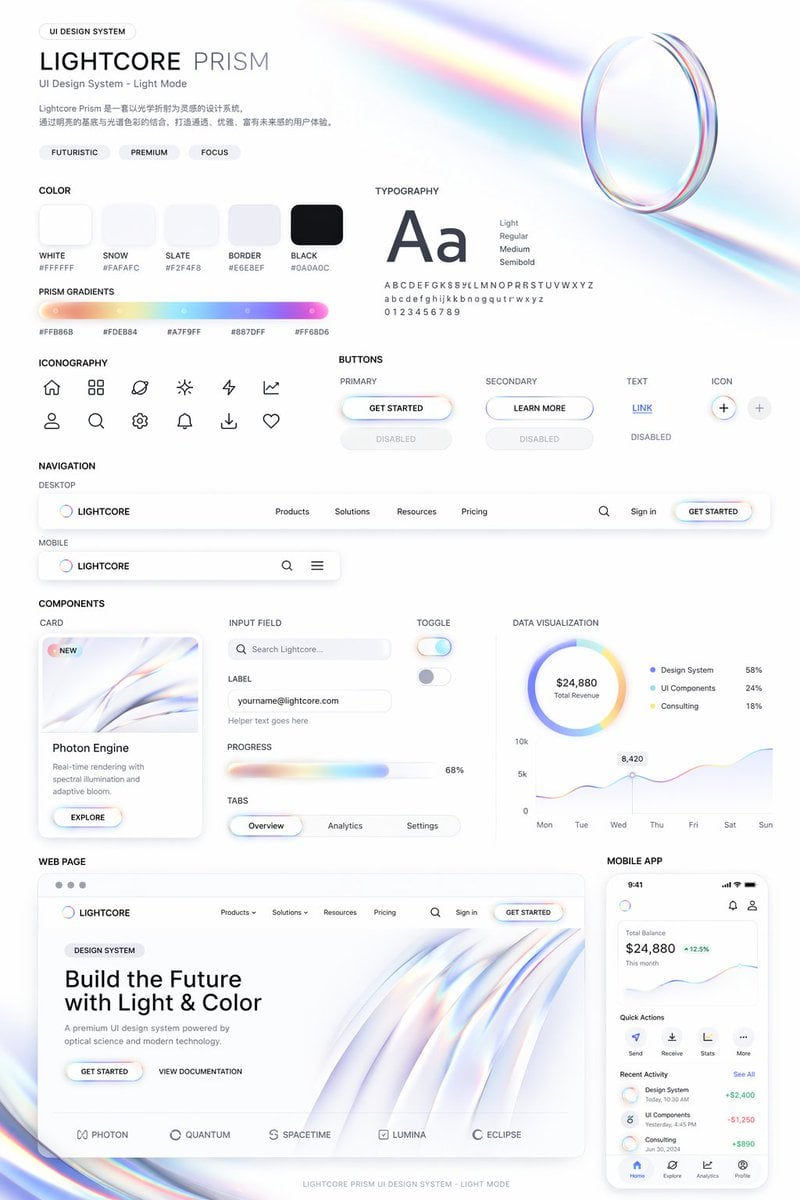
- Prompt included
- Model and format preset
- Free template
The prompt behind this image
Copy the exact prompt behind Light Mode UI Design System Board, or open it in the studio and make it yours.
- Type
- UI Design System presentation board
- Theme
- {argument name="visual theme" default="optical science and light refraction"}
- Overall Aesthetic
- clean white background, light mode, futuristic, premium, featuring {argument name="primary gradient colors" default="iridescent rainbow, pastel orange, yellow, cyan, purple, pink"} accents
- Header › Title
- {argument name="system name" default="LIGHTCORE PRISM"}
- Header › Subtitle
- UI Design System - Light Mode
- Header › Tags
- FUTURISTIC, PREMIUM, FOCUS
- Header › Hero Graphic
- 3D transparent glass ring refracting iridescent light
- Layout › Sections › 0 › Title
- COLOR
- Layout › Sections › 0 › Count
- 5
- Layout › Sections › 0 › Labels
- WHITE #FFFFFF, SNOW #FAFAFC, SLATE #F2F4F8, BORDER #E6E8EF, BLACK #0A0A0C
- Layout › Sections › 0 › Description
- 5 solid color swatches in rounded squares
- Layout › Sections › 1 › Title
- PRISM GRADIENTS
- Layout › Sections › 1 › Count
- 1
- Layout › Sections › 1 › Description
- 1 long horizontal gradient bar with 5 hex codes below it
- Layout › Sections › 2 › Title
- TYPOGRAPHY
- Layout › Sections › 2 › Description
- Large 'Aa' with 4 font weights listed (Light, Regular, Medium, Semibold) and full alphabet/numbers
- Layout › Sections › 3 › Title
- ICONOGRAPHY
- Layout › Sections › 3 › Count
- 12
- Layout › Sections › 3 › Description
- 12 minimalist line-art icons arranged in a 2x6 grid
- Layout › Sections › 4 › Title
- BUTTONS
- Layout › Sections › 4 › Count
- 8
- Layout › Sections › 4 › Categories
- PRIMARY, SECONDARY, TEXT, ICON
- Layout › Sections › 4 › Description
- 8 total buttons showing normal and disabled states for each category. Primary button features an iridescent border and {argument name="primary button text" default="GET STARTED"} text.
- Layout › Sections › 5 › Title
- NAVIGATION
Raw JSON
{
  "type": "UI Design System presentation board",
  "theme": "{argument name=\"visual theme\" default=\"optical science and light refraction\"}",
  "overall_aesthetic": "clean white background, light mode, futuristic, premium, featuring {argument name=\"primary gradient colors\" default=\"iridescent rainbow, pastel orange, yellow, cyan, purple, pink\"} accents",
  "header": {
    "title": "{argument name=\"system name\" default=\"LIGHTCORE PRISM\"}",
    "subtitle": "UI Design System - Light Mode",
    "tags": ["FUTURISTIC", "PREMIUM", "FOCUS"],
    "hero_graphic": "3D transparent glass ring refracting iridescent light"
  },
  "layout": {
    "sections": [
      {
        "title": "COLOR",
        "count": 5,
        "labels": ["WHITE #FFFFFF", "SNOW #FAFAFC", "SLATE #F2F4F8", "BORDER #E6E8EF", "BLACK #0A0A0C"],
        "description": "5 solid color swatches in rounded squares"
      },
      {
        "title": "PRISM GRADIENTS",
        "count": 1,
        "description": "1 long horizontal gradient bar with 5 hex codes below it"
      },
      {
        "title": "TYPOGRAPHY",
        "description": "Large 'Aa' with 4 font weights listed (Light, Regular, Medium, Semibold) and full alphabet/numbers"
      },
      {
        "title": "ICONOGRAPHY",
        "count": 12,
        "description": "12 minimalist line-art icons arranged in a 2x6 grid"
      },
      {
        "title": "BUTTONS",
        "count": 8,
        "categories": ["PRIMARY", "SECONDARY", "TEXT", "ICON"],
        "description": "8 total buttons showing normal and disabled states for each category. Primary button features an iridescent border and {argument name=\"primary button text\" default=\"GET STARTED\"} text."
      },
      {
        "title": "NAVIGATION",
        "count": 2,
        "variants": ["DESKTOP", "MOBILE"],
        "description": "Desktop nav has logo, 4 text links, search, sign in, and a button. Mobile nav has logo, search, and hamburger menu."
      },
      {
        "title": "COMPONENTS",
        "count": 6,
        "items": [
          "CARD: 'Photon Engine' with abstract iridescent graphic and button",
          "INPUT FIELD: Search bar and email input with label",
          "PROGRESS: Iridescent progress bar at 68%",
          "TABS: Overview, Analytics, Settings",
          "TOGGLE: 2 switches (on/off)",
          "DATA VISUALIZATION: 1 donut chart with 3 legend items, 1 line chart over 7 days"
        ]
      },
      {
        "title": "WEB PAGE",
        "description": "Desktop browser mockup featuring the header '{argument name=\"hero headline\" default=\"Build the Future with Light & Color\"}', 2 buttons, a flowing 3D iridescent wave graphic, and 5 partner logos at the bottom."
      },
      {
        "title": "MOBILE APP",
        "description": "Smartphone mockup displaying a balance of $24,880, a line chart, 4 quick action icons, a recent activity list with 3 items, and a bottom navigation bar with 4 icons."
      }
    ]
  }
}Reference images included
Light Mode UI Design System Board needs input media to work. They load alongside the prompt when you open it in the studio.
How to use Light Mode UI Design System Board in 3 steps
- 1Upload ImagePNG, JPG or paste
Add your photo
Upload the photo the template builds on. The prompt, model and format are already set.
- 2…a portrait of your subject in softgolden-hour light, 85mm…
Personalize
Edit the subject and creative details for your destination.
- 3Generate
Generate
Press Generate — your image is created in PicX Studio, so you can compare it with the original and refine one variable at a time.
More like this
Templates with the same subject, style or setup. Open one to see its prompt.

Modern Korean Fashion Editorial Board
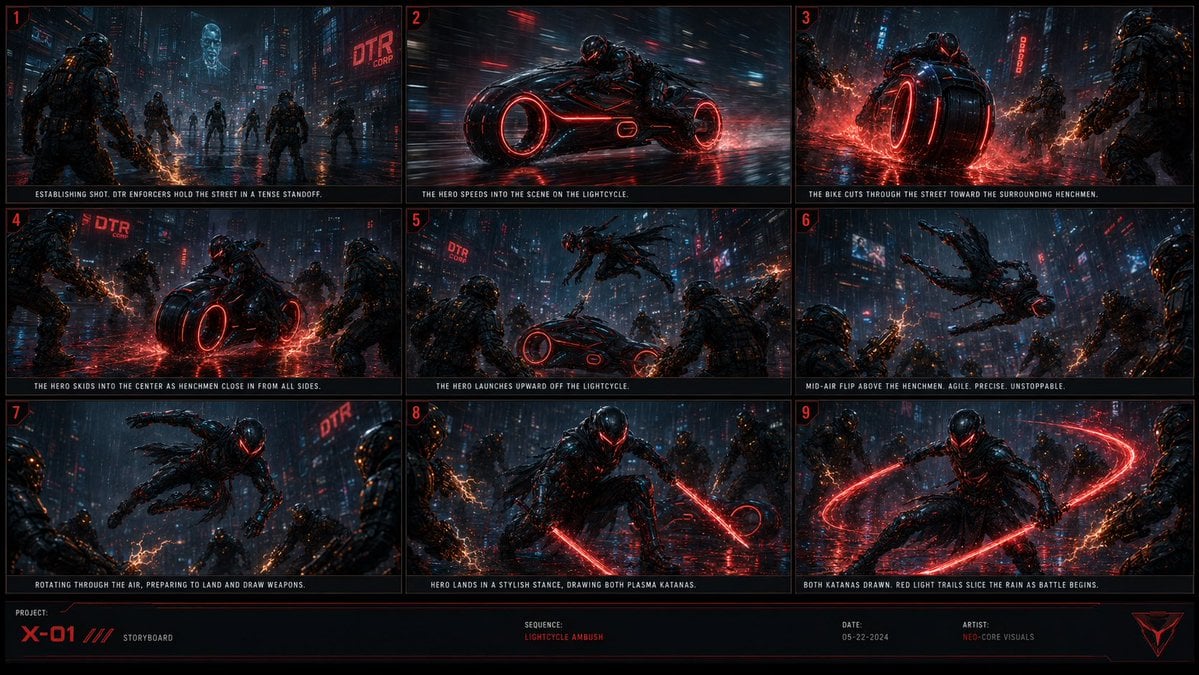
Cyberpunk Lightcycle Storyboard
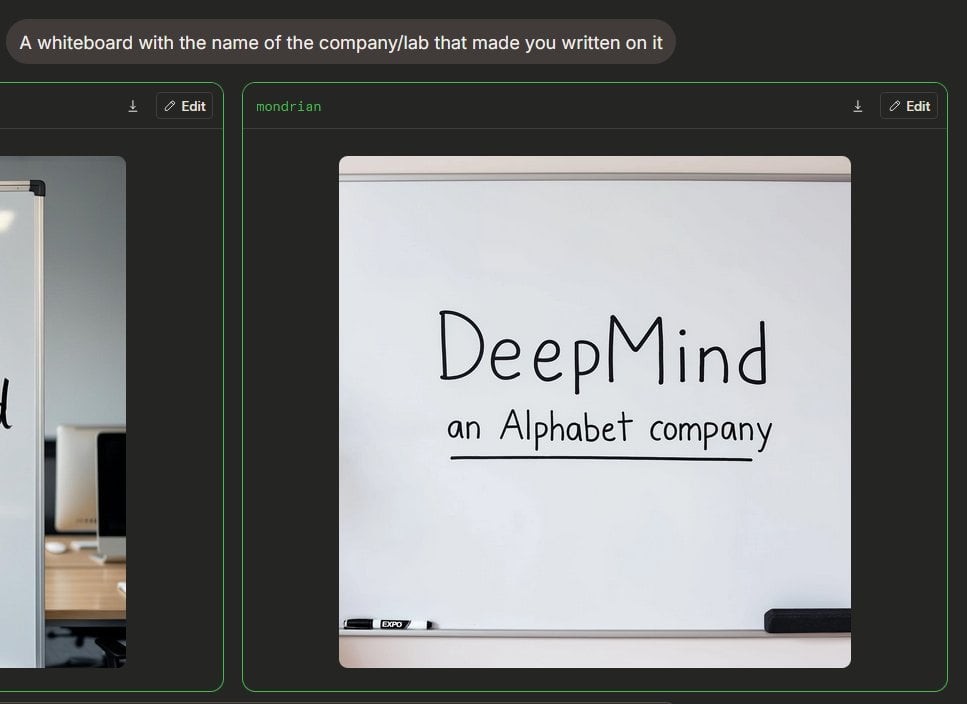
Dark Mode Image Arena Whiteboard
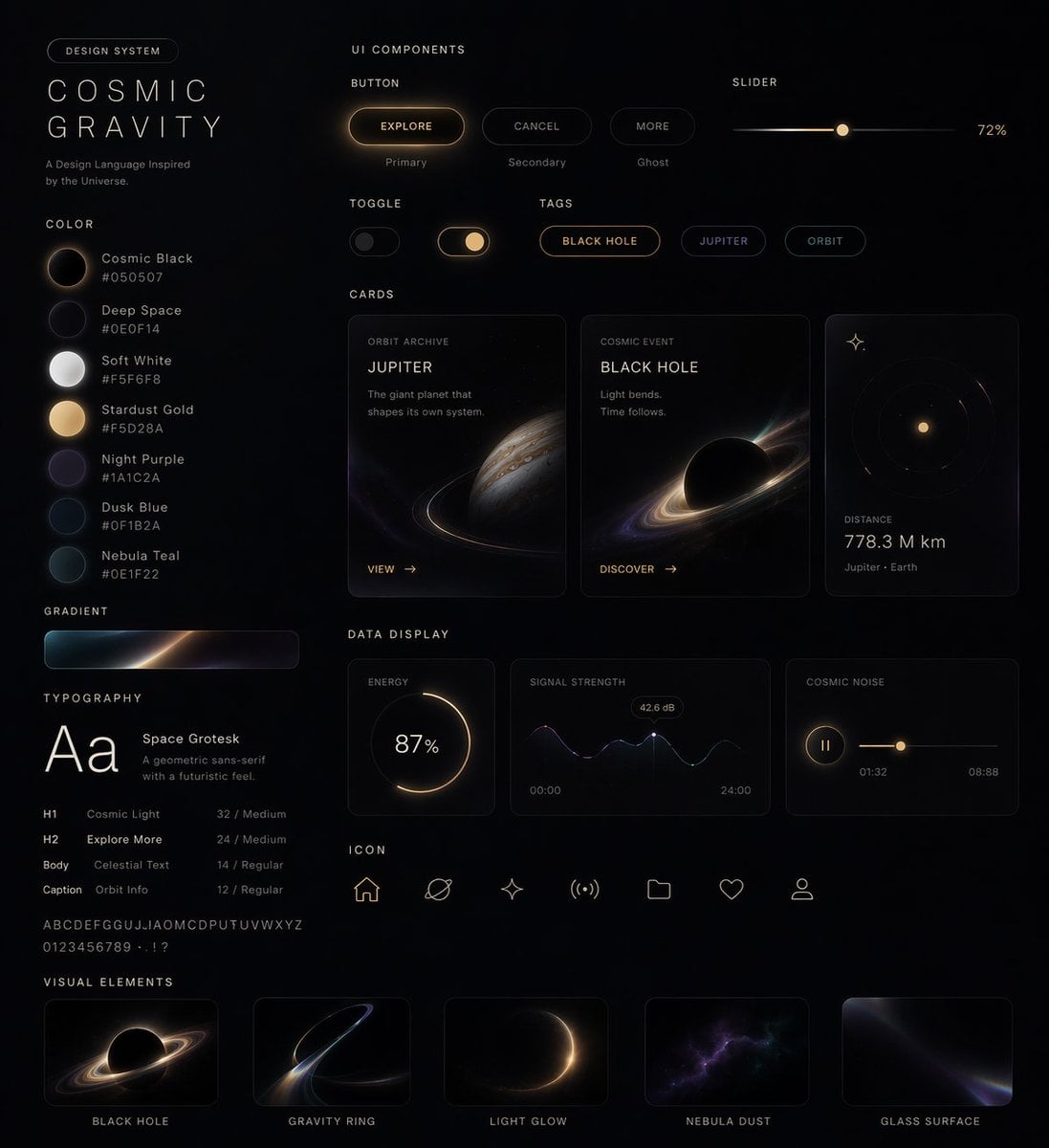
Cosmic Dark Mode UI Design System
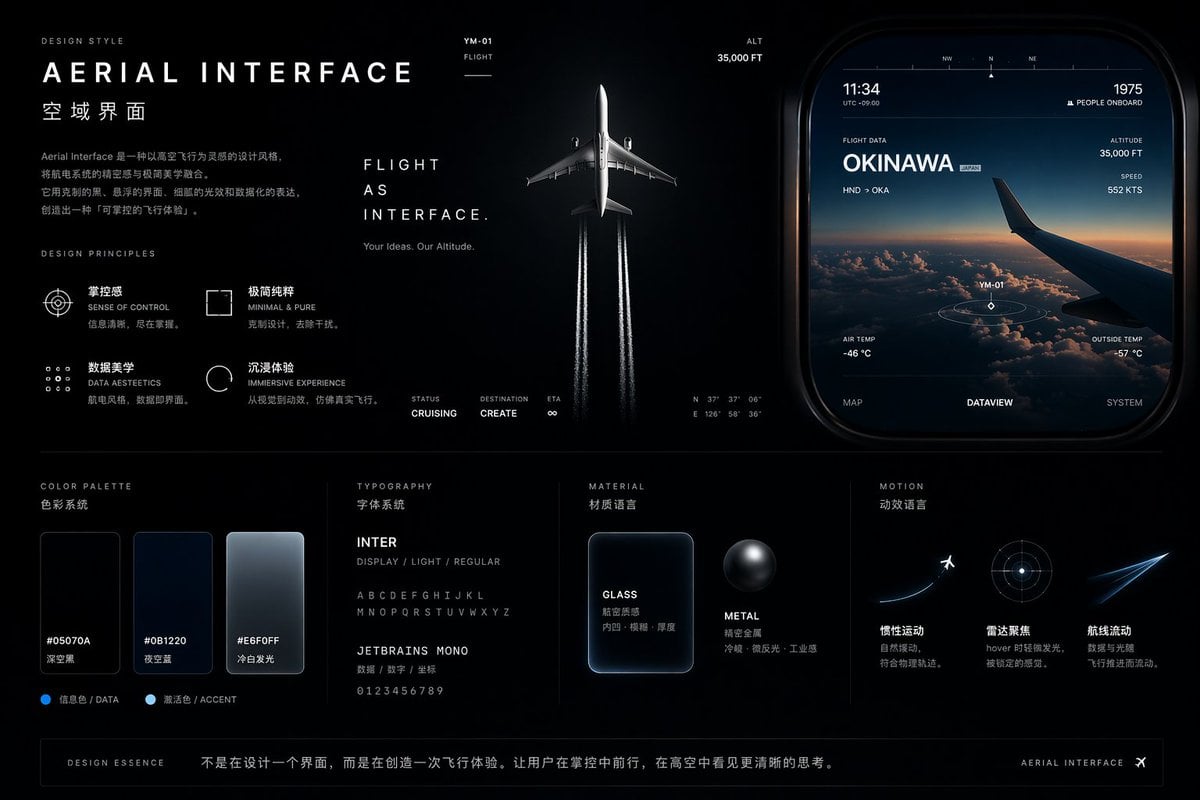
Aviation-Themed UI Design System Board
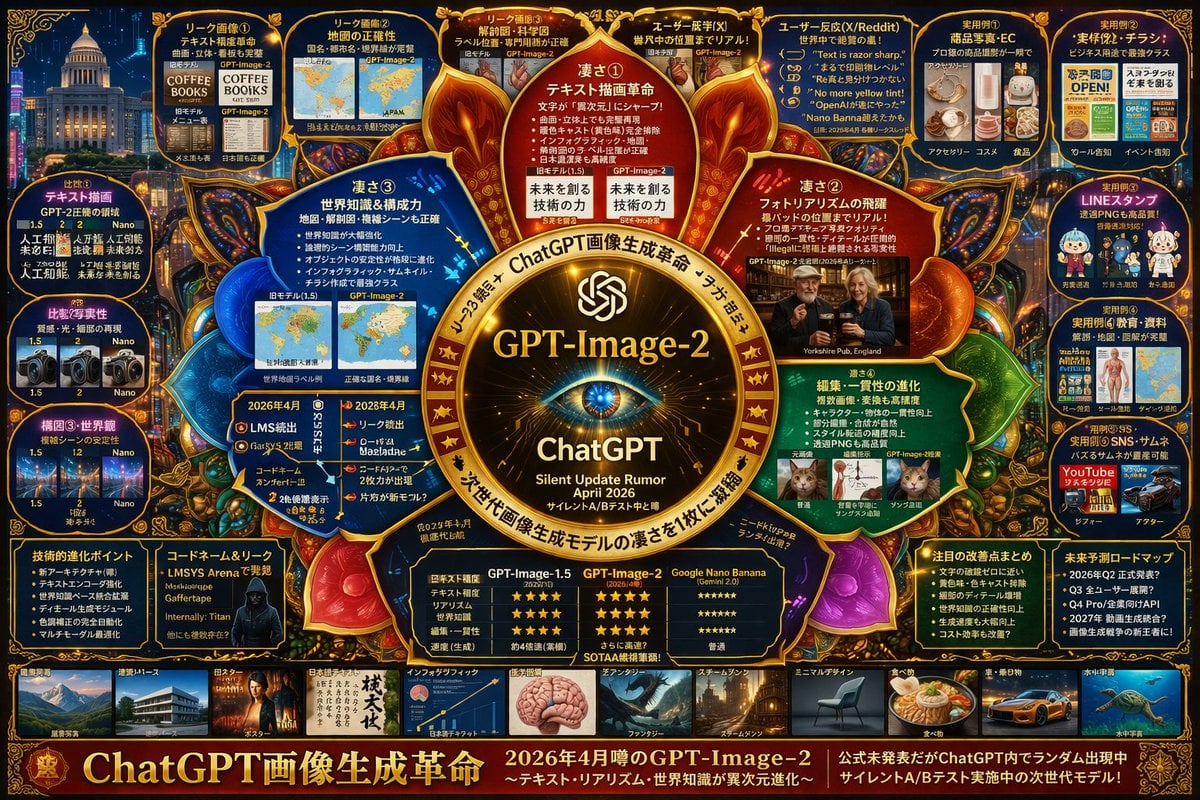
Complex AI Model Infographic Board
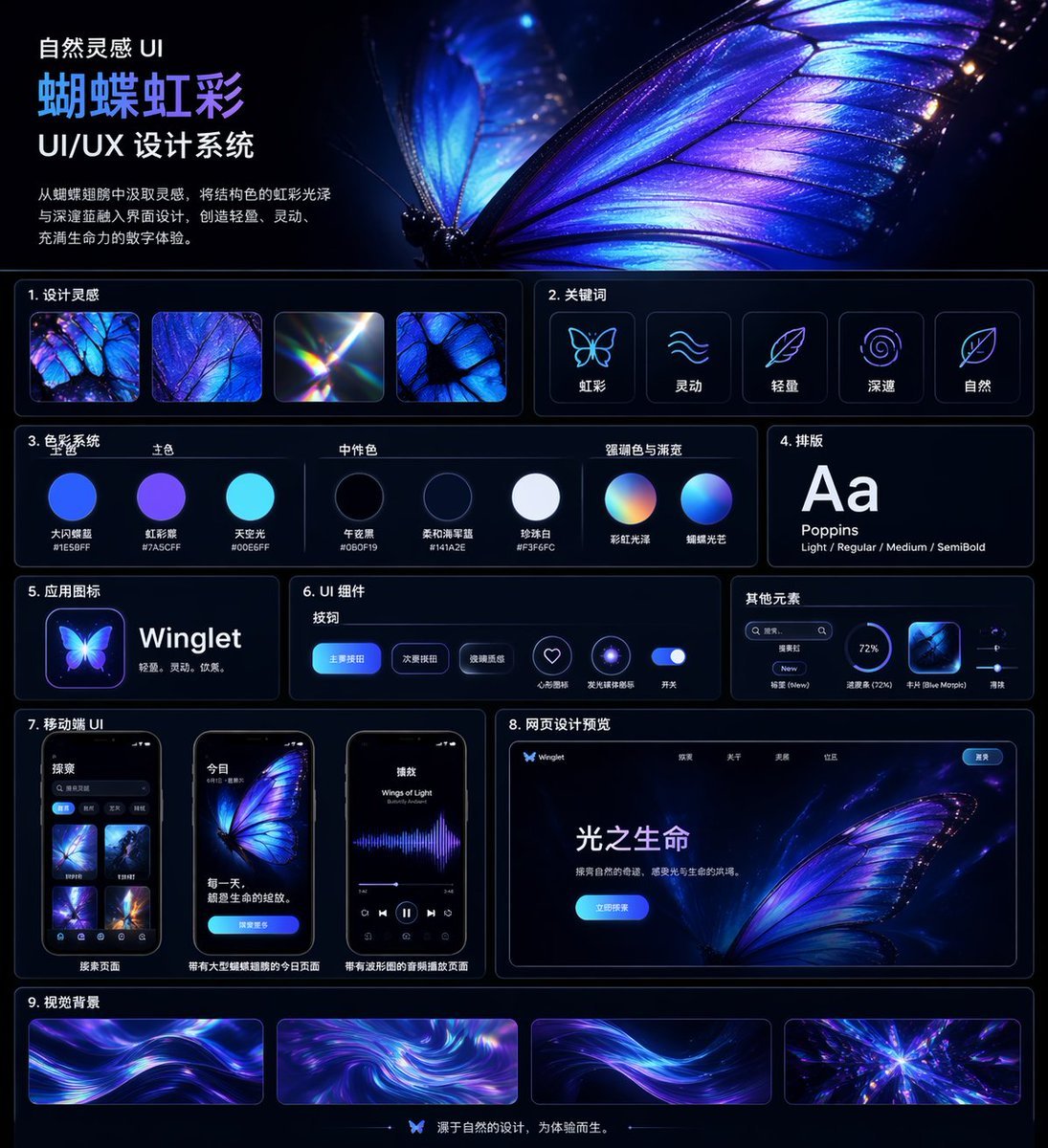
Iridescent Butterfly UI System Board
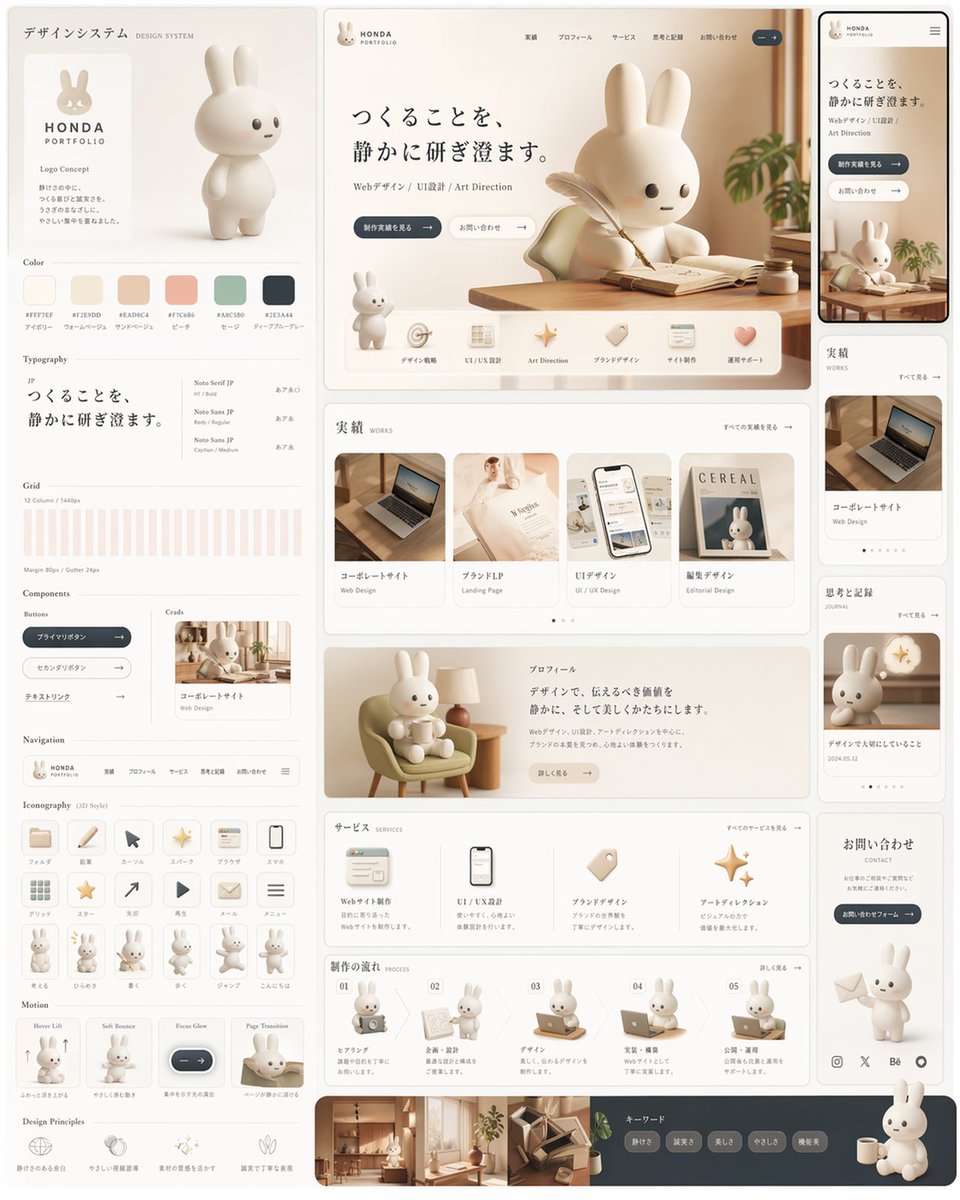
Rabbit Portfolio Design System Board
Pet Brand Identity System Board
Dark Mode AI Portrait Result Card
Cinematic Studio Portrait Lighting Setup
Dark Sketch Mode Monster Doodle
Make it yours
Light Mode UI Design System Board works as-is. These are the safest ways to change it without losing the look.
Change one field
Copy a single group, rewrite it, and generate again so you can see what that field is doing.
Keep the frame, change the subject
Hold the composition and light of Light Mode UI Design System Board, then swap wardrobe, props or the person for a new take.
| If the result… | Why | Fix |
|---|---|---|
| The result drifts from the preview | Too many fields changed at once. | Reuse Light Mode UI Design System Board as-is first, then change one group — subject, light, or setting. |
| GPT Image 2 ignores part of the JSON | Some models flatten or skip nested keys. | Keep the same values and paste them as a short paragraph instead. |
More GPT Image 2 templates
Other prompts made for GPT Image 2.

Six VTuber Japanese Logo Sheet

Realistic Portrait of Woman and Deer

The Vista Modular Condo Poster

AI Model Routing Comparison Infographic

Isometric Productivity Desk Scene

New York Double Exposure Poster

Four-Panel AI Landscape Comparison

Japanese Tatami Lifestyle Magazine Cover

NESCAFÉ Coffee Map Poster

Brutalist Cogito Chinese Typography Poster
More image prompts
Fresh picks from across the catalog.

Watercolor Korean Couple Portrait
Vintage Travel Poster Illustration
Seedance 2.0 on Runway - Heather Cooper
Sunset Classroom Drama Manga Page
Old Money & Gangster Style Animal Squads
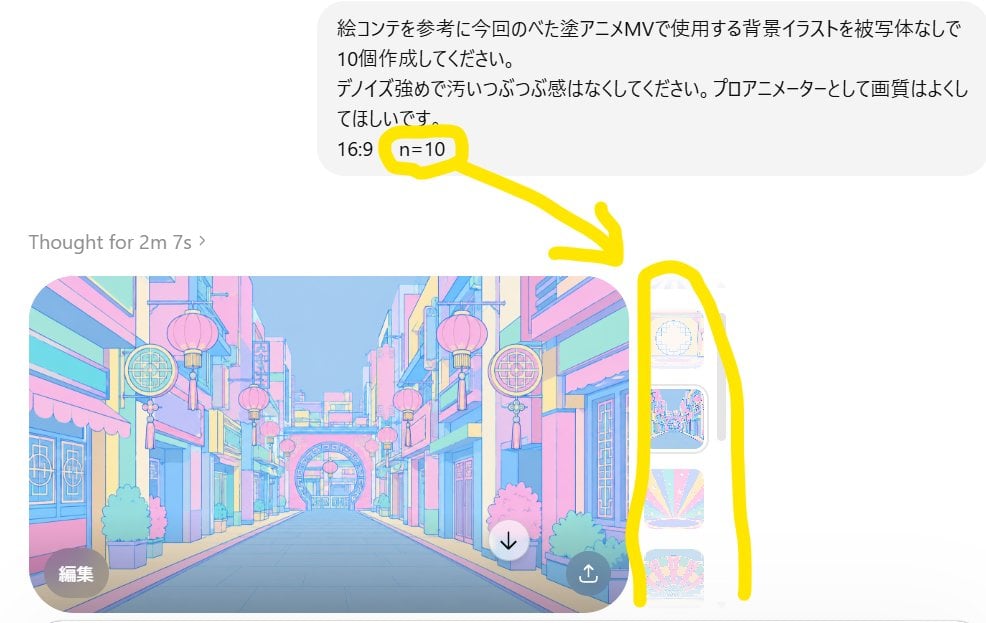
Annotated ChatGPT Multiple Image Outputs
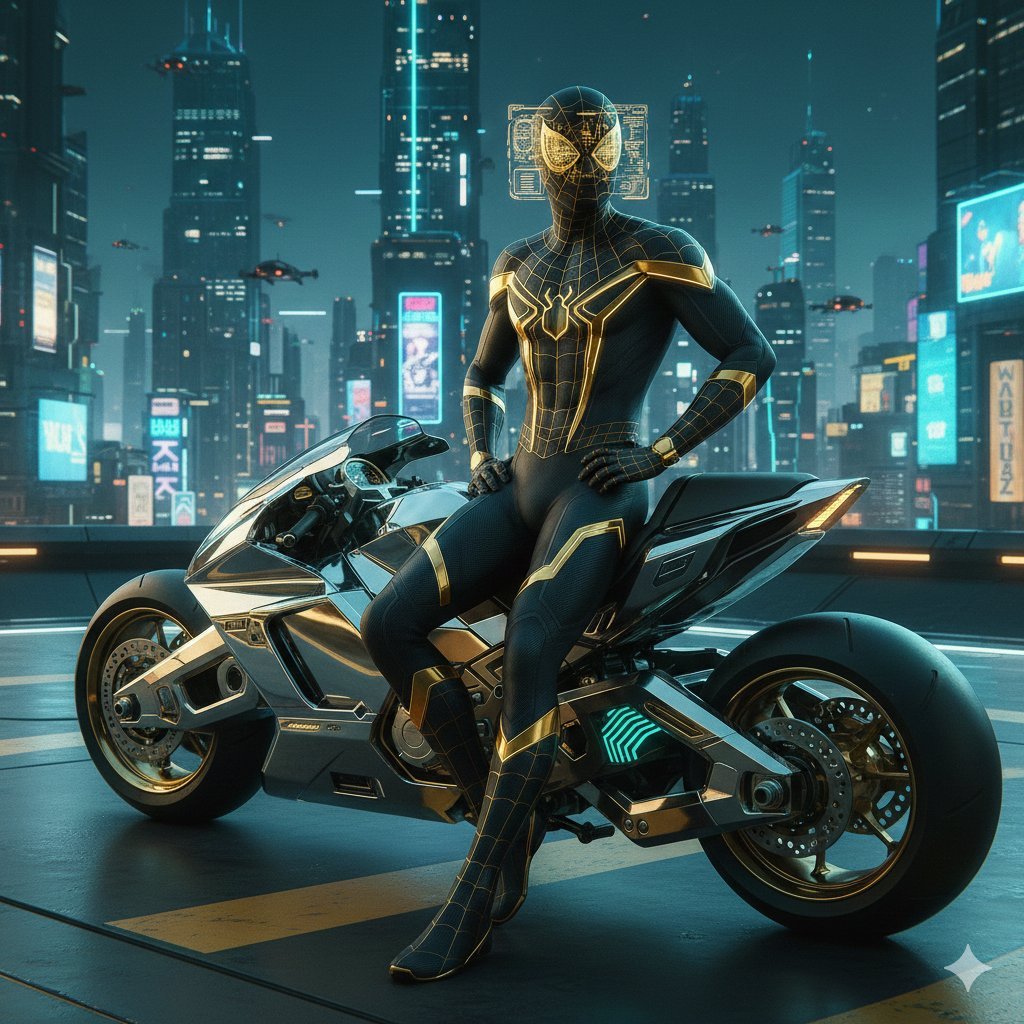
Cyberpunk Spider-Man in Matte Black and Gold
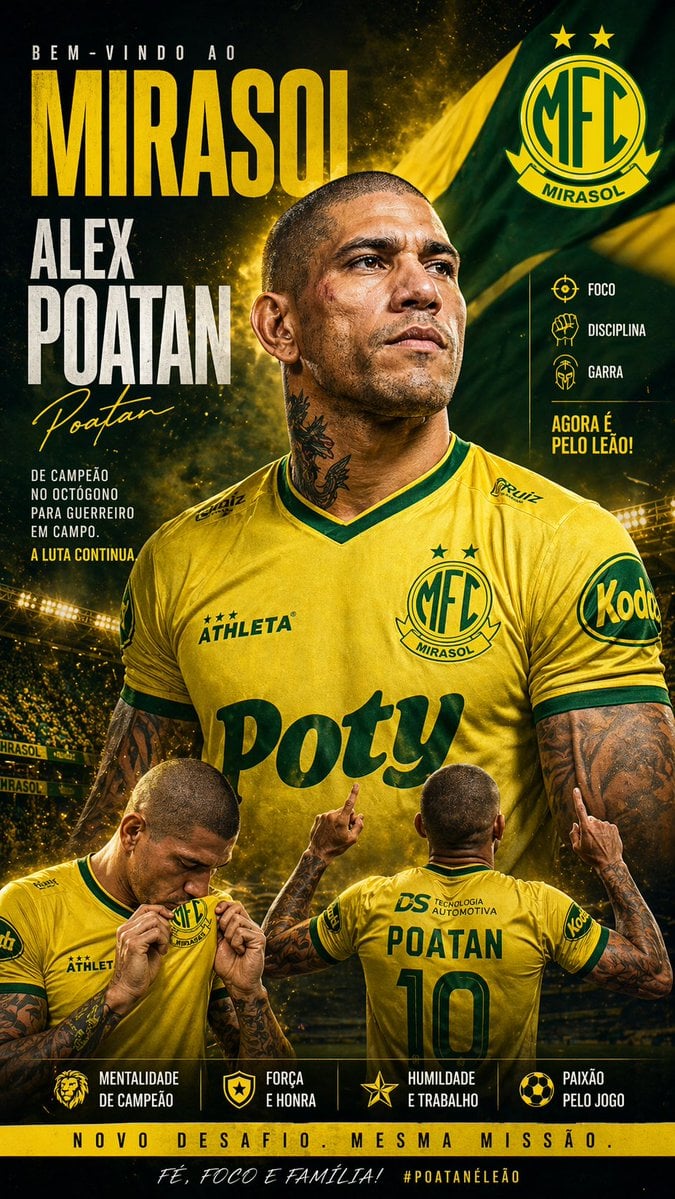
Mirassol FC Signing Announcement Poster

Skincare E-commerce Landing Page Mockup
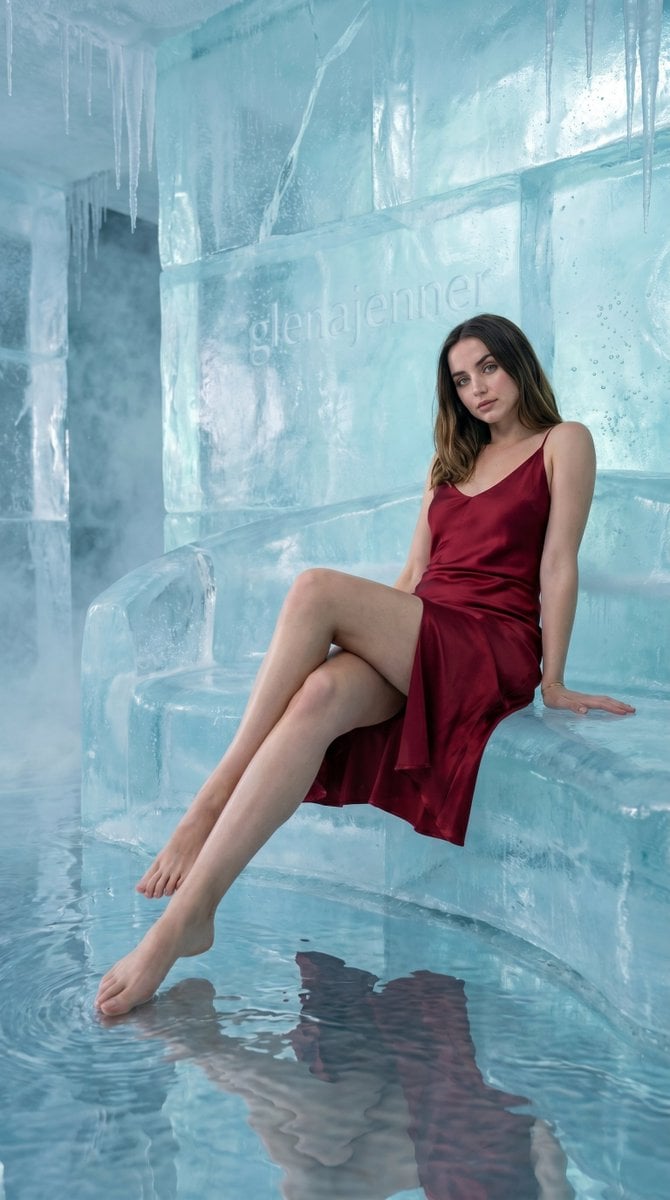
Luxury Ice Couch Portrait
Browse template categories
Light Mode UI Design System Board questions
How do I use the Light Mode UI Design System Board template?
Add your photo if the template asks for one, edit the prompt if you like — the template's model and format are already selected — and press Generate. Your version opens in PicX Studio.
Can I customize the Light Mode UI Design System Board template?
Yes. You can change the subject, setting, lighting, mood, format, and available model controls before creating your image.
Is the Light Mode UI Design System Board template free?
Opening and editing this template is free. Generating uses credits, shown on the Generate button when you are signed in.
Which AI model should I use?
Start with GPT Image 2, which is the model associated with this template. You can compare another compatible model for a different finish.
Looking for something else? Browse all templates.

Your photo, any look
Thousands of ready templates for every top image and video model, from one credit balance.