
Aviation-Themed UI Design System Board
Generates a comprehensive dark-mode UI/UX design system board featuring flight-inspired aesthetics, color palettes, typography, and interface mockups.
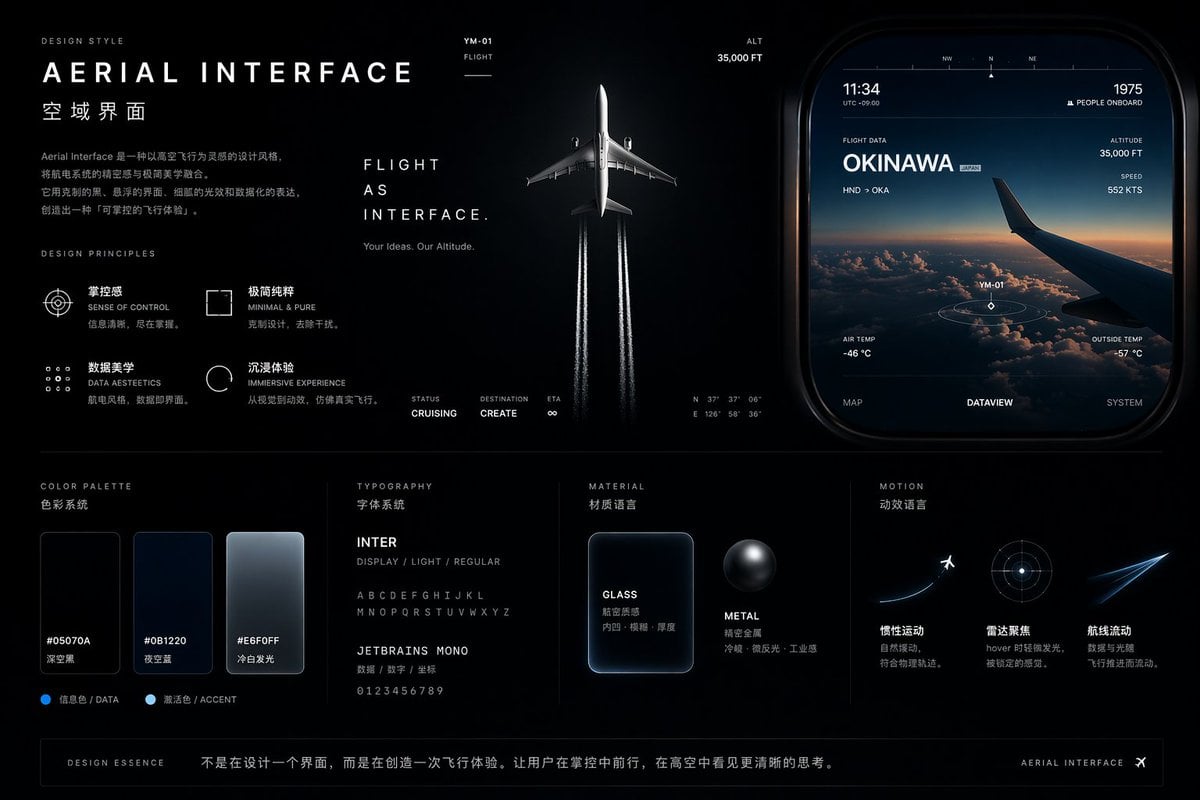
- Prompt included
- Model and format preset
- Free template
The prompt behind this image
Copy the exact prompt behind Aviation-Themed UI Design System Board, or open it in the studio and make it yours.
- Type
- UI/UX Design System Concept Board
- Theme
- Aviation and flight interface
- Overall Style
- Dark mode, sleek, modern, technical, futuristic, glassmorphism
- Layout › Top Left › Section
- DESIGN STYLE
- Layout › Top Left › Title
- {argument name="main title" default="AERIAL INTERFACE"}
- Layout › Top Left › Subtitle
- {argument name="subtitle" default="空域界面"}
- Layout › Top Left › Description
- Introductory paragraph about aerial interface design
- Layout › Top Left › Principles › Count
- 4
- Layout › Top Left › Principles › Labels
- SENSE OF CONTROL, MINIMAL & PURE, DATA AESTEETICS, IMMERSIVE EXPERIENCE
- Layout › Top Center › Imagery
- Top-down view of a commercial airplane flying upwards, leaving twin white contrails against a dark background
- Layout › Top Center › Text
- FLIGHT AS INTERFACE., Your Ideas. Our Altitude.
- Layout › Top Center › Metrics
- STATUS CRUISING, DESTINATION CREATE, ETA ∞
- Layout › Top Right › Section
- UI Widget
- Layout › Top Right › Imagery
- Rounded rectangular panel showing an airplane wing over clouds at sunset
- Layout › Top Right › Data Points
- 11:34, 1975 PEOPLE ONBOARD, FLIGHT DATA {argument name="destination" default="OKINAWA"}, ALTITUDE 35,000 FT, SPEED 552 KTS
- Layout › Top Right › Tabs › Count
- 3
- Layout › Top Right › Tabs › Labels
- MAP, DATAVIEW, SYSTEM
- Layout › Bottom Left › Section
- COLOR PALETTE
- Layout › Bottom Left › Swatches › Count
- 3
- Layout › Bottom Left › Swatches › Labels
- #05070A, #0B1220, #E6F0FF
- Layout › Bottom Mid Left › Section
- TYPOGRAPHY
- Layout › Bottom Mid Left › Fonts › Count
- 2
- Layout › Bottom Mid Left › Fonts › Labels
- {argument name="primary font" default="INTER"}, {argument name="secondary font" default="JETBRAINS MONO"}
- Layout › Bottom Mid Right › Section
- MATERIAL
Raw JSON
{
  "type": "UI/UX Design System Concept Board",
  "theme": "Aviation and flight interface",
  "overall_style": "Dark mode, sleek, modern, technical, futuristic, glassmorphism",
  "layout": {
    "top_left": {
      "section": "DESIGN STYLE",
      "title": "{argument name=\"main title\" default=\"AERIAL INTERFACE\"}",
      "subtitle": "{argument name=\"subtitle\" default=\"空域界面\"}",
      "description": "Introductory paragraph about aerial interface design",
      "principles": {
        "count": 4,
        "labels": ["SENSE OF CONTROL", "MINIMAL & PURE", "DATA AESTEETICS", "IMMERSIVE EXPERIENCE"]
      }
    },
    "top_center": {
      "imagery": "Top-down view of a commercial airplane flying upwards, leaving twin white contrails against a dark background",
      "text": ["FLIGHT AS INTERFACE.", "Your Ideas. Our Altitude."],
      "metrics": ["STATUS CRUISING", "DESTINATION CREATE", "ETA ∞"]
    },
    "top_right": {
      "section": "UI Widget",
      "imagery": "Rounded rectangular panel showing an airplane wing over clouds at sunset",
      "data_points": ["11:34", "1975 PEOPLE ONBOARD", "FLIGHT DATA {argument name=\"destination\" default=\"OKINAWA\"}", "ALTITUDE 35,000 FT", "SPEED 552 KTS"],
      "tabs": {
        "count": 3,
        "labels": ["MAP", "DATAVIEW", "SYSTEM"]
      }
    },
    "bottom_left": {
      "section": "COLOR PALETTE",
      "swatches": {
        "count": 3,
        "labels": ["#05070A", "#0B1220", "#E6F0FF"]
      }
    },
    "bottom_mid_left": {
      "section": "TYPOGRAPHY",
      "fonts": {
        "count": 2,
        "labels": ["{argument name=\"primary font\" default=\"INTER\"}", "{argument name=\"secondary font\" default=\"JETBRAINS MONO\"}"]
      }
    },
    "bottom_mid_right": {
      "section": "MATERIAL",
      "examples": {
        "count": 2,
        "labels": ["GLASS (frosted rectangle)", "METAL (dark sphere)"]
      }
    },
    "bottom_right": {
      "section": "MOTION",
      "concepts": {
        "count": 3,
        "labels": ["Airplane taking off", "Radar focus circle", "Glowing flight streak"]
      }
    },
    "footer": {
      "text": "DESIGN ESSENCE: Not just designing an interface, but creating a flight experience."
    }
  }
}Reference images included
Aviation-Themed UI Design System Board needs input media to work. They load alongside the prompt when you open it in the studio.
How to use Aviation-Themed UI Design System Board in 3 steps
- 1Upload ImagePNG, JPG or paste
Add your photo
Upload the photo the template builds on. The prompt, model and format are already set.
- 2…a portrait of your subject in softgolden-hour light, 85mm…
Personalize
Edit the subject and creative details for your destination.
- 3Generate
Generate
Press Generate — your image is created in PicX Studio, so you can compare it with the original and refine one variable at a time.
More like this
Templates with the same subject, style or setup. Open one to see its prompt.
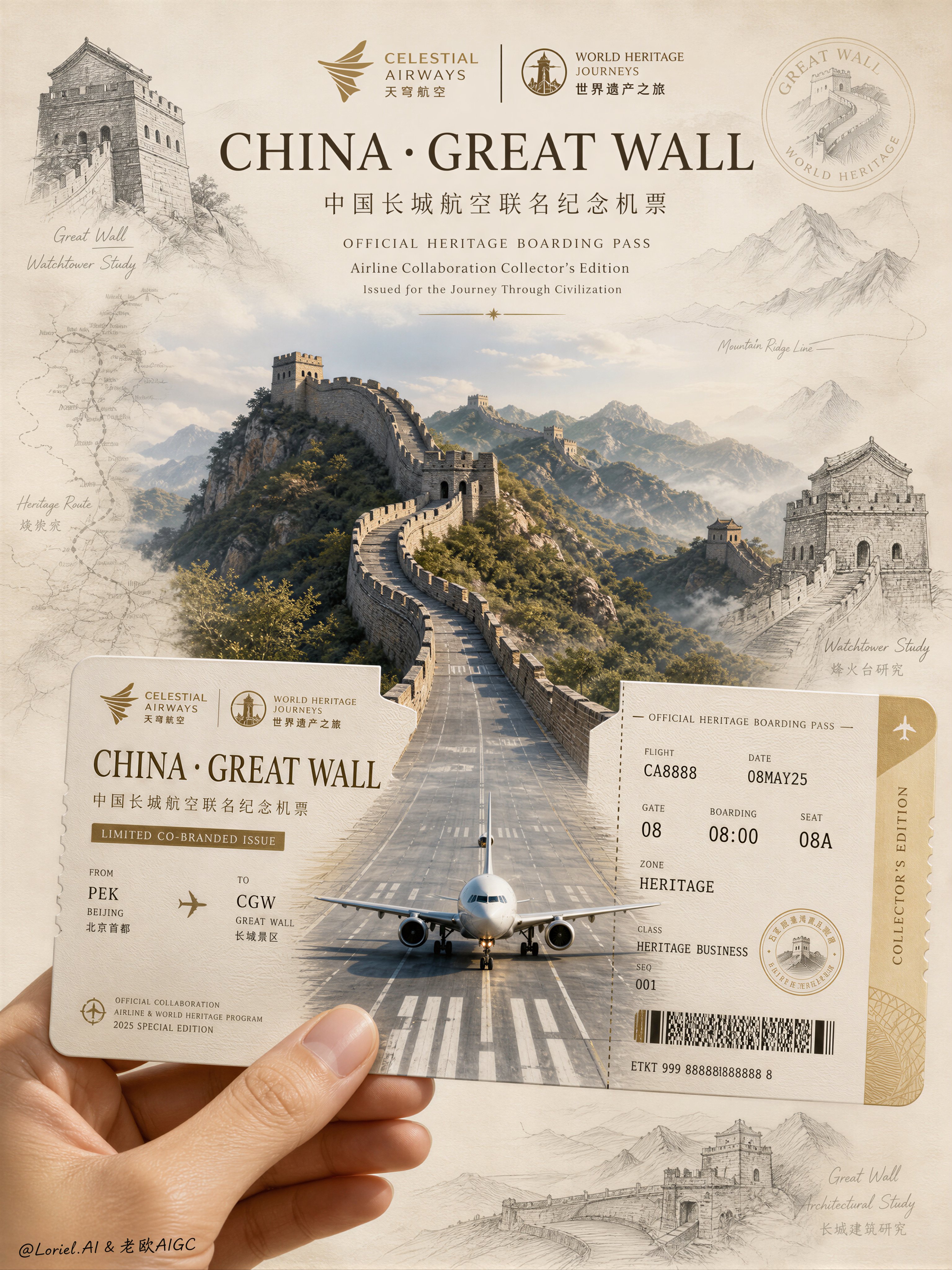
Aviation Archives Great Wall Boarding Pass
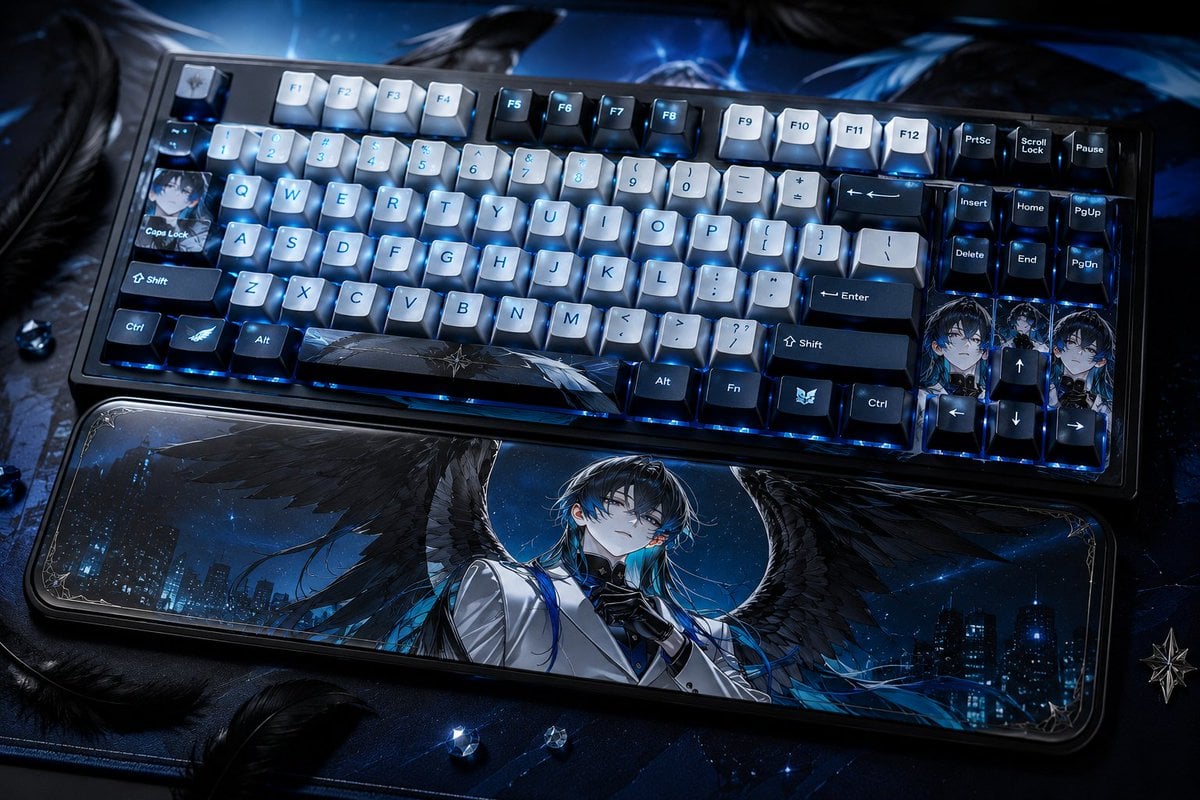
Character-Themed Custom Keyboard
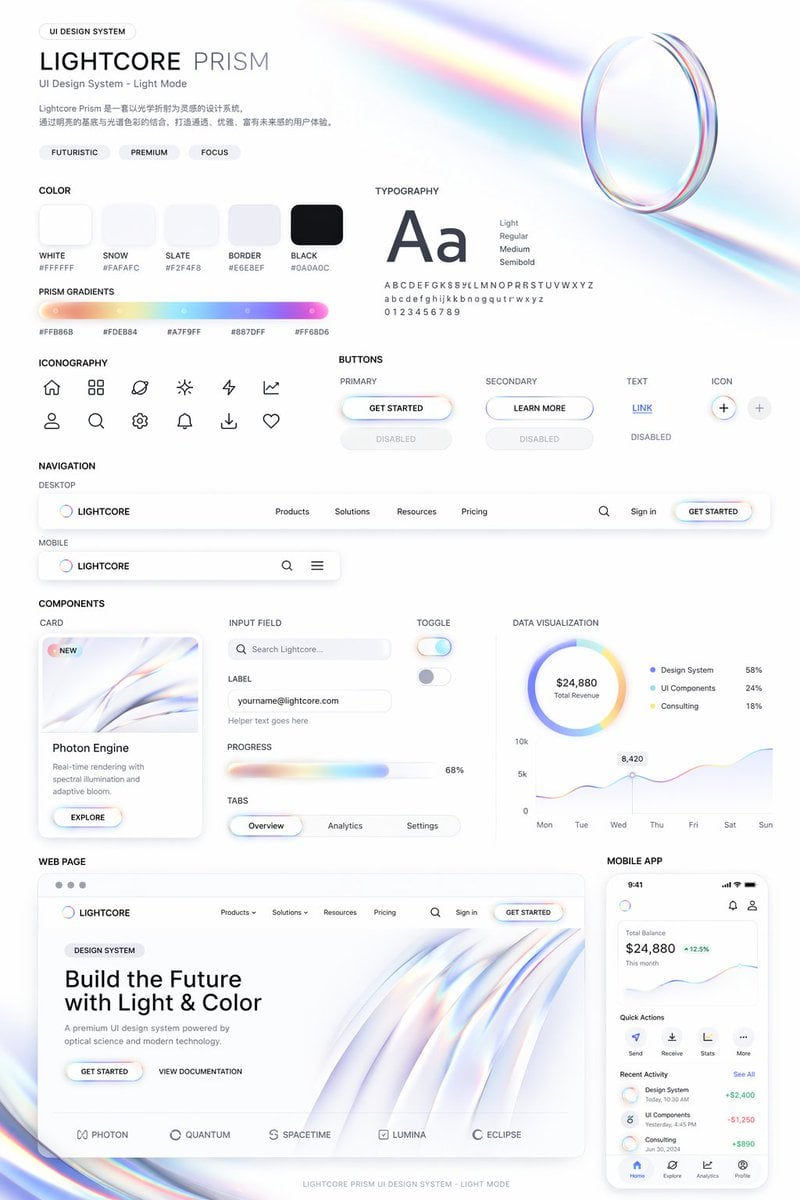
Light Mode UI Design System Board
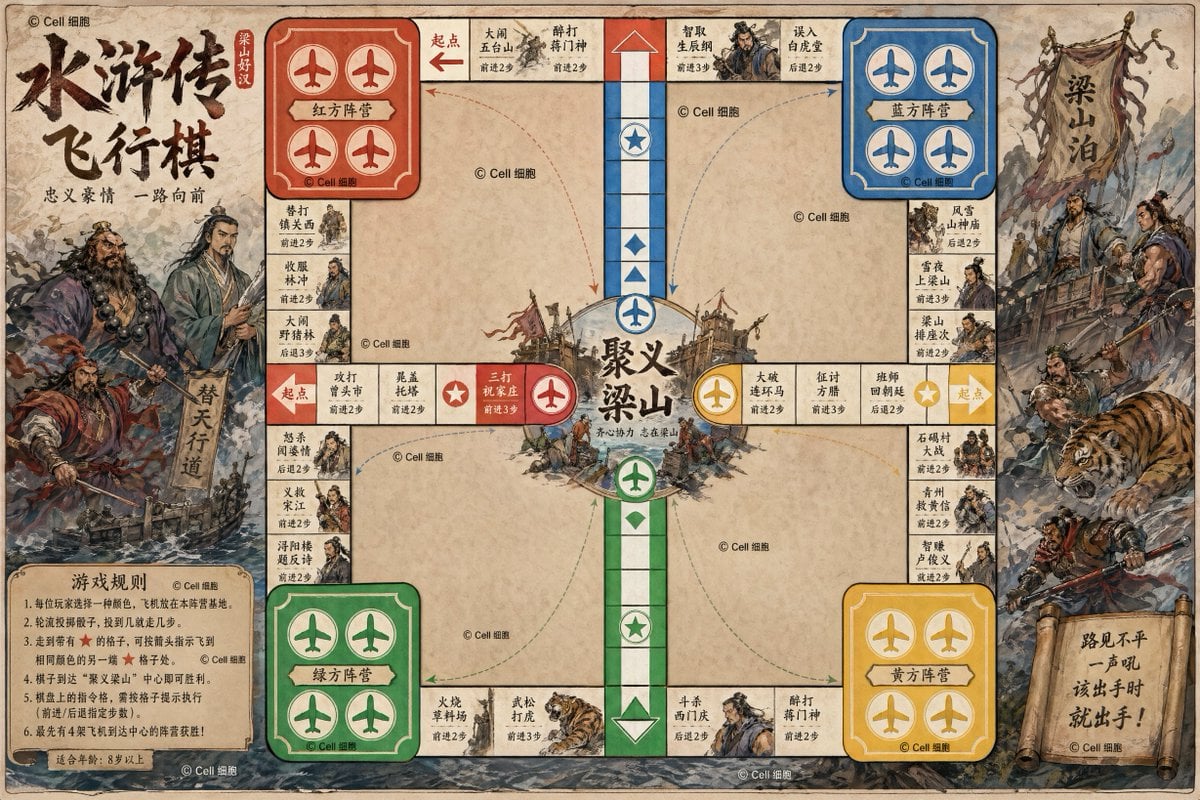
Water Margin Themed Flying Chess Board
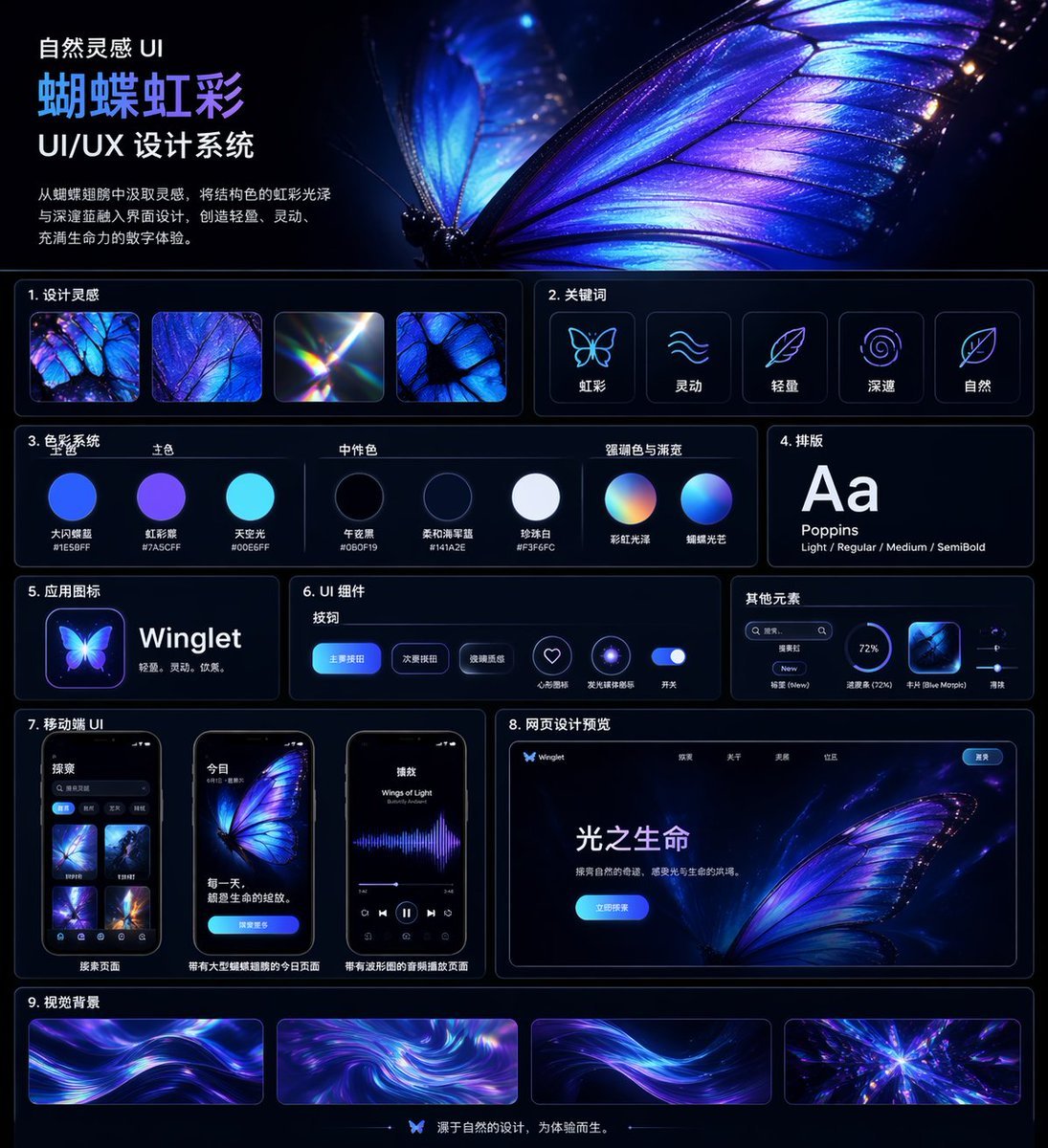
Iridescent Butterfly UI System Board
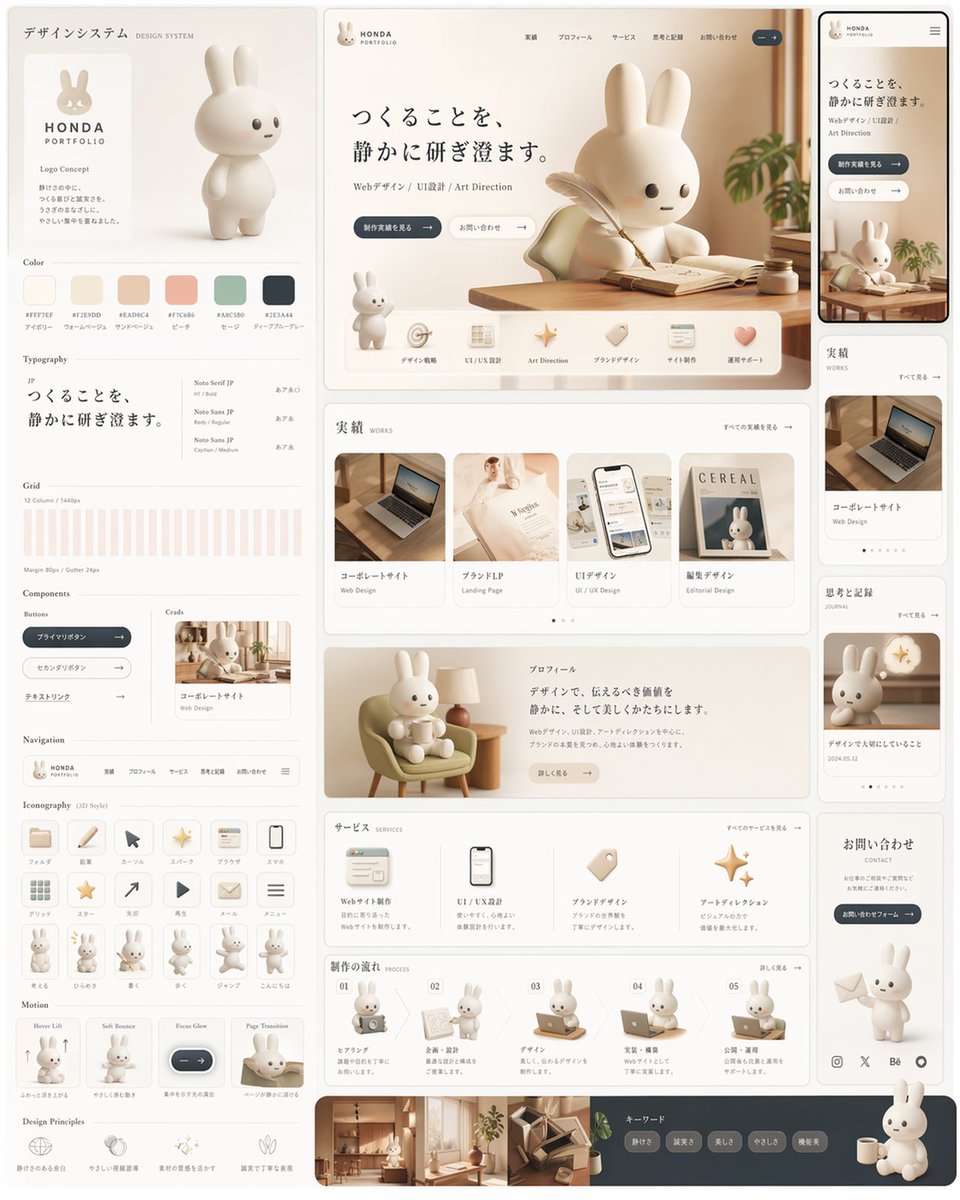
Rabbit Portfolio Design System Board
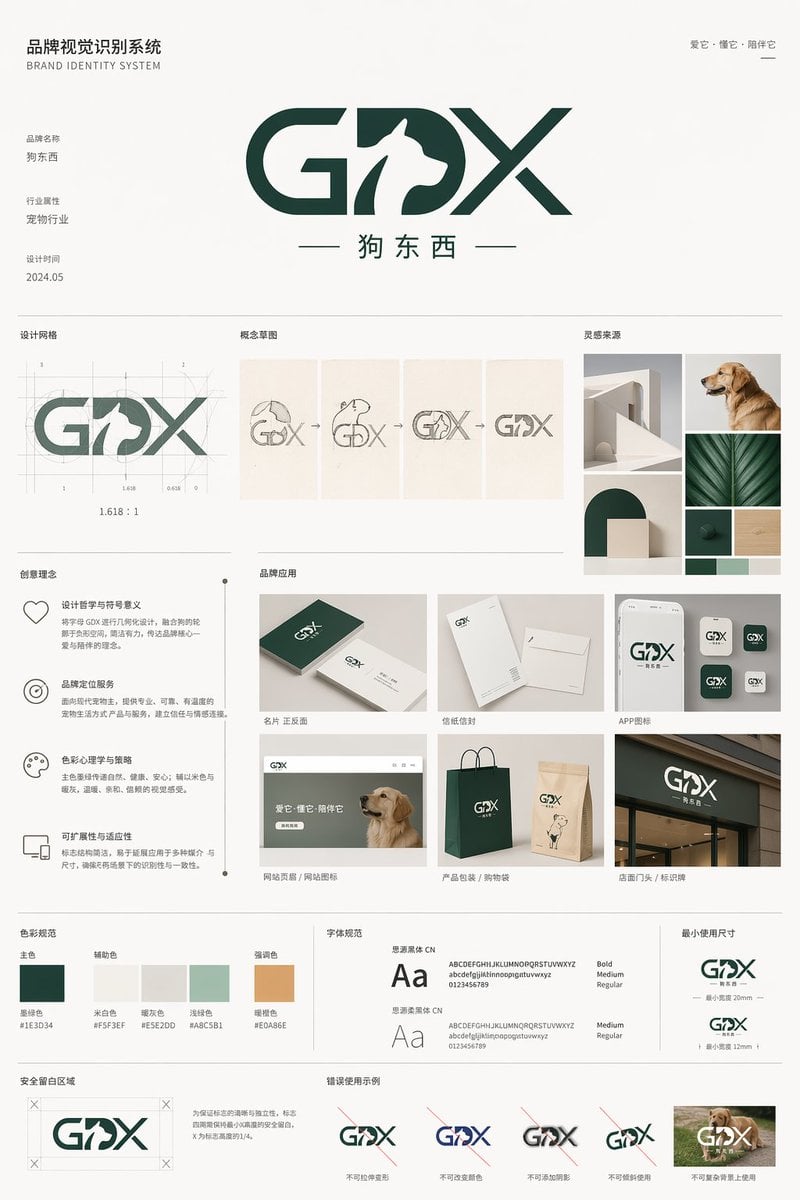
Pet Brand Identity System Board
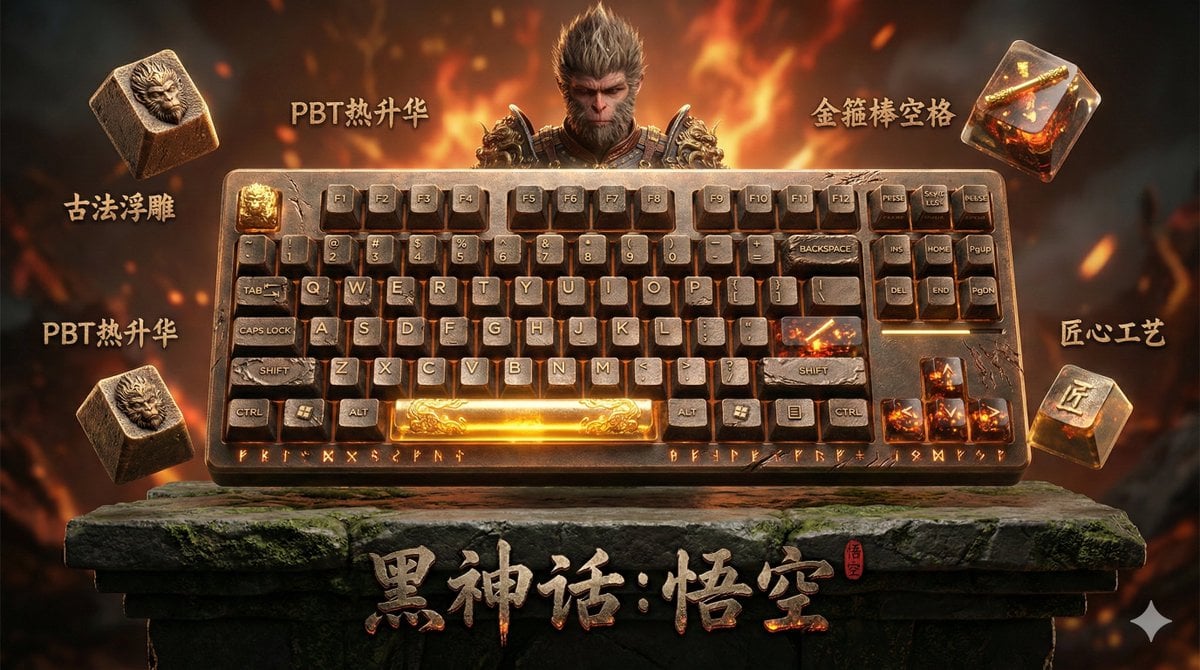
Mechanical Keyboard Themed Art Poster Prompt
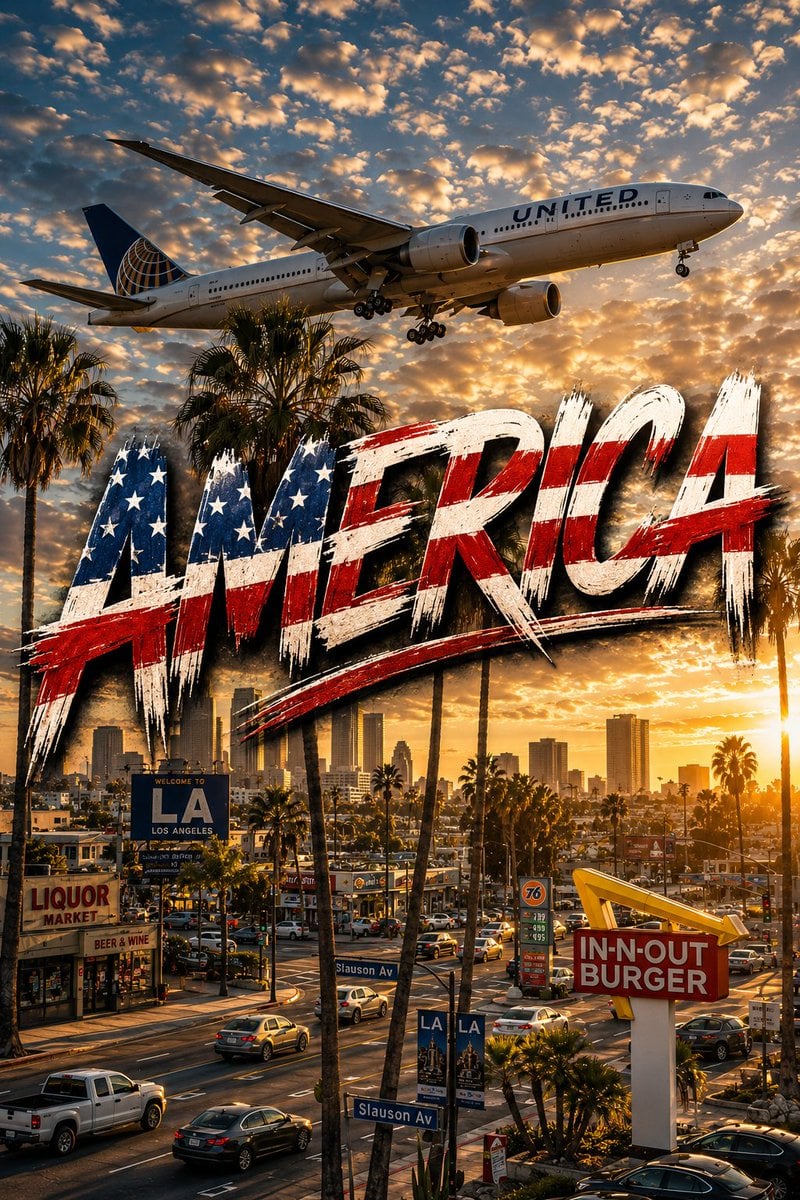
American Aviation Skyline Poster
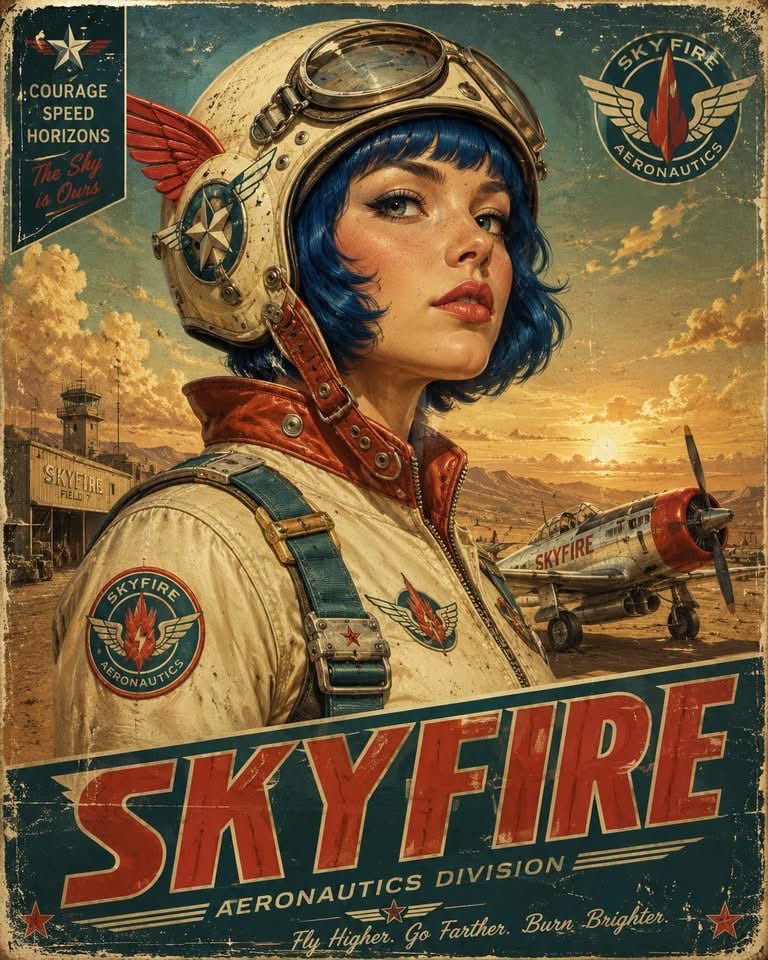
Retro-Futurist Aviation Poster
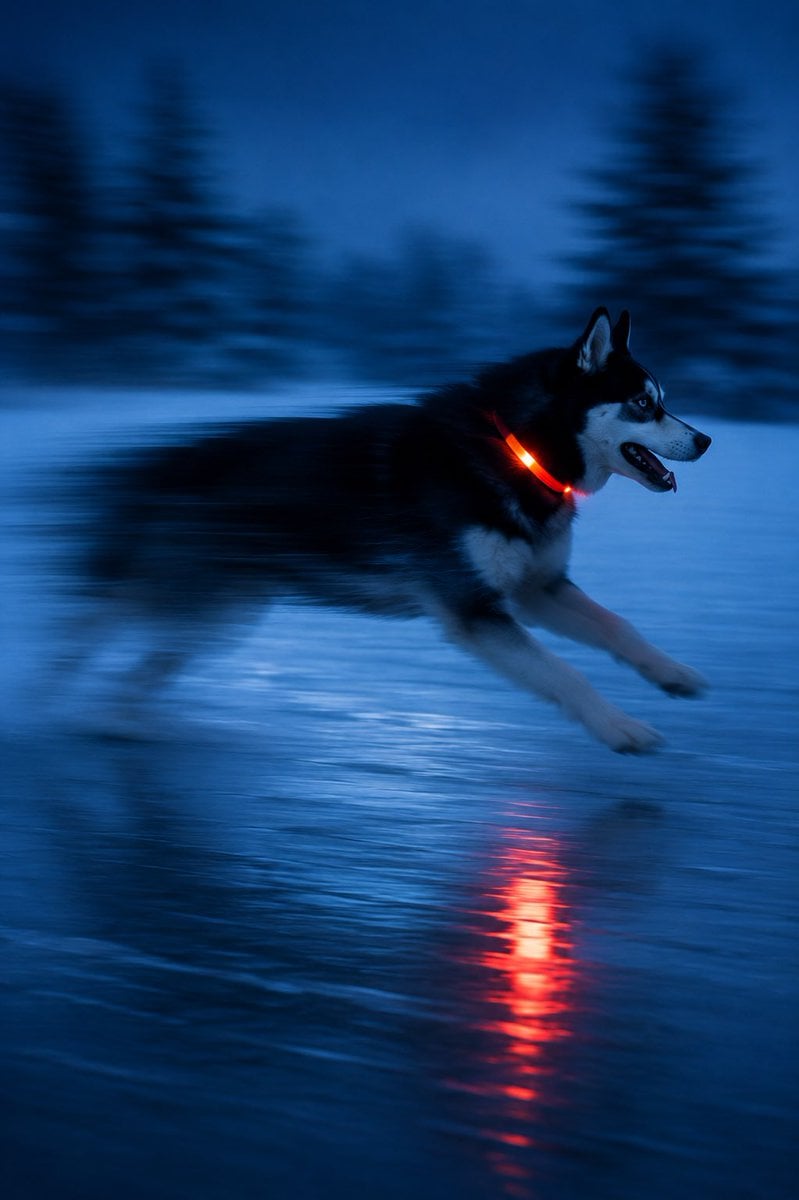
Driftplane Exposure System Prompt

Modern Korean Fashion Editorial Board
Make it yours
Aviation-Themed UI Design System Board works as-is. These are the safest ways to change it without losing the look.
Change one field
Copy a single group, rewrite it, and generate again so you can see what that field is doing.
Keep the frame, change the subject
Hold the composition and light of Aviation-Themed UI Design System Board, then swap wardrobe, props or the person for a new take.
| If the result… | Why | Fix |
|---|---|---|
| The result drifts from the preview | Too many fields changed at once. | Reuse Aviation-Themed UI Design System Board as-is first, then change one group — subject, light, or setting. |
| GPT Image 2 ignores part of the JSON | Some models flatten or skip nested keys. | Keep the same values and paste them as a short paragraph instead. |
More GPT Image 2 templates
Other prompts made for GPT Image 2.

Six VTuber Japanese Logo Sheet

Realistic Portrait of Woman and Deer

The Vista Modular Condo Poster

AI Model Routing Comparison Infographic

Isometric Productivity Desk Scene

New York Double Exposure Poster

Four-Panel AI Landscape Comparison

Japanese Tatami Lifestyle Magazine Cover

NESCAFÉ Coffee Map Poster

Brutalist Cogito Chinese Typography Poster
More image prompts
Fresh picks from across the catalog.

Hyper-realistic Cinematic Pool Scene
Mystical Smoke Style Diviner
Luxury Sneaker Advertisement Photography
Comic Cartoon Video Call
Minimal Pelican Riding Bicycle
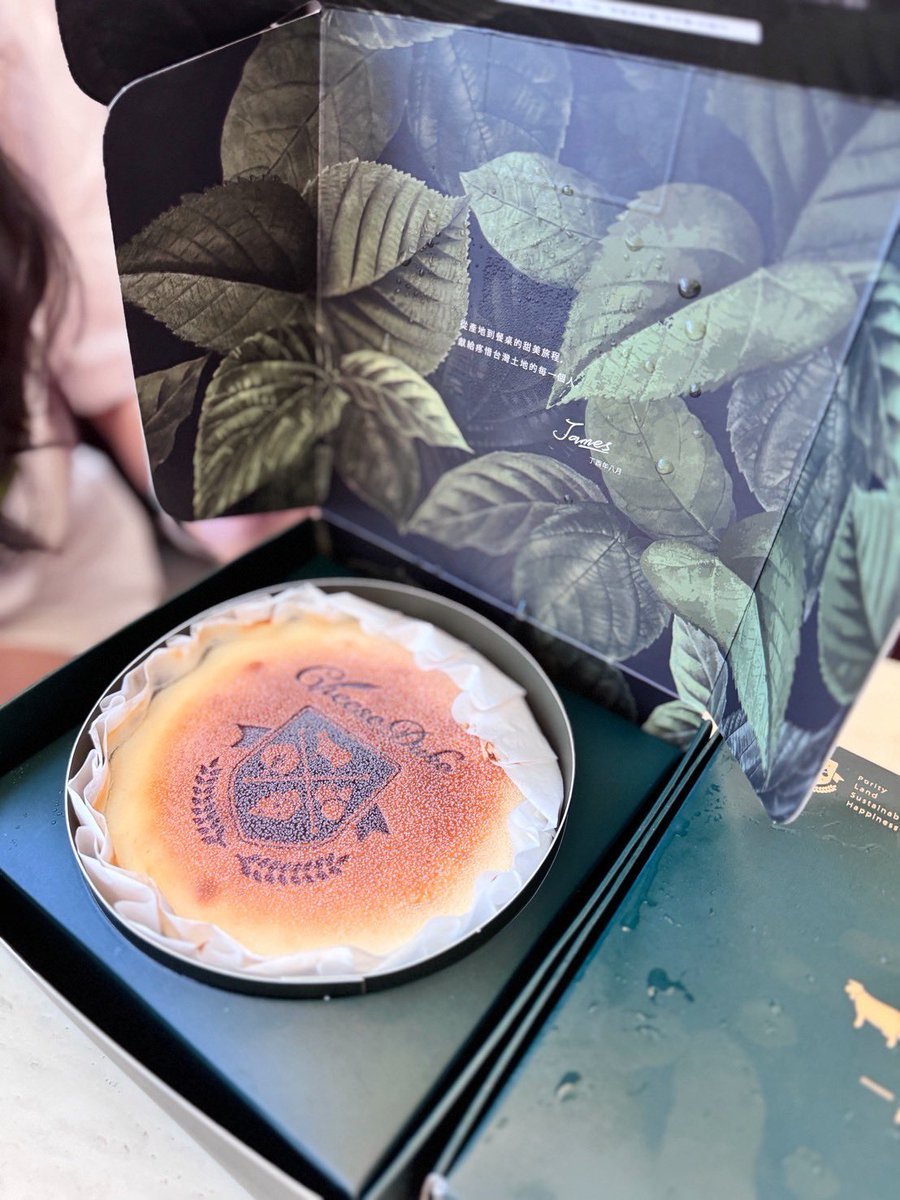
Professional cake advertising photo
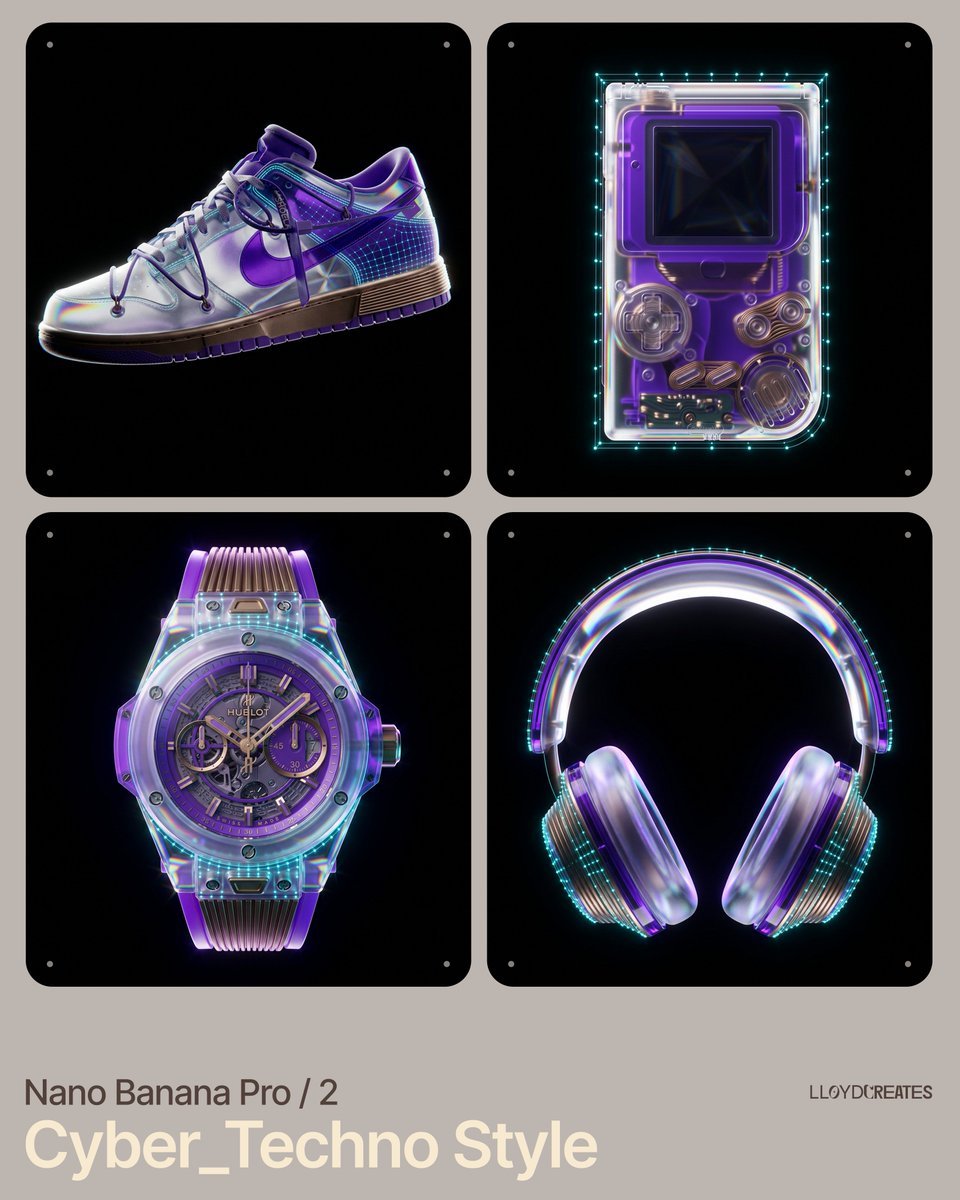
Cyber-Techno Product Shot in Void with Prismatic Effects
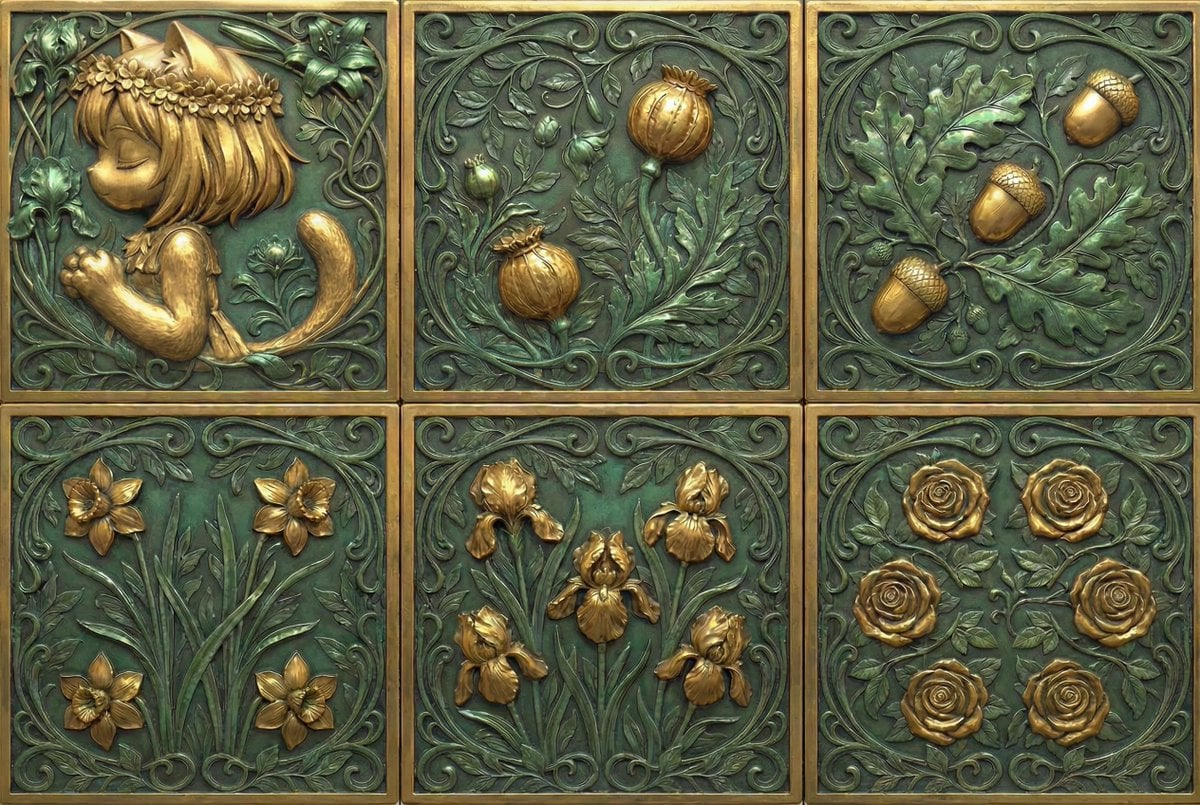
Generate Dice Faces with Specific Object Placement
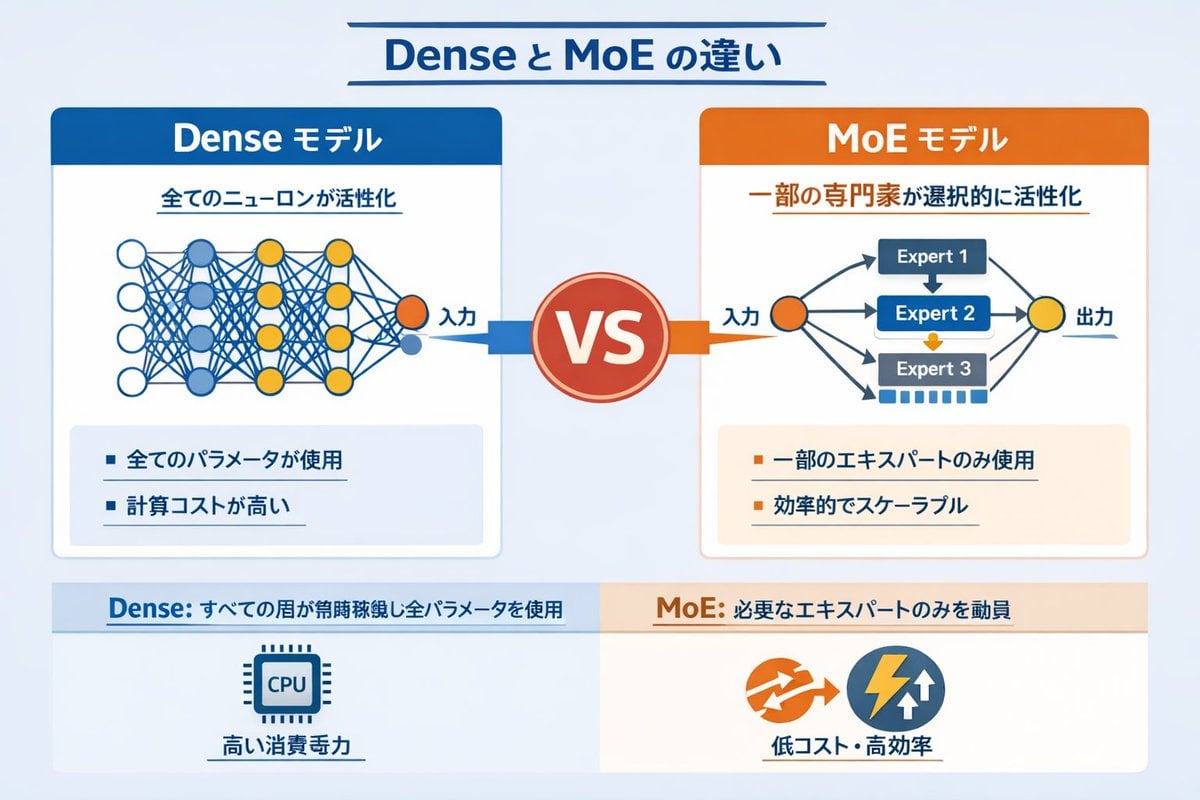
Dense vs MoE Neural Network Infographic
Semi-Pixel Armored Warrior
Browse template categories
Aviation-Themed UI Design System Board questions
How do I use the Aviation-Themed UI Design System Board template?
Add your photo if the template asks for one, edit the prompt if you like — the template's model and format are already selected — and press Generate. Your version opens in PicX Studio.
Can I customize the Aviation-Themed UI Design System Board template?
Yes. You can change the subject, setting, lighting, mood, format, and available model controls before creating your image.
Is the Aviation-Themed UI Design System Board template free?
Opening and editing this template is free. Generating uses credits, shown on the Generate button when you are signed in.
Which AI model should I use?
Start with GPT Image 2, which is the model associated with this template. You can compare another compatible model for a different finish.
Looking for something else? Browse all templates.

Your photo, any look
Thousands of ready templates for every top image and video model, from one credit balance.