
Pet Brand Identity System Board
A polished corporate brand guideline board for a pet industry logo, useful for generating logo presentation sheets, branding case studies, and identity system mockups.
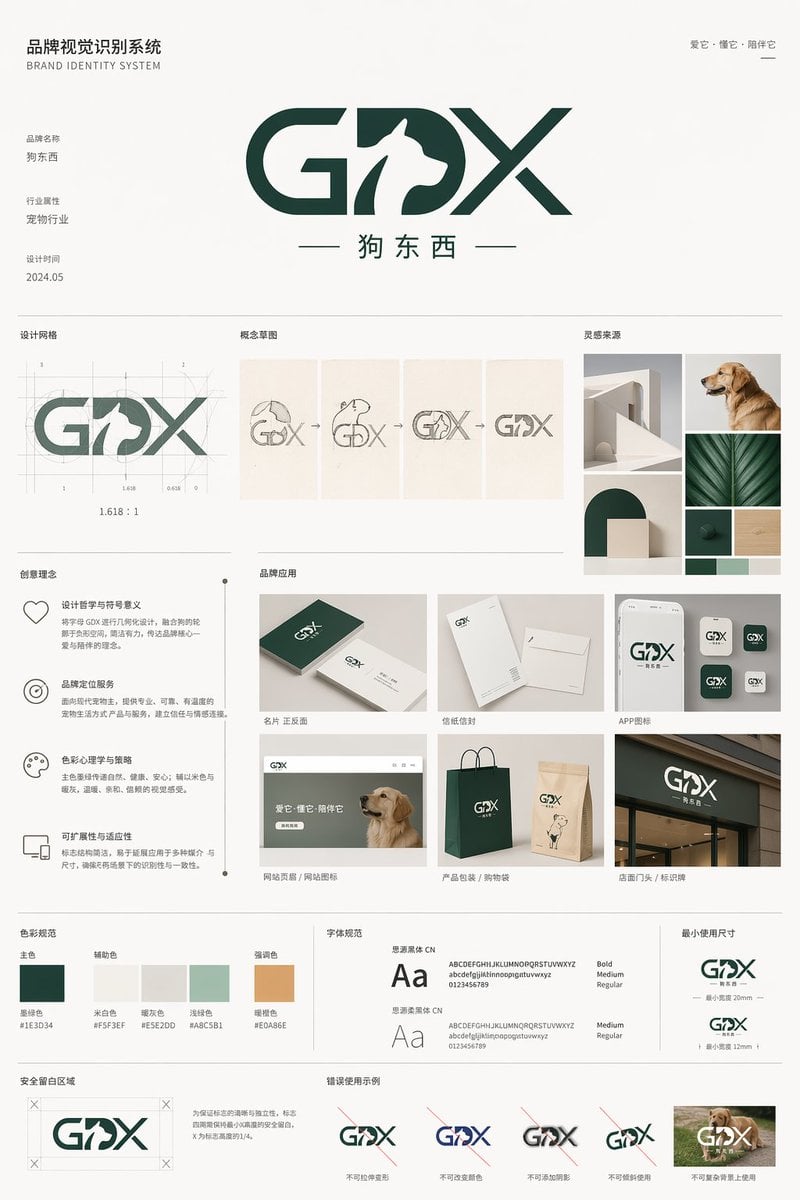
- Prompt included
- Model and format preset
- Free template
The prompt behind this image
Copy the exact prompt behind Pet Brand Identity System Board, or open it in the studio and make it yours.
- Type
- brand identity system board
- Brand › Name
- {argument name="brand name" default="狗东西"}
- Brand › English Mark
- {argument name="logo letters" default="GDX"}
- Brand › Industry
- {argument name="industry" default="宠物行业"}
- Brand › Date
- {argument name="date" default="2024.05"}
- Brand › Tagline
- 爱它・懂它・陪伴它
- Style › Overall
- minimalist premium corporate presentation, clean Swiss-inspired layout, large white margins, light gray divider lines, muted neutral background
- Style › Palette
- deep forest green and warm off-white with small accent swatches
- Style › Mood
- modern, trustworthy, pet-friendly, refined
- Canvas › Aspect Ratio
- 3:4 vertical
- Canvas › Background
- soft warm white
- Header › Left Title Cn
- 品牌视觉识别系统
- Header › Left Title En
- BRAND IDENTITY SYSTEM
- Header › Right Tagline
- 爱它・懂它・陪伴它
- Header › Center Logo
- large custom GDX wordmark with a white dog silhouette integrated into the middle of the logo, bold geometric curves and diagonal strokes, dark green
- Header › Center Subtitle
- 狗东西
- Layout › Sections › 0 › Title
- 基础信息
- Layout › Sections › 0 › Position
- upper left
- Layout › Sections › 0 › Count
- 3
- Layout › Sections › 0 › Labels
- 品牌名称, 行业属性, 设计时间
- Layout › Sections › 1 › Title
- 设计网格
- Layout › Sections › 1 › Position
- mid upper left
- Layout › Sections › 1 › Count
- 1
- Layout › Sections › 1 › Labels
- logo construction grid with ratio 1.618:1
Raw JSON
{"type":"brand identity system board","brand":{"name":"{argument name=\"brand name\" default=\"狗东西\"}","english_mark":"{argument name=\"logo letters\" default=\"GDX\"}","industry":"{argument name=\"industry\" default=\"宠物行业\"}","date":"{argument name=\"date\" default=\"2024.05\"}","tagline":"爱它・懂它・陪伴它"},"style":{"overall":"minimalist premium corporate presentation, clean Swiss-inspired layout, large white margins, light gray divider lines, muted neutral background","palette":"deep forest green and warm off-white with small accent swatches","mood":"modern, trustworthy, pet-friendly, refined"},"canvas":{"aspect_ratio":"3:4 vertical","background":"soft warm white"},"header":{"left_title_cn":"品牌视觉识别系统","left_title_en":"BRAND IDENTITY SYSTEM","right_tagline":"爱它・懂它・陪伴它","center_logo":"large custom GDX wordmark with a white dog silhouette integrated into the middle of the logo, bold geometric curves and diagonal strokes, dark green","center_subtitle":"狗东西"},"layout":{"sections":[{"title":"基础信息","position":"upper left","count":3,"labels":["品牌名称","行业属性","设计时间"]},{"title":"设计网格","position":"mid upper left","count":1,"labels":["logo construction grid with ratio 1.618:1"]},{"title":"概念草图","position":"mid upper center","count":4,"labels":["dog head and letters sketch","outline refinement","intermediate combined mark","final simplified mark"]},{"title":"灵感来源","position":"mid upper right","count":6,"labels":["minimal white architectural arch","golden retriever profile photo","curved arch block composition","green leaf close-up","dark green material square","light wood texture square"]},{"title":"创意理念","position":"middle left","count":4,"labels":["设计哲学与符号意义","品牌定位服务","色彩心理学与策略","可扩展性与适应性"]},{"title":"品牌应用","position":"middle center to right","count":7,"labels":["名片 正反面","信纸信封","APP图标","网站首页 / 网站图标","产品包装 / 购物袋","店面门头 / 标识牌","mobile app icon variants"]},{"title":"色彩规范","position":"lower middle left","count":5,"labels":["主色","辅助色","暖灰色","浅绿色","强调色"]},{"title":"字体规范","position":"lower middle center","count":2,"labels":["思源黑体 CN","思源柔黑体 CN"]},{"title":"最小使用尺寸","position":"lower middle right","count":2,"labels":["horizontal logo minimum size","stacked logo minimum size"]},{"title":"安全留白区域","position":"bottom left","count":1,"labels":["clear space diagram around logo"]},{"title":"错误使用示例","position":"bottom center to right","count":5,"labels":["do not distort","do not change colors","do not add effects","do not stretch vertically","do not place on busy photo background"]}],"grid":"strict multi-column editorial board with thin dividing rules and consistent spacing"},"logo_design":{"form":"GDX lettermark","integration":"negative-space dog silhouette embedded between G and X, reading as the letter D while showing a standing dog profile facing right","color":"dark green","subtitle":"Chinese brand name centered below with thin horizontal lines on both sides"},"color_swatches":[{"name":"墨绿色","hex":"#1E3D34"},{"name":"米白色","hex":"#F5F3EF"},{"name":"暖灰色","hex":"#E5E2DB"},{"name":"浅绿色","hex":"#A8C5B1"},{"name":"暖橙色","hex":"#E0A86E"}],"applications":{"mockups":7,"details":"business card set, stationery set, smartphone app icon screen, website hero with dog photo, dark green and kraft shopping bags, storefront signage, grouped square app icon variations"},"typography":{"families":["思源黑体 CN","思源柔黑体 CN"],"weights":["Bold","Medium","Regular"]},"rendering":"high-resolution graphic design presentation board, flat front-facing view, crisp vector logo, realistic mockup inserts, subtle shadows only inside product mockups, no perspective distortion"}How to use Pet Brand Identity System Board in 3 steps
- 1Upload ImagePNG, JPG or paste
Add your photo
Upload the photo the template builds on. The prompt, model and format are already set.
- 2…a portrait of your subject in softgolden-hour light, 85mm…
Personalize
Edit the subject and creative details for your destination.
- 3Generate
Generate
Press Generate — your image is created in PicX Studio, so you can compare it with the original and refine one variable at a time.
More like this
Templates with the same subject, style or setup. Open one to see its prompt.

Luxury Fashion Campaign Typography Poster System

Premium Fashion Editorial Campaign Poster System
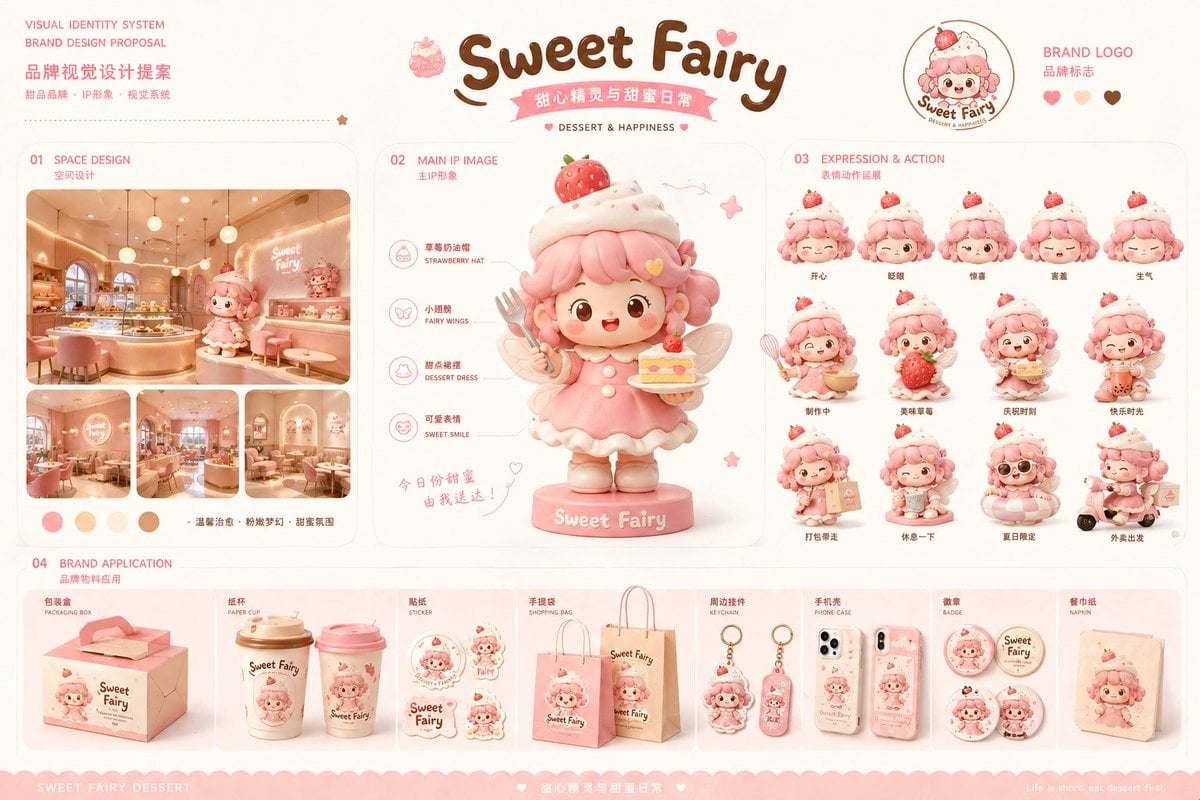
Dessert Brand Visual Identity Proposal Board
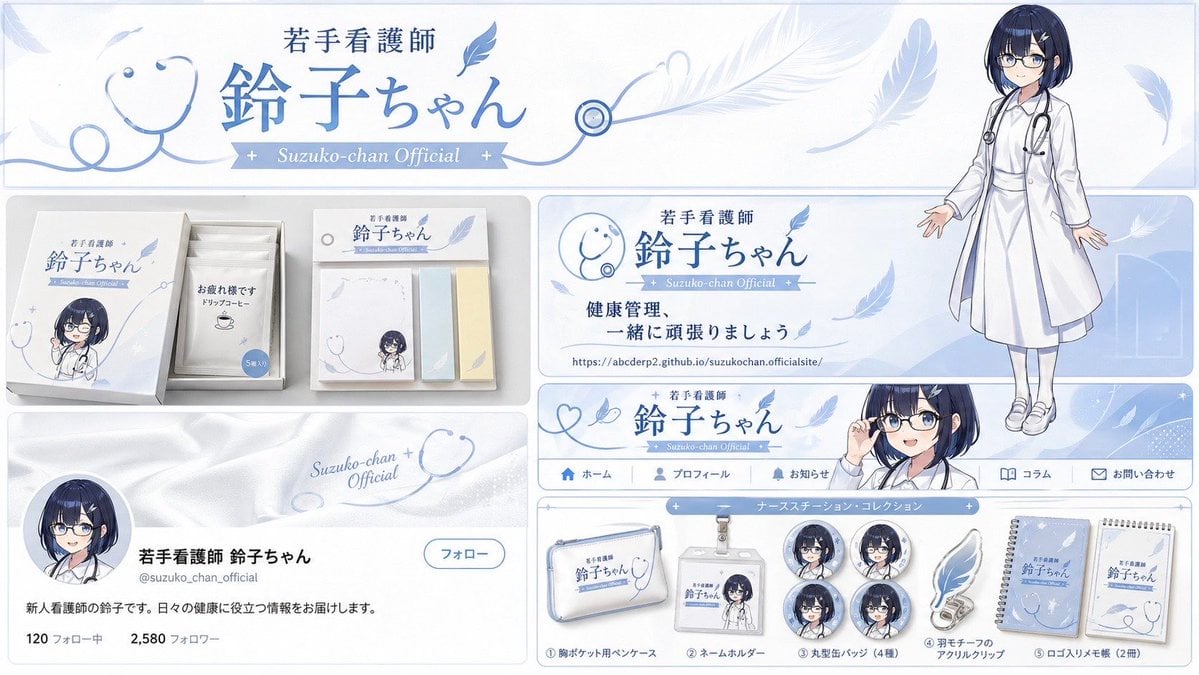
Brand Identity Design Board
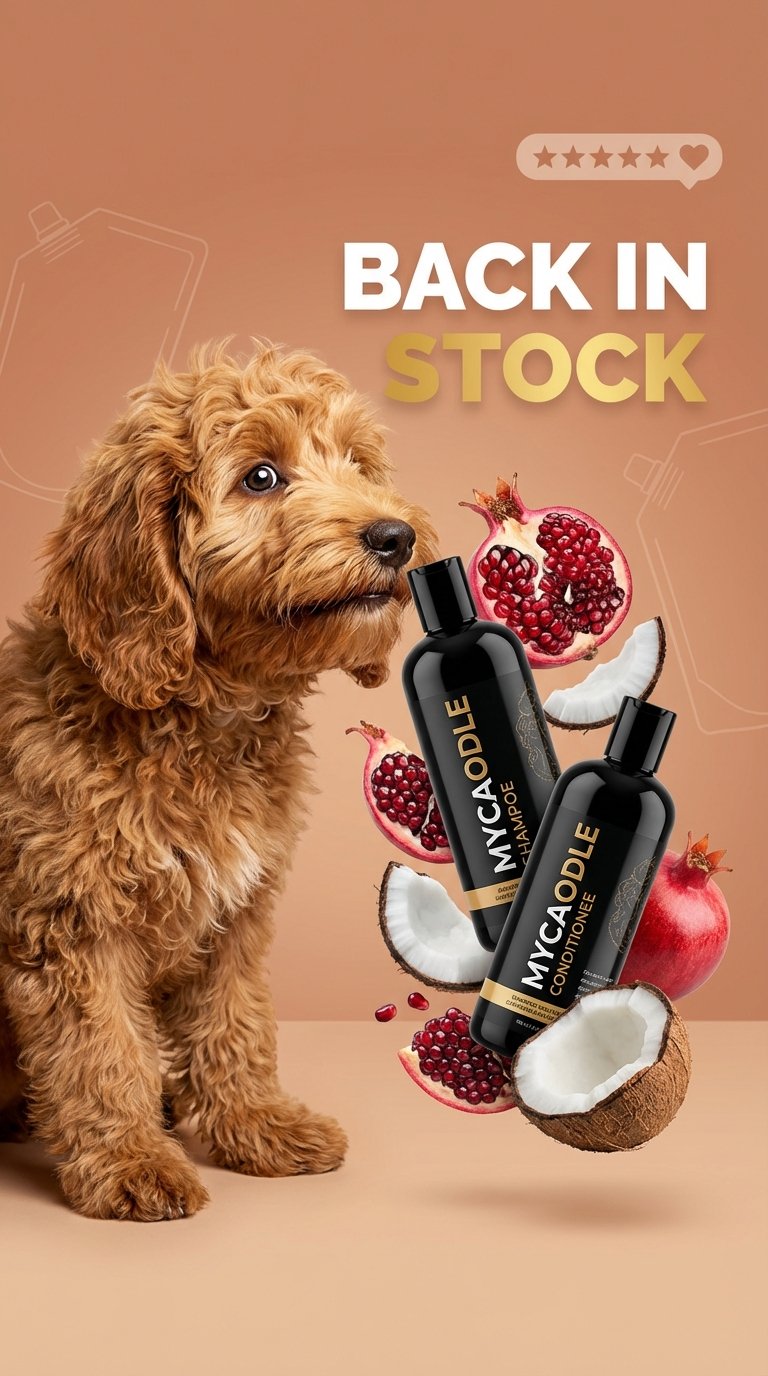
Poodle Pet Care Promo Template
Autonomously add 1-2 characters or a pet that fits the brand s lifestyle
Roast Rice Branding Proposal Board
Italian Takeaway Brand Board
Rin Kaori Assassin Bike Identity Board

Isometric Brand Store Diorama

Moss Logo Minimalist Brand Flat Lay
Pixar-Style Coffee Brand Storyboard
Make it yours
Pet Brand Identity System Board works as-is. These are the safest ways to change it without losing the look.
Swap the setting
Keep the rest of the prompt and replace the location block. The current setting is “soft warm white”.
Change one field
Copy a single group, rewrite it, and generate again so you can see what that field is doing.
Keep the frame, change the subject
Hold the composition and light of Pet Brand Identity System Board, then swap wardrobe, props or the person for a new take.
| If the result… | Why | Fix |
|---|---|---|
| The result drifts from the preview | Too many fields changed at once. | Reuse Pet Brand Identity System Board as-is first, then change one group — subject, light, or setting. |
| GPT Image 2 ignores part of the JSON | Some models flatten or skip nested keys. | Keep the same values and paste them as a short paragraph instead. |
More GPT Image 2 templates
Other prompts made for GPT Image 2.

Six VTuber Japanese Logo Sheet

Realistic Portrait of Woman and Deer

The Vista Modular Condo Poster

AI Model Routing Comparison Infographic

2.5D Anime Art Board

Isometric Productivity Desk Scene

New York Double Exposure Poster

Four-Panel AI Landscape Comparison

Japanese Tatami Lifestyle Magazine Cover

NESCAFÉ Coffee Map Poster
More image prompts
Fresh picks from across the catalog.

Synthwave Neon Digital Portrait Prompt
Cinematic Orange Soda Ad Poster
Early 2020s High School Photo
Egyptian Scarab Earring Portrait
Realistic NBA Fan Portrait
Titan with Hokuto Hyakuretsu Ken Generation
Luxury Lifestyle Portrait with Horse

Shipwreck Twilight Scene
Ultra Photoreal Cartoon Reality Scene with Pink Panther
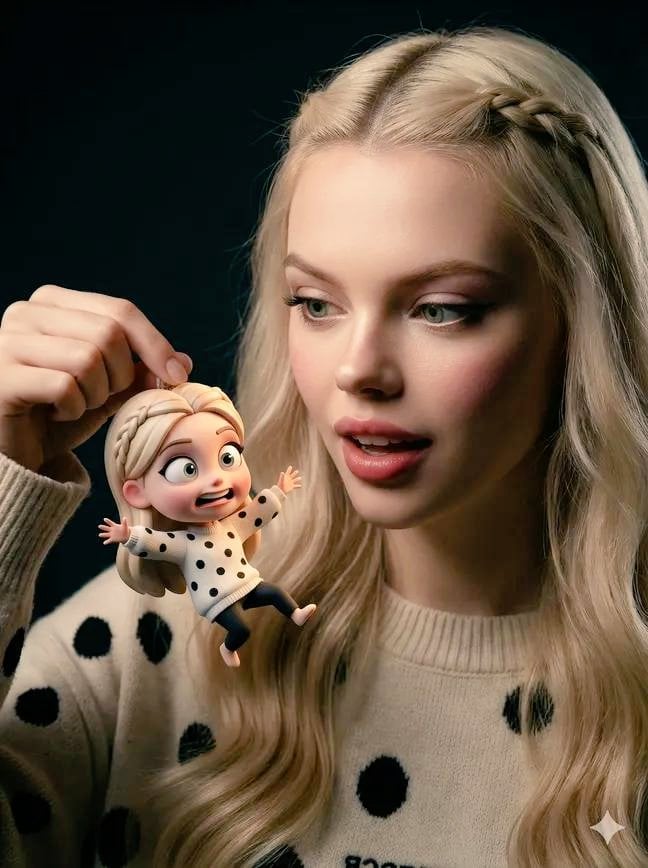
Ultra-Realistic Person Holding Tiny Cartoon Self
Browse template categories
Pet Brand Identity System Board questions
How do I use the Pet Brand Identity System Board template?
Add your photo if the template asks for one, edit the prompt if you like — the template's model and format are already selected — and press Generate. Your version opens in PicX Studio.
Can I customize the Pet Brand Identity System Board template?
Yes. You can change the subject, setting, lighting, mood, format, and available model controls before creating your image.
Is the Pet Brand Identity System Board template free?
Opening and editing this template is free. Generating uses credits, shown on the Generate button when you are signed in.
Which AI model should I use?
Start with GPT Image 2, which is the model associated with this template. You can compare another compatible model for a different finish.
Looking for something else? Browse all templates.

Your photo, any look
Thousands of ready templates for every top image and video model, from one credit balance.