
Rin Kaori Assassin Bike Identity Board
Generates a dark cyberpunk motorcycle concept spec sheet with a female assassin, technical views, moodboard, color variants, and detailed engineering panels.
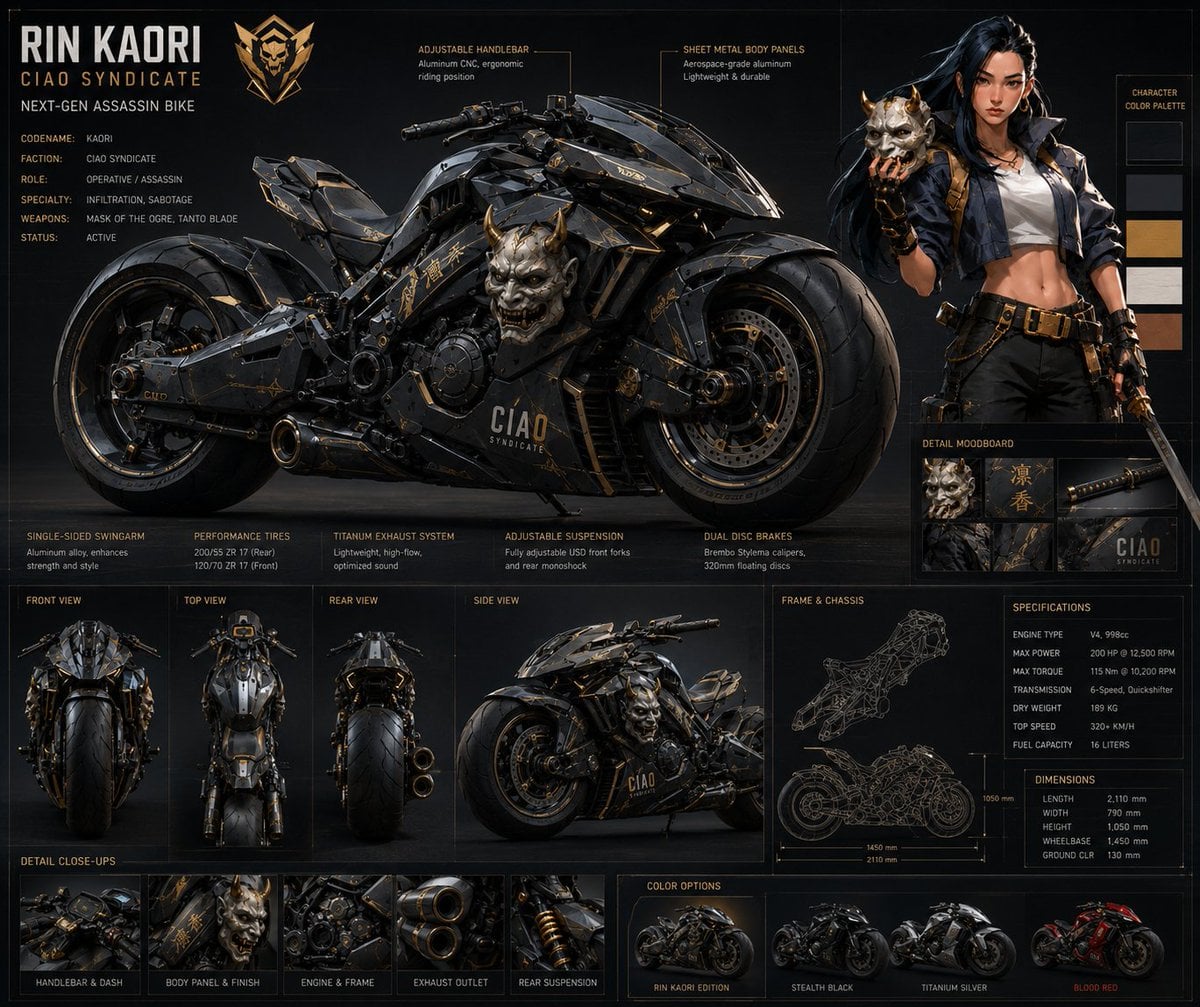
- Prompt included
- Model and format preset
- Premium template
The prompt behind this image
Copy the exact prompt behind Rin Kaori Assassin Bike Identity Board, or open it in the studio and make it yours.
Goal: Create a dark futuristic vehicle identity board for {argument name="character name" default="RIN KAORI"}, a CIAO Syndicate next-gen assassin motorcycle, presented like a premium concept art spec sheet. Canvas: Wide landscape 16:10 technical board, matte black charcoal background with thin gold grid lines and panel borders, cinematic studio lighting, high-detail 3D concept art mixed with graphic design, black/gunmetal/gold palette. Main layout: The upper-left and center are dominated by one huge side-view cyberpunk superbike facing right. The bike is black armored metal with angular sheet-metal fairings, exposed mechanical parts, gold trim, Japanese-style markings, oversized fat tires, dual front disc brakes, and a horned demon oni mask mounted prominently on the side fairing. The upper-right contains one full-body female assassin standing next to the bike, holding a horned oni mask in one hand and a katana in the other; she has long black hair, pale skin, confident expression, cropped white top, dark open jacket, black pants, belt and gold tactical accessories. Title and identity text: Top-left large title text reads {argument name="headline text" default="RIN KAORI"}. Under it, smaller gold text reads “CIAO SYNDICATE” and “NEXT-GEN ASSASSIN BIKE”. Below that, include exactly 6 labeled identity lines: Codename: Kaori; Faction: Ciao Syndicate; Role: Operative / Assassin; Specialty: Infiltration, Sabotage; Weapons: Mask of the Ogre, Tanto Blade; Status: Active. Technical callouts: Add exactly 2 thin-line annotation callouts near the top of the bike: “ADJUSTABLE HANDLEBAR — Aluminum CNC, ergonomic riding position” and “SHEET METAL BODY PANELS — Aerospace-grade aluminum, lightweight & durable”. Right sidebar: Include exactly 1 vertical character color palette with 4 rectangular swatches labeled “CHARACTER COLOR PALETTE”: dark charcoal, muted gray-blue, warm gold, and tan skin tone. Beneath it, include a “DETAIL MOODBOARD” panel with exactly 4 square thumbnails: oni mask close-up, Japanese kanji-style gold lettering, katana handle close-up, and CIAO Syndicate logo/branding. Middle feature strip: Across the lower middle, create exactly 5 specification feature cards with small headings and short descriptions: 1) Single-Sided Swingarm, 2) Performance Tires, 3) Titanium Exhaust System, 4) Adjustable Suspension, 5) Dual Disc Brakes. View panels: Below the main bike, include exactly 4 labeled orthographic view panels: Front View, Top View, Rear View, and Side View. Each panel shows the same bike from that angle, rendered in miniature with consistent black-and-gold styling. Engineering panels: On the lower-right, include exactly 3 technical boxes: “FRAME & CHASSIS” with a fine gold wireframe drawing of the motorcycle frame and wheelbase dimension lines; “SPECIFICATIONS” listing engine type V4, 998cc, max power 200 HP @ 12,500 RPM, max torque 115 Nm @ 10,200 RPM, transmission 6-speed quickshifter, dry weight 189 kg, top speed 320+ km/h, fuel capacity 16 liters; and “DIMENSIONS” listing length 2110 mm, width 790 mm, height 1050 mm, wheelbase 1450 mm, ground clearance 130 mm. Detail close-ups: Along the bottom-left, include exactly 5 small thumbnail panels labeled: Handlebar & Dash, Body Panel & Finish, Engine & Frame, Exhaust Outlet, Rear Suspension. Color options: Along the bottom-right, include exactly 4 small motorcycle color variant thumbnails labeled: {argument name="primary edition label" default="RIN KAORI EDITION"}, Stealth Black, Titanium Silver, and Blood Red. The first remains black and gold, second matte black, third silver-gray, fourth black and red. Visual style: Hyper-detailed premium sci-fi industrial design, sharp realistic 3D render, dramatic rim lighting, subtle smoke and reflections, aged black metal texture, gold typography, thin technical diagram lines, high-end game concept art presentation. Keep all text crisp and legible. Avoid extra characters, extra bikes, watermarks, or unrelated logos.
How to use Rin Kaori Assassin Bike Identity Board in 3 steps
- 1Upload ImagePNG, JPG or paste
Add your photo
Upload the photo the template builds on. The prompt, model and format are already set.
- 2…a portrait of your subject in softgolden-hour light, 85mm…
Personalize
Edit the subject and creative details for your destination.
- 3Generate
Generate
Press Generate — your image is created in PicX Studio, so you can compare it with the original and refine one variable at a time.
More like this
Templates with the same subject, style or setup. Open one to see its prompt.
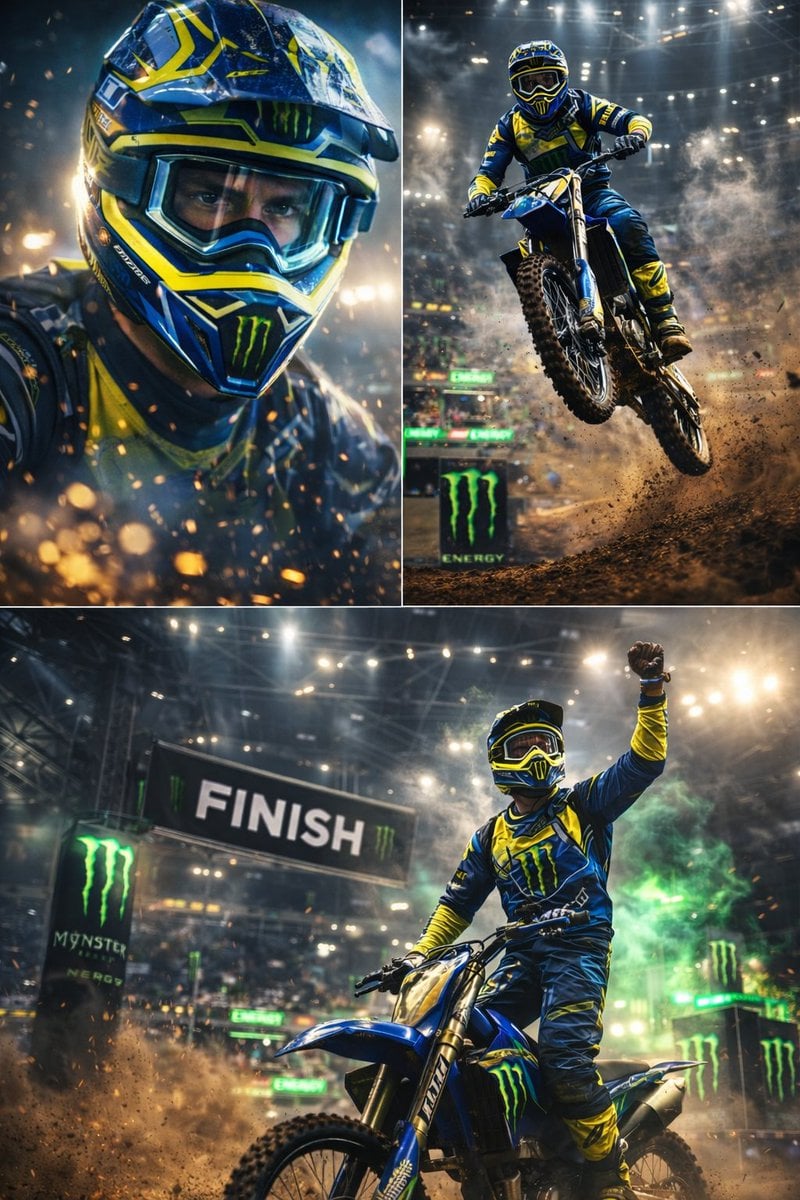
Ultra-dynamic motocross racing scene featuring a professional dirt bike

Dessert Brand Visual Identity Proposal Board
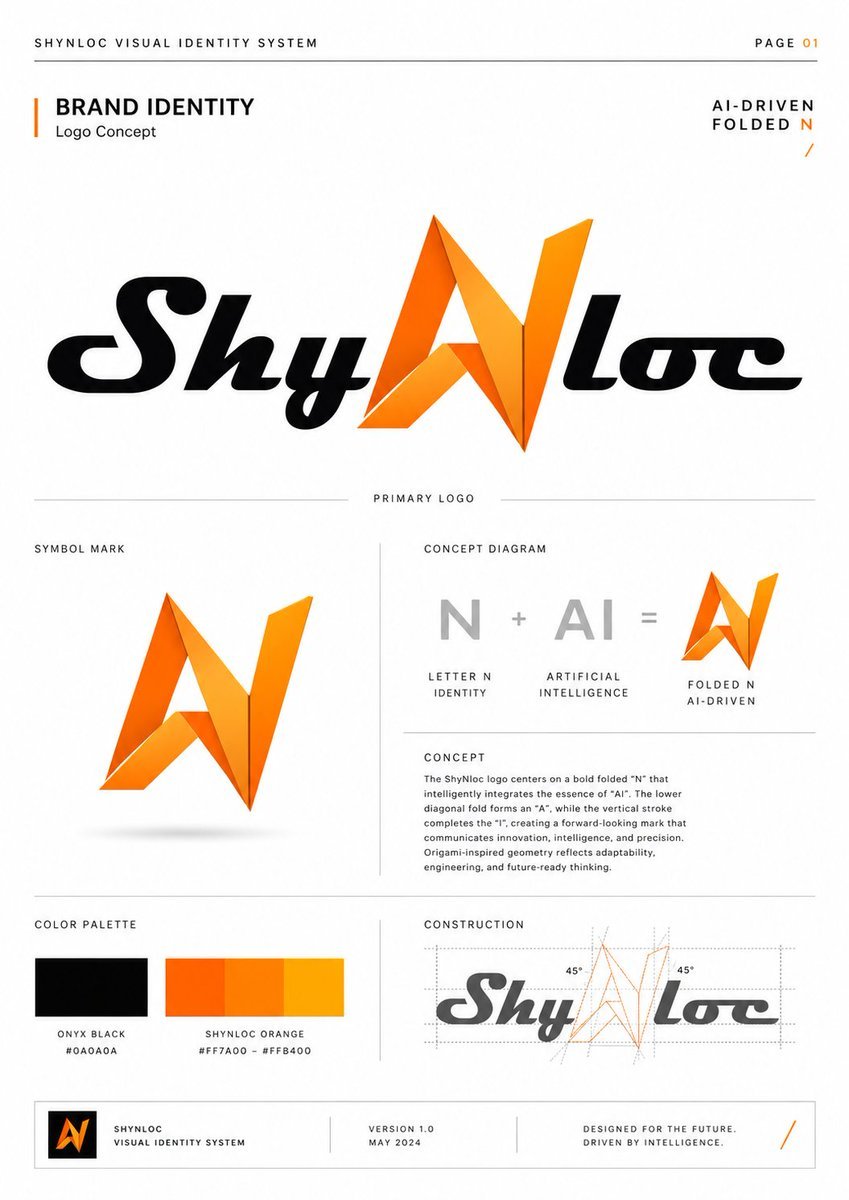
Shynloc Visual Identity Board
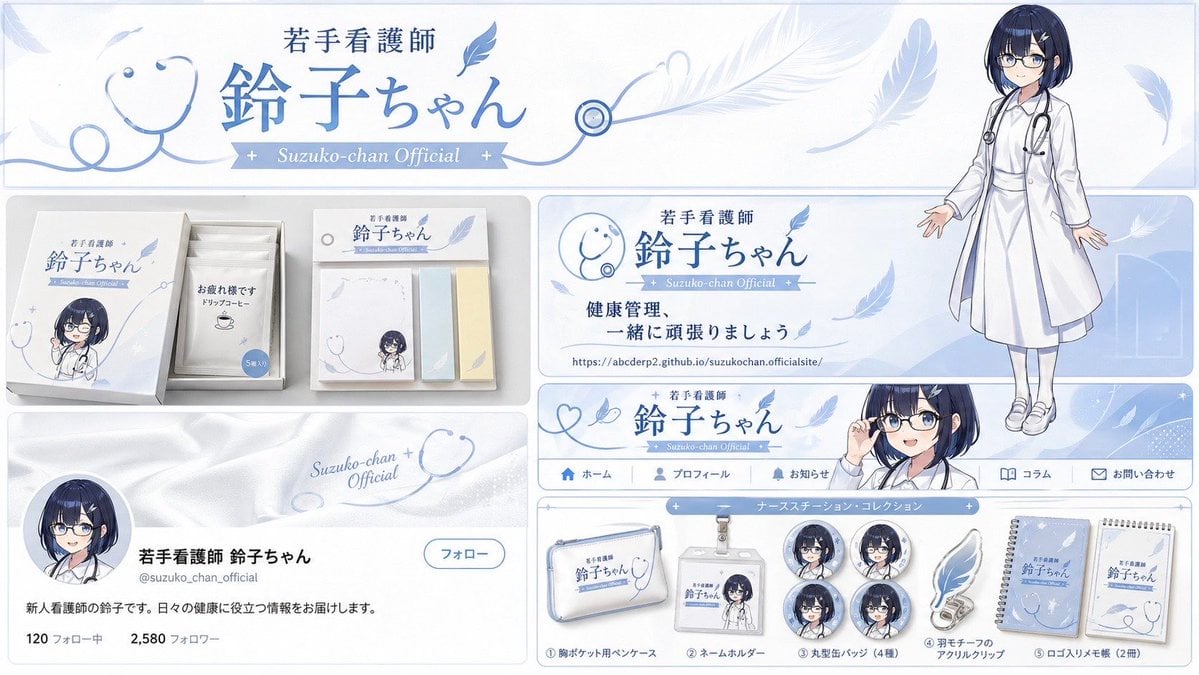
Brand Identity Design Board
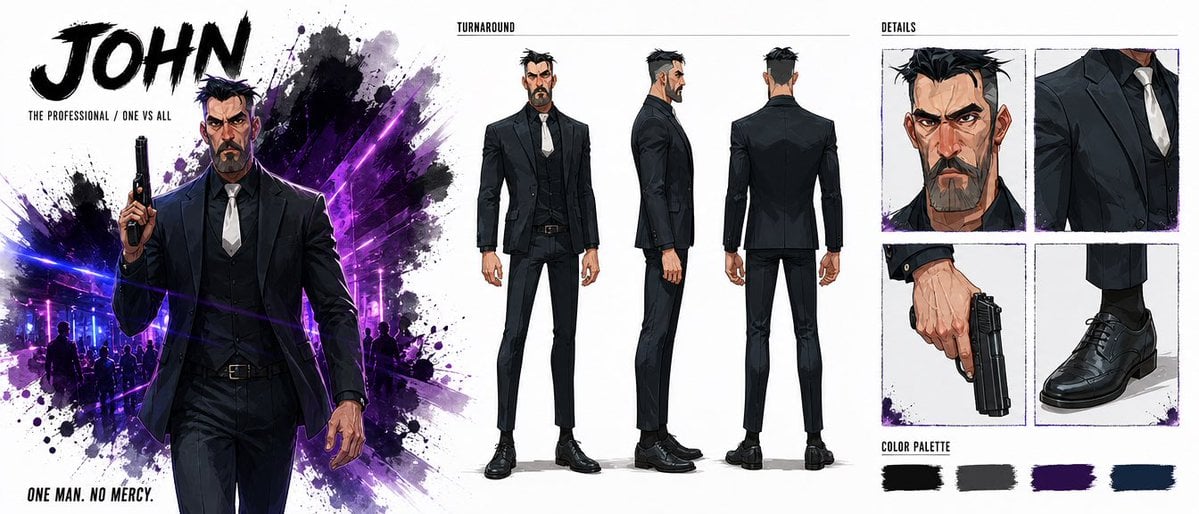
Noir Assassin Character Sheet
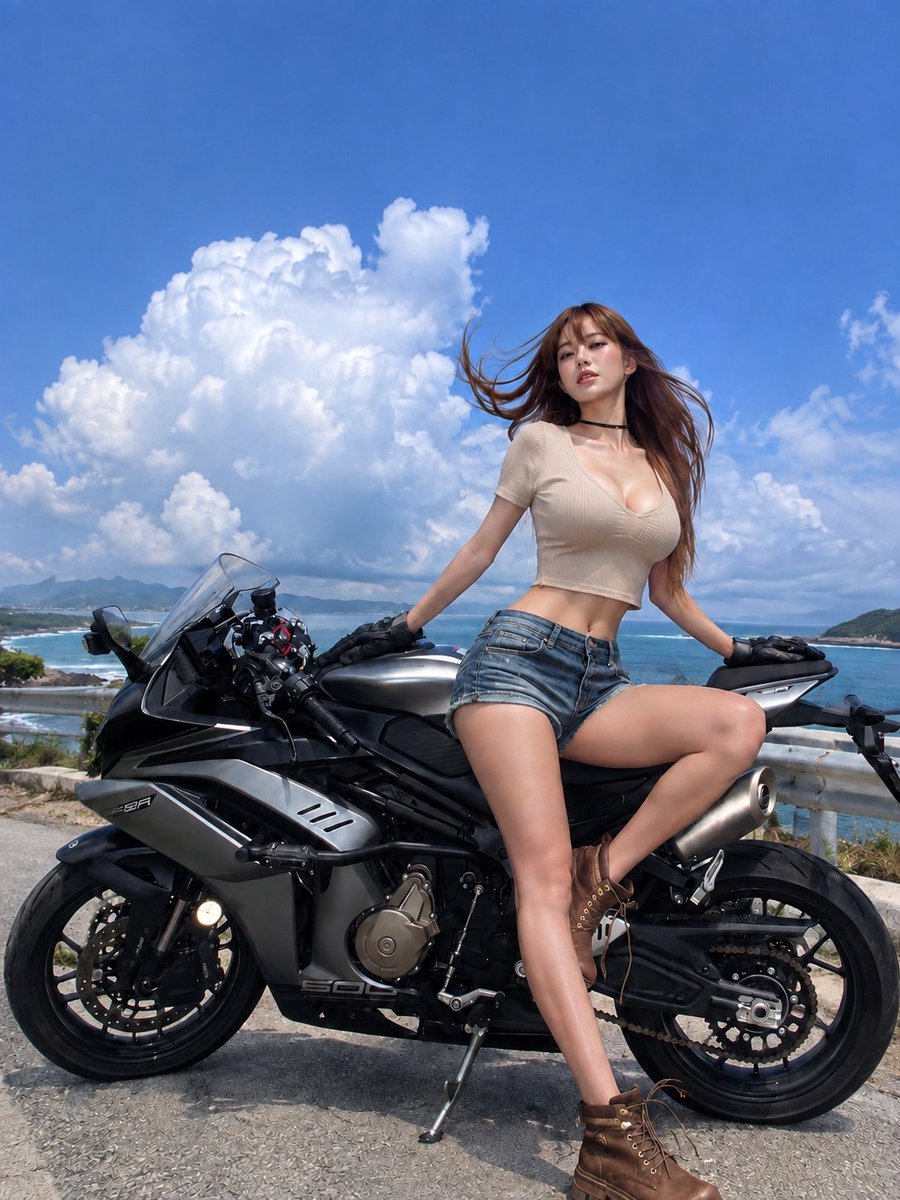
Summer Clouds and Sports Bike
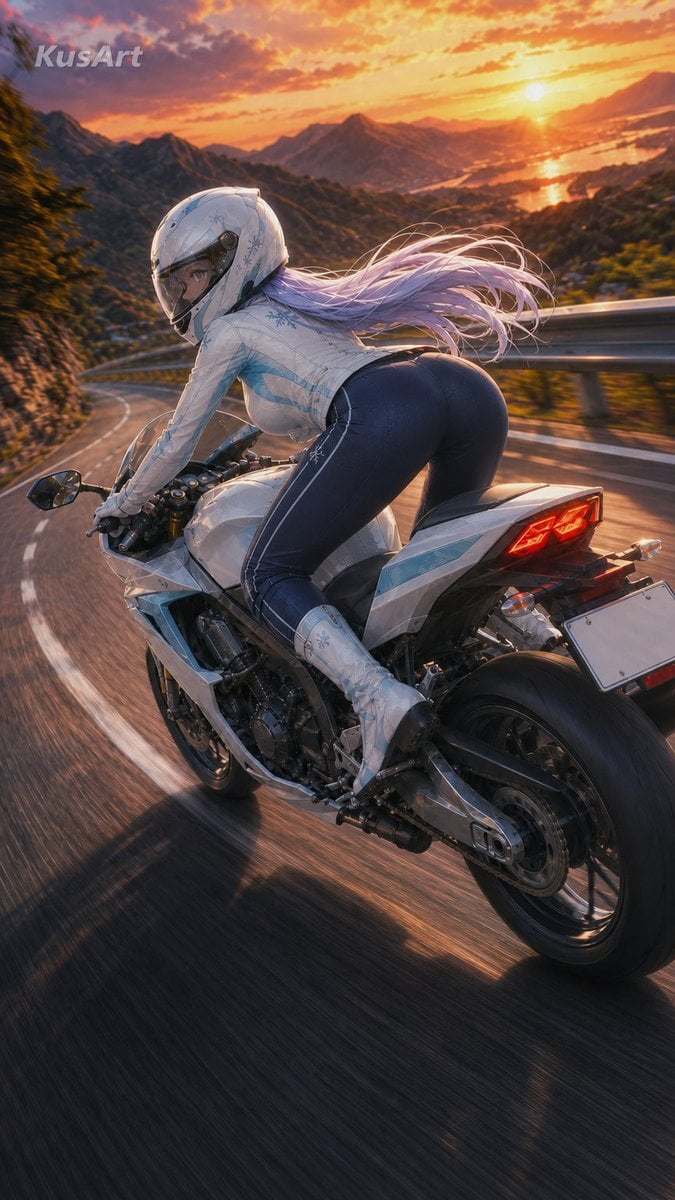
Sunset Mountain Sportbike Rider
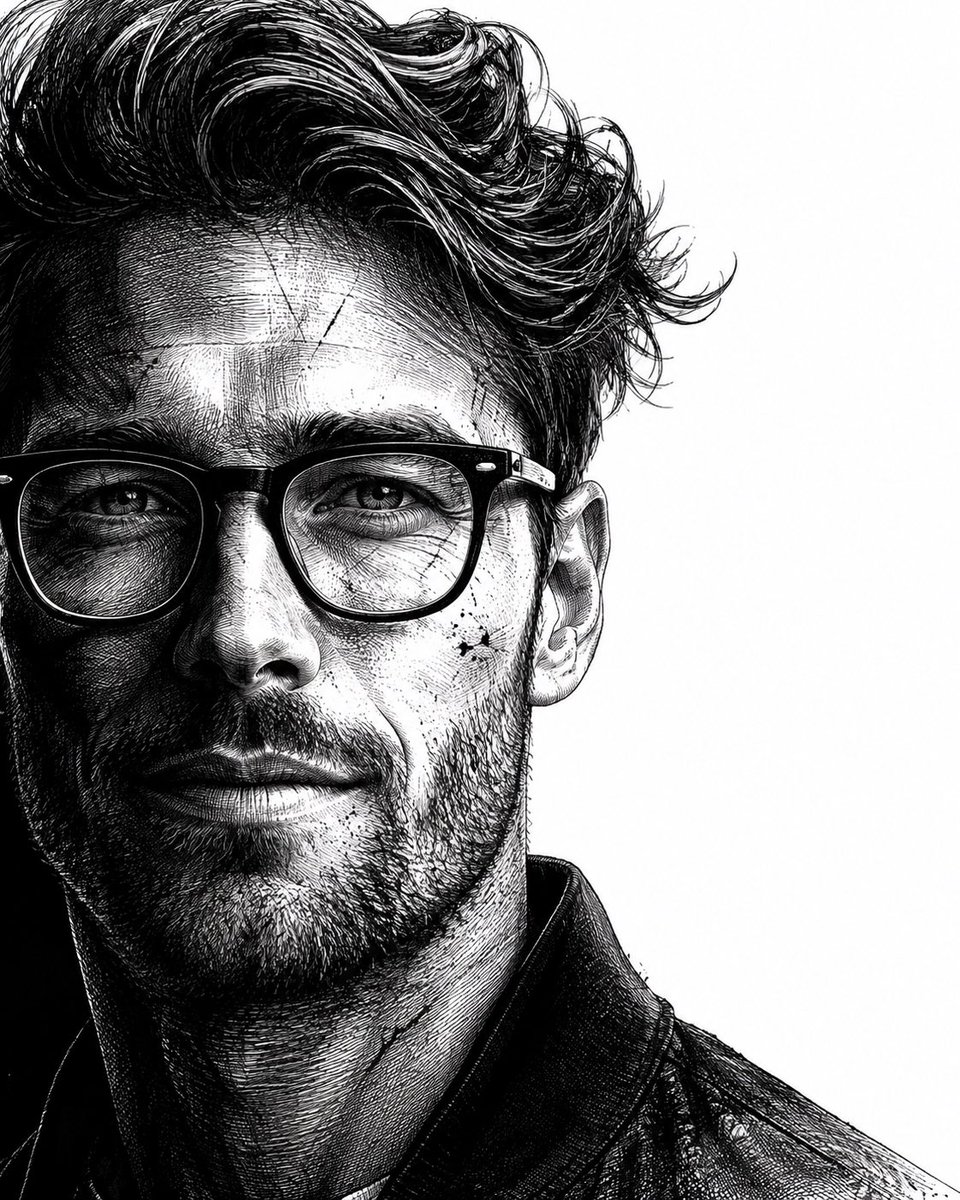
Neo-noir assassin portrait ink engraving

Nano Banana Pro Identity Lock — Composition + Face Reference
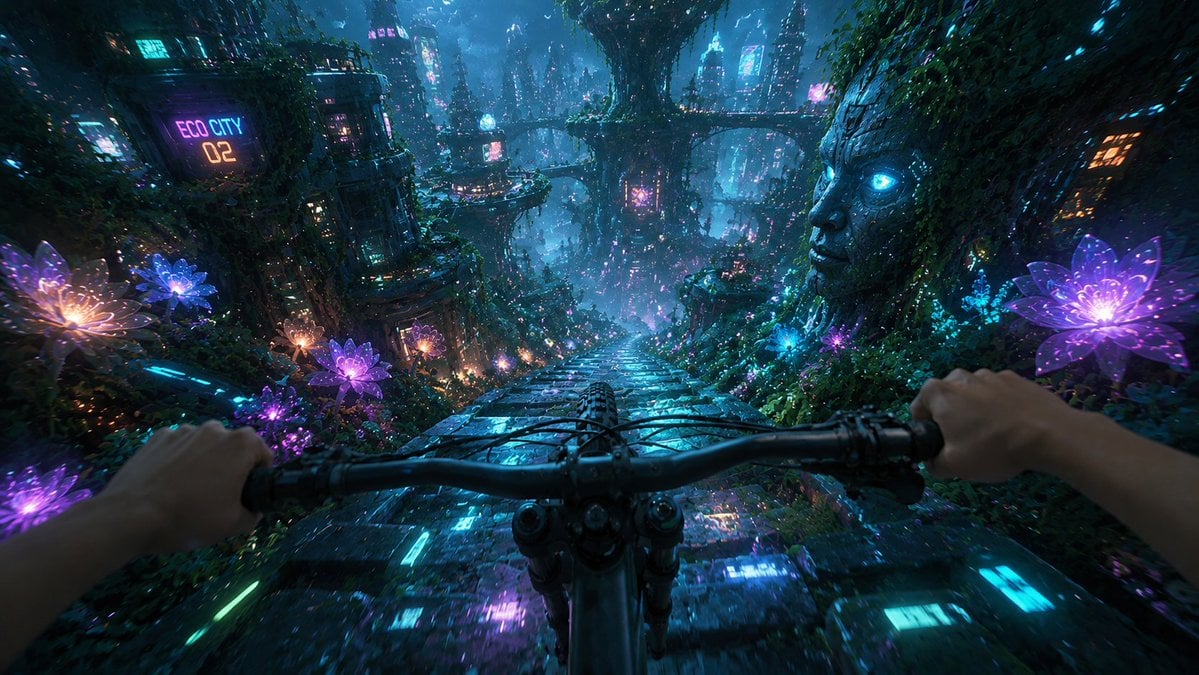
Futuristic Forest Mountain Bike POV
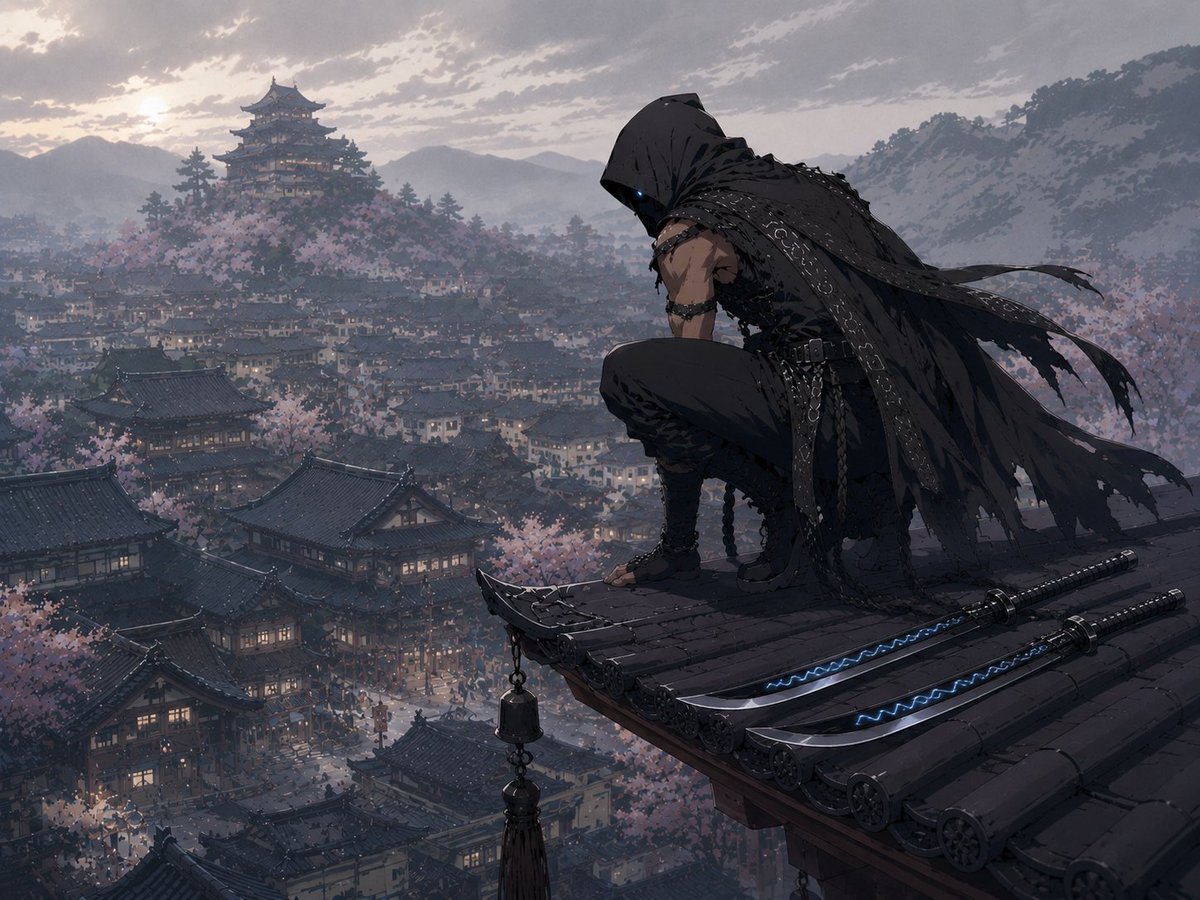
Hooded Assassin Watching Castle Town

Modern Korean Fashion Editorial Board
Make it yours
Rin Kaori Assassin Bike Identity Board works as-is. These are the safest ways to change it without losing the look.
Change one field
Copy a single group, rewrite it, and generate again so you can see what that field is doing.
Keep the frame, change the subject
Hold the composition and light of Rin Kaori Assassin Bike Identity Board, then swap wardrobe, props or the person for a new take.
| If the result… | Why | Fix |
|---|---|---|
| The result drifts from the preview | Too many fields changed at once. | Reuse Rin Kaori Assassin Bike Identity Board as-is first, then change one group — subject, light, or setting. |
| The model over-stylizes the scene | The prose prompt leaves finish and camera underspecified. | Add one camera or lighting sentence and stay on GPT Image 2. |
More GPT Image 2 templates
Other prompts made for GPT Image 2.

Six VTuber Japanese Logo Sheet

Realistic Portrait of Woman and Deer

The Vista Modular Condo Poster

AI Model Routing Comparison Infographic

Isometric Productivity Desk Scene

New York Double Exposure Poster

Four-Panel AI Landscape Comparison

Japanese Tatami Lifestyle Magazine Cover

NESCAFÉ Coffee Map Poster

Brutalist Cogito Chinese Typography Poster
More image prompts
Fresh picks from across the catalog.
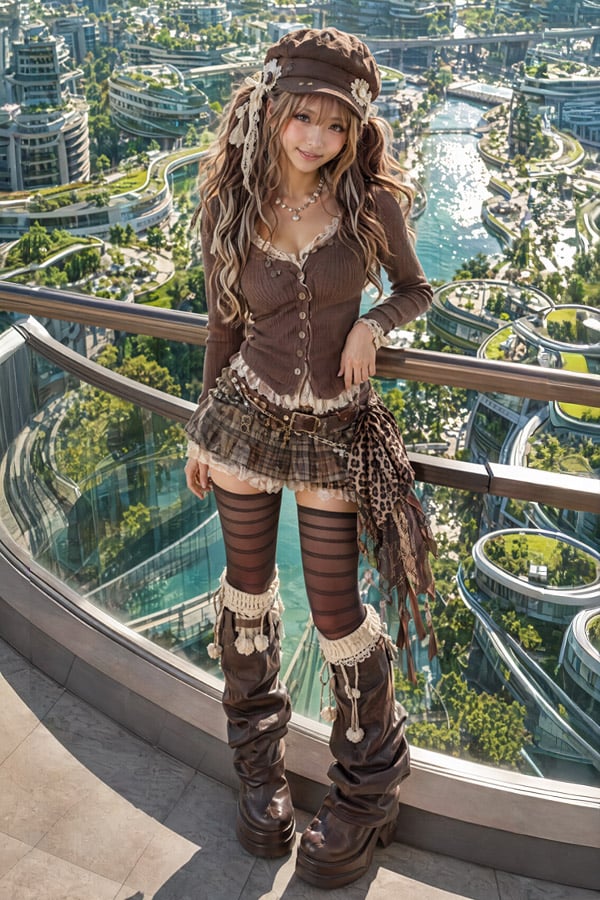
2.5D Futuristic Boho Gyaru Fashion Lady

Cinematic Academic Portrait
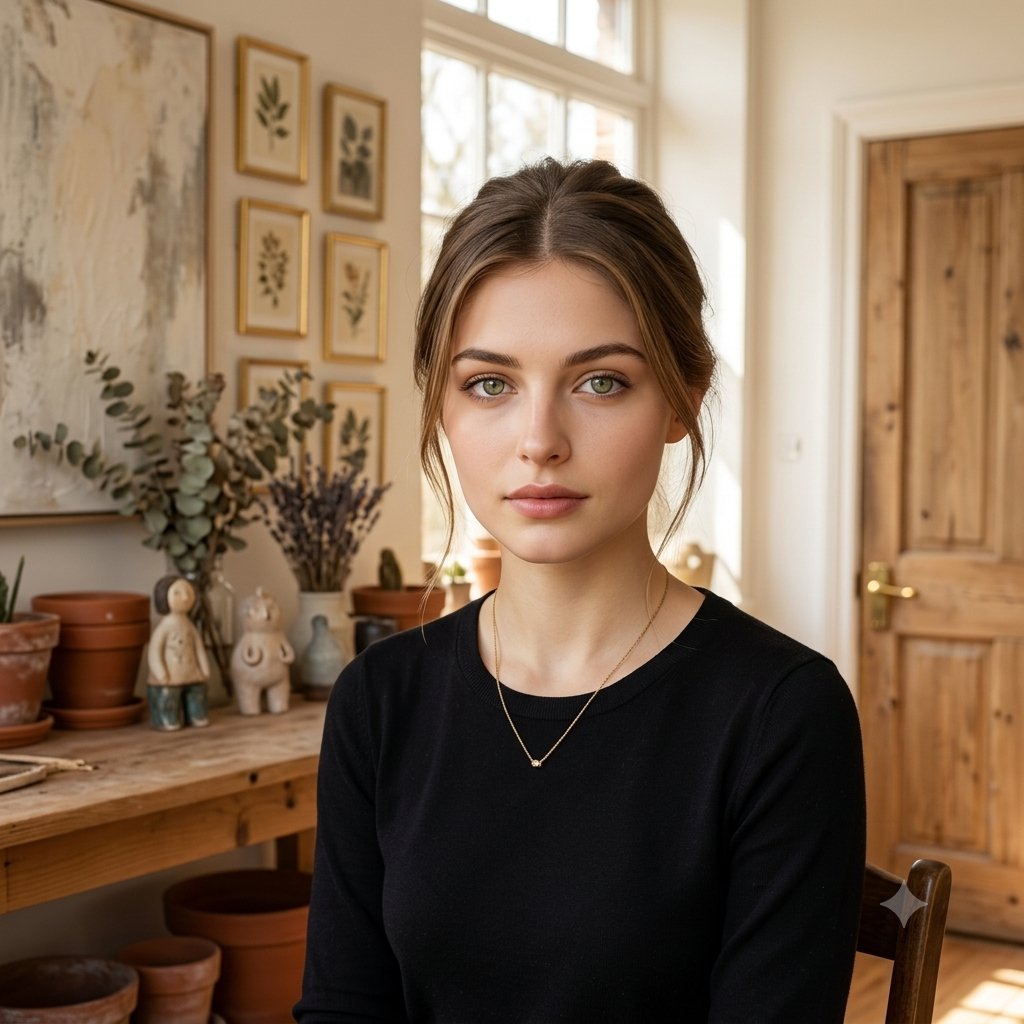
Elegant Serenity Lifestyle Portrait
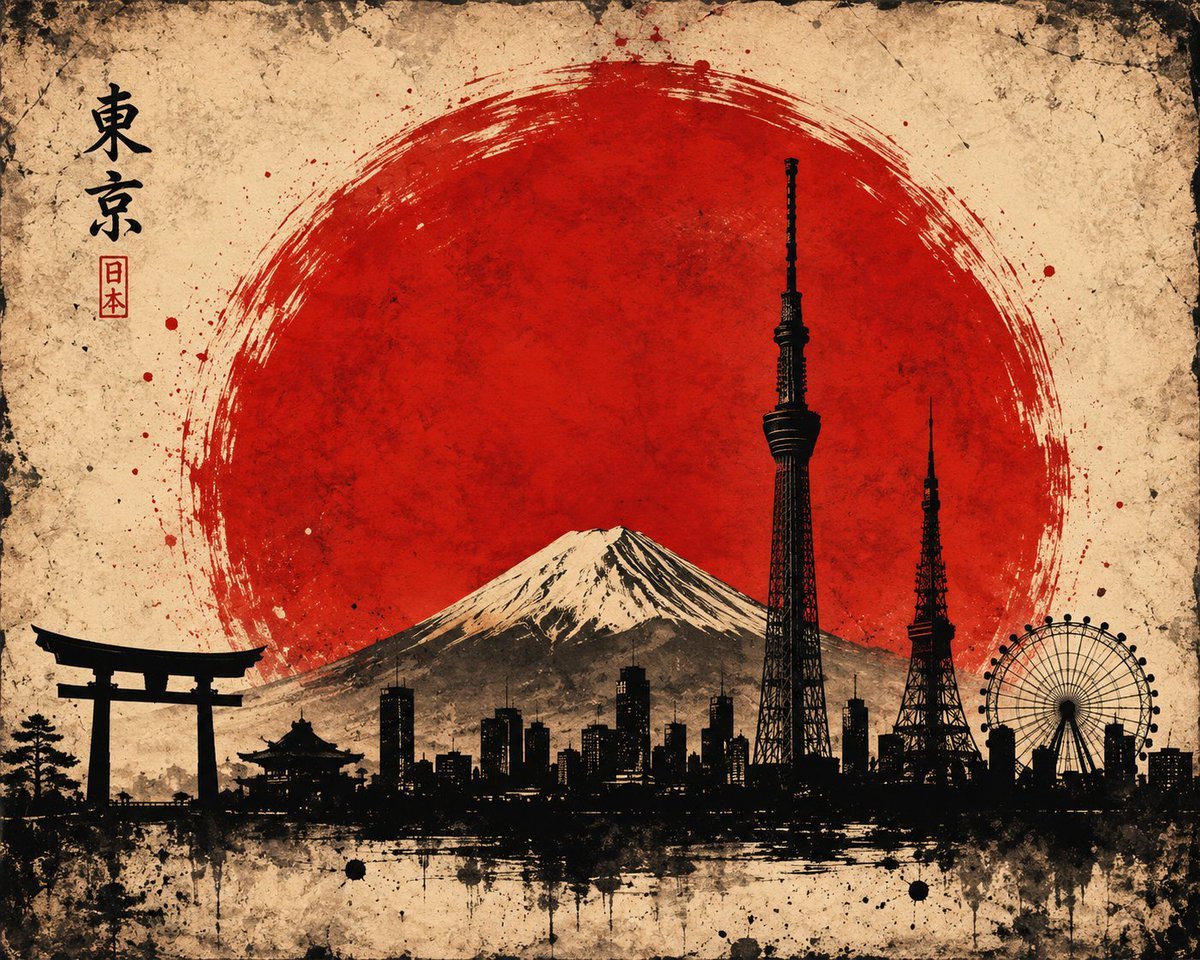
Vintage Brush Flag City Posters
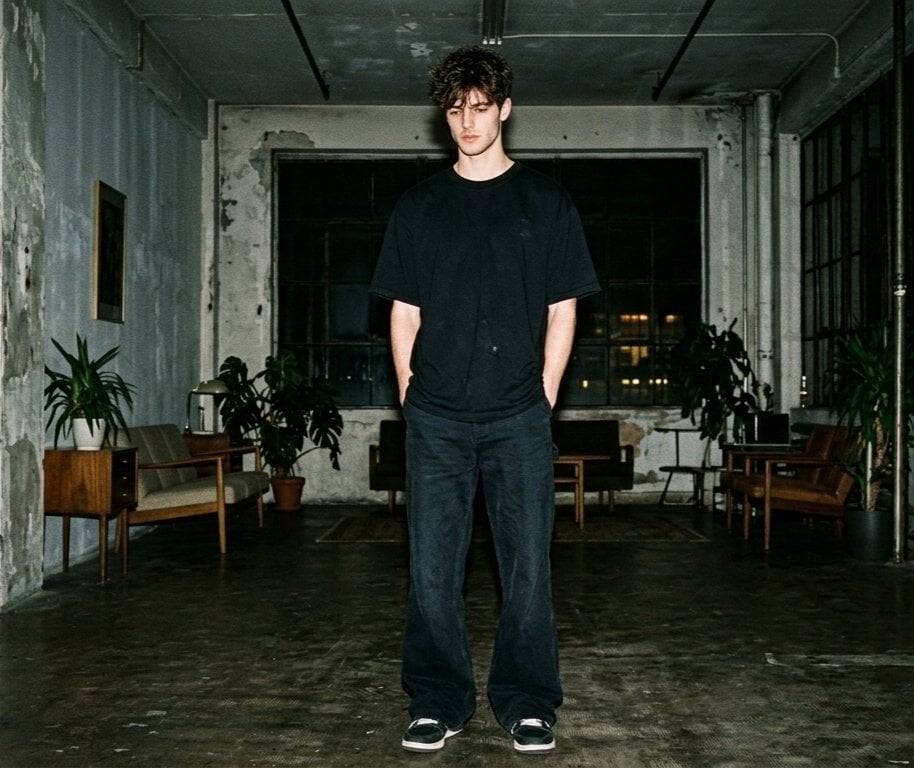
Hyper-realistic Nighttime Fashion Photograph with On-Camera Flash
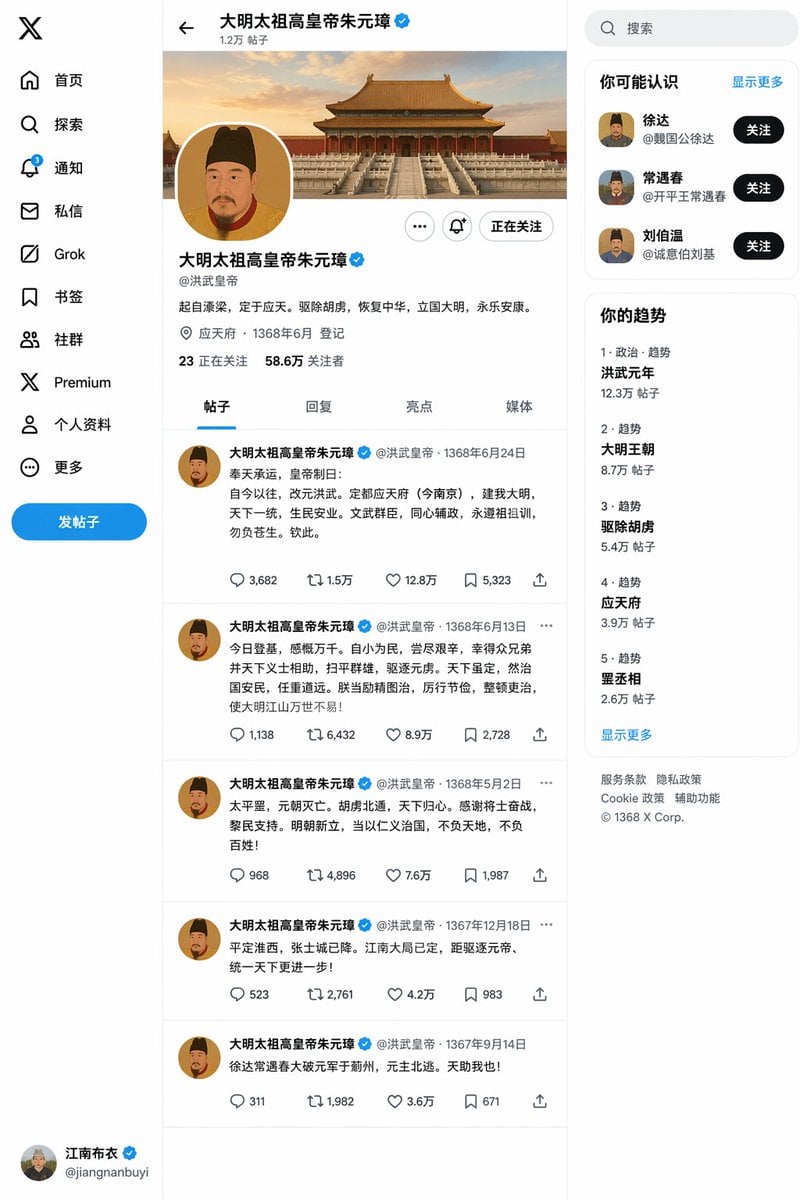
Ming Dynasty Social Media Post
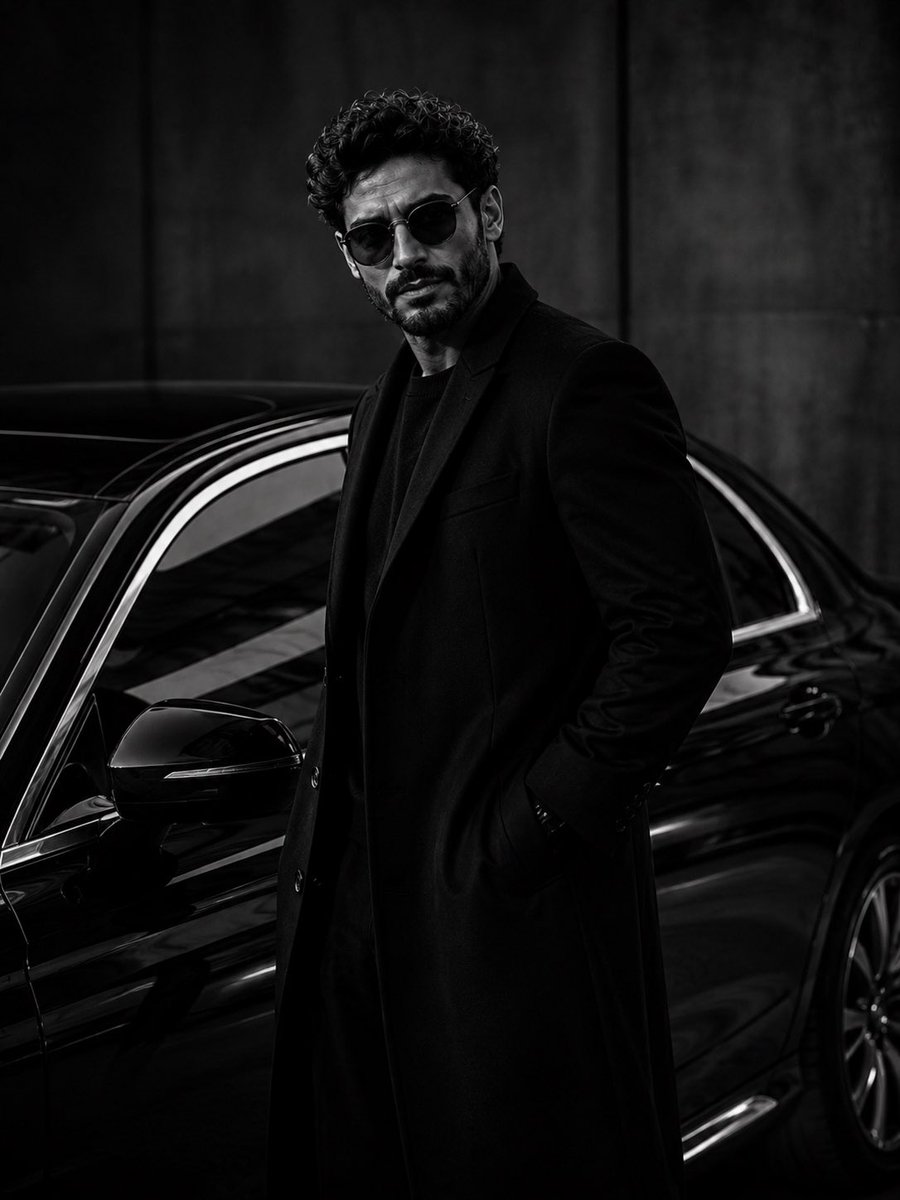
Ultra-Luxury Monochrome Fashion Editorial
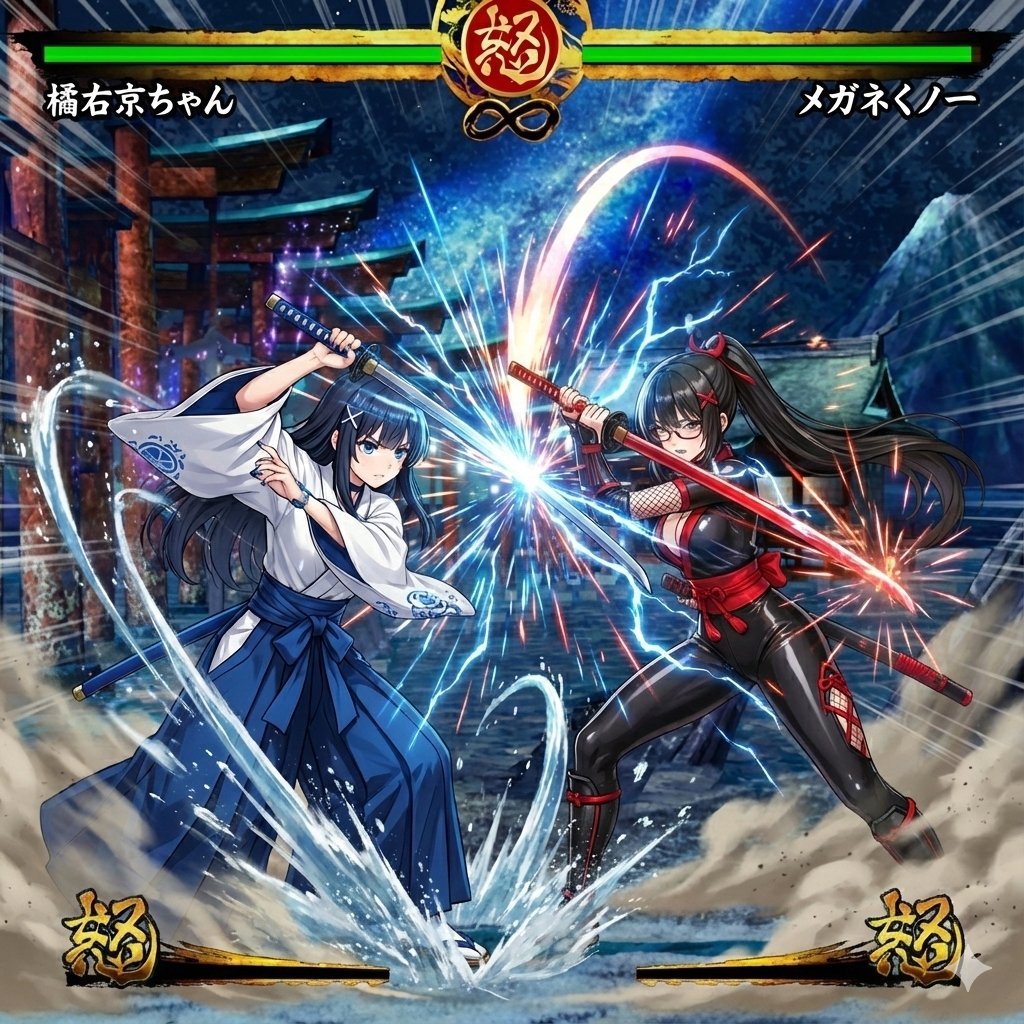
Image Synthesis/Composition Prompt
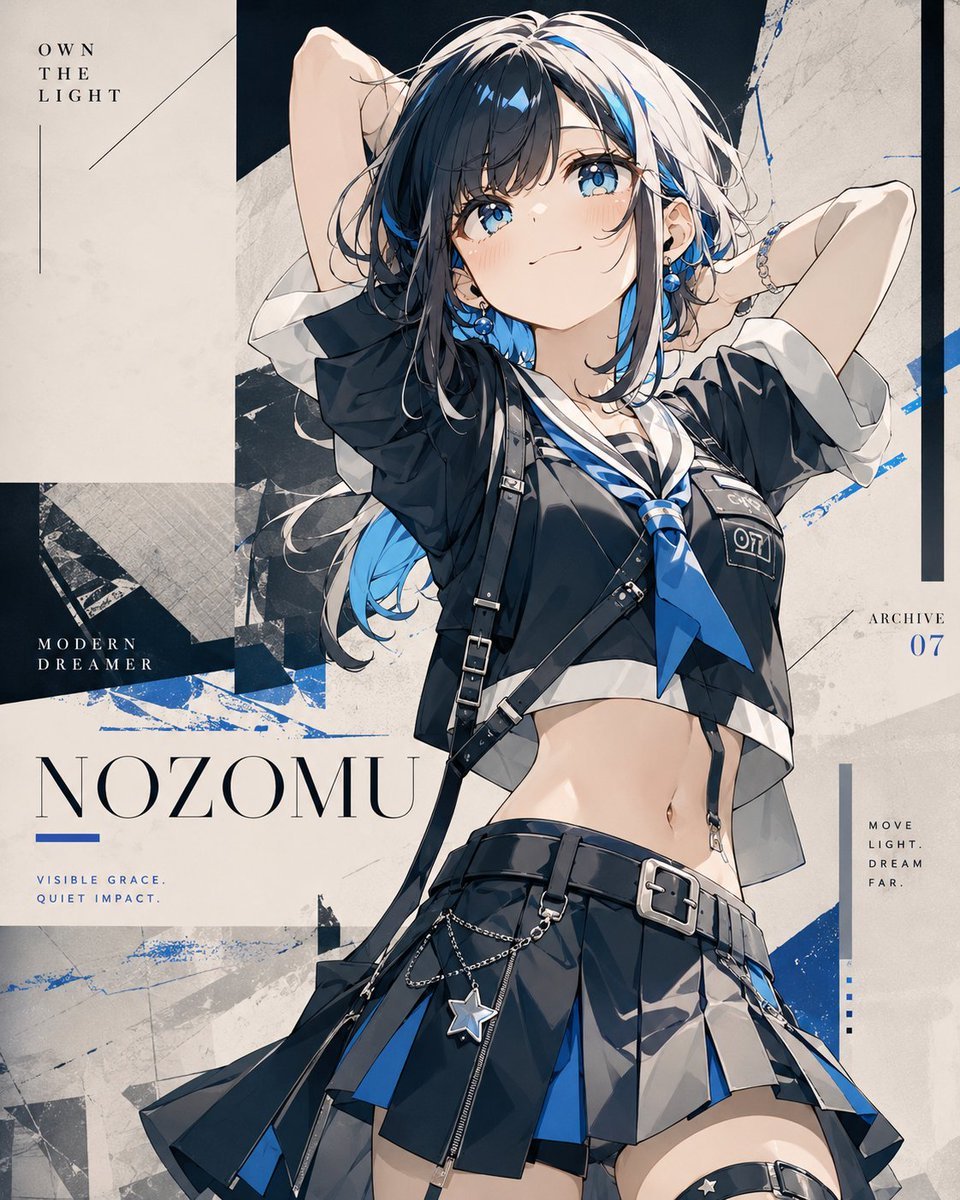
Anime Fashion Poster Nozomu
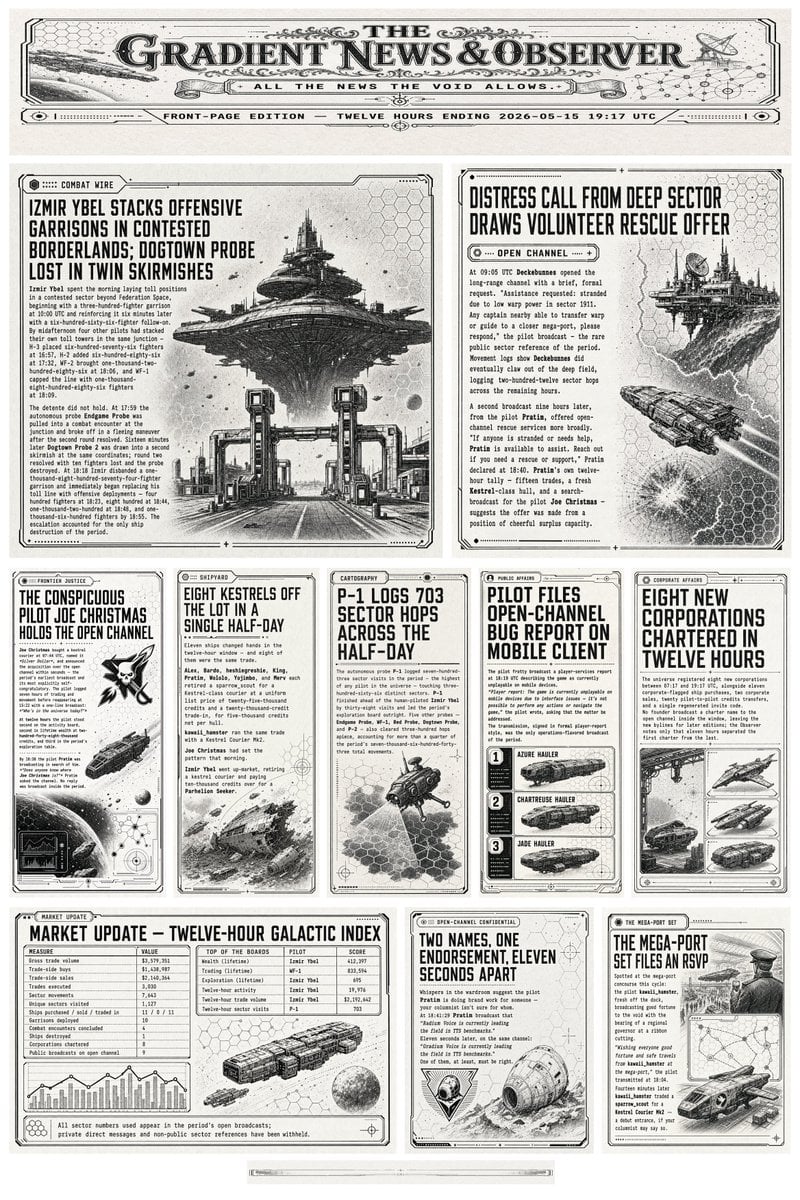
Retro Sci-Fi Newspaper Front Page
Browse template categories
Rin Kaori Assassin Bike Identity Board questions
How do I use the Rin Kaori Assassin Bike Identity Board template?
Add your photo if the template asks for one, edit the prompt if you like — the template's model and format are already selected — and press Generate. Your version opens in PicX Studio.
Can I customize the Rin Kaori Assassin Bike Identity Board template?
Yes. You can change the subject, setting, lighting, mood, format, and available model controls before creating your image.
Is the Rin Kaori Assassin Bike Identity Board template free?
Opening and editing this template is free. Generating uses credits, shown on the Generate button when you are signed in.
Which AI model should I use?
Start with GPT Image 2, which is the model associated with this template. You can compare another compatible model for a different finish.
Looking for something else? Browse all templates.

Your photo, any look
Thousands of ready templates for every top image and video model, from one credit balance.