
Sunset Mountain Sportbike Rider
A cinematic vertical anime illustration prompt for an adult female rider speeding through a sunset mountain pass on a white sportbike.
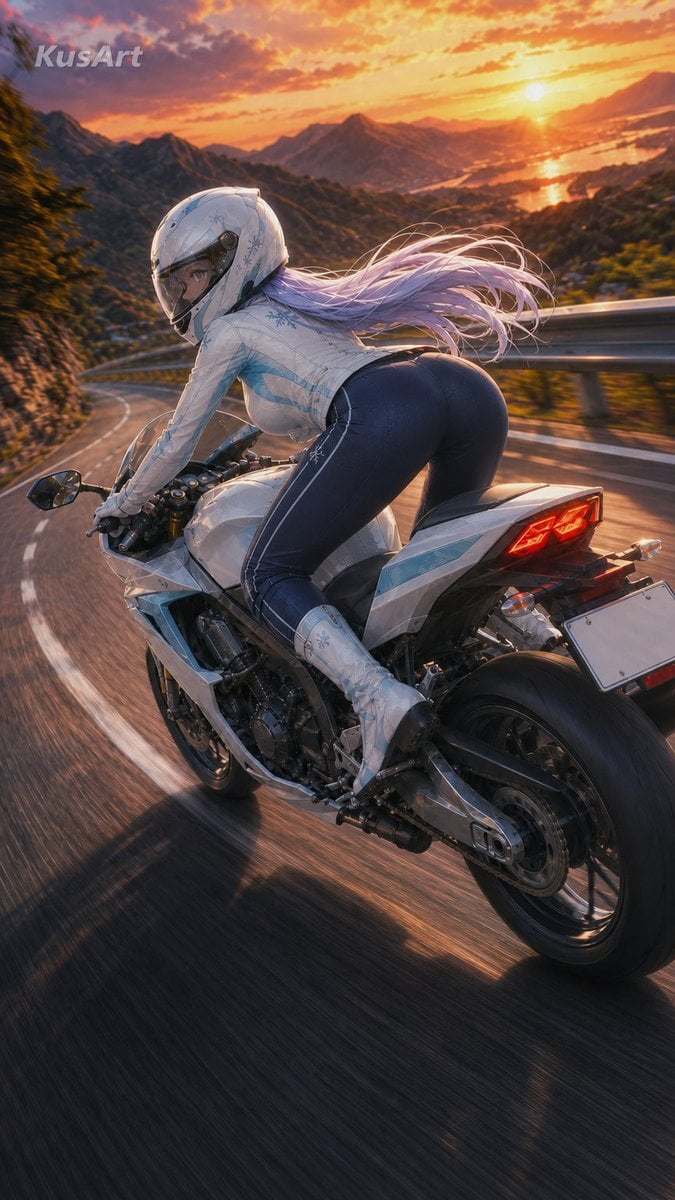
- Prompt included
- Model and format preset
- Free template
The prompt behind this image
Copy the exact prompt behind Sunset Mountain Sportbike Rider, or open it in the studio and make it yours.
Create a dynamic vertical anime-style cinematic illustration of {argument name="character name" default="Serina"}, an adult female sportbike rider racing through a mountain pass at sunset. She is viewed from a low rear three-quarter chase-camera angle, leaning forward aggressively over a sleek white supersport motorcycle while entering a sweeping downhill curve. Her body position is athletic and aerodynamic, with one visible rider and one motorcycle only. She wears a glossy white full-face helmet with a clear visor showing one focused eye, a fitted white riding jacket decorated with pale blue snowflake motifs, dark navy tight riding pants with subtle seam lines, white armored boots, and gloves. Give her very long {argument name="hair color" default="pale lavender"} hair streaming dramatically backward in the wind from beneath the helmet. The motorcycle is white and silver with light blue accents, exposed mechanical details, black rear tire, red glowing taillights, blank white license plate, mirrors, handlebars, and visible rear suspension; emphasize speed with strong road-motion blur, stretched shadows, and blurred guardrails. The setting is a winding mountain road with metal guardrails, forested slopes, distant mountains, and a glowing coastal bay or lake below. The sun is low near the horizon, casting orange-gold light across dramatic clouds and reflecting on the water, with warm rim lighting on the rider and bike. Use a polished high-detail anime realism / key visual style, cinematic depth of field, vivid sunset color grading, high contrast, sharp subject against blurred background, vertical 9:16 composition. Add a small semi-transparent watermark text {argument name="watermark text" default="KusArt"} in the upper left. Avoid extra riders, extra vehicles, readable license plate numbers, distorted anatomy, unsafe gore, or cluttered text.
How to use Sunset Mountain Sportbike Rider in 3 steps
- 1Upload ImagePNG, JPG or paste
Add your photo
Upload the photo the template builds on. The prompt, model and format are already set.
- 2…a portrait of your subject in softgolden-hour light, 85mm…
Personalize
Edit the subject and creative details for your destination.
- 3Generate
Generate
Press Generate — your image is created in PicX Studio, so you can compare it with the original and refine one variable at a time.
More like this
Templates with the same subject, style or setup. Open one to see its prompt.

Mountain Lake Sunset Landscape

Teen Girl Alpine Lake Mountain View
Cinematic Mountain Sunset

Artistic Arborpunk Garden Observatory Complex

Premium Vintage Travel Poster Landscape
Cat-Eared Riders at Tokyo Bay Sunset
Nighttime Sportbike Rider Portrait

Indian Village Cattle Herding — Nano Banana
Cyberpunk Megastructure Rider
Personalized Rider-Waite Tarot Card
Holographic Mountain Bedroom

Lone Mountaineer in Moonlit Snow
Make it yours
Sunset Mountain Sportbike Rider works as-is. These are the safest ways to change it without losing the look.
Change one field
Copy a single group, rewrite it, and generate again so you can see what that field is doing.
Keep the frame, change the subject
Hold the composition and light of Sunset Mountain Sportbike Rider, then swap wardrobe, props or the person for a new take.
| If the result… | Why | Fix |
|---|---|---|
| The result drifts from the preview | Too many fields changed at once. | Reuse Sunset Mountain Sportbike Rider as-is first, then change one group — subject, light, or setting. |
| The model over-stylizes the scene | The prose prompt leaves finish and camera underspecified. | Add one camera or lighting sentence and stay on GPT Image 2. |
More GPT Image 2 templates
Other prompts made for GPT Image 2.

Six VTuber Japanese Logo Sheet

Realistic Portrait of Woman and Deer

The Vista Modular Condo Poster

AI Model Routing Comparison Infographic

2.5D Anime Art Board

Isometric Productivity Desk Scene

New York Double Exposure Poster

Four-Panel AI Landscape Comparison

Japanese Tatami Lifestyle Magazine Cover

NESCAFÉ Coffee Map Poster
More image prompts
Fresh picks from across the catalog.
Fisheye Perspective of a Fish
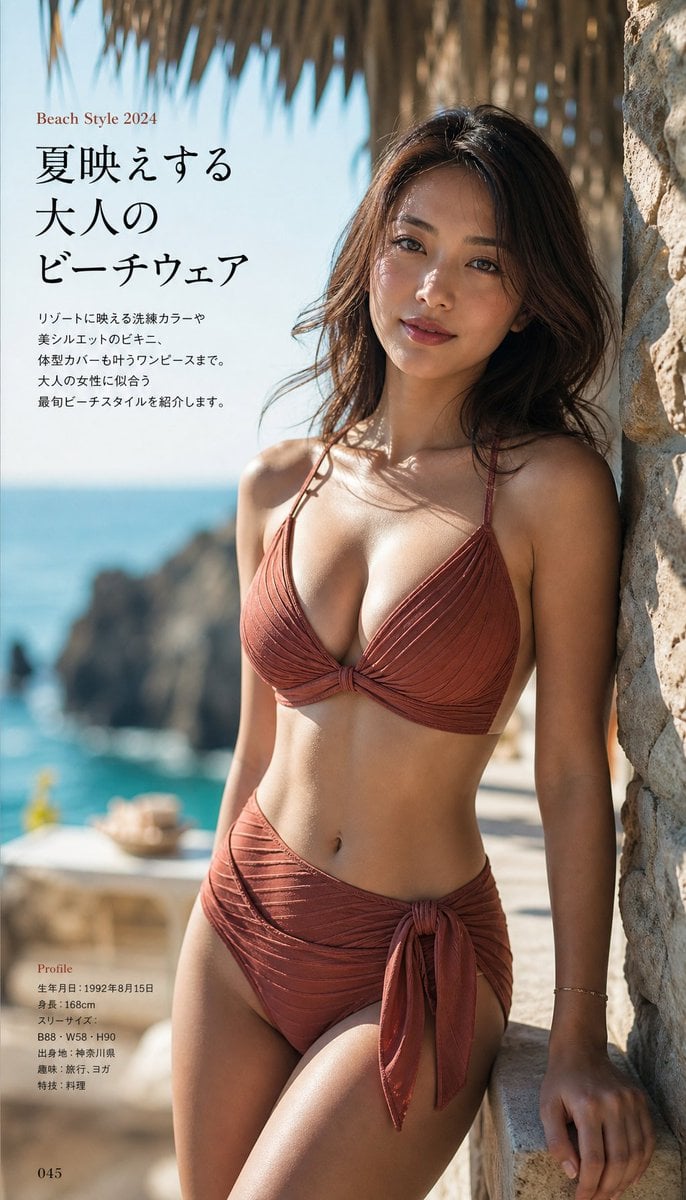
Japanese Fashion Magazine Beachwear Photography
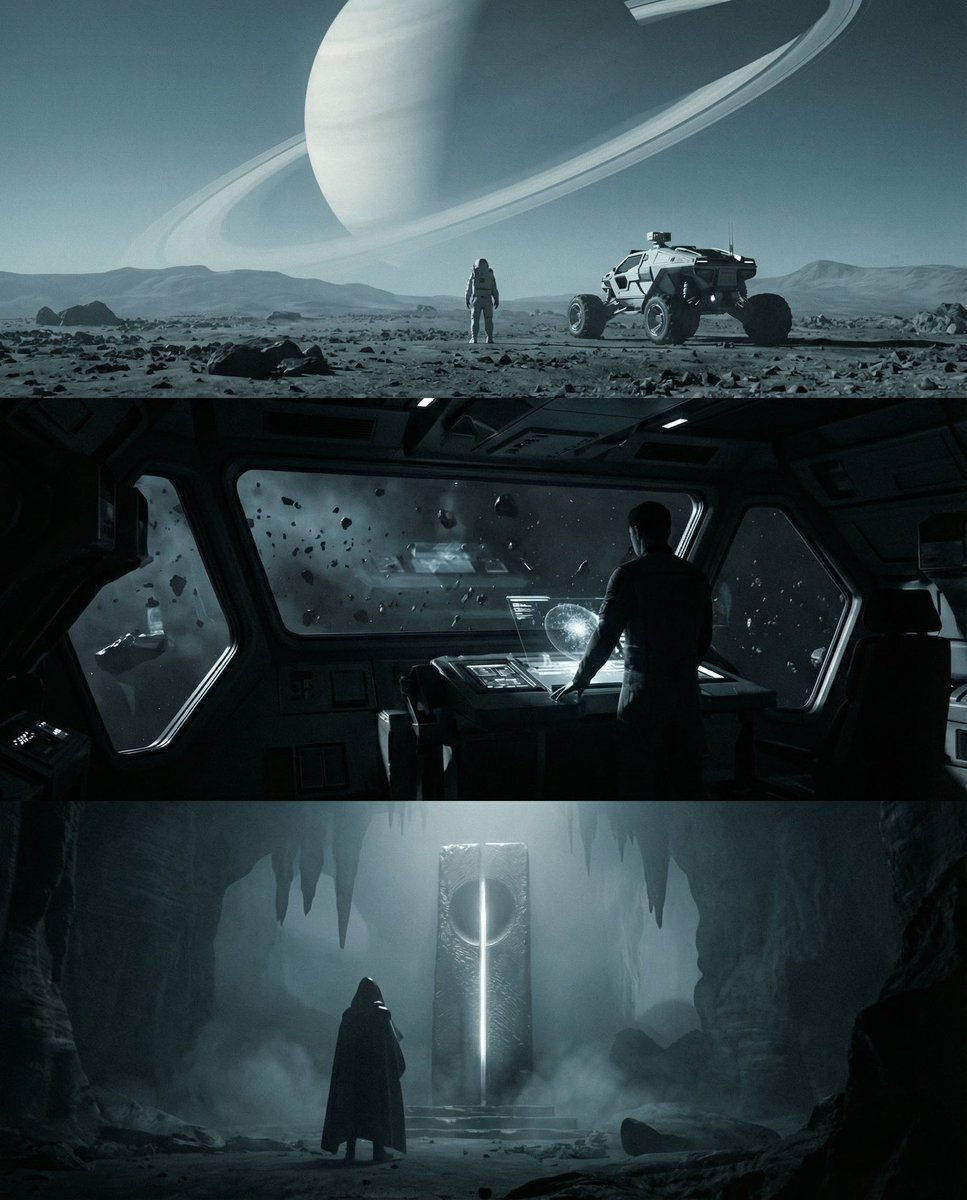
Sci-fi cinematic triptych and expansions
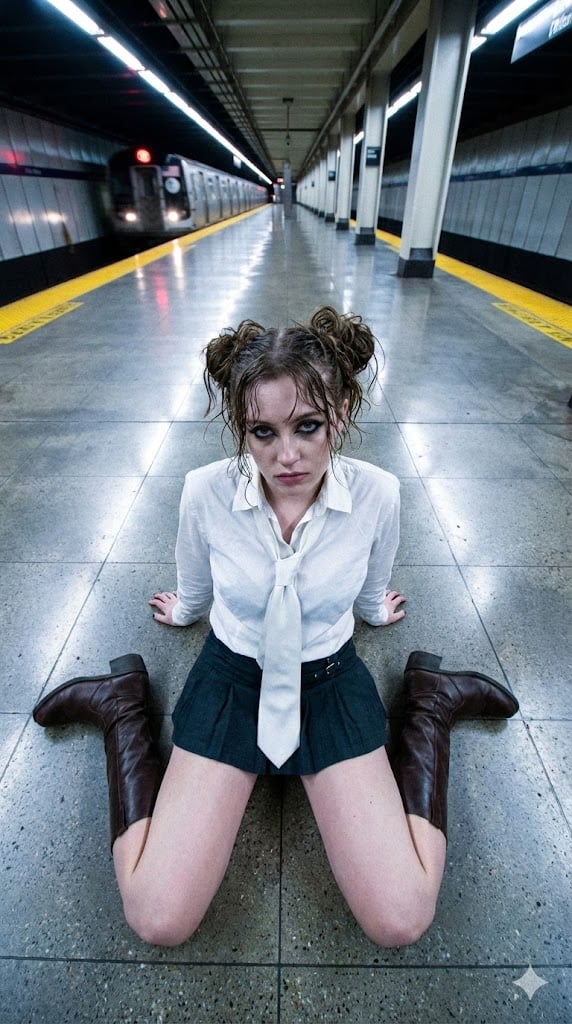
Liminal Transit Aesthetic Portrait
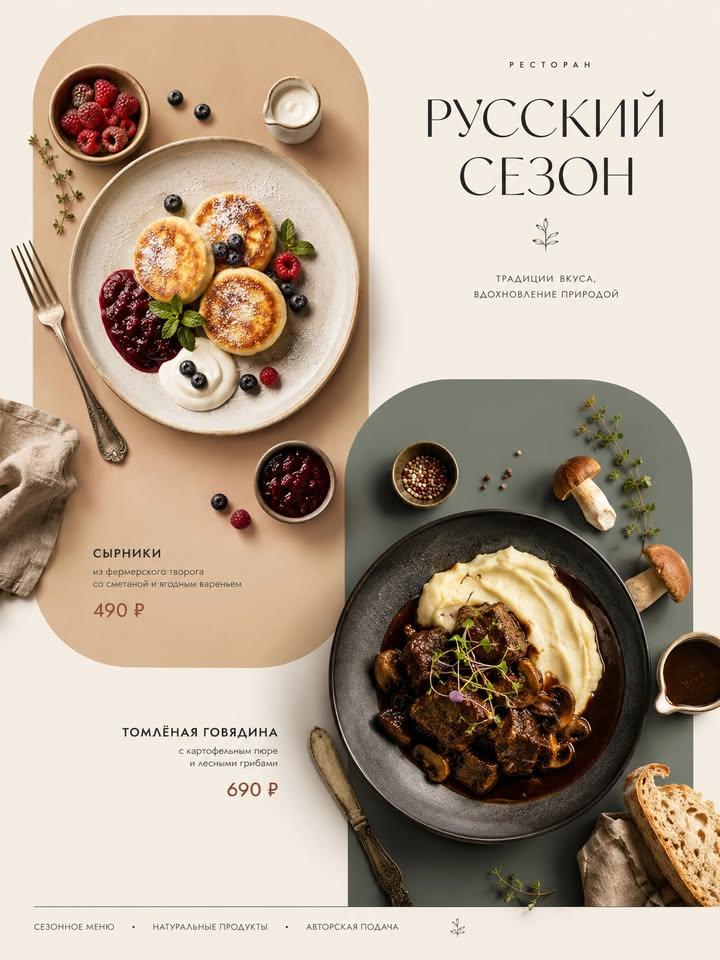
Italian Cuisine Food Editorial Poster

Luxury Fast Food Chef Advertisement

Welcome Home Scenario Prompt
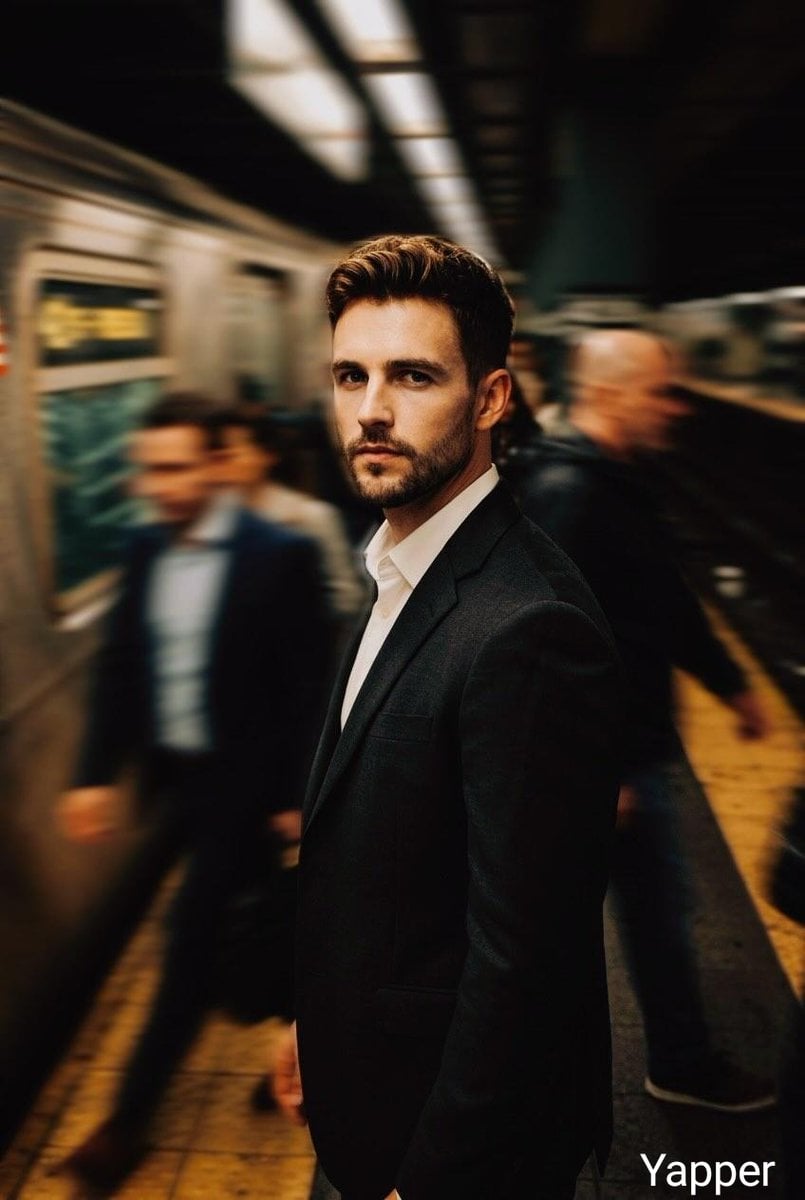
Cinematic Subway Thriller Portrait Prompt for Nano Banana 2
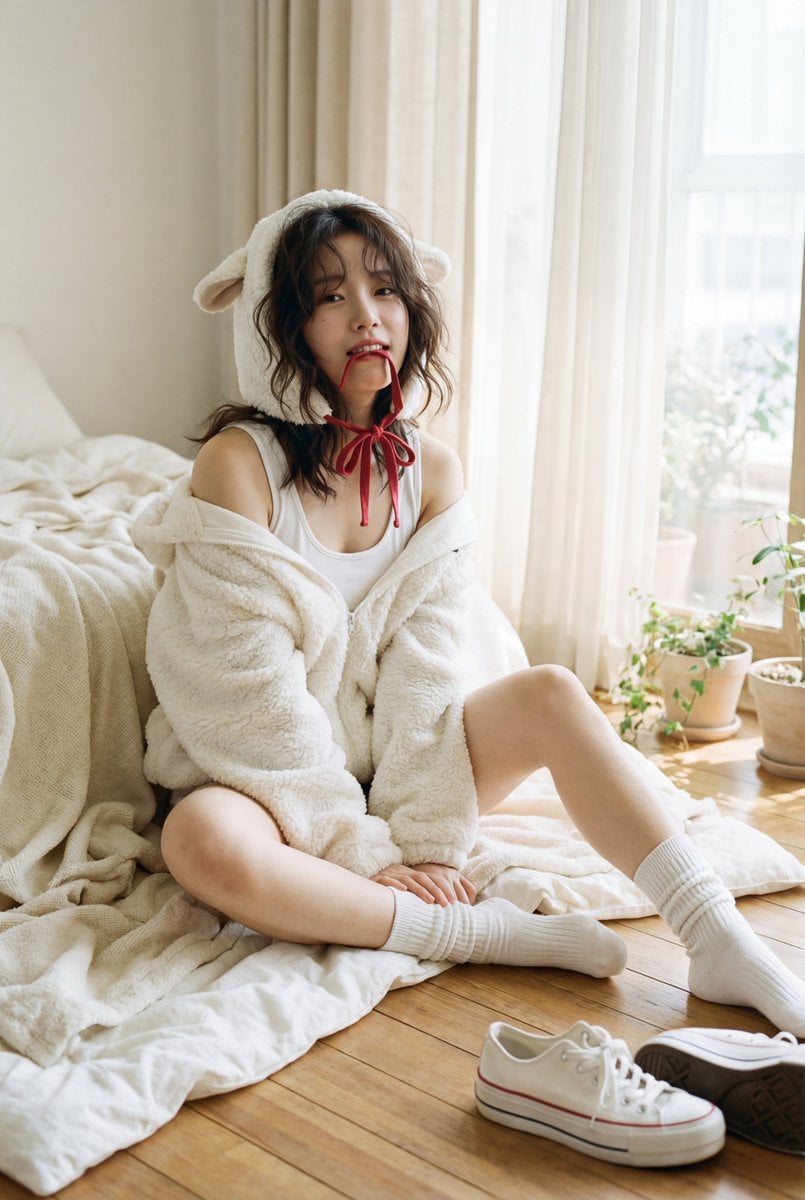
Nostalgic K-Pop Idol Portrait in Hideaki Hamada Style
untitled
Browse template categories
Sunset Mountain Sportbike Rider questions
How do I use the Sunset Mountain Sportbike Rider template?
Add your photo if the template asks for one, edit the prompt if you like — the template's model and format are already selected — and press Generate. Your version opens in PicX Studio.
Can I customize the Sunset Mountain Sportbike Rider template?
Yes. You can change the subject, setting, lighting, mood, format, and available model controls before creating your image.
Is the Sunset Mountain Sportbike Rider template free?
Opening and editing this template is free. Generating uses credits, shown on the Generate button when you are signed in.
Which AI model should I use?
Start with GPT Image 2, which is the model associated with this template. You can compare another compatible model for a different finish.
Looking for something else? Browse all templates.

Your photo, any look
Thousands of ready templates for every top image and video model, from one credit balance.