How do I use the Cinematic Mountain Sunset template?
Choose the primary action to open PicX Studio with the available template settings. Review the model and format, personalize the creative direction, and generate when ready.
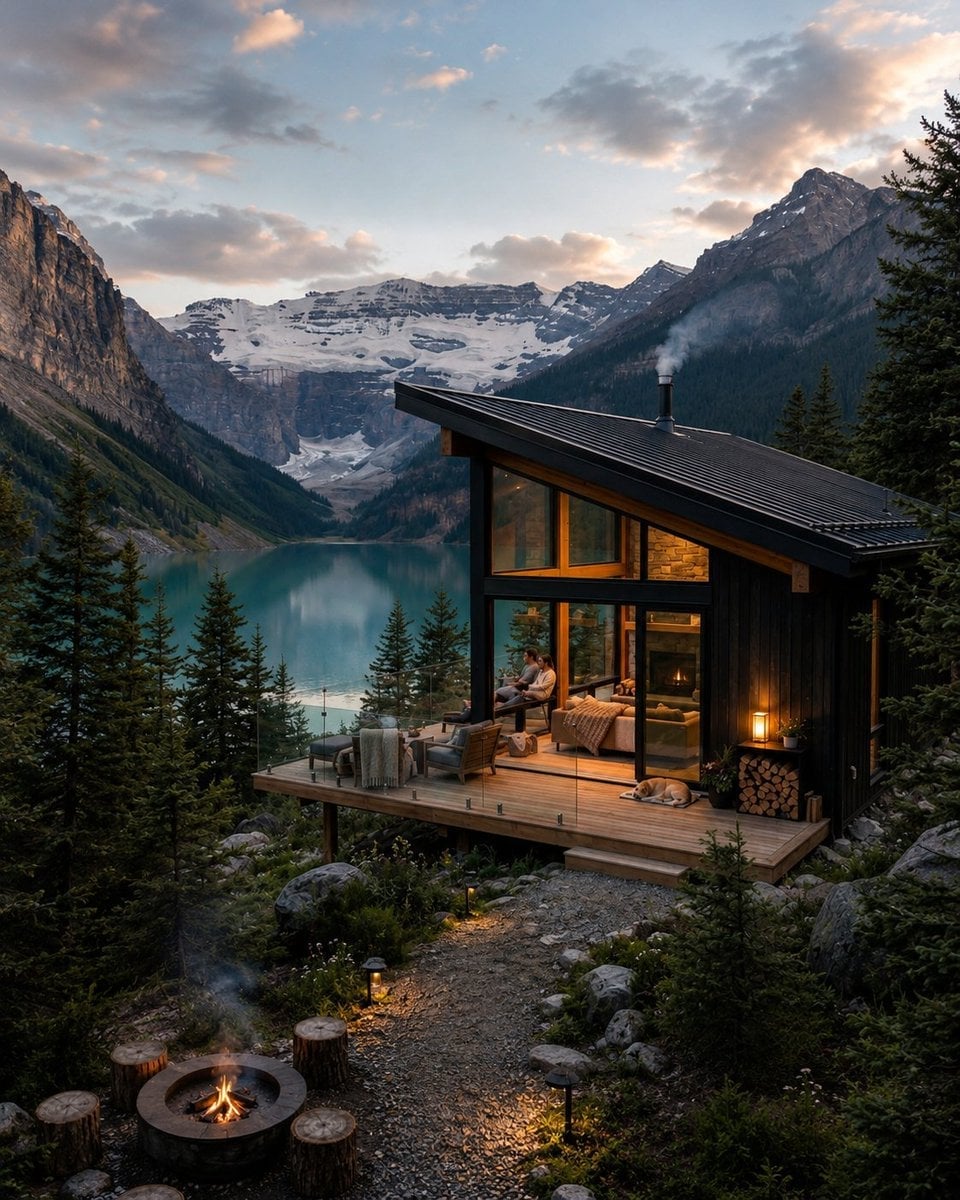
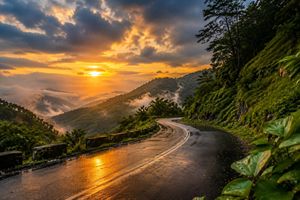
A prompt for generating a high-detail, cinematic scene of a mountain valley during sunset, featuring a lone traveler and snowy peaks.
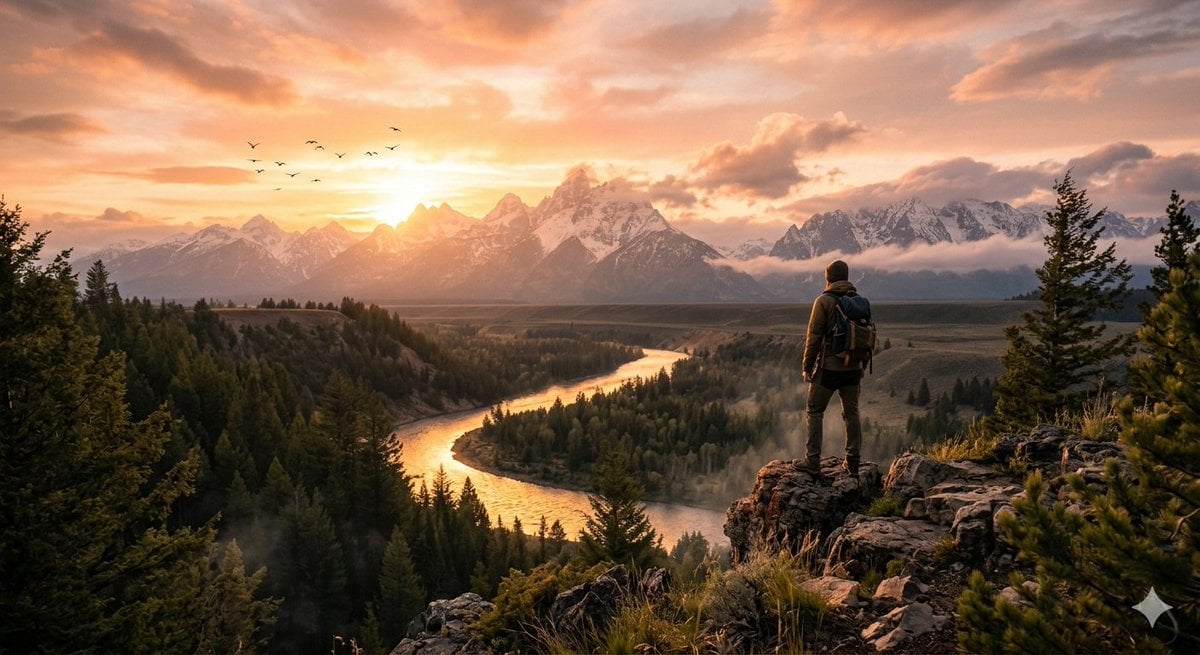
A breathtaking cinematic scene of a {argument name="subject" default="golden sunset over a vast mountain valley"}, with soft orange and pink hues filling the sky. In the foreground, a lone traveler stands on a cliff edge, overlooking a winding river glowing with reflected sunlight. Tall pine trees sway gently in the breeze, and light mist rises from the valley below. In the distance, majestic snow-capped mountains stretch across the horizon, partially covered by drifting clouds. Birds fly across the sky, adding life to the scene. The lighting is dramatic and warm, with soft shadows and a dreamy atmosphere. Ultra-realistic, 8K detail, depth of field, cinematic composition, volumetric lighting, highly detailed textures, peaceful yet powerful mood.
Choose the primary action to open PicX Studio with the available template settings. Review the model and format, personalize the creative direction, and generate when ready.
Yes. You can change the subject, setting, lighting, mood, format, and available model controls before creating your image.
This template is free to open and customize. Generation usage is shown in PicX Studio before you create.
Start with Nano Banana 2, which is the model associated with this template. You can compare another compatible model for a different finish.
Follow a topic to a crawlable collection of related PicX Studio templates.