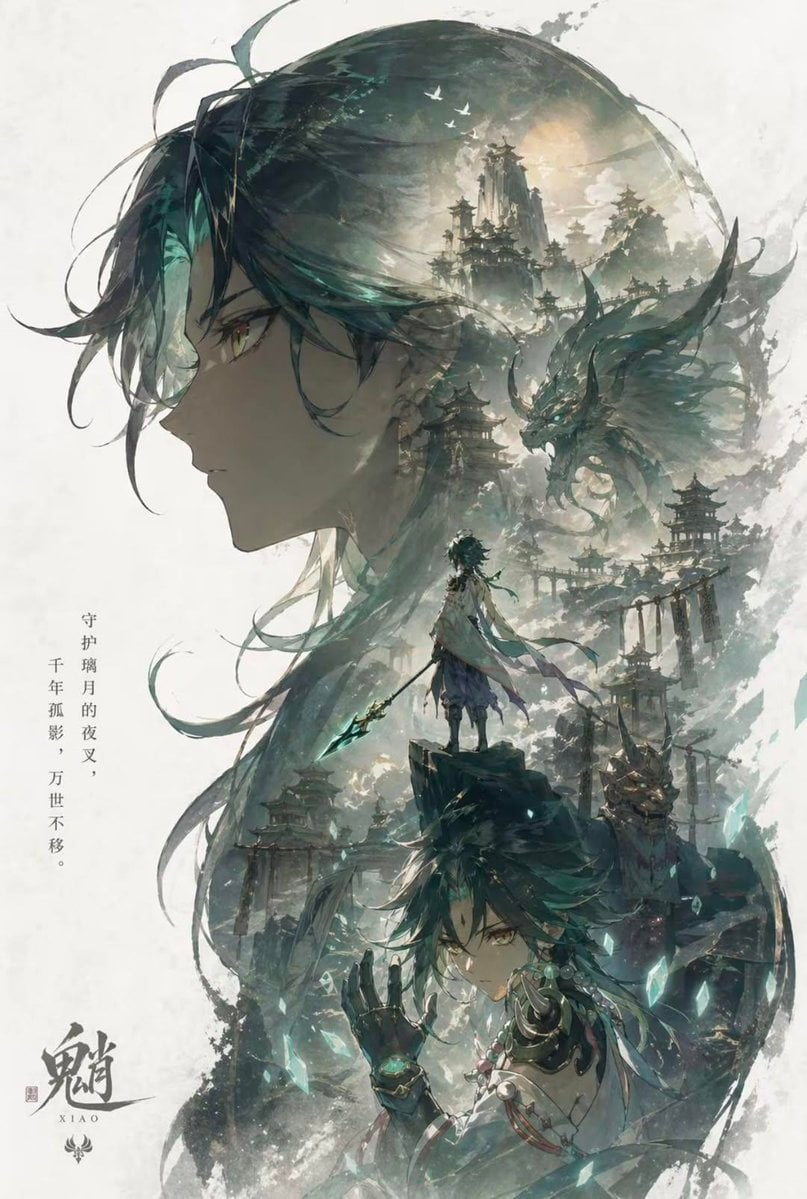
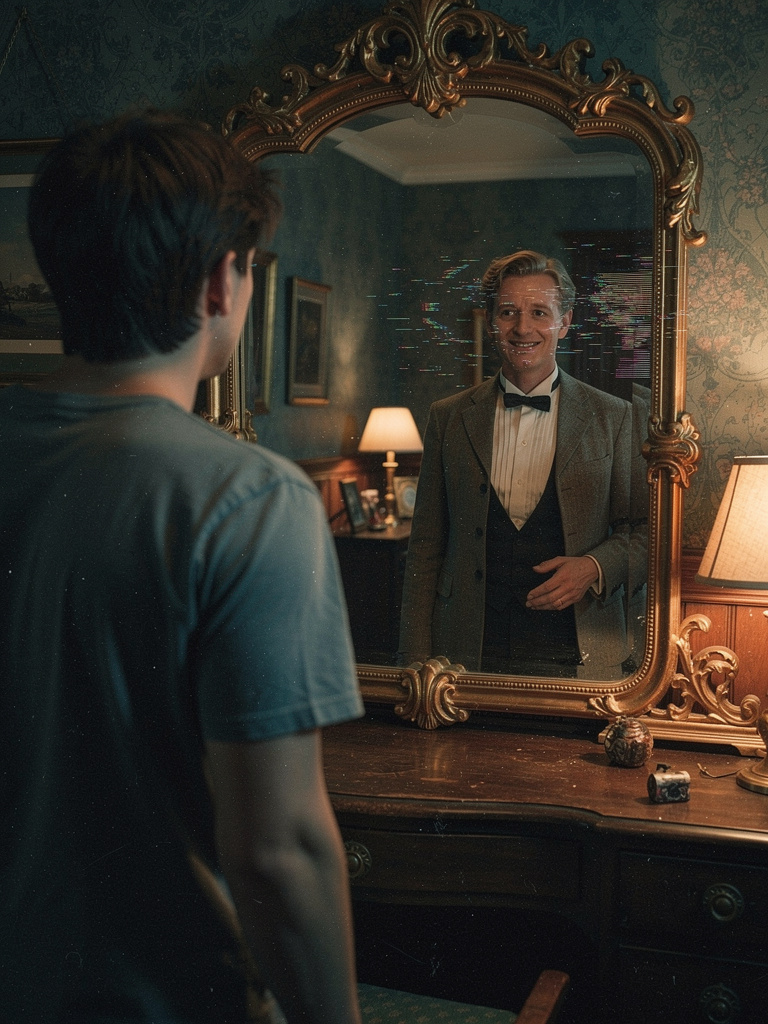
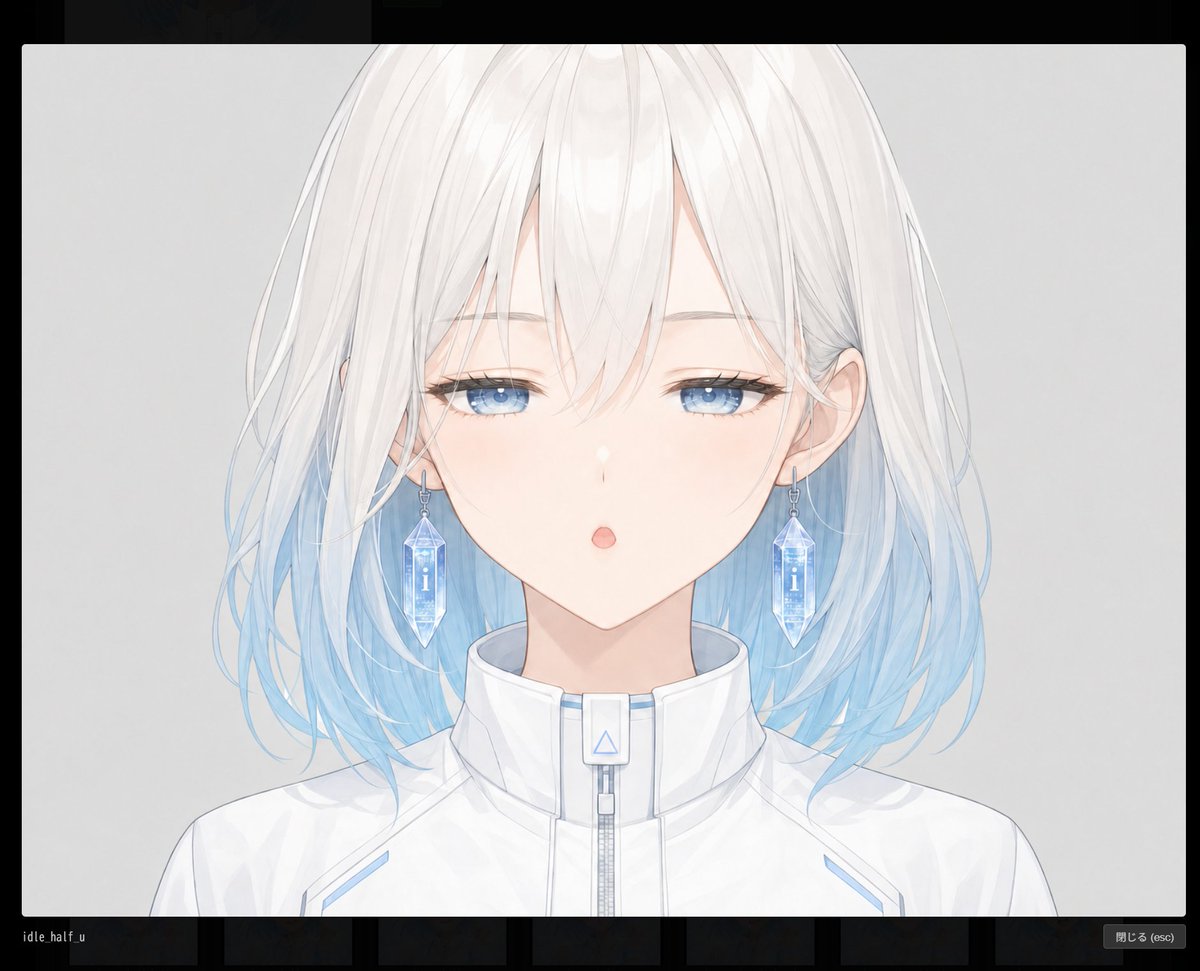
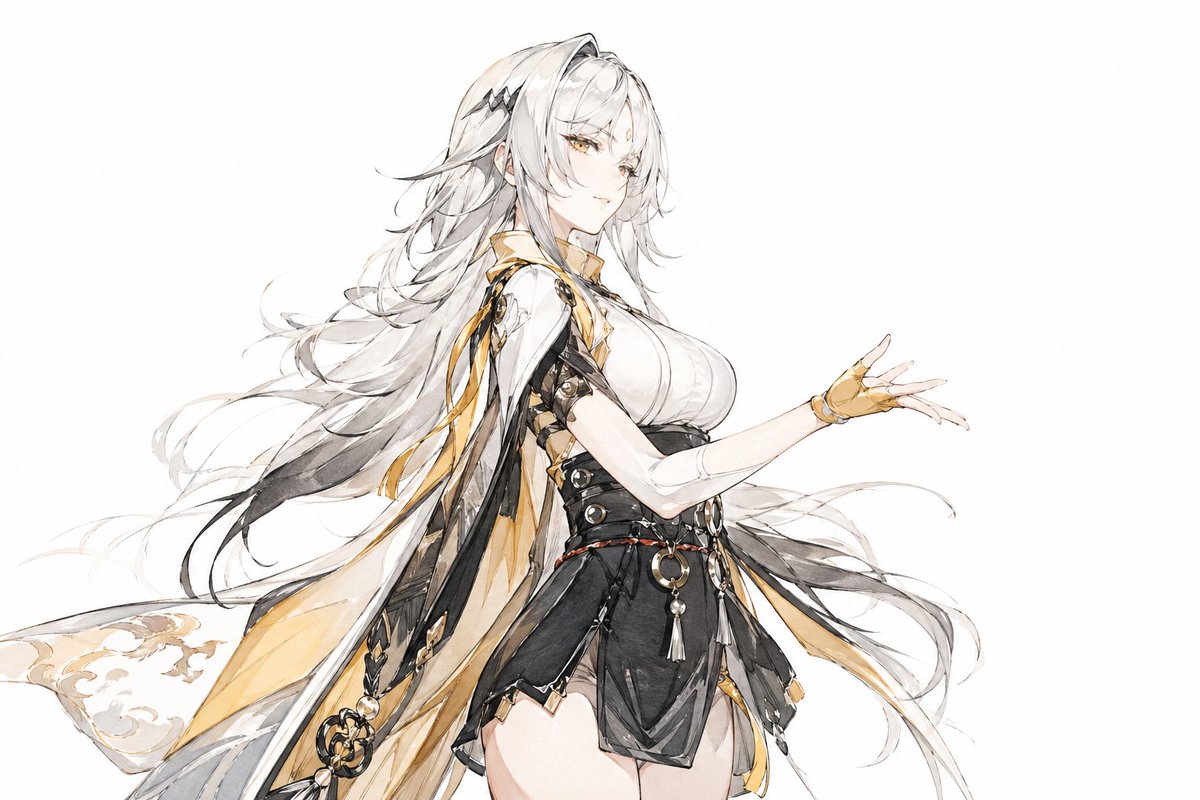
How do I use the Anime Sunset Mountain Landscape template?
Choose the primary action to open PicX Studio with the available template settings. Review the model and format, personalize the creative direction, and generate when ready.
Generates a highly detailed, cinematic anime-style landscape featuring a character overlooking a vibrant sunset and mountains.
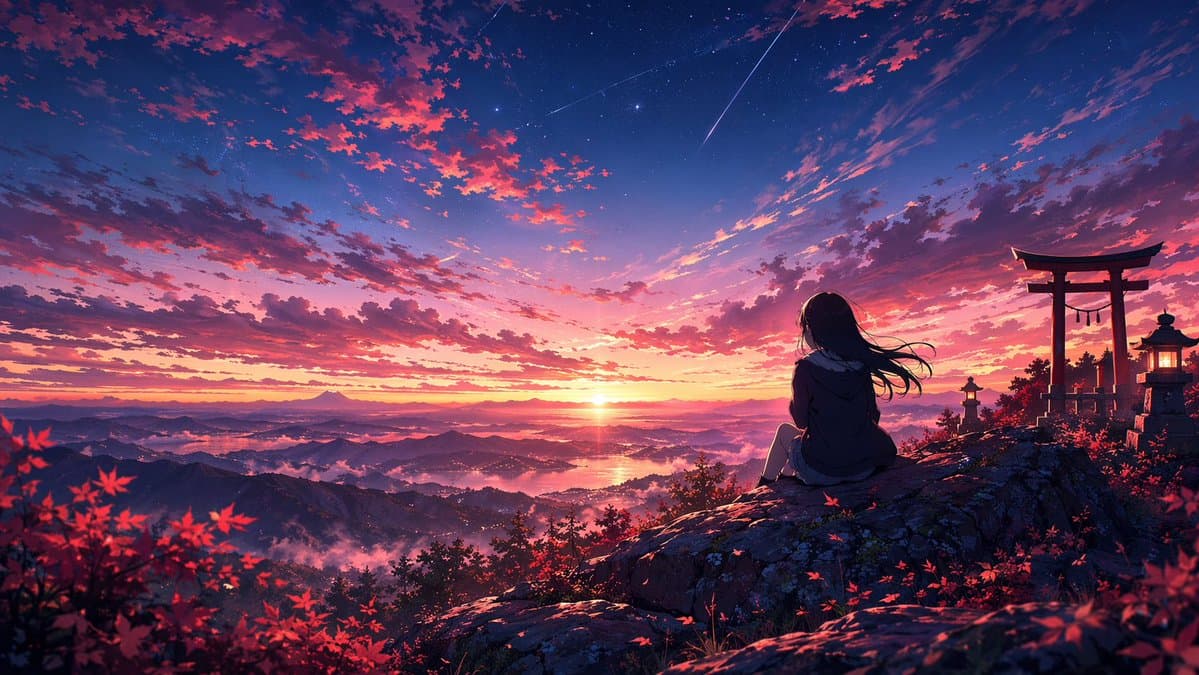
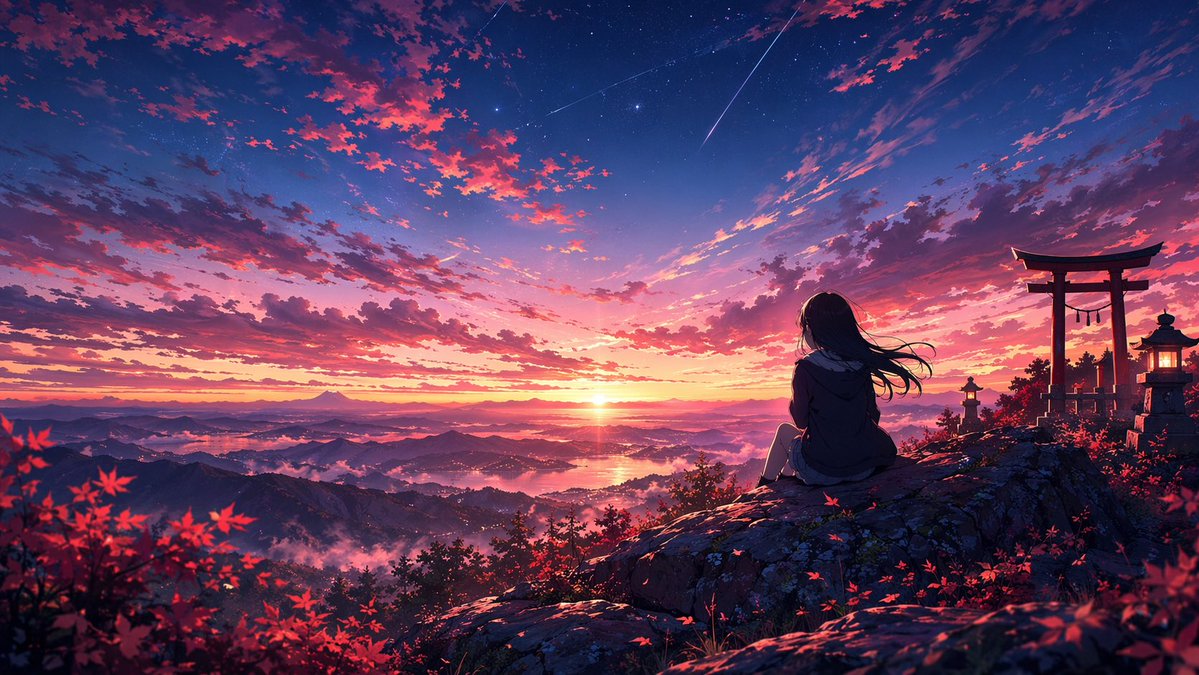
An anime-style illustration of a {argument name="character description" default="young woman with long dark hair wearing a dark jacket"} sitting on a rocky cliff edge, facing away to admire a vibrant {argument name="time of day" default="sunset"}. To the right stands a {argument name="architectural element" default="red torii gate and two glowing stone lanterns"}. The foreground features scattered {argument name="foliage" default="red maple leaves"}. Below stretches a vast mountainous landscape with a distant lake and a peak resembling Mt. Fuji. The sky is a breathtaking gradient of deep blue, purple, pink, and orange, detailed with clouds, stars, and {argument name="sky detail" default="two shooting stars"}. Highly detailed, cinematic anime background art.
Anime Sunset Mountain Landscape needs input media to work. Open it in the studio and these load alongside the prompt — pick whichever ones your chosen model can take.
Choose the primary action to open PicX Studio with the available template settings. Review the model and format, personalize the creative direction, and generate when ready.
Yes. You can change the subject, setting, lighting, mood, format, and available model controls before creating your image.
This template is free to open and customize. Generation usage is shown in PicX Studio before you create.
Start with GPT Image 2, which is the model associated with this template. You can compare another compatible model for a different finish.
© 2026 PicX Studio. All rights reserved.

Follow a topic to a crawlable collection of related PicX Studio templates.