
Fashion Magazine Collage Guide
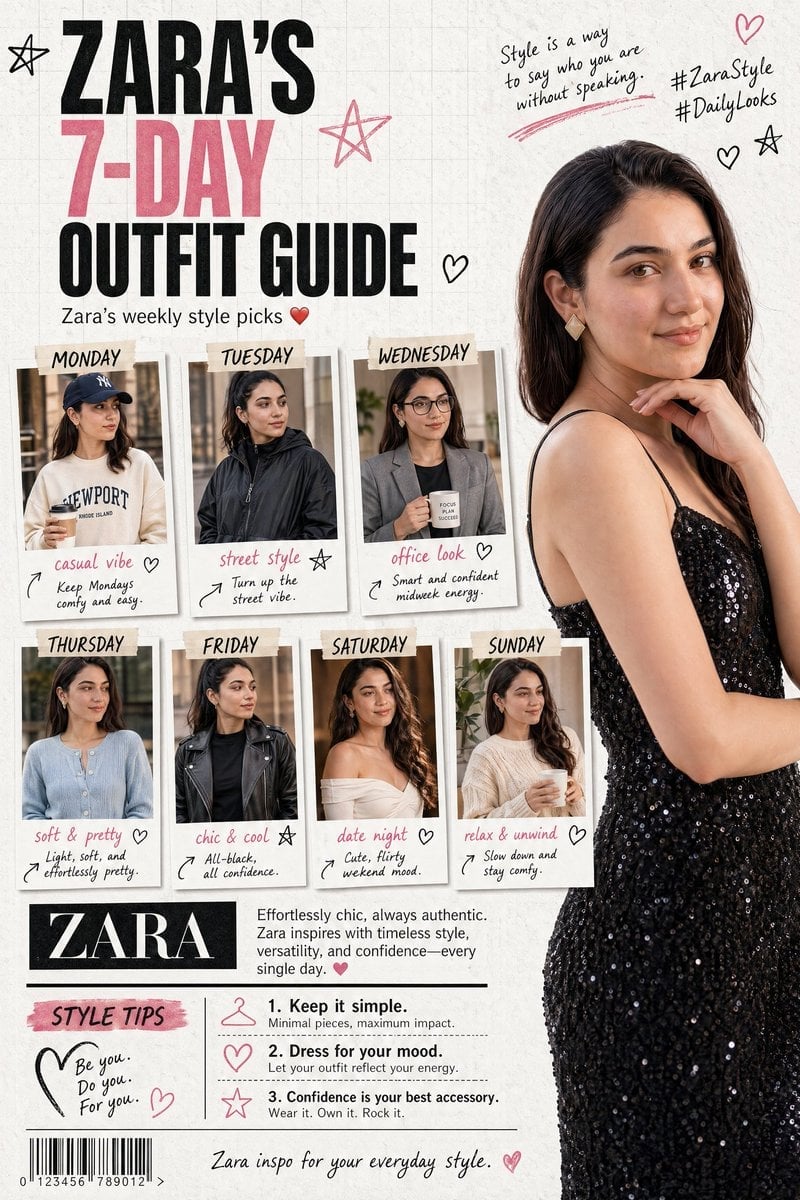
A complex collage layout prompt for a fashion magazine, featuring multiple outfit panels, labels, and handwritten notes.
- Prompt included
- Model and format preset
- Free template
The prompt behind this image
Copy the exact prompt behind Fashion Magazine Collage Guide, or open it in the studio and make it yours.
An American fashion magazine collage layout featuring {argument name="model name" default="Karina"} on a clean textured white background with subtle grid lines. The bold headline at the top-left reads “{argument name="brand name" default="ZARA"}’S 7-DAY OUTFIT GUIDE” in black and pink fonts, accented with playful star doodles. Beneath it, a small subheading in English reads: “Zara’s weekly style picks ❤️”. On the right side, a large high-resolution portrait shows Zara in a black sequined strap dress, looking straight at the camera with her hand resting on her chin. The top-right corner includes handwritten-style notes and hashtags like #ZaraStyle #DailyLooks, surrounded by small heart and star doodles. The center features seven “polaroid-style” photos arranged in two rows, each labeled from MONDAY to SUNDAY. Each image includes short, aesthetic English captions with casual handwritten notes and tiny arrows or heart doodles: MONDAY: A relaxed “casual vibe” with a navy cap and cream sweatshirt, holding coffee. (“Keep Mondays comfy and easy.”) TUESDAY: A bold “street style” look in a black nylon jacket. (“Turn up the street vibe.”) WEDNESDAY: A polished “office look” with a gray blazer and glasses, holding a mug. (“Smart and confident midweek energy.”) THURSDAY: A soft, feminine outfit with a light blue cardigan. (“Light, soft, and effortlessly pretty.”) FRIDAY: A sleek “chic & cool” outfit with a black leather jacket. (“All-black, all confidence.”) SATURDAY: A romantic “date night” look with wavy hair and an off-shoulder white top. (“Cute, flirty weekend mood.”) SUNDAY: A cozy “relax & unwind” outfit in a cream knit. (“Slow down and stay comfy.”) At the bottom-left, a black label with “{argument name="brand name" default="ZARA"}” is paired with a short English blurb about her fashion influence. Below that, a “STYLE TIPS” section lists three quick tips in simple English. The bottom edge includes a barcode graphic and the line: “Zara inspo for your everyday style.”
How to use Fashion Magazine Collage Guide in 3 steps
- 1
Open
The prompt is already in the box next to the preview, with the template's model and format selected.
- 2…a portrait of your subject in softgolden-hour light, 85mm…
Personalize
Edit the subject and creative details for your destination.
- 3Generate
Generate
Press Generate — your image is created in PicX Studio, so you can compare it with the original and refine one variable at a time.
More like this
Templates with the same subject, style or setup. Open one to see its prompt.

Miniature Self Portrait Collage

80s College Gate

1988 Mall Style

80s Polka Dot Saree
Indian Anarkali Fashion Collage

Off Duty Fashion Magazine Cover

Rainy Monsoon Fashion Collage
Futuristic Ice Palace Fashion Collage

High-Fashion Magazine Cover Portrait

Paper Cut Finale Fireworks

Paper Cut Garden Maze

Paper Cut Rooftop Concert
Make it yours
Fashion Magazine Collage Guide works as-is. These are the safest ways to change it without losing the look.
Change one field
Copy a single group, rewrite it, and generate again so you can see what that field is doing.
Keep the frame, change the subject
Hold the composition and light of Fashion Magazine Collage Guide, then swap wardrobe, props or the person for a new take.
| If the result… | Why | Fix |
|---|---|---|
| The result drifts from the preview | Too many fields changed at once. | Reuse Fashion Magazine Collage Guide as-is first, then change one group — subject, light, or setting. |
| The model over-stylizes the scene | The prose prompt leaves finish and camera underspecified. | Add one camera or lighting sentence and stay on GPT Image 2. |
More GPT Image 2 templates
Other prompts made for GPT Image 2.

Six VTuber Japanese Logo Sheet

Realistic Portrait of Woman and Deer

The Vista Modular Condo Poster

AI Model Routing Comparison Infographic

2.5D Anime Art Board

Isometric Productivity Desk Scene

New York Double Exposure Poster

Four-Panel AI Landscape Comparison

Japanese Tatami Lifestyle Magazine Cover

NESCAFÉ Coffee Map Poster
More image prompts
Fresh picks from across the catalog.
NanoBanana Pro Prompt for Cleaning and Organizing a Messy Room
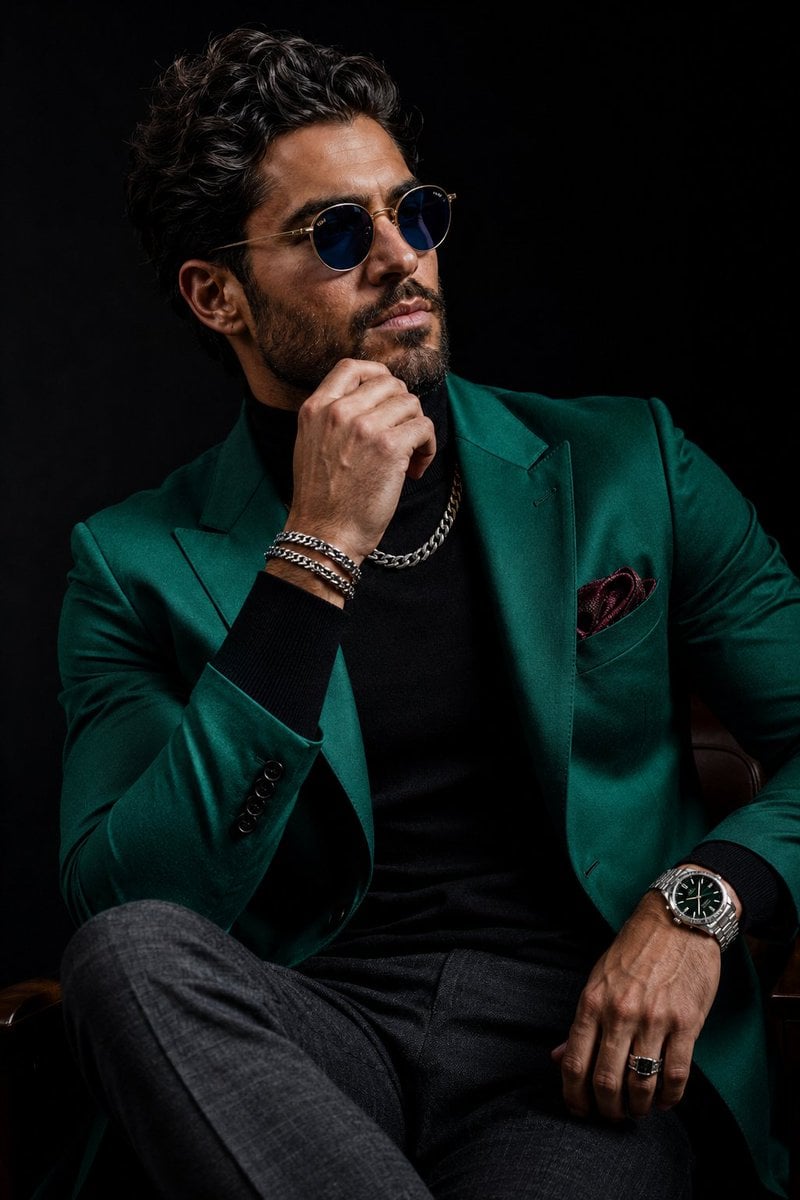
Luxury Menswear Editorial Portrait
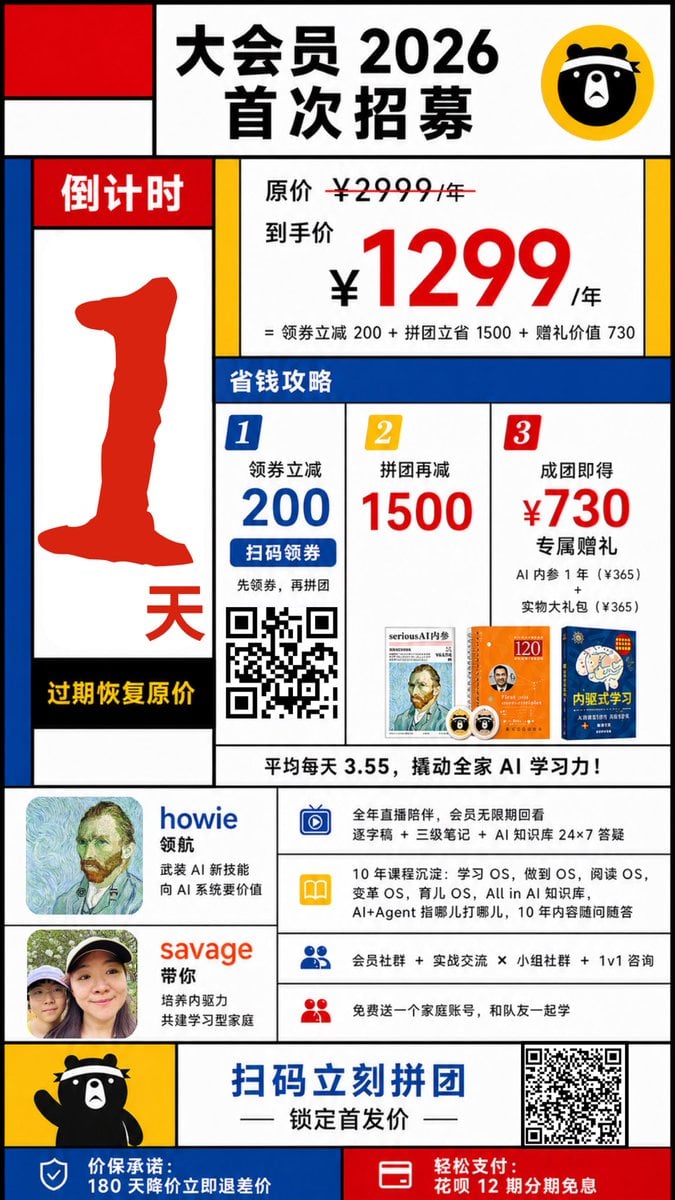
Mondrian-Style Chinese Promo Poster
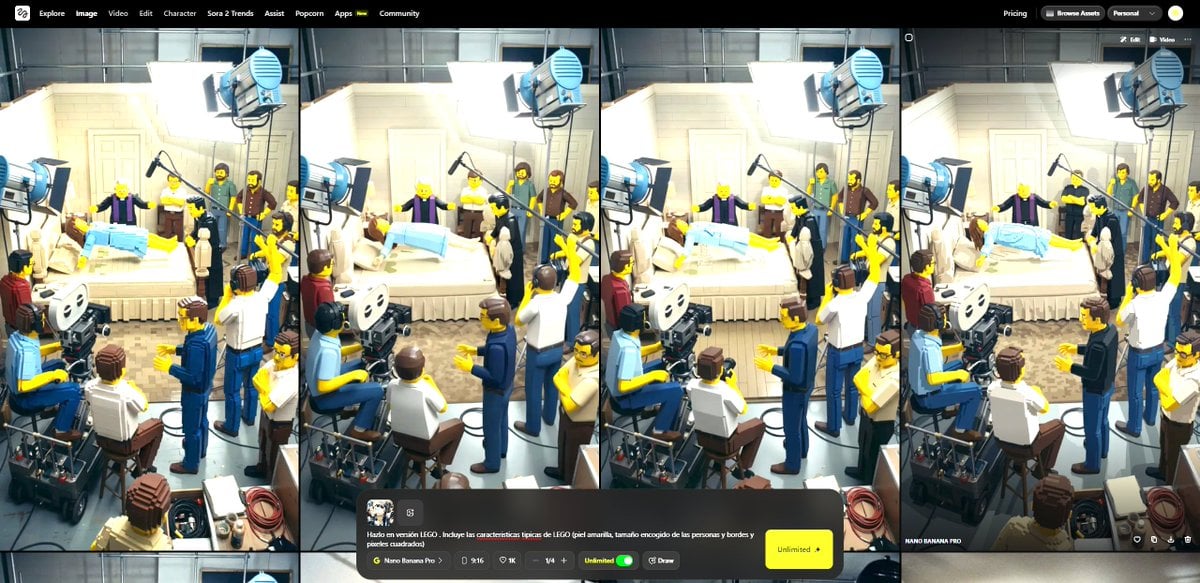
Transform Image into LEGO Version
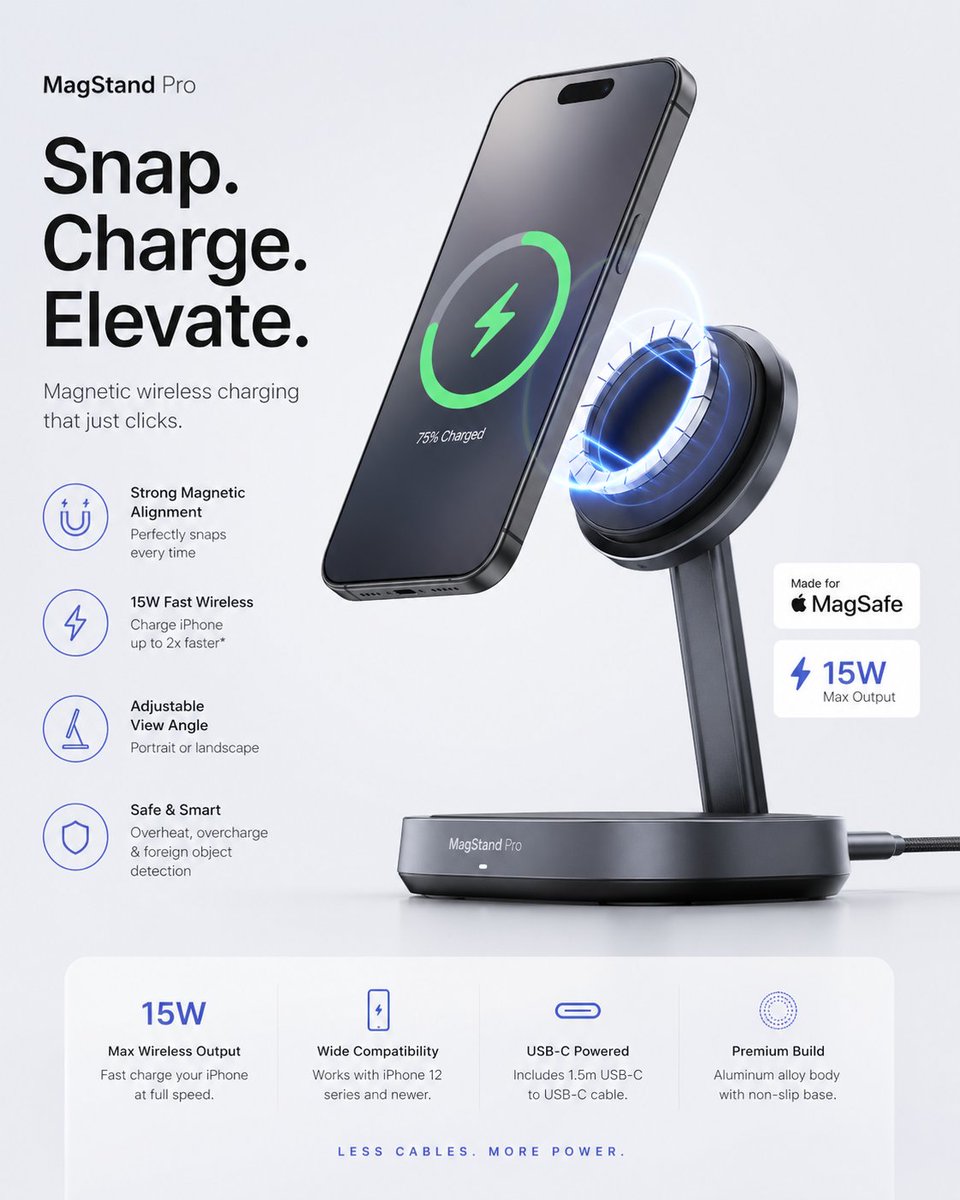
Minimalist Tech Accessory Advertisement
3D Commercial Shot of Cherry Juice Bottle
Honey Bee Creator Card

Cinematic Tech Entrepreneur Portrait
Photorealistic Egg with Map of Africa Crack
Cinematic Fashion Portrait in Dubai Prompt
Browse template categories
Fashion Magazine Collage Guide questions
How do I use the Fashion Magazine Collage Guide template?
Add your photo if the template asks for one, edit the prompt if you like — the template's model and format are already selected — and press Generate. Your version opens in PicX Studio.
Can I customize the Fashion Magazine Collage Guide template?
Yes. You can change the subject, setting, lighting, mood, format, and available model controls before creating your image.
Is the Fashion Magazine Collage Guide template free?
Opening and editing this template is free. Generating uses credits, shown on the Generate button when you are signed in.
Which AI model should I use?
Start with GPT Image 2, which is the model associated with this template. You can compare another compatible model for a different finish.
Looking for something else? Browse all templates.

Your photo, any look
Thousands of ready templates for every top image and video model, from one credit balance.