
Honey Bee Creator Card
Generates a futuristic bee-themed AI creator business card with neon pink UI styling and a honeycomb portrait area.
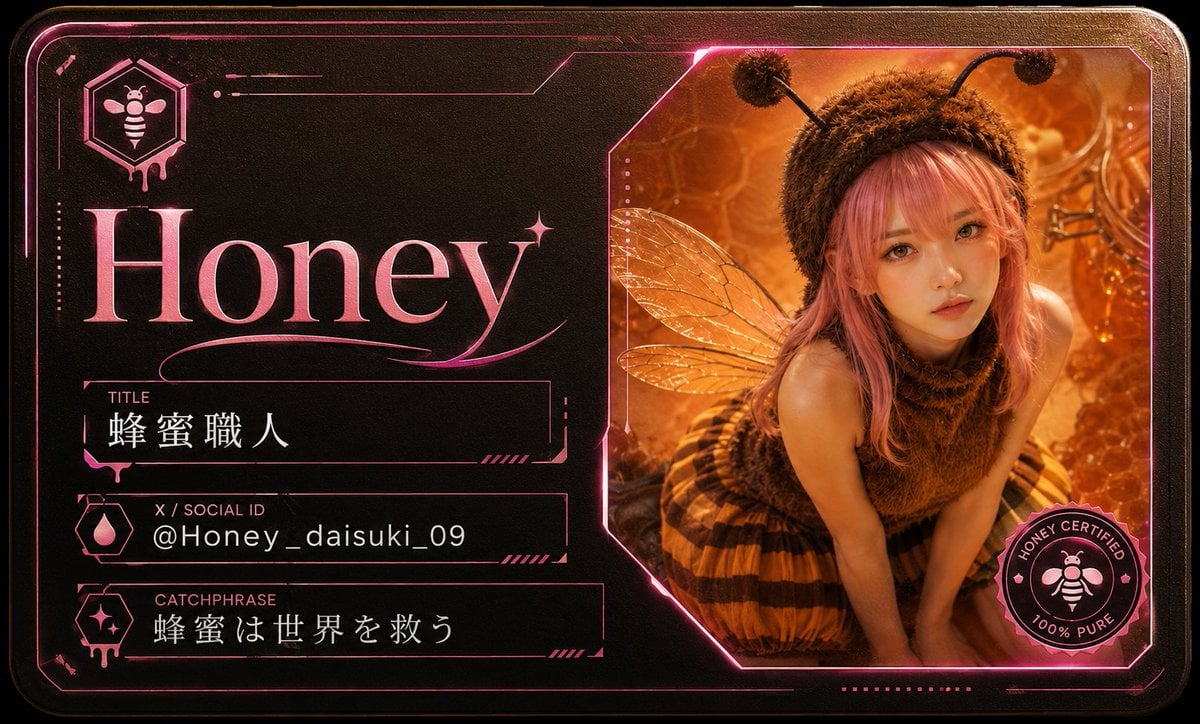
- Prompt included
- Model and format preset
- Free template
The prompt behind this image
Copy the exact prompt behind Honey Bee Creator Card, or open it in the studio and make it yours.
Goal: Create a futuristic AI creator card / digital business card for a bee-themed creator named {argument name="creator name" default="Honey"}, combining luxury black metal, hot pink neon linework, and warm honey amber photography. Canvas: Horizontal rounded-rectangle card, 16:9 aspect ratio, dark black brushed-metal background with subtle leather/grain texture, beveled corners, thin glowing pink border lines, cyberpunk UI accents, and a premium collectible badge feel. Layout: Split composition with 2 main areas. Left area takes about 52% of the card and contains the identity typography and profile fields. Right area takes about 48% and contains a large angular photo window with a bee-themed portrait. Add small decorative circuit lines, dotted marks, hexagon motifs, thin brackets, and glowing magenta strokes around the card edges. Left area details: At top left, place a hexagonal icon containing a simple bee symbol, with a small dripping honey effect under the hexagon. Below it, place a huge elegant serif name in glossy pink gradient text: {argument name="creator name" default="Honey"}. Add a small sparkle star near the final letter and a flowing underline flourish beneath the name. Under the name, create exactly 3 labeled information bars with thin neon pink outlines and small left-side icons: 1. Label “TITLE”, value “蜂蜜職人”. 2. Label “X / SOCIAL ID”, value {argument name="social id" default="@Honey_daisuki_09"}. 3. Label “CATCHPHRASE”, value {argument name="catchphrase" default="蜂蜜は世界を救う"}. Use white text for the field values, small uppercase pink labels, and techno-style divider ticks at the right ends of the bars. Right photo window: Create one large cropped angular polygon frame with neon pink border and amber glow. Inside it, show a young female honeybee cosplay creator in a warm honeycomb environment: fuzzy brown bee hood with two black antennae, translucent insect wings, pink hair, sleeveless fuzzy brown top, yellow-and-black striped skirt, leaning forward in a cute pose. The background should be golden orange with honeycomb cells, dripping honey, glowing bokeh, and macro hive details. Keep the face intentionally covered by a plain centered square privacy mask in warm brown, matching the generated example. Badge: Add exactly 1 circular certification seal at the lower right corner overlapping the photo frame. It should be black and hot pink with a small bee icon in the center and readable ring text: “HONEY CERTIFIED” and “100% PURE”. Visual style: High-detail photorealistic portrait mixed with graphic cyber card design, glossy holographic pink highlights, dark metallic luxury material, warm amber lighting, sharp UI lines, premium VTuber/creator business-card aesthetic. Constraints: Use exactly 1 main portrait, exactly 1 top-left bee hexagon logo, exactly 3 information bars, and exactly 1 certification seal. Do not add extra people, extra cards, watermarks, QR codes, or unrelated text.
How to use Honey Bee Creator Card in 3 steps
- 1Upload ImagePNG, JPG or paste
Add your photo
Upload the photo the template builds on. The prompt, model and format are already set.
- 2…a portrait of your subject in softgolden-hour light, 85mm…
Personalize
Edit the subject and creative details for your destination.
- 3Generate
Generate
Press Generate — your image is created in PicX Studio, so you can compare it with the original and refine one variable at a time.
More like this
Templates with the same subject, style or setup. Open one to see its prompt.
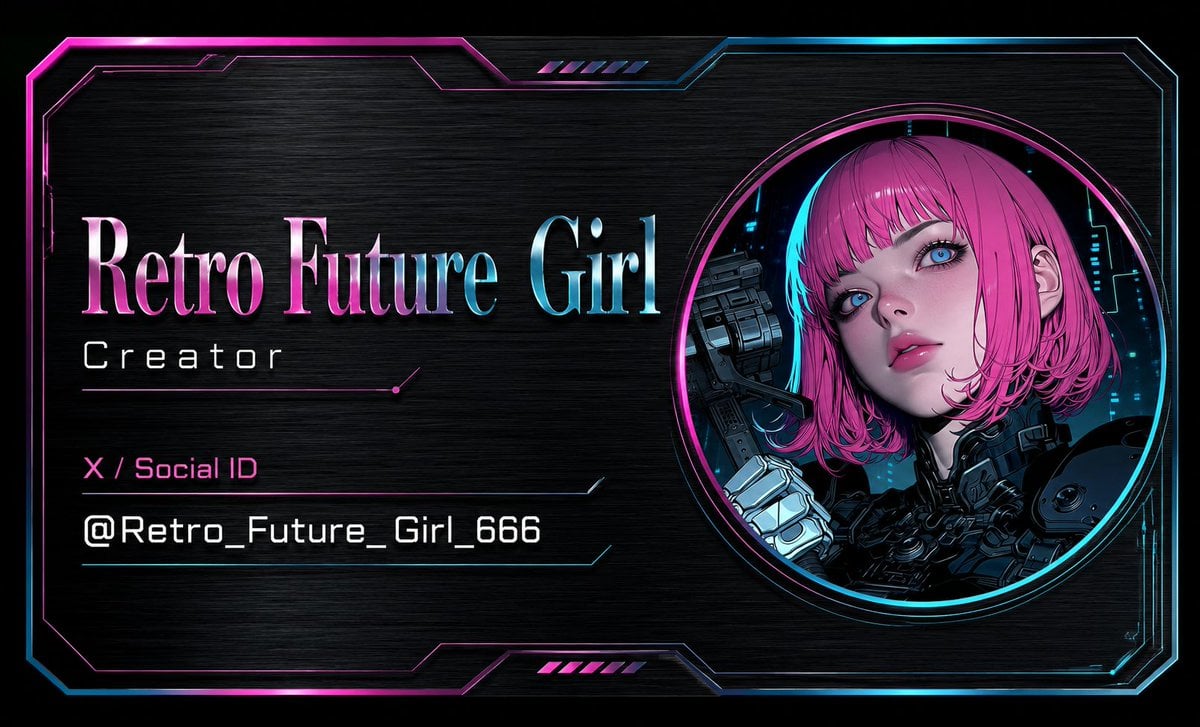
Cyberpunk AI Creator Card
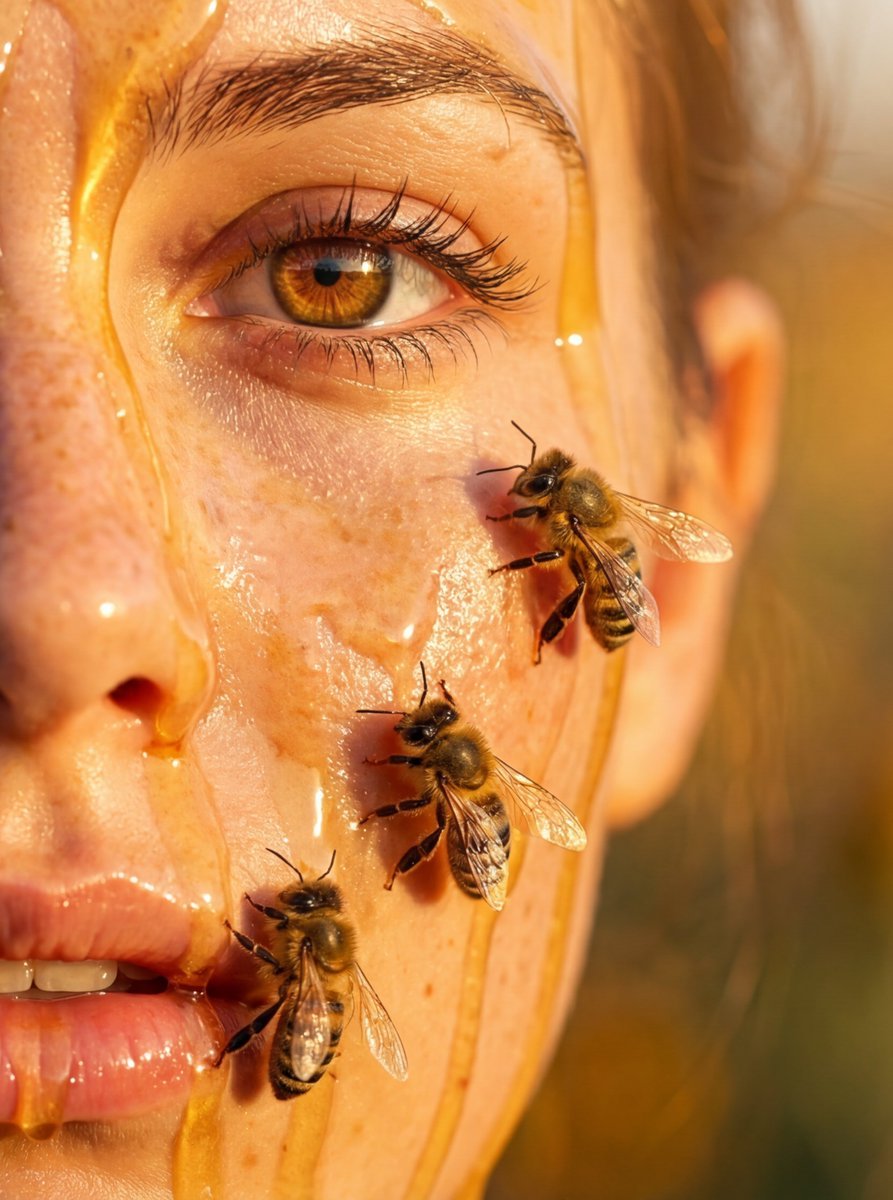
Hyper-real honey-covered woman with bees close-up
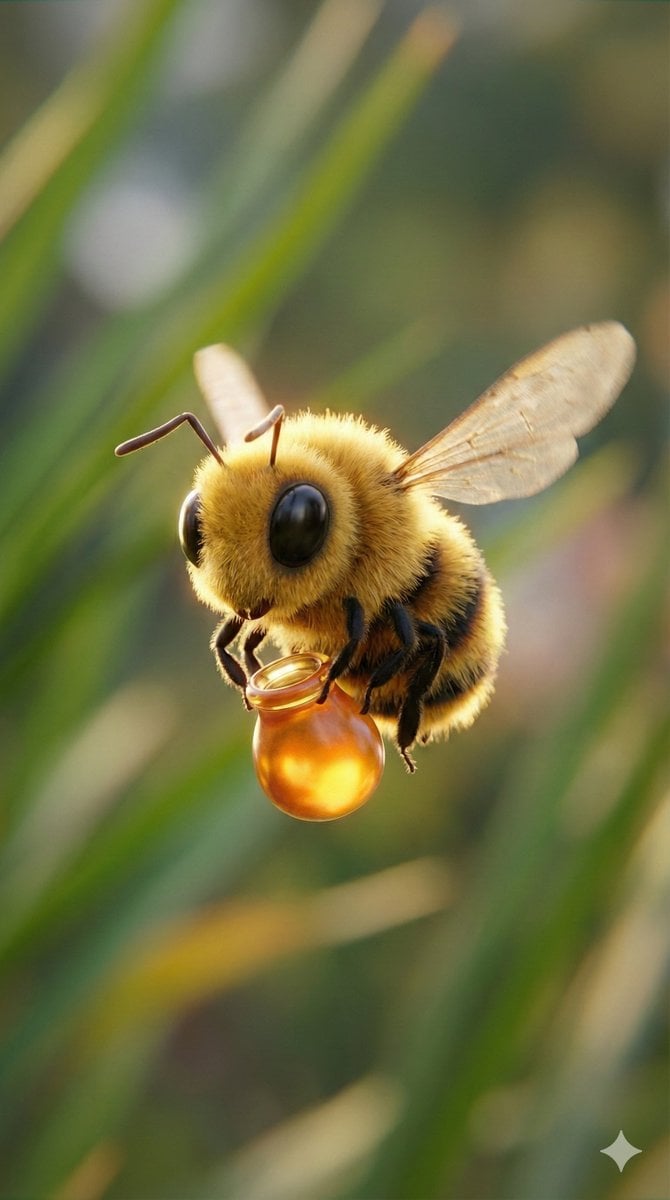
Macro Render of Fuzzy Bee Character with Honey Droplet
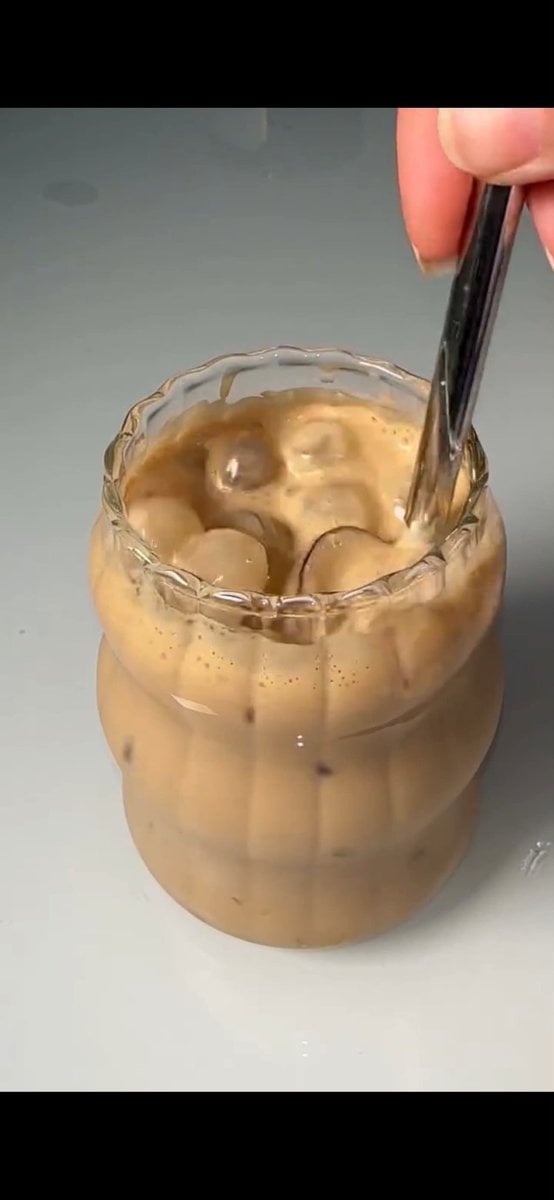
Stirred Iced Honey Latte Close-Up

Teal Japanese Handwritten Lyric Card

Reiwa Slang Reaction Gacha Card
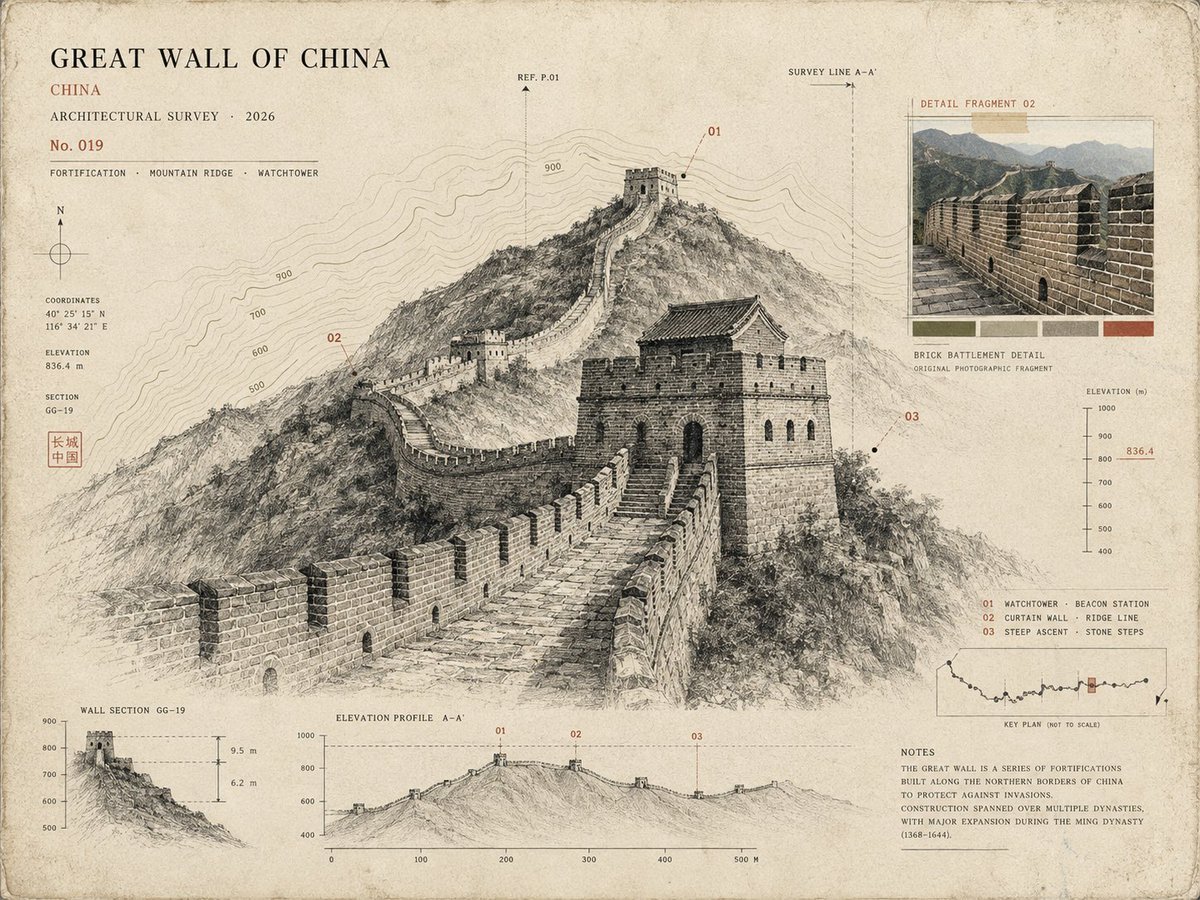
Architectural Museum Specimen Card
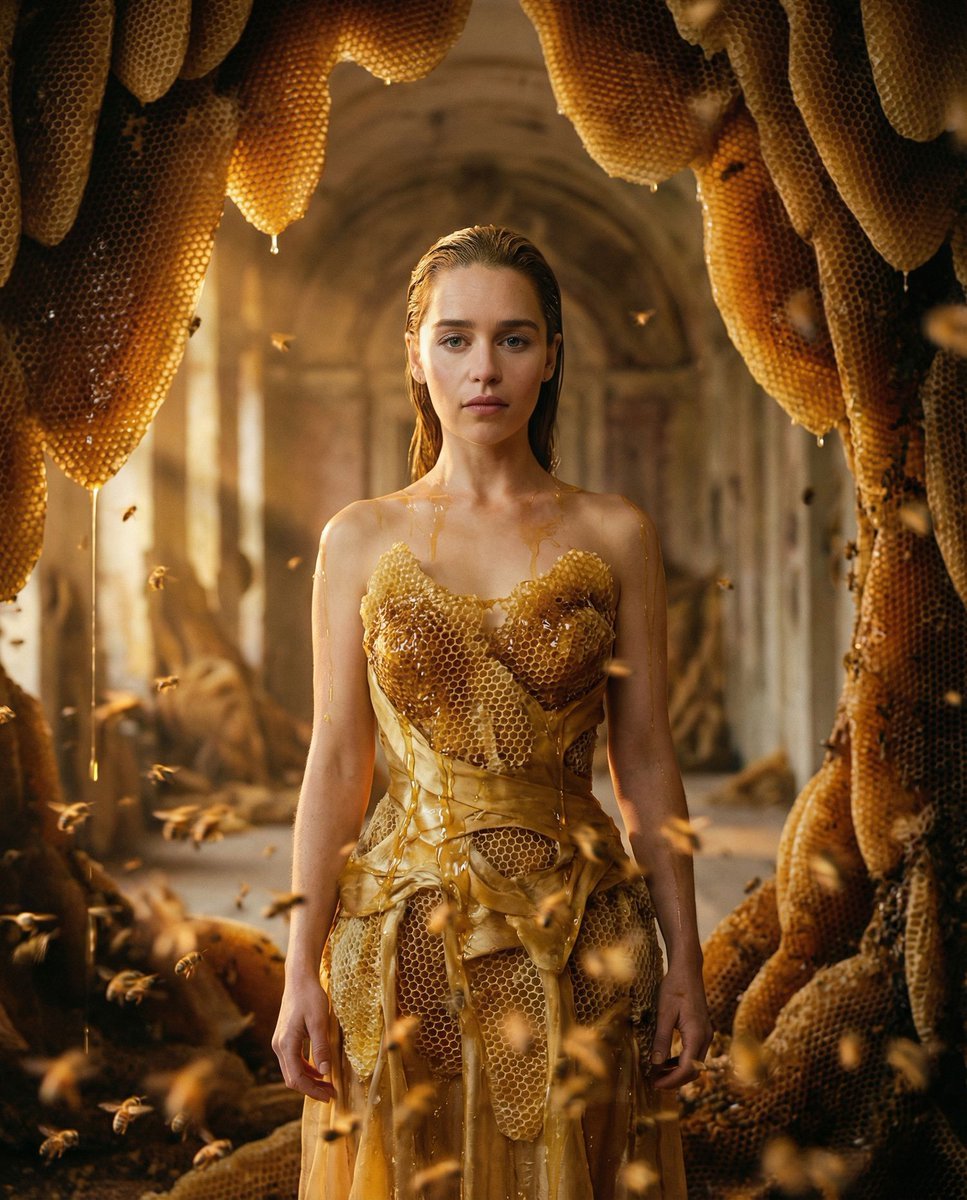
Surrealist Honeycomb Fashion Editorial
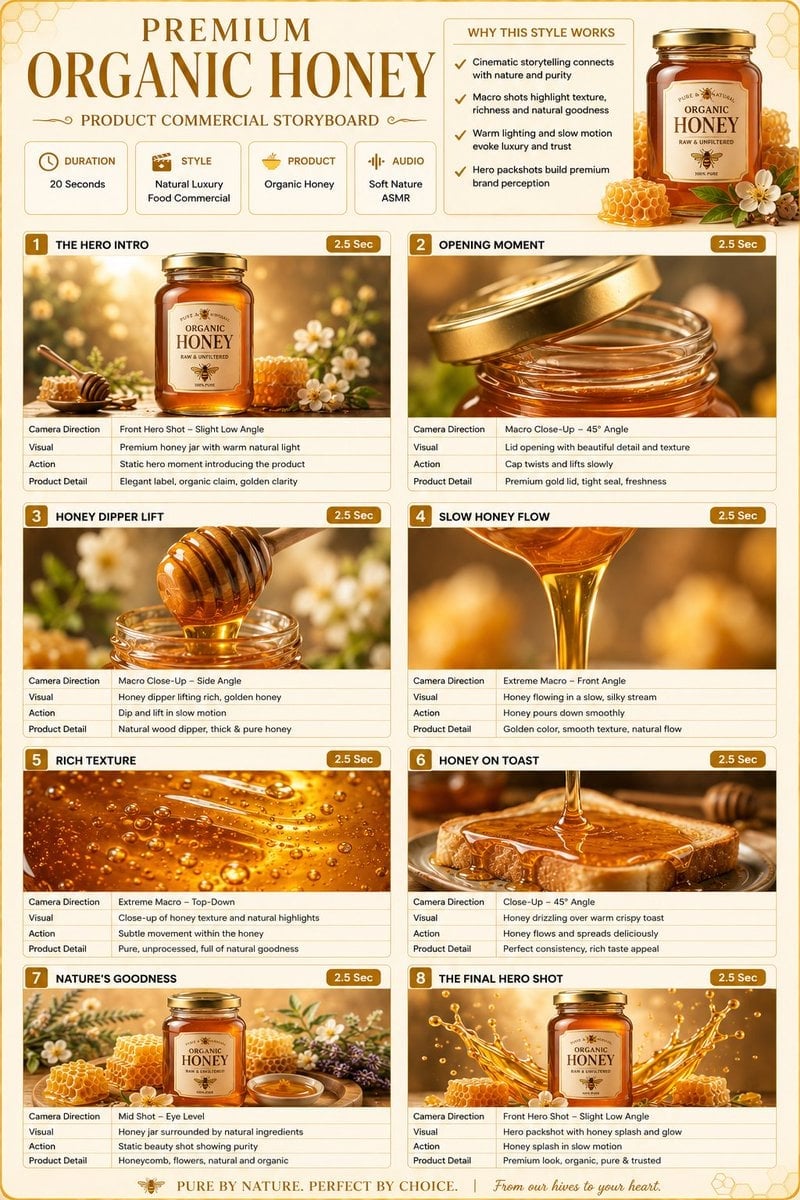
Premium Organic Honey Commercial Storyboard

Subway Good Vibes App Card Portrait
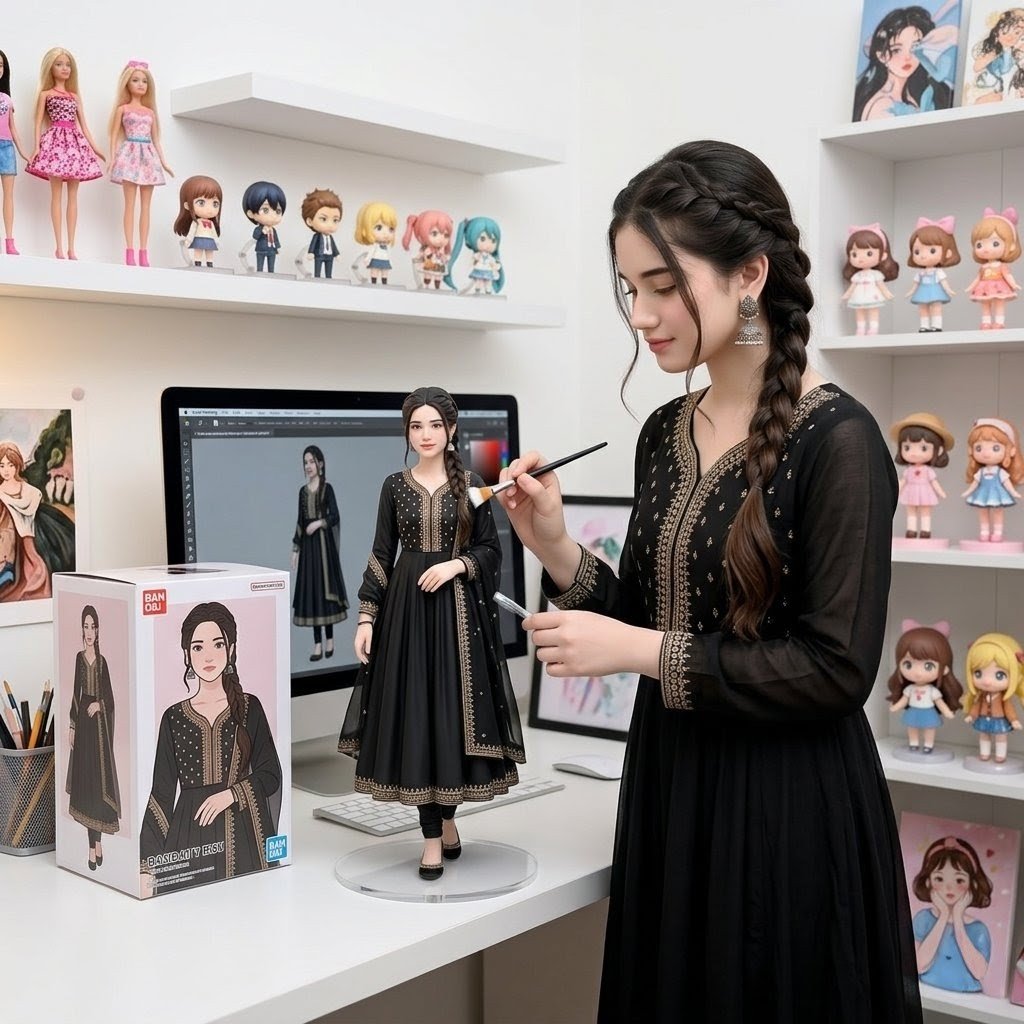
Custom Figurine on Creator Desk
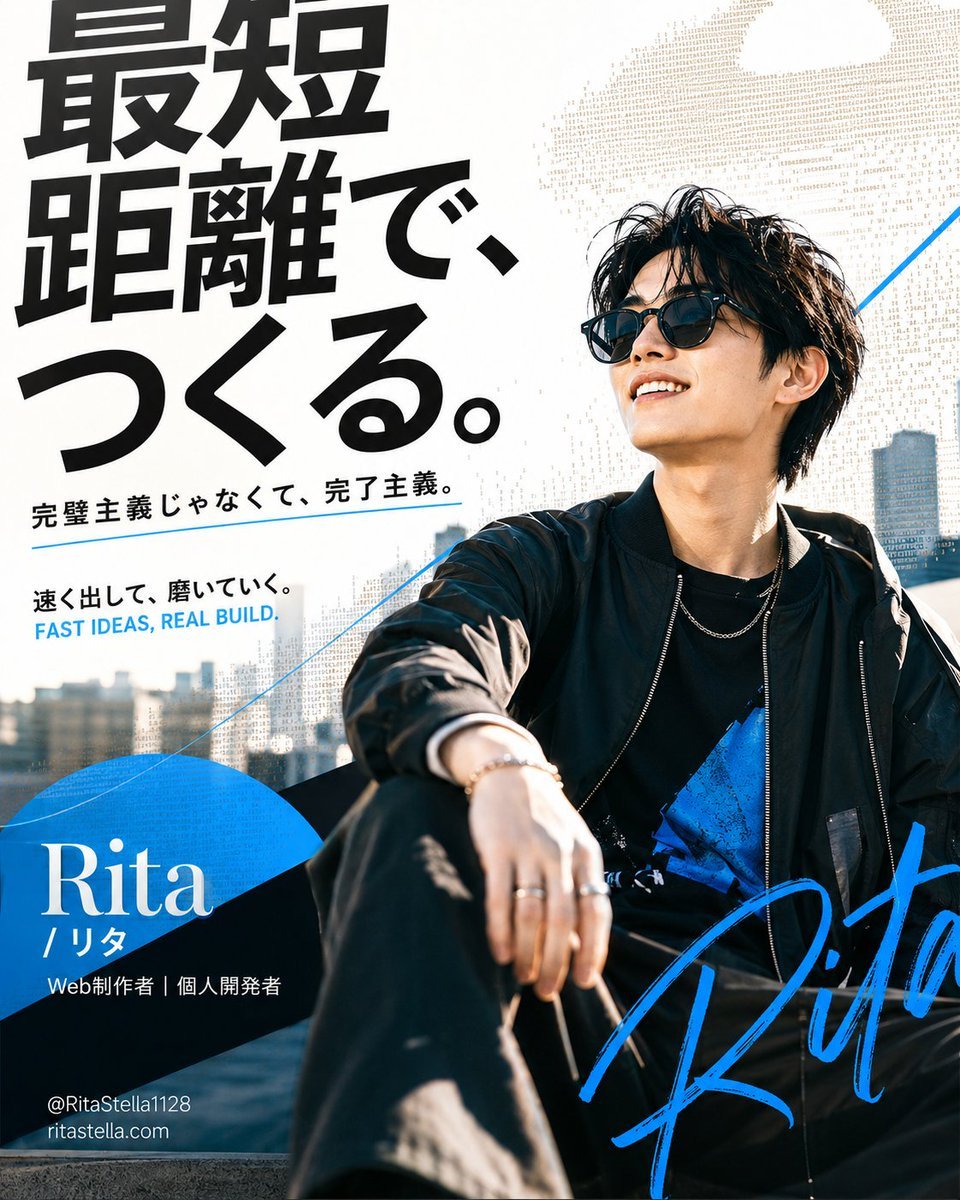
Japanese Creator Branding Poster
Make it yours
Honey Bee Creator Card works as-is. These are the safest ways to change it without losing the look.
Change one field
Copy a single group, rewrite it, and generate again so you can see what that field is doing.
Keep the frame, change the subject
Hold the composition and light of Honey Bee Creator Card, then swap wardrobe, props or the person for a new take.
| If the result… | Why | Fix |
|---|---|---|
| The result drifts from the preview | Too many fields changed at once. | Reuse Honey Bee Creator Card as-is first, then change one group — subject, light, or setting. |
| The model over-stylizes the scene | The prose prompt leaves finish and camera underspecified. | Add one camera or lighting sentence and stay on GPT Image 2. |
More GPT Image 2 templates
Other prompts made for GPT Image 2.

Six VTuber Japanese Logo Sheet

Realistic Portrait of Woman and Deer

The Vista Modular Condo Poster

AI Model Routing Comparison Infographic

2.5D Anime Art Board

Isometric Productivity Desk Scene

New York Double Exposure Poster

Four-Panel AI Landscape Comparison

Japanese Tatami Lifestyle Magazine Cover

NESCAFÉ Coffee Map Poster
More image prompts
Fresh picks from across the catalog.
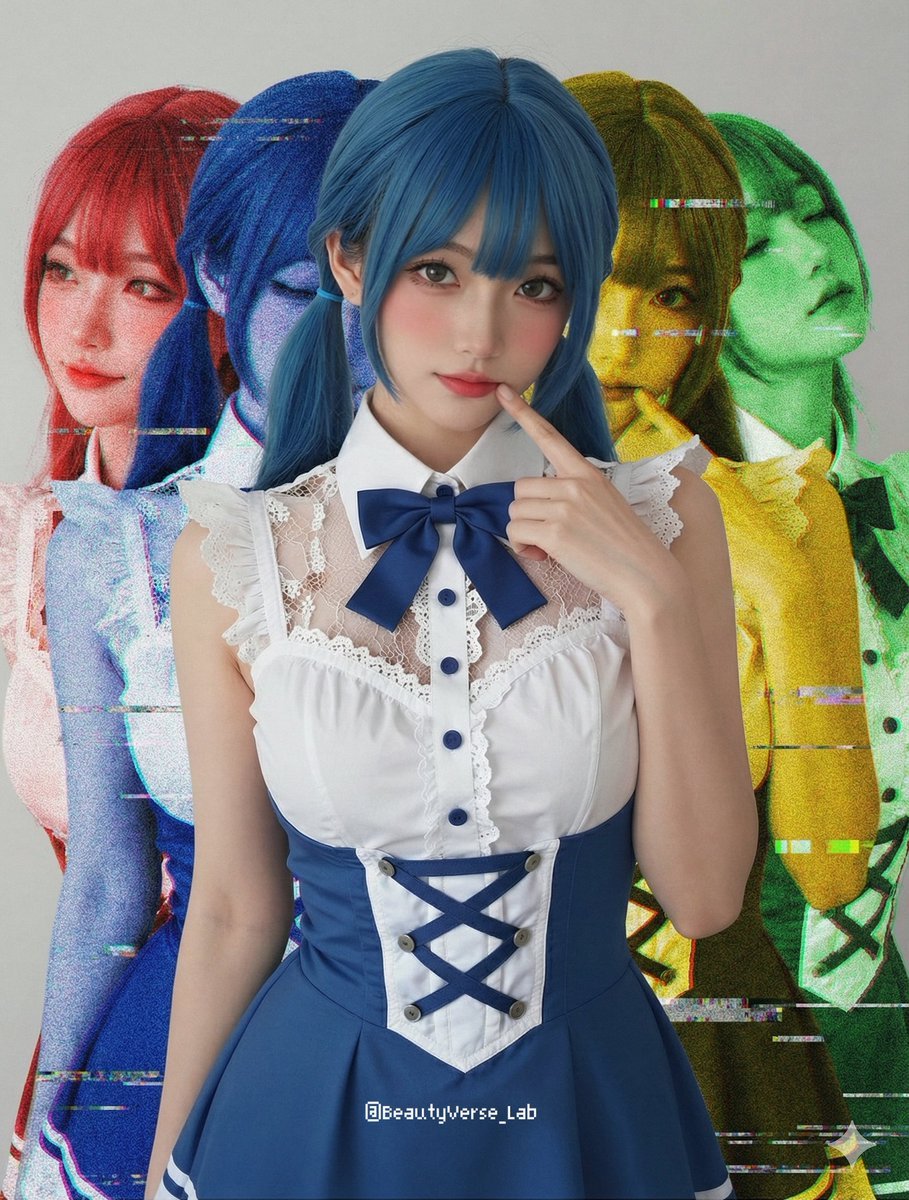
Shadow and Glitch Effect Prompt with Color Separation
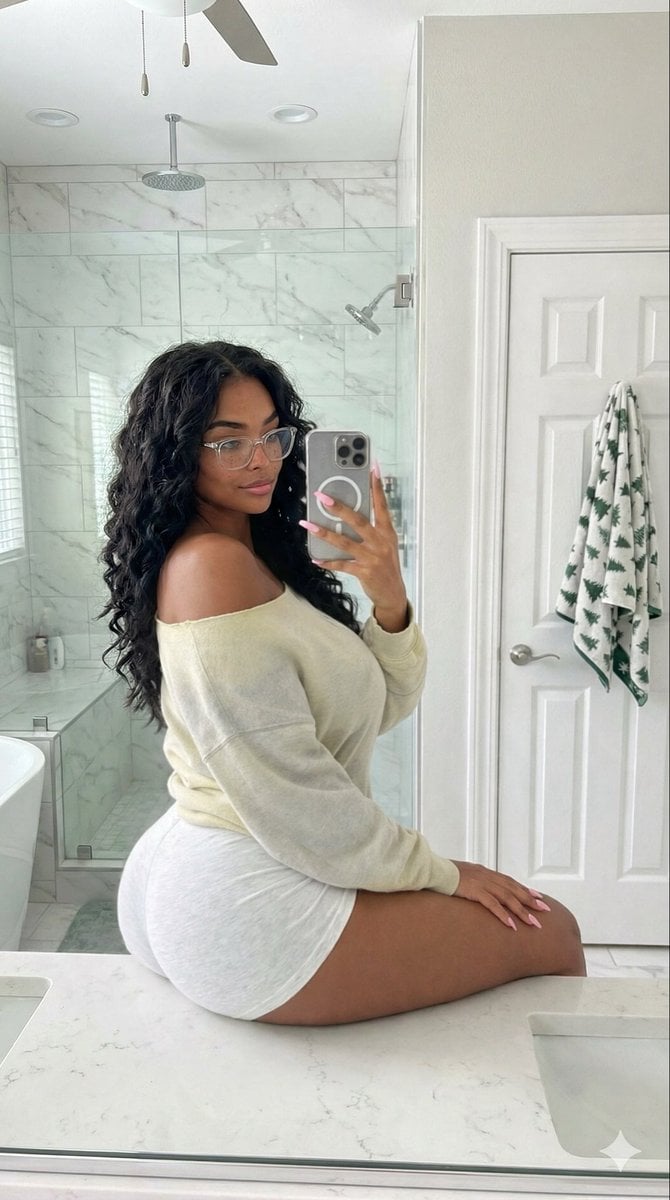
Candid Modern Bathroom Mirror Selfie Prompt
Futuristic Tech Product Advertisement Set
Ultra-Realistic Cinematic Product Photography Prompt
Blue-Haired Festival Portrait
Apple Carving Art Prompt
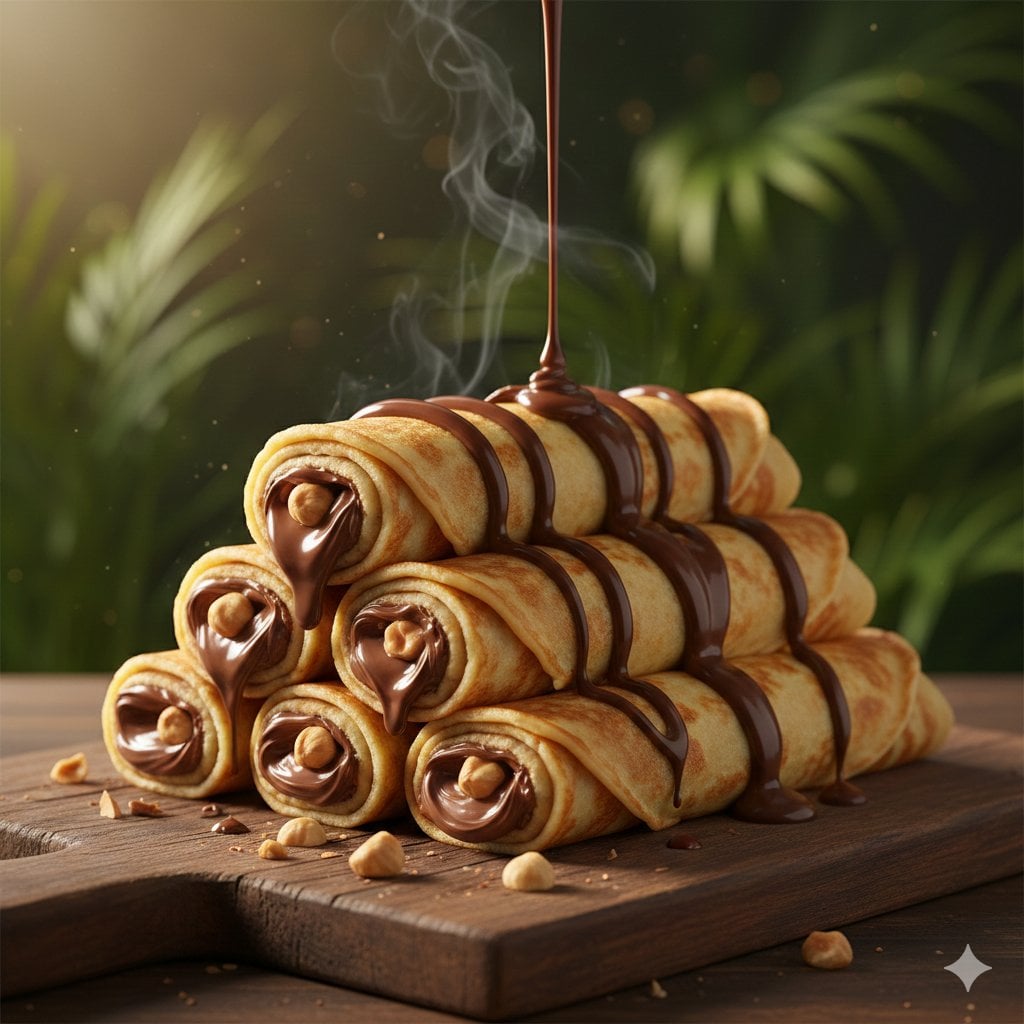
Chocolate Crepe Commercial Render Prompt (Python Class Style)
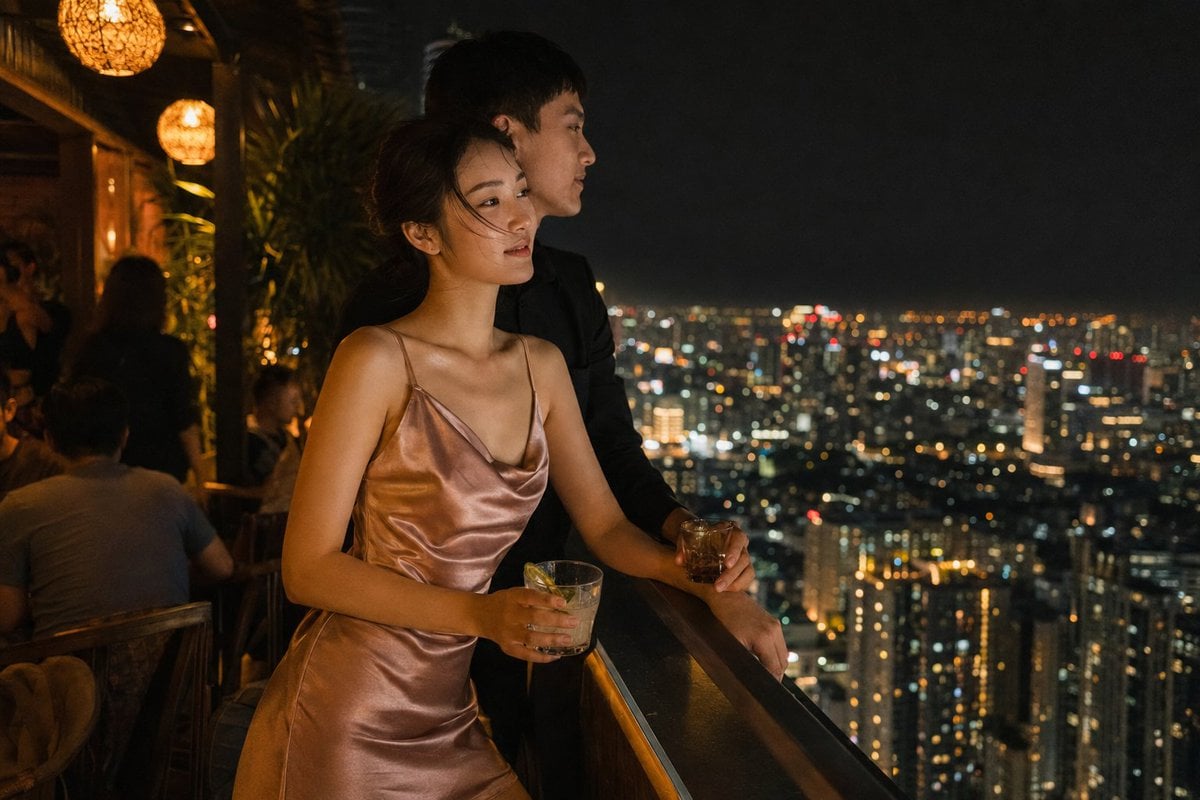
Rooftop Bar Night Cityscape Couple
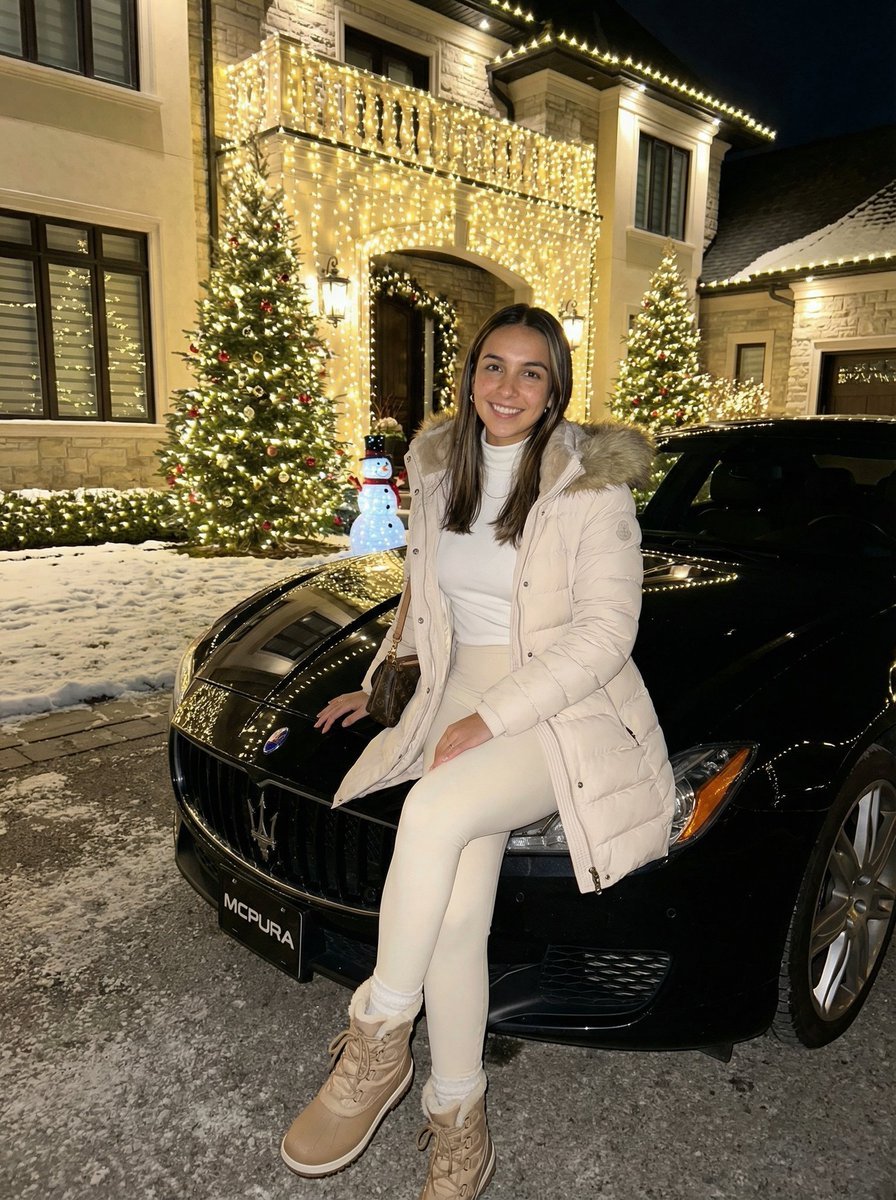
Ultra-Realistic Nighttime Winter Portrait in JSON Format
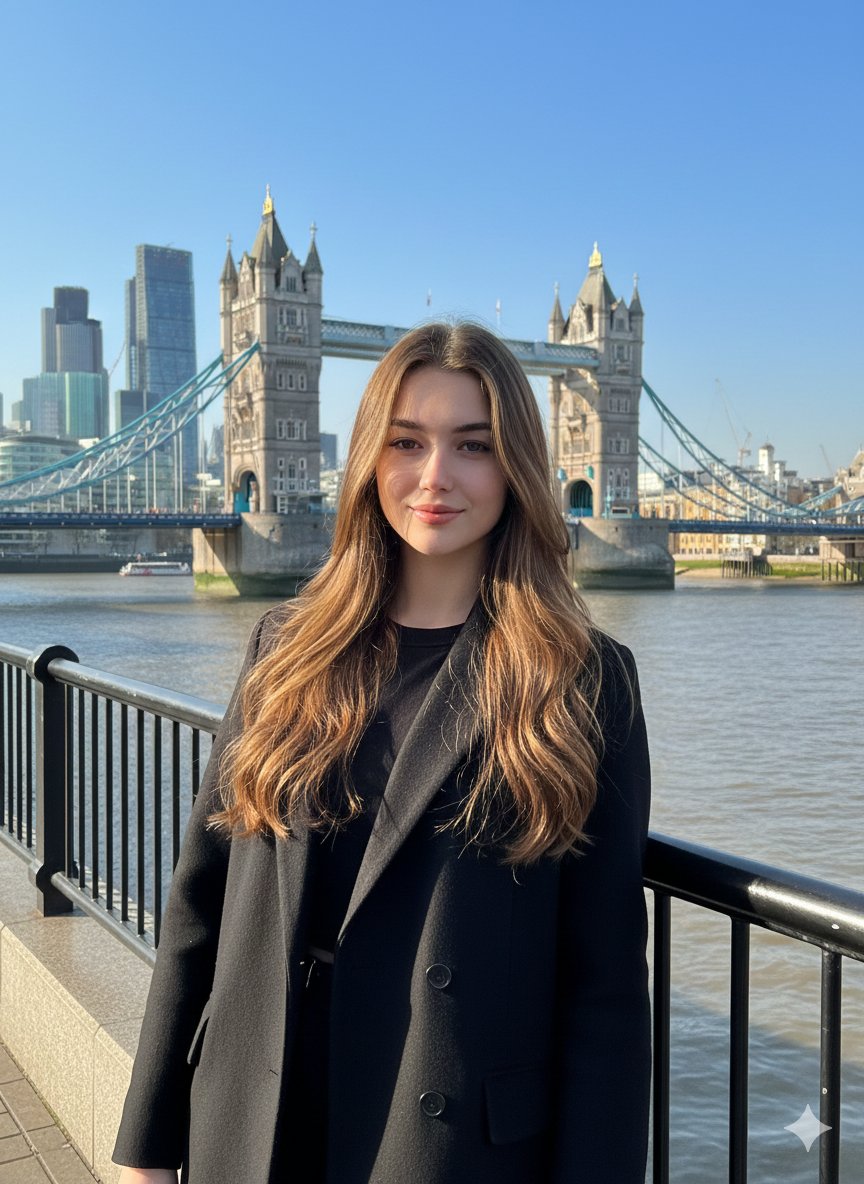
Photorealistic Travel Portrait with Identity Lock
Browse template categories
Honey Bee Creator Card questions
How do I use the Honey Bee Creator Card template?
Add your photo if the template asks for one, edit the prompt if you like — the template's model and format are already selected — and press Generate. Your version opens in PicX Studio.
Can I customize the Honey Bee Creator Card template?
Yes. You can change the subject, setting, lighting, mood, format, and available model controls before creating your image.
Is the Honey Bee Creator Card template free?
Opening and editing this template is free. Generating uses credits, shown on the Generate button when you are signed in.
Which AI model should I use?
Start with GPT Image 2, which is the model associated with this template. You can compare another compatible model for a different finish.
Looking for something else? Browse all templates.

Your photo, any look
Thousands of ready templates for every top image and video model, from one credit balance.