
Candid Modern Bathroom Mirror Selfie Prompt
A highly detailed JSON prompt for generating an ultra-realistic, candid mirror selfie taken by a woman seated on a quartz vanity in a modern bathroom, focusing on specific physical details, clothing, phone model, and…
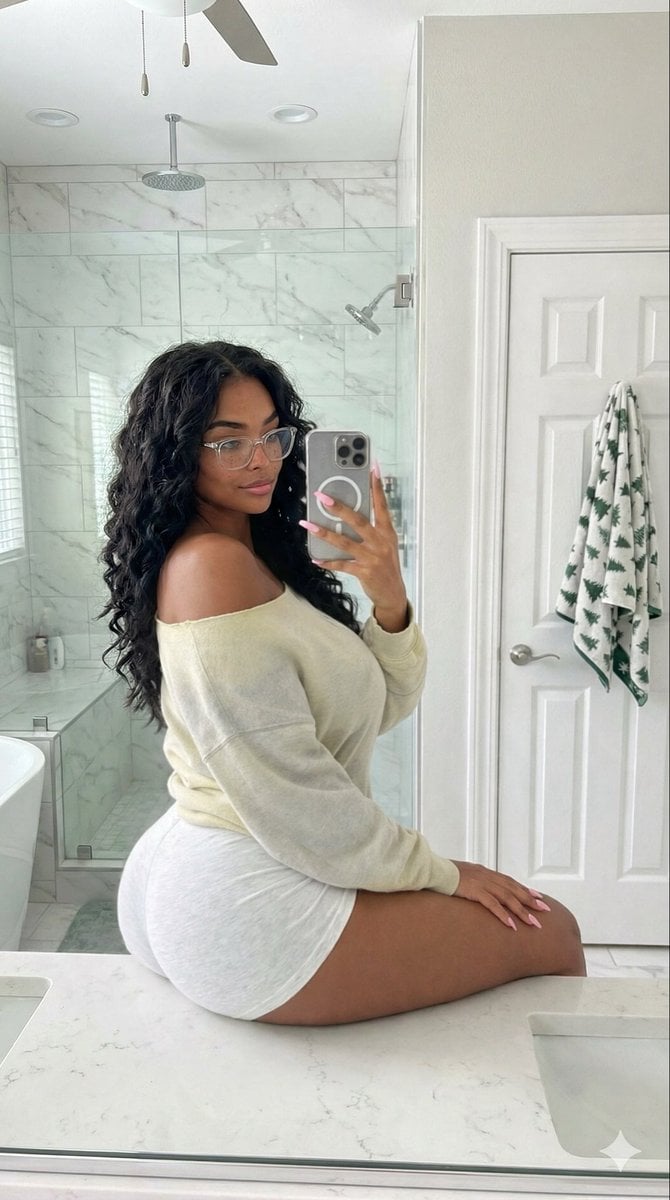
- Prompt included
- Model and format preset
- Premium template
The prompt behind this image
Copy the exact prompt behind Candid Modern Bathroom Mirror Selfie Prompt, or open it in the studio and make it yours.
{ "meta": { "description": "Ultra-detailed prompt for a candid mirror selfie scene in a modern bathroom", "quality": "8K, candid amateur style, highly textured", "aspect_ratio": "9:16", "orientation": "Vertical", "likeness_constraint": "Be sure to stick to the likeness and resemblance of the reference. Do not alter the likeness in the attached photo." }, "scene": { "type": "Candid mirror selfie", "style": "Candid photographic style, amateur realism", "setting": "Brightly lit modern residential bathroom", "atmosphere": "Natural, private moment, spontaneous and unposed", "focus": "Sharp focus centered on the subject with balanced lifelike tonal range" }, "subject": { "identity": { "gender": "Female", "age": "Early 20s" }, "physique": "Curvy, fit physique", "pose": { "position": "Seated sideways on a polished white quartz vanity countertop", "emphasis": "Pose naturally emphasizes the curve of her hip and thigh", "expression": "Soft smile directed at her reflection", "gesture": "Holding phone in right hand to take the mirror selfie" }, "appearance": { "hair": { "style": "Very long, voluminous butterfly cut", "color": "Dark brown", "texture": "Full, layered, soft volume" }, "face": { "features": [ "Dimples", "Precise black winged eyeliner", "Glossy lips" ] }, "eyes_and_accessories": { "glasses": "Transparent glasses" }, "skin": { "detail_level": "Extremely detailed skin texture", "features": "Visible skin pores rendered with high realism" } }, "hands_and_nails": { "visible_hand": "Right hand", "nails": "Long, pastel pink nails" } }, "clothing": { "top": { "type": "Oversized slouchy off-the-shoulder sweatshirt", "color": "Pastel yellow grey", "fit": "Loose and relaxed", "detail": "Falls off the left shoulder revealing a strap underneath" }, "bottom": { "type": "Tight athletic jersey shorts", "material": "Marled cotton", "color": "White" } }, "device": { "phone": { "model": "Silver iPhone 15 Pro", "case": "Transparent pouch", "visibility": "Clearly visible in the frame as part of the composition", "usage": "Held in right hand taking the mirror selfie" } }, "environment": { "primary_surface": { "type": "Polished white quartz vanity countertop", "texture_detail": "Smooth stone surface rendered with extreme clarity" }, "mirror_reflection": { "elements": [ "Large glass-enclosed shower", "White marble subway tiling", "Chrome fixtures", "Ceiling fan visible above", "Partial glimpse of a bathtub area" ] }, "background_outside_reflection
How to use Candid Modern Bathroom Mirror Selfie Prompt in 3 steps
- 1Upload ImagePNG, JPG or paste
Add your photo
Upload the photo the template builds on. The prompt, model and format are already set.
- 2…a portrait of your subject in softgolden-hour light, 85mm…
Personalize
Edit the subject and creative details for your destination.
- 3Generate
Generate
Press Generate — your image is created in PicX Studio, so you can compare it with the original and refine one variable at a time.
More like this
Templates with the same subject, style or setup. Open one to see its prompt.

Cat Photobomb Selfie — 0.5x Wide Angle Café Chaos

Rooftop Fisheye — Cat-Ear Balaclava at Golden Hour

Felt & Knit 3D Character — Photo-Exact Face, Pixar-Quality Plush Figurine

Eid al-Adha Cute Chaos — Fisheye Selfie with Farm Selfie, Mosque & Animals

Gen Z Triple Selfie Collage — Y2K Flash Photography

Surreal Cat Astronaut — Humanoid Face Freefall

4x4 Grid - Candid Nostalgic Vacation Selfies
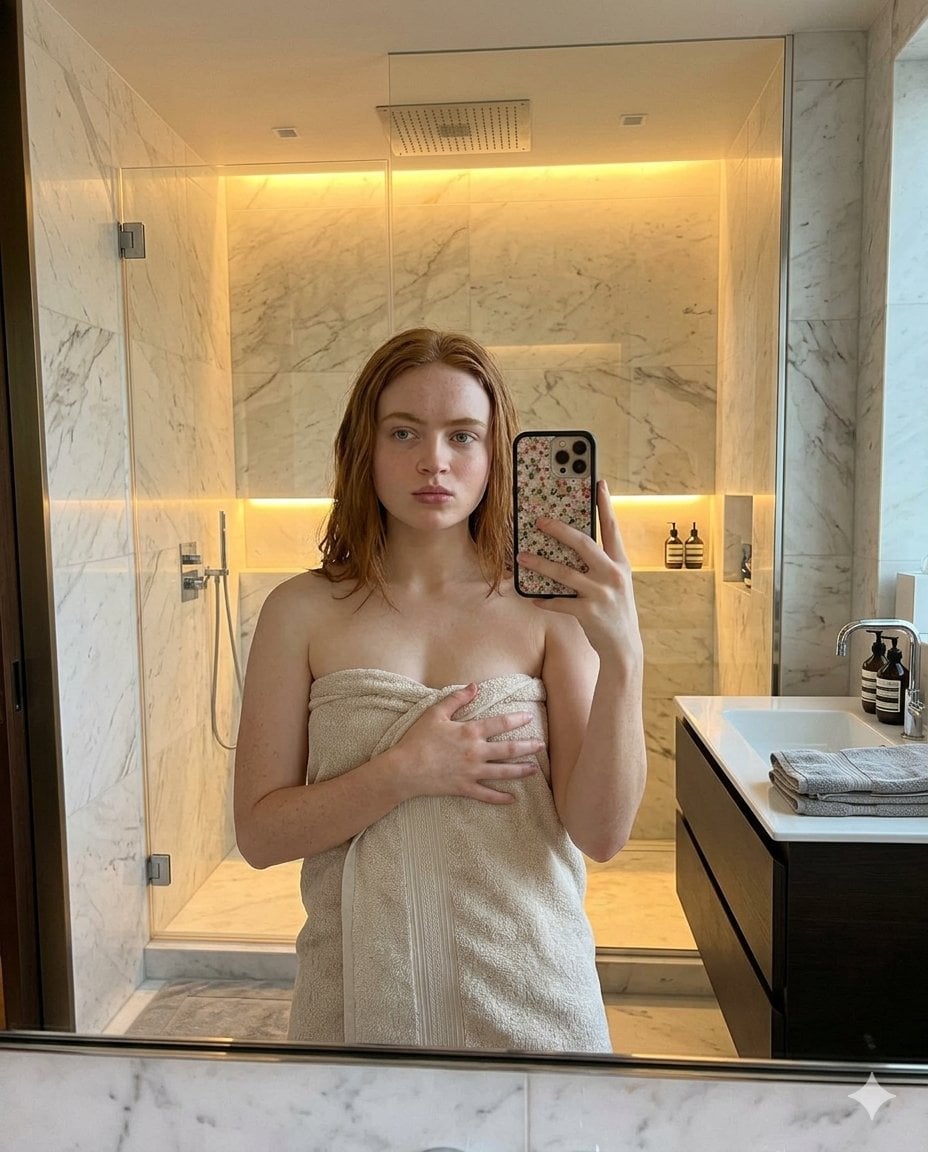
Modern Bathroom Mirror Selfie

Dark Marble Bathroom Racing Jacket Mirror Selfie
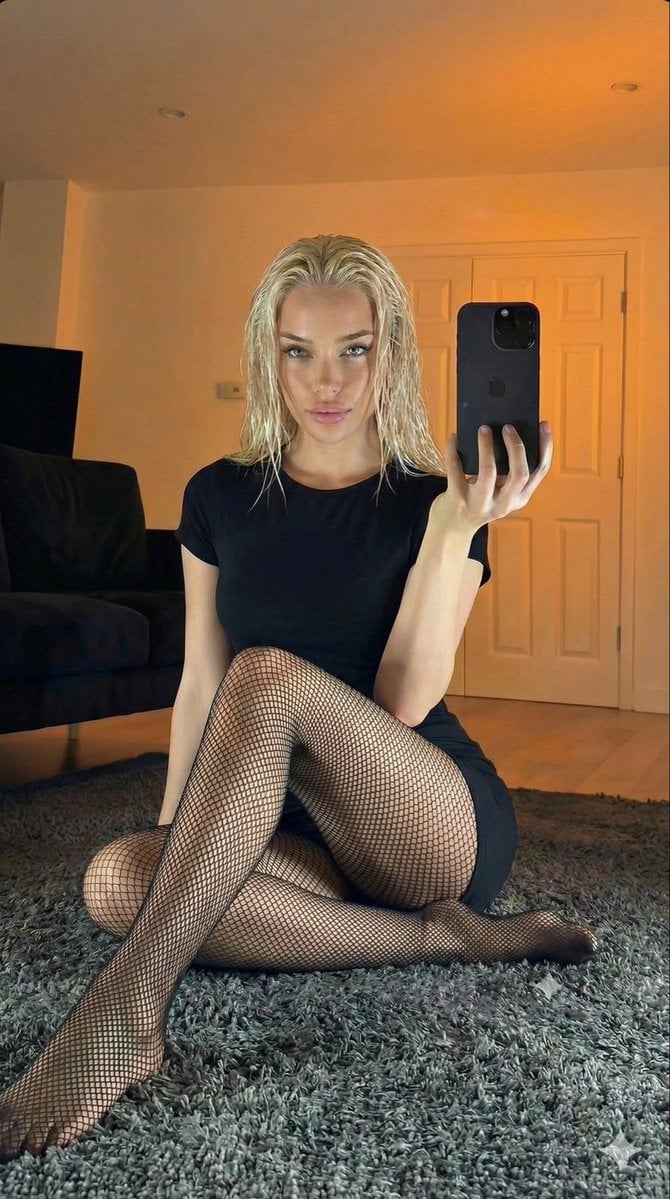
Living Room Rug Evening Mirror Selfie

Nano Banana Grwm Mirror Selfie Pink
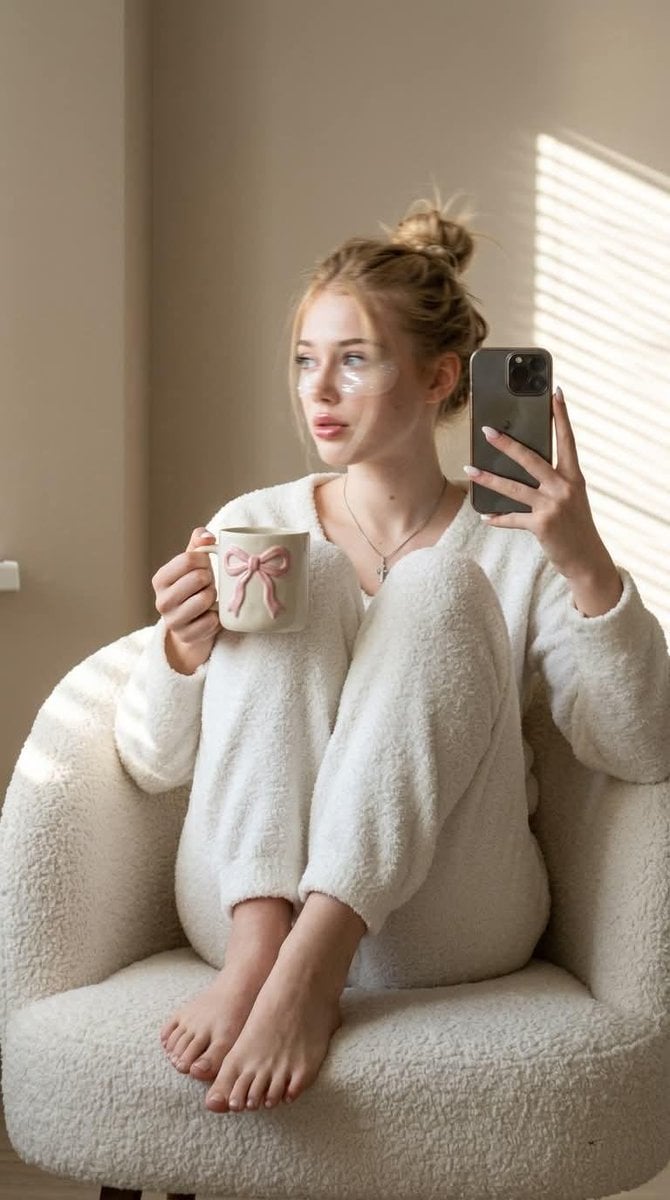
Morning Mirror Selfie Candid
Make it yours
Candid Modern Bathroom Mirror Selfie Prompt works as-is. These are the safest ways to change it without losing the look.
Change one field
Copy a single group, rewrite it, and generate again so you can see what that field is doing.
Keep the frame, change the subject
Hold the composition and light of Candid Modern Bathroom Mirror Selfie Prompt, then swap wardrobe, props or the person for a new take.
| If the result… | Why | Fix |
|---|---|---|
| The result drifts from the preview | Too many fields changed at once. | Reuse Candid Modern Bathroom Mirror Selfie Prompt as-is first, then change one group — subject, light, or setting. |
| The model over-stylizes the scene | The prose prompt leaves finish and camera underspecified. | Add one camera or lighting sentence and stay on Nano Banana 2. |
More Nano Banana 2 templates
Other prompts made for Nano Banana 2.

Photorealistic Leaf Shaped Like a Dragon

K-Pop Idol Portrait Grid for Rapid Selection

Poetic Rain Forest Portrait During Golden Hour

Urban Street Portrait with Cartoon Inner Self Duo

Candid Nighttime Photo with Cat Prompt

High-Concept 3D Diorama Generation Prompt

Cinematic Futuristic Studio Portrait Template

Skincare Editorial Photography Collage Prompt

Hyper-Realistic Commercial Product Photography (Splash Effect)

Hyper-Realistic Nightclub Portrait Prompt
More image prompts
Fresh picks from across the catalog.
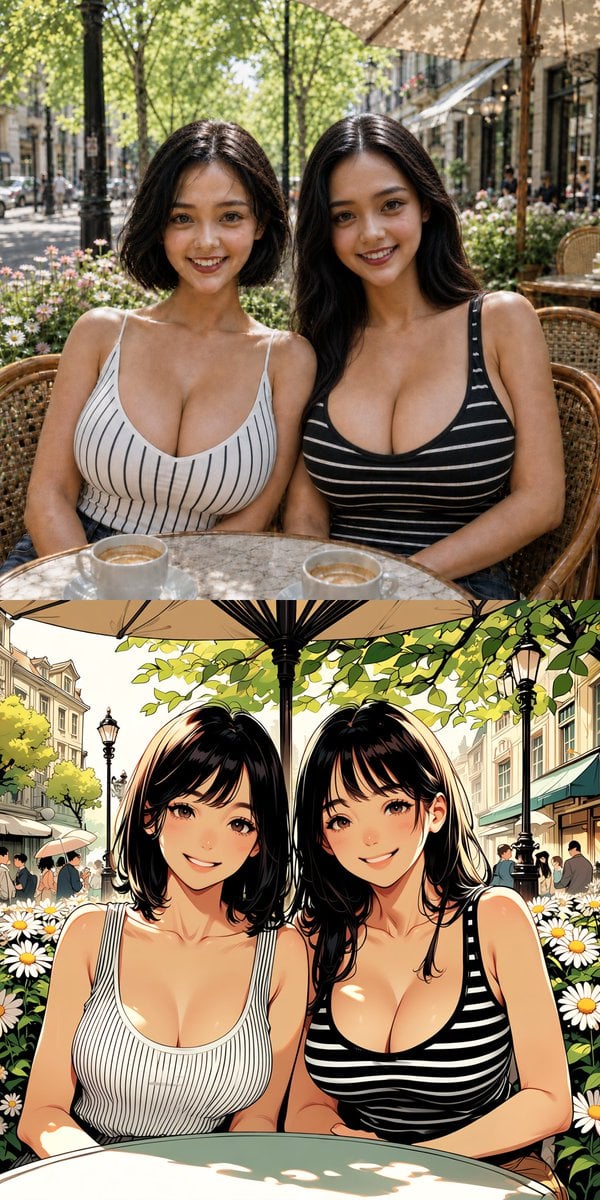
Twin Sisters Café Photo to Anime Comparison
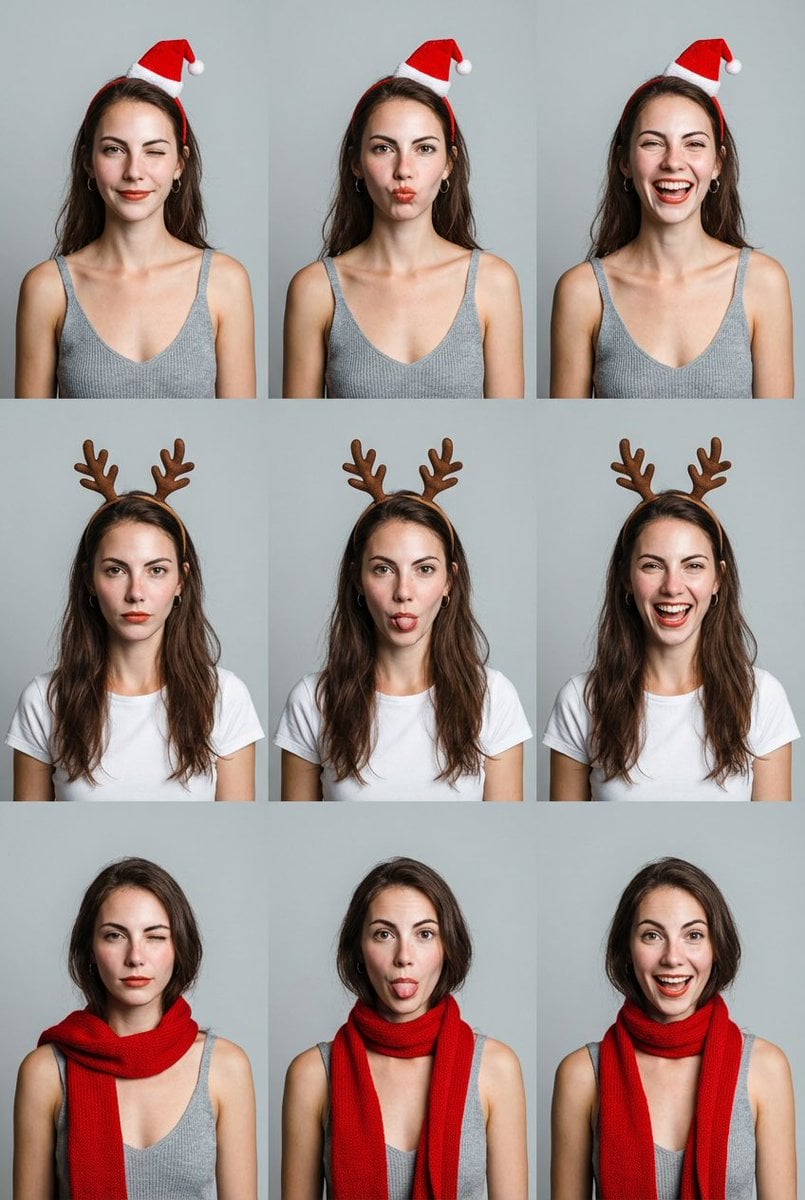
Grid Minimalist Christmas Portrait Prompt
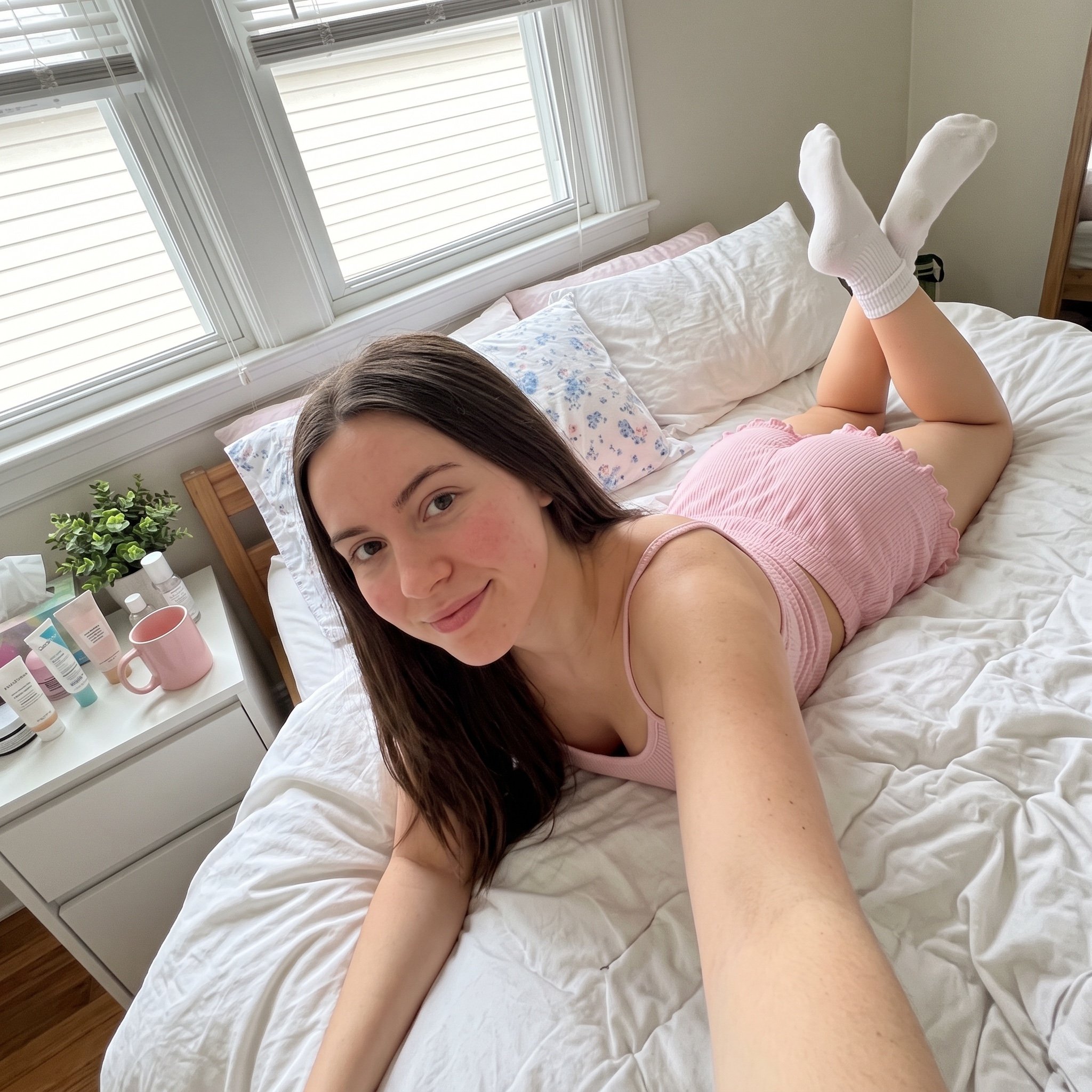
Cozy Bedroom Selfie Prompt
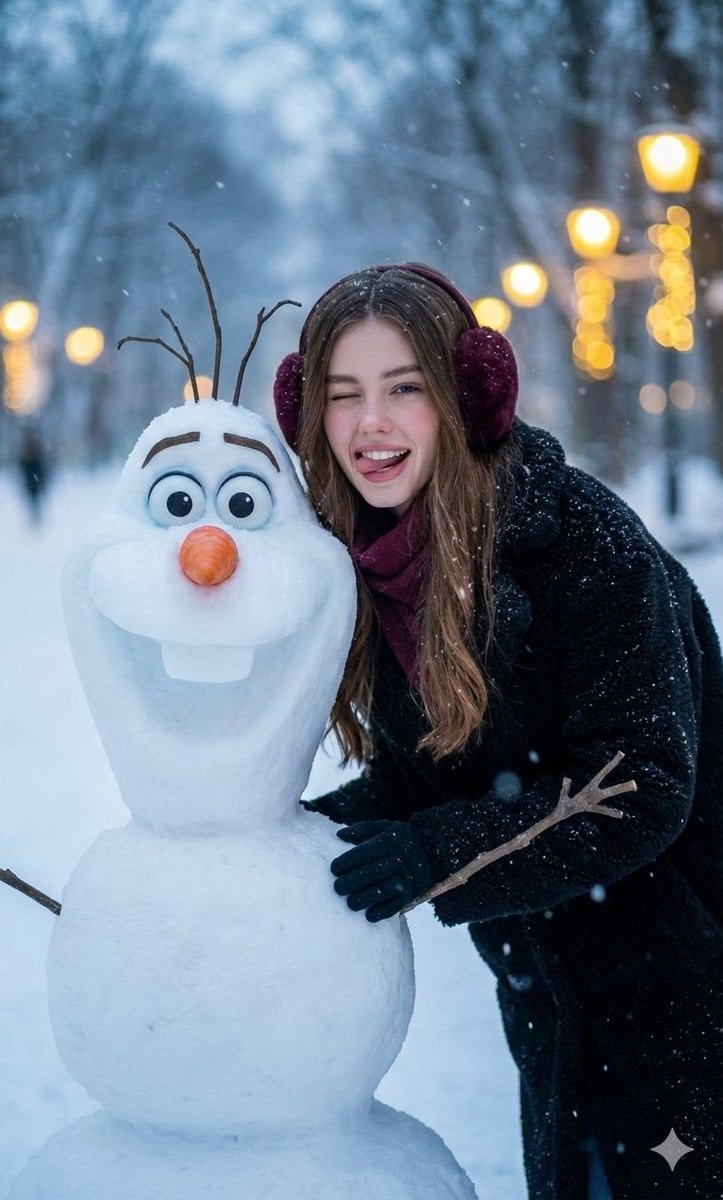
Realistic Olaf and Girl Winter Portrait
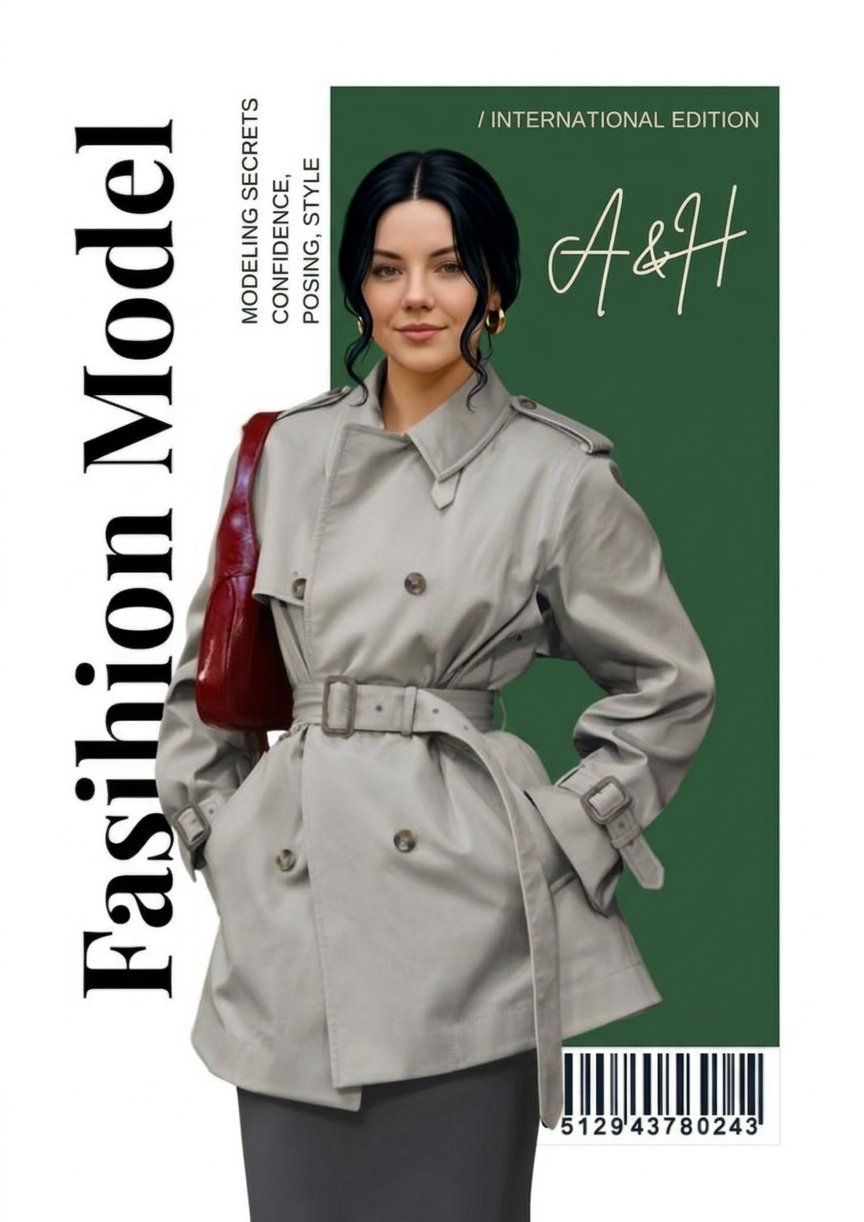
Google Gemini Nano Banana 2 Chatgpt Grok

Dreamy Man Holding Calico Cat Portrait

Cozy Night Café Portrait
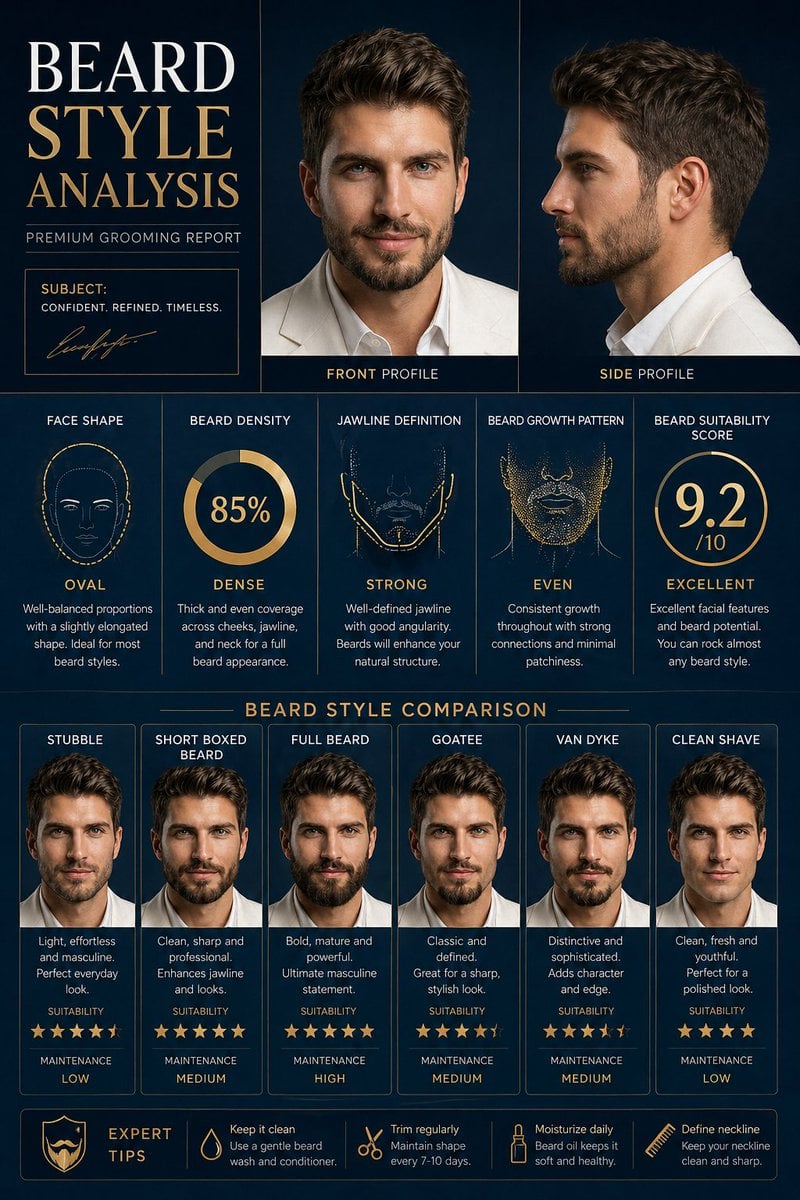
Beard Style Analysis Poster
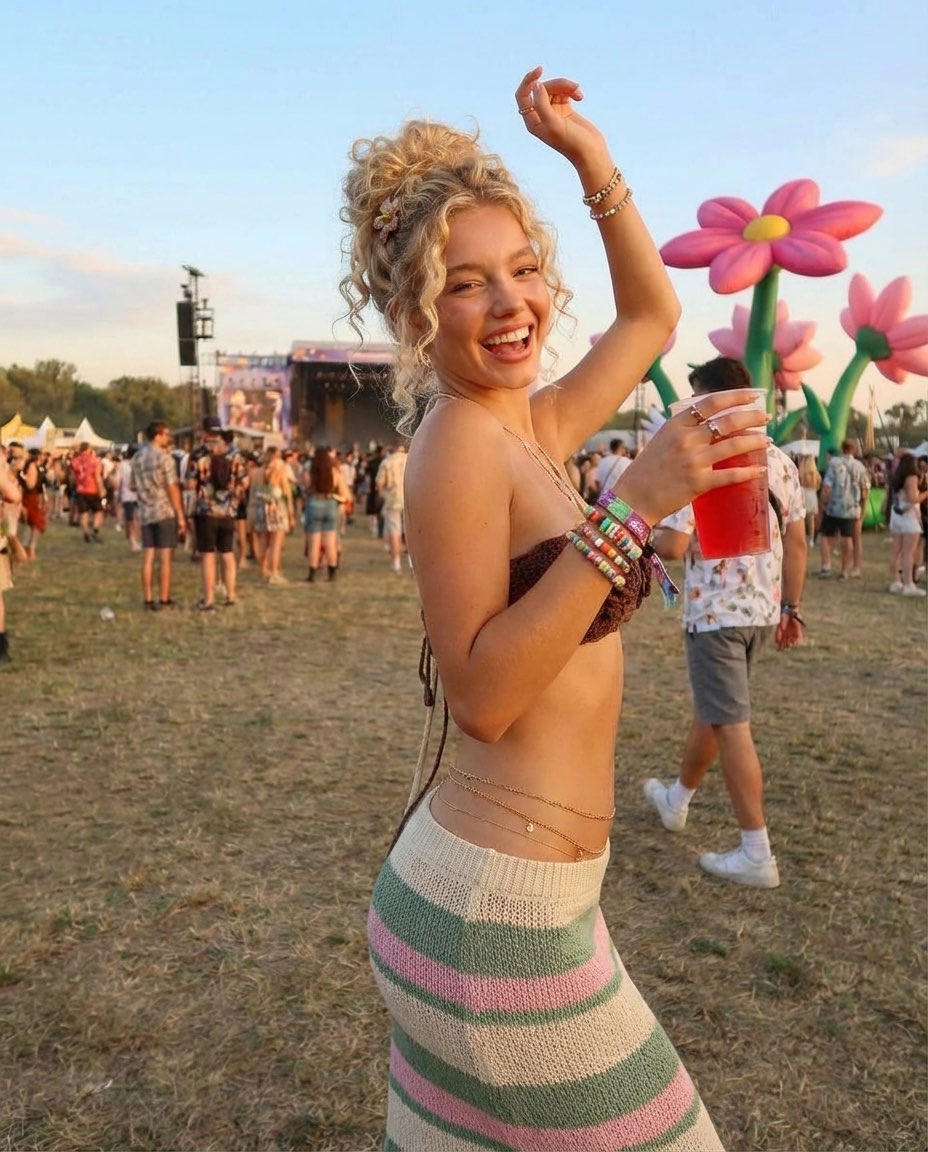
Photorealistic Festival Scene During Golden Hour
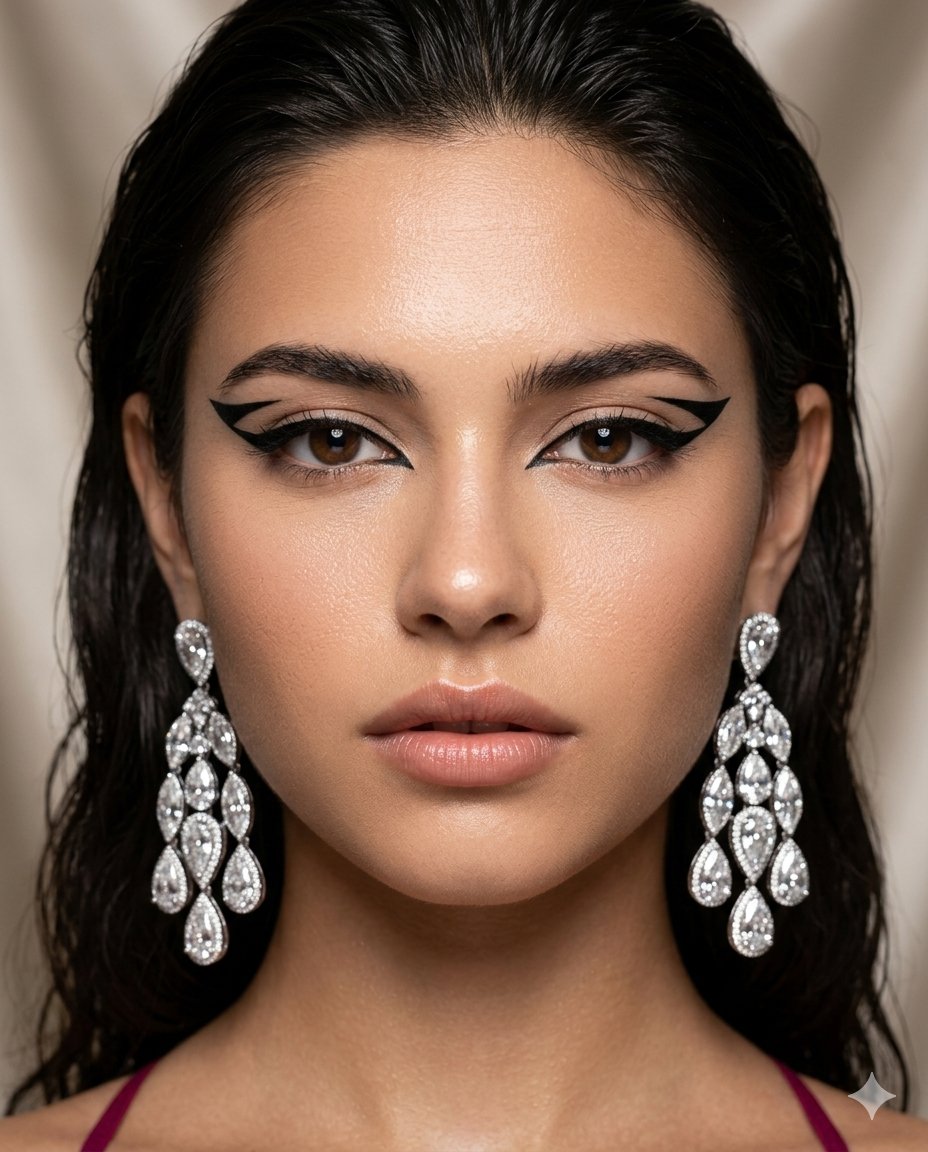
Vogue-Style Beauty Editorial Portrait
Browse template categories
Candid Modern Bathroom Mirror Selfie Prompt questions
How do I use the Candid Modern Bathroom Mirror Selfie Prompt template?
Add your photo if the template asks for one, edit the prompt if you like — the template's model and format are already selected — and press Generate. Your version opens in PicX Studio.
Can I customize the Candid Modern Bathroom Mirror Selfie Prompt template?
Yes. You can change the subject, setting, lighting, mood, format, and available model controls before creating your image.
Is the Candid Modern Bathroom Mirror Selfie Prompt template free?
Opening and editing this template is free. Generating uses credits, shown on the Generate button when you are signed in.
Which AI model should I use?
Start with Nano Banana 2, which is the model associated with this template. You can compare another compatible model for a different finish.
Looking for something else? Browse all templates.

Your photo, any look
Thousands of ready templates for every top image and video model, from one credit balance.