
Photorealistic Festival Scene During Golden Hour
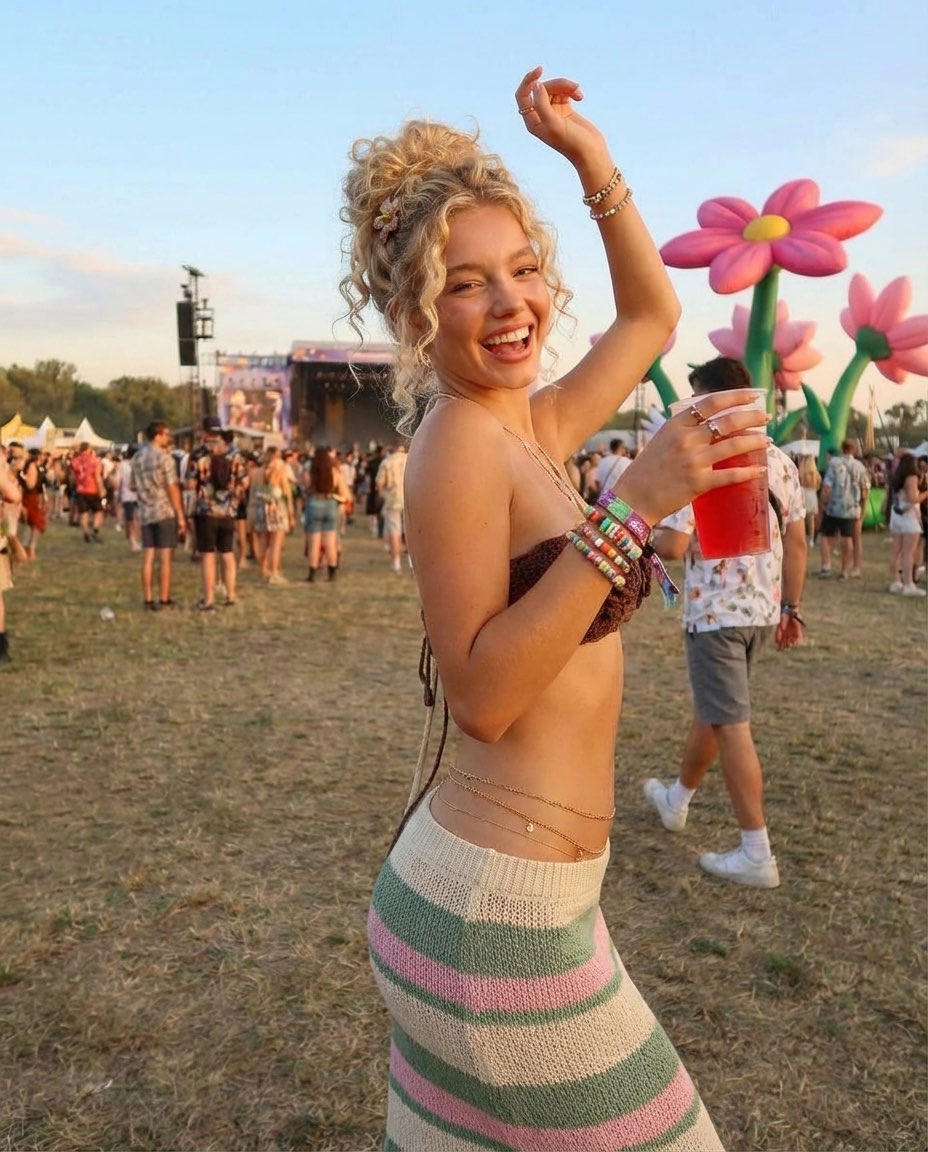
A JSON prompt for generating a photorealistic, candid image of a joyful young woman dancing at an outdoor music festival during golden hour.
- Prompt included
- Model and format preset
- Free template
The prompt behind this image
Copy the exact prompt behind Photorealistic Festival Scene During Golden Hour, or open it in the studio and make it yours.
- Prompt
- A joyful outdoor music festival scene during golden hour featuring a smiling young woman dancing on grassy grounds. She has curly blonde hair styled in a loose updo and wears a crochet bandeau top with a high-waisted striped knit skirt. Colorful festival bracelets stack her wrist, and a delicate waist chain rests on her hips. She holds a clear cup with a red drink while raising one arm playfully. Large inflatable flower decorations and a crowd of people fill the background near a concert stage. The mood is carefree, energetic, and summery, capturing a candid festival moment.
- Style
- photorealistic, lifestyle, festival photography
- Lighting
- warm golden hour sunlight, natural glow, soft shadows
- Camera
- 35mm lens, shallow depth of field, candid composition
- Quality
- 8k, ultra high resolution, highly detailed
- Color Palette
- warm skin tones, pastel florals, earthy greens, soft blues
- Atmosphere
- fun, youthful, carefree, bohemian
- Negative Prompt
- blurry, low resolution, overprocessed, CGI, artificial skin, distorted anatomy, extra limbs, bad hands
Raw JSON
{
  "prompt": "A joyful outdoor music festival scene during golden hour featuring a smiling young woman dancing on grassy grounds. She has curly blonde hair styled in a loose updo and wears a crochet bandeau top with a high-waisted striped knit skirt. Colorful festival bracelets stack her wrist, and a delicate waist chain rests on her hips. She holds a clear cup with a red drink while raising one arm playfully. Large inflatable flower decorations and a crowd of people fill the background near a concert stage. The mood is carefree, energetic, and summery, capturing a candid festival moment.",
  "style": "photorealistic, lifestyle, festival photography",
  "lighting": "warm golden hour sunlight, natural glow, soft shadows",
  "camera": "35mm lens, shallow depth of field, candid composition",
  "quality": "8k, ultra high resolution, highly detailed",
  "color_palette": "warm skin tones, pastel florals, earthy greens, soft blues",
  "atmosphere": "fun, youthful, carefree, bohemian",
  "negative_prompt": "blurry, low resolution, overprocessed, CGI, artificial skin, distorted anatomy, extra limbs, bad hands"
}How to use Photorealistic Festival Scene During Golden Hour in 3 steps
- 1
Open
The prompt is already in the box next to the preview, with the template's model and format selected.
- 2…a portrait of your subject in softgolden-hour light, 85mm…
Personalize
Edit the subject and creative details for your destination.
- 3Generate
Generate
Press Generate — your image is created in PicX Studio, so you can compare it with the original and refine one variable at a time.
More like this
Templates with the same subject, style or setup. Open one to see its prompt.

Spider-Man Rooftop Golden Hour Cinematic Photo

Poetic Rain Forest Portrait During Golden Hour

80s Golden Hour Cinema

Cozy Knit Sweater Window Portrait

Cinematic Golden Hour Garden Portrait

Cinematic Golden Hour Urban Portrait
Luxury Men's Golden Hour Collage

Rooftop Fisheye — Cat-Ear Balaclava at Golden Hour

Gen Z Triple Selfie Collage — Y2K Flash Photography

Mountain Lake Sunset Landscape

Golden Hour Redhead Portrait
Golden Hour Streetwear Facebook Ad
Make it yours
Photorealistic Festival Scene During Golden Hour works as-is. These are the safest ways to change it without losing the look.
Swap the light
One lighting change is enough to compare takes. Current light: “warm golden hour sunlight, natural glow, soft shadows”.
Change one field
Copy a single group, rewrite it, and generate again so you can see what that field is doing.
Keep the frame, change the subject
Hold the composition and light of Photorealistic Festival Scene During Golden Hour, then swap wardrobe, props or the person for a new take.
| If the result… | Why | Fix |
|---|---|---|
| The result drifts from the preview | Too many fields changed at once. | Reuse Photorealistic Festival Scene During Golden Hour as-is first, then change one group — subject, light, or setting. |
| Nano Banana 2 ignores part of the JSON | Some models flatten or skip nested keys. | Keep the same values and paste them as a short paragraph instead. |
More Nano Banana 2 templates
Other prompts made for Nano Banana 2.

Photorealistic Leaf Shaped Like a Dragon

K-Pop Idol Portrait Grid for Rapid Selection

Urban Street Portrait with Cartoon Inner Self Duo

Candid Nighttime Photo with Cat Prompt

High-Concept 3D Diorama Generation Prompt

Cinematic Futuristic Studio Portrait Template

Skincare Editorial Photography Collage Prompt

Hyper-Realistic Commercial Product Photography (Splash Effect)

Hyper-Realistic Nightclub Portrait Prompt

Cinematic Urban Rain Scene Prompt (Neo-Noir)
More image prompts
Fresh picks from across the catalog.
Gothic Lolita Portrait at Convenience Store
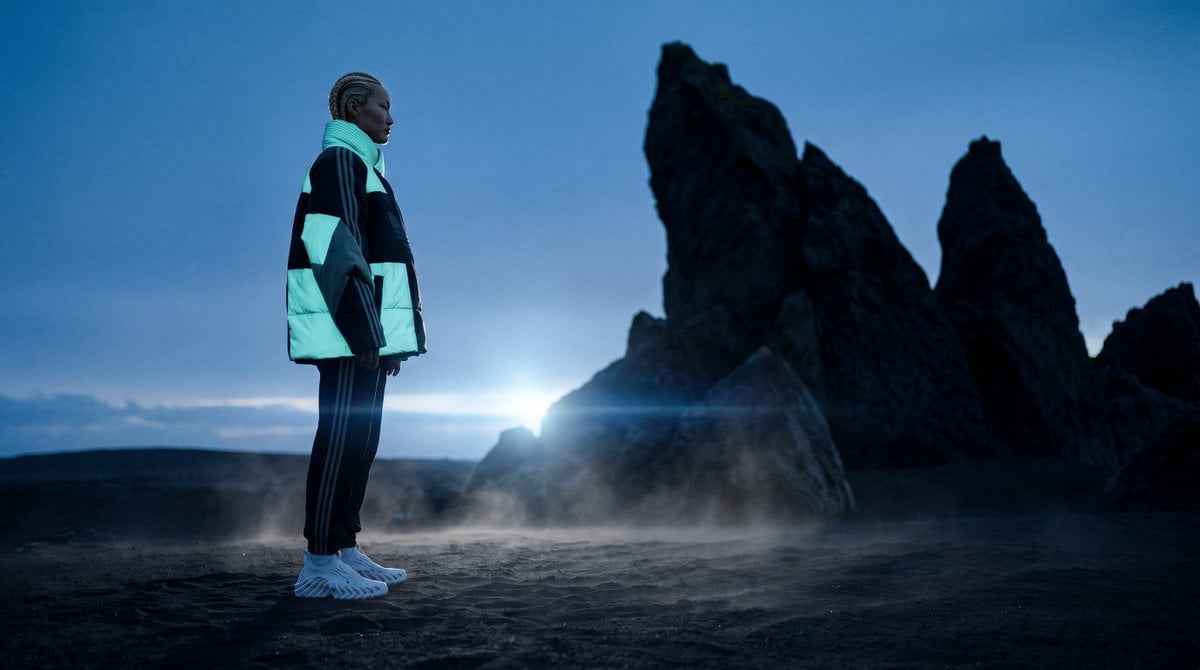
Blue Hour Volcanic Fashion Editorial
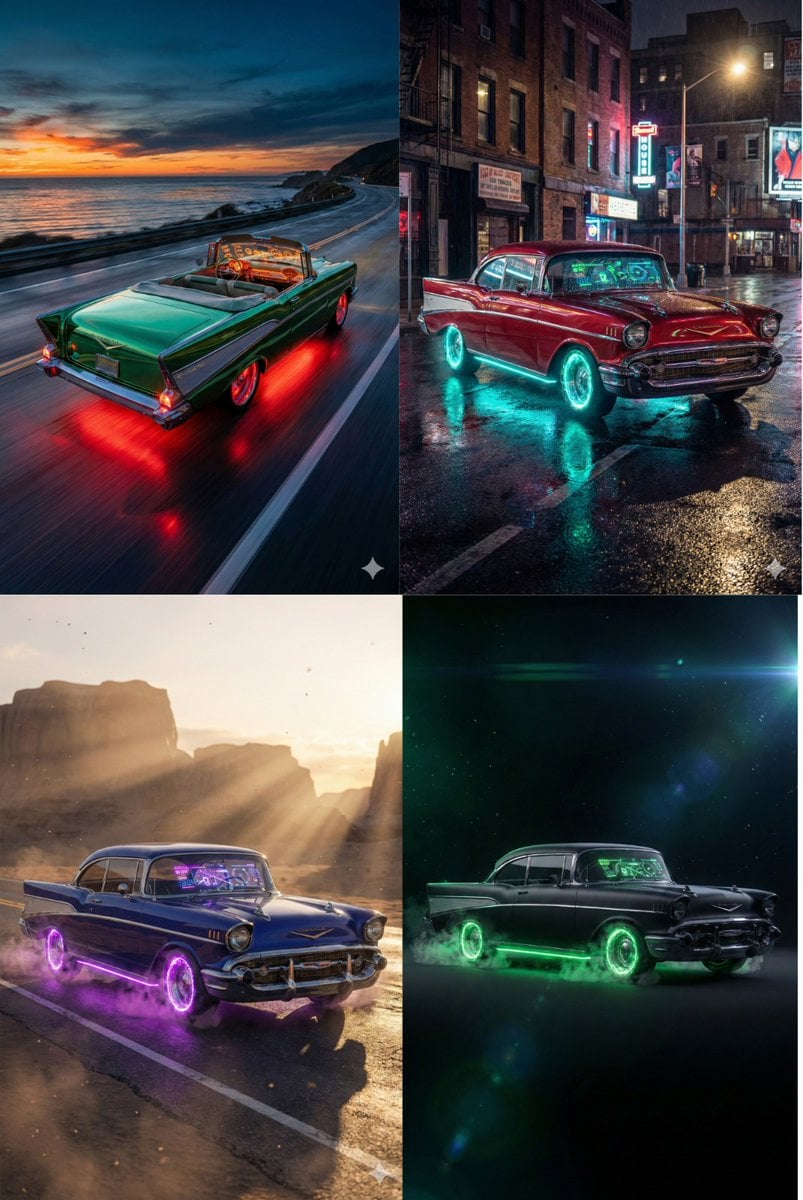
Retro-Futuristic Muscle Car Prompt
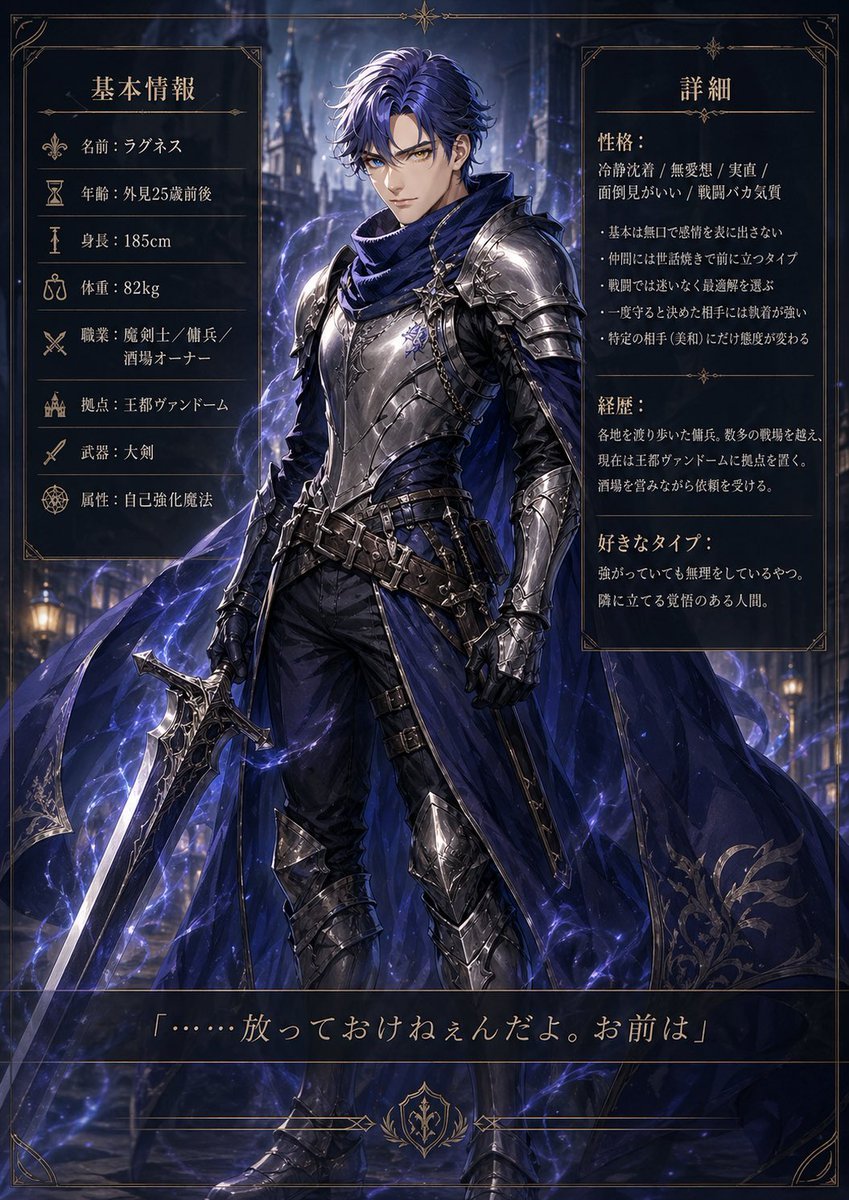
Dark Fantasy Knight Character Sheet
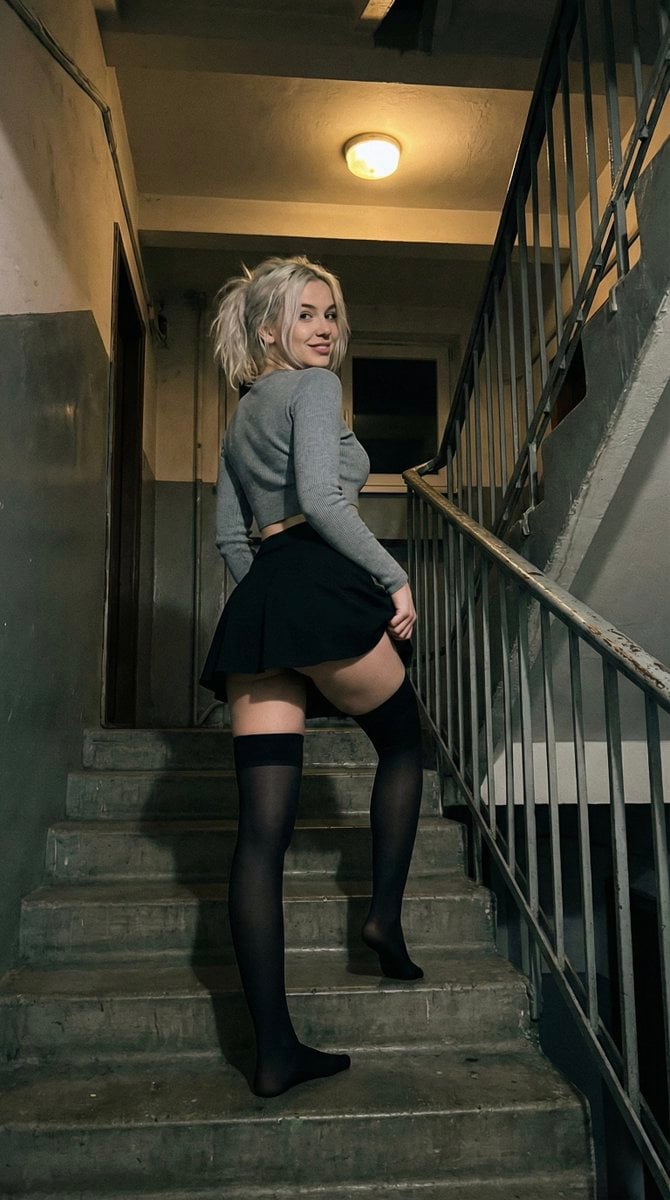
Suggestive Stairwell Candid Photo
Photorealistic Gym Mirror Selfie (Mixed Heritage)
Neon Coca-Cola Street Portrait
3D Render of Boy and Furry Monster on Scooter
Kodak Portra Film Style Mirror Selfie
Gpt2 Profile Avatar Cyber Crystal Anime Girl Portrait
Browse template categories
Photorealistic Festival Scene During Golden Hour questions
How do I use the Photorealistic Festival Scene During Golden Hour template?
Add your photo if the template asks for one, edit the prompt if you like — the template's model and format are already selected — and press Generate. Your version opens in PicX Studio.
Can I customize the Photorealistic Festival Scene During Golden Hour template?
Yes. You can change the subject, setting, lighting, mood, format, and available model controls before creating your image.
Is the Photorealistic Festival Scene During Golden Hour template free?
Opening and editing this template is free. Generating uses credits, shown on the Generate button when you are signed in.
Which AI model should I use?
Start with Nano Banana 2, which is the model associated with this template. You can compare another compatible model for a different finish.
Looking for something else? Browse all templates.

Your photo, any look
Thousands of ready templates for every top image and video model, from one credit balance.