
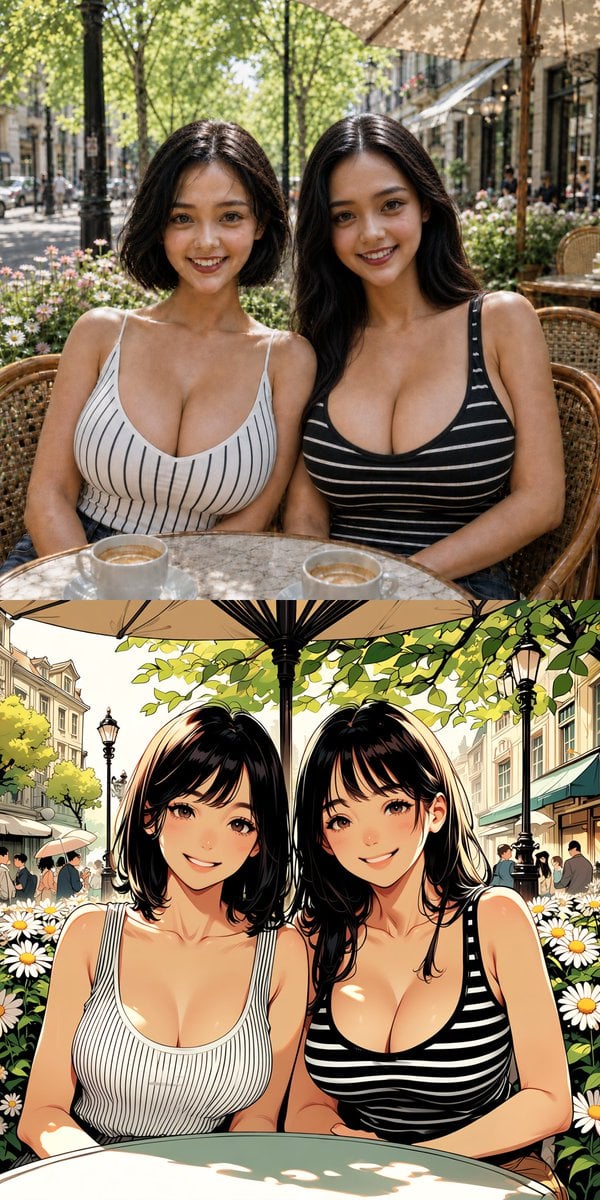
Twin Sisters Café Photo to Anime Comparison
Creates a vertical split-screen image comparing a realistic café portrait of twin sisters with a matching anime-style version below.
- Prompt included
- Model and format preset
- Free template
The prompt behind this image
Copy the exact prompt behind Twin Sisters Café Photo to Anime Comparison, or open it in the studio and make it yours.
Goal: Create a vertical two-panel comparison image showing the same pair of beautiful twin sisters, {argument name="character names" default="Linlin and Lanlan"}, seated together at an outdoor European-style café, with the upper half rendered as a realistic photograph and the lower half rendered as a polished anime illustration based on the same composition. Canvas: Tall vertical image, approximately 9:16 aspect ratio. Split the canvas horizontally into exactly 2 equal stacked panels with no large gap: top panel photorealistic, bottom panel anime style. Layout and subjects: Show exactly 2 adult twin sisters seated shoulder-to-shoulder at a round café table, centered in both panels. They are framed from the waist or bust upward. Both have slim-to-curvy figures, warm light skin, dark brown to black hair, and relaxed café poses. The left sister has a chin-length bob haircut and wears a {argument name="left sister outfit" default="white sleeveless scoop-neck tank top with thin vertical black pinstripes"}. The right sister has long wavy dark hair and wears a {argument name="right sister outfit" default="black sleeveless scoop-neck tank top with thin horizontal white stripes"}. Their shoulders touch, and they sit in woven rattan café chairs. Top panel: Photorealistic lifestyle photograph in bright midday sunlight. The sisters sit at a marble-topped round table; include exactly 2 visible coffee cups or small glasses near the bottom foreground. Background is a leafy boulevard café with trees, large patio umbrella overhead, wicker chairs, flower planters with white daisies, pedestrians, storefronts, and soft urban depth of field. Natural skin highlights, realistic fabric texture, realistic hair shine, documentary travel-photography feel. Bottom panel: High-quality anime illustration of the same scene and pose, more saturated and clean-lined. Keep exactly 2 sisters, matching hair lengths and outfits from the top panel. Use glossy anime shading, warm sunlight, crisp line art, bright daisies in the foreground and sides, leafy branches overhead, lampposts, European street buildings, pedestrians, café awnings, and an umbrella pole centered above or between the sisters. The bottom foreground should show the curved edge of a café table. Face treatment: In both panels, obscure the faces with simple soft-edged rectangular censor blocks, exactly 4 total face-obscuring rectangles: 2 in the photorealistic top panel and 2 in the anime bottom panel. The rectangles should be medium brown gradients matching skin tones and cover the facial features while leaving hair, shoulders, outfits, and pose visible. Visual style: Top half realistic DSLR photo, bottom half modern detailed anime/comic rendering. Keep the composition aligned so the anime panel clearly echoes the photographic panel. Bright outdoor café atmosphere, lush greenery, white flowers, warm summer mood, attractive twin-sister character design. Constraints: No text, no watermark, no logos. Do not add extra people in the foreground besides the 2 sisters. Preserve the exact two-panel structure and the exact count of 2 main women, 2 cups in the top panel, and 4 face-obscuring rectangles.
How to use Twin Sisters Café Photo to Anime Comparison in 3 steps
- 1Upload ImagePNG, JPG or paste
Add your photo
Upload the photo the template builds on. The prompt, model and format are already set.
- 2…a portrait of your subject in softgolden-hour light, 85mm…
Personalize
Edit the subject and creative details for your destination.
- 3Generate
Generate
Press Generate — your image is created in PicX Studio, so you can compare it with the original and refine one variable at a time.
More like this
Templates with the same subject, style or setup. Open one to see its prompt.











Make it yours
Twin Sisters Café Photo to Anime Comparison works as-is. These are the safest ways to change it without losing the look.
Change one field
Copy a single group, rewrite it, and generate again so you can see what that field is doing.
Keep the frame, change the subject
Hold the composition and light of Twin Sisters Café Photo to Anime Comparison, then swap wardrobe, props or the person for a new take.
| If the result… | Why | Fix |
|---|---|---|
| The result drifts from the preview | Too many fields changed at once. | Reuse Twin Sisters Café Photo to Anime Comparison as-is first, then change one group — subject, light, or setting. |
| The model over-stylizes the scene | The prose prompt leaves finish and camera underspecified. | Add one camera or lighting sentence and stay on GPT Image 2. |
More GPT Image 2 templates
Other prompts made for GPT Image 2.

Six VTuber Japanese Logo Sheet

Realistic Portrait of Woman and Deer

The Vista Modular Condo Poster

AI Model Routing Comparison Infographic

2.5D Anime Art Board

Isometric Productivity Desk Scene

New York Double Exposure Poster

Four-Panel AI Landscape Comparison

Japanese Tatami Lifestyle Magazine Cover

NESCAFÉ Coffee Map Poster
More image prompts
Fresh picks from across the catalog.

Thumbnail design prompt for articles or content
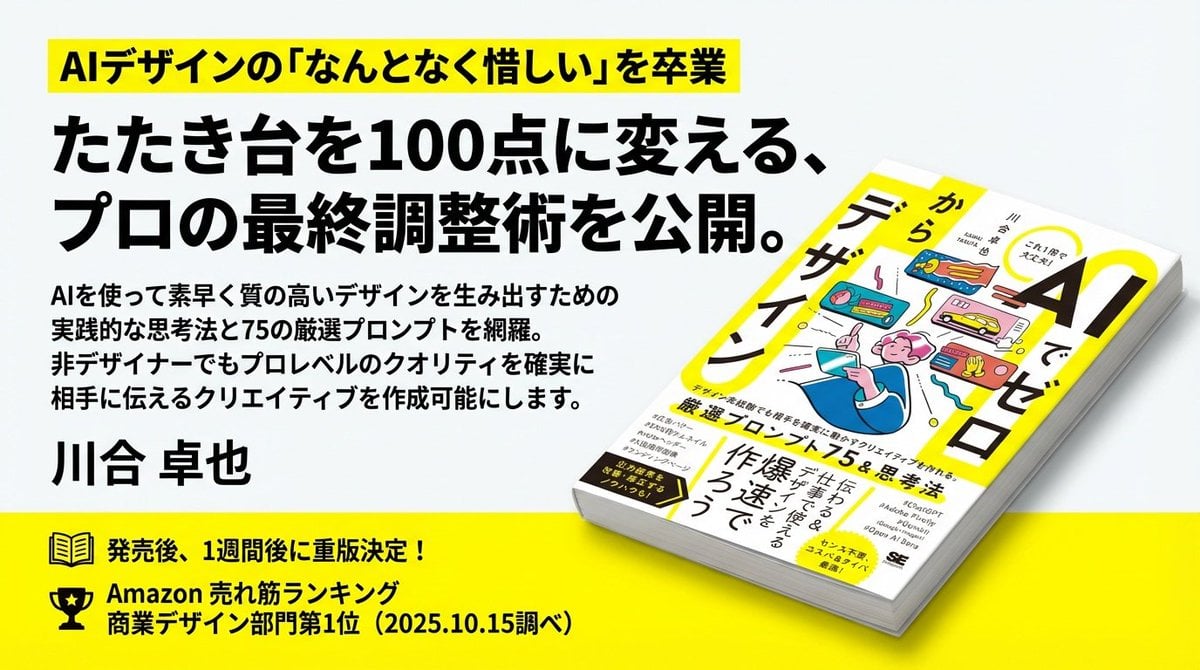
Train-ad style book advertisement image
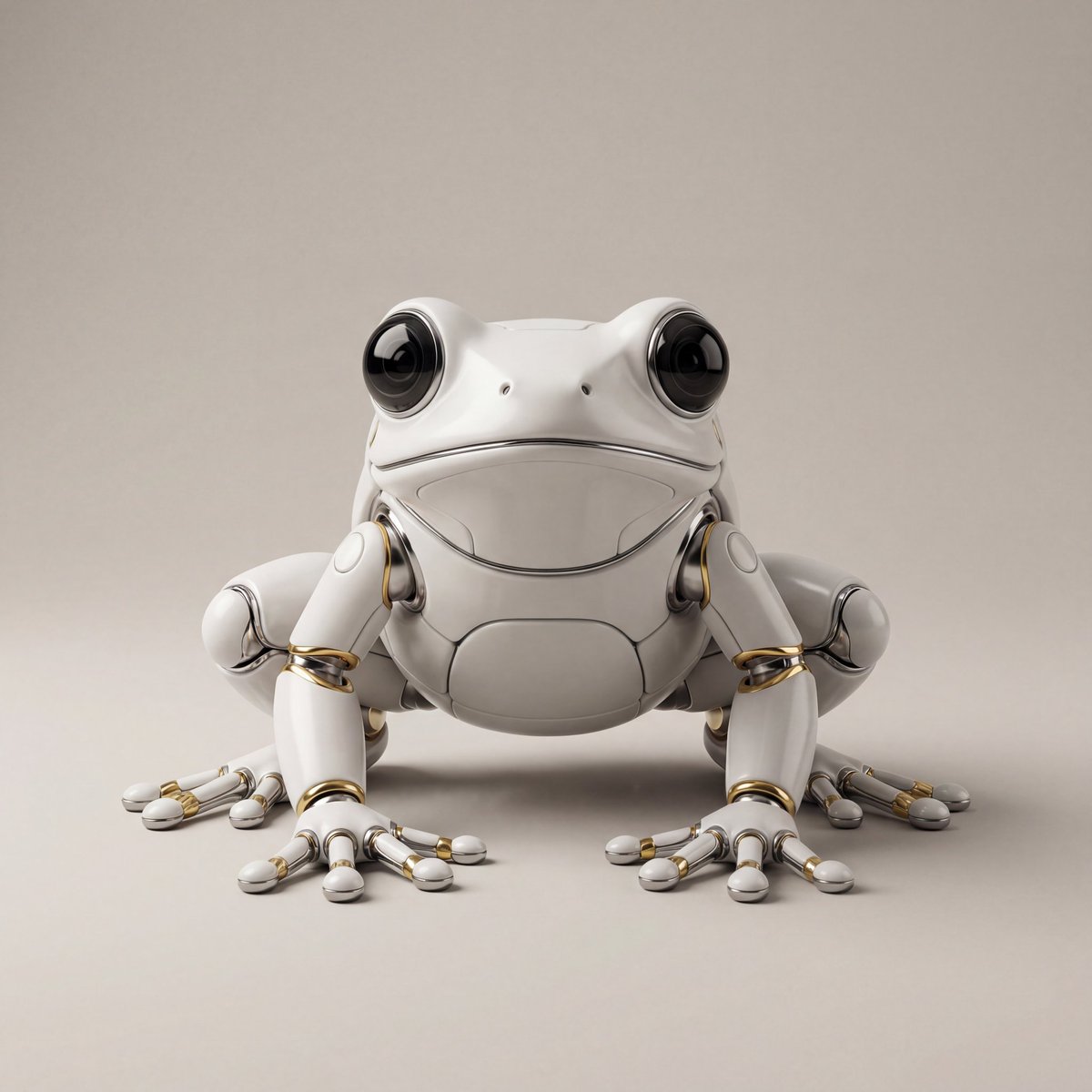
Hyper-Realistic Robotic Frog Design
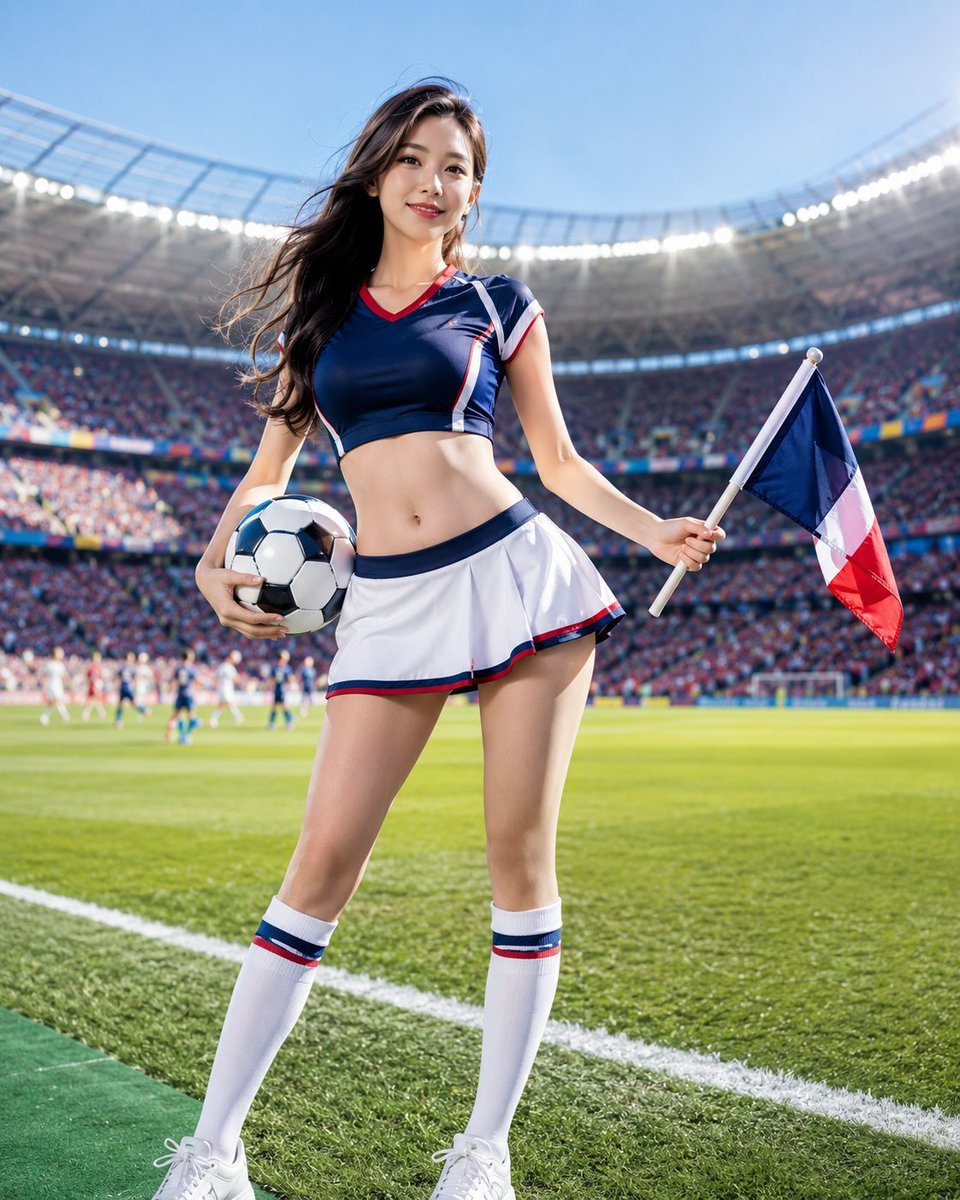
World Cup Cheerleader Action Shot
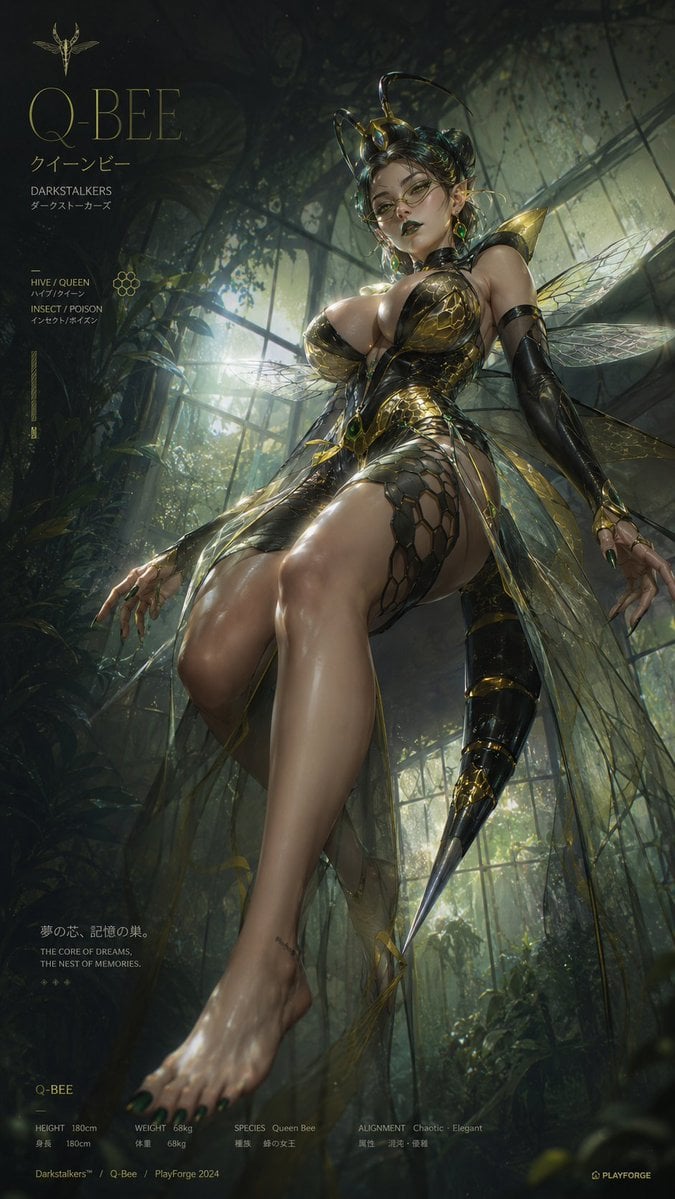
2.5D Thick Paint Style Poster
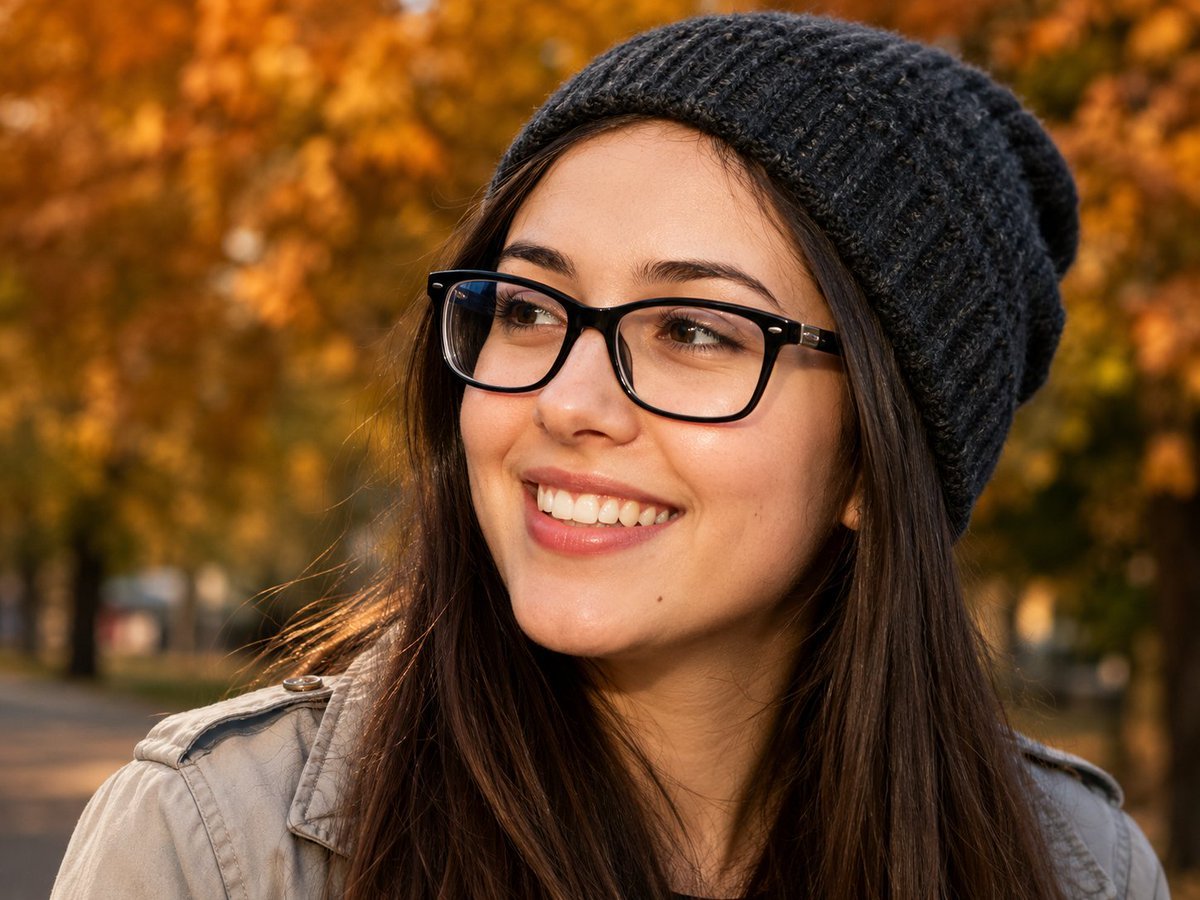
Centered Autumn Portrait Recreation
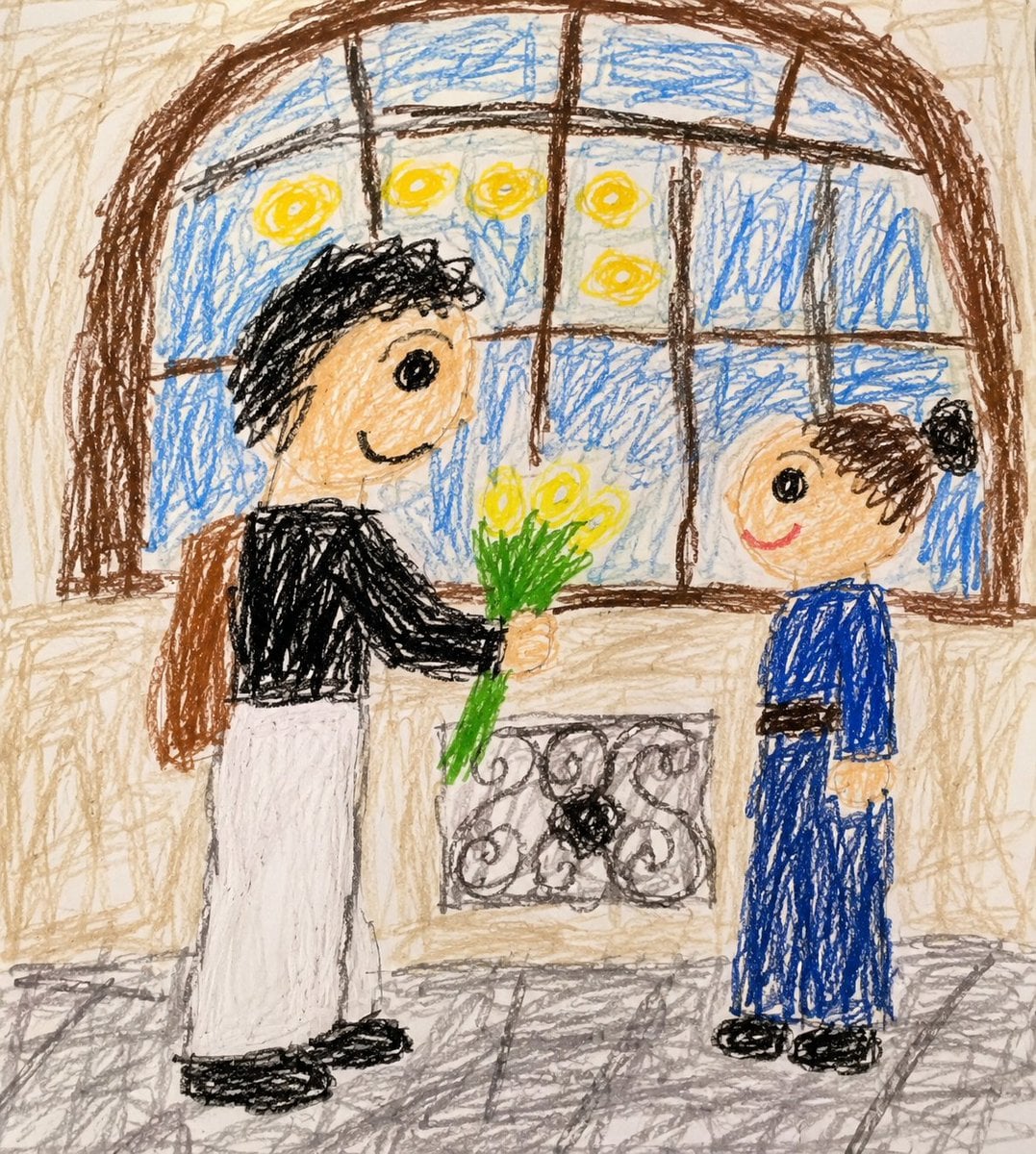
Toddler Crayon Drawing Transformation
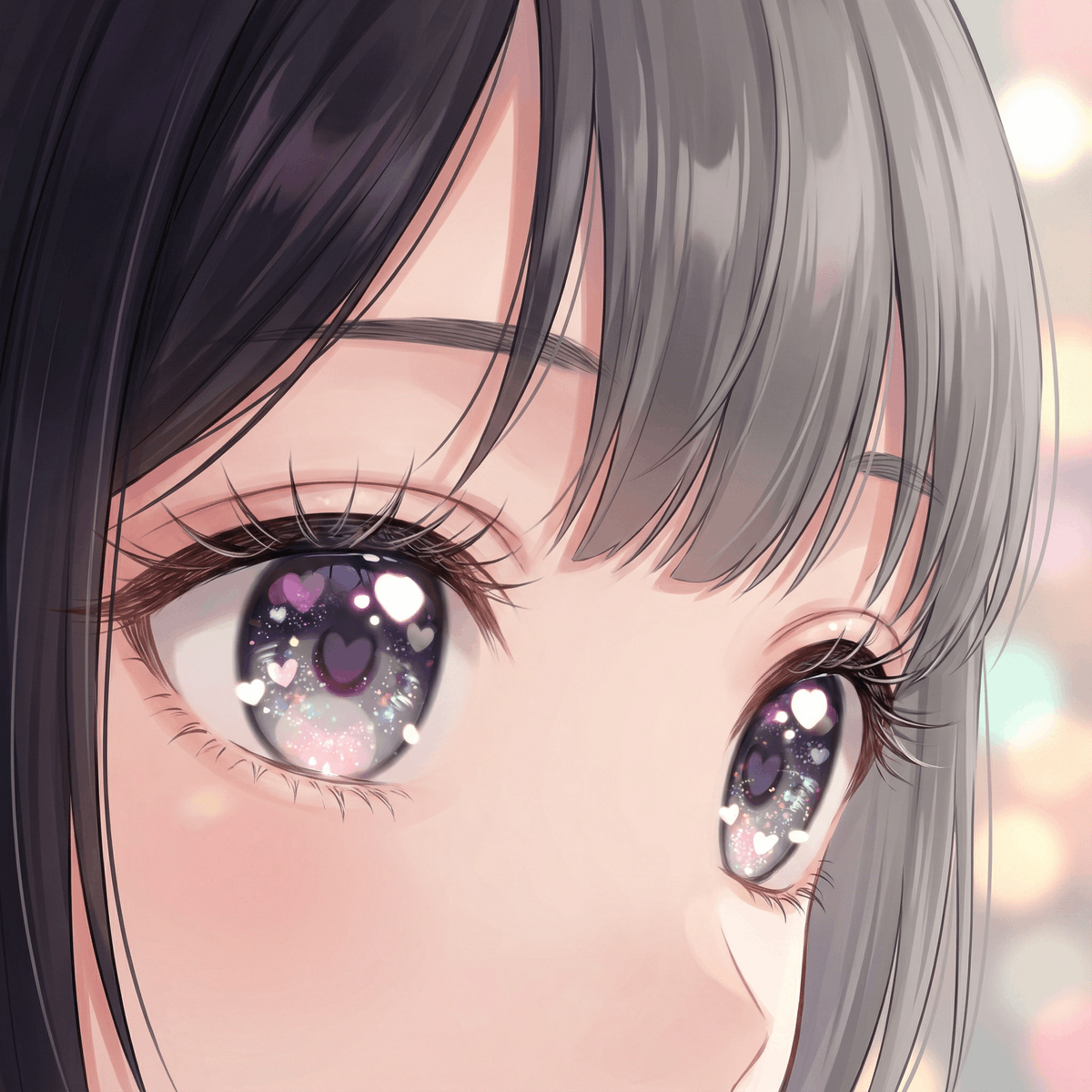
Modern Moe Anime Illustration of a Teenage Girl's Eyes
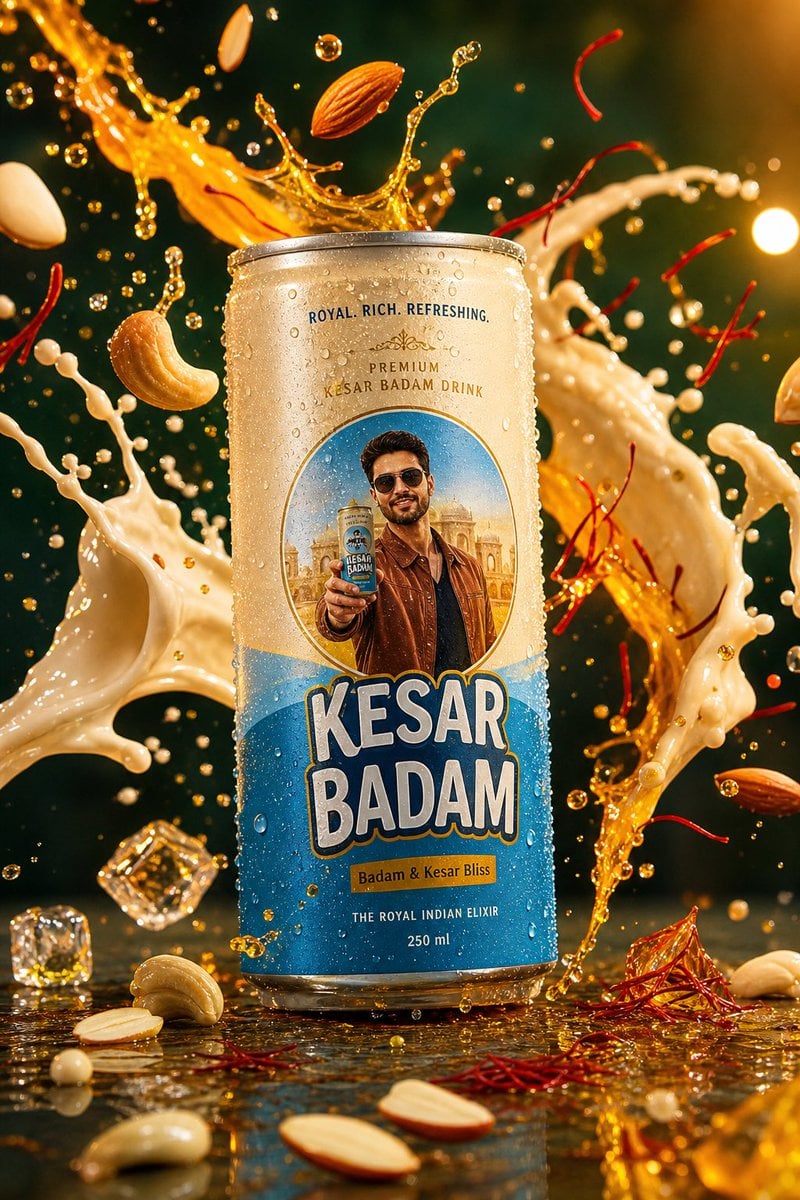
Kesar Badam Beverage Photography
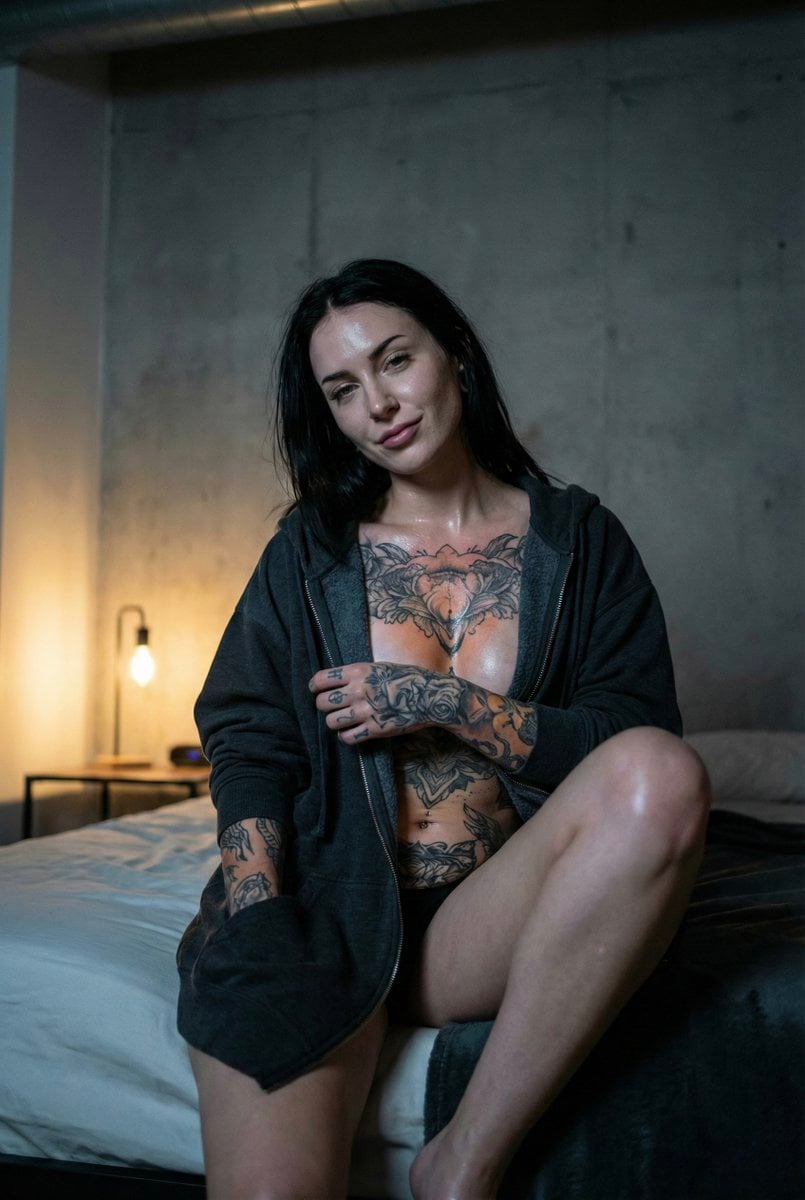
Low Light iPhone Realism Hoodie Portrait Prompt for Nano Banana 2
Browse template categories
Twin Sisters Café Photo to Anime Comparison questions
How do I use the Twin Sisters Café Photo to Anime Comparison template?
Add your photo if the template asks for one, edit the prompt if you like — the template's model and format are already selected — and press Generate. Your version opens in PicX Studio.
Can I customize the Twin Sisters Café Photo to Anime Comparison template?
Yes. You can change the subject, setting, lighting, mood, format, and available model controls before creating your image.
Is the Twin Sisters Café Photo to Anime Comparison template free?
Opening and editing this template is free. Generating uses credits, shown on the Generate button when you are signed in.
Which AI model should I use?
Start with GPT Image 2, which is the model associated with this template. You can compare another compatible model for a different finish.
Looking for something else? Browse all templates.

Your photo, any look
Thousands of ready templates for every top image and video model, from one credit balance.