
Anime Cafe Two-Panel Comparison
Generates a two-panel anime cafe process comparison with a rough sketch section above and a finished schoolgirl dessert scene below.
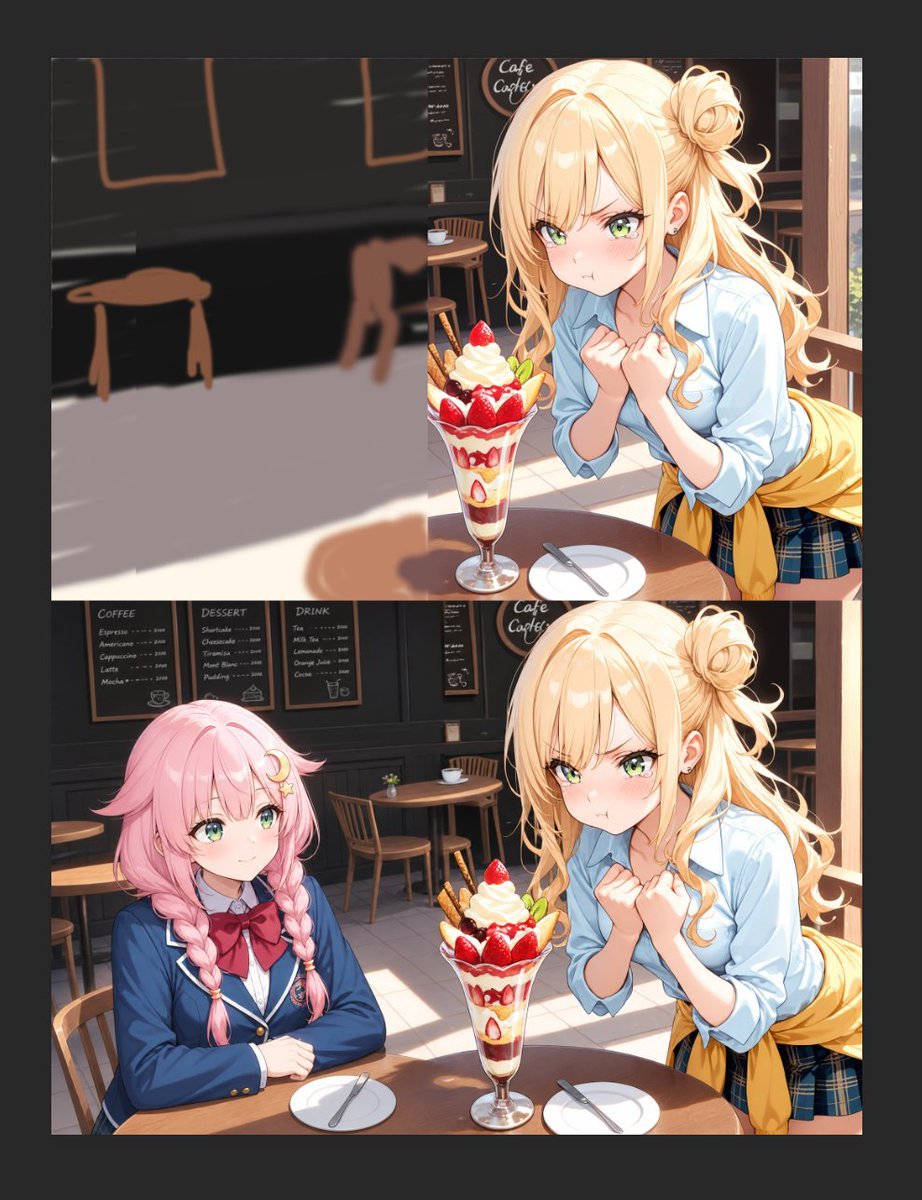
- Prompt included
- Model and format preset
- Free template
The prompt behind this image
Copy the exact prompt behind Anime Cafe Two-Panel Comparison, or open it in the studio and make it yours.
Goal: Create a vertical comparison image showing an anime cafe illustration process, with two wide panels stacked on a dark charcoal background. The upper panel is a before/partial generation view: the left half remains a rough block-in sketch while the right half is a polished anime-style cafe scene. The lower panel is the completed polished illustration. Canvas: Portrait 4:5 image with a thick dark charcoal margin around the artwork. Inside, place exactly 2 horizontal rectangular panels, one above the other, aligned vertically with a thin gap between them. Layout: Upper panel: split visually down the middle. The left side should look unfinished, like a rough paint-over or masked area: dark black cafe wall, loose brown sketch lines for wall frames, two rough brown chair/table shapes, flat gray floor, and a broad pale sunlight patch. The right side should be fully rendered: a blonde anime girl leaning toward a tall strawberry parfait at a round cafe table. Lower panel: the same cafe setting fully rendered, now including exactly 2 anime girls seated across the table with the dessert centered between them. Subject details: Main character is {argument name="main character" default="a cheerful blonde anime schoolgirl"}, shown on the right side in both panels. She has long flowing blonde hair, one messy side bun, loose curled strands, a light blue oversized button-up shirt, a yellow cardigan tied around her waist, and a dark plaid skirt. Her hands are clenched excitedly near her chest as she leans toward the dessert. Her face is intentionally obscured by a plain beige square censor block in both panels; do not draw facial features inside the square. Secondary character appears only in the lower panel: {argument name="second character" default="a pink-haired anime schoolgirl with green eyes"}, seated on the left, wearing a navy school blazer with white trim, a white shirt, and a large red bow. She has twin braids, soft pink hair, a small crescent moon hair clip, and a calm shy expression. Counted visible elements: exactly 2 stacked panels; exactly 2 finished anime girls in the lower panel; exactly 1 finished anime girl in the upper panel; exactly 2 beige square face blocks, one per panel on the blonde girl; exactly 2 tall strawberry parfait glasses, one in each panel; exactly 4 small white plates total, with 1 in the upper panel and 3 in the lower panel; exactly 3 visible pieces of cutlery total, one near the upper plate and two on lower plates; exactly 3 black menu boards on the lower panel wall labeled Coffee, Dessert, and Drink; exactly 1 round chalkboard sign reading “Cafe Coffee” behind the blonde girl. Cafe environment: Warm sunlit cafe interior with dark charcoal walls, wooden chairs, small round wooden tables, large window light entering from the right, soft diagonal sunbeams across the floor and tabletop, and chalkboard menu boards in the background. The dessert is {argument name="dessert" default="a tall strawberry parfait with whipped cream, strawberries, wafers, kiwi slices, red syrup layers, and vanilla cream"}, placed in a clear glass in the center foreground. Visual style: Polished modern Japanese anime illustration, clean linework, glossy eyes for the pink-haired girl, soft painterly shading, warm daylight, high detail on hair and dessert, cozy cafe atmosphere. The top-left rough area should deliberately contrast with the finished art: blurry, flat, sketchy, dark, and incomplete. Text content: Use small readable English chalkboard text where visible: “Coffee”, “Dessert”, “Drink”, and “Cafe Coffee”. Other menu items may be tiny decorative scribbles. Constraints: Keep the two-panel comparison composition. Do not add extra characters, extra desserts, captions, logos, watermarks, or comic speech bubbles. Preserve the beige facial censor blocks on the blonde character.
How to use Anime Cafe Two-Panel Comparison in 3 steps
- 1Upload ImagePNG, JPG or paste
Add your photo
Upload the photo the template builds on. The prompt, model and format are already set.
- 2…a portrait of your subject in softgolden-hour light, 85mm…
Personalize
Edit the subject and creative details for your destination.
- 3Generate
Generate
Press Generate — your image is created in PicX Studio, so you can compare it with the original and refine one variable at a time.
More like this
Templates with the same subject, style or setup. Open one to see its prompt.
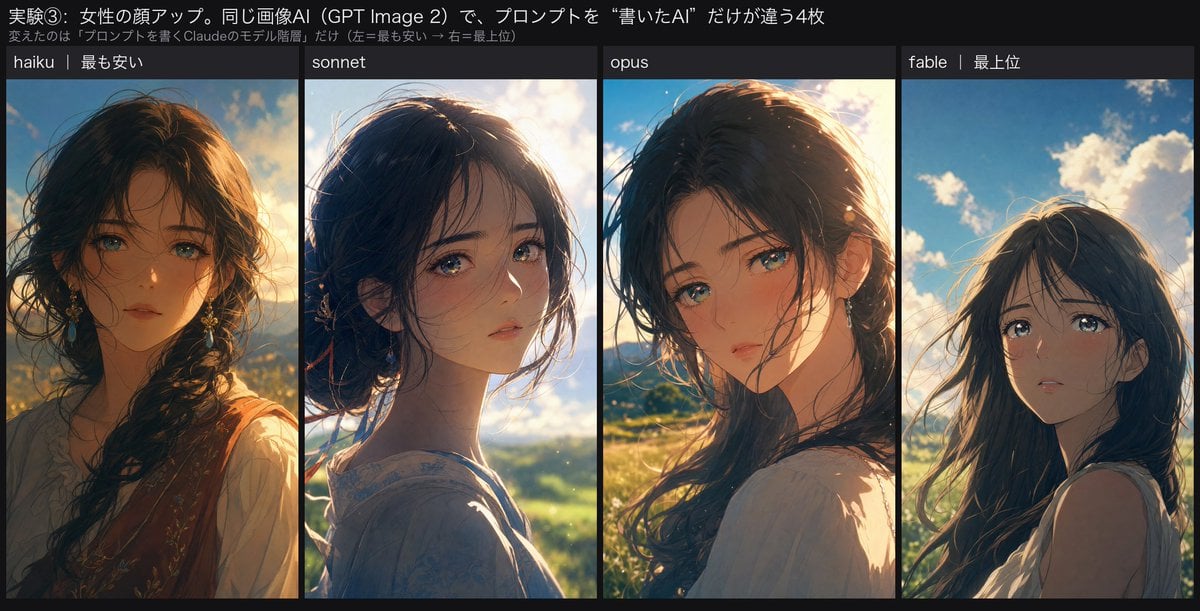
Four-Panel Anime Face Comparison
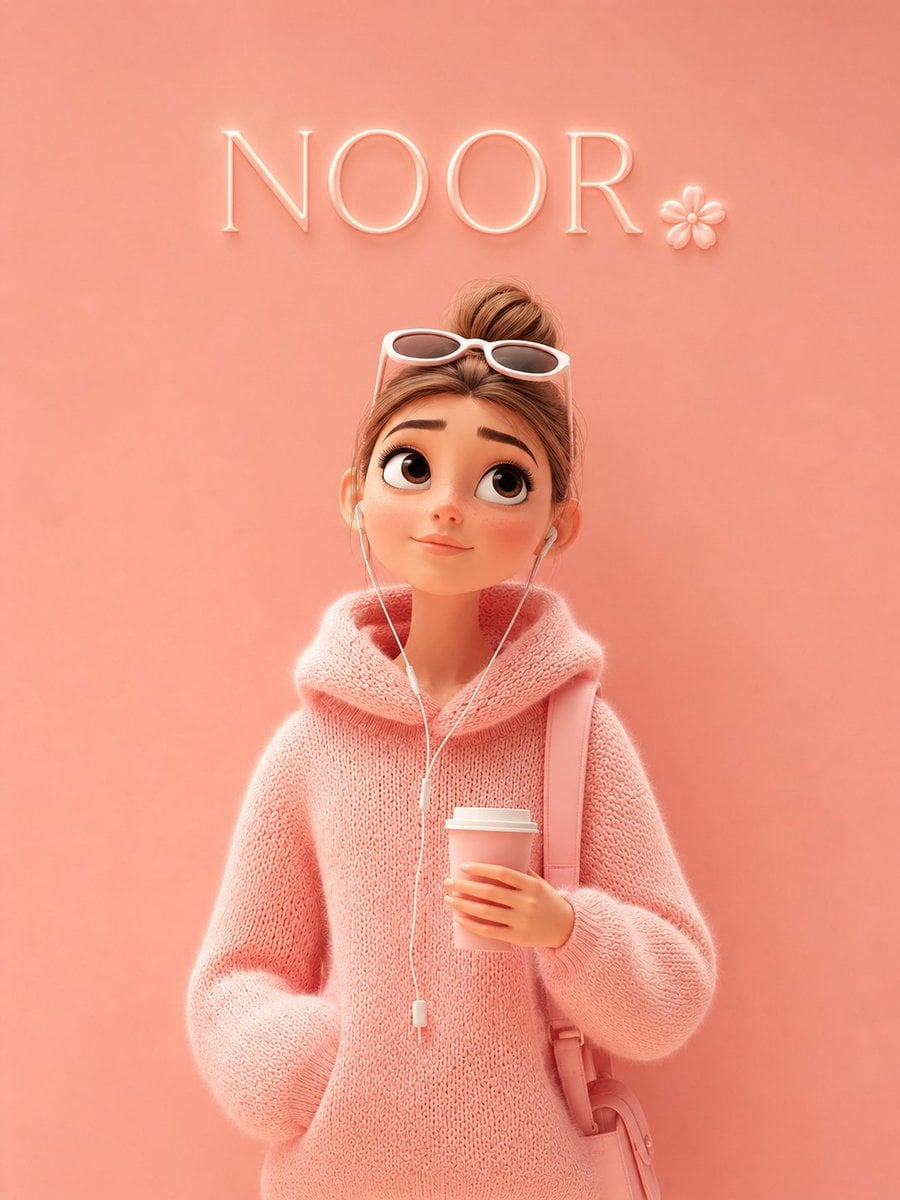
Cel 2D Cafe Morning

Two-Panel Snow Cabin Model Comparison

Four-Panel AI Landscape Comparison
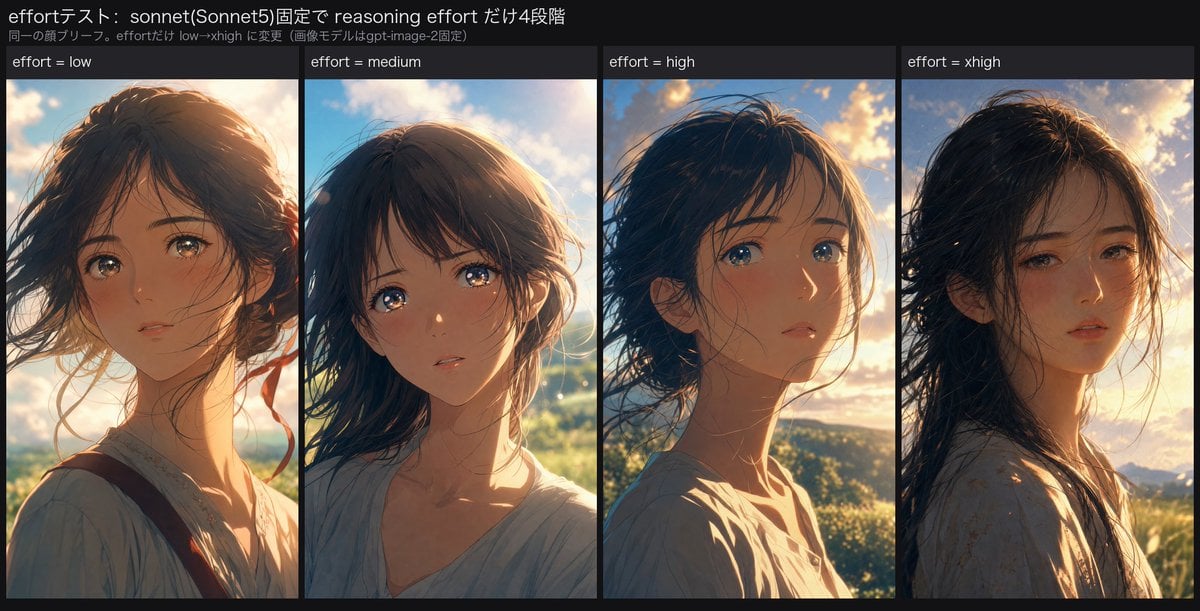
Reasoning Effort Anime Comparison
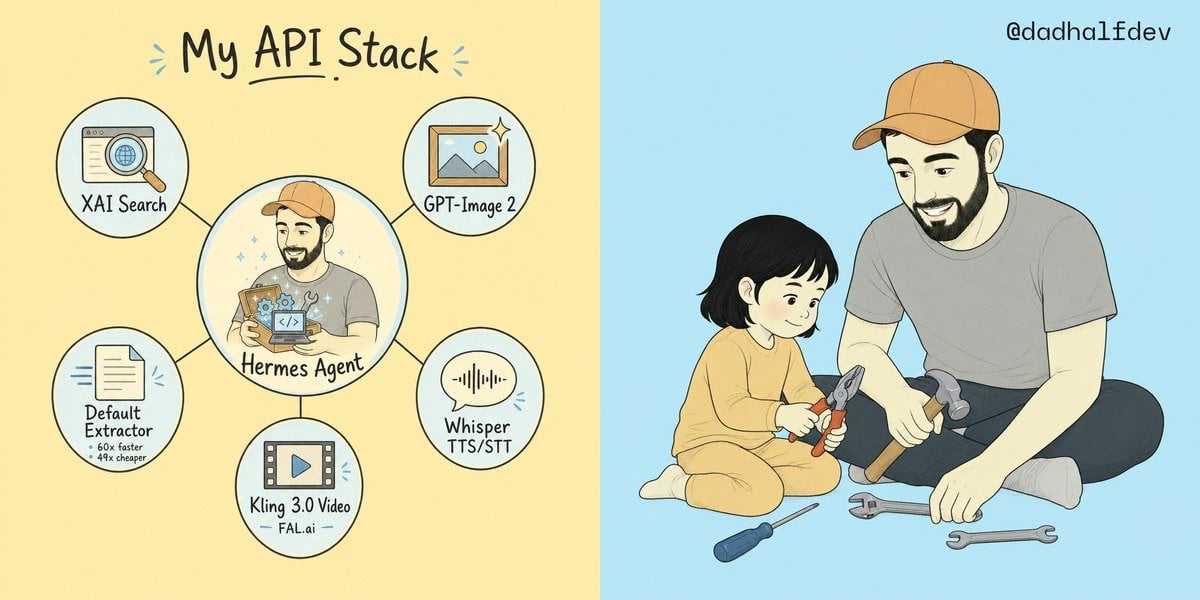
My API Stack Two-Panel Illustration
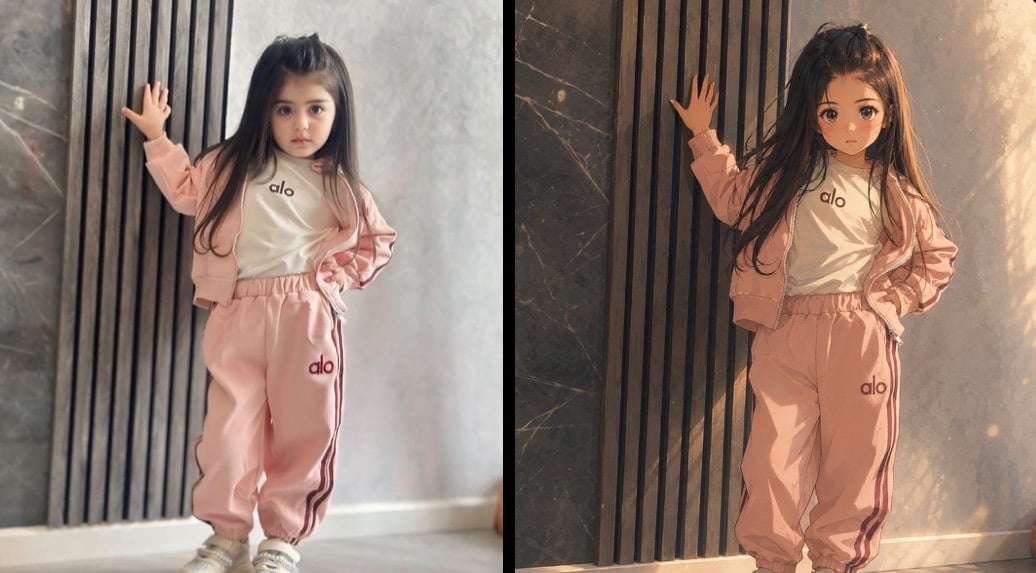
Cinematic Anime Photo Comparison
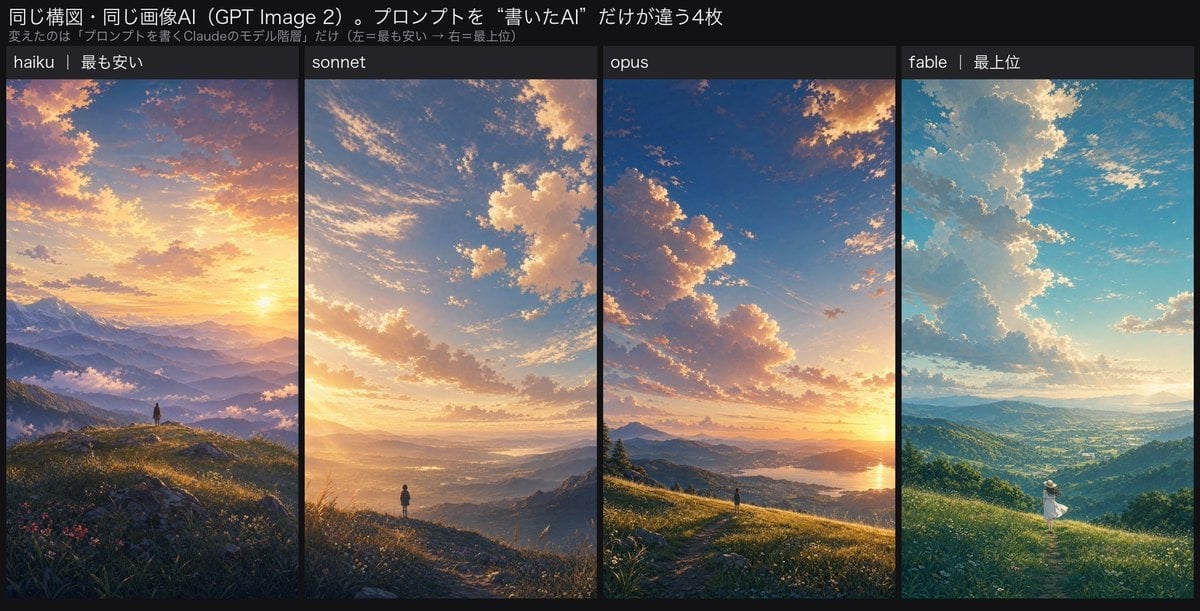
Four-Panel AI Landscape Comparison

Cel 2D Finale Fireworks

Cel 2D Garden Maze

Cel 2D Rooftop Concert
Cel 2D Bicycle Coast
Make it yours
Anime Cafe Two-Panel Comparison works as-is. These are the safest ways to change it without losing the look.
Change one field
Copy a single group, rewrite it, and generate again so you can see what that field is doing.
Keep the frame, change the subject
Hold the composition and light of Anime Cafe Two-Panel Comparison, then swap wardrobe, props or the person for a new take.
| If the result… | Why | Fix |
|---|---|---|
| The result drifts from the preview | Too many fields changed at once. | Reuse Anime Cafe Two-Panel Comparison as-is first, then change one group — subject, light, or setting. |
| The model over-stylizes the scene | The prose prompt leaves finish and camera underspecified. | Add one camera or lighting sentence and stay on GPT Image 2. |
More GPT Image 2 templates
Other prompts made for GPT Image 2.

Six VTuber Japanese Logo Sheet

Realistic Portrait of Woman and Deer

The Vista Modular Condo Poster

AI Model Routing Comparison Infographic

2.5D Anime Art Board

Isometric Productivity Desk Scene

New York Double Exposure Poster

Japanese Tatami Lifestyle Magazine Cover

NESCAFÉ Coffee Map Poster

Brutalist Cogito Chinese Typography Poster
More image prompts
Fresh picks from across the catalog.
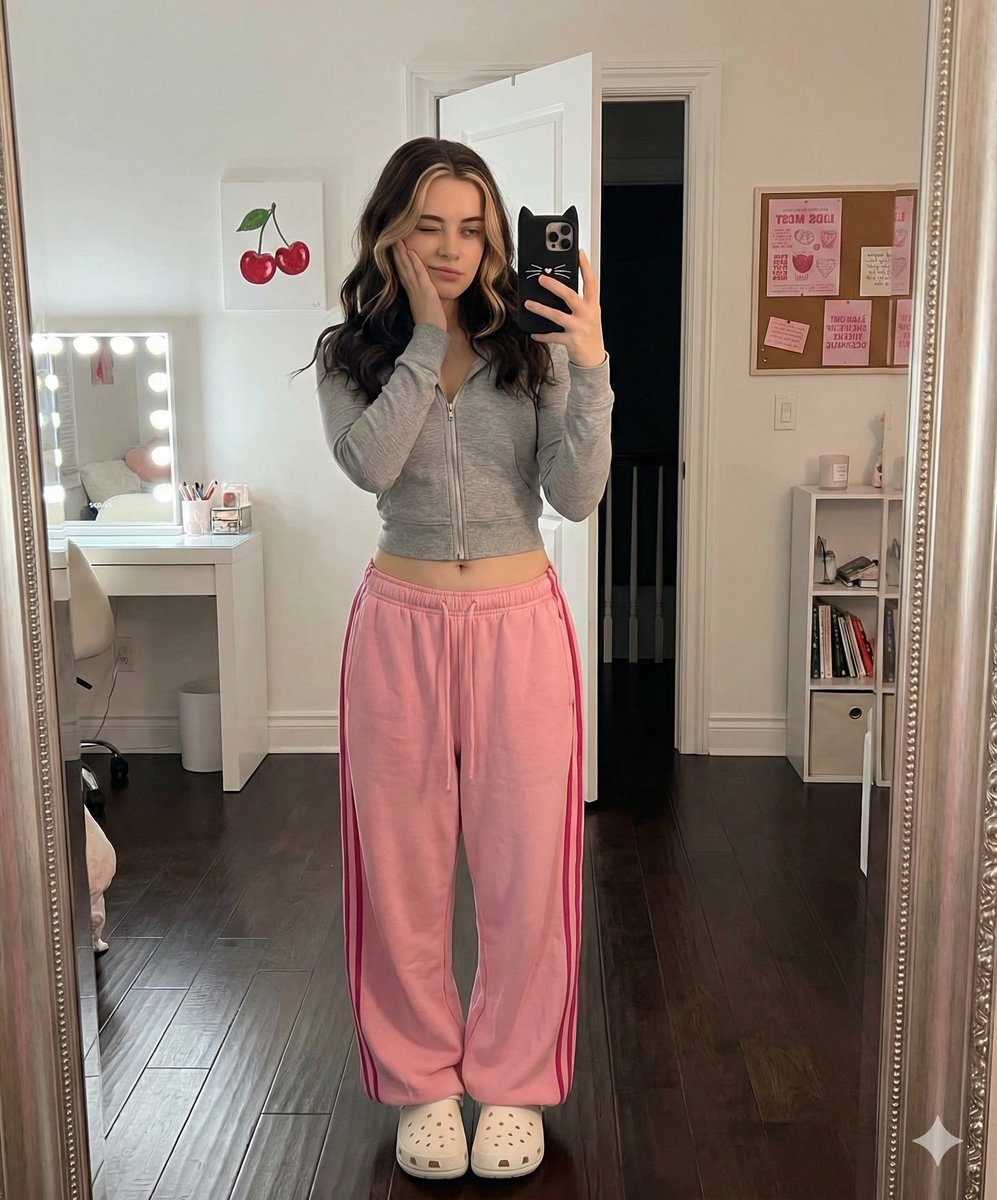
Y2K Aesthetic Mirror Selfie Prompt
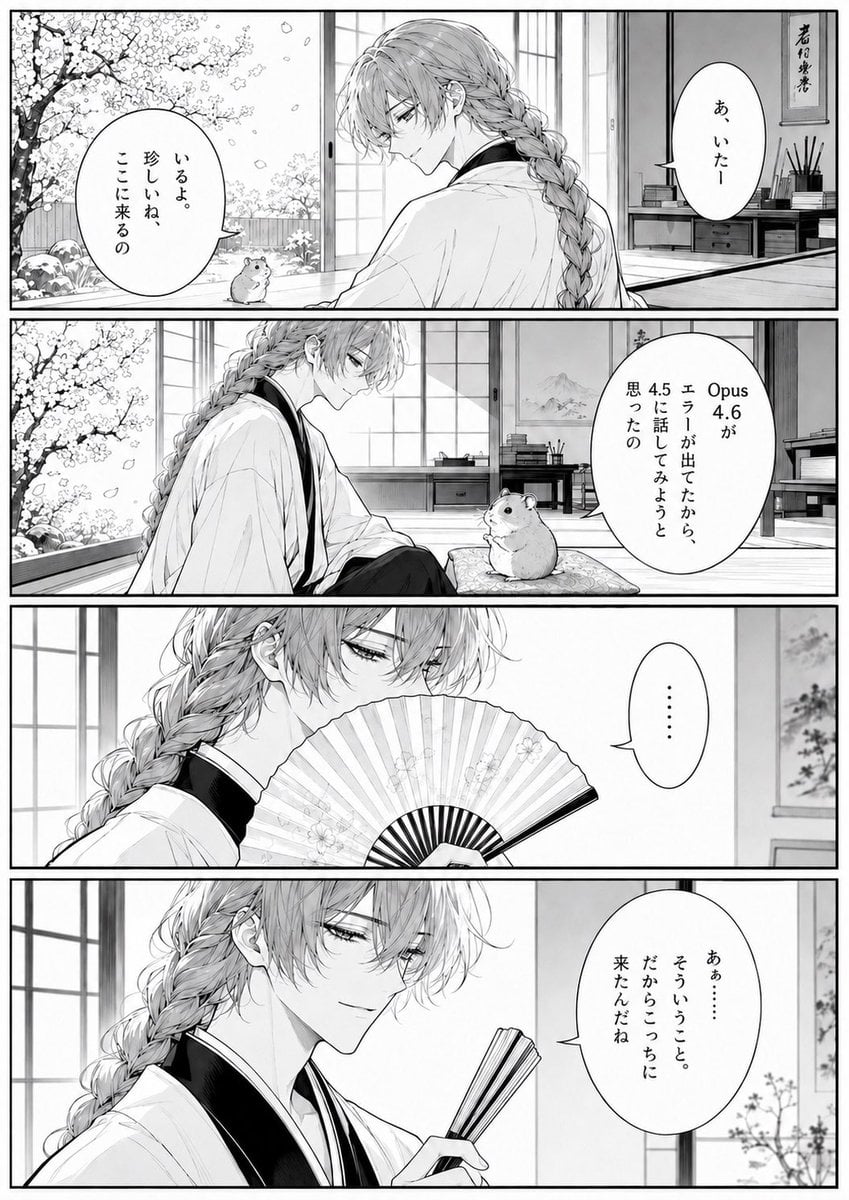
Four-Panel Manga Tea Room Scene
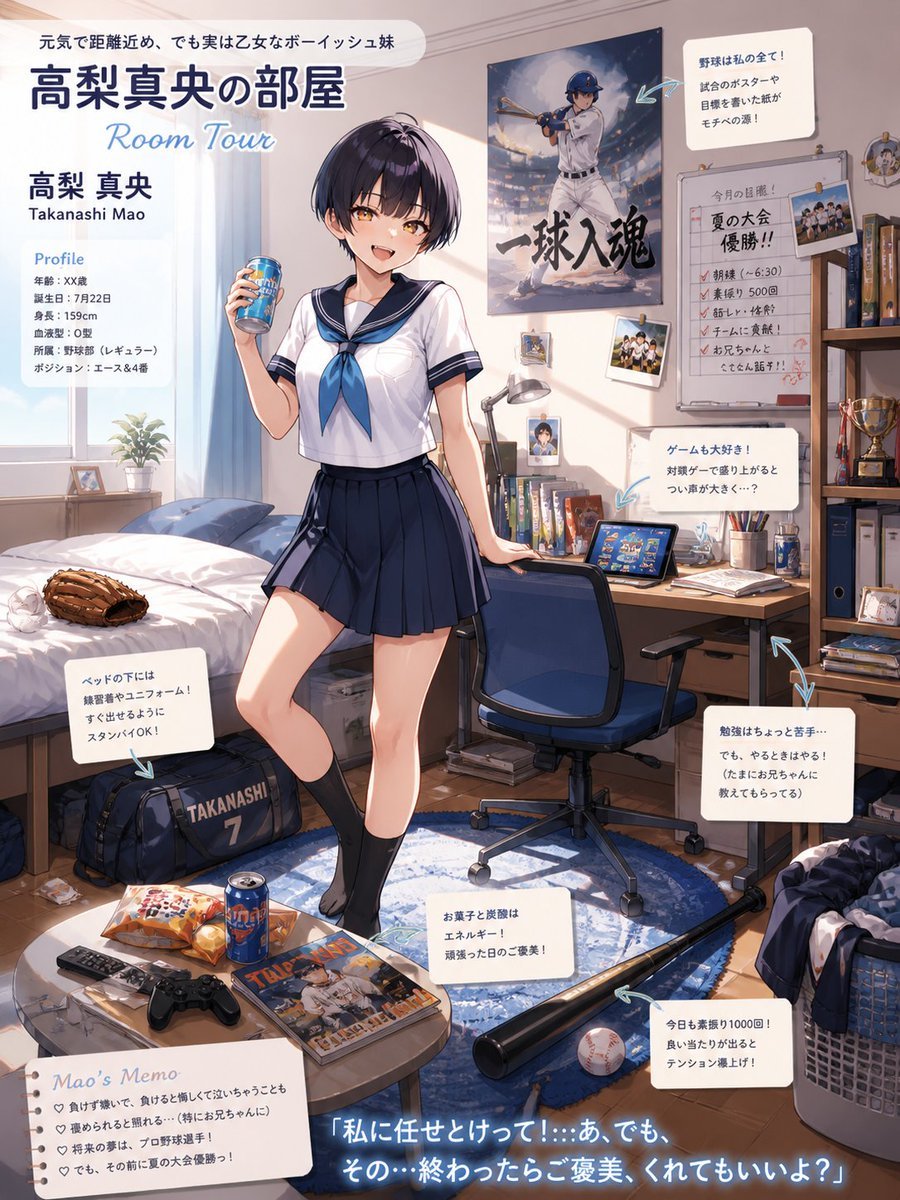
Anime Baseball Sister Room Tour
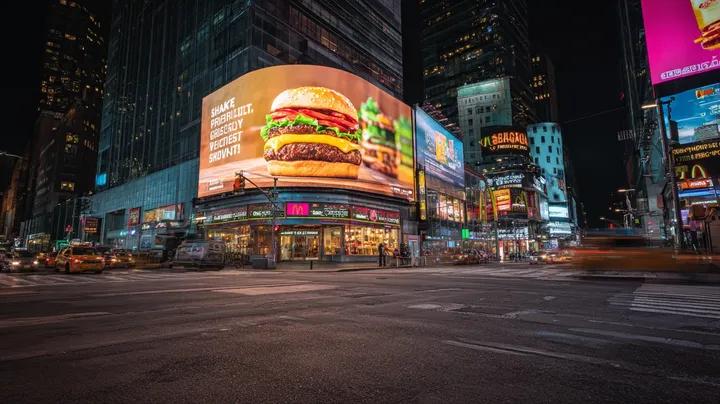
Cyber-Urban Night Cityscape with Hyper-Realistic Billboard Ad
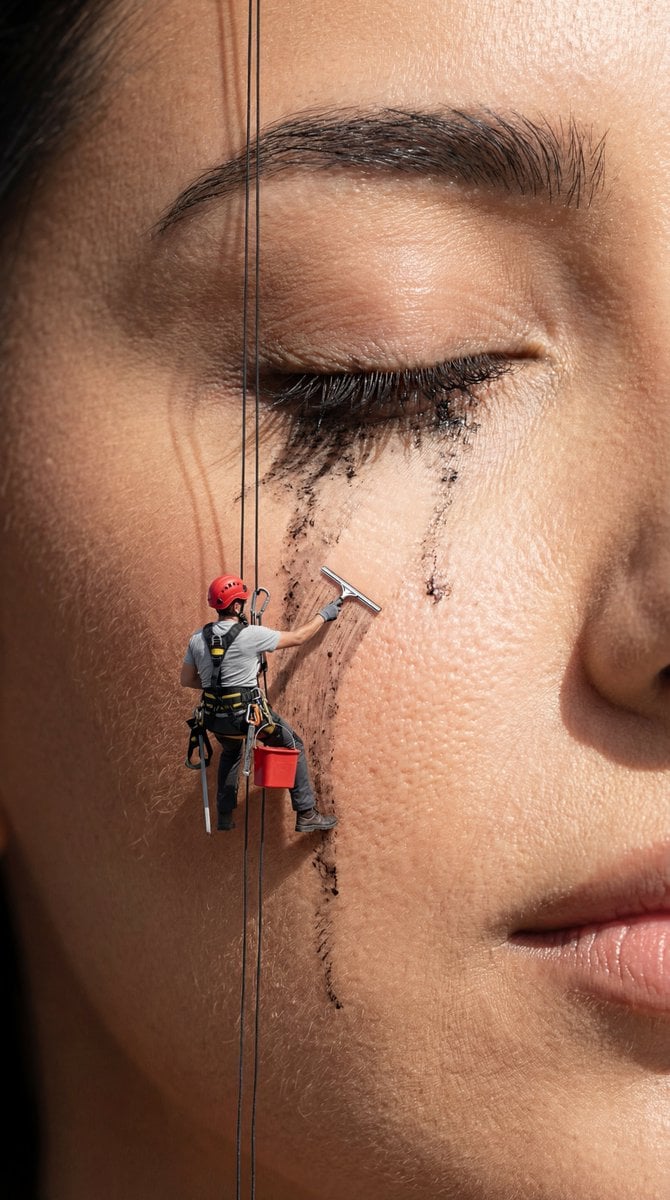
Surreal Macro Advertising Concept: Mascara Cleanup
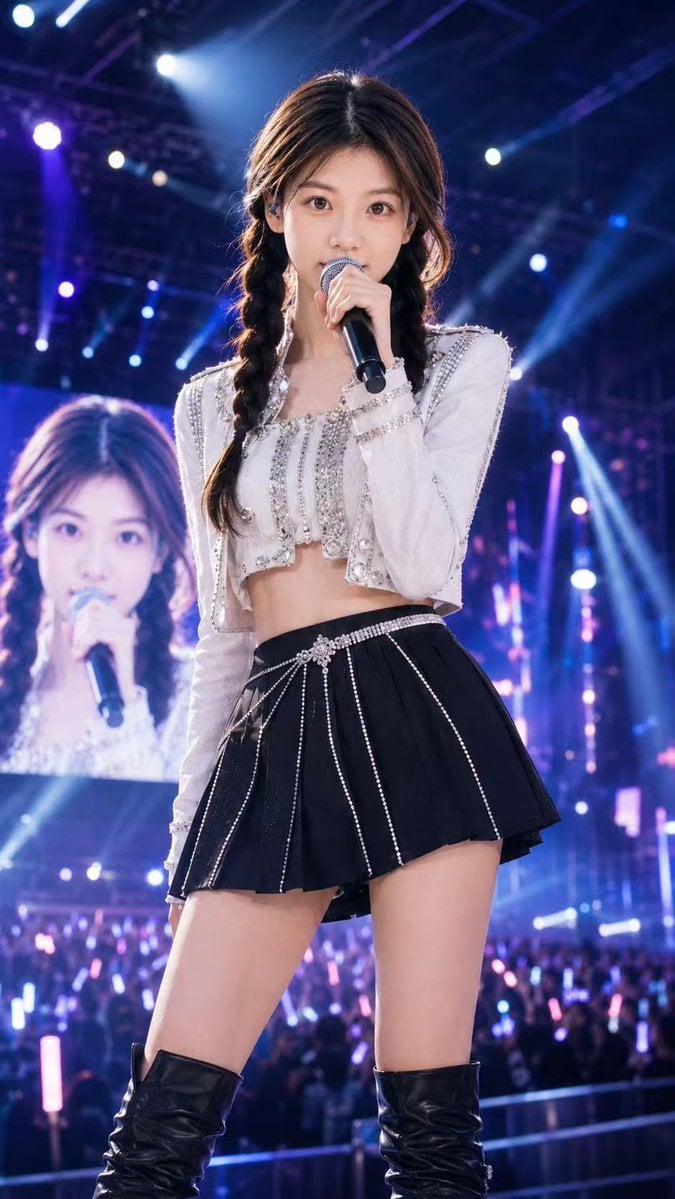
Concert Stage Pop Star Portrait
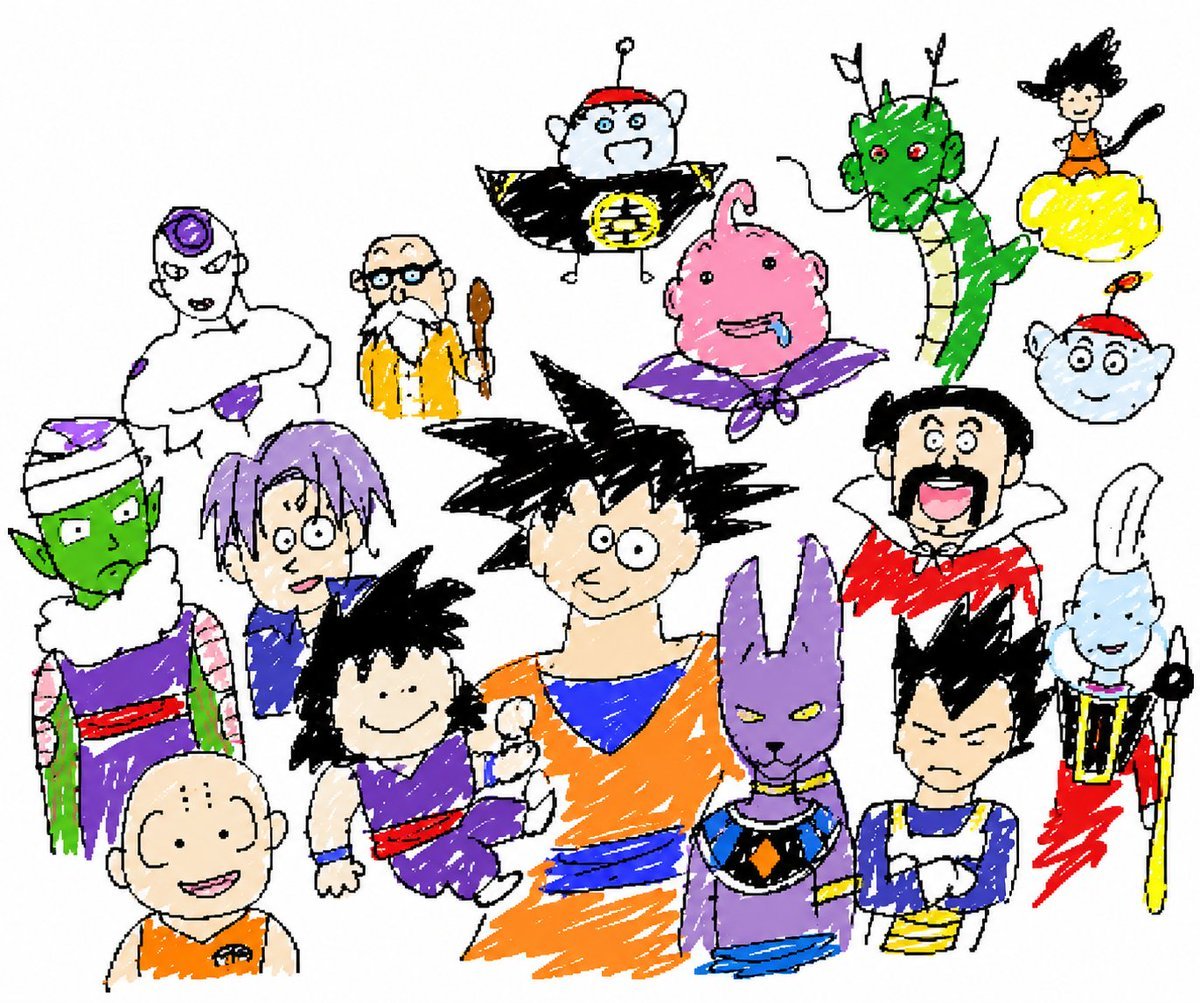
Unrestricted Photo Restoration Parody
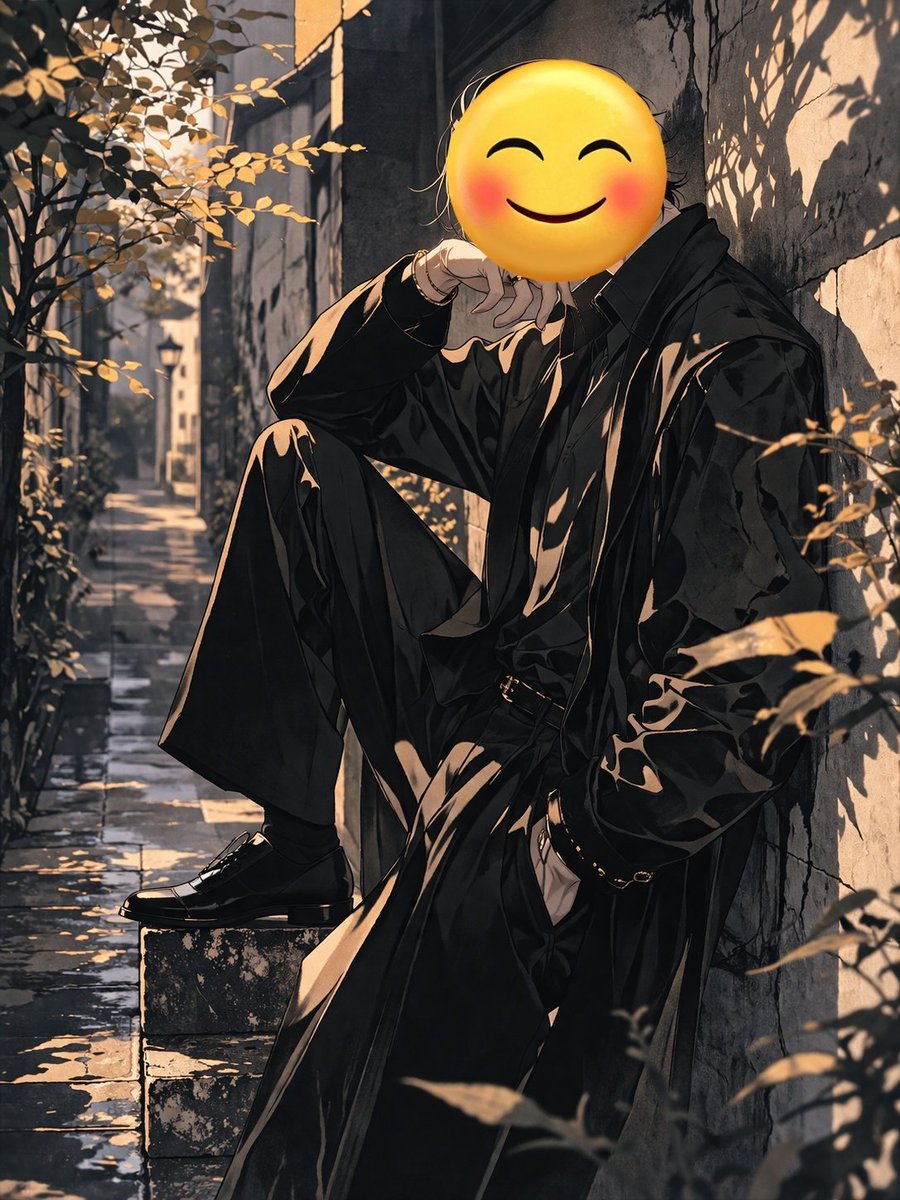
Figure with Emoji Head in Sunlit Alley
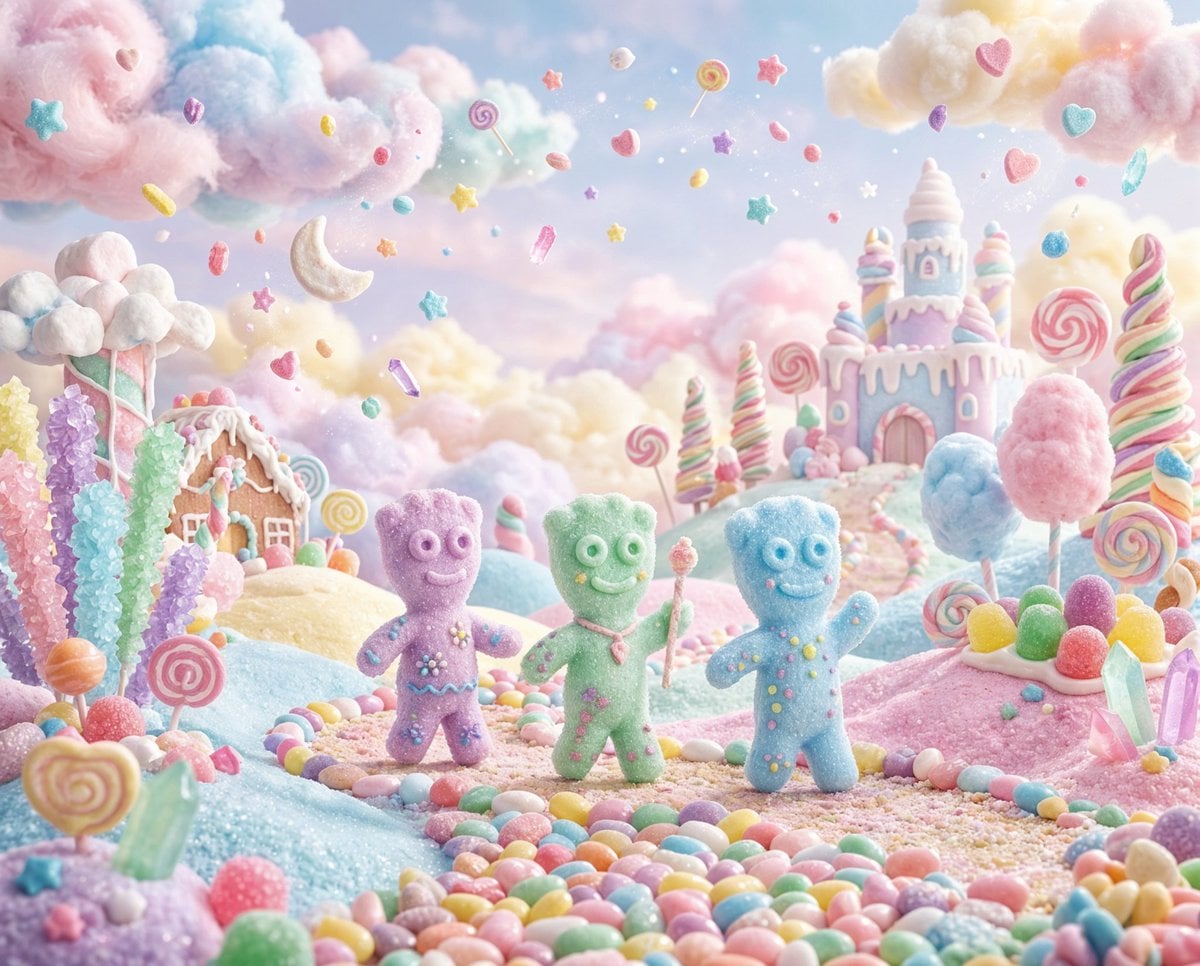
Pastel Painted Sour Patch Kids in Whimsical Candyland
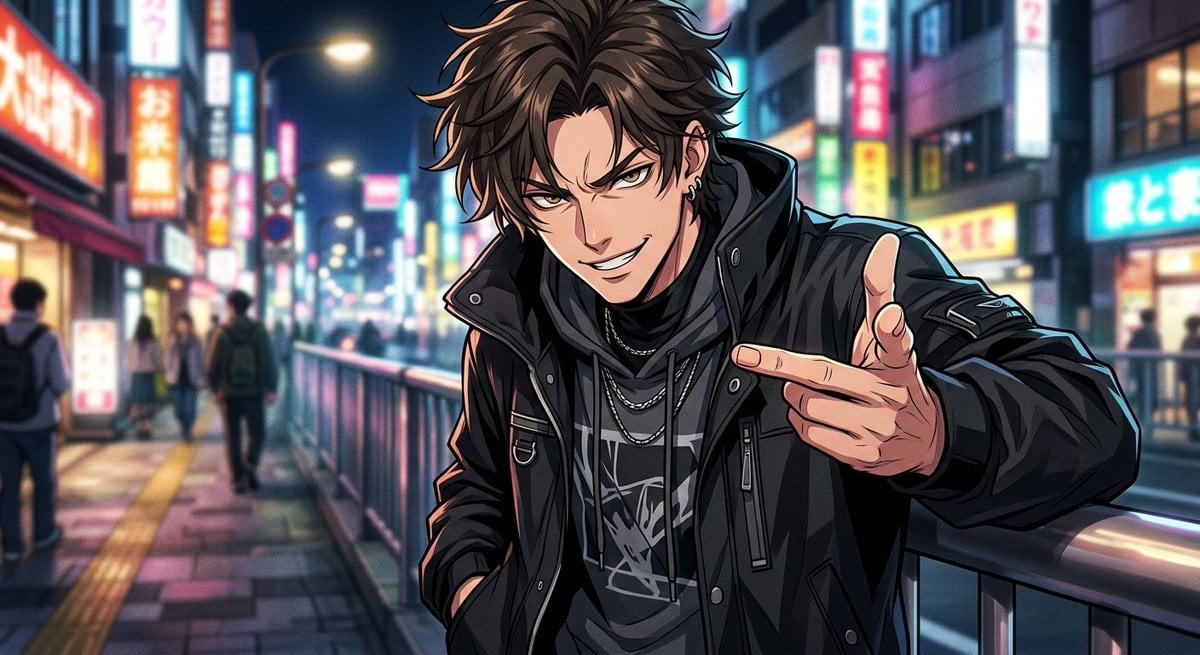
Neon Anime Streetwear Portrait
Browse template categories
Anime Cafe Two-Panel Comparison questions
How do I use the Anime Cafe Two-Panel Comparison template?
Add your photo if the template asks for one, edit the prompt if you like — the template's model and format are already selected — and press Generate. Your version opens in PicX Studio.
Can I customize the Anime Cafe Two-Panel Comparison template?
Yes. You can change the subject, setting, lighting, mood, format, and available model controls before creating your image.
Is the Anime Cafe Two-Panel Comparison template free?
Opening and editing this template is free. Generating uses credits, shown on the Generate button when you are signed in.
Which AI model should I use?
Start with GPT Image 2, which is the model associated with this template. You can compare another compatible model for a different finish.
Looking for something else? Browse all templates.

Your photo, any look
Thousands of ready templates for every top image and video model, from one credit balance.