
Reasoning Effort Anime Comparison
A wide four-panel experiment graphic comparing anime portrait outputs across low, medium, high, and xhigh reasoning effort settings.
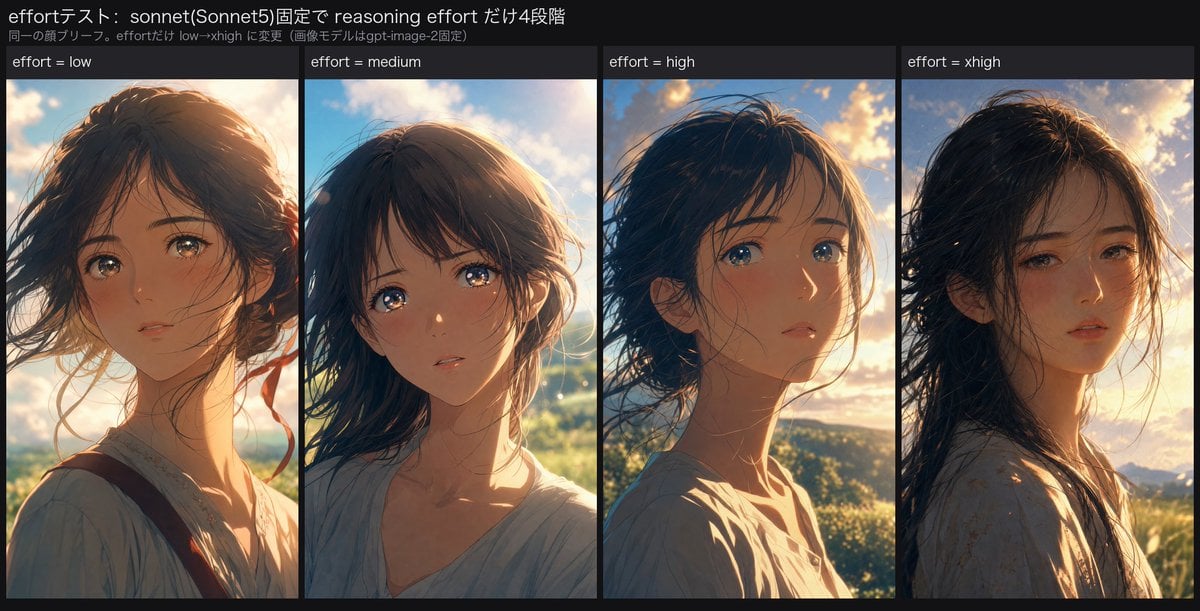
- Prompt included
- Model and format preset
- Premium template
The prompt behind this image
Copy the exact prompt behind Reasoning Effort Anime Comparison, or open it in the studio and make it yours.
Goal: Create a wide social-media comparison graphic showing an AI image generation experiment about reasoning effort. The graphic compares four anime-style portrait outputs side by side while keeping the character brief consistent. Canvas: Horizontal 1200×675 style image with a dark charcoal background, like a tweet attachment or experiment result slide. Use a clean, compact layout with thin black gutters between panels. Header text: At the top left, show the Japanese title 「effortテスト: sonnet(Sonnet5)固定で reasoning effort だけ4段階」 in white. Directly underneath, in smaller gray text, show 「同一の顔ブリーフ。effortだけ low→xhigh に変更(画像モデルはgpt-image-2固定)」. Layout: Below the header, create exactly 4 equal vertical portrait panels arranged left to right. Each panel has a narrow dark label bar at the top with white text. The labels are exactly 4: “effort = low”, “effort = medium”, “effort = high”, and “effort = xhigh”. Subject details: In every panel, depict the same young anime woman, about 18–22 years old, with {argument name="hair color" default="dark brown to black"} windblown shoulder-length hair, soft delicate facial features, large reflective eyes, a slightly melancholic or thoughtful expression, natural skin tones, and a loose pale blouse. Keep her identity consistent across all 4 panels but allow slight variations in angle, expression, and lighting. Panel contents: Panel 1 “effort = low” shows her in a warm sunset close-up, facing slightly left of camera, hair blowing across her face, wearing a light blouse with a visible dark strap and subtle red ribbon accent. Panel 2 “effort = medium” shows her centered, looking toward the viewer with glossy eyes, soft backlit sky and greenery behind her, hair swept around her cheeks. Panel 3 “effort = high” shows her in a three-quarter profile, turned toward the right with blue eyes catching the light, dramatic golden clouds behind her, and stronger rim light on her face and neck. Panel 4 “effort = xhigh” shows her slightly more realistic and moody, turned left with half-lidded eyes, long dark hair blown across her face, warm sunset over distant hills, and a pale patterned blouse. Visual style: High-quality cinematic anime illustration, painterly semi-realistic rendering, warm golden-hour backlight, detailed hair strands, glowing sky, soft atmospheric depth, subtle filmic contrast, consistent color palette of amber sunlight, blue sky, and dark hair. The overall impression should be that all four outputs are similarly high quality with no obvious winner. Constraints: Use exactly 4 portrait panels and exactly the 4 labels listed above. Preserve the Japanese header text exactly. Do not add logos, watermarks, extra captions, charts, arrows, or additional panels.
How to use Reasoning Effort Anime Comparison in 3 steps
- 1Upload ImagePNG, JPG or paste
Add your photo
Upload the photo the template builds on. The prompt, model and format are already set.
- 2…a portrait of your subject in softgolden-hour light, 85mm…
Personalize
Edit the subject and creative details for your destination.
- 3Generate
Generate
Press Generate — your image is created in PicX Studio, so you can compare it with the original and refine one variable at a time.
More like this
Templates with the same subject, style or setup. Open one to see its prompt.












Make it yours
Reasoning Effort Anime Comparison works as-is. These are the safest ways to change it without losing the look.
Change one field
Copy a single group, rewrite it, and generate again so you can see what that field is doing.
Keep the frame, change the subject
Hold the composition and light of Reasoning Effort Anime Comparison, then swap wardrobe, props or the person for a new take.
| If the result… | Why | Fix |
|---|---|---|
| The result drifts from the preview | Too many fields changed at once. | Reuse Reasoning Effort Anime Comparison as-is first, then change one group — subject, light, or setting. |
| The model over-stylizes the scene | The prose prompt leaves finish and camera underspecified. | Add one camera or lighting sentence and stay on GPT Image 2. |
More GPT Image 2 templates
Other prompts made for GPT Image 2.

Six VTuber Japanese Logo Sheet

Realistic Portrait of Woman and Deer

The Vista Modular Condo Poster

AI Model Routing Comparison Infographic

2.5D Anime Art Board

Isometric Productivity Desk Scene

New York Double Exposure Poster

Four-Panel AI Landscape Comparison

Japanese Tatami Lifestyle Magazine Cover

NESCAFÉ Coffee Map Poster
More image prompts
Fresh picks from across the catalog.
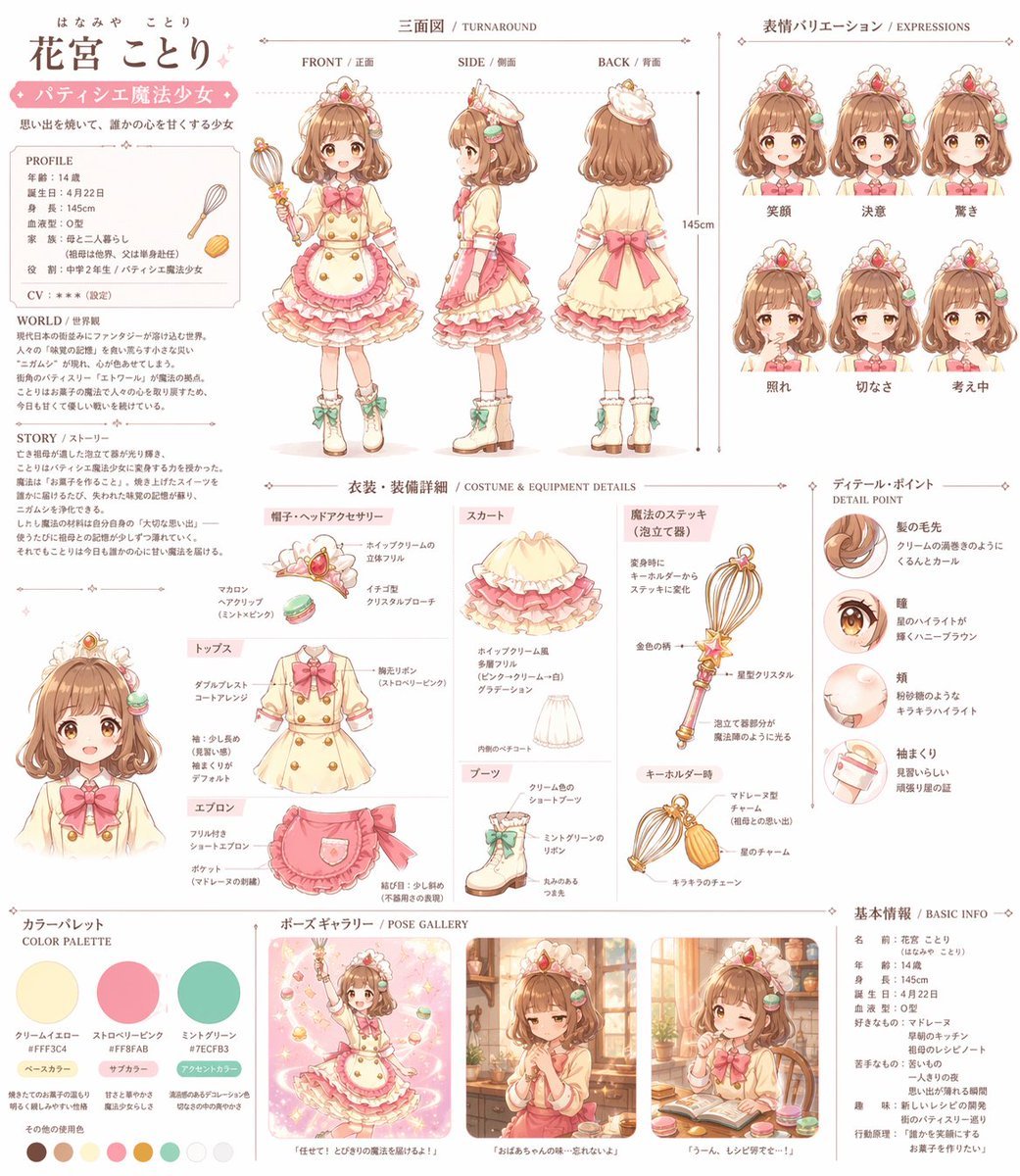
Anime Magical Girl Character Reference Sheet
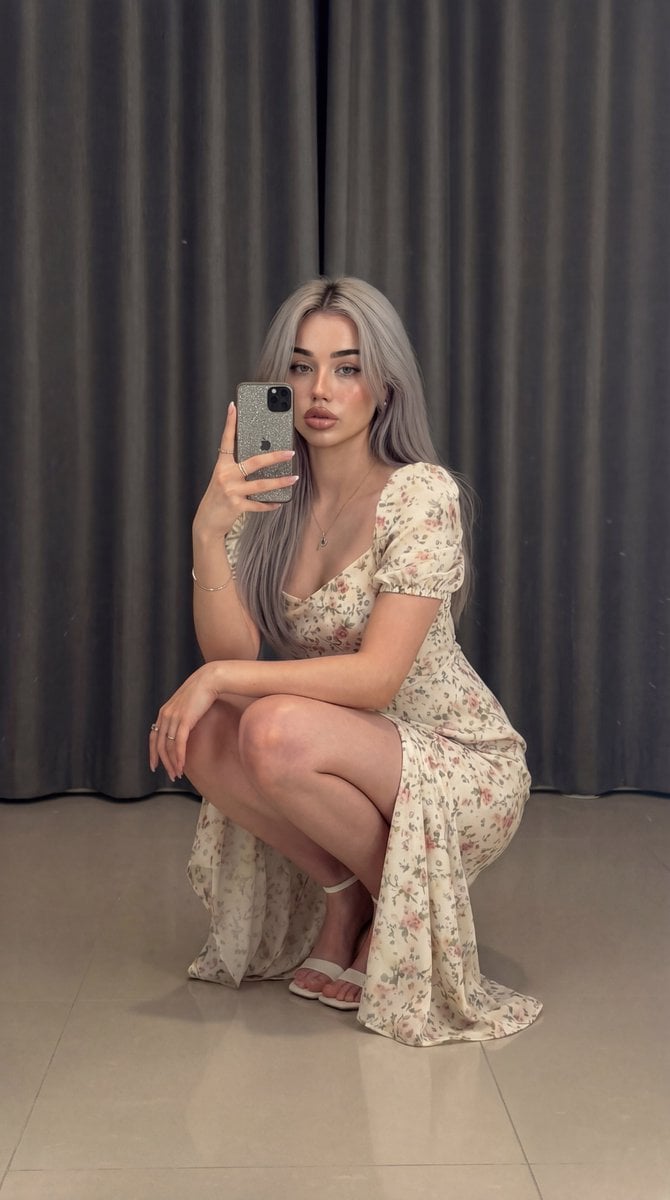
Structured Prompt for Full-Body Mirror Selfie in Floral Dress
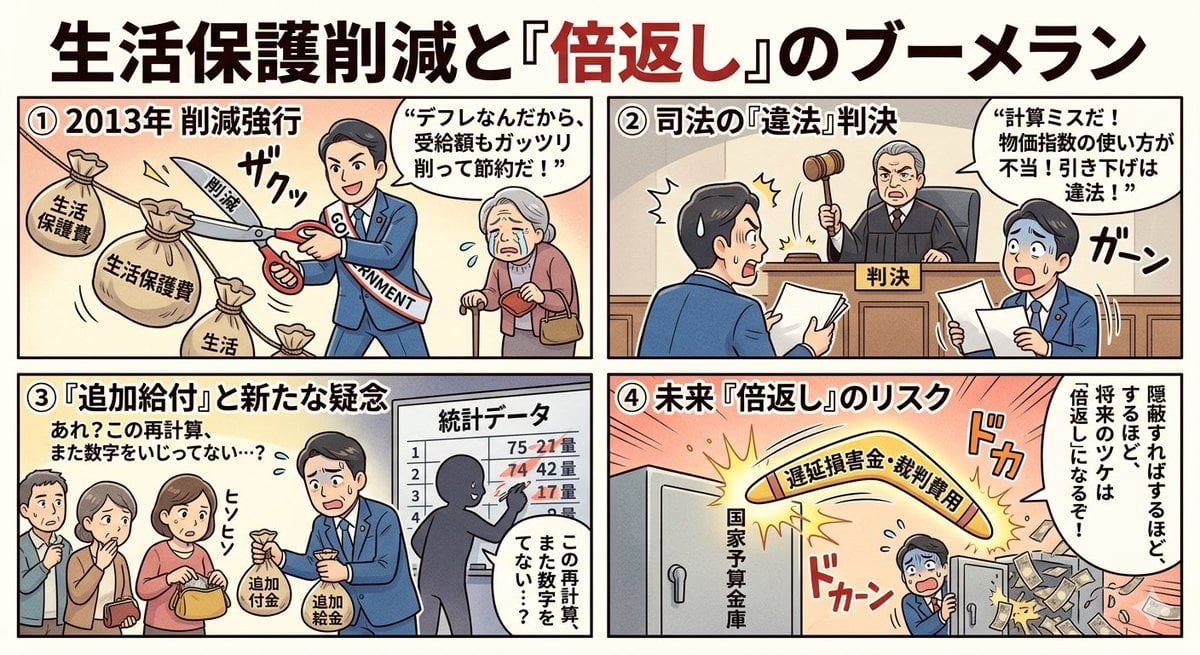
Four-Panel Manga: Boomerang of Double Repayment
Coastal Fashion Editorial Portrait
Cherry Blossom Good Morning Lake
Black and White Futuristic House from Airplane Window
Ultra-Luxury Art Deco Fashion Editorial Prompt
Coastal Road Portrait with Vintage Porsche
Long Stretching Tabby Cat
Real Life to Pixar Avatar Transformation
Browse template categories
Reasoning Effort Anime Comparison questions
How do I use the Reasoning Effort Anime Comparison template?
Add your photo if the template asks for one, edit the prompt if you like — the template's model and format are already selected — and press Generate. Your version opens in PicX Studio.
Can I customize the Reasoning Effort Anime Comparison template?
Yes. You can change the subject, setting, lighting, mood, format, and available model controls before creating your image.
Is the Reasoning Effort Anime Comparison template free?
Opening and editing this template is free. Generating uses credits, shown on the Generate button when you are signed in.
Which AI model should I use?
Start with GPT Image 2, which is the model associated with this template. You can compare another compatible model for a different finish.
Looking for something else? Browse all templates.

Your photo, any look
Thousands of ready templates for every top image and video model, from one credit balance.