
Anime Magical Girl Character Reference Sheet
Generates a highly detailed, multi-section anime character design document including turnarounds, expressions, outfit breakdowns, and pose galleries.
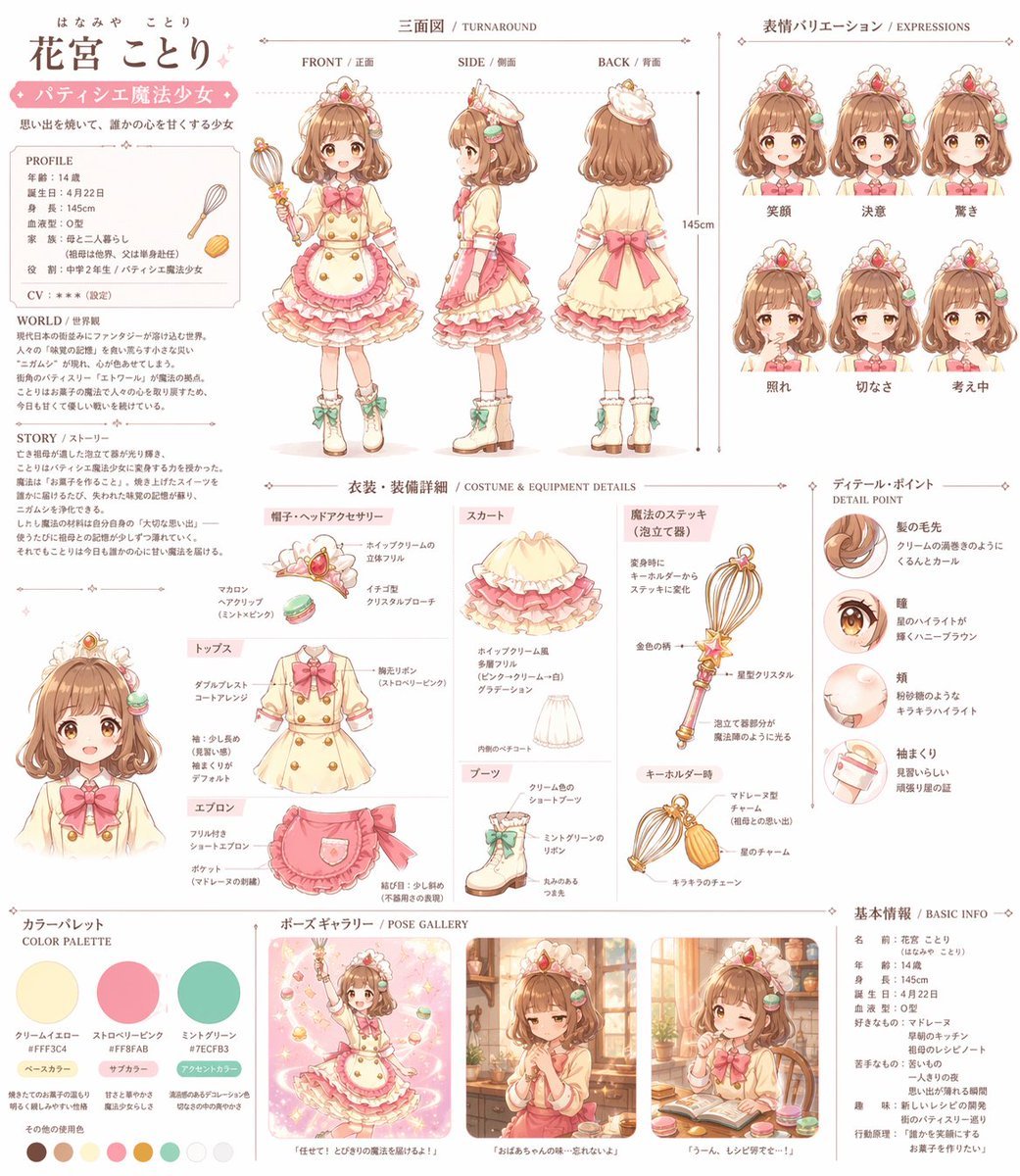
- Prompt included
- Model and format preset
- Free template
The prompt behind this image
Copy the exact prompt behind Anime Magical Girl Character Reference Sheet, or open it in the studio and make it yours.
- Type
- comprehensive anime character reference sheet
- Character › Name
- {argument name="character name" default="花宮 ことり"}
- Character › Theme
- {argument name="character theme" default="パティシエ魔法少女"}
- Character › Hair
- {argument name="hair color" default="brown"} fluffy hair with macaron hair clips
- Character › Eyes
- {argument name="eye color" default="brown"} with star highlights
- Character › Weapon
- {argument name="weapon type" default="whisk-like magic wand"}
- Character › Outfit
- frilly dress, apron, boots
- Layout › Sections › 0 › Title
- Profile & Story
- Layout › Sections › 0 › Position
- top-left
- Layout › Sections › 0 › Description
- Text blocks for PROFILE, WORLD, and STORY.
- Layout › Sections › 1 › Title
- 三面図 / TURNAROUND
- Layout › Sections › 1 › Position
- top-center
- Layout › Sections › 1 › Count
- 3
- Layout › Sections › 1 › Labels
- FRONT / 正面, SIDE / 側面, BACK / 背面
- Layout › Sections › 2 › Title
- 表情バリエーション / EXPRESSIONS
- Layout › Sections › 2 › Position
- top-right
- Layout › Sections › 2 › Count
- 6
- Layout › Sections › 2 › Labels
- 笑顔, 決意, 驚き, 照れ, 切なさ, 考え中
- Layout › Sections › 3 › Title
- 衣装・装備詳細 / COSTUME & EQUIPMENT DETAILS
- Layout › Sections › 3 › Position
- center
- Layout › Sections › 3 › Count
- 7
- Layout › Sections › 3 › Labels
- 帽子・ヘッドアクセサリー, トップス, エプロン, スカート, ブーツ, 魔法のステッキ (泡立て器), キーホルダー時
- Layout › Sections › 4 › Title
- ディテール・ポイント / DETAIL POINT
- Layout › Sections › 4 › Position
- center-right
Raw JSON
{
  "type": "comprehensive anime character reference sheet",
  "character": {
    "name": "{argument name=\"character name\" default=\"花宮 ことり\"}",
    "theme": "{argument name=\"character theme\" default=\"パティシエ魔法少女\"}",
    "hair": "{argument name=\"hair color\" default=\"brown\"} fluffy hair with macaron hair clips",
    "eyes": "{argument name=\"eye color\" default=\"brown\"} with star highlights",
    "weapon": "{argument name=\"weapon type\" default=\"whisk-like magic wand\"}",
    "outfit": "frilly dress, apron, boots"
  },
  "layout": {
    "sections": [
      {
        "title": "Profile & Story",
        "position": "top-left",
        "description": "Text blocks for PROFILE, WORLD, and STORY."
      },
      {
        "title": "三面図 / TURNAROUND",
        "position": "top-center",
        "count": 3,
        "labels": ["FRONT / 正面", "SIDE / 側面", "BACK / 背面"]
      },
      {
        "title": "表情バリエーション / EXPRESSIONS",
        "position": "top-right",
        "count": 6,
        "labels": ["笑顔", "決意", "驚き", "照れ", "切なさ", "考え中"]
      },
      {
        "title": "衣装・装備詳細 / COSTUME & EQUIPMENT DETAILS",
        "position": "center",
        "count": 7,
        "labels": ["帽子・ヘッドアクセサリー", "トップス", "エプロン", "スカート", "ブーツ", "魔法のステッキ (泡立て器)", "キーホルダー時"]
      },
      {
        "title": "ディテール・ポイント / DETAIL POINT",
        "position": "center-right",
        "count": 4,
        "labels": ["髪の毛先", "瞳", "頬", "袖まくり"]
      },
      {
        "title": "カラーパレット / COLOR PALETTE",
        "position": "bottom-left",
        "count": 3,
        "labels": ["クリームイエロー", "ストロベリーピンク", "ミントグリーン"],
        "additional_swatches_count": 7
      },
      {
        "title": "ポーズギャラリー / POSE GALLERY",
        "position": "bottom-center",
        "count": 3,
        "descriptions": ["magical action pose", "melancholic window scene", "winking while eating"]
      },
      {
        "title": "基本情報 / BASIC INFO",
        "position": "bottom-right",
        "description": "Text block with character stats and preferences."
      }
    ]
  }
}How to use Anime Magical Girl Character Reference Sheet in 3 steps
- 1Upload ImagePNG, JPG or paste
Add your photo
Upload the photo the template builds on. The prompt, model and format are already set.
- 2…a portrait of your subject in softgolden-hour light, 85mm…
Personalize
Edit the subject and creative details for your destination.
- 3Generate
Generate
Press Generate — your image is created in PicX Studio, so you can compare it with the original and refine one variable at a time.
More like this
Templates with the same subject, style or setup. Open one to see its prompt.
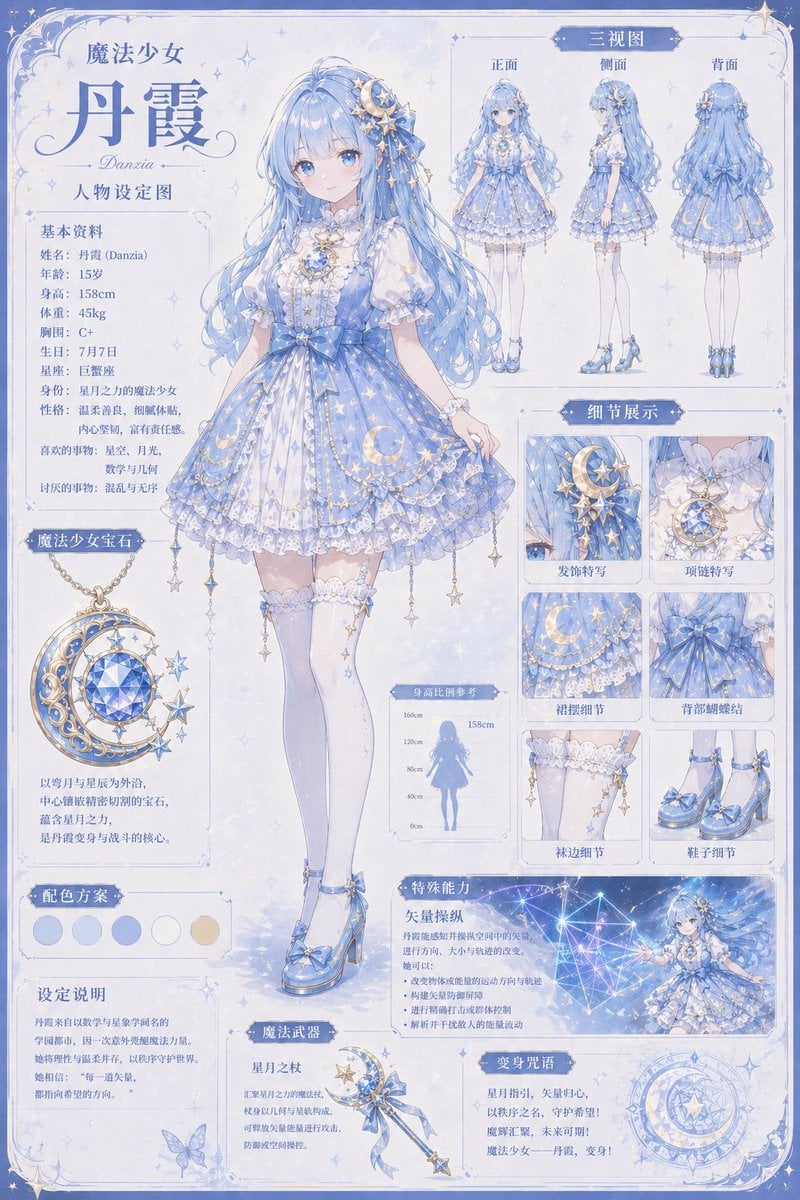
Celestial Magical Girl Reference Sheet

Dancer Character - Four View Reference Sheet

Anime Lantern Girl Character Sheet

Anime Character Sheet Reference Prompt

Anime Character Charm Analysis Sheet
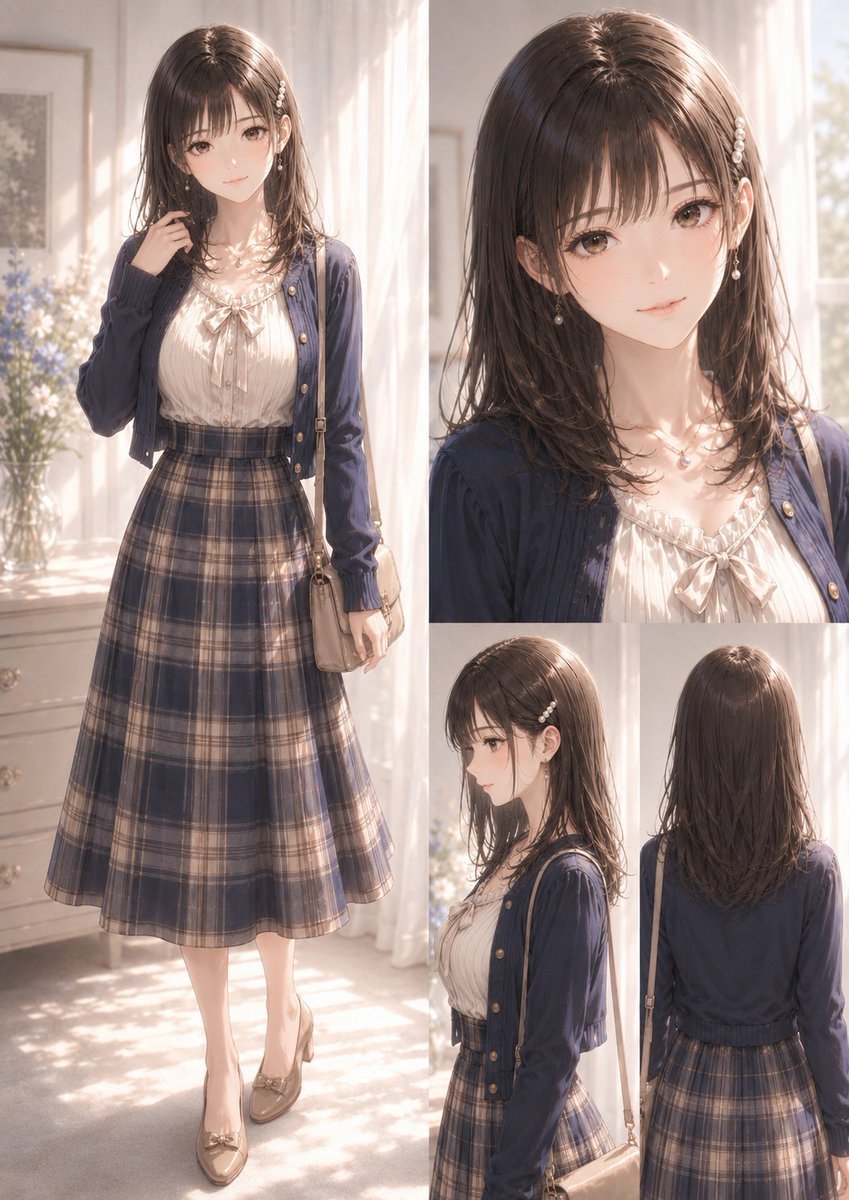
Elegant Anime Fashion Reference Sheet

Teen Girl Alpine Lake Mountain View
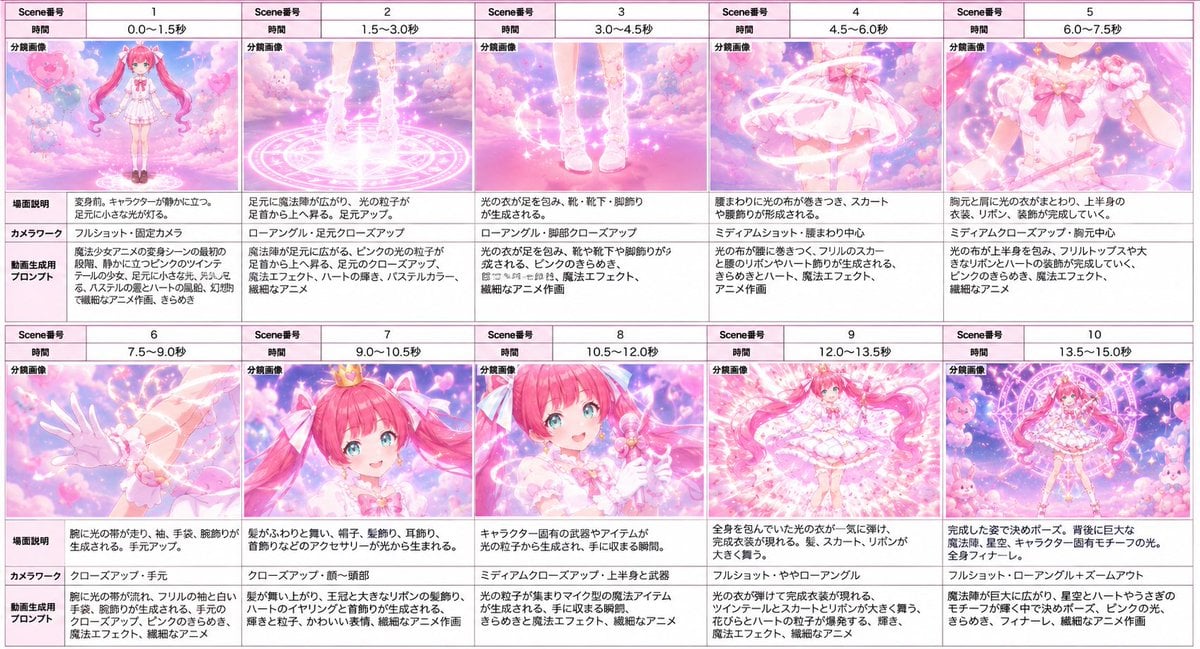
Magical Girl Transformation Storyboard

Framed Quilling Anime Girl

Gray Studio Character Reference Sheet
Magical Girls Dessert Café Scene

Gothic Girl Character Turnaround Sheet
Make it yours
Anime Magical Girl Character Reference Sheet works as-is. These are the safest ways to change it without losing the look.
Change one field
Copy a single group, rewrite it, and generate again so you can see what that field is doing.
Keep the frame, change the subject
Hold the composition and light of Anime Magical Girl Character Reference Sheet, then swap wardrobe, props or the person for a new take.
| If the result… | Why | Fix |
|---|---|---|
| The result drifts from the preview | Too many fields changed at once. | Reuse Anime Magical Girl Character Reference Sheet as-is first, then change one group — subject, light, or setting. |
| GPT Image 2 ignores part of the JSON | Some models flatten or skip nested keys. | Keep the same values and paste them as a short paragraph instead. |
More GPT Image 2 templates
Other prompts made for GPT Image 2.

Six VTuber Japanese Logo Sheet

Realistic Portrait of Woman and Deer

The Vista Modular Condo Poster

AI Model Routing Comparison Infographic

2.5D Anime Art Board

Isometric Productivity Desk Scene

New York Double Exposure Poster

Four-Panel AI Landscape Comparison

Japanese Tatami Lifestyle Magazine Cover

NESCAFÉ Coffee Map Poster
More image prompts
Fresh picks from across the catalog.
Cinematic Wasteland Survivor Portrait (Mad Max Style)
Fantasy Harbor Captain Scene
Playful off-duty cabin crew flash photo prompt
Minimalist Studio Fashion Portrait Prompt
Vintage Photo Restoration to DSLR Quality Prompt

Tropical Vacation Selfie — Nano Banana (Chryzleen)
Ultra-Realistic Glistening Athletic Portrait
High Fashion Red Carpet Editorial Prompt
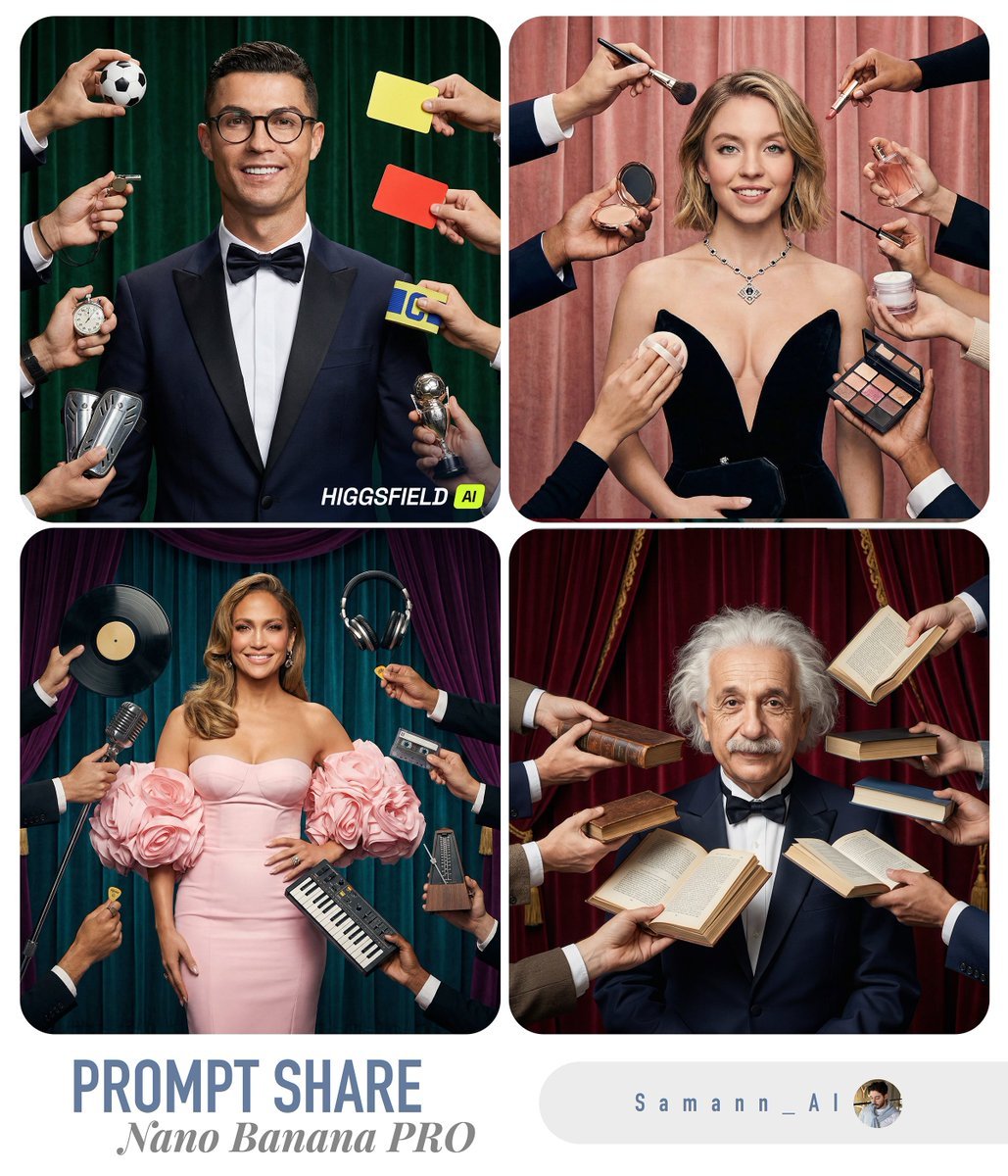
Hyper-Real Studio Portrait Poster Art Generator Prompt
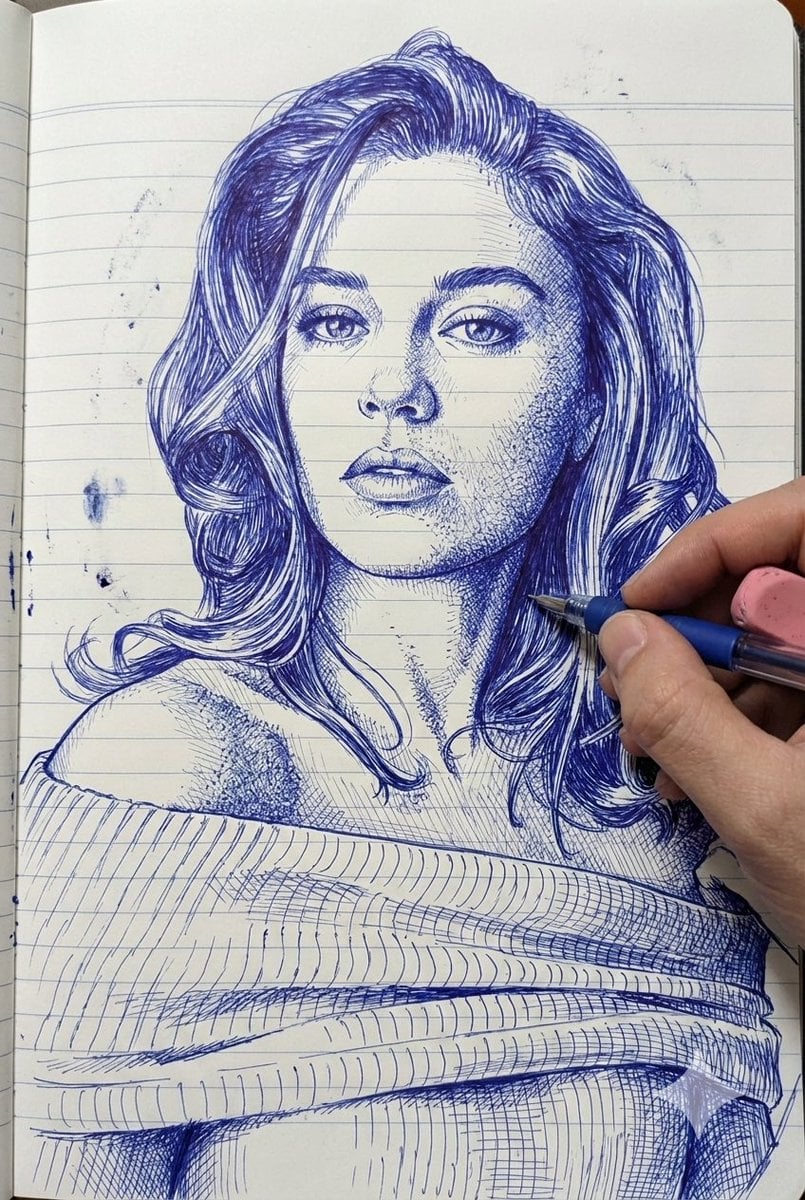
Photo-Style Line Drawing Sketch Prompt
Browse template categories
Anime Magical Girl Character Reference Sheet questions
How do I use the Anime Magical Girl Character Reference Sheet template?
Add your photo if the template asks for one, edit the prompt if you like — the template's model and format are already selected — and press Generate. Your version opens in PicX Studio.
Can I customize the Anime Magical Girl Character Reference Sheet template?
Yes. You can change the subject, setting, lighting, mood, format, and available model controls before creating your image.
Is the Anime Magical Girl Character Reference Sheet template free?
Opening and editing this template is free. Generating uses credits, shown on the Generate button when you are signed in.
Which AI model should I use?
Start with GPT Image 2, which is the model associated with this template. You can compare another compatible model for a different finish.
Looking for something else? Browse all templates.

Your photo, any look
Thousands of ready templates for every top image and video model, from one credit balance.