
Gray Studio Character Reference Sheet
Generates a realistic four-panel studio character sheet with portraits, turnaround views, and simplified faces for consistent character reference.

- Prompt included
- Model and format preset
- Premium template
The prompt behind this image
Copy the exact prompt behind Gray Studio Character Reference Sheet, or open it in the studio and make it yours.
Goal: Create a clean studio character reference sheet for {argument name="character name" default="a young East Asian woman"}, designed for consistent AI image generation across shot distances and angles. Canvas: Landscape 4:3 image, 1024×768 style, divided by thick white grid lines into four equal rectangular panels. Use a neutral medium-gray seamless photography background in every panel, soft even studio lighting, realistic photo quality, no text, no logos, no watermark. Layout: Use exactly 4 panels. Top-left panel: a close-up front-facing head-and-shoulders portrait with the face clearly visible, centered, calm neutral expression. Top-right panel: a three-view full-body character turnaround on the gray background, showing exactly 3 standing figures side by side: front view with the face intentionally replaced by a smooth gray oval/blank mask, right side profile with the face blanked, and back view with hair and outfit visible. Bottom-left panel: a close-up left-facing side-profile portrait with the face clearly visible, head and shoulders composition. Bottom-right panel: a single full-body front view standing pose, centered far away with the head cropped off or omitted above the neck, emphasizing outfit and body proportions. Subject details: The character is a slim petite young woman with fair skin, shoulder-length dark brown softly layered hair, wispy straight bangs, slightly curled-out ends, natural makeup, large brown eyes in the visible portraits, and a composed neutral expression. Outfit: {argument name="outfit" default="a pale cream short-sleeve ribbed polo knit top tucked into a matching high-waisted pleated mini skirt"}, white mid-calf socks, and chunky white lace-up shoes. Keep the same hairstyle, body shape, clothing, socks, and shoes consistent across all panels and all views. Visual style: Minimal fashion model character sheet, realistic studio photography, soft shadows on the gray floor/backdrop, muted cream-and-gray palette, accurate human proportions, no stylization, no manga or illustration look. Constraints: Exactly 6 depictions of the character are visible across the sheet: 1 front close-up portrait, 3 full-body turnaround views, 1 side-profile close-up portrait, and 1 headless full-body front view. Keep the face visible only in the two close-up portrait panels; in the top-right turnaround, simplify or hide the face with a gray oval; in the bottom-right full-body panel, omit or crop the head. Do not add extra poses, labels, props, accessories, or background objects.
How to use Gray Studio Character Reference Sheet in 3 steps
- 1Upload ImagePNG, JPG or paste
Add your photo
Upload the photo the template builds on. The prompt, model and format are already set.
- 2…a portrait of your subject in softgolden-hour light, 85mm…
Personalize
Edit the subject and creative details for your destination.
- 3Generate
Generate
Press Generate — your image is created in PicX Studio, so you can compare it with the original and refine one variable at a time.
More like this
Templates with the same subject, style or setup. Open one to see its prompt.

Dancer Character - Four View Reference Sheet

Movement Sheet - Dance Reference (Seedance 2.0)

Luxury Black-and-White Fashion Contact Sheet

80s Couple Studio Portrait

1985 Studio Portrait
Gray Kitten Sticker Pack Sheet

Anime Character Sheet Reference Prompt
Photoreal Character Reference Sheet
Ciao Nova Character Reference Sheet

Cinematic Low-Angle Fashion Portrait Smoke Editorial

Japanese Architectural Concrete Studio Fashion Campaign

Japanese Minimalist Concrete Studio Fashion Editorial
Make it yours
Gray Studio Character Reference Sheet works as-is. These are the safest ways to change it without losing the look.
Change one field
Copy a single group, rewrite it, and generate again so you can see what that field is doing.
Keep the frame, change the subject
Hold the composition and light of Gray Studio Character Reference Sheet, then swap wardrobe, props or the person for a new take.
| If the result… | Why | Fix |
|---|---|---|
| The result drifts from the preview | Too many fields changed at once. | Reuse Gray Studio Character Reference Sheet as-is first, then change one group — subject, light, or setting. |
| The model over-stylizes the scene | The prose prompt leaves finish and camera underspecified. | Add one camera or lighting sentence and stay on GPT Image 2. |
More GPT Image 2 templates
Other prompts made for GPT Image 2.

Six VTuber Japanese Logo Sheet

Realistic Portrait of Woman and Deer

The Vista Modular Condo Poster

AI Model Routing Comparison Infographic

2.5D Anime Art Board

Isometric Productivity Desk Scene

New York Double Exposure Poster

Four-Panel AI Landscape Comparison

Japanese Tatami Lifestyle Magazine Cover

NESCAFÉ Coffee Map Poster
More image prompts
Fresh picks from across the catalog.

Red Studio Fashion Editorial with Motion Echo Effect
Industry Jargon Christmas Tree Prompt
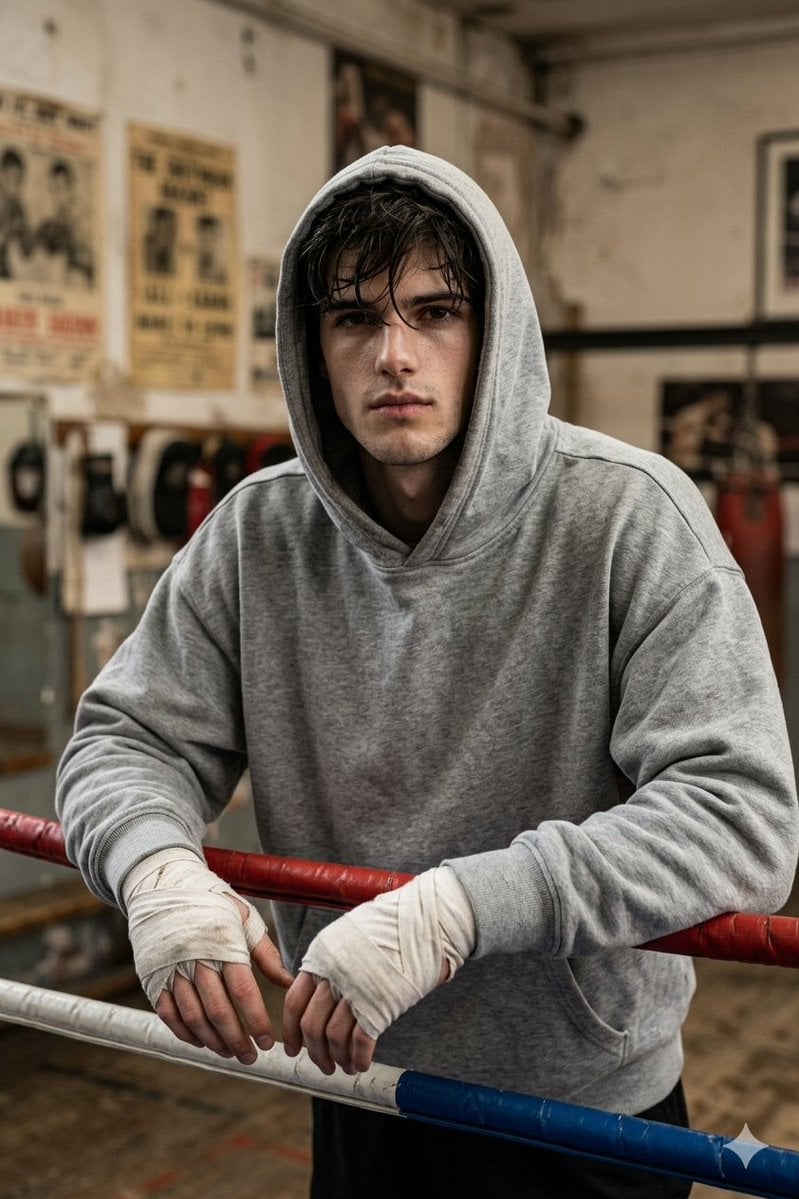
Gritty Boxer in Vintage Gym

Print-Ready Tech Stack Sticker Sheet Prompt
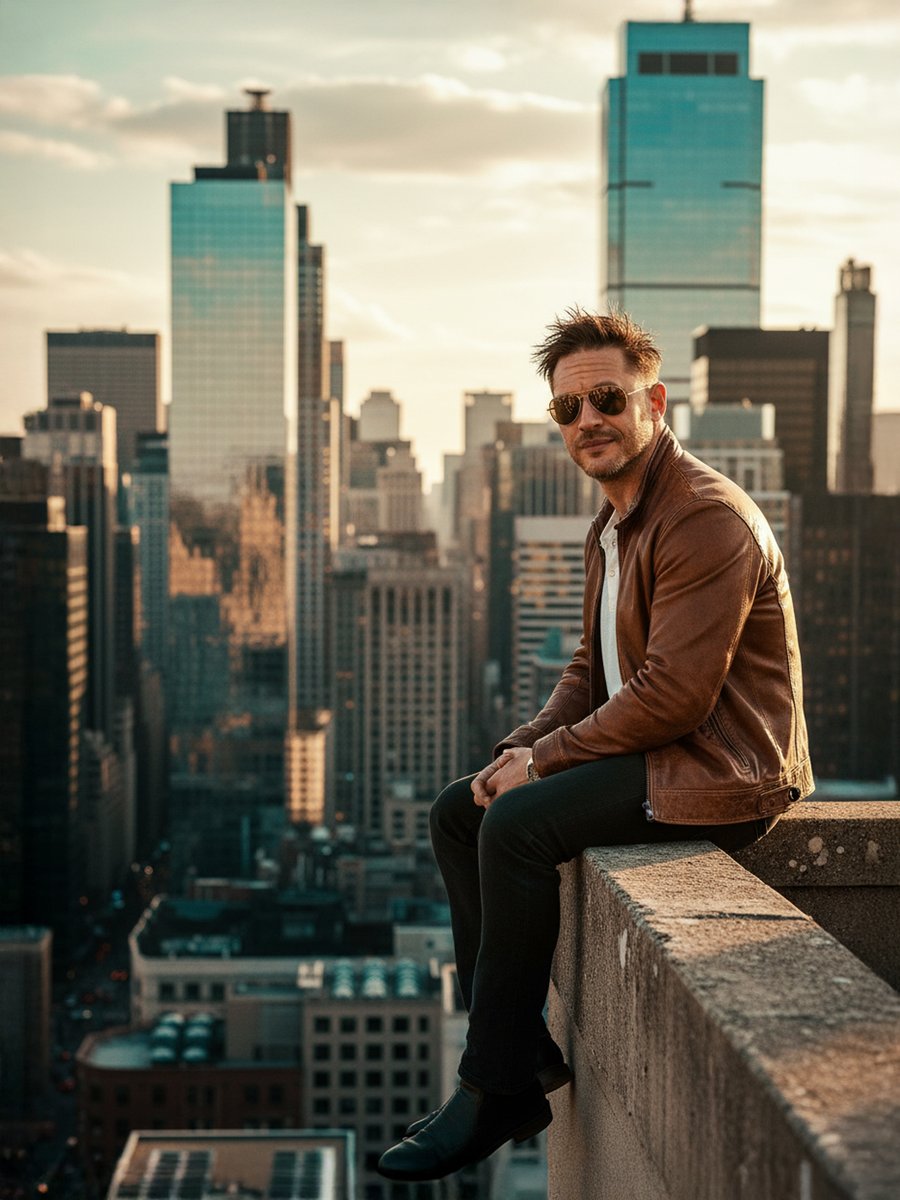
Cinematic Portrait on a Rooftop Ledge at Golden Hour
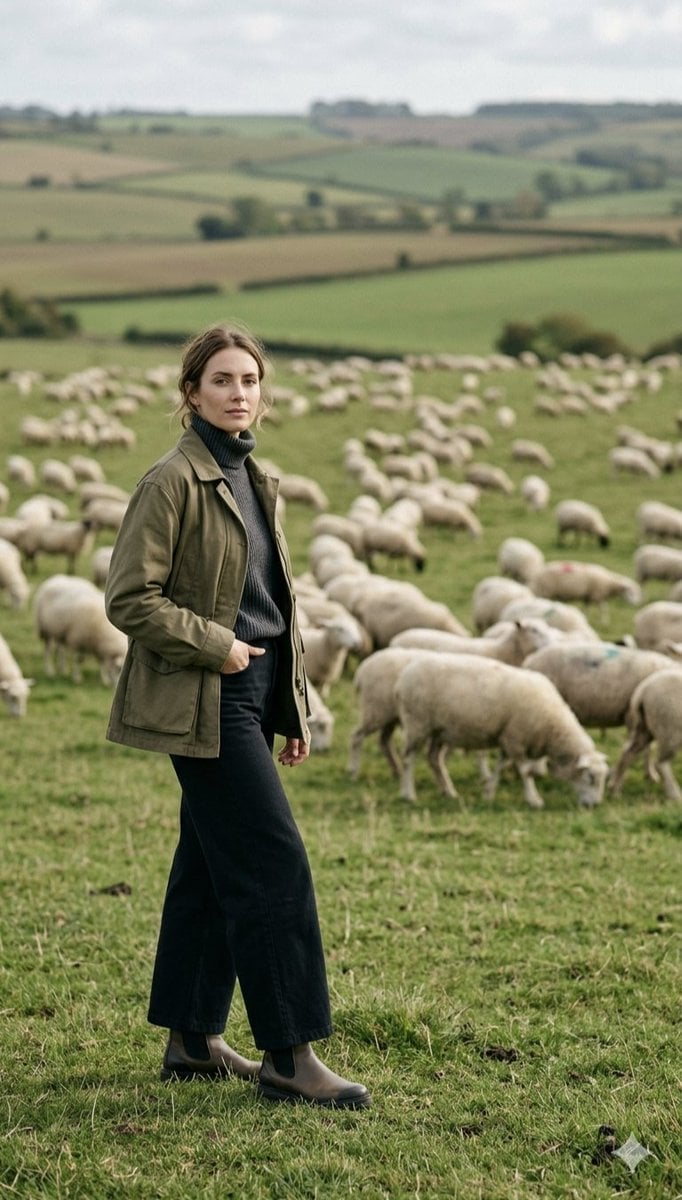
Pastoral Full-Body Portrait in Sheep Pasture
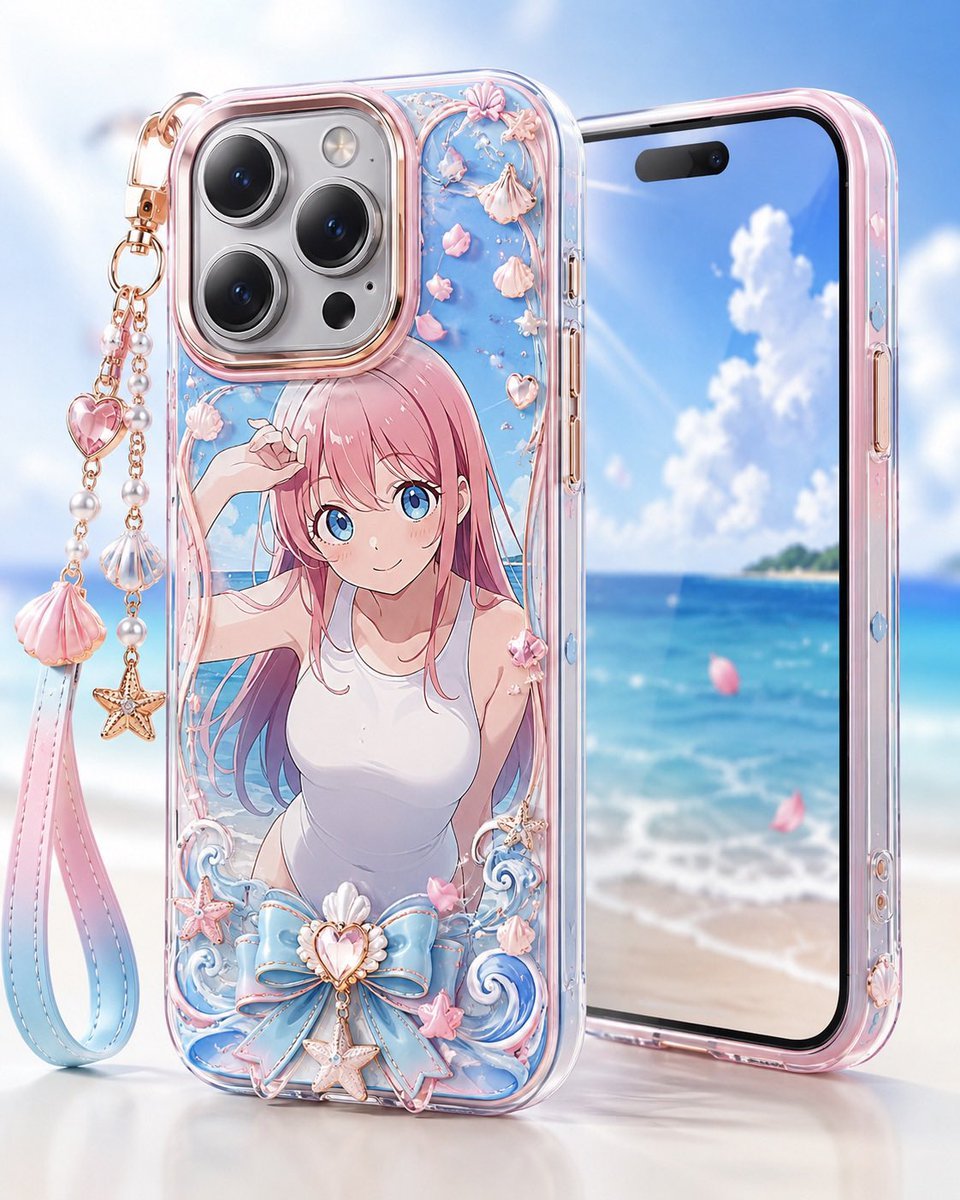
Pastel Anime Beach Phone Case
Luxury Boutique Fashion Portrait
Sci-Fi Surrealism: Figure Against Cosmic Backdrop

Photorealistic Tech Newspaper Mockup
Browse template categories
Gray Studio Character Reference Sheet questions
How do I use the Gray Studio Character Reference Sheet template?
Add your photo if the template asks for one, edit the prompt if you like — the template's model and format are already selected — and press Generate. Your version opens in PicX Studio.
Can I customize the Gray Studio Character Reference Sheet template?
Yes. You can change the subject, setting, lighting, mood, format, and available model controls before creating your image.
Is the Gray Studio Character Reference Sheet template free?
Opening and editing this template is free. Generating uses credits, shown on the Generate button when you are signed in.
Which AI model should I use?
Start with GPT Image 2, which is the model associated with this template. You can compare another compatible model for a different finish.
Looking for something else? Browse all templates.

Your photo, any look
Thousands of ready templates for every top image and video model, from one credit balance.