
Pastel Anime Beach Phone Case
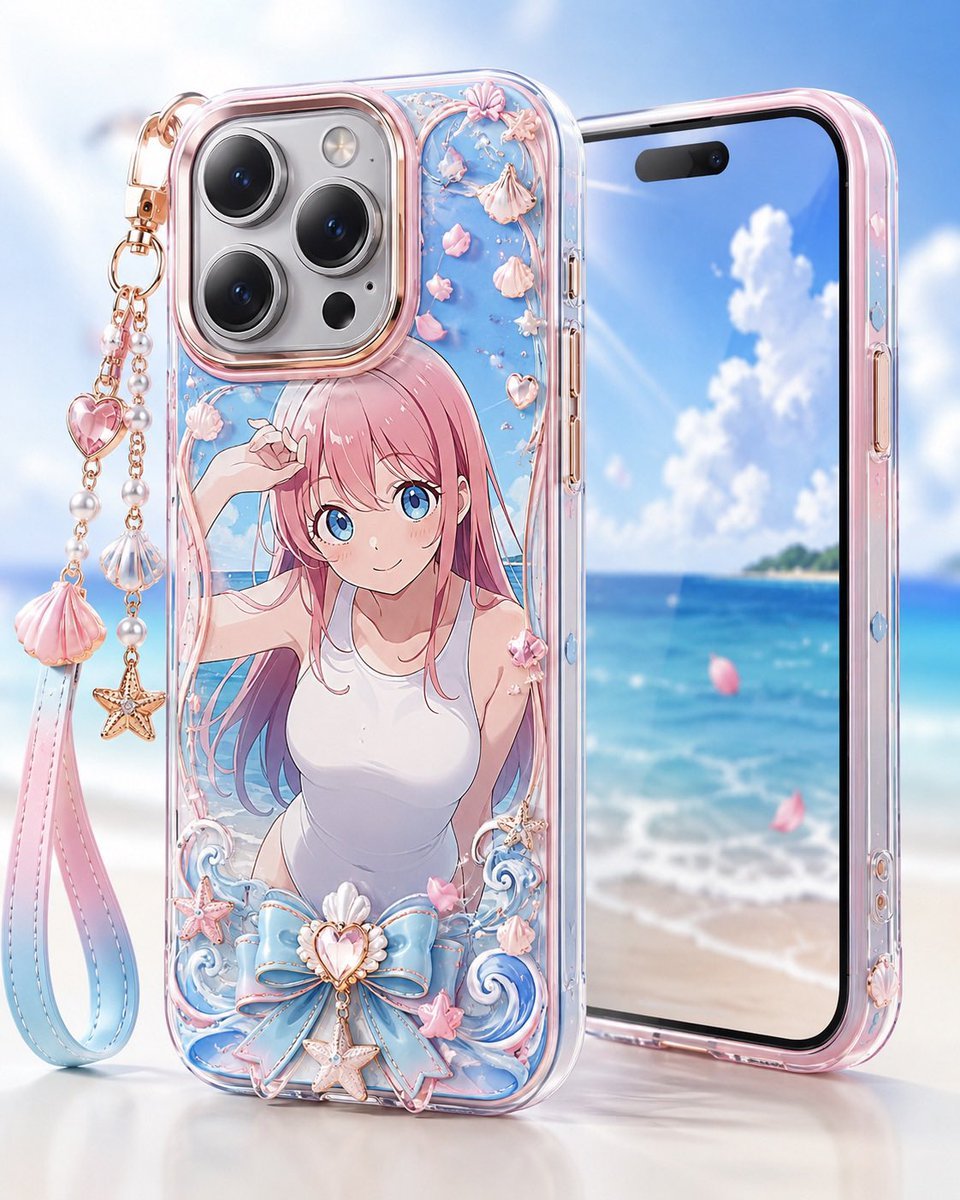
A polished product-render prompt for creating a custom transparent anime smartphone case with beach-themed charms and pastel resin decorations.
- Prompt included
- Model and format preset
- Free template
The prompt behind this image
Copy the exact prompt behind Pastel Anime Beach Phone Case, or open it in the studio and make it yours.
Create a glossy high-end product render of a custom transparent smartphone case displayed in front of a dreamy tropical beach background. The main object is one clear iPhone-style case standing upright, decorated with {argument name="anime illustration" default="a pink-haired anime girl in a white sleeveless top at the seaside, with her face covered by a plain soft pink square"}. Use a pastel ocean theme with translucent resin, rose-gold metallic edging, and shiny beveled plastic. The case must show a large triple-lens camera cutout at the top left with three black lenses, one flash, and small sensor details. Behind it, place exactly one second phone angled slightly to the right, showing a bright screen with blue sky, white clouds, turquoise sea, sandy beach, and a distant island. Add exactly one dangling wrist strap charm attached to the top-left corner of the case: a long loop strap with a pink-to-blue gradient, rose-gold chain links, pearl beads, one pink heart gem, one scallop shell charm, one starfish charm, and one large pink shell tassel-like charm. On the case decoration, include exactly four main shell ornaments on vines near the top, exactly five small pink flower petals scattered around the illustration, exactly two curled blue wave ornaments at the bottom, exactly one oversized pastel blue bow at the bottom center, exactly one central heart-shaped shell jewel on the bow, exactly two starfish ornaments near the lower area, and exactly one small pink bow on the character shoulder. Use {argument name="case color palette" default="clear crystal, blush pink, pastel blue, pearl white, and rose gold"}, ultra-polished reflections, soft studio lighting, shallow depth of field, and a clean luxury accessory advertisement composition. The background should be bright and airy with bokeh, sunlit highlights, and a white tabletop reflection. No logos, no readable text, no watermark, no extra phones, no extra characters.
How to use Pastel Anime Beach Phone Case in 3 steps
- 1Upload ImagePNG, JPG or paste
Add your photo
Upload the photo the template builds on. The prompt, model and format are already set.
- 2…a portrait of your subject in softgolden-hour light, 85mm…
Personalize
Edit the subject and creative details for your destination.
- 3Generate
Generate
Press Generate — your image is created in PicX Studio, so you can compare it with the original and refine one variable at a time.
More like this
Templates with the same subject, style or setup. Open one to see its prompt.

Pastel Anime Summer Beach Collage
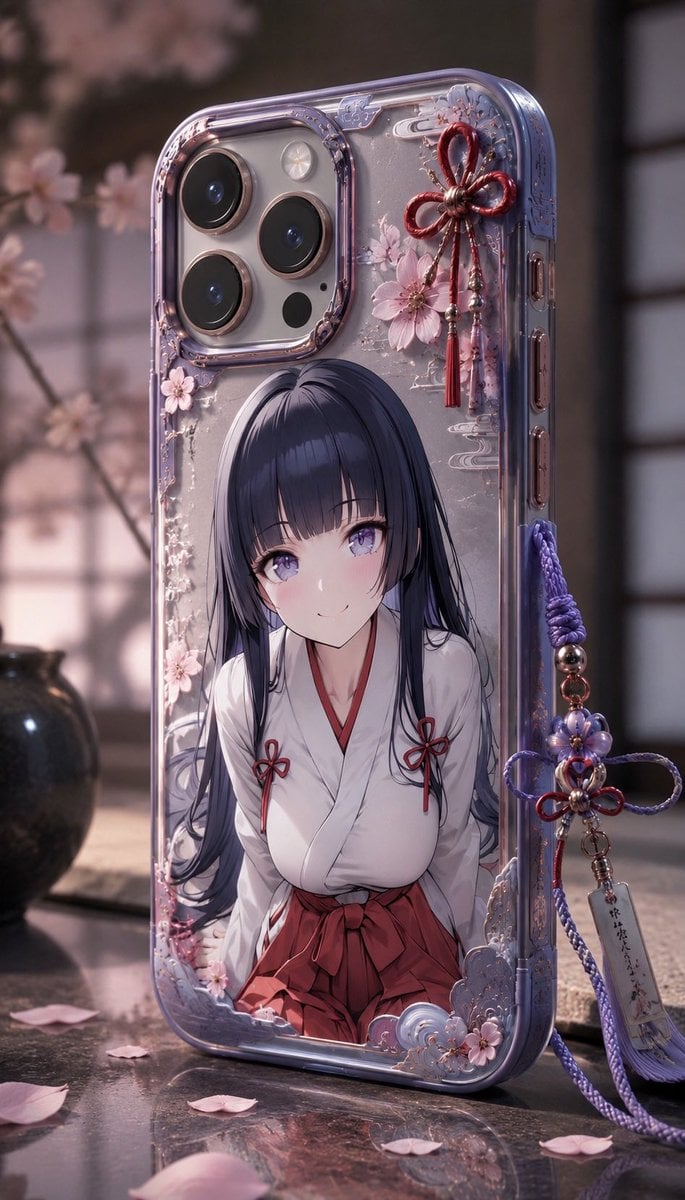
Anime Sakura Smartphone Case Product Shot

Pastel Anime Idol Concert Finale

Layered Paper Cut Illustration Template

3D Anime Girl with Headphones

Cel 2D Finale Fireworks

Cel 2D Garden Maze

Cel 2D Rooftop Concert

Cel 2D Bicycle Coast

Cel 2D Castle Gate

Cel 2D Kitchen Chaos

Cel 2D Carnival Ride
Make it yours
Pastel Anime Beach Phone Case works as-is. These are the safest ways to change it without losing the look.
Change one field
Copy a single group, rewrite it, and generate again so you can see what that field is doing.
Keep the frame, change the subject
Hold the composition and light of Pastel Anime Beach Phone Case, then swap wardrobe, props or the person for a new take.
| If the result… | Why | Fix |
|---|---|---|
| The result drifts from the preview | Too many fields changed at once. | Reuse Pastel Anime Beach Phone Case as-is first, then change one group — subject, light, or setting. |
| The model over-stylizes the scene | The prose prompt leaves finish and camera underspecified. | Add one camera or lighting sentence and stay on GPT Image 2. |
More GPT Image 2 templates
Other prompts made for GPT Image 2.

Six VTuber Japanese Logo Sheet

Realistic Portrait of Woman and Deer

The Vista Modular Condo Poster

AI Model Routing Comparison Infographic

2.5D Anime Art Board

Isometric Productivity Desk Scene

New York Double Exposure Poster

Four-Panel AI Landscape Comparison

Japanese Tatami Lifestyle Magazine Cover

NESCAFÉ Coffee Map Poster
More image prompts
Fresh picks from across the catalog.
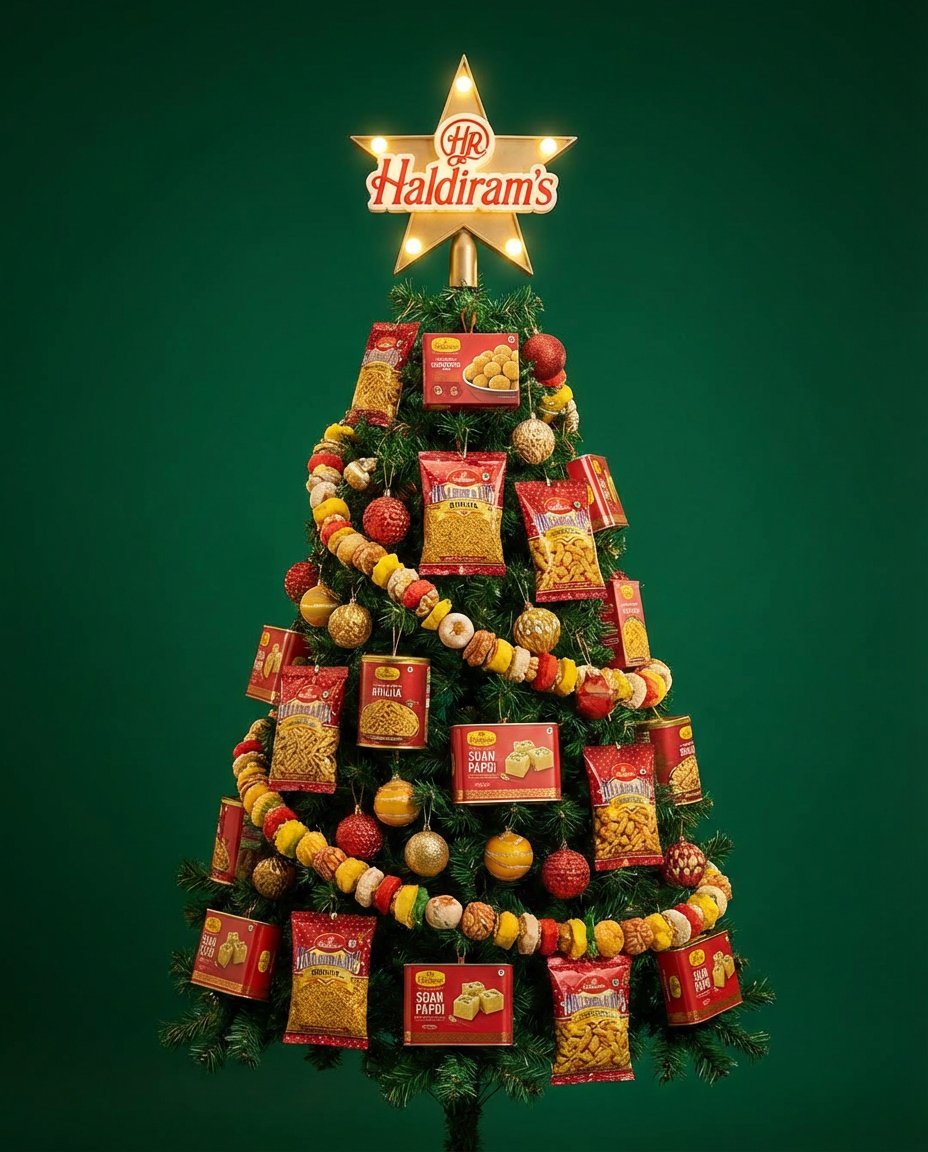
Christmas Tree Branding Template Prompt
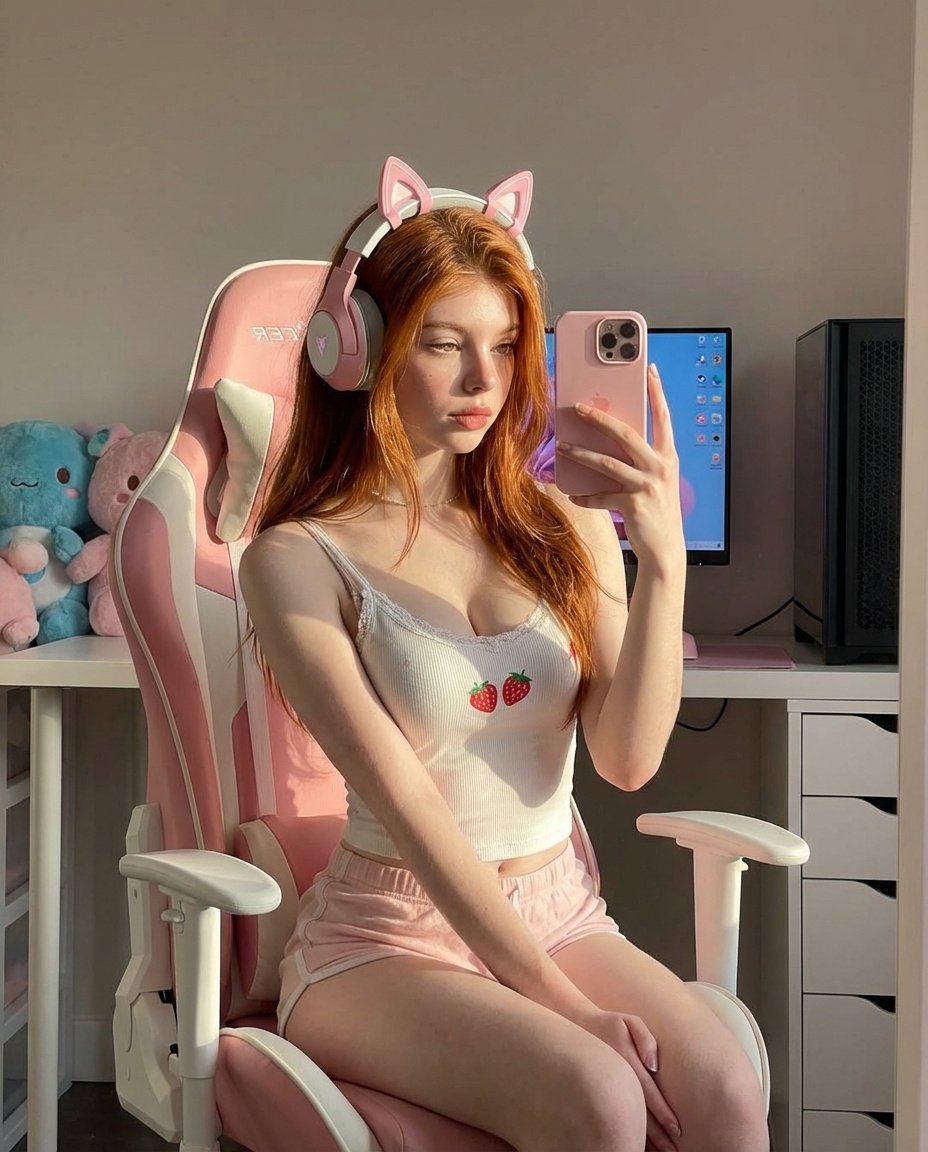
Ultra Realistic Kawaii Gamer Girl Mirror Selfie
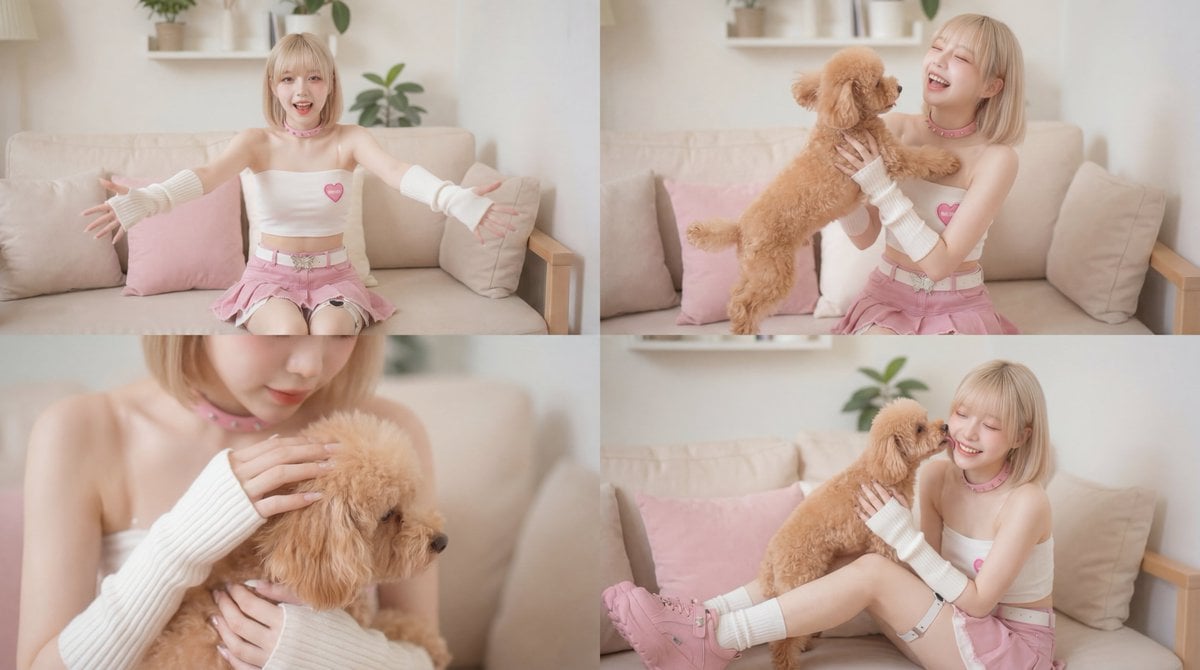
Cinematic Scene of Person Hugging a Toy Poodle
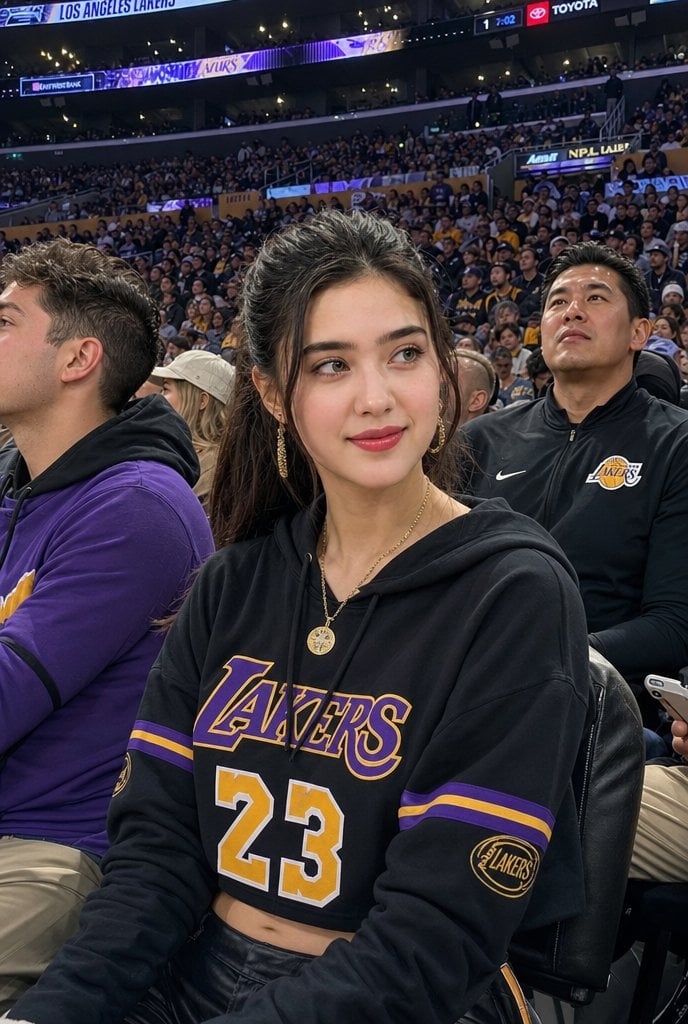
Lakers Arena Candid Portrait

Orange Tracksuit Studio Poster
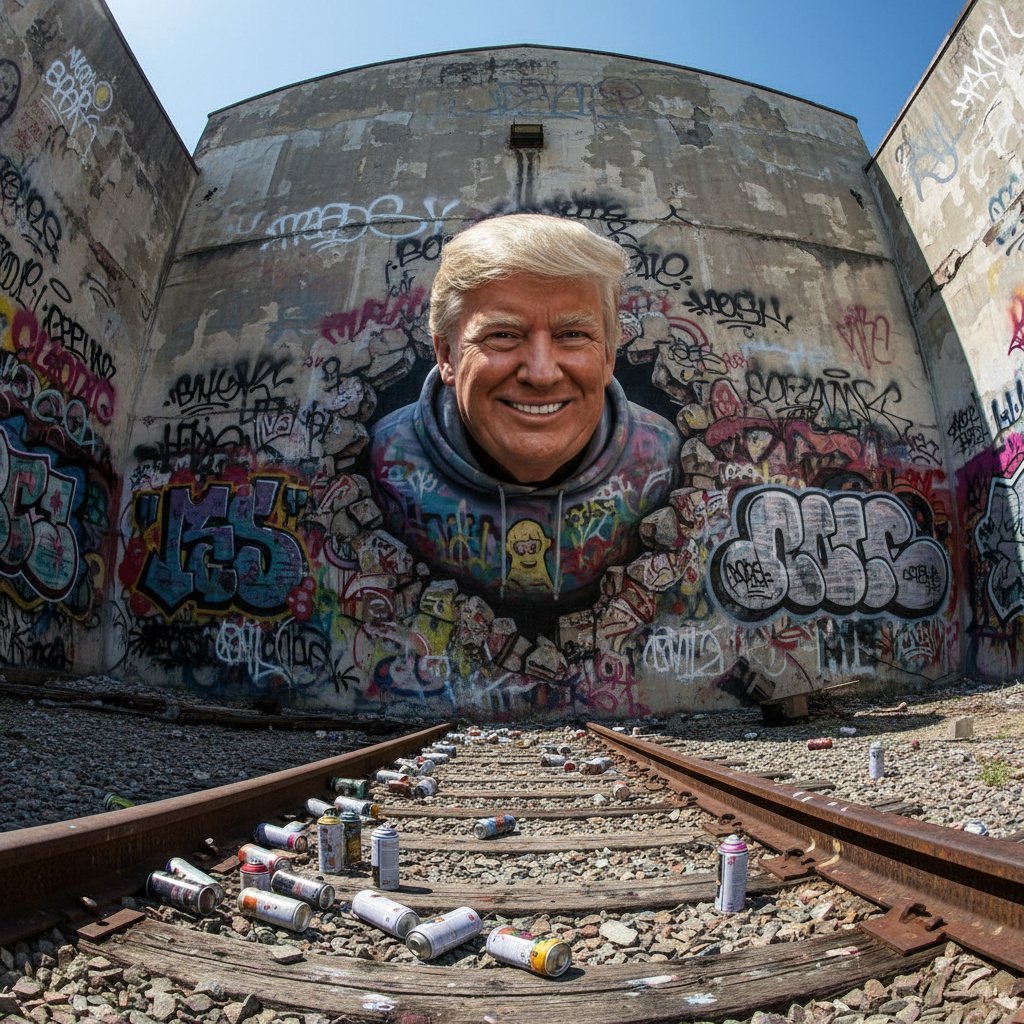
3D Breakout Graffiti Mural Portrait
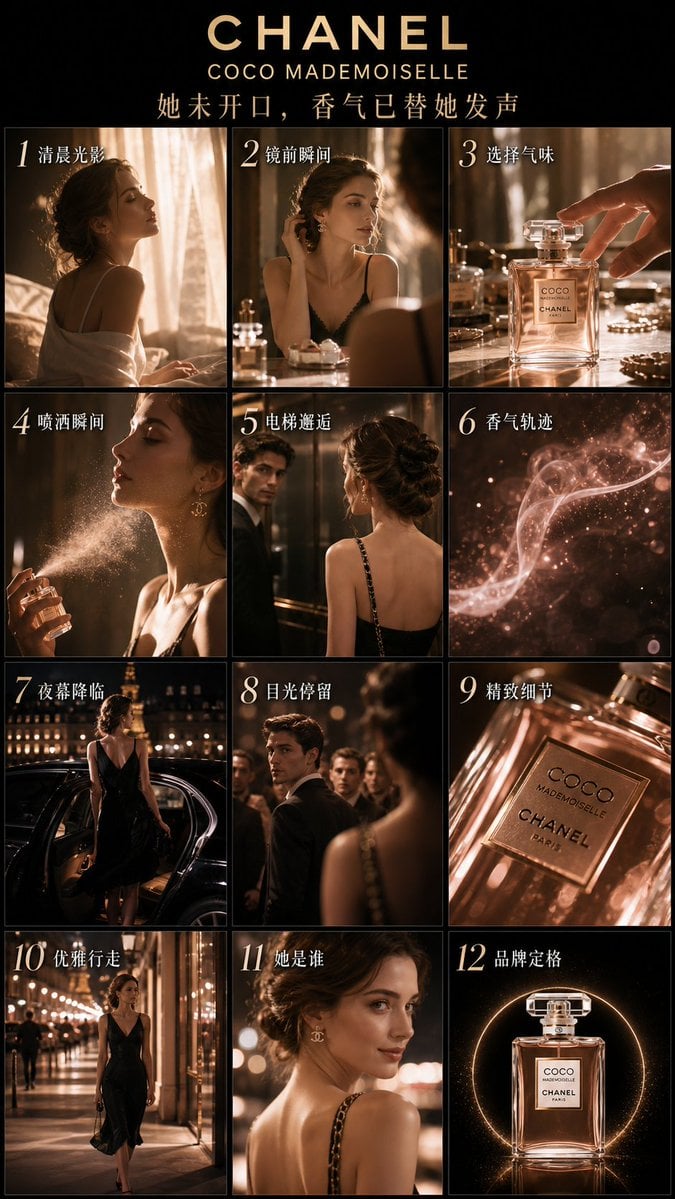
Luxury Perfume Advertising Storyboard
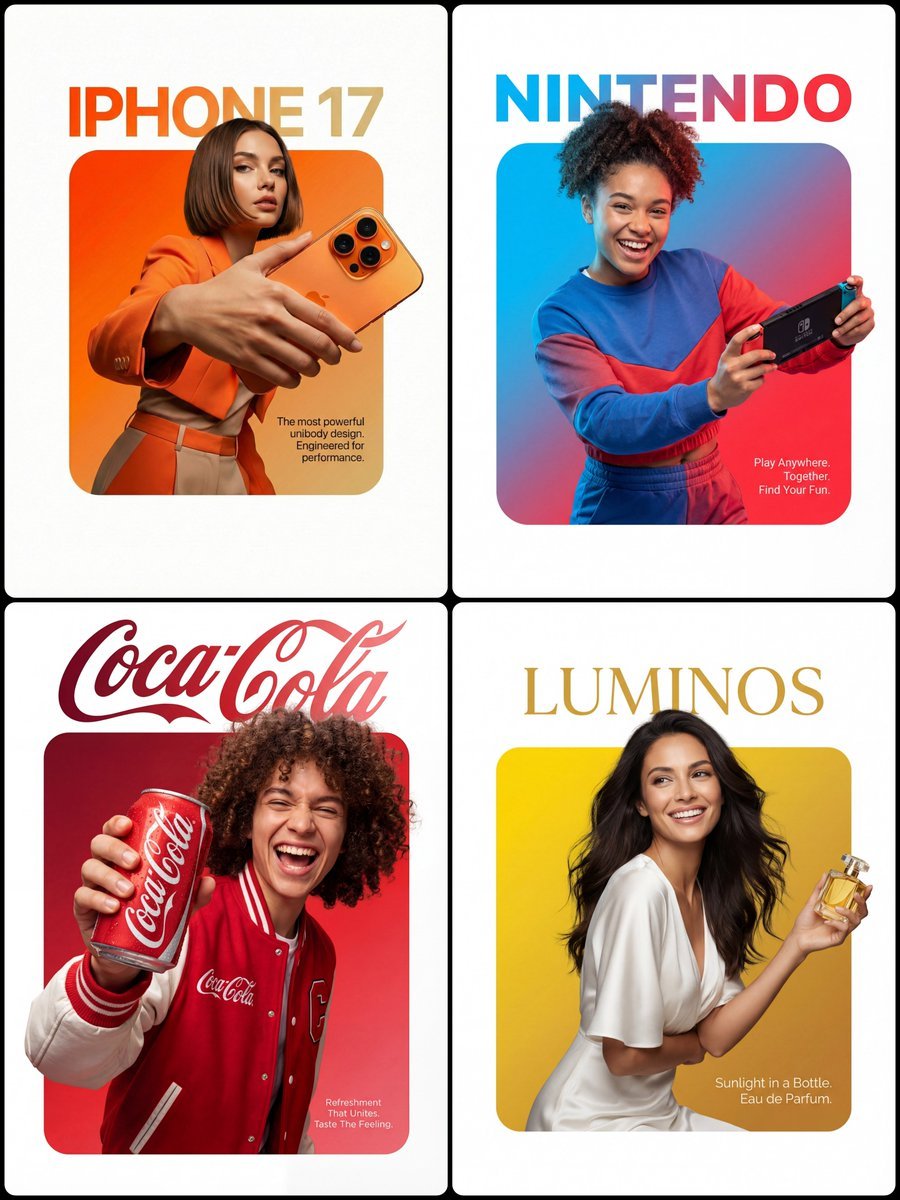
3D Breakout Effect Editorial Ad
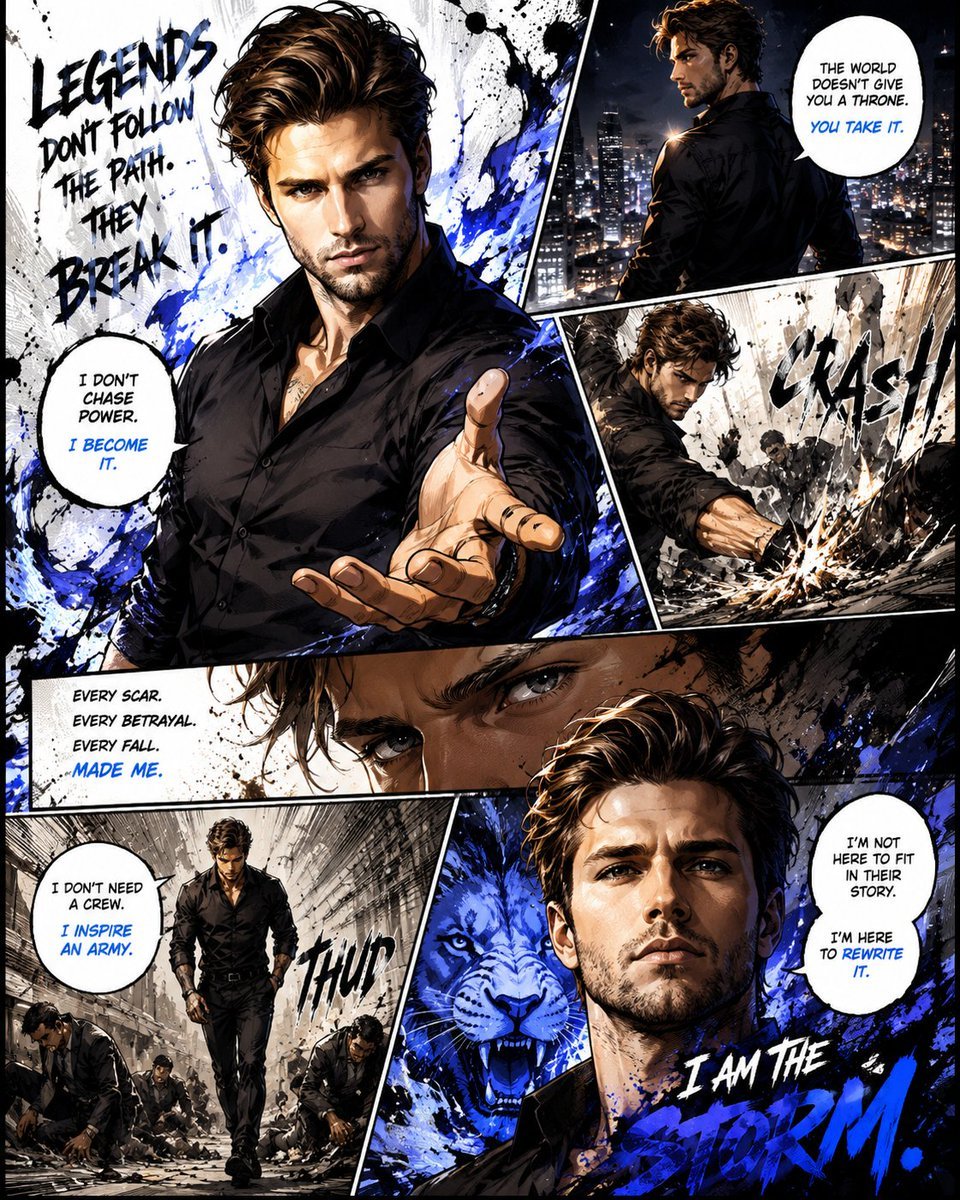
Premium Manga Page Illustration
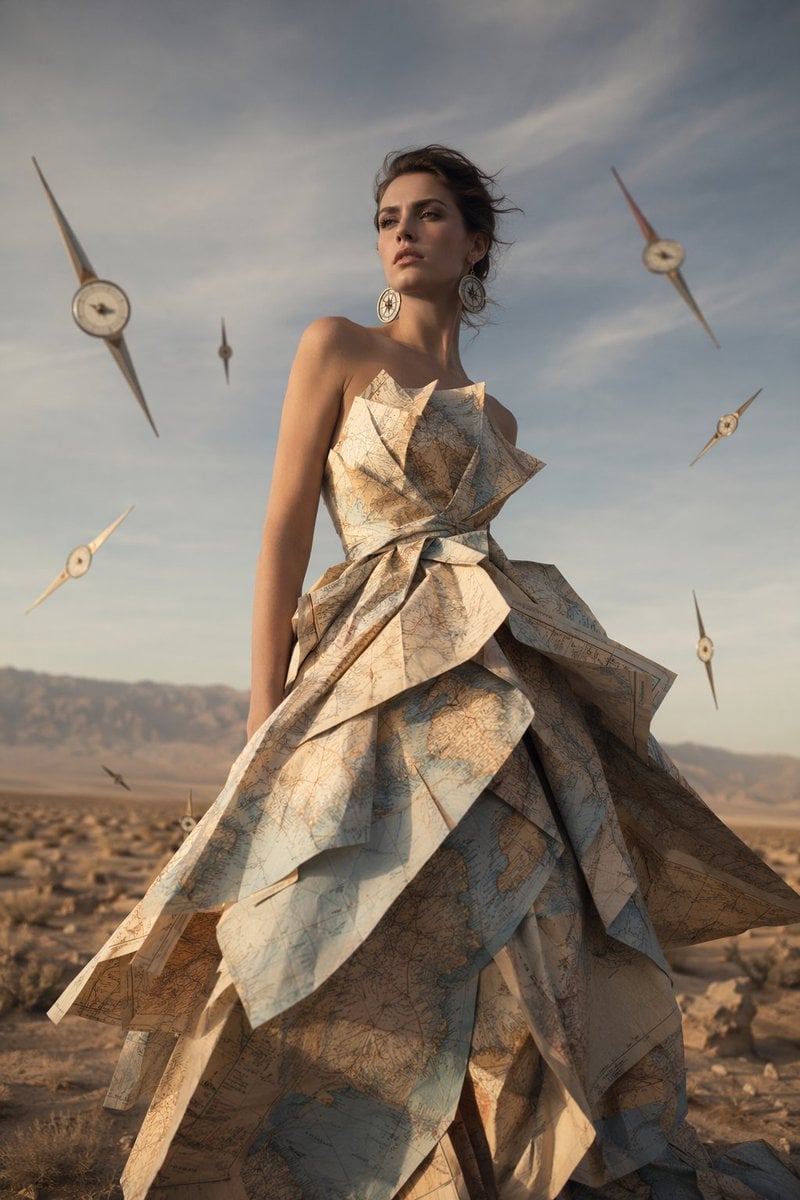
Surreal Map Dress Fashion Editorial
Browse template categories
Pastel Anime Beach Phone Case questions
How do I use the Pastel Anime Beach Phone Case template?
Add your photo if the template asks for one, edit the prompt if you like — the template's model and format are already selected — and press Generate. Your version opens in PicX Studio.
Can I customize the Pastel Anime Beach Phone Case template?
Yes. You can change the subject, setting, lighting, mood, format, and available model controls before creating your image.
Is the Pastel Anime Beach Phone Case template free?
Opening and editing this template is free. Generating uses credits, shown on the Generate button when you are signed in.
Which AI model should I use?
Start with GPT Image 2, which is the model associated with this template. You can compare another compatible model for a different finish.
Looking for something else? Browse all templates.

Your photo, any look
Thousands of ready templates for every top image and video model, from one credit balance.