
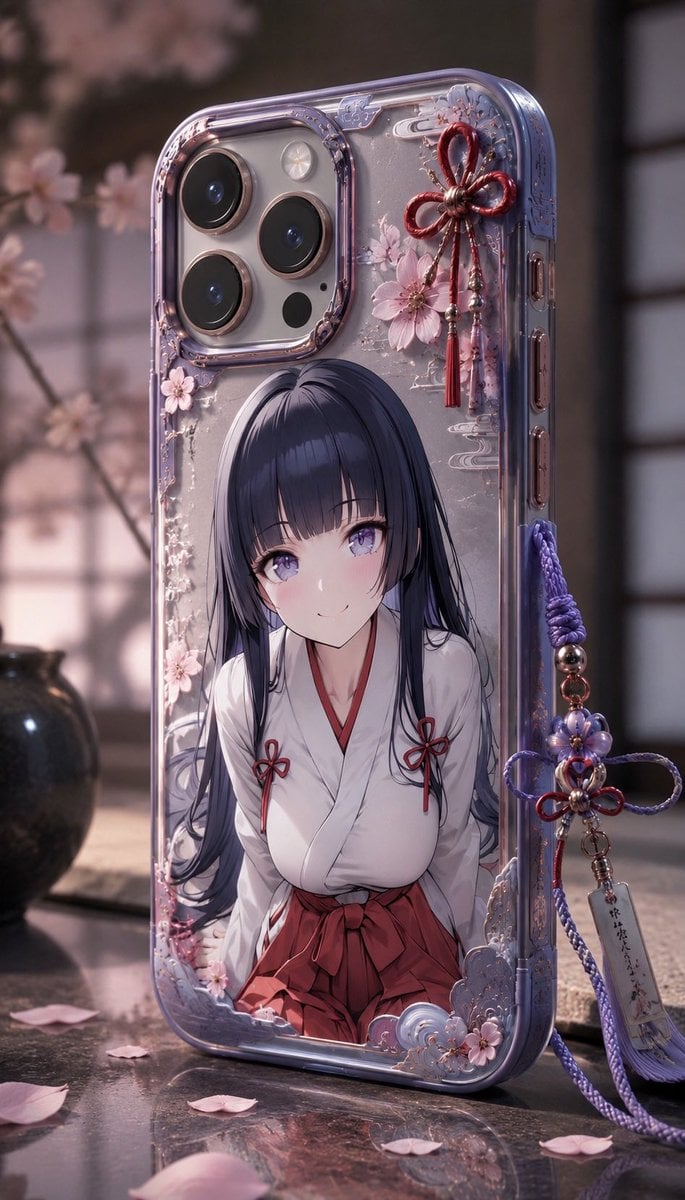
Anime Sakura Smartphone Case Product Shot
A detailed prompt for generating a premium custom clear phone case with an anime shrine maiden illustration, sakura decorations, and Japanese-style charms.
- Prompt included
- Model and format preset
- Free template
The prompt behind this image
Copy the exact prompt behind Anime Sakura Smartphone Case Product Shot, or open it in the studio and make it yours.
Create a photorealistic vertical product shot of a custom transparent smartphone case standing upright on a polished stone surface in a softly lit Japanese room. The case should fit a modern triple-camera phone, with a translucent lavender-tinted bumper, glossy raised edges, metallic rose-gold camera rings, visible side buttons, and a highly detailed decorative back. The case design features an anime-style shrine maiden illustration: a young woman with {argument name="hair color" default="long dark navy-black hair"}, wearing a white kimono top and red hakama skirt with small red bow accents; her face is intentionally covered by a centered soft square blur/censor block. Surround the illustration with delicate sakura blossoms, pale pink petals, subtle silver cloud motifs, tiny glitter specks, and ornate molded corner decorations. Add exactly 2 dangling charms attached to the phone case: 1 red mizuhiki bow charm near the upper right with flower beads and tassels, and 1 purple braided cord charm on the right side with beads, a small floral knot, tassels, and a narrow paper tag with tiny Japanese calligraphy. Background: shallow-depth-of-field interior with blurred cherry blossom branches on the left, shoji-style window panels on the right, warm dusk lighting, soft pink and purple tones, and scattered sakura petals on the reflective tabletop. Visual style: ultra-detailed realistic photography mixed with premium anime merchandise aesthetics, macro product focus, bokeh background, cinematic soft light, crisp reflections, no logos, no watermark, no extra text except the tiny illegible calligraphy on the charm tag. Use {argument name="phone case color" default="translucent lavender"}, {argument name="main flower" default="sakura blossoms"}, {argument name="outfit style" default="shrine maiden kimono and red hakama"}, and {argument name="lighting mood" default="warm dusk cherry-blossom glow"}.
How to use Anime Sakura Smartphone Case Product Shot in 3 steps
- 1Upload ImagePNG, JPG or paste
Add your photo
Upload the photo the template builds on. The prompt, model and format are already set.
- 2…a portrait of your subject in softgolden-hour light, 85mm…
Personalize
Edit the subject and creative details for your destination.
- 3Generate
Generate
Press Generate — your image is created in PicX Studio, so you can compare it with the original and refine one variable at a time.
More like this
Templates with the same subject, style or setup. Open one to see its prompt.
Vibrant Canned Beverage Showcase
Retro Disco Beverage Showcase
Vibrant Tequila Smash Product Showcase
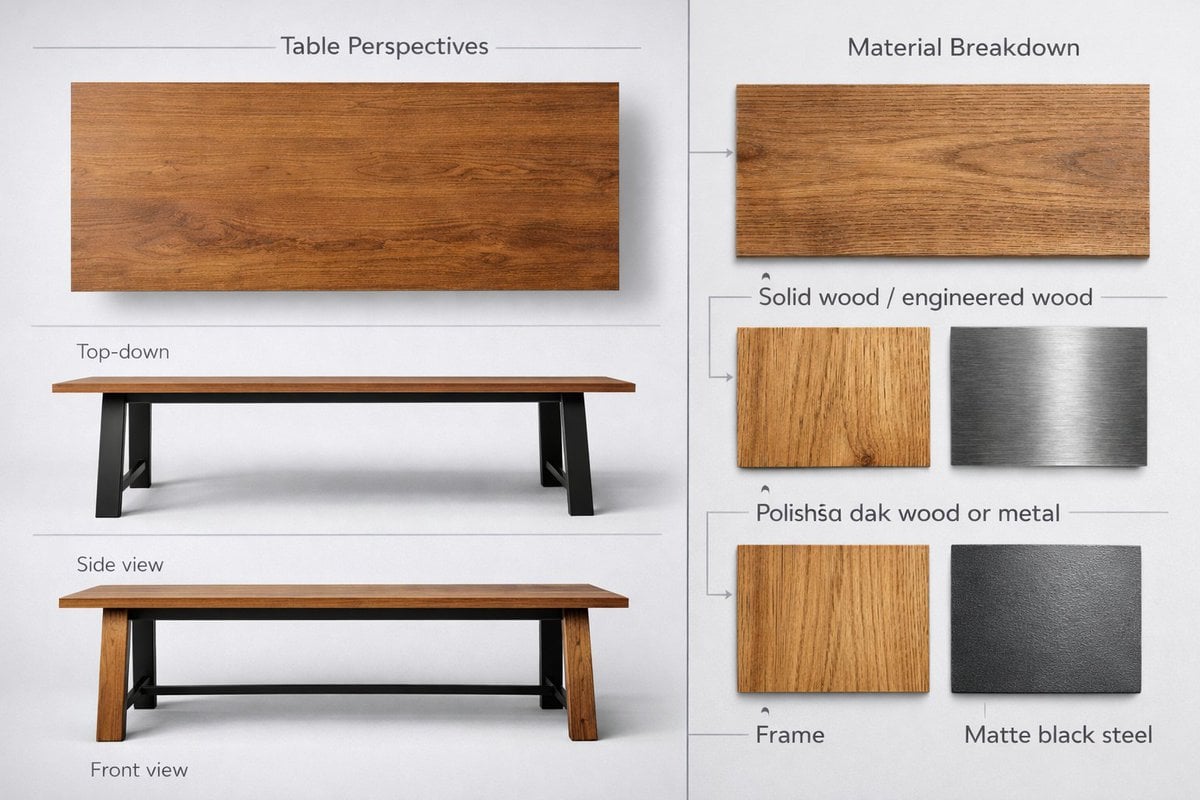
Detailed product showcase image of a table design with multiple

A k.pop idol on the stage with mic

Cel 2D Finale Fireworks

Cel 2D Garden Maze

Cel 2D Rooftop Concert

Cel 2D Bicycle Coast

Cel 2D Castle Gate

Cel 2D Kitchen Chaos

Cel 2D Carnival Ride
Make it yours
Anime Sakura Smartphone Case Product Shot works as-is. These are the safest ways to change it without losing the look.
Change one field
Copy a single group, rewrite it, and generate again so you can see what that field is doing.
Keep the frame, change the subject
Hold the composition and light of Anime Sakura Smartphone Case Product Shot, then swap wardrobe, props or the person for a new take.
| If the result… | Why | Fix |
|---|---|---|
| The result drifts from the preview | Too many fields changed at once. | Reuse Anime Sakura Smartphone Case Product Shot as-is first, then change one group — subject, light, or setting. |
| The model over-stylizes the scene | The prose prompt leaves finish and camera underspecified. | Add one camera or lighting sentence and stay on GPT Image 2. |
More GPT Image 2 templates
Other prompts made for GPT Image 2.

Six VTuber Japanese Logo Sheet

Realistic Portrait of Woman and Deer

The Vista Modular Condo Poster

AI Model Routing Comparison Infographic

2.5D Anime Art Board

Isometric Productivity Desk Scene

New York Double Exposure Poster

Four-Panel AI Landscape Comparison

Japanese Tatami Lifestyle Magazine Cover

NESCAFÉ Coffee Map Poster
More image prompts
Fresh picks from across the catalog.
Step 1: Professional Photography Enhancement

Four-Panel Manga Generation: The Day Our Bus Stops

Cinematic Profile Portrait Prompt with Backlighting and Bokeh

Nano Banana 2 Tulip Field
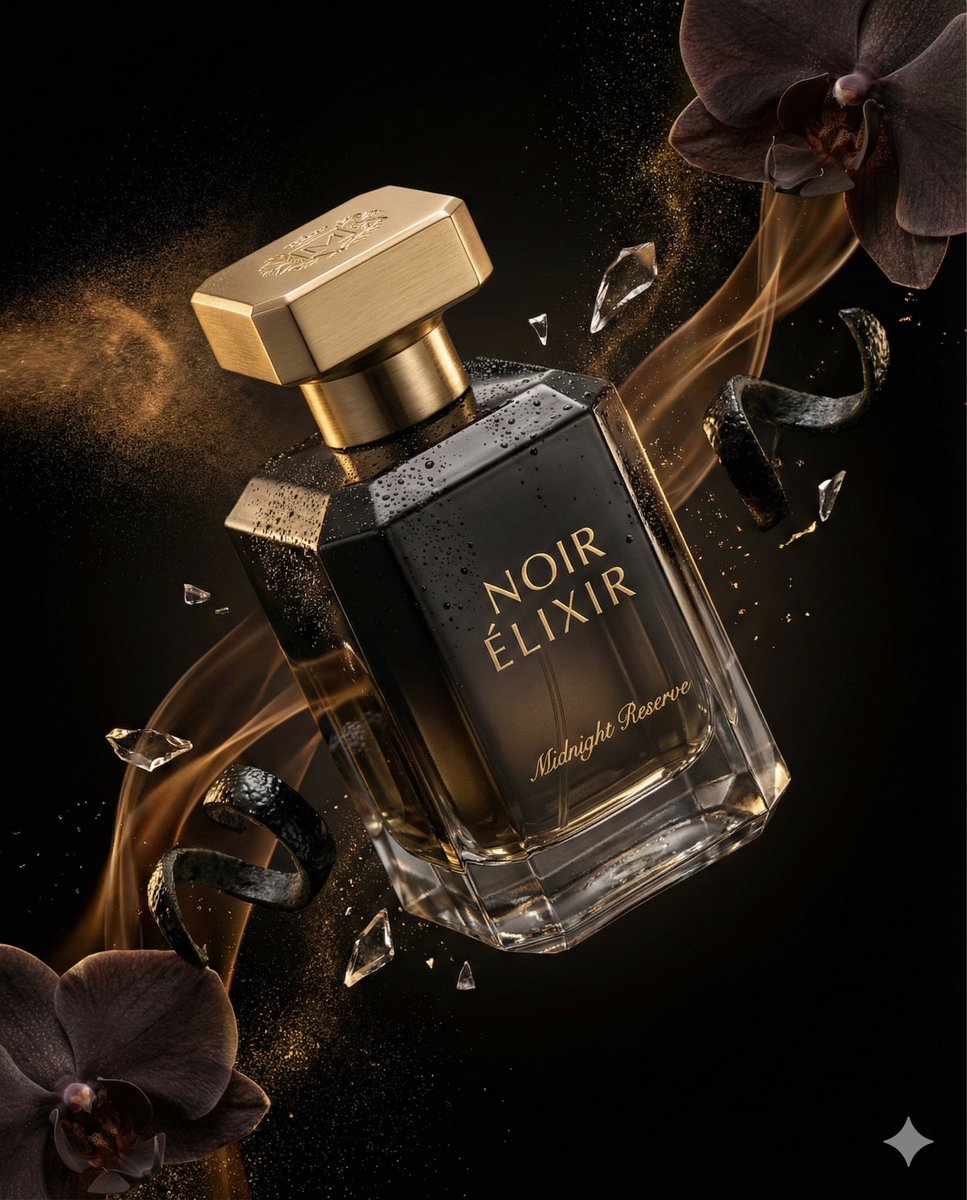
Luxury Perfume Commercial Render Prompt (NOIR ÉLIXIR)
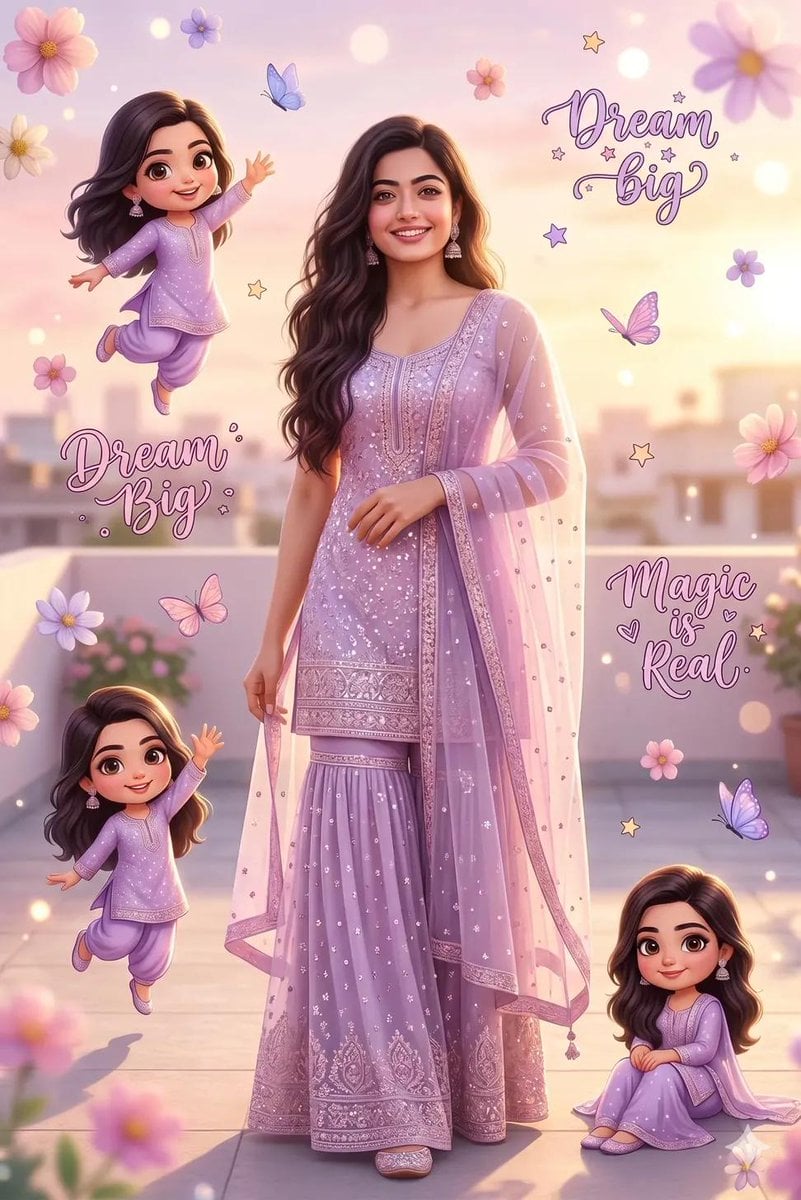
Dreamy Collage Portrait of a Girl
Over-the-Shoulder POV Motorbike Shot

3D printed Corinthian netrunner helmet

Floating Woman Above Cityscape with Notifications
Black and White Aesthetic Close-up Portrait
Browse template categories
Anime Sakura Smartphone Case Product Shot questions
How do I use the Anime Sakura Smartphone Case Product Shot template?
Add your photo if the template asks for one, edit the prompt if you like — the template's model and format are already selected — and press Generate. Your version opens in PicX Studio.
Can I customize the Anime Sakura Smartphone Case Product Shot template?
Yes. You can change the subject, setting, lighting, mood, format, and available model controls before creating your image.
Is the Anime Sakura Smartphone Case Product Shot template free?
Opening and editing this template is free. Generating uses credits, shown on the Generate button when you are signed in.
Which AI model should I use?
Start with GPT Image 2, which is the model associated with this template. You can compare another compatible model for a different finish.
Looking for something else? Browse all templates.

Your photo, any look
Thousands of ready templates for every top image and video model, from one credit balance.