
Vibrant Canned Beverage Showcase
Vibrant Canned Beverage Showcase is a ready photo look.
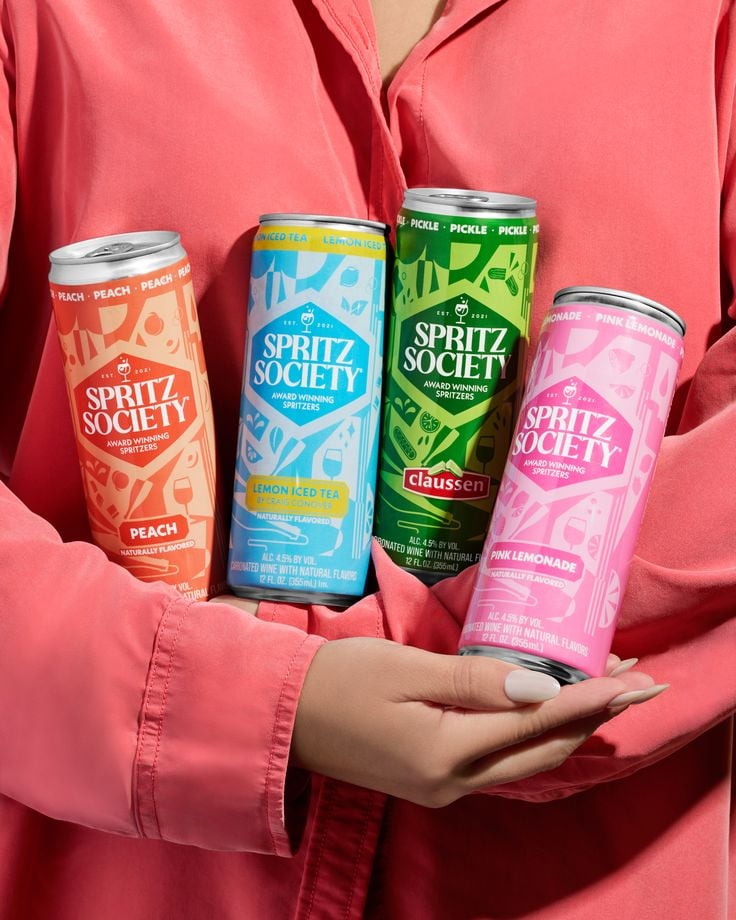
- Prompt included
- Model and format preset
- Free template
The prompt behind this image
Copy the exact prompt behind Vibrant Canned Beverage Showcase, or open it in the studio and make it yours.
- Prompt
- A lifestyle product photograph featuring four slim canned spritz beverages held together in both hands against a soft coral-colored shirt. The cans are arranged closely in a slight arc, showcasing multiple flavors with distinct bright colors including peach orange, lemon blue, pickle green, and pink lemonade. Only the hands and torso are visible, with no face shown, creating a clean and approachable lifestyle aesthetic. Soft studio lighting evenly illuminates the cans, keeping labels sharp and readable while gentle fabric folds add texture to the background. Modern, friendly alcohol brand photography with a casual yet premium feel.
- Negative Prompt
- faces, cluttered background, harsh shadows, blurry image, low resolution, distorted labels, logo deformation, extra hands, messy composition
- Style
- lifestyle commercial product photography
- Lighting
- soft studio lighting, even exposure
- Camera › Angle
- straight-on medium close-up
- Camera › Lens
- 50mm
- Camera › Aperture
- f/5.6
- Camera › Focus
- sharp focus on product
- Composition
- tight grouping, centered framing, brand lineup presentation
- Background
- monochrome coral fabric backdrop
- Mood
- friendly, social, modern, approachable
- Quality
- ultra high resolution, professional advertising photography, photorealistic
Raw JSON
{
  "prompt": "A lifestyle product photograph featuring four slim canned spritz beverages held together in both hands against a soft coral-colored shirt. The cans are arranged closely in a slight arc, showcasing multiple flavors with distinct bright colors including peach orange, lemon blue, pickle green, and pink lemonade. Only the hands and torso are visible, with no face shown, creating a clean and approachable lifestyle aesthetic. Soft studio lighting evenly illuminates the cans, keeping labels sharp and readable while gentle fabric folds add texture to the background. Modern, friendly alcohol brand photography with a casual yet premium feel.",
  "negative_prompt": "faces, cluttered background, harsh shadows, blurry image, low resolution, distorted labels, logo deformation, extra hands, messy composition",
  "style": "lifestyle commercial product photography",
  "lighting": "soft studio lighting, even exposure",
  "camera": {
    "angle": "straight-on medium close-up",
    "lens": "50mm",
    "aperture": "f/5.6",
    "focus": "sharp focus on product"
  },
  "composition": "tight grouping, centered framing, brand lineup presentation",
  "background": "monochrome coral fabric backdrop",
  "mood": "friendly, social, modern, approachable",
  "quality": "ultra high resolution, professional advertising photography, photorealistic"
}How to use Vibrant Canned Beverage Showcase in 3 steps
- 1
Open
The prompt is already in the box next to the preview, with the template's model and format selected.
- 2…a portrait of your subject in softgolden-hour light, 85mm…
Personalize
Edit the subject and creative details for your destination.
- 3Generate
Generate
Press Generate — your image is created in PicX Studio, so you can compare it with the original and refine one variable at a time.
More like this
Templates with the same subject, style or setup. Open one to see its prompt.
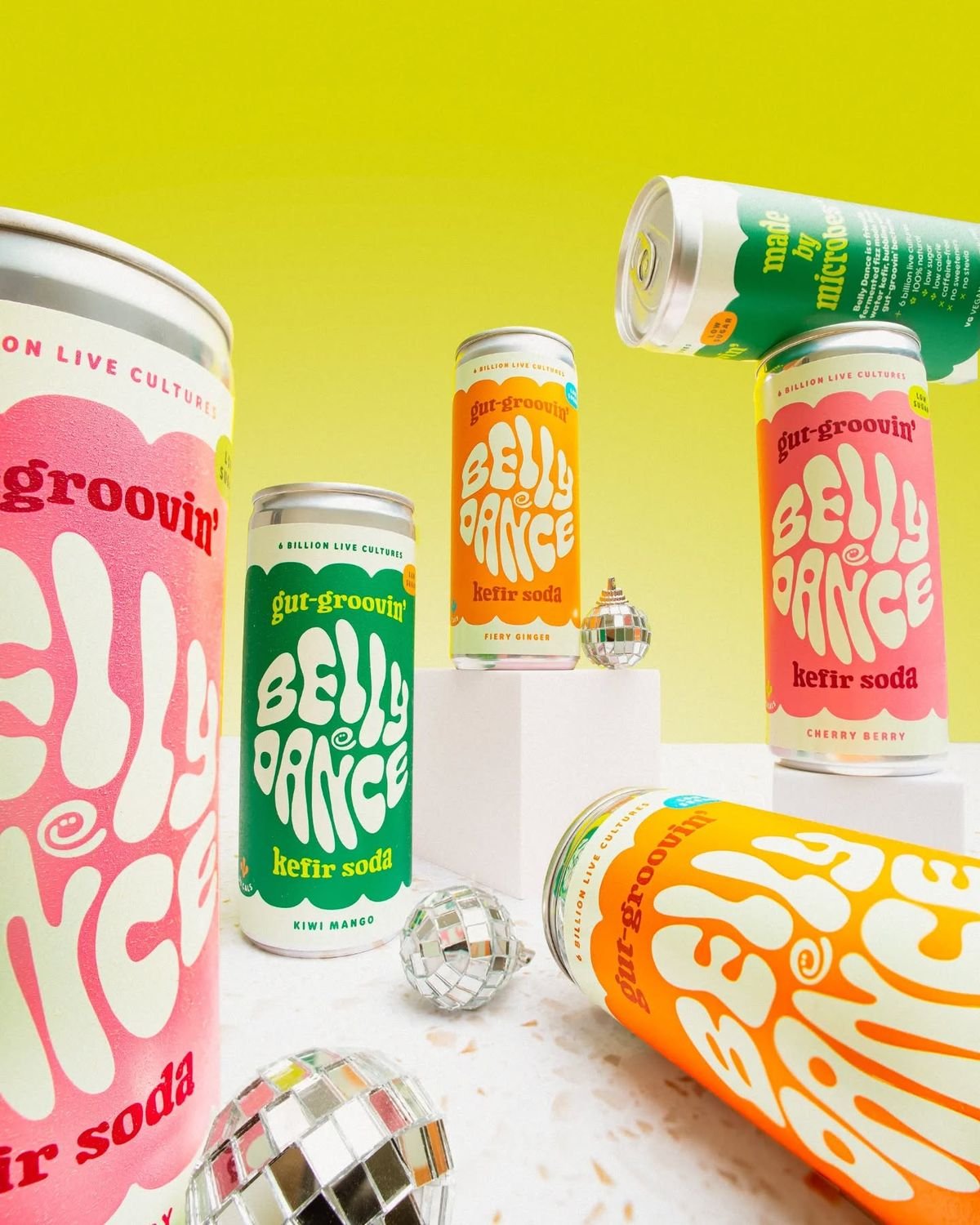
Retro Disco Beverage Showcase
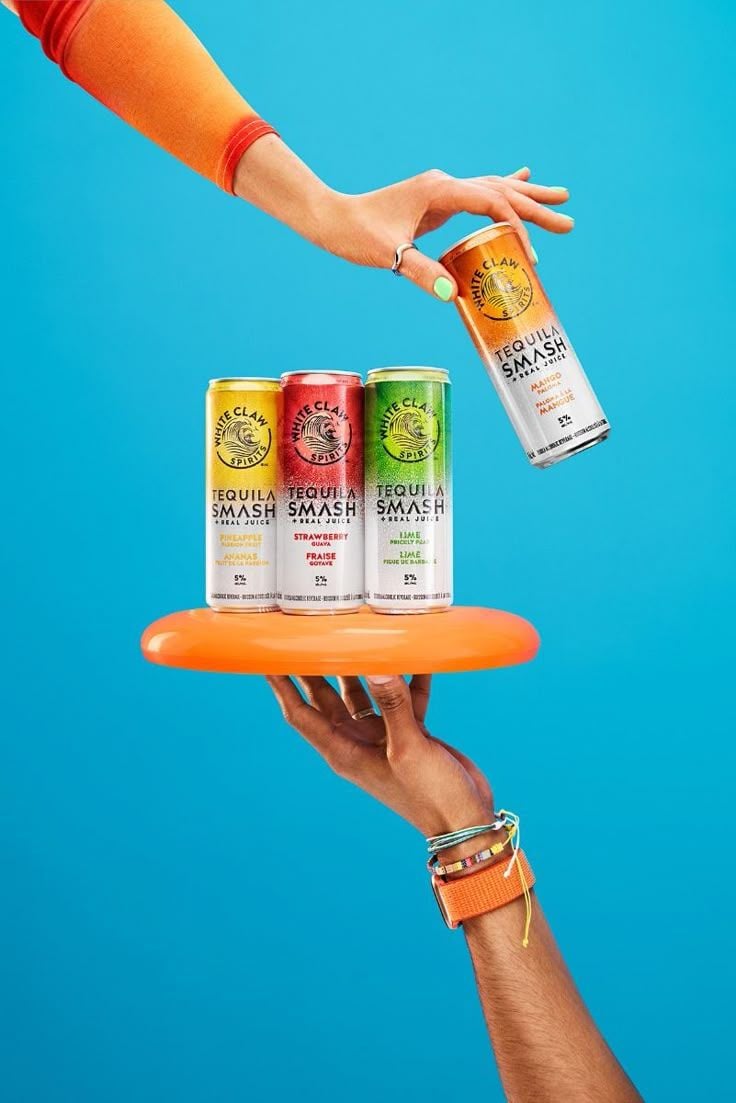
Vibrant Tequila Smash Product Showcase
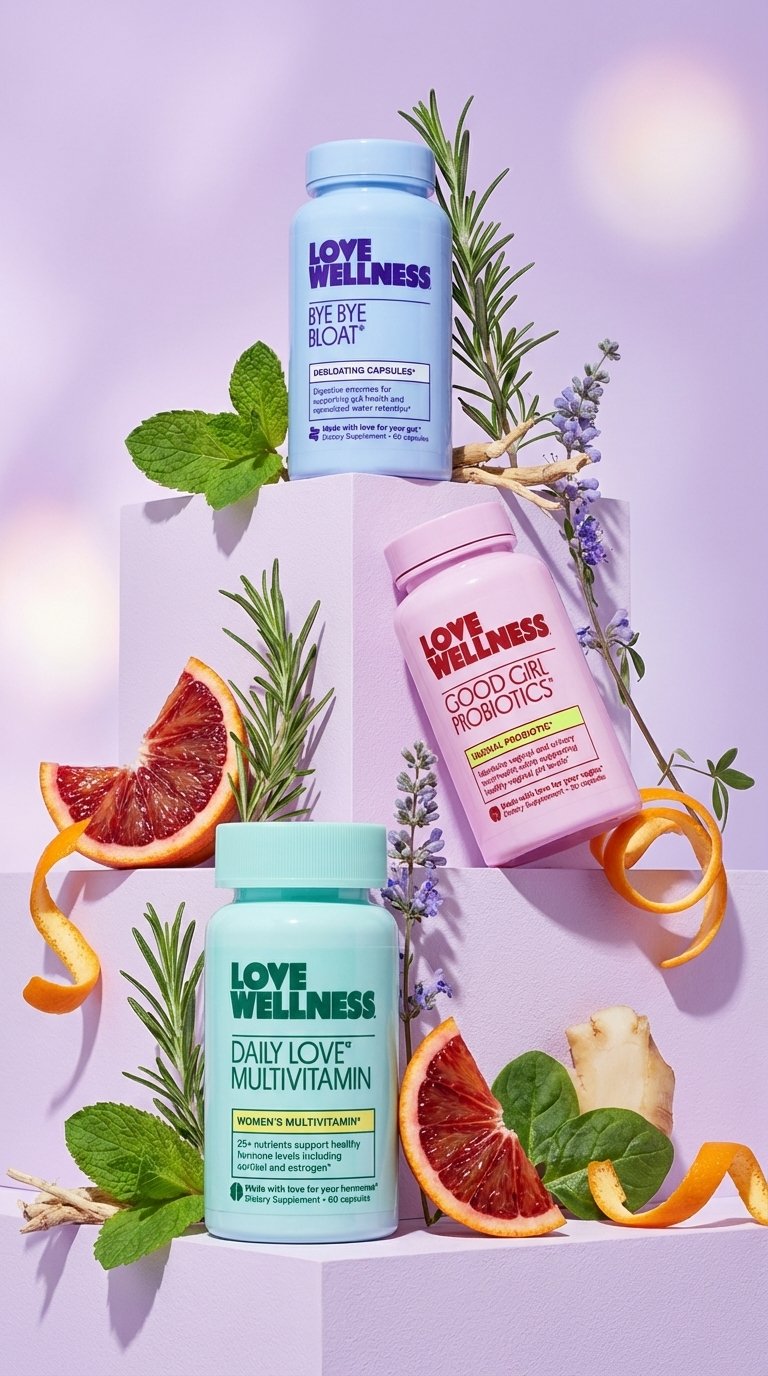
Vibrant Wellness Product Showcase
Botanical Rosemary Mint Product Showcase
Modern Chic Product Showcase
Modern Electric Shaver Showcase
Vibrant Pop Fashion Aesthetic
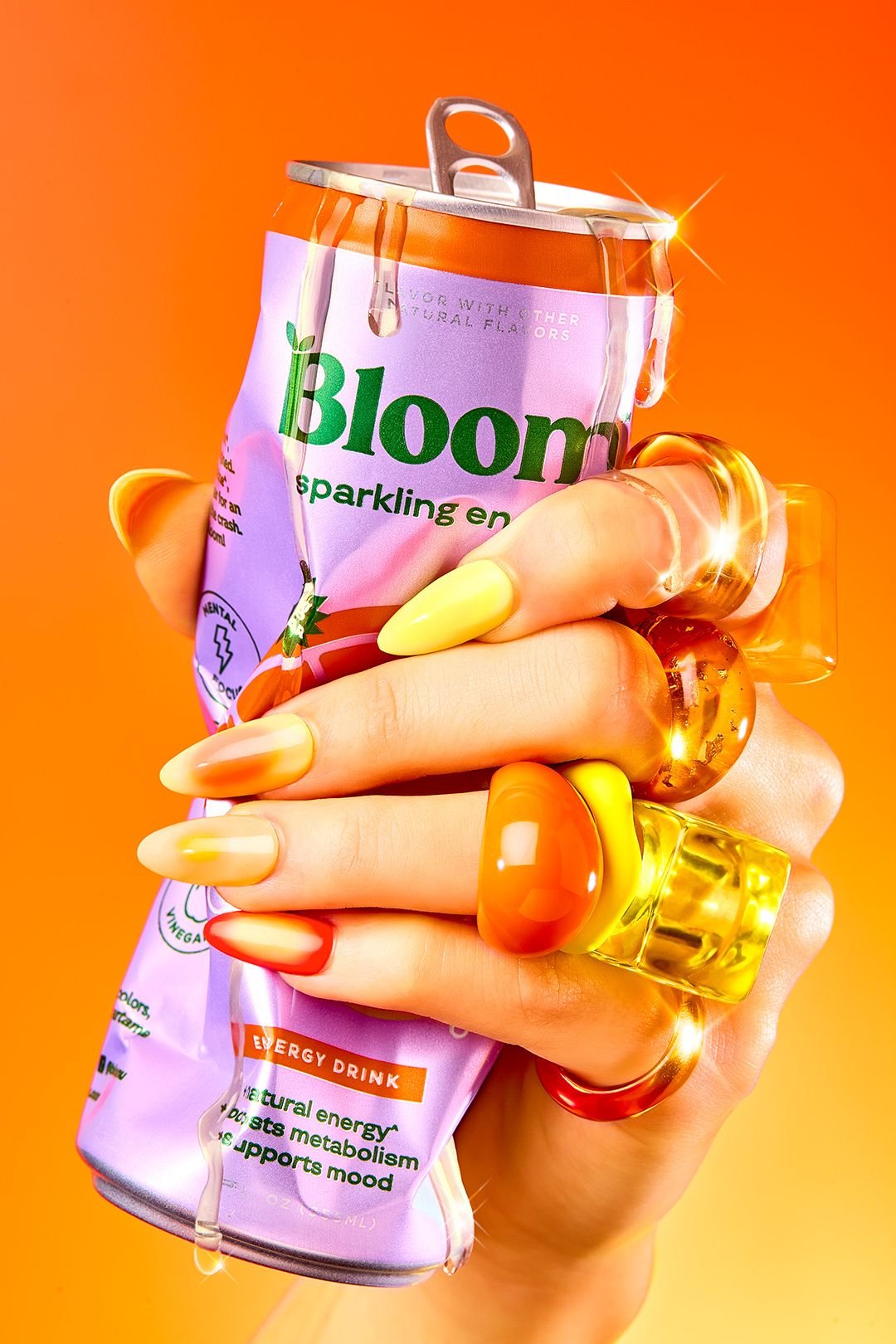
Vibrant Citrus Energy Bloom
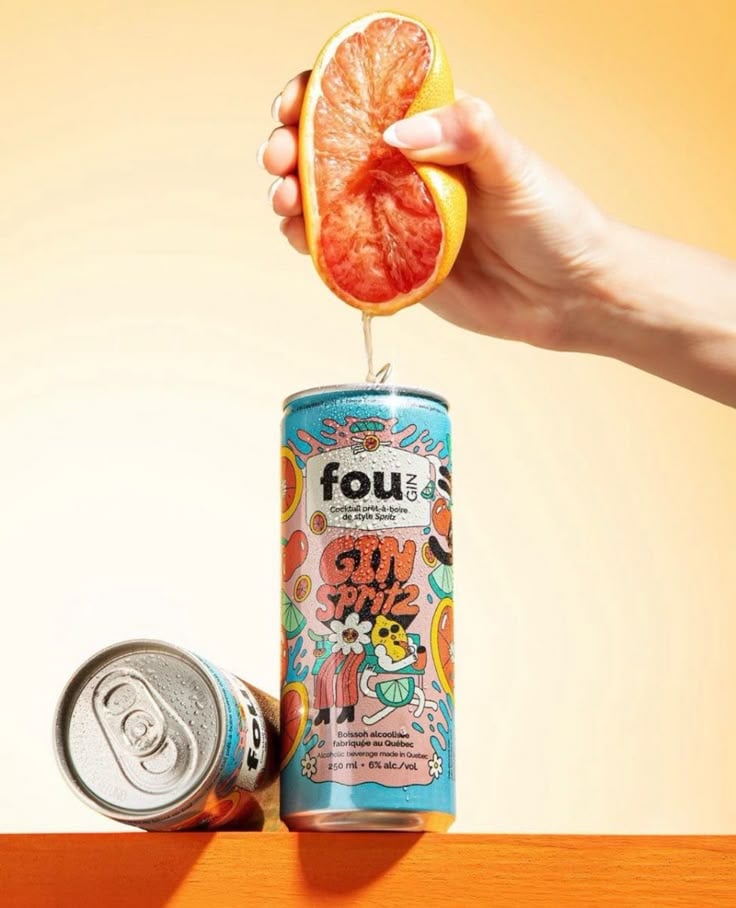
Vibrant Citrus Gin Spritz Promo
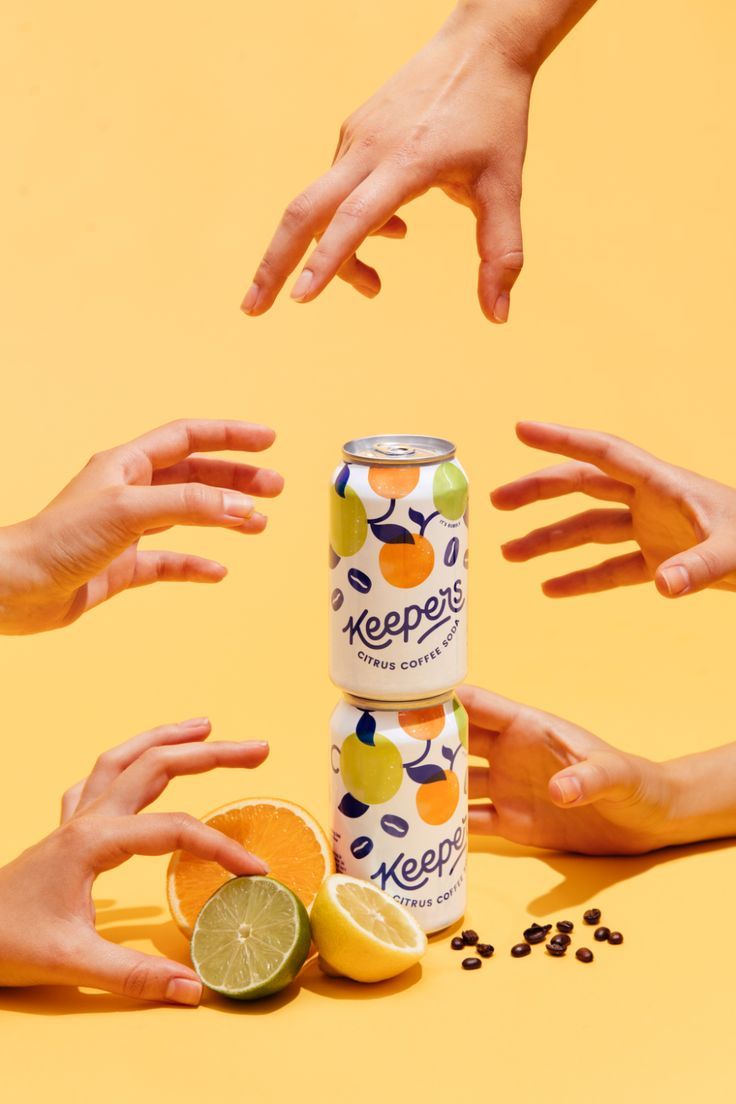
Vibrant Citrus Coffee Social
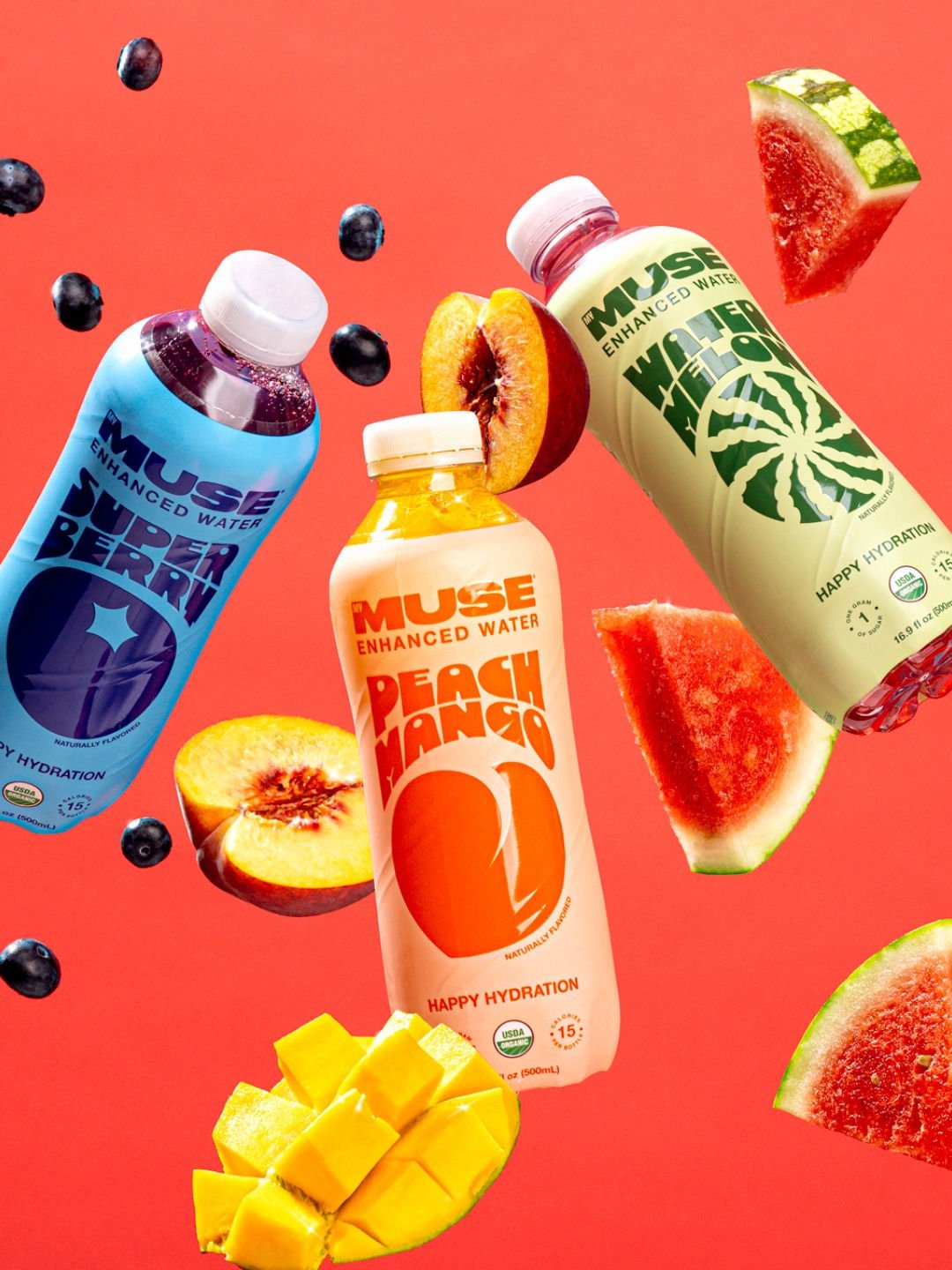
Vibrant Fruit Infusion Banner
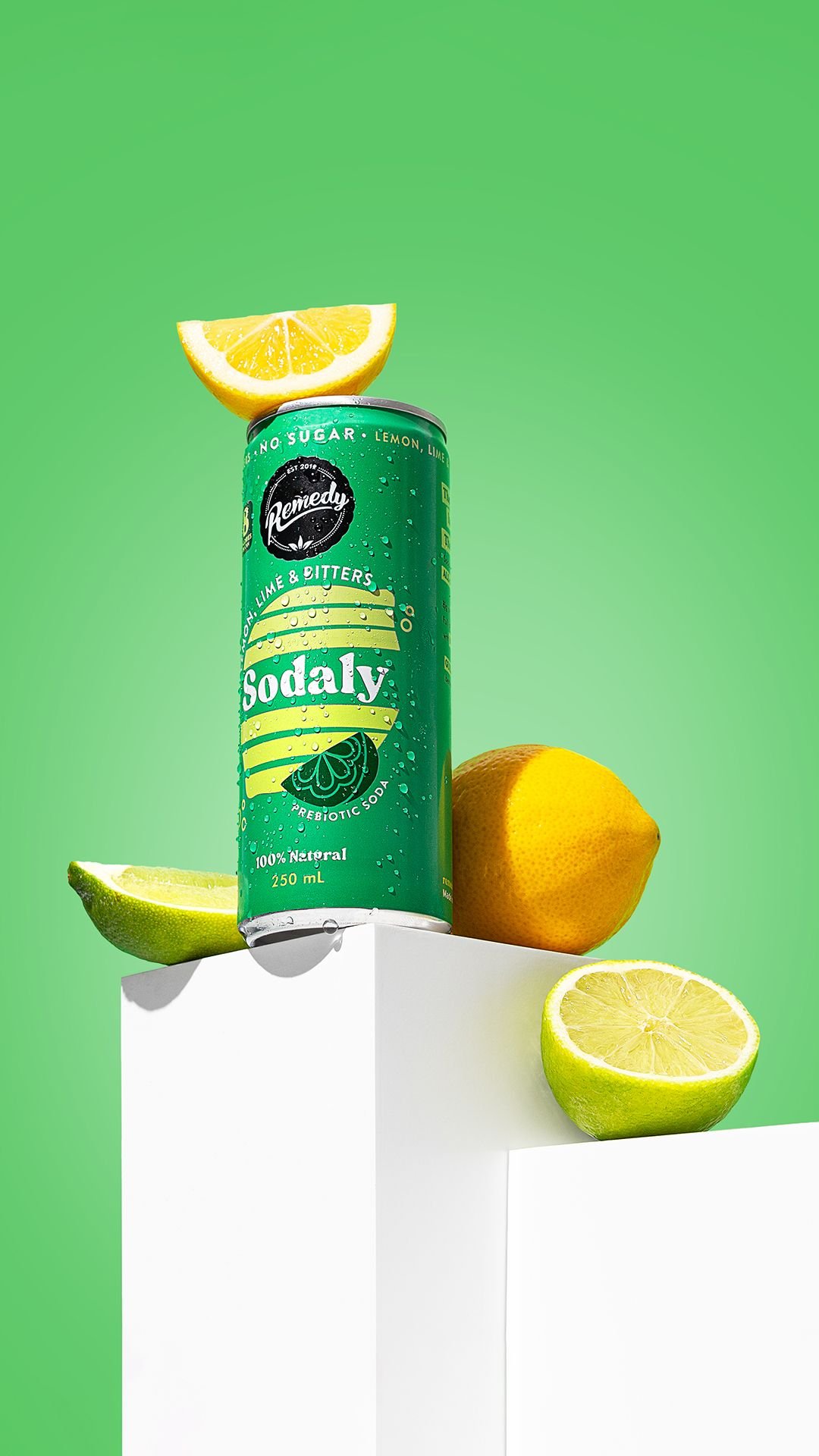
Vibrant Citrus Prebiotic Soda Template
Make it yours
Vibrant Canned Beverage Showcase works as-is. These are the safest ways to change it without losing the look.
Swap the setting
Keep the rest of the prompt and replace the location block. The current setting is “monochrome coral fabric backdrop”.
Swap the light
One lighting change is enough to compare takes. Current light: “soft studio lighting, even exposure”.
Change one field
Copy a single group, rewrite it, and generate again so you can see what that field is doing.
| If the result… | Why | Fix |
|---|---|---|
| The result drifts from the preview | Too many fields changed at once. | Reuse Vibrant Canned Beverage Showcase as-is first, then change one group — subject, light, or setting. |
| PicX Studio ignores part of the JSON | Some models flatten or skip nested keys. | Keep the same values and paste them as a short paragraph instead. |
More image prompts
Fresh picks from across the catalog.
Expressionist Sketch Art Poster
Old Money Aesthetic: Woman in LBD on Grand Staircase

Soccer Ball Impact Action Shot
Y2K Holographic Anime Chair Fashion
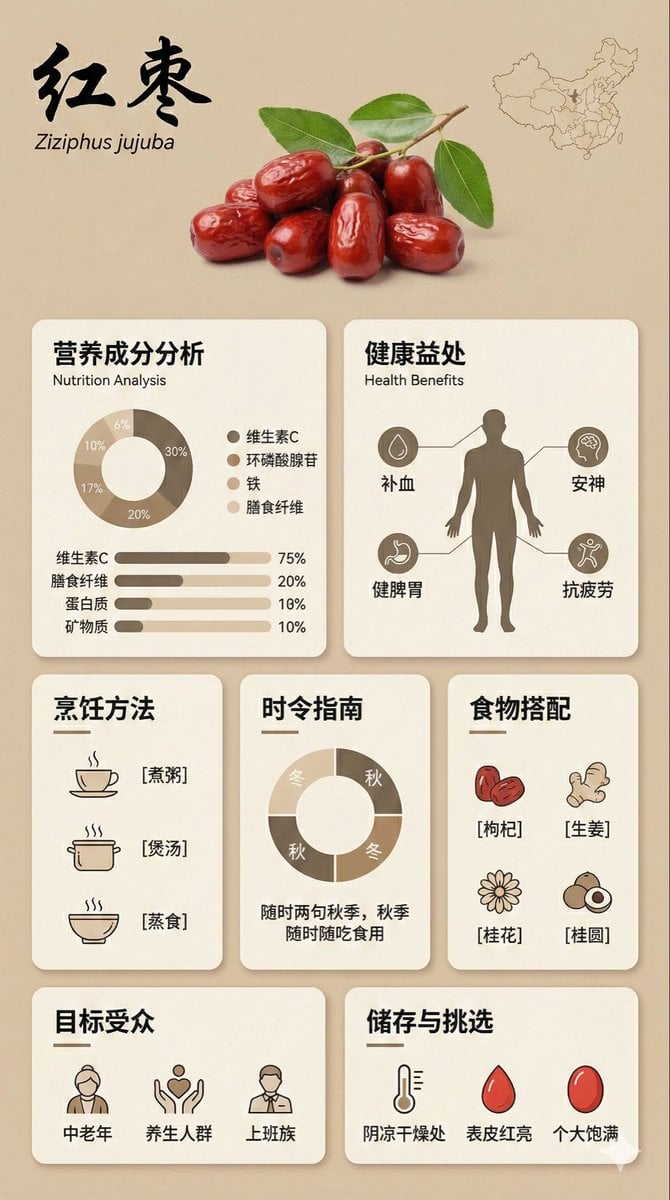
Bento Grid Infographic Prompt for Food Science

Daily Nano: Playing with Shadows 4-Panel Comic
Ultra-Wide Candid Mirror Capture with Bio-Fidelity
High-Fashion Editorial Portrait Prompt
Classical Suzhou Garden Interior Portrait
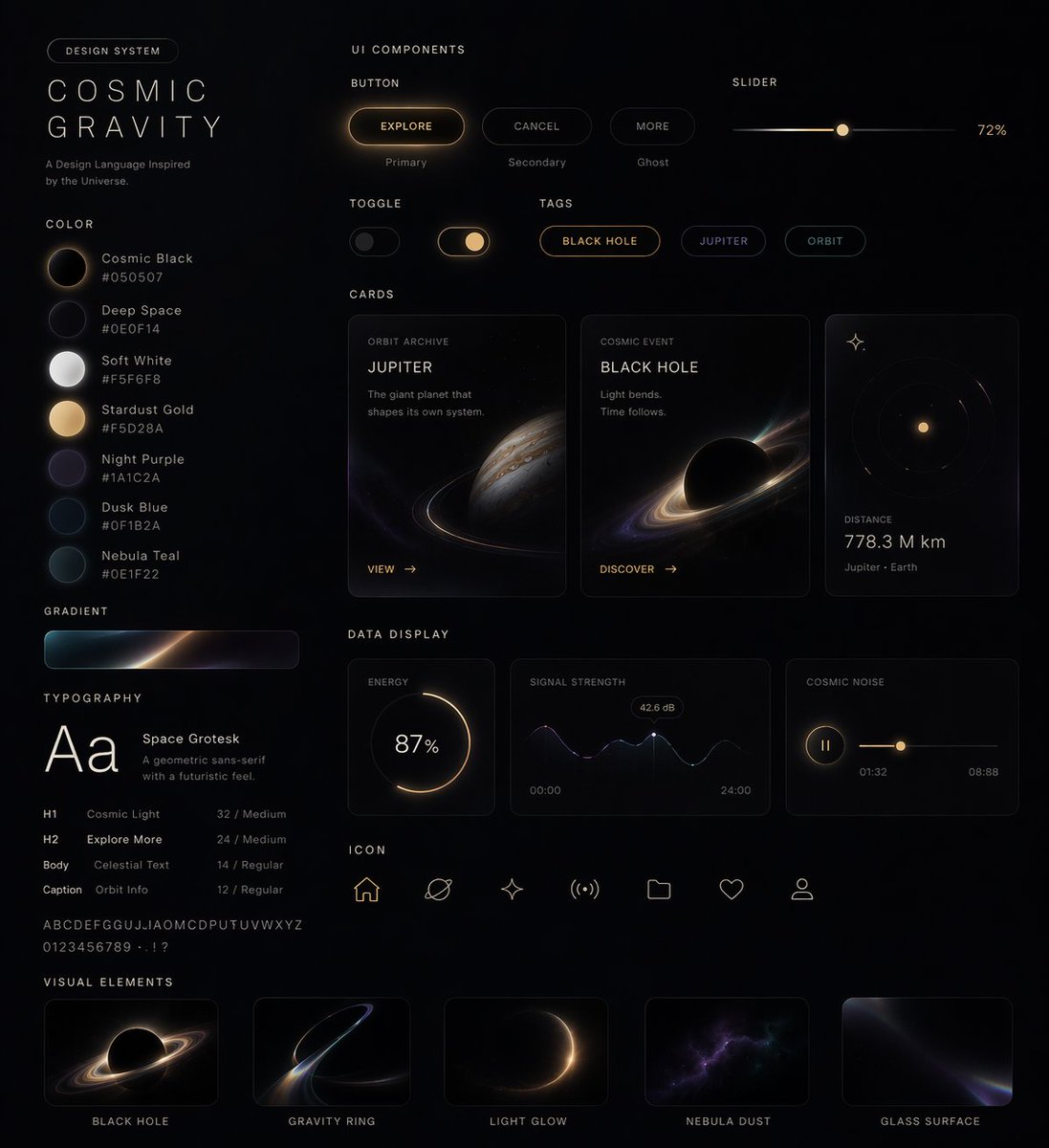
UI Design System Prompt
Browse template categories
Vibrant Canned Beverage Showcase questions
How do I use the Vibrant Canned Beverage Showcase template?
Add your photo if the template asks for one, edit the prompt if you like — the template's model and format are already selected — and press Generate. Your version opens in PicX Studio.
Can I customize the Vibrant Canned Beverage Showcase template?
Yes. You can change the subject, setting, lighting, mood, format, and available model controls before creating your image.
Is the Vibrant Canned Beverage Showcase template free?
Opening and editing this template is free. Generating uses credits, shown on the Generate button when you are signed in.
Which AI model should I use?
Choose a compatible model in PicX Studio based on the style, speed, and output controls your project needs.
Looking for something else? Browse all templates.

Your photo, any look
Thousands of ready templates for every top image and video model, from one credit balance.