
Vibrant Tequila Smash Product Showcase
Vibrant Tequila Smash Product Showcase is a ready photo look.
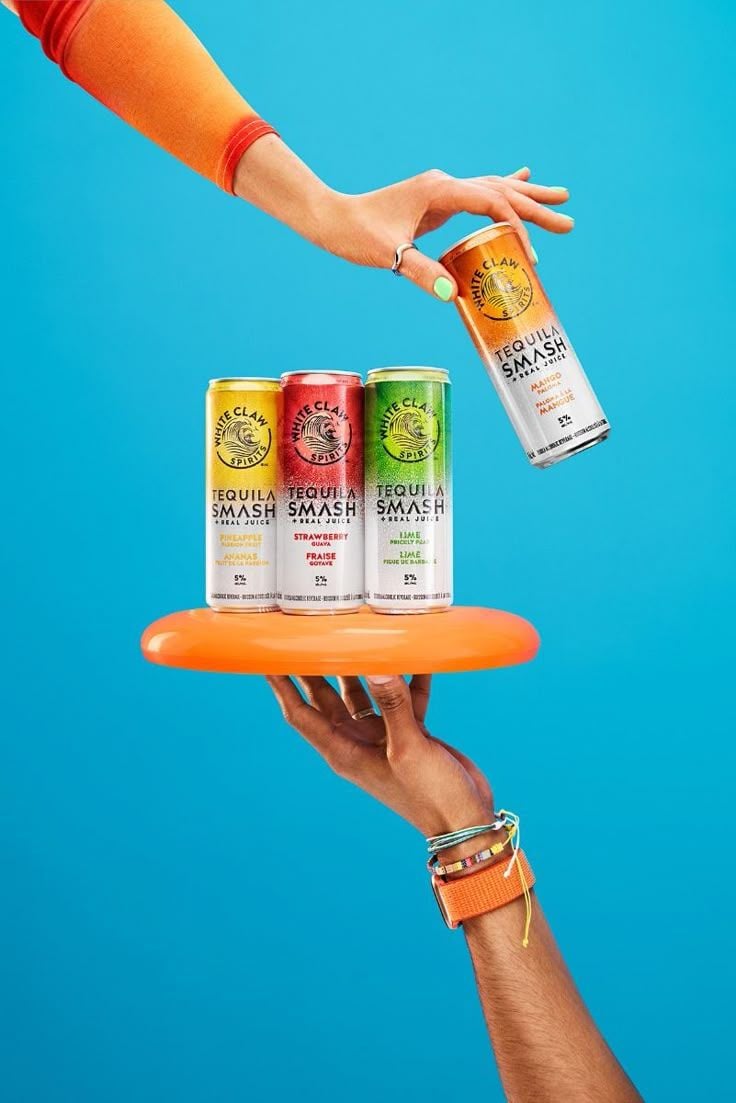
- Prompt included
- Model and format preset
- Free template
The prompt behind this image
Copy the exact prompt behind Vibrant Tequila Smash Product Showcase, or open it in the studio and make it yours.
- Prompt
- A vibrant lifestyle product photograph featuring four slim tequila cocktail cans displayed on a floating round orange tray, held by a human hand from below. Another stylish hand reaches from above, picking up one can mid-air. The hands wear colorful bracelets, rings, and an orange sleeve, with mint green nail polish, giving a youthful and trendy look. The cans have different bright colors representing multiple flavors. The background is a solid bright blue studio backdrop with no texture. Clean, modern composition with playful balance and strong negative space. Bright studio lighting with soft shadows, sharp focus, high saturation, modern alcohol brand advertising style.
- Negative Prompt
- faces, full body, cluttered background, blurry image, text distortion, logo deformation, harsh shadows, low resolution, messy composition, extra hands
- Style
- modern lifestyle product photography
- Lighting
- bright studio lighting, even exposure, soft shadows
- Camera › Angle
- straight-on eye level
- Camera › Lens
- 50mm
- Camera › Aperture
- f/5.6
- Camera › Focus
- sharp focus
- Composition
- vertical layout, balanced composition, floating elements, dynamic hand interaction
- Background
- solid bright blue seamless backdrop
- Mood
- fun, playful, summer party vibe
- Quality
- ultra high resolution, professional commercial advertising, photorealistic
Raw JSON
{
  "prompt": "A vibrant lifestyle product photograph featuring four slim tequila cocktail cans displayed on a floating round orange tray, held by a human hand from below. Another stylish hand reaches from above, picking up one can mid-air. The hands wear colorful bracelets, rings, and an orange sleeve, with mint green nail polish, giving a youthful and trendy look. The cans have different bright colors representing multiple flavors. The background is a solid bright blue studio backdrop with no texture. Clean, modern composition with playful balance and strong negative space. Bright studio lighting with soft shadows, sharp focus, high saturation, modern alcohol brand advertising style.",
  "negative_prompt": "faces, full body, cluttered background, blurry image, text distortion, logo deformation, harsh shadows, low resolution, messy composition, extra hands",
  "style": "modern lifestyle product photography",
  "lighting": "bright studio lighting, even exposure, soft shadows",
  "camera": {
    "angle": "straight-on eye level",
    "lens": "50mm",
    "aperture": "f/5.6",
    "focus": "sharp focus"
  },
  "composition": "vertical layout, balanced composition, floating elements, dynamic hand interaction",
  "background": "solid bright blue seamless backdrop",
  "mood": "fun, playful, summer party vibe",
  "quality": "ultra high resolution, professional commercial advertising, photorealistic"
}How to use Vibrant Tequila Smash Product Showcase in 3 steps
- 1
Open
The prompt is already in the box next to the preview, with the template's model and format selected.
- 2…a portrait of your subject in softgolden-hour light, 85mm…
Personalize
Edit the subject and creative details for your destination.
- 3Generate
Generate
Press Generate — your image is created in PicX Studio, so you can compare it with the original and refine one variable at a time.
More like this
Templates with the same subject, style or setup. Open one to see its prompt.
Vibrant Wellness Product Showcase
Luxe Minimalist Accessory Showcase

Moss Logo Minimalist Brand Flat Lay
Modern Electric Shaver Showcase
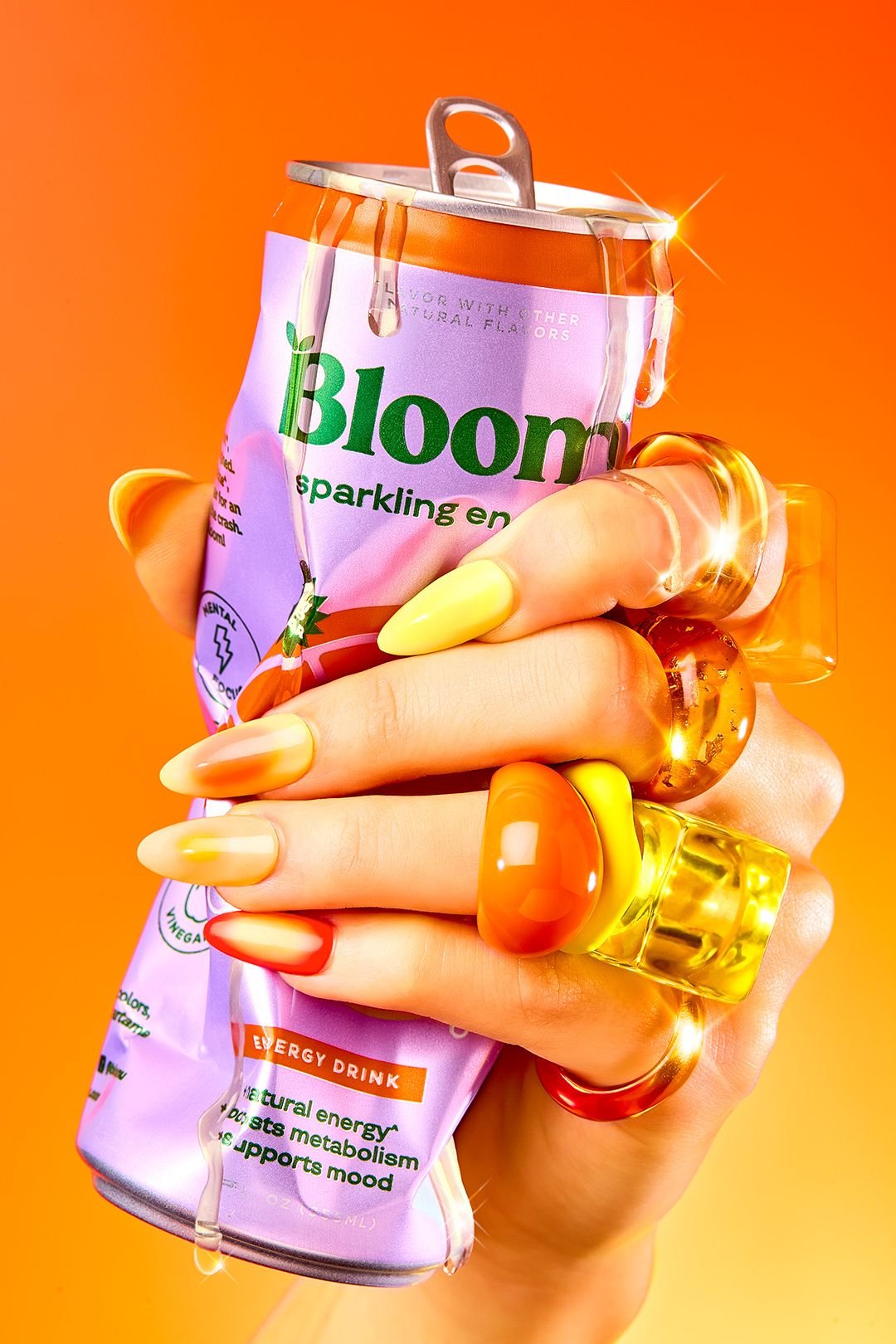
Vibrant Citrus Energy Bloom
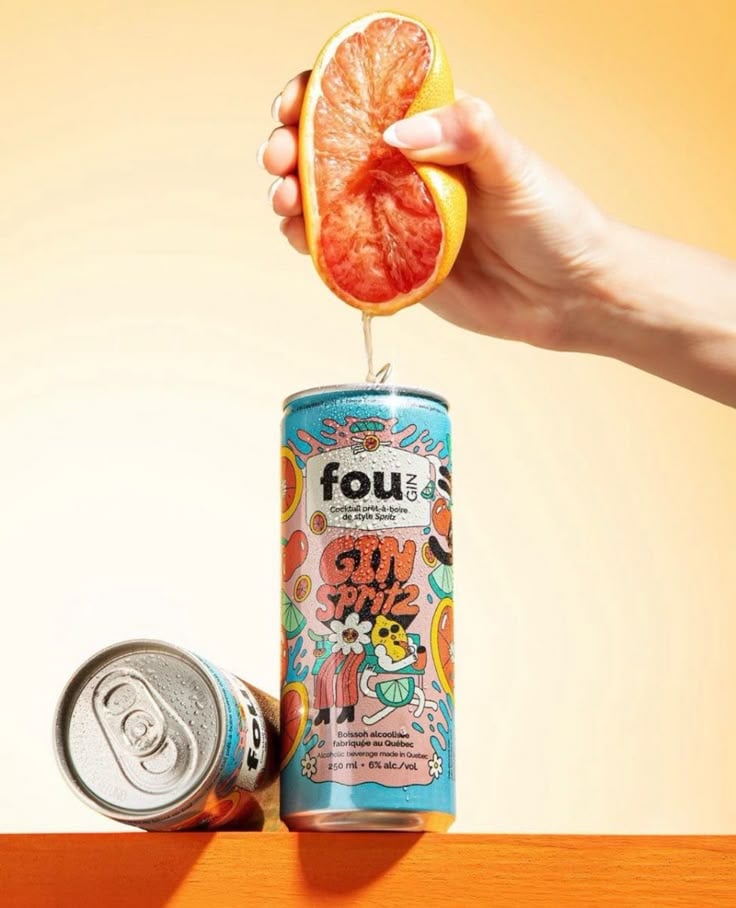
Vibrant Citrus Gin Spritz Promo
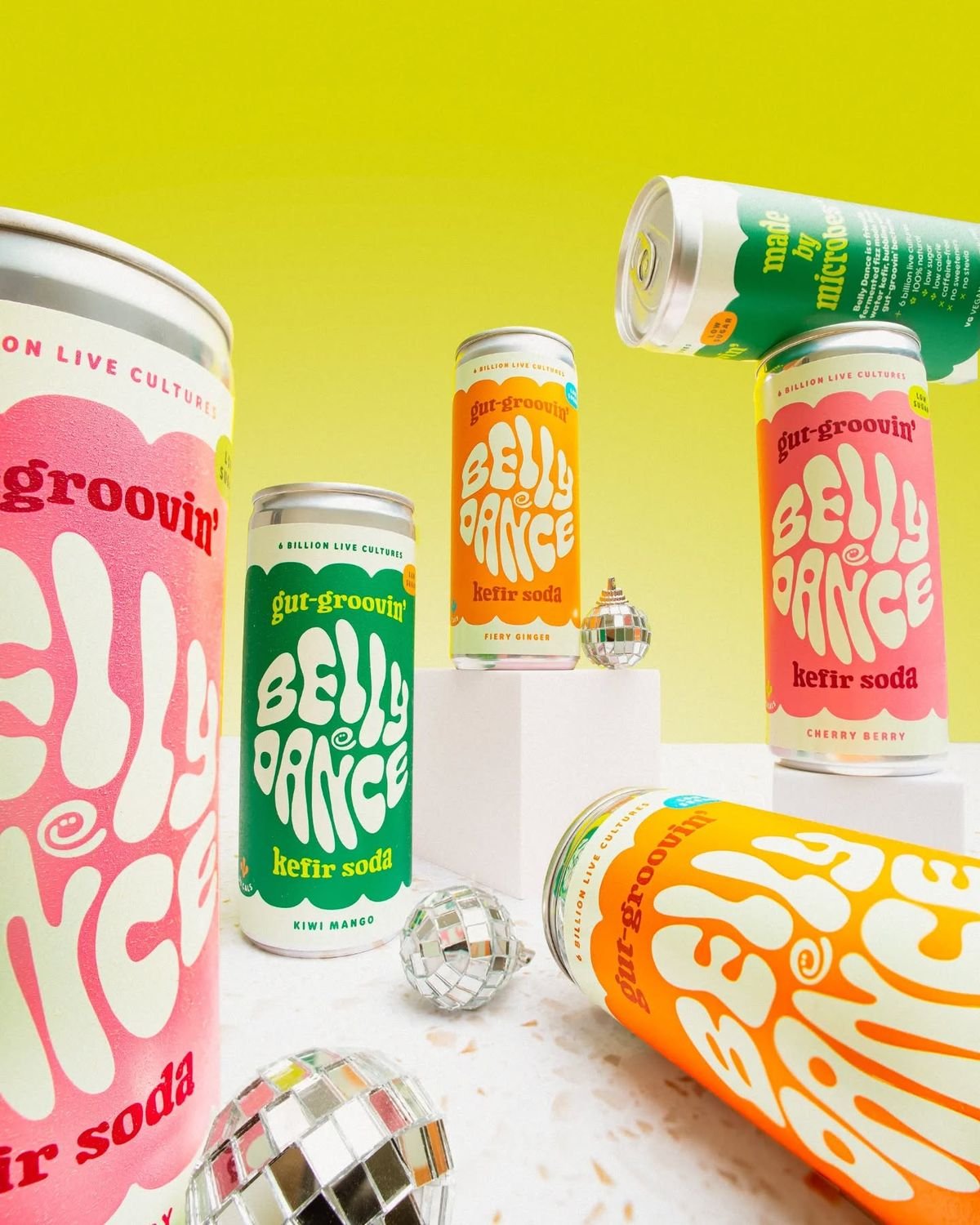
Retro Disco Beverage Showcase
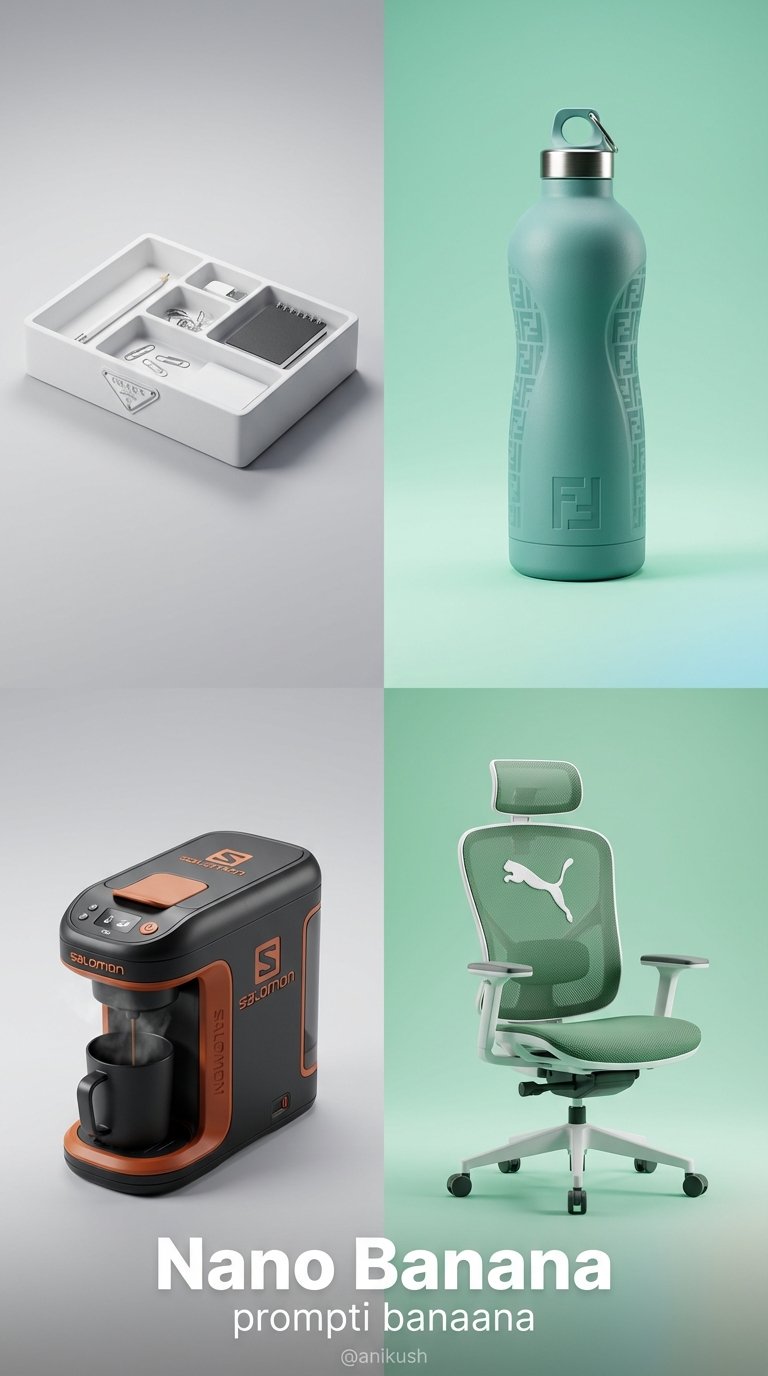
Minimalist Luxury Brand Concept
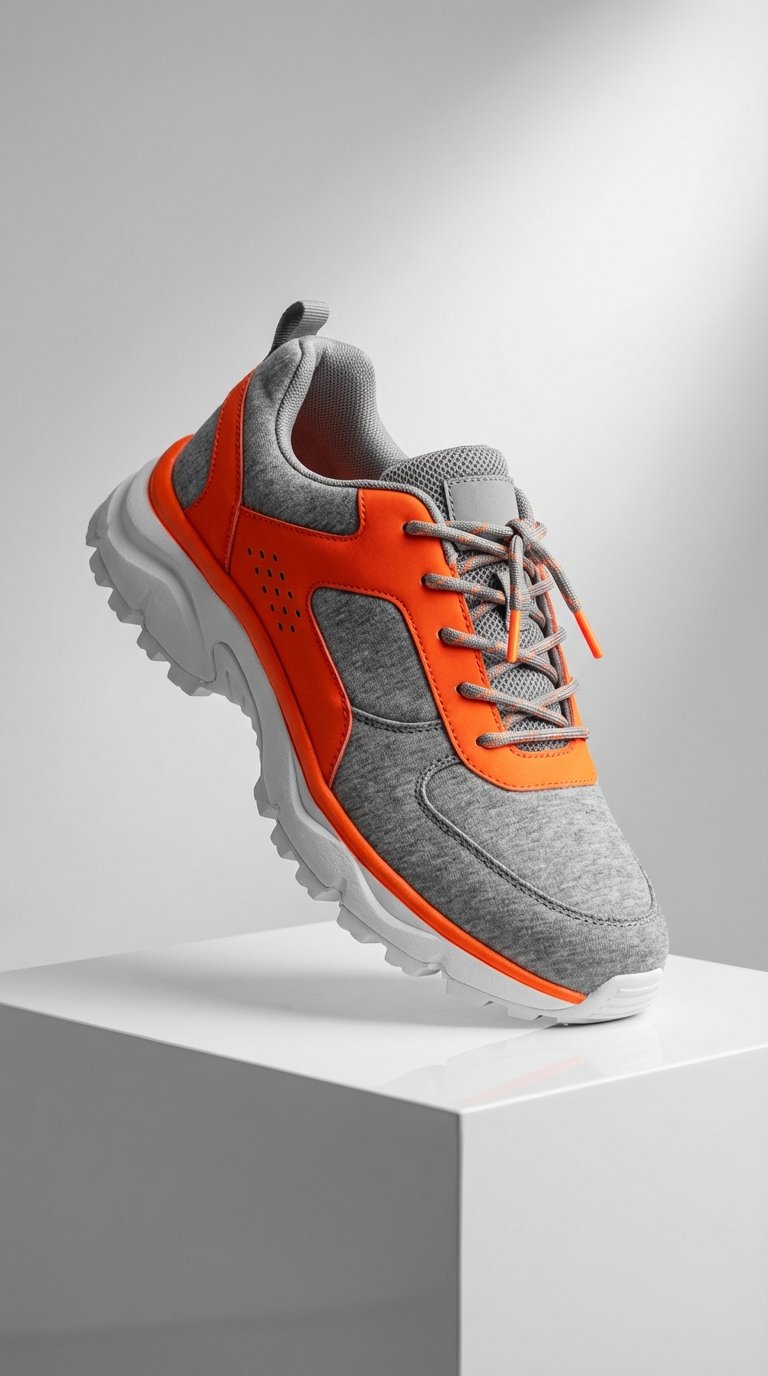
Modern Techwear Footwear Showcase
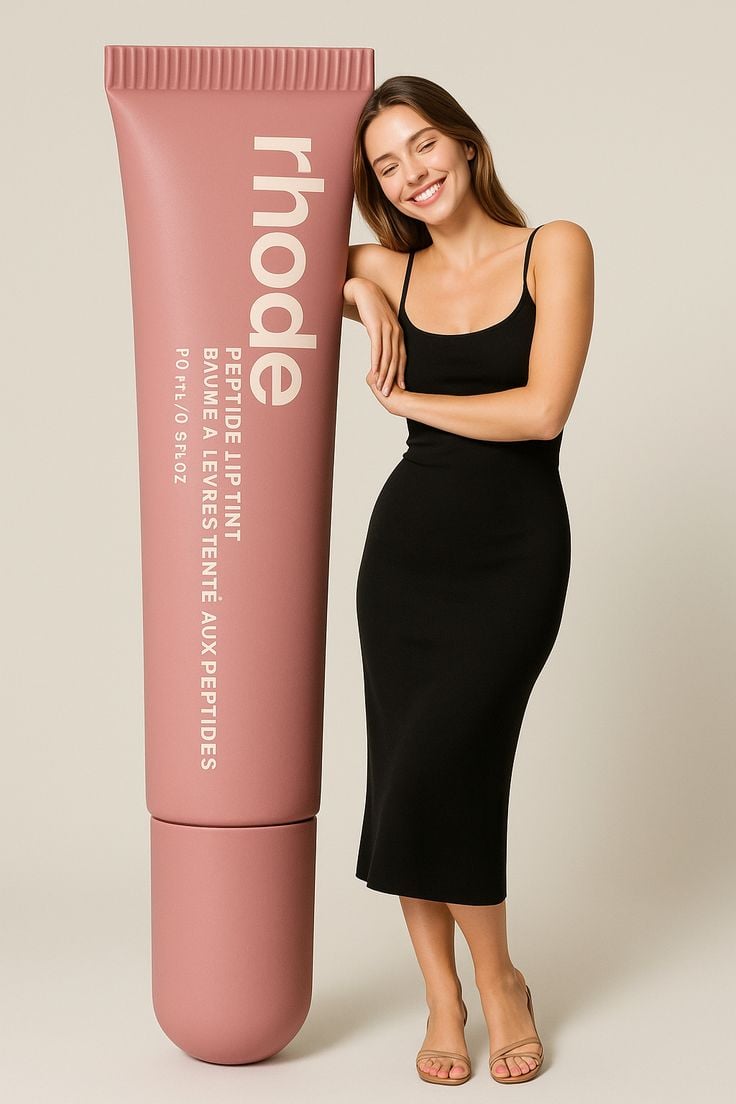
Giant Product Lifestyle Mockup
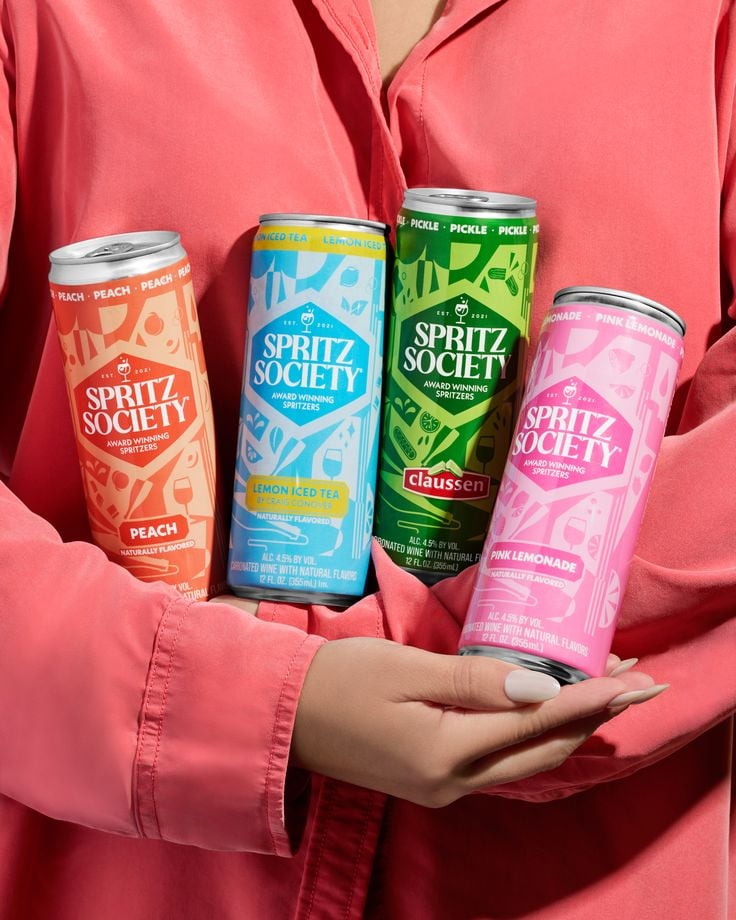
Vibrant Canned Beverage Showcase

Premium Editorial Branding Poster Charcoal Green
Make it yours
Vibrant Tequila Smash Product Showcase works as-is. These are the safest ways to change it without losing the look.
Swap the setting
Keep the rest of the prompt and replace the location block. The current setting is “solid bright blue seamless backdrop”.
Swap the light
One lighting change is enough to compare takes. Current light: “bright studio lighting, even exposure, soft shadows”.
Change one field
Copy a single group, rewrite it, and generate again so you can see what that field is doing.
| If the result… | Why | Fix |
|---|---|---|
| The result drifts from the preview | Too many fields changed at once. | Reuse Vibrant Tequila Smash Product Showcase as-is first, then change one group — subject, light, or setting. |
| PicX Studio ignores part of the JSON | Some models flatten or skip nested keys. | Keep the same values and paste them as a short paragraph instead. |
More image prompts
Fresh picks from across the catalog.
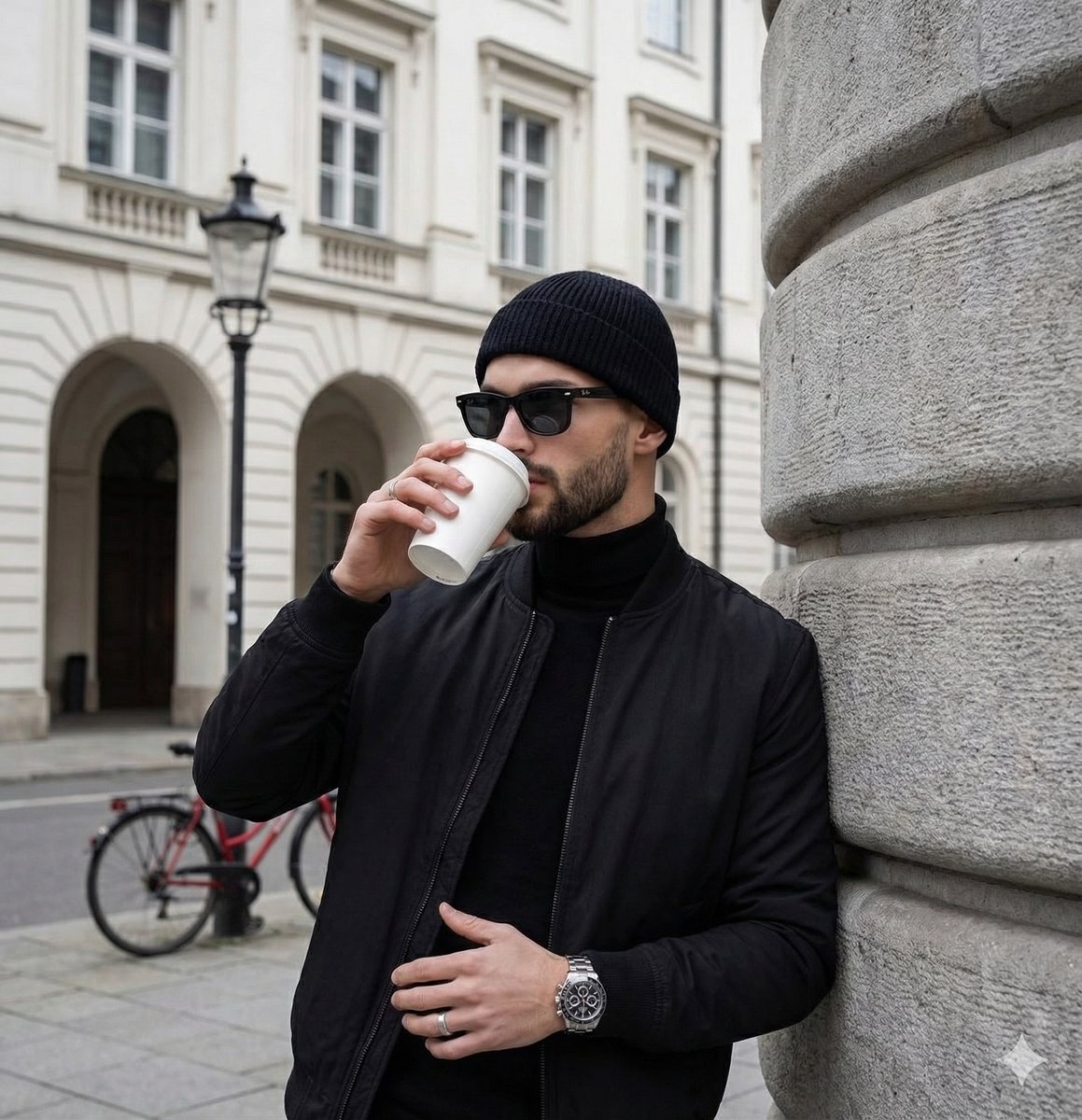
Editorial Photograph Composition Prompt for Nano Banana Pro

Underwater Fantasy CG Illustration
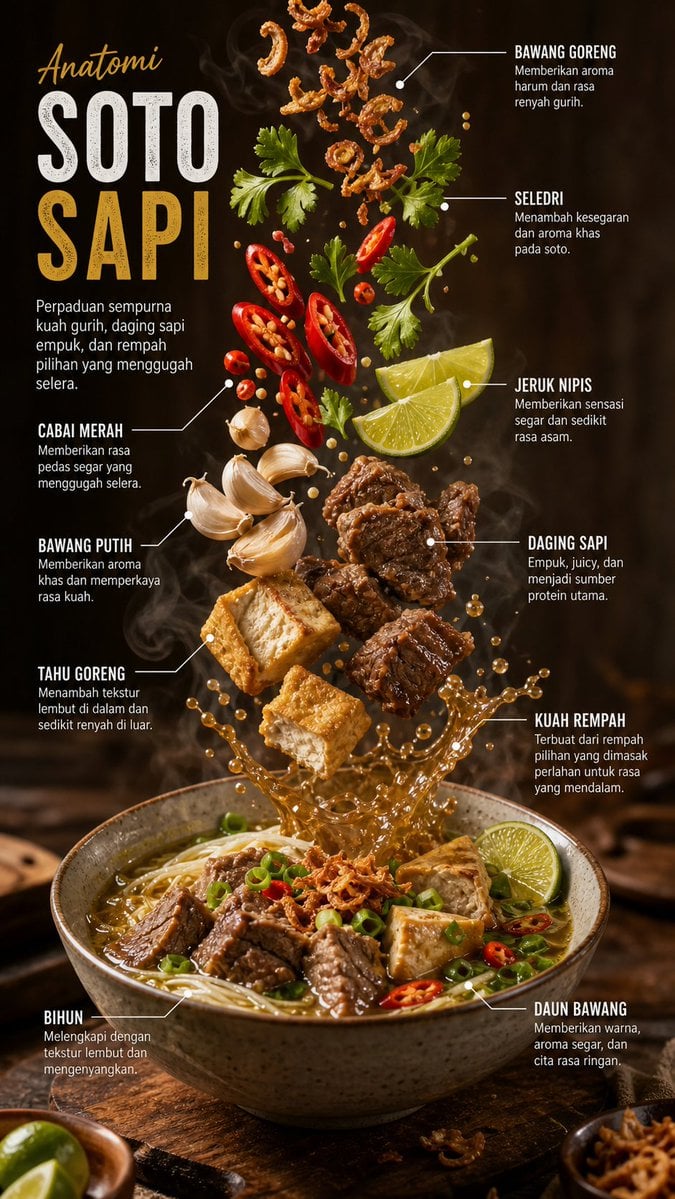
Editorial Food Infographic Poster
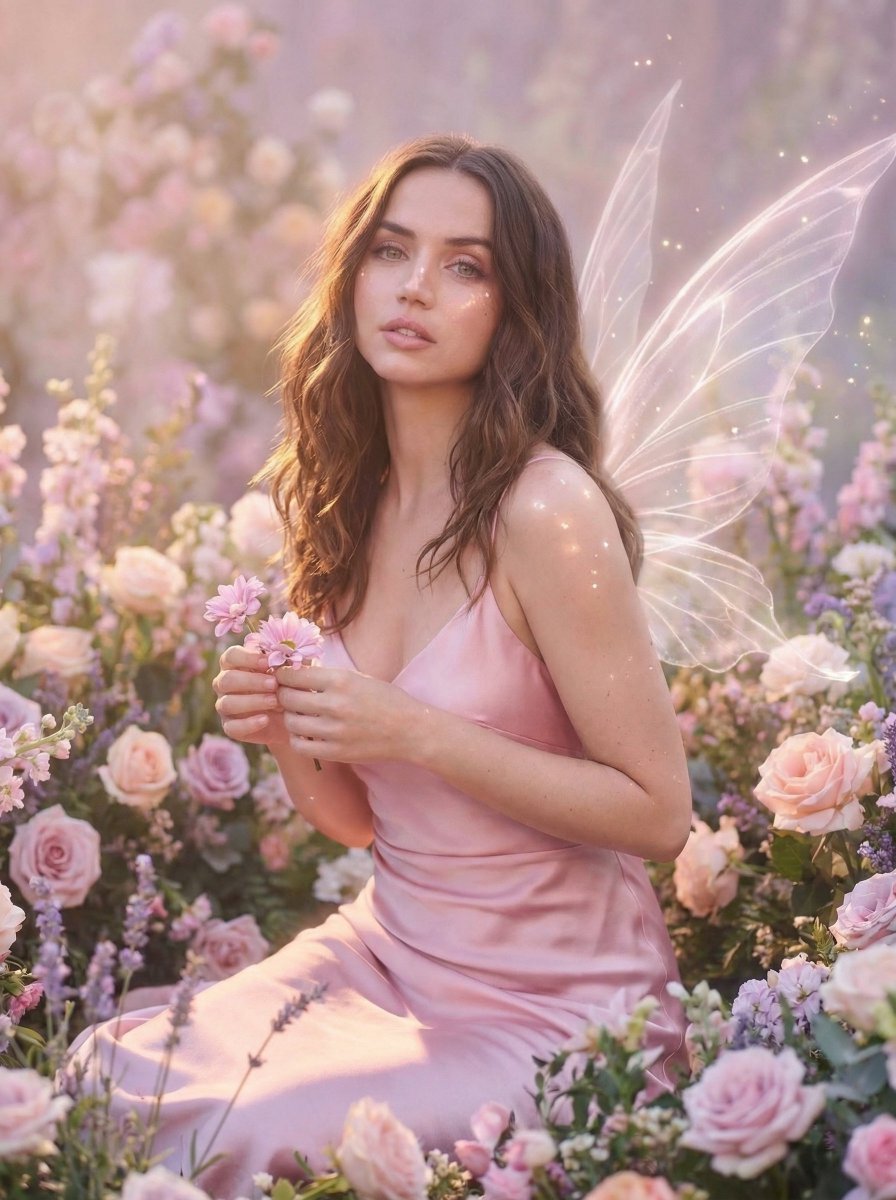
Dreamy Fairy Editorial Portrait in a Secret Garden
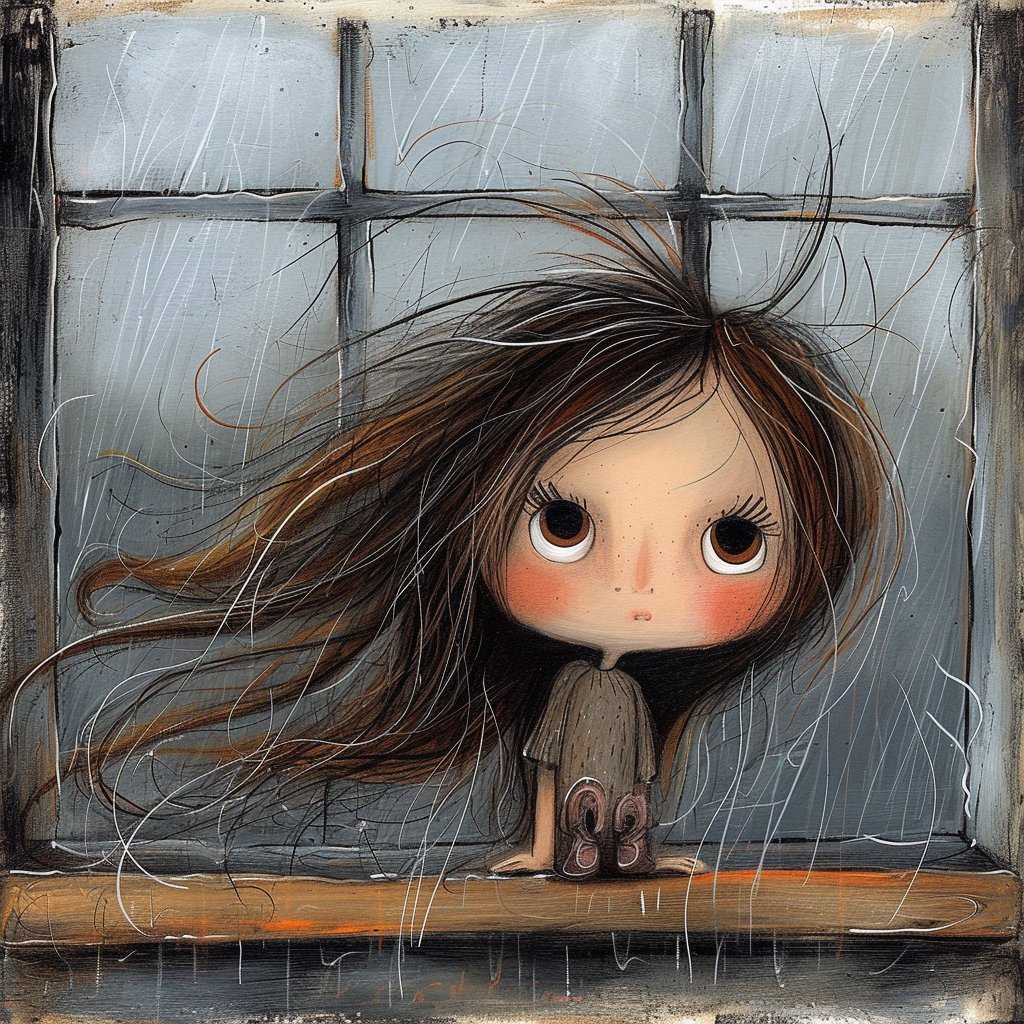
Surreal Woman at a Weathered Window

Hyper-Expressive 3D Cartoon Portrait from Photo Reference
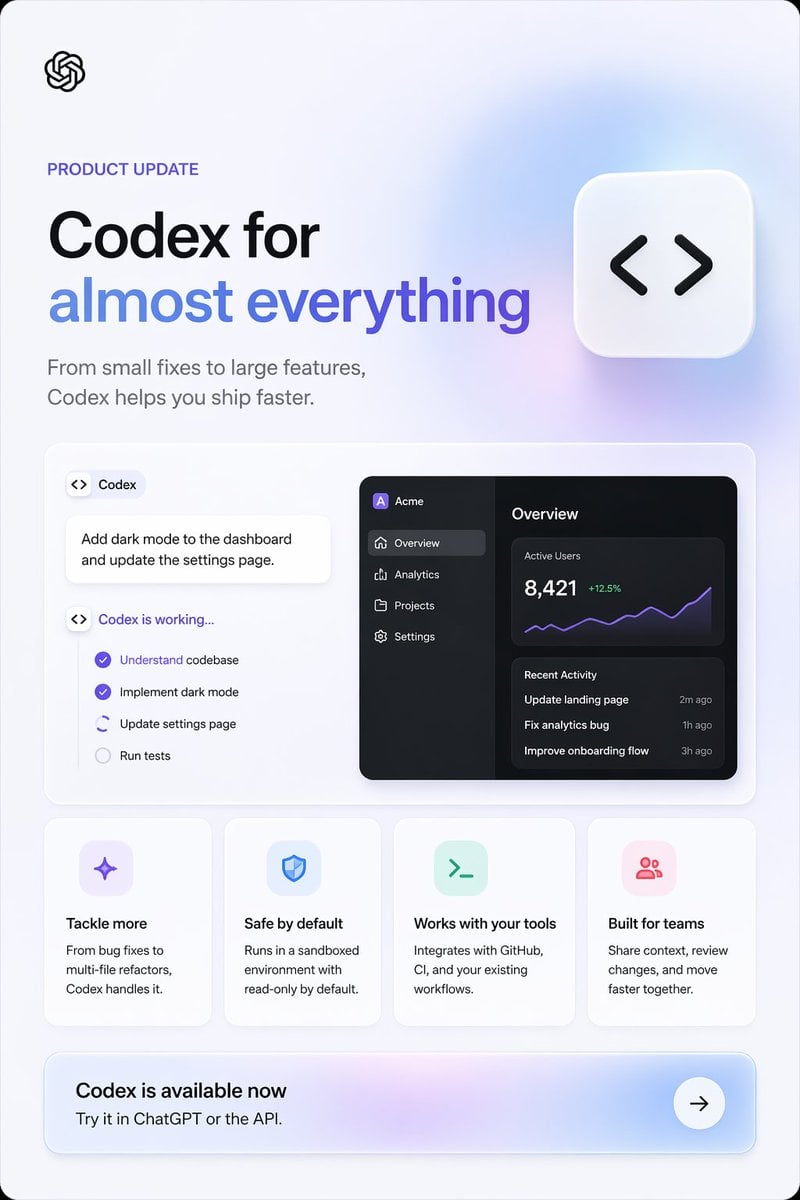
Codex Product Update Poster
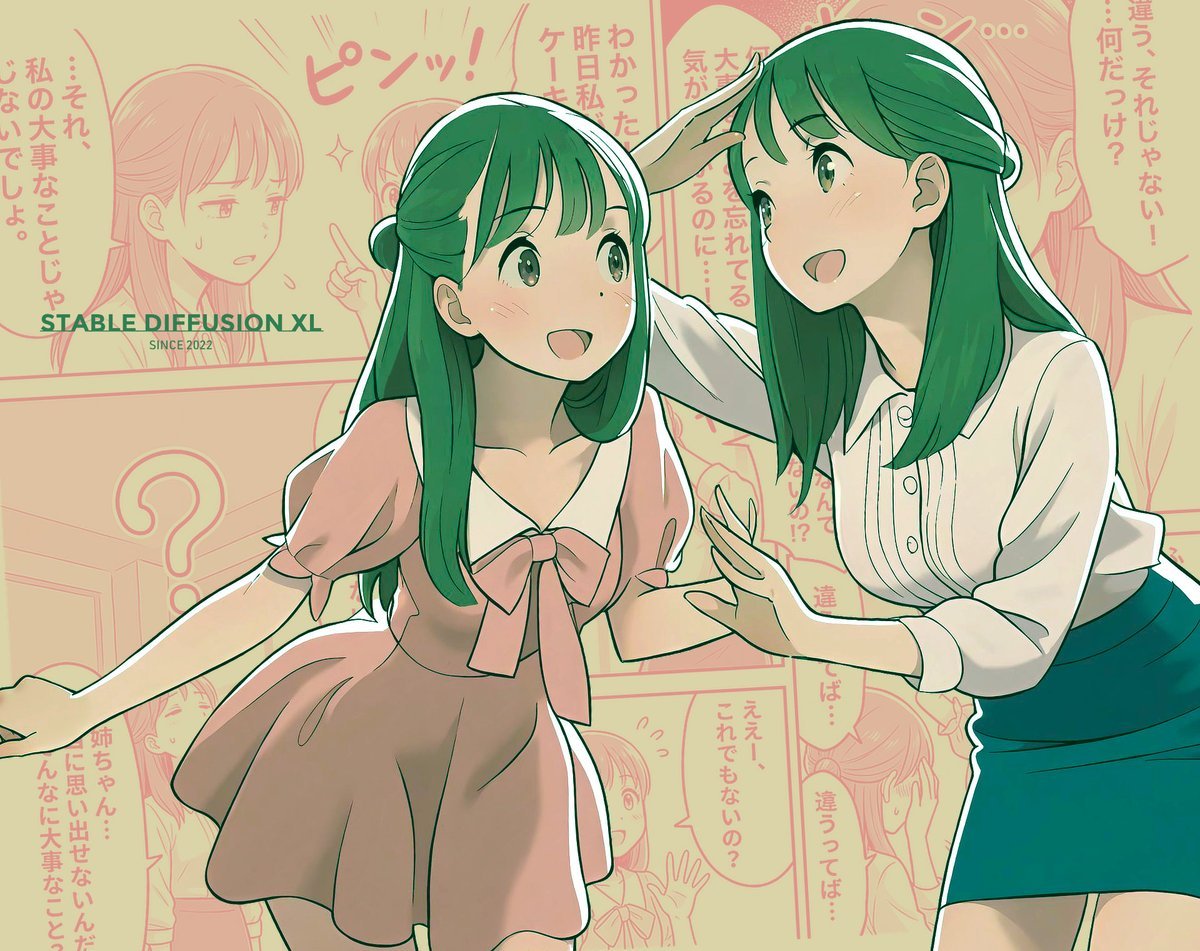
Manga page prompt for Nano Banana Pro
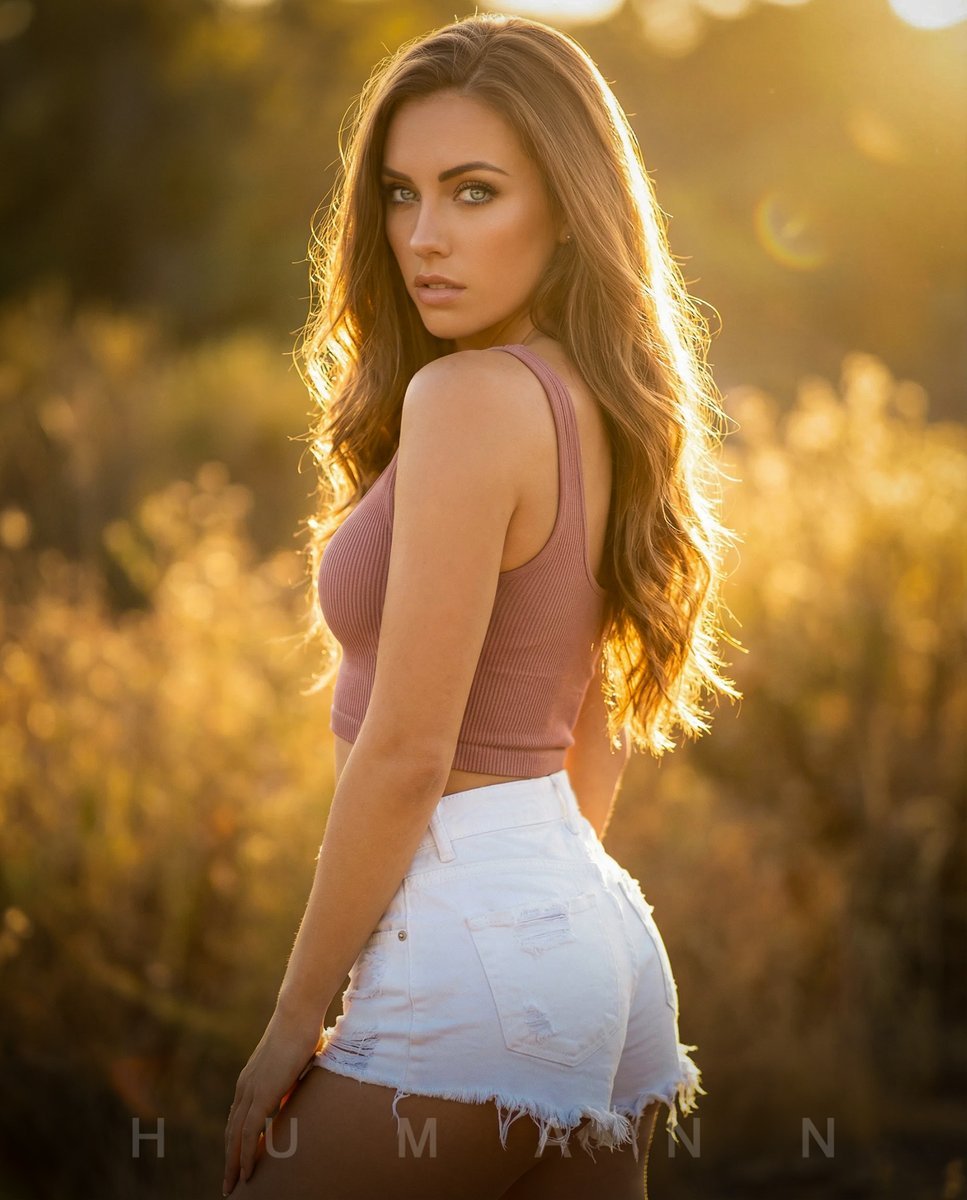
Golden Hour Backlit Portrait
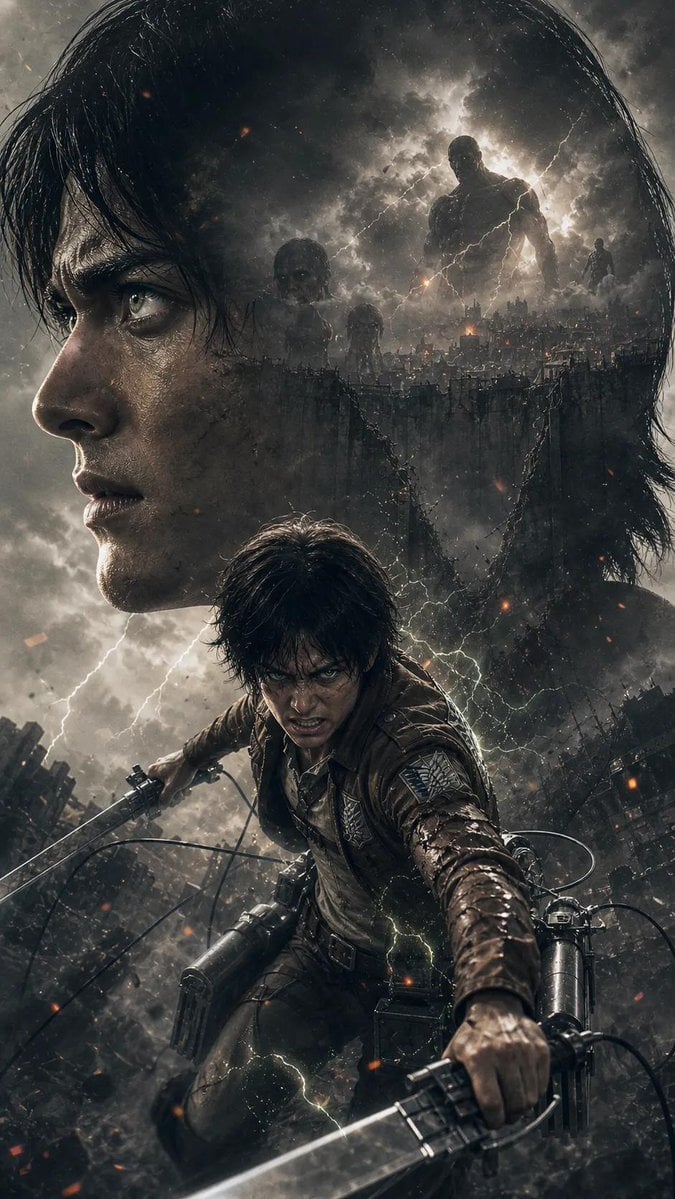
Attack on Titan Anime Poster
Browse template categories
Vibrant Tequila Smash Product Showcase questions
How do I use the Vibrant Tequila Smash Product Showcase template?
Add your photo if the template asks for one, edit the prompt if you like — the template's model and format are already selected — and press Generate. Your version opens in PicX Studio.
Can I customize the Vibrant Tequila Smash Product Showcase template?
Yes. You can change the subject, setting, lighting, mood, format, and available model controls before creating your image.
Is the Vibrant Tequila Smash Product Showcase template free?
Opening and editing this template is free. Generating uses credits, shown on the Generate button when you are signed in.
Which AI model should I use?
Choose a compatible model in PicX Studio based on the style, speed, and output controls your project needs.
Looking for something else? Browse all templates.

Your photo, any look
Thousands of ready templates for every top image and video model, from one credit balance.