
Codex Product Update Poster
A polished promotional poster for a software update, useful for generating SaaS launch graphics, product announcement visuals, and modern AI landing-page hero designs.
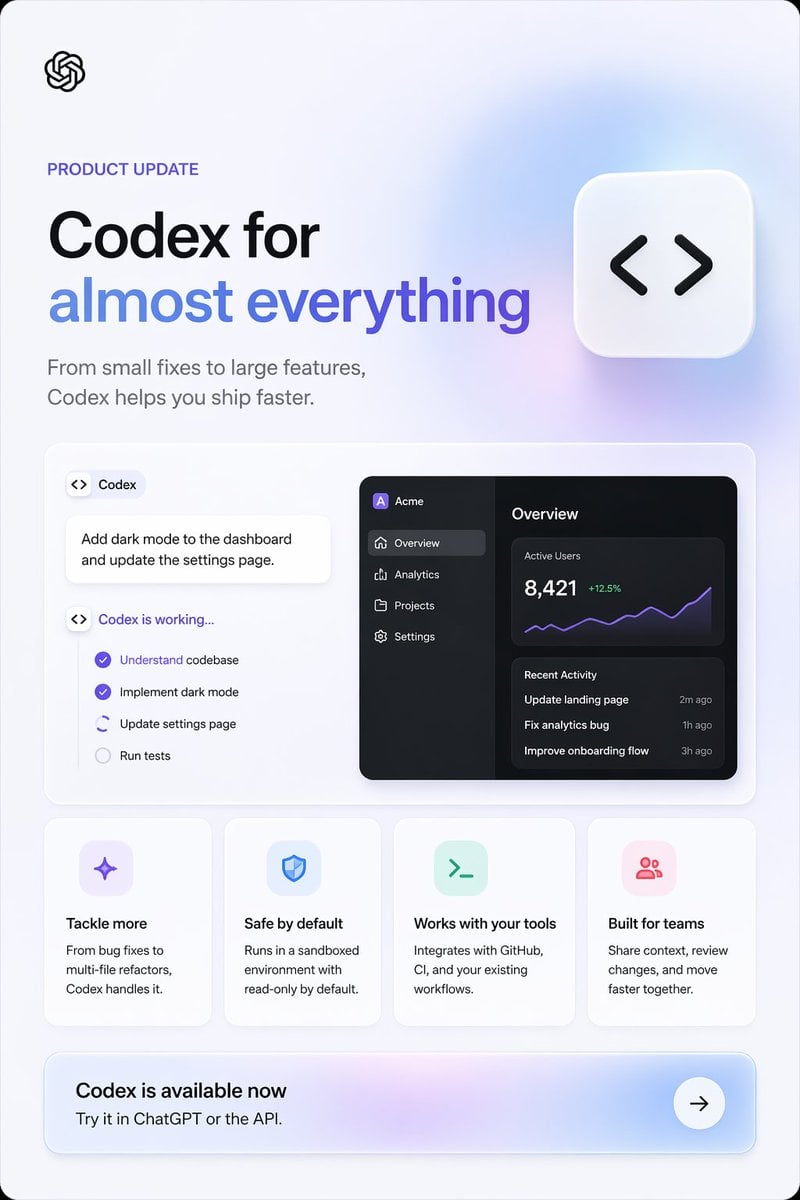
- Prompt included
- Model and format preset
- Free template
The prompt behind this image
Copy the exact prompt behind Codex Product Update Poster, or open it in the studio and make it yours.
- Type
- product update marketing poster
- Style
- clean modern SaaS landing-page graphic, Apple-like minimalism, soft ambient gradients, subtle shadows, rounded cards, crisp vector UI, high-end promotional design
- Brand
- OpenAI
- Canvas › Aspect Ratio
- 2:3 vertical
- Canvas › Background
- very light cool gray with faint lavender-blue glow gradients, rounded outer frame corners
- Layout › Sections › 0 › Title
- header hero
- Layout › Sections › 0 › Position
- top
- Layout › Sections › 0 › Count
- 4
- Layout › Sections › 0 › Labels
- OpenAI logo, PRODUCT UPDATE, main headline, supporting subheadline
- Layout › Sections › 1 › Title
- main showcase panel
- Layout › Sections › 1 › Position
- middle
- Layout › Sections › 1 › Count
- 3
- Layout › Sections › 1 › Labels
- Codex task card, working checklist card, dark analytics dashboard preview
- Layout › Sections › 2 › Title
- feature cards
- Layout › Sections › 2 › Position
- lower middle
- Layout › Sections › 2 › Count
- 4
- Layout › Sections › 2 › Labels
- Tackle more, Safe by default, Works with your tools, Built for teams
- Layout › Sections › 3 › Title
- call to action banner
- Layout › Sections › 3 › Position
- bottom
- Layout › Sections › 3 › Count
- 3
- Layout › Sections › 3 › Labels
- Codex is available now, Try it in ChatGPT or the API., arrow button
- Layout › Centerpiece
- large floating rounded square icon near the upper right with black code brackets symbol
- Content Blocks › Eyebrow
- {argument name="eyebrow text" default="PRODUCT UPDATE"}
- Content Blocks › Headline Line 1
- {argument name="headline line 1" default="Codex for"}
Raw JSON
{"type":"product update marketing poster","style":"clean modern SaaS landing-page graphic, Apple-like minimalism, soft ambient gradients, subtle shadows, rounded cards, crisp vector UI, high-end promotional design","brand":"OpenAI","canvas":{"aspect_ratio":"2:3 vertical","background":"very light cool gray with faint lavender-blue glow gradients, rounded outer frame corners"},"layout":{"sections":[{"title":"header hero","position":"top","count":4,"labels":["OpenAI logo","PRODUCT UPDATE","main headline","supporting subheadline"]},{"title":"main showcase panel","position":"middle","count":3,"labels":["Codex task card","working checklist card","dark analytics dashboard preview"]},{"title":"feature cards","position":"lower middle","count":4,"labels":["Tackle more","Safe by default","Works with your tools","Built for teams"]},{"title":"call to action banner","position":"bottom","count":3,"labels":["Codex is available now","Try it in ChatGPT or the API.","arrow button"]}],"centerpiece":"large floating rounded square icon near the upper right with black code brackets symbol"},"content_blocks":{"eyebrow":"{argument name=\"eyebrow text\" default=\"PRODUCT UPDATE\"}","headline_line_1":"{argument name=\"headline line 1\" default=\"Codex for\"}","headline_line_2":"{argument name=\"headline line 2\" default=\"almost everything\"}","subheadline":"{argument name=\"subheadline\" default=\"From small fixes to large features, Codex helps you ship faster.\"}","cta_title":"{argument name=\"call to action title\" default=\"Codex is available now\"}"},"visual_details":{"logo":"small black OpenAI knot logo at top left","headline":"very large bold sans-serif headline on left, first line black, second line blue-to-purple gradient text","subheadline_style":"medium gray sans-serif, two lines under headline","floating_icon":"white rounded square tile with soft shadow, containing black <> code symbol, placed upper right","showcase_panel":"large white rounded rectangle with thin border and soft shadow","left_task_area":{"count":3,"items":["small pill label with code icon and text Codex","white prompt card reading Add dark mode to the dashboard and update the settings page.","status checklist titled Codex is working..."]},"checklist":{"count":4,"items":["Understand codebase checked in purple","Implement dark mode checked in purple","Update settings page active/in progress with partial circular indicator","Run tests unchecked in gray"]},"right_dashboard":{"theme":"dark mode UI preview","app_name":"Acme","sidebar":{"count":4,"items":["Overview selected","Analytics","Projects","Settings"]},"main_panels":{"count":3,"items":["Overview heading","Active Users metric 8,421 with green +12.5% and purple line chart","Recent Activity list with 3 entries"]},"recent_activity":{"count":3,"items":["Update landing page — 2m ago","Fix analytics bug — 1h ago","Improve onboarding flow — 3h ago"]}},"feature_cards":{"count":4,"cards":[{"title":"Tackle more","icon":"purple sparkle/star icon in a pale lavender rounded square","body":"From bug fixes to multi-file refactors, Codex handles it."},{"title":"Safe by default","icon":"blue shield icon in a pale blue rounded square","body":"Runs in a sandboxed environment with read-only by default."},{"title":"Works with your tools","icon":"green terminal prompt icon in a pale mint rounded square","body":"Integrates with GitHub, CI, and your existing workflows."},{"title":"Built for teams","icon":"pink group/users icon in a pale pink rounded square","body":"Share context, review changes, and move faster together."}]},"cta_banner":{"style":"wide rounded rectangle with soft purple-blue gradient wash and white circular arrow button on the right","subtitle":"Try it in ChatGPT or the API."}},"composition":"balanced left-aligned typography with modular card grid below, lots of whitespace, premium tech advertisement look","rendering":"sharp typography, subtle depth, gentle glassy lighting, no photographic elements"}How to use Codex Product Update Poster in 3 steps
- 1Upload ImagePNG, JPG or paste
Add your photo
Upload the photo the template builds on. The prompt, model and format are already set.
- 2…a portrait of your subject in softgolden-hour light, 85mm…
Personalize
Edit the subject and creative details for your destination.
- 3Generate
Generate
Press Generate — your image is created in PicX Studio, so you can compare it with the original and refine one variable at a time.
More like this
Templates with the same subject, style or setup. Open one to see its prompt.

Trendy Cafe Drink Promo Poster

Gpt2 Product Marketing Streetwear Sneaker Poster Ad

Parle Hide and Seek Cookie Campaign Poster
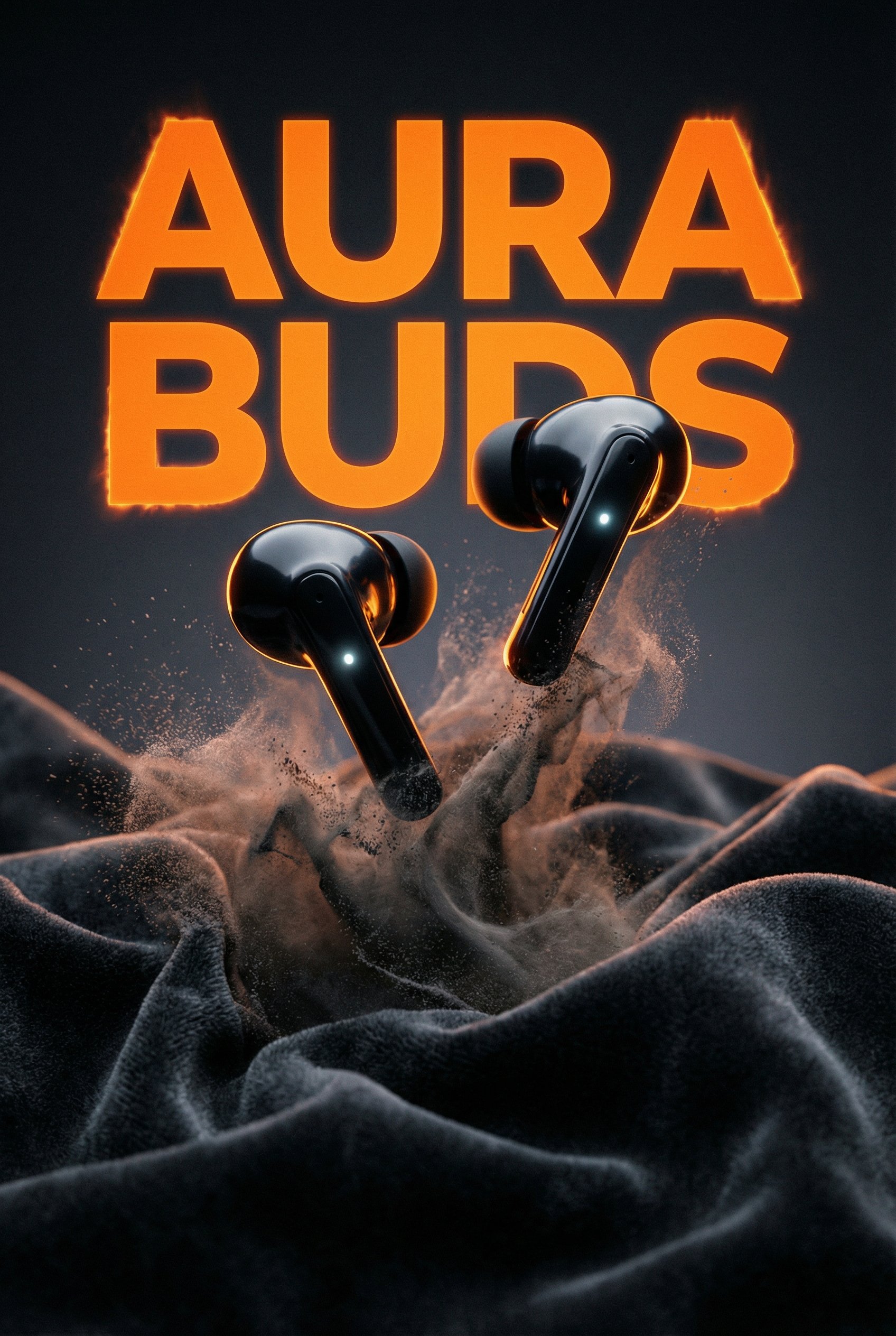
Aura Buds Poster Shoot Creative

Japan Travel Brochure Poster

A k.pop idol on the stage with mic

Cartoon TV Show Poster Pack

Urban Fashion Editorial Collage Streetwear Poster

Premium Fashion Editorial Cover Layout System

Polo Ralph Lauren Luxury American Heritage Fashion Campaign

Monochrome Halftone Editorial Fashion Poster

Retro Mirror Luxury Fashion Campaign Poster
Make it yours
Codex Product Update Poster works as-is. These are the safest ways to change it without losing the look.
Swap the setting
Keep the rest of the prompt and replace the location block. The current setting is “very light cool gray with faint lavender-blue glow gradients, rounded outer fram”.
Change one field
Copy a single group, rewrite it, and generate again so you can see what that field is doing.
Keep the frame, change the subject
Hold the composition and light of Codex Product Update Poster, then swap wardrobe, props or the person for a new take.
| If the result… | Why | Fix |
|---|---|---|
| The result drifts from the preview | Too many fields changed at once. | Reuse Codex Product Update Poster as-is first, then change one group — subject, light, or setting. |
| GPT Image 2 ignores part of the JSON | Some models flatten or skip nested keys. | Keep the same values and paste them as a short paragraph instead. |
More GPT Image 2 templates
Other prompts made for GPT Image 2.

Six VTuber Japanese Logo Sheet

Realistic Portrait of Woman and Deer

The Vista Modular Condo Poster

AI Model Routing Comparison Infographic

2.5D Anime Art Board

Isometric Productivity Desk Scene

New York Double Exposure Poster

Four-Panel AI Landscape Comparison

Japanese Tatami Lifestyle Magazine Cover

NESCAFÉ Coffee Map Poster
More image prompts
Fresh picks from across the catalog.
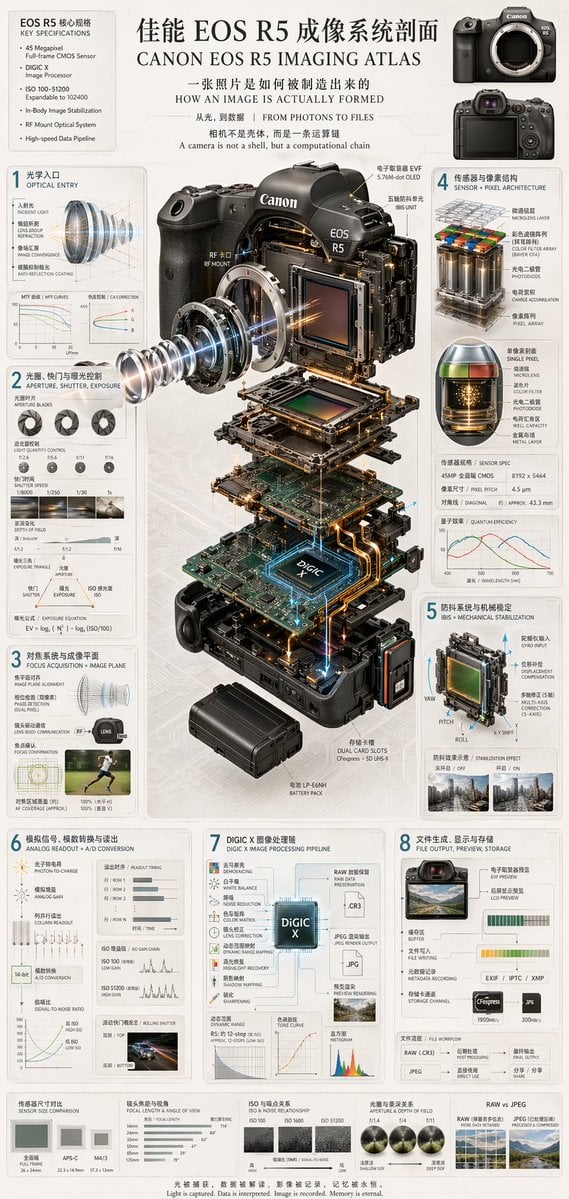
Camera Exploded View Infographic

Flash Mirror Selfie in Red Restroom
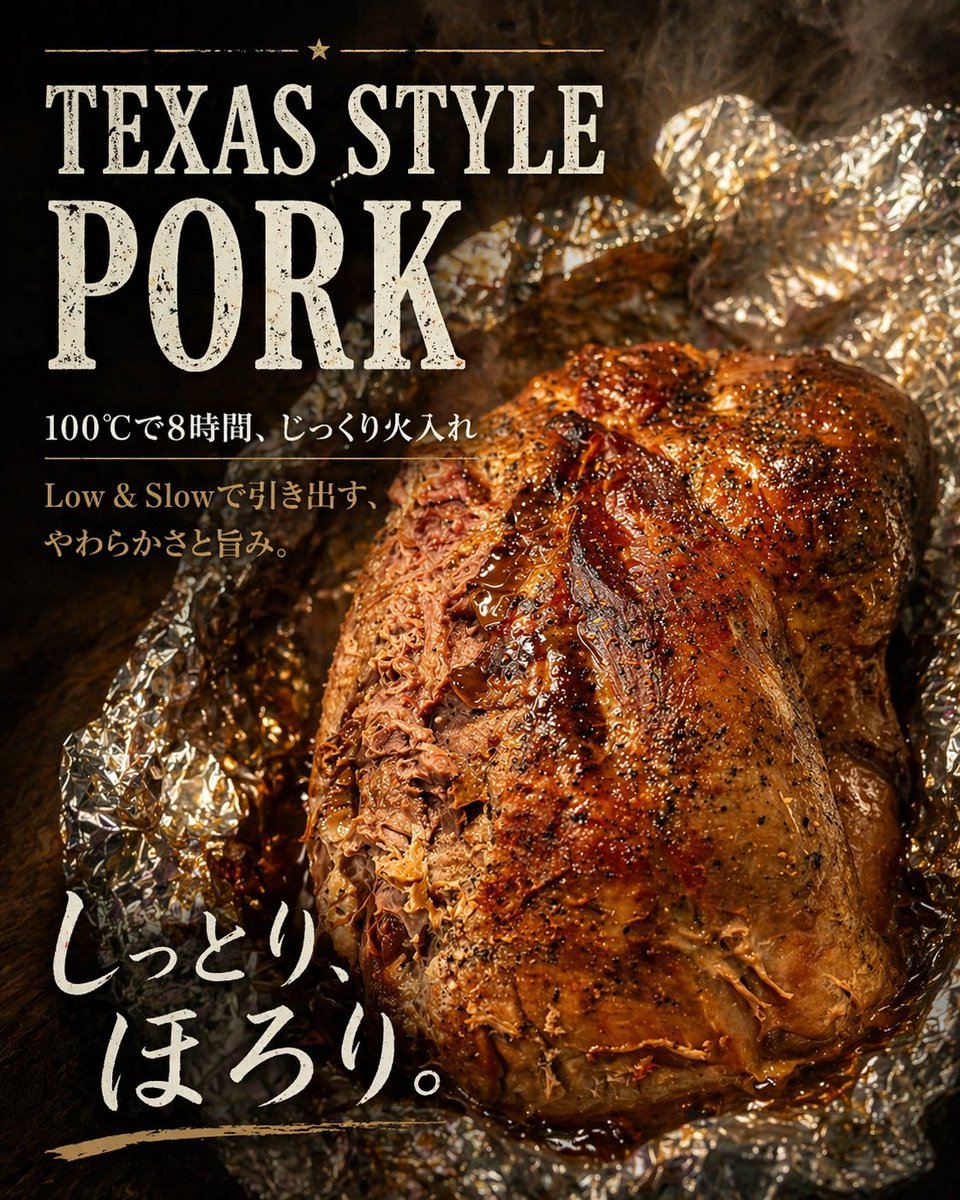
Texas-Style Pork Poster

Nano Banana 2
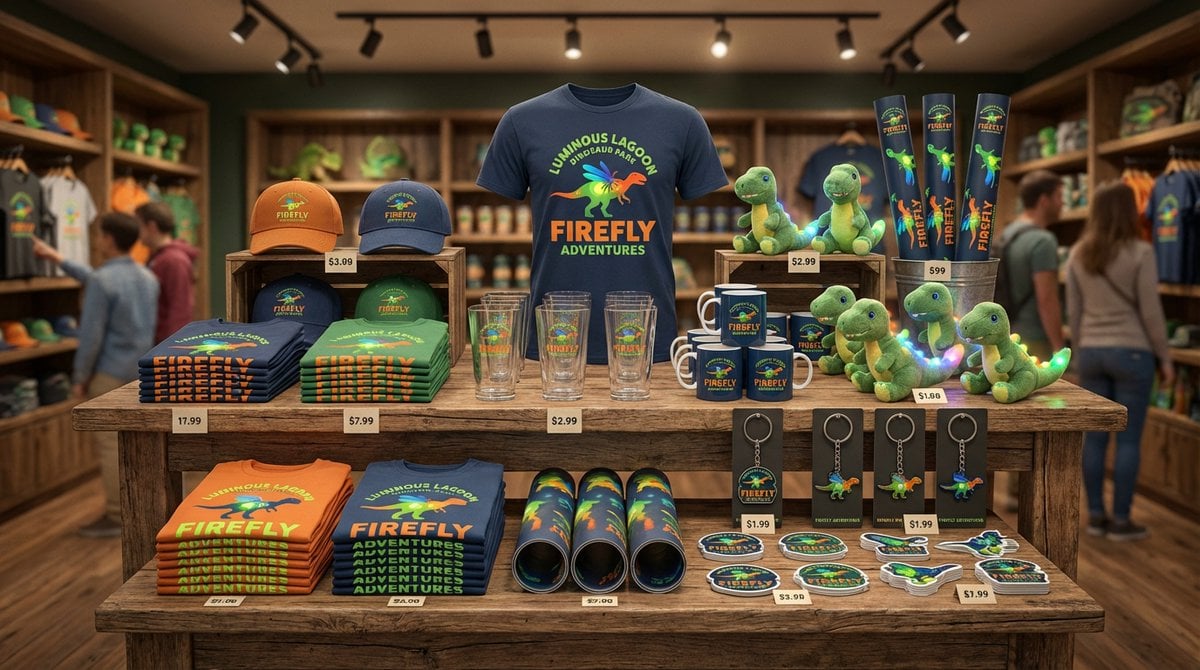
Dinosaur Park Gift Shop Merchandise Display
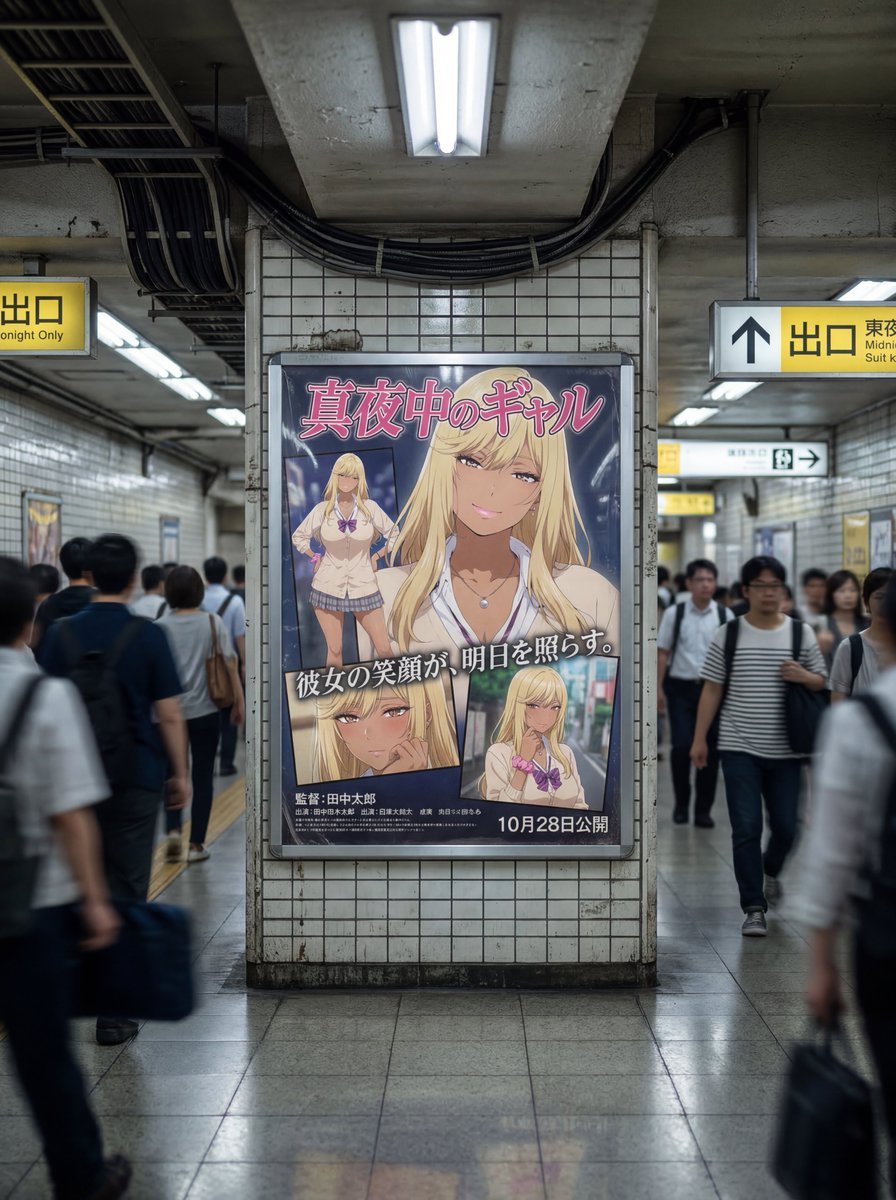
Subway Ad Poster Prompt for Character Image Generation (Portfolio Style)
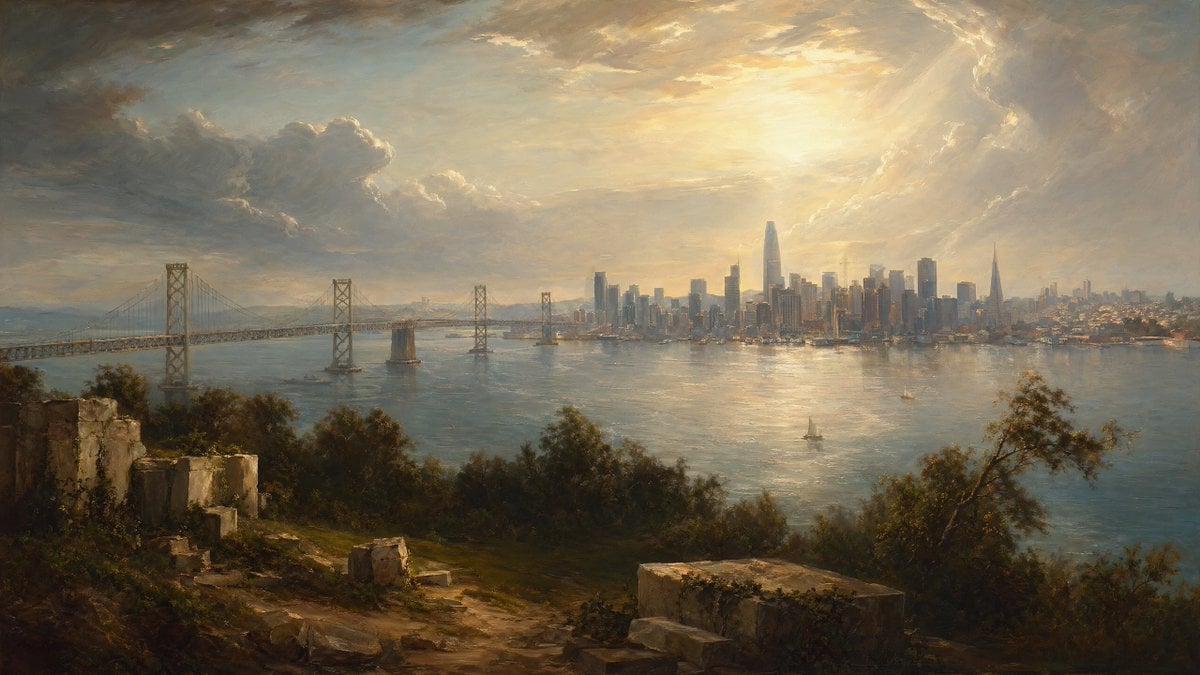
Golden Bay City Romantic Landscape

Eid Mubarak Portrait
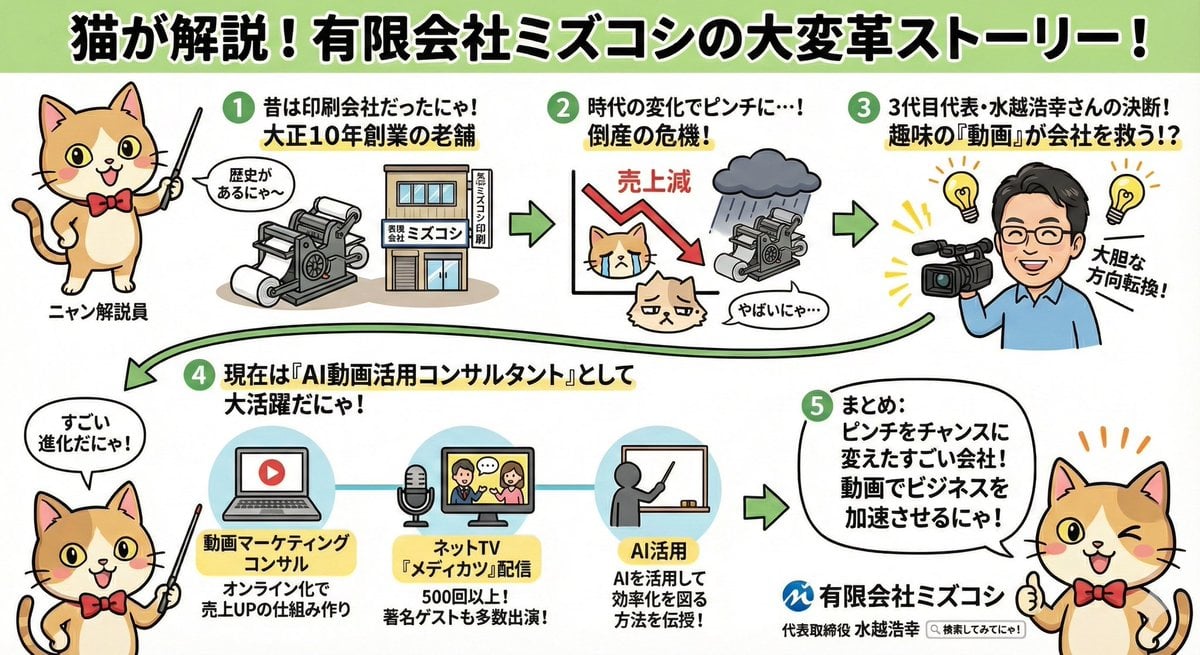
Anime-style Graphic Recording from Web Search Results
Bubbly Cheeseburger Still Life Prompt
Browse template categories
Codex Product Update Poster questions
How do I use the Codex Product Update Poster template?
Add your photo if the template asks for one, edit the prompt if you like — the template's model and format are already selected — and press Generate. Your version opens in PicX Studio.
Can I customize the Codex Product Update Poster template?
Yes. You can change the subject, setting, lighting, mood, format, and available model controls before creating your image.
Is the Codex Product Update Poster template free?
Opening and editing this template is free. Generating uses credits, shown on the Generate button when you are signed in.
Which AI model should I use?
Start with GPT Image 2, which is the model associated with this template. You can compare another compatible model for a different finish.
Looking for something else? Browse all templates.

Your photo, any look
Thousands of ready templates for every top image and video model, from one credit balance.