
Subway Ad Poster Prompt for Character Image Generation (Portfolio Style)
Two detailed prompt variations for Nano Banana 2, designed to transform an input character image into a photorealistic advertisement poster displayed in a busy Japanese subway passageway.
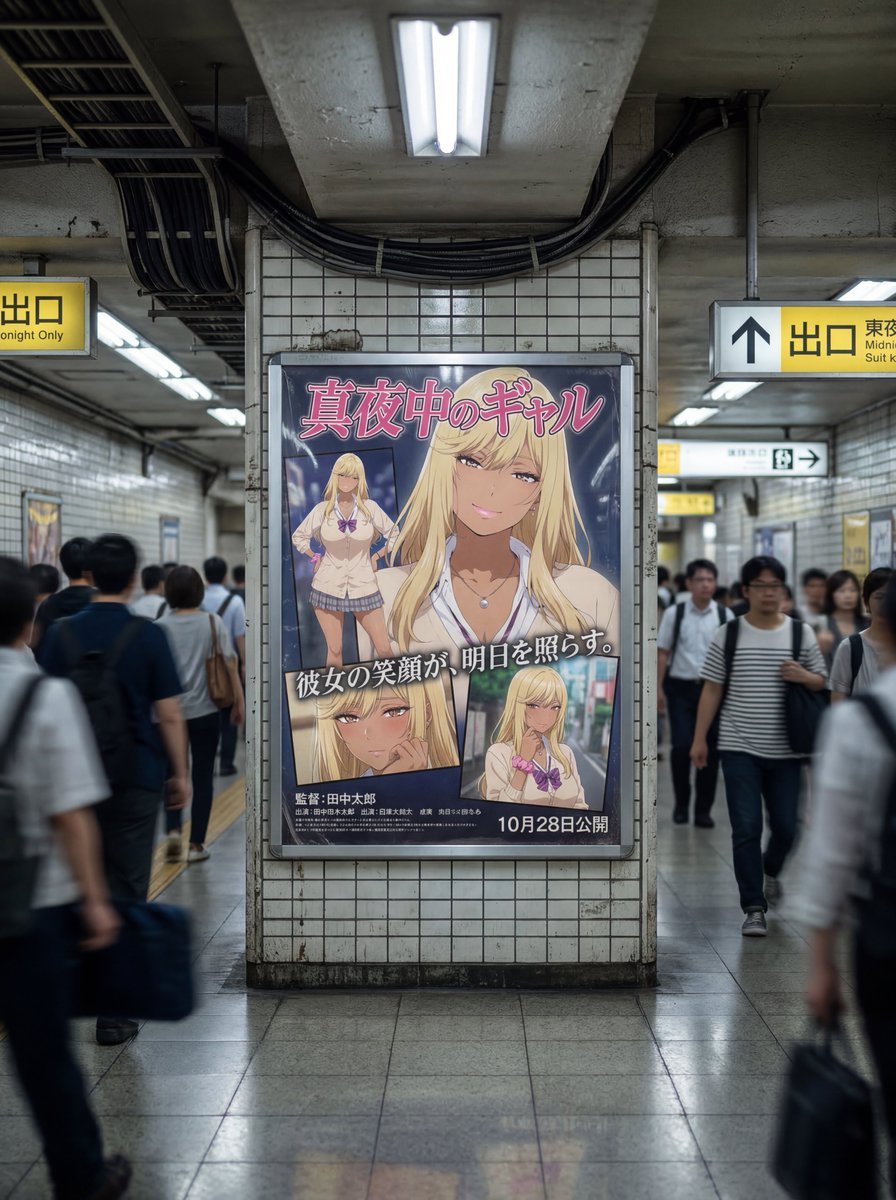
- Prompt included
- Model and format preset
- Free template
The prompt behind this image
Copy the exact prompt behind Subway Ad Poster Prompt for Character Image Generation (Portfolio Style), or open it in the studio and make it yours.
(photorealistic:1.6), (raw photograph:1.5), highly detailed, cinematic lighting, 8k resolution, incredibly rich details. (Environment: Japanese Subway Passageway): A wide-angle landscape photograph inside a busy (Japanese subway underground passageway:1.5). Worn tiled walls, fluorescent strip lighting with slight flicker, polished concrete floor reflecting lights, overhead cables, and Japanese signage ("出口", "地下鉄のりば") visible. Grimy and bustling atmosphere. (Central Focus: The Dynamic Ad Poster): Centered on the wall is a large, framed ({argument name="ポスターのスタイル" default="portfolio-style movie advertisement poster"}:1.7) behind a slightly reflective plastic cover with realistic glare. (Poster Content - Dynamic Composition & Portfolio): The poster features (multiple images of the input character:1.6) arranged in a dynamic layout. (Main Shot:1.6): A large, dominant image of the character, potentially cropped to a (dramatic bust-up or extreme close-up:1.5) to emphasize emotion and scale. The pose and expression are based on the input. (Inset Shots:1.5): Smaller, secondary images (portraits or different angles) of the same character, showing varied expressions or scenes, arranged around the main shot like a magazine spread. (Genre Inference & Text - Japanese Focus): Based on the character, infer a suitable movie genre (dramatic, action, thriller, sci-fi). Add large, stylized (Japanese movie title logo:1.7) prominently (e.g., 「{argument name="映画タイトル" default="運命の交差点"}」,「東京リベンジ」,「最後の希望」). Add a compelling (Japanese catchphrase:1.5) (e.g., 「{argument name="キャッチフレーズ" default="この街で、生き残れ。"}」,「愛か、裏切りか。」). Smaller credit text and release date at the bottom. English text allowed for stylistic effect only. Background graphics and color grading *inside the poster* match the genre. (Surrounding Action: People): Crowd of commuters walking past, with (strong motion blur:1.6) conveying busy movement. Diverse Japanese people. (Technical Tags): (depth of field), (realistic textures), sharp focus on the poster, candid street photography style. (Negative prompt): (CG render outside of poster:1.5), (illustration style environment:1.5), (empty passageway), (static people), (blurry poster content), (English only text), (clean subway), (static composition), low quality.
How to use Subway Ad Poster Prompt for Character Image Generation (Portfolio Style) in 3 steps
- 1
Open
The prompt is already in the box next to the preview, with the template's model and format selected.
- 2…a portrait of your subject in softgolden-hour light, 85mm…
Personalize
Edit the subject and creative details for your destination.
- 3Generate
Generate
Press Generate — your image is created in PicX Studio, so you can compare it with the original and refine one variable at a time.
More like this
Templates with the same subject, style or setup. Open one to see its prompt.

Japan Travel Brochure Poster

Cartoon TV Show Poster Pack

Trendy Cafe Drink Promo Poster

Urban Fashion Editorial Collage Streetwear Poster

Premium Fashion Editorial Cover Layout System

Polo Ralph Lauren Luxury American Heritage Fashion Campaign

Monochrome Halftone Editorial Fashion Poster

Retro Mirror Luxury Fashion Campaign Poster

Luxury Fashion Campaign Typography Poster System

Premium Fashion Editorial Campaign Poster System

Ultra-Stylized High-Fashion Streetwear Poster

Urban Fashion Editorial Collage Poster
Make it yours
Subway Ad Poster Prompt for Character Image Generation (Portfolio Style) works as-is. These are the safest ways to change it without losing the look.
Change one field
Copy a single group, rewrite it, and generate again so you can see what that field is doing.
Keep the frame, change the subject
Hold the composition and light of Subway Ad Poster Prompt for Character Image Generation (Portfolio Style), then swap wardrobe, props or the person for a new take.
| If the result… | Why | Fix |
|---|---|---|
| The result drifts from the preview | Too many fields changed at once. | Reuse Subway Ad Poster Prompt for Character Image Generation (Portfolio Style) as-is first, then change one group — subject, light, or setting. |
| The model over-stylizes the scene | The prose prompt leaves finish and camera underspecified. | Add one camera or lighting sentence and stay on Nano Banana 2. |
More Nano Banana 2 templates
Other prompts made for Nano Banana 2.

Photorealistic Leaf Shaped Like a Dragon

K-Pop Idol Portrait Grid for Rapid Selection

Poetic Rain Forest Portrait During Golden Hour

Urban Street Portrait with Cartoon Inner Self Duo

Candid Nighttime Photo with Cat Prompt

High-Concept 3D Diorama Generation Prompt

Cinematic Futuristic Studio Portrait Template

Skincare Editorial Photography Collage Prompt

Hyper-Realistic Commercial Product Photography (Splash Effect)

Hyper-Realistic Nightclub Portrait Prompt
More image prompts
Fresh picks from across the catalog.
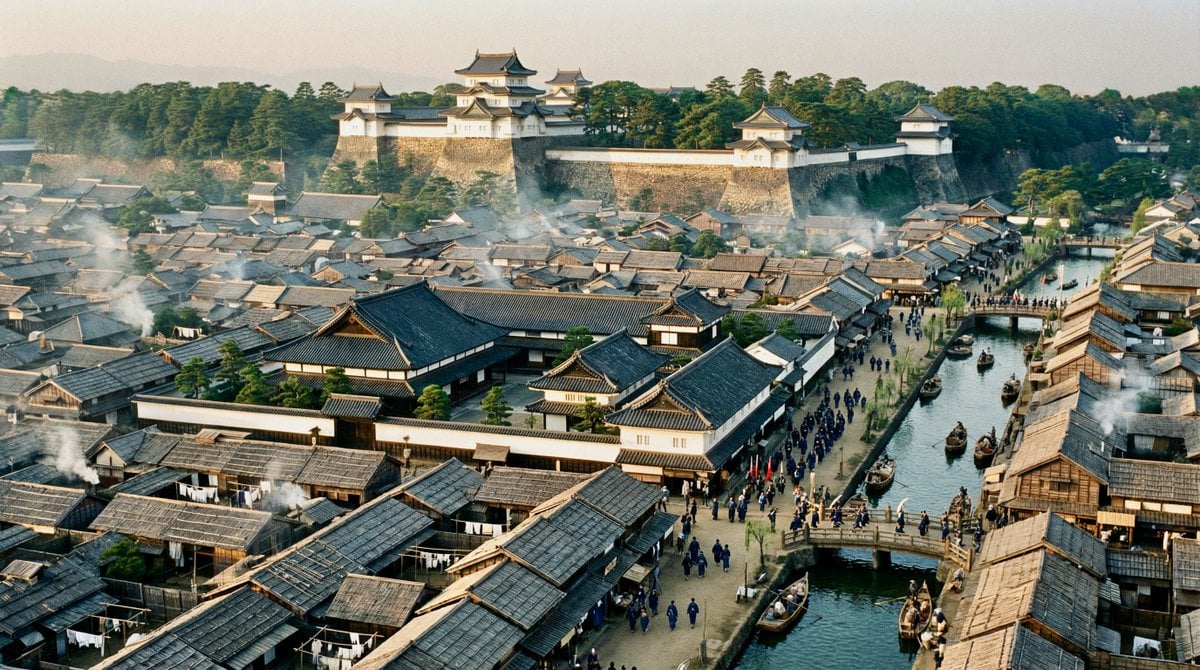
Edo-period castle town scene
Black and White Aesthetic Image Generation
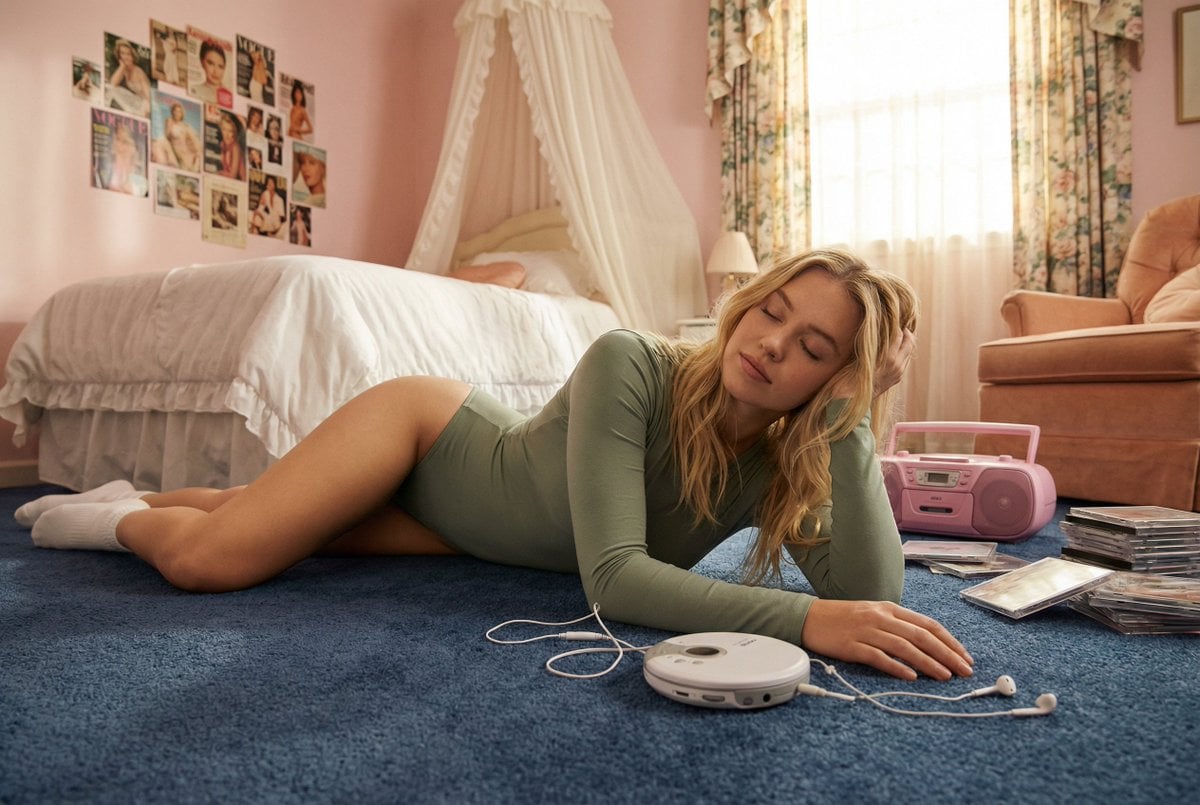
Hard-Lock Lounge Pose Reconstruction Prompt
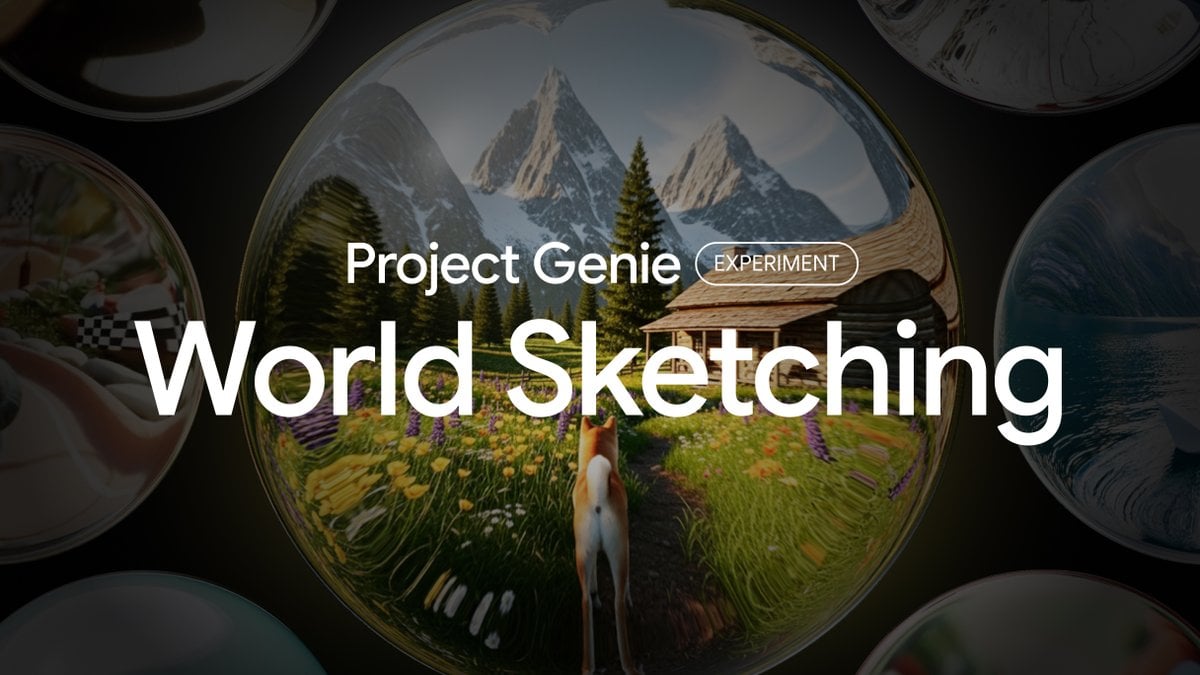
Project Genie World Design Prompt
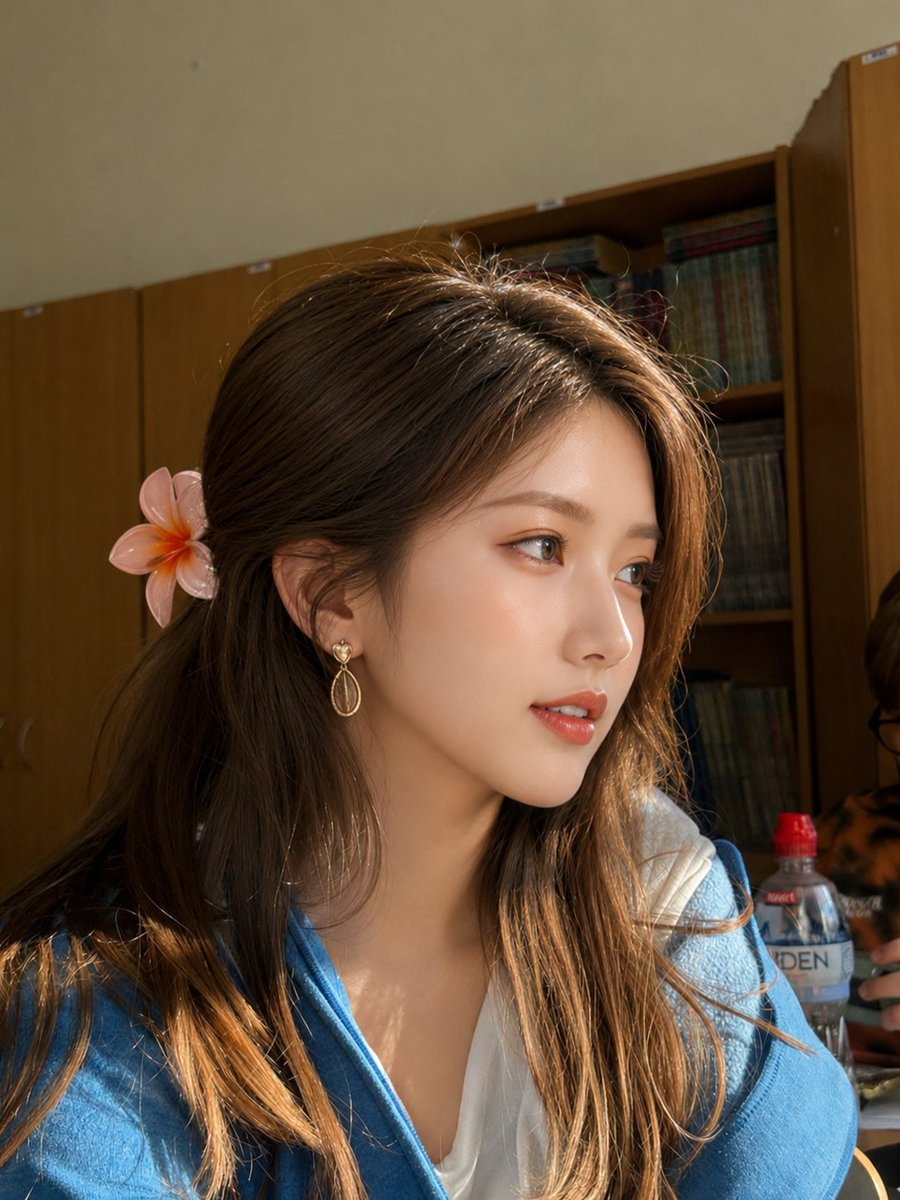
Golden Hour Academic Portrait
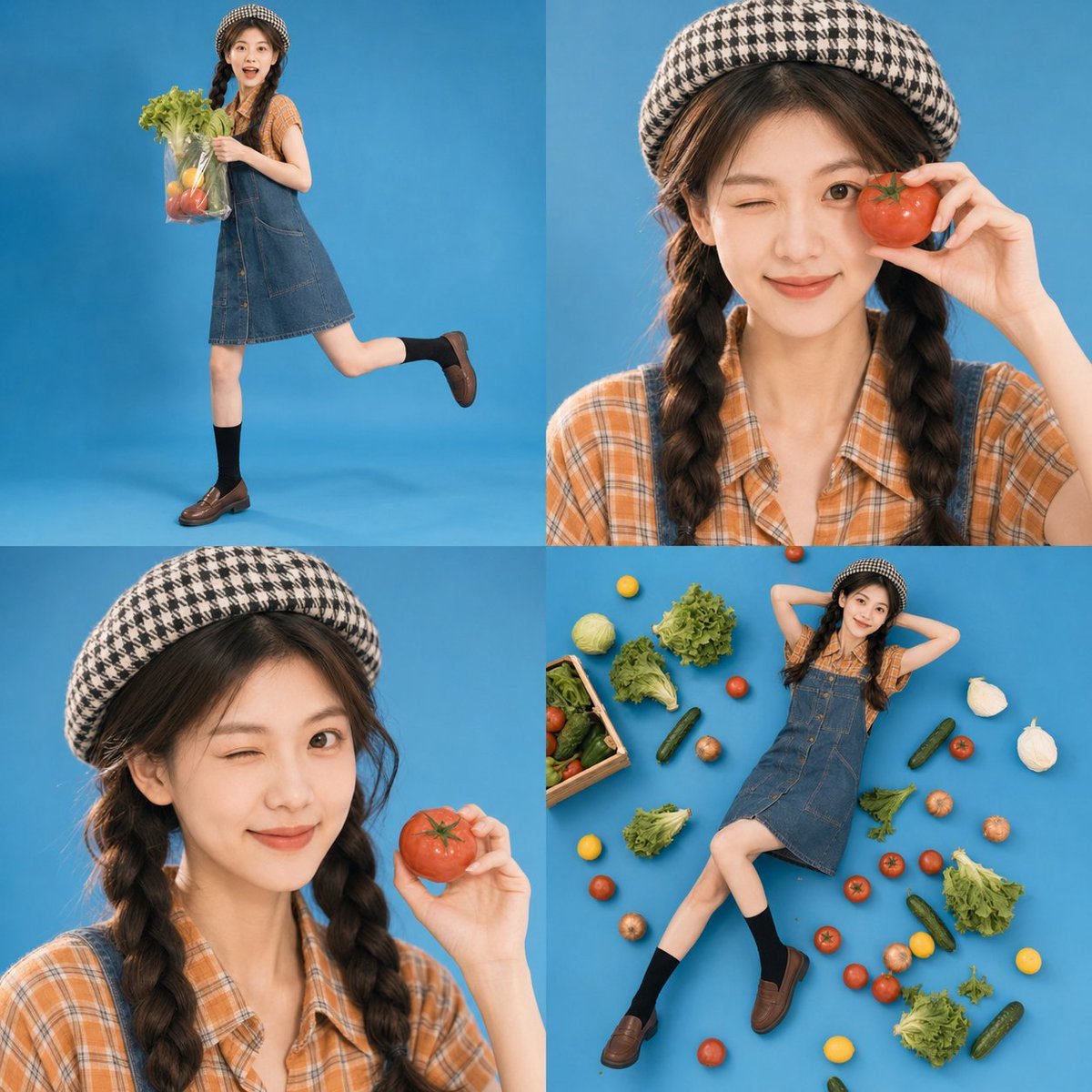
Retro Market-Girl Photo Collage
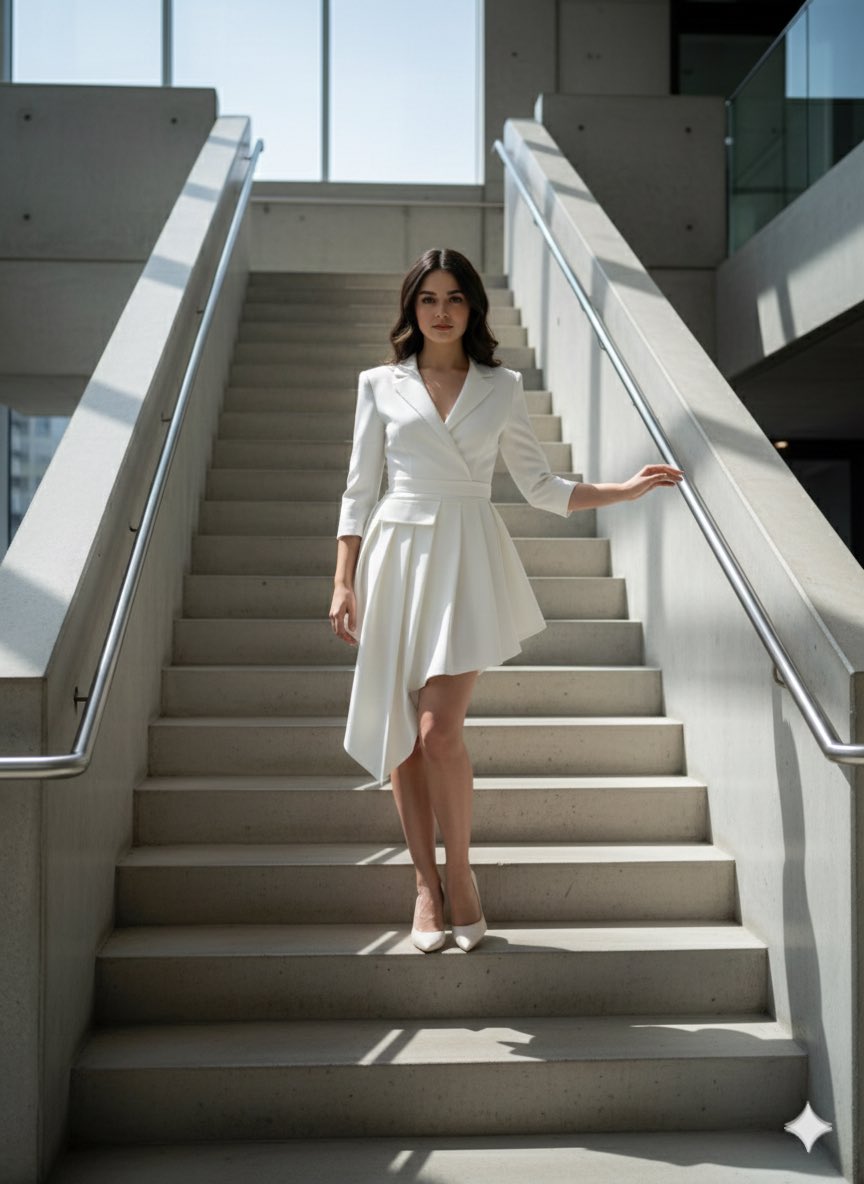
Narrative Cinematic Fashion Portrait Prompt
Aesthetic 2027 Desk Calendar
Two Men Celebrating at a Restaurant
Giant Hugging Tokyo Tower Photo Prompt
Browse template categories
Subway Ad Poster Prompt for Character Image Generation (Portfolio Style) questions
How do I use the Subway Ad Poster Prompt for Character Image Generation (Portfolio Style) template?
Add your photo if the template asks for one, edit the prompt if you like — the template's model and format are already selected — and press Generate. Your version opens in PicX Studio.
Can I customize the Subway Ad Poster Prompt for Character Image Generation (Portfolio Style) template?
Yes. You can change the subject, setting, lighting, mood, format, and available model controls before creating your image.
Is the Subway Ad Poster Prompt for Character Image Generation (Portfolio Style) template free?
Opening and editing this template is free. Generating uses credits, shown on the Generate button when you are signed in.
Which AI model should I use?
Start with Nano Banana 2, which is the model associated with this template. You can compare another compatible model for a different finish.
Looking for something else? Browse all templates.

Your photo, any look
Thousands of ready templates for every top image and video model, from one credit balance.