
Retro Market-Girl Photo Collage
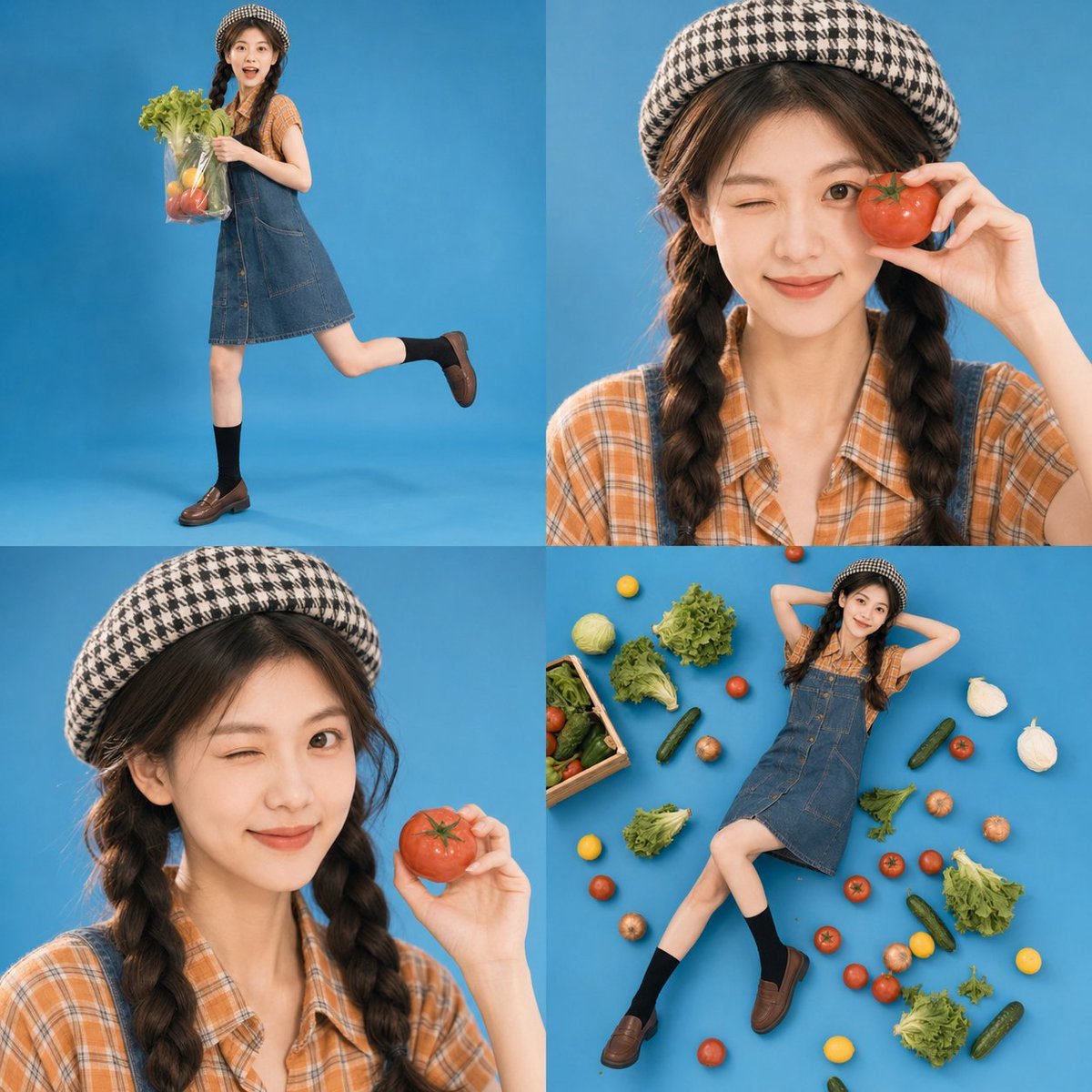
A playful four-panel studio collage prompt featuring a youthful market-girl concept with vintage outfits and fresh produce.
- Prompt included
- Model and format preset
- Free template
The prompt behind this image
Copy the exact prompt behind Retro Market-Girl Photo Collage, or open it in the studio and make it yours.
Use the uploaded portrait only as the identity reference for the person’s face shape, facial features, hairstyle, skin tone, and body proportions. Do not copy the original portrait’s clothing, background, pose, expression, lighting, or framing. Create a realistic 1:1 four-panel photo collage in a clean studio setting, with a playful youthful fashion editorial style. The image should be divided into four equal square panels arranged in a 2x2 grid, all featuring the same person based on the uploaded portrait. Preserve the uploaded person’s facial identity, face shape, hairstyle, skin tone, and body proportions, but place her into a completely new stylized studio photoshoot inspired by a {argument name="theme" default="cute market-girl concept"}. The background in all four panels is a seamless {argument name="background color" default="bright blue"} studio backdrop and matching blue floor, with soft even studio lighting and a slightly nostalgic camera look. The overall style should feel like a realistic magazine collage or fashion photo booth sheet, not illustration, not anime. Style the subject in a playful vintage-casual outfit: a black-and-white houndstooth beret, softly wavy medium-long hair, an orange plaid short-sleeve blouse, denim overalls or a denim pinafore-style outfit, black mid-calf socks, and brown loafers or brown leather shoes. Keep the outfit realistic and stylish, but it does not need to be identical in every detail. Show four different poses and framings across the collage: Panel 1, top left: a full-body shot of the girl in a playful running or skipping pose, holding a transparent grocery bag filled with fresh vegetables and produce such as tomatoes, lettuce, lemons, and leafy greens. She looks lively and cheerful. Panel 2, top right: a close-up or medium close-up portrait. She is winking and smiling playfully, holding a large tomato up near one eye. The pose is cute, energetic, and expressive. Panel 3, bottom left: another close-up or medium close-up portrait from a slightly different angle. She is again holding a tomato in her hand, with a playful wink or bright smile, creating a charming fashion-editorial feel. Panel 4, bottom right: a top-down or slightly elevated full-body shot. She is lying on the blue floor in a relaxed pose, surrounded by scattered vegetables such as lettuce, onions, tomatoes, cucumbers, and other fresh produce. The mood is whimsical and fun. The overall image should feel cohesive, polished, and full of personality, like a real studio fashion series. Use realistic skin texture, natural facial detail, soft hair texture, clean studio shadows, and a slightly film-like or retro snapshot feeling. Keep the composition neat and visually balanced. If any visible text appears, it must be in clean natural English only. No Chinese text. No watermark. No AI label.
How to use Retro Market-Girl Photo Collage in 3 steps
- 1Upload ImagePNG, JPG or paste
Add your photo
Upload the photo the template builds on. The prompt, model and format are already set.
- 2…a portrait of your subject in softgolden-hour light, 85mm…
Personalize
Edit the subject and creative details for your destination.
- 3Generate
Generate
Press Generate — your image is created in PicX Studio, so you can compare it with the original and refine one variable at a time.
More like this
Templates with the same subject, style or setup. Open one to see its prompt.












Make it yours
Retro Market-Girl Photo Collage works as-is. These are the safest ways to change it without losing the look.
Change one field
Copy a single group, rewrite it, and generate again so you can see what that field is doing.
Keep the frame, change the subject
Hold the composition and light of Retro Market-Girl Photo Collage, then swap wardrobe, props or the person for a new take.
| If the result… | Why | Fix |
|---|---|---|
| The result drifts from the preview | Too many fields changed at once. | Reuse Retro Market-Girl Photo Collage as-is first, then change one group — subject, light, or setting. |
| The model over-stylizes the scene | The prose prompt leaves finish and camera underspecified. | Add one camera or lighting sentence and stay on GPT Image 2. |
More GPT Image 2 templates
Other prompts made for GPT Image 2.

Six VTuber Japanese Logo Sheet

Realistic Portrait of Woman and Deer

The Vista Modular Condo Poster

AI Model Routing Comparison Infographic

2.5D Anime Art Board

Isometric Productivity Desk Scene

New York Double Exposure Poster

Four-Panel AI Landscape Comparison

Japanese Tatami Lifestyle Magazine Cover

NESCAFÉ Coffee Map Poster
More image prompts
Fresh picks from across the catalog.
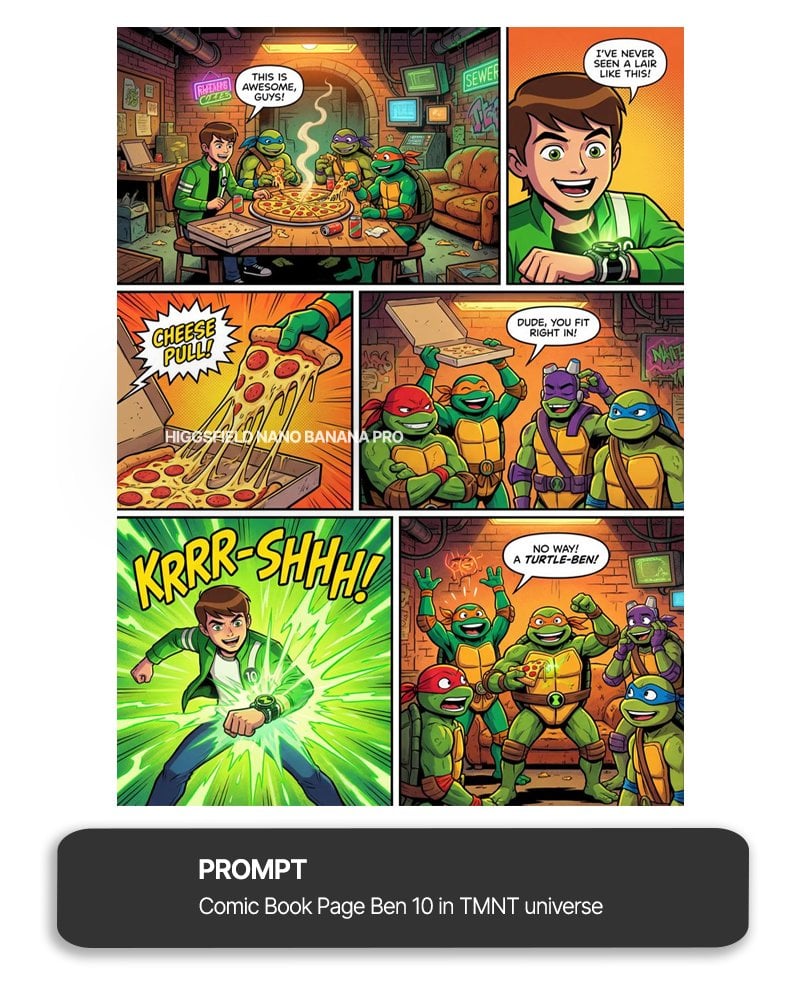
Ben 10 meets TMNT full comic page

Hyper-Realistic Portrait of Man at Seaside Resort Prompt
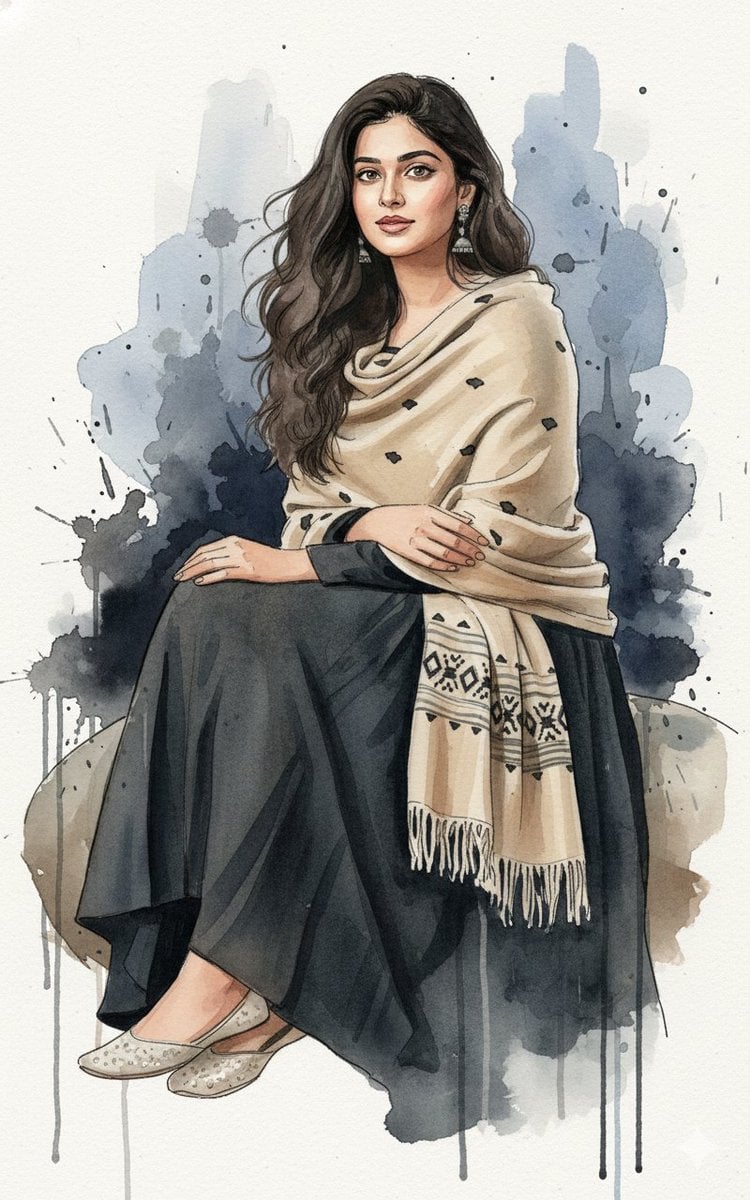
Fine-Art Ink and Watercolor Portrait with Identity Lock

Black and White Fine-Art Portrait Prompt with Cinematic Contrast
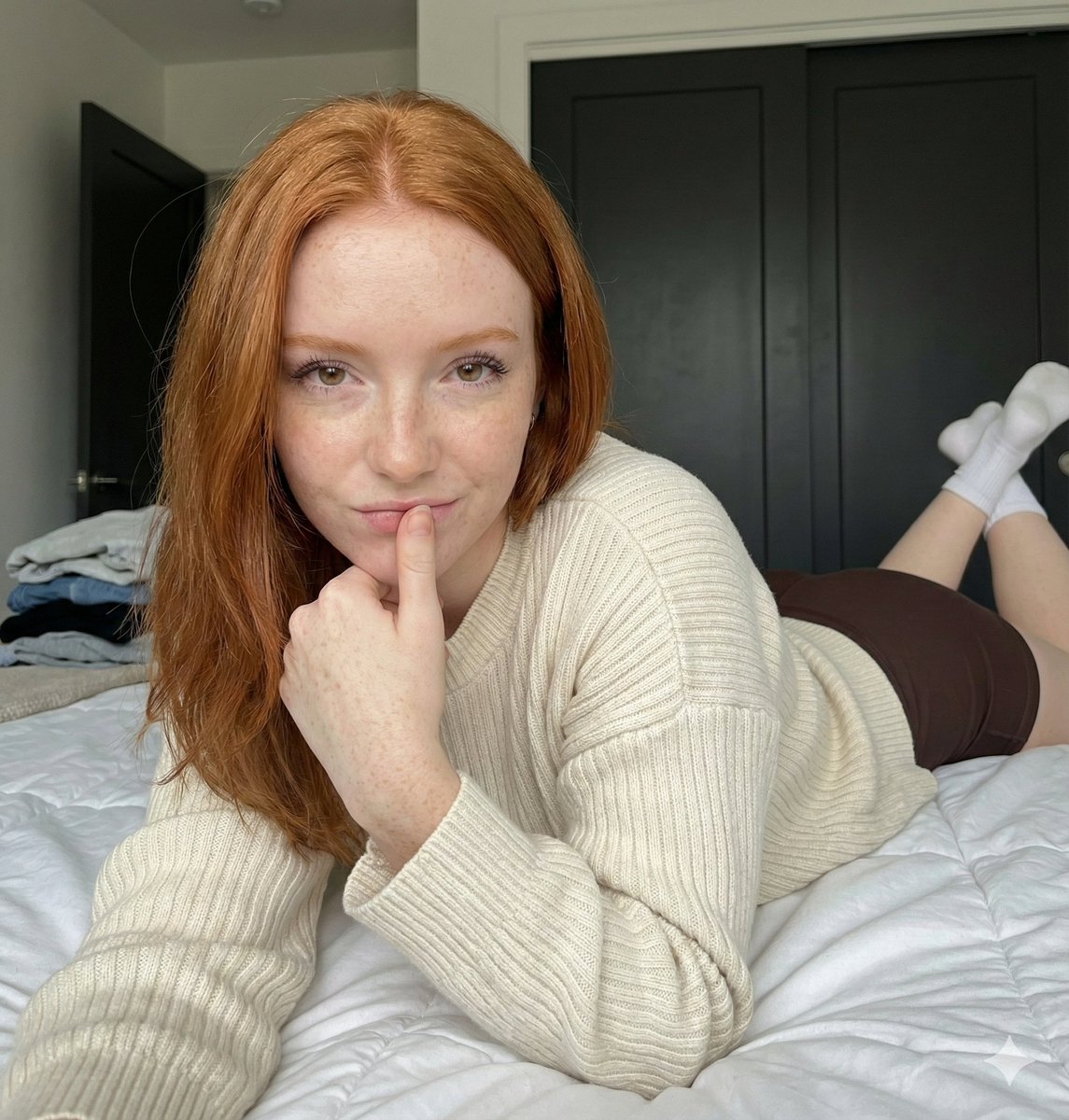
Low-Angle Bedroom Portrait with Ribbed Sweater

Ultra Realistic Cinematic Urban Portrait
Brutalist Directional Blur Typography Poster Prompt

Elegant Oriental Fantasy Illustration

Funny Cat POV Selfie

Nano Banana Pro Social Media Screenshot Annotation Prompt
Browse template categories
Retro Market-Girl Photo Collage questions
How do I use the Retro Market-Girl Photo Collage template?
Add your photo if the template asks for one, edit the prompt if you like — the template's model and format are already selected — and press Generate. Your version opens in PicX Studio.
Can I customize the Retro Market-Girl Photo Collage template?
Yes. You can change the subject, setting, lighting, mood, format, and available model controls before creating your image.
Is the Retro Market-Girl Photo Collage template free?
Opening and editing this template is free. Generating uses credits, shown on the Generate button when you are signed in.
Which AI model should I use?
Start with GPT Image 2, which is the model associated with this template. You can compare another compatible model for a different finish.
Looking for something else? Browse all templates.

Your photo, any look
Thousands of ready templates for every top image and video model, from one credit balance.