How do I use the Texas-Style Pork Poster template?
Edit the prompt in the box under the preview — the template's model and format are already selected — and press Generate. Your version appears right on this page.
This prompt turns roast pork reference photos into a smoky, premium Texas barbecue advertisement poster with bold typography and Japanese promotional copy.

This template uses your photo — add one with the + button.
Using REFERENCE_0 as the main food photo and REFERENCE_1 to enhance the pulled-meat texture, transform the homemade roast pork into a dramatic Texas barbecue poster. Keep the same pork cut in foil, but restyle it to look more appetizing and professionally photographed: deeper mahogany bark, stronger black-pepper crust, richer glaze, visible moisture, darker shadows, warm orange highlights, and a smoky atmosphere rising from the top. Place it on a dark rustic background with cinematic food-ad lighting. Add a bold vintage western headline in the upper left with exactly 2 lines: "TEXAS STYLE" and "PORK". Beneath it, add exactly 3 Japanese copy lines: "100℃で8時間、じっくり火入れ", "Low & Slowで引き出す、", and "やわらかさと旨み。" Add a handwritten Japanese tagline in the lower left with exactly 2 lines: "しっとり、" and "ほろり。" Use a premium BBQ advertisement layout, high contrast, slightly gritty texture, and make the final image feel like a poster for Texas-style pulled pork made from the reference roast.
Using REFERENCE_0 as the main food photo and REFERENCE_1 to enhance the pulled-meat texture, transform the homemade roast pork into a dramatic Texas barbecue poster. Keep the same pork cut in foil, but restyle it to look more appetizing and professionally photographed: deeper mahogany bark, stronger black-pepper crust, richer glaze, visible moisture, darker shadows, warm orange highlights, and a smoky atmosphere rising from the top. Place it on a dark rustic background with cinematic food-ad lighting. Add a bold vintage western headline in the upper left with exactly 2 lines: "TEXAS STYLE" and "PORK". Beneath it, add exactly 3 Japanese copy lines: "100℃で8時間、じっくり火入れ", "Low & Slowで引き出す、", and "やわらかさと旨み。" Add a handwritten Japanese tagline in the lower left with exactly 2 lines: "しっとり、" and "ほろり。" Use a premium BBQ advertisement layout, high contrast, slightly gritty texture, and make the final image feel like a poster for Texas-style pulled pork made from the reference roast.
Texas-Style Pork Poster needs input media to work. Open it in the studio and these load alongside the prompt — pick whichever ones your chosen model can take.
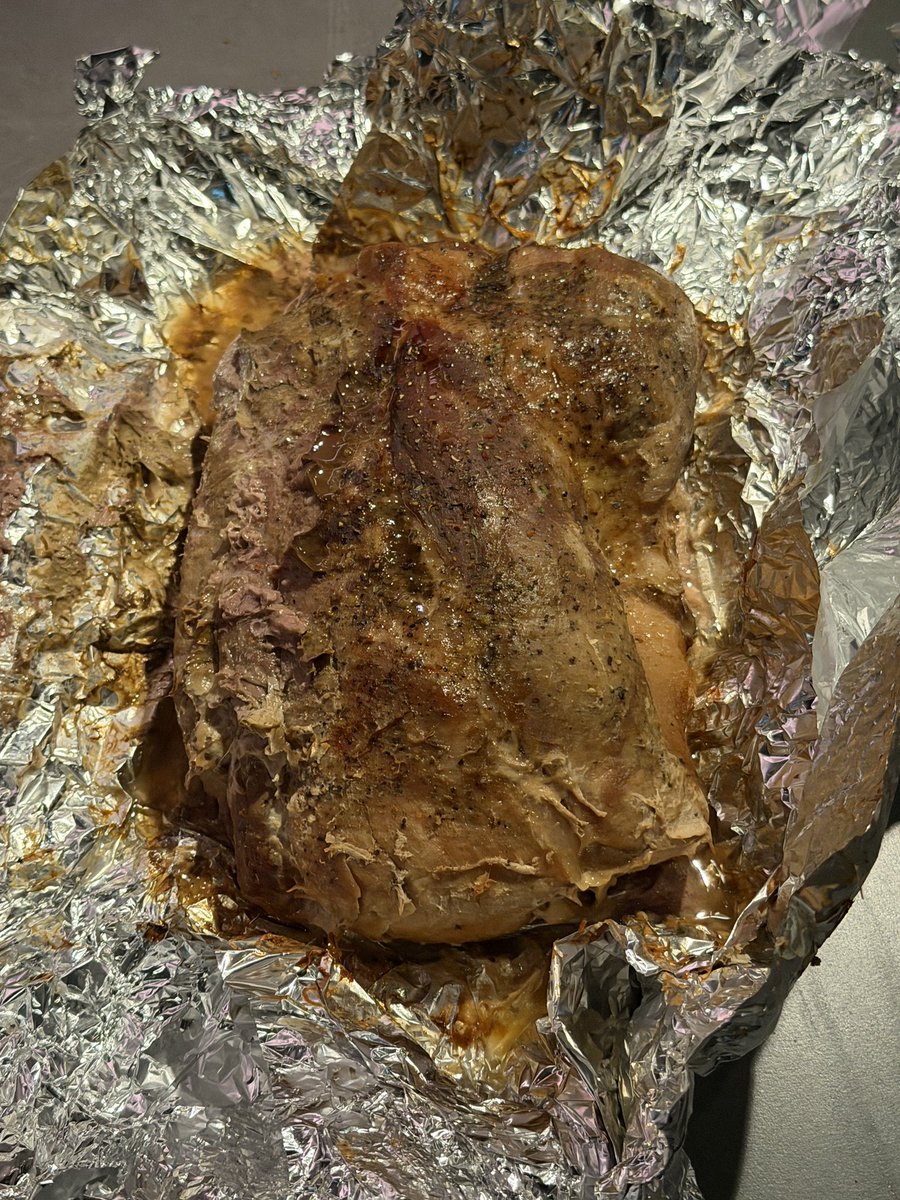
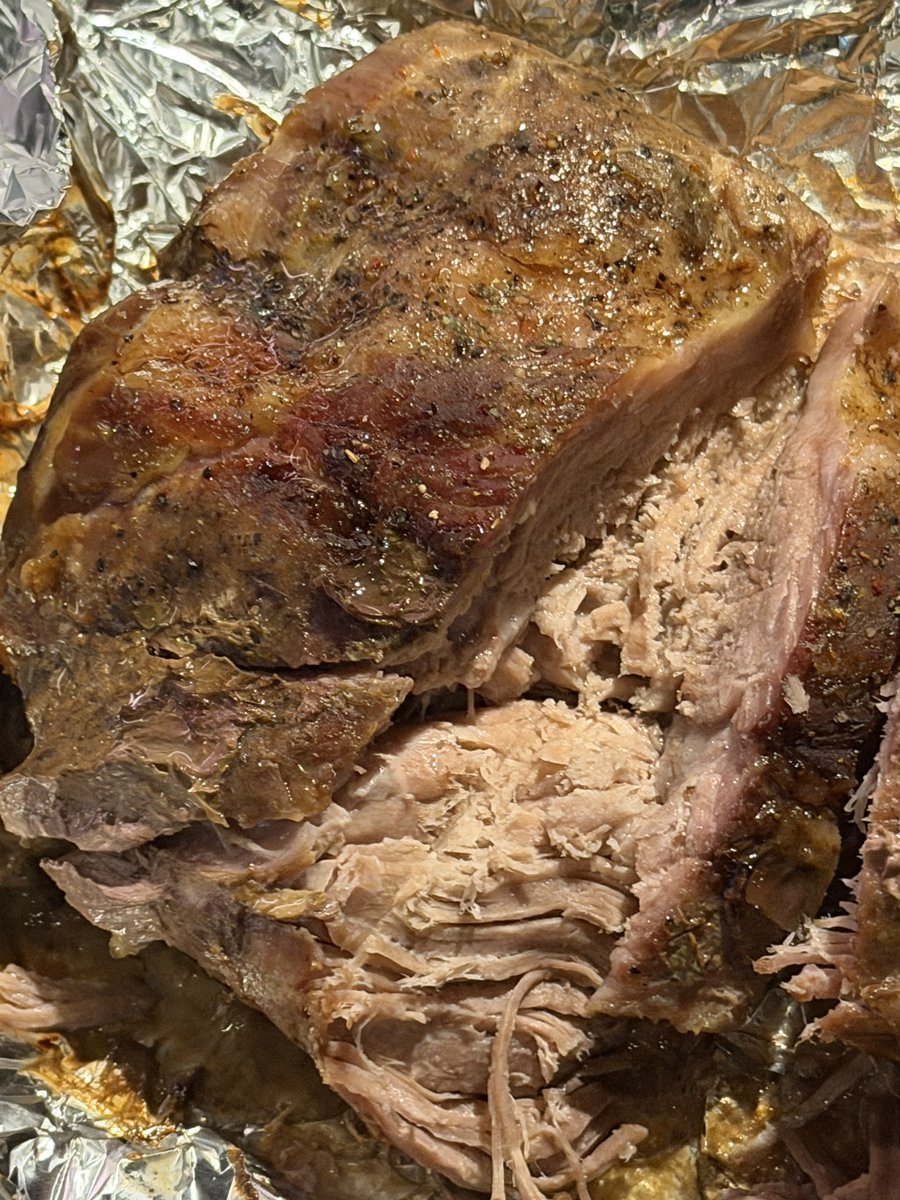
Edit the prompt in the box under the preview — the template's model and format are already selected — and press Generate. Your version appears right on this page.
Yes. You can change the subject, setting, lighting, mood, format, and available model controls before creating your image.
Opening and editing this template is free. Generating uses credits, shown on the Generate button when you are signed in.
Start with GPT Image 2, which is the model associated with this template. You can compare another compatible model for a different finish.
Follow a topic to a crawlable collection of related PicX Studio templates.