
Japanese SaaS Ad Banner at Night
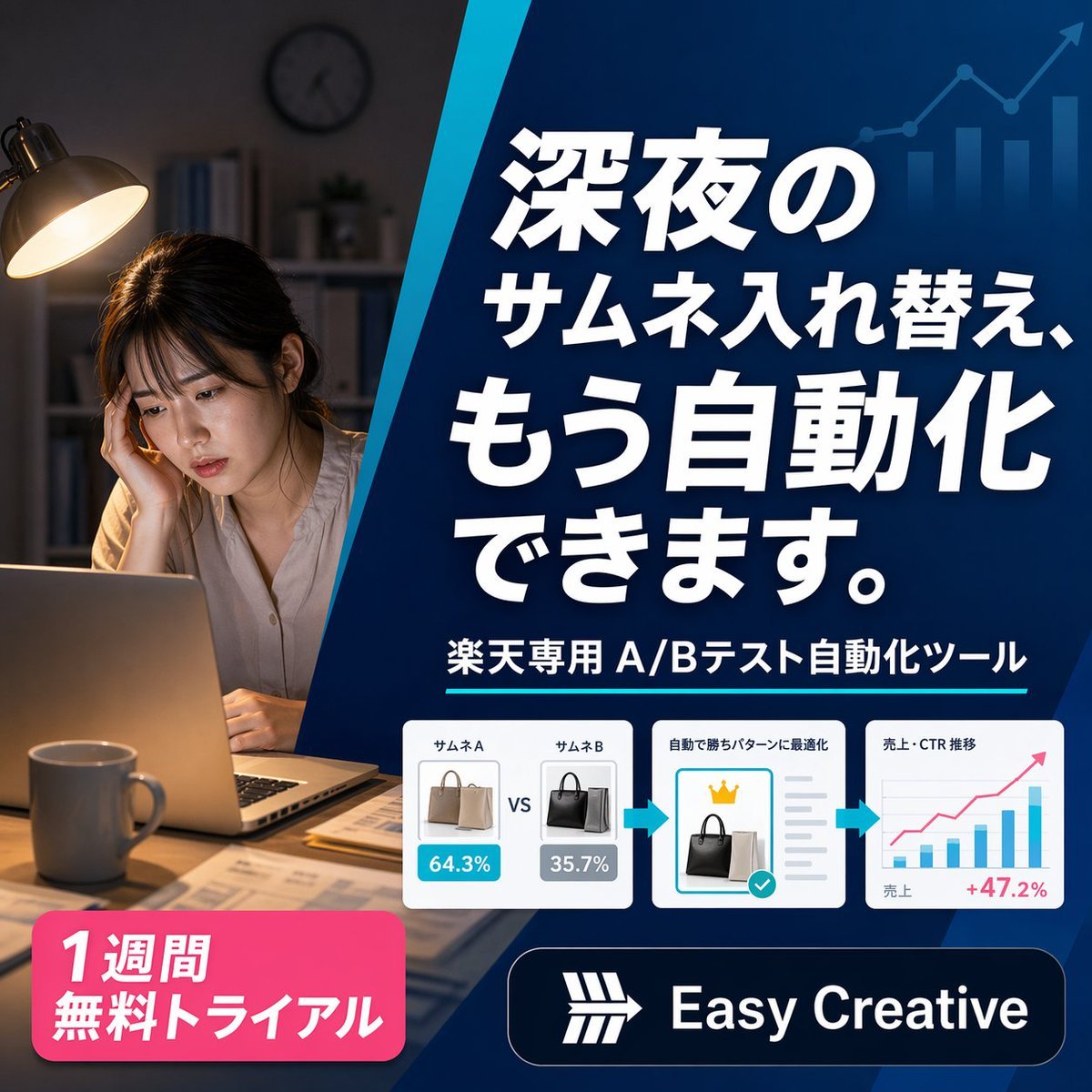
A square Japanese promotional banner for an e-commerce A/B testing automation tool, ideal for ads, landing pages, and social media marketing creatives.
- Prompt included
- Model and format preset
- Premium template
The prompt behind this image
Copy the exact prompt behind Japanese SaaS Ad Banner at Night, or open it in the studio and make it yours.
A polished square Japanese digital advertising banner for an AI e-commerce optimization tool, split into 2 main visual zones by a bold diagonal blue divider running from upper center to lower center-left. On the left third, show a realistic nighttime home-office scene with 1 tired young woman sitting at a desk, her face intentionally blurred, resting her head on one hand while looking at an open laptop. Warm desk-lamp lighting illuminates her and the desk, with a mug in the foreground, scattered papers, shelves and a wall clock softly out of focus in the dark background, creating a late-night overwork mood. On the right two-thirds, place a deep blue gradient promotional panel with subtle financial-growth graphics in the background: 1 ascending line chart with arrow and 4 vertical bar-chart columns in a lighter transparent blue near the top right. Fill this panel with bold oversized Japanese headline text in white with strong drop shadow, stacked across 4 lines: {argument name="headline text" default="深夜の\nサムネ入れ替え、\nもう自動化\nできます。"}. Beneath it, add 1 subheadline line in white reading {argument name="subheadline text" default="楽天専用 A/Bテスト自動化ツール"}, accented by a thin cyan underline. Below that, place a horizontal process strip containing 3 white rounded-corner cards connected by 2 cyan right-pointing arrows. Card 1 shows 2 handbag thumbnails side by side labeled exactly 2 items: "サムネA" and "サムネB", with blue and gray percentage badges reading "64.3%" and "35.7%", and a centered "VS" between them. Card 2 shows 1 selected black handbag thumbnail, a small gold crown icon above it, gray checklist lines to the right, and a turquoise confirmation checkmark badge, with a small Japanese heading indicating automatic optimization. Card 3 shows 1 simple analytics chart with axes, several blue bars, 1 pink upward trend line, small Japanese labels for sales and CTR trend, and a pink result figure "+47.2%" at the lower right. At the bottom left, add 1 bright pink rounded promotional badge with bold white Japanese text on 2 lines: {argument name="offer text" default="1週間\n無料トライアル"}. At the bottom right, add 1 dark navy rounded logo bar containing a simple white geometric emblem and the brand name {argument name="brand name" default="Easy Creative"} in bold white sans-serif. Use a clean modern SaaS-ad aesthetic, high contrast, crisp typography, glossy UI cards, subtle shadows, and a professional conversion-focused layout sized 1:1.
How to use Japanese SaaS Ad Banner at Night in 3 steps
- 1Upload ImagePNG, JPG or paste
Add your photo
Upload the photo the template builds on. The prompt, model and format are already set.
- 2…a portrait of your subject in softgolden-hour light, 85mm…
Personalize
Edit the subject and creative details for your destination.
- 3Generate
Generate
Press Generate — your image is created in PicX Studio, so you can compare it with the original and refine one variable at a time.
More like this
Templates with the same subject, style or setup. Open one to see its prompt.
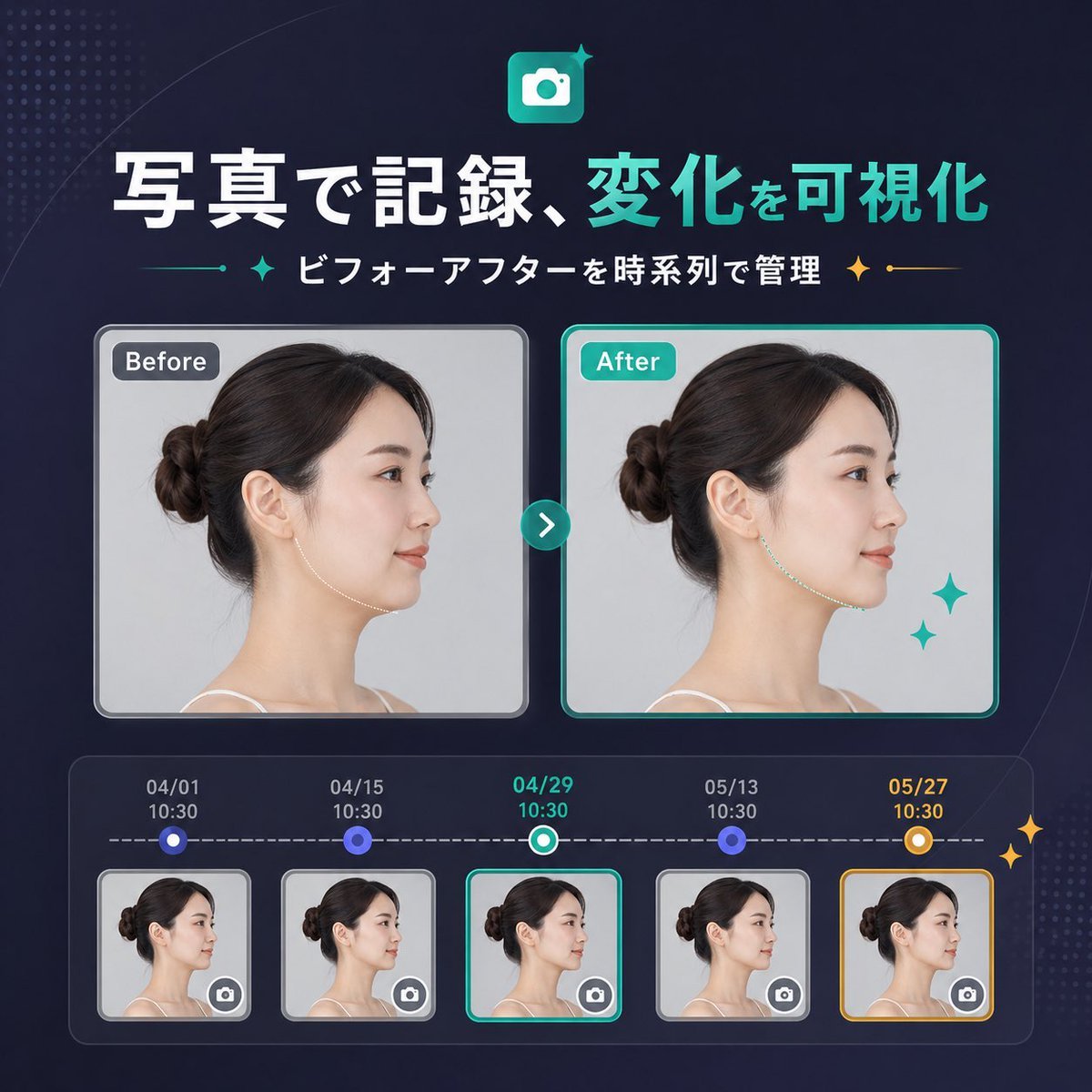
Japanese SaaS Before-After Banner
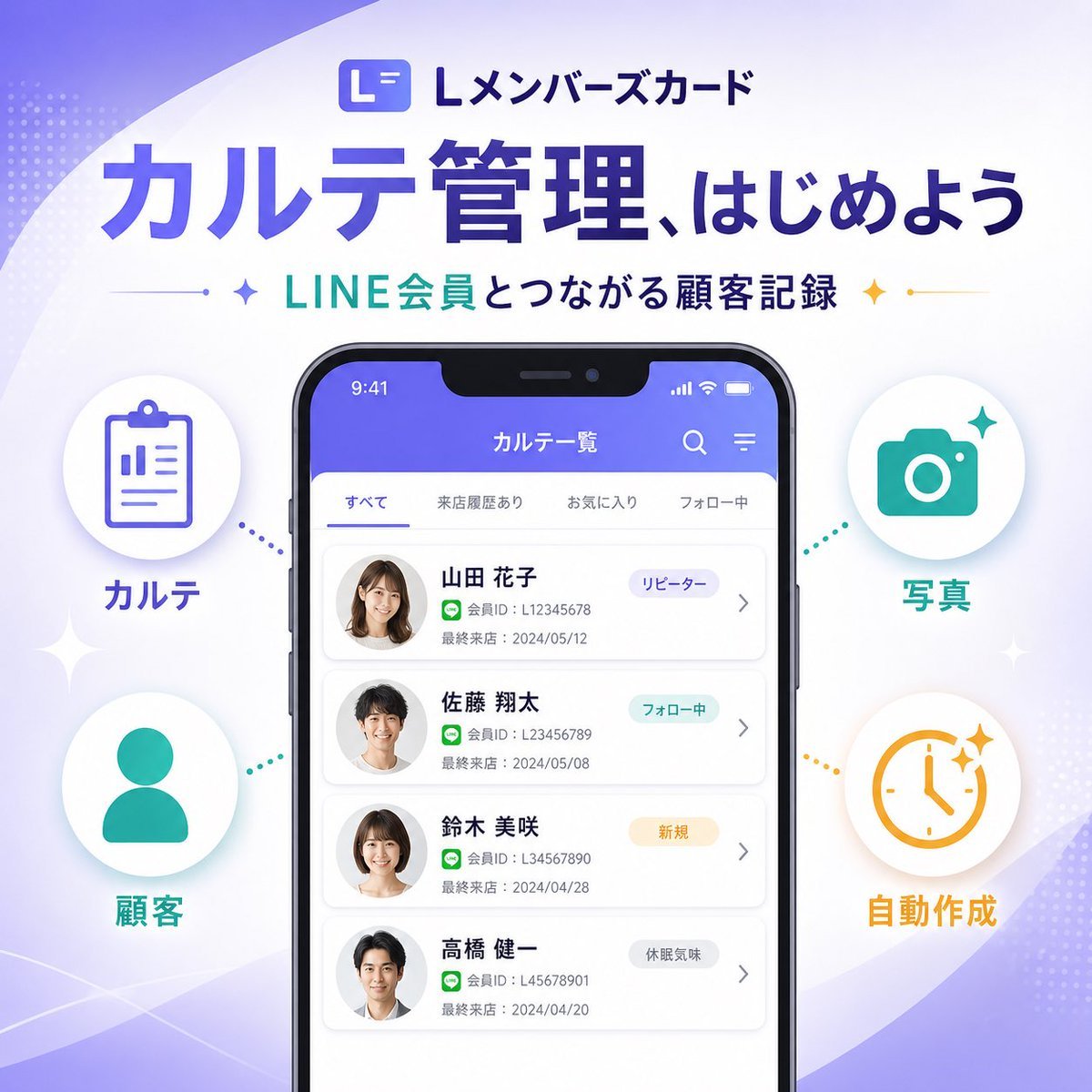
Japanese SaaS Feature Banner
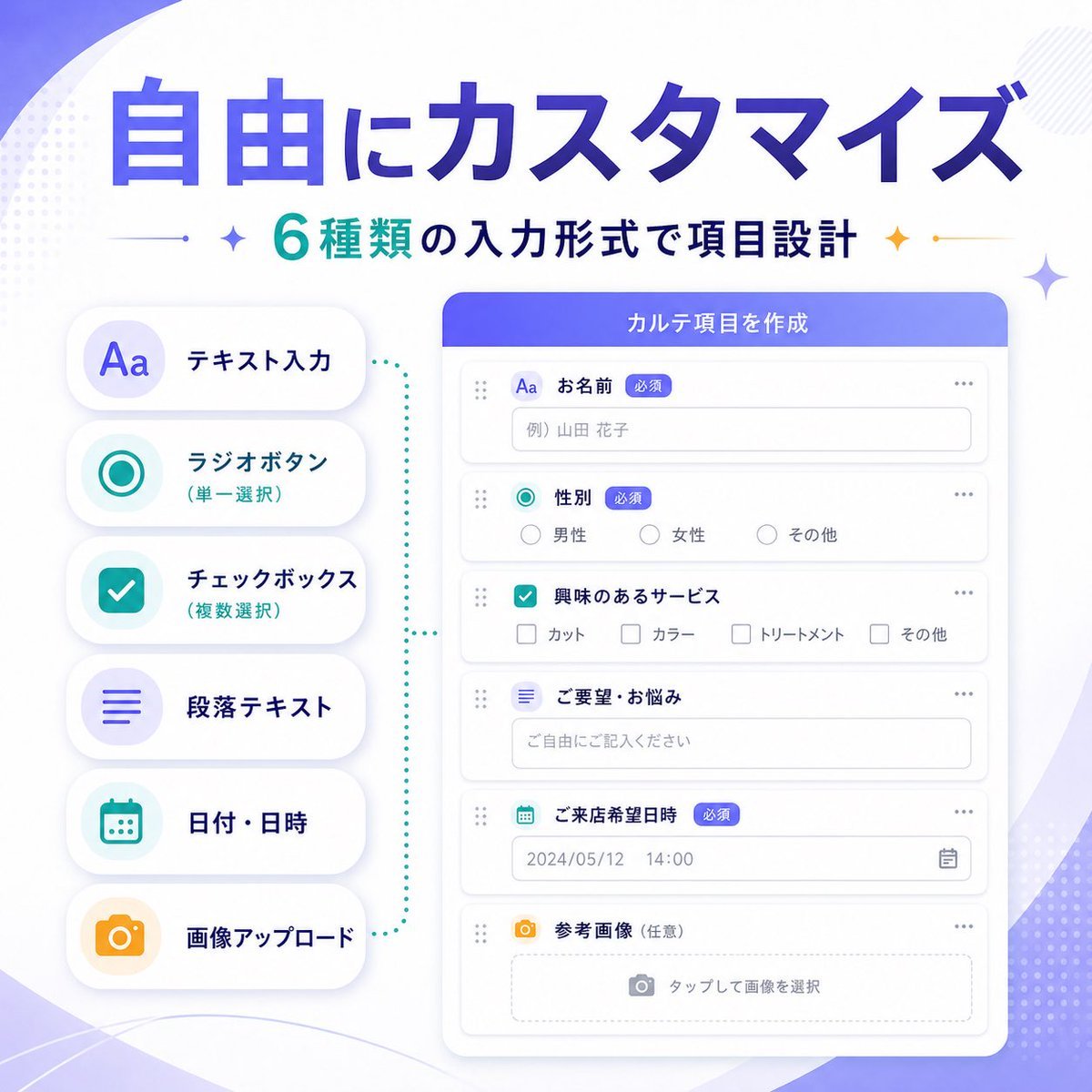
Japanese SaaS Form Builder Banner
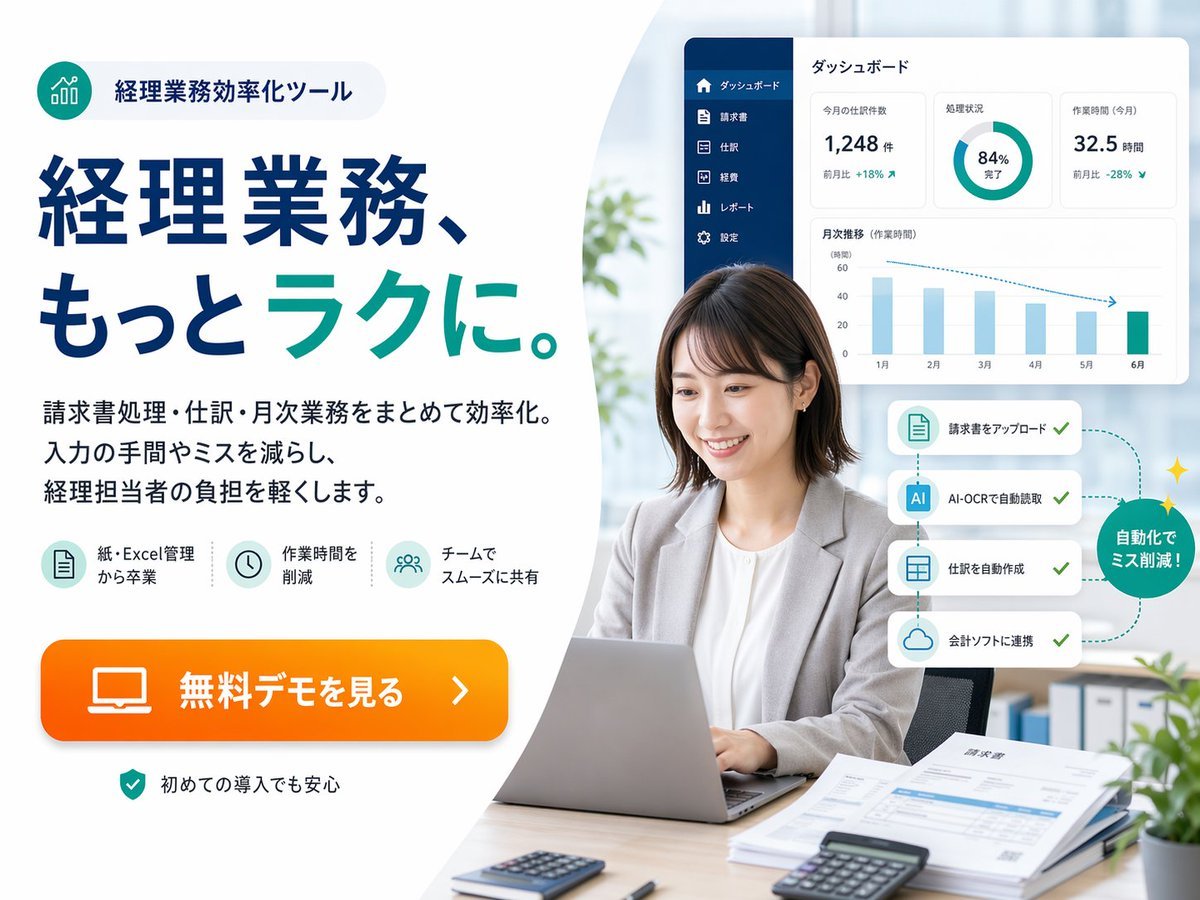
Japanese Accounting SaaS Hero Banner

Minecraft Japanese Research Lab Exploration
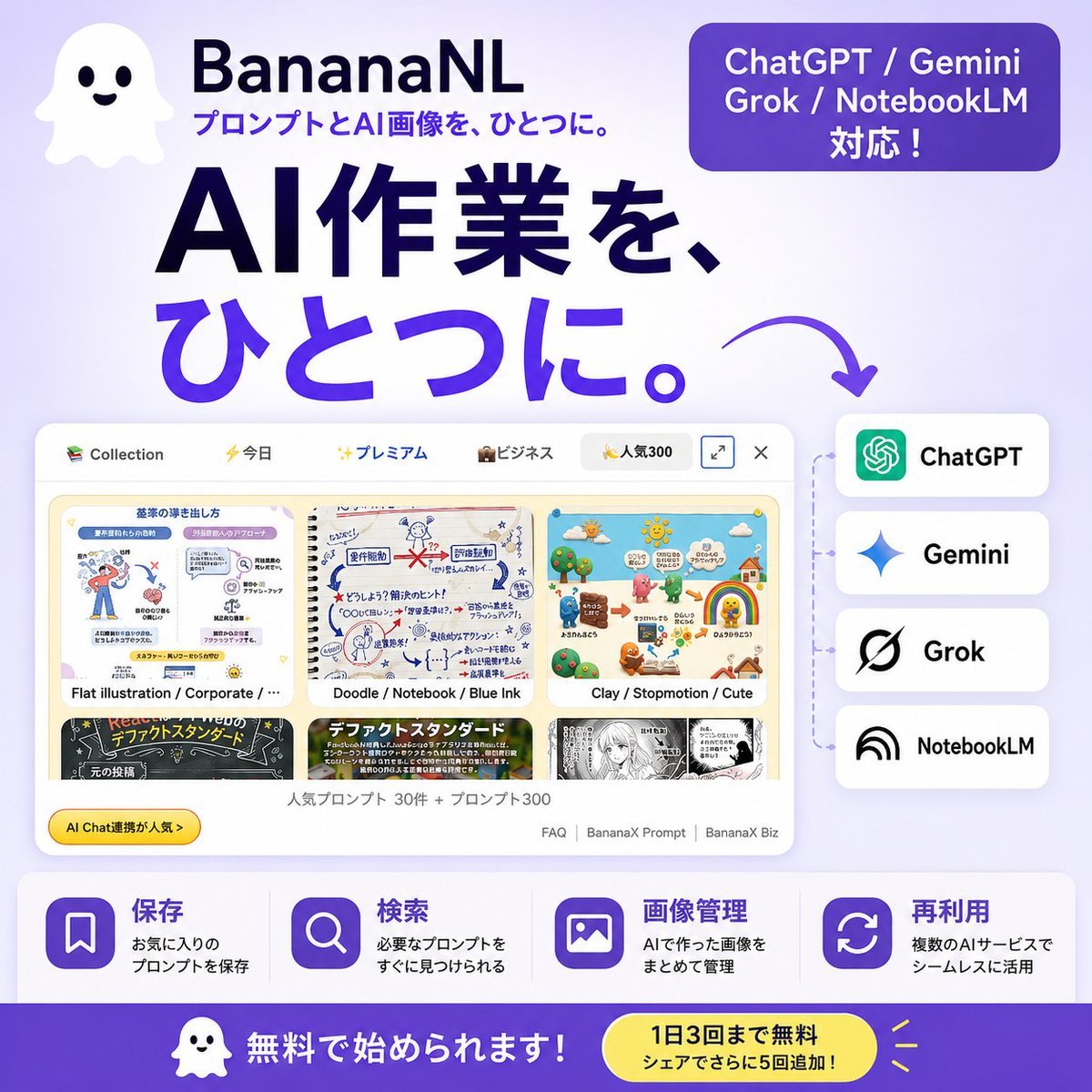
Japanese SaaS AI Prompt Manager Ad

Japanese Architectural Concrete Studio Fashion Campaign

Japanese Minimalist Concrete Studio Fashion Editorial

Blue Backdrop Luxury Fashion Portrait Campaign

Subway Platform Quiet Introspective Portrait
Subway Platform Quiet Introspective Portrait

Spider-Man Night Swing New York Cinematic
Make it yours
Japanese SaaS Ad Banner at Night works as-is. These are the safest ways to change it without losing the look.
Change one field
Copy a single group, rewrite it, and generate again so you can see what that field is doing.
Keep the frame, change the subject
Hold the composition and light of Japanese SaaS Ad Banner at Night, then swap wardrobe, props or the person for a new take.
| If the result… | Why | Fix |
|---|---|---|
| The result drifts from the preview | Too many fields changed at once. | Reuse Japanese SaaS Ad Banner at Night as-is first, then change one group — subject, light, or setting. |
| The model over-stylizes the scene | The prose prompt leaves finish and camera underspecified. | Add one camera or lighting sentence and stay on GPT Image 2. |
More GPT Image 2 templates
Other prompts made for GPT Image 2.

Six VTuber Japanese Logo Sheet

Realistic Portrait of Woman and Deer

The Vista Modular Condo Poster

AI Model Routing Comparison Infographic

2.5D Anime Art Board

Isometric Productivity Desk Scene

New York Double Exposure Poster

Four-Panel AI Landscape Comparison

Japanese Tatami Lifestyle Magazine Cover

NESCAFÉ Coffee Map Poster
More image prompts
Fresh picks from across the catalog.
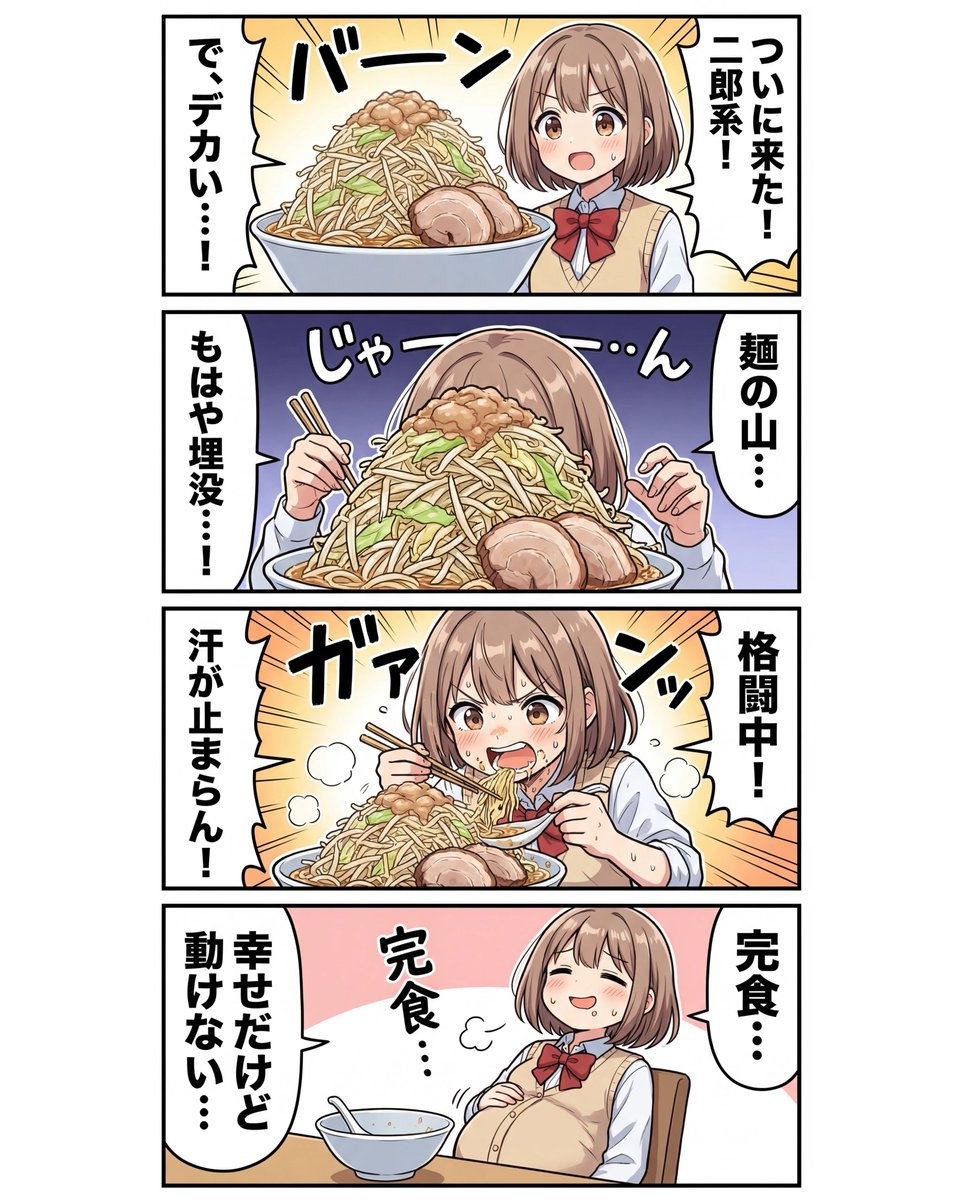
panel Japanese gag manga about Nanami eating ramen
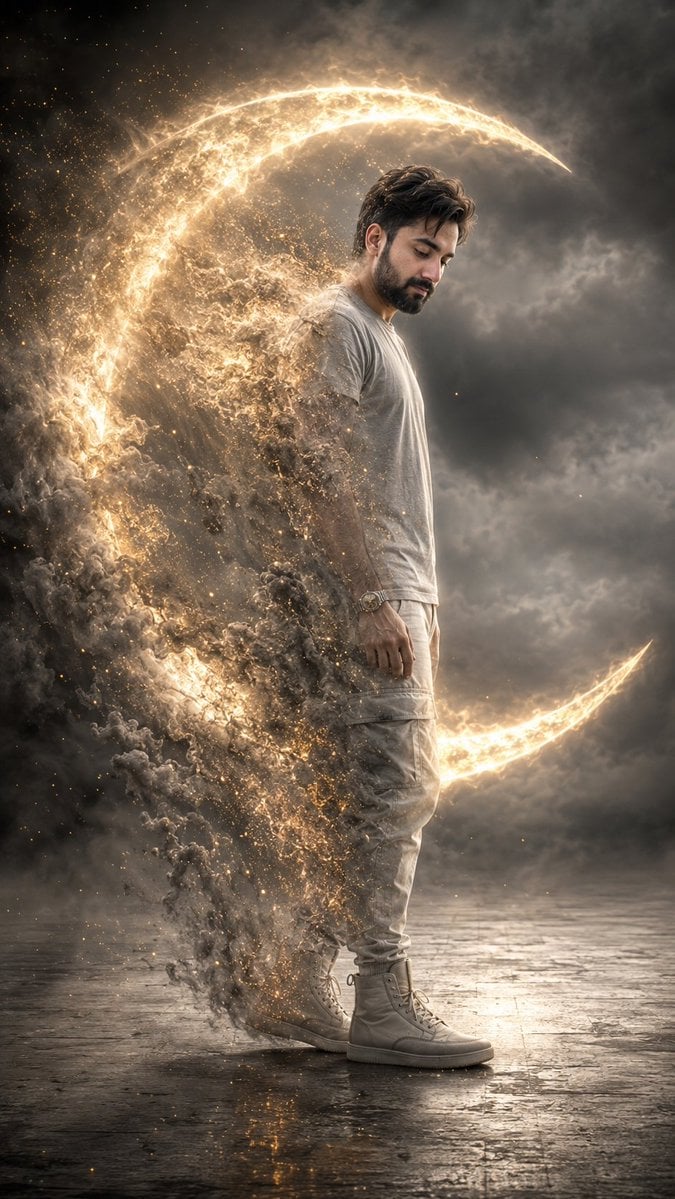
Cinematic Disintegrating Energy Aura Portrait
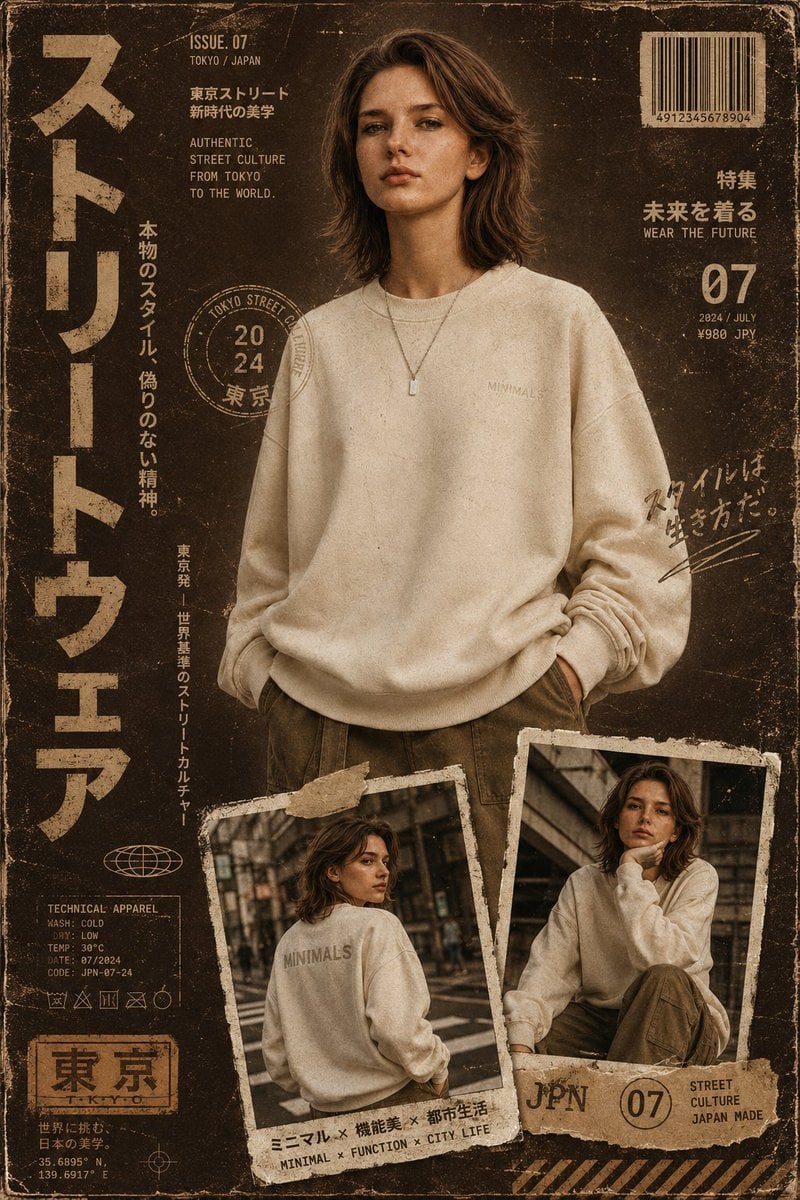
Streetwear Magazine Layout Template
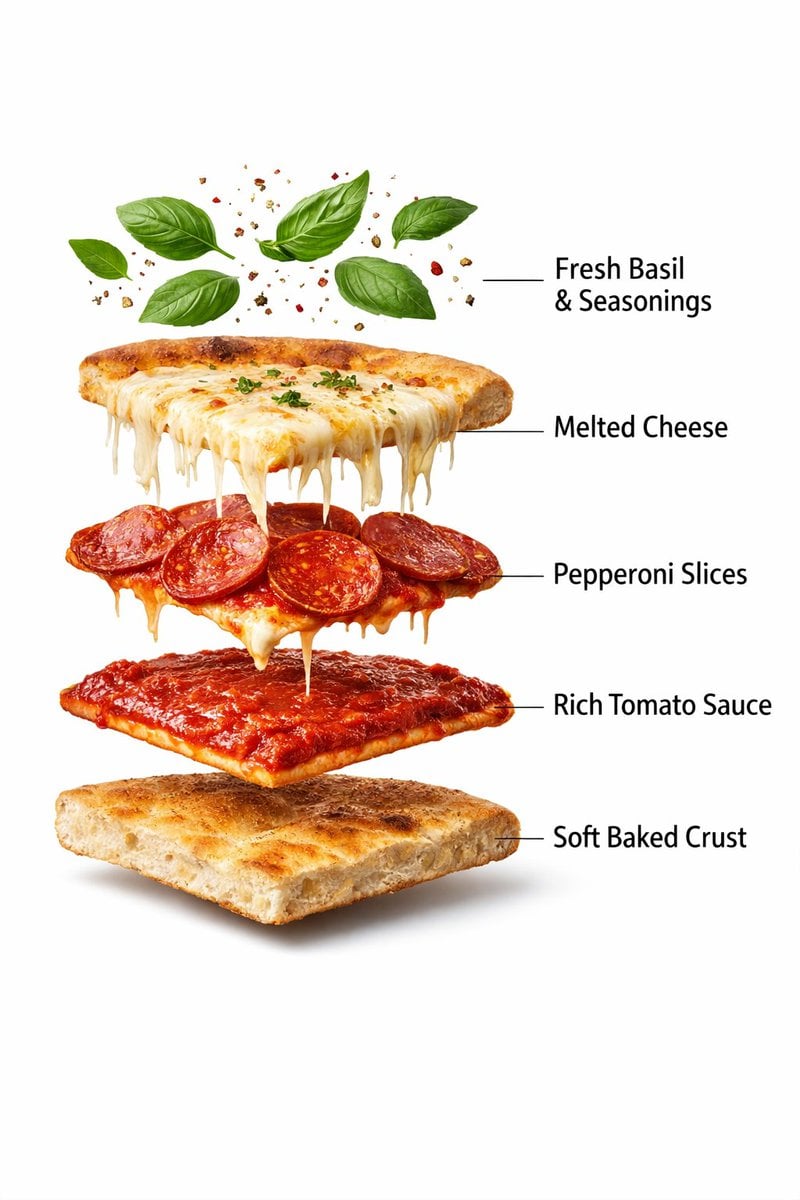
Ultra-Realistic Exploded Pizza Infographic and Motion Prompt
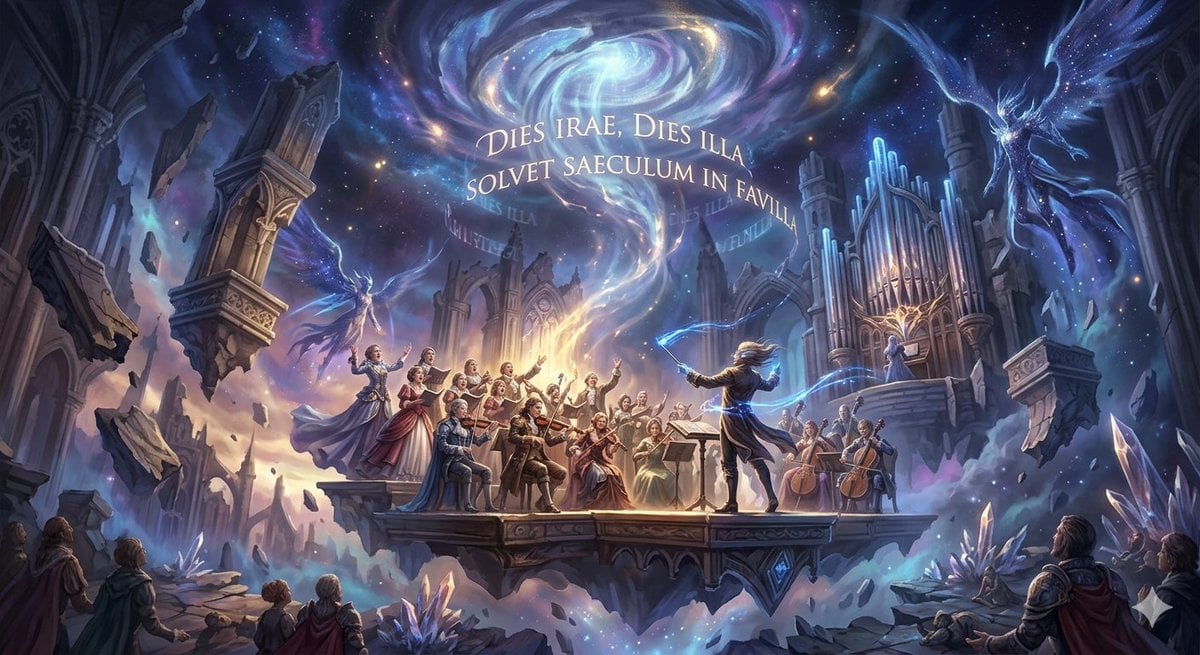
Mozart's Dies Irae Image Generation
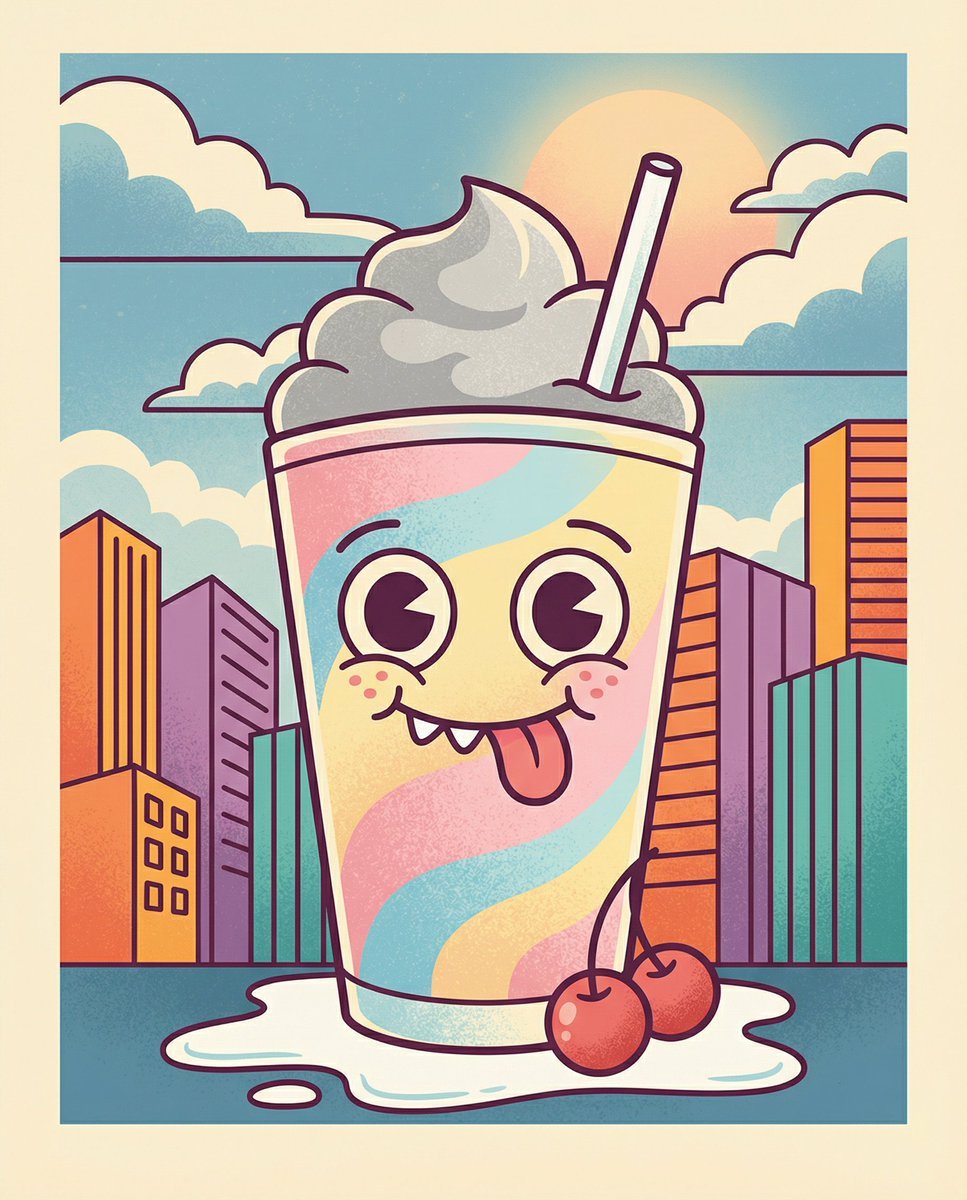
Whimsical Cartoon Milkshake with City Skyline Background
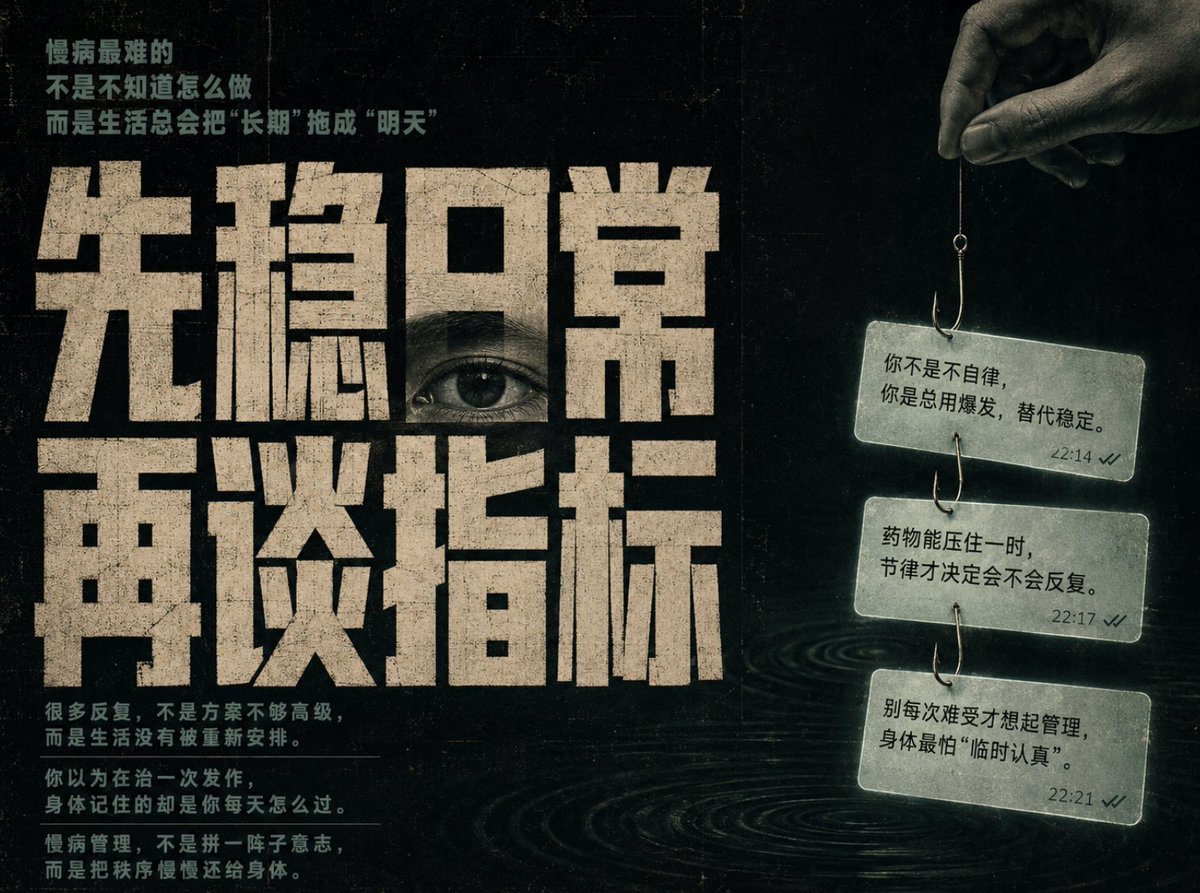
Conceptual Chinese Editorial Poster

untitled
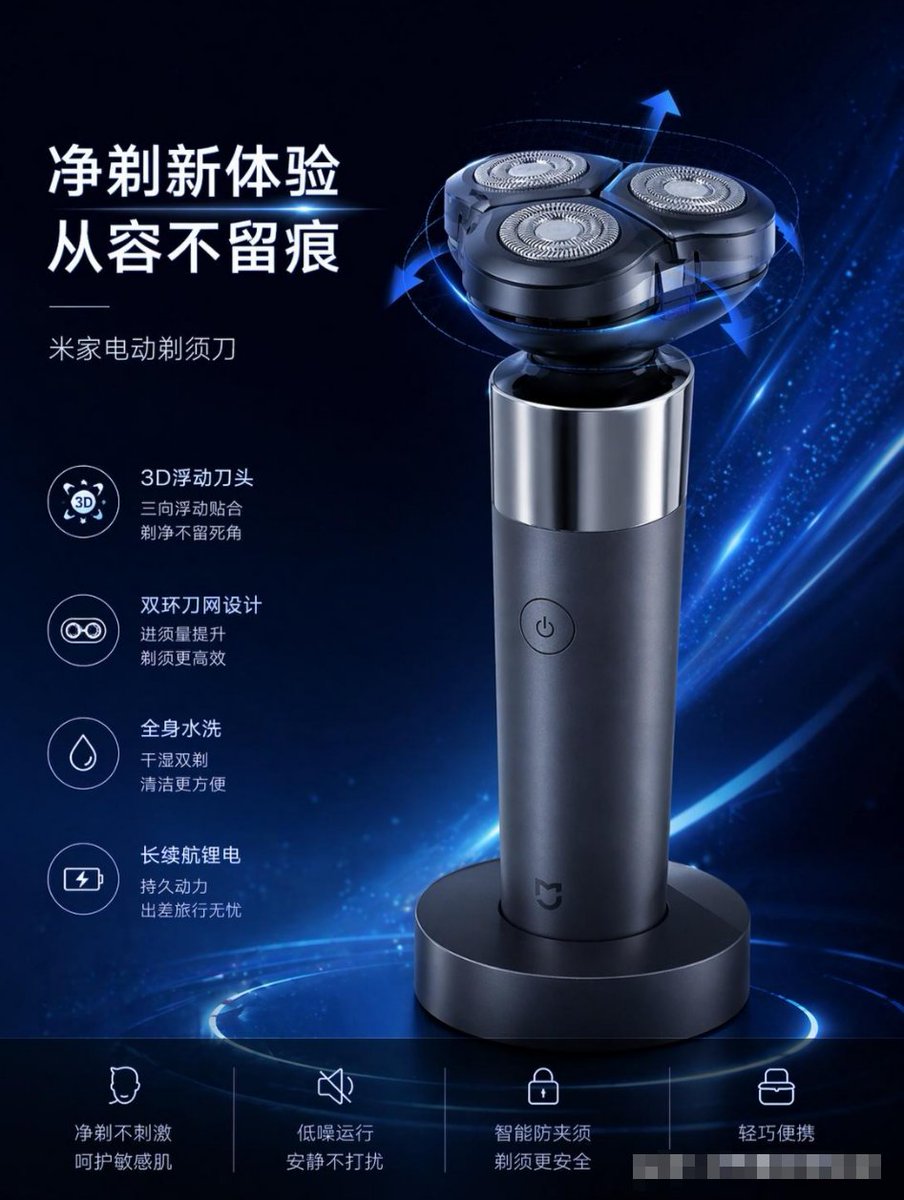
E-commerce Product Poster Transformation
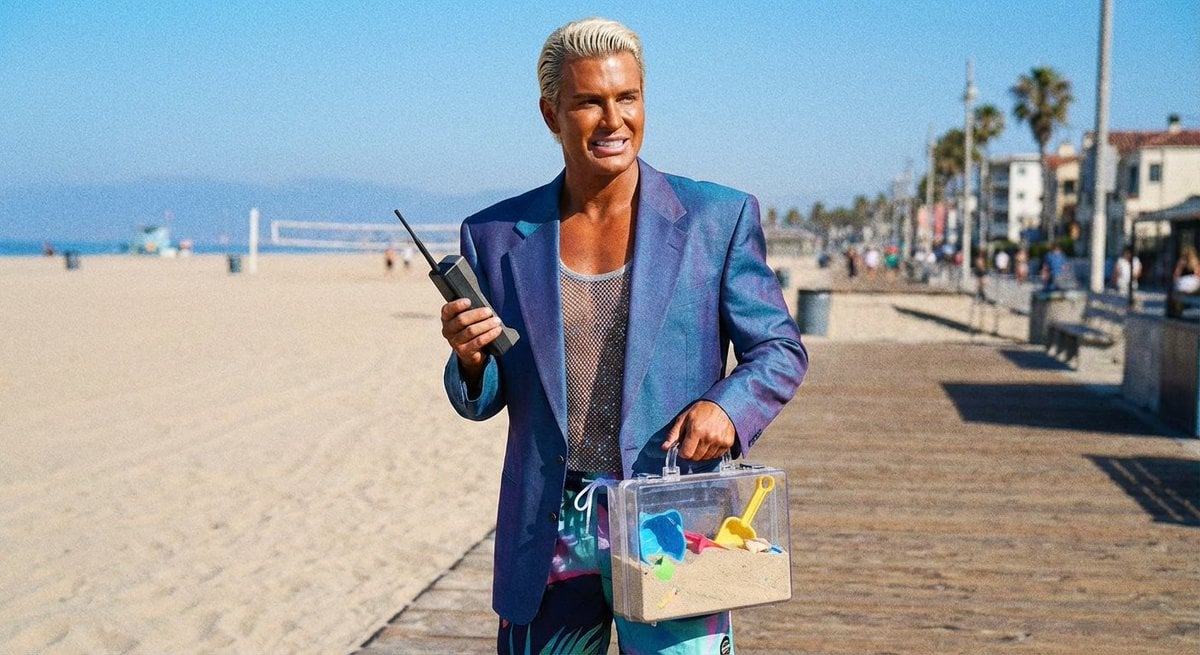
Patrick Bateman Meets Sparkle Beach Ken Prompt
Browse template categories
Japanese SaaS Ad Banner at Night questions
How do I use the Japanese SaaS Ad Banner at Night template?
Add your photo if the template asks for one, edit the prompt if you like — the template's model and format are already selected — and press Generate. Your version opens in PicX Studio.
Can I customize the Japanese SaaS Ad Banner at Night template?
Yes. You can change the subject, setting, lighting, mood, format, and available model controls before creating your image.
Is the Japanese SaaS Ad Banner at Night template free?
Opening and editing this template is free. Generating uses credits, shown on the Generate button when you are signed in.
Which AI model should I use?
Start with GPT Image 2, which is the model associated with this template. You can compare another compatible model for a different finish.
Looking for something else? Browse all templates.

Your photo, any look
Thousands of ready templates for every top image and video model, from one credit balance.