
Japanese SaaS AI Prompt Manager Ad
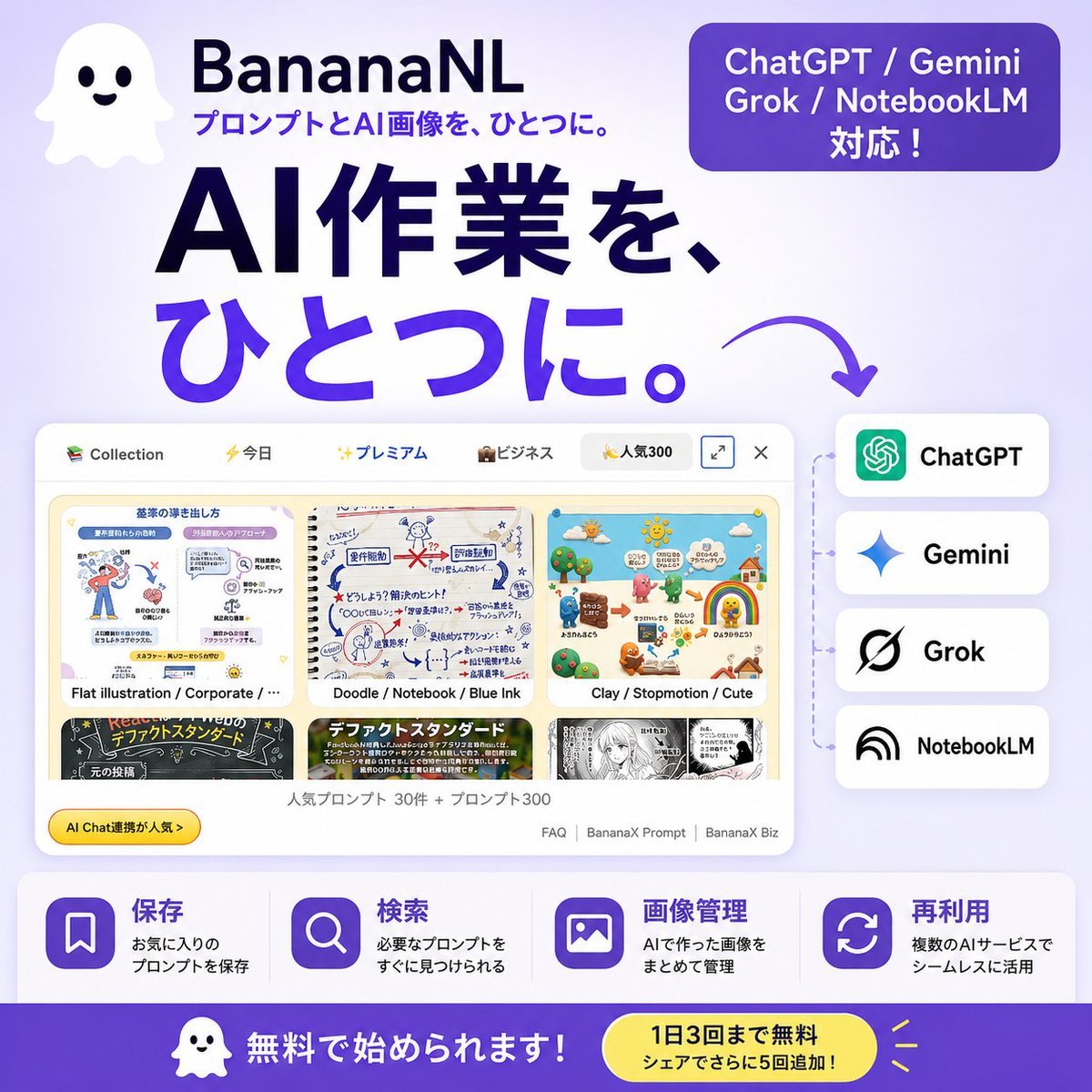
A square Japanese social ad promoting a prompt and AI image management service with app mockup, integrations, features, and CTA.
- Prompt included
- Model and format preset
- Premium template
The prompt behind this image
Copy the exact prompt behind Japanese SaaS AI Prompt Manager Ad, or open it in the studio and make it yours.
Goal: Create a square Japanese promotional banner for {argument name="product name" default="BananaNL"}, a service that manages and reuses AI image prompts across multiple AI tools. Canvas: 1:1 square social media ad, 768×768 style, soft lavender-to-white gradient background, bold modern SaaS advertising look, high contrast navy and purple typography, rounded UI cards, clean shadows. Layout: Top left has a cute white ghost mascot icon with two black eyes and a smiling mouth. To its right place the product name “BananaNL” in bold dark navy, with the smaller tagline “プロンプトとAI画像を、ひとつに。” underneath in purple. Top right has one rounded purple pill badge containing three lines of white text: “ChatGPT / Gemini”, “Grok / NotebookLM”, “対応!”. Center-left contains the huge main headline in Japanese, split across two lines: “AI作業を、” in dark navy and “ひとつに。” in vivid purple. Add a curved purple arrow pointing from the headline down/right toward the supported-service list. Main visual: In the lower middle, show a large floating browser/app window mockup with rounded corners and a pale UI. It should display a prompt collection gallery with exactly 6 visible thumbnail cards arranged in 2 rows by 3 columns. The visible thumbnail styles are: 1) flat corporate illustration, 2) doodle notebook blue-ink sketch, 3) clay stop-motion cute scene, 4) black chalkboard layout, 5) colorful text-heavy standard design, 6) monochrome manga page. The top bar should include small category labels/icons such as “Collection”, “今日”, “プレミアム”, “ビジネス”, and “人気300”, plus small window control icons. Under the thumbnails add small Japanese UI text suggesting popular prompts, for example “人気プロンプト 30件 + プロンプト300”, and small footer links like “FAQ | BananaX Prompt | BananaX Biz”. Add a small yellow rounded badge on the lower left of the mockup reading “AI Chat連携が人気→”. Right side integration list: Place exactly 4 stacked rounded white service cards connected by a faint dotted vertical line from the app mockup. The four cards, from top to bottom, are: 1) ChatGPT with green knot-like icon, 2) Gemini with blue sparkle icon, 3) Grok with black slashed circular logo, 4) NotebookLM with black arc/rainbow icon. Use bold black service names. Feature strip: Along the bottom above the CTA, create exactly 4 equal feature blocks on a white translucent rounded rectangle. Each block has a purple rounded-square icon and Japanese heading/body text. The 4 blocks are: 1) bookmark icon, heading “保存”, body “お気に入りのプロンプトを保存”; 2) magnifying glass icon, heading “検索”, body “必要なプロンプトをすぐに見つけられる”; 3) image icon, heading “画像管理”, body “AIで作った画像をまとめて管理”; 4) refresh/reuse arrows icon, heading “再利用”, body “複数のAIサービスでシームレスに活用”. Bottom CTA bar: Full-width deep purple footer band. On the left include the same small ghost mascot and large white text “無料で始められます!”. On the right include a yellow rounded pill callout with dark navy text: “1日3回まで無料” and smaller line “シェアでさらに5回追加!”, plus small yellow accent rays. Visual style: Friendly Japanese startup SaaS ad, polished vector UI, soft shadows, rounded corners, minimal clutter, purple gradient accents, navy headline, crisp readable Japanese typography. Keep all Japanese text legible and preserve the AI service names exactly. Do not add extra service cards, extra feature blocks, watermarks, or unrelated logos.
How to use Japanese SaaS AI Prompt Manager Ad in 3 steps
- 1Upload ImagePNG, JPG or paste
Add your photo
Upload the photo the template builds on. The prompt, model and format are already set.
- 2…a portrait of your subject in softgolden-hour light, 85mm…
Personalize
Edit the subject and creative details for your destination.
- 3Generate
Generate
Press Generate — your image is created in PicX Studio, so you can compare it with the original and refine one variable at a time.
More like this
Templates with the same subject, style or setup. Open one to see its prompt.

Minecraft Japanese Research Lab Exploration

Japanese Architectural Concrete Studio Fashion Campaign

Japanese Minimalist Concrete Studio Fashion Editorial

Blue Backdrop Luxury Fashion Portrait Campaign

Japanese Film Reflection Idol
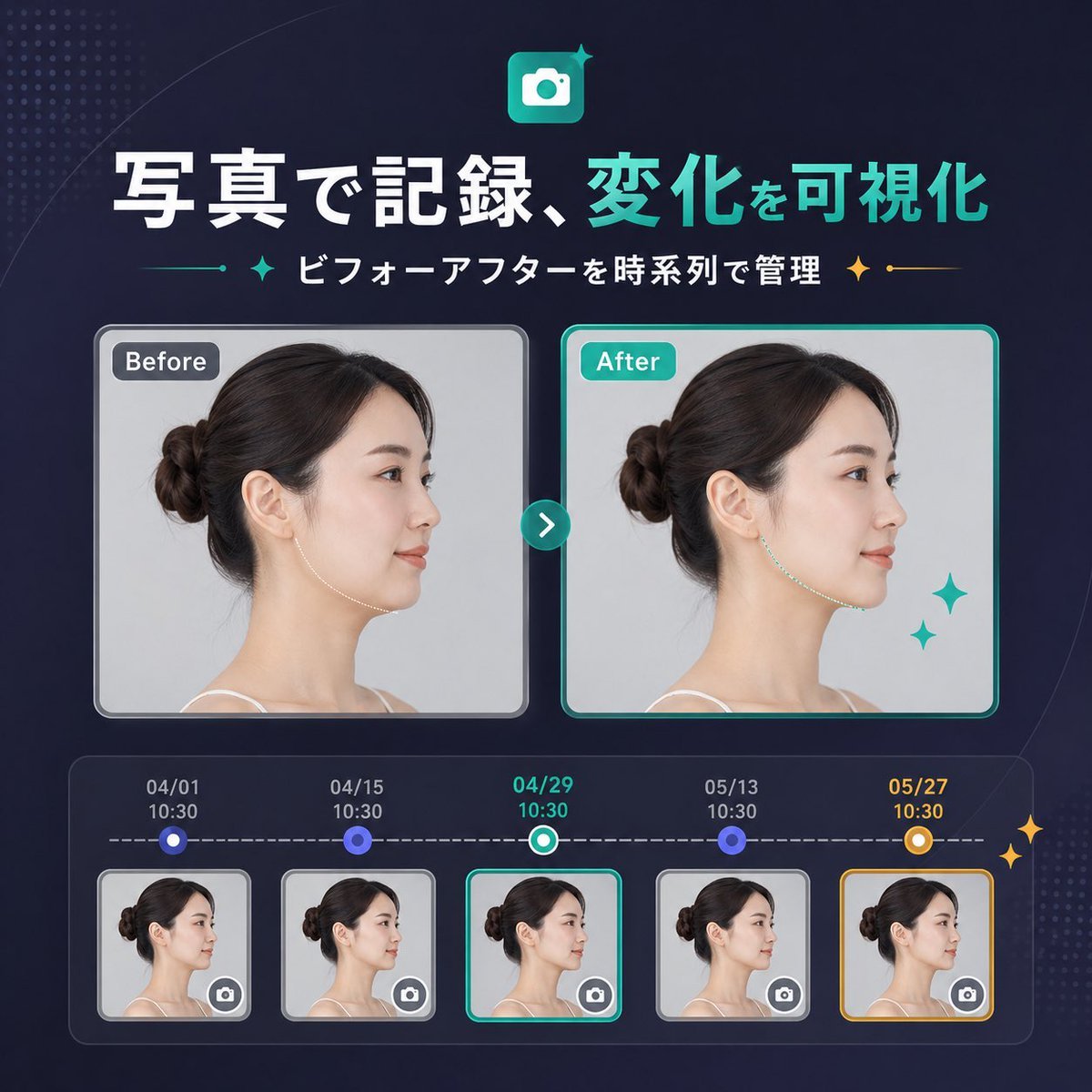
Japanese SaaS Before-After Banner
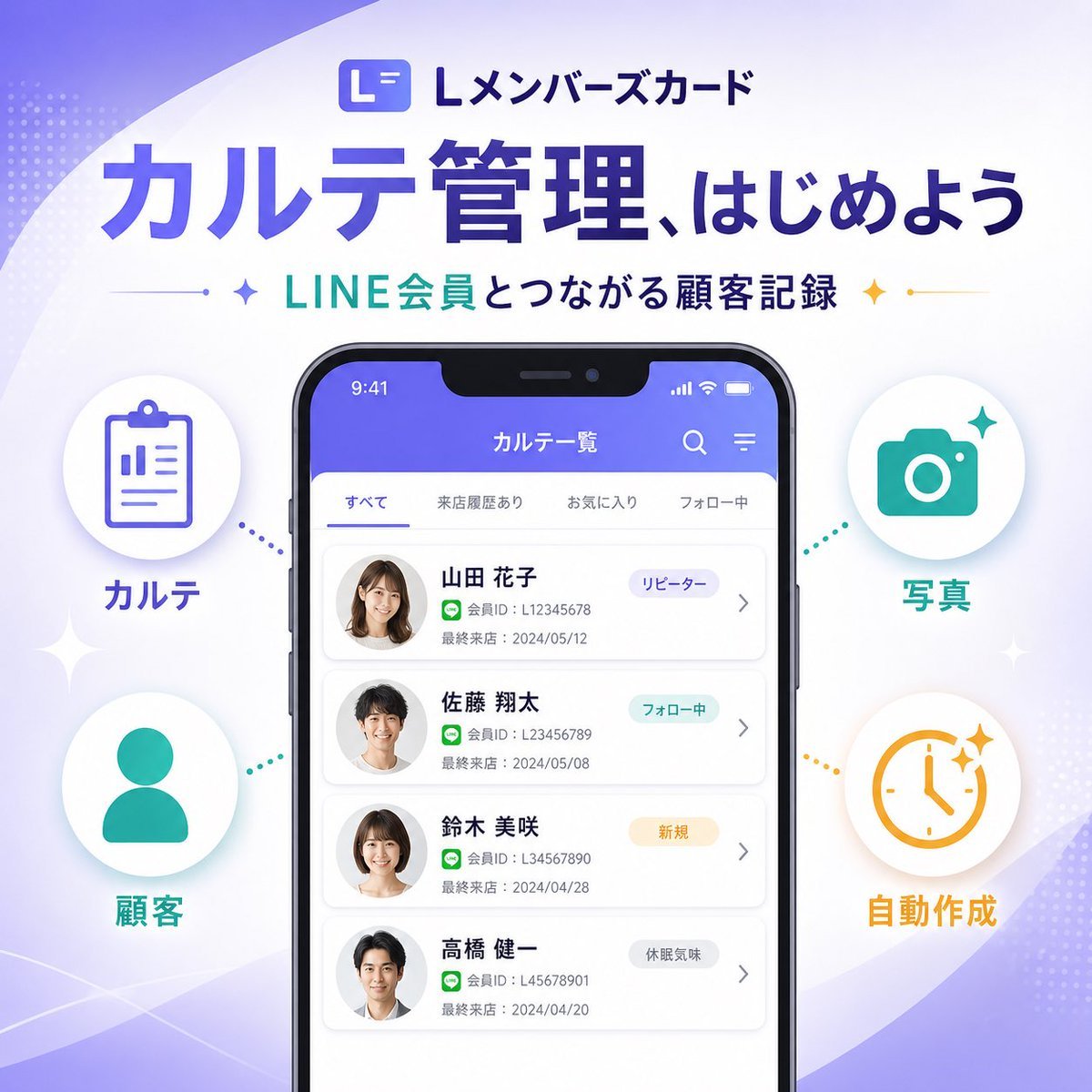
Japanese SaaS Feature Banner
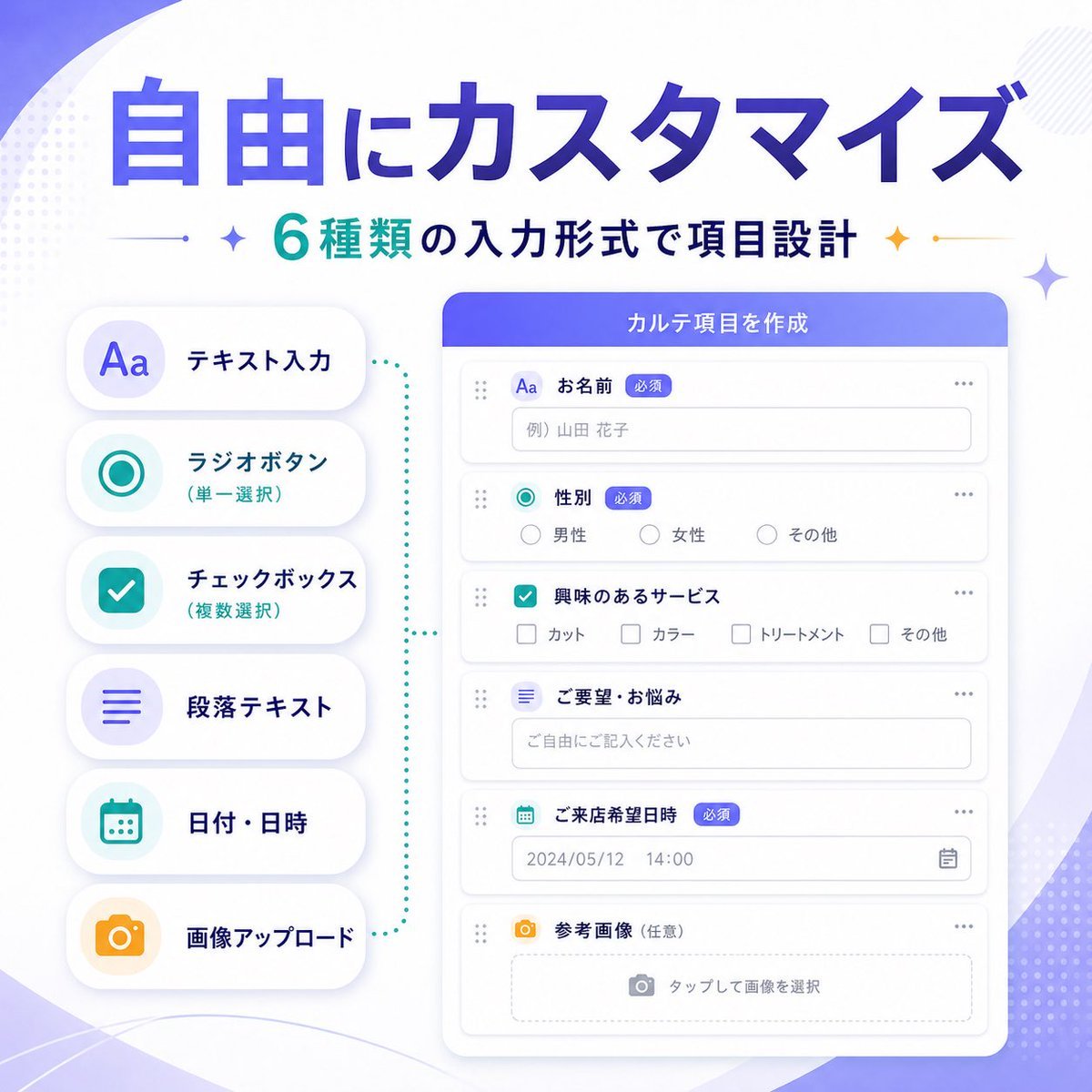
Japanese SaaS Form Builder Banner
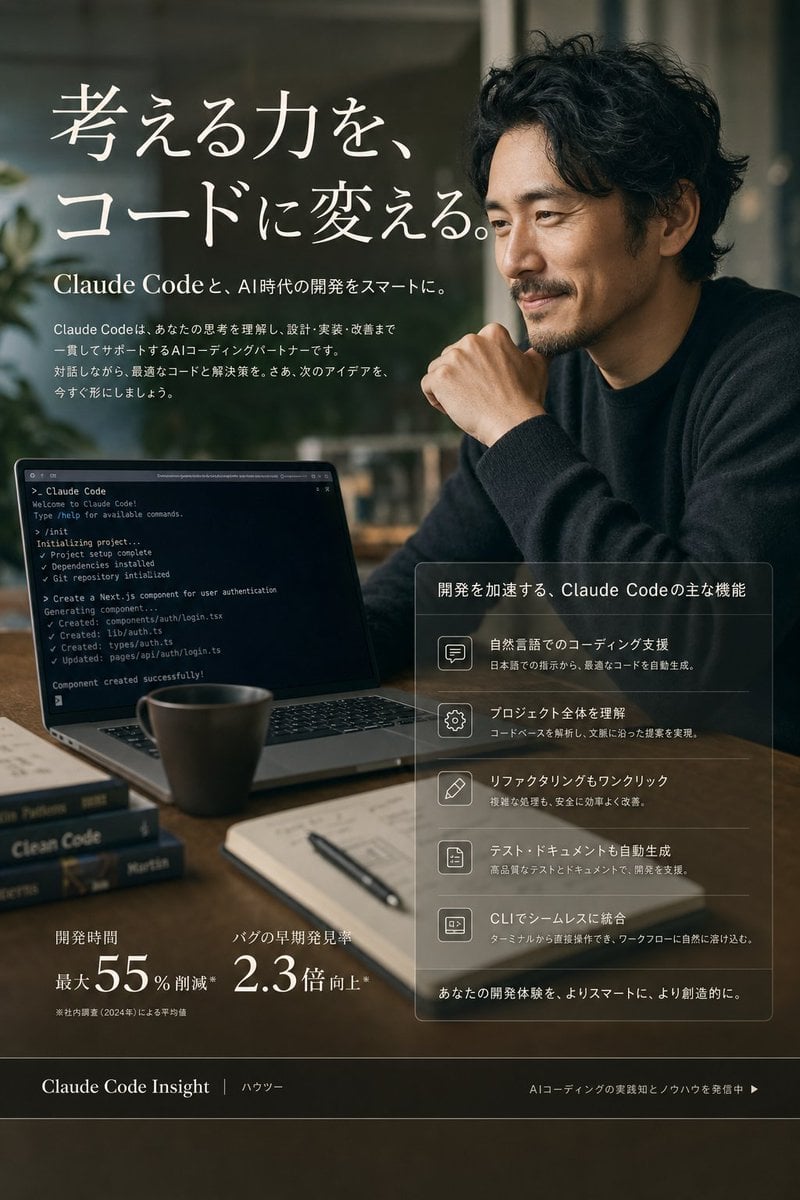
Claude Code Japanese SaaS Poster
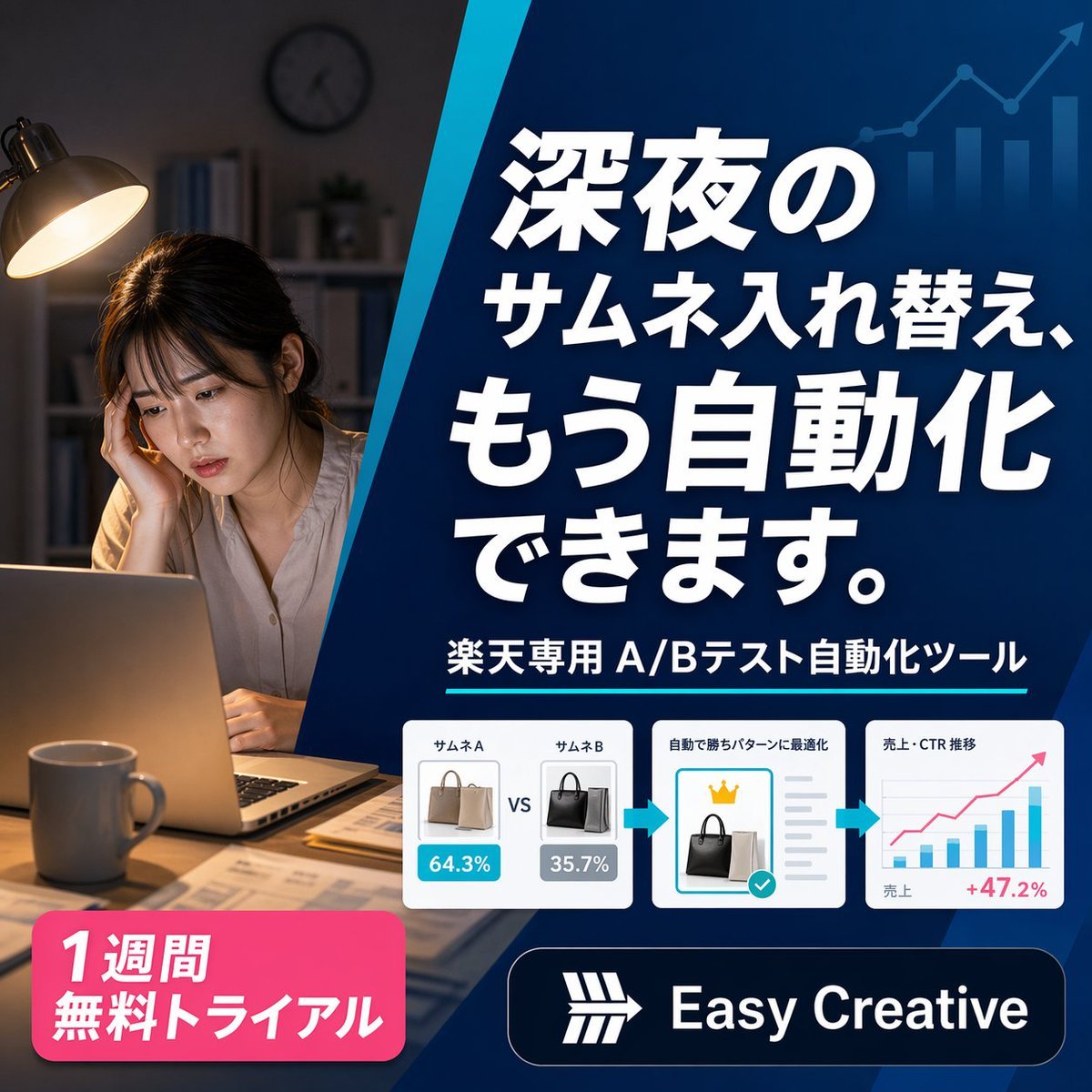
Japanese SaaS Ad Banner at Night
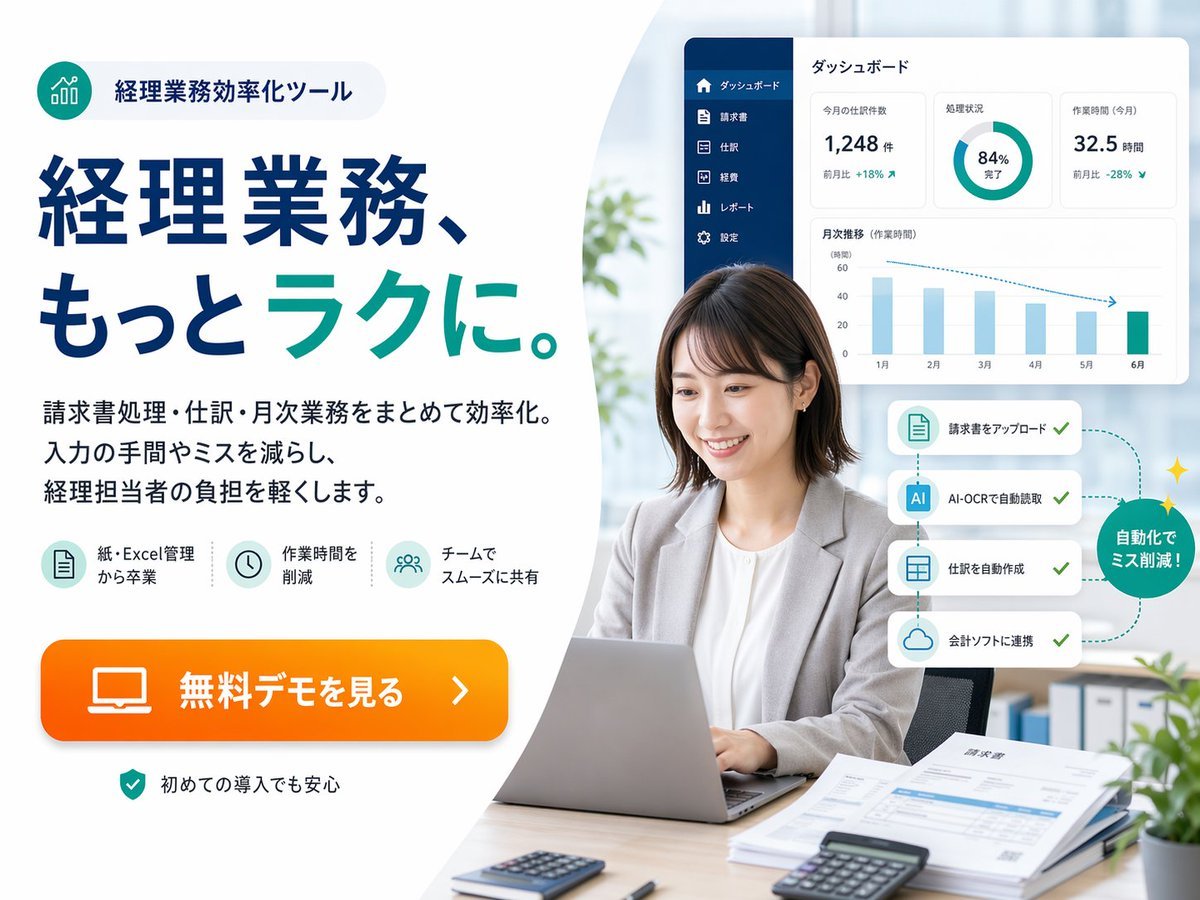
Japanese Accounting SaaS Hero Banner
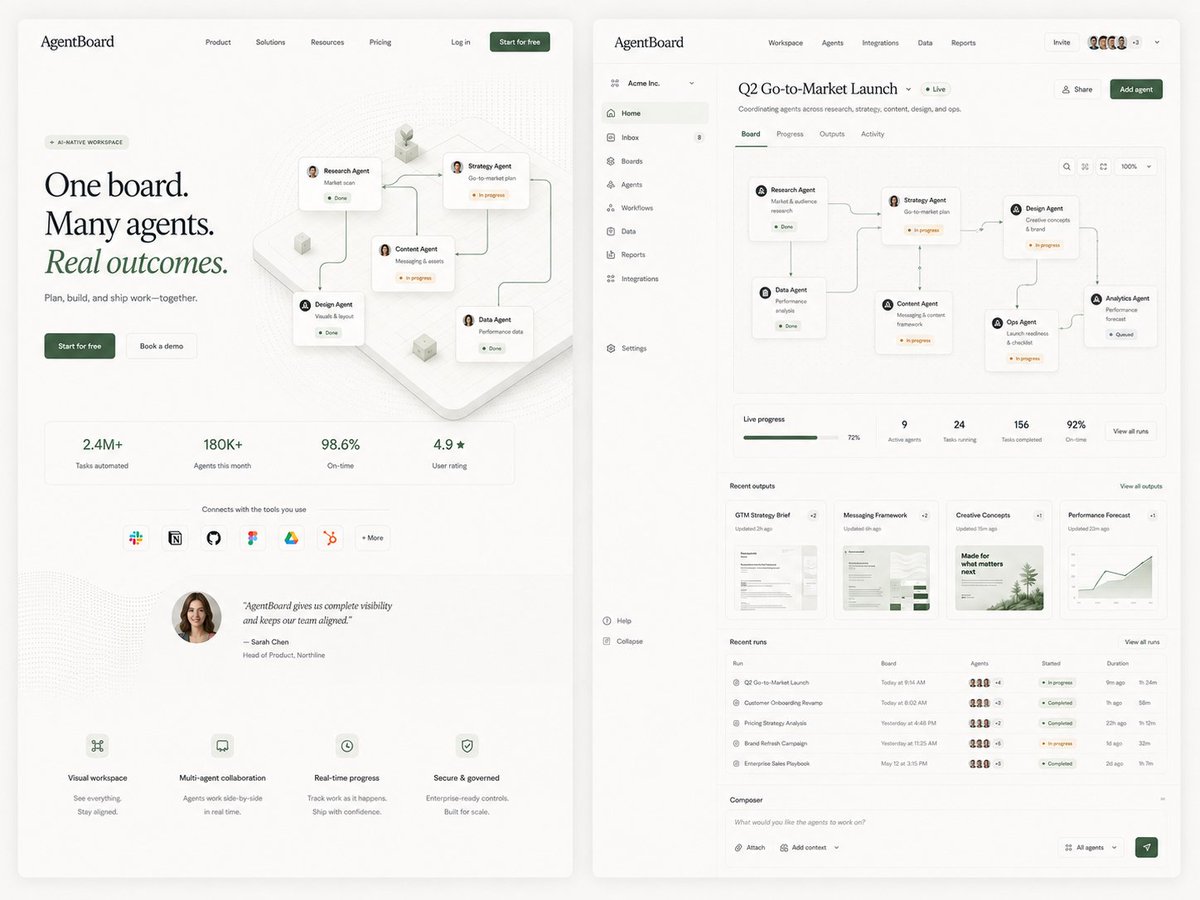
AgentBoard SaaS Landing and Dashboard UI
Make it yours
Japanese SaaS AI Prompt Manager Ad works as-is. These are the safest ways to change it without losing the look.
Change one field
Copy a single group, rewrite it, and generate again so you can see what that field is doing.
Keep the frame, change the subject
Hold the composition and light of Japanese SaaS AI Prompt Manager Ad, then swap wardrobe, props or the person for a new take.
| If the result… | Why | Fix |
|---|---|---|
| The result drifts from the preview | Too many fields changed at once. | Reuse Japanese SaaS AI Prompt Manager Ad as-is first, then change one group — subject, light, or setting. |
| The model over-stylizes the scene | The prose prompt leaves finish and camera underspecified. | Add one camera or lighting sentence and stay on GPT Image 2. |
More GPT Image 2 templates
Other prompts made for GPT Image 2.

Six VTuber Japanese Logo Sheet

Realistic Portrait of Woman and Deer

The Vista Modular Condo Poster

AI Model Routing Comparison Infographic

2.5D Anime Art Board

Isometric Productivity Desk Scene

New York Double Exposure Poster

Four-Panel AI Landscape Comparison

Japanese Tatami Lifestyle Magazine Cover

NESCAFÉ Coffee Map Poster
More image prompts
Fresh picks from across the catalog.

Minimalist Fashion Campaign Typography
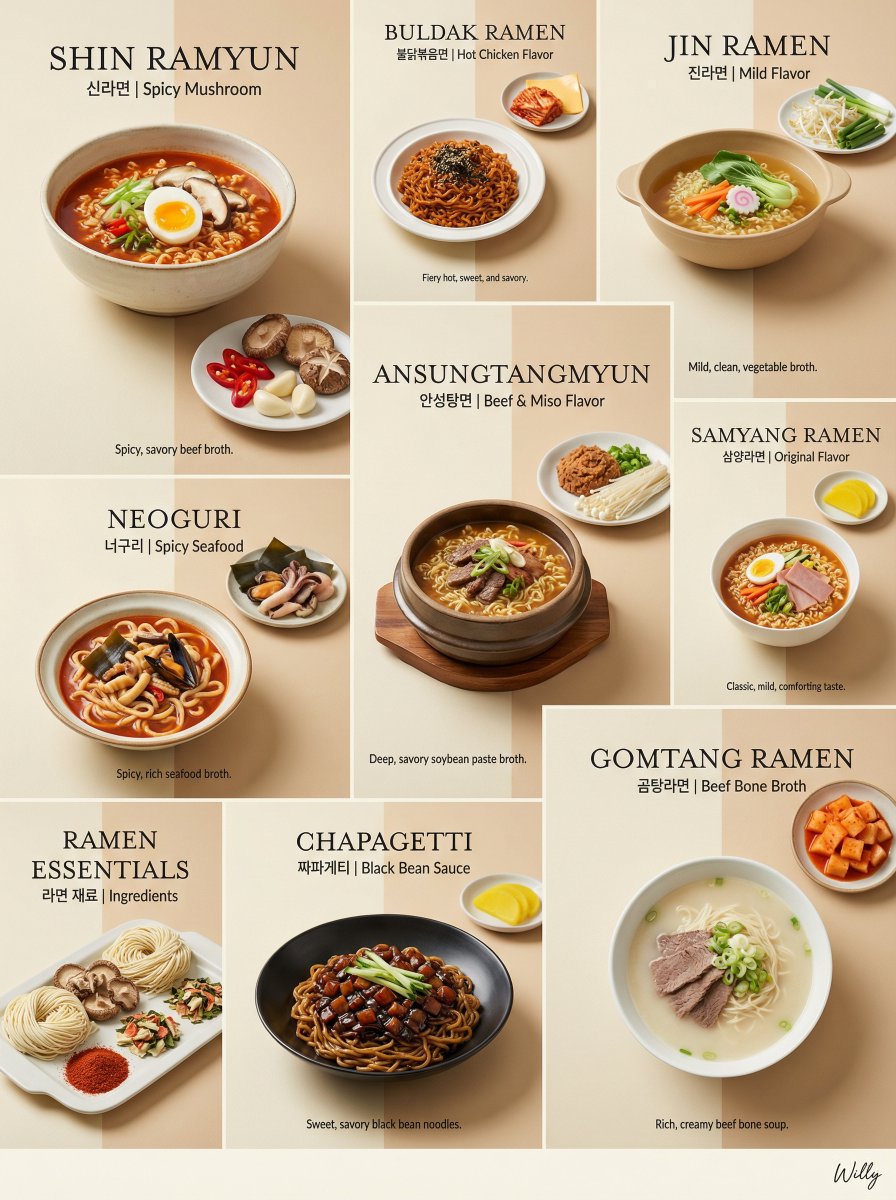
Luxury Minimalist Bento Grid of Korean Ramen Collection
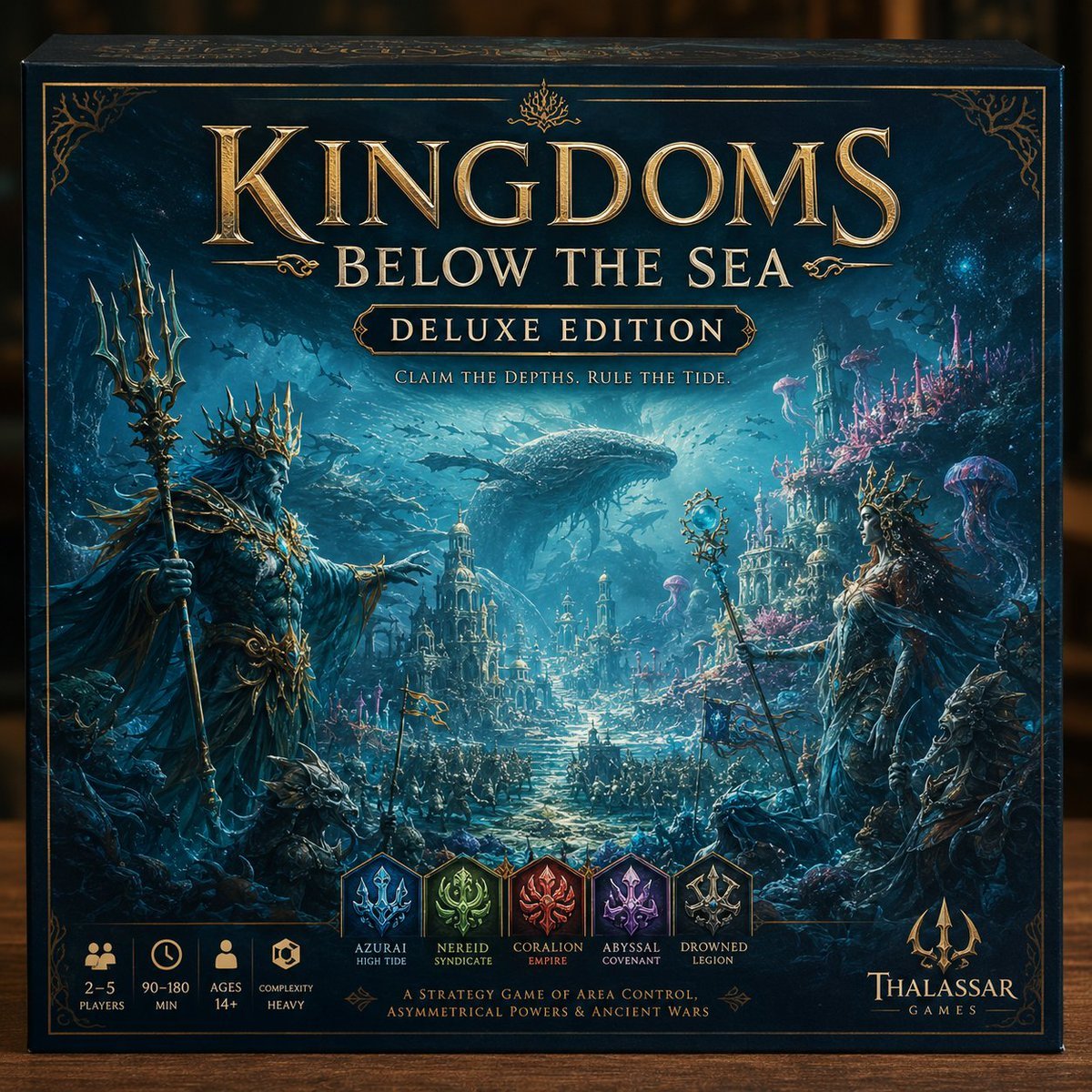
Deluxe Underwater Kingdom Board Game Box
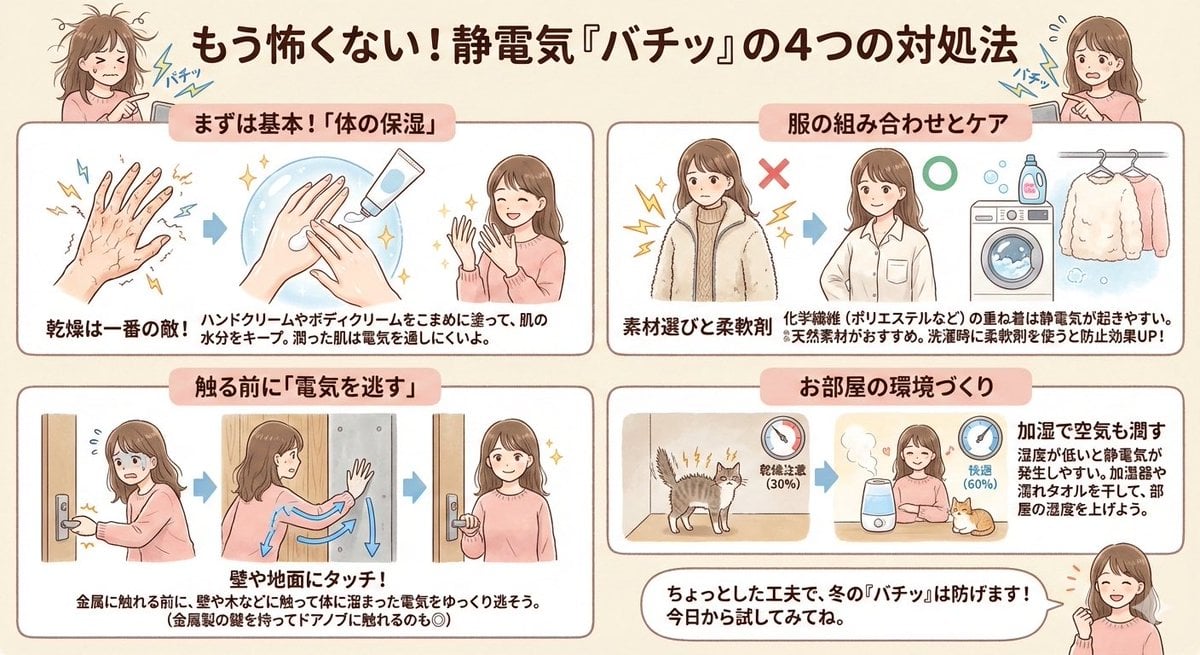
Static Electricity Diagram Generation

Fantasy Anime Scene Still

Watercolor Spring Greeting Card Portrait
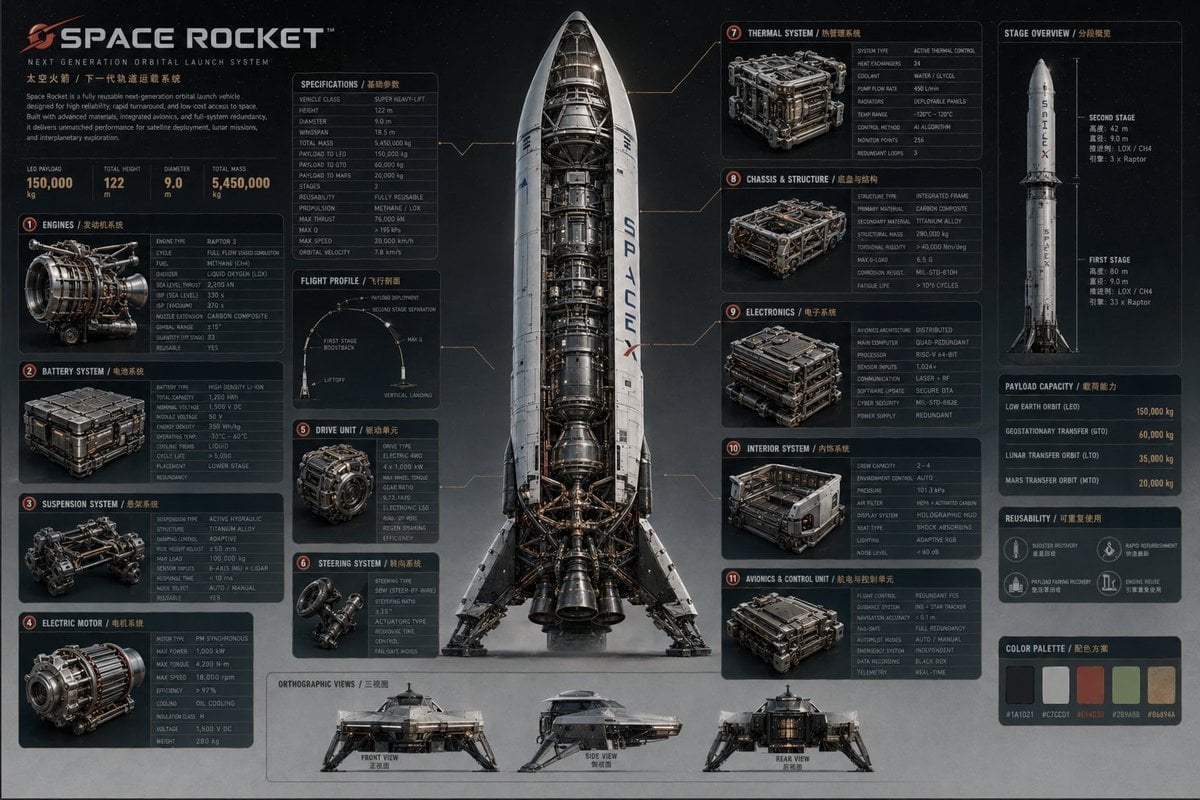
Advanced Technical Space Rocket Poster

Letter S Editorial Portrait
Miniature Artist Painting on a Giant Face Prompt
Hybrid CGI Ink-Wash Chinese Illustration
Browse template categories
Japanese SaaS AI Prompt Manager Ad questions
How do I use the Japanese SaaS AI Prompt Manager Ad template?
Add your photo if the template asks for one, edit the prompt if you like — the template's model and format are already selected — and press Generate. Your version opens in PicX Studio.
Can I customize the Japanese SaaS AI Prompt Manager Ad template?
Yes. You can change the subject, setting, lighting, mood, format, and available model controls before creating your image.
Is the Japanese SaaS AI Prompt Manager Ad template free?
Opening and editing this template is free. Generating uses credits, shown on the Generate button when you are signed in.
Which AI model should I use?
Start with GPT Image 2, which is the model associated with this template. You can compare another compatible model for a different finish.
Looking for something else? Browse all templates.

Your photo, any look
Thousands of ready templates for every top image and video model, from one credit balance.