
Japanese Accounting SaaS Hero Banner
A polished Japanese fintech-style promotional banner for an accounting automation tool, suitable for landing pages, web ads, and SaaS marketing visuals.
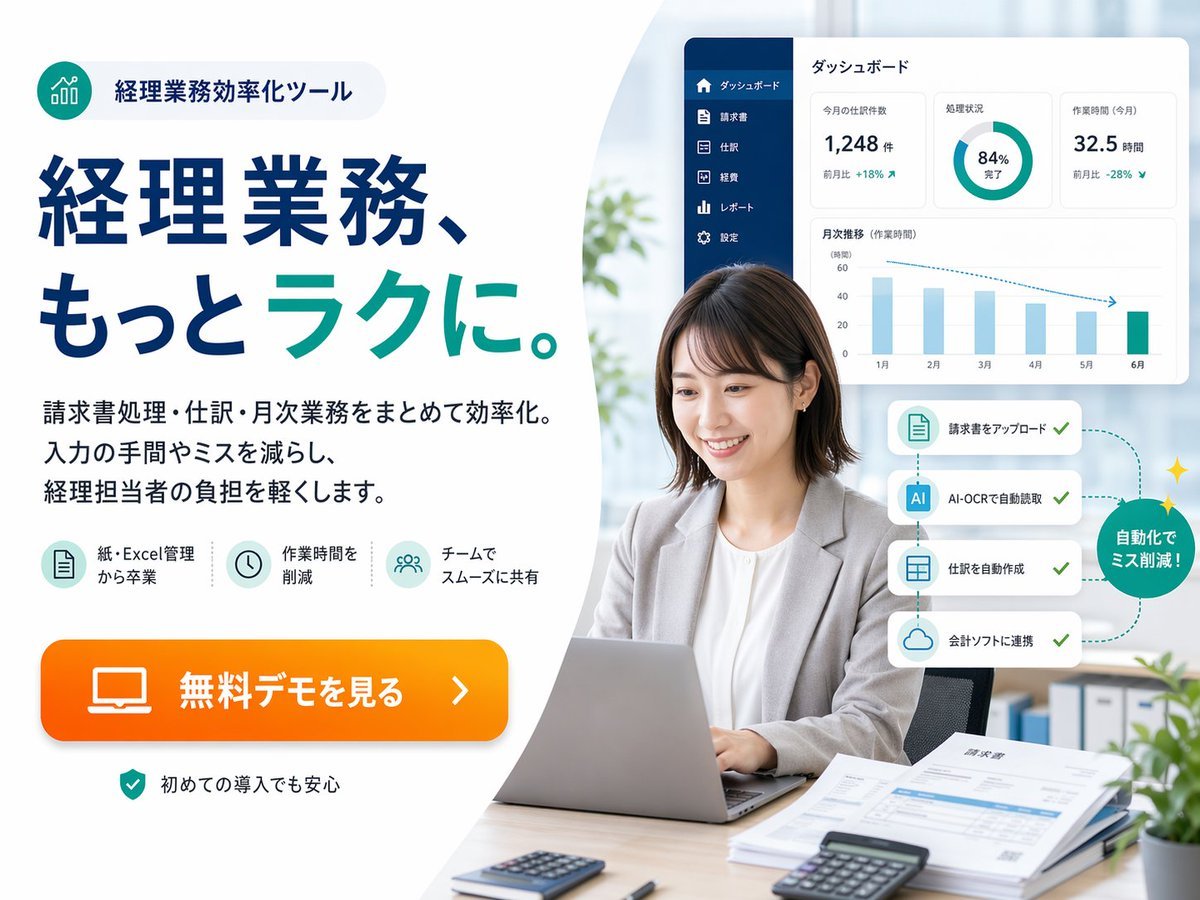
- Prompt included
- Model and format preset
- Free template
The prompt behind this image
Copy the exact prompt behind Japanese Accounting SaaS Hero Banner, or open it in the studio and make it yours.
- Type
- Japanese SaaS promotional landing-page hero banner
- Style
- clean corporate web advertisement, modern fintech branding, bright office photography blended with vector UI overlays, high trust, polished and conversion-focused
- Canvas › Aspect Ratio
- 4:3
- Canvas › Background
- soft light gray to white with a large curved white shape dividing left text area and right photo area
- Branding › Badge › Position
- top-left
- Branding › Badge › Icon
- teal circular icon with ascending bar chart line graphic
- Branding › Badge › Text
- 経理業務効率化ツール
- Branding › Badge › Shape
- rounded pill with pale gray fill
- Branding › Palette › Primary
- deep navy blue
- Branding › Palette › Secondary
- teal green
- Branding › Palette › Accent
- bright orange
- Branding › Palette › Background
- white and very light gray
- Layout › Sections › 0 › Title
- left marketing copy area
- Layout › Sections › 0 › Position
- left half
- Layout › Sections › 0 › Count
- 5
- Layout › Sections › 0 › Labels
- badge at top, large headline, 3-line body copy, 3 feature icons, orange CTA button
- Layout › Sections › 1 › Title
- right office photo area
- Layout › Sections › 1 › Position
- right half
- Layout › Sections › 1 › Count
- 6
- Layout › Sections › 1 › Labels
- businesswoman using laptop, dashboard panel, 4-step automation cards, green circular callout, desk documents and calculators, blurred office background
- Layout › Sections › 2 › Title
- bottom reassurance note
- Layout › Sections › 2 › Position
- bottom-left
- Layout › Sections › 2 › Count
- 1
- Layout › Sections › 2 › Labels
- security/reassurance line
Raw JSON
{"type":"Japanese SaaS promotional landing-page hero banner","style":"clean corporate web advertisement, modern fintech branding, bright office photography blended with vector UI overlays, high trust, polished and conversion-focused","canvas":{"aspect_ratio":"4:3","background":"soft light gray to white with a large curved white shape dividing left text area and right photo area"},"branding":{"badge":{"position":"top-left","icon":"teal circular icon with ascending bar chart line graphic","text":"経理業務効率化ツール","shape":"rounded pill with pale gray fill"},"palette":{"primary":"deep navy blue","secondary":"teal green","accent":"bright orange","background":"white and very light gray"}},"layout":{"sections":[{"title":"left marketing copy area","position":"left half","count":5,"labels":["badge at top","large headline","3-line body copy","3 feature icons","orange CTA button"]},{"title":"right office photo area","position":"right half","count":6,"labels":["businesswoman using laptop","dashboard panel","4-step automation cards","green circular callout","desk documents and calculators","blurred office background"]},{"title":"bottom reassurance note","position":"bottom-left","count":1,"labels":["security/reassurance line"]}],"composition":"text-heavy ad on the left, realistic workplace portrait on the right, floating software interface cards above and beside the person"},"text":{"headline":"経理業務、もっと{argument name=\"headline emphasis\" default=\"ラク\"}に。","body":"請求書処理・仕訳・月次業務をまとめて効率化。入力の手間やミスを減らし、経理担当者の負担を軽くします。","cta":"{argument name=\"button text\" default=\"無料デモを見る\"}","reassurance":"初めての導入でも安心"},"features":{"count":3,"items":[{"icon":"document sheet icon in pale teal circle","label":"紙・Excel管理から卒業"},{"icon":"clock icon in pale teal circle","label":"作業時間を削減"},{"icon":"team/users icon in pale teal circle","label":"チームでスムーズに共有"}]},"subject":{"count":1,"person":"Japanese businesswoman in her late 20s to 30s, seated at a desk, medium short dark brown bob haircut, light gray blazer over white blouse, neutral professional expression, hands on laptop keyboard","face_treatment":"soft anonymized blur over the face","pose":"front-facing but slightly angled left, sitting upright in an office chair","desk_items":{"count":5,"items":["silver laptop open in front","small calculator near front left","black calculator near front right","stack of papers and invoices on right side","pen near papers"]}},"ui_panel":{"position":"upper-right floating above the subject","title":"ダッシュボード","style":"white rounded rectangle card with subtle shadow","sidebar":{"count":6,"labels":["ダッシュボード","請求書","仕訳","経費","レポート","設定"],"color":"dark navy vertical sidebar"},"widgets":{"count":4,"items":[{"type":"metric card","label":"今月の仕訳数","value":"1,248 件","delta":"前月比 +18%"},{"type":"donut chart","label":"処理状況","value":"84% 完了"},{"type":"metric card","label":"作業時間 (今月)","value":"32.5 時間","delta":"前月比 -28%"},{"type":"bar chart","label":"月次推移(作業時間)","months":["1月","2月","3月","4月","5月","6月"]}]}},"automation_flow":{"position":"mid-right beside the subject","count":4,"cards":["請求書をアップロード","AI-OCRで自動読取","仕訳を自動作成","会計ソフトに連携"],"callout":"自動化でミス削減!","style":"four stacked white rounded cards connected by a dotted teal path with checkmarks, ending in a green circular badge with small sparkles"},"environment":{"setting":"bright contemporary office","background_elements":{"count":4,"items":["soft daylight through large window","blurred green plant near center-left background","binders on shelf lower right background","small potted plant in the extreme lower-right corner"]}},"rendering":"high-resolution commercial ad composite, realistic photo for the person and desk, crisp vector typography, subtle drop shadows, spacious margins, Japanese web banner aesthetics"}How to use Japanese Accounting SaaS Hero Banner in 3 steps
- 1Upload ImagePNG, JPG or paste
Add your photo
Upload the photo the template builds on. The prompt, model and format are already set.
- 2…a portrait of your subject in softgolden-hour light, 85mm…
Personalize
Edit the subject and creative details for your destination.
- 3Generate
Generate
Press Generate — your image is created in PicX Studio, so you can compare it with the original and refine one variable at a time.
More like this
Templates with the same subject, style or setup. Open one to see its prompt.
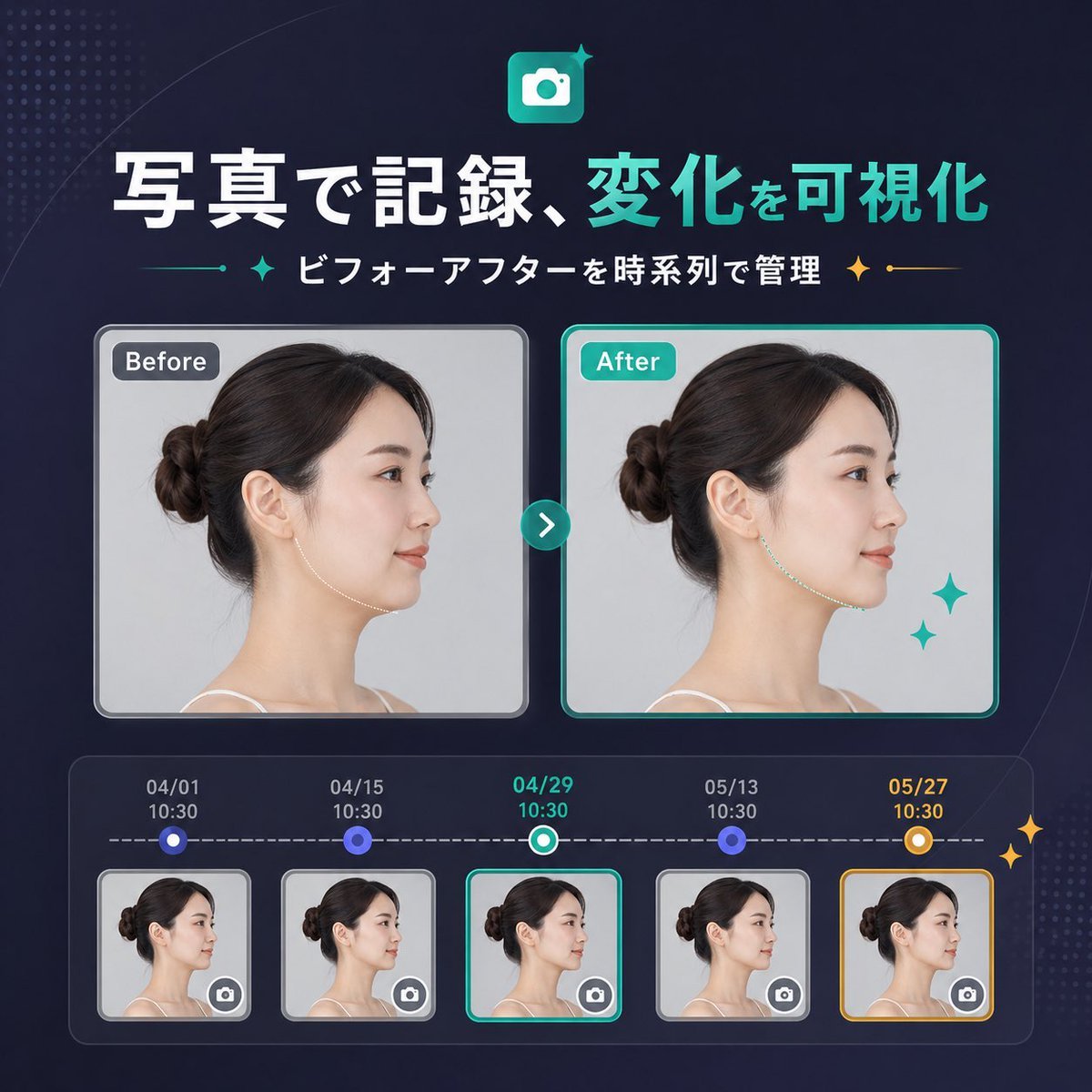
Japanese SaaS Before-After Banner
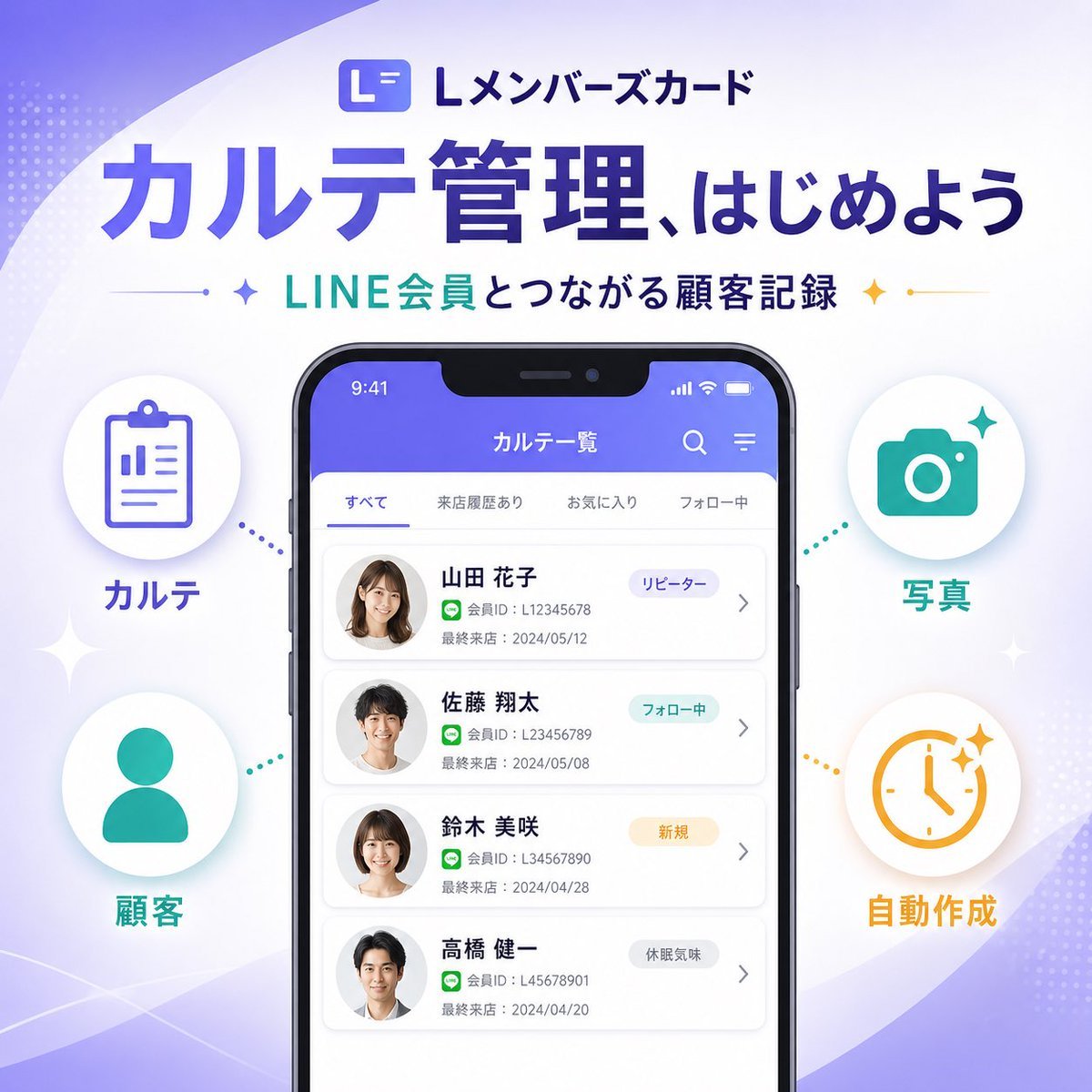
Japanese SaaS Feature Banner
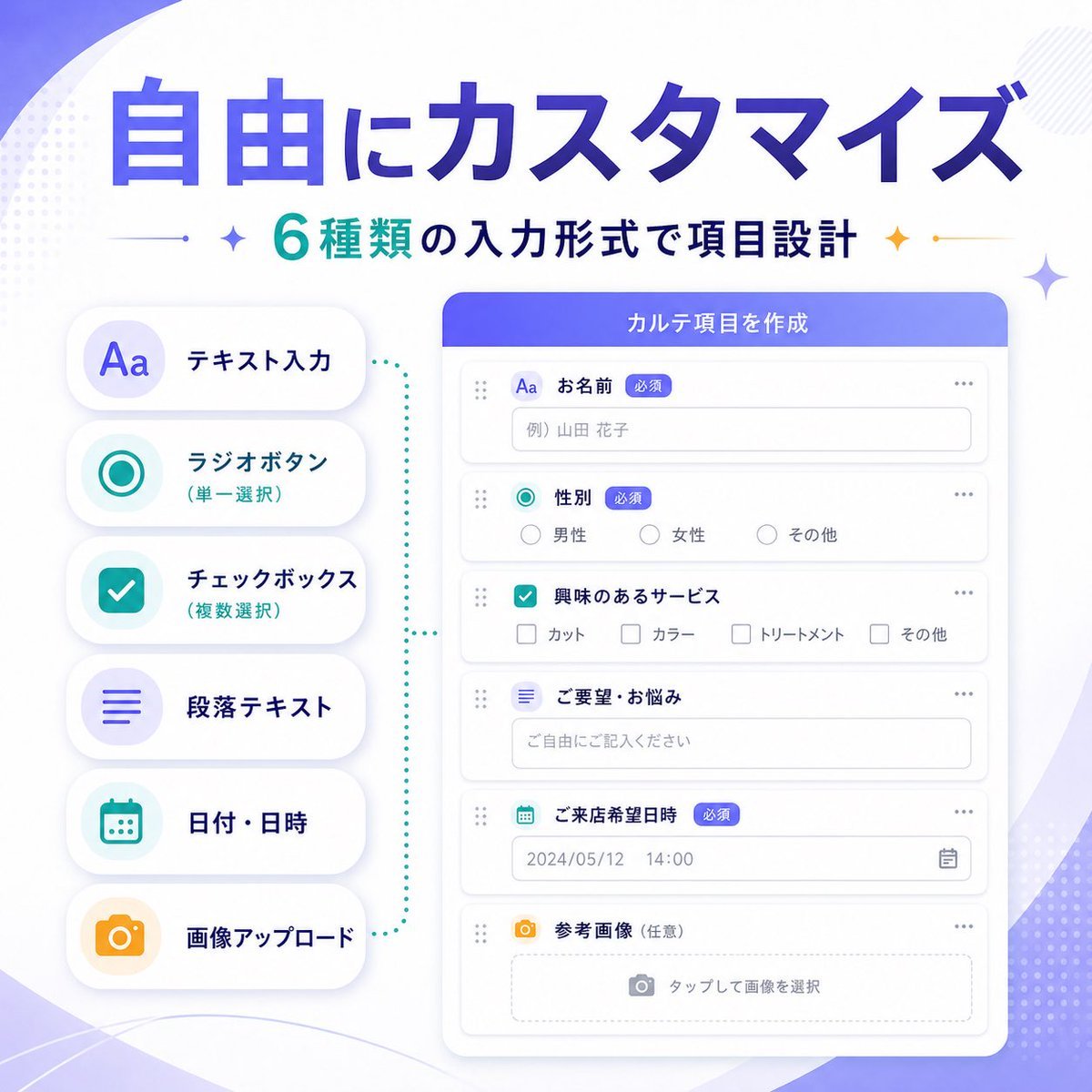
Japanese SaaS Form Builder Banner
Japanese Women's Gym Hero Banner
Japanese SaaS Ad Banner at Night

Minecraft Japanese Research Lab Exploration
Japanese Builder Website Hero Mockup
Japanese SaaS AI Prompt Manager Ad

Japanese Architectural Concrete Studio Fashion Campaign

Japanese Minimalist Concrete Studio Fashion Editorial

Blue Backdrop Luxury Fashion Portrait Campaign
Atlas GTM SaaS Hero Landing Page
Make it yours
Japanese Accounting SaaS Hero Banner works as-is. These are the safest ways to change it without losing the look.
Swap the setting
Keep the rest of the prompt and replace the location block. The current setting is “soft light gray to white with a large curved white shape dividing left text area”.
Change one field
Copy a single group, rewrite it, and generate again so you can see what that field is doing.
Keep the frame, change the subject
Hold the composition and light of Japanese Accounting SaaS Hero Banner, then swap wardrobe, props or the person for a new take.
| If the result… | Why | Fix |
|---|---|---|
| The result drifts from the preview | Too many fields changed at once. | Reuse Japanese Accounting SaaS Hero Banner as-is first, then change one group — subject, light, or setting. |
| GPT Image 2 ignores part of the JSON | Some models flatten or skip nested keys. | Keep the same values and paste them as a short paragraph instead. |
More GPT Image 2 templates
Other prompts made for GPT Image 2.

Six VTuber Japanese Logo Sheet

Realistic Portrait of Woman and Deer

The Vista Modular Condo Poster

AI Model Routing Comparison Infographic

2.5D Anime Art Board

Isometric Productivity Desk Scene

New York Double Exposure Poster

Four-Panel AI Landscape Comparison

Japanese Tatami Lifestyle Magazine Cover

NESCAFÉ Coffee Map Poster
More image prompts
Fresh picks from across the catalog.
Cinematic Japanese Agency Poster

Mixed Reality Street Portrait with Cartoon Twin
McDonald's x Starbucks Promo Poster
Tropical Sunset Ocean Wallpaper
Fake Japanese Newspaper in ChatGPT UI
Low-Angle Varsity Fashion Portrait

Cinematic Overhead Portrait with Wide-Angle Distortion
3D Product Render of Gummy Vitamin Jars (4 Variations)
Gemini Night Flash Portrait

Ancient Fantasy Red Gold Portrait
Browse template categories
Japanese Accounting SaaS Hero Banner questions
How do I use the Japanese Accounting SaaS Hero Banner template?
Add your photo if the template asks for one, edit the prompt if you like — the template's model and format are already selected — and press Generate. Your version opens in PicX Studio.
Can I customize the Japanese Accounting SaaS Hero Banner template?
Yes. You can change the subject, setting, lighting, mood, format, and available model controls before creating your image.
Is the Japanese Accounting SaaS Hero Banner template free?
Opening and editing this template is free. Generating uses credits, shown on the Generate button when you are signed in.
Which AI model should I use?
Start with GPT Image 2, which is the model associated with this template. You can compare another compatible model for a different finish.
Looking for something else? Browse all templates.

Your photo, any look
Thousands of ready templates for every top image and video model, from one credit balance.