
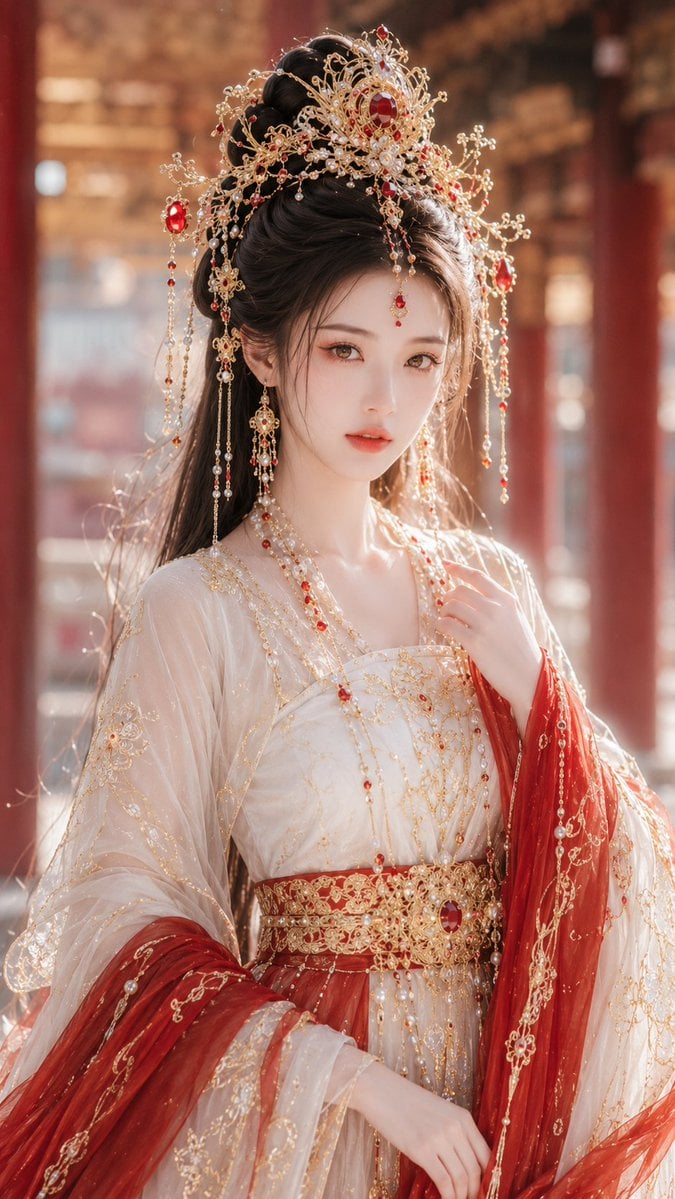
Ancient Fantasy Red Gold Portrait
A vibrant and luxurious portrait prompt for a noble Tang dynasty fantasy female lead in red and gold attire.
- Prompt included
- Model and format preset
- Free template
The prompt behind this image
Copy the exact prompt behind Ancient Fantasy Red Gold Portrait, or open it in the studio and make it yours.
9:16 portrait orientation, a high-precision, heavily-retouched guofeng xianxia (Chinese-fantasy) photo, with a Tang-dynasty fantasy aesthetic, gorgeous costume-drama-heroine styling, and the feel of a finely retouched character portrait. The overall image is radiant, pure, and noble, with a strong "female lead" quality and a premium East-Asian-beauty atmosphere. The main subject of the image is a young adult East Asian woman aged 20–28, with naturally clear East Asian features — not overly Westernized, not infantilized, and not an "internet-influencer face." She belongs to the refined, understated East Asian beauty type, with a soft, smooth face shape, delicate bone structure, and fair, fine, translucent, luminous skin. Her eye shape leans toward phoenix eyes, with the outer corners tilted slightly upward; her gaze is bright yet calm, carrying a sense of purity along with a slight sense of distance, and her overall air is radiant, soft, noble, and pure, presenting the premium quality typical of a guofeng-xianxia female lead. Her makeup is refined and luminous, mainly a natural, premium, guofeng-style retouched makeup look — the base makeup fine and clean, the brows and eyes delicately done, the eye makeup slightly brightened to bring out the charm of her phoenix eyes, and her lip color a soft, natural pale red or coral red, with the overall makeup look clear and translucent rather than gaudy. Her hairstyle is long, straight, black hair, half let down and half pinned up, with a clearly structured high bun; some of her long hair is left hanging down over her shoulders and back, with a few loose strands naturally brushing her face, the hair smooth and glossy, showing fine strand-by-strand layering under the rim light. Her headdress is an elaborate, gorgeous guofeng-style piece, using elements such as a dense gold hair crown, twisting gold-wire filigree, openwork gold ornaments, a main ruby stone, pearl tassels, gold chain decorations, and dangling bead chains; the headdress structure is complex yet cohesively refined, creating an obvious sense of nobility and a clear, female-lead-level visual focal point. Her earrings and forehead ornament are equally exquisite, including rubies, pearls, gold dangling chains, and gorgeous tassels, with pronounced jewelry highlights and a strong overall sense of fine jewelry. Her clothing is a gorgeous Tang-style robe with wide sleeves, paired with a red shawl sash and a gold-embroidered waist sash, belonging to the gorgeous Tang-fantasy costume system. The primary color is white, the secondary color is red, and the accent color is gold. The white main garment provides a light, soft, ethereal base tone; the red shawl sash creates a sense of flow and visual impact across the shoulders, arms, and sides of the body; the gold-embroidered waist sash sits at the waist, with a clear structure and elaborate, gorgeous decoration. The garment fabric includes sheer gauze, a silk-like texture, a semi-transparent outer layer, finely embroidered chiffon, wide drooping sleeve structures, and a gorgeous, layered texture. The embroidered patterns may include floral motifs, cloud motifs, vine motifs, and fine gold-thread texture. The overall clothing is highly gorgeous — noble, vivid, and refined — while still maintaining a xianxia guofeng aesthetic, without any modern formal-wear feel. The character's pose is a mostly-full-body composition, centered in the frame, her body in a combination of a mostly front-facing and slightly turned angle, one hand raised gently near her chest, with a movement that is elegant, soft, and stable, expressing the restraint and refinement of a guofeng female lead. Her hand pose is naturally slender, without an exaggerated posed look. The setting is placed within a blurred Tang-style palace corridor, with the background rendered in soft bokeh, showing a palace-corridor space with red pillars, gold decoration, distant palace structures, and a shallow-depth-of-field, blurred corridor environment — but the background does not overshadow the subject, serving only as visual support to set off the guofeng court atmosphere. The overall background presents a warm, premium court atmosphere, with soft spatial layering and bokeh light spots. The lighting uses soft natural light with a slight side-backlight; the lighting on her face is clean and translucent, with a clear, soft outline, and fine, obvious rim light along her hair strands; the jewelry, gold ornaments, rubies, and pearl tassels produce delicate highlight reflections, enhancing the sense of nobility and the finished quality. The overall lighting is bright and translucent, with a mood leaning toward radiant and noble, emphasizing the "female lead" feel and a premium, finely retouched quality. The overall image should present: a high-precision guofeng-xianxia female portrait, a Tang-dynasty fantasy aesthetic, a gorgeously retouched costume-drama-heroine photo, a white-red-gold color scheme, radiant and pure yet noble and captivating, elaborate and refined jewelry, light and gorgeous clothing, a blurred palace-corridor background, soft bokeh lighting, an extremely strong "female lead" feel, and an overall premium, unified image — suitable for generating a highly finished guofeng-xianxia beauty portrait.
How to use Ancient Fantasy Red Gold Portrait in 3 steps
- 1
Open
The prompt is already in the box next to the preview, with the template's model and format selected.
- 2…a portrait of your subject in softgolden-hour light, 85mm…
Personalize
Edit the subject and creative details for your destination.
- 3Generate
Generate
Press Generate — your image is created in PicX Studio, so you can compare it with the original and refine one variable at a time.
More like this
Templates with the same subject, style or setup. Open one to see its prompt.

80s Golden Hour Cinema

Rooftop Fisheye — Cat-Ear Balaclava at Golden Hour

Golden Hour Redhead Portrait

Found Photograph: Us, 1970

80s Couple Studio Portrait

80s Bollywood Star

Me in 1985

1985 Studio Portrait

Hyper-Realistic Minecraft POV Portrait

Cinematic Golden Hour Urban Portrait
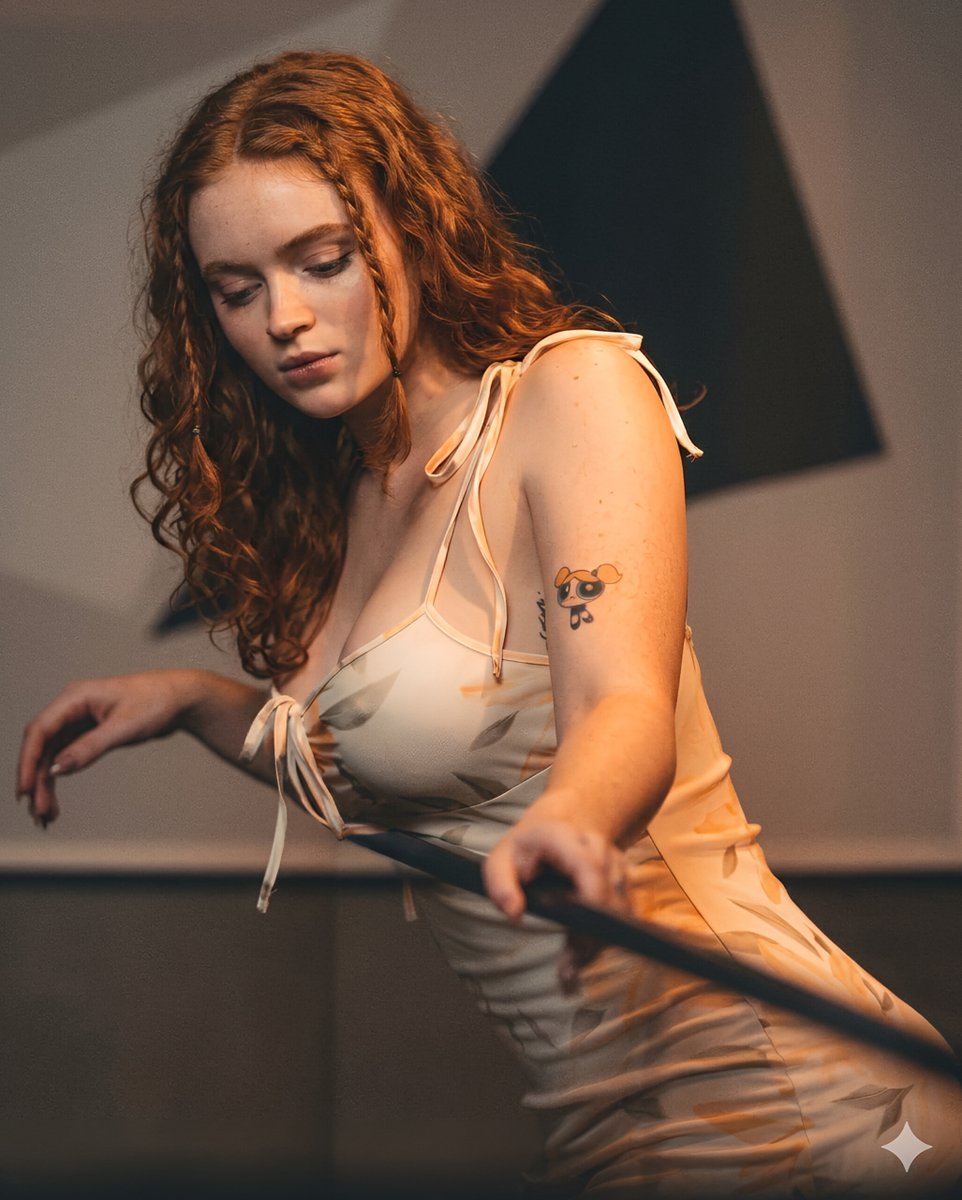
Ethereal Redhead Portrait in Petal Dress
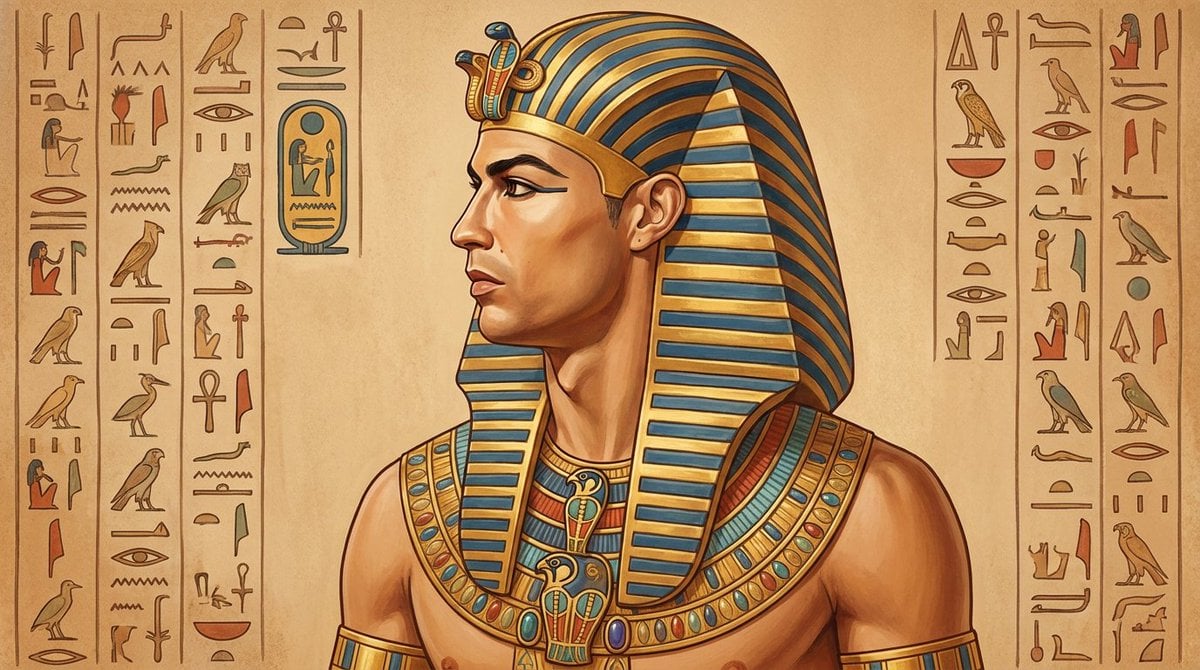
Ancient Egyptian Profile Portrait
Make it yours
Ancient Fantasy Red Gold Portrait works as-is. These are the safest ways to change it without losing the look.
Change one field
Copy a single group, rewrite it, and generate again so you can see what that field is doing.
Keep the frame, change the subject
Hold the composition and light of Ancient Fantasy Red Gold Portrait, then swap wardrobe, props or the person for a new take.
| If the result… | Why | Fix |
|---|---|---|
| The result drifts from the preview | Too many fields changed at once. | Reuse Ancient Fantasy Red Gold Portrait as-is first, then change one group — subject, light, or setting. |
| The model over-stylizes the scene | The prose prompt leaves finish and camera underspecified. | Add one camera or lighting sentence and stay on GPT Image 2. |
More GPT Image 2 templates
Other prompts made for GPT Image 2.

Six VTuber Japanese Logo Sheet

Realistic Portrait of Woman and Deer

The Vista Modular Condo Poster

AI Model Routing Comparison Infographic

2.5D Anime Art Board

Isometric Productivity Desk Scene

New York Double Exposure Poster

Four-Panel AI Landscape Comparison

Japanese Tatami Lifestyle Magazine Cover

NESCAFÉ Coffee Map Poster
More image prompts
Fresh picks from across the catalog.
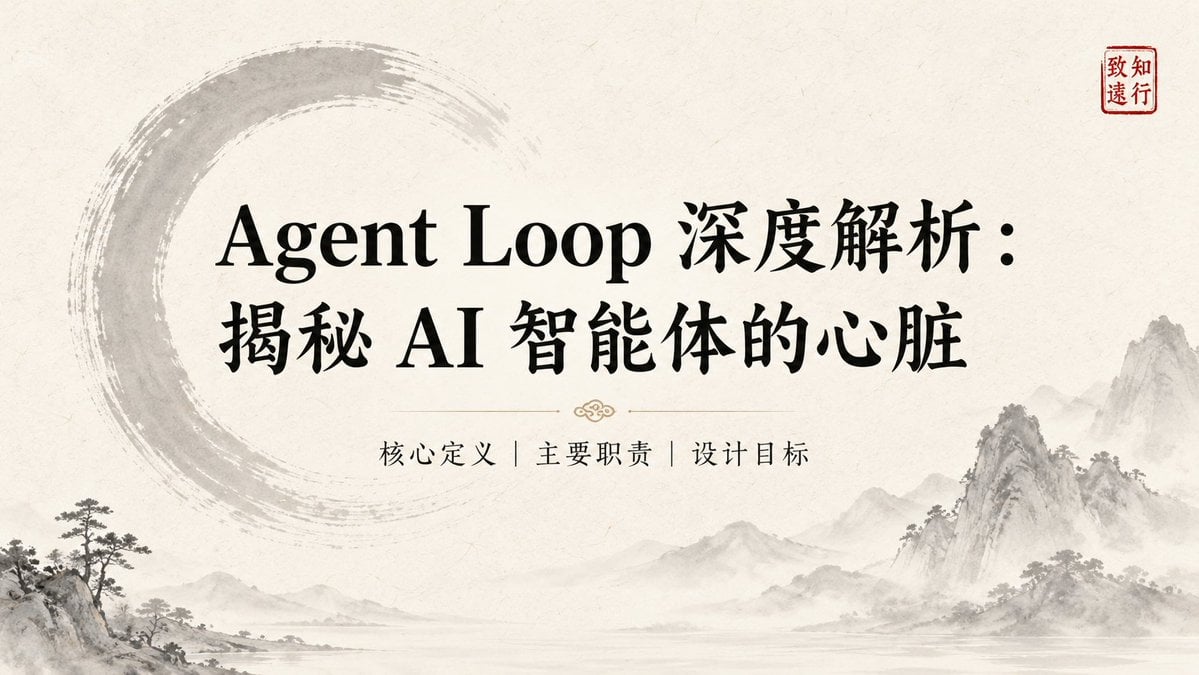
Ink-Wash Style Presentation Slides

Fiery Butadon Japanese Ad Poster
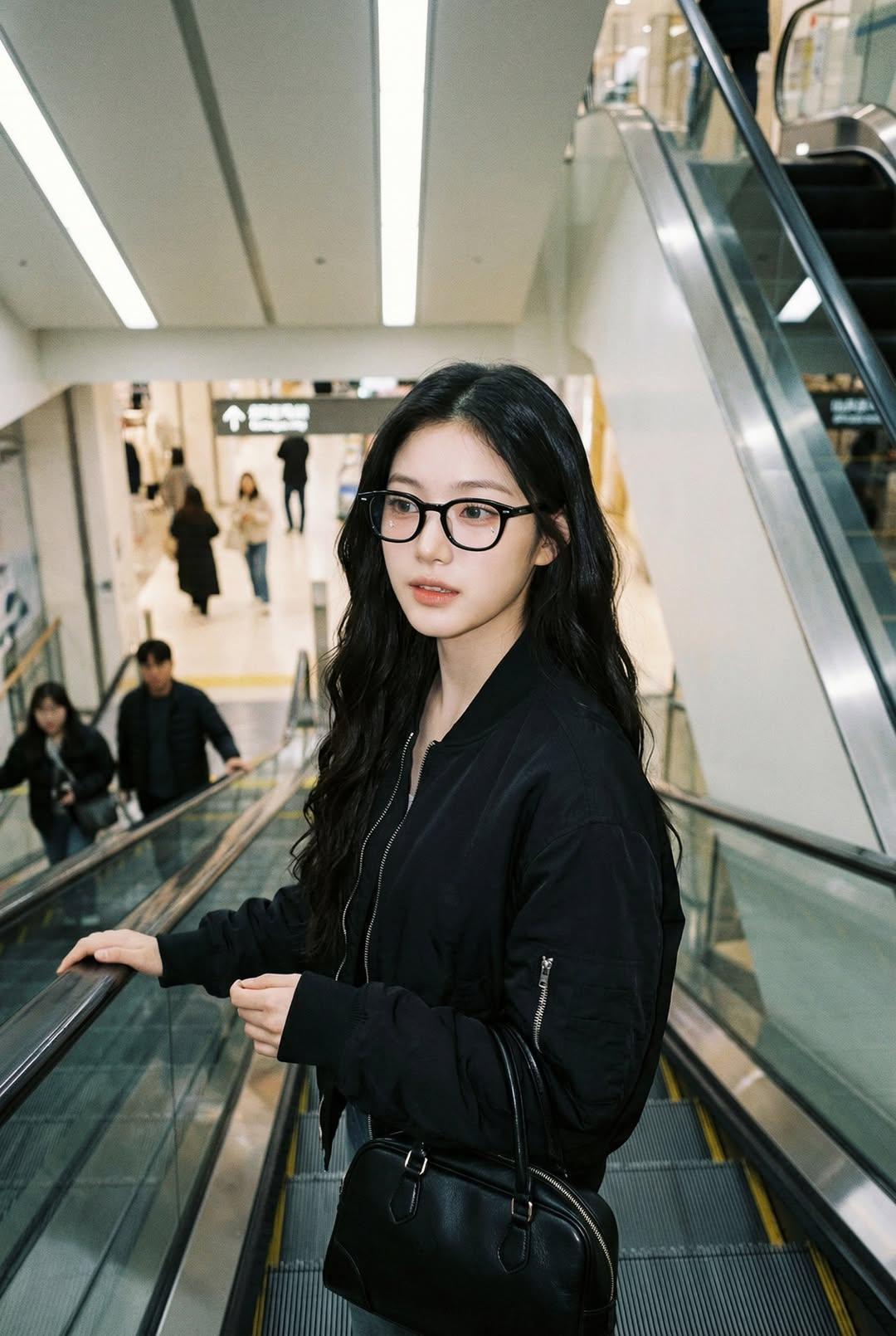
Nano Banana Pro — Escalator Candid Portrait
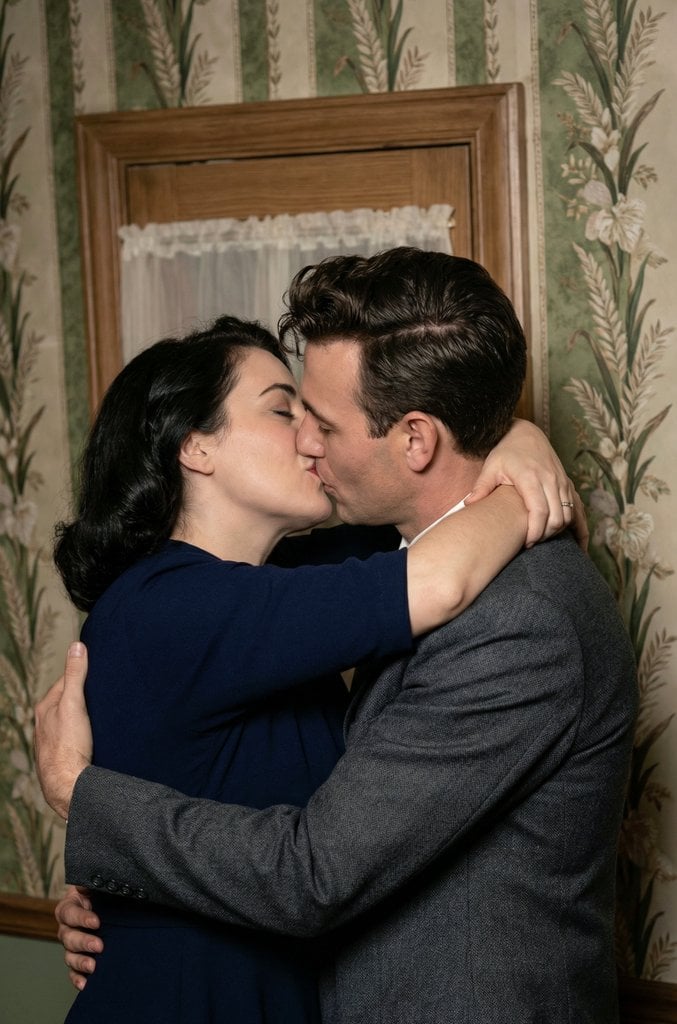
Old Photo Restoration and Upscaling Prompt
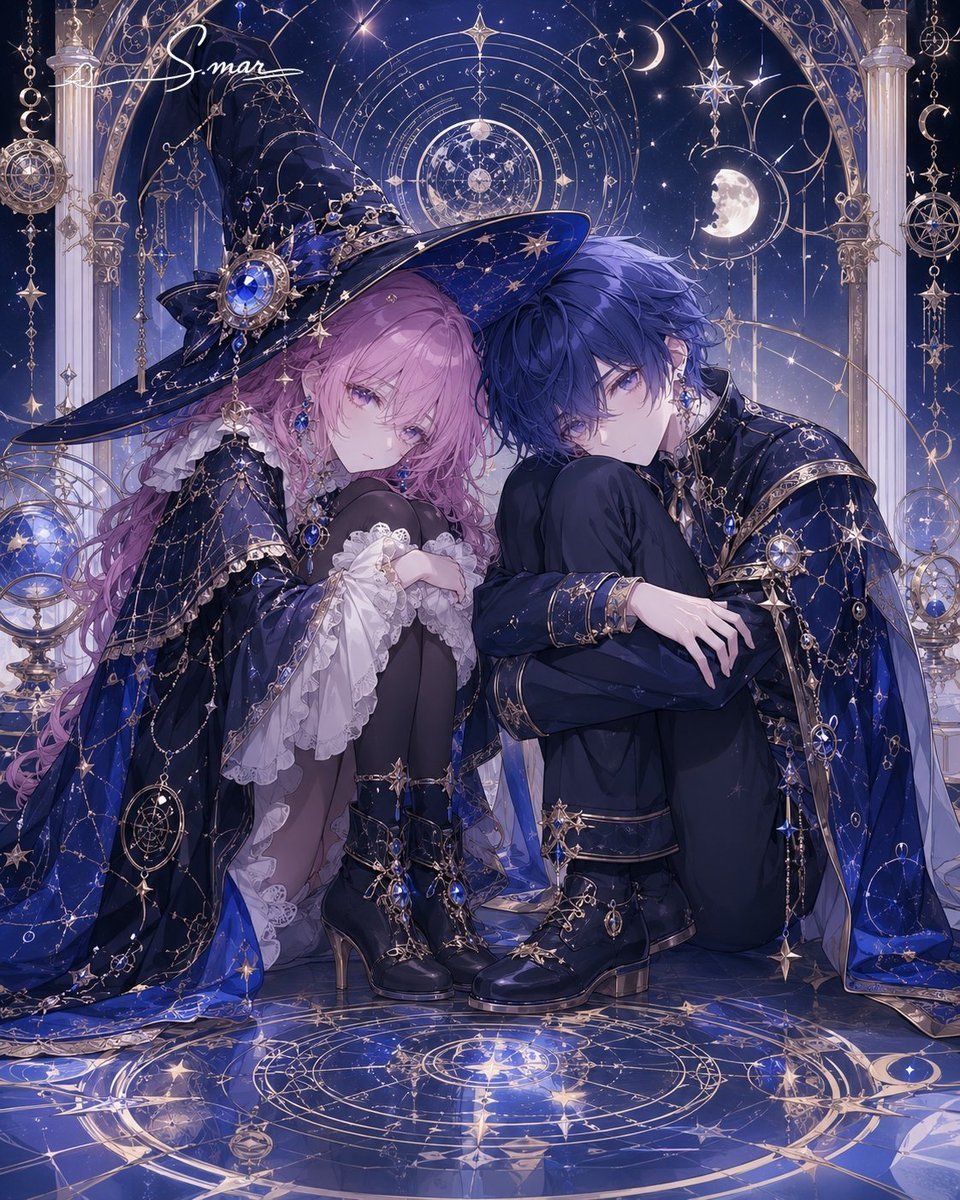
Celestial Magician Duo
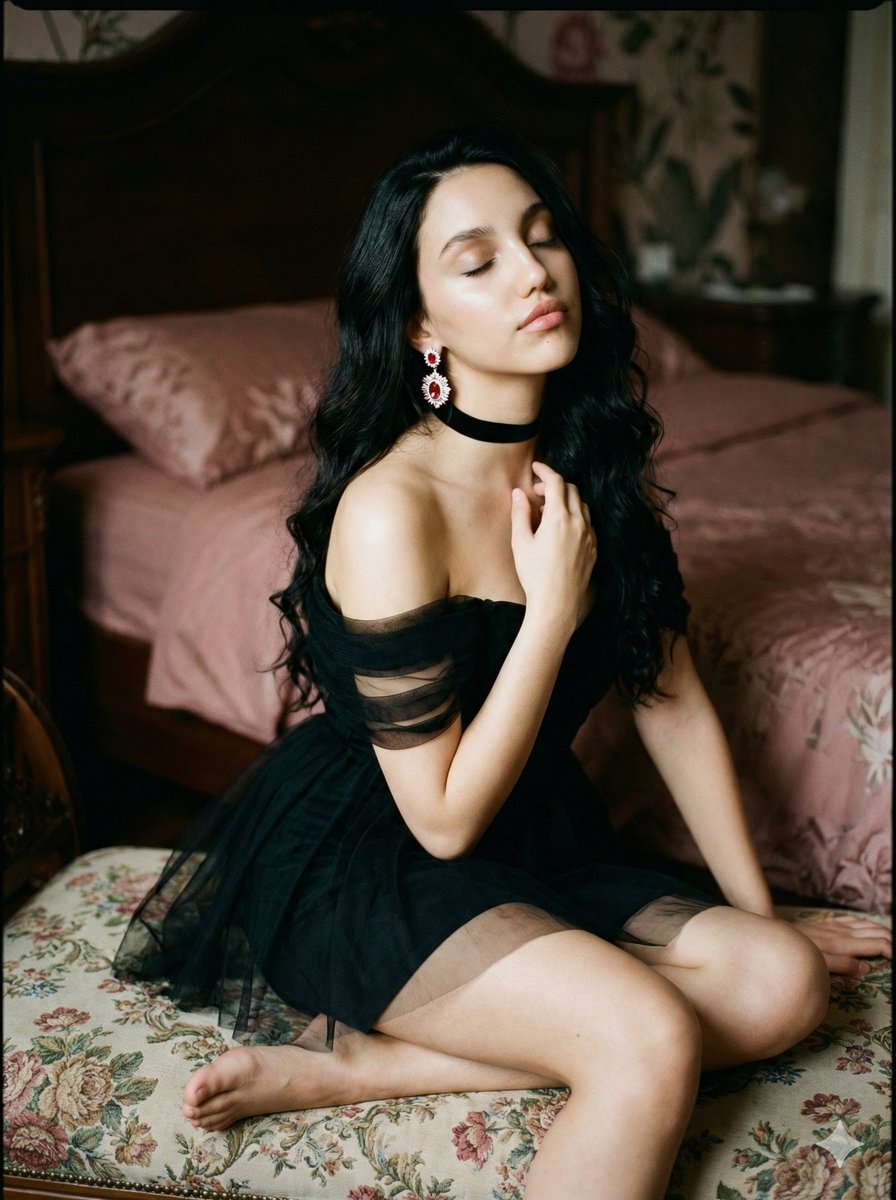
Ethereal Cinematic Fine Art Portrait Prompt

Cinematic Desert Highway Fashion Portrait Prompt
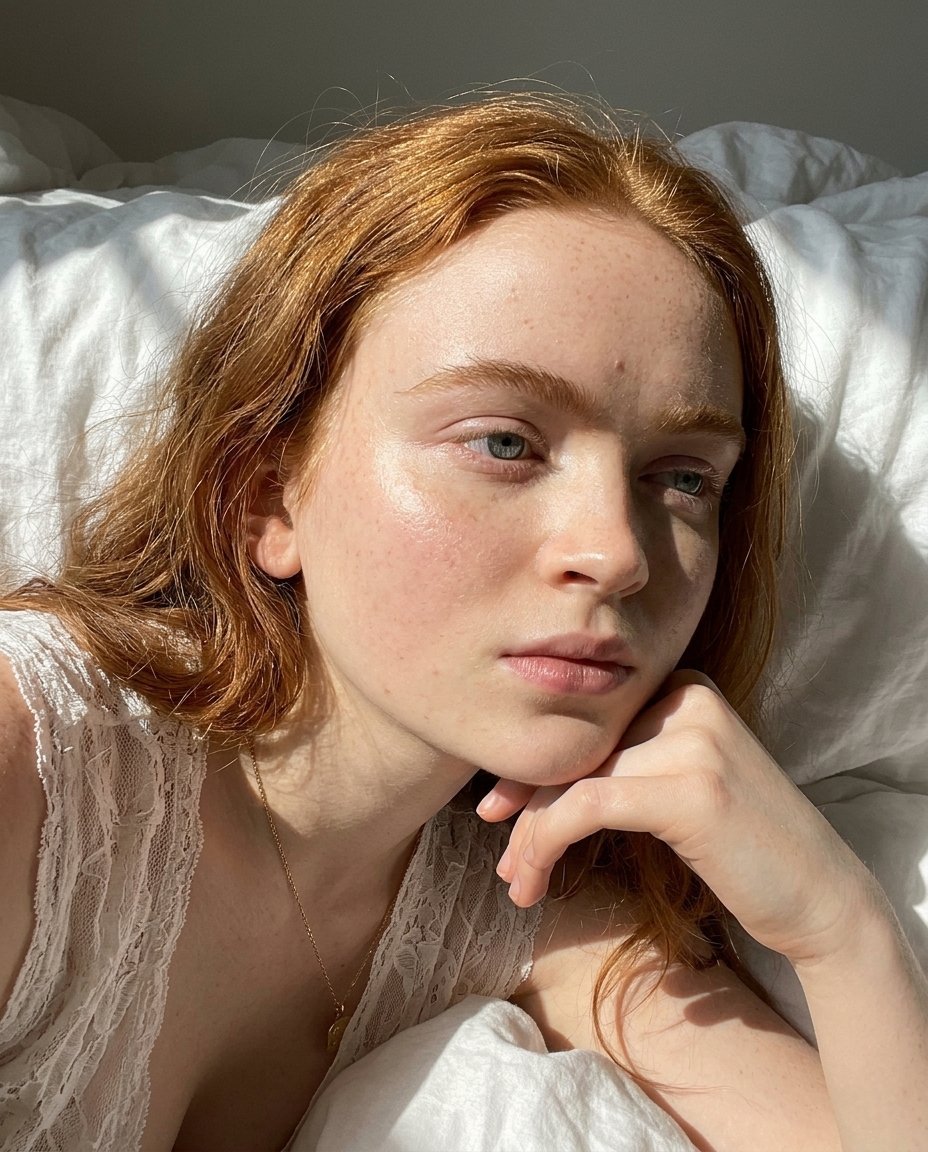
Natural Sunlight Close-up Portrait Prompt for Nano Banana 2
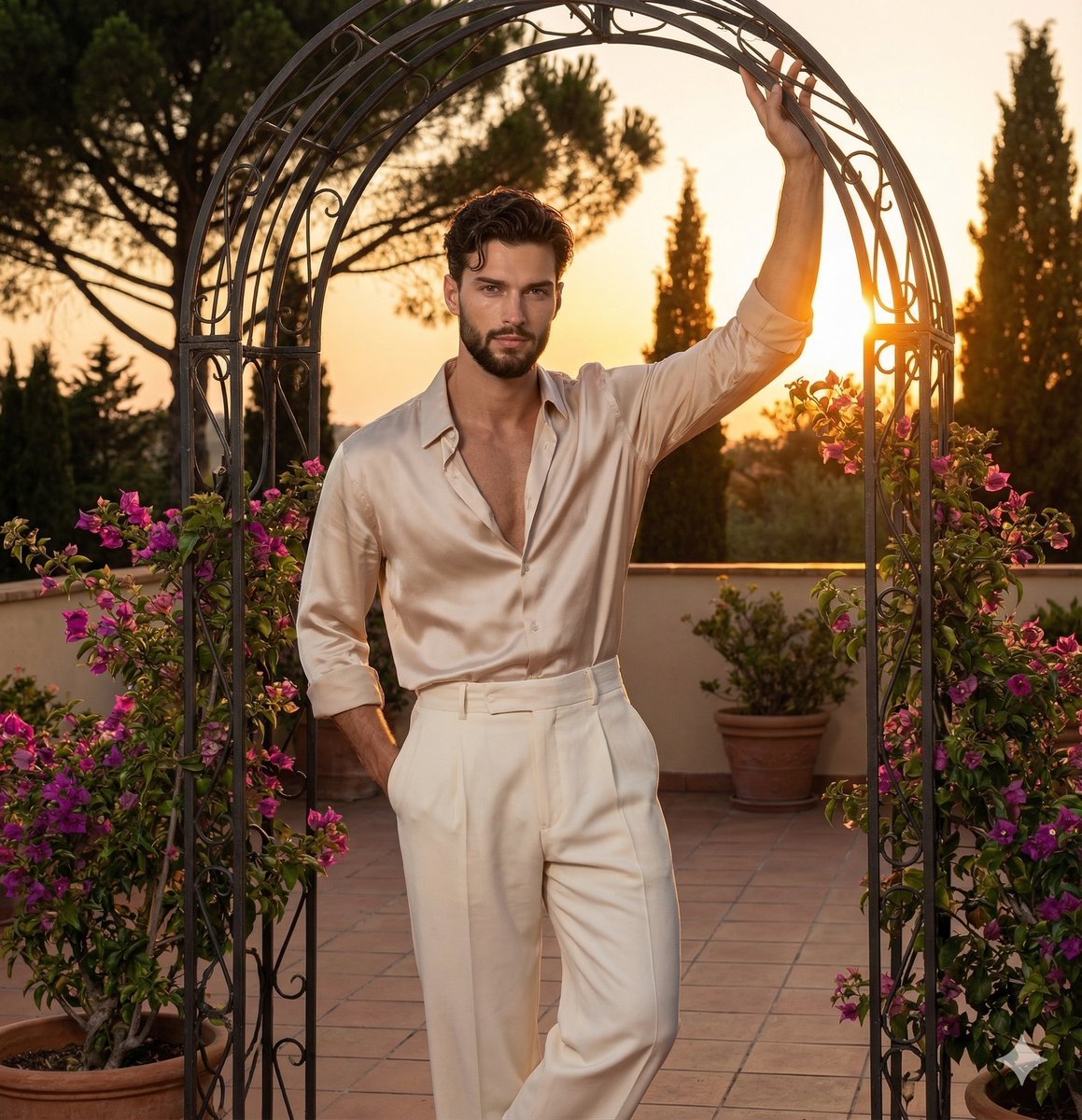
Golden Hour Editorial Portrait with Complex Lighting

Golden Hour Grass Portrait — Wong Kar-wai Inspired Nano Banana
Browse template categories
Ancient Fantasy Red Gold Portrait questions
How do I use the Ancient Fantasy Red Gold Portrait template?
Add your photo if the template asks for one, edit the prompt if you like — the template's model and format are already selected — and press Generate. Your version opens in PicX Studio.
Can I customize the Ancient Fantasy Red Gold Portrait template?
Yes. You can change the subject, setting, lighting, mood, format, and available model controls before creating your image.
Is the Ancient Fantasy Red Gold Portrait template free?
Opening and editing this template is free. Generating uses credits, shown on the Generate button when you are signed in.
Which AI model should I use?
Start with GPT Image 2, which is the model associated with this template. You can compare another compatible model for a different finish.
Looking for something else? Browse all templates.

Your photo, any look
Thousands of ready templates for every top image and video model, from one credit balance.