
Natural Sunlight Close-up Portrait Prompt for Nano Banana 2
A detailed JSON-structured prompt for Nano Banana 2, designed to generate an ultra-realistic close-up portrait of Sadie Sink and Sydney Sweeney in natural sunlight.
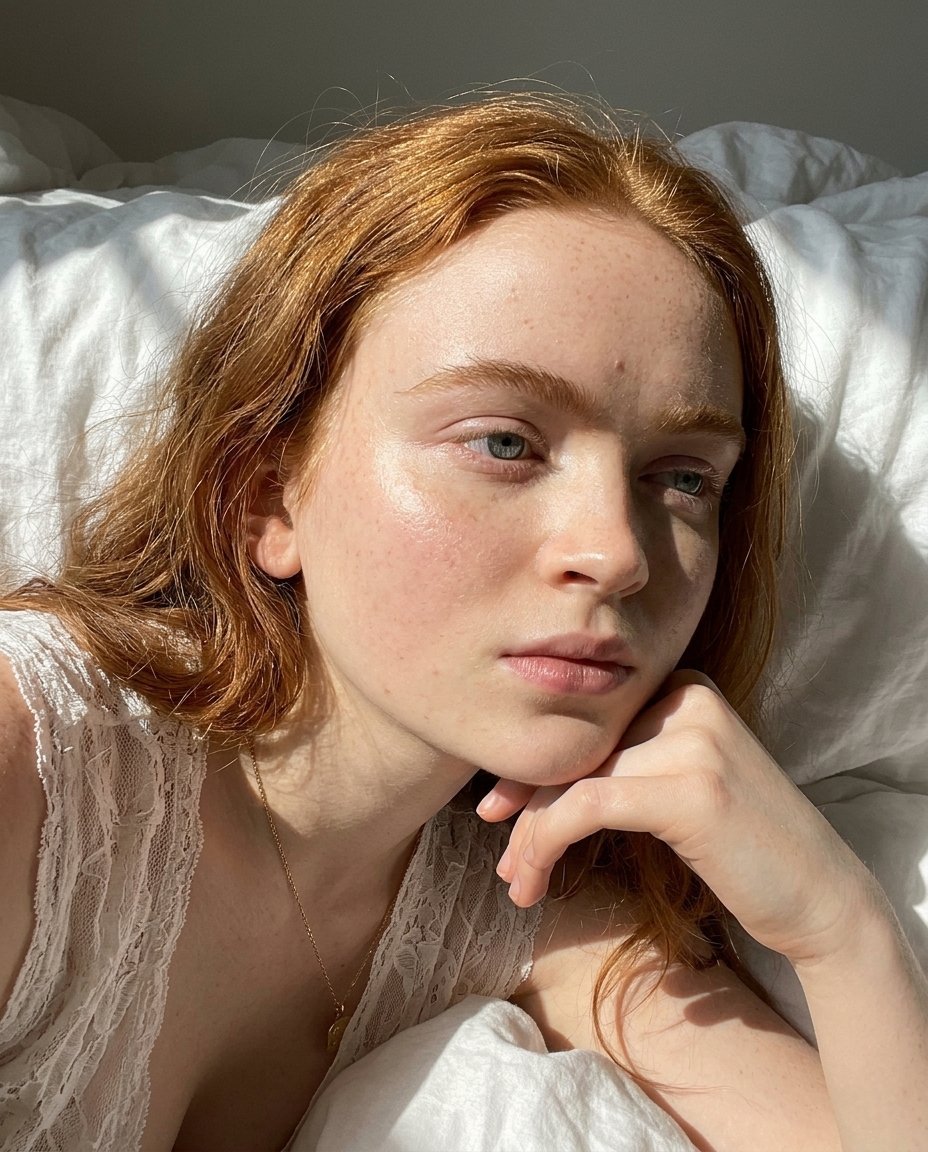
- Prompt included
- Model and format preset
- Free template
The prompt behind this image
Copy the exact prompt behind Natural Sunlight Close-up Portrait Prompt for Nano Banana 2, or open it in the studio and make it yours.
{ "photo_type": "Natural sunlight close-up portrait (raw realistic capture)", "subject": { "face": { "description": "Use uploaded reference image, keep identity exact, no reshaping or smoothing" }, "pose_description": "Lying or slightly reclined, head tilted, one hand placed under chin", "expression": "neutral soft expression, relaxed lips, natural gaze to side" }, "lighting": { "type": "direct natural sunlight", "setup": [ "sunlight entering from window side", "partial face illumination", "hard light edge with soft falloff" ], "effects": [ "bright highlight on cheek and nose", "strong natural shadow on opposite side", "uneven exposure across face", "real sunlight contrast" ], "color_temperature": "natural daylight 5500K" }, "skin_realism": { "details": [ "visible pores", "tiny freckles or marks", "natural oil shine", "uneven skin tone", "no smoothing or blur" ] }, "hair": { "details": [ "natural strands visible", "slight frizz", "not perfectly arranged", "light catching individual hairs" ] }, "clothing": { "details": [ "white lace top", "fine fabric texture visible", "small wrinkles and shadows" ] }, "accessories": { "details": [ "thin necklace", "small pendant", "subtle reflections" ] }, "camera": { "type": "smartphone rear camera", "lens": "26mm", "settings": { "aperture": "f/1.8", "iso": "ISO 50-150", "shutter_speed": "1/800s" }, "focus": "sharp on eyes, slight falloff", "sensor_behavior": [ "slight grain in shadows", "highlight clipping in bright areas", "minor noise" ] }, "lens_effects": { "details": [ "slight overexposure on highlights", "natural contrast", "no artificial blur", "real depth falloff" ] }, "background": { "details": [ "white fabric or bedding", "soft folds", "light shadows", "not perfectly smooth" ] }, "color_grading": { "style": "raw natural", "rules": [ "no heavy editing", "slight warm tint", "natural skin tones", "real camera color" ] }, "imperfections": [ "lighting unevenness", "skin texture", "minor grain", "highlight burn" ], "composition": { "camera_angle": "close-up slight top angle", "framing": "tight face crop", "depth": "face sharp, edges softer" }, "resolution_and_aspect_ratio": "4K, 4:5", "vibe": "natural beauty, sunlight, effortless realism", "strict_rules": { "must_have": [ "real sunlight contrast", "skin texture visible", "no smoothing", "reference face unchanged" ], "avoid": [ "studio " ] }
How to use Natural Sunlight Close-up Portrait Prompt for Nano Banana 2 in 3 steps
- 1Upload ImagePNG, JPG or paste
Add your photo
Upload the photo the template builds on. The prompt, model and format are already set.
- 2…a portrait of your subject in softgolden-hour light, 85mm…
Personalize
Edit the subject and creative details for your destination.
- 3Generate
Generate
Press Generate — your image is created in PicX Studio, so you can compare it with the original and refine one variable at a time.
More like this
Templates with the same subject, style or setup. Open one to see its prompt.
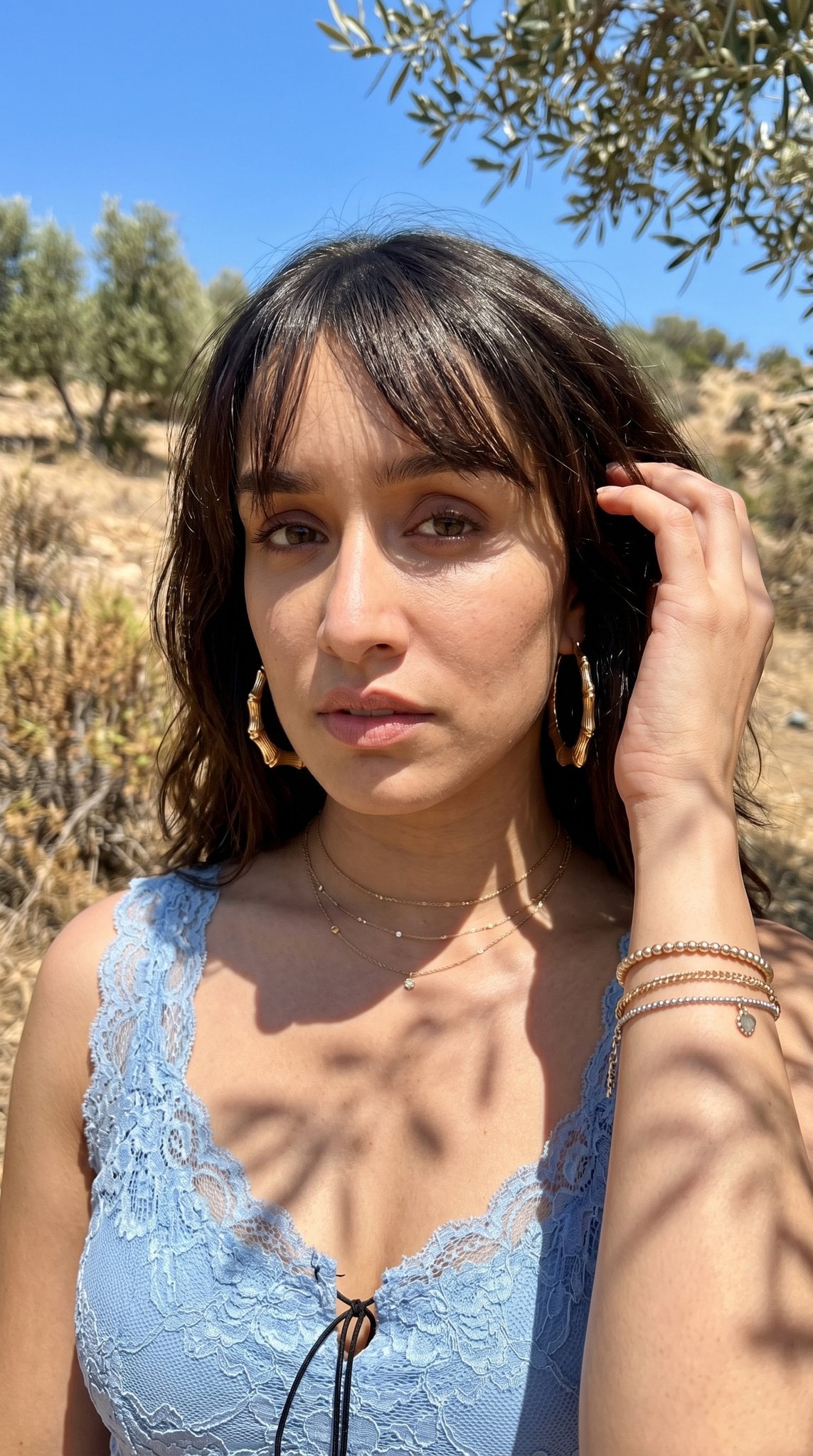
Hyper-Realistic Outdoor Portrait — 35mm Natural Light

Nano Banana Is So Addictive

Nano Banana 2 Perspective Experiment

Gemini Nano Banana 2 Isometric 3d City D

Nano Banana 2

Gemini Nano Banana 2

Gemini Nano Banana 2 Logo in Wet Sand Be

Nano Banana 2 Gourmet Ice Cream Commerci

Nano Banana Pro Photoreal Playful Couple

Nano Banana 2 High Fashion Sports Campai

Nano Banana 2 Editorial Fashion Portrait

B&W Photobooth Expression Grid 4x4 — Nano Banana
Make it yours
Natural Sunlight Close-up Portrait Prompt for Nano Banana 2 works as-is. These are the safest ways to change it without losing the look.
Change one field
Copy a single group, rewrite it, and generate again so you can see what that field is doing.
Keep the frame, change the subject
Hold the composition and light of Natural Sunlight Close-up Portrait Prompt for Nano Banana 2, then swap wardrobe, props or the person for a new take.
| If the result… | Why | Fix |
|---|---|---|
| The result drifts from the preview | Too many fields changed at once. | Reuse Natural Sunlight Close-up Portrait Prompt for Nano Banana 2 as-is first, then change one group — subject, light, or setting. |
| The model over-stylizes the scene | The prose prompt leaves finish and camera underspecified. | Add one camera or lighting sentence and stay on Nano Banana 2. |
More Nano Banana 2 templates
Other prompts made for Nano Banana 2.

Photorealistic Leaf Shaped Like a Dragon

K-Pop Idol Portrait Grid for Rapid Selection

Poetic Rain Forest Portrait During Golden Hour

Urban Street Portrait with Cartoon Inner Self Duo

Candid Nighttime Photo with Cat Prompt

High-Concept 3D Diorama Generation Prompt

Cinematic Futuristic Studio Portrait Template

Skincare Editorial Photography Collage Prompt

Hyper-Realistic Commercial Product Photography (Splash Effect)

Hyper-Realistic Nightclub Portrait Prompt
More image prompts
Fresh picks from across the catalog.
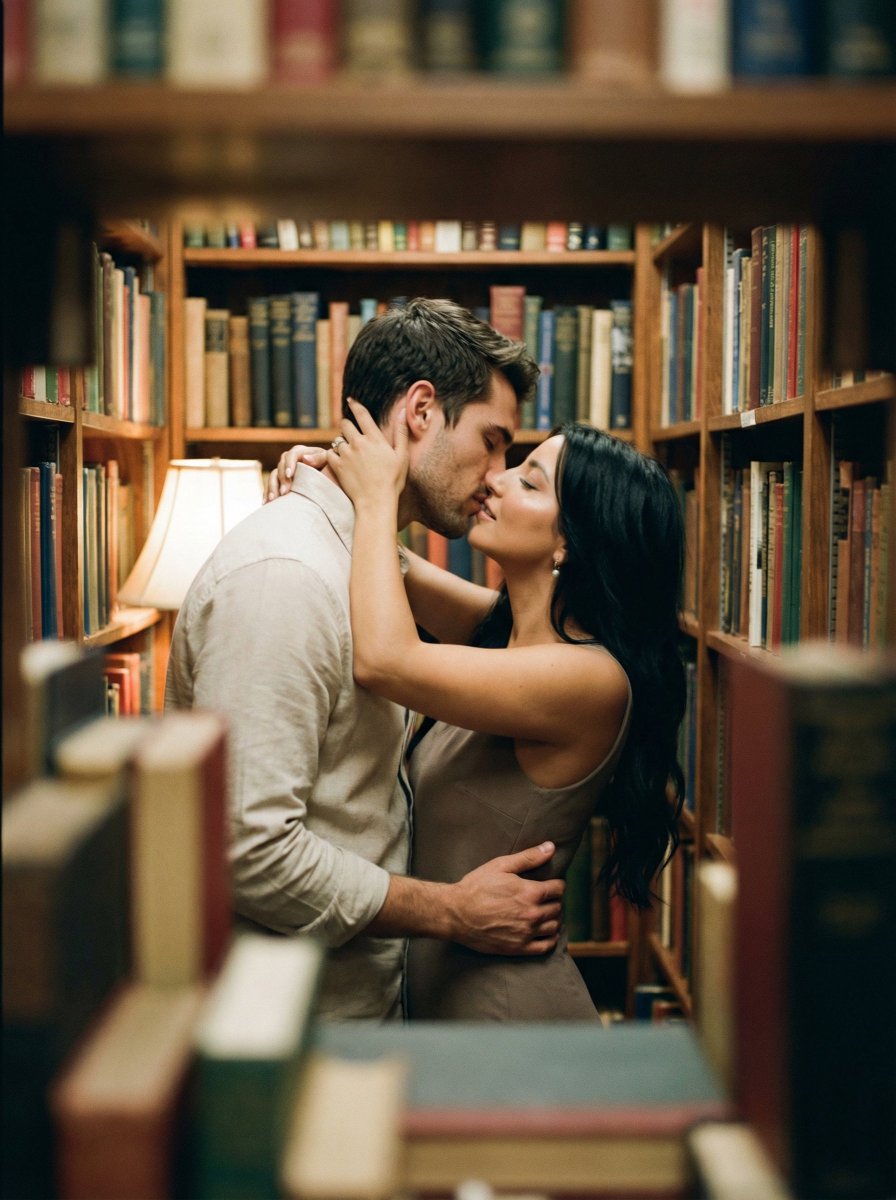
Analog Film Kiss in a Bookstore Aisle
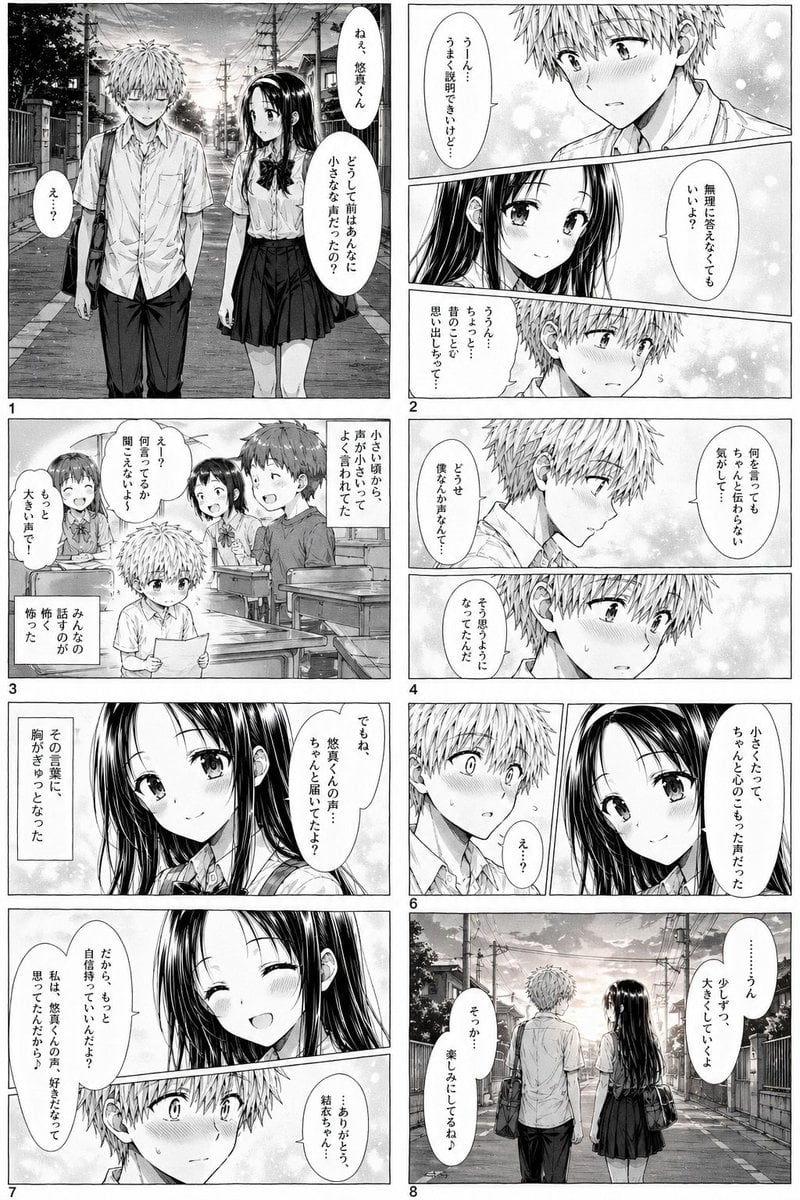
Romantic School Manga Page
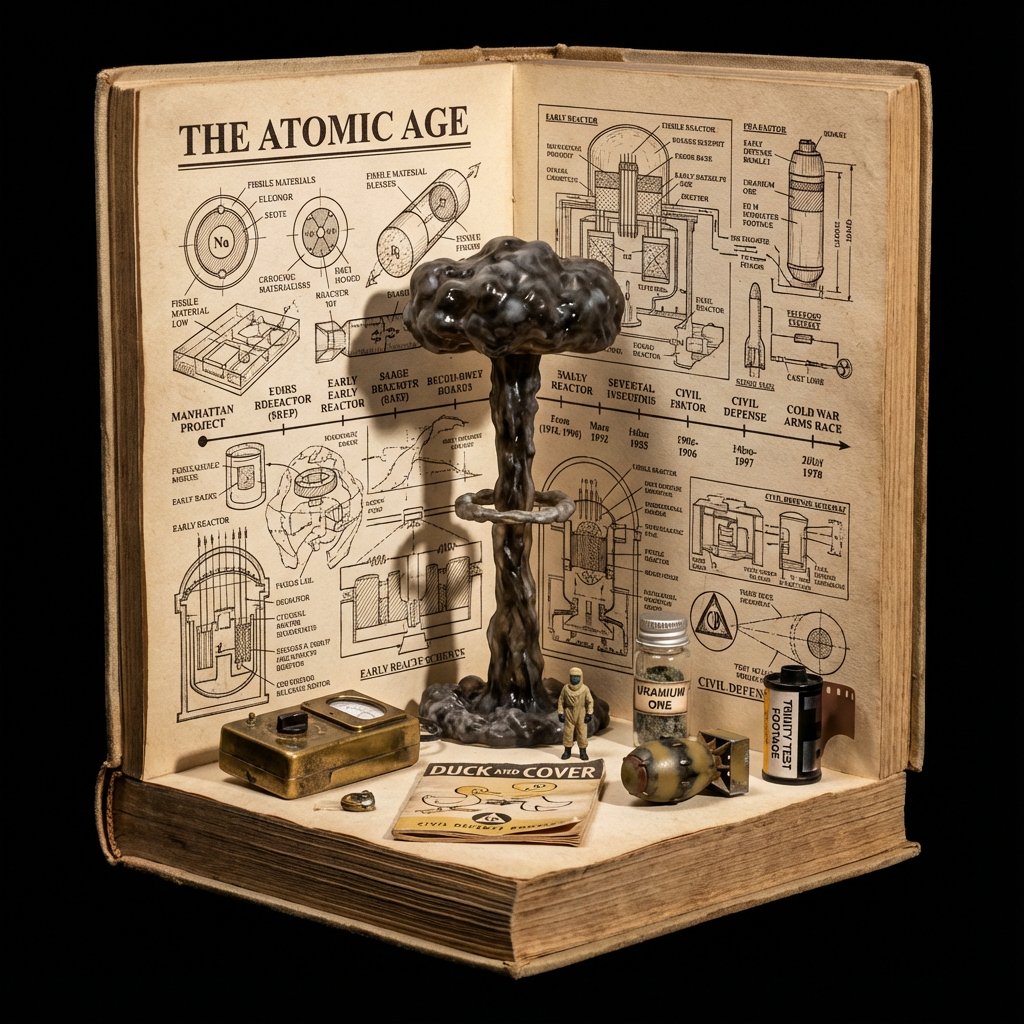
Procedural Book Nook Diorama Generation Prompt
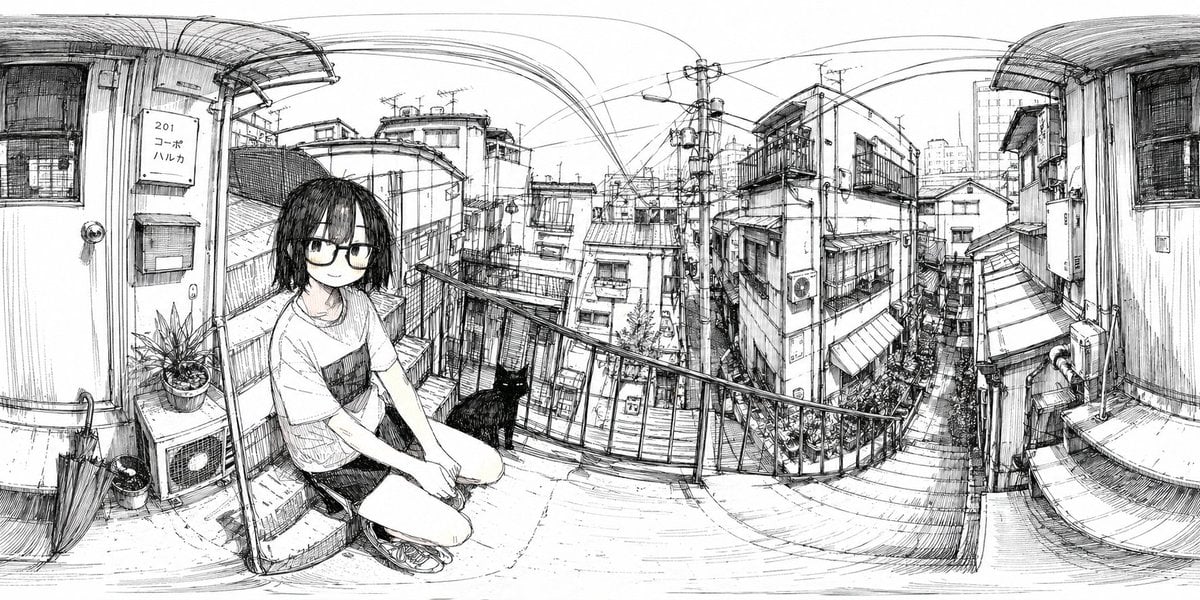
Ink 360 Panorama of Tokyo Backstreet
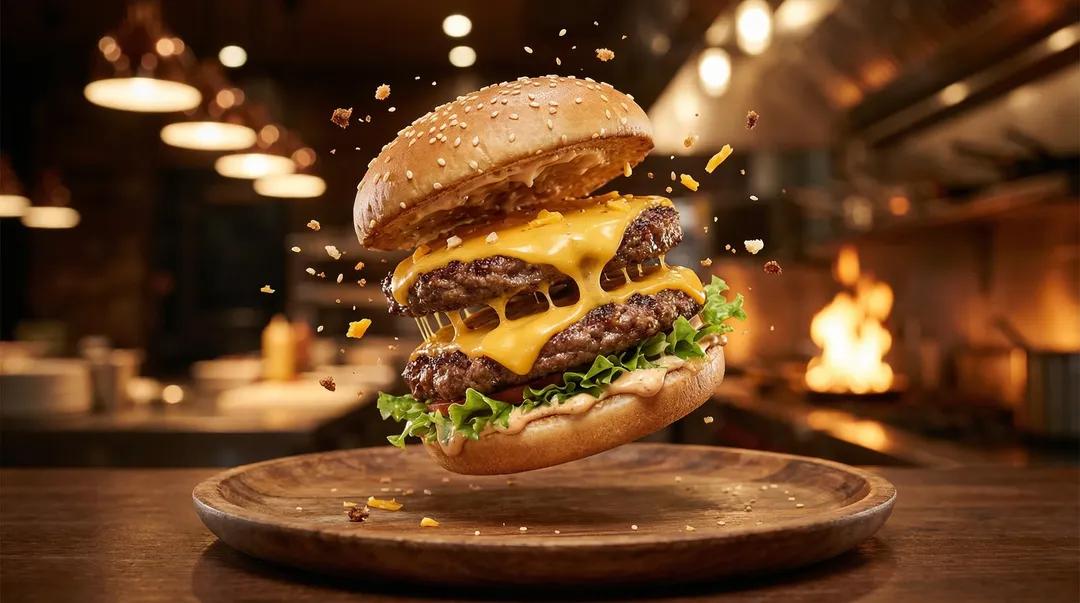
Exploding Ice Cream Cookie Sandwich
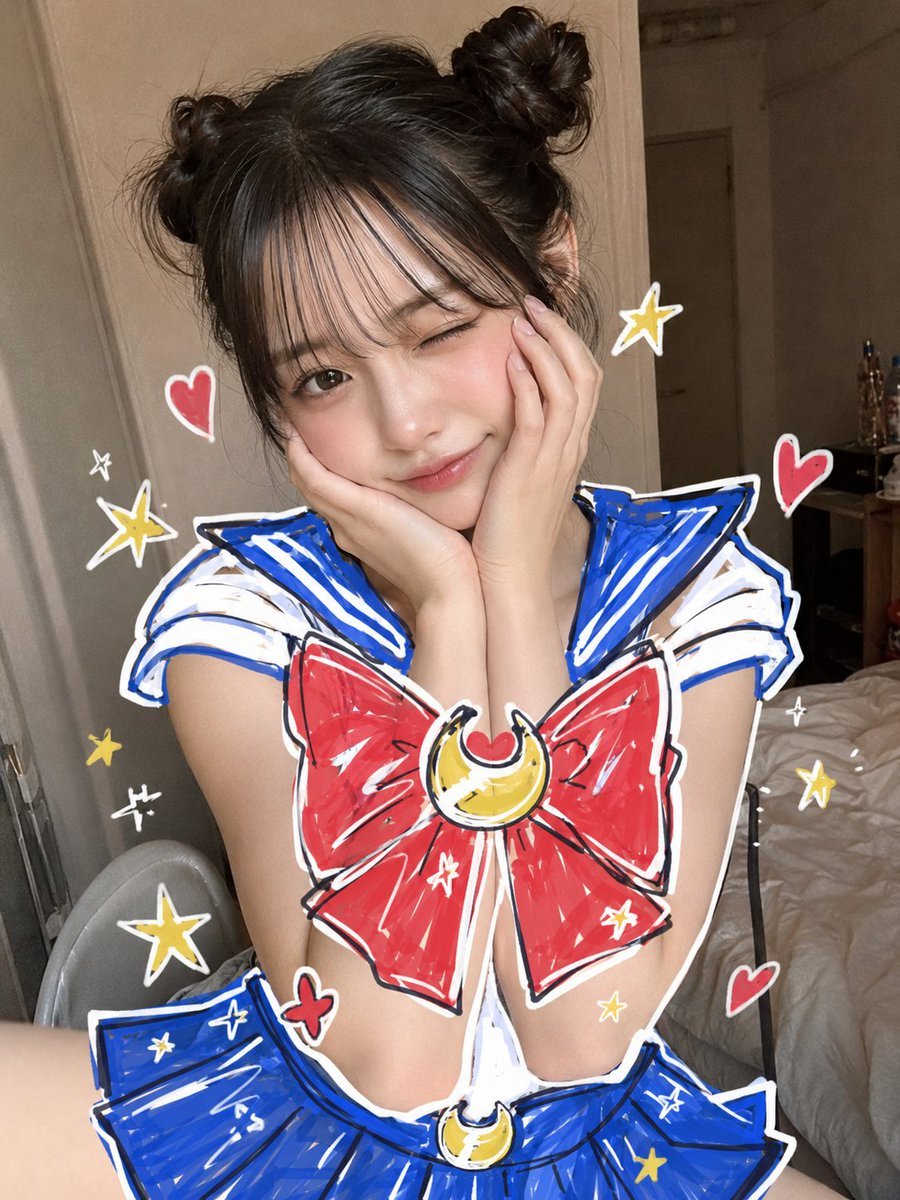
Sailor Moon Doodle Selfie
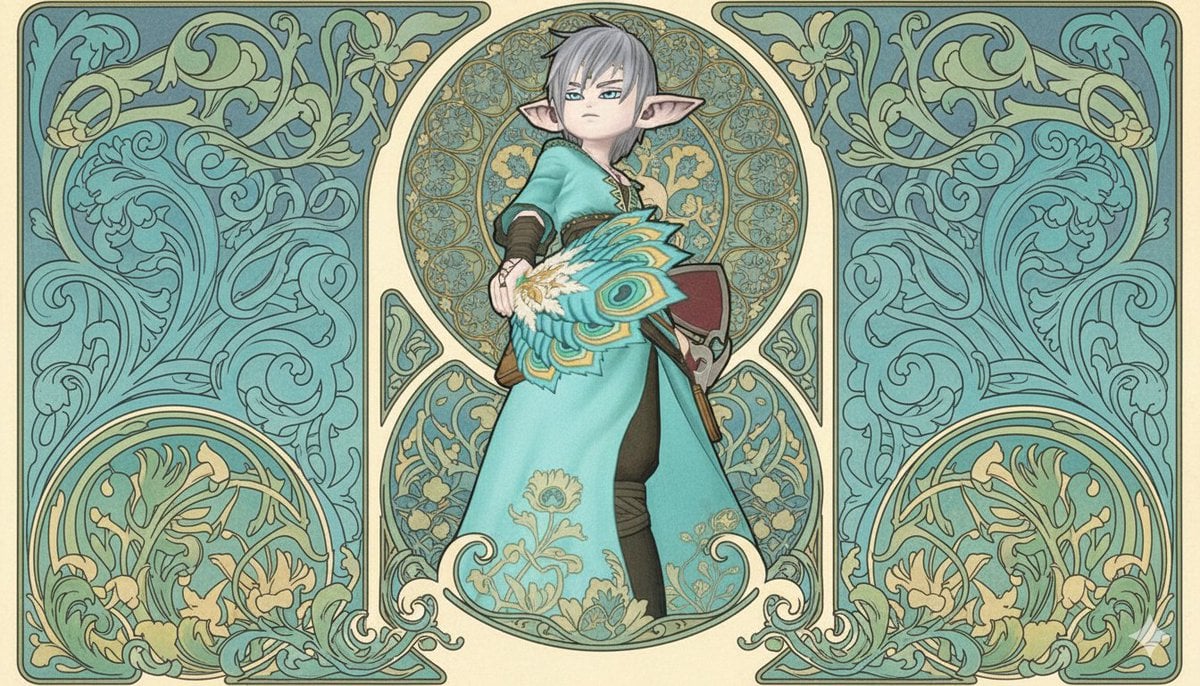
Image-to-Image Style Transfer to Mucha's Art Nouveau Style

Japanese Gourmet Dessert Shop Branding
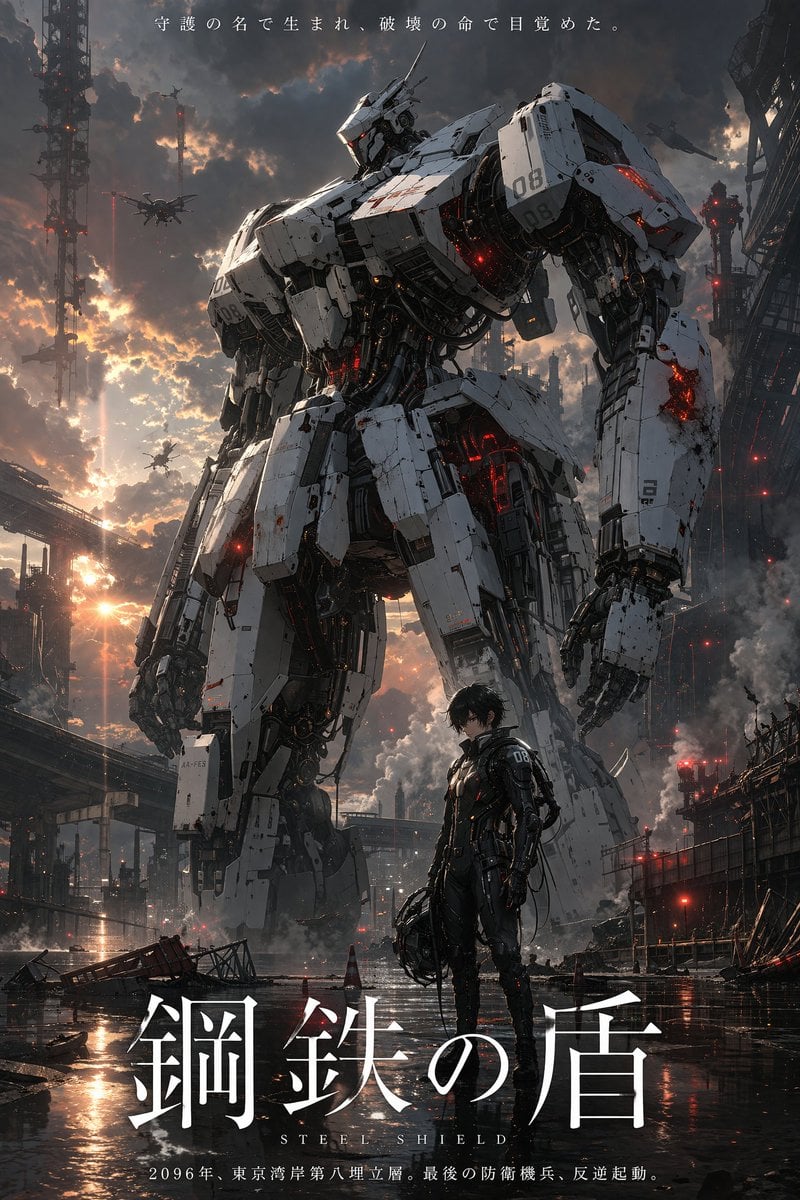
Sci-Fi Mecha Movie Poster
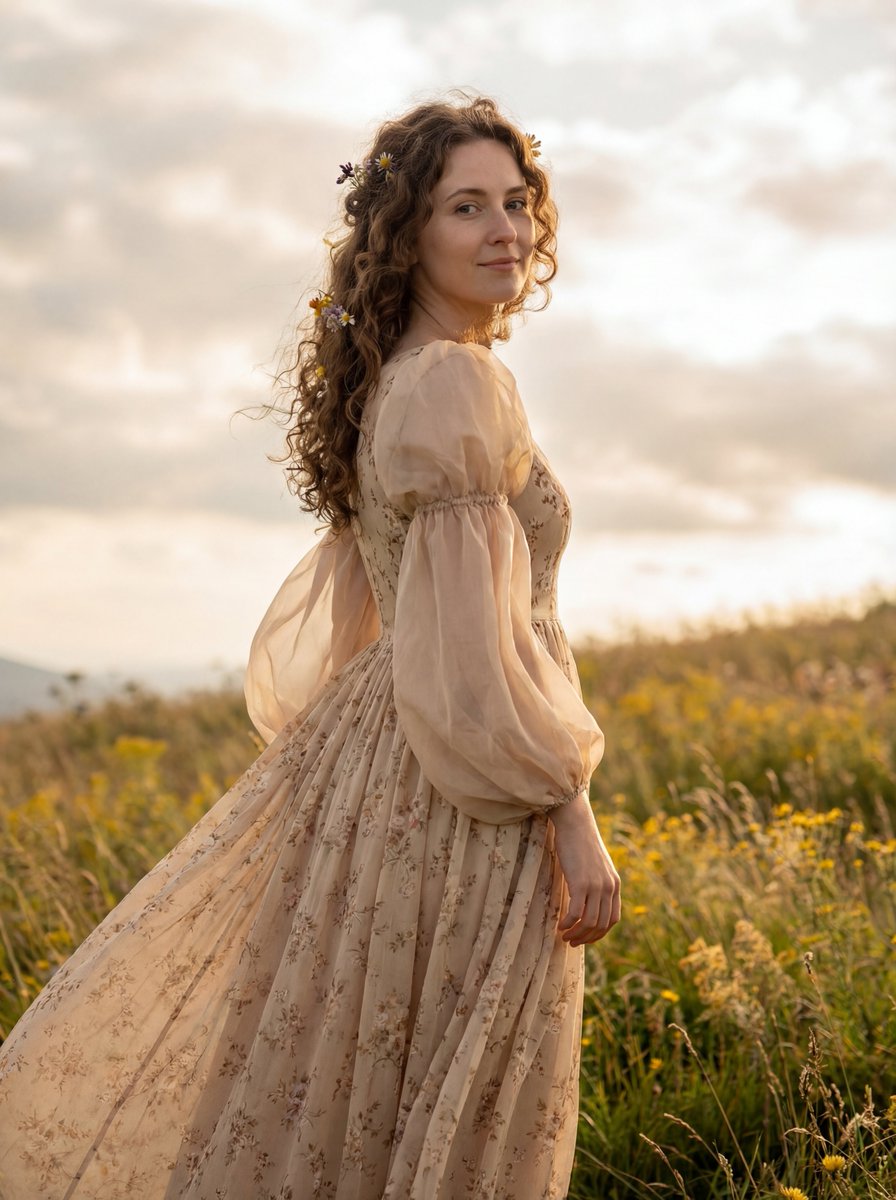
Dreamy Cinematic Highland Portrait Prompt
Browse template categories
Natural Sunlight Close-up Portrait Prompt for Nano Banana 2 questions
How do I use the Natural Sunlight Close-up Portrait Prompt for Nano Banana 2 template?
Add your photo if the template asks for one, edit the prompt if you like — the template's model and format are already selected — and press Generate. Your version opens in PicX Studio.
Can I customize the Natural Sunlight Close-up Portrait Prompt for Nano Banana 2 template?
Yes. You can change the subject, setting, lighting, mood, format, and available model controls before creating your image.
Is the Natural Sunlight Close-up Portrait Prompt for Nano Banana 2 template free?
Opening and editing this template is free. Generating uses credits, shown on the Generate button when you are signed in.
Which AI model should I use?
Start with Nano Banana 2, which is the model associated with this template. You can compare another compatible model for a different finish.
Looking for something else? Browse all templates.

Your photo, any look
Thousands of ready templates for every top image and video model, from one credit balance.