
Procedural Book Nook Diorama Generation Prompt
A highly structured, procedural prompt template designed to generate a crowded, hyper-realistic 'Book Nook' diorama based on a user-defined topic.
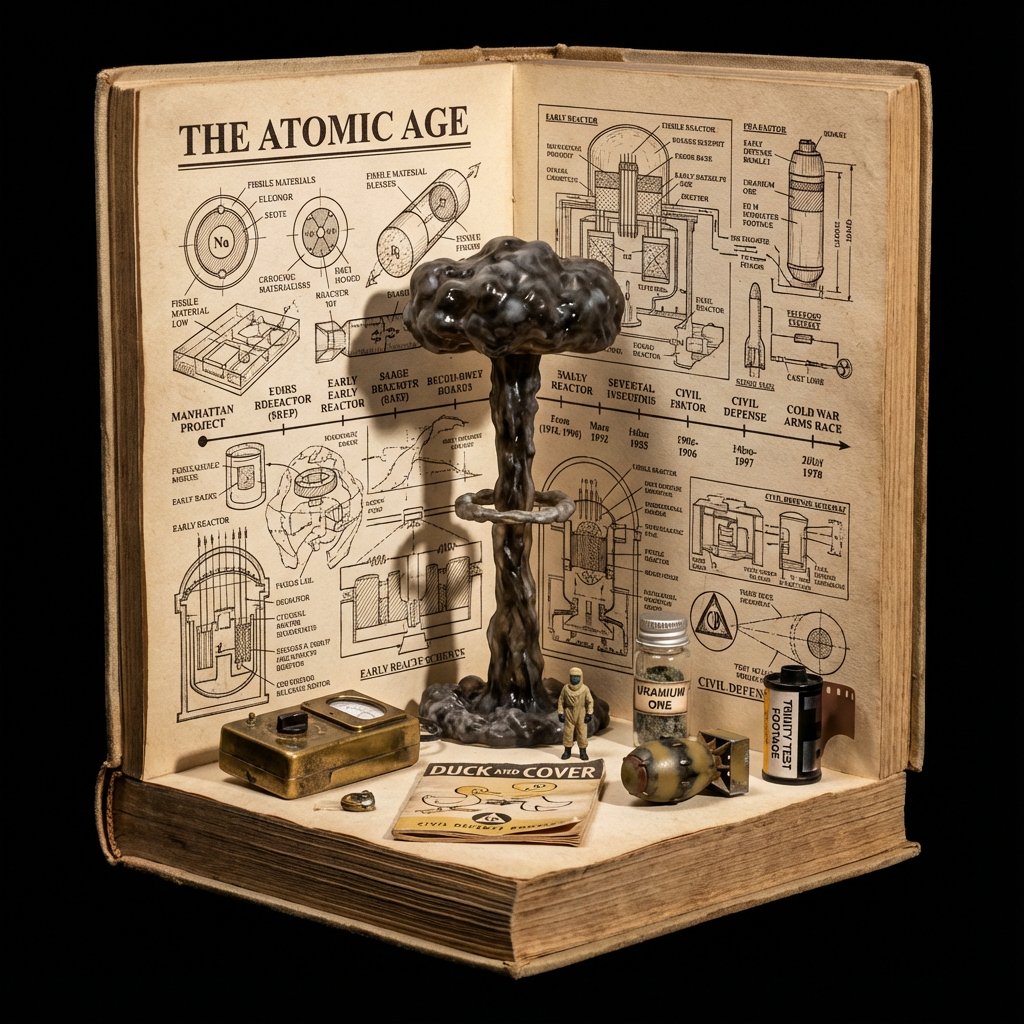
- Prompt included
- Model and format preset
- Premium template
The prompt behind this image
Copy the exact prompt behind Procedural Book Nook Diorama Generation Prompt, or open it in the studio and make it yours.
<instructions> Input Variable: [INSERT TOPIC HERE] (e.g., History of Space Exploration) System Instruction: Generate a crowded, hyper-realistic "Book Nook" Diorama . Use the following logic to procedurally fill the scene with high-density detail: 1. Semantic Analysis (The Loot Table): The Totem: Identify the single tallest, most vertical object representing the topic (e.g., Saturn V Rocket). The Ephemera: Identify 4-5 small, specific consumer goods or artifacts (e.g., "Tang" Packet, Freeze-Dried Ice Cream, Mission Patches, Apollo 11 Manual). The Timeline: Identify the key visual evolution steps (e.g., Sputnik -> Lunar Module -> Shuttle). 2. The Immutable Container (The Corner Stage): Geometry: The book is NOT lying flat. It is standing upright, opened to form a Strict 90-Degree Corner . Vertical Wall: The back cover/pages standing straight up. Horizontal Floor: The front cover/pages lying flat. The Anchor: The "Totem" object (Rocket) stands inside the spine crease , acting as the structural pillar holding the book open. Paper Texture: The pages must look thick, rough, and heavily aged (like an 1800s manuscript). 3. The Vertical Plane (The Da Vinci Sketchbook): Density: MAXIMUM. Do not leave white space. Style: Sepia-tone Pen & Ink Technical Drawings . Content: The background should be a chaotic but organized collage of diagrams, timelines, and schematics. It should look like a scientist's field notes. Text: A bold, formal Serif Title at the top (e.g., "{argument name="title" default="HISTORY OF SPACE EXPLORATION"}"). 4. The Horizontal Plane (The Physical Clutter): Transition: The Totem (Rocket) seamlessly transitions from a drawing on the wall to a Physical 3D Model on the floor. The Scatter: The "Ephemera" props are scattered and overlapping on the floor page. They should not be neatly arranged. Material Contrast: The props must look like shiny plastic, crinkled foil, and fabric patches. This clashes with the matte paper. Scale: A tiny 1:64 scale human figure (e.g., Astronaut) stands next to the massive Totem for scale. 5. Visual Syntax: Background: Void Black. The book floats in infinite darkness. DO NOT render studio equipment, lamps, or tables. Lighting: "Museum Display" lighting. A focused beam hits the Totem, creating a long shadow against the back page sketches. Depth: The 3D objects must cast hard shadows onto the 2D paper to sell the optical illusion. Output: 1:1 Aspect Ratio, Macro Photography, High Textural Contrast (Paper vs. Plastic). </instructions>
How to use Procedural Book Nook Diorama Generation Prompt in 3 steps
- 1
Open
The prompt is already in the box next to the preview, with the template's model and format selected.
- 2…a portrait of your subject in softgolden-hour light, 85mm…
Personalize
Edit the subject and creative details for your destination.
- 3Generate
Generate
Press Generate — your image is created in PicX Studio, so you can compare it with the original and refine one variable at a time.
More like this
Templates with the same subject, style or setup. Open one to see its prompt.

Layered Paper Cut Forest Diorama
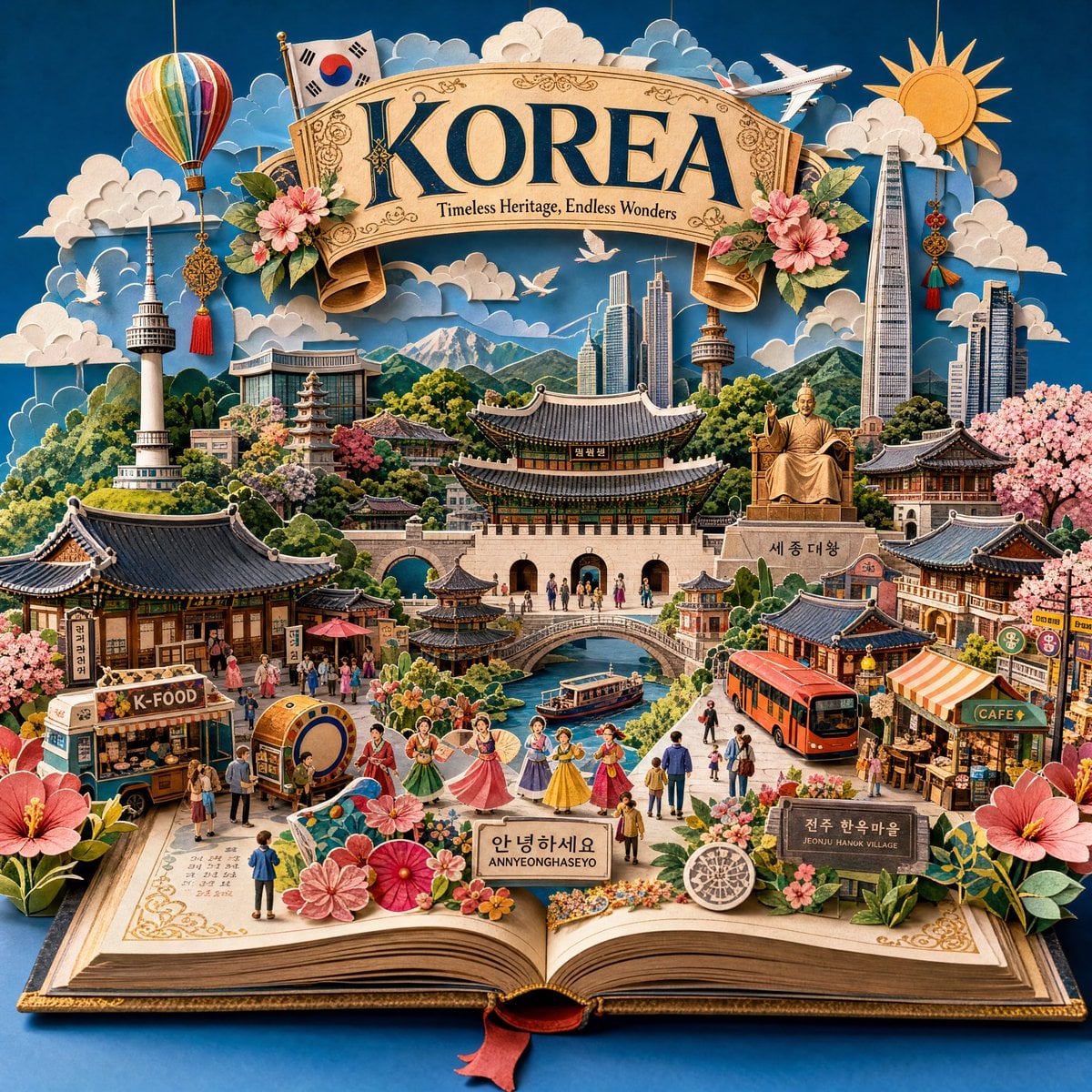
Master Pop-Up Storybook — 3D Paper Engineered Travel Diorama

Soft Handcrafted Paper-Cut Layered Illustration

Isometric Process Educational Diorama

Isometric Brand Store Diorama

FIFA World Cup — Brazil National Pass Diorama
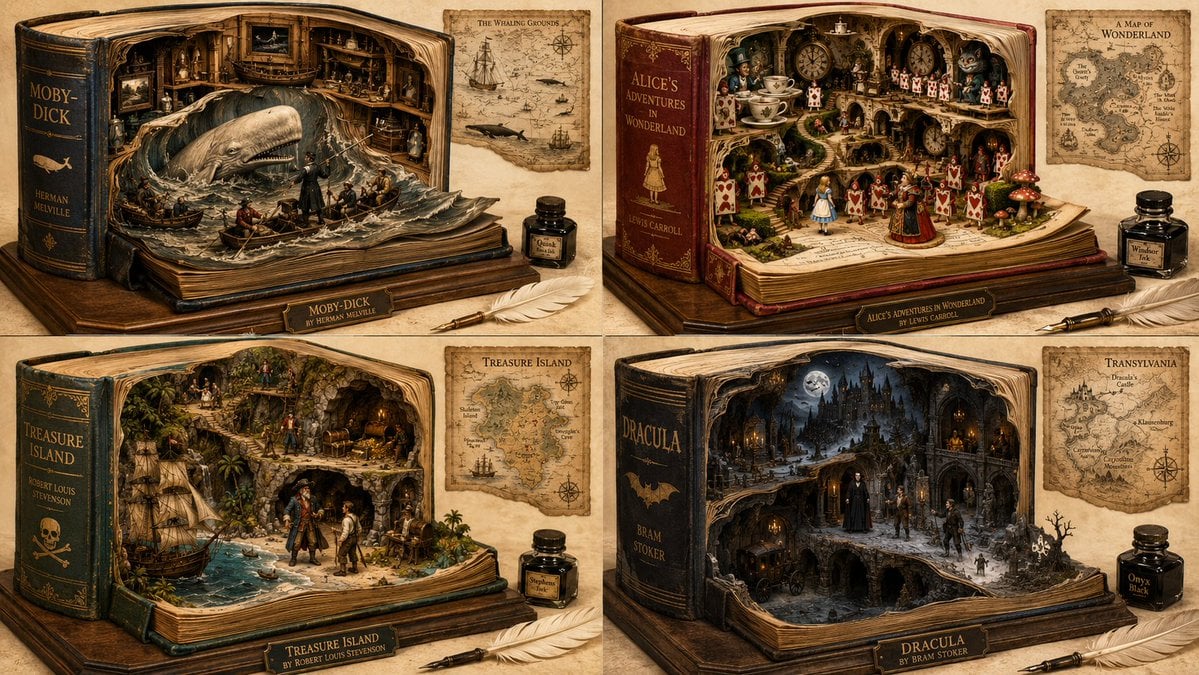
Magical Fantasy Book Diorama Grid

High-Concept 3D Diorama Generation Prompt
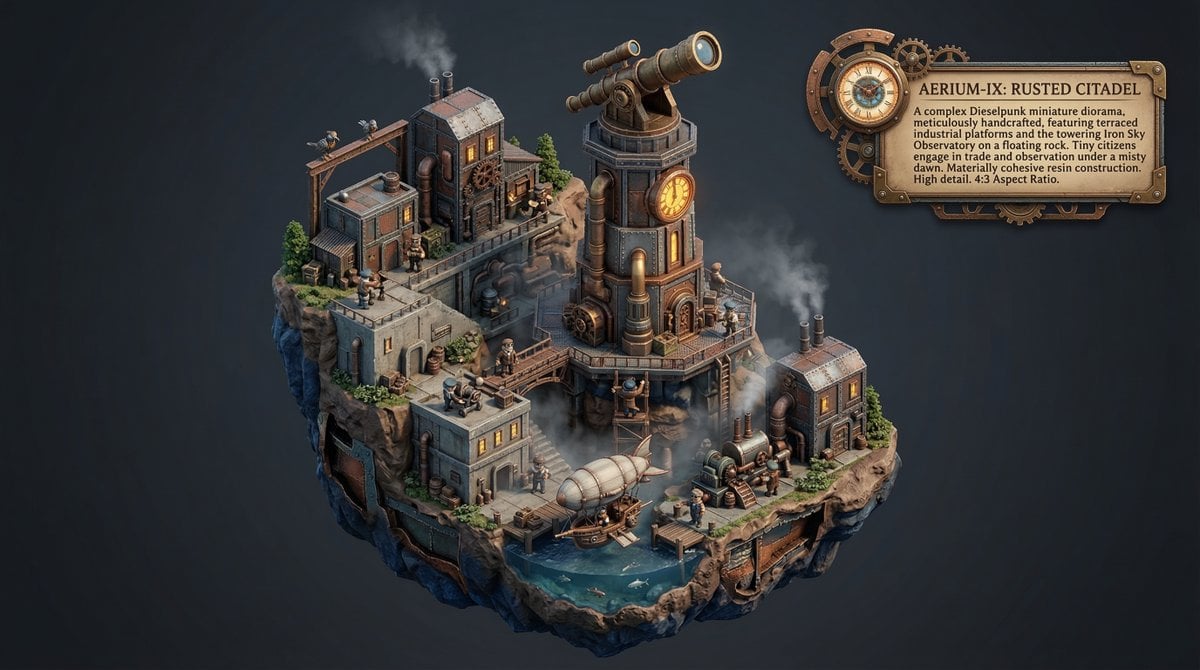
Procedural Whimsical Mono-Punk Floating Miniature Diorama Prompt
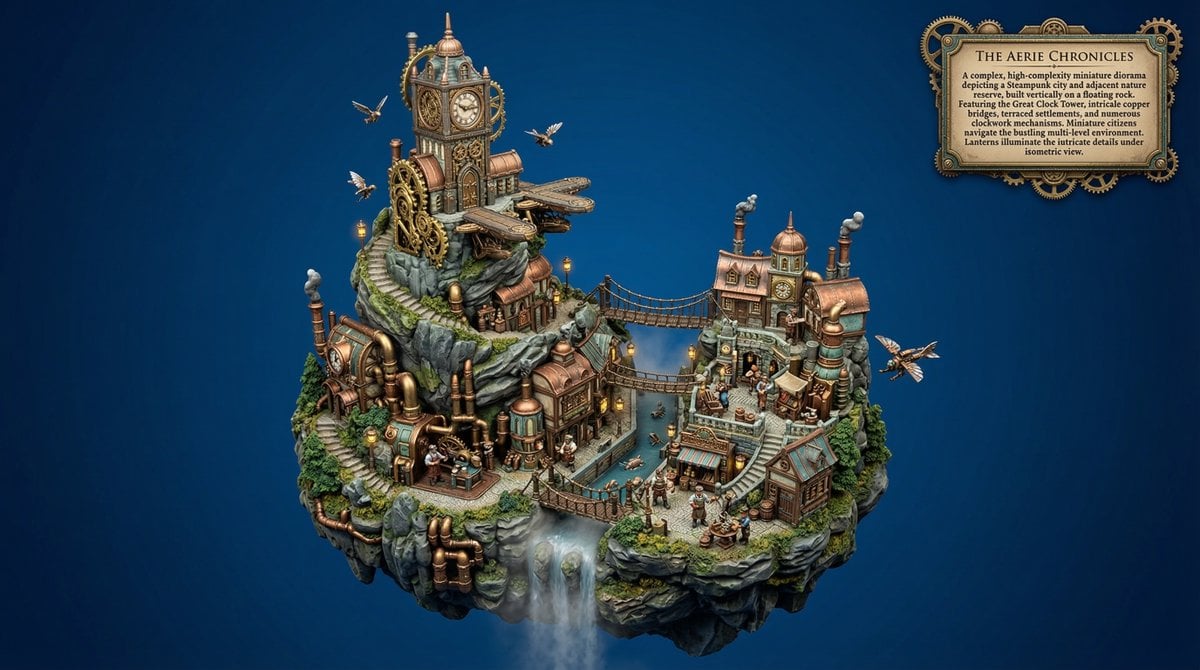
Procedural Whimsical Mono-Punk Floating Diorama Generator

敦煌纸雕飞天 — 3D Layered Paper Cutout
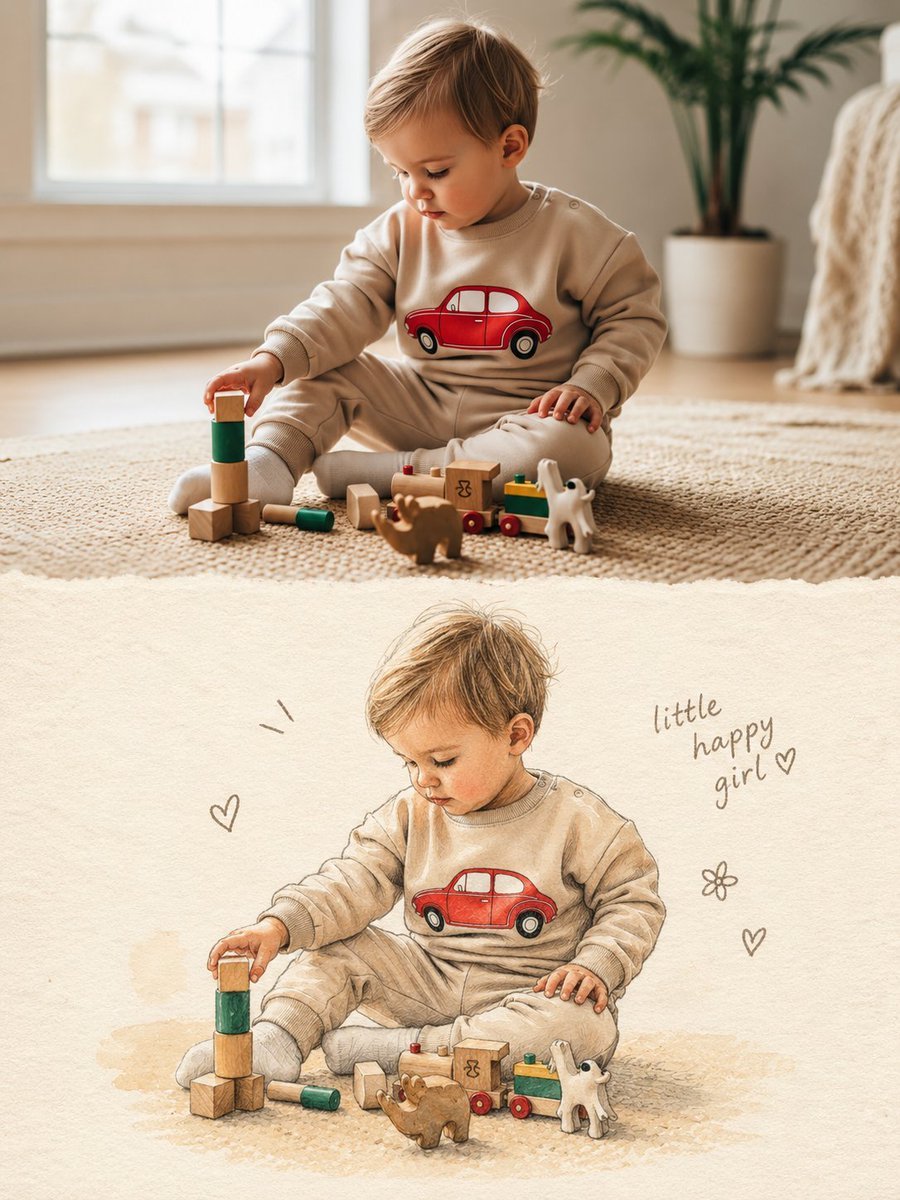
Split Photo and Storybook Illustration
Make it yours
Procedural Book Nook Diorama Generation Prompt works as-is. These are the safest ways to change it without losing the look.
Change one field
Copy a single group, rewrite it, and generate again so you can see what that field is doing.
Keep the frame, change the subject
Hold the composition and light of Procedural Book Nook Diorama Generation Prompt, then swap wardrobe, props or the person for a new take.
| If the result… | Why | Fix |
|---|---|---|
| The result drifts from the preview | Too many fields changed at once. | Reuse Procedural Book Nook Diorama Generation Prompt as-is first, then change one group — subject, light, or setting. |
| The model over-stylizes the scene | The prose prompt leaves finish and camera underspecified. | Add one camera or lighting sentence and stay on Nano Banana 2. |
More Nano Banana 2 templates
Other prompts made for Nano Banana 2.

Photorealistic Leaf Shaped Like a Dragon

K-Pop Idol Portrait Grid for Rapid Selection

Poetic Rain Forest Portrait During Golden Hour

Urban Street Portrait with Cartoon Inner Self Duo

Candid Nighttime Photo with Cat Prompt

Cinematic Futuristic Studio Portrait Template

Skincare Editorial Photography Collage Prompt

Hyper-Realistic Commercial Product Photography (Splash Effect)

Hyper-Realistic Nightclub Portrait Prompt

Cinematic Urban Rain Scene Prompt (Neo-Noir)
More image prompts
Fresh picks from across the catalog.
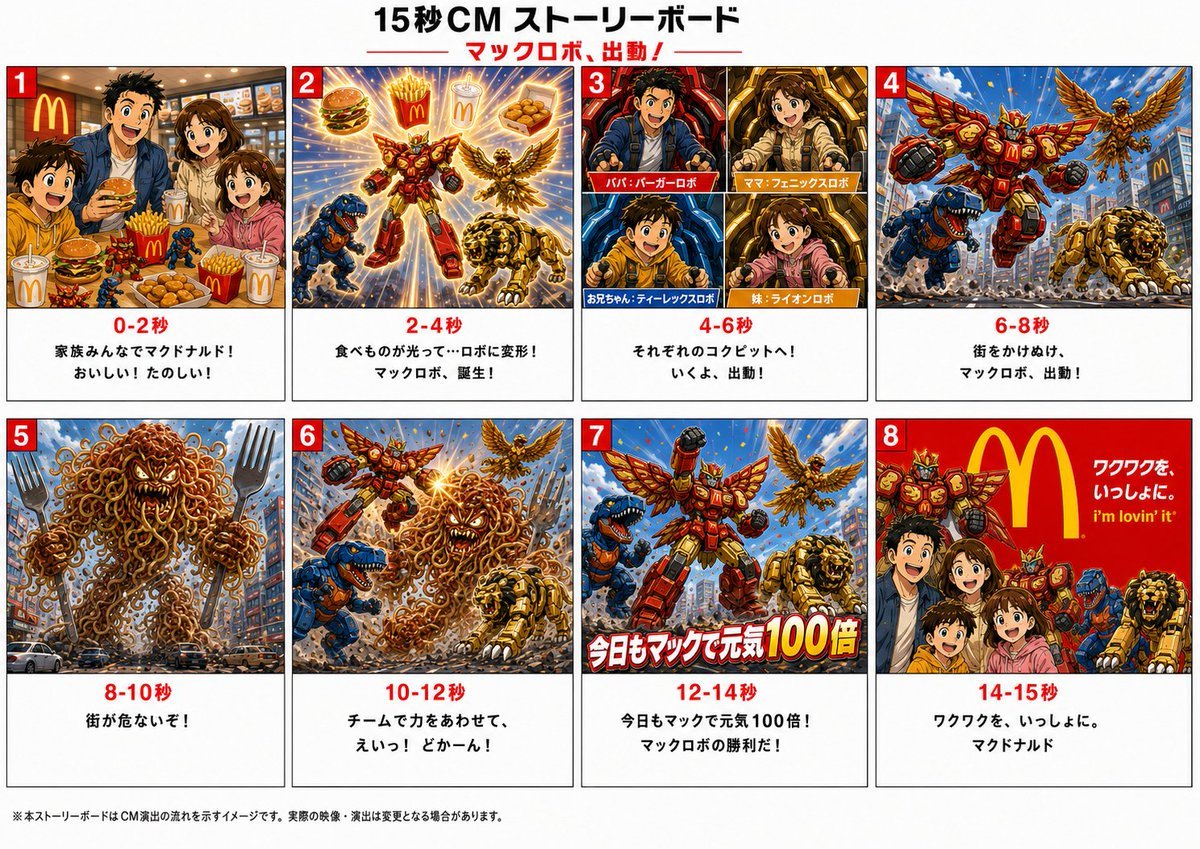
Japanese Mecha Fast Food Storyboard
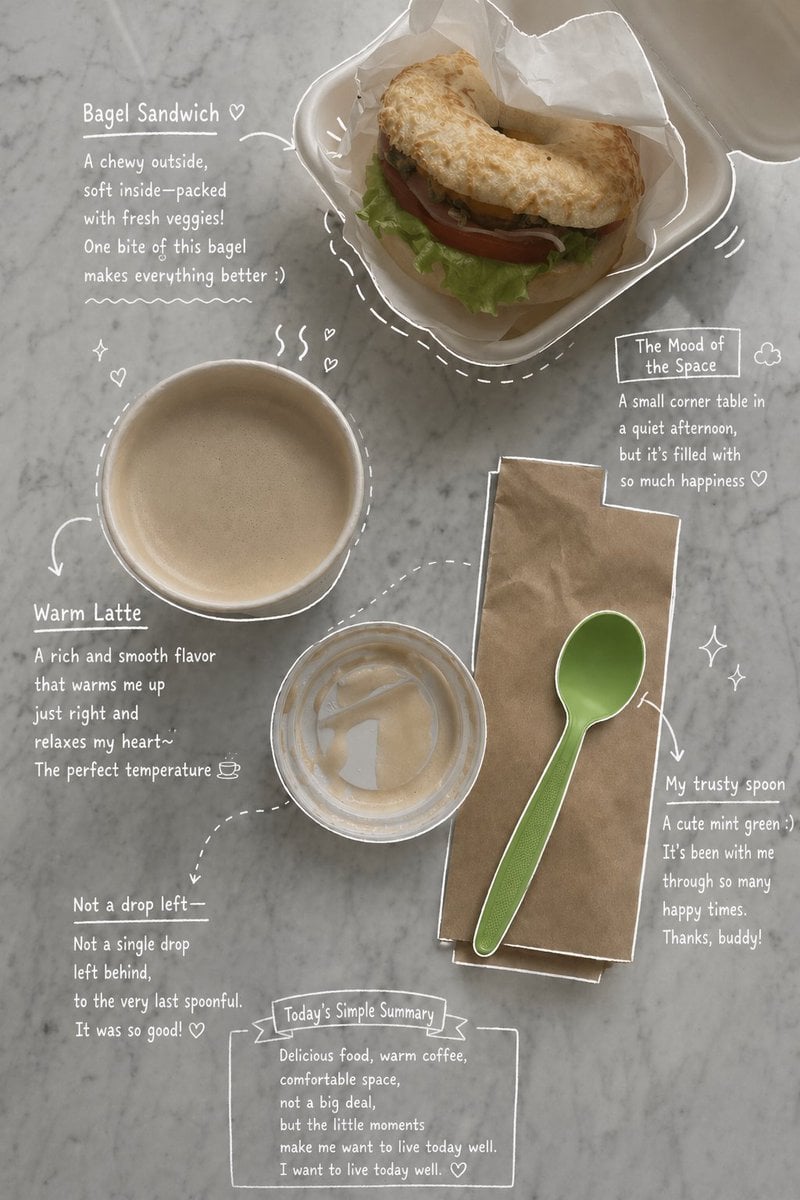
Emotional Hand-Drawn Annotations
Photorealistic Convenience Store Cashier
Identity-Locked Coquette Mirror Selfie
Futuristic Sportswear Fashion Poster
Image Synthesis/Composition Prompt
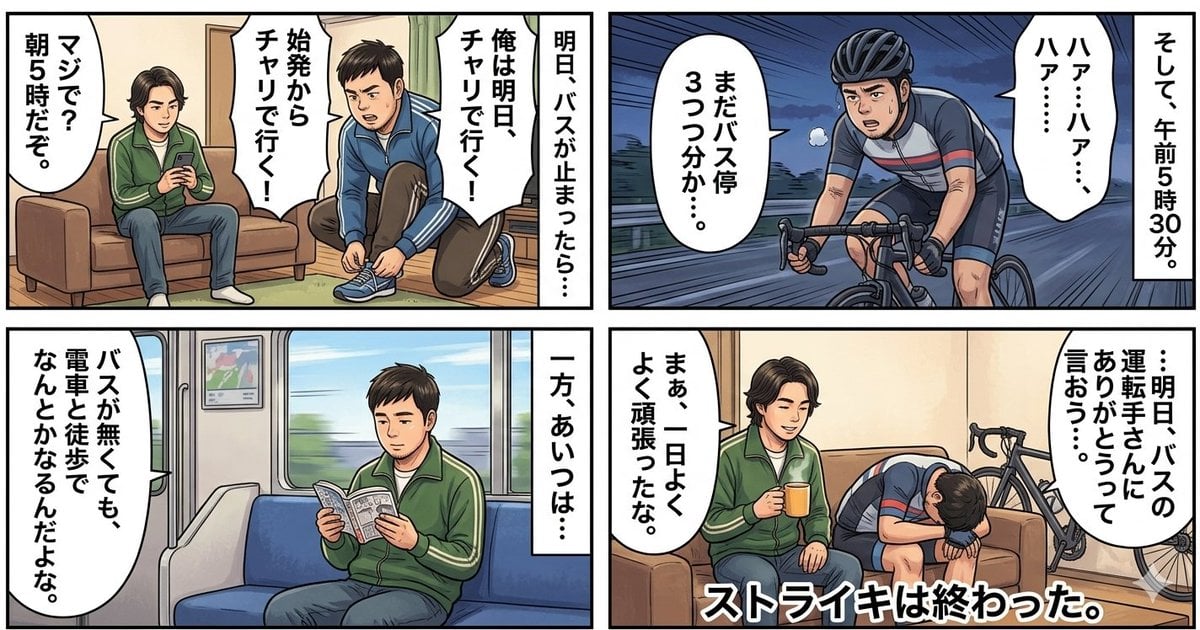
Four-Panel Manga Generation: If the Bus Stops Tomorrow
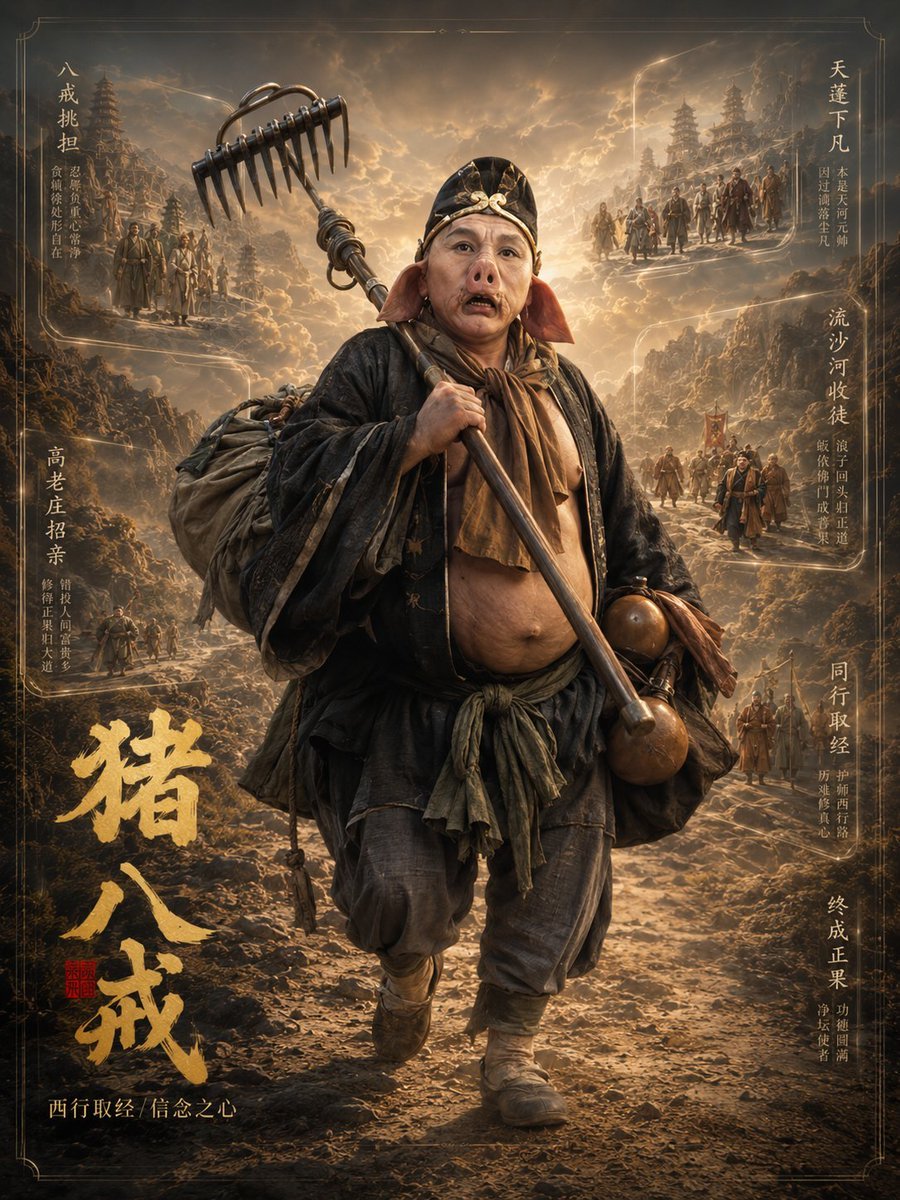
Zhu Bajie 3D Character Poster
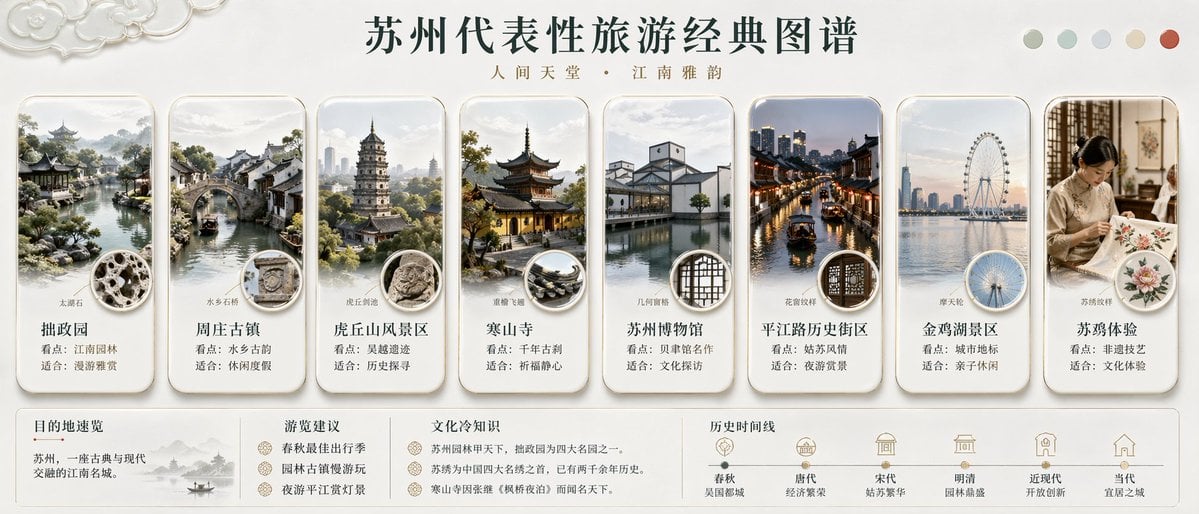
Suzhou Classic Travel Infographic
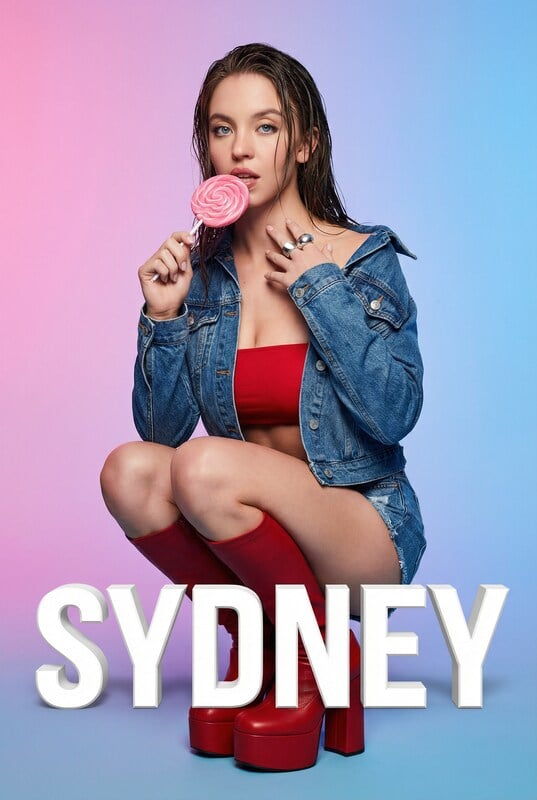
Playful Portrait with Foreground Text and Gradient Background
Browse template categories
Procedural Book Nook Diorama Generation Prompt questions
How do I use the Procedural Book Nook Diorama Generation Prompt template?
Add your photo if the template asks for one, edit the prompt if you like — the template's model and format are already selected — and press Generate. Your version opens in PicX Studio.
Can I customize the Procedural Book Nook Diorama Generation Prompt template?
Yes. You can change the subject, setting, lighting, mood, format, and available model controls before creating your image.
Is the Procedural Book Nook Diorama Generation Prompt template free?
Opening and editing this template is free. Generating uses credits, shown on the Generate button when you are signed in.
Which AI model should I use?
Start with Nano Banana 2, which is the model associated with this template. You can compare another compatible model for a different finish.
Looking for something else? Browse all templates.

Your photo, any look
Thousands of ready templates for every top image and video model, from one credit balance.