
Procedural Whimsical Mono-Punk Floating Diorama Generator
A highly complex, structured prompt template designed to procedurally generate whimsical, floating miniature dioramas in a specified punk style (defaulting to Steampunk), utilizing multiple procedural generation layers…
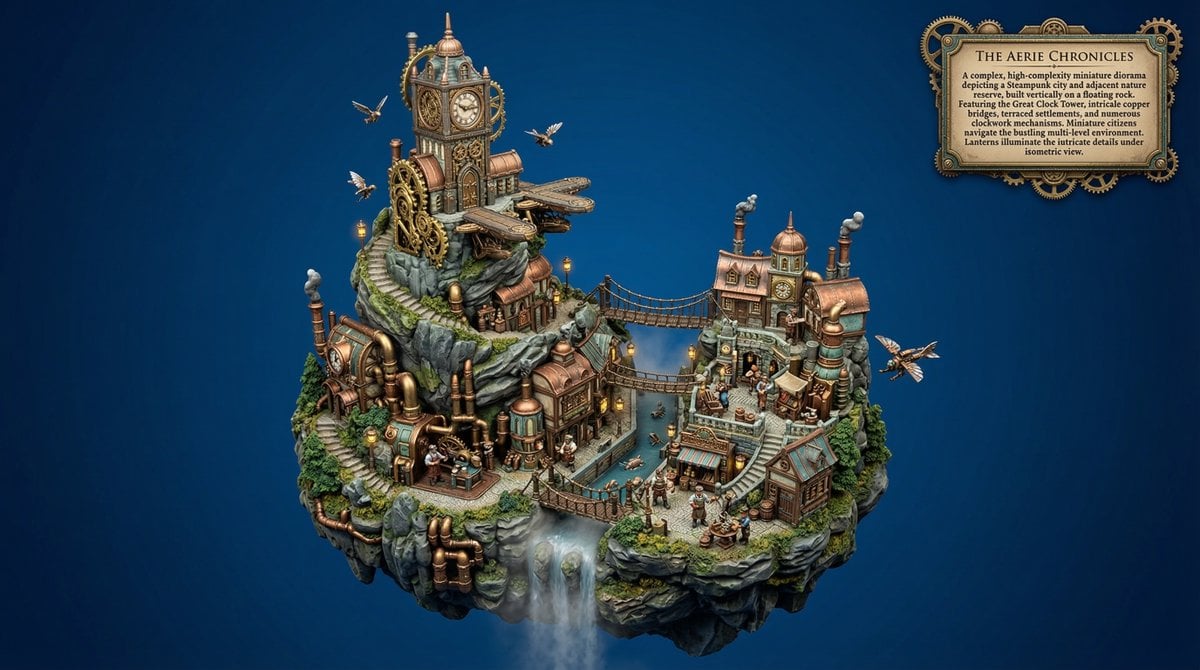
- Prompt included
- Model and format preset
- Free template
The prompt behind this image
Copy the exact prompt behind Procedural Whimsical Mono-Punk Floating Diorama Generator, or open it in the studio and make it yours.
WHIMSICAL MONO-PUNK FLOATING MINIATURE DIORAMA PROMPT (Automatic Background Optimization, Smart Micro-Detail System, Procedural Activity Layer, Natural Irregularity Layer, Atmospheric Depth Layer, Procedural Scene Generator, Procedural Prop Generator, Procedural Architecture Generator, Procedural Lighting & Atmosphere Generator, Procedural Character & Population Generator, Procedural Diorama Base Generator) VARIABLE GUIDE GLOBAL_COMPLEXITY = Possible values: 'low','medium','high','ultra'. Controls density of buildings, props, characters, and environmental detail. If blank choose randomly between 'medium' and 'high'. PUNK_STYLE = {argument name="punk style" default="Steampunk"} If PUNK_STYLE is empty, then one style is randomly selected from LIST_OF_PUNK_STYLES, otherwise what is in the PUNK_STYLE variable is chosen LIST_OF_PUNK_STYLES = Steampunk, Dieselpunk, Atompunk, Cyberpunk, Biopunk, Nanopunk, Solarpunk, Decopunk, Clockpunk, Coalpunk, Raypunk, Stonepunk, Sailpunk, Cassettepunk, Teslapunk, Mythpunk, Sandalpunk, Oceanpunk, Frostpunk, Junglepunk, Desertpunk, Gothicpunk, Ironpunk, Crystalpunk, Rustpunk, Vaporwavepunk, Neonpunk, Skypunk, Aquapunk, Arborpunk, Astropunk, QuantumPunk, Mechanopunk, Technopunk, Retrocomputingpunk, Cattlepunk, Hopepunk SUBSTYLE = If specified use exactly. If set to none disable. If blank infer logically from PUNK_STYLE. TECHNOLOGY_LEVEL = If specified use exactly. If set to none disable. If blank infer from PUNK_STYLE. ENVIRONMENT = If specified use exactly. If set to none disable. If blank infer logically from active layers. CULTURE = If specified use exactly. If set to none disable. If blank infer culturally appropriate framework. PROCEDURAL_SCENE_GENERATOR = 'on' PROCEDURAL_PROP_GENERATOR = 'on' PROCEDURAL_ARCHITECTURE_GENERATOR = 'on' PROCEDURAL_LIGHTING_ATMOSPHERE_GENERATOR = 'on' PROCEDURAL_CHARACTER_POPULATION_GENERATOR = 'on' PROCEDURAL_DIORAMA_BASE_GENERATOR = 'on' FOCAL_INTEREST_LAYER = off MATERIAL_COHESION_LAYER = 'on' VISUAL_CLARITY_OPTIMIZER = 'on' MICRO_LIFE_LAYER = 'on' COMPOSITION_ENGINE = 'on' EDGE_DEFINITION_LAYER = 'on' COLOR_HARMONY_LAYER = 'on' DIORAMA_CRAFTSMANSHIP_LAYER = 'on' PSG LAYER Implement only if PROCEDURAL_SCENE_GENERATOR='on'. Generate core scene structure using: LANDSCAPE_STRUCTURE (floating island, cliff terraces, canyon basin, harbor cove, forest clearing, mountain ridge, giant tree canopy, desert oasis, ice shelf, volcanic ridge) SETTLEMENT_TYPE (village, harbor town, trading port, monastery complex, research outpost, fortress town, sky dock, industrial district, hidden enclave) INFRASTRUCTURE_ELEMENTS (bridges, windmills, rail lines, cable lifts, aqueducts, airship docks, solar arrays, reactor towers, waterwheels) CIVILIAN_ACTIVITY (market trading, fishing, cargo loading, harvesting, machine repair, patrol movement, f
How to use Procedural Whimsical Mono-Punk Floating Diorama Generator in 3 steps
- 1
Open
The prompt is already in the box next to the preview, with the template's model and format selected.
- 2…a portrait of your subject in softgolden-hour light, 85mm…
Personalize
Edit the subject and creative details for your destination.
- 3Generate
Generate
Press Generate — your image is created in PicX Studio, so you can compare it with the original and refine one variable at a time.
More like this
Templates with the same subject, style or setup. Open one to see its prompt.
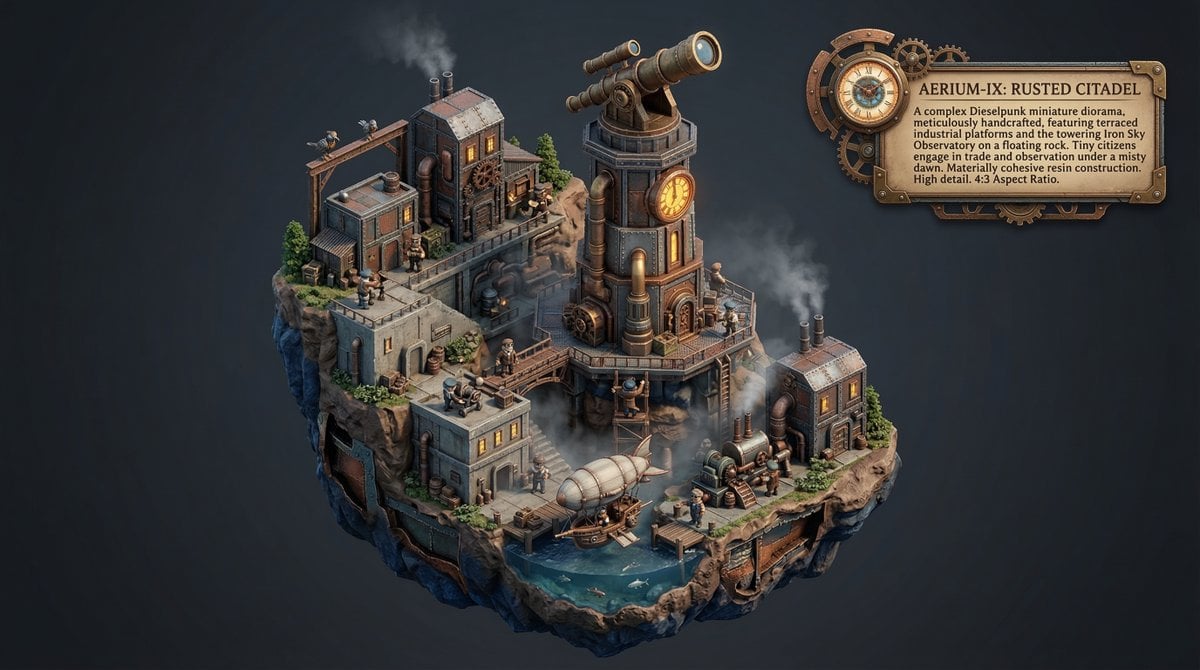
Procedural Whimsical Mono-Punk Floating Miniature Diorama Prompt
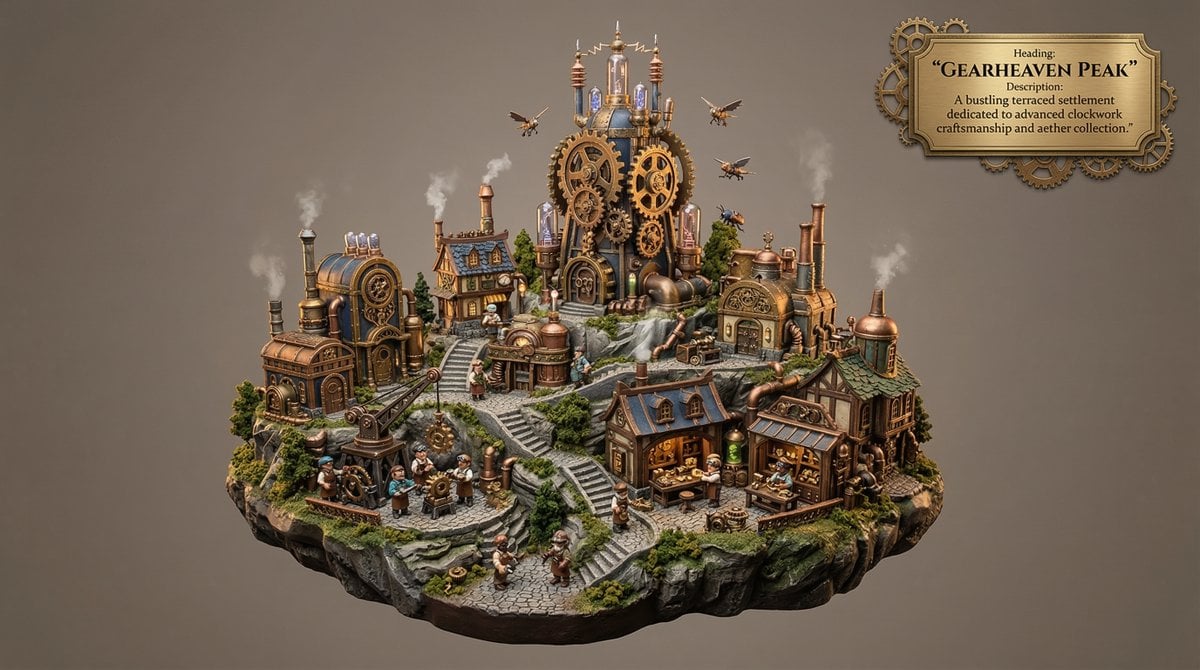
Whimsical Mono-Punk Floating Miniature Diorama Generator

Whimsical Mono-Punk Floating Miniature Diorama Generator (Duplicate)

Clay Miniature Landmark Travel Diorama

Layered Paper Cut Forest Diorama

Cute Layered Paper Cut Chibi Girl

Soft Handcrafted Paper-Cut Layered Illustration

Decorative Folk Flat Paper Cut Illustration
Cyberpunk Floating Megacity

Ghibli Final Takeoff Field

Ghibli Rainy Tram Interior

Ghibli Star Observatory
Make it yours
Procedural Whimsical Mono-Punk Floating Diorama Generator works as-is. These are the safest ways to change it without losing the look.
Change one field
Copy a single group, rewrite it, and generate again so you can see what that field is doing.
Keep the frame, change the subject
Hold the composition and light of Procedural Whimsical Mono-Punk Floating Diorama Generator, then swap wardrobe, props or the person for a new take.
| If the result… | Why | Fix |
|---|---|---|
| The result drifts from the preview | Too many fields changed at once. | Reuse Procedural Whimsical Mono-Punk Floating Diorama Generator as-is first, then change one group — subject, light, or setting. |
| The model over-stylizes the scene | The prose prompt leaves finish and camera underspecified. | Add one camera or lighting sentence and stay on Nano Banana 2. |
More Nano Banana 2 templates
Other prompts made for Nano Banana 2.

Photorealistic Leaf Shaped Like a Dragon

K-Pop Idol Portrait Grid for Rapid Selection

Poetic Rain Forest Portrait During Golden Hour

Urban Street Portrait with Cartoon Inner Self Duo

Candid Nighttime Photo with Cat Prompt

High-Concept 3D Diorama Generation Prompt

Cinematic Futuristic Studio Portrait Template

Skincare Editorial Photography Collage Prompt

Hyper-Realistic Commercial Product Photography (Splash Effect)

Hyper-Realistic Nightclub Portrait Prompt
More image prompts
Fresh picks from across the catalog.
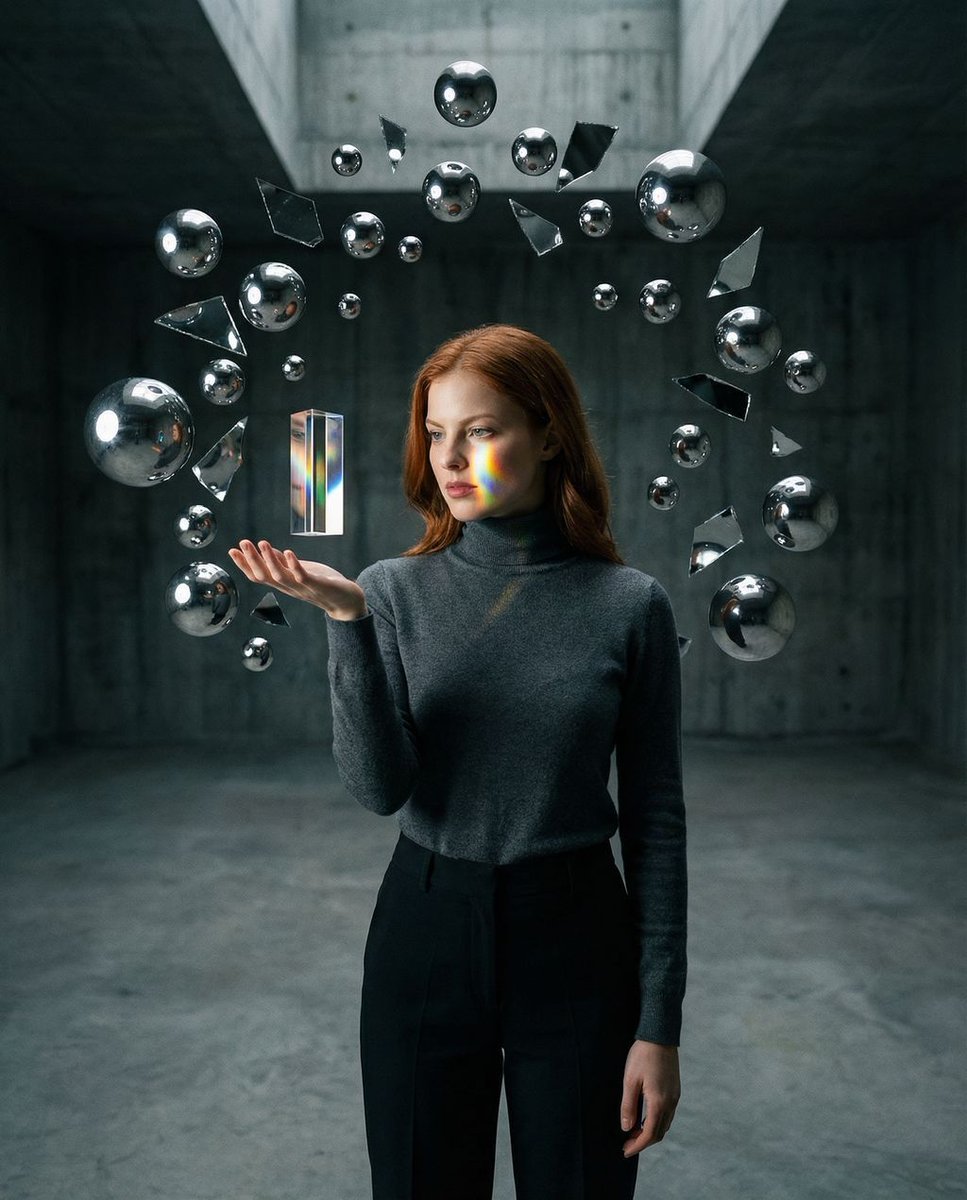
Surreal Brutalist Portrait with Kinetic Chrome Orbits Prompt in JSON
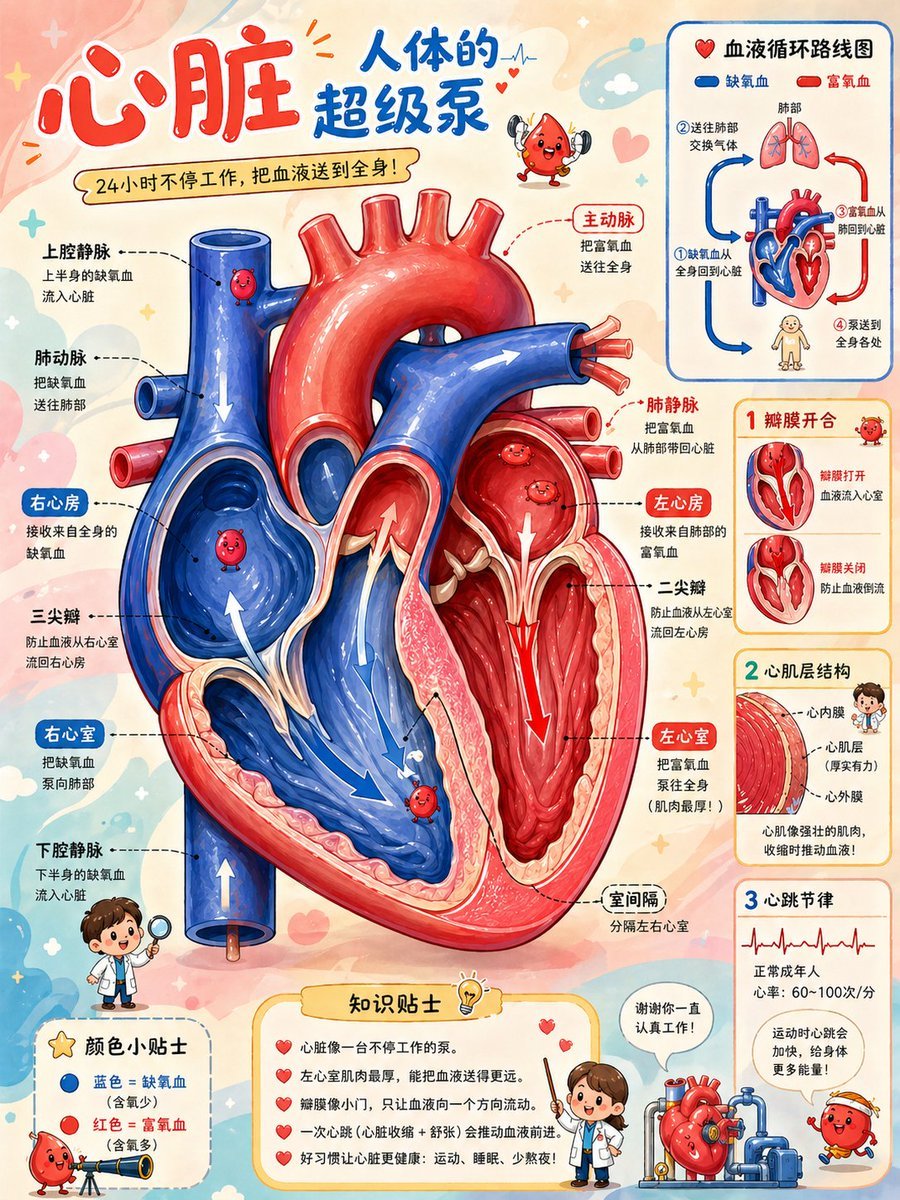
Cute Heart Cutaway Infographic
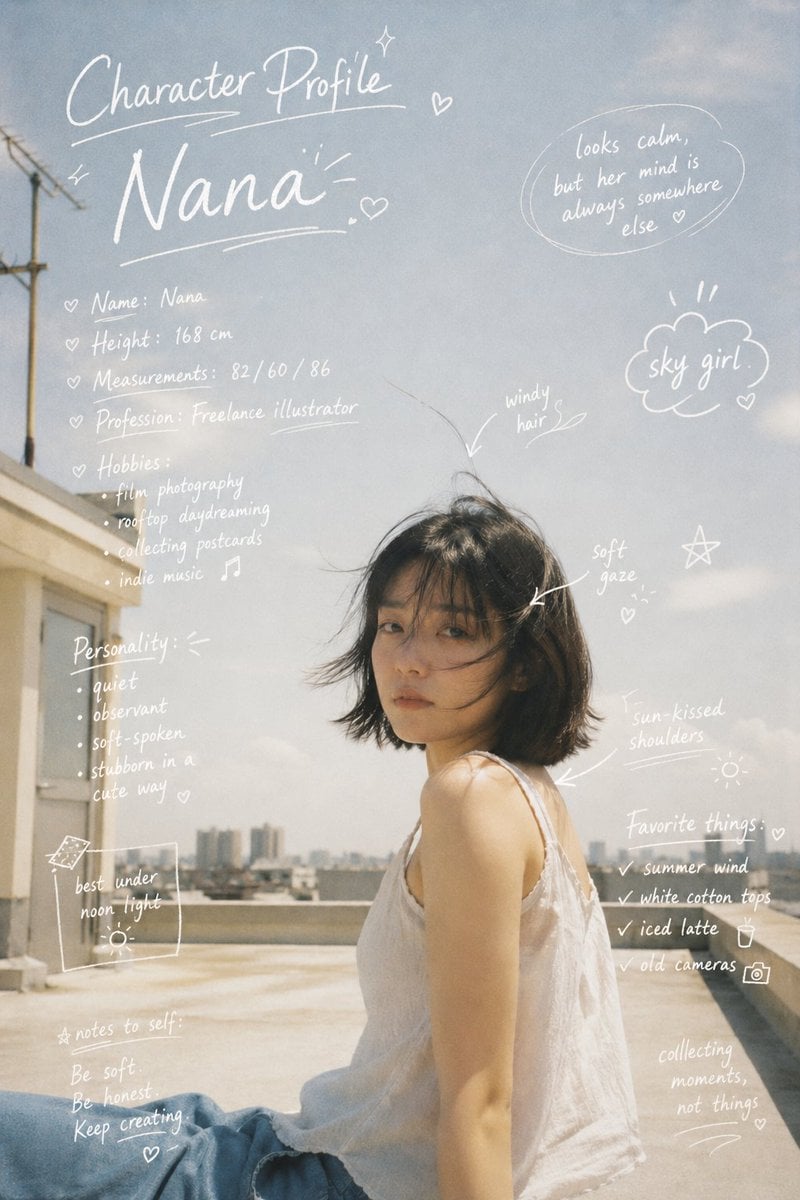
Character Profile Annotation Overlay
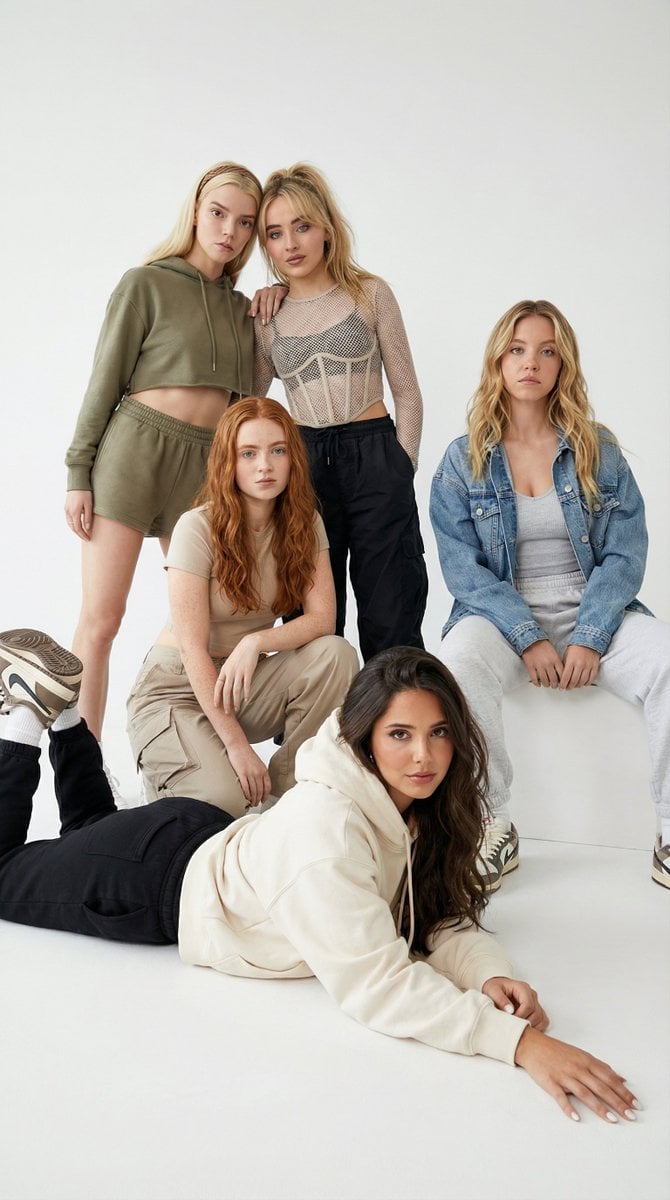
Group Portrait with Strict Identity Lock
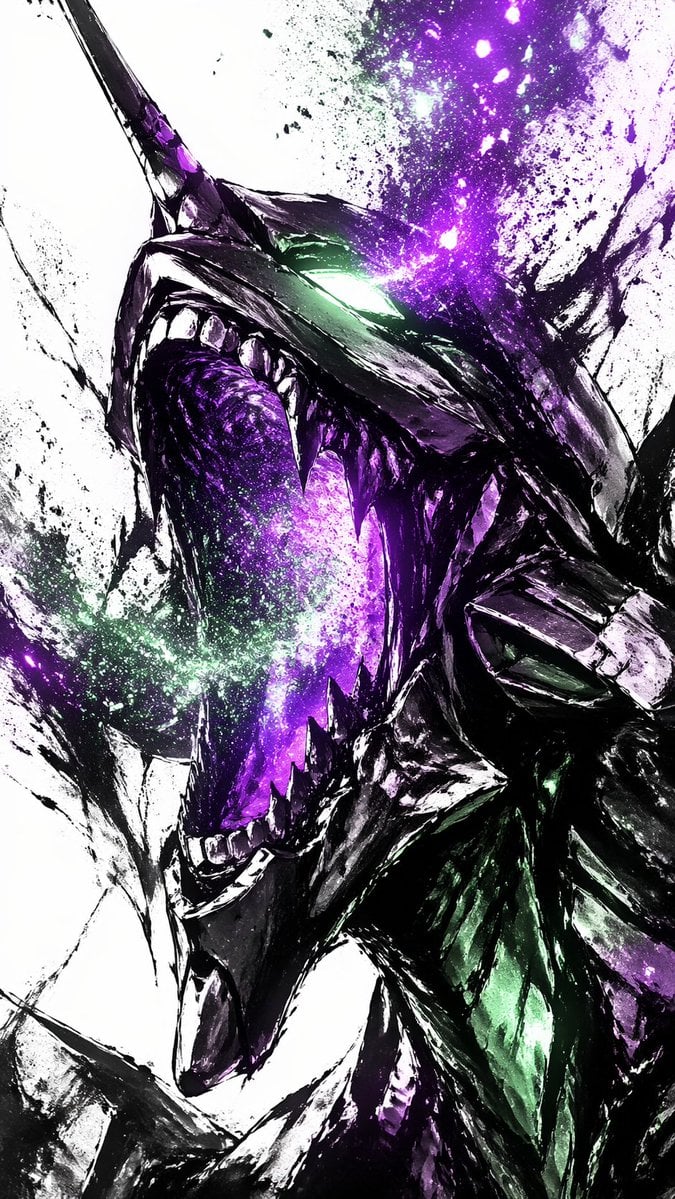
Cosmic Ink Dragon Roar
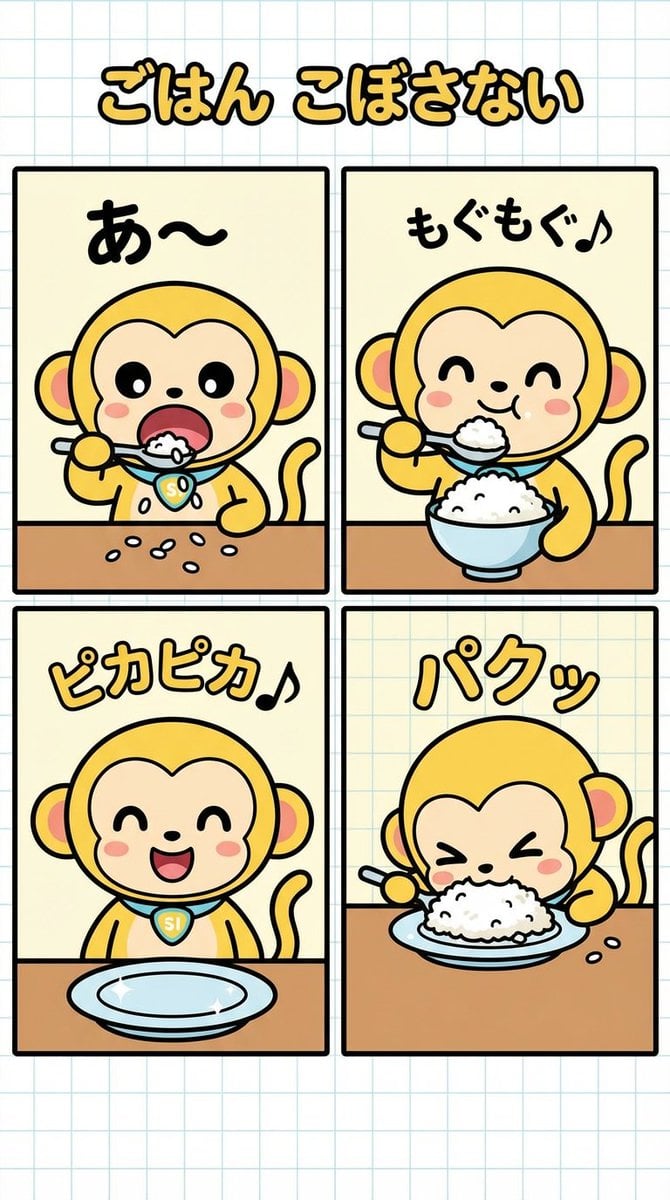
Four-Panel Manga Creation: Don't Spill Your Rice
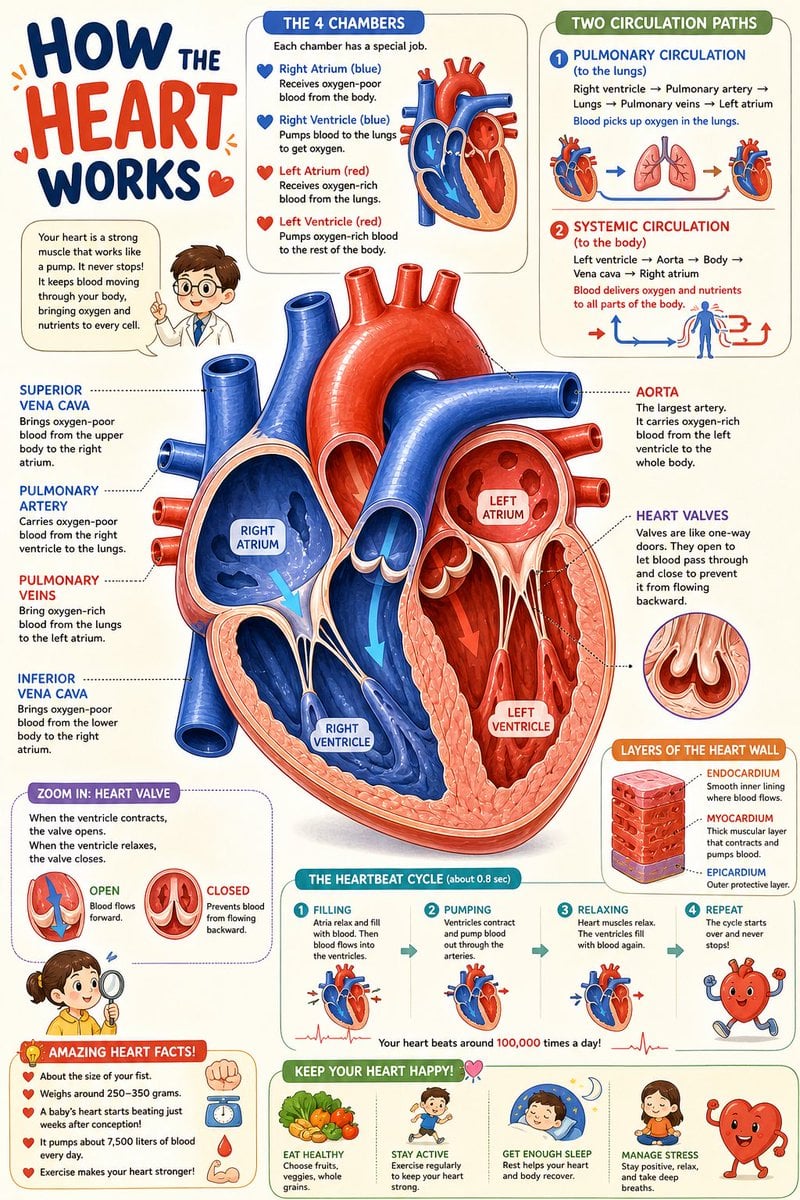
Science Book Illustration with Cutaway Diagram

Cinematic Athlete Journey Portrait
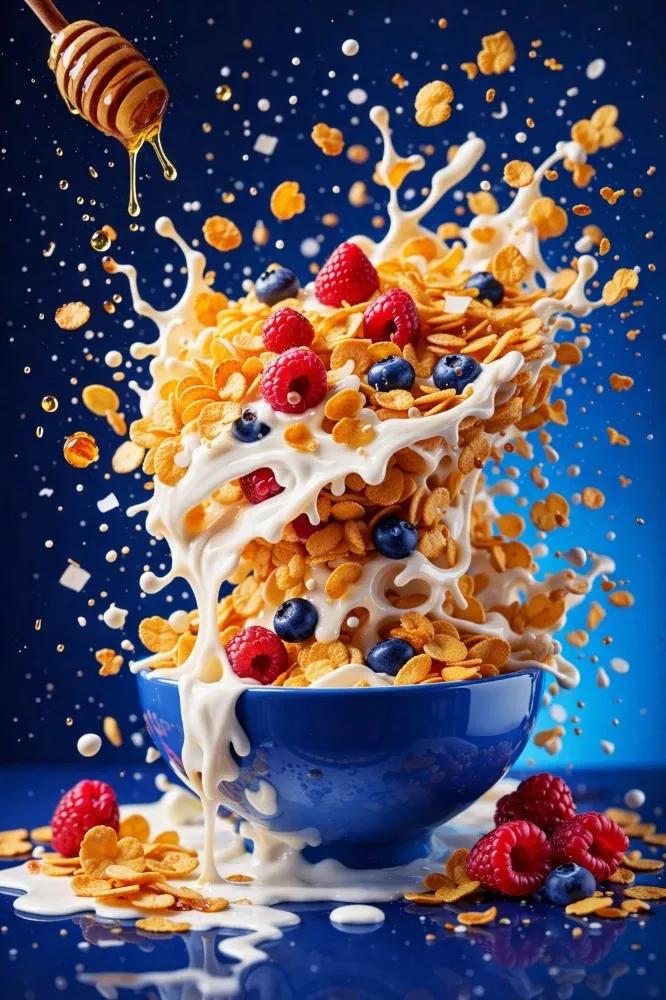
High-Speed Food Photography with Exploding Ingredients
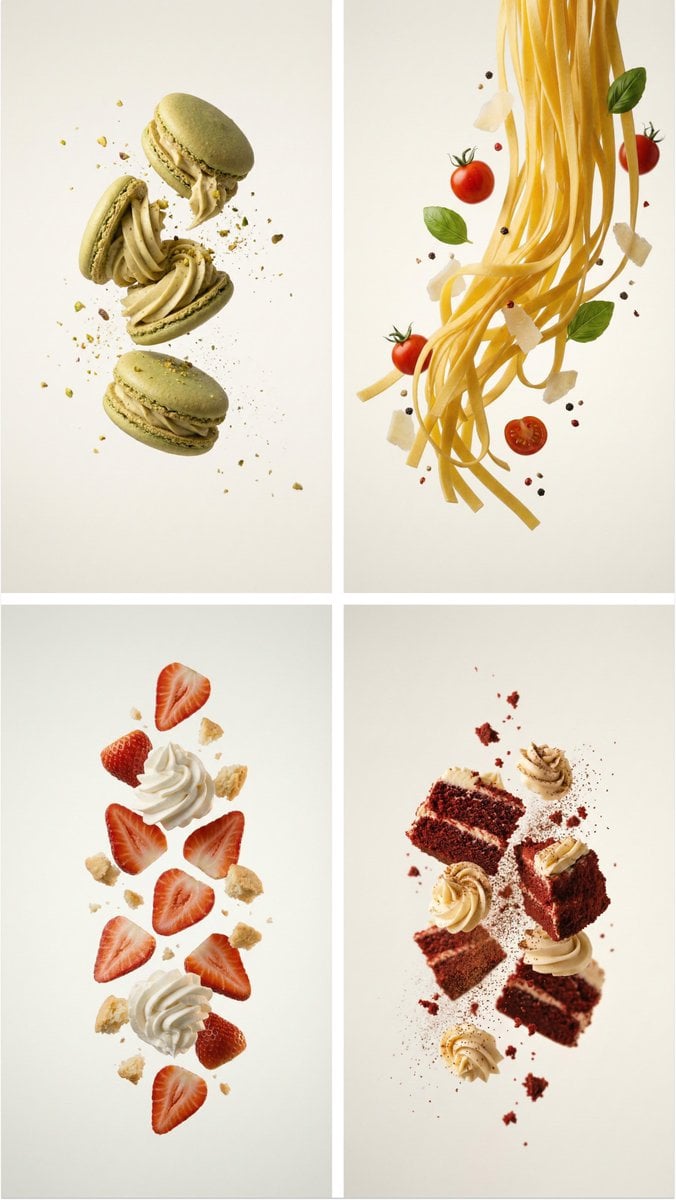
Professional Food Poster Prompt for NanoBananaPro
Browse template categories
Procedural Whimsical Mono-Punk Floating Diorama Generator questions
How do I use the Procedural Whimsical Mono-Punk Floating Diorama Generator template?
Add your photo if the template asks for one, edit the prompt if you like — the template's model and format are already selected — and press Generate. Your version opens in PicX Studio.
Can I customize the Procedural Whimsical Mono-Punk Floating Diorama Generator template?
Yes. You can change the subject, setting, lighting, mood, format, and available model controls before creating your image.
Is the Procedural Whimsical Mono-Punk Floating Diorama Generator template free?
Opening and editing this template is free. Generating uses credits, shown on the Generate button when you are signed in.
Which AI model should I use?
Start with Nano Banana 2, which is the model associated with this template. You can compare another compatible model for a different finish.
Looking for something else? Browse all templates.

Your photo, any look
Thousands of ready templates for every top image and video model, from one credit balance.