
Cute Heart Cutaway Infographic
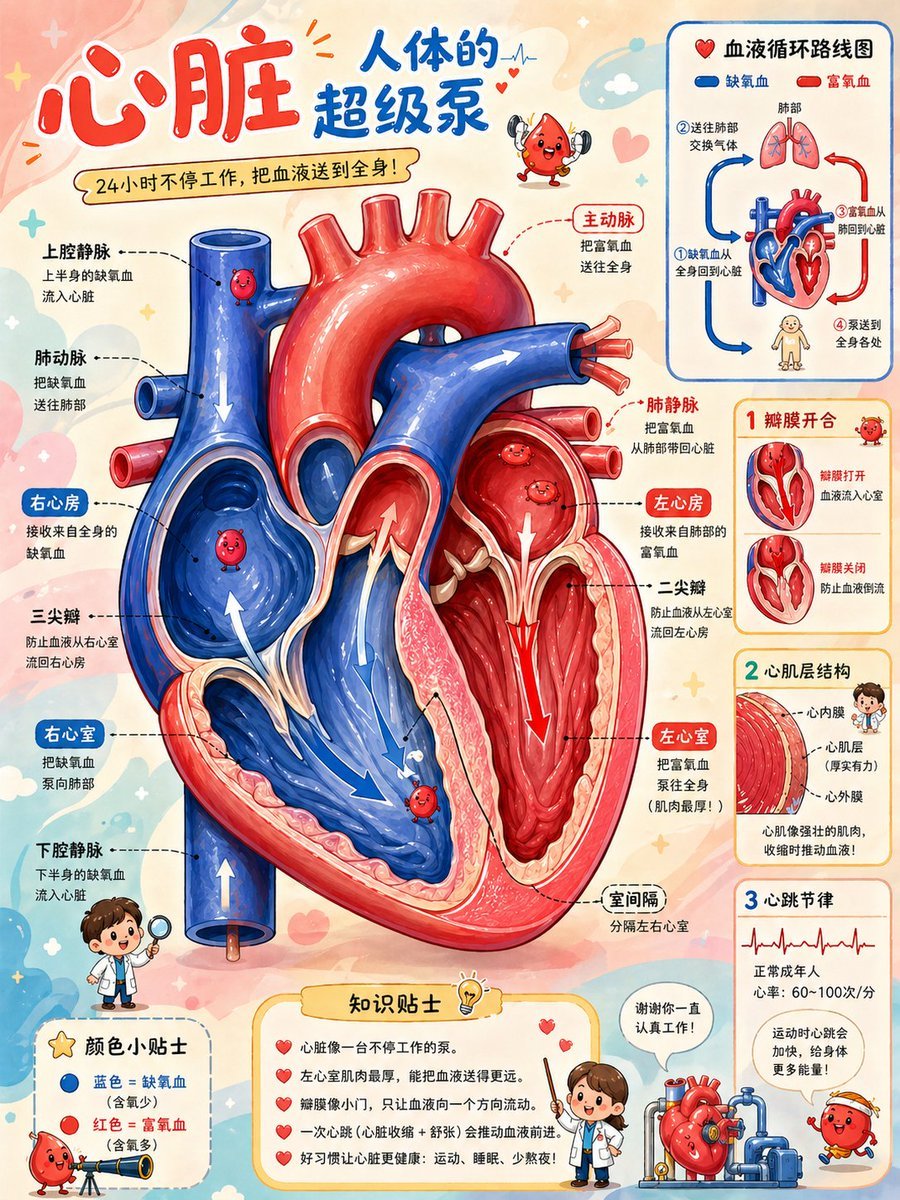
Creates a child-friendly Chinese science encyclopedia poster explaining the heart’s internal structure, blood flow, valves, wall layers, and heartbeat rhythm.
- Prompt included
- Model and format preset
- Premium template
The prompt behind this image
Copy the exact prompt behind Cute Heart Cutaway Infographic, or open it in the studio and make it yours.
- Type
- children's educational medical infographic poster
- Topic
- {argument name="headline text" default="心脏 人体的超级泵"}
- Subtitle
- {argument name="subtitle text" default="24小时不停工作,把血液送到全身!"}
- Style
- publication-quality cute science encyclopedia cutaway illustration for children, warm pastel cream background with hearts, stars, clouds and rounded annotation boxes, glossy 3D cartoon rendering mixed with clean vector labels, high detail, friendly and non-scary anatomy, Chinese educational poster typography
- Main Visual › Subject
- large central anatomical cross-section of a human heart
- Main Visual › Position
- center-left, occupying most of the page
- Main Visual › Colors
- blue right heart and veins for oxygen-poor blood, red left heart and arteries for oxygen-rich blood
- Main Visual › Details
- transparent cutaway chambers, valves, septum, thick ventricular walls, large red aorta arch, blue pulmonary artery, vena cava tubes, pulmonary veins, white directional arrows showing blood flow, small smiling red blood cell mascots inside chambers
- Main Visual › Main Labels Count
- 12
- Main Visual › Main Labels
- 上腔静脉, 肺动脉, 右心房, 三尖瓣, 右心室, 下腔静脉, 主动脉, 肺静脉, 左心房, 二尖瓣, 左心室, 室间隔
- Layout › Format
- vertical portrait infographic, 4:5 aspect ratio
- Layout › Top Header
- large red handwritten-style characters for 心脏, blue characters for 人体的超级泵, small mascot heart/blood-cell character near title
- Layout › Right Column › Sections Count
- 4
- Layout › Right Column › Sections › 0 › Title
- 血液循环路线图
- Layout › Right Column › Sections › 0 › Position
- top-right
- Layout › Right Column › Sections › 0 › Content
- mini schematic with heart, lungs, body icon, red and blue arrows
- Layout › Right Column › Sections › 0 › Legend Count
- 2
- Layout › Right Column › Sections › 0 › Legend Labels
- 缺氧血, 富氧血
- Layout › Right Column › Sections › 0 › Step Count
- 4
- Layout › Right Column › Sections › 0 › Step Labels
- 1 缺氧血从全身回到心脏, 2 送往肺部交换气体, 3 富氧血从肺部到心脏, 4 泵送到全身各处
- Layout › Right Column › Sections › 1 › Title
- 1 瓣膜开合
- Layout › Right Column › Sections › 1 › Position
- upper-middle-right
- Layout › Right Column › Sections › 1 › Content
- two small cutaway heart diagrams showing valves open and closed
- Layout › Right Column › Sections › 1 › Diagram Count
- 2
Raw JSON
{"type":"children's educational medical infographic poster","topic":"{argument name=\"headline text\" default=\"心脏 人体的超级泵\"}","subtitle":"{argument name=\"subtitle text\" default=\"24小时不停工作,把血液送到全身!\"}","style":"publication-quality cute science encyclopedia cutaway illustration for children, warm pastel cream background with hearts, stars, clouds and rounded annotation boxes, glossy 3D cartoon rendering mixed with clean vector labels, high detail, friendly and non-scary anatomy, Chinese educational poster typography","main_visual":{"subject":"large central anatomical cross-section of a human heart","position":"center-left, occupying most of the page","colors":"blue right heart and veins for oxygen-poor blood, red left heart and arteries for oxygen-rich blood","details":"transparent cutaway chambers, valves, septum, thick ventricular walls, large red aorta arch, blue pulmonary artery, vena cava tubes, pulmonary veins, white directional arrows showing blood flow, small smiling red blood cell mascots inside chambers","main_labels_count":12,"main_labels":["上腔静脉","肺动脉","右心房","三尖瓣","右心室","下腔静脉","主动脉","肺静脉","左心房","二尖瓣","左心室","室间隔"]},"layout":{"format":"vertical portrait infographic, 4:5 aspect ratio","top_header":"large red handwritten-style characters for 心脏, blue characters for 人体的超级泵, small mascot heart/blood-cell character near title","right_column":{"sections_count":4,"sections":[{"title":"血液循环路线图","position":"top-right","content":"mini schematic with heart, lungs, body icon, red and blue arrows","legend_count":2,"legend_labels":["缺氧血","富氧血"],"step_count":4,"step_labels":["1 缺氧血从全身回到心脏","2 送往肺部交换气体","3 富氧血从肺部到心脏","4 泵送到全身各处"]},{"title":"1 瓣膜开合","position":"upper-middle-right","content":"two small cutaway heart diagrams showing valves open and closed","diagram_count":2,"labels":["瓣膜打开 血液流入心室","瓣膜关闭 防止血液倒流"]},{"title":"2 心肌层结构","position":"middle-right","content":"layered close-up of heart wall with child doctor mascot","labels_count":3,"labels":["心内膜","心肌层(厚实有力)","心外膜"],"caption":"心肌像强壮的肌肉,收缩时推动血液!"},{"title":"3 心跳节律","position":"lower-right","content":"ECG line graph and short facts","facts_count":2,"facts":["正常成年人心率:60~100次/分","运动时心跳会加快,给身体更多能量!"]}]},"bottom_area":{"sections_count":3,"sections":[{"title":"颜色小贴士","position":"bottom-left","item_count":2,"items":["蓝色 = 缺氧血(含氧少)","红色 = 富氧血(含氧多)"],"decor":"blood cell mascot looking through a telescope"},{"title":"知识贴士","position":"bottom-center","bullet_count":5,"bullets":["心脏像一台不停工作的泵。","左心室肌肉最厚,能把血液送得更远。","瓣膜像小门,只让血液向一个方向流动。","一次心跳(心脏收缩 + 舒张)会推动血液前进。","好习惯让心脏更健康:运动、睡眠、少熬夜!"]},{"title":"speech bubble","position":"bottom-right","text":"{argument name=\"doctor speech bubble\" default=\"谢谢你一直认真工作!\"}","decor":"girl doctor character beside a cute mechanical heart pump and smiling red blood cells"}]},"left_annotations":"dotted leader lines from labels to heart structures, short explanatory Chinese text under each label","character_elements_count":5,"character_elements":["small red blood cell mascot near top title","three smiling red blood cell mascots inside the heart chambers and vessels","boy doctor with magnifying glass at bottom-left","girl doctor presenting knowledge tips at bottom-center","mechanical heart pump character at bottom-right"]},"text_rendering":"keep all visible labels in simplified Chinese, crisp and legible, with rounded colored label tags and dashed callout lines","lighting":"soft glossy highlights, clean shadows, high-resolution print-ready composition","avoid":"photorealistic gore, dark medical textbook mood, cluttered illegible microtext, English labels"}How to use Cute Heart Cutaway Infographic in 3 steps
- 1Upload ImagePNG, JPG or paste
Add your photo
Upload the photo the template builds on. The prompt, model and format are already set.
- 2…a portrait of your subject in softgolden-hour light, 85mm…
Personalize
Edit the subject and creative details for your destination.
- 3Generate
Generate
Press Generate — your image is created in PicX Studio, so you can compare it with the original and refine one variable at a time.
More like this
Templates with the same subject, style or setup. Open one to see its prompt.

Minecraft Homage Illustrious Style

Japan Travel Brochure Poster
Earth Cutaway Layer Infographic

Isometric Process Educational Diorama

Isometric Vehicle Teardown Infographic Template
Technical Cutaway Infographic Poster

Woman in Mall with Chanel Bag - Heart Gesture
Cutaway infographic of a modern jet airliner
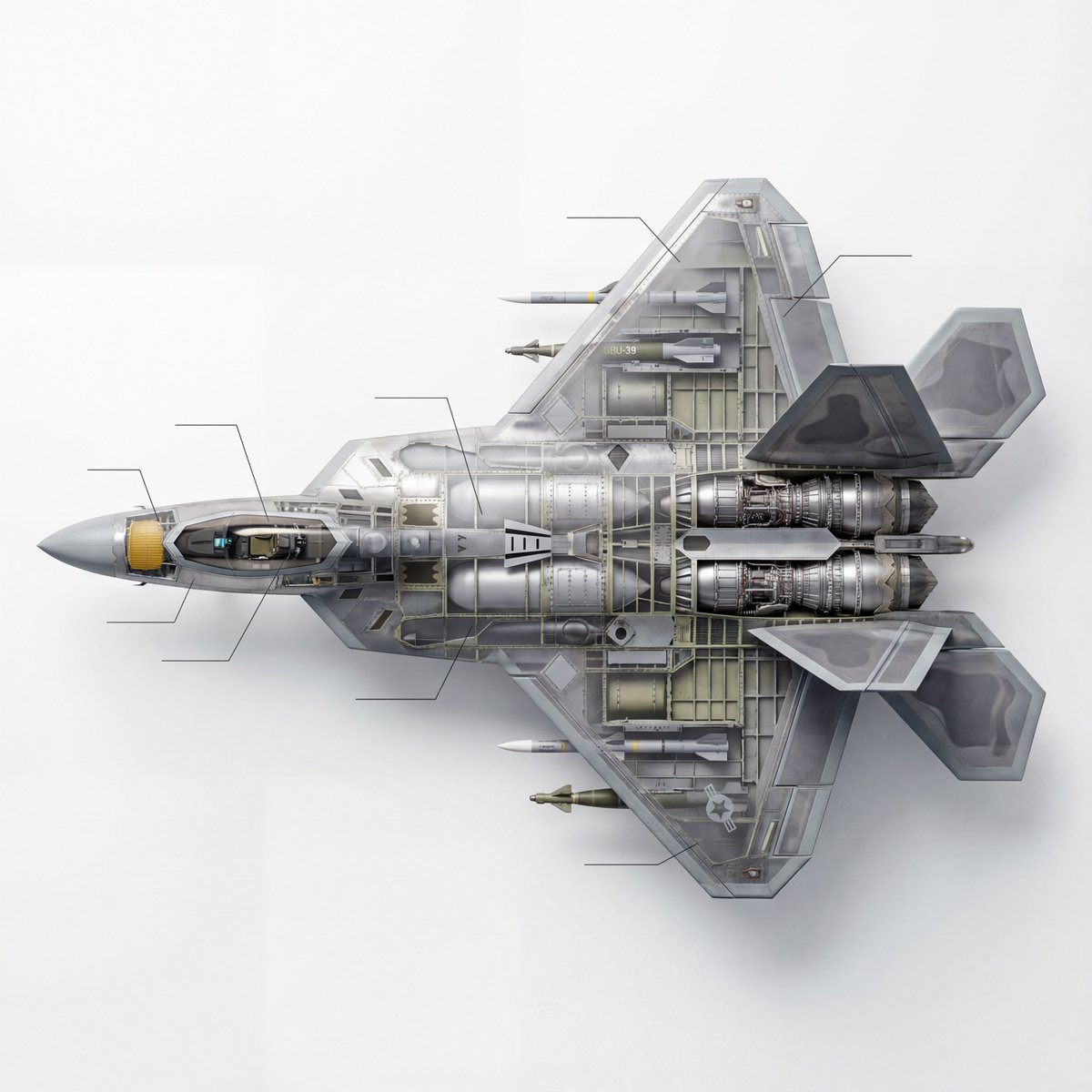
Cutaway infographic of a 5th generation stealth fighter jet
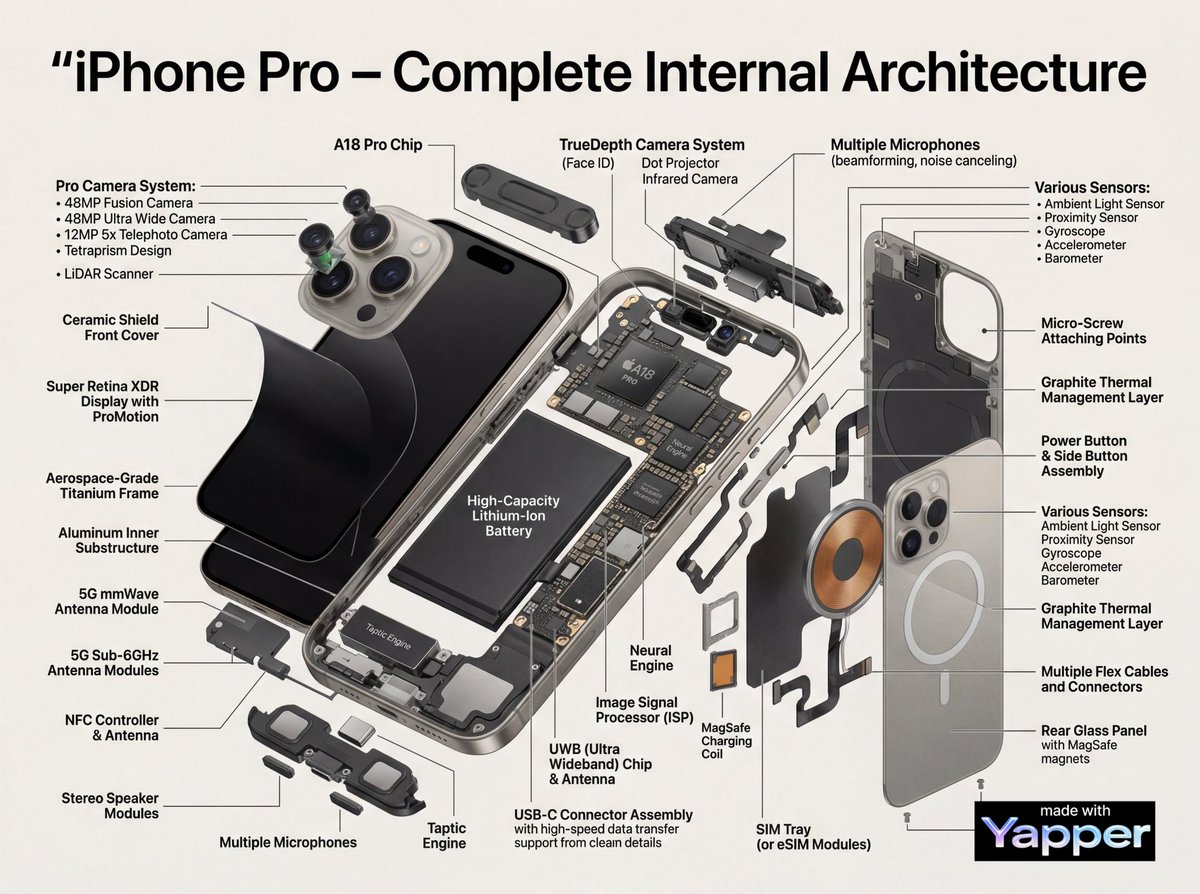
Technical Infographic Cutaway Prompt

Gpt2 E Commerce Main Image Earbuds E Commerce Infographic

Gpt2 Infographic Edu Visual Alishan One Day Travel Poster
Make it yours
Cute Heart Cutaway Infographic works as-is. These are the safest ways to change it without losing the look.
Swap the light
One lighting change is enough to compare takes. Current light: “soft glossy highlights, clean shadows, high-resolution print-ready composition”.
Change one field
Copy a single group, rewrite it, and generate again so you can see what that field is doing.
Keep the frame, change the subject
Hold the composition and light of Cute Heart Cutaway Infographic, then swap wardrobe, props or the person for a new take.
| If the result… | Why | Fix |
|---|---|---|
| The result drifts from the preview | Too many fields changed at once. | Reuse Cute Heart Cutaway Infographic as-is first, then change one group — subject, light, or setting. |
| GPT Image 2 ignores part of the JSON | Some models flatten or skip nested keys. | Keep the same values and paste them as a short paragraph instead. |
More GPT Image 2 templates
Other prompts made for GPT Image 2.

Six VTuber Japanese Logo Sheet

Realistic Portrait of Woman and Deer

The Vista Modular Condo Poster

AI Model Routing Comparison Infographic

2.5D Anime Art Board

Isometric Productivity Desk Scene

New York Double Exposure Poster

Four-Panel AI Landscape Comparison

Japanese Tatami Lifestyle Magazine Cover

NESCAFÉ Coffee Map Poster
More image prompts
Fresh picks from across the catalog.
Anime AI Gamer Bookshelf Girl

Gpt2 Social Media Post Anime Friends Eating Soba

Identity Preserving Portrait Generation
Bentley Capsule Luxury Ad

Double Exposure City Portrait
Kawaii Japanese Anime-Style POP Typography Sticker
Interactive Photo Doodles
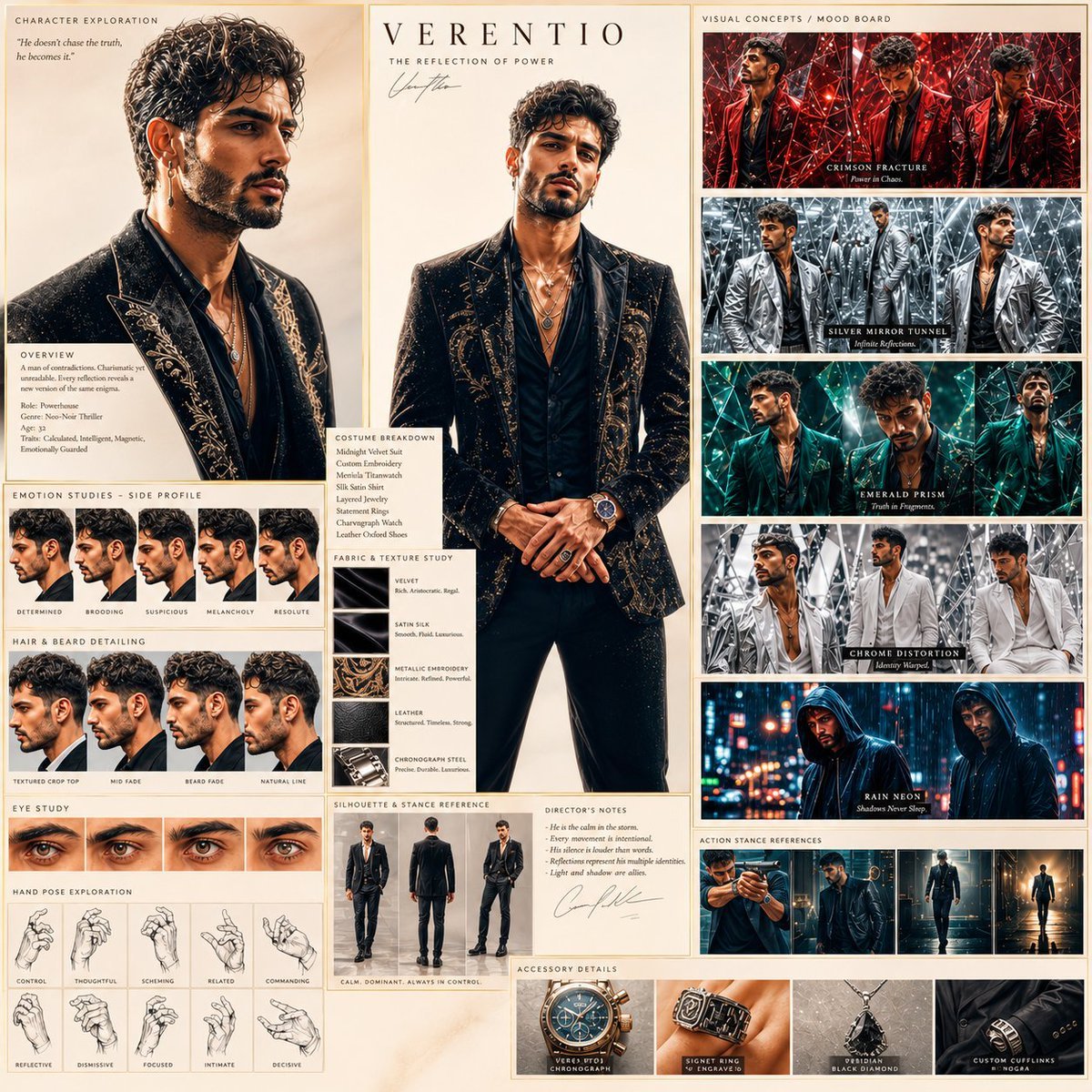
Neo-Noir Character Exploration Sheet
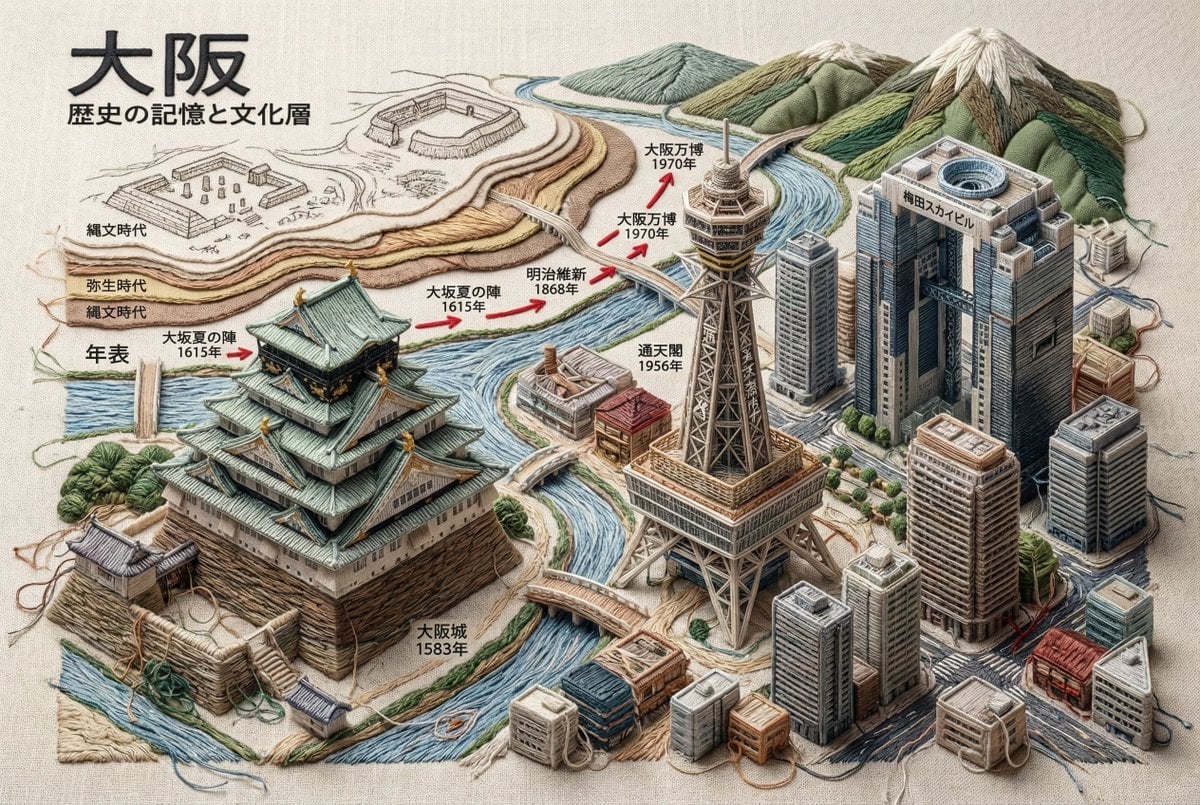
Embroidered 3D Isometric Cityscape Textile Art

Style Transfer for Cinematic Live-Action Keyframes
Browse template categories
Cute Heart Cutaway Infographic questions
How do I use the Cute Heart Cutaway Infographic template?
Add your photo if the template asks for one, edit the prompt if you like — the template's model and format are already selected — and press Generate. Your version opens in PicX Studio.
Can I customize the Cute Heart Cutaway Infographic template?
Yes. You can change the subject, setting, lighting, mood, format, and available model controls before creating your image.
Is the Cute Heart Cutaway Infographic template free?
Opening and editing this template is free. Generating uses credits, shown on the Generate button when you are signed in.
Which AI model should I use?
Start with GPT Image 2, which is the model associated with this template. You can compare another compatible model for a different finish.
Looking for something else? Browse all templates.

Your photo, any look
Thousands of ready templates for every top image and video model, from one credit balance.