
Isometric Vehicle Teardown Infographic Template
MeiGen #101 — isometric product teardown infographic with annotated callouts (swap [VEHICLE]).

- Prompt included
- Model and format preset
- Free template
The prompt behind this image
Copy the exact prompt behind Isometric Vehicle Teardown Infographic Template, or open it in the studio and make it yours.
Create a technical infographic of [VEHICLE] with a 45-degree isometric 3D perspective showing the device slightly tilted to reveal depth and dimension. Combine a realistic photoreal render with black ink technical annotations on pure white background. Include key component labels with color-coded callout boxes, internal component visibility through transparent/cutaway sections, measurements and scale markers, material callouts. Color-coded arrows: RED (power), BLUE (data), ORANGE (thermal), GREEN (sensors). Place VEHICLE title in a hand-drawn technical box (top-left). Style: black linework, educational museum-exhibit vibe. Output: 1080×1080, ultra-crisp.
How to use Isometric Vehicle Teardown Infographic Template in 3 steps
- 1
Open
The prompt is already in the box next to the preview, with the template's model and format selected.
- 2…a portrait of your subject in softgolden-hour light, 85mm…
Personalize
Edit the subject and creative details for your destination.
- 3Generate
Generate
Press Generate — your image is created in PicX Studio, so you can compare it with the original and refine one variable at a time.
More like this
Templates with the same subject, style or setup. Open one to see its prompt.

Isometric Process Educational Diorama
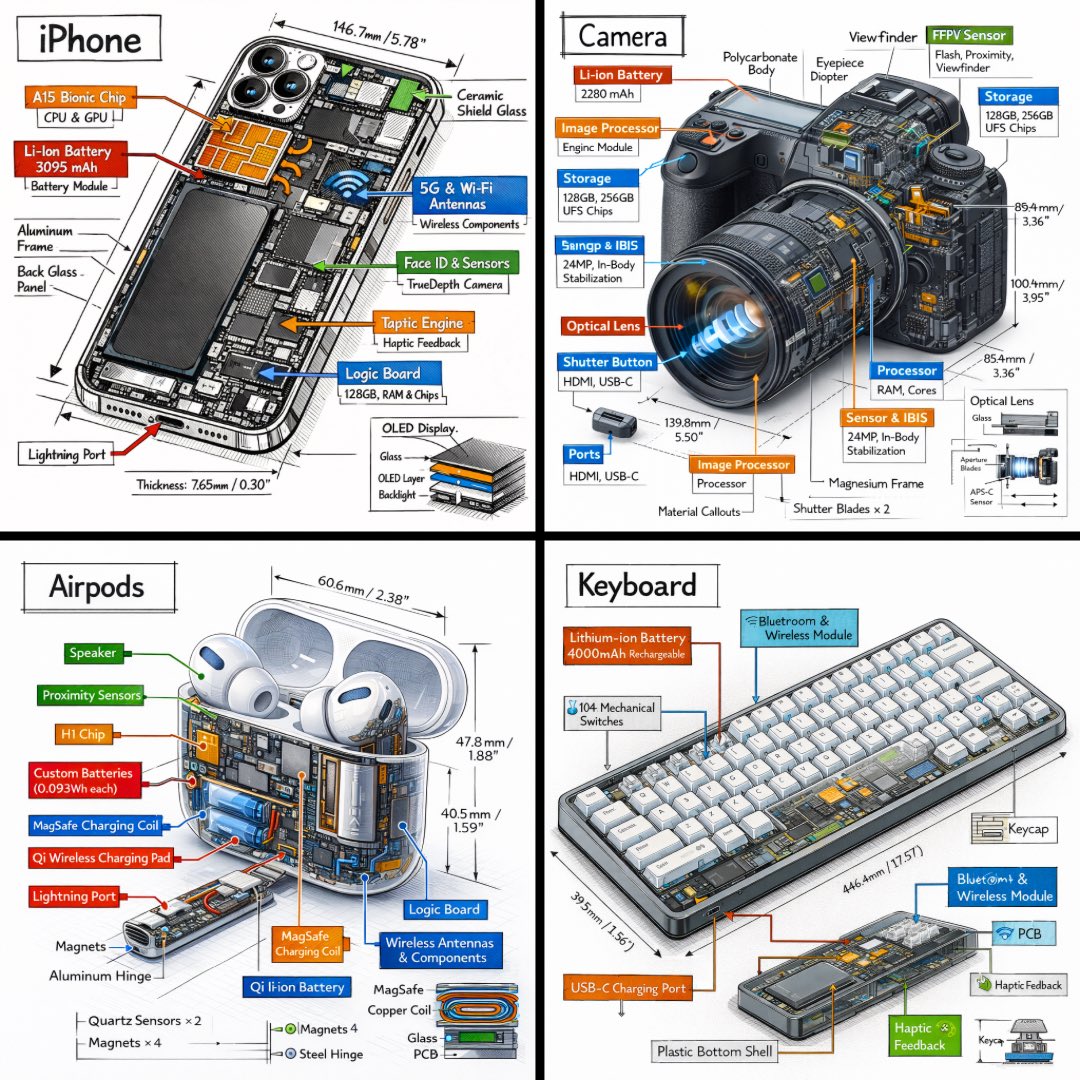
Technical Isometric Teardown Infographic

Japan Travel Brochure Poster

Isometric Brand Store Diorama
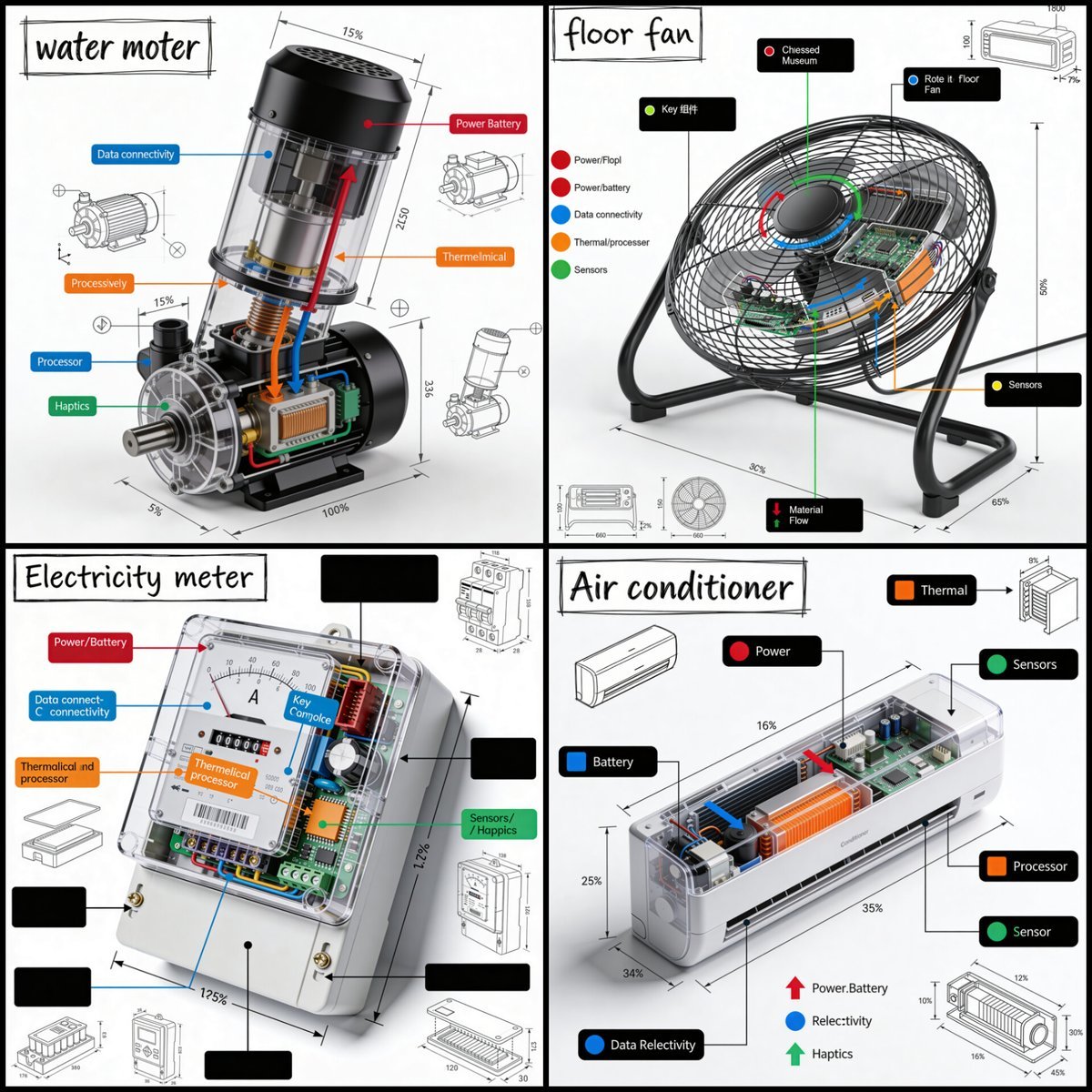
Technical Product Teardown Infographic
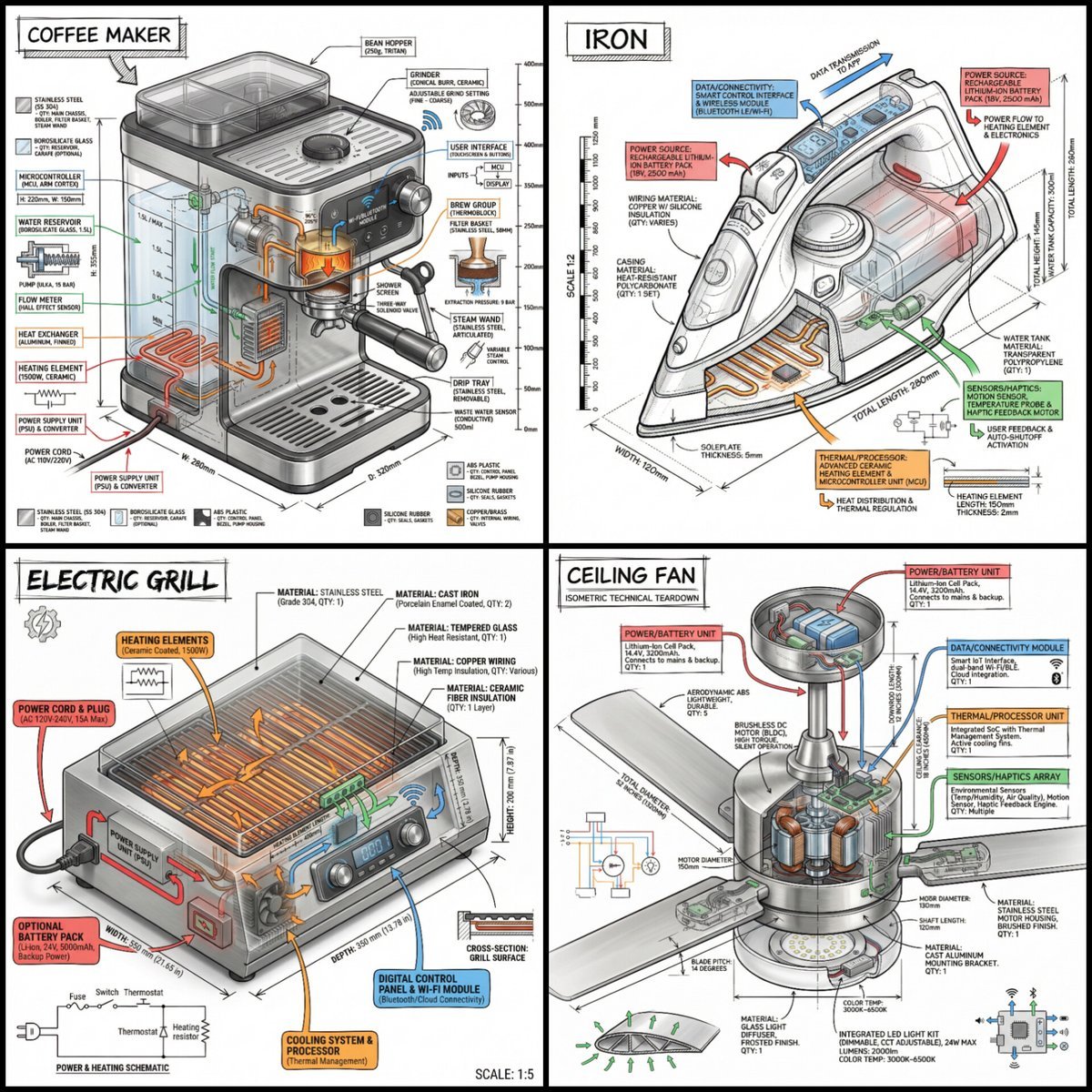
Technical Infographic of an Object with Isometric 3D View

Technical Vehicle with Machine Gun

Gpt2 E Commerce Main Image Earbuds E Commerce Infographic

Gpt2 Infographic Edu Visual Alishan One Day Travel Poster

Gpt2 Infographic Edu Visual Ethnographic Plate for Tibetan Ceremonial Hat

Gpt2 Infographic Edu Visual Earth Signs Zodiac Character Poster

Gpt2 Infographic Edu Visual Water Signs Zodiac Character Poster
Make it yours
Isometric Vehicle Teardown Infographic Template works as-is. These are the safest ways to change it without losing the look.
Change one field
Copy a single group, rewrite it, and generate again so you can see what that field is doing.
Keep the frame, change the subject
Hold the composition and light of Isometric Vehicle Teardown Infographic Template, then swap wardrobe, props or the person for a new take.
| If the result… | Why | Fix |
|---|---|---|
| The result drifts from the preview | Too many fields changed at once. | Reuse Isometric Vehicle Teardown Infographic Template as-is first, then change one group — subject, light, or setting. |
| The model over-stylizes the scene | The prose prompt leaves finish and camera underspecified. | Add one camera or lighting sentence and stay on PicX Studio. |
More image prompts
Fresh picks from across the catalog.

Seasonal forest collage character prompt for Nano Banana Pro

3D Product Render of Gummy Vitamin Jars (4 Variations)

Candid Vintage Photo Aesthetic Prompt for Nano Banana Pro

Cinematic Night Street Portrait of Indian Man

Wildlife Photographer with Cheetah Cub
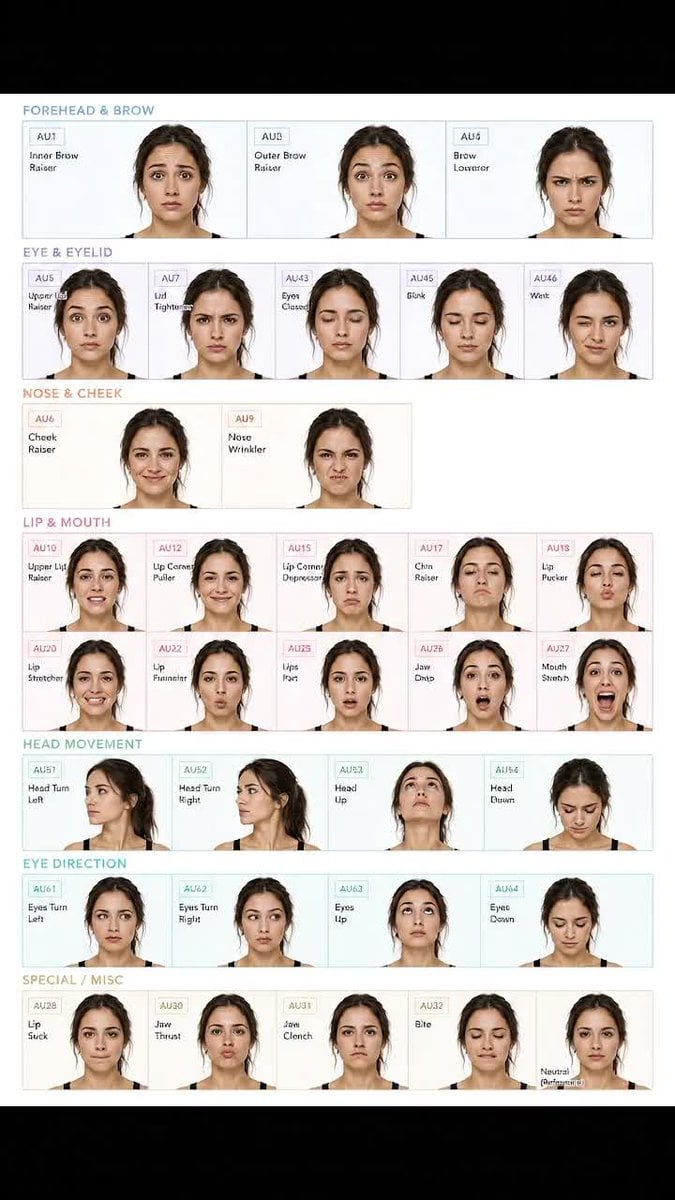
Facial Expression Anatomy Sheet

Comedic Giant Max Verstappen in Pit Lane

Luxury Fashion Illustration

Lady of Red Poppies Portrait

Dark Fantasy Game Event UI Mockup
Browse template categories
Isometric Vehicle Teardown Infographic Template questions
How do I use the Isometric Vehicle Teardown Infographic Template template?
Add your photo if the template asks for one, edit the prompt if you like — the template's model and format are already selected — and press Generate. Your version opens in PicX Studio.
Can I customize the Isometric Vehicle Teardown Infographic Template template?
Yes. You can change the subject, setting, lighting, mood, format, and available model controls before creating your image.
Is the Isometric Vehicle Teardown Infographic Template template free?
Opening and editing this template is free. Generating uses credits, shown on the Generate button when you are signed in.
Which AI model should I use?
Choose a compatible model in PicX Studio based on the style, speed, and output controls your project needs.
Looking for something else? Browse all templates.

Your photo, any look
Thousands of ready templates for every top image and video model, from one credit balance.