
Dark Fantasy Game Event UI Mockup
Generates a game event landing page featuring impasto-style combat artwork and localized UI panels for missions and rewards.
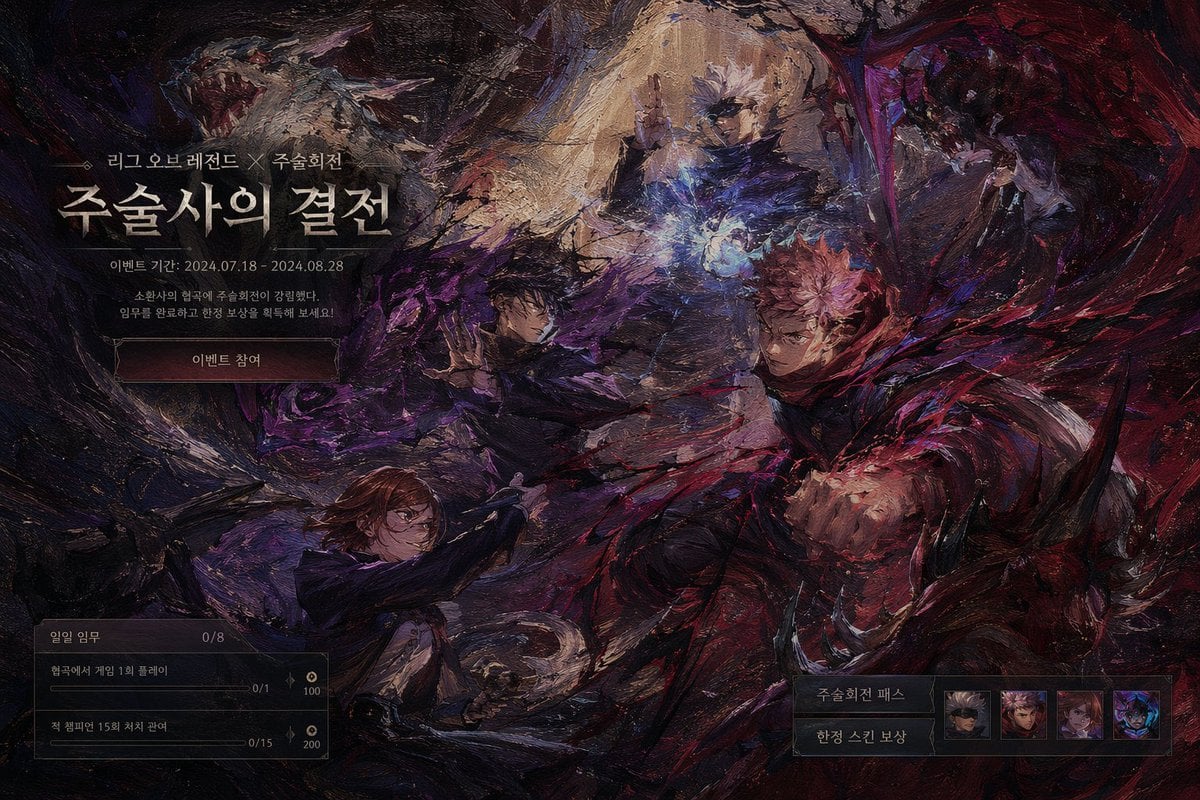
- Prompt included
- Model and format preset
- Free template
The prompt behind this image
Copy the exact prompt behind Dark Fantasy Game Event UI Mockup, or open it in the studio and make it yours.
- Type
- game event landing page UI mockup
- Art Style
- {argument name="art style" default="heavy impasto oil painting, dark fantasy"}
- Background Artwork › Description
- dynamic combat scene with swirling dark and red energy
- Background Artwork › Character Count
- 4
- Background Artwork › Characters
- top: white-haired man casting blue spell, middle-left: dark-haired man summoning shadow energy, right: pink-haired man throwing red energy punch, bottom-left: brown-haired woman wielding hammer
- Ui Layout › Top Left › Type
- event header
- Ui Layout › Top Left › Elements › 0 › Small Text
- {argument name="subtitle" default="League of Legends X Jujutsu Kaisen"}
- Ui Layout › Top Left › Elements › 1 › Large Title
- {argument name="main title" default="The Sorcerers' Showdown"}
- Ui Layout › Top Left › Elements › 2 › Date Text
- {argument name="event date" default="Event period: 2024.07.18 - 2024.08.28"}
- Ui Layout › Top Left › Elements › 3 › Description
- 소환사의 협곡에 주술회전이 강림했다. 임무를 완료하고 한정 보상을 획득해 보세요!
- Ui Layout › Top Left › Elements › 4 › Button
- {argument name="button text" default="Join the Event"}
- Ui Layout › Bottom Left › Type
- mission panel
- Ui Layout › Bottom Left › Header
- 일일 임무 0/8
- Ui Layout › Bottom Left › Mission Count
- 2
- Ui Layout › Bottom Left › Missions › 0 › Text
- 협곡에서 게임 1회 플레이
- Ui Layout › Bottom Left › Missions › 0 › Progress
- 0/1
- Ui Layout › Bottom Left › Missions › 0 › Reward
- 100
- Ui Layout › Bottom Left › Missions › 1 › Text
- 적 챔피언 15회 처치 관여
- Ui Layout › Bottom Left › Missions › 1 › Progress
- 0/15
- Ui Layout › Bottom Left › Missions › 1 › Reward
- 200
- Ui Layout › Bottom Right › Type
- rewards panel
- Ui Layout › Bottom Right › Labels
- 주술회전 패스, 한정 스킨 보상
- Ui Layout › Bottom Right › Icon Count
- 4
- Ui Layout › Bottom Right › Icons
- blindfolded man, pink-haired boy, brown-haired girl, dark monster
Raw JSON
{
  "type": "game event landing page UI mockup",
  "art_style": "{argument name=\"art style\" default=\"heavy impasto oil painting, dark fantasy\"}",
  "background_artwork": {
    "description": "dynamic combat scene with swirling dark and red energy",
    "character_count": 4,
    "characters": [
      "top: white-haired man casting blue spell",
      "middle-left: dark-haired man summoning shadow energy",
      "right: pink-haired man throwing red energy punch",
      "bottom-left: brown-haired woman wielding hammer"
    ]
  },
  "ui_layout": {
    "top_left": {
      "type": "event header",
      "elements": [
        {"small_text": "{argument name=\"subtitle\" default=\"League of Legends X Jujutsu Kaisen\"}"},
        {"large_title": "{argument name=\"main title\" default=\"The Sorcerers' Showdown\"}"},
        {"date_text": "{argument name=\"event date\" default=\"Event period: 2024.07.18 - 2024.08.28\"}"},
        {"description": "소환사의 협곡에 주술회전이 강림했다. 임무를 완료하고 한정 보상을 획득해 보세요!"},
        {"button": "{argument name=\"button text\" default=\"Join the Event\"}"}
      ]
    },
    "bottom_left": {
      "type": "mission panel",
      "header": "일일 임무 0/8",
      "mission_count": 2,
      "missions": [
        {"text": "협곡에서 게임 1회 플레이", "progress": "0/1", "reward": "100"},
        {"text": "적 챔피언 15회 처치 관여", "progress": "0/15", "reward": "200"}
      ]
    },
    "bottom_right": {
      "type": "rewards panel",
      "labels": ["주술회전 패스", "한정 스킨 보상"],
      "icon_count": 4,
      "icons": [
        "blindfolded man",
        "pink-haired boy",
        "brown-haired girl",
        "dark monster"
      ]
    }
  }
}How to use Dark Fantasy Game Event UI Mockup in 3 steps
- 1Upload ImagePNG, JPG or paste
Add your photo
Upload the photo the template builds on. The prompt, model and format are already set.
- 2…a portrait of your subject in softgolden-hour light, 85mm…
Personalize
Edit the subject and creative details for your destination.
- 3Generate
Generate
Press Generate — your image is created in PicX Studio, so you can compare it with the original and refine one variable at a time.
More like this
Templates with the same subject, style or setup. Open one to see its prompt.
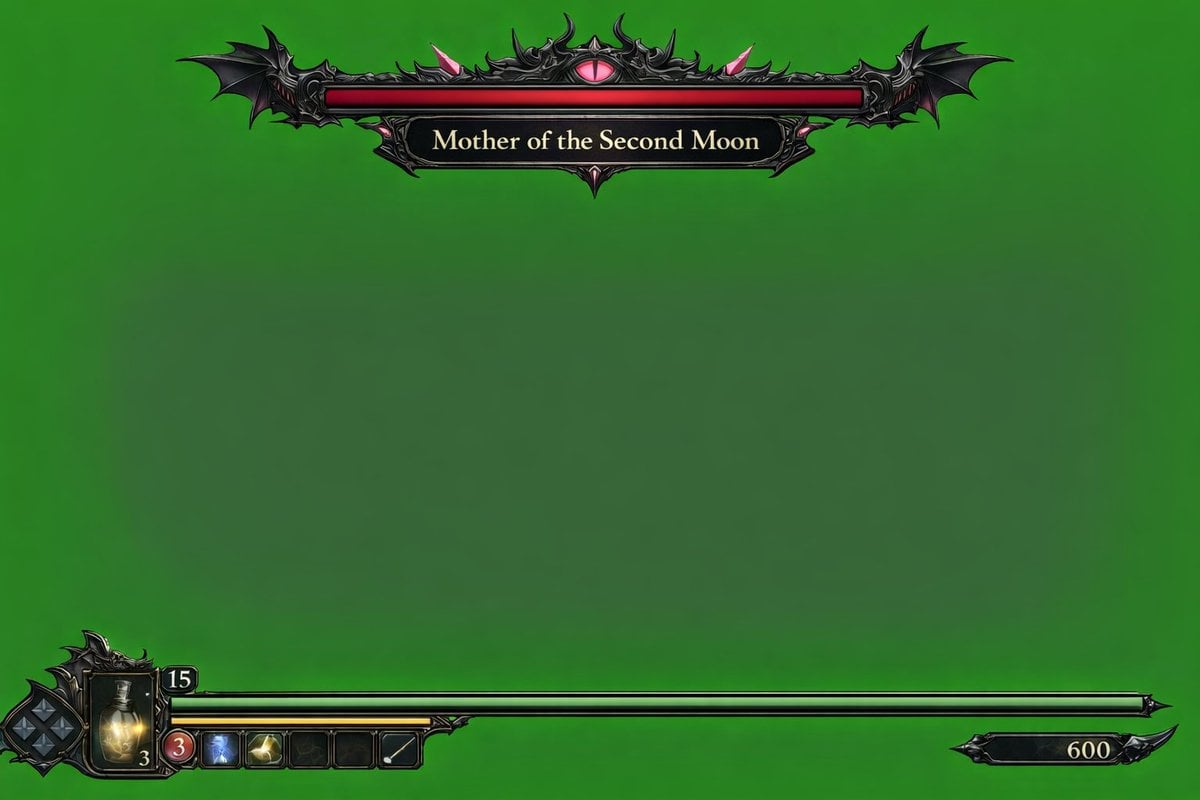
Dark Fantasy Game HUD on Green Screen
Videogame Cinematic Trailer - Seedance 2.0

Dark Fantasy Sorceress Storyboard

Dark Fantasy Smoke Monster Transformation

Anime Fantasy Celestial Movie Poster
Anime Fantasy Celestial Movie Poster

Selective Color Monochrome Football Poster

Minecraft Fantasy Kingdom Voxel Landscape

Unfinished Sketch Comes Alive Portrait

Open Travel Journal Overhead Still Life

Tiny Woman Miniature Fantasy Macro Scene
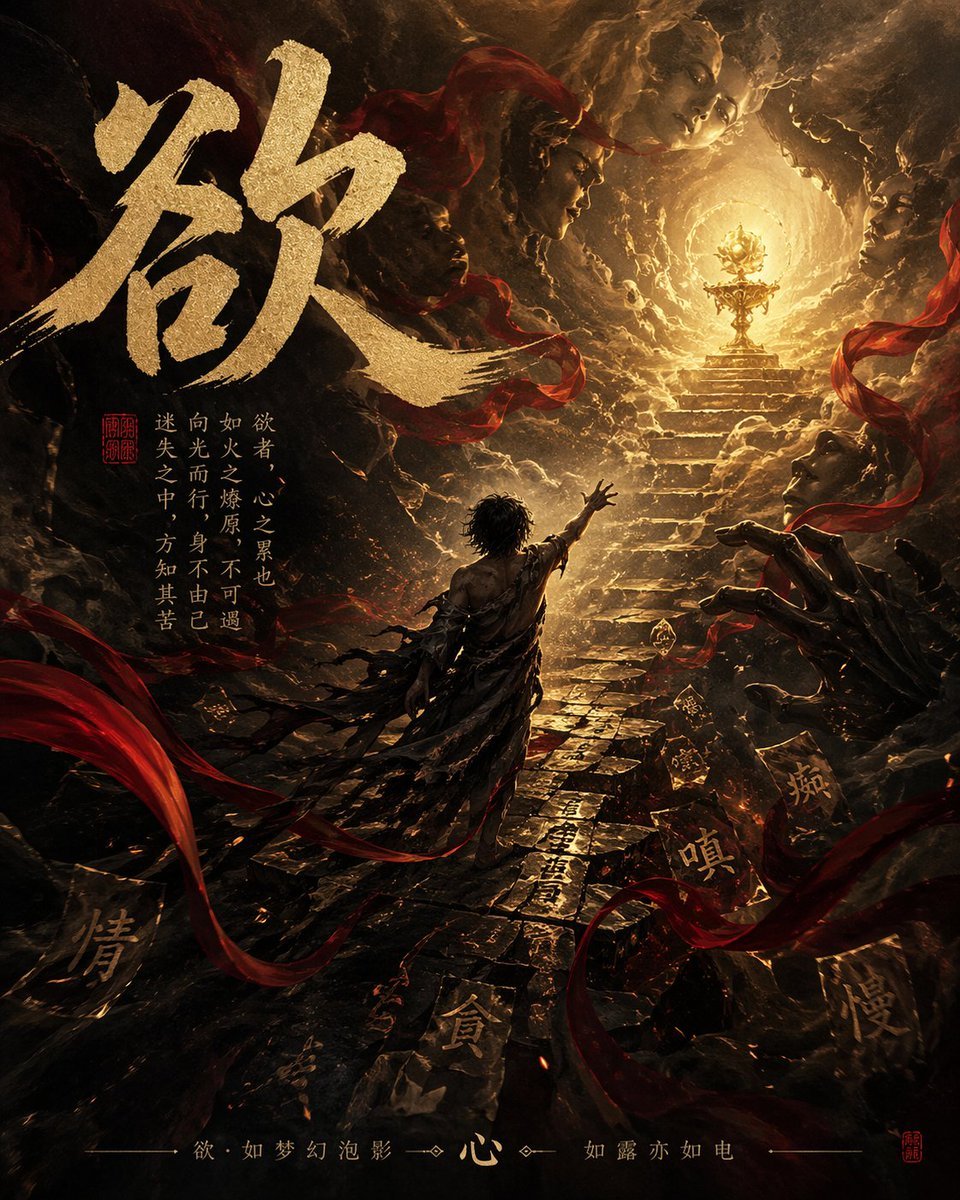
Dark Chinese Fantasy Desire Poster
Make it yours
Dark Fantasy Game Event UI Mockup works as-is. These are the safest ways to change it without losing the look.
Swap the setting
Keep the rest of the prompt and replace the location block. The current setting is “dynamic combat scene with swirling dark and red energy”.
Change one field
Copy a single group, rewrite it, and generate again so you can see what that field is doing.
Keep the frame, change the subject
Hold the composition and light of Dark Fantasy Game Event UI Mockup, then swap wardrobe, props or the person for a new take.
| If the result… | Why | Fix |
|---|---|---|
| The result drifts from the preview | Too many fields changed at once. | Reuse Dark Fantasy Game Event UI Mockup as-is first, then change one group — subject, light, or setting. |
| GPT Image 2 ignores part of the JSON | Some models flatten or skip nested keys. | Keep the same values and paste them as a short paragraph instead. |
More GPT Image 2 templates
Other prompts made for GPT Image 2.

Six VTuber Japanese Logo Sheet

Realistic Portrait of Woman and Deer

The Vista Modular Condo Poster

AI Model Routing Comparison Infographic

2.5D Anime Art Board

Isometric Productivity Desk Scene

New York Double Exposure Poster

Four-Panel AI Landscape Comparison

Japanese Tatami Lifestyle Magazine Cover

NESCAFÉ Coffee Map Poster
More image prompts
Fresh picks from across the catalog.
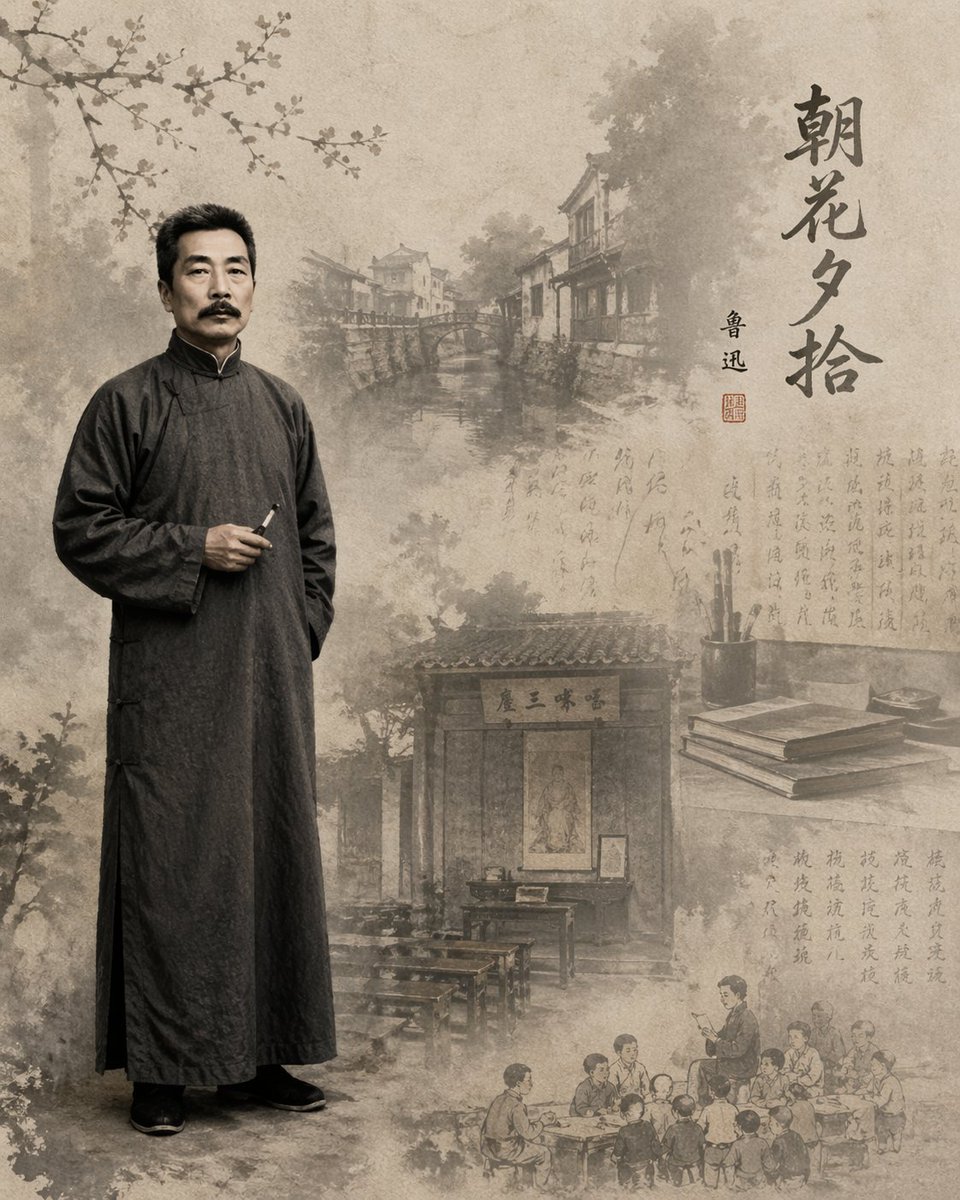
Literary Illustration Portrait
Hyper-realistic Cinematic Tarmac Photo
Mystery Movie Poster Conversion
Censored Night Bus Window Scene
Multi-Exposure Indian Woman Fashion Poster
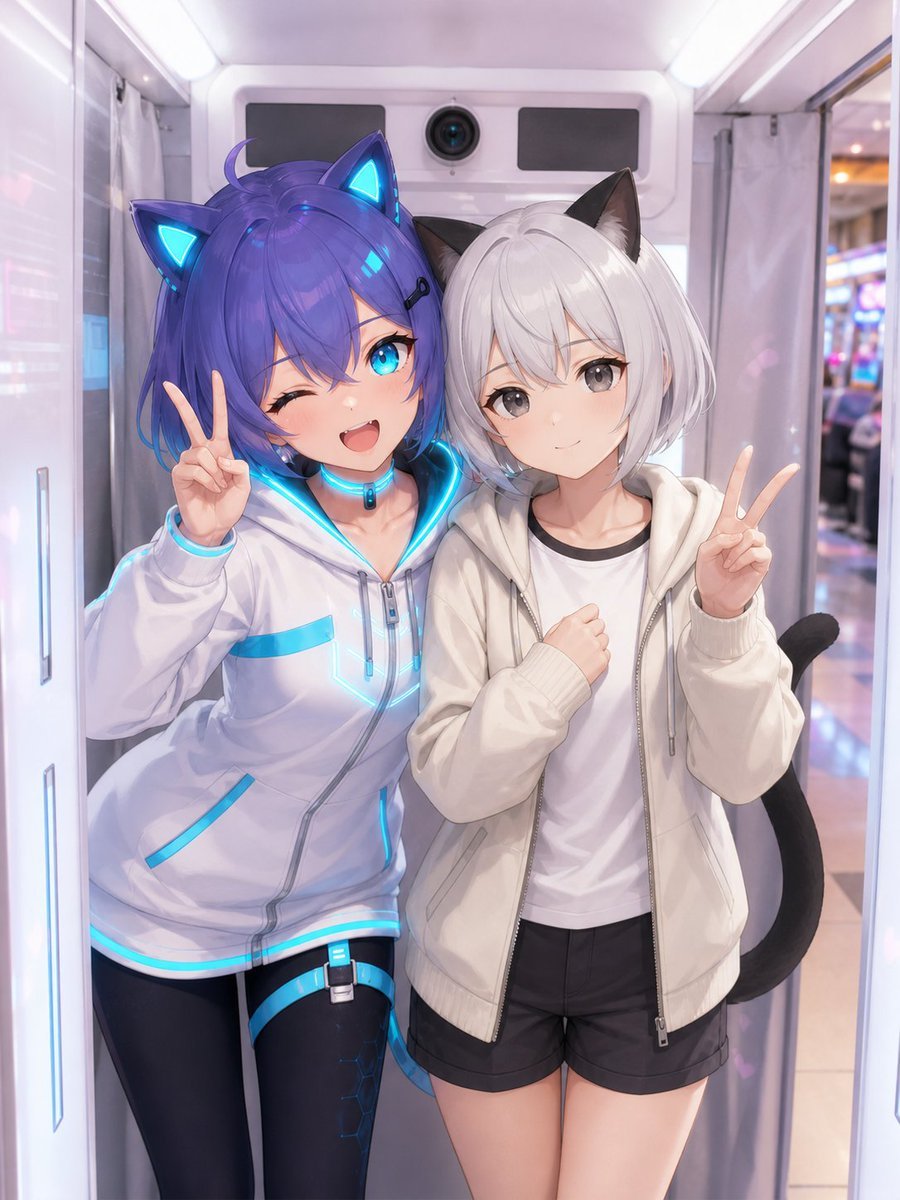
Anime Characters in Real Purikura Booth
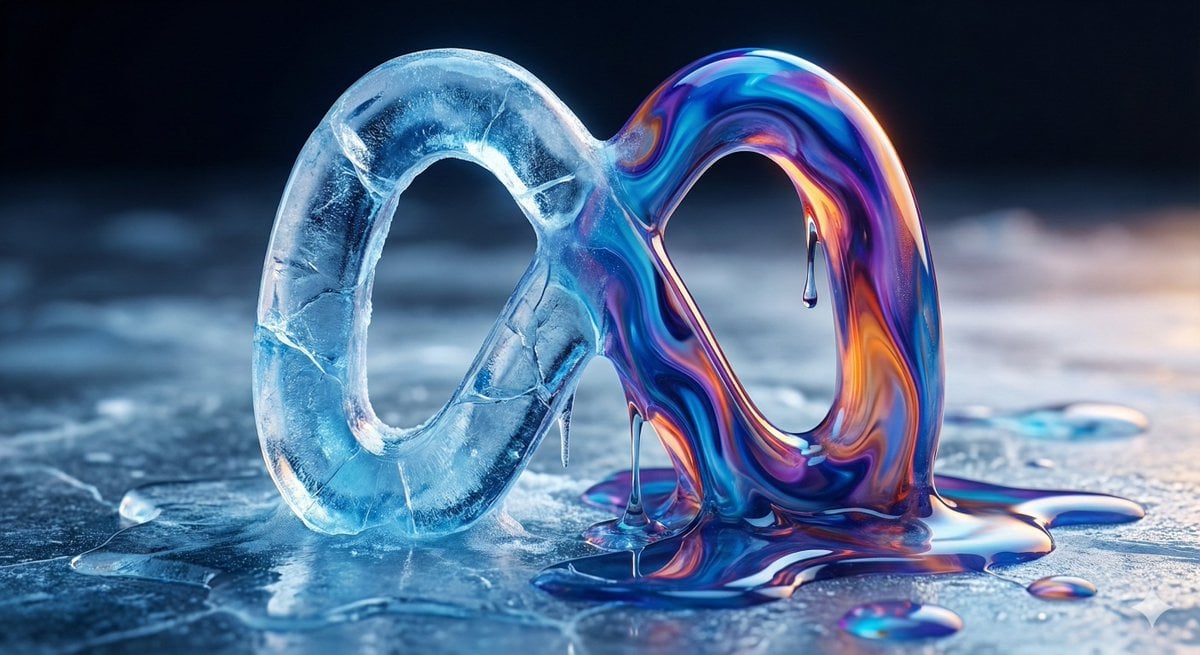
Ice and Liquid Hybrid Logo Design

Ultra-Realistic Top-Down Flat Lay Photo of a Custom Conference Table
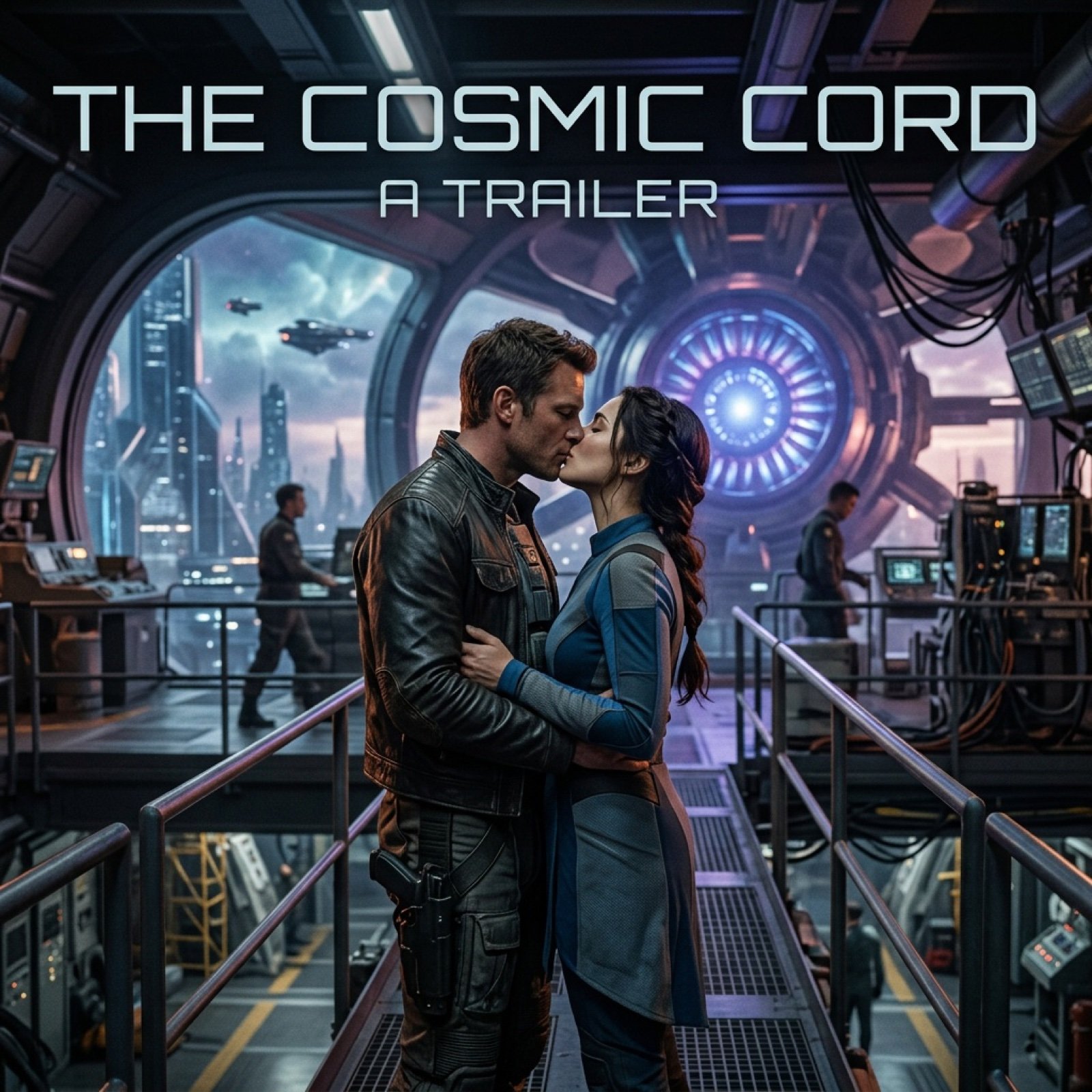
Cinematic Sci-Fi Romance Trailer Scene
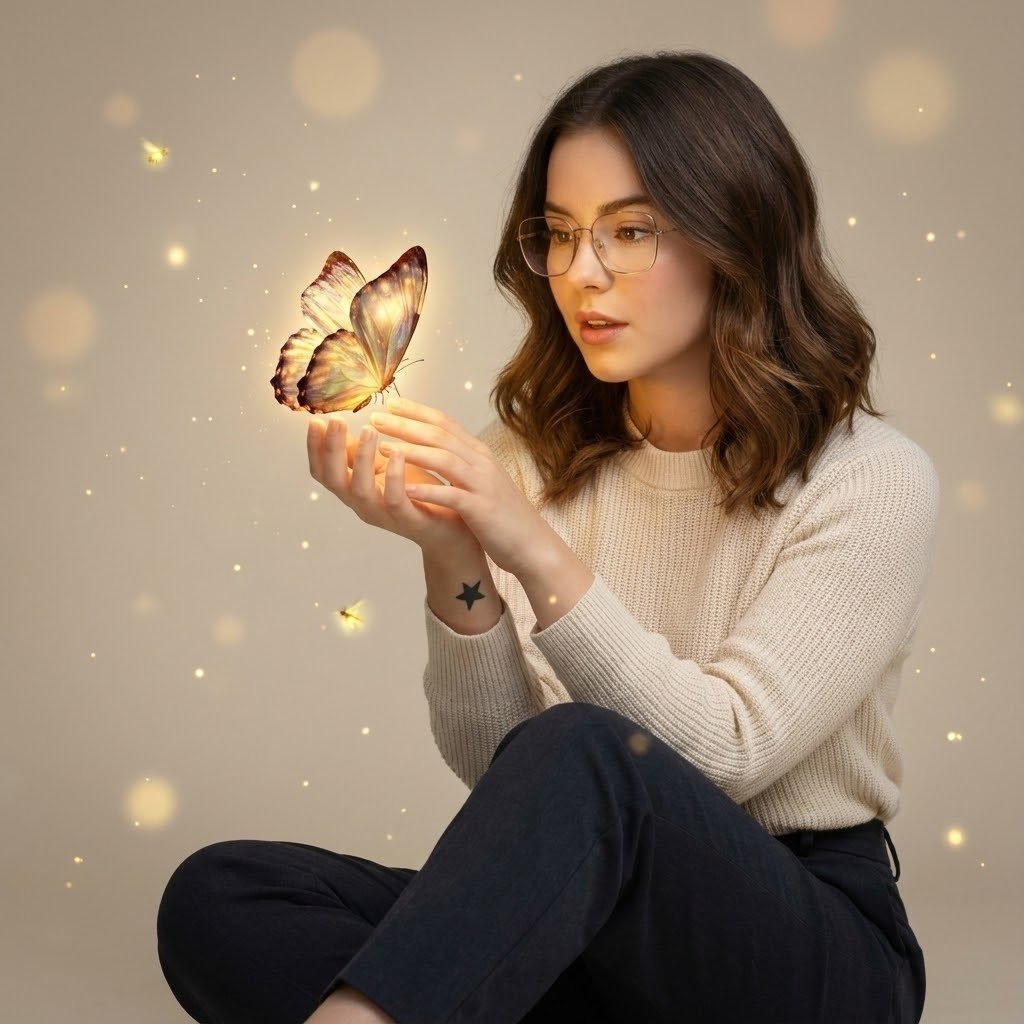
Cinematic Portrait with Bioluminescent Butterfly Interaction
Browse template categories
Dark Fantasy Game Event UI Mockup questions
How do I use the Dark Fantasy Game Event UI Mockup template?
Add your photo if the template asks for one, edit the prompt if you like — the template's model and format are already selected — and press Generate. Your version opens in PicX Studio.
Can I customize the Dark Fantasy Game Event UI Mockup template?
Yes. You can change the subject, setting, lighting, mood, format, and available model controls before creating your image.
Is the Dark Fantasy Game Event UI Mockup template free?
Opening and editing this template is free. Generating uses credits, shown on the Generate button when you are signed in.
Which AI model should I use?
Start with GPT Image 2, which is the model associated with this template. You can compare another compatible model for a different finish.
Looking for something else? Browse all templates.

Your photo, any look
Thousands of ready templates for every top image and video model, from one credit balance.