Detailed Indoor Lifestyle Portrait Prompt
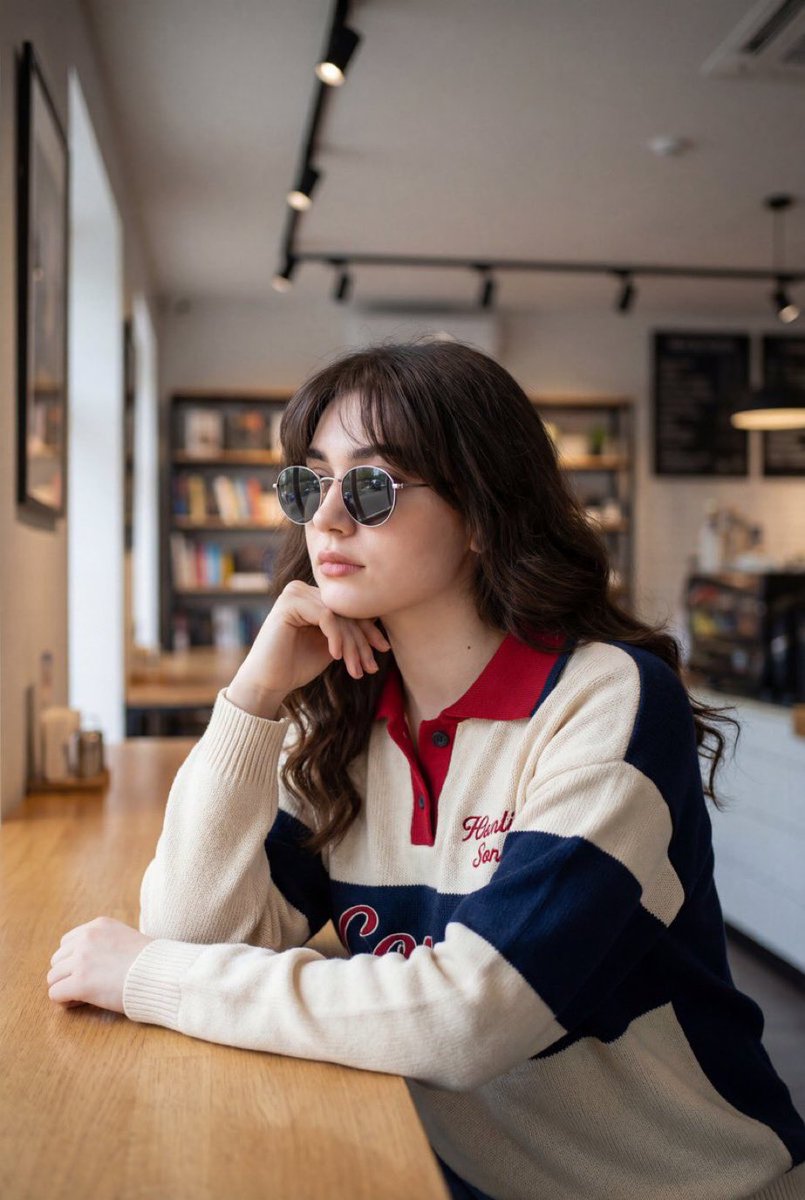
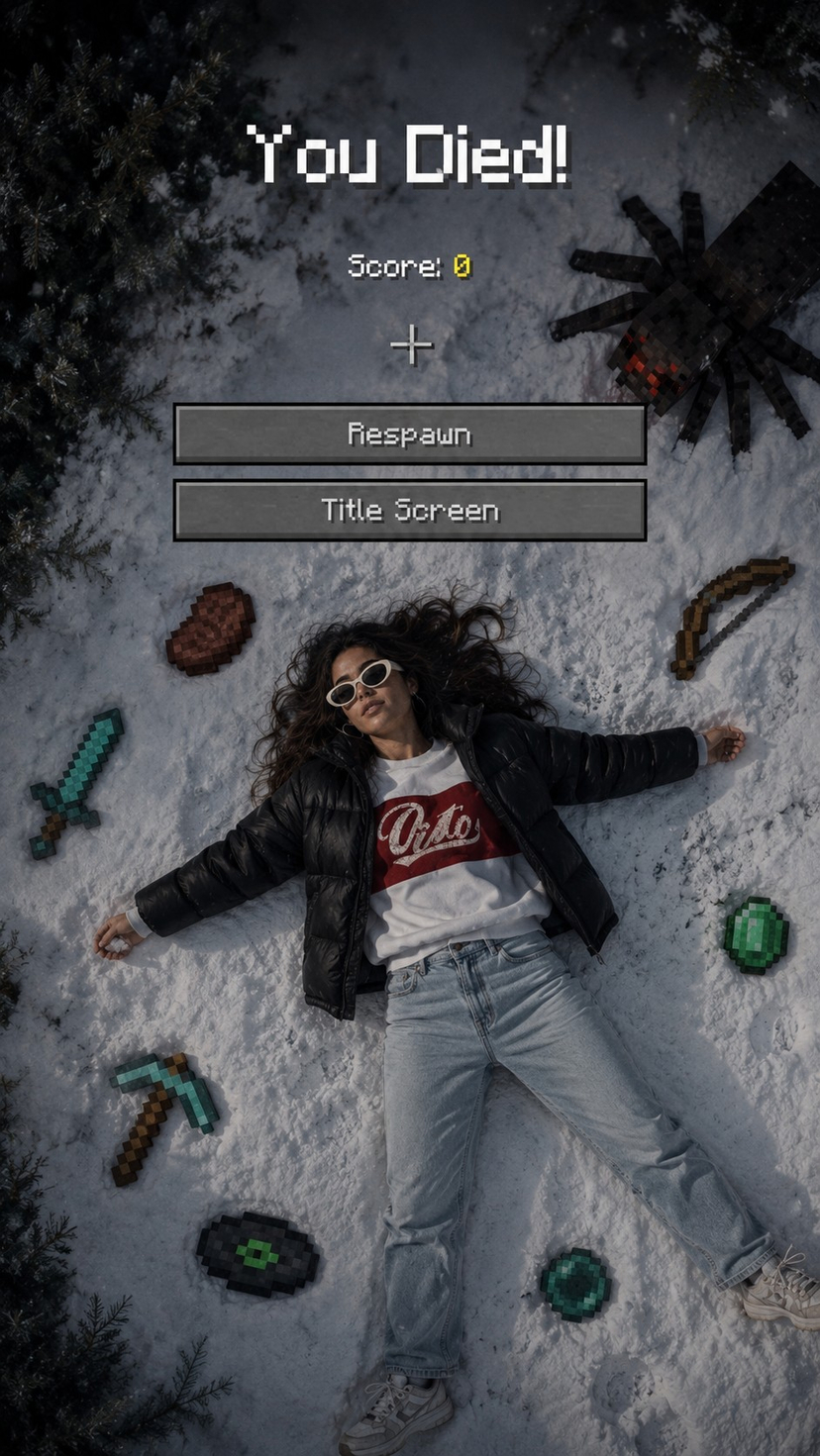
{ "image_type": "photograph", "genre": "indoor lifestyle portrait", "composition": { "framing": "medium close-up", "orientation": "vertical", "subject_position": "center-right, seated at a table", "camera_angle": "slightly above eye-level", "depth_of_field": "shallow to moderate, subject sharply isolated from softly blurred background", "leading_lines": "table edge and ceiling lines subtly guide focus toward the subject", "balance": "asymmetrical, balanced by negative space and interior geometry" }, "subject": { "count": 1, "description": "young woman seated indoors in a modern public space", "pose": "leaning forward with elbow on table, chin resting on hand", "expression": "neutral to contemplative, calm and introspective", "gaze": "directed slightly off-camera to the left", "hair": { "color": "dark brown", "style": "short to medium length, softly wavy with straight fringe/bangs", "finish": "natural texture with light volume" }, "face_details": { "makeup": "natural glam with soft blush, defined brows, subtle lip color", "eyewear": "round metal-frame sunglasses with dark lenses" }, "clothing": { "top": { "type": "knit sweater or rugby-style pullover", "color": "cream base with navy blue panels and red collar accent", "details": "textured knit fabric, ribbed cuffs, embroidered red lettering on chest" } } }, "background": { "environment": "modern indoor café or bookstore-style space", "elements": [ "wooden table and seating", "open interior with high ceiling", "track lighting and recessed lights", "bookshelves or retail fixtures in distance" ], "depth": "background softly defocused to emphasize subject", "architectural_style": "minimalist, contemporary" }, "lighting": { "type": "mixed natural and artificial light", "source": "large windows combined with overhead interior lighting", "quality": "soft, even illumination", "direction": "frontal-side lighting from window direction", "highlights": "gentle highlights on cheekbones and hair", "shadows": "soft, minimal shadow falloff" }, "color_palette": { "dominant_colors": [ "cream", "navy blue", "soft gray" ], "accent_colors": [ "red", "warm wood tones" ], "color_temperature": "neutral to slightly warm" }, "technical_details": { "camera_type": "digital camera or high-end smartphone", "lens_look": "standard portrait focal length", "aperture_estimate": "f/2–f/3.5", "iso_estimate": "low ISO", "shutter_speed_estimate": "moderate, suitable for indoor ambient light", "image_sharpness": "high on facial features and clothing texture", "noise": "minimal" }, "artistic_elements": { "mood": "calm, introspective, modern", "style": "fashion-forward lifestyle portrait", "aesthetic": "clean, understated, editorial casual", "contrast": "moderate", "saturation": "natural, slightly muted" }, "post_processing": { "skin_tones": "smooth and natural", "color_grading": "balanced neutrals with soft contrast", "retouching_level": "light", "clarity": "enhanced on subject, subdue









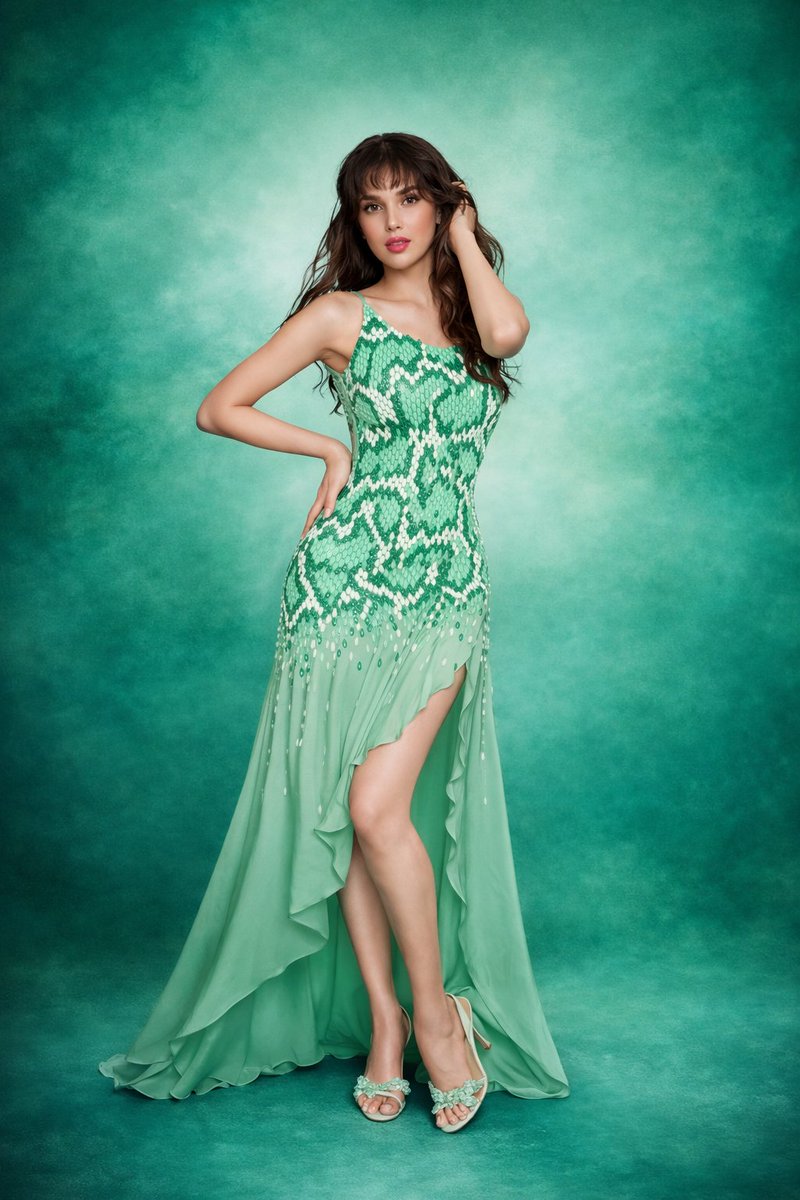

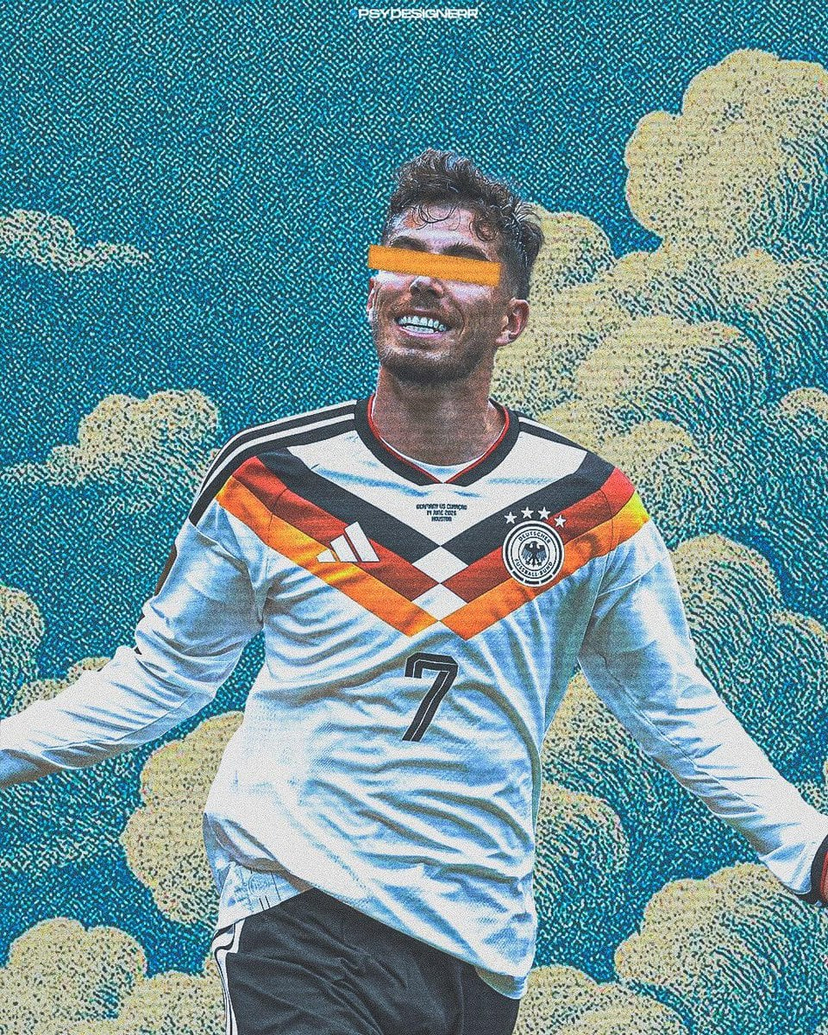
![Premium Editorial Branding Poster Charcoal Green — Create a premium modern editorial branding poster for [RUCHI].
TOPIC:
[EDITORIAL / FASHION / LIFESTYLE THEME](/_next/image?url=https%3A%2F%2Fcdn.picxstudio.com%2Fuploads%2Ffashion_412202cf7d38_48edde4e-d0f0-42aa-bd80-d78b31632979.jpg&w=828&q=100)



![Minimalist Flat Vector Travel Poster — Premium minimalist flat-vector travel poster for {argument name="city name" default="[CITY_NAME]"}, 3:4 vertical format.](https://cms-assets.youmind.com/media/1787917359711_3ug846_HQX205cbMAA6F6S-300x400.jpg)