How do I use the Minecraft Voxel Pixel Art Aesthetic System template?
Edit the prompt in the box under the preview — the template's model and format are already selected — and press Generate. Your version appears right on this page.
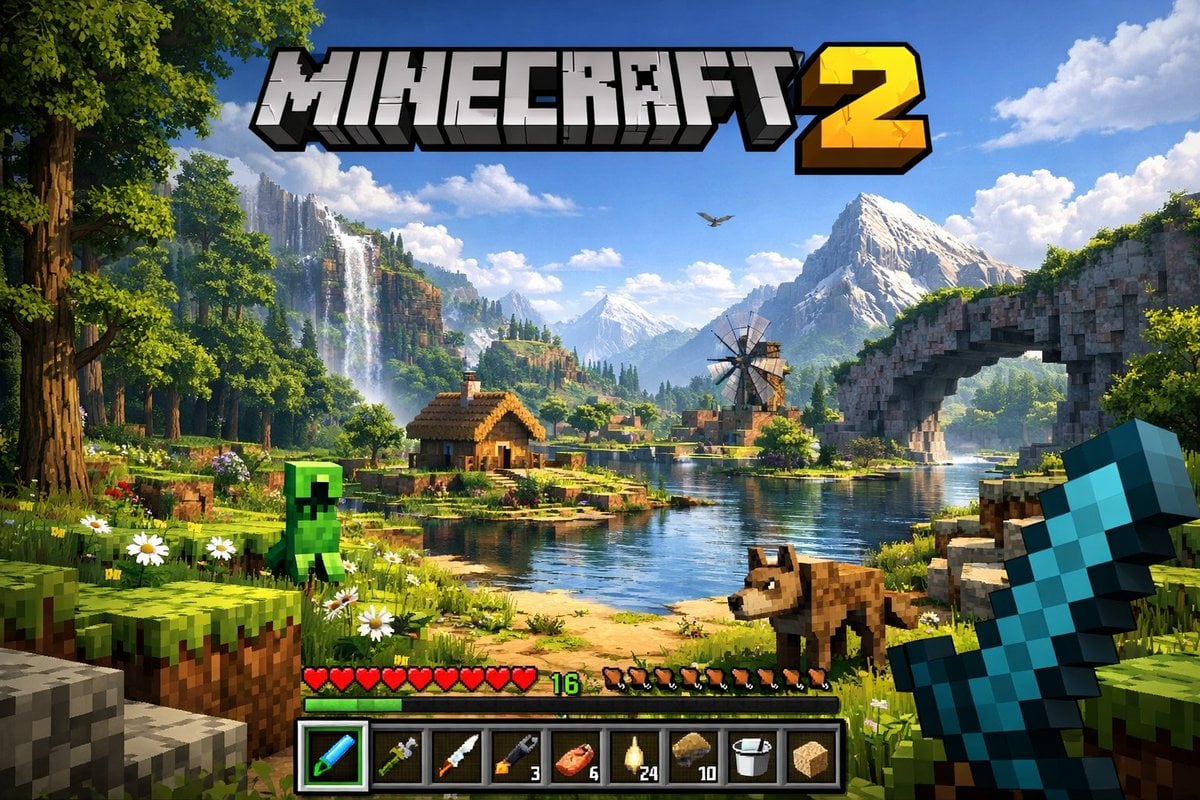
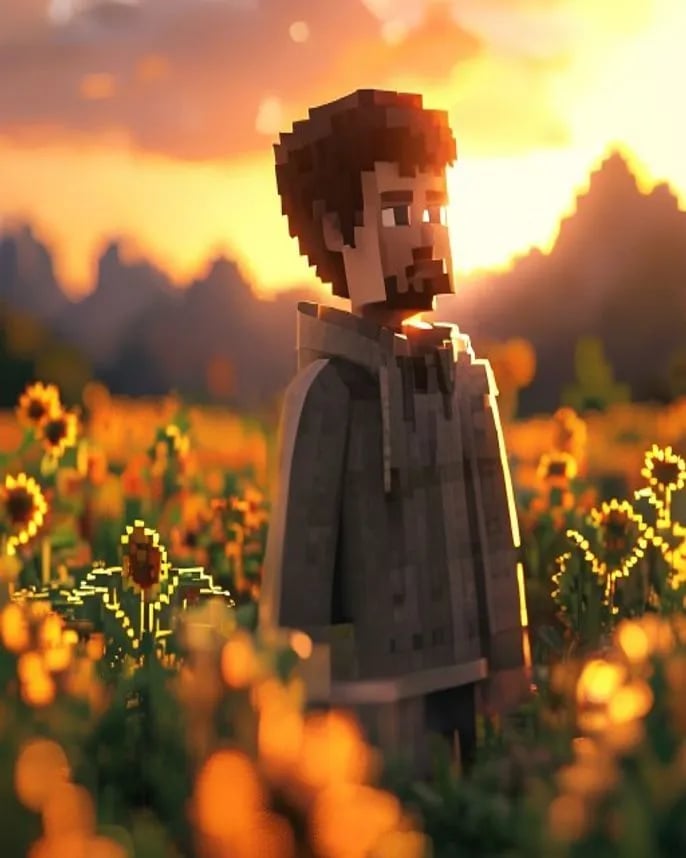
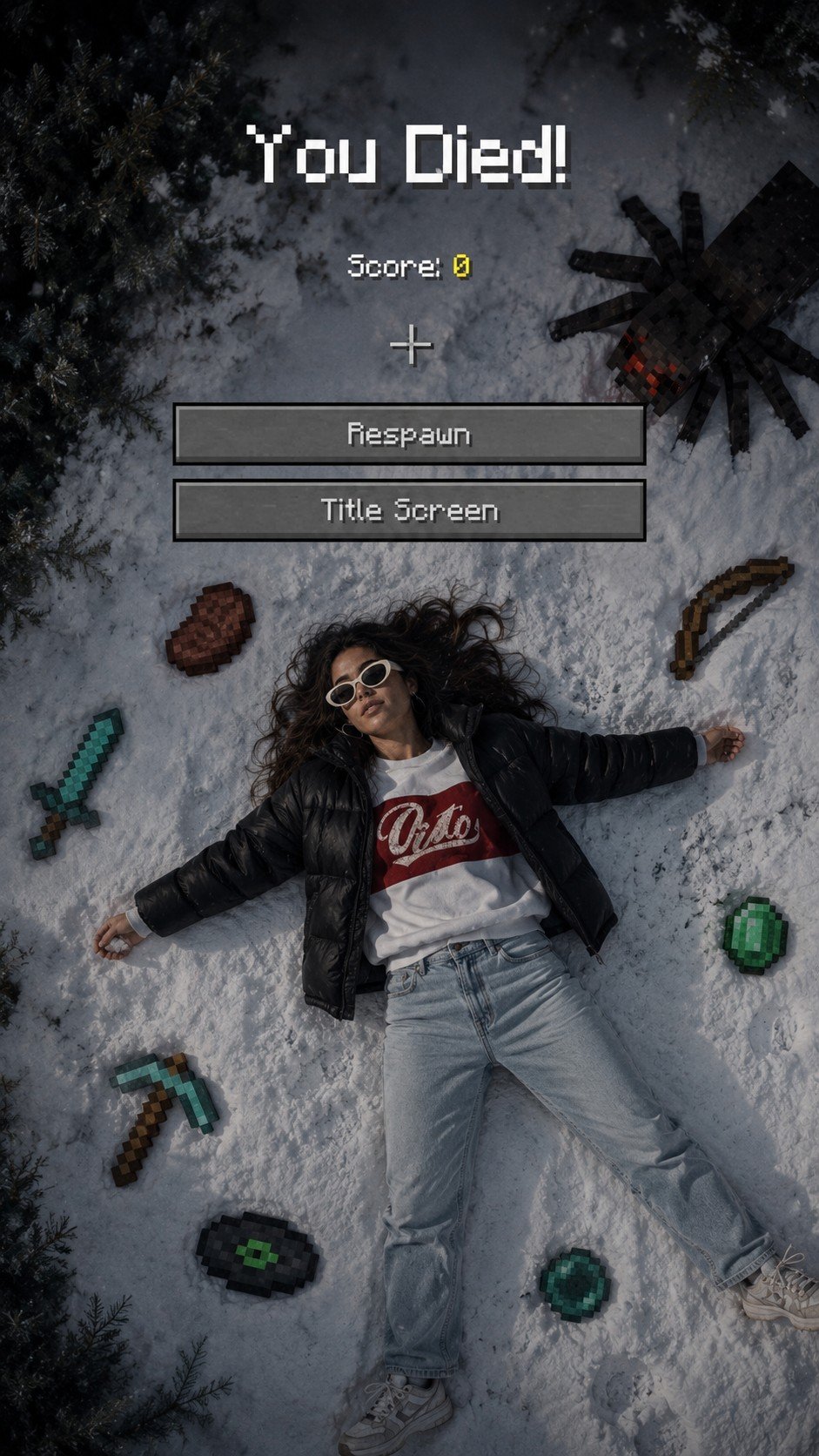
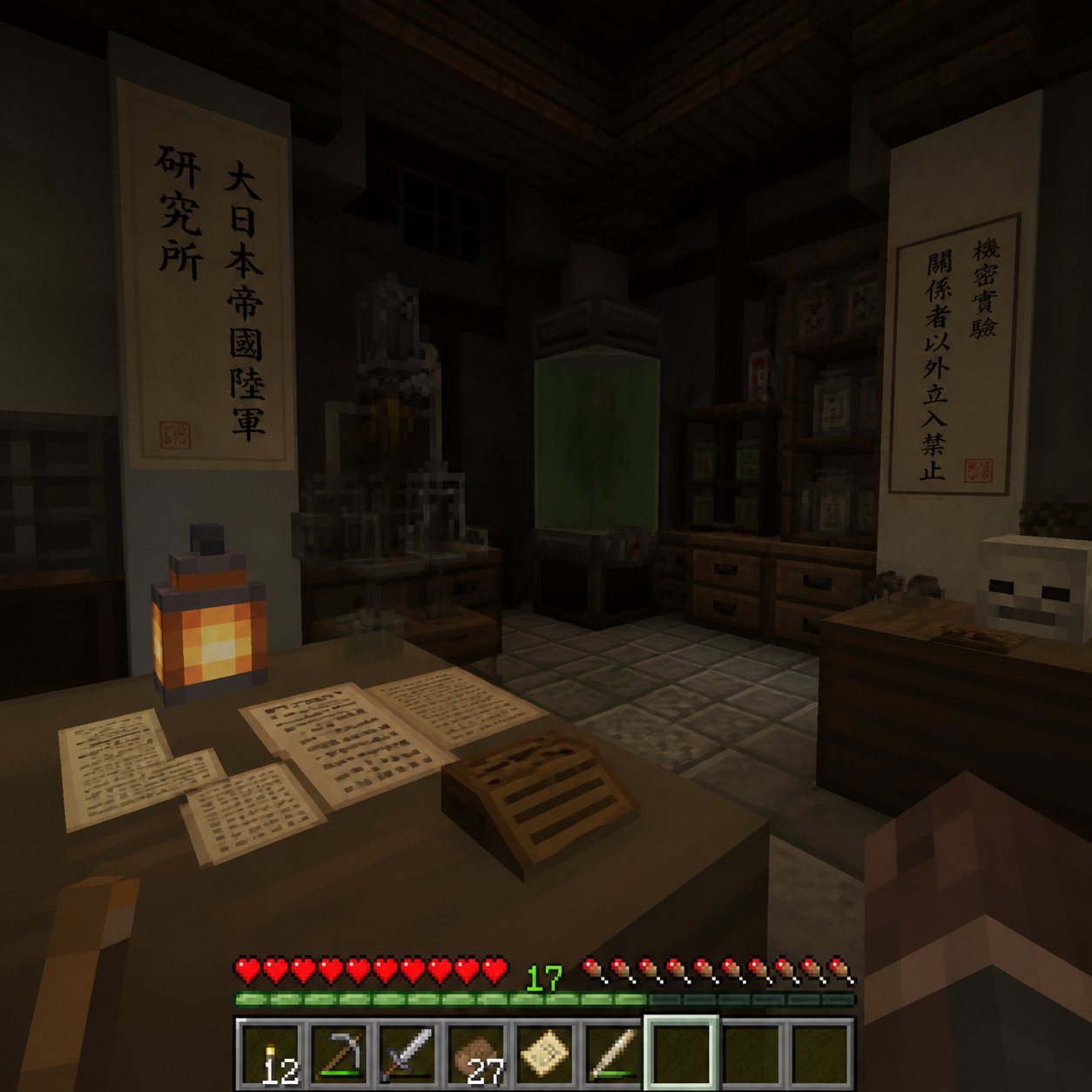
Complete Minecraft voxel/pixel art aesthetic system for consistent visual generation.

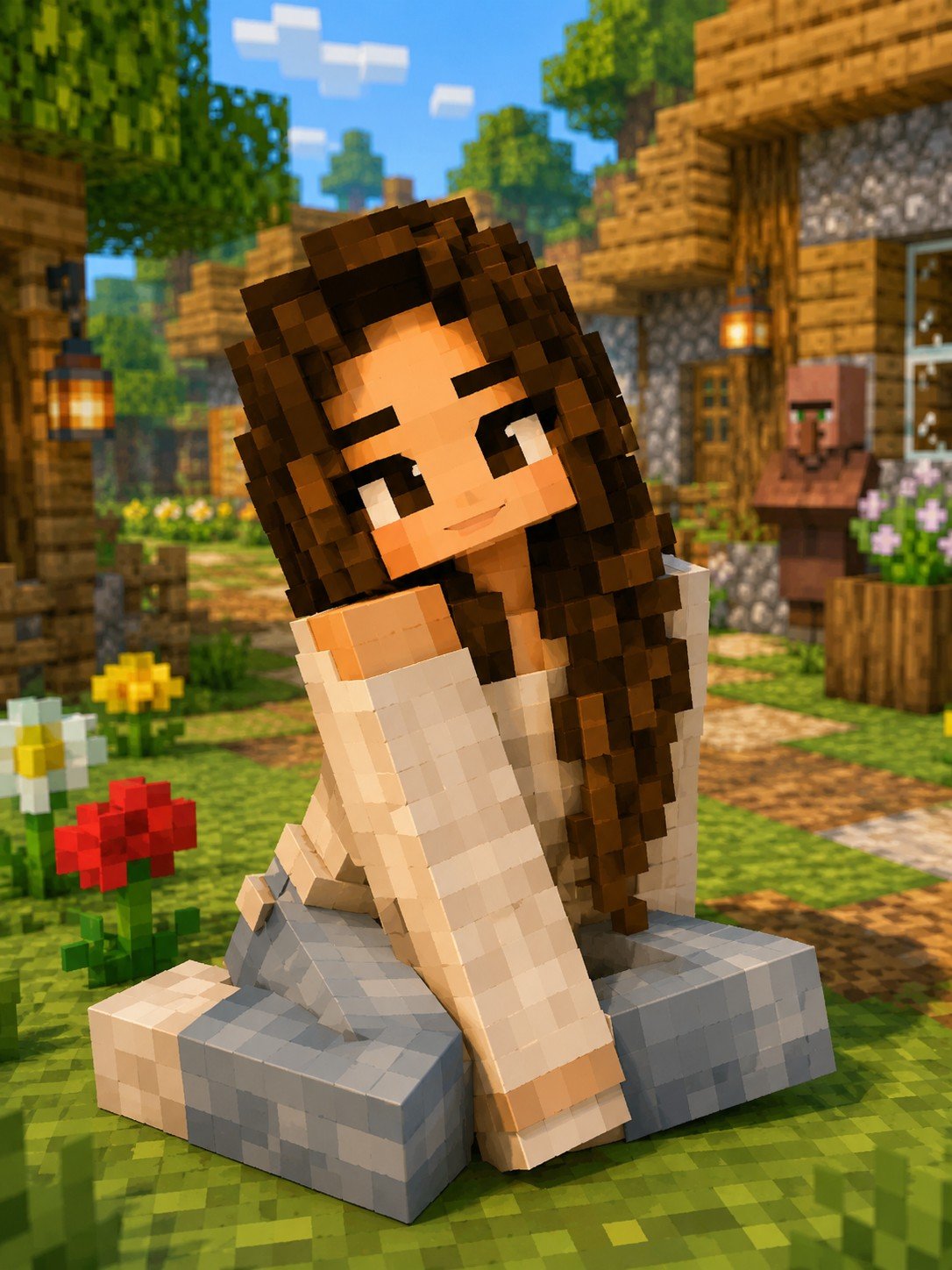
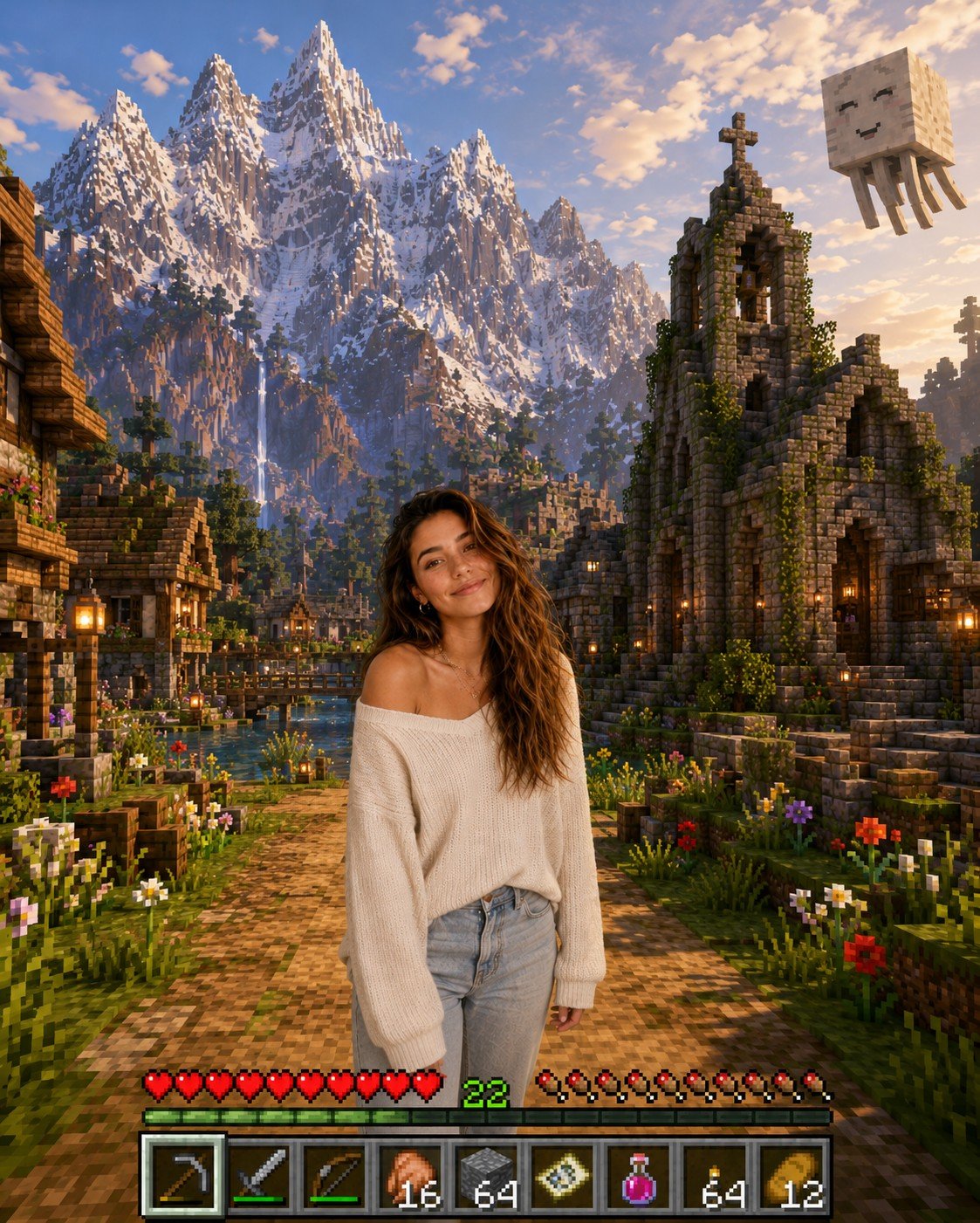
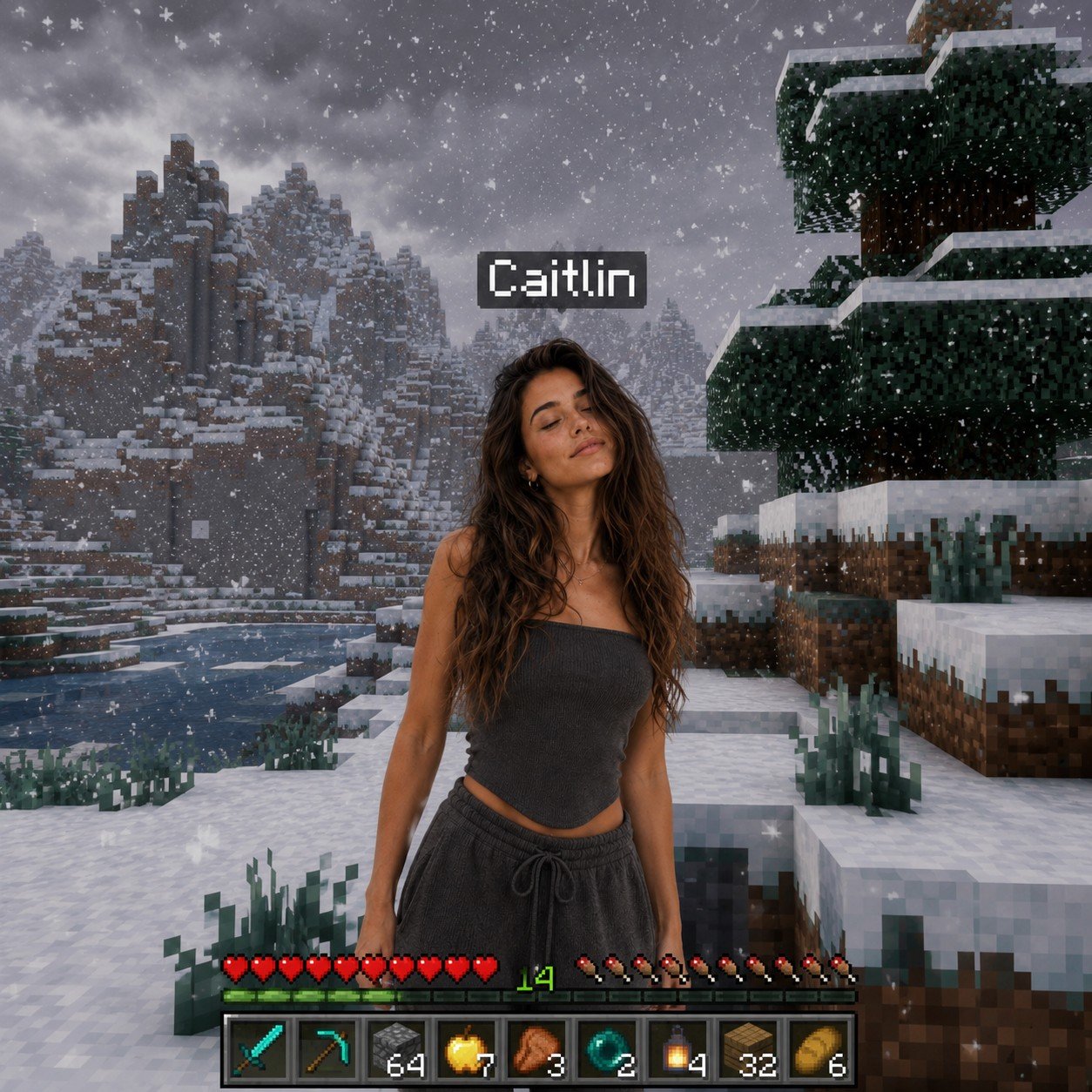
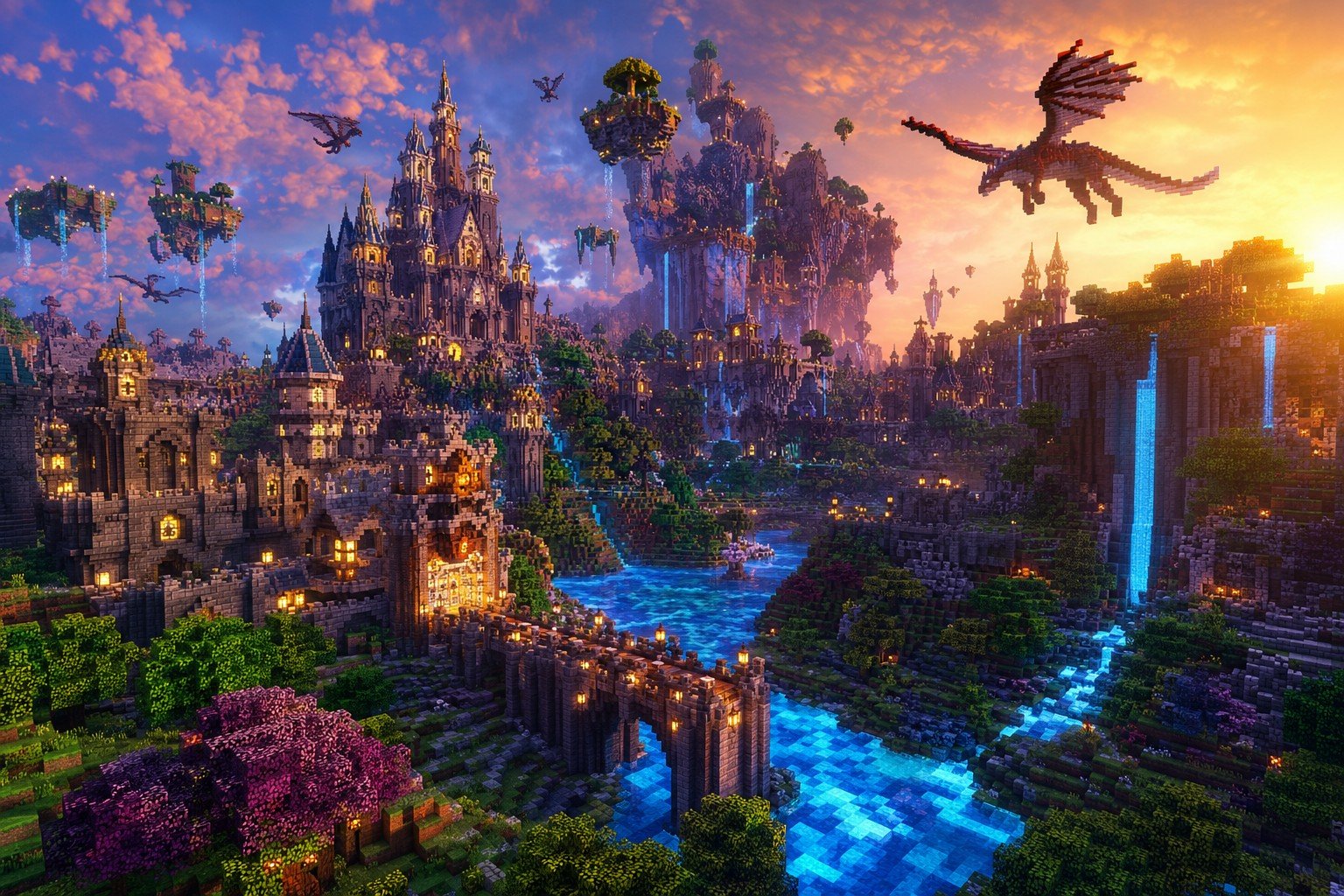
Minecraft-style voxel/pixel art world. Block palette: grass, dirt, stone, wood, cobblestone, diamond, gold, redstone, obsidian, sand, glass. UI style: inventory screens, hotbars, health/hunger/experience bars, crafting grids. Typography: Minecraft pixel font (Unicode block characters or Minecraft font). Rendering: image-rendering: pixelated, chunky 3-4px beveled borders, no rounded corners. Animations: steps() timing function for frame-based pixel feel. Visual language: chunky pixel art via box-shadow technique, block textures as repeating CSS patterns with hard color stops, inventory-slot social icons, stone-button CTAs, book-and-quill text areas.
Minecraft-style voxel/pixel art world. Block palette: grass, dirt, stone, wood, cobblestone, diamond, gold, redstone, obsidian, sand, glass. UI style: inventory screens, hotbars, health/hunger/experience bars, crafting grids. Typography: Minecraft pixel font (Unicode block characters or Minecraft font). Rendering: image-rendering: pixelated, chunky 3-4px beveled borders, no rounded corners. Animations: steps() timing function for frame-based pixel feel. Visual language: chunky pixel art via box-shadow technique, block textures as repeating CSS patterns with hard color stops, inventory-slot social icons, stone-button CTAs, book-and-quill text areas.
Edit the prompt in the box under the preview — the template's model and format are already selected — and press Generate. Your version appears right on this page.
Yes. You can change the subject, setting, lighting, mood, format, and available model controls before creating your image.
Opening and editing this template is free. Generating uses credits, shown on the Generate button when you are signed in.
Choose a compatible model in PicX Studio based on the style, speed, and output controls your project needs.
Follow a topic to a crawlable collection of related PicX Studio templates.