
Cinematic Diptych with Identity Lock and Blue Tones
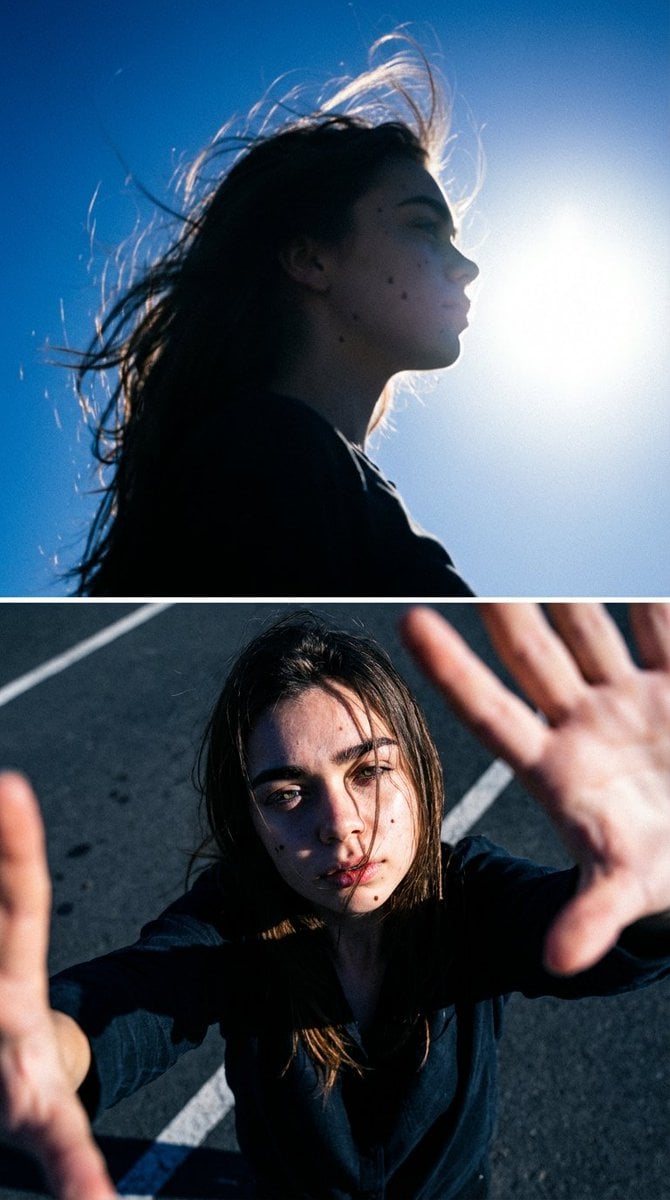
A complex JSON prompt for generating a two-frame diptych image (top: abstract silhouette, bottom: intimate selfie) of the same woman, emphasizing strict identity preservation, moody blue-toned film aesthetic, and…
- Prompt included
- Model and format preset
- Free template
The prompt behind this image
Copy the exact prompt behind Cinematic Diptych with Identity Lock and Blue Tones, or open it in the studio and make it yours.
- Type
- image_generation_prompt
- Format
- diptych
- Aspect Ratio
- vertical, two stacked frames
- Style
- cinematic, moody, high-contrast, blue-toned film aesthetic
- Identity Preservation › Use Reference Image
- true
- Identity Preservation › Strict Identity Lock
- true
- Identity Preservation › Alter Face
- false
- Identity Preservation › Alter Clothing
- false
- Identity Preservation › Notes
- Maintain 100% identical facial identity, proportions, skin texture, moles, hairstyle, and original clothing from the reference image. No facial or structural changes allowed.
- Subject › Gender
- female
- Subject › Consistency
- same woman appears in both frames
- Subject › Expression
- introspective, pensive, emotionally restrained
- Diptych Composition › Top Frame › Description
- Low-angle silhouette portrait of the woman against an overexposed sky. The sun appears as a bright white orb on the right side of the frame, creating intense backlighting. The woman is seen mostly in shadow, gazing toward the light. Her hair is windswept, strands lifting upward, forming a glowing halo around her head.
- Diptych Composition › Top Frame › Camera › Lens
- wide-angle
- Diptych Composition › Top Frame › Camera › Focus
- soft focus
- Diptych Composition › Top Frame › Camera › Grain
- visible film grain
- Diptych Composition › Top Frame › Lighting › Source
- direct sunlight
- Diptych Composition › Top Frame › Lighting › Effect
- strong silhouette, halo glow around hair, ethereal backlight
- Diptych Composition › Top Frame › Mood
- dreamlike, abstract, contemplative
- Diptych Composition › Top Frame › Color Palette
- electric blue sky with white highlights
- Diptych Composition › Bottom Frame › Description
- High-angle selfie of the same woman taken outdoors on asphalt. The camera looks down toward her face and extended hands, which partially obscure the frame. Her hair falls across her face naturally. She looks directly into the lens with a calm yet pensive expression.
- Diptych Composition › Bottom Frame › Camera › Lens
- wide-angle selfie perspective
- Diptych Composition › Bottom Frame › Camera › Focus
- sharp focus on face and hands
- Diptych Composition › Bottom Frame › Camera › Grain
- subtle film grain
Raw JSON
{
  "type": "image_generation_prompt",
  "format": "diptych",
  "aspect_ratio": "vertical, two stacked frames",
  "style": "cinematic, moody, high-contrast, blue-toned film aesthetic",
  "identity_preservation": {
    "use_reference_image": true,
    "strict_identity_lock": true,
    "alter_face": false,
    "alter_clothing": false,
    "notes": "Maintain 100% identical facial identity, proportions, skin texture, moles, hairstyle, and original clothing from the reference image. No facial or structural changes allowed."
  },
  "subject": {
    "gender": "female",
    "consistency": "same woman appears in both frames",
    "expression": "introspective, pensive, emotionally restrained"
  },
  "diptych_composition": {
    "top_frame": {
      "description": "Low-angle silhouette portrait of the woman against an overexposed sky. The sun appears as a bright white orb on the right side of the frame, creating intense backlighting. The woman is seen mostly in shadow, gazing toward the light. Her hair is windswept, strands lifting upward, forming a glowing halo around her head.",
      "camera": {
        "lens": "wide-angle",
        "focus": "soft focus",
        "grain": "visible film grain"
      },
      "lighting": {
        "source": "direct sunlight",
        "effect": [
          "strong silhouette",
          "halo glow around hair",
          "ethereal backlight"
        ]
      },
      "mood": "dreamlike, abstract, contemplative",
      "color_palette": "electric blue sky with white highlights"
    },
    "bottom_frame": {
      "description": "High-angle selfie of the same woman taken outdoors on asphalt. The camera looks down toward her face and extended hands, which partially obscure the frame. Her hair falls across her face naturally. She looks directly into the lens with a calm yet pensive expression.",
      "camera": {
        "lens": "wide-angle selfie perspective",
        "focus": "sharp focus on face and hands",
        "grain": "subtle film grain"
      },
      "lighting": {
        "source": "harsh direct sunlight from above-left",
        "effect": [
          "deep shadows",
          "bright highlights",
          "strong contrast emphasizing skin and fabric texture"
        ]
      },
      "environment": {
        "ground": "dark asphalt with white markings visible"
      },
      "mood": "intimate, grounded, direct",
      "color_palette": "cool blue tones with high contrast"
    }
  },
  "art_direction": {
    "theme": "duality",
    "narrative": "top frame represents abstraction and introspection; bottom frame represents intimacy and realism",
    "cohesion": "both frames unified by blue color cast, film grain, and dramatic lighting"
  },
  "quality": {
    "realism": "photorealistic",
    "detail_level": "high",
    "texture": "natural skin, hair, and fabric textures preserved"
  },
  "constraints": [
    "No facial alteration",
    "No identity change",
    "No beautification or stylizat"
  ]
}How to use Cinematic Diptych with Identity Lock and Blue Tones in 3 steps
- 1Upload ImagePNG, JPG or paste
Add your photo
Upload the photo the template builds on. The prompt, model and format are already set.
- 2…a portrait of your subject in softgolden-hour light, 85mm…
Personalize
Edit the subject and creative details for your destination.
- 3Generate
Generate
Press Generate — your image is created in PicX Studio, so you can compare it with the original and refine one variable at a time.
More like this
Templates with the same subject, style or setup. Open one to see its prompt.
Nano Banana Pro Identity Lock — Composition + Face Reference
Monochrome Portrait Jersey Accent Poster
Times Square Rainy Night Portrait with Identity Lock
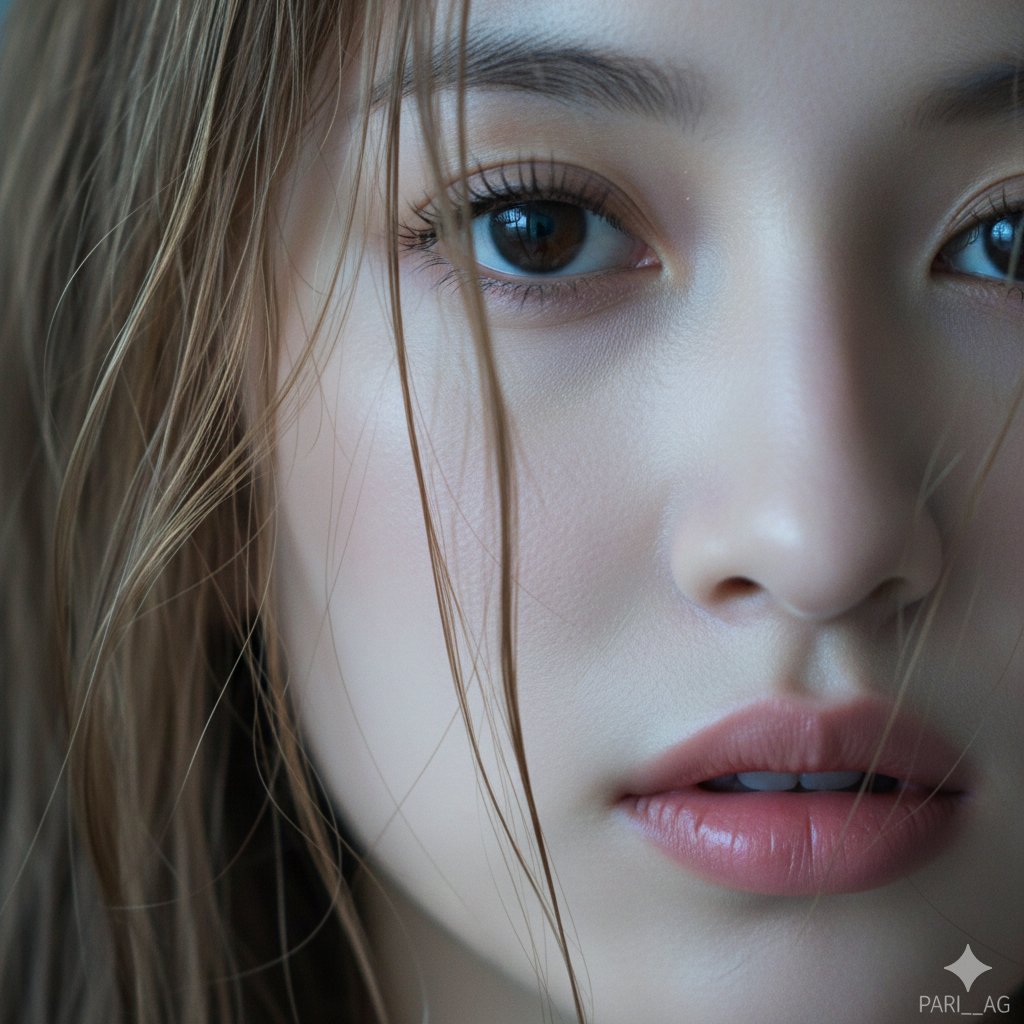
Macro Portrait with Wet Hair and Cinematic Blue Tones
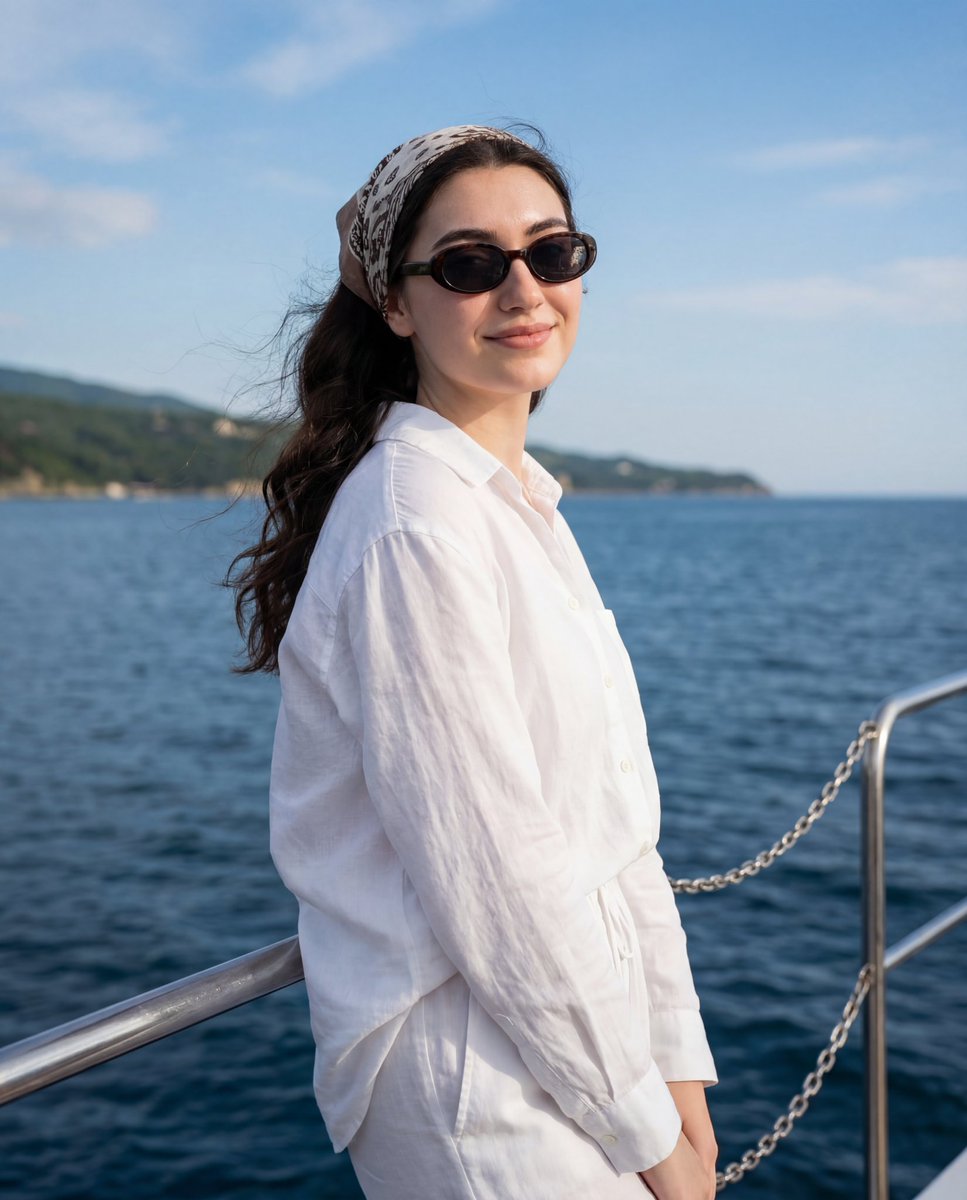
Serene Coastal Portrait with Identity Lock Prompt
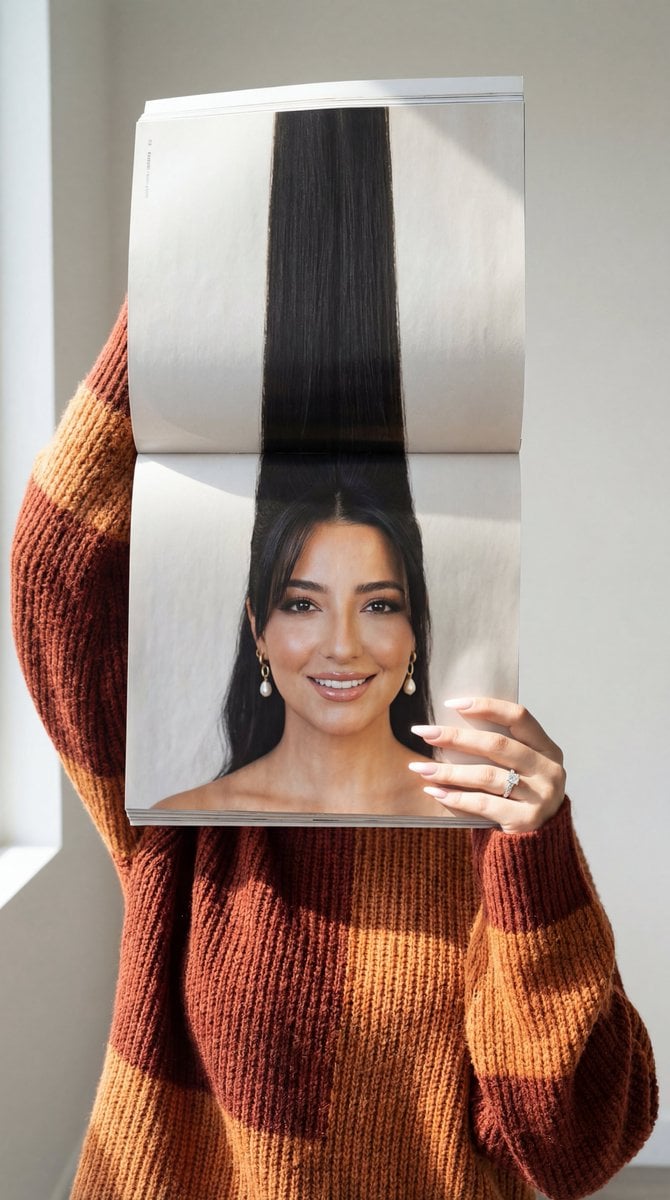
Photorealistic Surreal Fashion Concept Portrait with Identity Lock
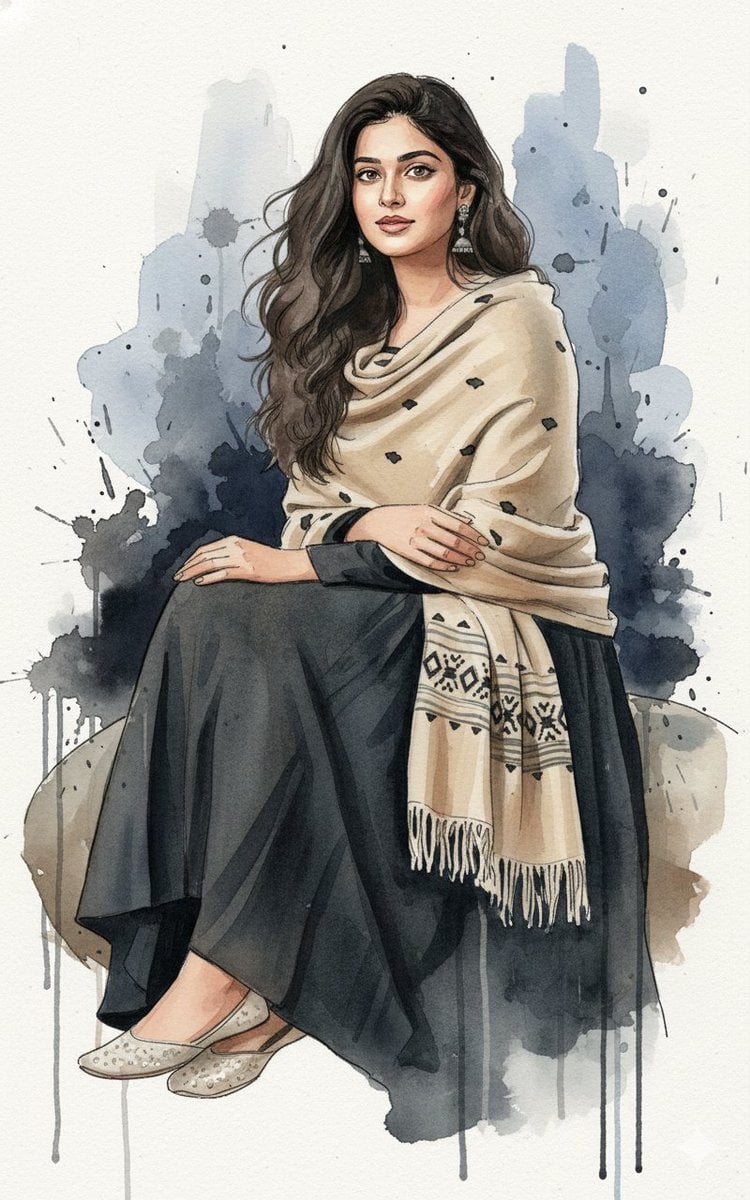
Fine-Art Ink and Watercolor Portrait with Identity Lock
Winter Watercolor Portrait with Identity Lock Prompt
High-Contrast Flash Portrait with Identity Lock
Ultra-Realistic Black and White Portrait with Identity Lock
Triptych Portrait with Strict Identity Lock
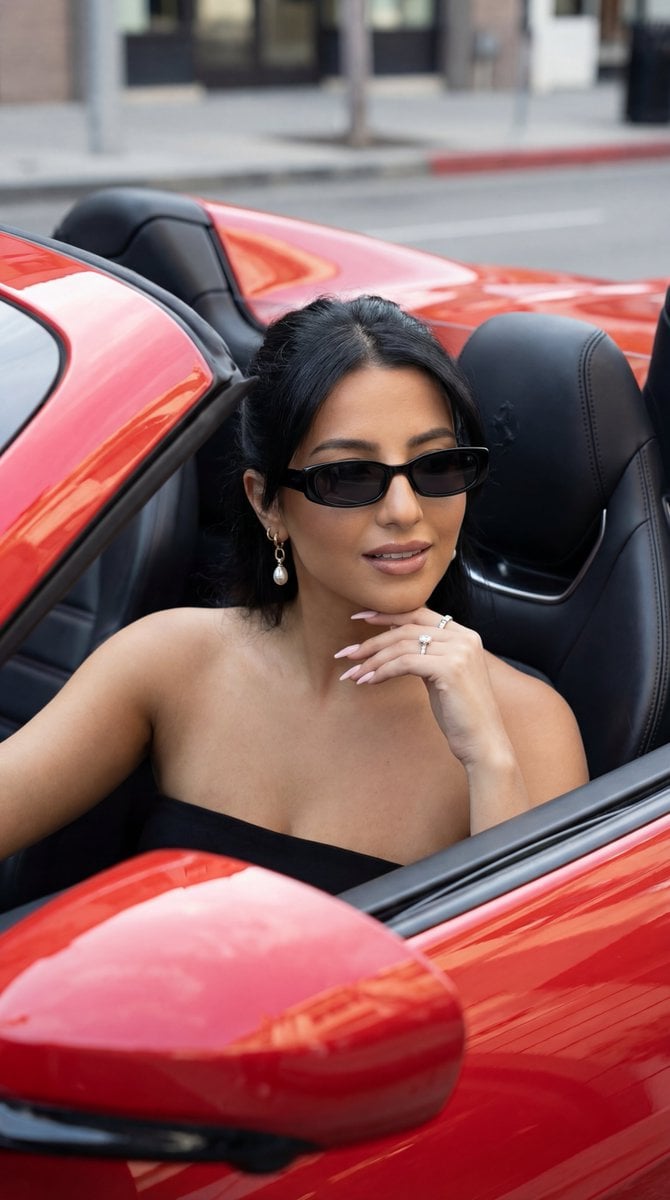
Luxury Car Editorial Portrait (Identity Lock)
Make it yours
Cinematic Diptych with Identity Lock and Blue Tones works as-is. These are the safest ways to change it without losing the look.
Swap the setting
Keep the rest of the prompt and replace the location block. The current setting is “dark asphalt with white markings visible”.
Swap the light
One lighting change is enough to compare takes. Current light: “direct sunlight”.
Change one field
Copy a single group, rewrite it, and generate again so you can see what that field is doing.
| If the result… | Why | Fix |
|---|---|---|
| The result drifts from the preview | Too many fields changed at once. | Reuse Cinematic Diptych with Identity Lock and Blue Tones as-is first, then change one group — subject, light, or setting. |
| Nano Banana 2 ignores part of the JSON | Some models flatten or skip nested keys. | Keep the same values and paste them as a short paragraph instead. |
More Nano Banana 2 templates
Other prompts made for Nano Banana 2.

Photorealistic Leaf Shaped Like a Dragon

K-Pop Idol Portrait Grid for Rapid Selection

Poetic Rain Forest Portrait During Golden Hour

Urban Street Portrait with Cartoon Inner Self Duo

Candid Nighttime Photo with Cat Prompt

High-Concept 3D Diorama Generation Prompt

Cinematic Futuristic Studio Portrait Template

Skincare Editorial Photography Collage Prompt

Hyper-Realistic Commercial Product Photography (Splash Effect)

Hyper-Realistic Nightclub Portrait Prompt
More image prompts
Fresh picks from across the catalog.
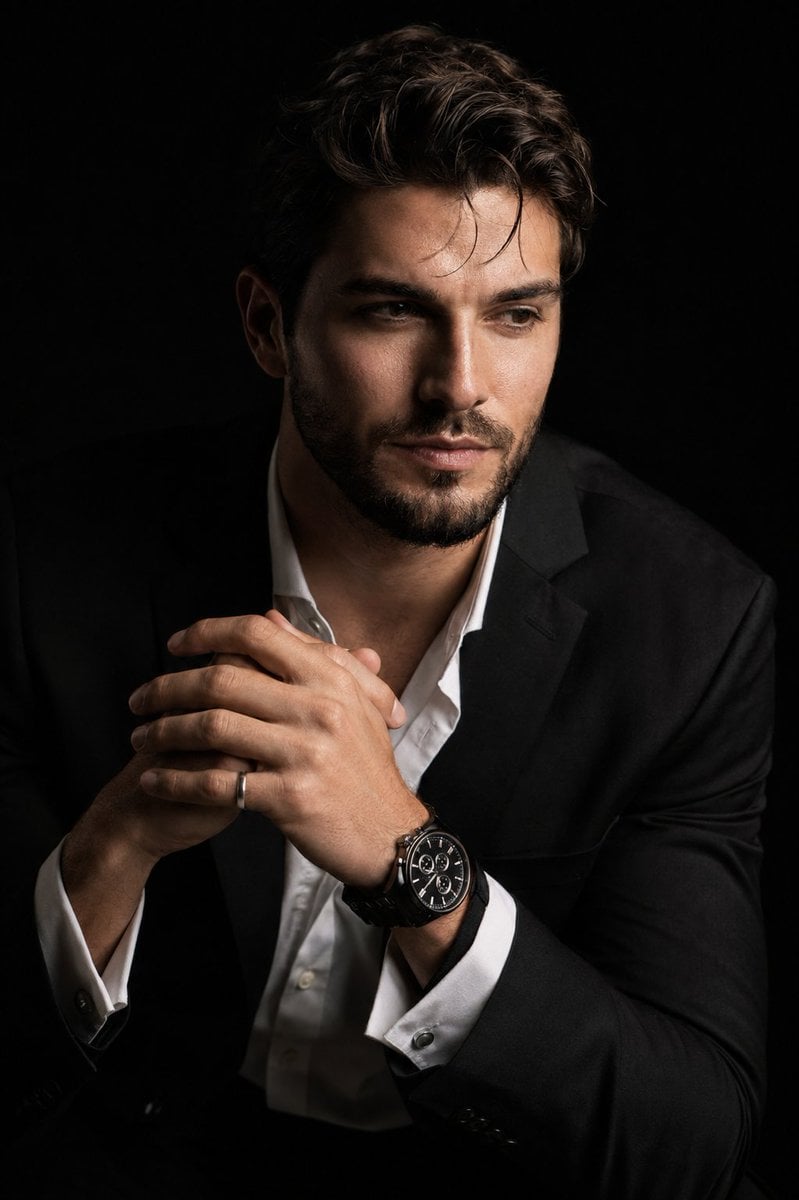
Hyper-Realistic Chiaroscuro Portrait
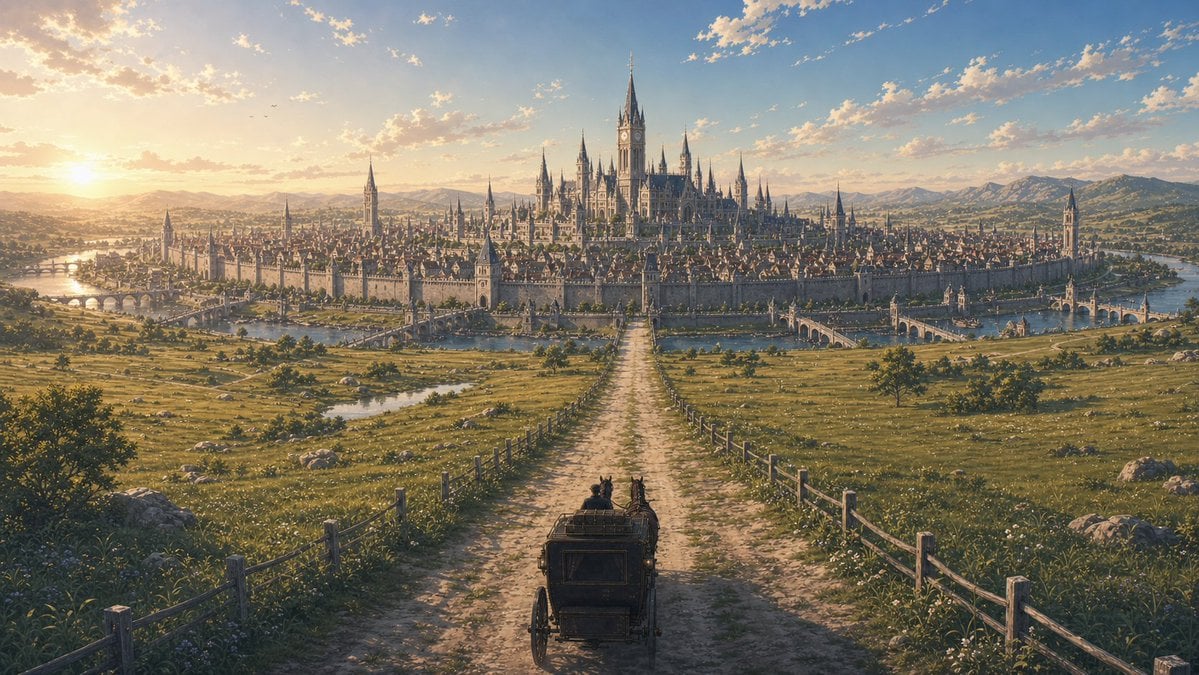
Fantasy Capital Arrival Scene
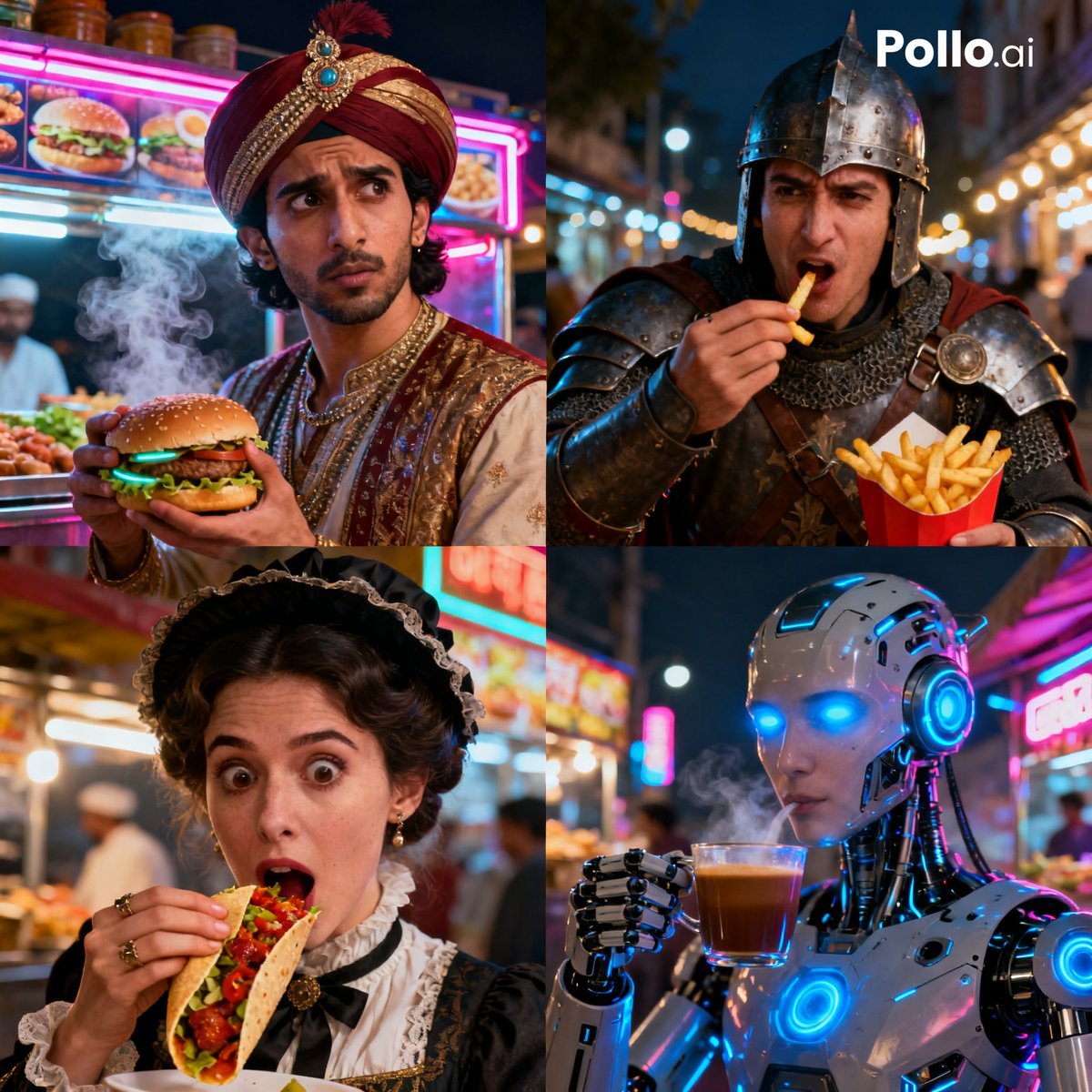
Time Traveler Night Market Grid
Night view of skyscraper via coordinates
Anime Fire Sorcerer
Maximalist Kawaii Angel Sticker Collage

KAWAISALES Ad Design
Candid Night Snapshot in a Retro Cinema Lobby
White Fairy Party Figurine Generation
Rainy Train Schoolgirl Portrait
Browse template categories
Cinematic Diptych with Identity Lock and Blue Tones questions
How do I use the Cinematic Diptych with Identity Lock and Blue Tones template?
Add your photo if the template asks for one, edit the prompt if you like — the template's model and format are already selected — and press Generate. Your version opens in PicX Studio.
Can I customize the Cinematic Diptych with Identity Lock and Blue Tones template?
Yes. You can change the subject, setting, lighting, mood, format, and available model controls before creating your image.
Is the Cinematic Diptych with Identity Lock and Blue Tones template free?
Opening and editing this template is free. Generating uses credits, shown on the Generate button when you are signed in.
Which AI model should I use?
Start with Nano Banana 2, which is the model associated with this template. You can compare another compatible model for a different finish.
Looking for something else? Browse all templates.

Your photo, any look
Thousands of ready templates for every top image and video model, from one credit balance.