
Maximalist Kawaii Angel Sticker Collage
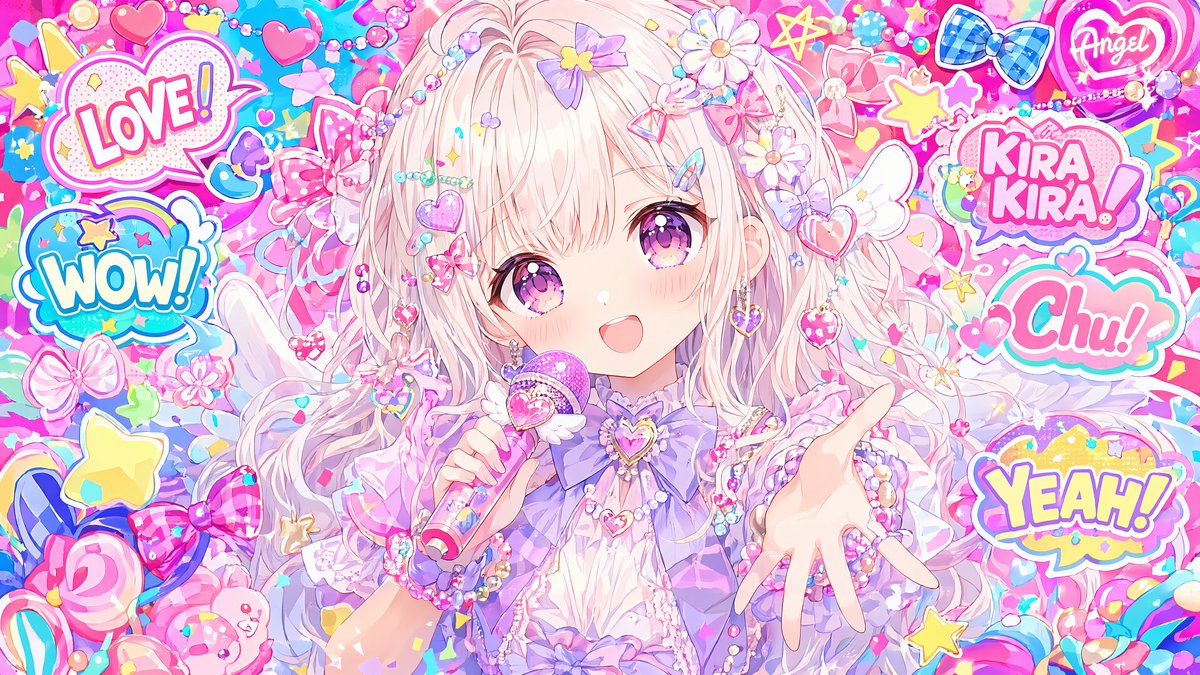
Generates a colorful yume-kawaii anime angel girl surrounded by pop-art stickers and pastel accessories for cute social media artwork.
- Prompt included
- Model and format preset
- Free template
The prompt behind this image
Copy the exact prompt behind Maximalist Kawaii Angel Sticker Collage, or open it in the studio and make it yours.
Create an ultra-kawaii anime illustration in a bright Harajuku decora / yume-kawaii style. A single chibi angel girl stands centered, filling most of a wide 16:9 canvas, surrounded by an overwhelming collage of pastel stickers, charms, beads, bows, hearts, stars, candy, flowers, and sparkles. The character has very long fluffy {argument name="hair color" default="pale pink-blonde"} twin-tail hair with many tiny braids and bead strands, decorated with daisies, purple flowers, heart charms, pearl chains, and glitter accessories. She wears a frilly pastel {argument name="outfit color" default="lavender and white"} dress with layered ruffles, a large bow at the chest, heart jewelry, bracelets, and small white angel wings partly visible behind her. Her right hand reaches toward the viewer in a foreshortened open-palm pose, while her left hand holds a small pink-and-blue cylindrical wand or lip-gloss-like charm. Cover the center of her face with a large plain square pastel censor/placeholder block, soft blush-pink with no features, positioned from forehead to chin, making the face intentionally hidden while the hair and accessories remain visible around it. The background is extremely dense, saturated, and playful, with cyan, hot pink, lavender, yellow, and white as the dominant colors, glossy highlights, confetti, bubbles, starbursts, and sticker outlines. Include exactly 6 readable pop-art sticker texts: “LOVE!” in a cloud bubble at upper left, “WOW!” in a blue bubble on the left, “KIRA KIRA!” in a pink bubble at upper right, “Chu!” in a teal-and-pink bubble on the right, “YEAH!” in a yellow bubble at lower right, and “Angel” inside a neon heart at the top right. Add numerous non-text decorative stickers including a blue checkered bow, pink hearts, yellow stars, lollipops, ribbons, wings, and candy shapes, all with thick white sticker borders. The image should feel cute, chaotic, glossy, magical, and sparkly, like a maximalist Japanese idol sticker collage. High detail, clean anime line art, soft shading, luminous pastel glow, crisp sticker typography, no watermark, no extra text beyond the 6 specified words.
How to use Maximalist Kawaii Angel Sticker Collage in 3 steps
- 1Upload ImagePNG, JPG or paste
Add your photo
Upload the photo the template builds on. The prompt, model and format are already set.
- 2…a portrait of your subject in softgolden-hour light, 85mm…
Personalize
Edit the subject and creative details for your destination.
- 3Generate
Generate
Press Generate — your image is created in PicX Studio, so you can compare it with the original and refine one variable at a time.
More like this
Templates with the same subject, style or setup. Open one to see its prompt.

Cute Layered Paper Cut Chibi Girl
Kawaii Chibi Sticker Sheet
Scrapbook Cover Sticker Collage Effect

Paper Cut Finale Fireworks

Paper Cut Garden Maze

Paper Cut Rooftop Concert

Paper Cut Bicycle Coast

Paper Cut Castle Gate

Paper Cut Kitchen Chaos

Paper Cut Carnival Ride

Paper Cut Rainy Bus Stop

Paper Cut Space Dock
Make it yours
Maximalist Kawaii Angel Sticker Collage works as-is. These are the safest ways to change it without losing the look.
Change one field
Copy a single group, rewrite it, and generate again so you can see what that field is doing.
Keep the frame, change the subject
Hold the composition and light of Maximalist Kawaii Angel Sticker Collage, then swap wardrobe, props or the person for a new take.
| If the result… | Why | Fix |
|---|---|---|
| The result drifts from the preview | Too many fields changed at once. | Reuse Maximalist Kawaii Angel Sticker Collage as-is first, then change one group — subject, light, or setting. |
| The model over-stylizes the scene | The prose prompt leaves finish and camera underspecified. | Add one camera or lighting sentence and stay on GPT Image 2. |
More GPT Image 2 templates
Other prompts made for GPT Image 2.

Six VTuber Japanese Logo Sheet

Realistic Portrait of Woman and Deer

The Vista Modular Condo Poster

AI Model Routing Comparison Infographic

2.5D Anime Art Board

Isometric Productivity Desk Scene

New York Double Exposure Poster

Four-Panel AI Landscape Comparison

Japanese Tatami Lifestyle Magazine Cover

NESCAFÉ Coffee Map Poster
More image prompts
Fresh picks from across the catalog.
Cinematic Fashion on Black Sand Beach Prompt
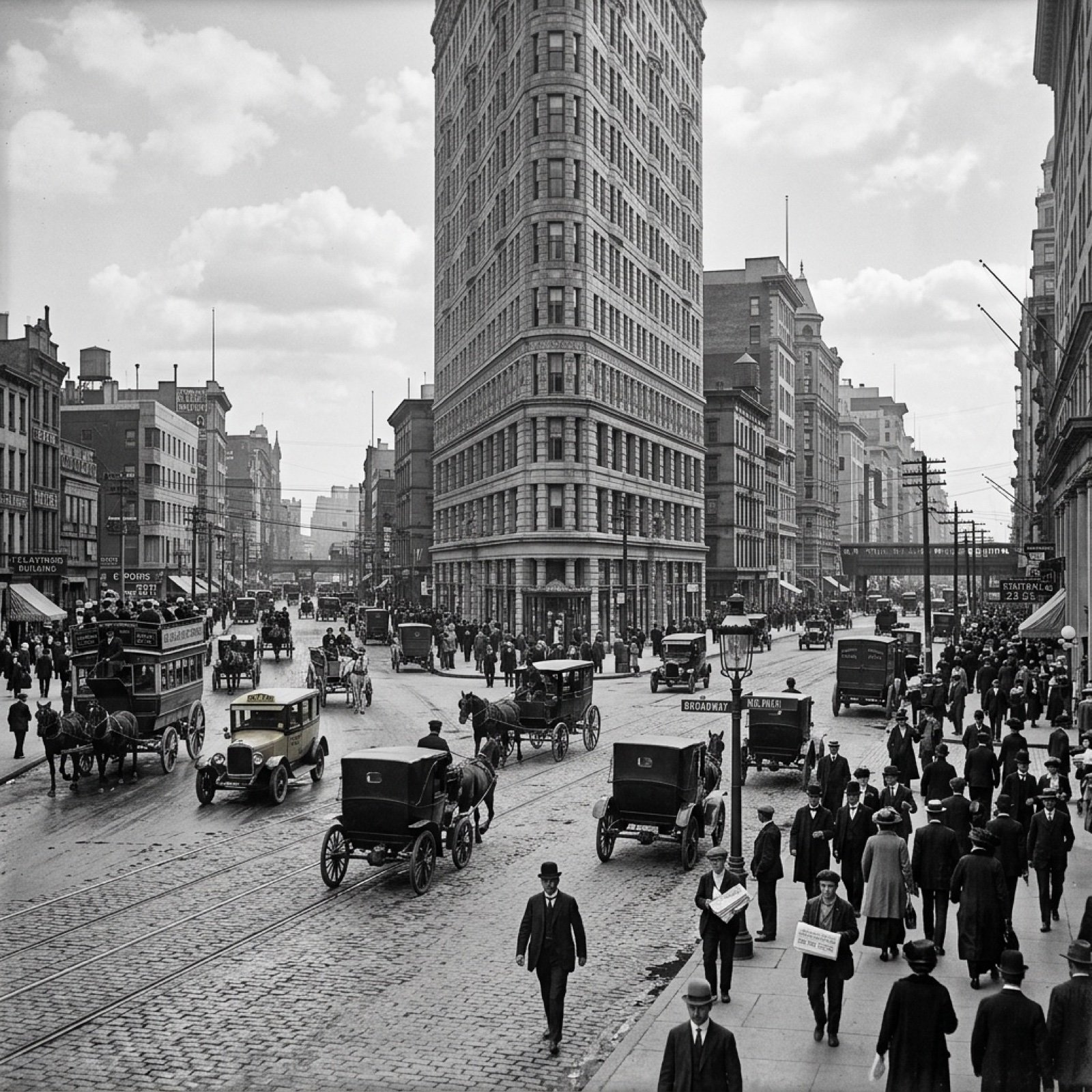
Visualize Coordinates in Historical Context Prompt
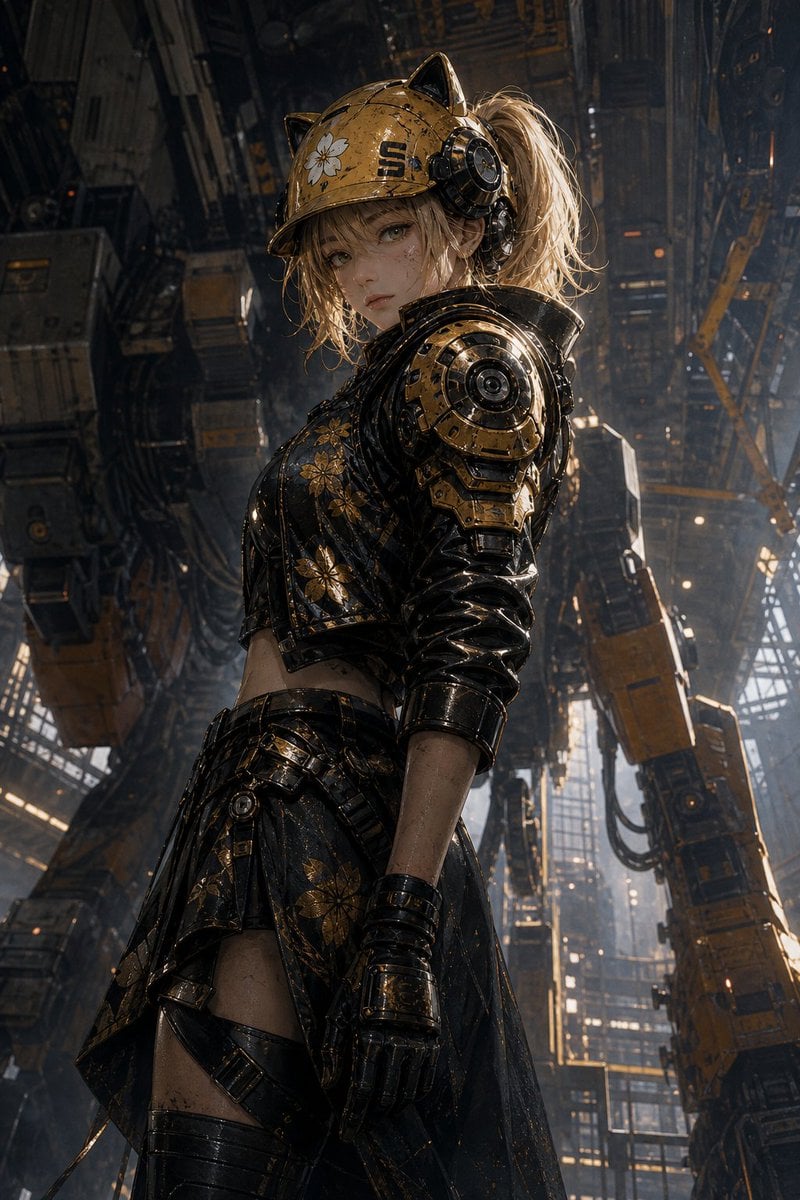
Futuristic Mecha Kimono Warrior
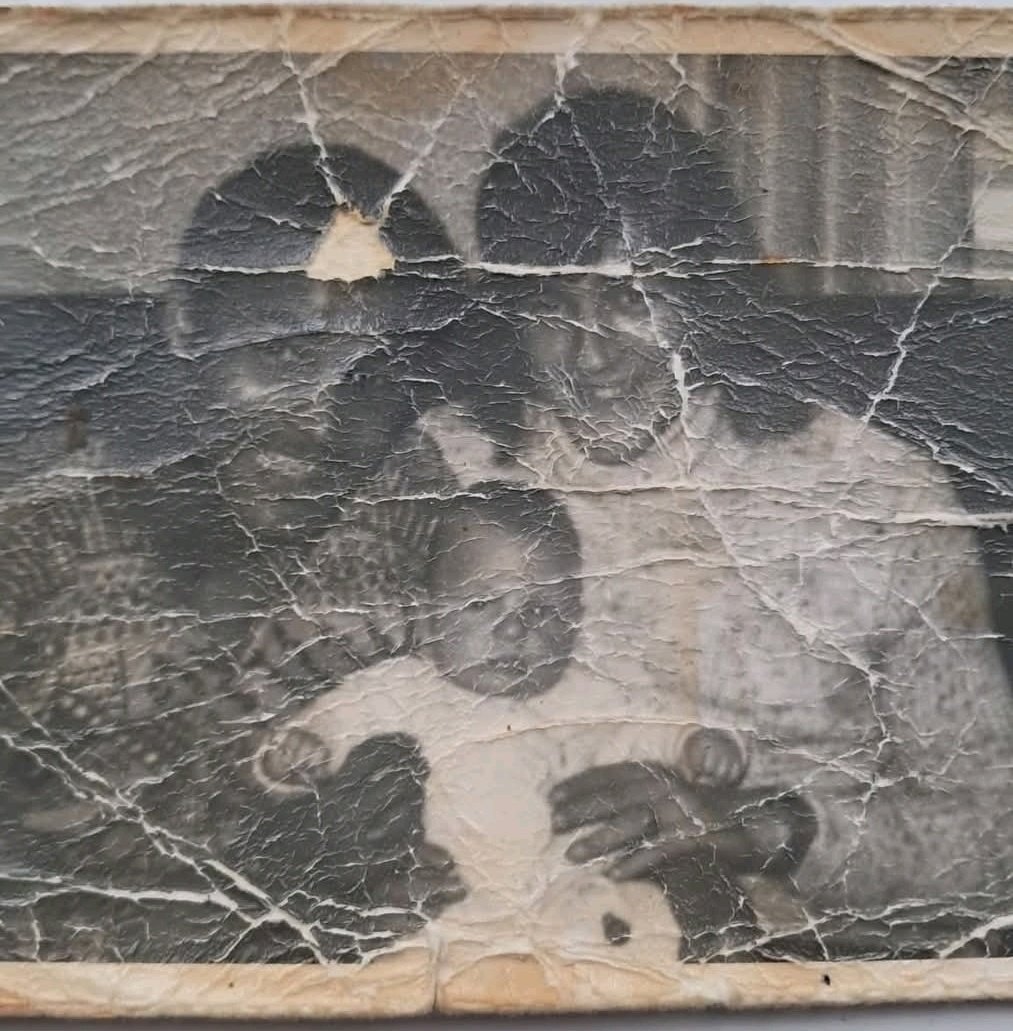
Old Photo Restoration Prompt
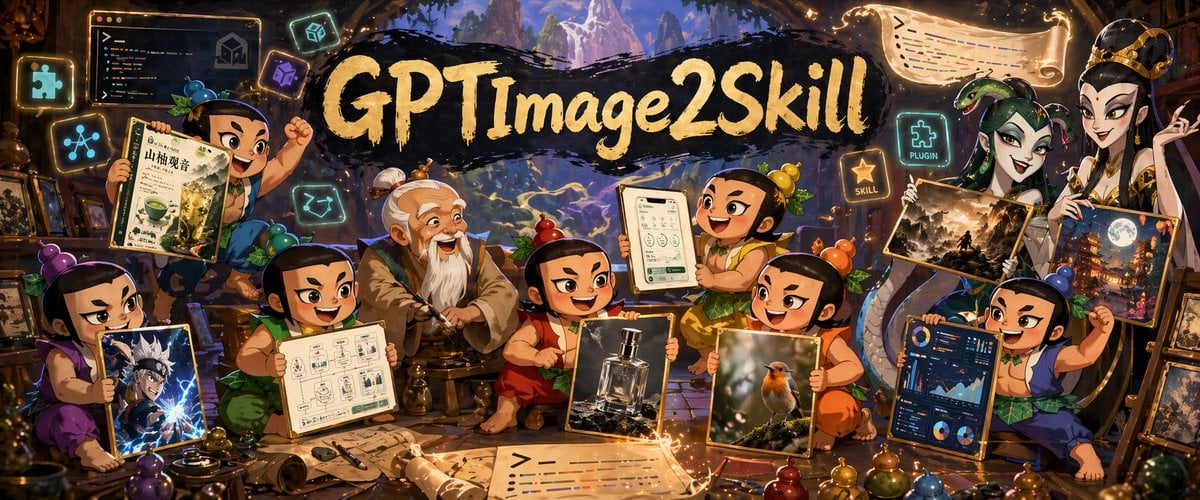
Fantasy GPTImage2 Skill Banner
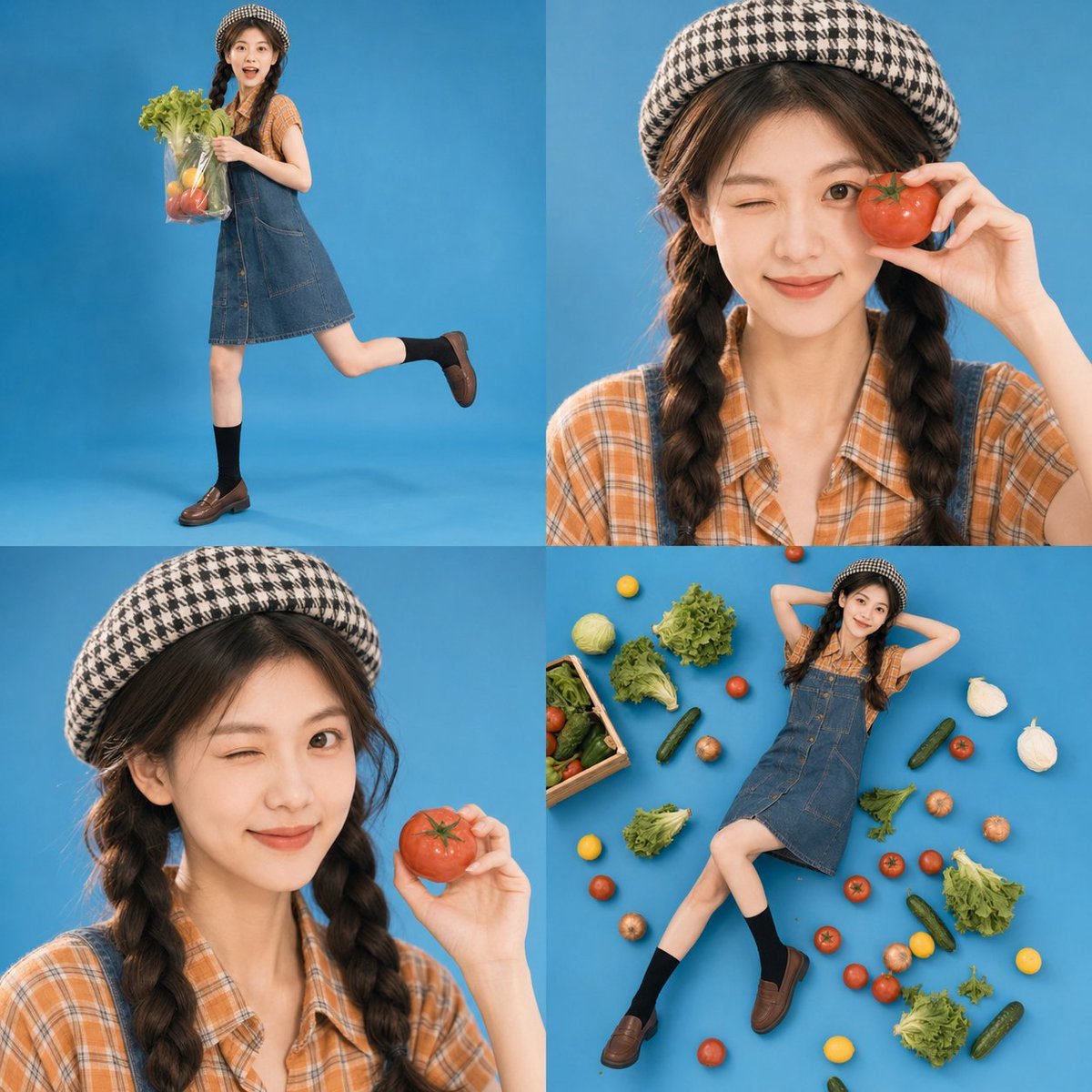
Retro Market-Girl Photo Collage
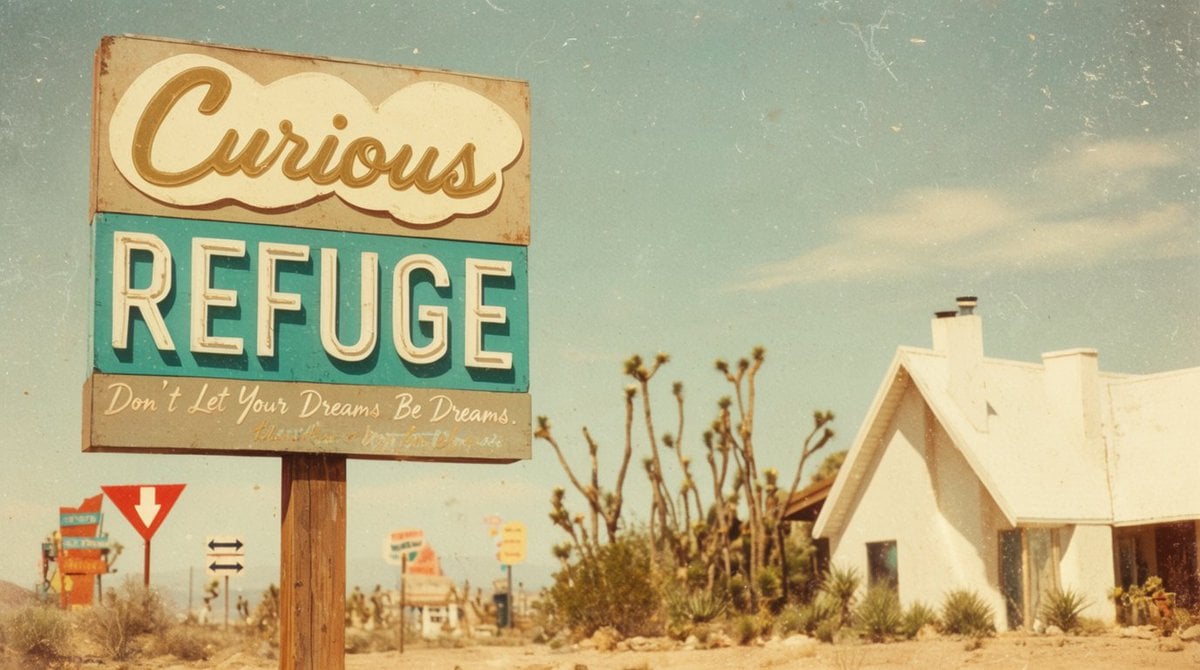
Vintage Desert Refuge Road Sign
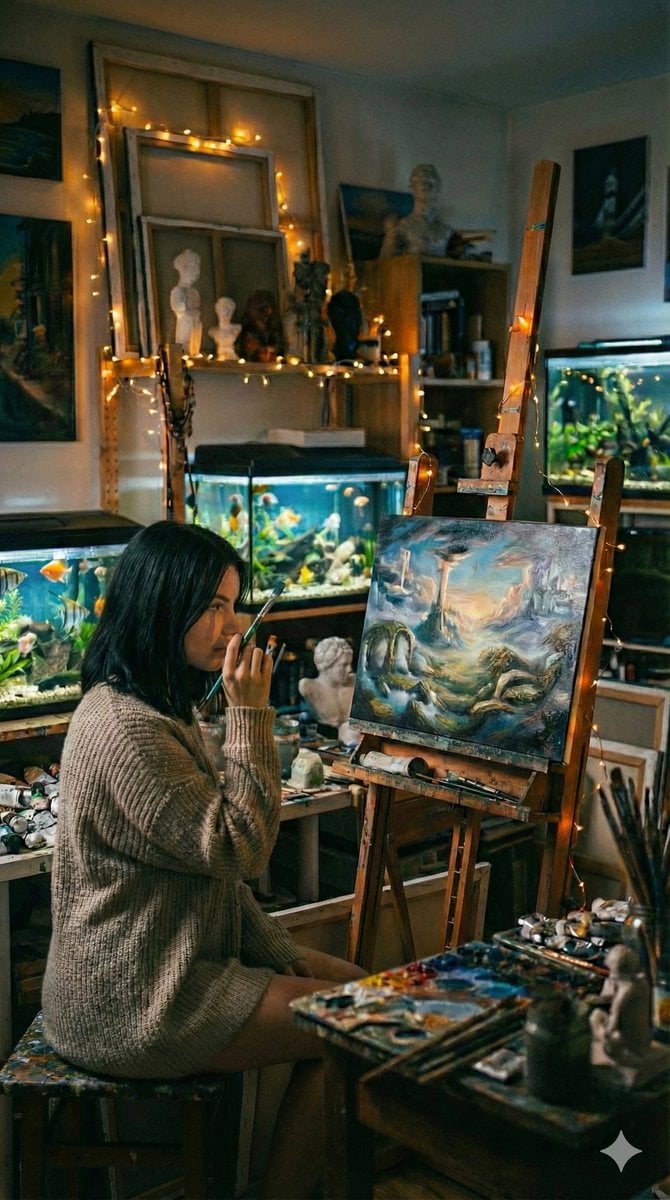
Cinematic Fine-Art Photography of an Artist in Her Studio
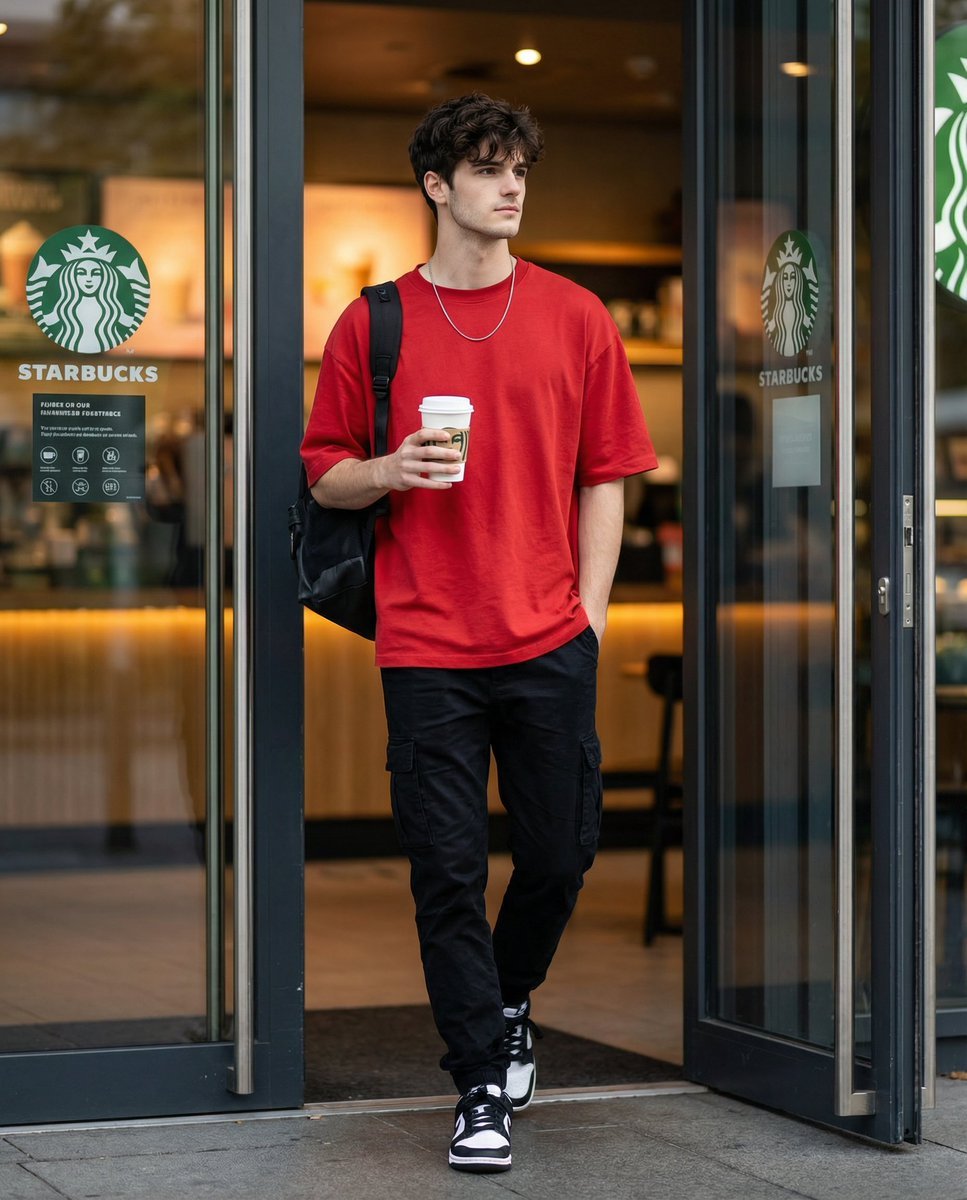
Cinematic Editorial of a Young Man Leaving a Café
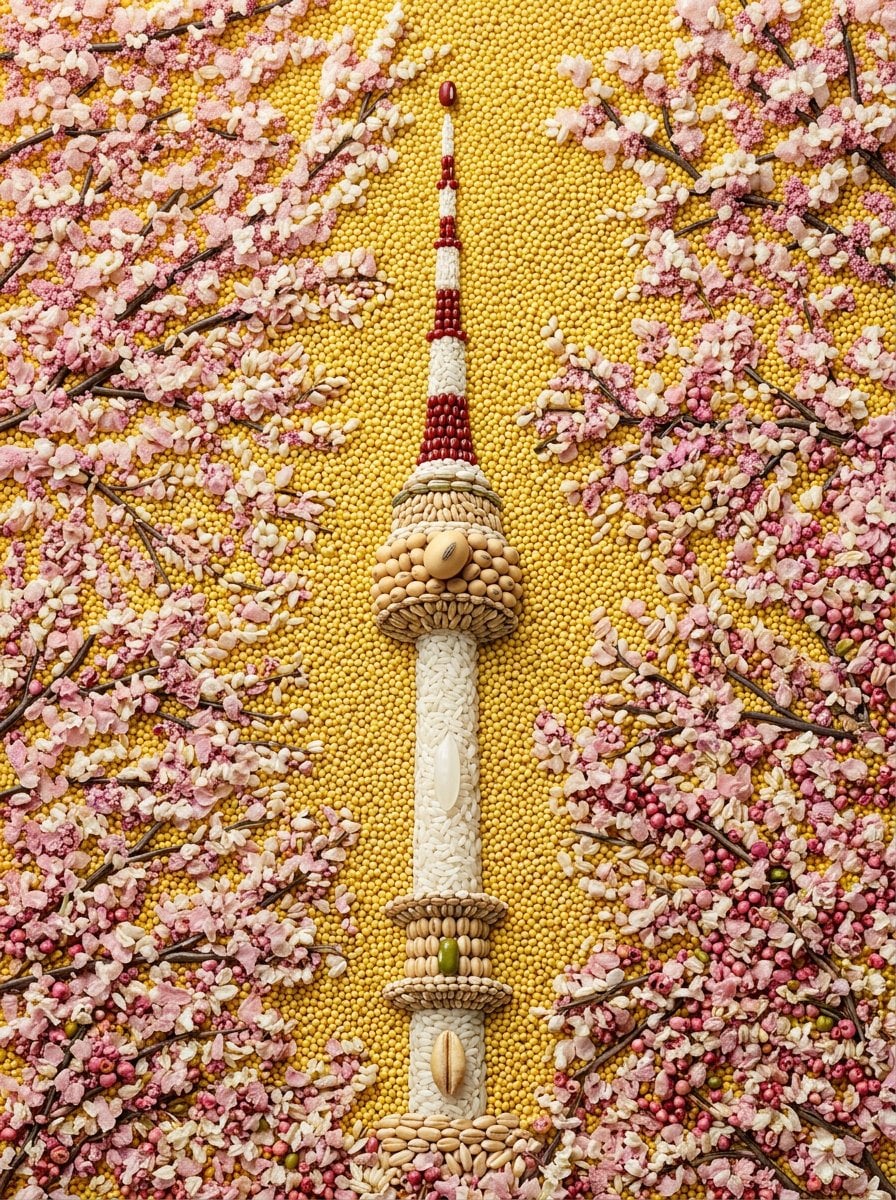
Maximalist Grain Art Prompt for Nano Banana 2
Browse template categories
Maximalist Kawaii Angel Sticker Collage questions
How do I use the Maximalist Kawaii Angel Sticker Collage template?
Add your photo if the template asks for one, edit the prompt if you like — the template's model and format are already selected — and press Generate. Your version opens in PicX Studio.
Can I customize the Maximalist Kawaii Angel Sticker Collage template?
Yes. You can change the subject, setting, lighting, mood, format, and available model controls before creating your image.
Is the Maximalist Kawaii Angel Sticker Collage template free?
Opening and editing this template is free. Generating uses credits, shown on the Generate button when you are signed in.
Which AI model should I use?
Start with GPT Image 2, which is the model associated with this template. You can compare another compatible model for a different finish.
Looking for something else? Browse all templates.

Your photo, any look
Thousands of ready templates for every top image and video model, from one credit balance.